
AI LinkedIn tools are artificial intelligence platforms built for professionals, marketers, recruiters, and sales teams to create content, optimize profiles, automate outreach, and analyze performance on LinkedIn. In 2026, AI LinkedIn systems matter because the platform is more competitive and algorithm-driven, and buyer behavior increasingly favors consistent, personalized professional content supported by data-driven decision-making.
List of Best AI LinkedIn Tools
- Draftly AI
- Taplio AI
- AuthoredUp AI
- MagicPost AI
- Meet Sona AI
- Careerflow AI
- Jobscan AI
- HeadshotPro AI
- Dux-Soup AI
- SBL.so AI
- Botdog AI
- Expandi AI
- Crystal AI
- Shield Analytics AI
- AICarousels AI
AI LinkedIn Tools Comparison Table
This comparison table summarizes the top AI LinkedIn tools based on primary use case, automation depth, analytics capabilities, and ideal users. It helps you quickly identify which AI LinkedIn platform fits your specific goal in 2026.
| Tool | Primary Use Case | Best For | Automation Level | Analytics Depth | Ideal For |
|---|---|---|---|---|---|
| Draftly AI | Content creation and carousel building | Personal brands and creators | Moderate | Basic | Founders, creators |
| Taplio AI | Growth-focused content strategy | Authority building | Moderate | Advanced | B2B marketers, consultants |
| AuthoredUp AI | Post formatting and preview | Content optimization | Low | Basic | Daily LinkedIn posters |
| MagicPost AI | Viral-style post generation | Hook-driven content | Moderate | Basic | Growth-focused creators |
| Meet Sona AI | Personal brand storytelling | Profile positioning | Low | Minimal | Executives, thought leaders |
| Careerflow AI | Profile keyword optimization | Job visibility | Low | Profile scoring | Job seekers |
| Jobscan AI | Resume and profile matching | Recruiter alignment | Low | Matching insights | Professionals seeking roles |
| HeadshotPro AI | AI-generated professional headshots | Visual branding | Low | None | Individuals, teams |
| Dux-Soup AI | Automated outreach workflows | Lead generation | High | Moderate | Sales teams |
| SBL.so AI | AI-driven conversation handling | Meeting booking | High | Moderate | B2B outreach teams |
| Botdog AI | Safe cloud-based automation | Prospecting | High | Basic | Agencies, sales reps |
| Expandi AI | Multi-channel LinkedIn outreach | Scalable campaigns | High | Advanced | Growth teams |
| Crystal AI | Personality-based messaging | Sales personalization | Moderate | Behavioral insights | Sales professionals |
| Shield Analytics AI | Content performance analytics | ROI tracking | Low | Advanced | Creators, agencies |
| AICarousels AI | Blog-to-carousel conversion | Visual repurposing | Low | Minimal | Content marketers |
Below is a detailed breakdown of each AI LinkedIn tool, including how it works, where it fits in your workflow, and who should use it.
AI LinkedIn Content Creation & Branding Tools
1) Draftly AI
What is Draftly AI
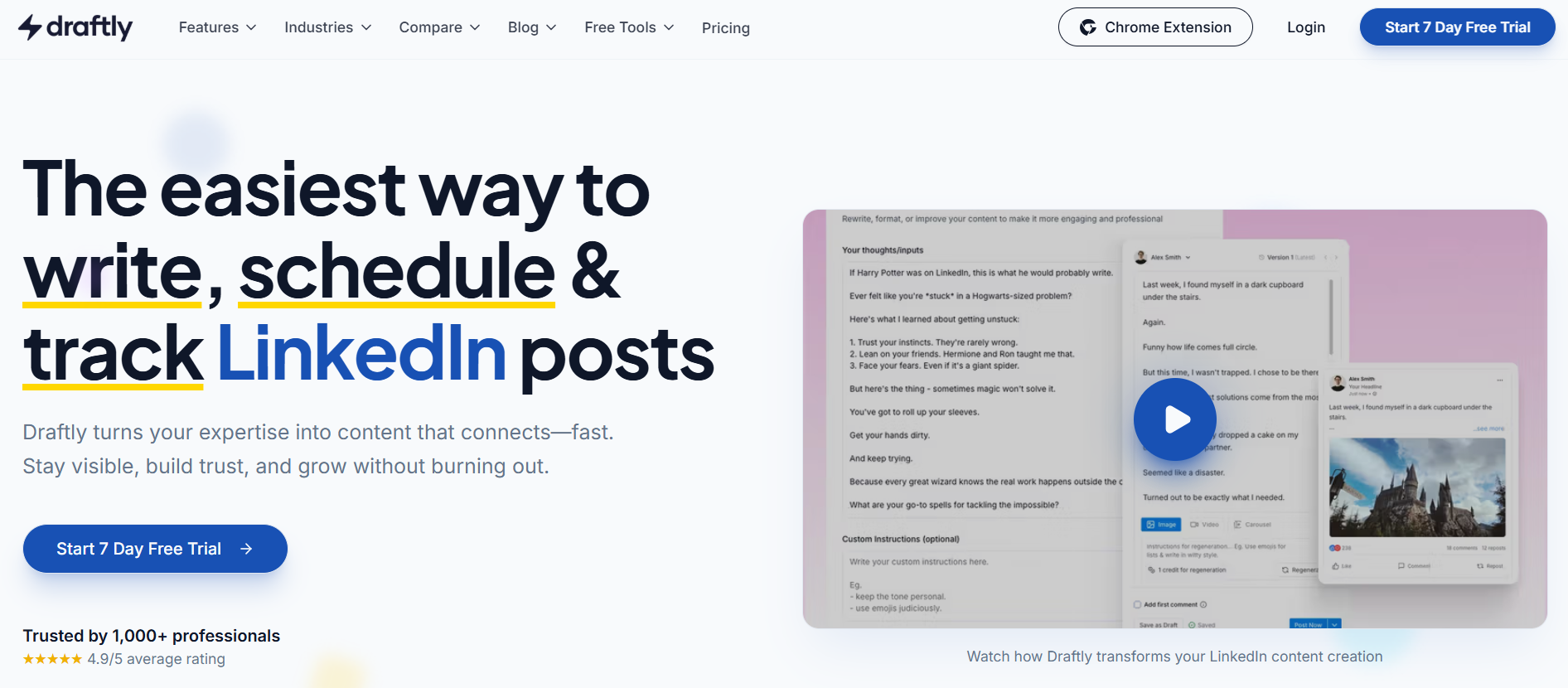
Draftly AI is an AI-powered LinkedIn content platform designed to help professionals create, optimize, and schedule high-quality LinkedIn posts and carousels. It focuses specifically on LinkedIn workflows, combining content generation, brand voice learning, and publishing tools in one streamlined system.
How Draftly AI improves LinkedIn content strategy
Draftly AI helps maintain consistency and quality in LinkedIn publishing. Instead of writing posts manually or switching between tools, users can generate structured posts, convert ideas into carousels, and schedule content in advance. Its brand voice capability reduces generic outputs and supports a consistent professional tone.
By simplifying ideation, formatting, and scheduling, Draftly improves execution speed while maintaining strategic alignment with audience engagement patterns.
Key benefits of Draftly AI
- AI-assisted post generation tailored for LinkedIn format
- Built-in carousel creator for multi-slide content
- Brand voice personalization to reduce generic AI tone
- Content repurposing from blogs, links, and notes
- Integrated scheduling for consistent publishing
Where Draftly AI is used
- Personal branding and thought leadership
- B2B content marketing
- Founder-led LinkedIn growth
- Agency-managed LinkedIn accounts
- Repurposing blog content into LinkedIn posts
Real-world examples
A founder can input rough bullet points from a webinar and generate a polished LinkedIn post within minutes. A content marketer can convert a long-form blog into a structured carousel without external design tools. Agencies use Draftly to manage multiple LinkedIn accounts while maintaining brand voice consistency.
Who should use Draftly AI
- Founders building authority on LinkedIn
- B2B marketers managing consistent publishing
- Consultants and coaches creating educational posts
- Small teams without dedicated LinkedIn content staff
Pricing
Draftly AI offers tiered monthly plans starting around $12 per month, with higher plans near $39 per month for expanded features like advanced carousel creation and brand voice customization. A free trial is typically available.
2) Taplio AI
What is Taplio AI
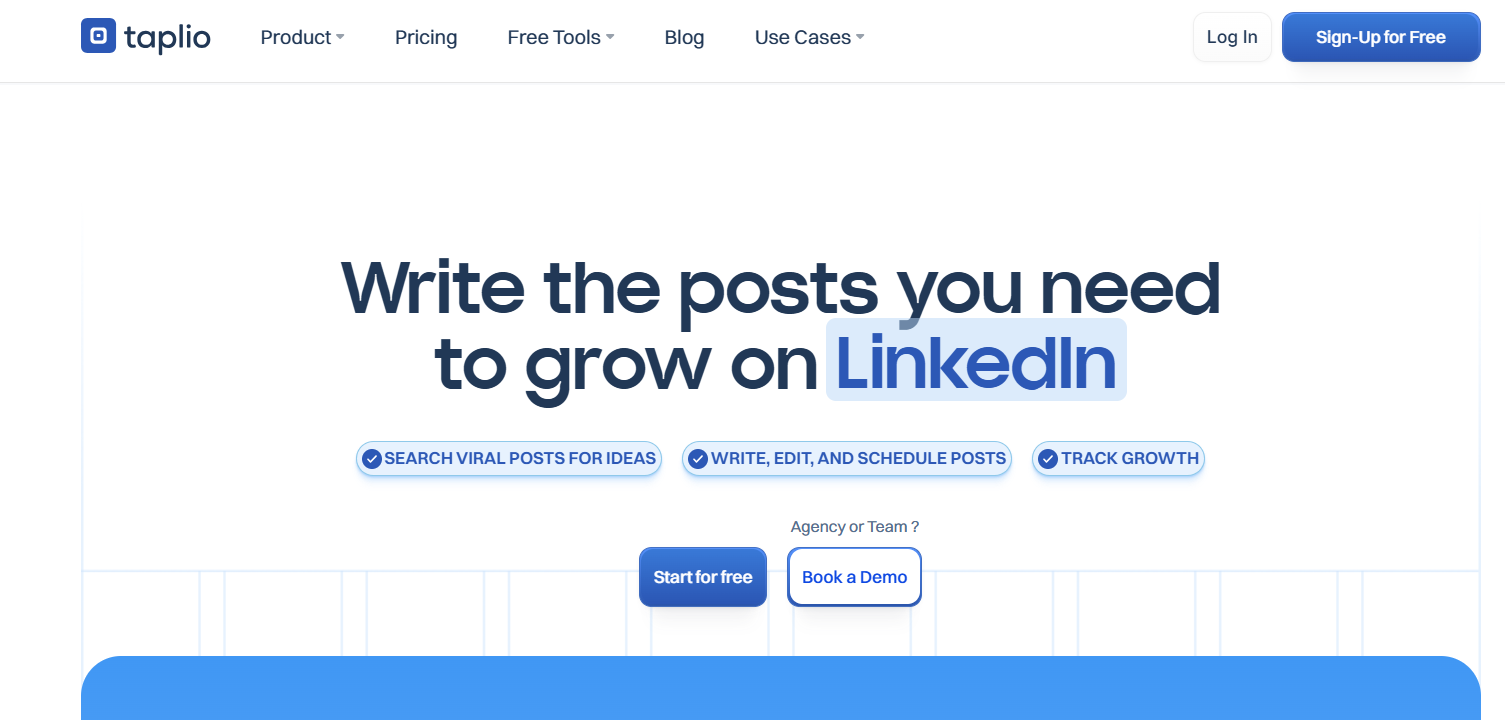
Taplio AI is an all-in-one artificial intelligence platform designed to help professionals and businesses grow their presence on LinkedIn. It combines AI-driven content creation, scheduling, engagement tools, analytics, and audience insights into a single dashboard tailored specifically for LinkedIn growth. Taplio focuses on helping users post consistently, find content inspiration, manage engagement, and track performance with more advanced tools than LinkedIn’s native features.
How Taplio AI supports AI LinkedIn growth
Taplio AI simplifies the process of planning, creating, and publishing LinkedIn content by generating tailored post ideas, full post drafts, and hooks based on audience trends and past performance. It also offers tools to schedule content, discover trending topics and inspiration from viral post libraries, and monitor engagement metrics in one place. The platform’s Chrome extension adds context-aware insights directly within LinkedIn, allowing users to identify top content and track key performance indicators as they browse.
Key benefits of Taplio AI
- AI-powered post generation and content inspiration to reduce writing time.
- Integrated scheduling and queue management to maintain consistent publishing.
- Engagement tools that help nurture relationships and amplify interaction.
- Advanced LinkedIn analytics beyond native metrics.
- Chrome extension with real-time content insights while browsing LinkedIn.
Where Taplio AI is used
- Generating AI-assisted LinkedIn posts and hooks
- Scheduling content to maintain a consistent brand presence
- Discovering trending topics and high-performing content ideas
- Monitoring engagement and performance metrics
- Enhancing community engagement and relationship building
Real-world examples
Marketers use Taplio AI to produce daily LinkedIn posts that align with trending industry topics, helping boost visibility and engagement. Founders and individual professionals leverage its inspiration library and post scheduling to maintain a regular publishing cadence without manual content planning. Consultants and teams track performance metrics via Taplio’s analytics features to refine their LinkedIn strategies based on data rather than guesswork.
Who should use Taplio AI
- B2B marketers and content creators focused on LinkedIn growth
- Founders and executives building personal or company brand authority
- Agencies managing LinkedIn profiles for multiple clients
- Professionals aiming for consistent engagement and visibility
Pricing
Taplio AI plans generally start around $39/month (basic) with AI generation available from about $65/month; higher tiers offering unlimited AI and expanded features can reach near $199/month. Free trials are commonly available.
3) AuthoredUp AI
What is AuthoredUp AI
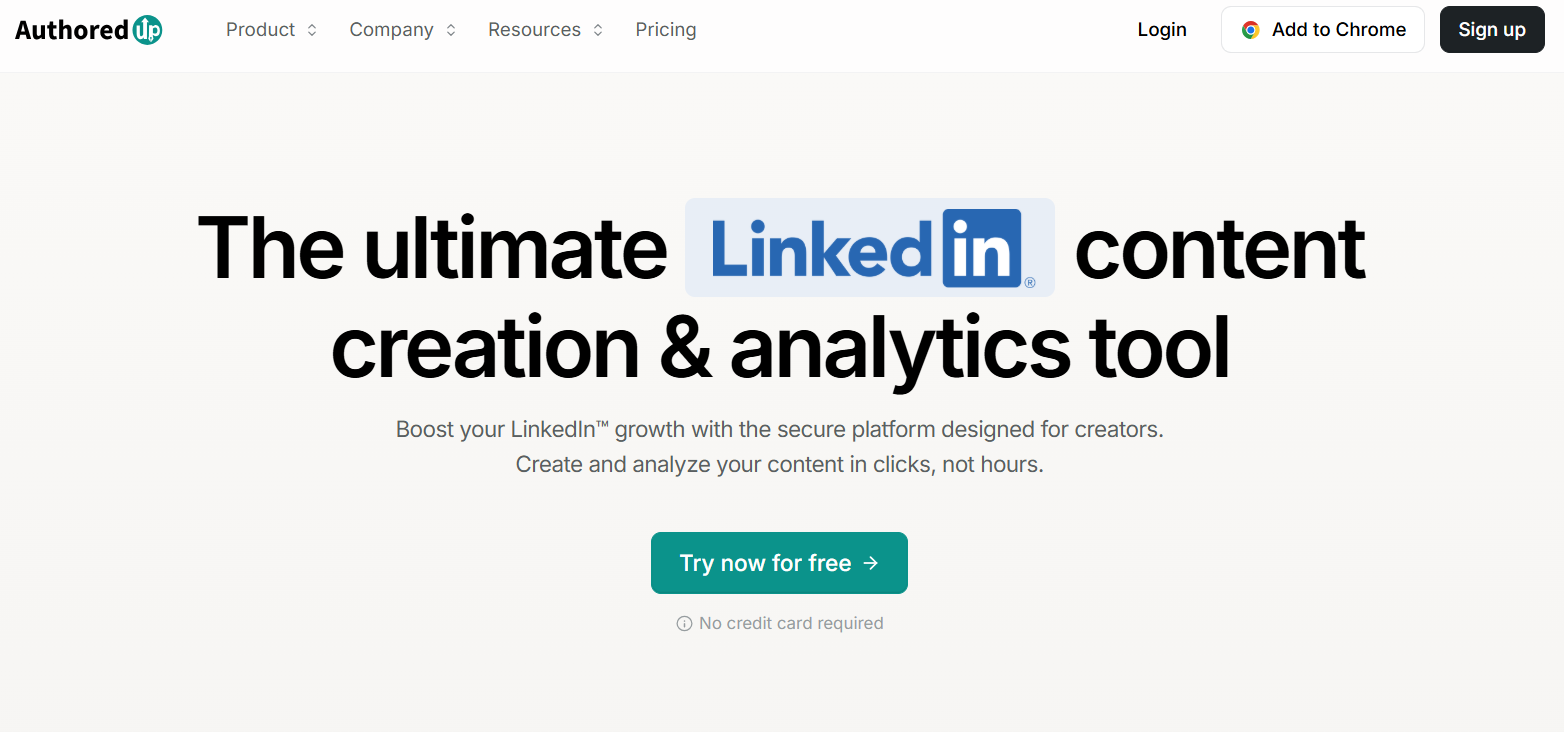
AuthoredUp AI is an AI-powered LinkedIn formatting and optimization tool designed to enhance the structure, readability, and visual appeal of LinkedIn posts. Instead of generating full content, it focuses on formatting, styling, and previewing posts so that they appear polished, professional, and more likely to engage audiences within the LinkedIn feed.
How AuthoredUp AI improves post formatting
AuthoredUp AI analyzes raw text and restructures it into LinkedIn-ready formats with optimized use of spacing, bullets, bold text, italics, emojis (where appropriate), and line breaks to improve scanability and clarity. The platform also provides previews for both mobile and desktop display, ensuring posts render well across devices — a critical factor for LinkedIn performance and user engagement.
Key benefits of AuthoredUp AI
- Improves readability and visual structure of LinkedIn posts
- Offers mobile and desktop previews to ensure proper formatting
- Ensures consistent professional style across posts
- Reduces common formatting mistakes that harm engagement
- Enhances post scan-ability for higher user attention
Where AuthoredUp AI is used
- LinkedIn post formatting and styling
- Improving visual hierarchy in long-form LinkedIn posts
- Enhancing readability for professional audiences
- Preparing posts for mobile and desktop views
- Standardizing formatting for team publishing
Real-world examples
Content creators use AuthoredUp AI to transform dense paragraphs into engaging, easily scannable posts; for instance, authors write ideas in plain text and then apply AuthoredUp’s formatting to highlight key points, bullets, and emphasis. Marketing teams use AuthoredUp during batch post preparation to ensure consistent structure across multiple posts scheduled for the week, increasing readability and engagement rates.
Who should use AuthoredUp AI
- LinkedIn content creators focused on engagement quality
- Marketers seeking cleaner, professional post formatting
- Teams publishing high volumes of posts
- Professionals wanting better visual structure in their updates
Pricing
AuthoredUp AI typically offers plans starting around $19/month for standard formatting features, with higher tiers near $49/month offering bulk formatting and advanced preview capabilities. Free trial options are often available.
4) MagicPost AI
What is MagicPost AI
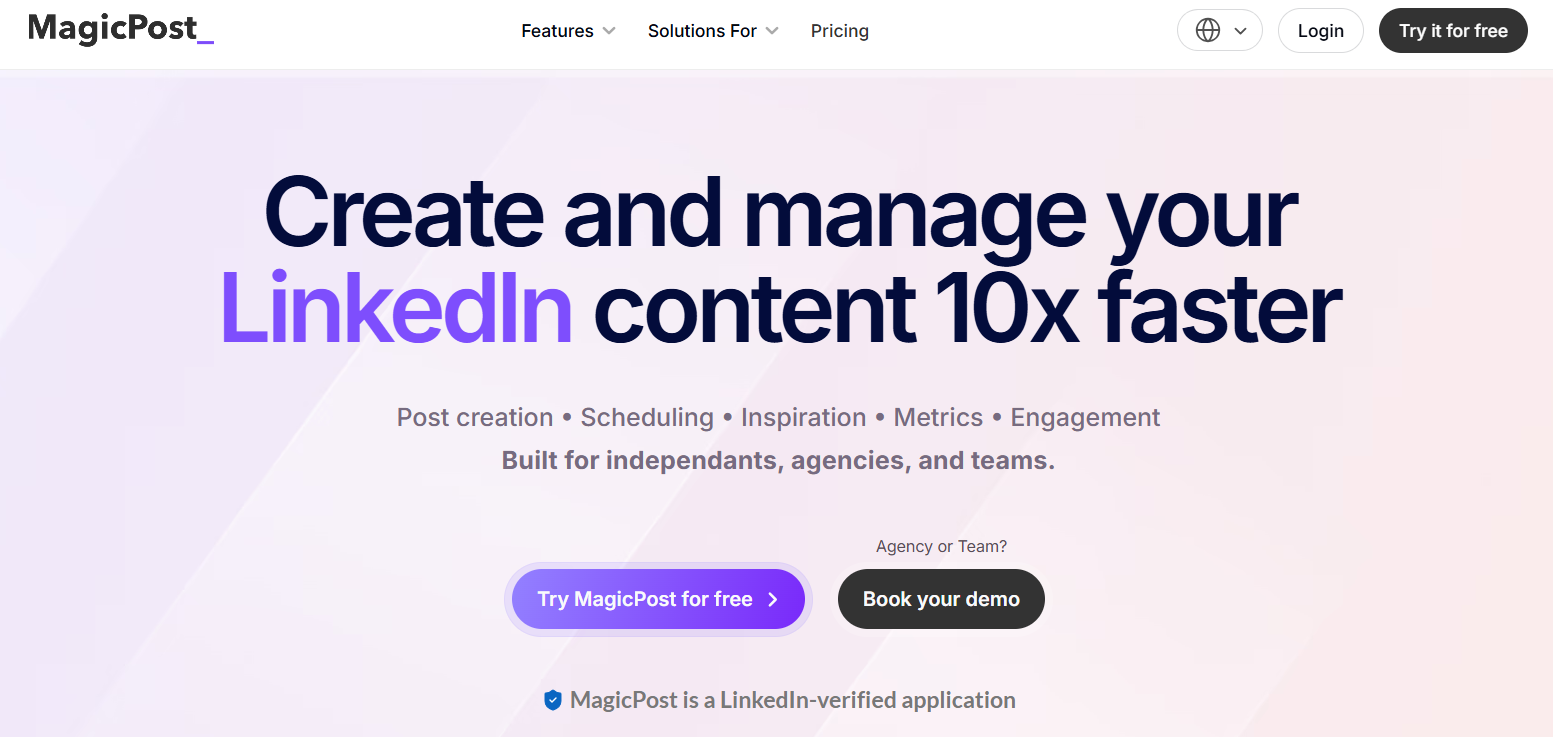
MagicPost AI is an AI-powered LinkedIn content tool that helps professionals generate engaging LinkedIn posts tailored to their tone and style. It combines idea generation, post creation, scheduling, and performance tracking in one platform, designed specifically to streamline LinkedIn content workflows.
How MagicPost AI generates high-performing LinkedIn posts
MagicPost AI uses a LinkedIn-focused generative algorithm trained to produce posts that resonate with professional audiences. Users provide a topic or a short prompt, and MagicPost generates multiple content options with hooks, ideas, and post structures that align with trending patterns and audience engagement signals. It can also convert external content (like URLs or videos) into LinkedIn-ready posts, helping users repurpose existing assets quickly.
Key benefits of MagicPost AI
- Generates authentic, LinkedIn-optimized posts in seconds, reducing writing time.
- Built-in idea and hook generators to overcome writer’s block.
- Content repurposing from articles, blogs, and video URLs.
- Integrated scheduling to plan posts ahead of time.
- Performance metrics and basic analytics to track engagement.
Where MagicPost AI is used
- Generating LinkedIn post ideas and full post drafts
- Repurposing external content into LinkedIn posts
- Scheduling posts for future publishing
- Tracking engagement and basic performance metrics
- Developing consistent posting workflows
Real-world examples
Content creators use MagicPost AI to convert blog posts into LinkedIn summaries that attract engagement. Marketing professionals generate weekly post calendars with idea and hook suggestions, cutting creation time from hours to minutes. Small teams rely on scheduling features to maintain consistent publishing without juggling multiple tools.
Who should use MagicPost AI
- Individual professionals building LinkedIn presence
- B2B marketers needing consistent content output
- Agencies managing content calendars for clients
- Small teams without dedicated content writers
Pricing
MagicPost AI pricing starts at about $39/month for basic post generation and scheduling, with higher plans (e.g., Creator at $59/month or Enterprise at ~$109/month) offering unlimited posts, analytics, and multi-account features. Free trials are commonly available.
AI LinkedIn Profile Optimization Tools
5) Meet Sona AI
What is Meet Sona AI
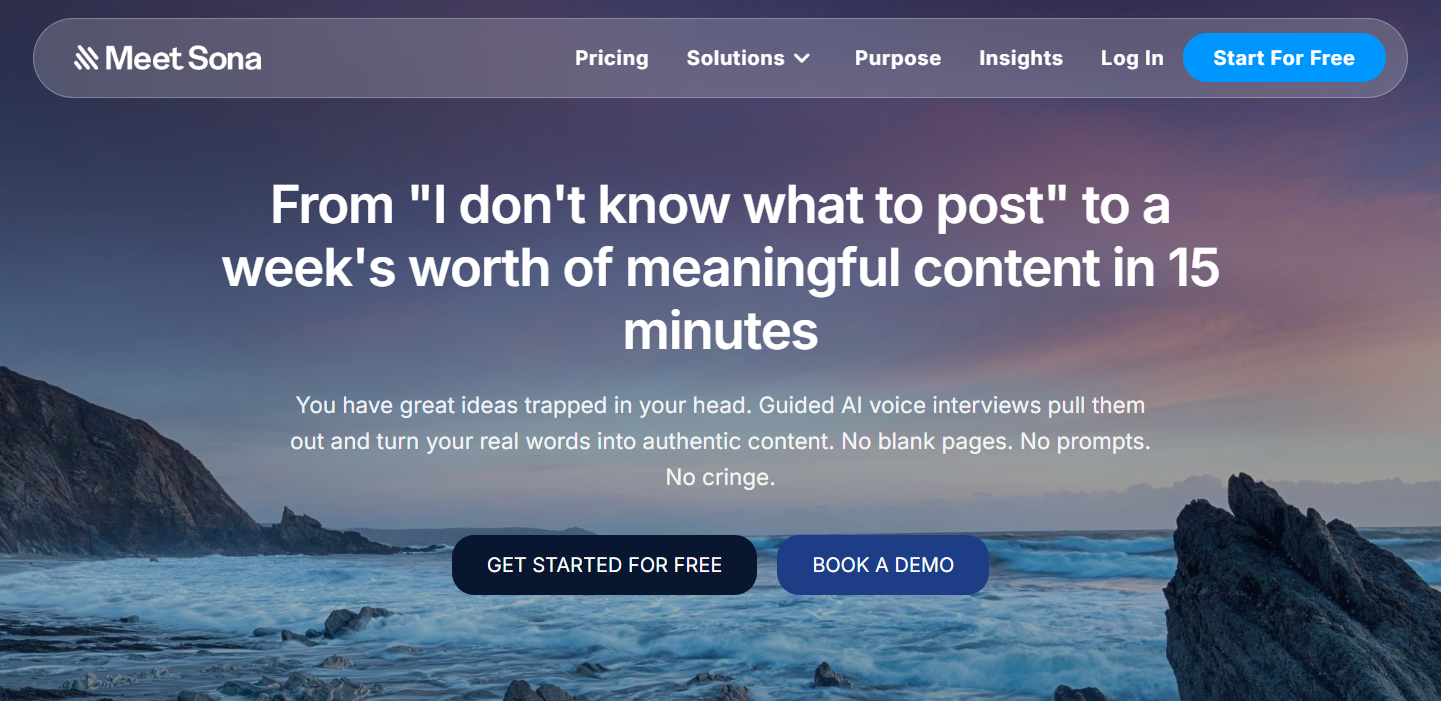
Meet Sona is an AI-powered content platform that uses guided voice or conversational interviews to understand how you think and speak, and then turns that into authentic written content for platforms like LinkedIn, newsletters, blogs, and social posts. It’s designed to help people produce high-quality content without starting from a blank page.
How Meet Sona AI builds personal brand identity
Instead of manually drafting profile summaries and About sections, Meet Sona AI conducts a conversational interview that uncovers unique insights about your career, perspective, and goals. The AI then synthesizes those responses into polished narrative content tailored for LinkedIn profiles, aligning with professional positioning strategies and search relevance.
This approach ensures messaging reflects authentic personal branding and avoids generic templates that fail to communicate true expertise.
Key benefits of Meet Sona AI
- Extracts authentic professional narratives through guided interviews
- Generates LinkedIn-optimized profile content (About section, headlines)
- Aligns wording to audience expectations and industry norms
- Helps articulate value propositions clearly and professionally
- Saves time compared to manual writing and editing
Where Meet Sona AI is used
- LinkedIn About section optimization
- Professional headline creation
- Profile summary refinement
- Personal positioning for thought leadership
- Career transition messaging
Real-world examples
A consultant entering public speaking uses Meet Sona AI to turn interview responses into a compelling About section that attracts event organizers. An executive transitioning industries leverages the tool to reshape their LinkedIn headline and narrative to better align with their new target audience. Job seekers use the platform to highlight key strengths and achievements in a way that stands out to recruiters.
Who should use Meet Sona AI
- Founders and executives building personal brand authority
- Consultants and coaches refining professional positioning
- Job seekers optimizing LinkedIn profiles
- Professionals entering career transitions
- Speakers and authors enhancing profile storytelling
Pricing
Meet Sona AI typically offers subscription plans starting around $29/month, with premium tiers near $69/month that include extended interview depth, multiple profile sections, and export options. Free trials or limited processing credits are often available.
6) Careerflow AI
What is Careerflow AI
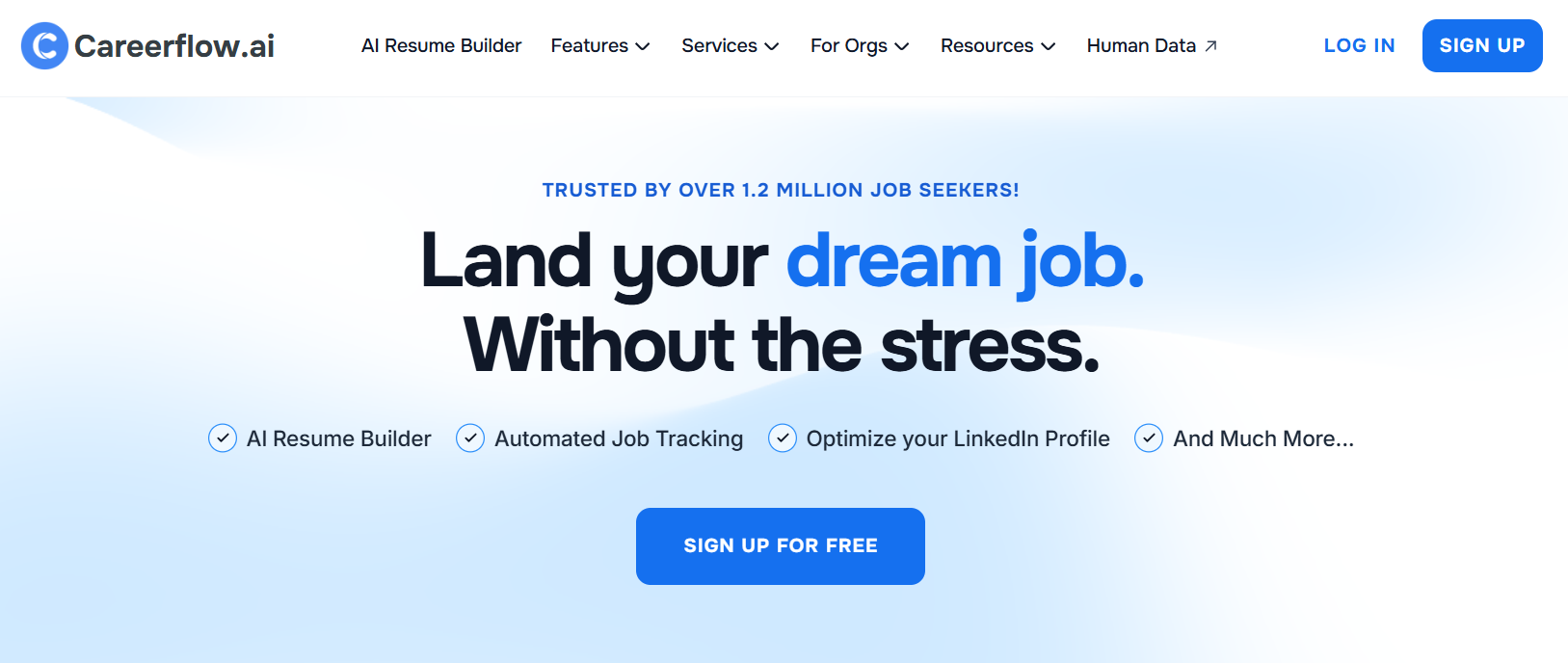
Careerflow AI is a Chrome extension and AI-powered LinkedIn optimization tool that analyzes LinkedIn profiles in real time and provides actionable recommendations to improve visibility, keyword relevance, and recruiter search performance. It focuses specifically on helping users refine profile content so they appear in more relevant searches and attract the right audience.
How Careerflow AI optimizes LinkedIn profiles
Careerflow AI scans a LinkedIn profile and compares it against high-performing profiles, job descriptions, and keyword sets relevant to a user’s goals. It then suggests optimized headlines, About sections, skills, and keyword placements that improve discoverability in recruiter and algorithmic searches. Recommendations are presented directly within the LinkedIn interface via the browser extension so users can edit content in context.
Key benefits of Careerflow AI
- Real-time profile optimization guidance within LinkedIn
- Keyword recommendations aligned with industry and role goals
- Headline and About section improvement suggestions
- Increased visibility in recruiter and algorithmic searches
- Easy, in-context editing with the browser extension
Where Careerflow AI is used
- LinkedIn headline refinement
- About section optimization
- Skills and keyword improvements
- Job targeting accuracy enhancement
- Profile search performance improvement
Real-world examples
A software engineer seeking recruiter attention uses Careerflow AI to refine their headline and About section with role-specific keywords, resulting in increased recruiter views. A marketing professional transitioning to a data role uses the tool to optimize skills and profile text, helping align their profile with new job targets and improving discovery by hiring managers.
Who should use Careerflow AI
- Job seekers aiming to rank in recruiter searches
- Career changers refining profile positioning
- Professionals optimizing discoverability
- Consultants enhancing profile relevance for clients
- Anyone focused on strategic LinkedIn visibility
Pricing
Careerflow AI pricing typically starts around $19/month for basic optimization suggestions and extends to $49/month for advanced keyword and recruiter analytics. A free browser extension tier with limited recommendations is commonly available.
7) Jobscan AI
What is Jobscan AI
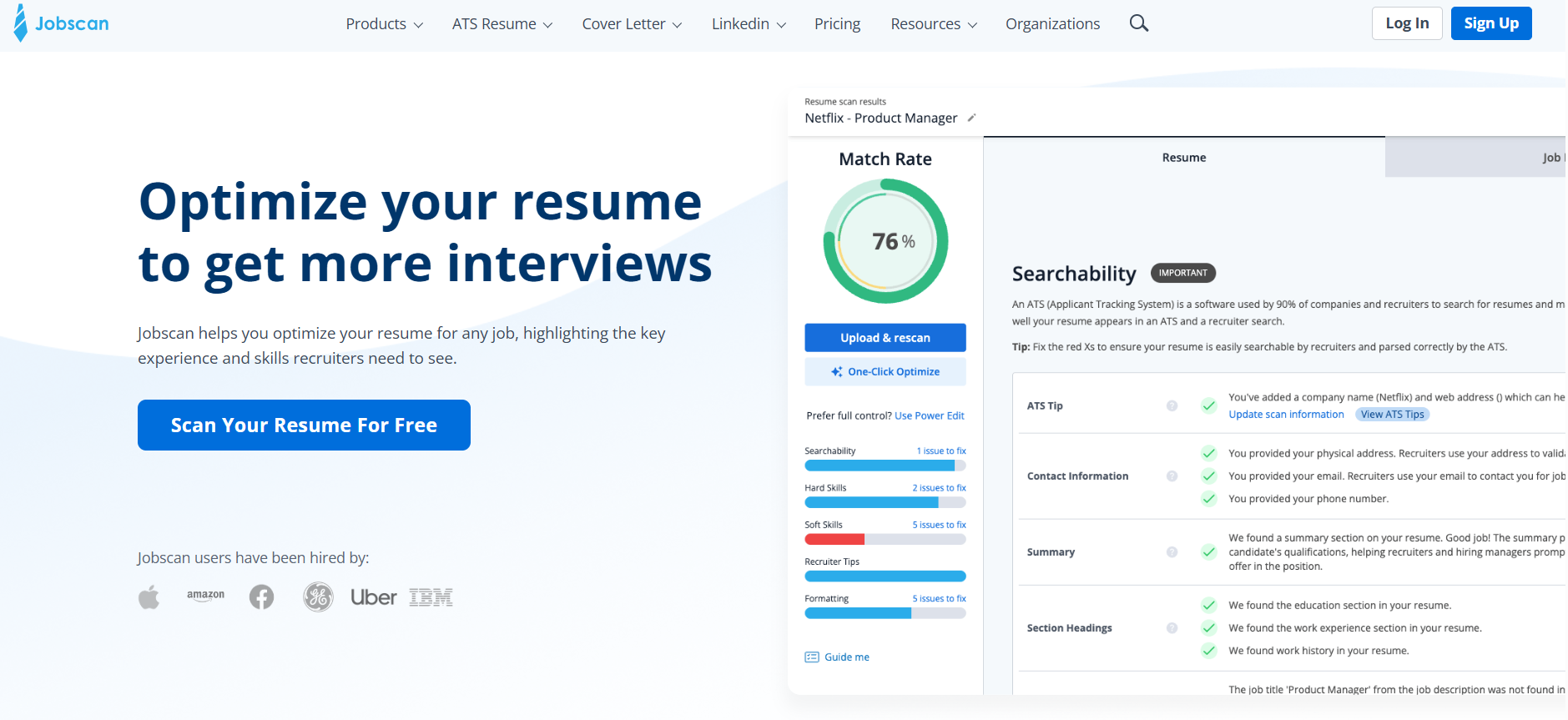
Jobscan AI is an AI-enhanced career optimization tool that analyzes LinkedIn profiles and resumes against job descriptions to identify gaps and recommend improvements. It uses machine learning to compare a user’s profile with target roles, helping professionals optimize content for recruiter searches and applicant tracking systems (ATS).
How Jobscan AI improves LinkedIn visibility
Jobscan AI scans your LinkedIn profile against specific job descriptions or keyword sets to highlight missing skills, weak phrasing, and optimization opportunities. It provides a relevance score and suggests targeted keyword enhancements, skills additions, and headline refinements that improve your visibility to recruiters and automated matching systems.
By aligning profile text with real job requirements, Jobscan AI helps users show up in more relevant searches and increases the likelihood of recruiter engagement.
Key benefits of Jobscan AI
- Compares profile content against real job descriptions
- Provides optimized keyword suggestions
- Highlights missing skills and experience matches
- Boosts recruiter search visibility
- Offers actionable score and improvement roadmap
Where Jobscan AI is used
- Evaluating LinkedIn profile alignment with job targets
- Refining headlines and About sections
- Identifying skills gaps for specific roles
- Improving keyword match for recruiter searches
- Preparing for industry or role transitions
Real-world examples
A marketing specialist transitions into product management and uses Jobscan AI to match their LinkedIn profile to targeted job descriptions. After applying the tool’s suggestions — including updated skill keywords, enhanced headline language, and adjusted summary text — the professional sees a measurable increase in recruiter profile views and inbound messages from hiring teams.
Who should use Jobscan AI
- Job seekers targeting specific roles
- Career changers aligning profiles with new industries
- Professionals improving discoverability in recruiter searches
- Coaches and career consultants optimizing client profiles
- Anyone looking to increase profile relevance
Pricing
Jobscan AI plans typically start around $49/month for basic resume and LinkedIn optimization. Premium tiers with advanced matching, unlimited scans, and detailed analytics are often around $99/month. Free trial options or limited free scans are available.
8) HeadshotPro AI
What is HeadshotPro AI
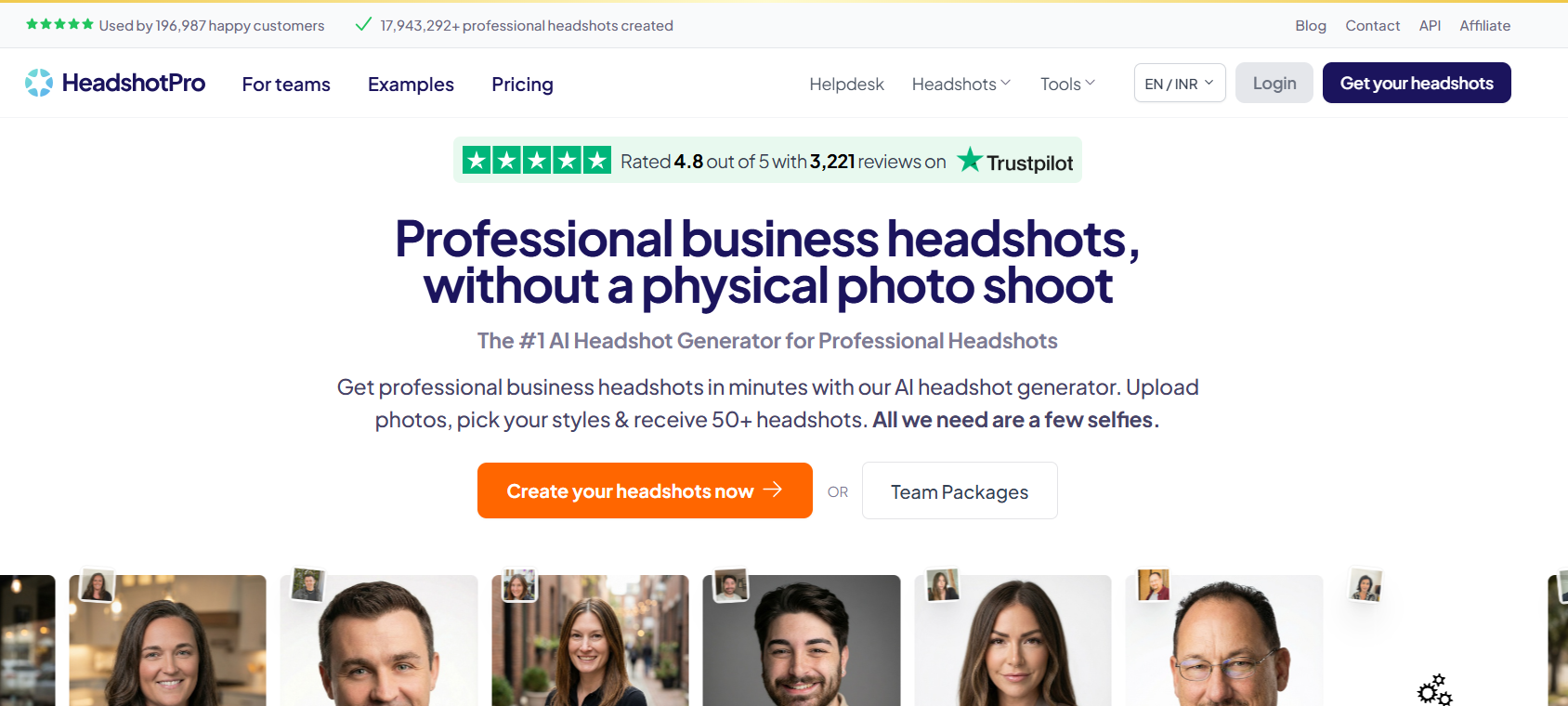
HeadshotPro AI is an artificial intelligence platform that generates professional-quality headshots from standard photos. Using advanced image synthesis and style customization, it allows users to produce polished profile pictures suitable for LinkedIn and other professional platforms without needing a traditional photo shoot.
How HeadshotPro AI enhances LinkedIn presence
A high-quality LinkedIn profile photo significantly increases trust, profile engagement, and connection acceptance rates. HeadshotPro AI takes existing selfies or basic images and transforms them into studio-style professional headshots that align with personal or industry standards. This helps users present a credible, polished professional identity to recruiters, prospects, and peers.
Key benefits of HeadshotPro AI
- Creates studio-quality headshots from simple photos
- Offers multiple backdrop and outfit options
- Matches headshots to professional context and industry
- Saves time and money compared to traditional photography
- Improves first impressions and profile engagement
Where HeadshotPro AI is used
- LinkedIn profile photo updates
- Personal branding across professional networks
- Company leadership and team profiles
- Speaker, author, or founder headshots
- Resume and portfolio images
Real-world examples
A sales leader replaces a casual selfie with a polished HeadshotPro image to boost trust with prospects and see higher connection acceptance. A consultant refreshes their LinkedIn photo for a new service launch, resulting in increased profile views and professional inquiries. Teams at agencies use HeadshotPro to standardize headshots across employee profiles for consistent branding.
Who should use HeadshotPro AI
- Job seekers boosting recruiter trust
- Founders and executives strengthening personal brand
- Content creators improving profile appeal
- Consultants and coaches seeking polished visuals
- Teams needing consistent professional headshots
Pricing
HeadshotPro AI typically offers one-time purchase plans around $29–$59 depending on output quality and number of images. Premium options with expanded styles and higher resolution may reach $79+. Free trials or preview downloads are often available.
AI LinkedIn Outreach & Lead Generation Tools
9) Dux-Soup AI
What is Dux-Soup AI
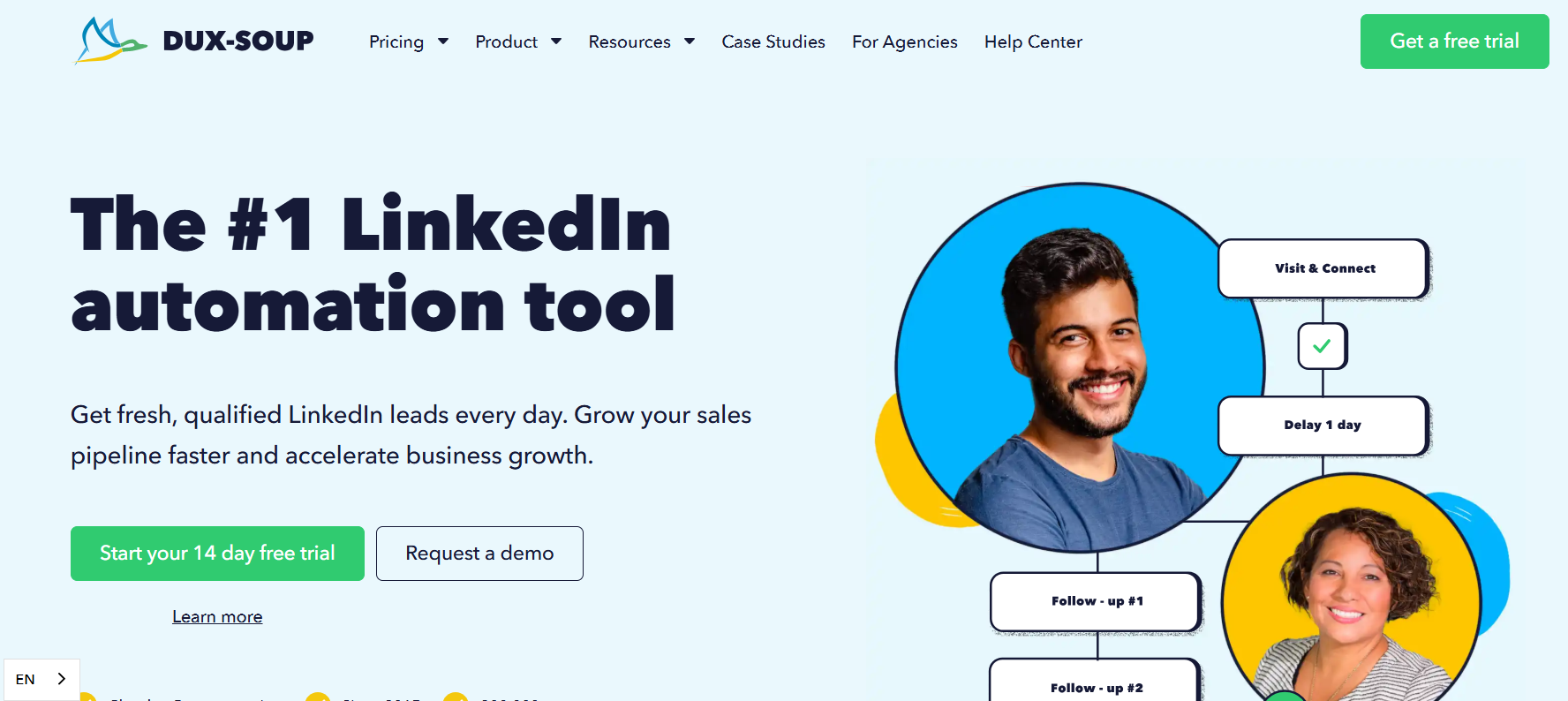
Dux-Soup AI is an AI-enhanced LinkedIn outreach and lead engagement automation tool that helps sales professionals and growth teams automate repetitive networking tasks. It uses intelligent workflows to visit profiles, send connection requests, follow-ups, and manage lead lists while mimicking human behavior patterns to reduce risk of LinkedIn restrictions.
How Dux-Soup AI automates LinkedIn outreach
Dux-Soup AI runs in the background (browser or cloud mode) and automates actions such as profile visits, connection invitations, and personalized messaging sequences based on defined triggers and rules. It applies AI-assisted personalization to outreach steps and sequences, allowing campaigns to engage prospects consistently without manual effort while pacing actions to resemble natural user behavior for safety.
Key benefits of Dux-Soup AI
- Automates connection sending and follow-ups
- AI-assisted personalization of messages
- Lead tagging and list segmentation for organized outreach
- Safety-focused pacing to reduce account suspension risk
- Integrations with CRM systems for data sync
Where Dux-Soup AI is used
- LinkedIn lead generation campaigns
- Networking outreach for sales teams
- Automated follow-up sequences
- Tagging and segmenting prospect lists
- CRM integration and tracking
Real-world examples
A B2B sales team uses Dux-Soup AI to automate initial outreach to target decision-makers, sending personalized connection requests and follow-ups that would take hours to do manually. Growth teams run segmented campaigns with tailored messages for different buyer personas, resulting in larger qualified pipelines without daily manual work.
Who should use Dux-Soup AI
- Sales professionals scaling LinkedIn outreach
- B2B lead generators needing consistent engagement
- Agencies handling lead flows for clients
- Entrepreneurs building professional networks
- Growth teams automating repetitive networking tasks
Pricing
Dux-Soup AI plans typically start around $39/month for core automation, with higher tiers near $99/month offering advanced personalization, cloud execution, and CRM sync. Free trial options are usually available.
10) SBL.so AI
What is SBL.so AI
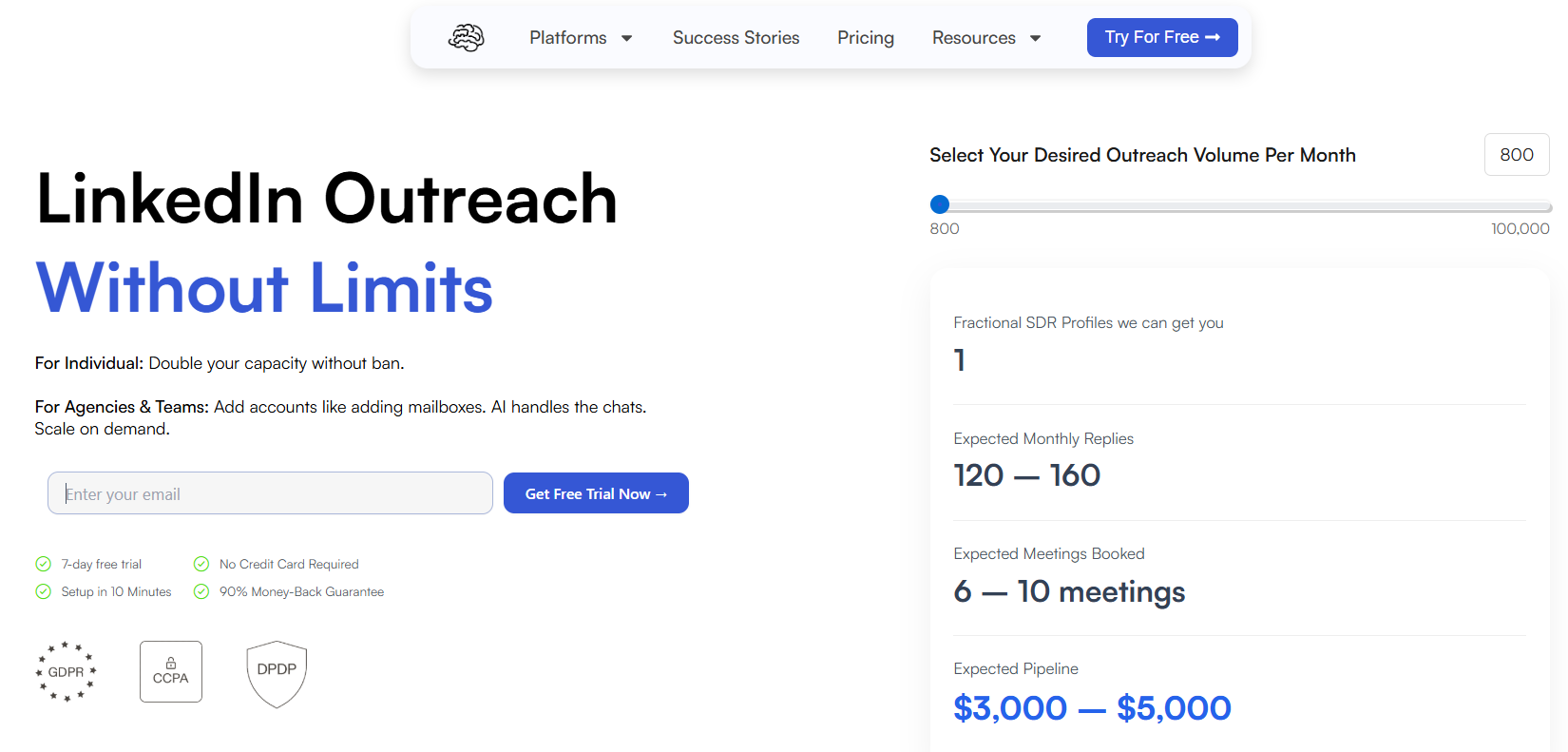
SBL.so AI is an AI-powered LinkedIn outreach and conversation management platform designed to automate multi-step messaging workflows. Unlike simple sequence tools, it uses conversational AI to manage responses, handle basic objections, and book meetings on behalf of the user, streamlining LinkedIn prospect communication at scale.
How SBL.so AI manages automated LinkedIn conversations
SBL.so AI uses natural language understanding to interpret incoming replies and choose the next appropriate action in a message sequence. Instead of only sending templated messages, it can adapt follow-ups based on prospect responses, deliver contextual replies, and guide conversations toward set goals such as scheduling a call or requesting a meeting link. This reduces manual handling and keeps prospect engagement momentum moving forward.
Key benefits of SBL.so AI
- Conversational automation tailored to inbound replies
- AI-driven follow-ups that adapt based on user responses
- Enhanced scheduling and meeting coordination
- Reduced manual workload for sales teams
- Consistent messaging that aligns with campaign goals
Where SBL.so AI is used
- Managing reply conversations with prospects
- Running multi-step outreach sequences
- Scheduling meetings and calls automatically
- Nurturing inbound lead responses
- Scaling LinkedIn engagement workflows
Real-world examples
A sales development team uses SBL.so AI to automate follow-up messages after connection acceptance, moving prospects through qualification questions automatically. A business development rep configures the system to schedule 1:1 discovery calls when prospects express interest, freeing up hours of manual messaging and coordination time each week.
Who should use SBL.so AI
- Sales teams focusing on LinkedIn conversion workflows
- SDRs and BDRs needing scalable conversation management
- Agencies handling outreach for multiple clients
- Entrepreneurs wanting automated reply handling
- Growth teams optimizing engagement workflows
Pricing
SBL.so AI plans typically start around $79/month with core conversational automation, with higher tiers near $199/month offering advanced NLP features and expanded sequence limits. Free trials or limited free messaging credits are often available.
11) Botdog AI
What is Botdog AI
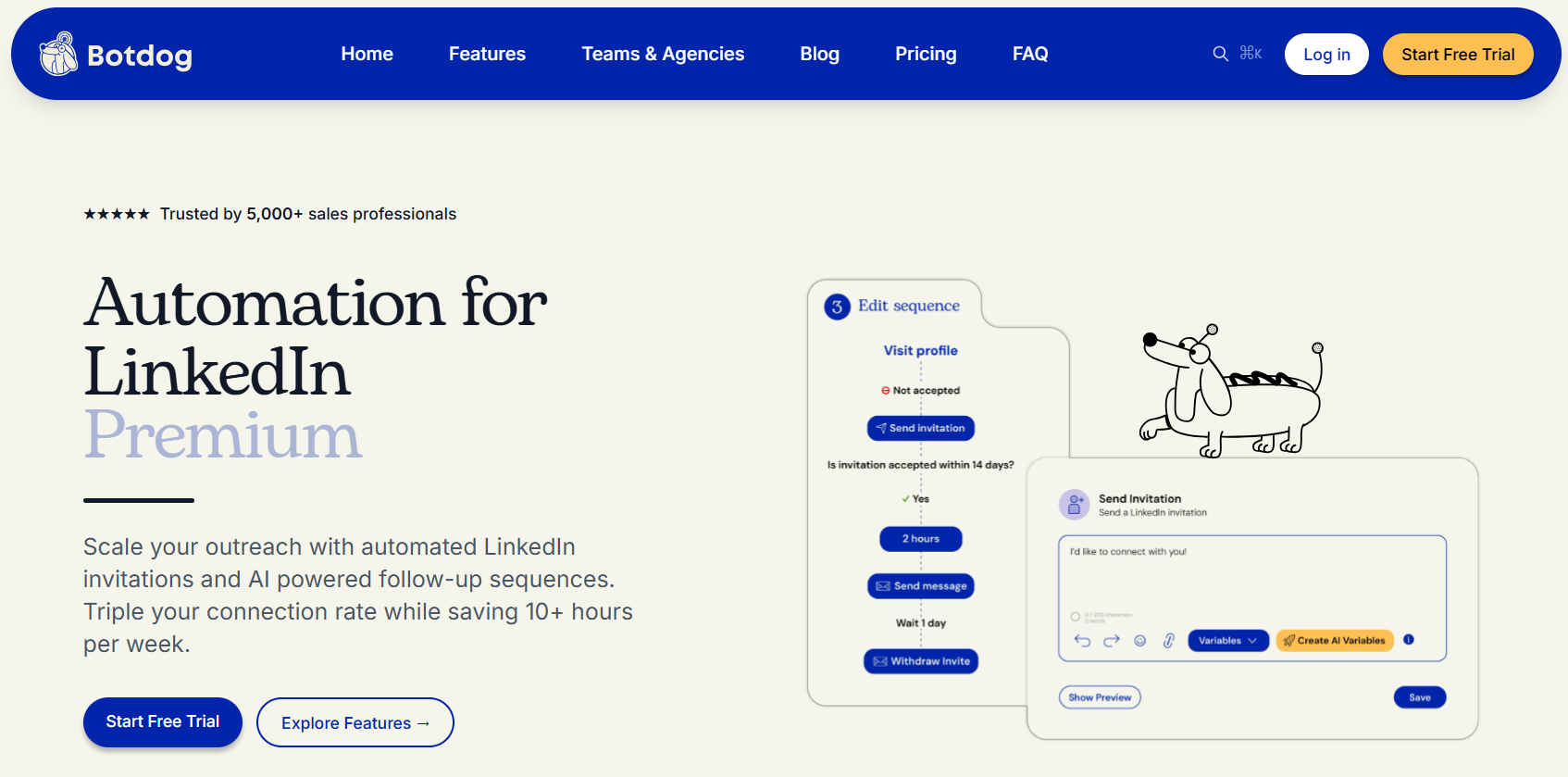
Botdog AI is an AI-driven LinkedIn automation platform designed to help users safely grow their network and engage prospects without violating LinkedIn’s usage policies. It focuses on mimicking human behavior patterns and pacing to reduce risk of account restrictions while automating connection requests, follow-ups, and messaging sequences.
How Botdog AI ensures safe LinkedIn automation
Botdog AI uses a combination of AI behavior modeling, customizable pacing controls, and context-aware message variation to keep automated actions as close to natural user activity as possible. This includes randomized delays, varied message templates, and intelligent response timing so that accounts remain within LinkedIn’s safe usage boundaries while still scaling outreach.
Key benefits of Botdog AI
- Human-like automation pacing to protect accounts
- AI-assisted message variation and personalization
- Automated invitation sending and follow-ups
- Prospect tagging and segmented campaign control
- Simple setup with guided campaign templates
Where Botdog AI is used
- LinkedIn connection outreach
- Automated follow-up sequences
- Prospect segmentation and tagging
- Lead engagement at scale
- Compliance-aware campaign execution
Real-world examples
A small B2B sales team uses Botdog AI to automate connection invitations and follow-ups for targeted decision-makers, achieving consistent outreach without manual effort. A growth consultant segments leads by industry and configures separate message flows, allowing personalized engagement to happen at scale while keeping LinkedIn accounts free from policy flags.
Who should use Botdog AI
- Sales professionals scaling lead outreach
- Consultants managing multiple client networks
- Entrepreneurs automating networking workflows
- Small teams without dedicated outreach specialists
- Growth marketers focusing on volume with safety
Pricing
Botdog AI plans typically start around $49/month for basic automation features, with higher tiers near $129/month offering advanced pacing controls and extended personalization limits. Free trial options or limited free credits may be available.
12) Expandi AI
What is Expandi AI
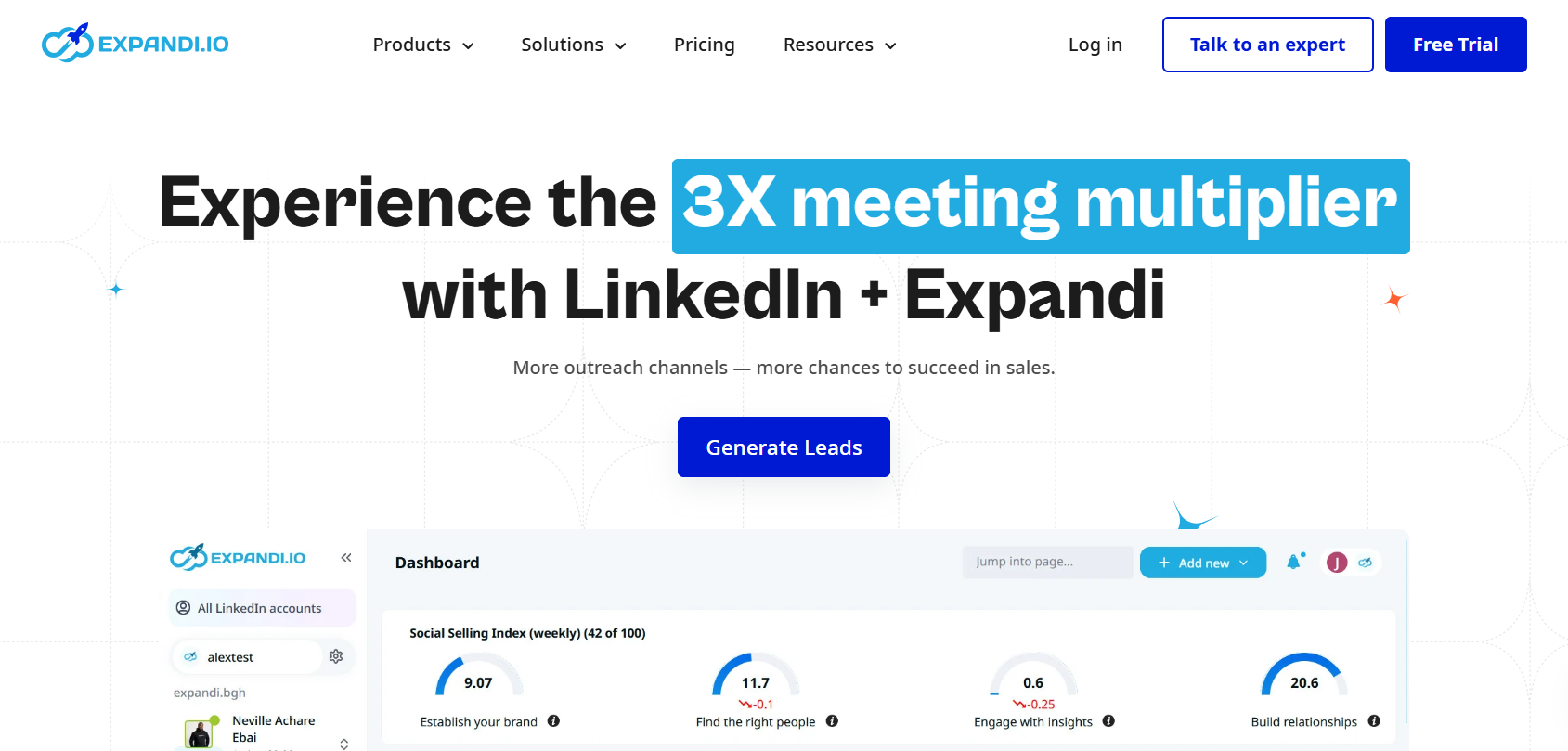
Expandi AI is a cloud-based LinkedIn outreach and engagement platform that combines artificial intelligence with multi-channel campaigning. It automates lead generation, personalized messaging sequences, and engagement workflows across LinkedIn and, where applicable, connected channels (like email) from a unified interface, making it easier to manage larger outreach efforts.
How Expandi AI supports multi-channel LinkedIn outreach
Expandi AI allows users to build dynamic outreach campaigns that integrate LinkedIn actions with email follow-ups and campaign sequencing. The platform uses AI-driven personalization and response triggers to adapt messaging flows based on prospect replies, ensuring each interaction feels contextually relevant. Its cloud execution means campaigns can run around the clock without needing a local machine or browser extension, improving scale and reliability.
Key benefits of Expandi AI
- Multi-channel outreach combining LinkedIn and email
- AI-enhanced personalization for better replies
- Automated messaging sequences and response handling
- Cloud based execution for 24/7 campaign activity
- Advanced campaign segmentation and lead tagging
Where Expandi AI is used
- LinkedIn lead generation and automated outreach
- Email follow-up sequences tied to LinkedIn actions
- Personalized multi-touch campaigns
- Prospect list segmentation and campaign workflows
- Scaling enterprise-level outreach
Real-world examples
A B2B SaaS sales team uses Expandi AI to run segmented, multi-touch campaigns that begin with LinkedIn connection requests, follow up via LinkedIn messages, and then continue with automated emails when prospects don’t reply. Growth agencies deploying multiple client campaigns leverage Expandi’s cloud automation to manage schedules and avoid local machine dependencies.
Who should use Expandi AI
- Enterprise and agency sales teams
- Growth marketers with advanced outreach needs
- Campaign managers running multi-touch sequences
- B2B teams combining LinkedIn and email outreach
- Businesses scaling lead gen processes efficiently
Pricing
Expandi AI pricing typically starts around $99/month for core automation and multi-touch campaign features, with higher tiers near $199+ offering advanced personalization, expanded inbox automation, and premium support. Trial periods or demo options are often available.
AI LinkedIn Analytics & Specialized Tools
13) Crystal AI
What is Crystal AI
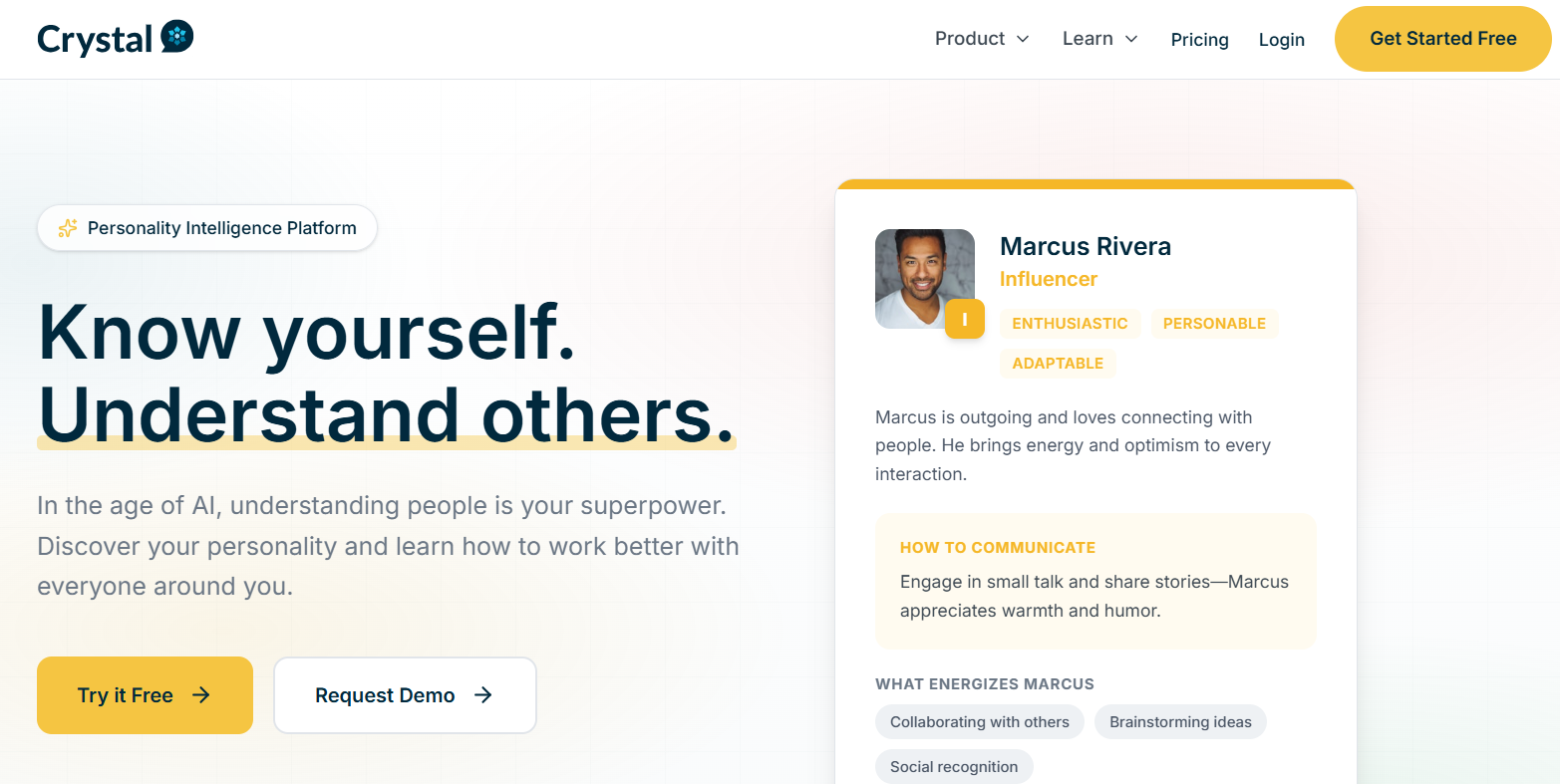
Crystal AI is an AI-powered communication insights tool that analyzes publicly available LinkedIn profile and behavioral data to predict personality traits and communication preferences. It helps users tailor their messaging tone, structure, and style to match the personality profile of their audience, improving connection acceptance and engagement.
How Crystal AI personalizes LinkedIn messaging
Crystal AI applies natural language and behavioral analysis to identify personality frameworks (like DISC profiles) for a given prospect. It then recommends messaging styles, word choice, tone, and communication approaches that are more likely to resonate with that individual. This results in outreach that feels personalized and contextually relevant, rather than generic or mismatched to the recipient’s style.
Key benefits of Crystal AI
- Predicts personality profiles based on public LinkedIn signals
- Recommends communication styles aligned with prospect preferences
- Helps reduce miscommunication and improve response rates
- Supports tailoring messages across outreach sequences
- Enhances relationship building through empathetic messaging
Where Crystal AI is used
- Persona-aligned LinkedIn messaging
- Outreach sequence personalization
- Sales and prospect communication strategies
- Pre-meeting communication preparation
- Relationship development efforts
Real-world examples
A business development representative preparing for outreach uses Crystal AI to tailor initial LinkedIn messages to match a prospect’s communication style, resulting in higher reply rates. An account executive uses the tool’s recommendations to refine follow-up phrasing and tone before sending messages, leading to warmer responses and improved relationship starts.
Who should use Crystal AI
- Sales professionals focused on personalized outreach
- SDRs and BDRs seeking higher reply rates
- Agency teams tailoring multi-client messaging
- Growth marketers refining engagement strategy
- Anyone communicating with diverse professional audiences
Pricing
Crystal AI plans typically start around $49/month for basic personality insights and recommendations, with advanced tiers near $99/month offering deeper analysis and team collaboration features. Free trials or limited insights options are often available.
14) Shield Analytics AI
What is Shield Analytics AI
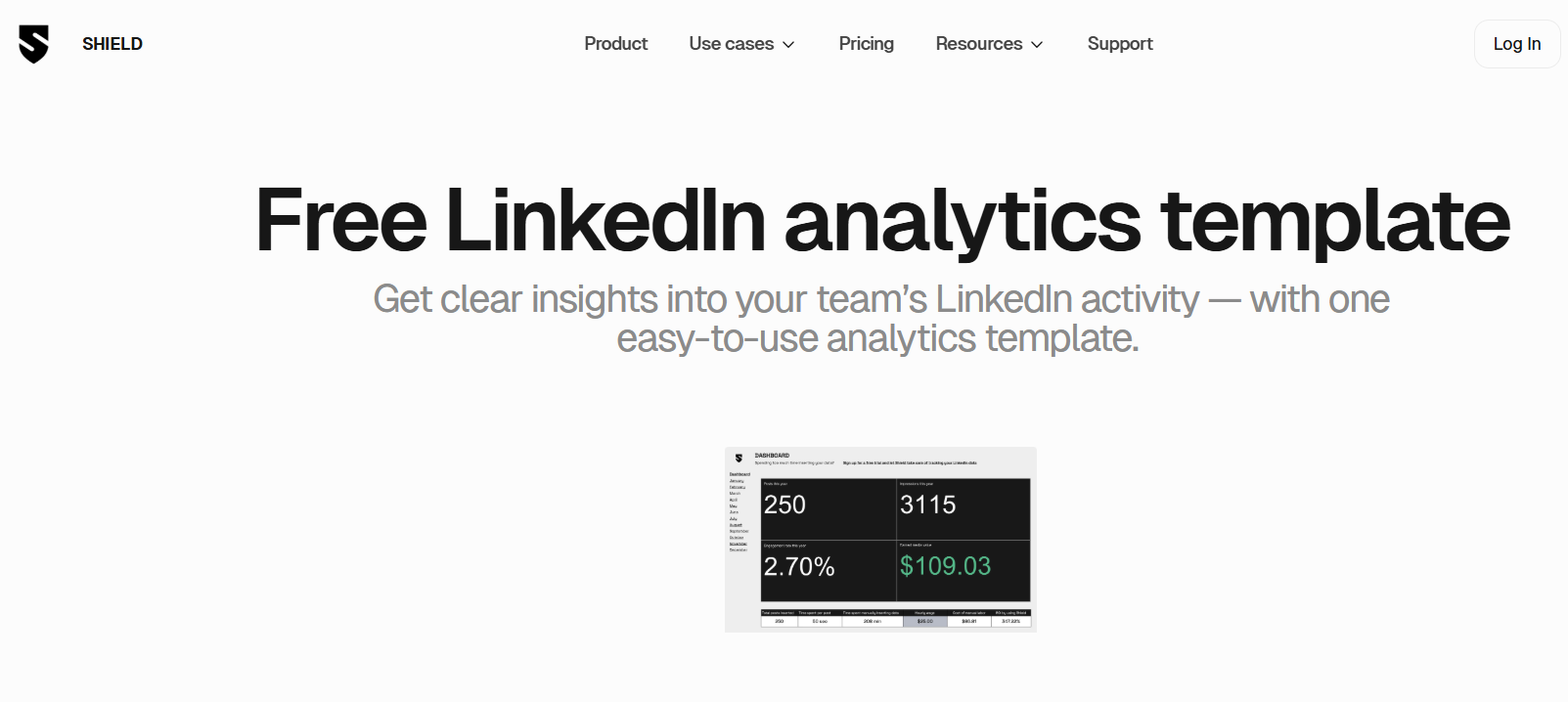
Shield Analytics AI is an AI-enhanced LinkedIn analytics platform designed to help creators, marketers, and teams measure content performance beyond basic native metrics. It uses machine learning to uncover deeper trends, engagement patterns, audience behavior, and performance insights across LinkedIn profiles.
How Shield Analytics AI improves LinkedIn performance tracking
Shield Analytics AI aggregates data across posts, engagement actions, and audience interactions to present clear, actionable insights. It identifies top-performing content themes, posting times, audience demographics, and content impact over time. The AI-driven reports help users refine strategy by showing what works, what doesn’t, and what adjustments can improve visibility and engagement.
Key benefits of Shield Analytics AI
- Centralized performance tracking across all LinkedIn posts
- AI detection of engagement patterns and trend signals
- Audience demographic breakdowns to guide targeting
- Post-by-post analytics for detailed insights
- Customizable dashboards for individuals and teams
Where Shield Analytics AI is used
- Tracking post engagement over time
- Identifying high-performing content topics
- Analyzing follower growth and audience behavior
- Refining LinkedIn content strategies
- Reporting performance to stakeholders
Real-world examples
A content strategist uses Shield Analytics AI to discover that text posts with specific structure perform consistently higher than videos, informing future content decisions. A small agency monitors multiple client profiles through Shield dashboards to identify posting patterns that drove the most comments and connections, then adjusts publishing schedules accordingly for better results.
Who should use Shield Analytics AI
- LinkedIn content creators tracking performance
- B2B marketers optimizing posting strategies
- Agencies managing multiple LinkedIn accounts
- Executives measuring audience growth
- Teams needing data-backed content decisions
Pricing
Shield Analytics AI plans typically start around $99/year for basic individual usage, with team plans near $240+ per profile/year that support expanded dashboards and multi-profile tracking. Free trial periods or limited access options may be available.
15) AICarousels AI
What is AICarousels AI
AICarousels AI is an AI-powered content conversion tool that transforms existing text, URLs, or media into LinkedIn-ready carousel slides. It automates slide creation by extracting key points, structuring them visually, and applying consistent design elements — enabling professionals to create attention-grabbing multi-card carousel posts without manual design work.
How AICarousels AI converts content into LinkedIn carousels
AICarousels AI analyzes input content such as articles, blog posts, or video transcripts and identifies the most important ideas or data points. It then restructures these insights into a slide sequence with clear hierarchy, short text snippets, and visual formatting designed for LinkedIn feed engagement. The AI can also apply templates and design themes so that each carousel looks polished and professional.
Key benefits of AICarousels AI
- Quickly converts content into engaging carousel formats
- Removes manual slide design work
- Enhances visual storytelling on LinkedIn
- Saves time repurposing long-form content
- Improves engagement by presenting ideas in digestible visual chunks
Where AICarousels AI is used
- Turning blog posts into LinkedIn carousels
- Extracting insights from long-form videos or webinars
- Visualizing key data points for higher engagement
- Creating educational or thought-leadership content
- Supporting campaign storytelling with structured slides
Real-world examples
A marketing strategist feeds a company blog URL into AICarousels AI and quickly produces a 10-slide LinkedIn post that highlights key insights from the article. A coach repurposes webinar transcripts into carousel slides that attract more saves and shares than text posts. Agencies use AICarousels to deliver visually rich client content without needing graphic designers.
Who should use AICarousels AI
- LinkedIn content creators focused on visuals
- Marketers repurposing long-form content
- Consultants building educational posts
- Growth teams scaling carousel production
- Agencies delivering design-ready slides at scale
Pricing
AICarousels AI plans commonly start around $29–$49/month for basic content conversion, with higher tiers (~$79–$129/month) offering more templates, export formats, and advanced AI structuring tools. Free trials or limited-use plans are often available.
Where AI LinkedIn Tools Are Used in 2026?
AI LinkedIn tools are applied across a range of professional workflows where automation, personalization, and data insights improve efficiency, relevance, and visibility. In 2026, these use cases reflect both content strategy and business growth priorities.
Common areas where AI LinkedIn tools are used:
- Personal branding – Crafting a professional presence that highlights expertise, values, and unique positioning.
- B2B lead generation – Identifying, engaging, and nurturing target prospects with AI-assisted outreach sequences.
- Content creation and posting- Generating high-quality LinkedIn posts, carousels, and visual storytelling formats faster.
- Profile optimization – Enhancing headlines, About sections, skills, and keywords to improve search visibility.
- Performance tracking and analytics – Measuring engagement and content performance beyond LinkedIn’s native metrics.
- Recruitment and career visibility – Attracting recruiter attention and aligning profiles with desired roles and industries.
- Audience segmentation and targeting – Tailoring messages and content themes based on audience behavior and preferences.
- Professional networking workflows – Scaling connection sequences, reply handling, and relationship management.
Each area benefits from reducing manual workload, increasing personalization, and grounding strategic decisions in data. AI LinkedIn tools help professionals focus on high-impact activities while automating repetitive tasks, ultimately strengthening visibility, engagement, and business outcomes on the platform.
Who Should Use AI LinkedIn Tools?
AI LinkedIn tools are useful for professionals who rely on LinkedIn for visibility, networking, or growth.
- Founders and executives building personal brand authority
- B2B marketers managing content and engagement
- Sales teams automating outreach and prospecting
- Recruiters improving candidate discovery
- Consultants and coaches generating inbound leads
- Agencies managing multiple LinkedIn accounts
- Job seekers optimizing profiles for recruiter searches
Anyone who wants consistent posting, smarter outreach, and data-driven decisions on LinkedIn can benefit from AI LinkedIn tools.
How to Choose the Right AI LinkedIn Tool
Choosing the right AI LinkedIn tool is easier when you focus on your needs first, not features.
1. Define your main goal
- Content creation
- Lead generation
- Profile optimization
- Performance tracking
Pick a tool built specifically for that purpose.
2. Decide how much automation you want
- Light support (ideas, formatting, analytics)
- Full automation (outreach, follow-ups, workflows)
Choose based on your comfort level.
3. Check analytics depth
- Basic insights are enough for creators
- Advanced analytics are better for marketers and agencies
4. Consider compliance and safety
If you use automation tools, ensure they support safe pacing and responsible usage to reduce account risk.
5. Review integrations
Make sure the tool connects with your CRM, email tools, or workflow systems if needed.
6. Compare budget vs expected results
Choose a tool that saves time or generates leads worth more than its monthly cost.
Future of AI LinkedIn Tools
AI LinkedIn tools in 2026 and beyond will become smarter, more personalized, and more integrated.
- Deeper personalization based on behavior, engagement patterns, and audience signals
- Predictive performance insights to suggest what to post before trends peak
- Stronger CRM and workflow integrations for seamless sales and marketing alignment
- Safer automation standards with compliance-focused design
- More AI-assisted decision support, not just content generation
The future of AI LinkedIn tools is not just automation. It is intelligent guidance that helps professionals make better, faster decisions while maintaining authentic relationships.
Conclusion
AI LinkedIn tools in 2026 are no longer optional for professionals who rely on LinkedIn for growth. They help create content faster, optimize profiles more effectively, automate outreach responsibly, and measure performance with greater clarity. When used strategically, they improve consistency, personalization, and decision-making.
The key is alignment. Choose tools based on your primary goal – content, lead generation, profile visibility, or analytics. Avoid unnecessary complexity. Start with one clear objective, implement one tool properly, measure results, and refine your approach over time.
AI LinkedIn tools work best as support systems, not replacements for human relationships. Use them to remove repetitive tasks, improve precision, and free your time for meaningful engagement. The professionals who combine automation with authentic interaction will build the strongest long-term presence on LinkedIn.
FAQs
What is the best AI LinkedIn tool for content creation?
The best AI LinkedIn content creation tools help generate, format, and schedule posts quickly while maintaining your professional voice. Tools like Draftly AI and MagicPost AI excel at producing LinkedIn-ready content with hooks, structure, and visual options that perform well in the feed.
Are AI LinkedIn automation tools safe?
AI LinkedIn automation tools can be safe when they follow responsible pacing, human-like behavior patterns, and LinkedIn compliance guidelines. Tools that include safety controls and rate-limiting reduce the risk of account restrictions while still scaling outreach and engagement activities.
Can AI LinkedIn tools increase engagement?
Yes. AI LinkedIn tools help tailor content to audience interests, optimize posting times, and suggest messaging styles that resonate. By improving relevance and consistency, these tools can lead to higher engagement, more comments, and increased visibility compared to manual posting alone.
How does AI improve LinkedIn lead generation?
AI improves LinkedIn lead generation by automating prospect discovery, personalizing outreach messaging, sequencing follow-ups, and enabling data-driven targeting. This reduces manual workload, improves response rates, and helps sales teams focus on high-priority prospects rather than repetitive tasks.
Are AI LinkedIn tools worth it for small businesses?
For small businesses, AI LinkedIn tools can be worth it when they save time and increase efficiency. Tools that streamline content creation, profile optimization, and basic analytics help small teams compete with larger organizations without adding staff.
Do AI LinkedIn tools replace human networking?
No. AI LinkedIn tools support human networking by handling repetitive and tactical work, but authentic engagement, rapport building, and relationship development still require human involvement. AI enhances efficiency, not human connection.