





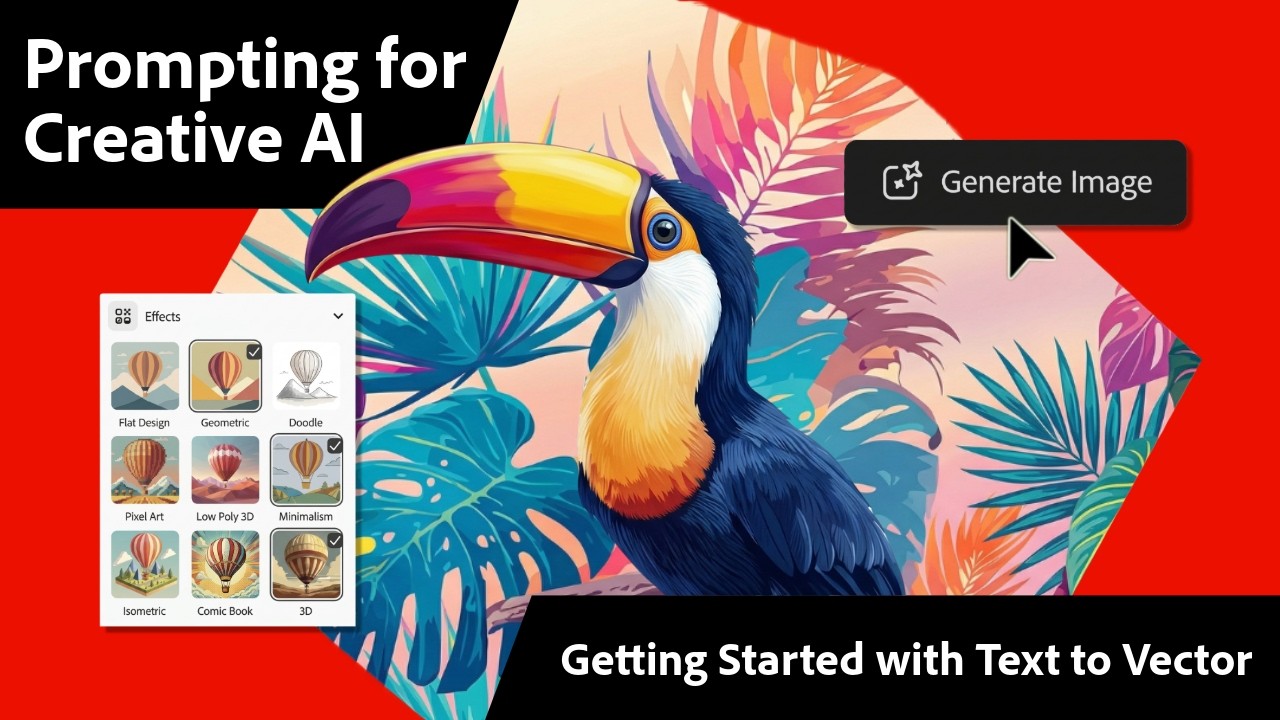
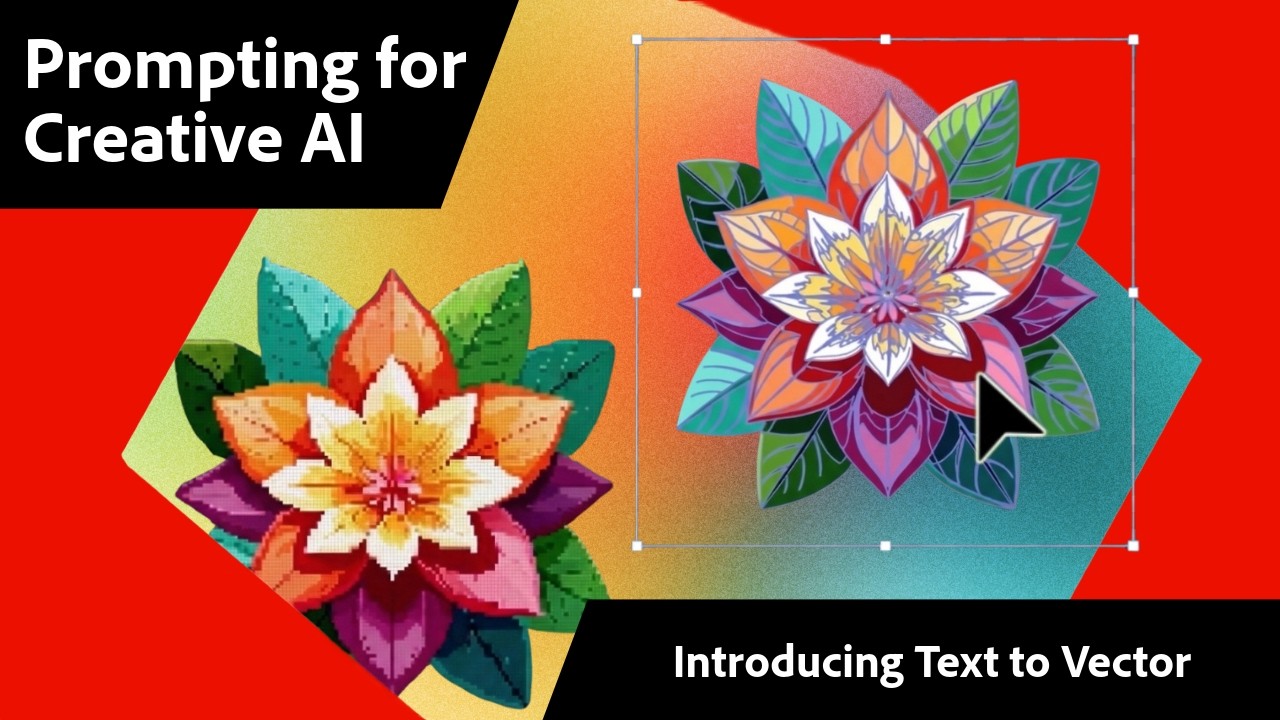
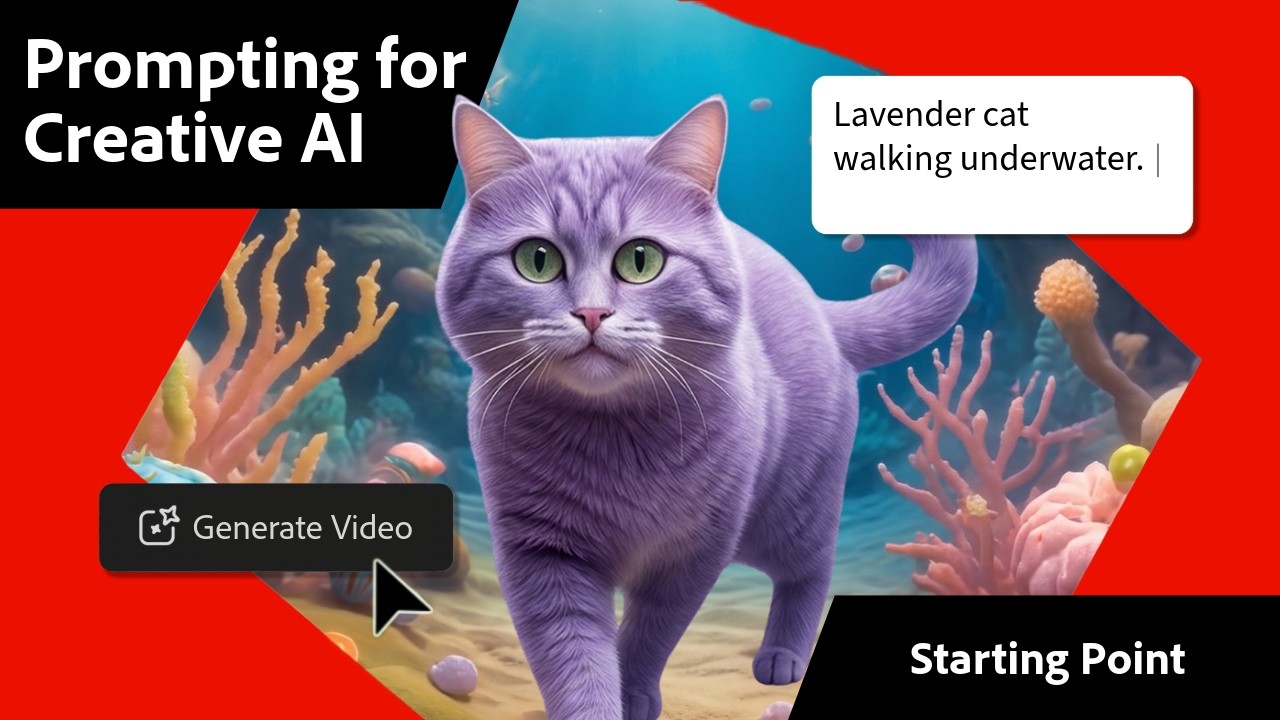

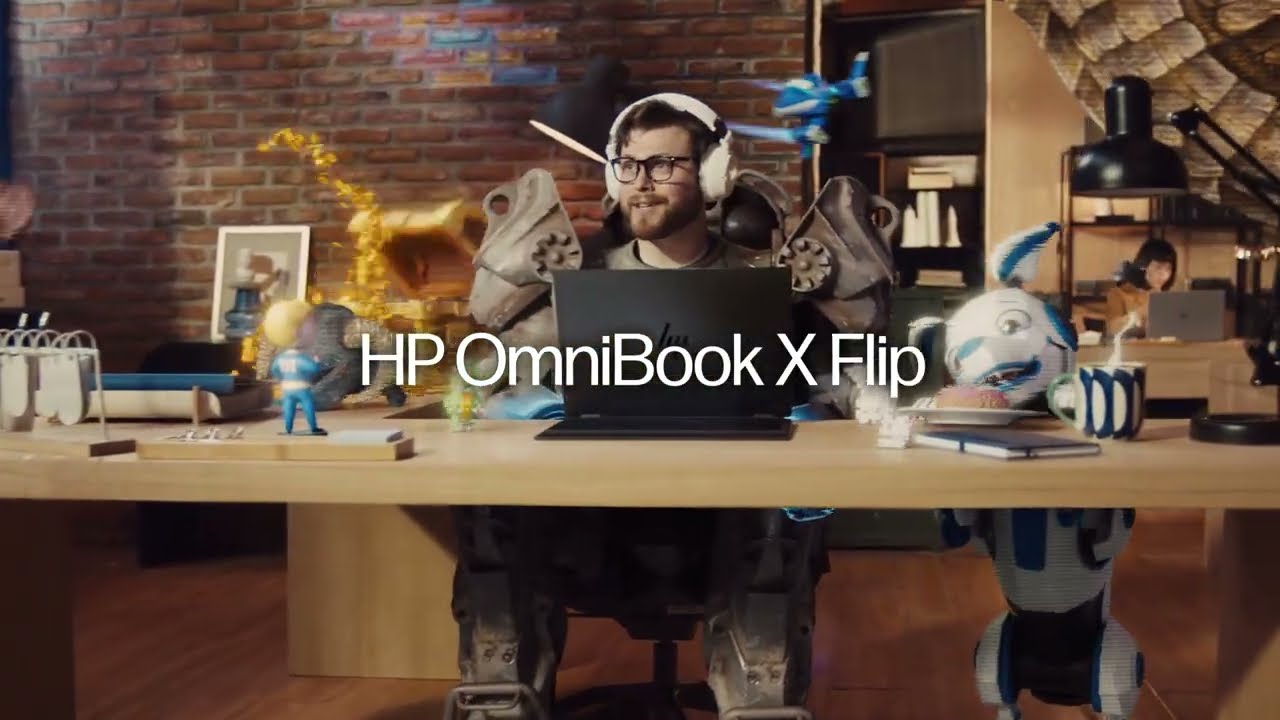
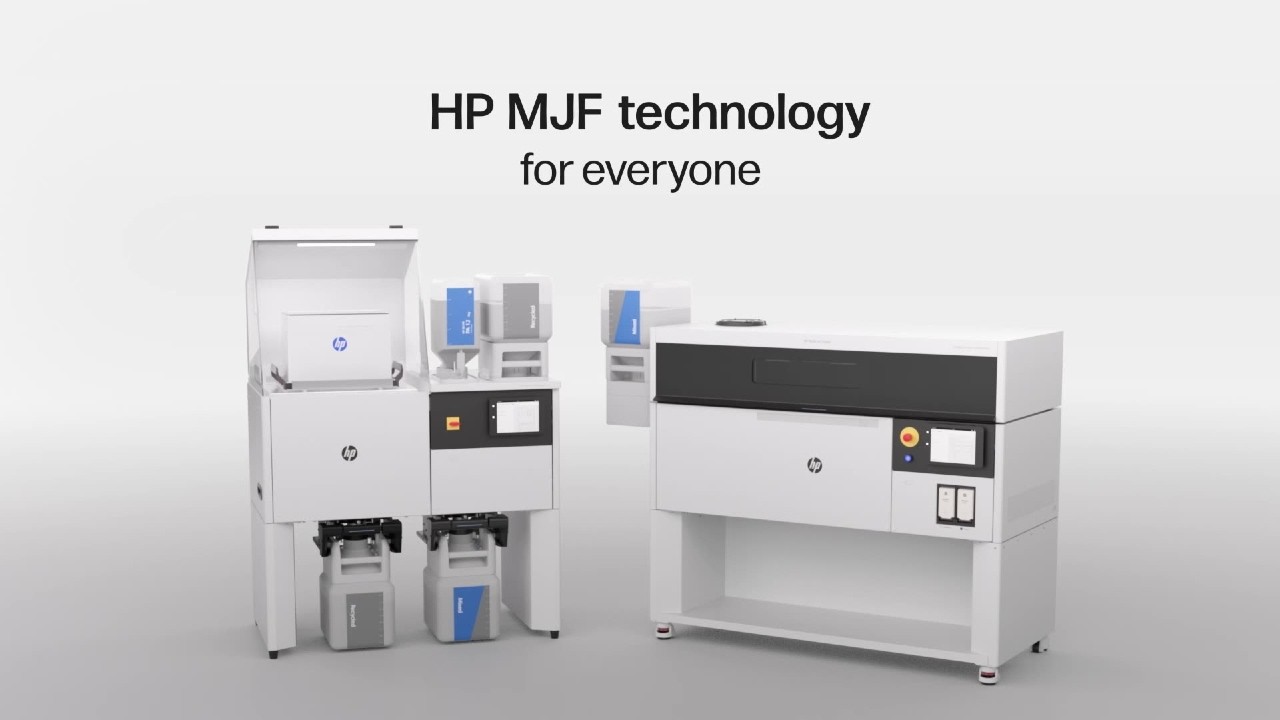
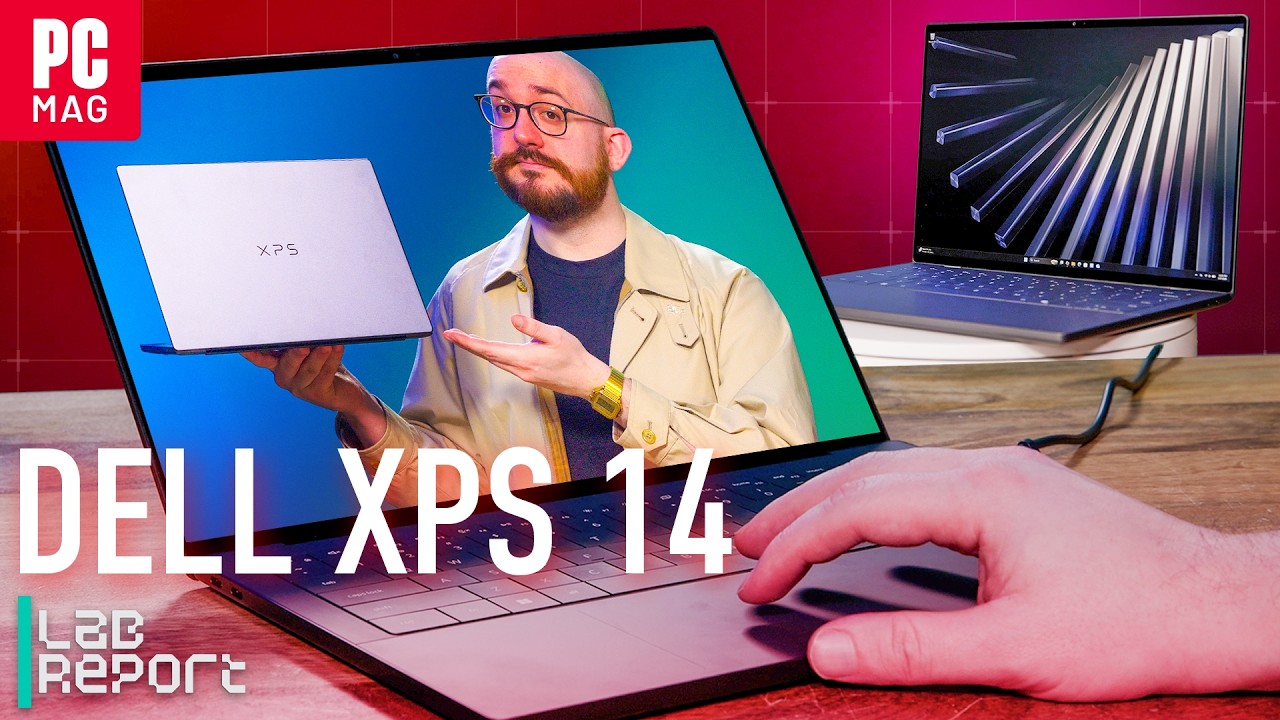
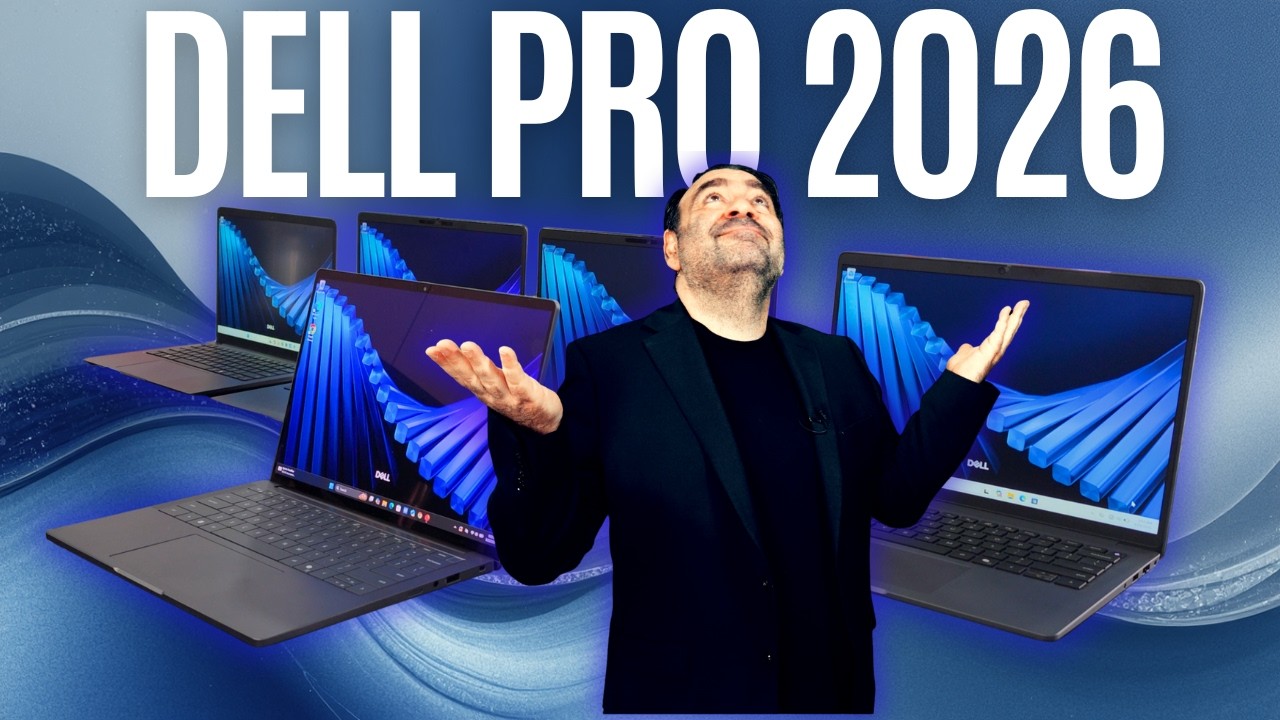
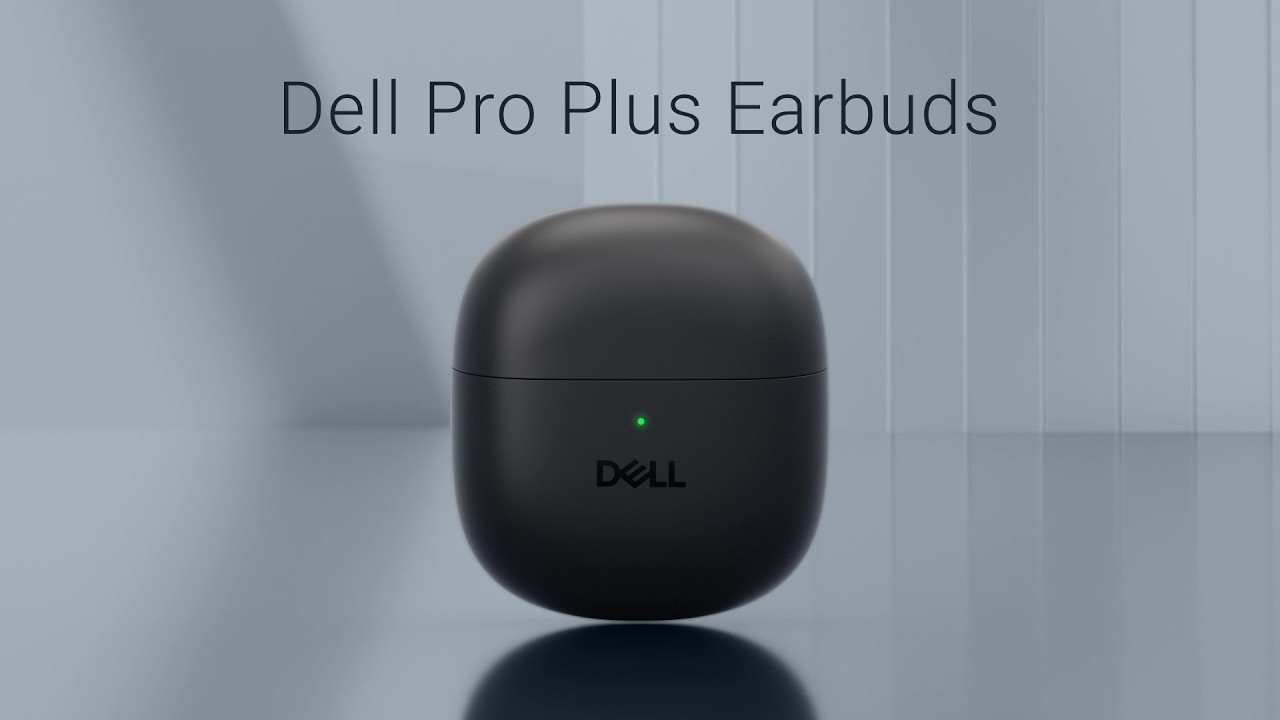











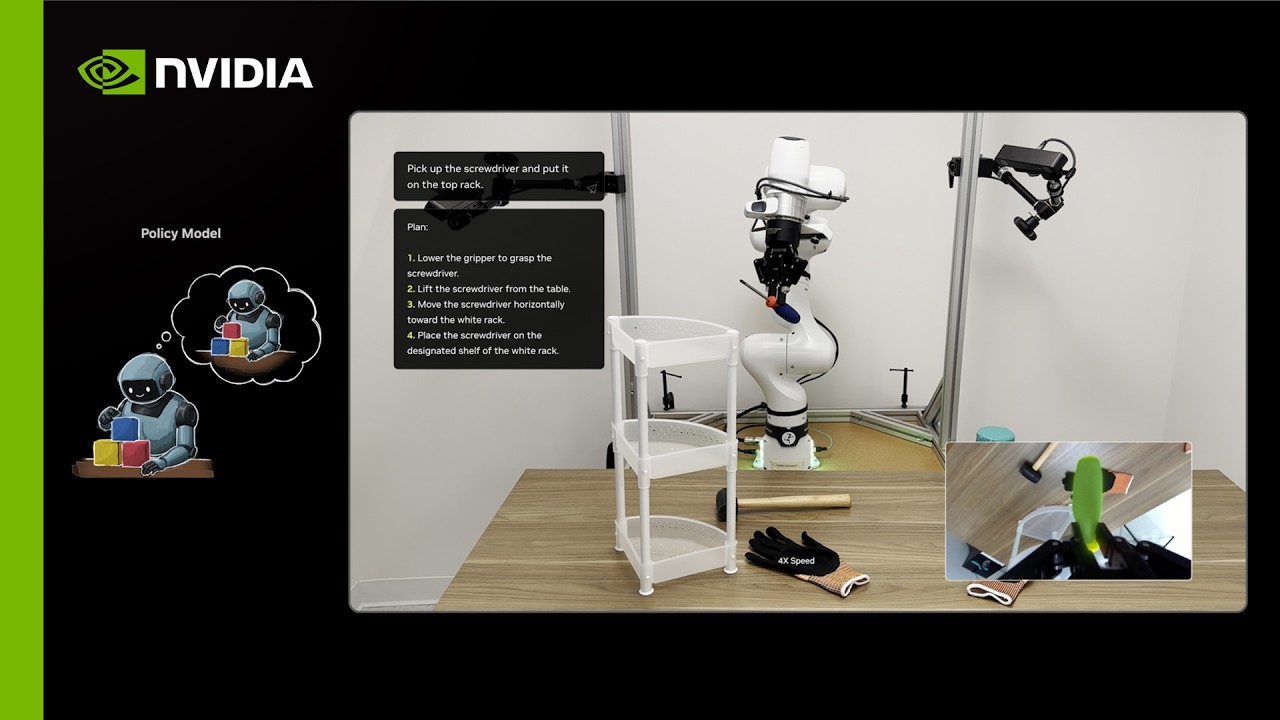





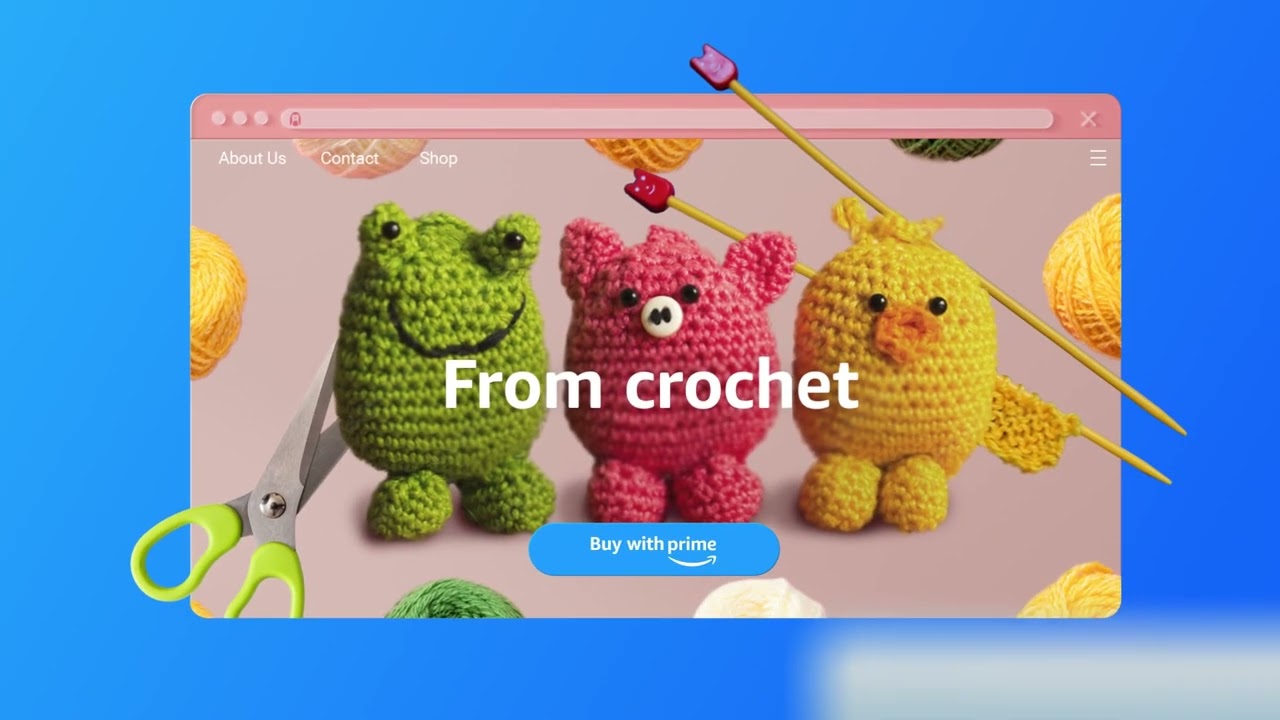
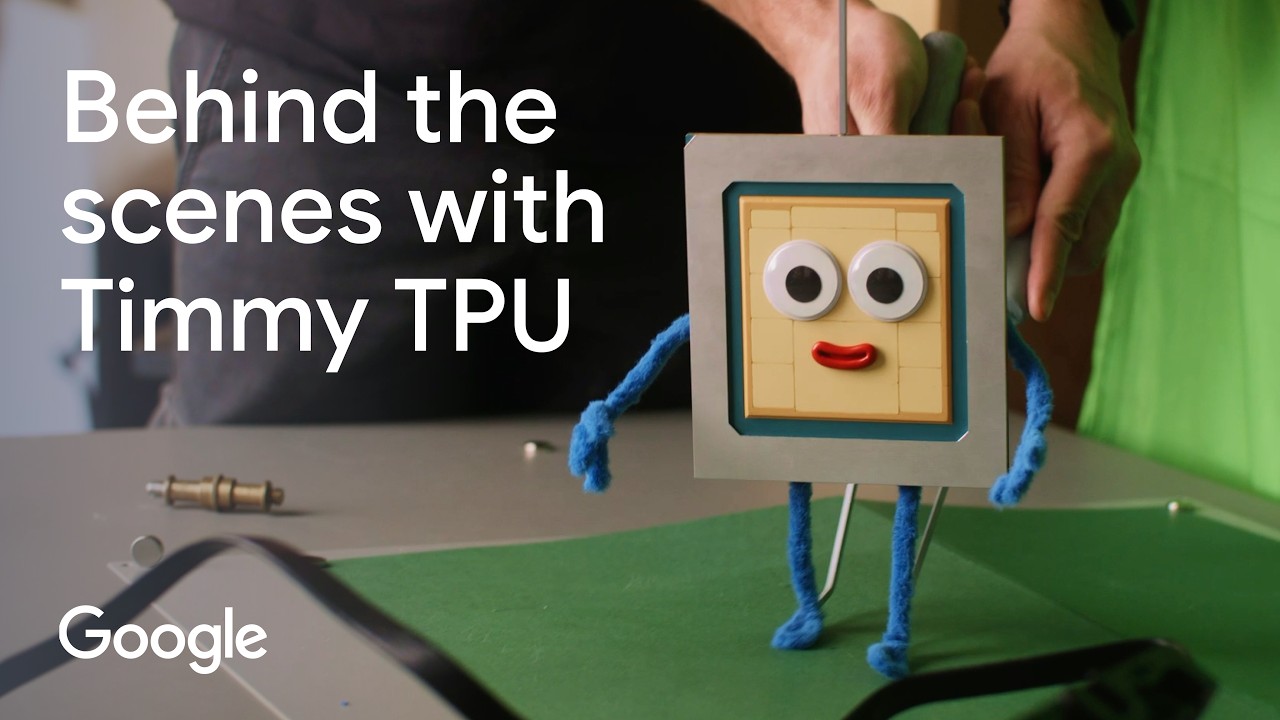
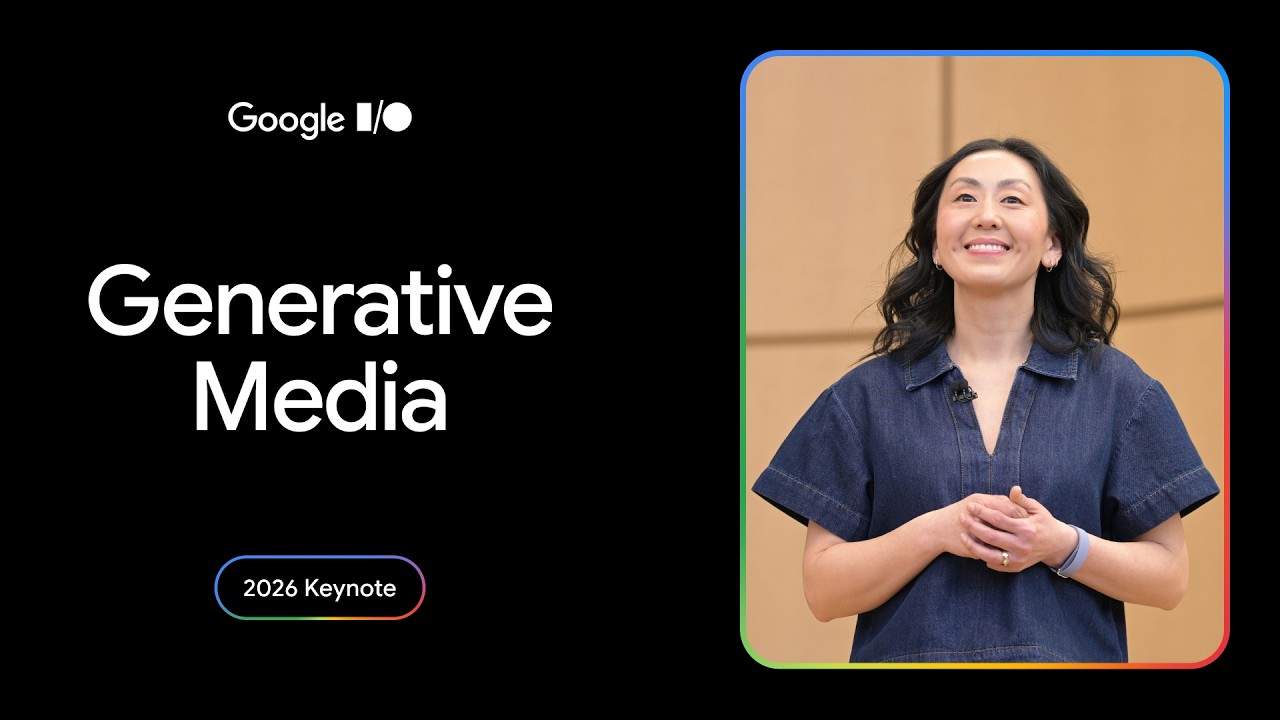
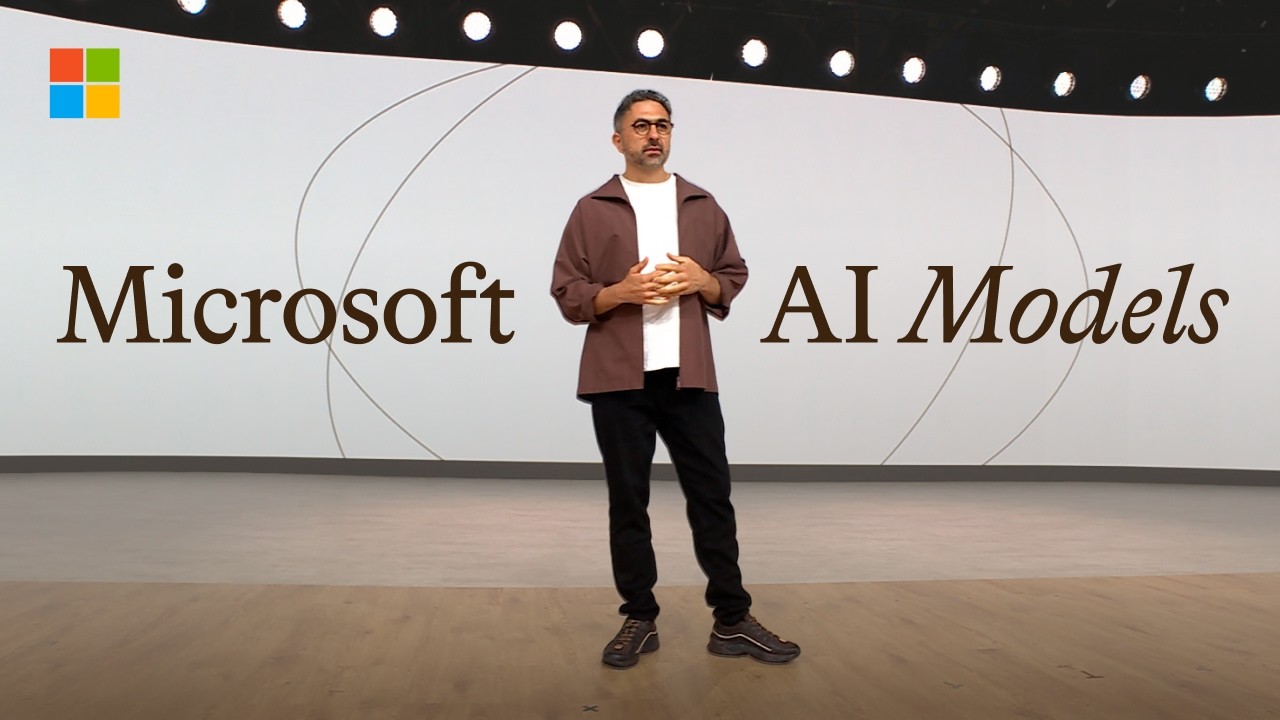
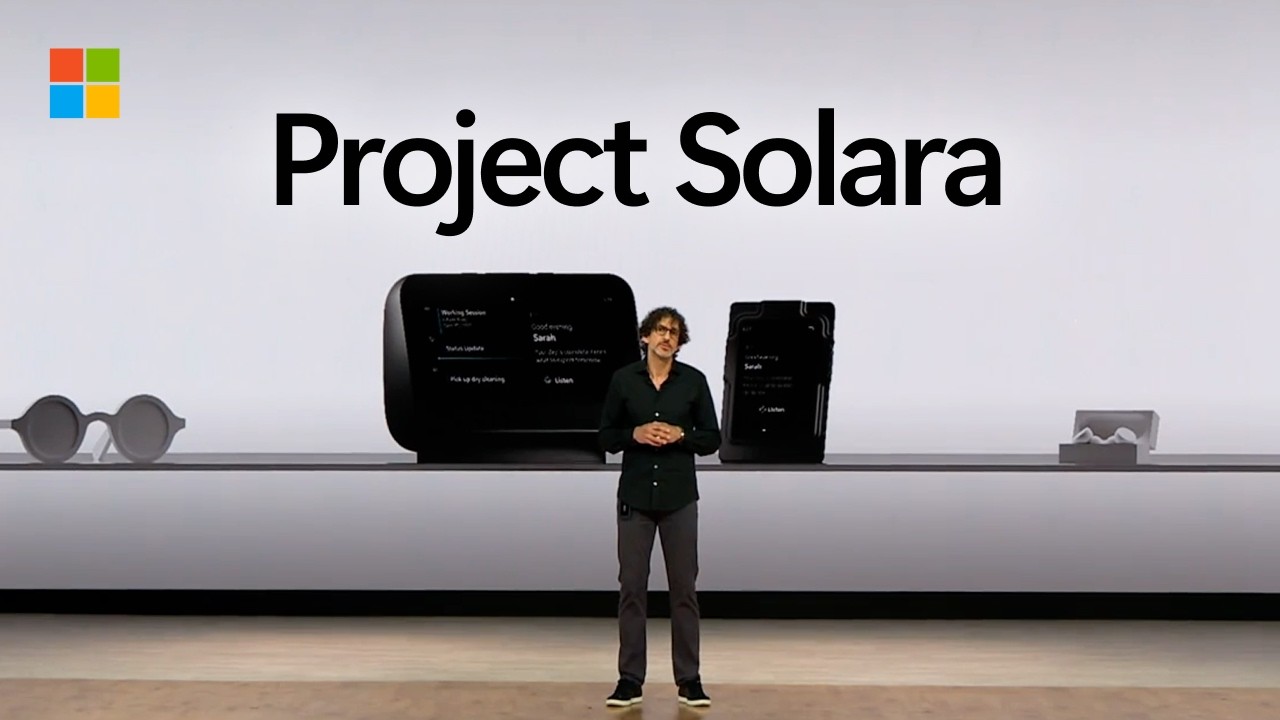

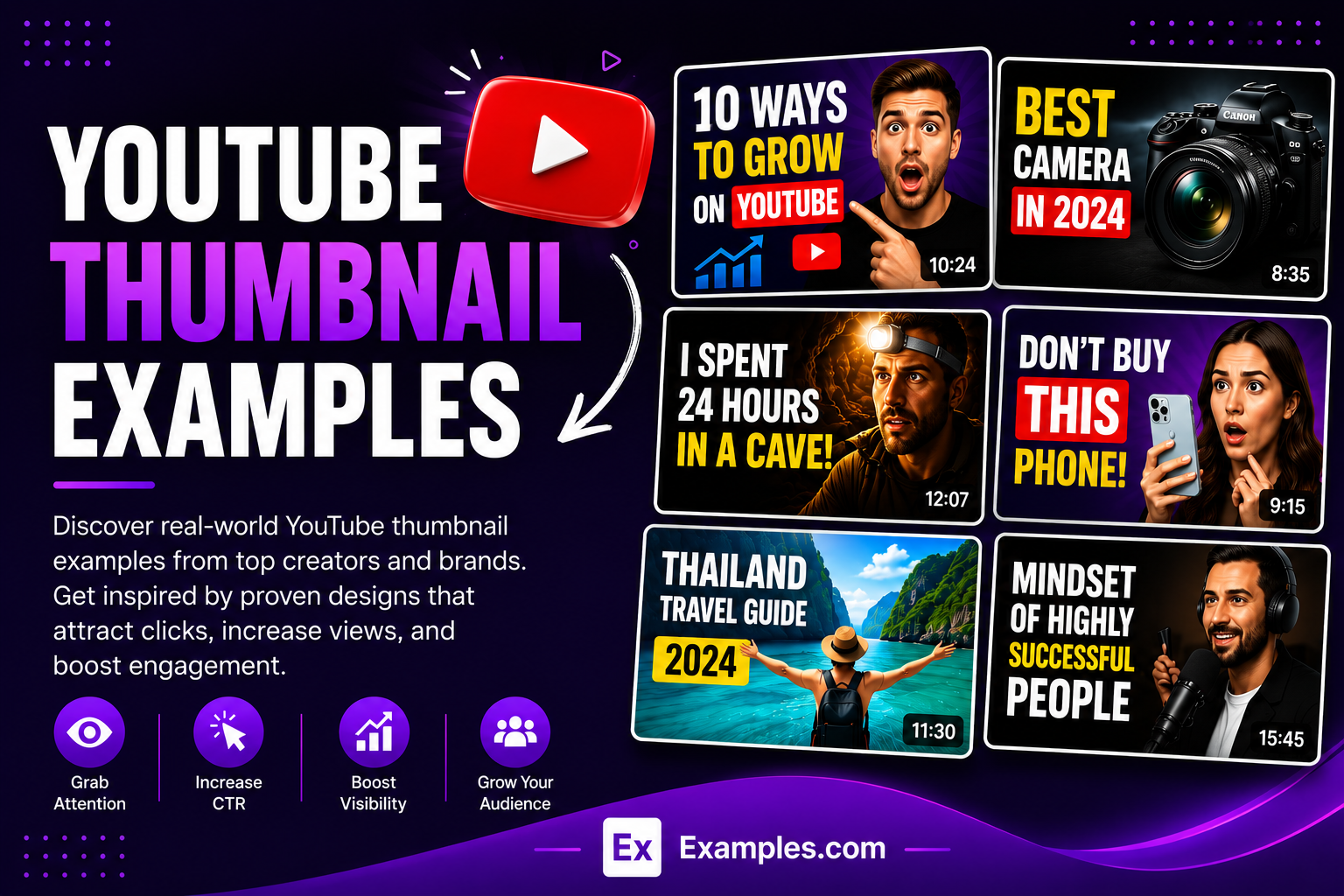
YouTube thumbnails are the most important factor in getting more clicks, views, and watch time on YouTube. The best thumbnails instantly grab attention, create curiosity, and clearly communicate what viewers will gain from the video. Top creators and brands use bold visuals, readable text, strong emotions, and proven design strategies to increase click-through rates and grow their channels faster.
What Is A YouTube Thumbnail?
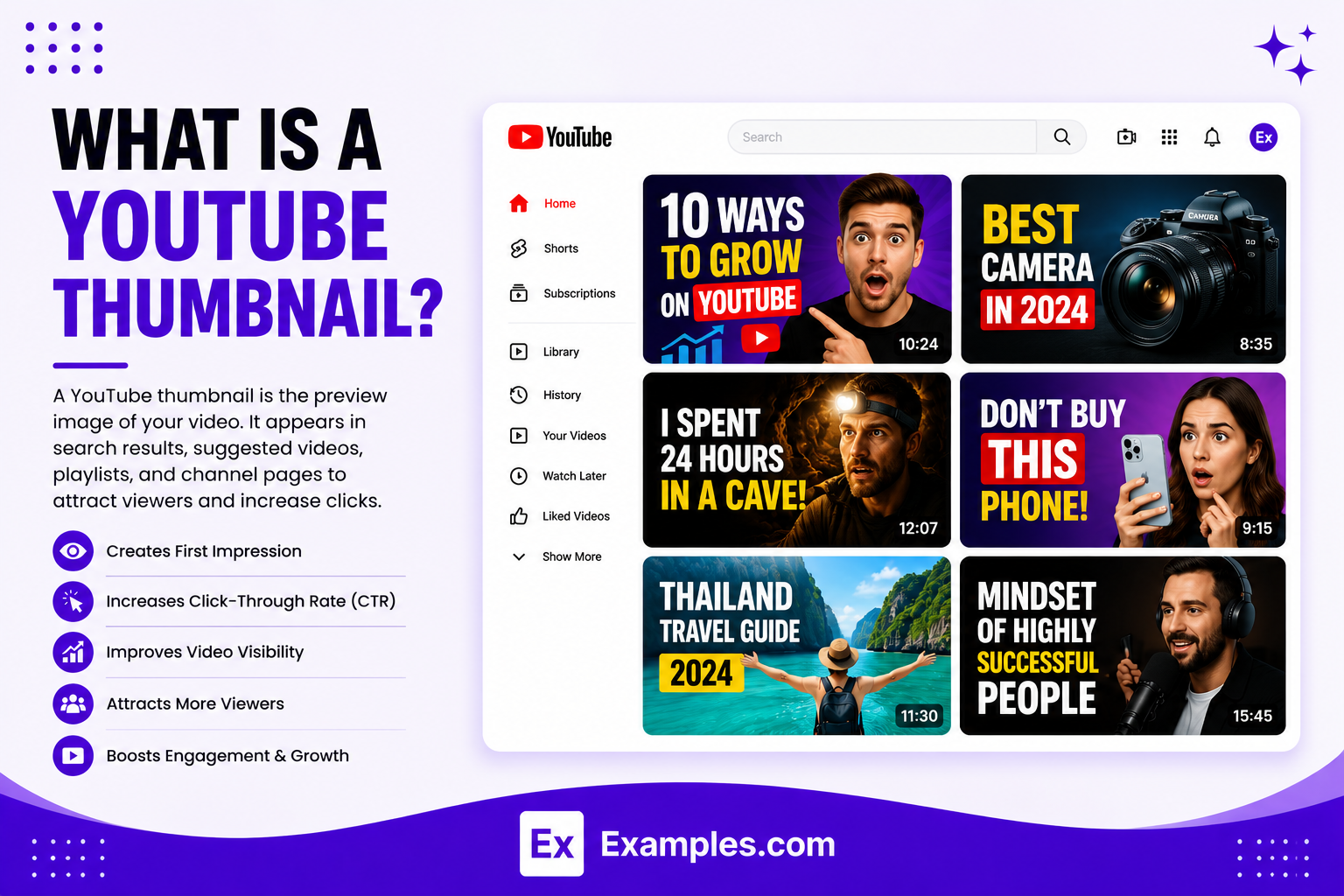
A YouTube thumbnail is the preview image shown before a video is played on YouTube. It helps viewers quickly understand what the video is about and encourages them to click. A strong thumbnail uses eye-catching visuals, clear text, and bold design elements to attract attention, increase views, and improve a video’s overall performance.
A thumbnail appears in:
- Search results
- Home page recommendations
- Suggested videos
- Channel pages
- Playlists
- Mobile feeds
Popular Types Of YouTube Thumbnails
Different content categories use different thumbnail styles.
Educational Thumbnails
Educational videos focus on clarity and information.
Examples
- Tutorials
- Online courses
- Software training
- How-to videos
Business Thumbnails
Business channels use professional branding and clean layouts.
Examples
- Company announcements
- Product launches
- Industry insights
- Leadership content
Gaming Thumbnails
Gaming thumbnails often use dramatic visuals and bright colors.
Examples
- Gameplay videos
- Live streams
- Reviews
- Esports content
Technology Thumbnails
Technology thumbnails highlight products and innovations.
Examples
- Smartphone reviews
- AI demonstrations
- Software tutorials
- Product comparisons
Entertainment Thumbnails
Entertainment content relies heavily on emotion and storytelling.
Examples
- Reaction videos
- Celebrity interviews
- Movie reviews
- Challenges
Podcast Thumbnails
Podcast thumbnails focus on hosts, guests, and discussion topics.
Examples
- Interview podcasts
- Business podcasts
- Educational podcasts
- News discussions
Travel Thumbnails
Travel thumbnails use scenic imagery and destination highlights.
Examples
- Travel vlogs
- Destination guides
- Adventure content
- Hotel reviews
Product Review Thumbnails
These thumbnails emphasize products and key benefits.
Examples
- Electronics reviews
- Software reviews
- Automotive reviews
- Consumer products
How Do I Generate Ads Using Proven Examples from Top Companies?
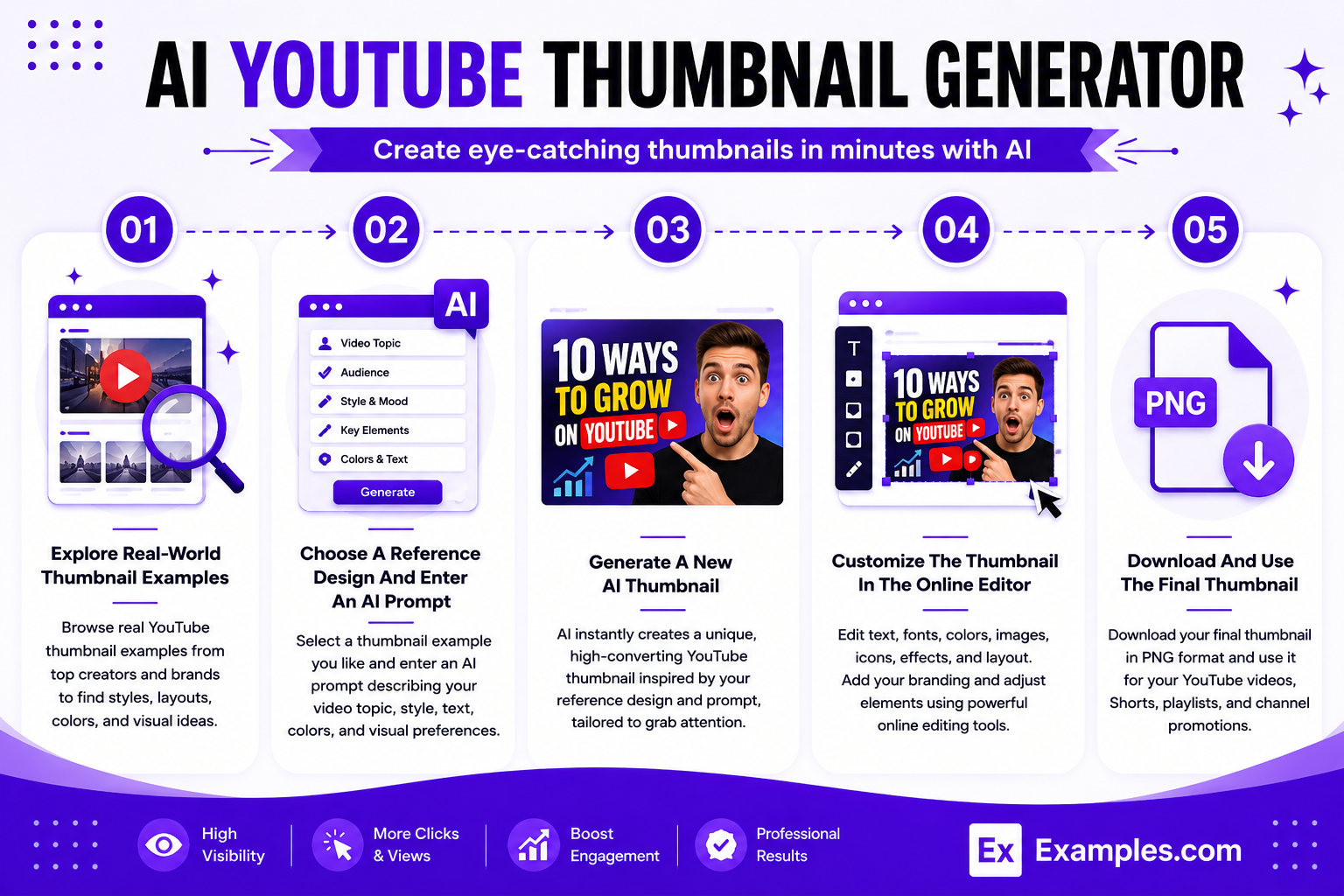
Creating YouTube thumbnails with AI helps users quickly generate professional visuals using prompts, reference examples, and built-in editing tools.
Explore Real-World YouTube Thumbnail Examples
Browse real-world YouTube thumbnail examples to discover proven layouts, visual hooks, typography styles, branding techniques, colors, facial expressions, and content strategies used by successful creators and brands.
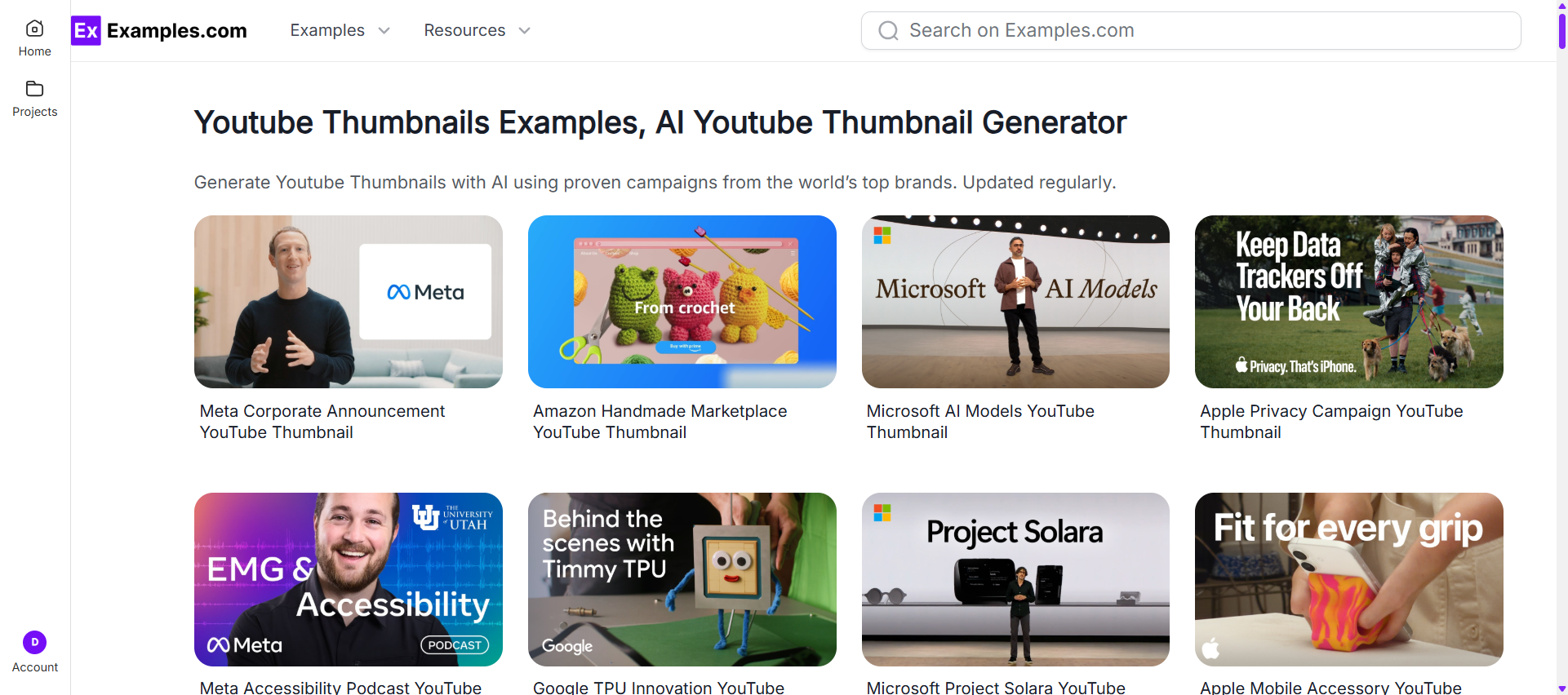
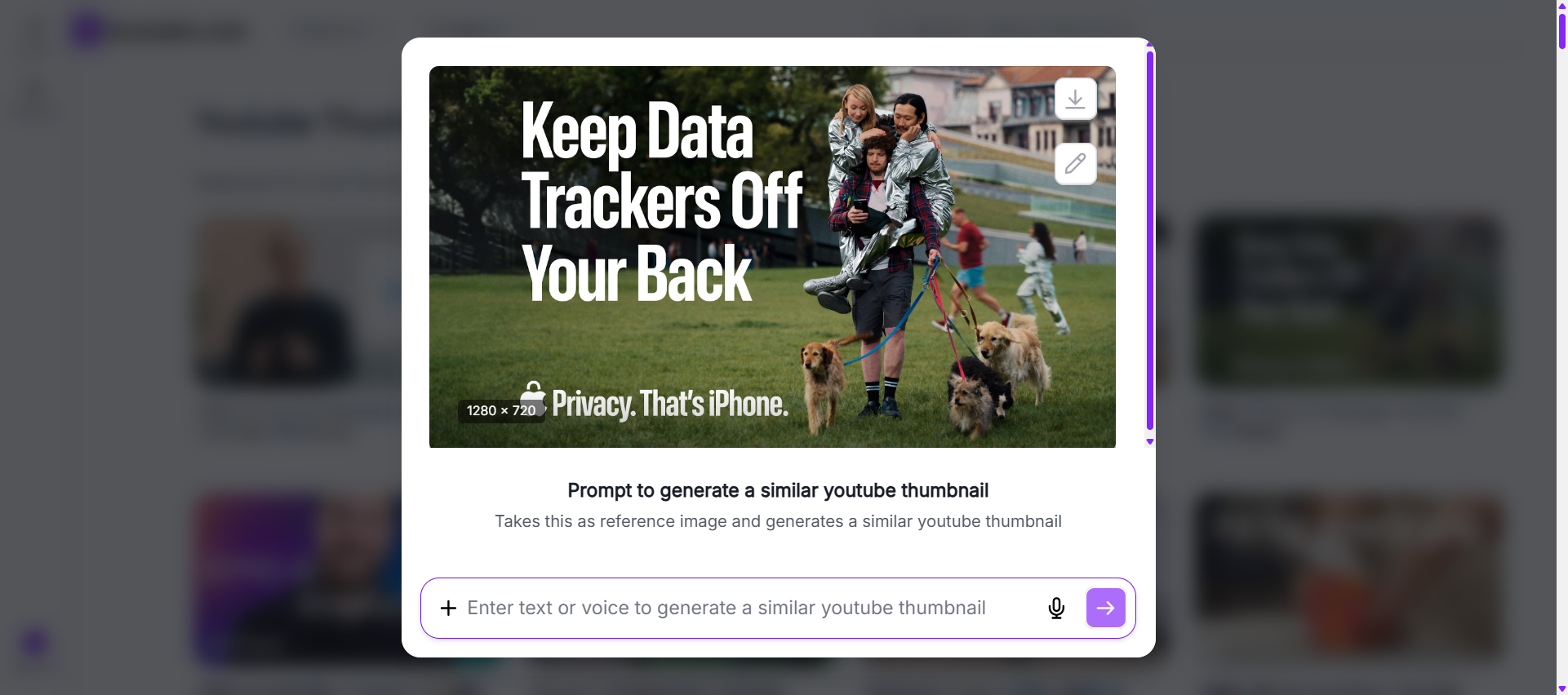
Choose A Reference Design And Enter An AI Prompt
Select a thumbnail example that matches your preferred style. Then enter an AI prompt describing your video topic, audience, colors, text, branding, visual elements, and overall content goals.
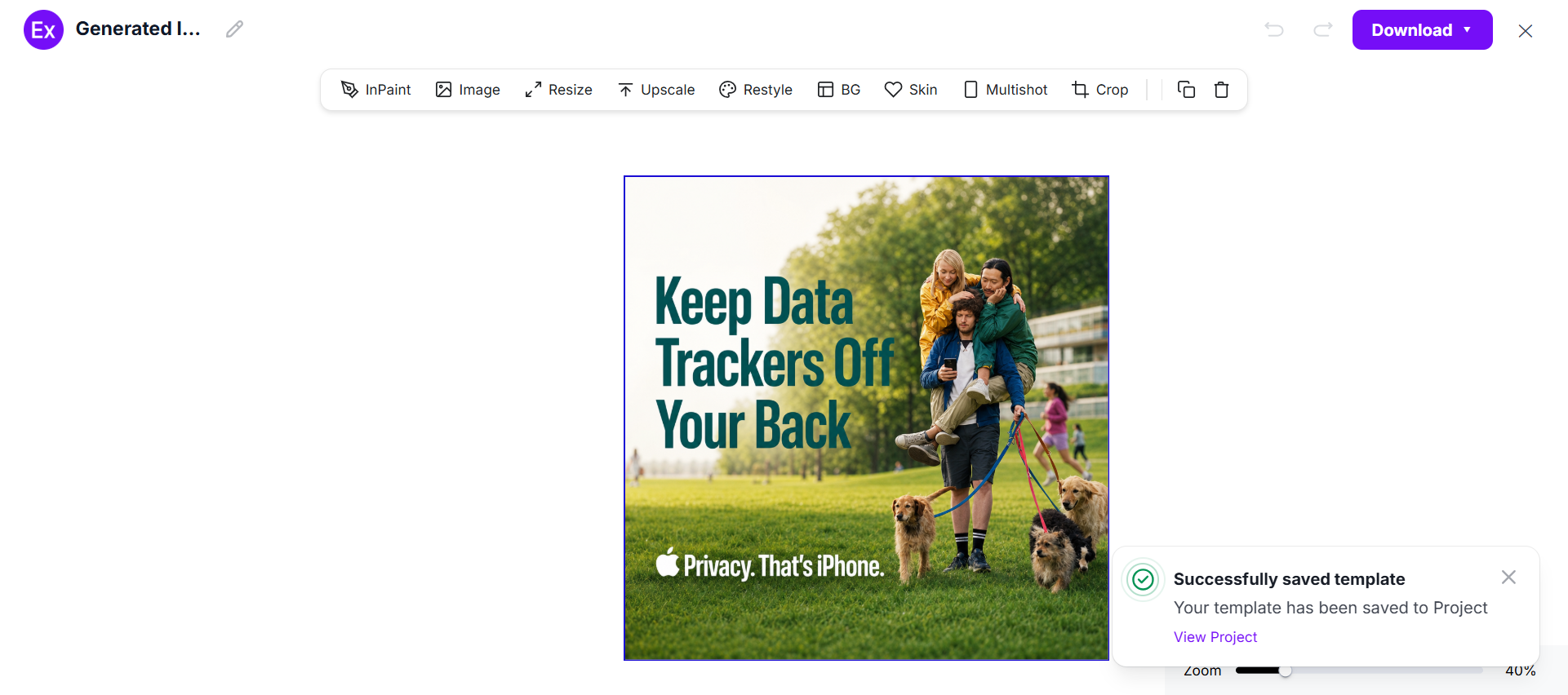
Generate A New AI YouTube Thumbnail
The AI instantly creates a completely new thumbnail inspired by the selected reference design and prompt. Each design is unique and optimized for visibility and engagement.
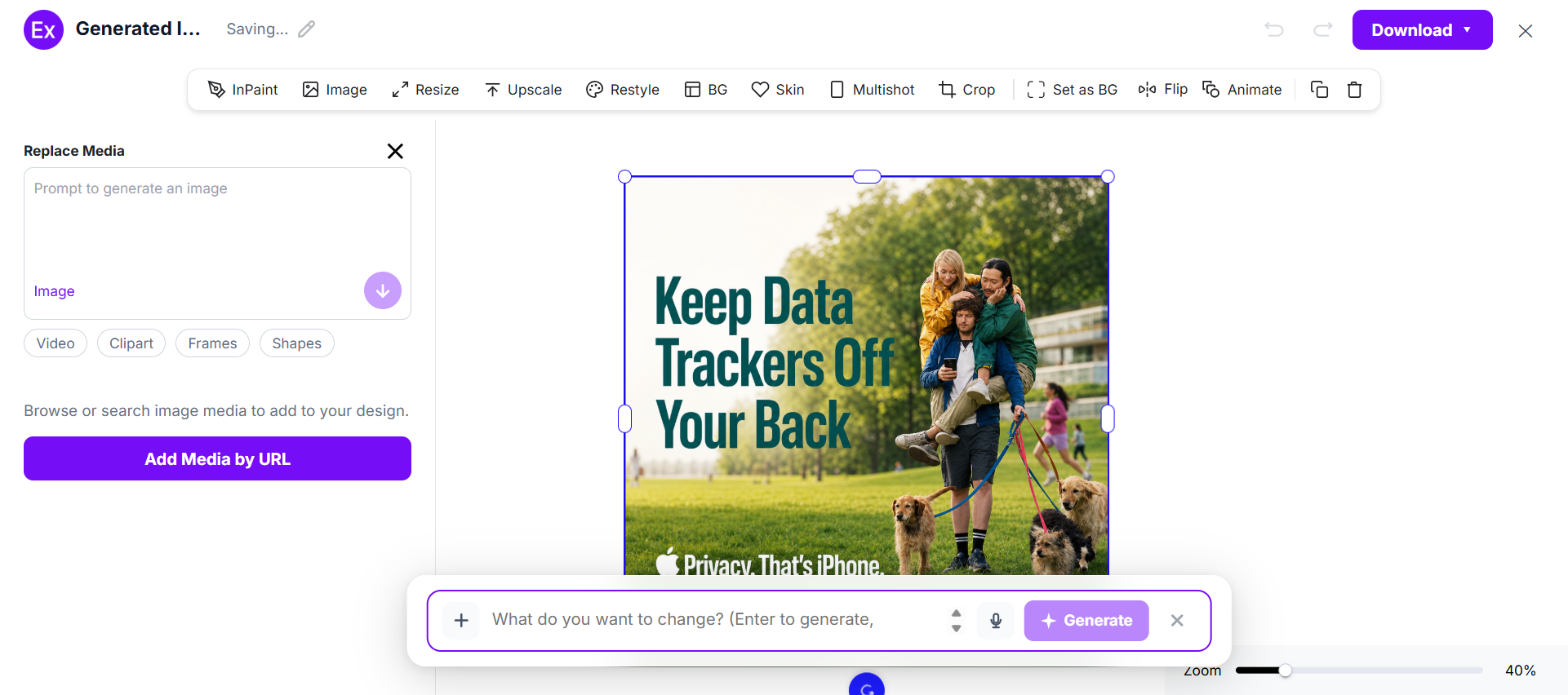
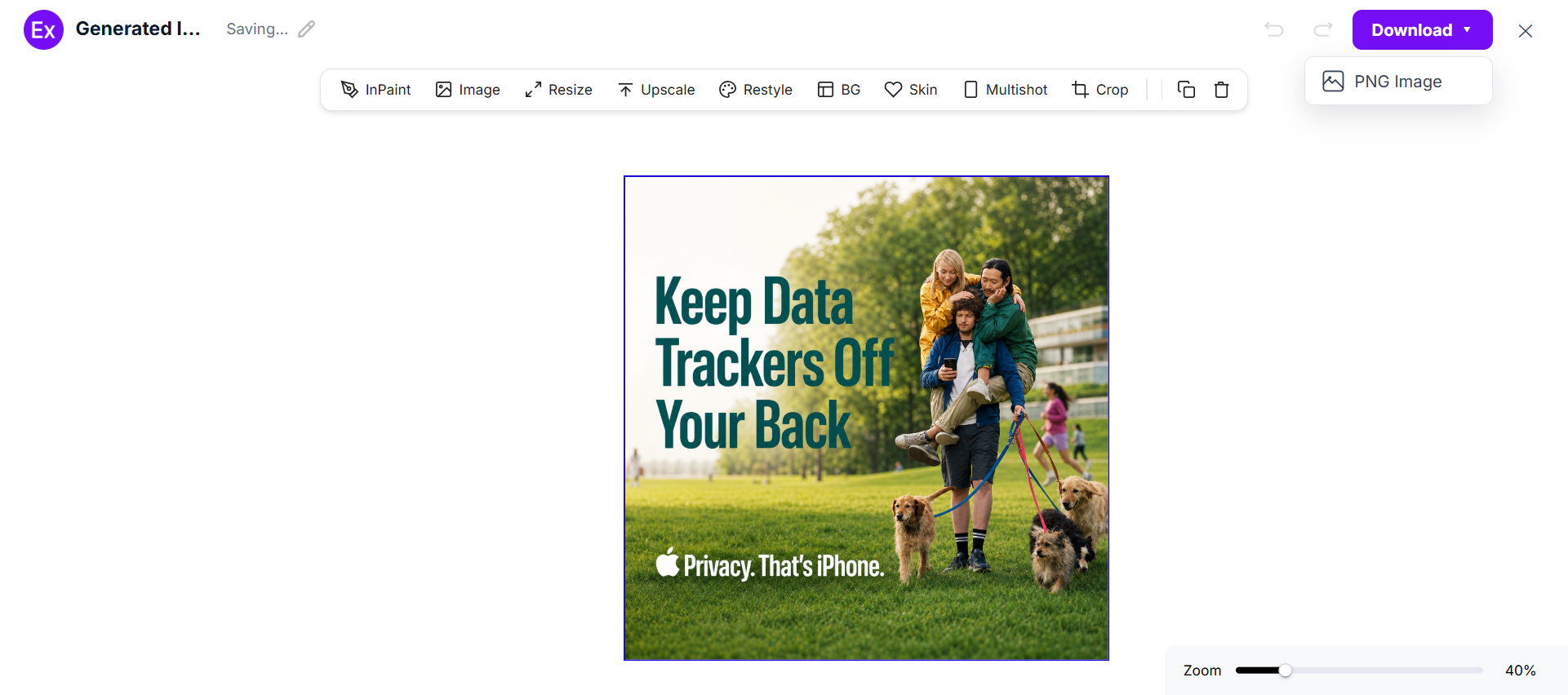
Customize The Thumbnail In The Online Editor
Open the generated thumbnail inside the editor to adjust text, images, colors, graphics, layouts, branding elements, and other visual components.
Download And Use The Final Thumbnail
Once customization is complete, download the thumbnail in PNG format. The final design can be used on YouTube videos, playlists, Shorts, channel promotions, and marketing campaigns.
YouTube Thumbnail Sizes
Choosing the correct thumbnail size helps maintain image quality and readability.
| Thumbnail Type | Recommended Size |
|---|---|
| Standard YouTube Thumbnail | 1280 × 720 px |
| Minimum Width | 640 px |
| Aspect Ratio | 16:9 |
| YouTube Shorts Thumbnail | 1080 × 1920 px |
| Channel Banner Preview | 2560 × 1440 px |
Most Popular Thumbnail Size
The standard YouTube thumbnail size of 1280 × 720 pixels is the most widely used because it works across desktop, mobile, TV, and search results.
YouTube Thumbnail Design Elements
Successful thumbnails use several key design components.
Strong Images
High-quality images help capture attention immediately.
Popular visual elements include:
- Human faces
- Products
- Screenshots
- Before-and-after comparisons
- Action shots
Typography
Thumbnail text should be short and readable.
Best practices include:
- Large font sizes
- High contrast colors
- Few words
- Bold typography
Colors
Bright colors often increase visibility.
| Color | Common Use |
|---|---|
| Red | Urgency and excitement |
| Yellow | Attention grabbing |
| Blue | Trust and professionalism |
| Green | Growth and success |
| Purple | Creativity and innovation |
Branding
Consistent branding improves channel recognition.
Common branding elements:
- Logos
- Brand colors
- Templates
- Watermarks
How Top Creators Design YouTube Thumbnails
Leading creators invest significant effort into thumbnail design.
MrBeast
Known for:
- Bright colors
- Dramatic expressions
- Visual storytelling
- Large subjects
Marques Brownlee (MKBHD)
Known for:
- Clean product imagery
- Professional photography
- Minimal text
- Strong focus on technology
Ali Abdaal
Known for:
- Clear educational themes
- Personal branding
- Readable typography
- Professional layouts
TED
Known for:
- Speaker-focused visuals
- Simple branding
- Consistent layouts
- Educational clarity
Thumbnail Psychology: Why People Click
Understanding viewer psychology can improve thumbnail performance.
Curiosity
People naturally want to discover missing information.
Social Proof
Viewers trust content that appears popular or authoritative.
Surprise
Unexpected visuals often attract attention.
Transformation
Before-and-after thumbnails create strong curiosity.
Authority
Expert-led thumbnails increase credibility and trust.
AI YouTube Thumbnail Generator Examples
AI-powered design tools help creators generate thumbnails quickly.
Popular AI Thumbnail Generators
- Canva AI
- Adobe Express
- Fotor
- VistaCreate
- Picsart AI
Benefits Of AI Thumbnail Design
- Faster creation
- Professional layouts
- Easy customization
- Multiple design options
- Consistent branding
- Beginner-friendly workflows
Common YouTube Thumbnail Mistakes
Avoid these common design errors.
Mistakes To Avoid
- Too much text
- Low-resolution images
- Poor color contrast
- Cluttered layouts
- Misleading visuals
- Weak focal points
- Inconsistent branding
FAQ’s
What are YouTube thumbnail examples?
YouTube thumbnail examples are real-world thumbnail designs used by creators, brands, businesses, and media companies to attract viewers and improve video performance.
Why are YouTube thumbnails important?
Thumbnails influence click-through rates, visibility, engagement, and viewer decisions before a video is watched.
What size should a YouTube thumbnail be?
The recommended size is 1280 × 720 pixels with a 16:9 aspect ratio.
How many words should a thumbnail contain?
Most high-performing thumbnails use between one and six words for maximum readability.
Can AI generate YouTube thumbnails?
Yes. AI thumbnail generators can create professional thumbnails using prompts, templates, and automated design tools.
What colors perform best on YouTube thumbnails?
High-contrast colors such as red, yellow, blue, purple, and green often attract more attention.
Should thumbnails include faces?
Human faces often improve engagement because they create emotional connections with viewers.
How often should I update thumbnails?
Creators commonly update thumbnails when optimizing older videos or improving click-through rates.
What makes a thumbnail high-converting?
Clear visuals, bold text, strong contrast, emotional appeal, and a compelling value proposition.
Do branded thumbnails perform better?
Consistent branding can improve channel recognition, audience trust, and long-term viewer retention.