
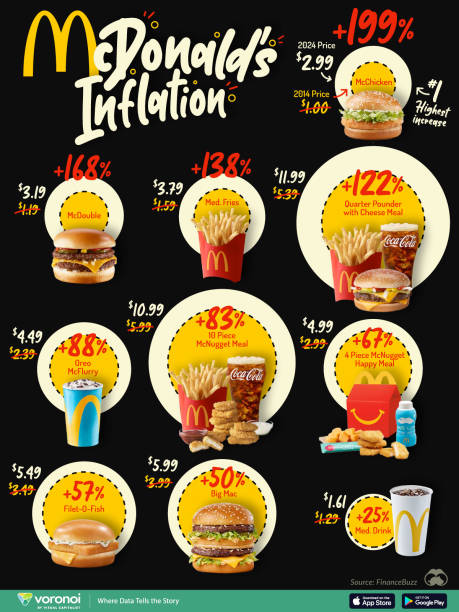
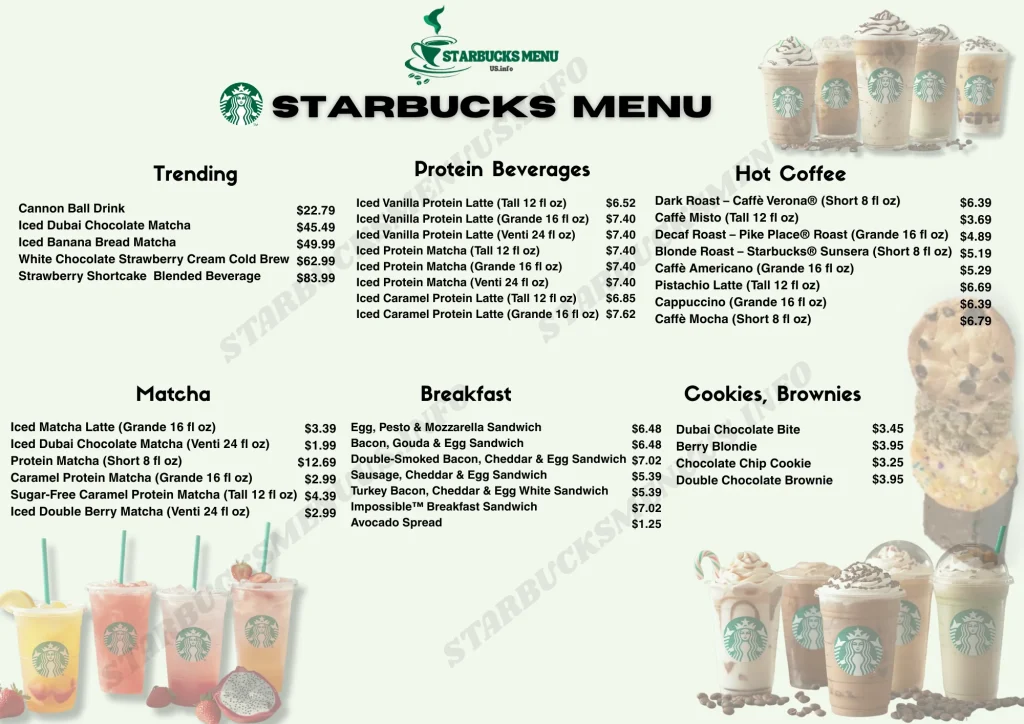
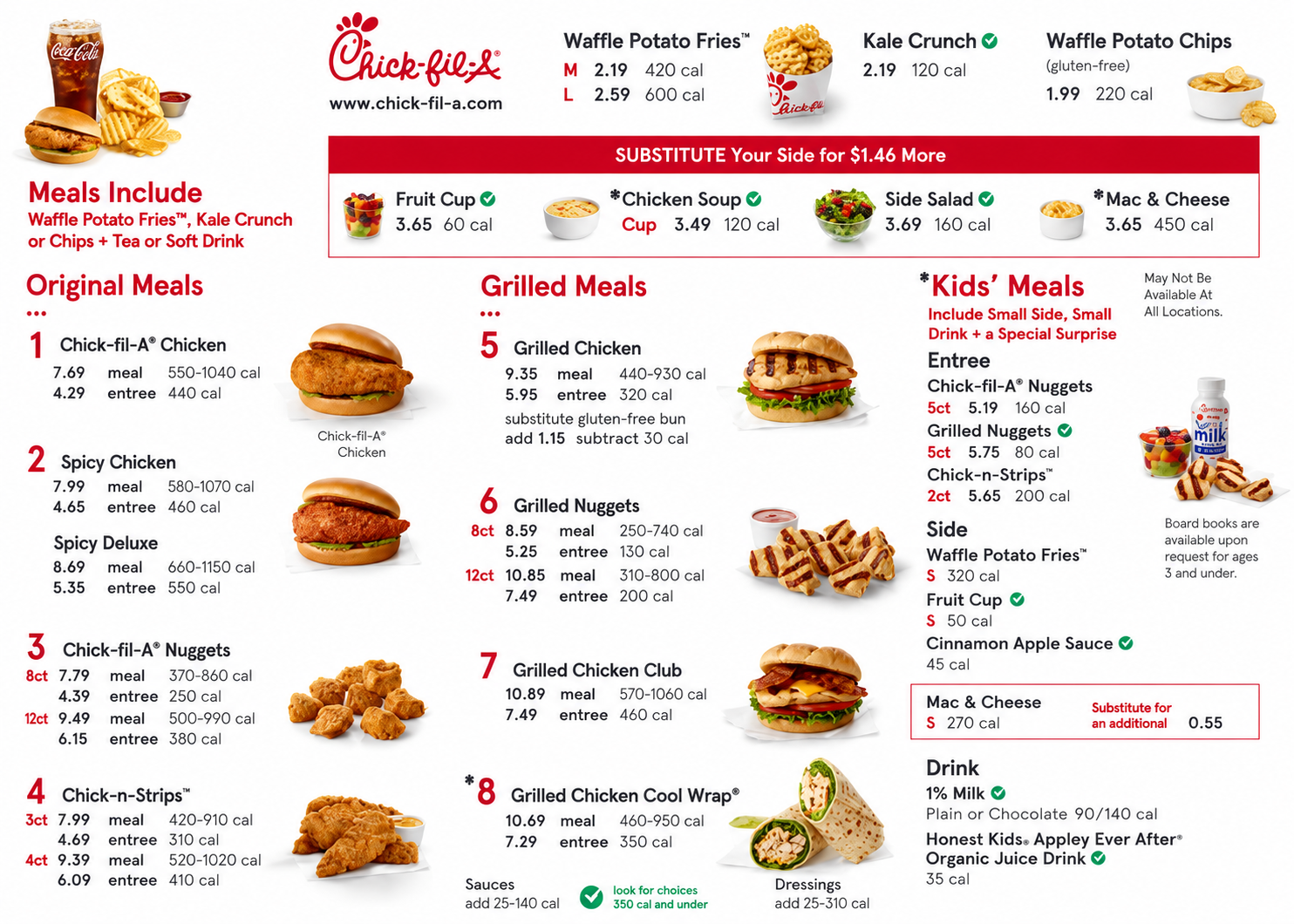
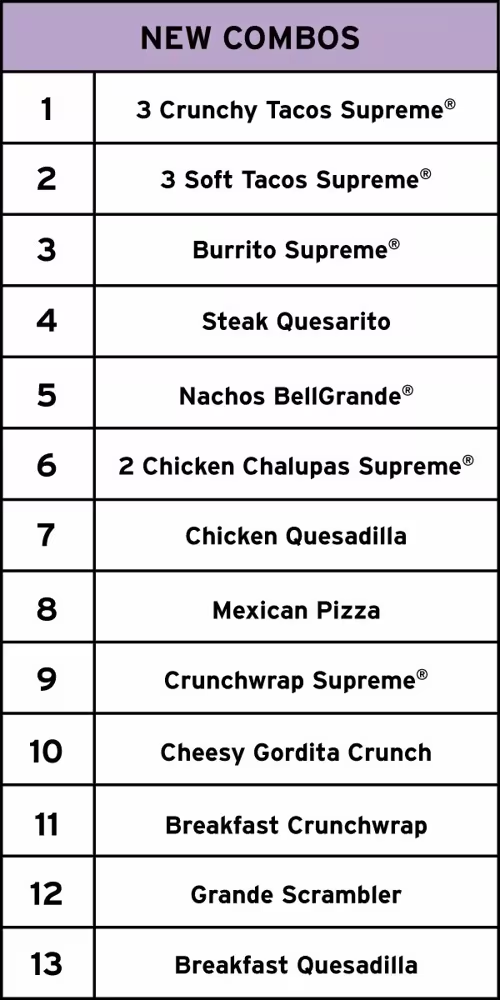
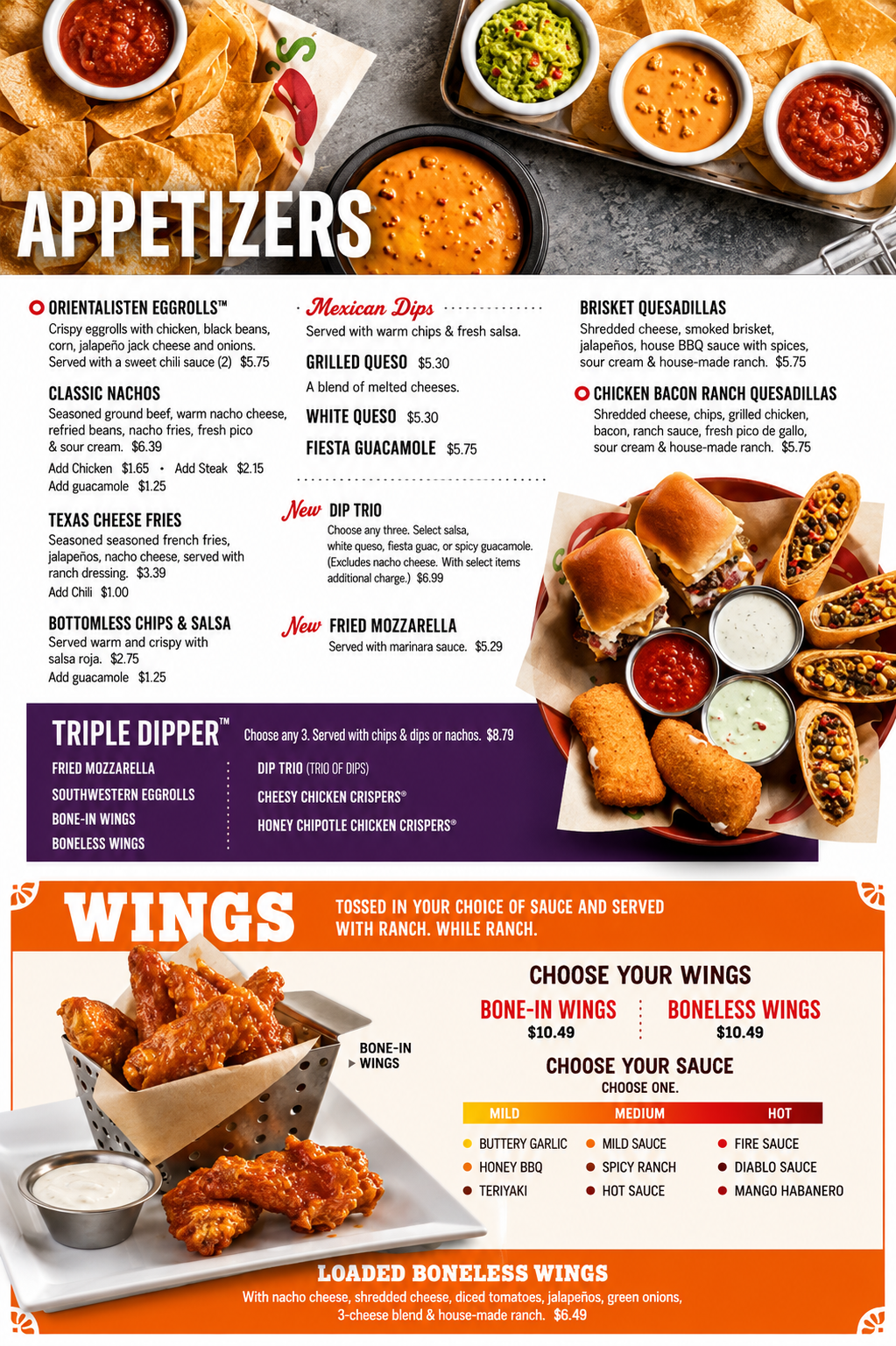
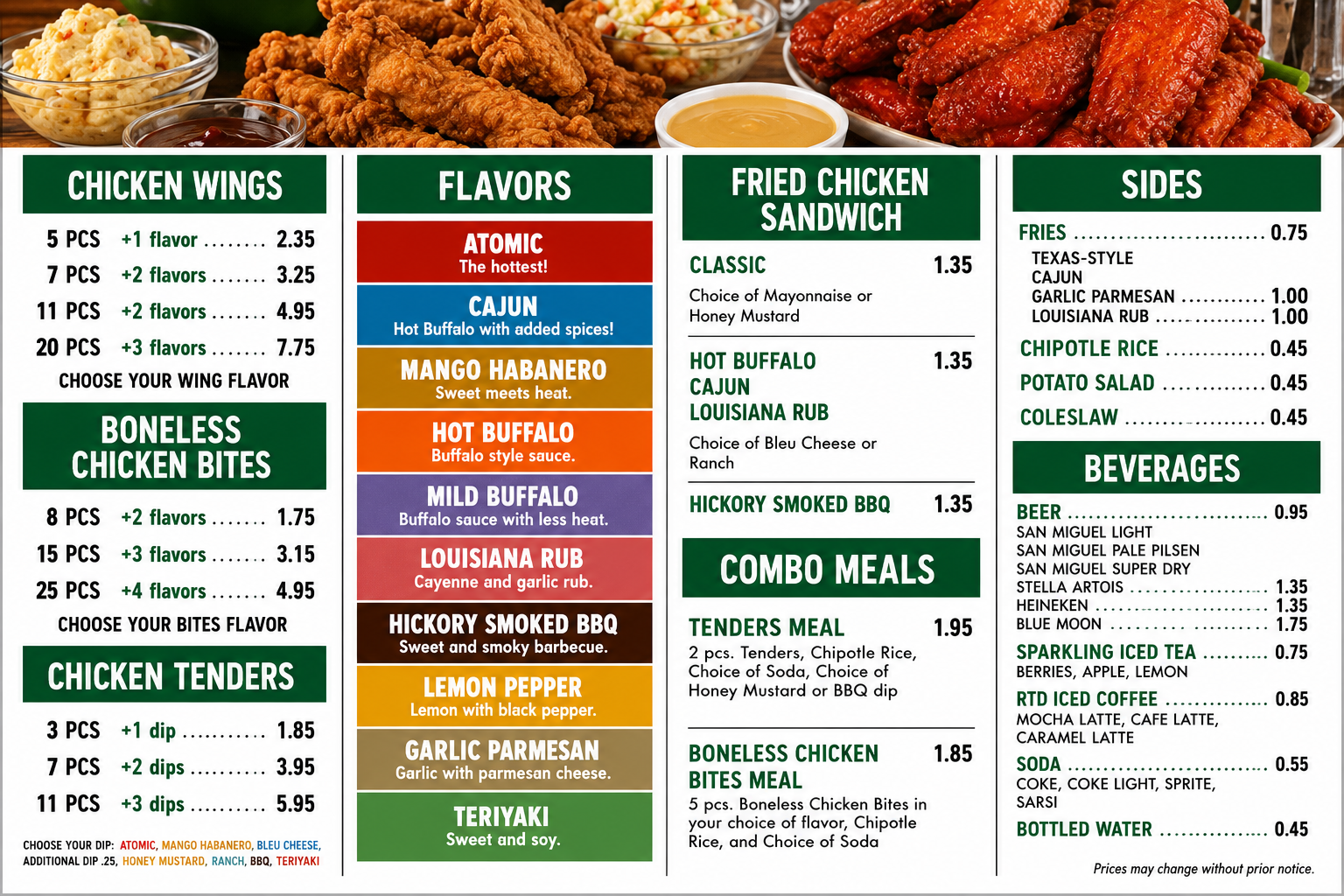
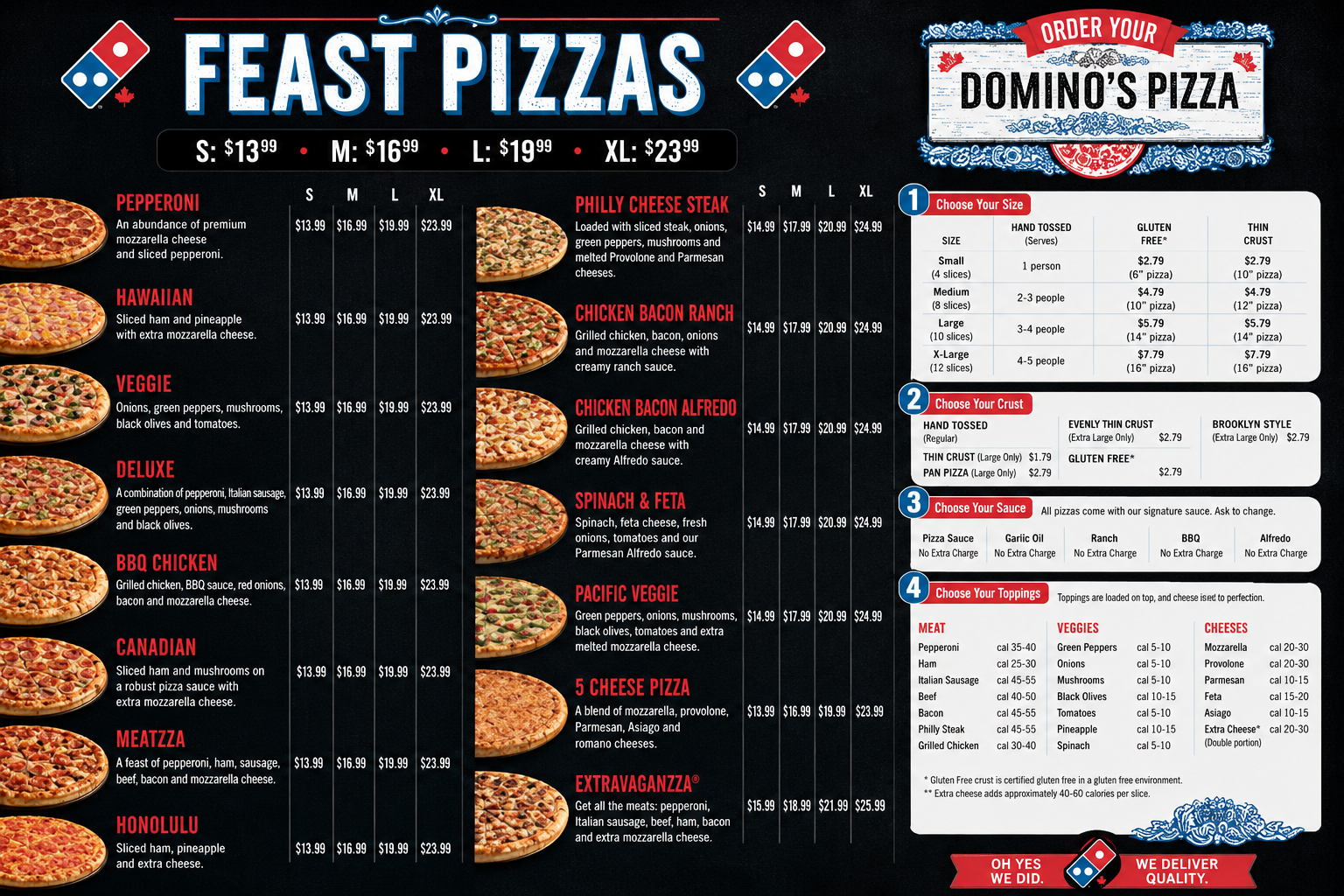
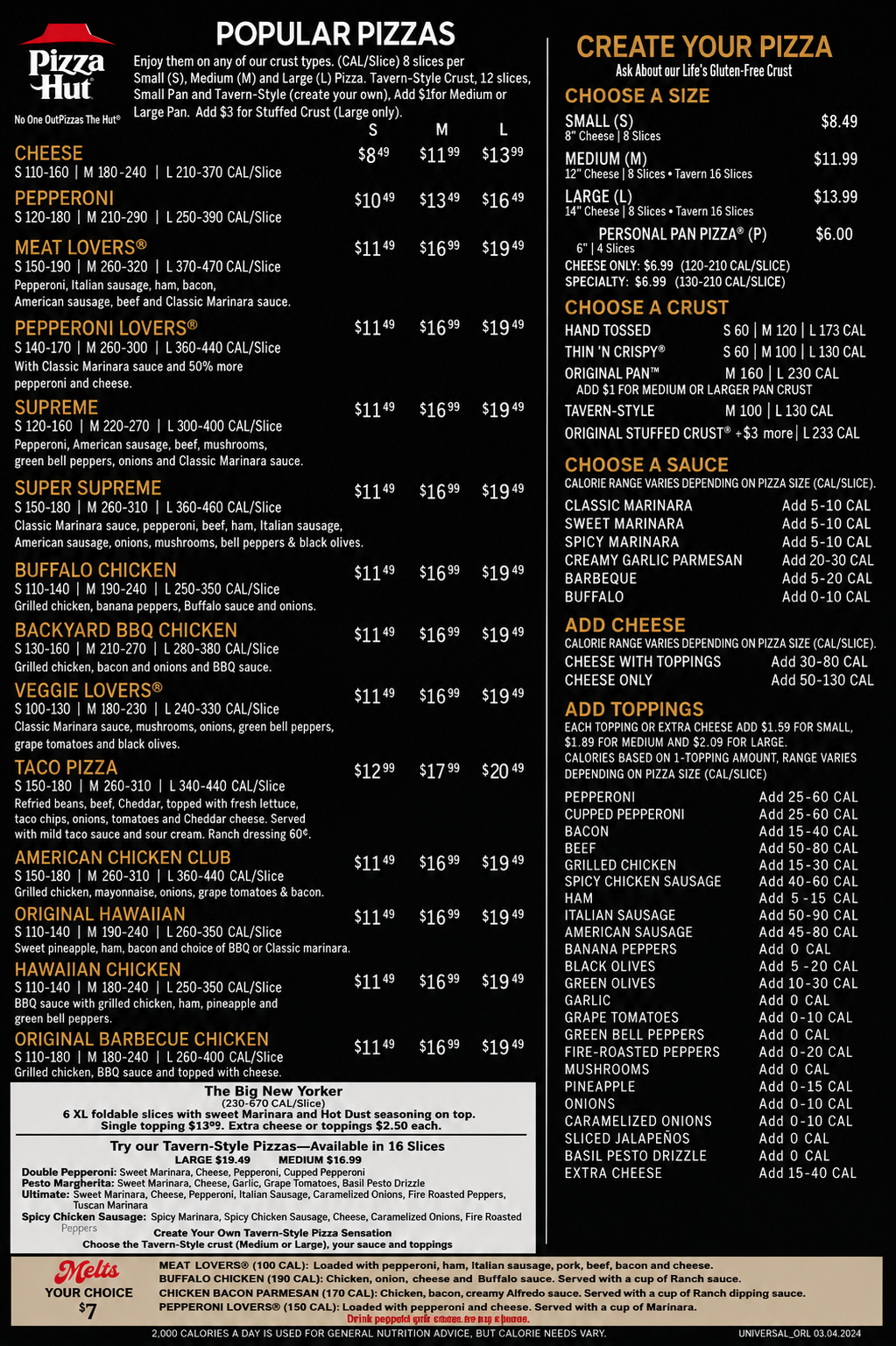
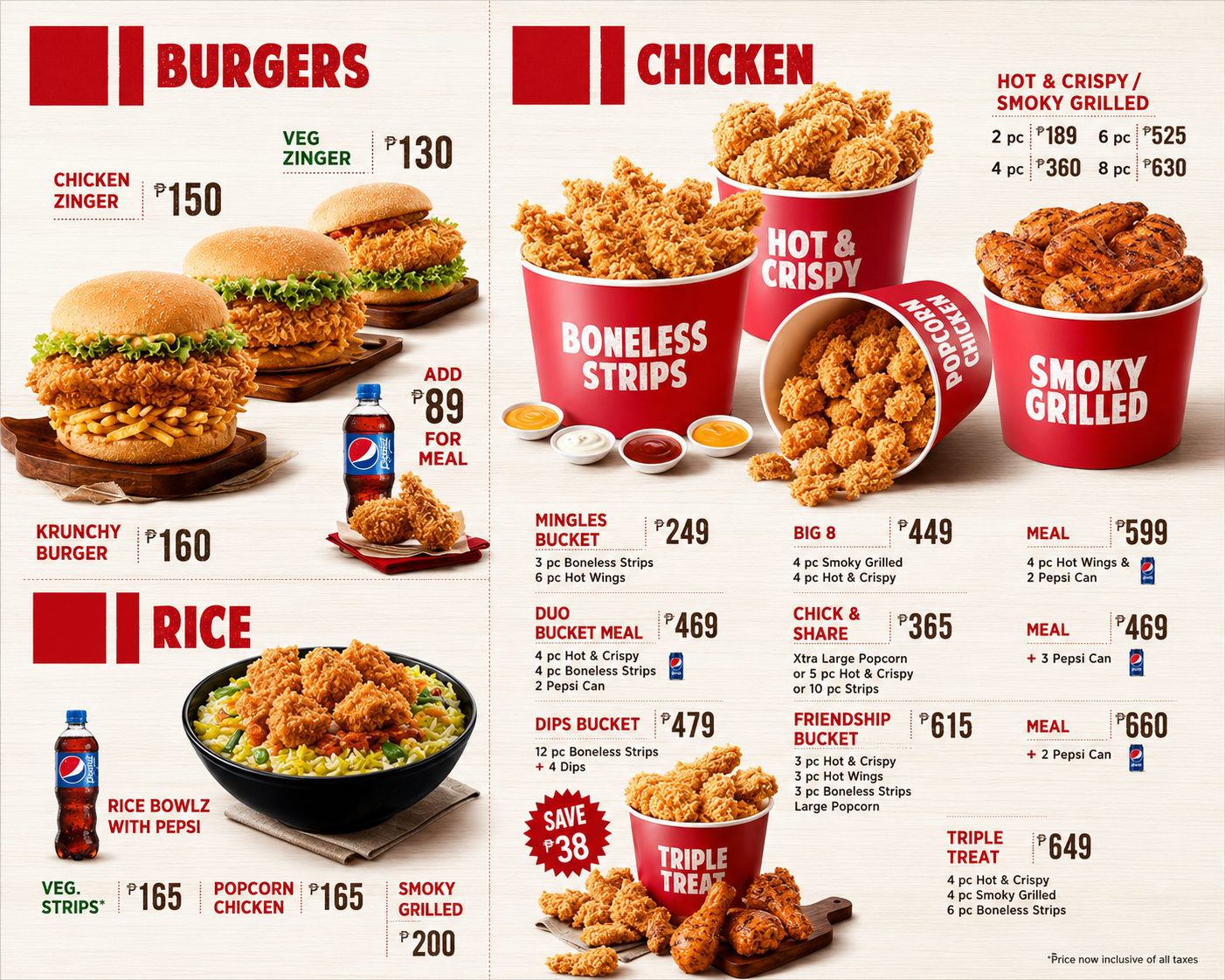
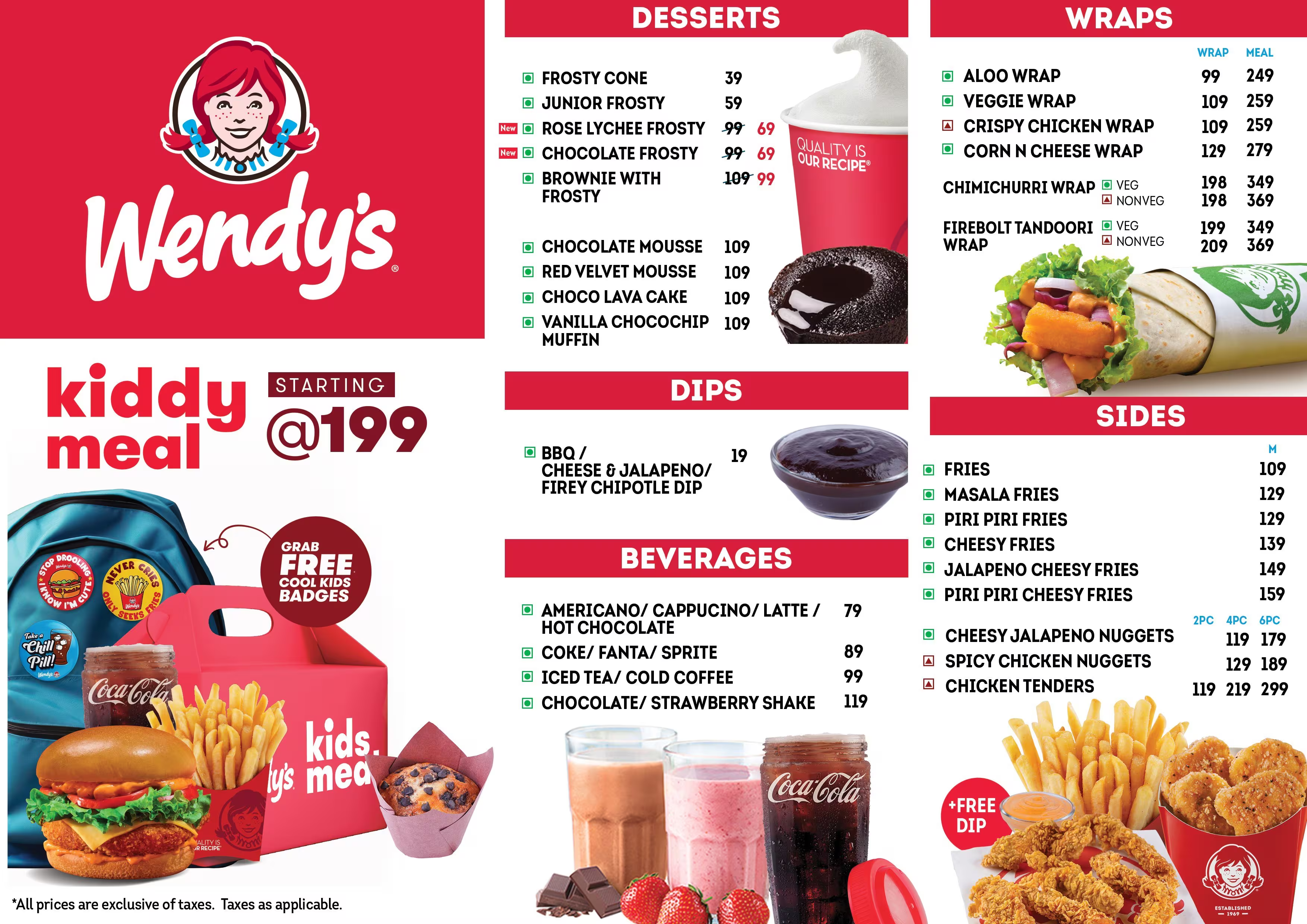
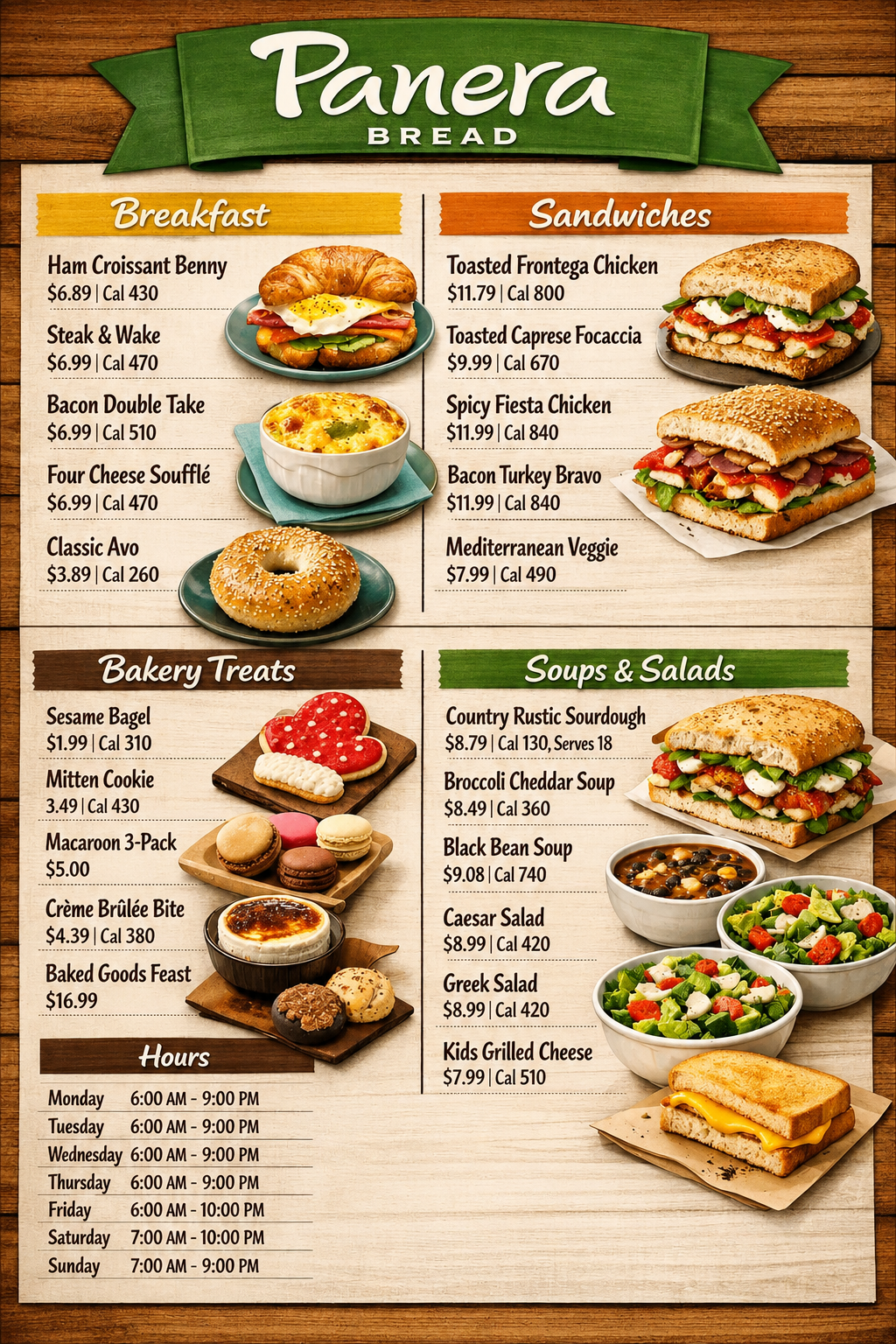
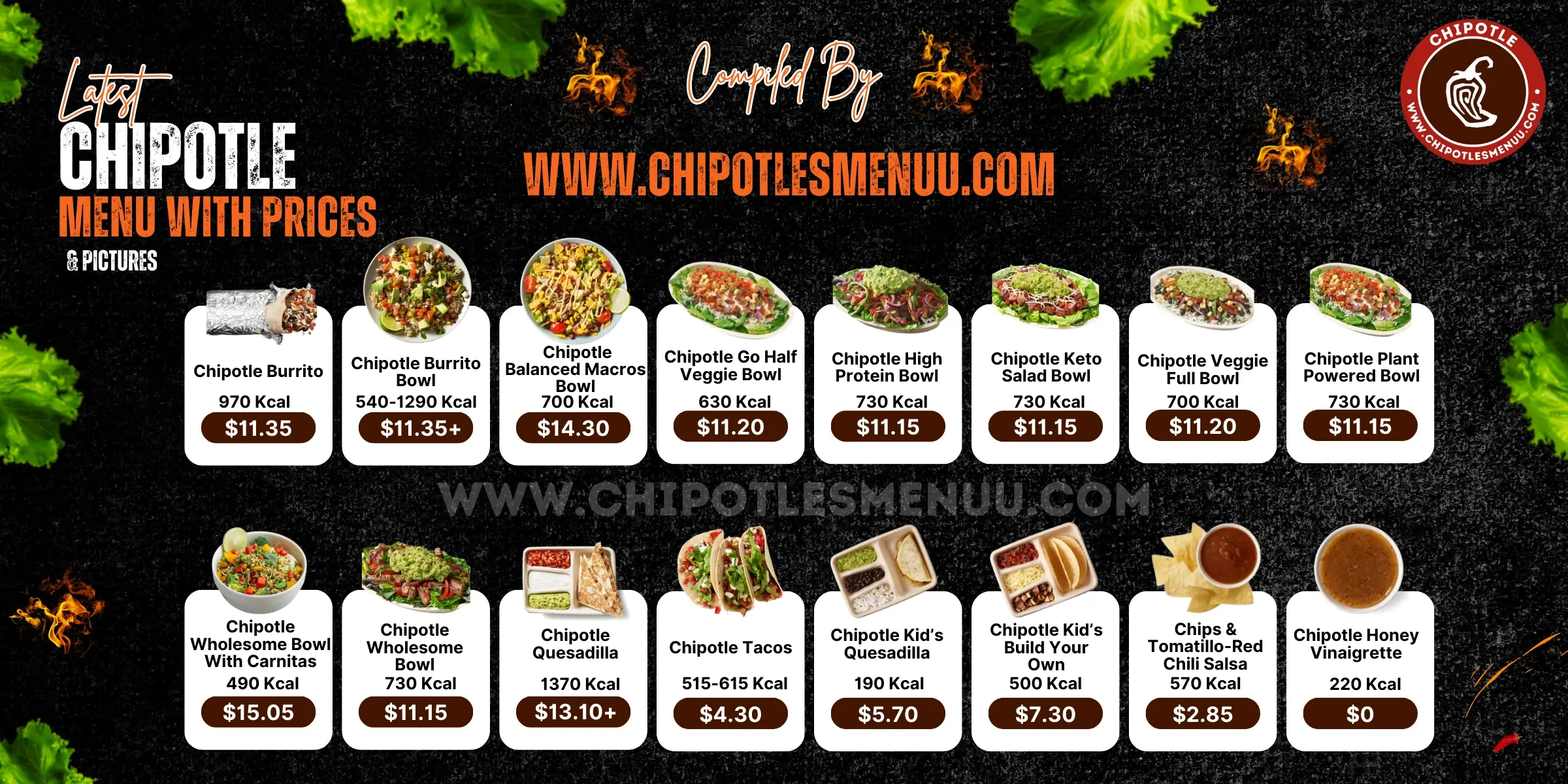
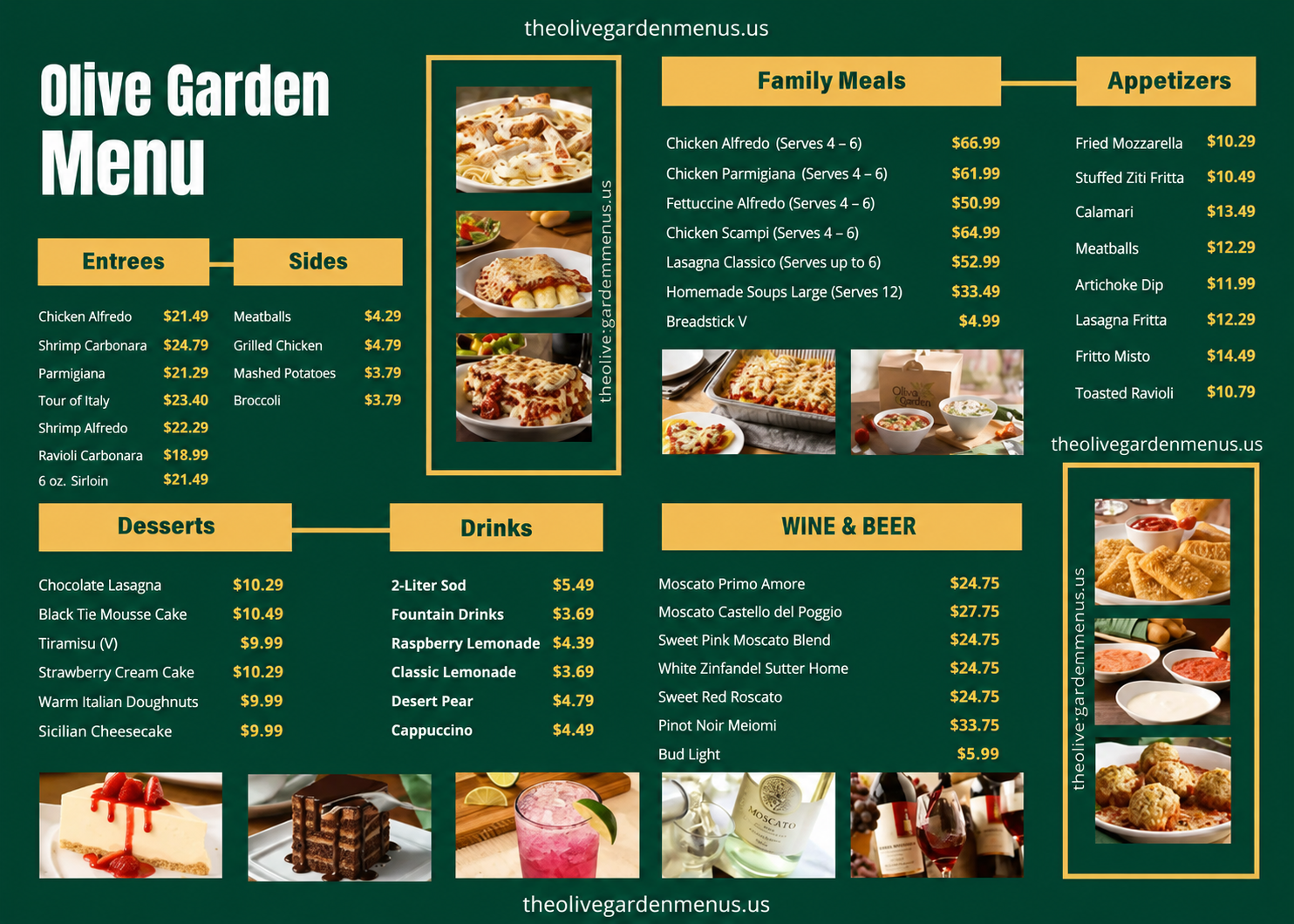
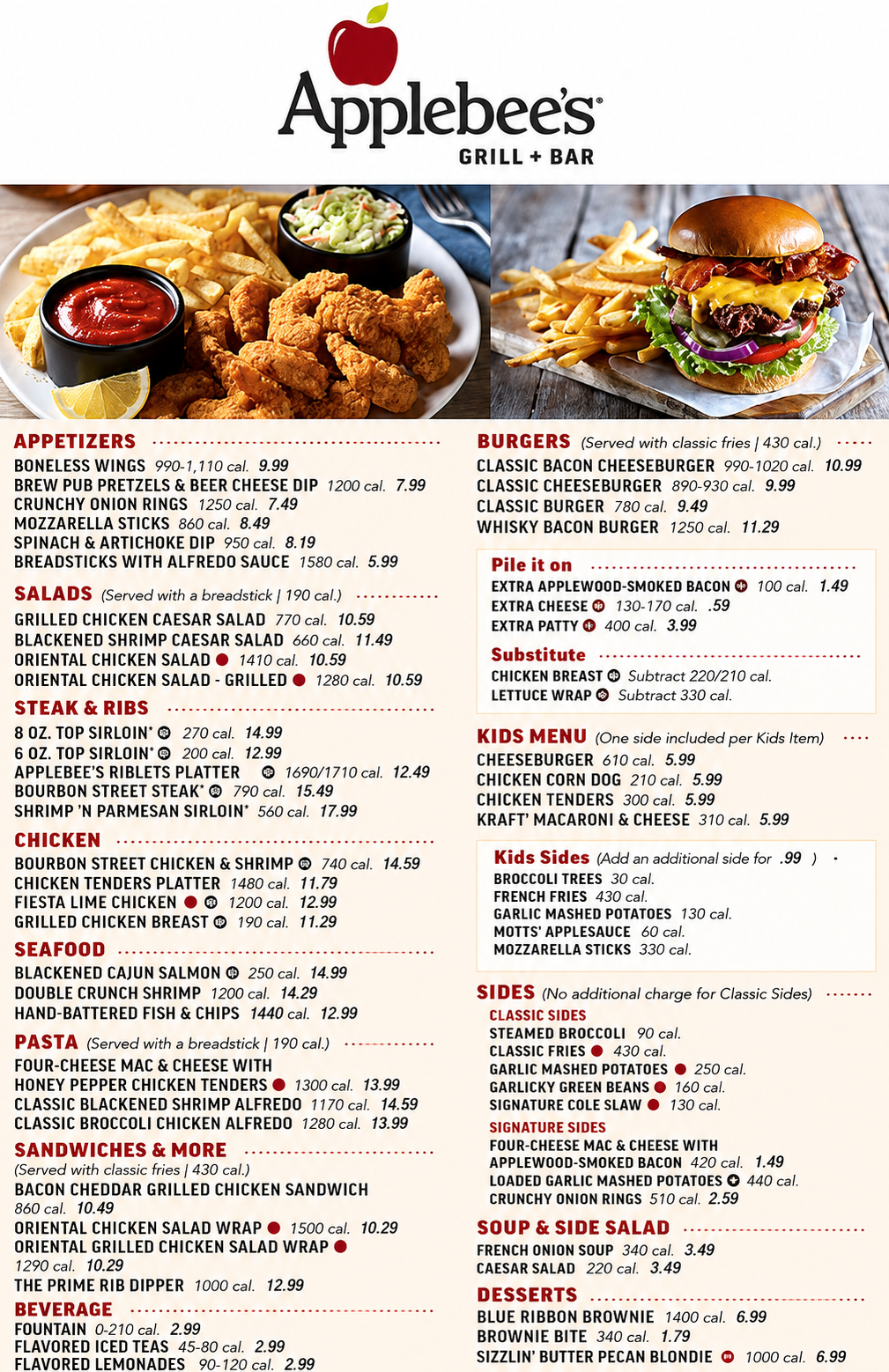
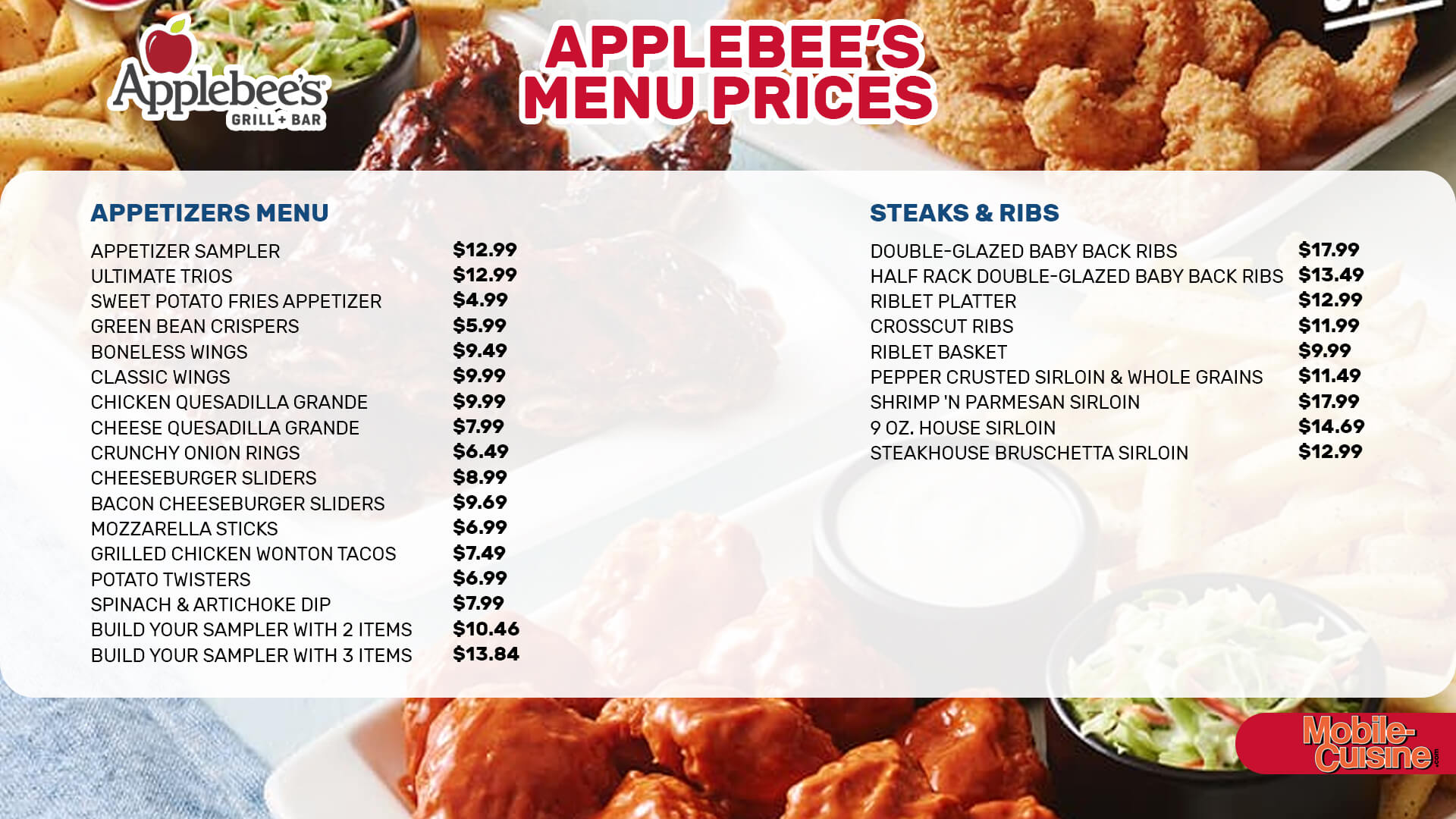
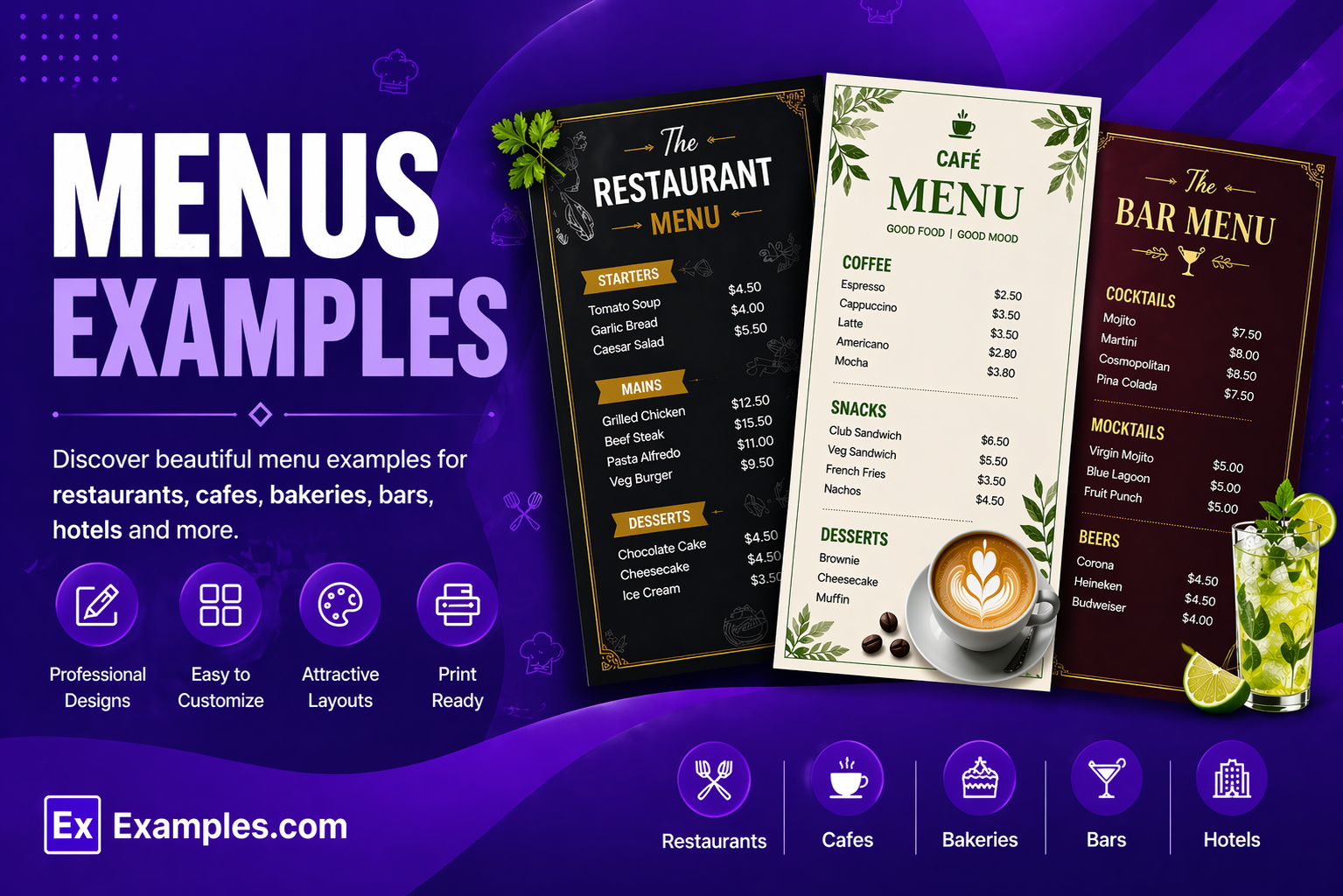
Menus examples help restaurants, cafés, hotels, and food businesses create organized and visually appealing menu designs that improve customer experience and sales. The best menu examples use clean layouts, readable typography, attractive visuals, and clear sections to showcase dishes, beverages, pricing, and promotions. From restaurant and café menus to QR-code and digital menus, modern menu examples help businesses discover creative ideas, improve branding, and design professional menus for different dining experiences.
What Is A Menu?
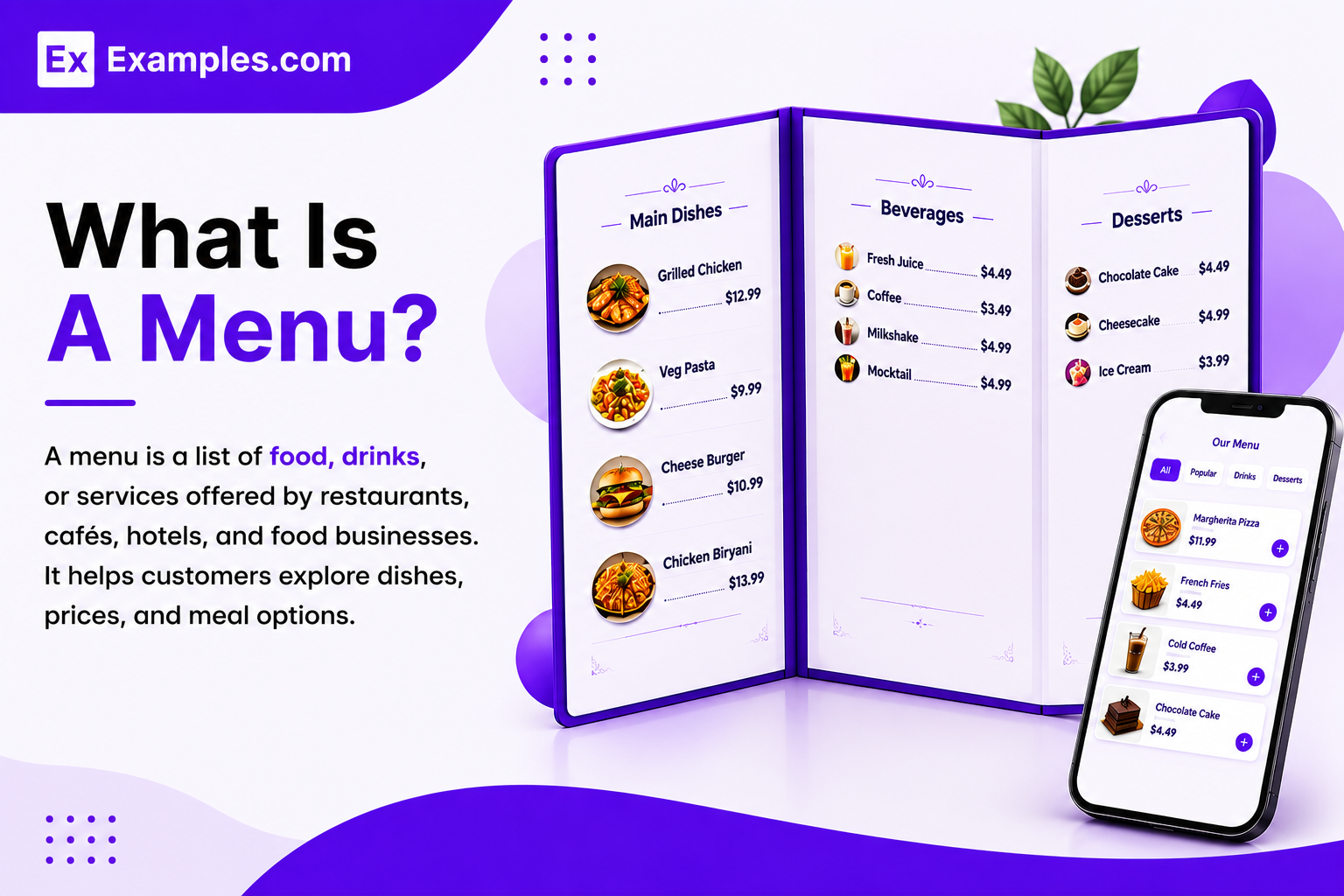
A menu is a structured list of food, beverages, or services offered by restaurants, cafés, hotels, bakeries, bars, and catering businesses. Menus help customers explore dishes, pricing, meal categories, and special offers while improving ordering experiences for dine-in, takeaway, delivery, and digital platforms.
Popular Types Of Menus
Restaurant Menus
Restaurant menus display appetizers, main courses, desserts, beverages, and chef specials.
Cafe Menus
Cafe menus showcase coffee, tea, snacks, pastries, sandwiches, and light meals.
Bar Menus
Bar menus highlight cocktails, mocktails, wines, beers, and beverage specials.
Digital Menus
Digital menus are online or QR-code-based menus for websites and mobile ordering.
Fast Food Menus
Fast food menus focus on burgers, fries, beverages, and combo meals.
Event Menus
Event menus are customized food and beverage lists for parties and catering services.
How Do I Generate Menus Using Proven Examples?
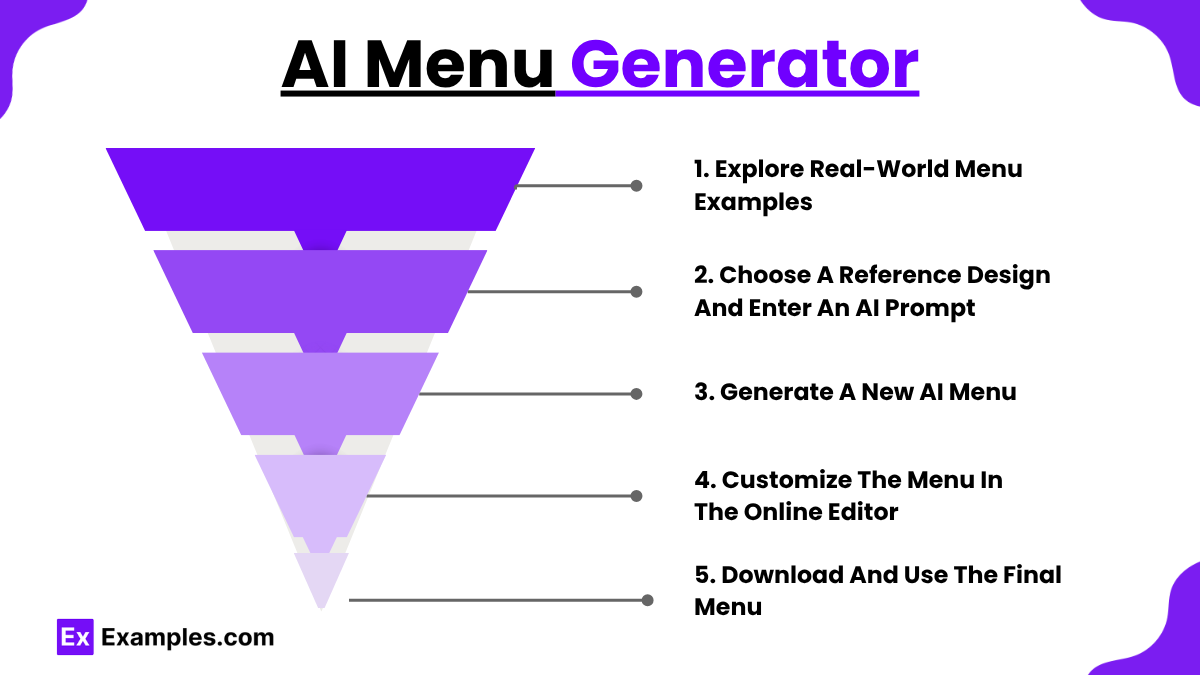
Explore Real-World Menu Examples
Browse menu examples to discover layouts, typography styles, branding ideas, and visual inspiration.
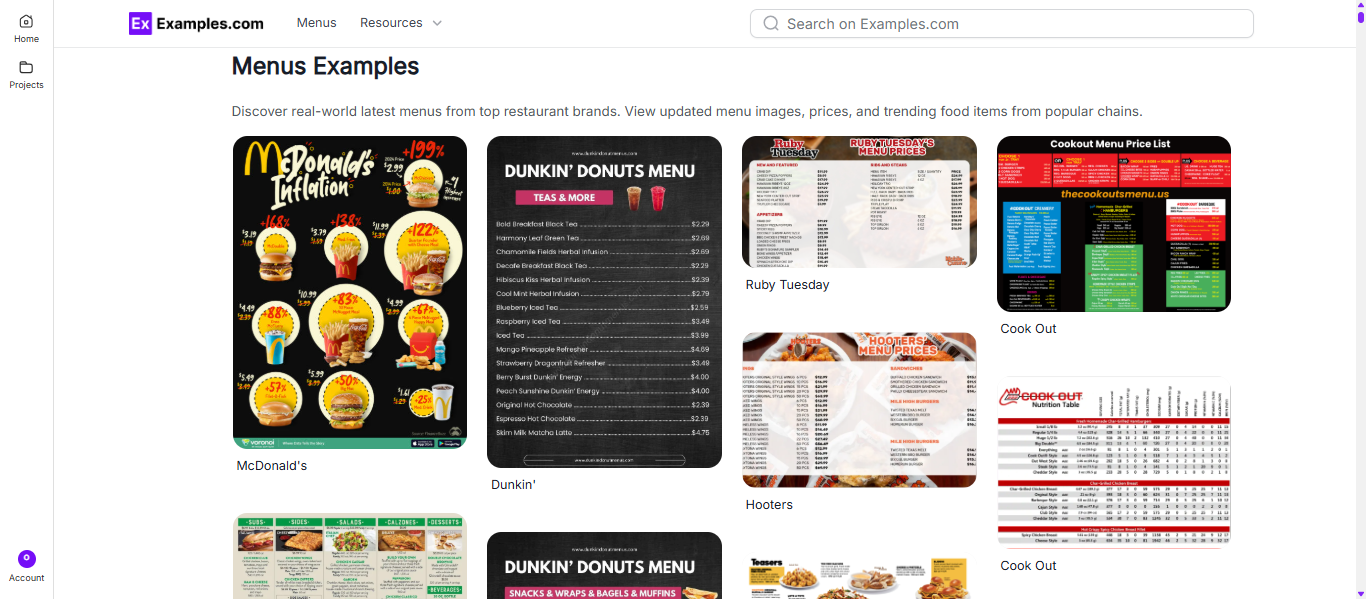
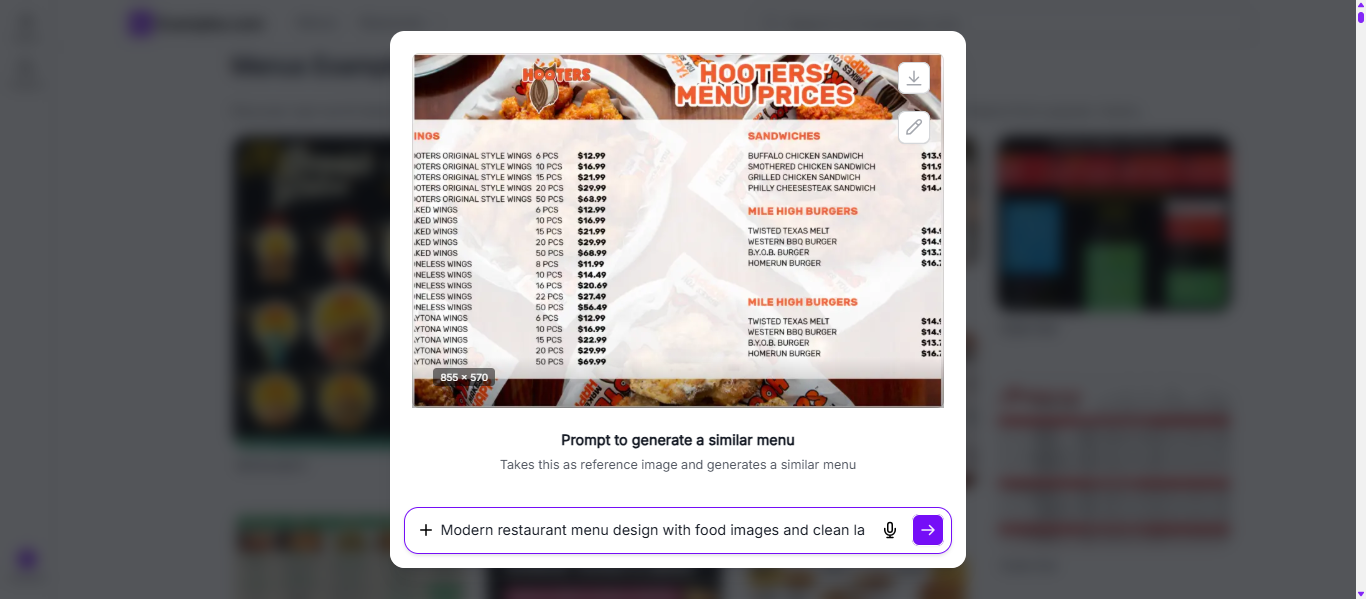
Choose A Reference Design And Enter An AI Prompt
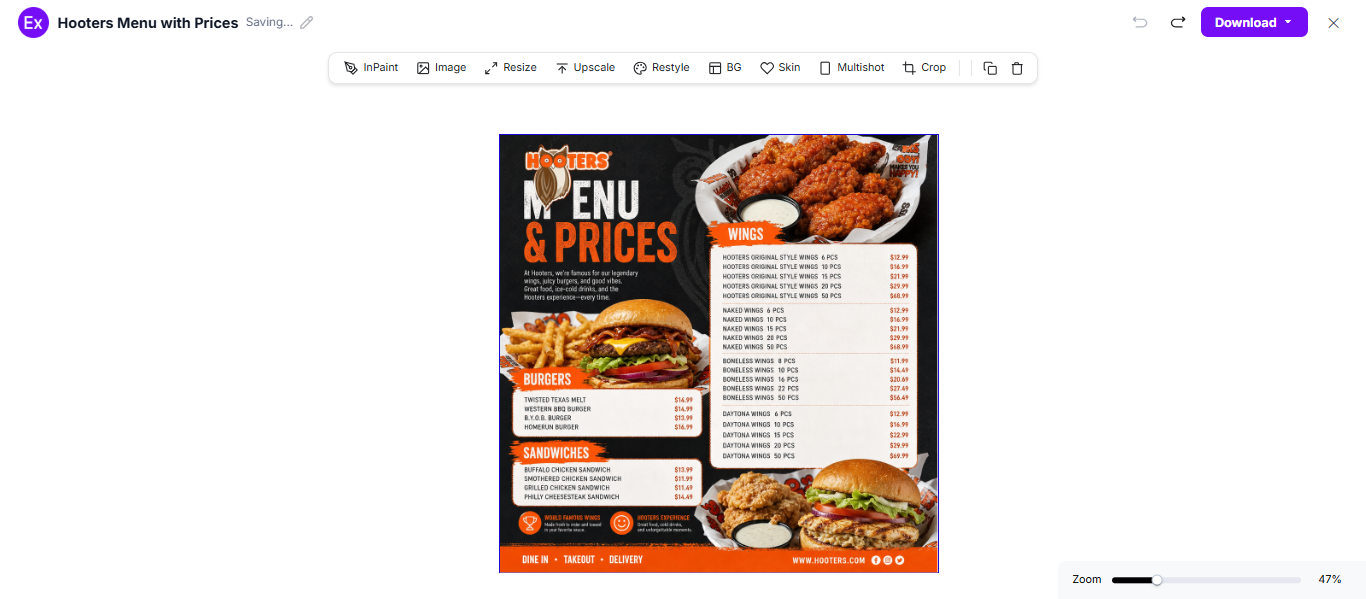
Select a menu example and enter a prompt describing cuisine type, pricing, colors, layouts, and branding.
Generate A New AI Menu
The AI creates a unique menu inspired by the selected design and user prompt.
Customize The Menu In The Online Editor
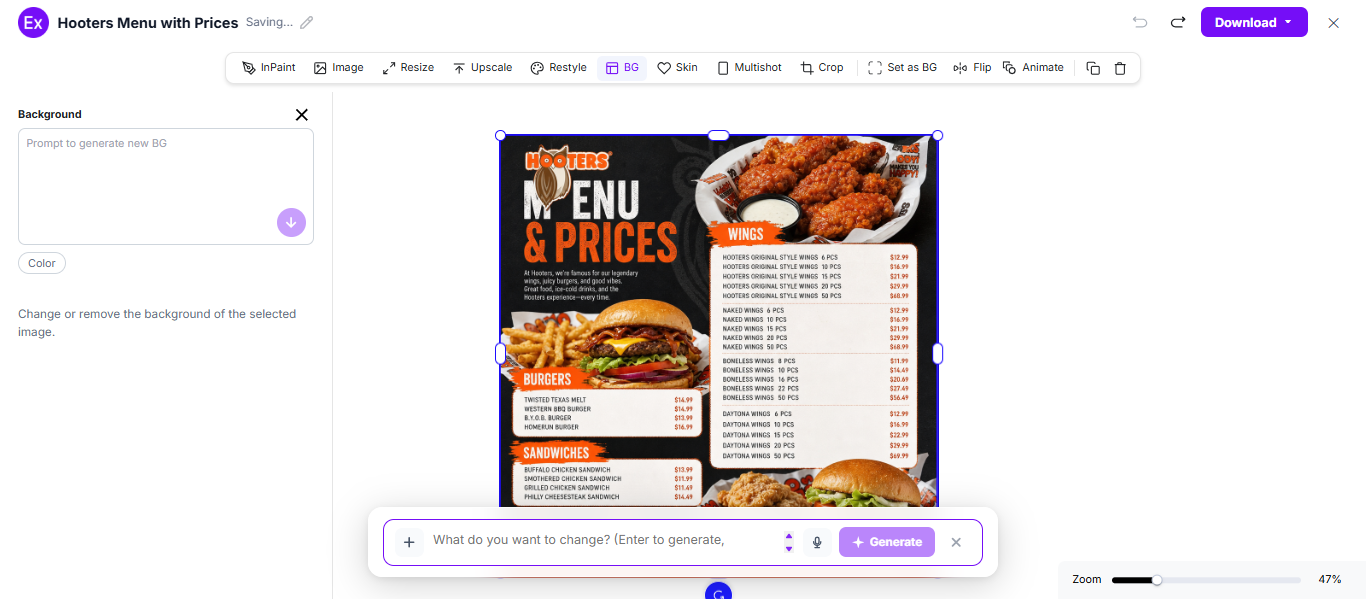
Edit menu items, pricing, fonts, images, layouts, and branding elements using online tools.
Download And Use The Final Menu
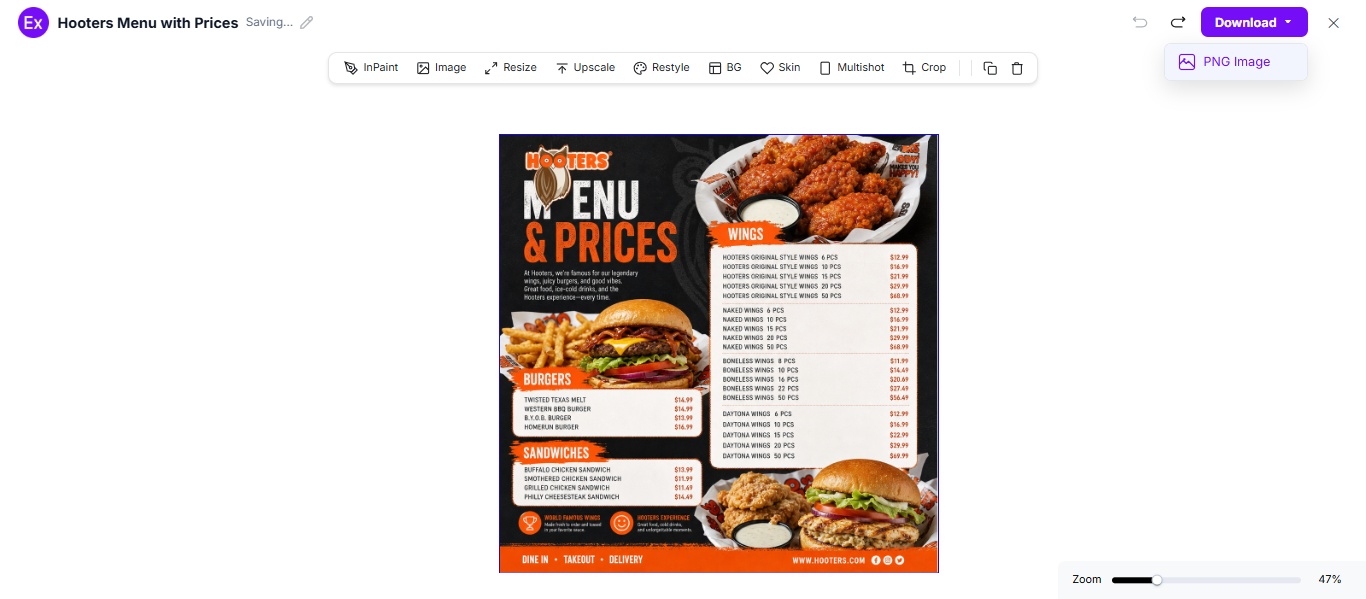
Download the final menu for restaurants, cafés, websites, digital displays, and social media.
How Do I Customize Menu Designs Online?
Online menu editors help restaurants, cafés, bakeries, and food trucks create professional menus without advanced design skills. Users can personalize layouts, edit pricing, upload logos, change fonts, and optimize menus for print and digital platforms.
AI Menu Editing Features
AI Text Generation
Create menu descriptions, offers, and promotional messages automatically.
Smart Background Editing
Replace or customize menu backgrounds instantly.
Resize Tools
Resize menus for print, social media, websites, and mobile ordering.
AI Image Enhancement
Improve food image quality and visual presentation.
Brand Asset Uploads
Add logos, icons, restaurant photos, and graphics.
Multiple Design Variations
Generate menu versions for seasonal updates and promotions.
Instant Download Options
Export menus in high-quality formats.
Custom Font Styling
Apply typography styles that match restaurant branding.
Real-Time Menu Updates
Update menu items, pricing, and offers instantly.
Which Standard Menu Sizes And Formats Should I Use?
| Menu Format | Standard Size |
|---|---|
| Single Page Menu | 8.5 × 11 inches |
| Bi-Fold Menu | 8.5 × 14 inches |
| Tri-Fold Menu | 11 × 17 inches |
| Table Tent Menu | 4 × 6 inches |
| Digital Menu Board | 1920 × 1080 px |
| QR Code Menu | 1080 × 1920 px |
| Takeaway Menu Flyer | 5 × 7 inches |
| Cafe Counter Menu | 12 × 18 inches |
| Restaurant Poster Menu | 18 × 24 inches |
| Social Media Menu Post | 1080 × 1080 px |
Which Essential Elements Should I Include In My Restaurant Menu?
- Attention-Grabbing Menu Title – Use a clear and professional title.
- Strong Food Visuals – High-quality images improve menu appeal.
- Brand Identity – Add logos, colors, and typography for consistent branding.
- Readable Pricing – Display pricing clearly to improve customer trust.
- Concise Food Descriptions – Keep descriptions short and informative.
- Special Offers And Combos – Highlight deals to encourage higher sales.
- Balanced Layout Design – Use organized spacing and clean sections.
- Mobile-Friendly Formatting – Optimize digital menus for smartphones and tablets.
- Contact Or Ordering Information – Include websites, QR codes, or phone numbers.
How Do I Design A Better Menu?
- Use clear food categories for easier navigation.
- Keep layouts simple and organized.
- Use high-quality food photography.
- Highlight best-selling dishes.
- Apply brand colors consistently.
- Choose readable typography.
- Optimize menus for mobile devices.
- Display pricing clearly.
- Update menus regularly with seasonal offers.
Why Should I Use Real Menu Examples To Create My Own Restaurant Menus?
- Learn from successful restaurant and café menu designs.
- Explore professional layouts and branding ideas.
- Create menus faster with AI-powered tools.
- Avoid designing menus from scratch.
- Discover QR-code and digital menu inspirations.
- Customize pricing, food visuals, and branding easily.
- Improve customer experience with proven menu structures.
- Turn inspiration into print-ready and digital-ready menus quickly.
What Common Menu Design Mistakes Should I Avoid?
- Using too much text.
- Poor image quality.
- Cluttered layouts.
- Inconsistent branding.
- Hard-to-read fonts.
- Poor color contrast.
- Non-mobile-friendly designs.
- Too many graphics or visual effects.
- Unclear pricing.
How Can I Promote My Restaurant Using Menus?
Use Digital Menus
Promote restaurant offerings through QR-code menus, websites, and mobile ordering systems.
Highlight Best-Selling Dishes
Feature popular items to improve visibility and sales.
Create Seasonal Menus
Introduce limited-time dishes and food promotions.
Use Food Photography
Professional visuals improve menu attractiveness.
Promote Combo Offers
Meal deals and combos encourage higher spending.
Which Menu Sizes Should I Use?
| Menu Size | Format Type | Best For |
|---|---|---|
| 8.5 × 11 inches | Single Page Menu | Cafés and simple menus |
| 8.5 × 14 inches | Bi-Fold Menu | Restaurants with multiple categories |
| 11 × 17 inches | Tri-Fold Menu | Large restaurant menus |
| 4 × 6 inches | Table Tent Menu | Table promotions and offers |
| 1080 × 1080 px | Social Media Menu | Instagram and Facebook promotions |
| 1080 × 1920 px | Digital QR Menu | Mobile ordering systems |
| 1920 × 1080 px | Menu Board | Fast food displays |
| 5 × 7 inches | Takeaway Flyer | Delivery promotions |
| 18 × 24 inches | Poster Menu | Restaurant wall displays |
Menu Ideas For Different Industries
- Restaurant Menus – Showcase appetizers, main dishes, desserts, beverages, and chef specials.
- Cafe Menus – Highlight coffee, tea, pastries, sandwiches, and breakfast items.
- Bakery Menus – Promote cakes, breads, cupcakes, cookies, and desserts.
- Bar Menus – Display cocktails, mocktails, wines, and beers.
- Hotel Menus – Present room service meals and buffet options.
- Food Truck Menus – Organize quick-service meals and combo offers.
- Catering Menus – Showcase buffet packages and catering services.
- Ice Cream Shop Menus – Highlight flavors, toppings, and milkshakes.
- Fast Food Menus – Promote burgers, fries, beverages, and combo meals.
- Digital QR Menus – Provide contactless menu access.
FAQs
What are menu examples used for?
Menu examples help restaurants discover creative layouts and create professional food presentations.
Why are menu examples important?
They provide visual inspiration and help businesses create customer-friendly dining experiences.
Which platforms are best for digital menus?
Restaurant websites, QR-code systems, food delivery apps, and mobile ordering platforms.
How do businesses create effective menus?
By combining organized layouts, readable typography, visuals, pricing clarity, and branding.
What makes a menu successful?
Successful menus improve readability, showcase food items clearly, and encourage sales.
Are AI-generated menus effective?
AI-generated menus help businesses create designs faster and simplify customization.