
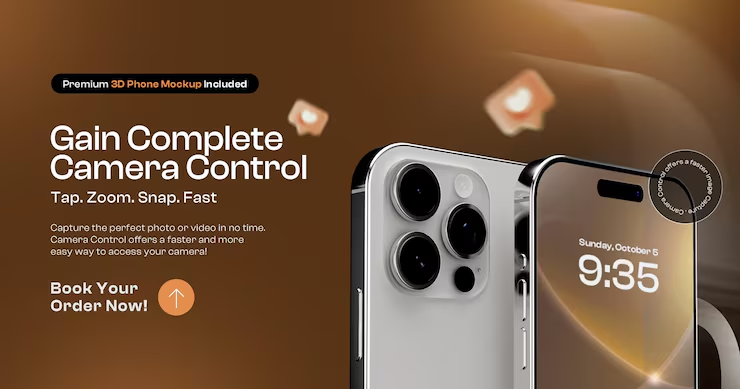
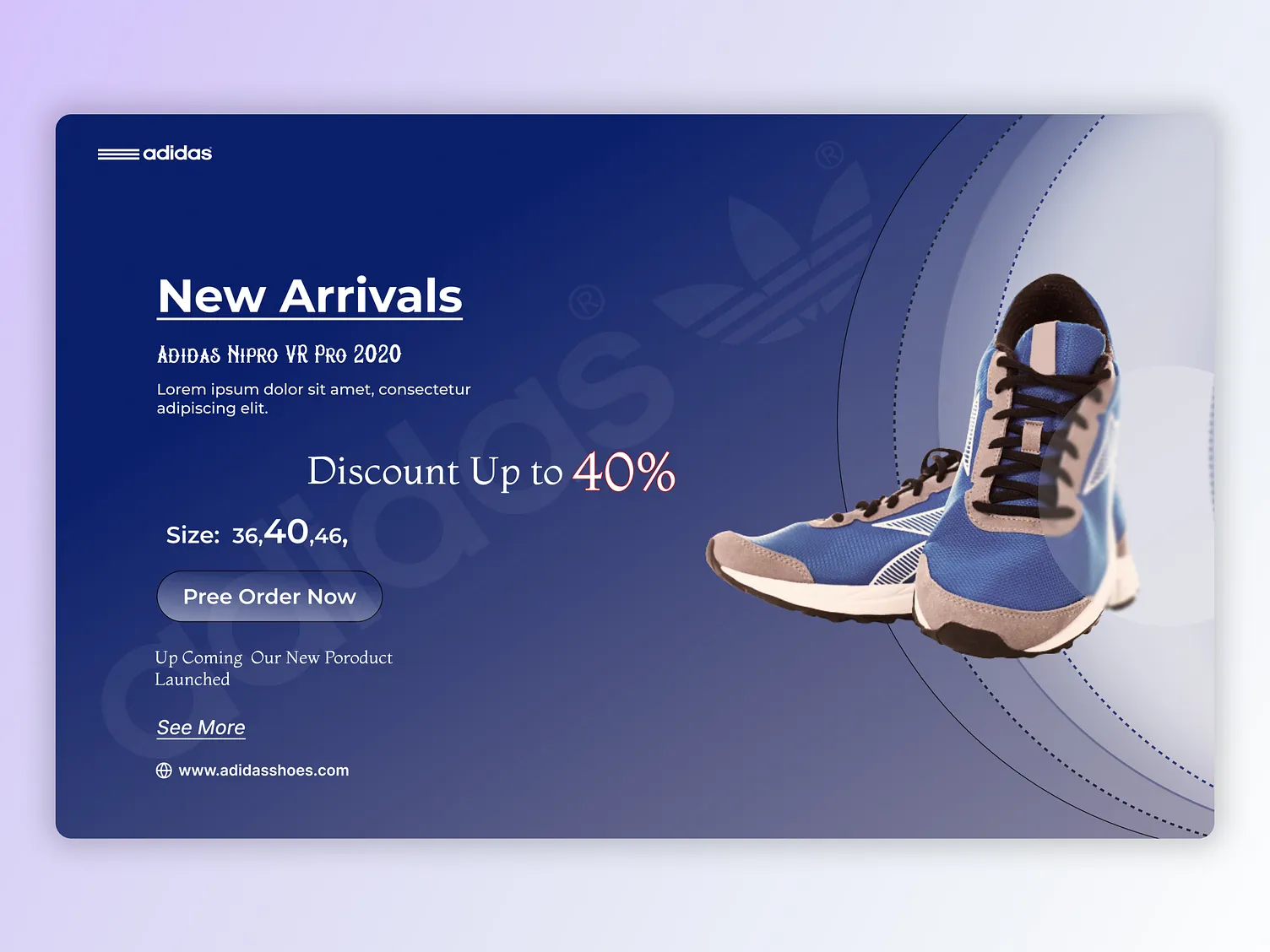
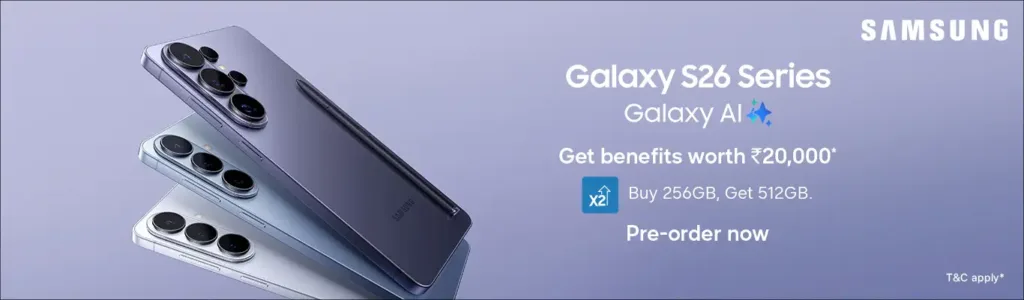
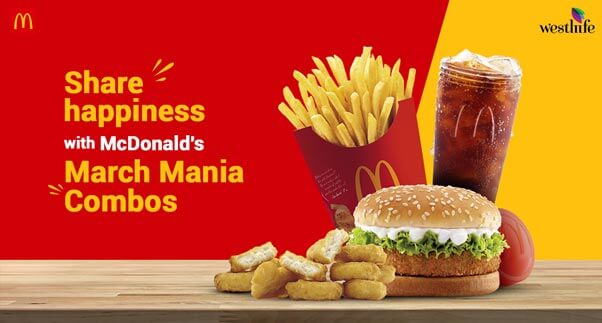
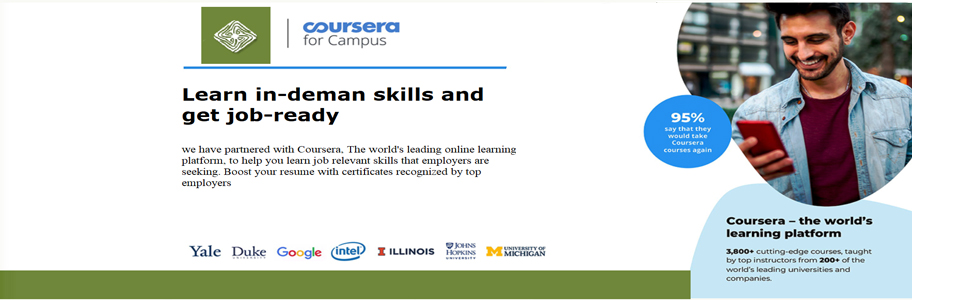
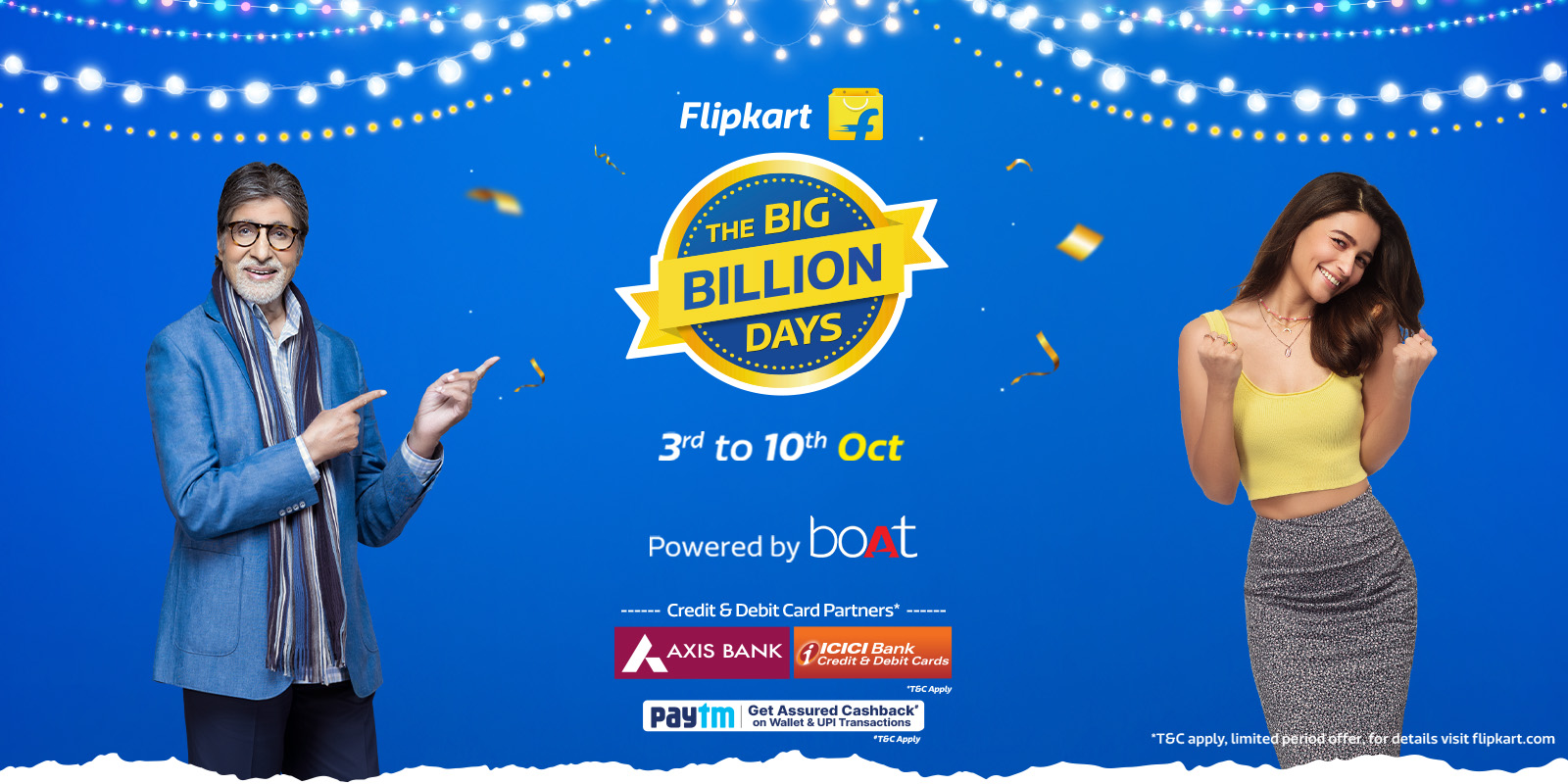
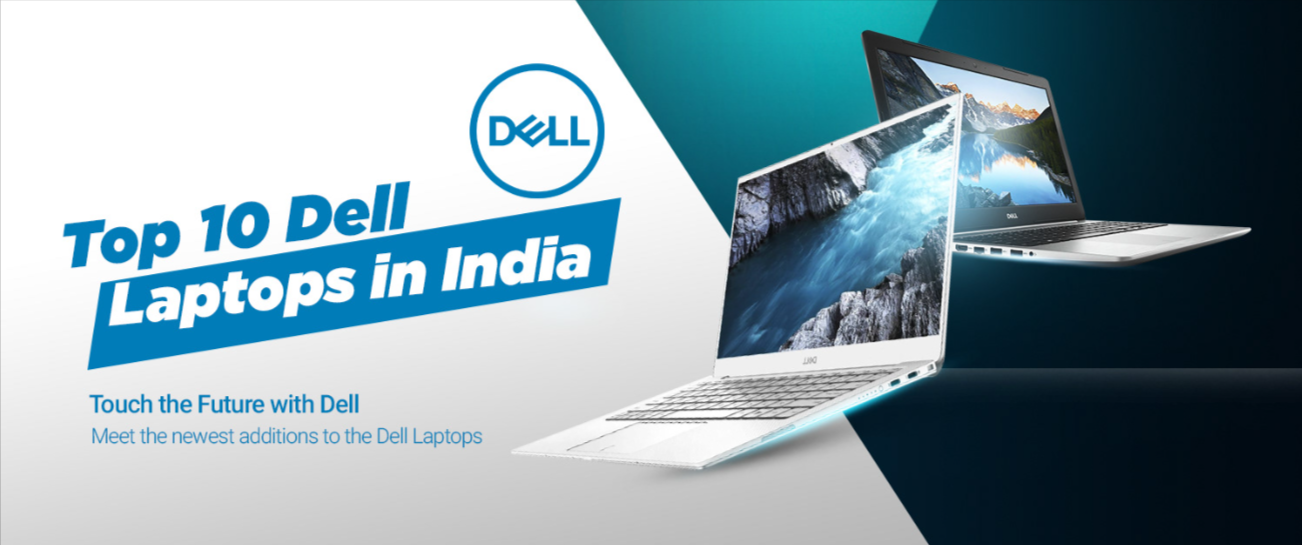
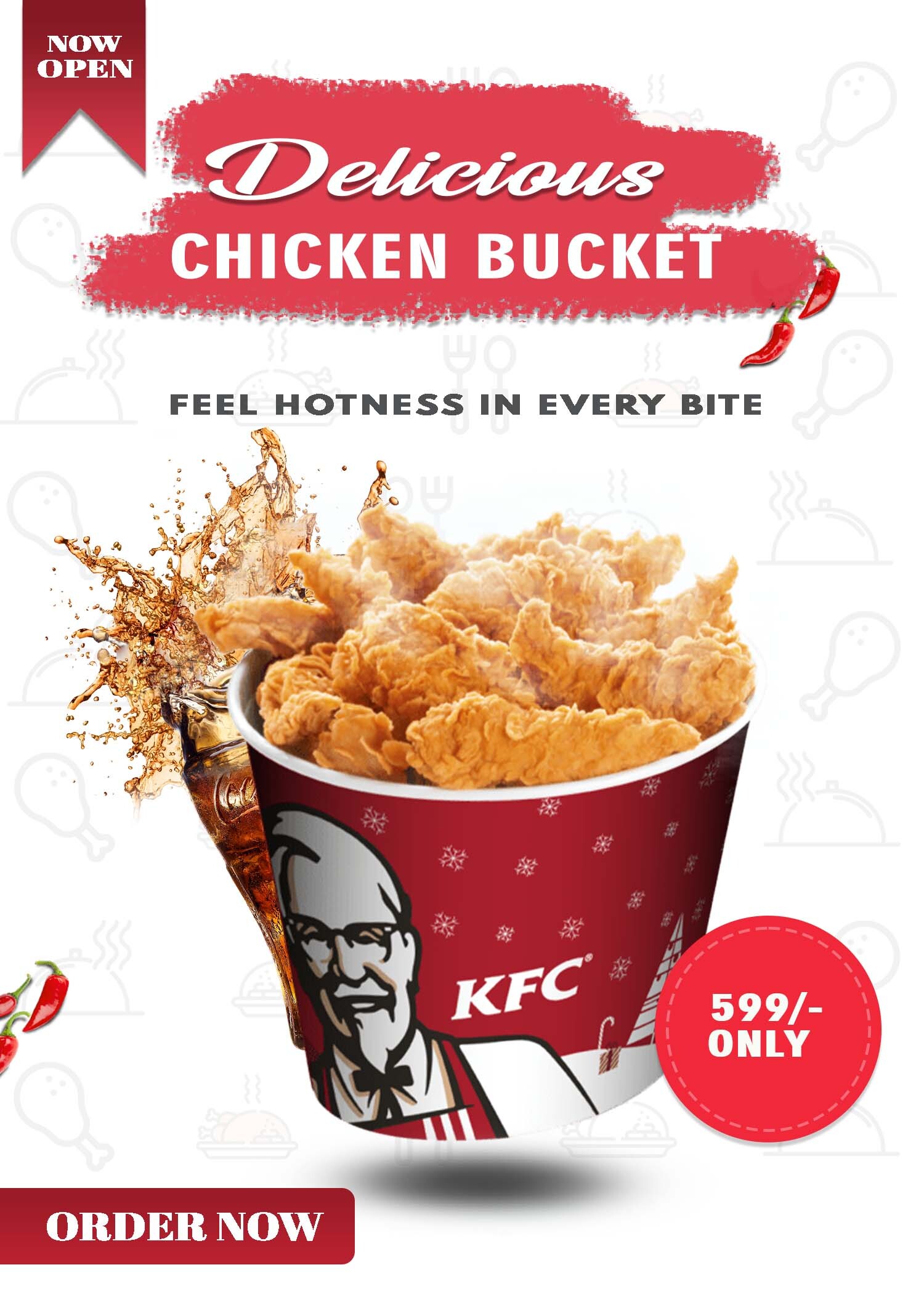

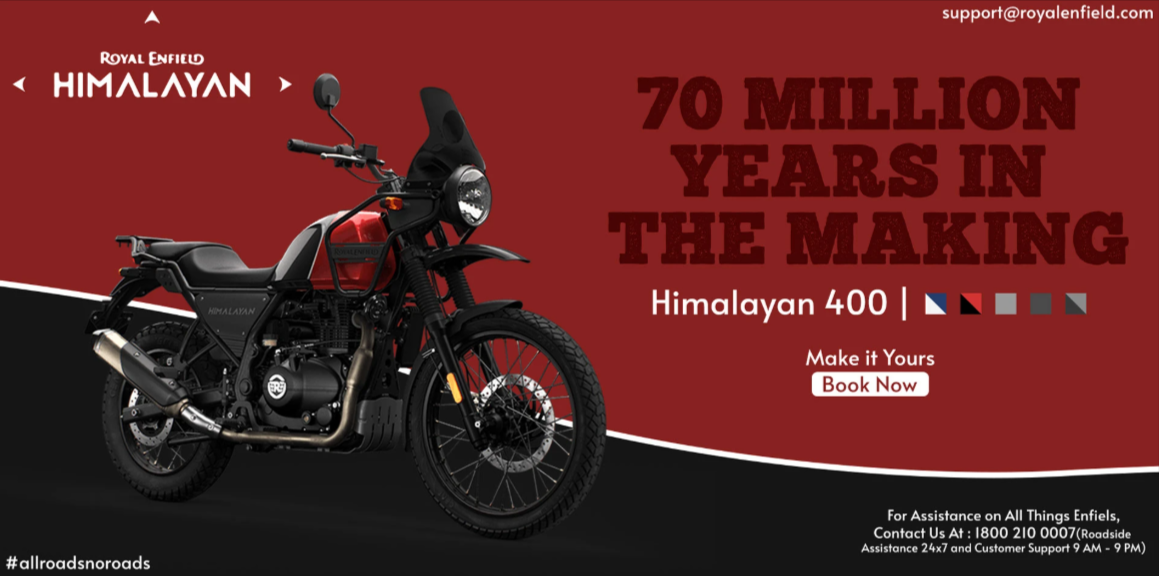
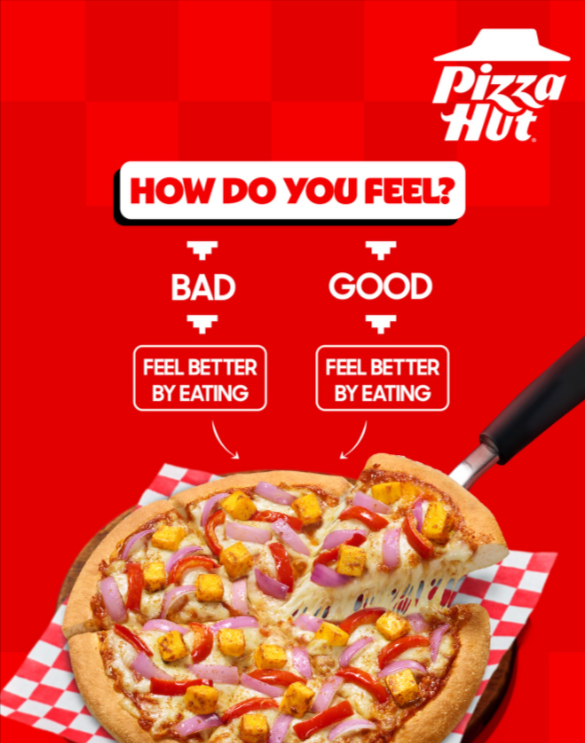
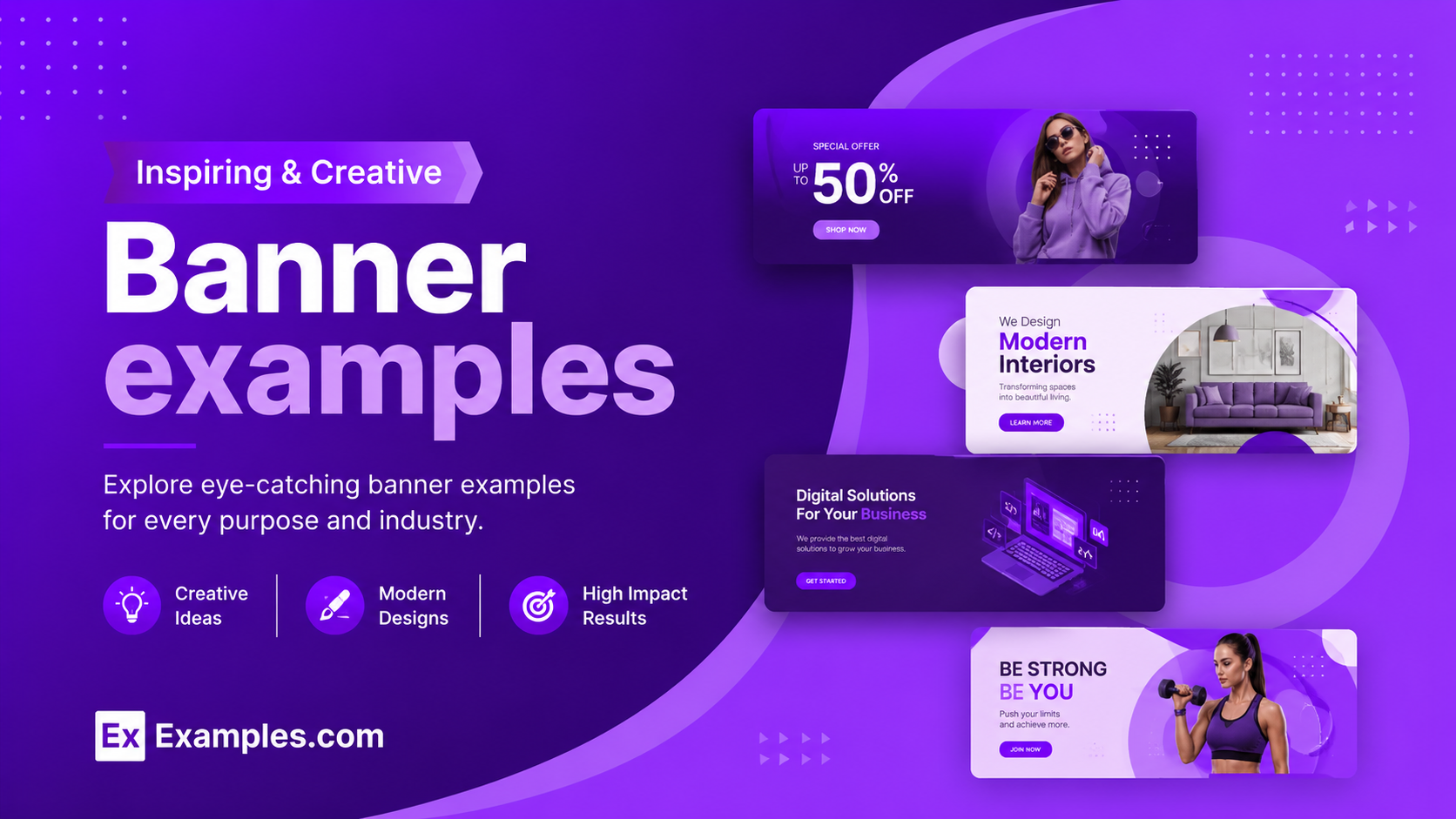
Create custom banners online using AI-powered design generation inspired by real-world banner examples. Browse professional layouts, select a reference style, enter your prompt, and generate a completely new banner design in seconds. Examples.com helps users create personalized banners for websites, ads, social media, promotions, events, and business campaigns without advanced design experience. The platform combines inspiration-based AI generation with online editing tools, allowing users to customize layouts, replace images, add graphics, adjust dimensions, enhance visuals, and download final banner designs in PNG format.[/howto_cols_group]
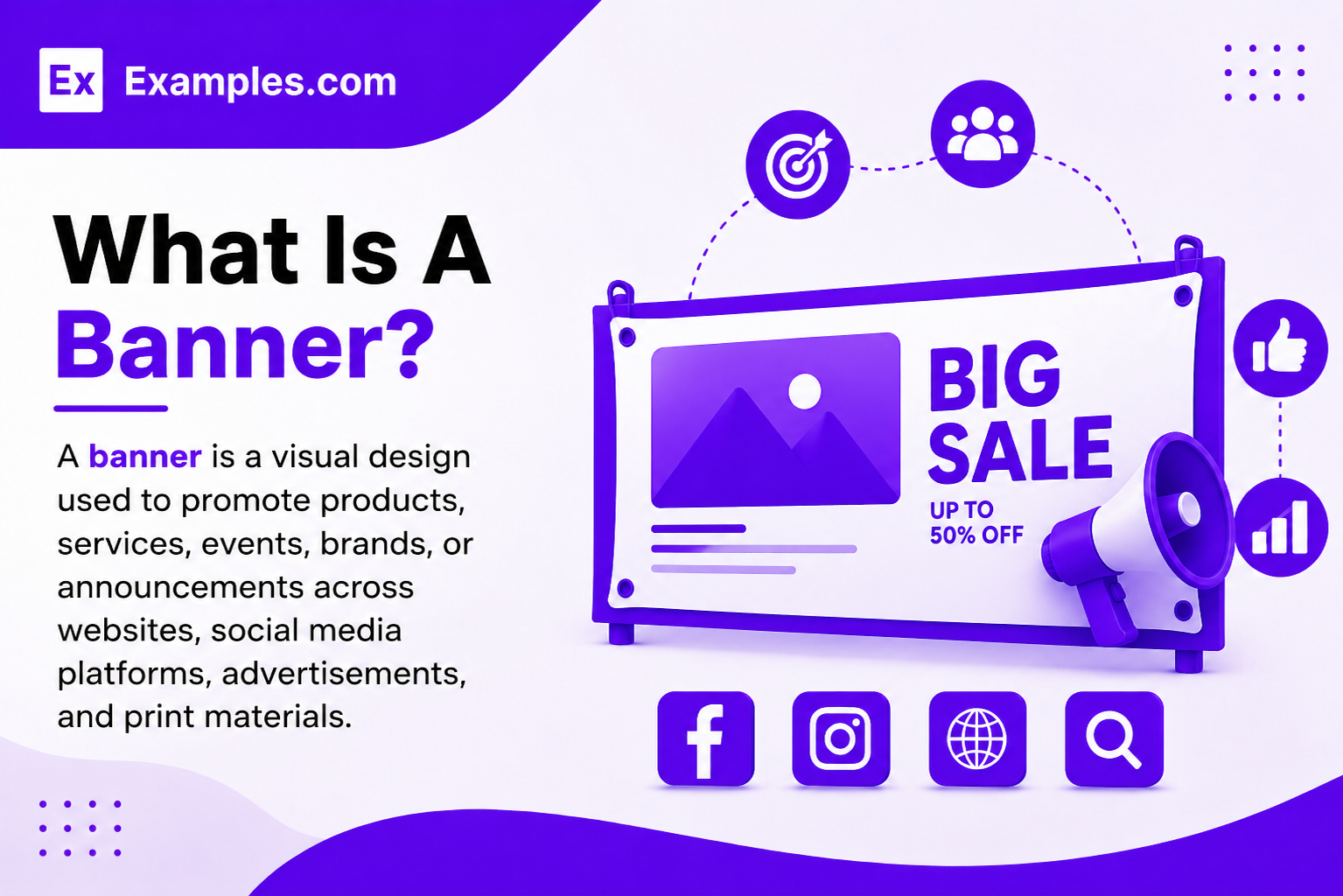
What Is A Banner?
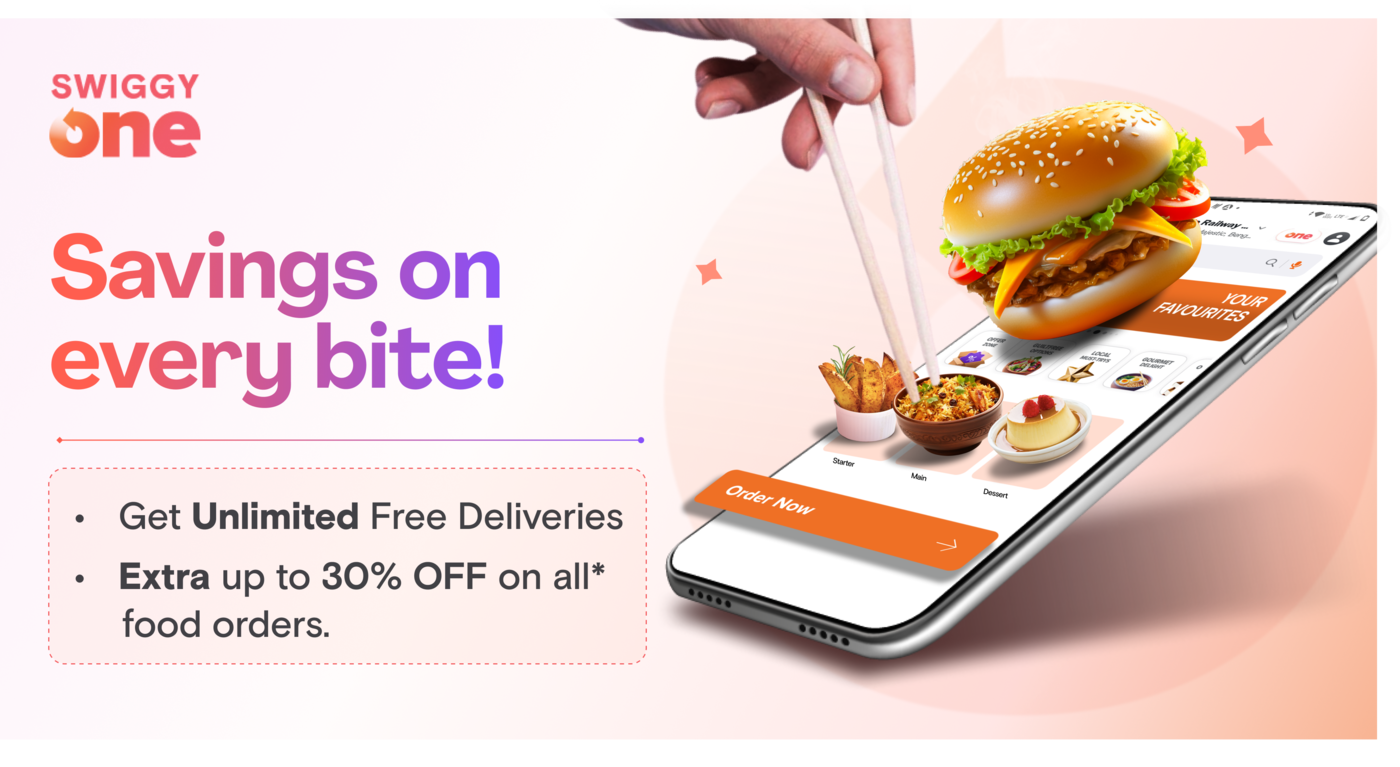
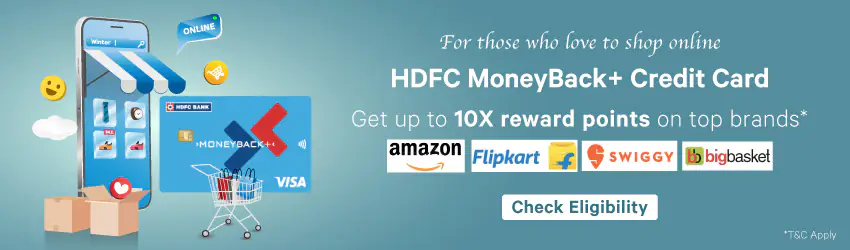
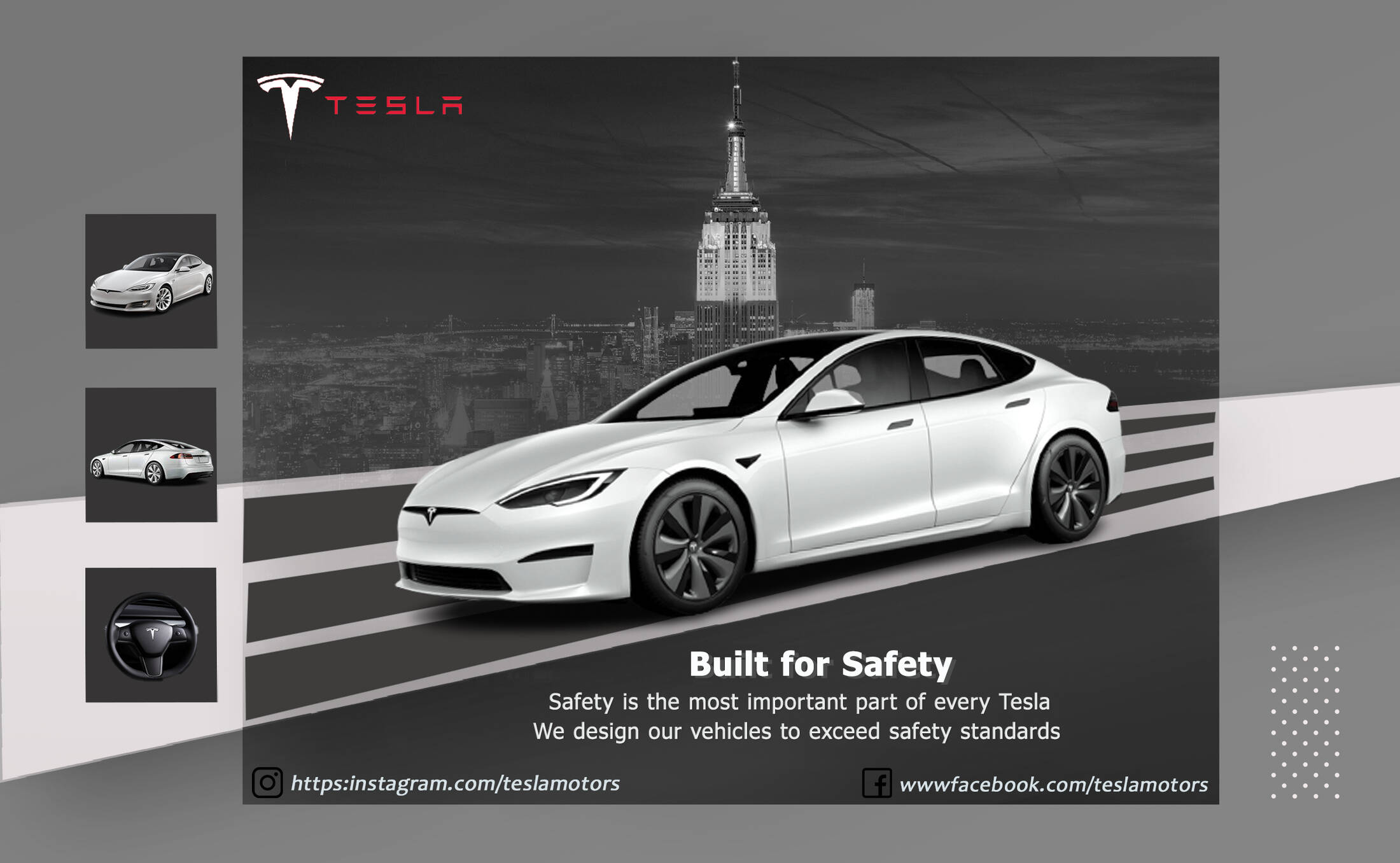
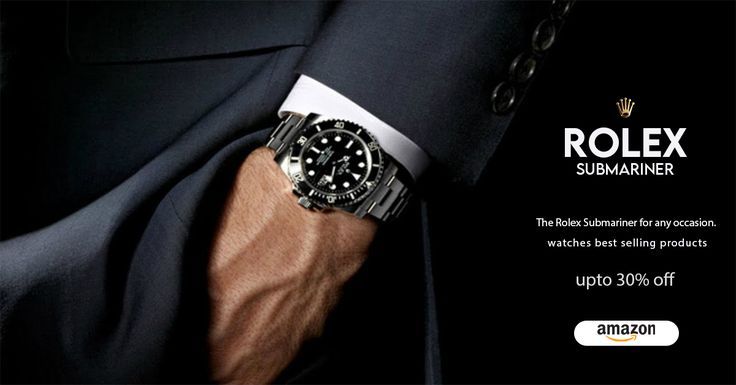
A banner is a visual design used to promote products, services, events, brands, or announcements across websites, social media platforms, advertisements, and print materials. Banners usually combine images, headlines, colors, and calls to action to attract attention and communicate information quickly in a visually engaging format.
Popular Types Of Banner Examples
Banner designs are used across digital marketing, advertising, social media, retail promotions, and business branding. Different banner types are designed for specific goals, audiences, and platforms.
Advertising Banners
Advertising banners are used for online ads, promotional campaigns, and brand awareness marketing. These banners often include strong headlines, product visuals, and clear calls to action.
Website Banners
Website banners appear on homepages, landing pages, and headers to highlight announcements, promotions, featured products, or important business information.
Social Media Banners
Social media banners are optimized for platforms like Facebook, LinkedIn, YouTube, and X. These banners help businesses maintain consistent branding across social profiles and campaigns.
Event Banners
Event banners promote conferences, webinars, concerts, workshops, exhibitions, and local events. They typically include dates, locations, schedules, and registration details.
Business Promotion Banners
Business promotion banners are designed for sales campaigns, product launches, seasonal offers, and limited-time discounts. These banners focus on attracting customer attention quickly.
Retail Sale Banners
Retail sale banners are commonly used in ecommerce and storefront marketing. They often include discount information, product images, pricing highlights, and promotional messaging.
How Do I Generate Banner Using Proven Examples from the Global Brands?
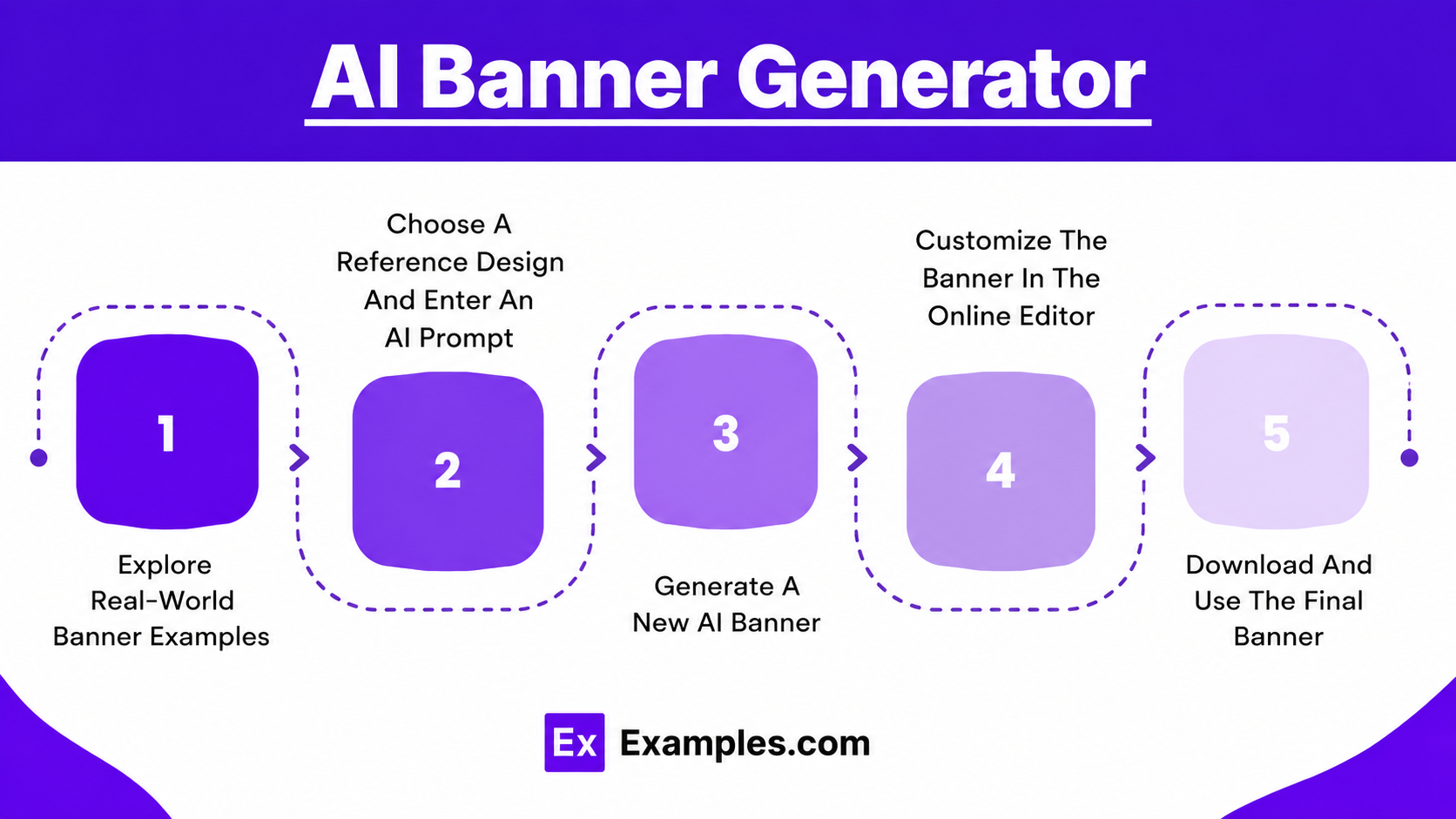
Creating a banner with AI on Examples.com is a simple process that combines real-world design inspiration with AI-powered generation and online customization tools.
Browse Banner Examples
Browse a large collection of banner examples across different styles, industries, and layouts. These examples help users discover design ideas, explore visual trends, and find inspiration for their own banners.
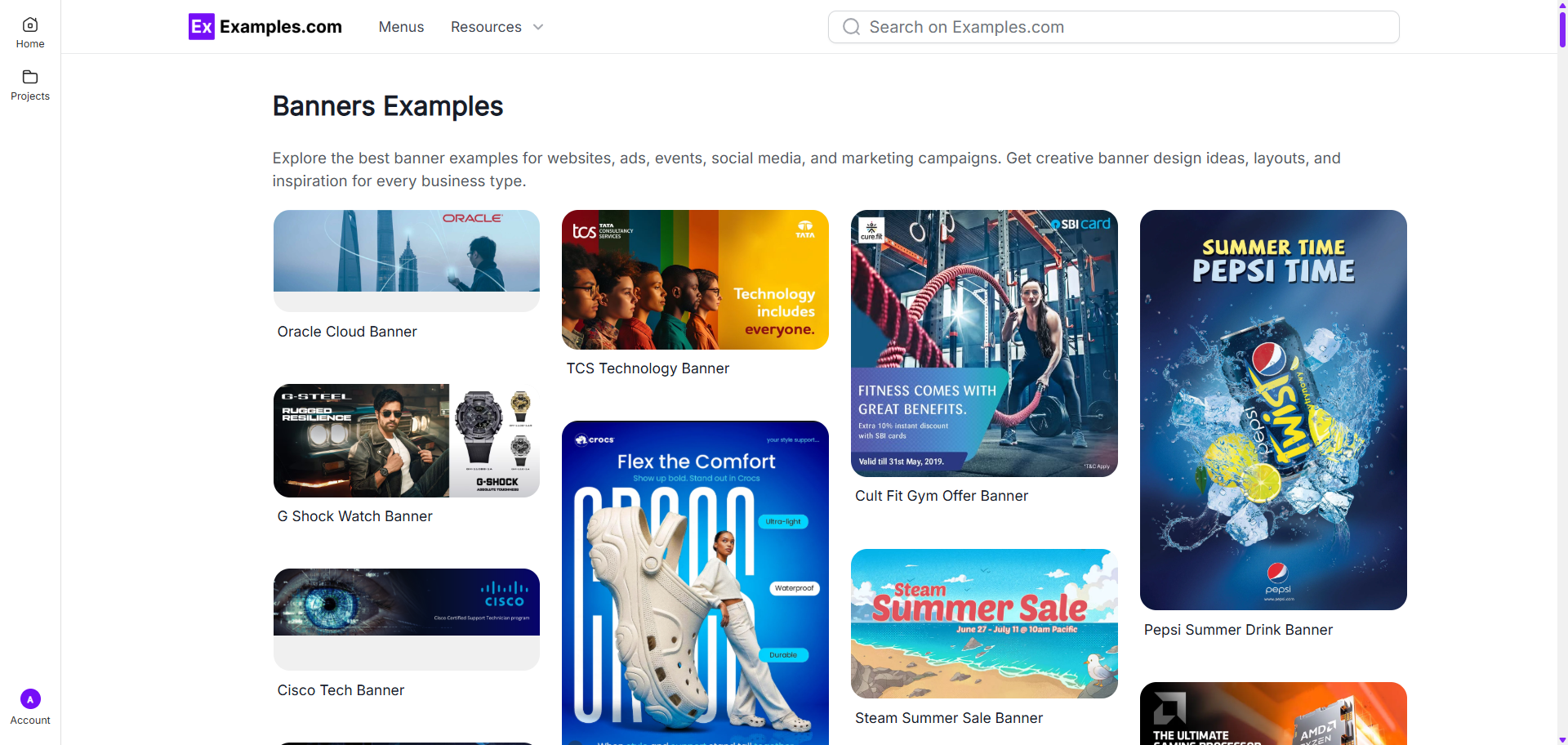
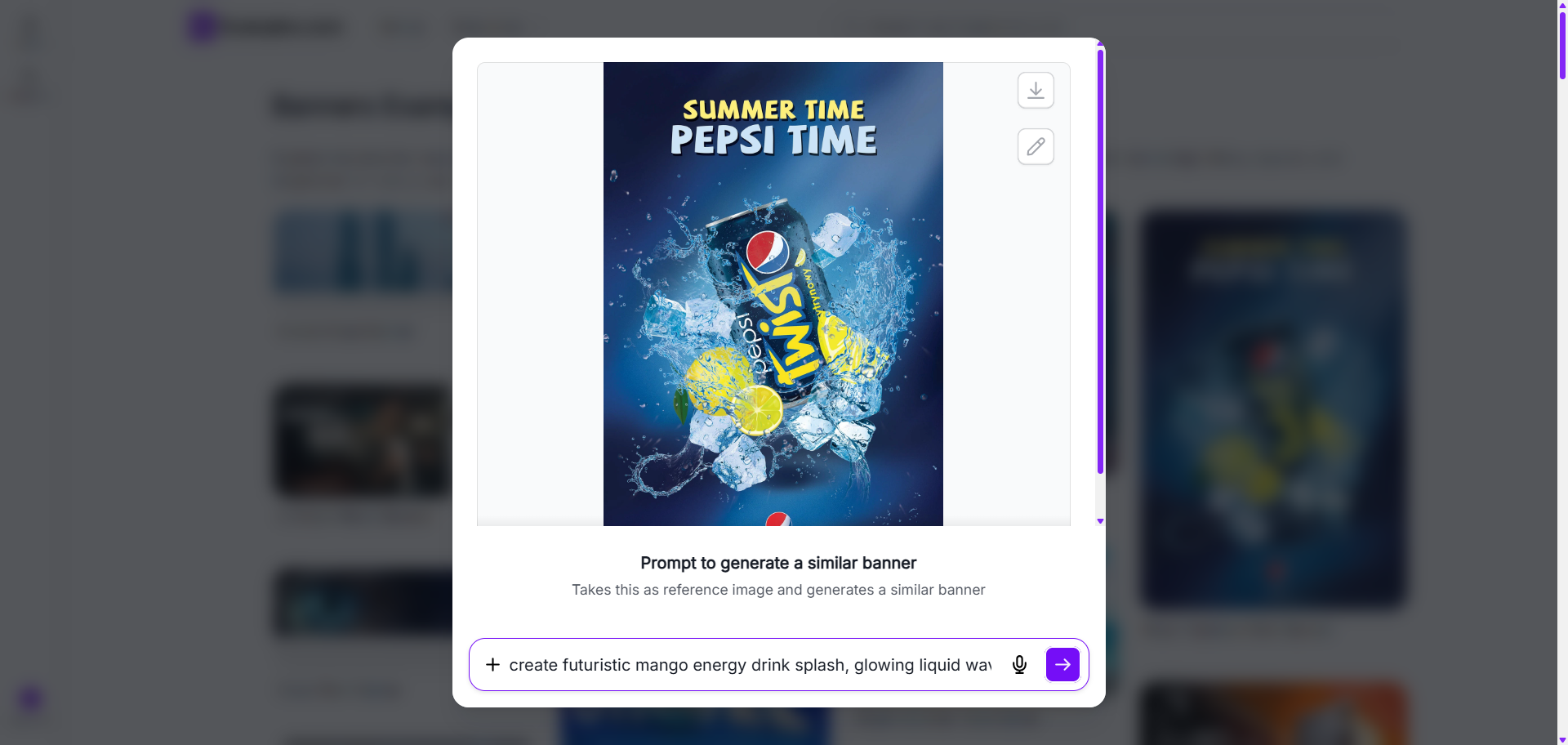
Choose A Reference Design And Enter An AI Prompt
Select a banner example that matches your preferred style or layout. Then enter a text prompt describing the banner you want to create, including colors, themes, branding ideas, promotional text, or visual preferences.
Generate A New AI Banner
The AI uses the selected reference example and your prompt to generate a completely new banner design. Users can create personalized layouts, promotional visuals, advertising banners, social media graphics, and branded marketing materials.
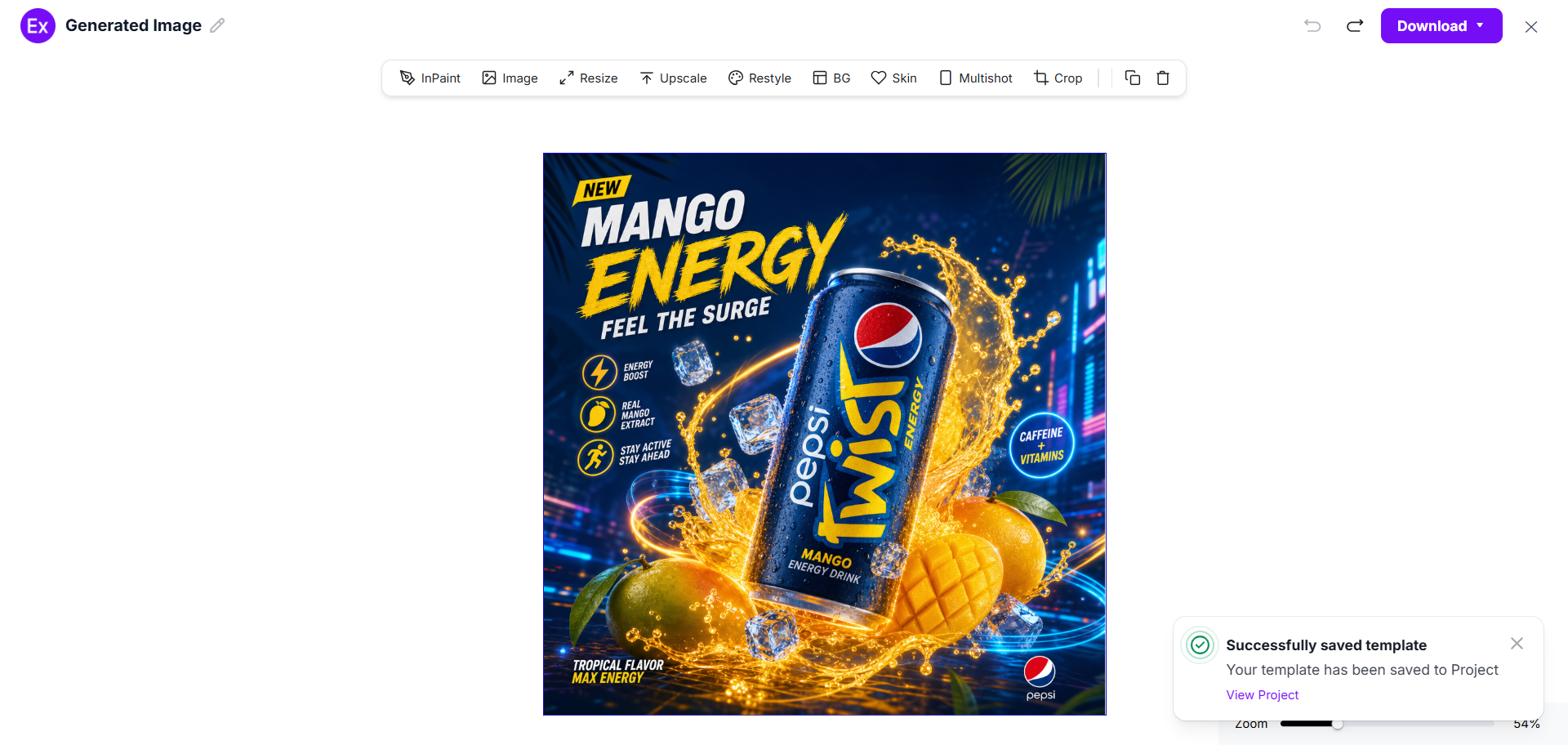
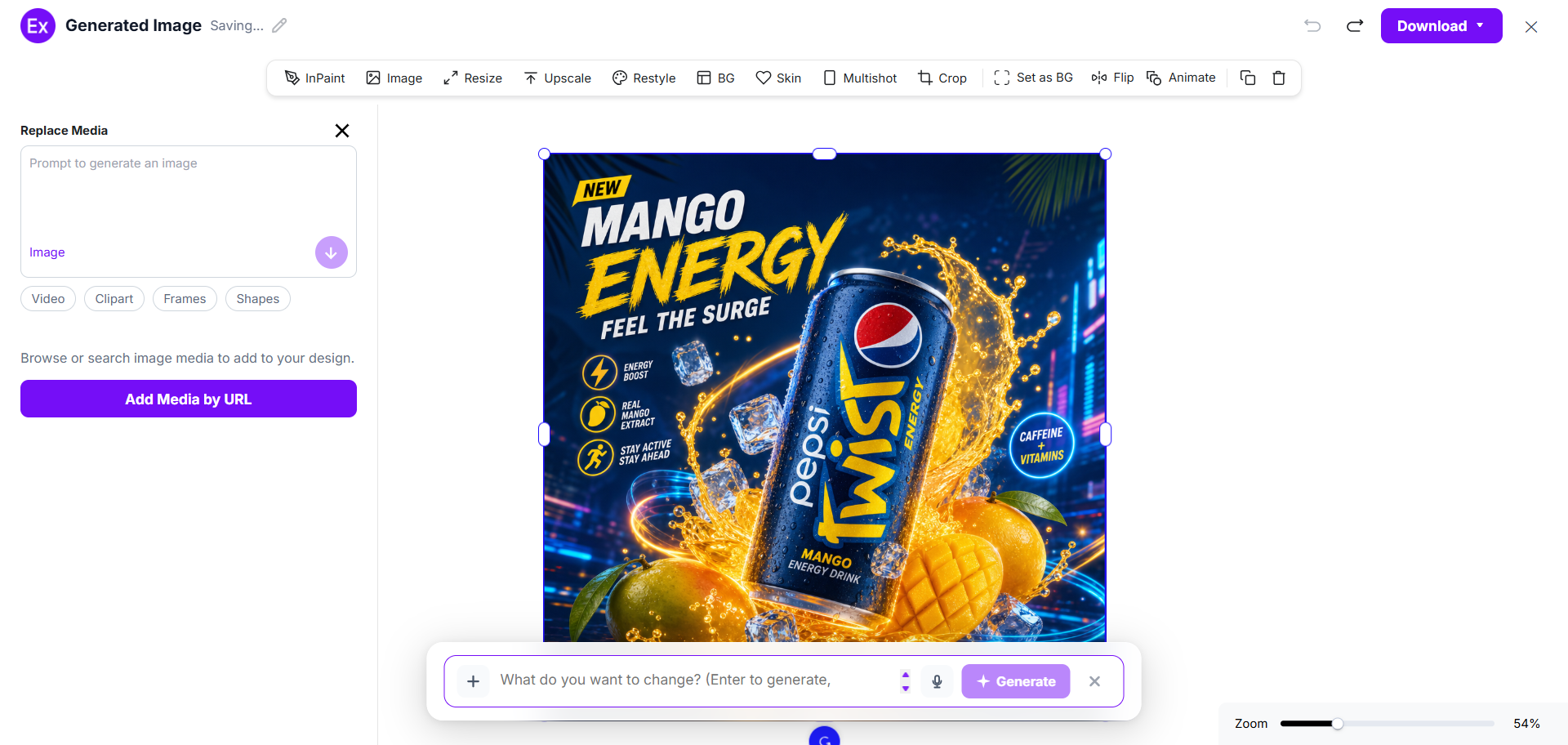
Customize The Banner In The Online Editor
Open the generated banner inside the editor to customize the design further. Users can replace images, upload media, edit text, adjust colors, add graphics, resize layouts, and use AI editing tools to improve the banner design.
Download And Use The Final Banner
After customization is complete, download the final banner in PNG format. The finished design can be used for websites, social media posts, advertisements, business promotions, presentations, and online marketing campaigns.
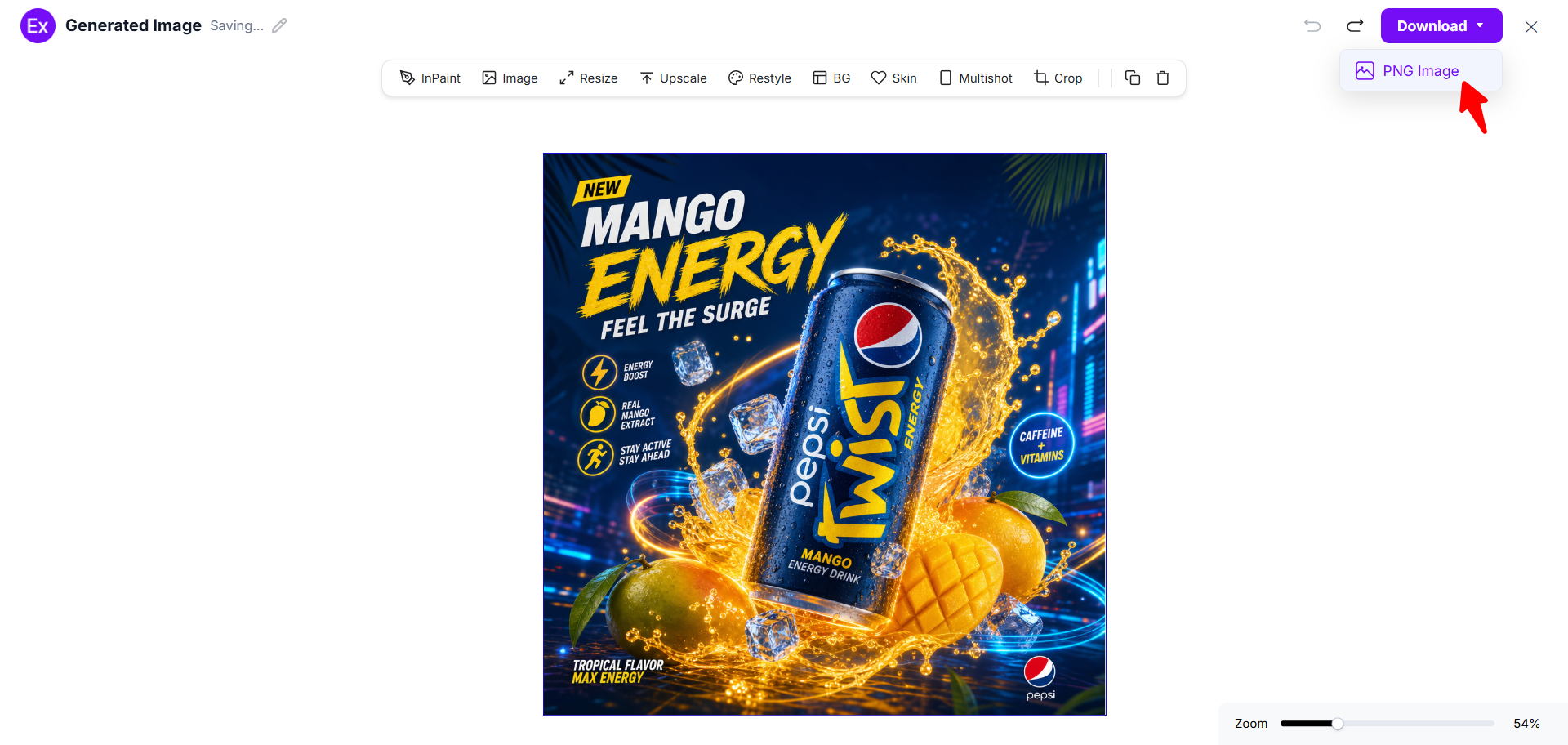
Customize Banner Designs Online
Banner customization allows users to personalize AI-generated designs for different platforms, audiences, and marketing goals. Examples.com provides an online editor where users can modify layouts, replace images, update text, and adjust design elements without needing professional design software.
Users can also upload their own media, add graphics, insert frames, generate new visuals with prompts, and enhance banner quality using AI editing tools. This flexible workflow helps businesses, marketers, creators, and beginners create unique banner designs for websites, ads, events, ecommerce promotions, and social media campaigns.
AI Banner Editing Features
Examples.com includes multiple AI-powered editing tools that help users improve and customize banner designs online.
InPaint
Edit or remove selected areas inside the banner while preserving the surrounding design.
Resize
Adjust banner dimensions for websites, social media platforms, advertisements, and print layouts.
Upscale
Improve image quality and increase banner resolution for sharper visual output.
Restyle
Generate different visual styles while maintaining the original banner concept.
Background Editing
Remove, replace, or modify banner backgrounds for cleaner layouts and branding consistency.
Crop
Adjust framing, spacing, and composition to improve layout balance.
Flip
Mirror banner layouts horizontally or vertically for alternative design arrangements.
Animate
Add animated visual effects for digital campaigns and promotional content.
Multishot
Generate multiple banner variations from a single design idea or prompt.
Standard Banner Sizes And Formats
Banner sizes vary depending on the platform, device type, and marketing purpose. Choosing the correct dimensions helps improve visibility, readability, and user engagement.
| Banner Type | Standard Size | Common Usage |
|---|---|---|
| Leaderboard Banner | 728 × 90 px | Website header advertising |
| Medium Rectangle Banner | 300 × 250 px | Display ads and content sections |
| Large Rectangle Banner | 336 × 280 px | Promotional website banners |
| Mobile Banner | 320 × 50 px | Mobile advertising |
| Half Page Banner | 300 × 600 px | High-visibility display ads |
| Square Banner | 1080 × 1080 px | Social media posts |
| Facebook Cover Banner | 851 × 315 px | Facebook business pages |
| YouTube Channel Banner | 2560 × 1440 px | YouTube branding |
| LinkedIn Banner | 1584 × 396 px | Professional profile branding |
| Vertical Banner | 1080 × 1920 px | Stories and mobile promotions |
Different banner formats are suitable for different goals. Horizontal banners work well for website headers and advertisements, while square and vertical formats perform better on social media and mobile devices. Businesses often create multiple banner sizes to maintain consistent branding across platforms.
PNG format is commonly preferred because it preserves image quality while supporting online publishing and digital marketing workflows.
Essential Elements Every Banner Should Include
An effective banner combines clear messaging, strong visuals, and balanced design structure. Including the right elements helps improve readability and communication.
- Clear Headline – Use a direct headline that quickly explains the main message or offer.
- Strong Call To Action – Include action-focused text such as “Shop Now,” “Learn More,” “Register Today,” or “Get Started.”
- High-Quality Images – Use clear and visually relevant images that support the banner message.
- Consistent Brand Colors – Maintain consistent brand colors to improve recognition and visual identity.
- Readable Typography – Choose fonts that remain clear across desktop and mobile devices.
- Visual Hierarchy – Arrange elements in a way that guides viewers toward the most important information first.
- Balanced Spacing – Avoid overcrowded layouts by maintaining clean spacing between text and graphics.
- Relevant Graphics – Use icons, shapes, or visual elements that enhance the design without distracting users.
- Contact Or Website Information – Include business websites, social handles, or contact details when necessary.
How Do I Design A Better Banner?
A well-designed banner communicates information quickly while maintaining strong visual appeal. Following a few design principles can improve both readability and user engagement.
- Focus On One Main Message – Avoid adding too much information. A single clear message is easier to understand and more visually effective.
- Use Strong Visual Contrast – Contrast between text and background improves readability and helps important elements stand out.
- Keep Text Short – Short headlines and concise supporting text make banners easier to scan on both desktop and mobile screens.
- Use Readable Fonts – Choose simple fonts that remain clear at different banner sizes and resolutions.
- Maintain Visual Balance – Distribute text, images, and graphics evenly to create a clean and organized layout.
- Use High-Quality Visuals – Sharp images and quality graphics improve the overall appearance of the banner.
- Optimize For Mobile Devices – Many users view banners on mobile devices, so layouts should remain readable on smaller screens.
- Keep Branding Consistent – Use consistent colors, typography, and visual styles across all banners to strengthen brand identity.
- Test Different Banner Variations – Trying multiple layouts, colors, or messaging styles can help identify which designs perform better for different audiences.
Common Banner Design Mistakes To Avoid
Avoiding common banner design mistakes helps improve visual clarity, readability, and user engagement across marketing campaigns.
- Overcrowded Layouts – Too many elements can make banners difficult to read. Keep layouts simple and organized.
- Weak Call To Action – Without a clear CTA, users may not know what action to take next.
- Too Many Fonts – Using multiple font styles creates visual inconsistency and reduces readability.
- Low Contrast Colors – Text that blends into the background becomes difficult to read, especially on mobile devices.
- Poor Image Quality – Low-resolution images can make banners appear unprofessional and unclear.
- Unclear Messaging – Complicated wording may confuse users. Keep banner messaging direct and easy to understand.
- Inconsistent Branding – Changing colors, fonts, or styles too often can weaken brand recognition.
- Ignoring Mobile Optimization – Banners that only work on desktop screens may perform poorly on smartphones and tablets.
How Can I Market My Product Using A Banner?
Banners are commonly used in digital marketing campaigns to promote products, services, offers, and brand messaging across multiple platforms.
Website Promotions
Website banners help highlight featured products, sales campaigns, and important announcements directly on landing pages or homepages.
Social Media Campaigns
Businesses use banners on Facebook, Instagram, LinkedIn, YouTube, and X to improve visibility and engagement.
Product Launches
Launch banners help introduce new products with promotional visuals, release dates, and customer offers.
Ecommerce Sales
Retail businesses often use banners for seasonal discounts, flash sales, and limited-time promotions.
Event Marketing
Event banners can promote webinars, workshops, conferences, or local events with schedule and registration information.
Brand Awareness Campaigns
Consistent banner campaigns across platforms help businesses improve recognition and audience familiarity.
Display Advertising
Display ad banners are used across websites and online advertising networks to increase traffic and conversions.
Which Banner Sizes Perform Best?
The best-performing banner size depends on the platform, audience behavior, and campaign objective.
| Banner Size | Best Use Case |
|---|---|
| 728 × 90 px | Website header ads |
| 300 × 250 px | Display advertising |
| 1080 × 1080 px | Social media posts |
| 1080 × 1920 px | Stories and mobile campaigns |
| 2560 × 1440 px | YouTube channel branding |
| 851 × 315 px | Facebook page banners |
| 320 × 50 px | Mobile advertising |
Large horizontal banners often perform well on websites, while vertical mobile-friendly formats work better for social media engagement. Square banners are versatile because they fit across multiple social platforms.
Testing multiple banner dimensions helps businesses identify which layouts work best for different audiences and devices.
Banner Ideas For Different Industries
Different industries use banners for unique marketing goals, promotional campaigns, and customer communication.
- Ecommerce Banners – Promote product launches, discounts, flash sales, and seasonal offers.
- Restaurant Banners – Highlight menus, food delivery services, restaurant openings, and promotional deals.
- Real Estate Banners – Advertise property listings, open houses, and real estate investment opportunities.
- Fitness Banners – Promote gym memberships, fitness classes, personal training, and wellness campaigns.
- Education Banners – Display online courses, admissions, workshops, webinars, and academic programs.
- Healthcare Banners – Promote clinics, medical services, health awareness campaigns, and wellness programs.
- Technology Banners – Advertise software products, applications, AI tools, and digital services.
- Fashion Banners – Highlight clothing collections, seasonal launches, fashion sales, and brand campaigns.
FAQs
What Is The Best Banner Size?
The best banner size depends on the platform and campaign type. Website ads commonly use 728 × 90 px or 300 × 250 px, while social media banners often use square or vertical dimensions.
Can I Customize AI-Generated Banners?
Yes. Users can customize generated banners using the online editor by changing text, images, colors, layouts, graphics, and visual styles.
Are Banner Examples Directly Editable?
Banner examples mainly act as inspiration or reference designs for AI generation. Users generate new banner designs inspired by the selected examples.
Can I Upload My Own Images?
Yes. Users can upload their own images and media files inside the editor for personalized banner customization.
How Do AI Banner Generators Work?
AI banner generators use prompts, visual references, and design instructions to generate new banner layouts and graphics automatically.
Which Banner Format Is Best For Websites?
Horizontal formats such as leaderboard banners are commonly used for website headers and online advertising sections.
Can I Create Social Media Banners?
Yes. Users can create banners for Facebook, Instagram, LinkedIn, YouTube, X, and other social platforms using custom dimensions.
What Makes A Banner More Effective?
Clear messaging, readable typography, strong contrast, quality visuals, and focused layouts usually improve banner effectiveness.
Can I Resize A Banner After Generating It?
Yes. The resize tool allows users to adjust banner dimensions for different devices and platforms.
Are AI Banner Designs Suitable For Businesses?
Yes. Businesses use AI-generated banners for promotions, advertising campaigns, social media marketing, ecommerce sales, and branding activities.