
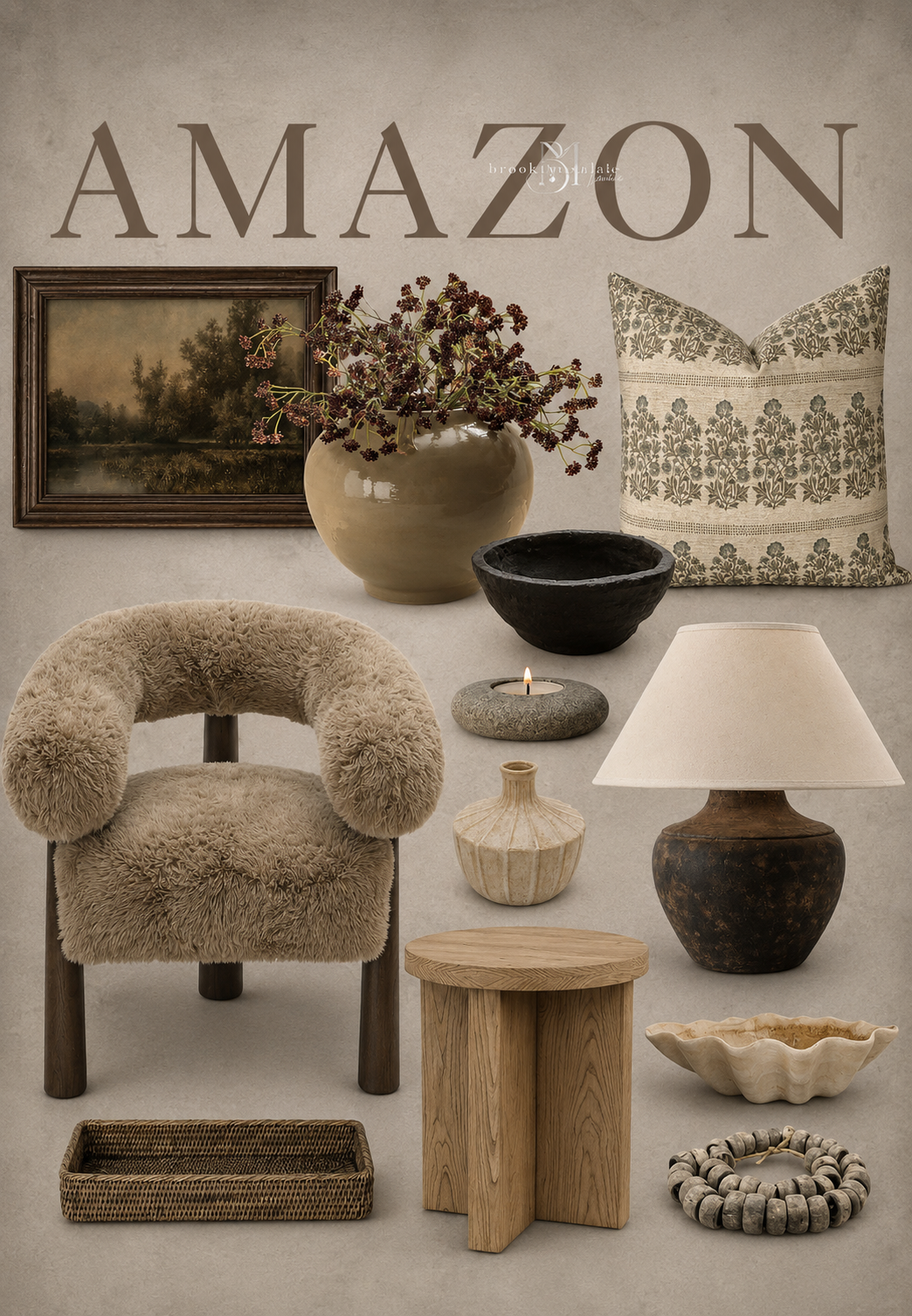
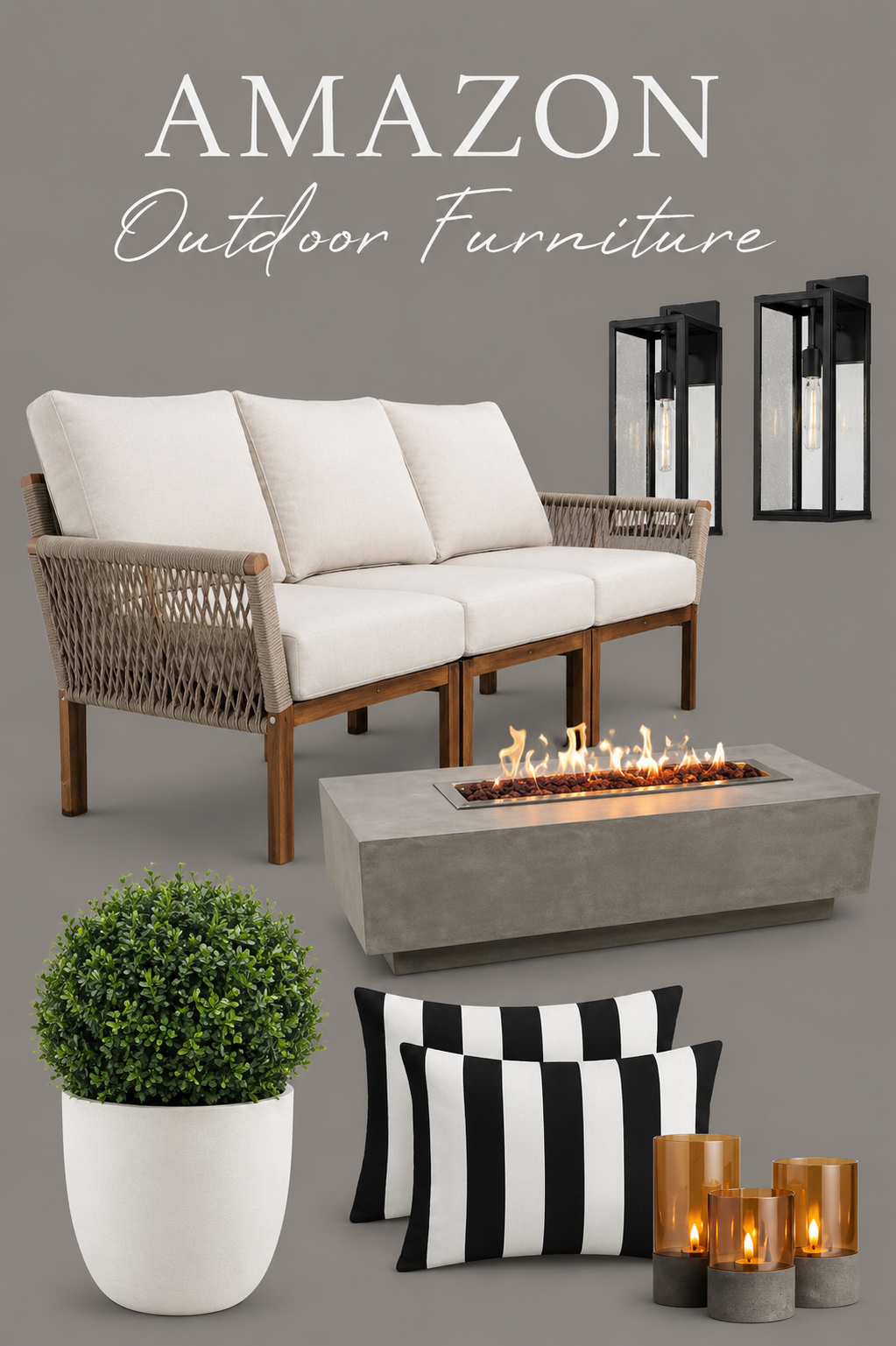
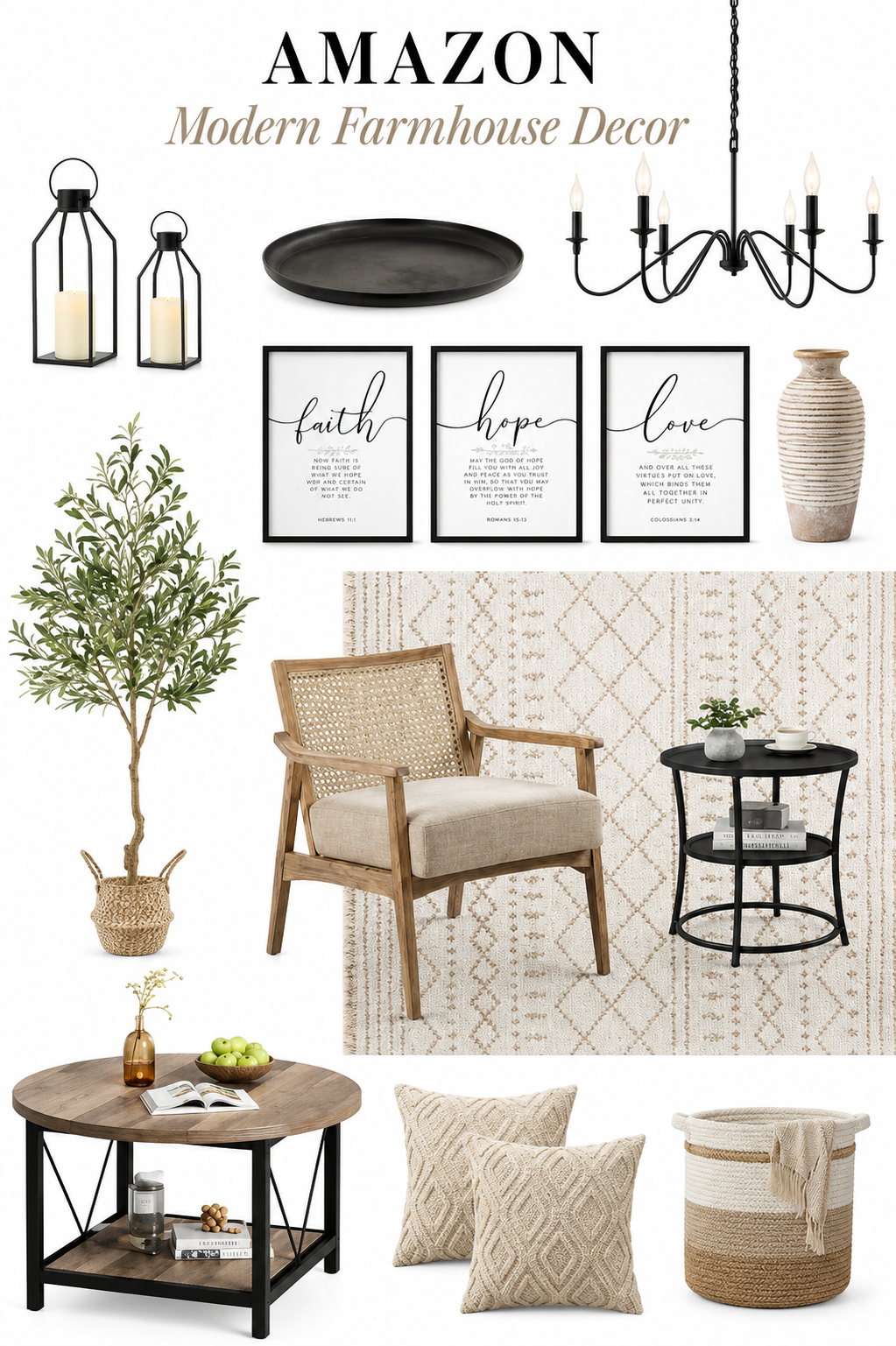
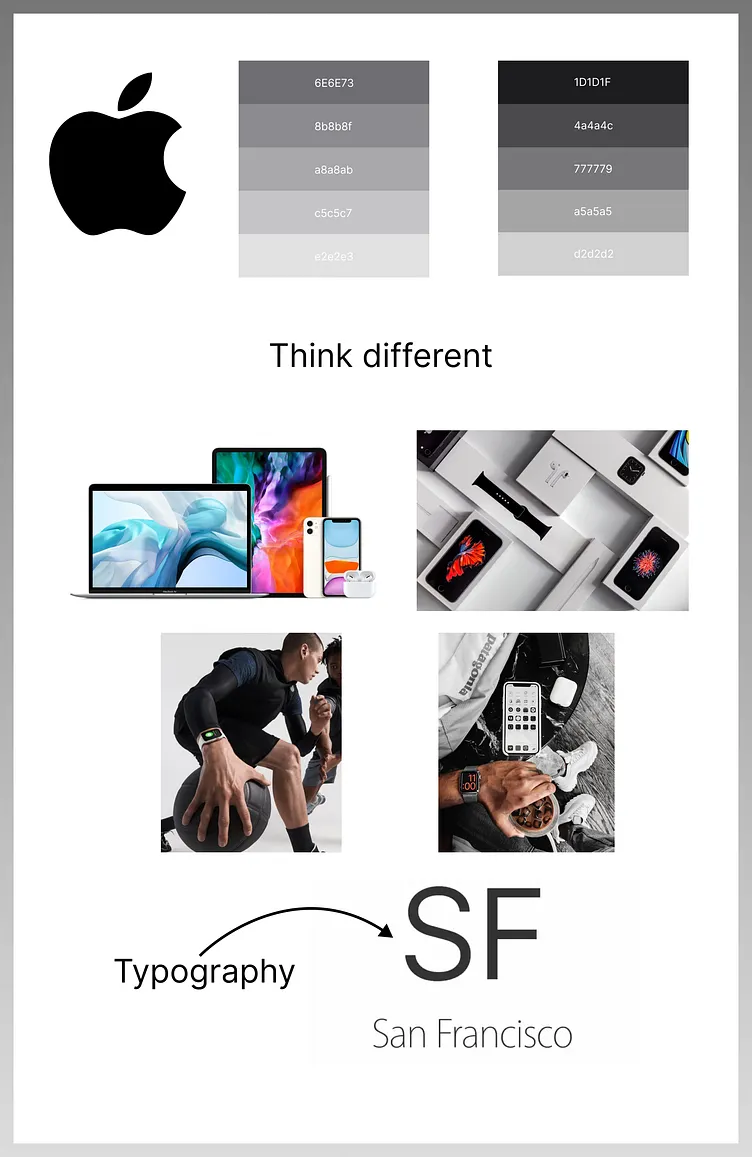
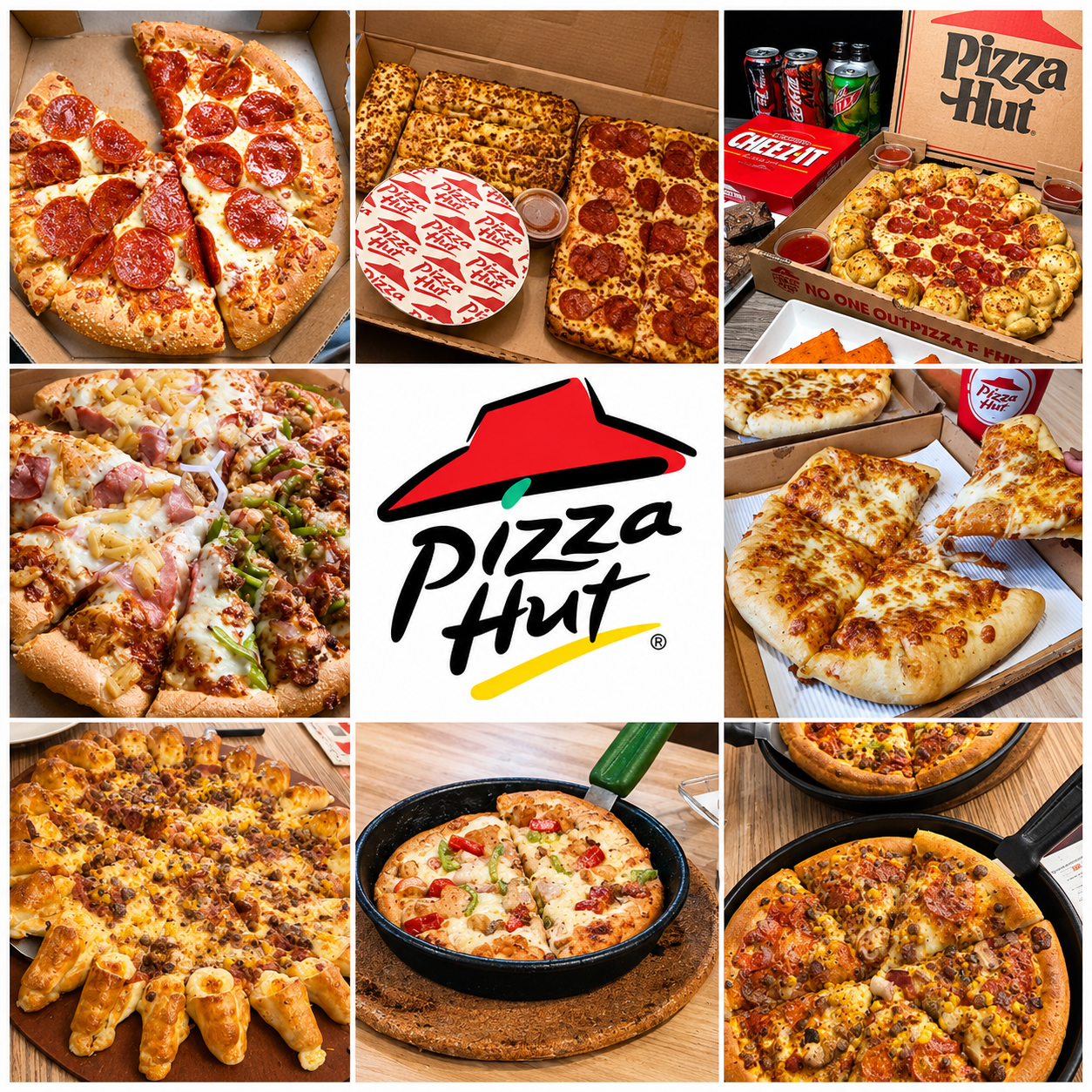
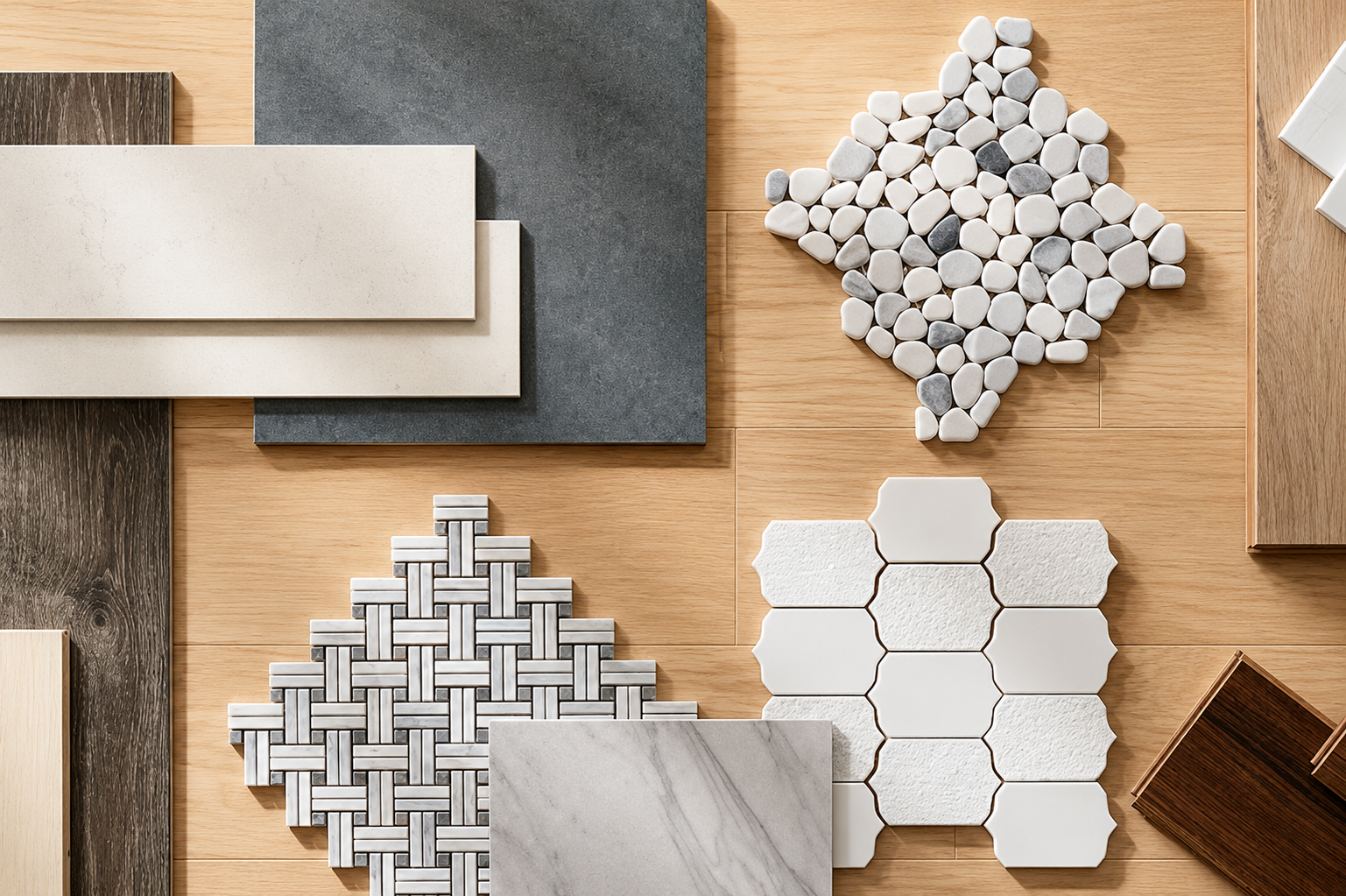
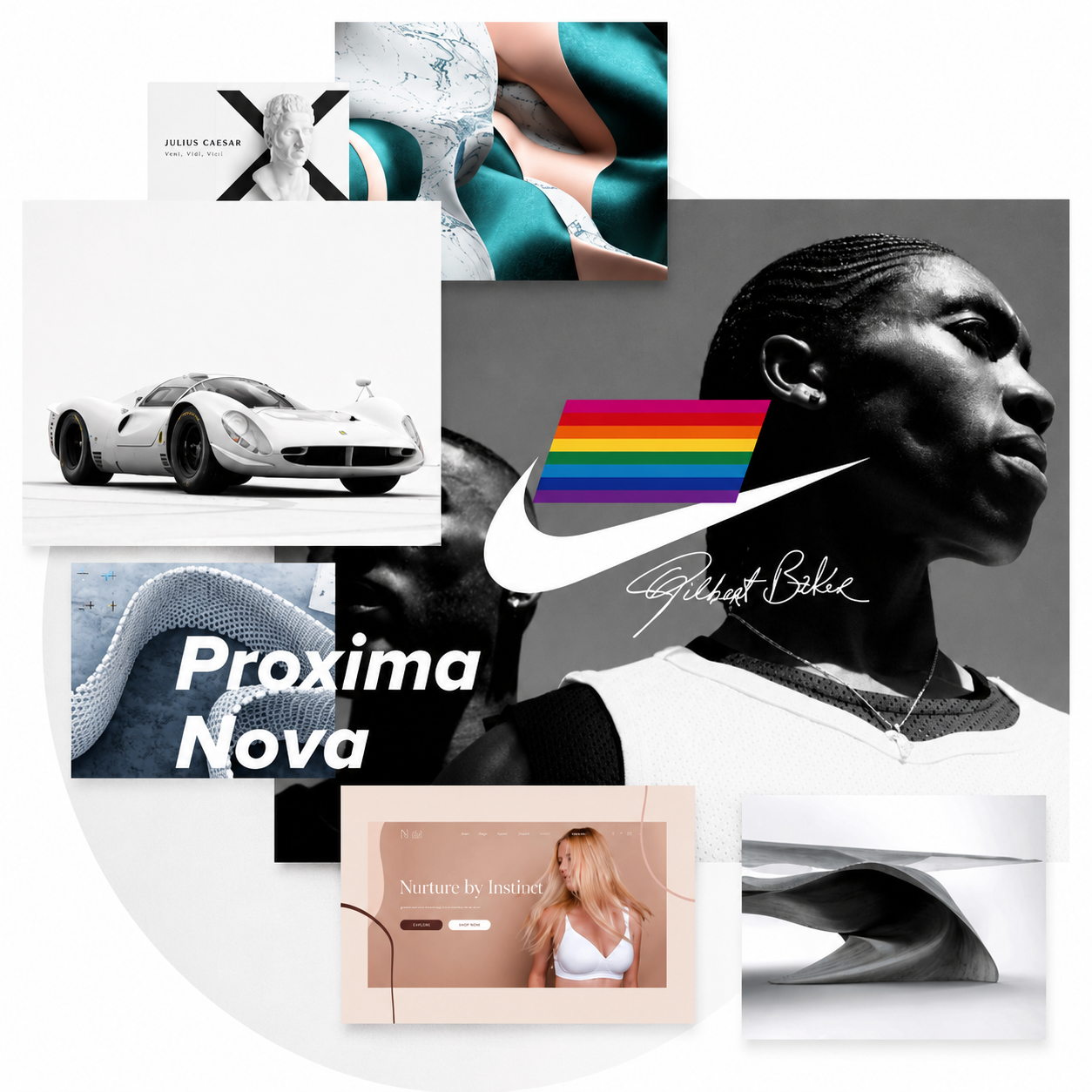
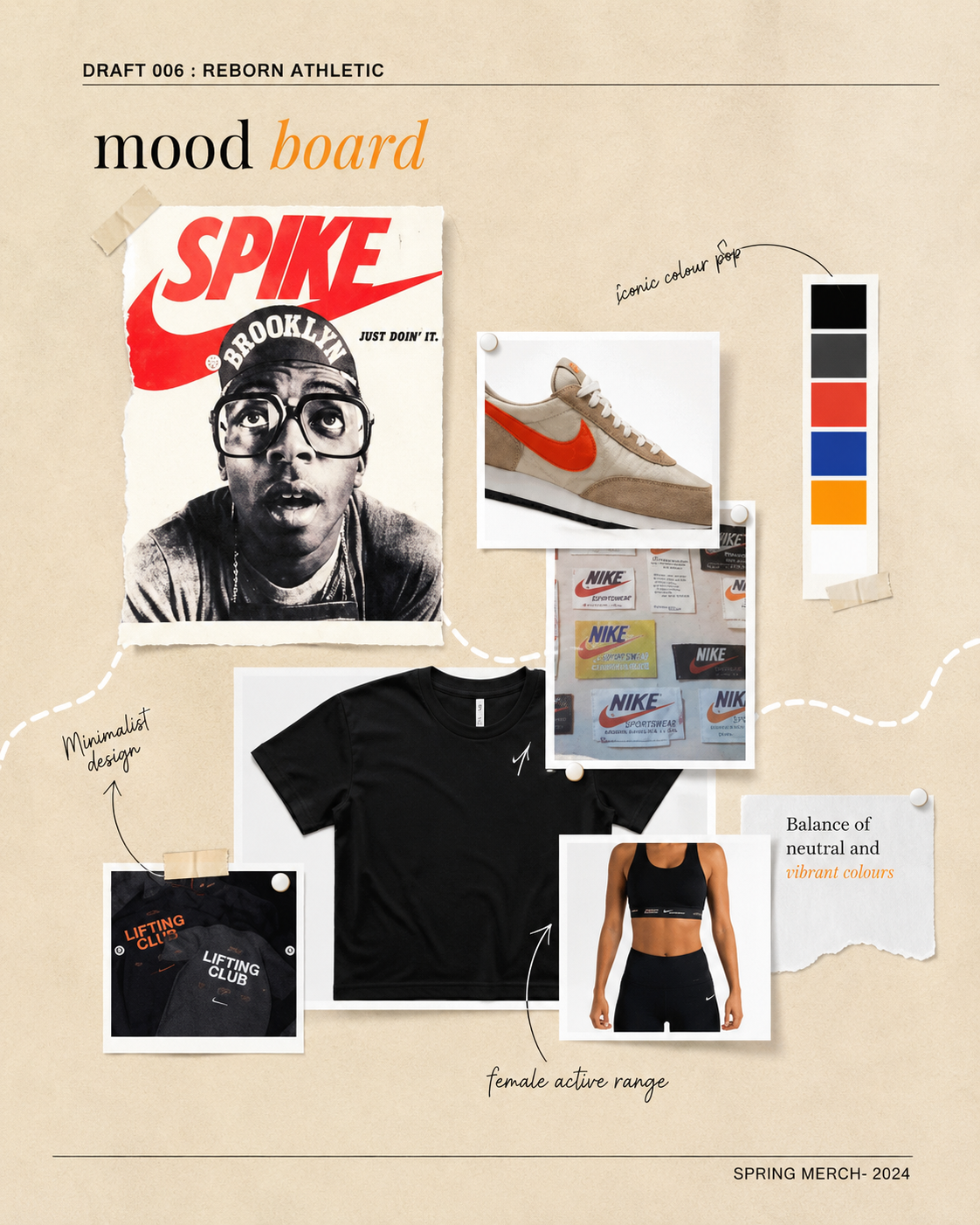
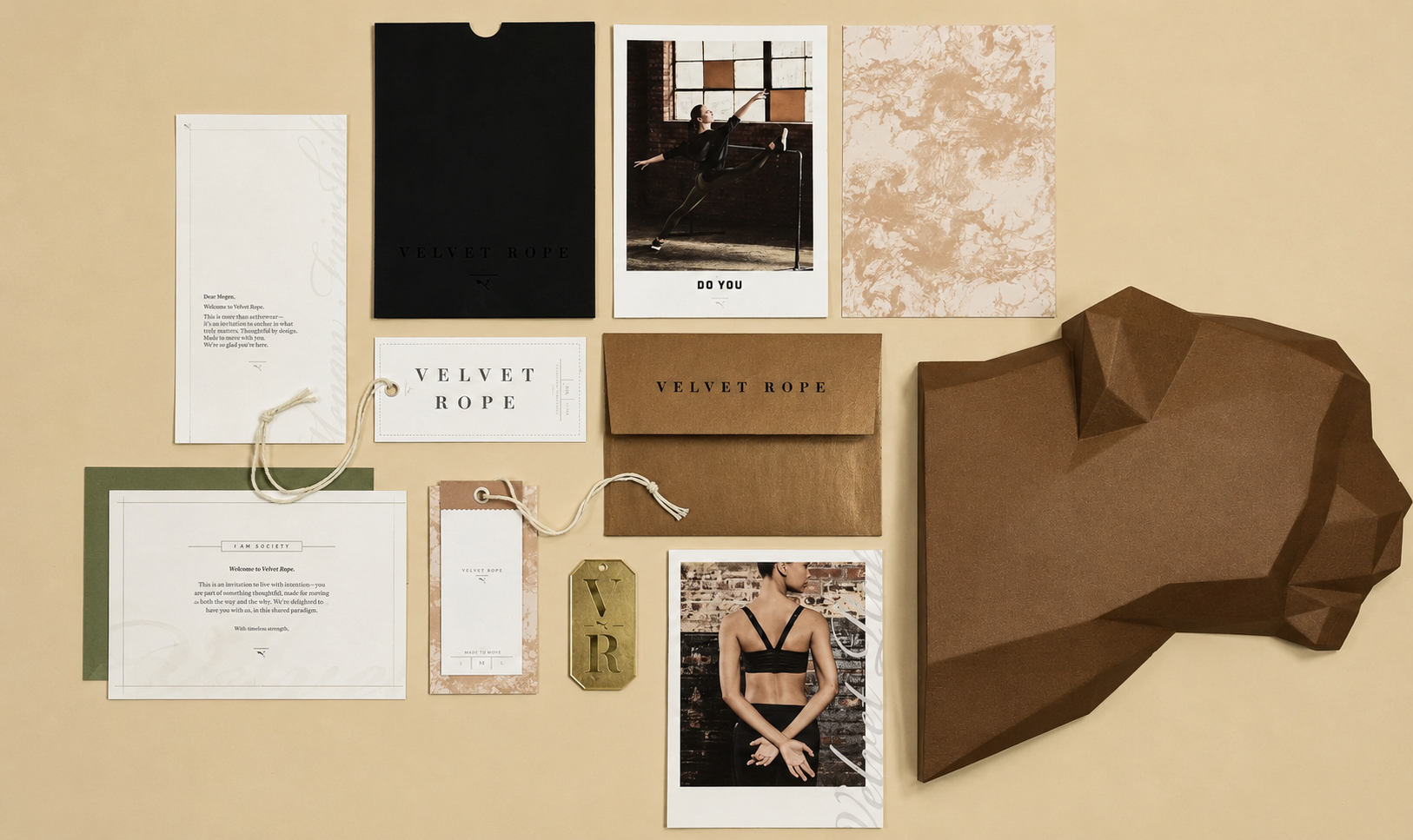
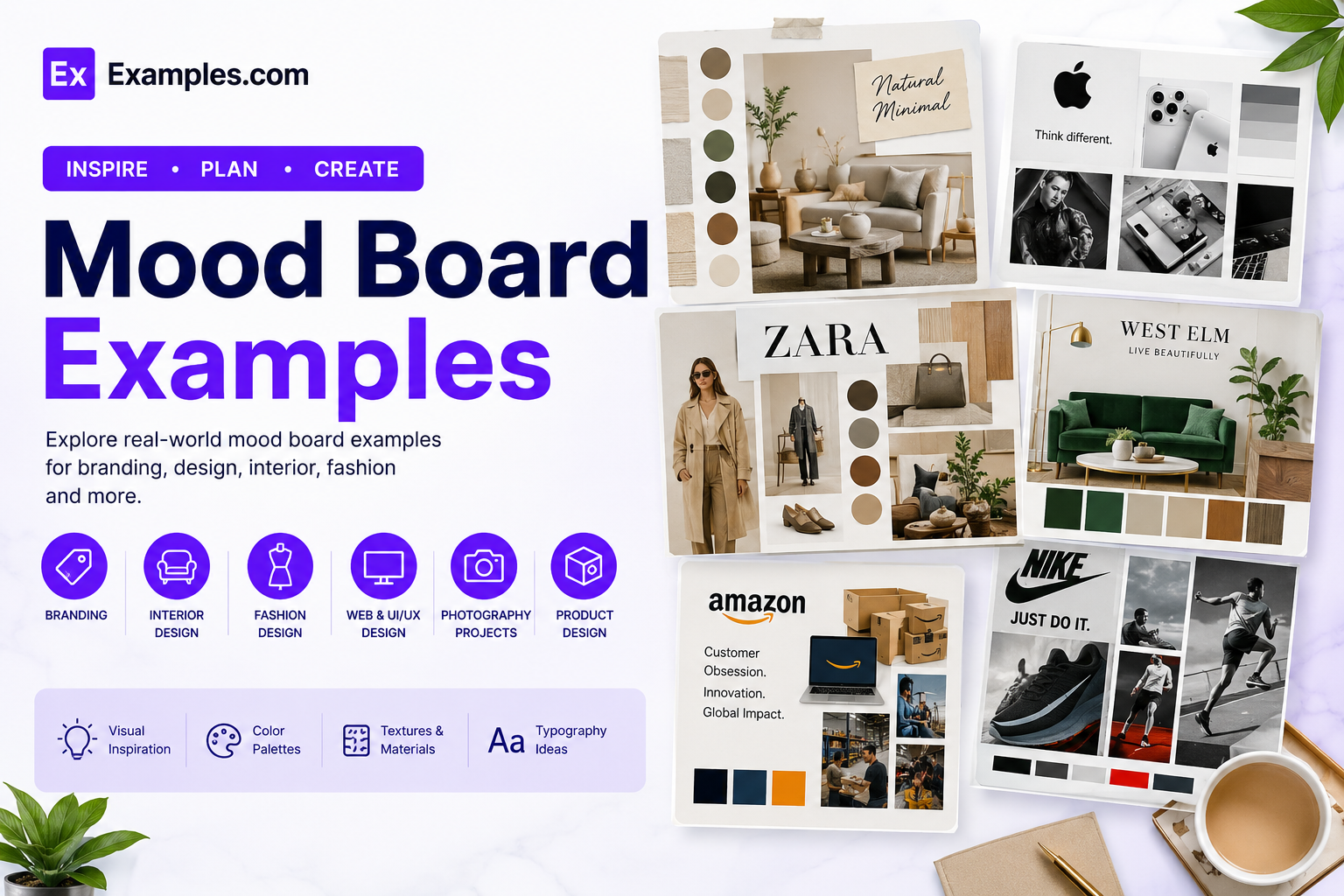
Create inspiring mood boards using AI-powered design generation based on real-world mood board examples. Browse visual boards from interior design, branding, fashion, marketing, architecture, product design, UI/UX, photography, and creative industries, choose a style that matches your vision, enter an AI prompt, generate a completely new mood board, customize every element in the online editor, and download the final PNG. Examples.com helps users transform ideas into organized visual inspiration that guides creative projects from concept to completion.
What Is A Mood Board?
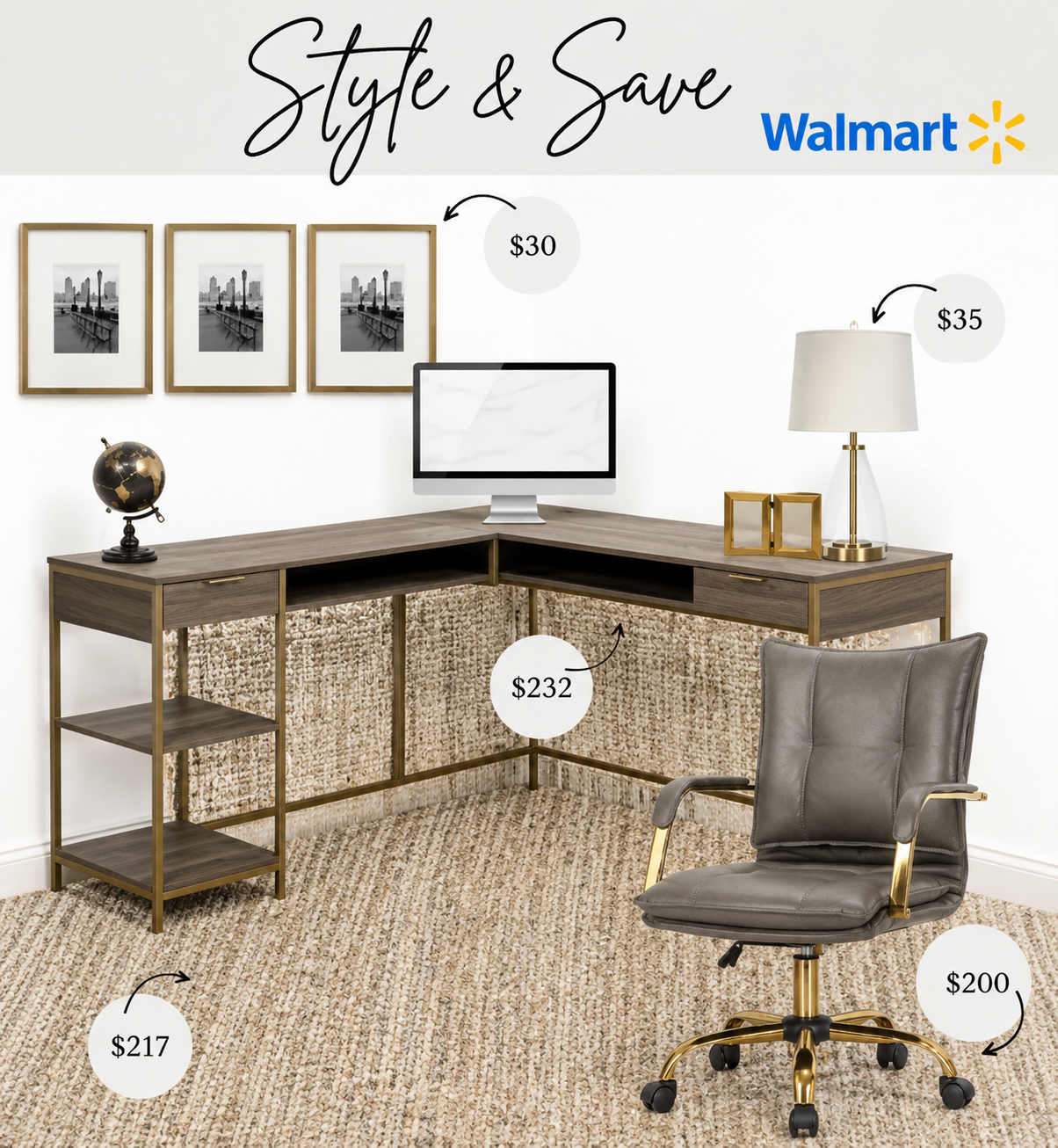
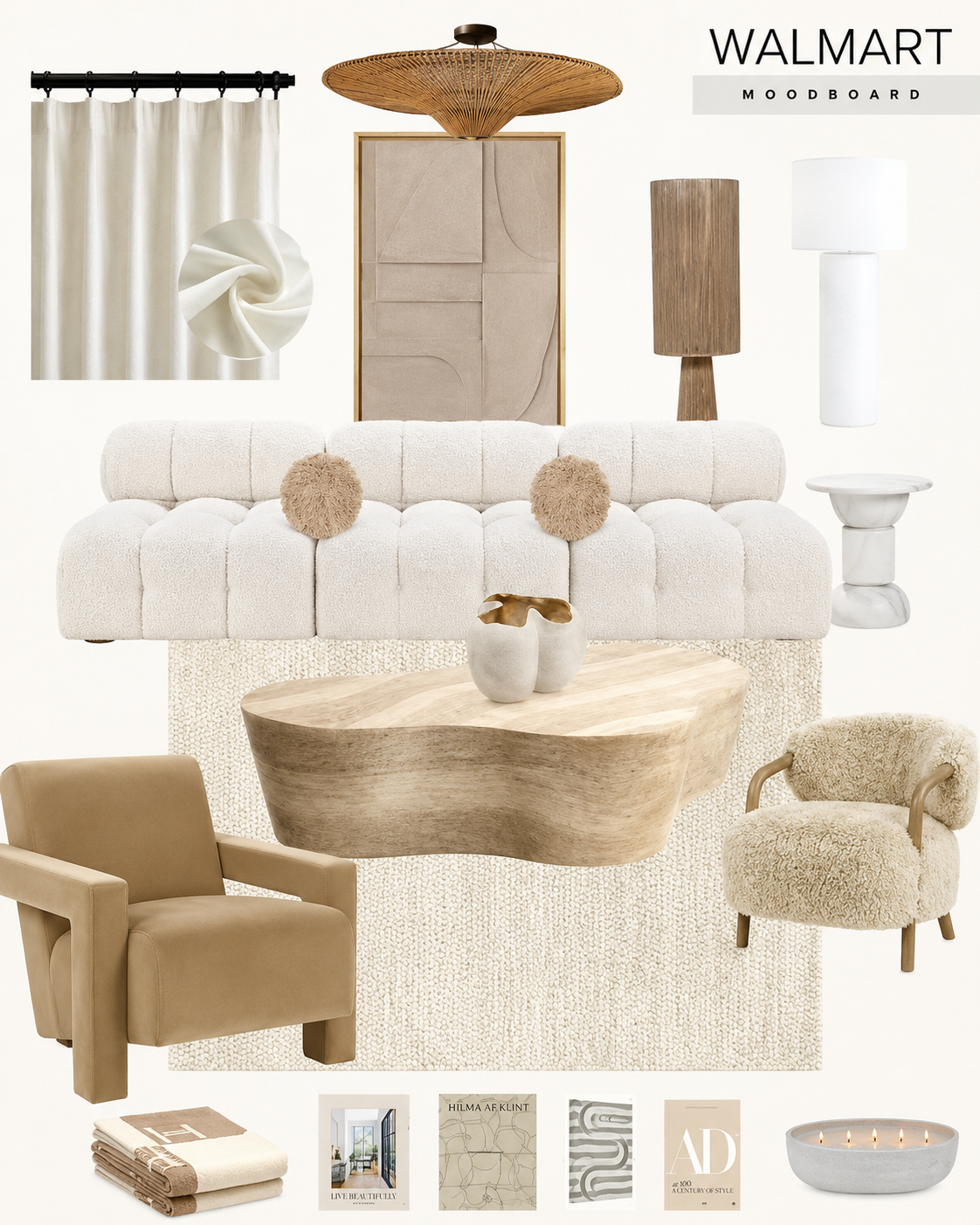
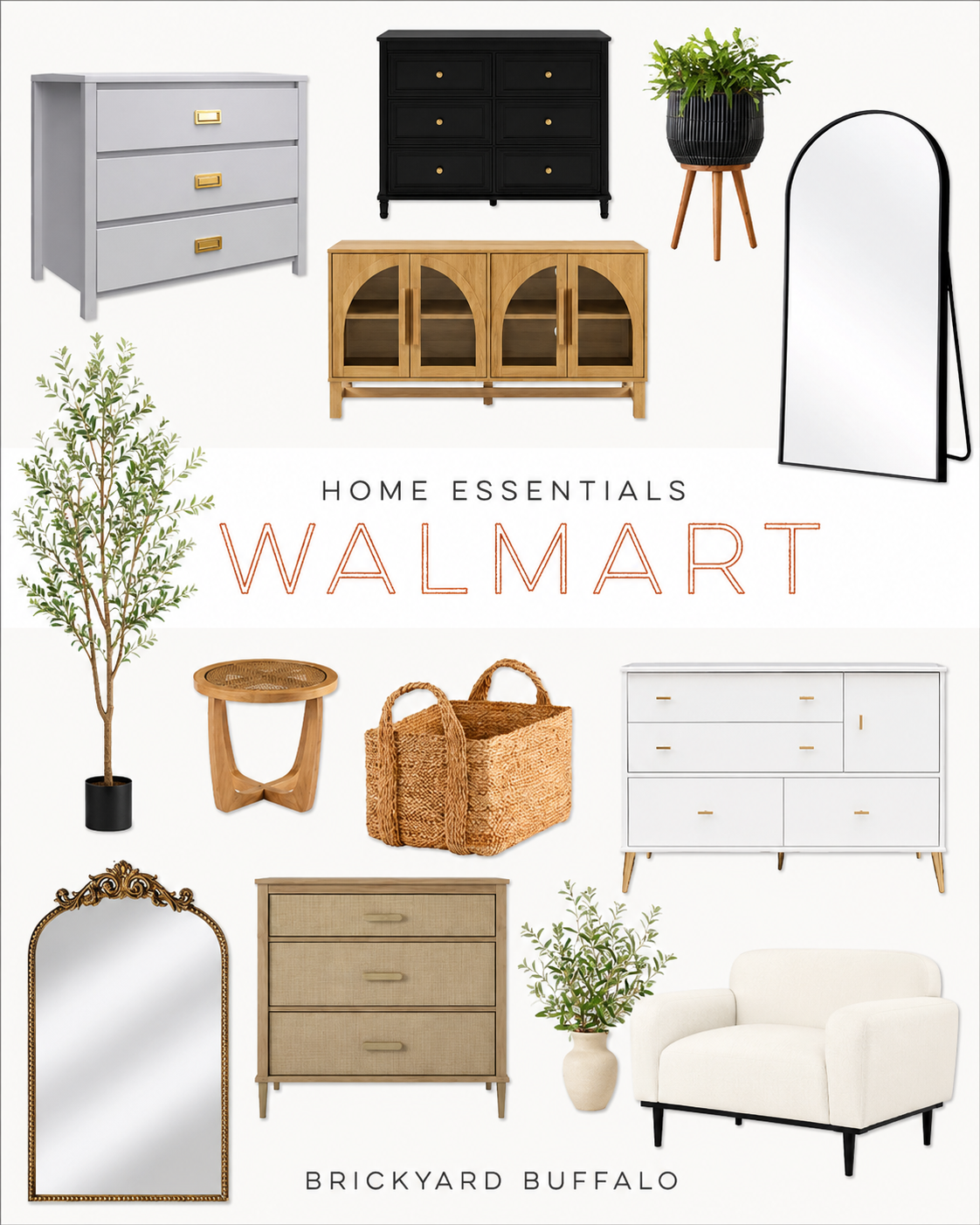
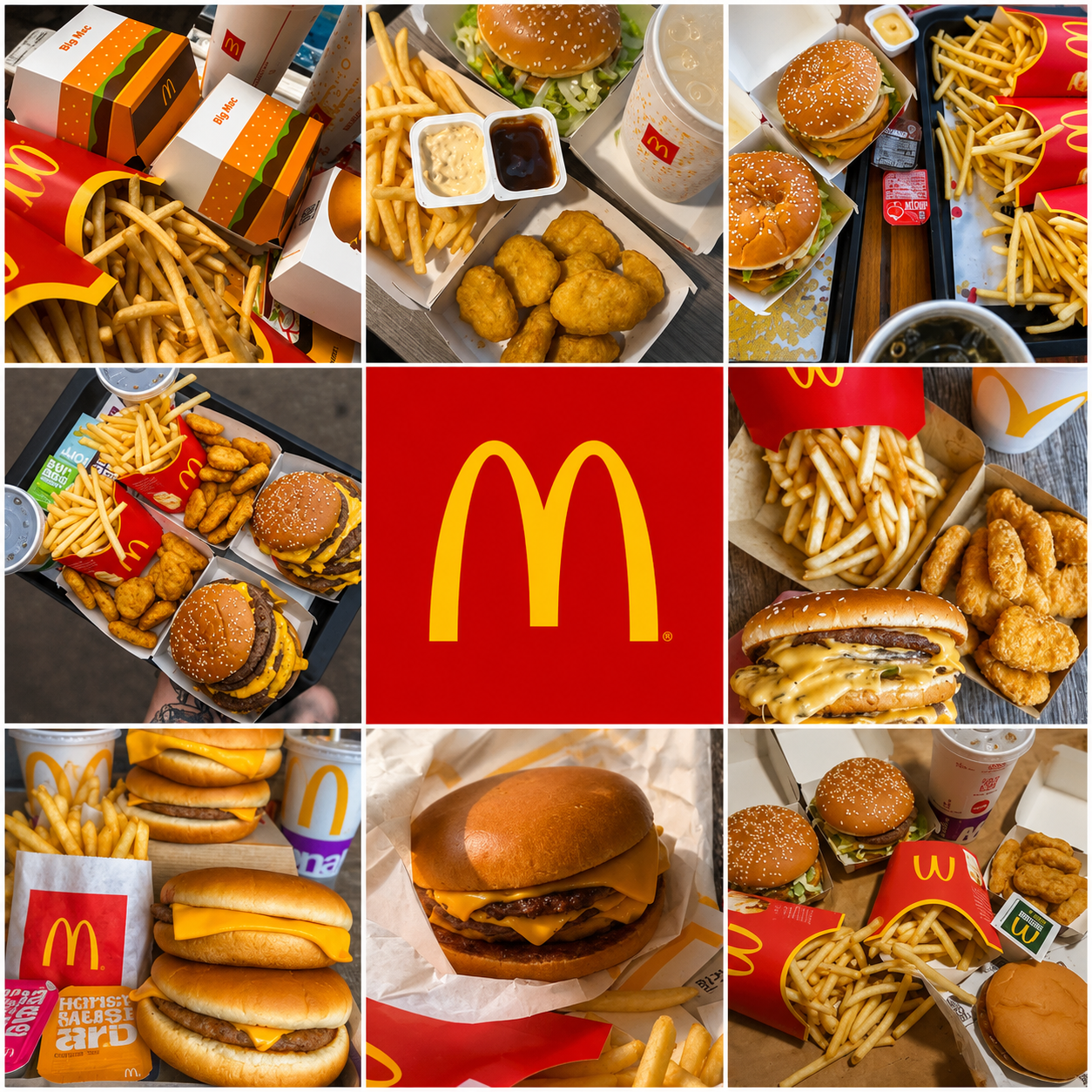
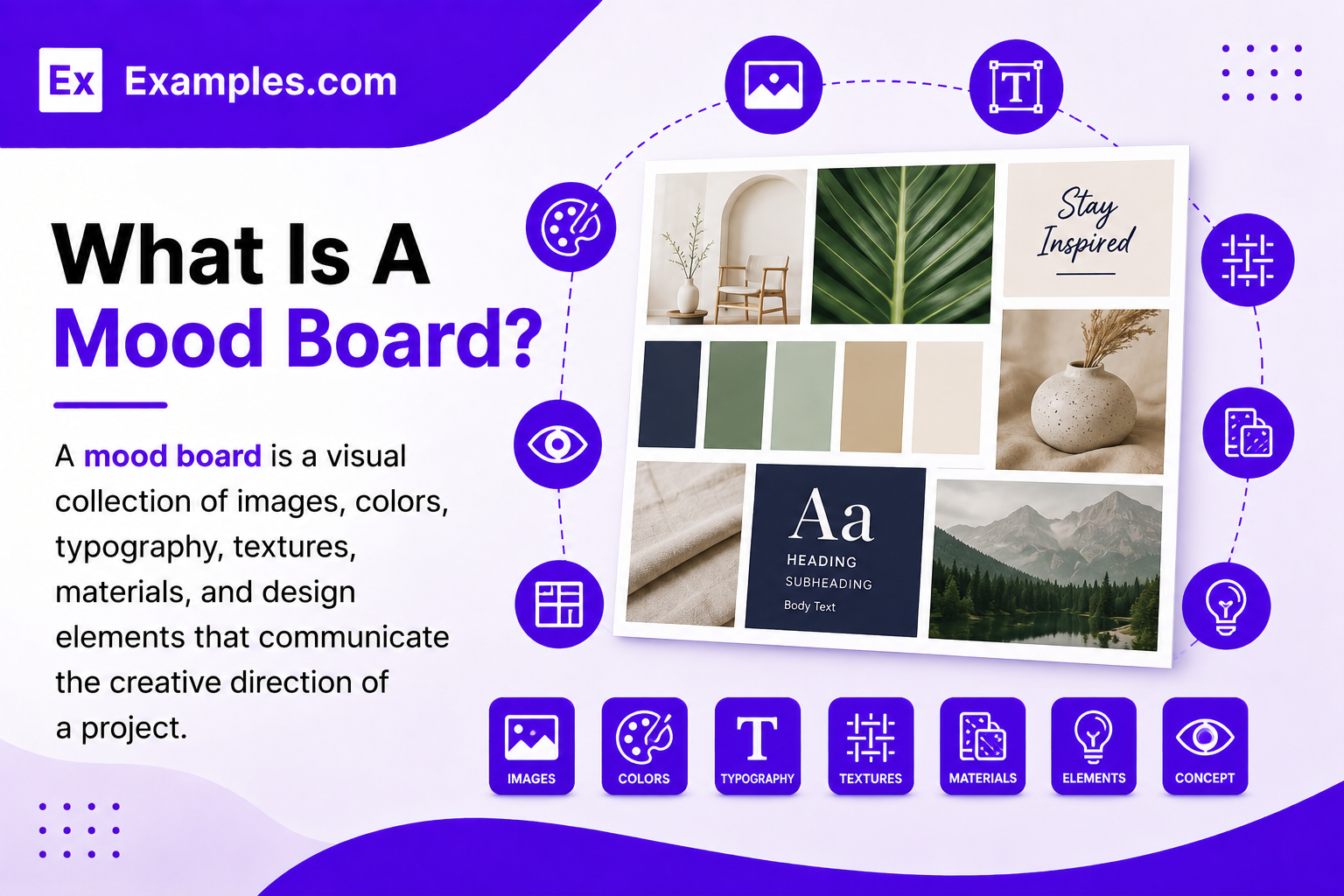
A mood board is a visual collection of images, colors, typography, textures, materials, and design elements that communicate the creative direction of a project. Mood boards help organize inspiration, explore design styles, present concepts, and develop consistent visual identities using AI-powered design generation and online customization tools.
Popular Types Of Mood Boards
Mood boards help visualize creative ideas across different industries and design projects. Each type focuses on organizing visual inspiration for a specific purpose.
Interior Design Mood Boards
Combine furniture, textures, paint colors, flooring, fabrics, and décor to visualize beautiful interior spaces.
Branding Mood Boards
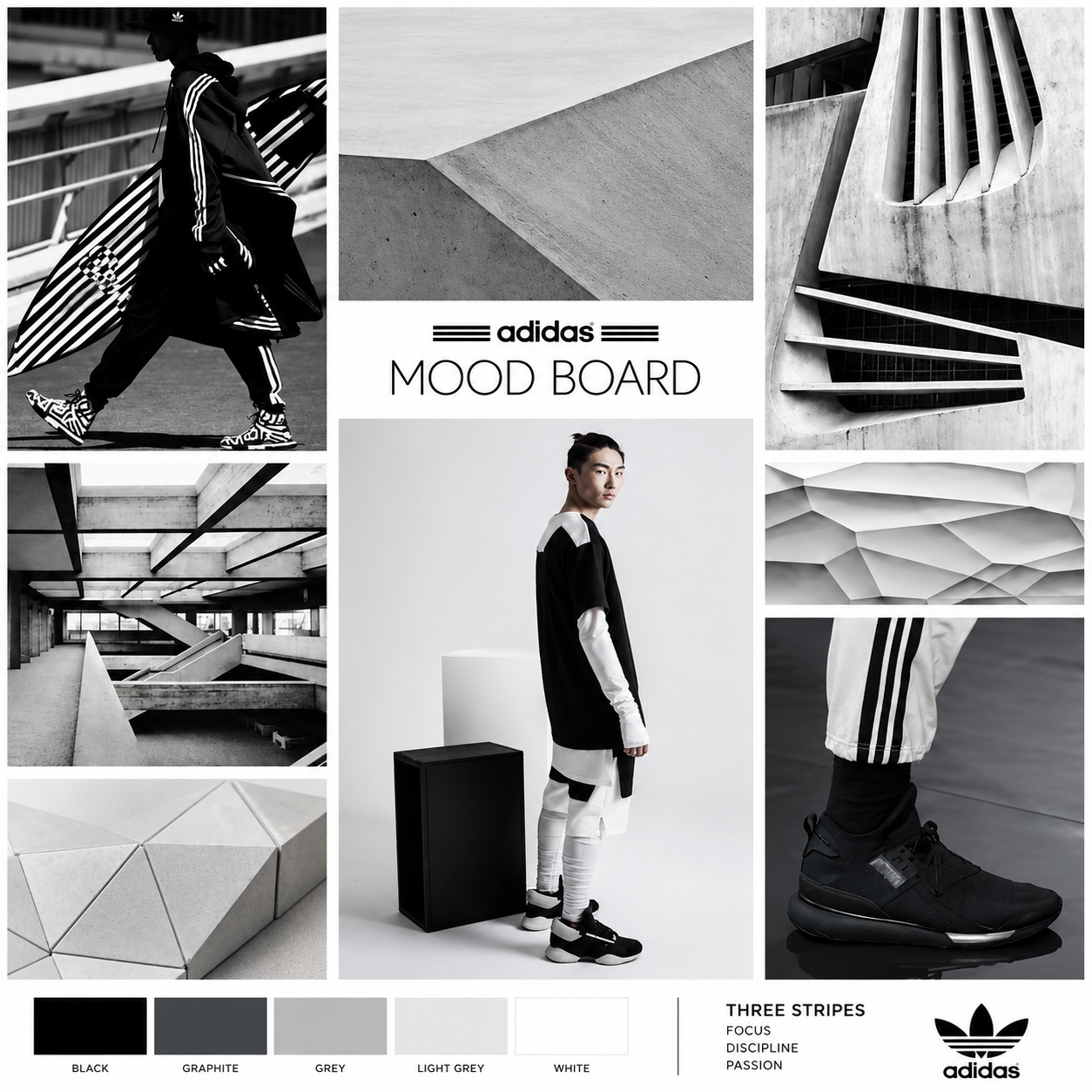
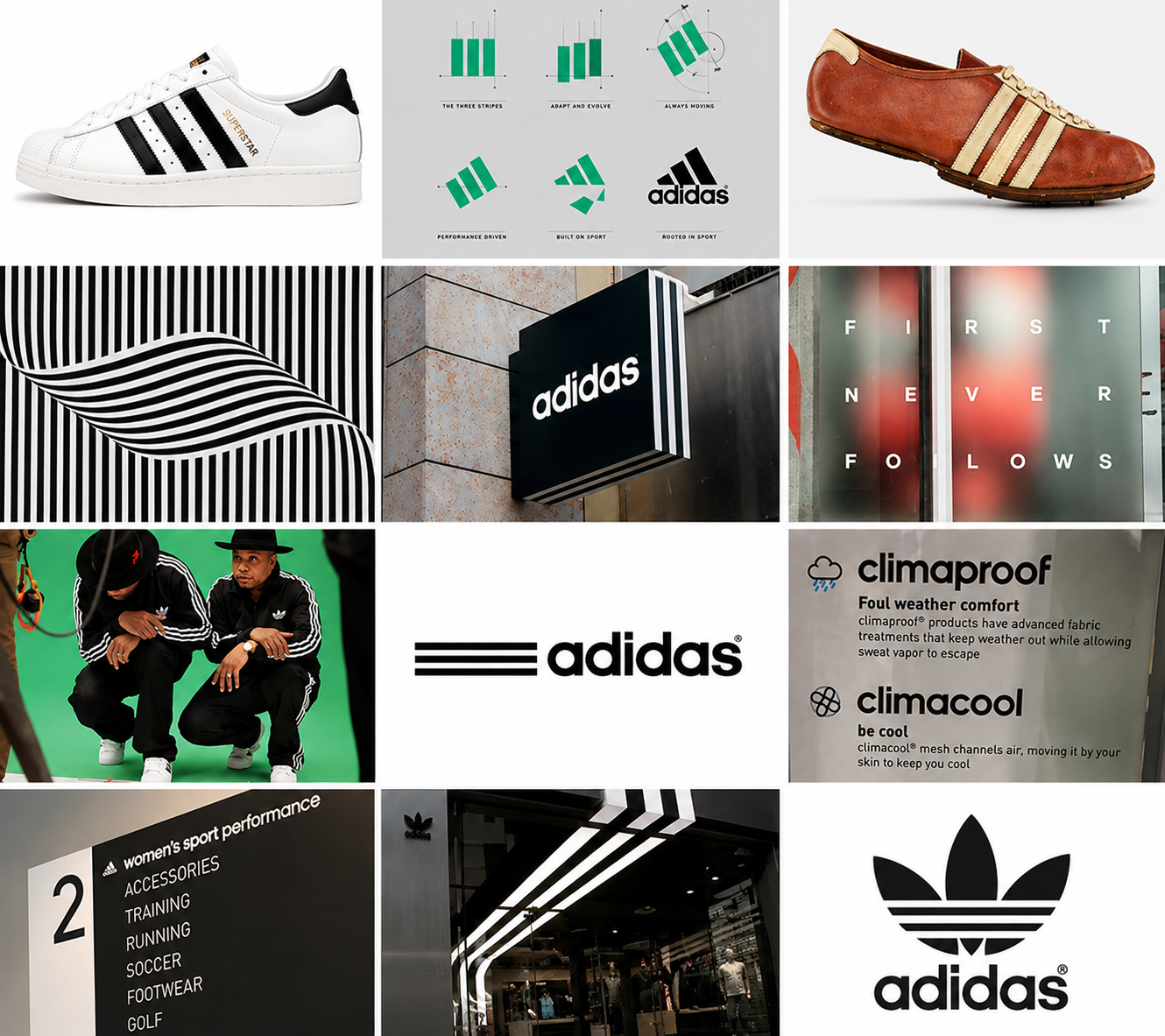
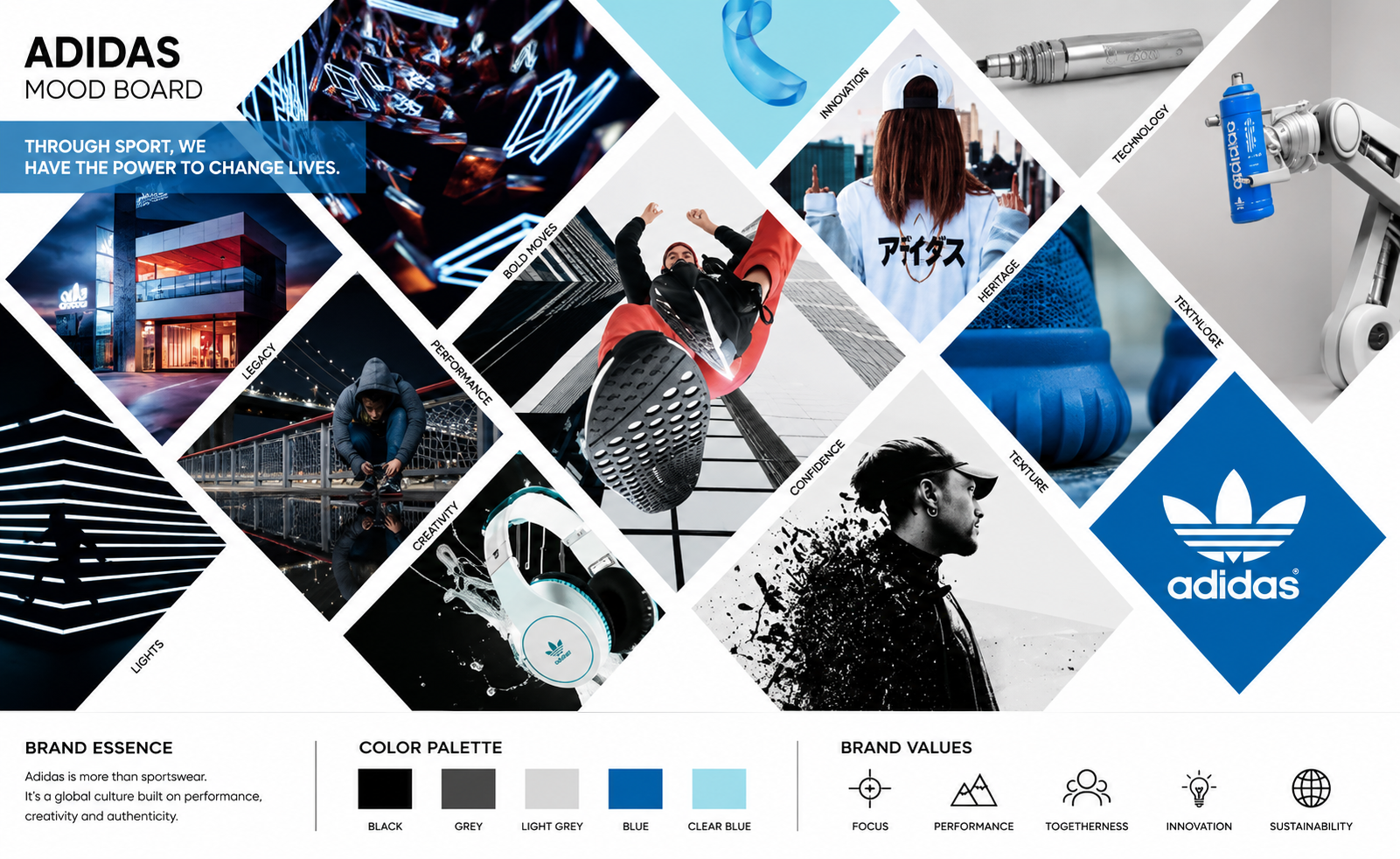
Present logos, typography, color palettes, imagery, and brand styles for consistent visual identity.
Fashion Mood Boards
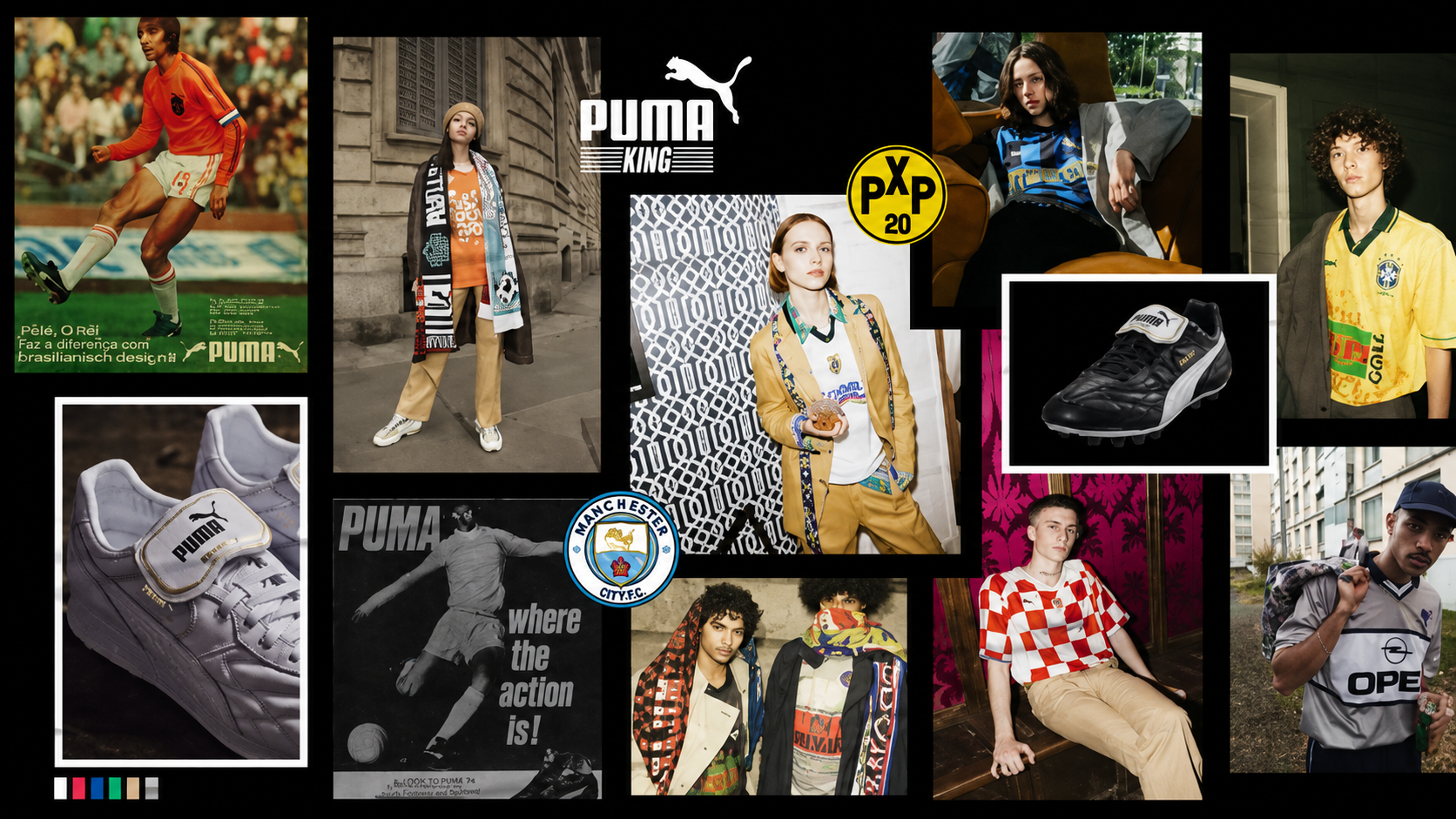
Showcase seasonal trends, fabric swatches, clothing styles, accessories, and inspiration for fashion collections.
UI And UX Mood Boards
Organize interface inspiration, color schemes, typography, layouts, and digital design concepts for applications.
Product Design Mood Boards
Visualize product materials, finishes, packaging ideas, colors, and manufacturing inspiration before development.
Photography Mood Boards
Collect lighting styles, compositions, locations, poses, color grading, and creative photography references.
Why Should I Use Real Mood Board Examples To Create My Own Mood Board?
Real mood board examples help users understand how colors, typography, textures, images, and layouts work together to communicate a clear creative direction. Instead of starting with a blank canvas, users can explore professionally designed mood boards that inspire ideas and simplify the planning process.
Using real-world mood board examples also helps generate better concepts more efficiently. Users can choose a reference board, enter an AI prompt, generate a completely new mood board, and customize every element to match their own project goals. This approach improves creative consistency while making design planning easier for beginners and professionals alike.
How Do I Generate A Mood Board With AI?
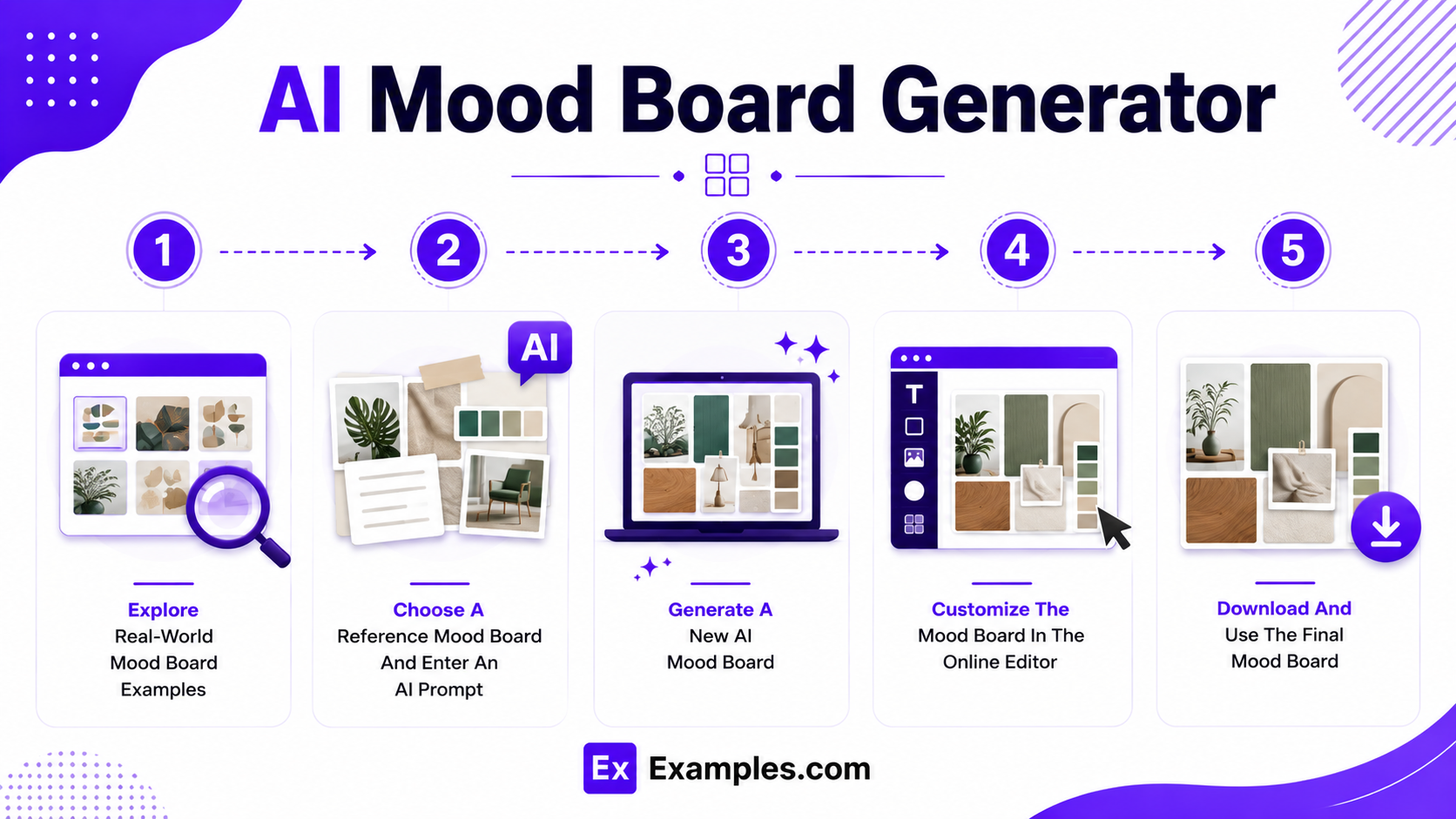
Creating a mood board with AI combines real-world inspiration, intelligent visual generation, and flexible online editing tools into a simple creative workflow.
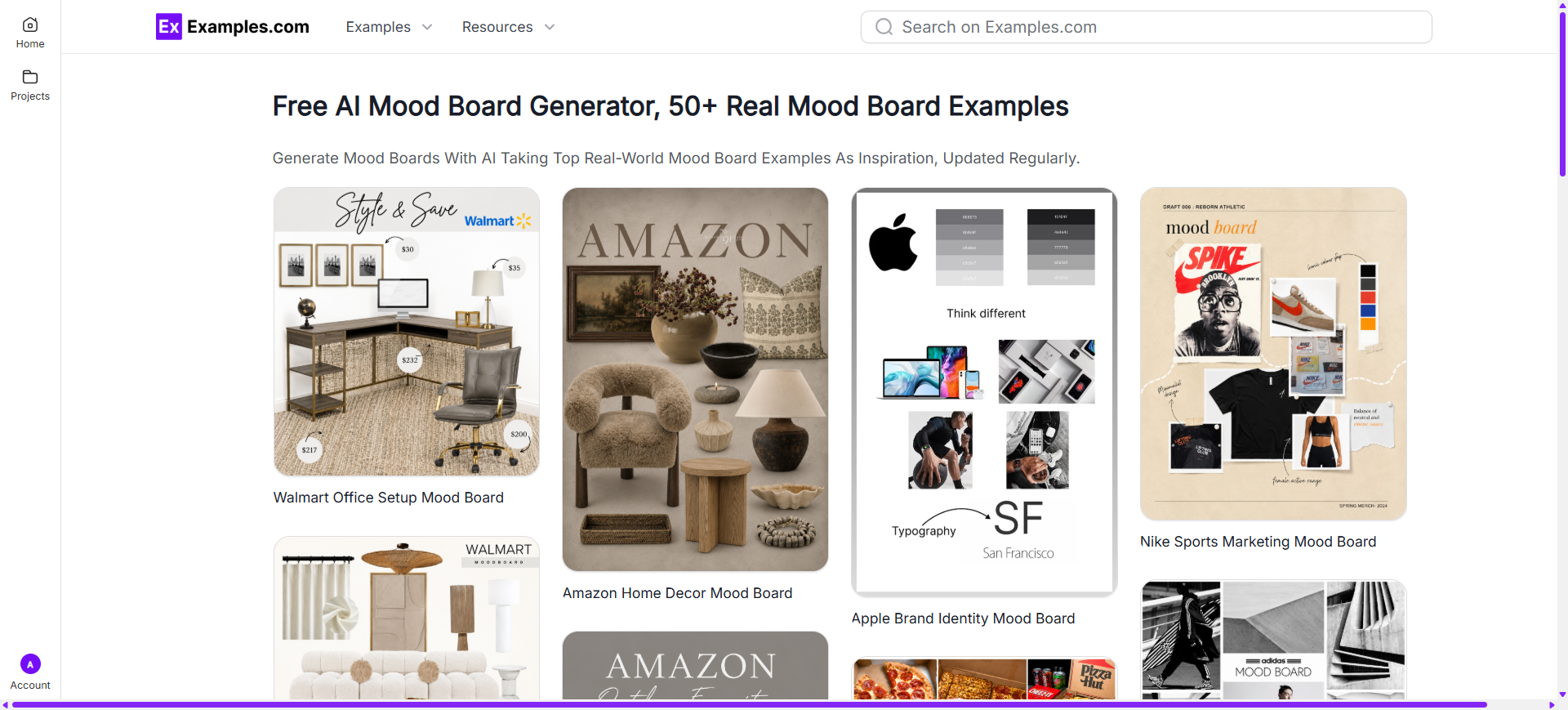
Explore Real-World Mood Board Examples
Browse mood board examples from branding, interior design, fashion, architecture, product design, UI/UX, photography, marketing, and creative agencies. These visual references help users discover layouts, typography, textures, color palettes, materials, and design inspiration before generating a new mood board.
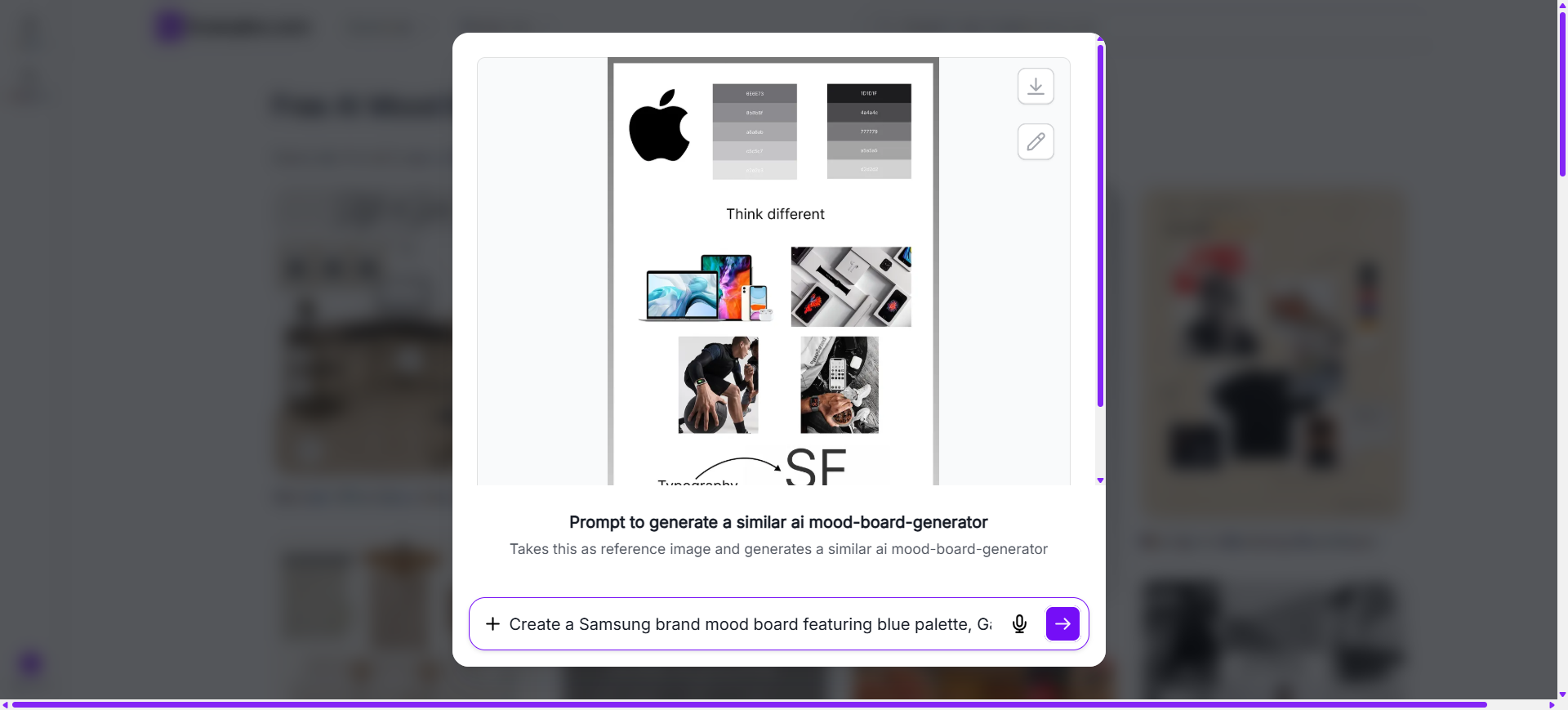
Choose A Reference Mood Board And Enter An AI Prompt
Select a mood board that matches your preferred visual style. Then enter an AI prompt describing your project, creative direction, colors, typography, imagery, textures, materials, and overall design theme to generate a personalized mood board.
Generate A New AI Mood Board
The AI generates a completely new mood board inspired by the selected example and your prompt. Users can create original layouts, image collections, typography combinations, color palettes, texture arrangements, and creative visual concepts without modifying the original reference.
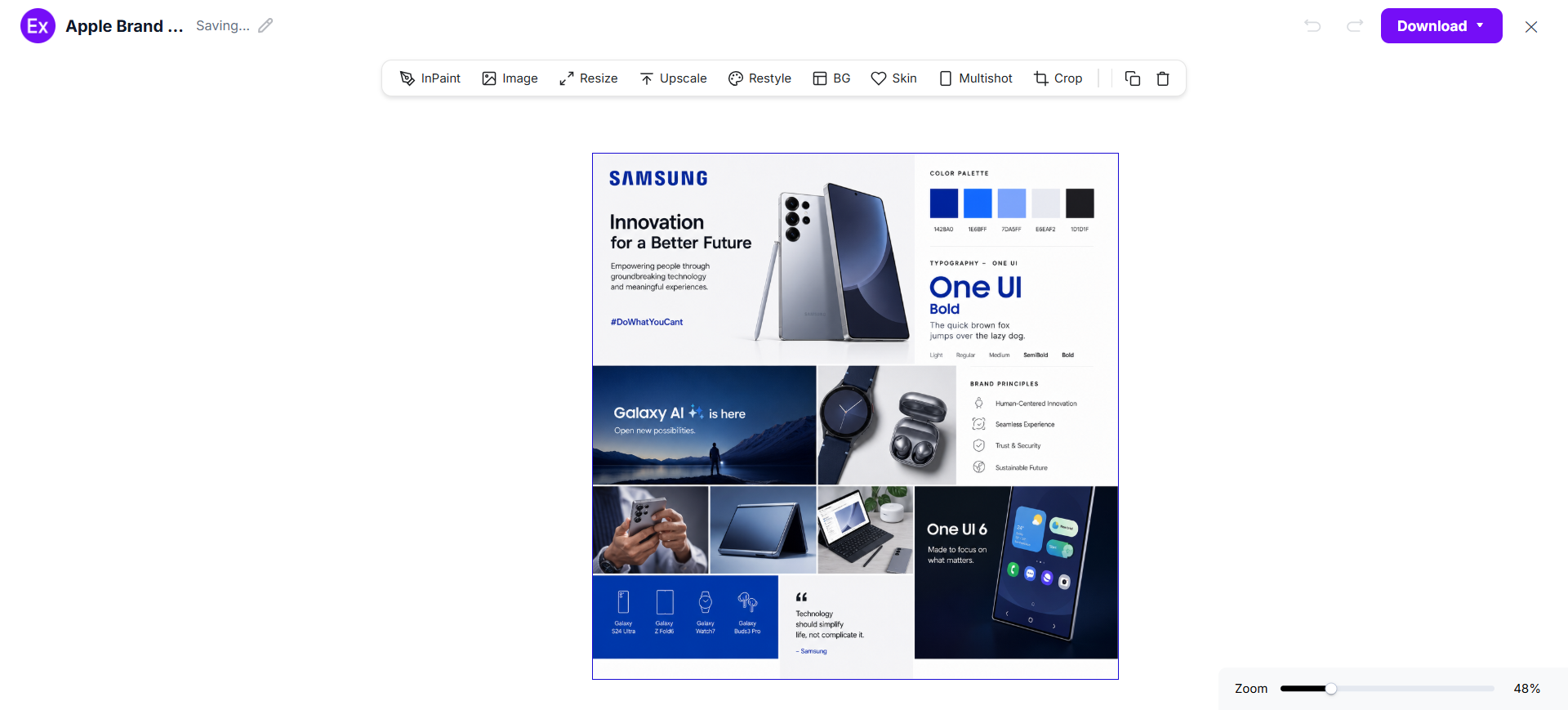
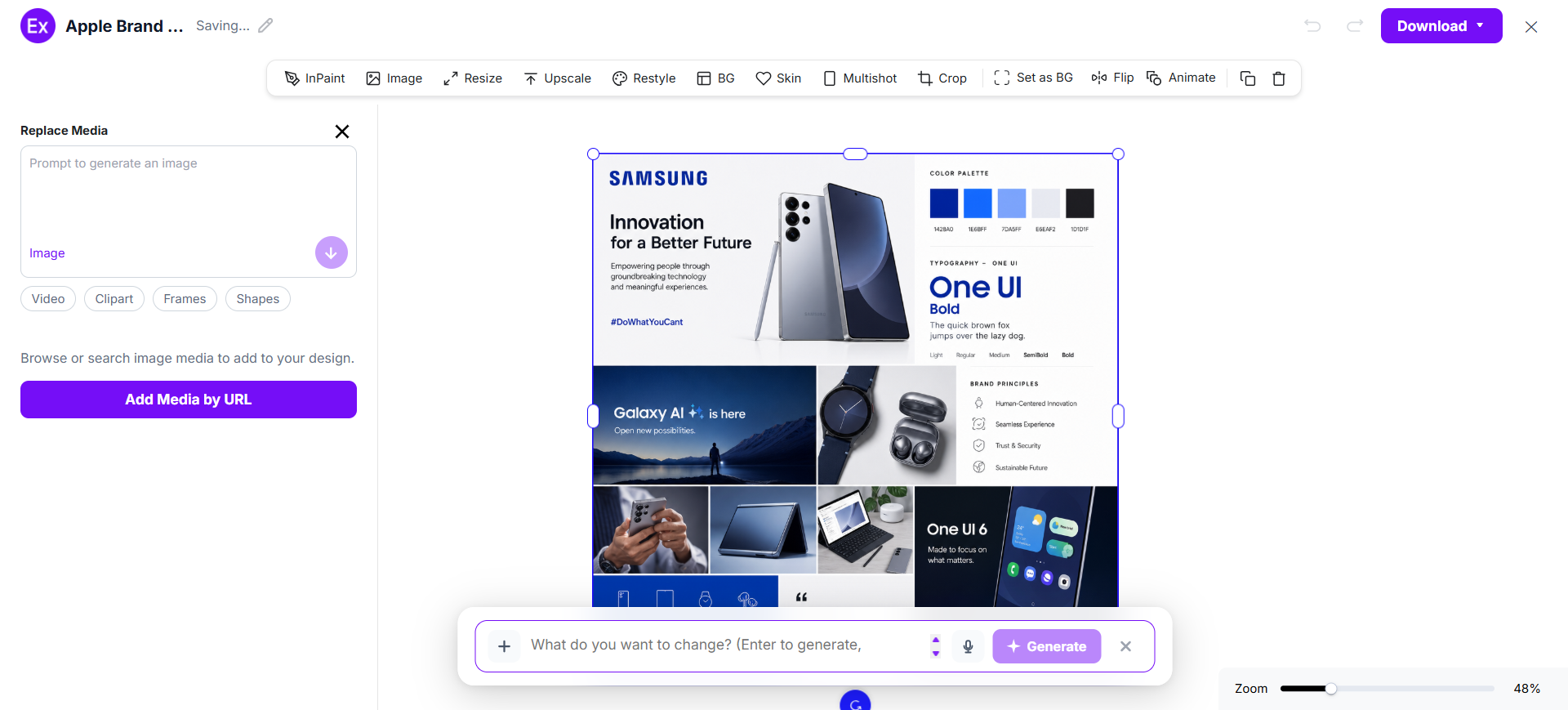
Customize The Mood Board In The Online Editor
Open the generated mood board inside the online editor to replace images, upload your own visuals, edit typography, adjust colors, rearrange layouts, add graphics, and refine every element using AI-powered editing tools.
Download And Use The Final Mood Board
After customization is complete, download the finished mood board as a PNG image. The final design can be used for branding projects, client presentations, product development, interior planning, fashion collections, marketing campaigns, and creative inspiration.
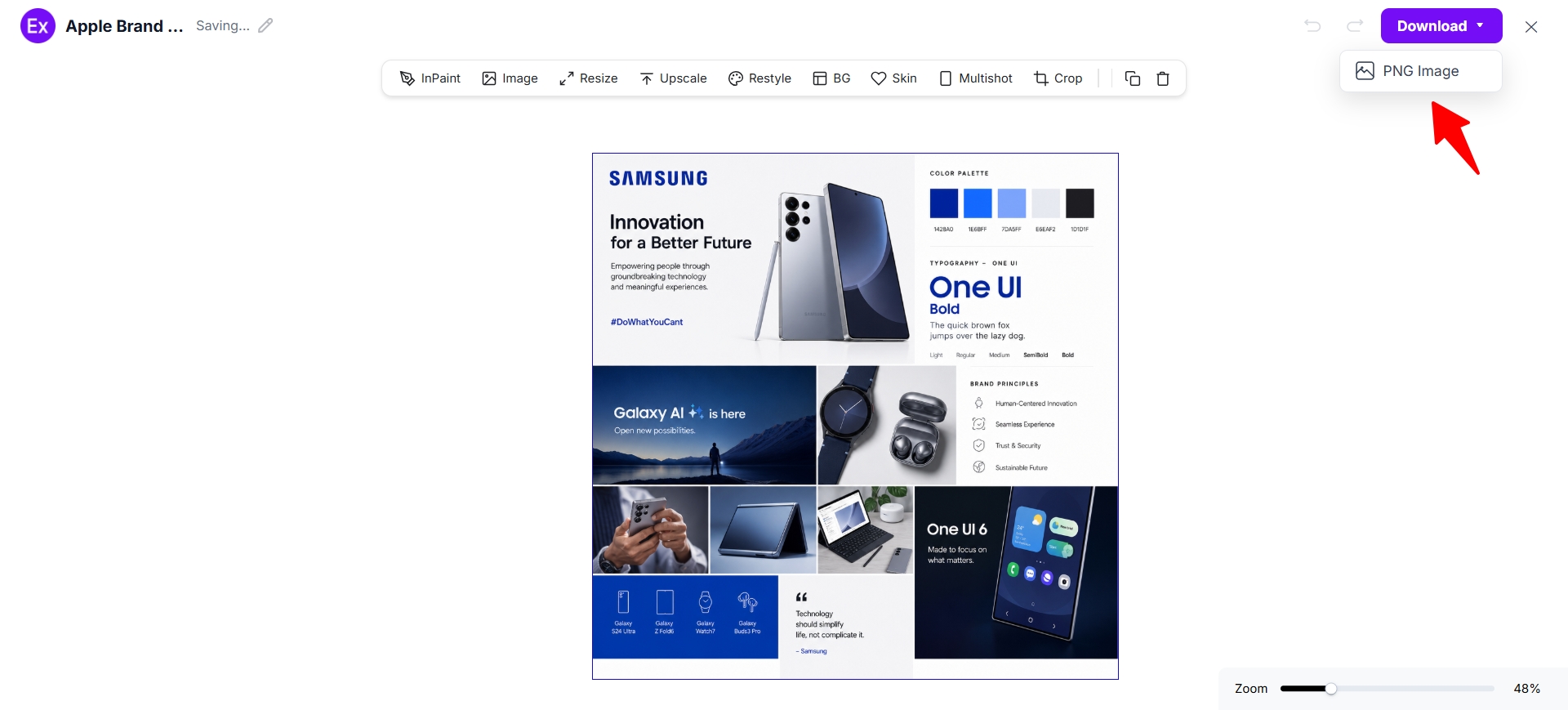
Customize Mood Board Designs Online
Mood board customization allows users to personalize every visual element according to their creative goals and project requirements. Examples.com provides an online editor where users can replace images, edit typography, update color palettes, upload inspiration photos, rearrange layouts, add graphics, organize design references, and refine visual compositions without requiring professional design software.
Users can also generate new visuals with AI prompts, improve image quality, resize mood board layouts, edit backgrounds, and create multiple design variations. This flexible workflow helps designers, marketers, architects, photographers, fashion professionals, and creative teams develop polished mood boards for presentations, branding, product development, and visual planning.
AI Mood Board Editing Features
Examples.com includes multiple AI-powered editing tools that help users improve and customize mood board designs online.
InPaint
Edit or remove specific images or design elements while maintaining the overall visual composition.
Resize
Adjust mood board dimensions for presentations, websites, social media, or client proposals.
Upscale
Enhance image resolution to create sharper inspiration photos and high-quality visual references.
Restyle
Generate alternative visual styles, color themes, layouts, and creative directions using AI.
Background Editing
Remove or replace image backgrounds to create cleaner and more consistent mood board layouts.
Crop
Adjust image framing and composition to improve visual balance across the entire board.
Flip
Mirror selected images or graphics to create alternative arrangements and design perspectives.
Animate
Transform static mood board visuals into animated presentations for digital storytelling.
Multishot
Generate multiple mood board variations from one prompt to explore different creative concepts.
Standard Mood Board Sizes And Formats
Choosing the right mood board size helps organize inspiration effectively while making presentations easier to view and share. The ideal format depends on the project type and how the mood board will be used.
| Mood Board Format | Common Size | Best Use Case |
|---|---|---|
| Landscape Board | 1920 × 1080 px | Presentations, branding, and client meetings |
| Portrait Board | 1080 × 1920 px | Design concepts and fashion inspiration |
| Square Board | 1080 × 1080 px | Social media and creative portfolios |
| A4 Board | 210 × 297 mm | Print presentations and project proposals |
| A3 Board | 297 × 420 mm | Interior design and architecture projects |
| Digital Board | Custom Screen Size | Websites, online collaboration, and digital planning |
Landscape layouts work well for presentations because they display multiple visual elements clearly. Portrait formats are ideal for concept development, while square and digital boards support online sharing and collaborative design workflows.
PNG format is commonly preferred because it preserves image quality while supporting presentations, websites, social media, digital publishing, and creative collaboration.
Essential Elements Every Mood Board Should Include
A successful mood board combines carefully selected visual elements that communicate a project’s creative direction clearly and consistently.
- Inspiring Images – Use high-quality photographs and reference visuals that establish the overall mood and creative style.
- Color Palette – Select coordinated colors that define the emotional tone and maintain visual consistency.
- Typography – Include fonts that reinforce the project’s personality and overall design direction.
- Textures And Materials – Add fabric samples, wood finishes, patterns, or material references to create depth and realism.
- Visual Style – Maintain consistent imagery that supports the project’s creative concept.
- Layout Organization – Arrange visual elements logically so ideas flow naturally across the mood board.
- Design References – Include examples that communicate branding, interiors, products, fashion, or digital concepts effectively.
- White Space – Leave balanced spacing between elements to improve readability and overall presentation.
- Clear Theme – Ensure every visual element supports one central creative direction or project objective.
How Do I Design A Better Mood Board?
A well-designed mood board organizes inspiration into a clear visual story that supports creative planning and decision-making. Following a few design principles helps improve consistency, communication, and overall presentation quality.
- Define The Project’s Purpose – Identify your creative goal before collecting inspiration and reference materials.
- Select A Consistent Visual Theme – Choose a design direction that reflects the overall mood and project vision.
- Choose Meaningful Images – Include visuals that communicate ideas clearly without unnecessary repetition.
- Build A Harmonious Color Palette – Select colors that reinforce the desired emotional tone and visual identity.
- Use Complementary Typography – Choose fonts that support the project’s personality and creative style.
- Add Textures And Materials – Include patterns, finishes, and material references that add depth and realism.
- Arrange Elements Thoughtfully – Maintain balanced layouts with consistent spacing for better visual flow.
- Remove Unnecessary Visuals – Eliminate images that do not contribute to the primary creative direction.
- Review The Overall Presentation – Ensure every element communicates the intended concept clearly and consistently.
Common Mood Board Design Mistakes To Avoid
Avoiding common mood board design mistakes helps create organized, inspiring, and visually effective presentations that communicate a clear creative direction.
- Using Too Many Unrelated Images – Select visuals that support one clear creative direction instead of mixing unrelated styles.
- Ignoring A Consistent Color Palette – Random color choices reduce visual harmony and weaken the overall concept.
- Overcrowding The Layout – Too many images, textures, and graphics make the board difficult to understand. Leave enough white space.
- Choosing Low-Quality Images – Blurry or pixelated visuals reduce professionalism and presentation quality.
- Missing Typography Inspiration – Typography helps establish personality and should complement the overall visual style.
- Including Weak Visual References – Choose images, materials, and examples that clearly communicate the intended creative concept.
- Poor Layout Organization – Arrange elements logically so viewers can understand the visual story at a glance.
- Losing Focus On The Project Goal – Every image, color, texture, and graphic should support the same creative objective.
How Can I Market My Product Using A Mood Board?
Mood boards help communicate creative ideas before production begins. They simplify presentations, align branding, and support marketing, product development, and stakeholder collaboration.
Brand Identity Development
Present logos, typography, color palettes, imagery, and brand personality before creating marketing materials.
Product Design Planning
Visualize product materials, finishes, packaging concepts, and design inspiration before manufacturing begins.
Marketing Campaign Planning
Organize advertising styles, promotional visuals, social media concepts, and campaign themes into one presentation.
Client Presentations
Show creative direction through organized visual references that simplify project discussions and approvals.
Social Media Content Planning
Develop consistent visual themes for posts, campaigns, product launches, and digital branding.
Product Packaging Concepts
Explore packaging colors, labels, textures, graphics, and visual styles before creating final packaging designs.
Which Mood Board Sizes Perform Best?
The best mood board size depends on the presentation method, project type, and collaboration requirements.
| Mood Board Format | Best For | Advantages |
|---|---|---|
| Landscape (1920 × 1080 px) | Client presentations and branding | Wide layout for organizing multiple visual references |
| Portrait (1080 × 1920 px) | Fashion and creative concepts | Ideal for vertical storytelling and inspiration |
| Square (1080 × 1080 px) | Social media and digital portfolios | Balanced layout with excellent online compatibility |
| A4 (210 × 297 mm) | Project proposals and printed presentations | Professional print-ready format |
| A3 (297 × 420 mm) | Interior design and architecture | Larger workspace for materials and layouts |
| Digital Board | Online collaboration and creative planning | Easy sharing, editing, and team collaboration |
Landscape mood boards are widely used for client presentations because they organize multiple visual references clearly. Portrait formats support concept development, while digital boards simplify collaboration, sharing, and creative planning.
Mood Board Ideas For Different Industries
Different industries use mood boards to organize inspiration, establish creative direction, and communicate design concepts before production begins.
- Interior Design – Combine furniture, flooring, paint colors, fabrics, lighting, and décor to visualize complete interior spaces.
- Branding And Graphic Design – Present logos, typography, brand colors, imagery, and visual identity systems.
- Fashion And Apparel – Organize seasonal trends, fabric swatches, accessories, clothing styles, and runway inspiration.
- UI And UX Design – Collect interface layouts, mobile app screens, typography, icons, color palettes, and user experience inspiration.
- Product Design – Explore materials, finishes, packaging concepts, manufacturing details, and product aesthetics.
- Architecture – Visualize building materials, structural styles, exterior finishes, landscapes, and architectural concepts.
- Photography – Gather lighting references, editing styles, compositions, locations, and creative photography inspiration.
- Marketing And Advertising – Plan campaign themes, promotional visuals, branding concepts, and audience-focused creative direction.
- Event Planning – Organize venue inspiration, decorations, floral arrangements, color themes, invitations, and event styling ideas.
- Home Décor – Present furniture combinations, decorative accessories, wall colors, textiles, artwork, and room styling inspiration.
FAQs
What Is The Main Purpose Of A Mood Board?
A mood board helps organize visual inspiration, communicate creative direction, and establish a consistent style before starting a design or marketing project.
Can I Create A Mood Board Without Design Experience?
Yes. AI-powered tools help users generate layouts, organize inspiration, customize visuals, and create professional mood boards without advanced design skills.
What Should I Include In A Mood Board?
A mood board typically includes images, color palettes, typography, textures, materials, patterns, graphics, and other visual references that support the project’s creative direction.
How Do Mood Boards Help Branding Projects?
Mood boards help define brand personality by organizing colors, typography, imagery, logos, and visual styles before developing marketing materials and brand assets.
Can I Customize Every Element After AI Generates A Mood Board?
Yes. Users can replace images, edit typography, adjust colors, upload inspiration, reorganize layouts, and refine every visual element using the online editor.
What Is The Difference Between A Mood Board And A Vision Board?
A mood board focuses on design inspiration and creative direction for a project, while a vision board generally represents personal goals, aspirations, and future achievements.
Which Industries Use Mood Boards Most Often?
Mood boards are widely used in branding, interior design, fashion, architecture, product design, photography, marketing, advertising, and event planning.
Where Can I Use A Mood Board?
Mood boards can be used for branding projects, client presentations, interior planning, product development, fashion collections, marketing campaigns, website design, creative workshops, and team collaboration.