
Free AI Readability Checker, Real World Readability Examples
Instantly score your writing's clarity, grade level, and sentence complexity with our Free Readability Checker
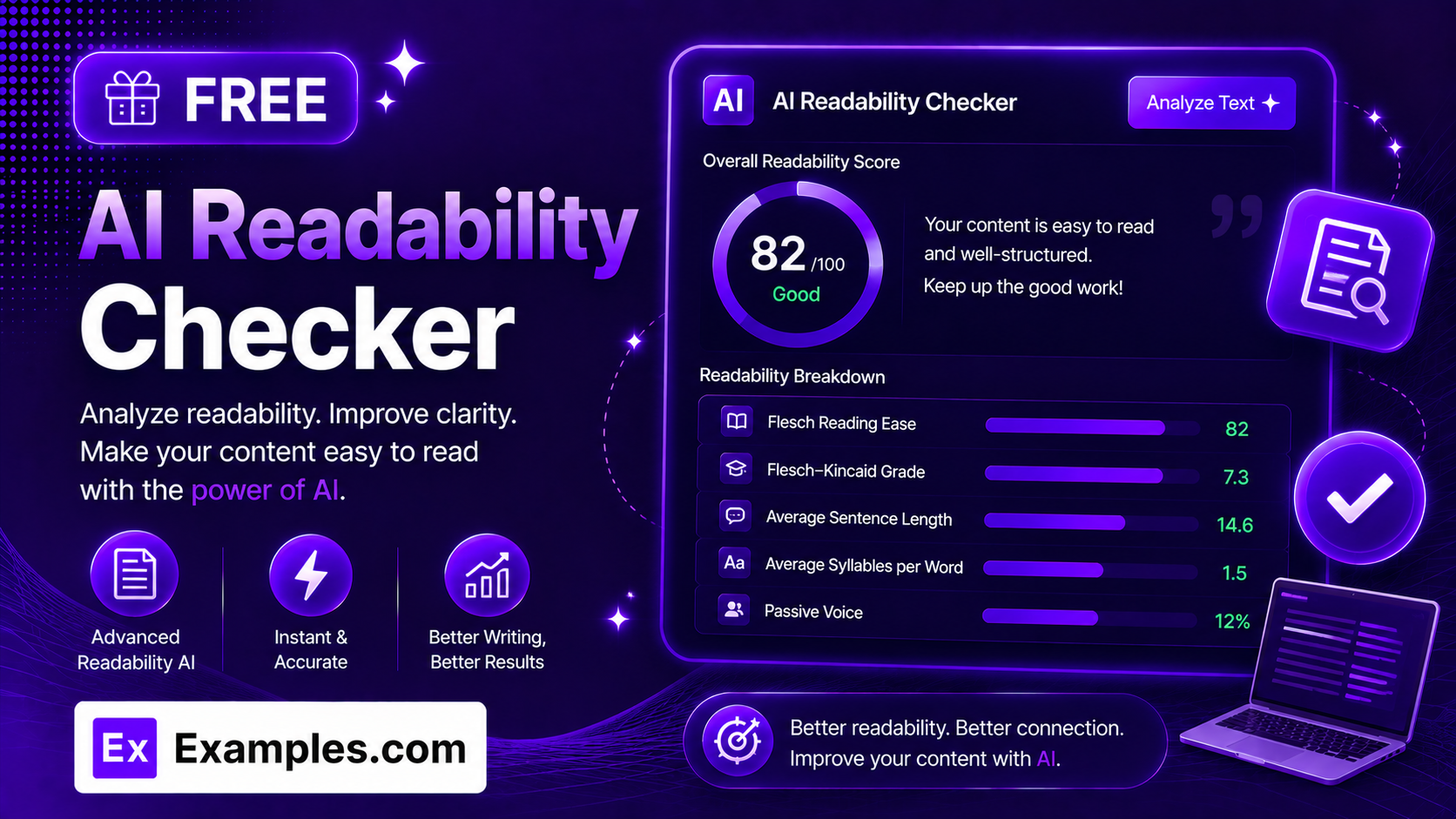
How to Use the Free Readability Checker
Step 1: Paste or Upload Your Text
- Your Text: Paste any article, essay, email, or paragraph you want to analyze. You can also upload a file instead of pasting — the tool accepts .txt, .md, .pdf, .doc, .docx, .odt, and .html files up to 2MB, and automatically extracts the text for you.
Step 2: Choose a Target Audience
- Target Audience: Select who the text is meant for — General Public, Middle School, High School, College, or Professional/Technical. This sets the grade level your writing is compared against.
Step 3: Check Readability
- Check Readability: Click the button to instantly generate a full readability report, including your Flesch Reading Ease score, Flesch-Kincaid Grade Level, and a breakdown of every word and sentence behind those numbers.
Features of the Readability Checker
The Readability Checker does more than return a single score. It breaks down exactly which words and sentences are driving that score, so writers, students, editors, and content teams can see precisely what to fix.
Instant Flesch-Kincaid Analysis
Get your Flesch Reading Ease score (0–100) and Flesch-Kincaid Grade Level the moment you click Check Readability — calculated directly in your browser, with no waiting on a server.
Click-to-Inspect Word & Sentence Breakdown
Click any stat card to expand a detailed, color-coded panel: words are tagged Simple, Medium, or Complex by syllable count, and sentences are tagged Simple, Medium, or Long by word count — so you can see exactly which words and sentences are pulling your score down, not just the average.
Audience Match Guidance
The tool compares your text’s actual grade level against your selected target audience and tells you whether the writing is well-matched, too advanced, or simpler than that audience typically expects.
Passive Voice Detection
Automatically flags passive voice constructions (like “was written” instead of “she wrote”) and lists every instance found, since passive voice tends to make writing feel more distant and indirect.
File Upload Support
Drag and drop or browse for a file instead of copy-pasting. Plain text and Markdown files are read instantly, while PDF, Word, OpenDocument, and HTML files are converted automatically so their text can be analyzed.
Copy and Download Features
Copy the Report
- Copy: Instantly copy the full readability report — scores, stats, and flagged sentences — to your clipboard with a single click.
Download as TXT, Word, or PDF
- Download: Save your readability report as a plain text file, a Word document, or a PDF using the Download menu, making it easy to share with an editor, teacher, or client.
Readability Checker Formula
The Readability Checker is built on the Flesch-Kincaid formulas, the most widely used readability metrics in publishing and education:
Flesch Reading Ease = 206.835 − 1.015 × (Words ÷ Sentences) − 84.6 × (Syllables ÷ Words)
Flesch-Kincaid Grade Level = 0.39 × (Words ÷ Sentences) + 11.8 × (Syllables ÷ Words) − 15.59
Both formulas rely on just two inputs: average sentence length and average syllables per word. Shorter sentences made of shorter words raise the Reading Ease score and lower the Grade Level; longer sentences packed with longer words do the opposite.
Examples of the Readability Checker
Example 1: Marketing Blog Post
- Text: A short blog post about the benefits of green tea
- Target Audience: General Public
- Result: A Flesch Reading Ease score around 60–70 (“Standard”), roughly an 8th–9th grade reading level — typical of clear, conversational marketing copy.
Example 2: Academic Research Excerpt
- Text: A paragraph from a peer-reviewed research paper
- Target Audience: College
- Result: A Flesch Reading Ease score around 30–40 (“Difficult”), roughly a college-level grade — expected for dense, technical academic writing, and flagged as well-matched to a College audience.
What is a good Flesch Reading Ease score?
A score of 60–70 is considered “Standard” and is easily understood by most adult readers — this is the range most news writing and web content aims for. Scores above 80 are “Easy” and suit general audiences or younger readers, while scores below 50 indicate “Difficult” text typically found in academic or legal writing.
What is Flesch-Kincaid Grade Level?
Flesch-Kincaid Grade Level translates the same sentence-length and syllable data used in the Reading Ease score into a U.S. school grade, estimating the education level a reader would need to understand the text on a first read. A score of 8.0, for example, means the text is written at an 8th-grade reading level.
What counts as passive voice, and does it hurt my score?
Passive voice occurs when the subject of a sentence receives the action instead of performing it, such as “the report was written” instead of “she wrote the report.” It doesn’t directly change your Flesch score, but reducing it generally makes writing feel more direct and easier to follow.
Can I check the readability of a PDF or Word document?
Yes. You can upload a PDF, Word (.doc/.docx), OpenDocument (.odt), or HTML file directly, and the tool will automatically extract the text and run the full readability analysis on it — no need to copy and paste manually.
Is the Readability Checker free to use?
Yes. The Readability Checker is completely free to use, with no sign-up required, and allows students, writers, editors, and content teams to run unlimited readability checks and download unlimited reports.