
AI software documentation tools help engineering teams automatically create, organize, maintain, and update technical documentation across codebases, APIs, workflows, and internal systems. As software environments become more complex in 2026, businesses use AI documentation platforms to reduce manual writing, improve developer onboarding, maintain documentation accuracy, and simplify collaboration between developers, product teams, and support operations. Modern AI tools can now generate contextual documentation, sync with repositories, analyze code changes, and improve technical knowledge management at scale.
What Are AI Software Documentation Tools
AI software documentation tools are platforms that use artificial intelligence to create, organize, update, and maintain technical documentation automatically. These tools help development teams generate API references, internal knowledge bases, onboarding guides, SOPs, and code explanations with less manual effort. Modern AI documentation platforms can analyze repositories, summarize workflows, improve content readability, and keep documentation synchronized with software changes.
List of Best AI Software Documentation Tools
- Mintlify AI
- Document360 AI
- GitBook AI
- ReadMe AI
- Swimm AI
- Kodesage AI
- Scribe AI
- Notion AI
- Archbee AI
- Confluence AI
AI Software Documentation Tools Comparison Table
AI software documentation tools serve different use cases, including API documentation, internal knowledge management, developer onboarding, legacy system analysis, and automated SOP creation. The table below compares the leading platforms based on functionality, ideal users, and documentation capabilities.
| Tool | Best For | Key Features | Pricing | Category |
|---|---|---|---|---|
| Mintlify AI | Developer-first documentation | AI doc generation, Git sync, API docs | Custom | Developer Documentation |
| Document360 AI | Knowledge base management | AI writing assistant, analytics, versioning | Paid plans | Knowledge Base |
| GitBook AI | Collaborative technical docs | AI summaries, Git workflows, structured docs | Free + Paid | Technical Documentation |
| ReadMe AI | Interactive API documentation | API explorer, changelogs, analytics | Paid plans | API Documentation |
| Swimm AI | Keeping docs synced with code | Code-linked documentation, onboarding | Paid plans | Engineering Documentation |
| Kodesage AI | Legacy system documentation | AI code understanding, diagrams, ticket analysis | Custom | Enterprise Documentation |
| Scribe AI | SOP and workflow documentation | Auto-generated step guides | Free + Paid | Process Documentation |
| Notion AI | Internal documentation and collaboration | AI writing, databases, team wiki | Free + Paid | Workspace Documentation |
| Archbee AI | Product and developer docs | API docs, team collaboration, AI search | Paid plans | Product Documentation |
| Confluence AI | Enterprise team collaboration | AI page generation, Jira integration | Free + Paid | Enterprise Documentation |
AI documentation platforms vary significantly in automation depth, collaboration workflows, and developer integrations. Some tools focus heavily on API documentation, while others prioritize internal knowledge management, onboarding, or enterprise-scale documentation governance.
The following sections break down each tool in detail, including features, use cases, pricing, strengths, and limitations for software teams.
1. Mintlify AI
What is Mintlify AI
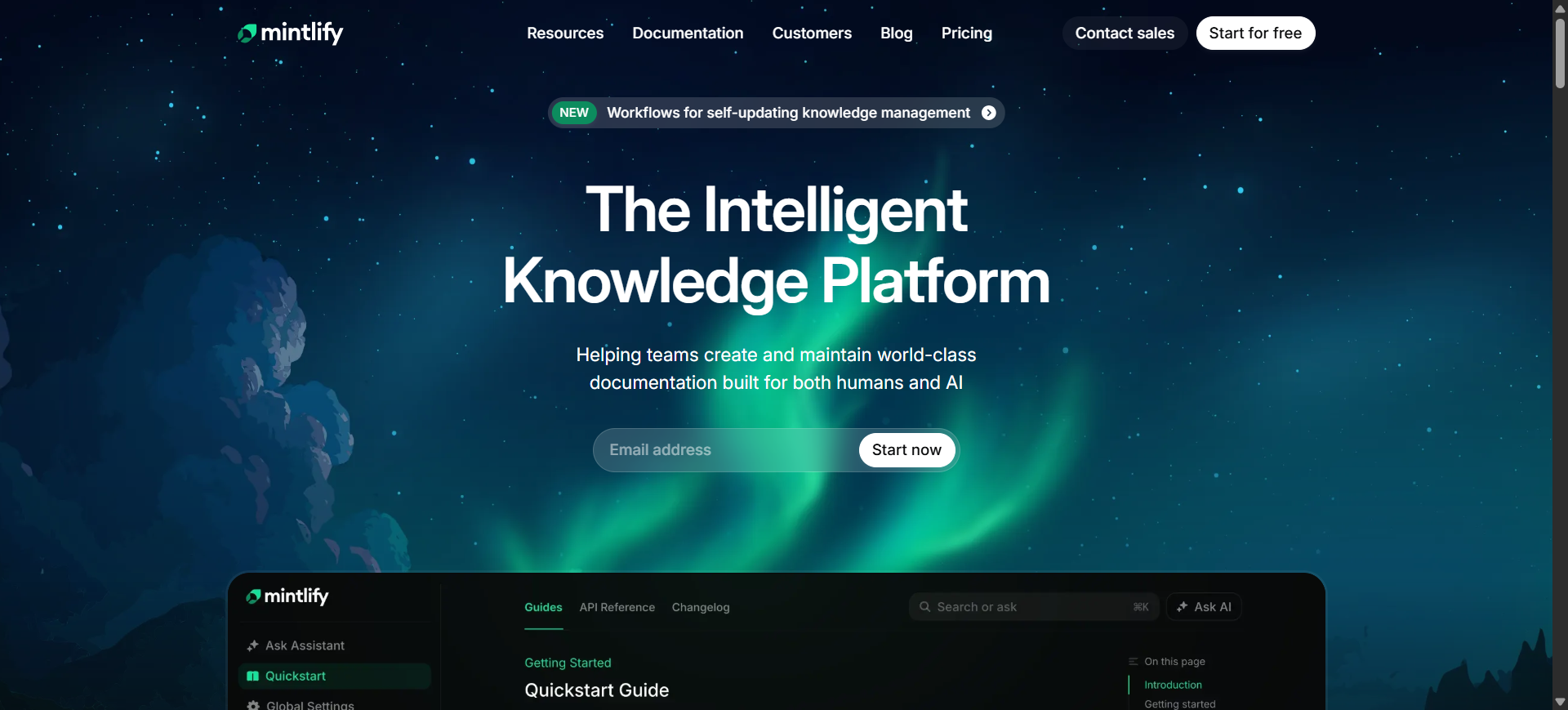
Mintlify AI is a developer-focused documentation platform designed for creating and maintaining technical documentation, API references, and product guides. It combines AI-assisted writing with docs-as-code workflows, allowing engineering teams to generate structured documentation directly from repositories and codebases.
The platform is commonly used by SaaS companies, API providers, and developer platforms that need scalable documentation with Git-based workflows. Mintlify AI also includes interactive API playgrounds, AI-powered search, and automated content generation features for modern engineering teams.
Who Should Use Mintlify AI
- API-first SaaS companies
- Developer platform teams
- Engineering documentation teams
- Technical writers working with Git workflows
- Startups managing fast product releases
- Open-source software projects
How to use Mintlify AI for AI software documentation
- Connect Mintlify AI to a GitHub or GitLab repository.
- Import existing Markdown, MDX, or API documentation files.
- Use AI writing tools to generate explanations, endpoint references, and structured pages.
- Publish documentation with automated syncing and preview deployments.
Benefits of Using Mintlify AI
- Reduces manual documentation writing time
- Keeps technical docs aligned with code updates
- Improves developer onboarding efficiency
- Simplifies API documentation management
- Creates cleaner and more searchable documentation portals
Real World Example
A fintech API company uses Mintlify AI to maintain public developer documentation for payment integrations. As backend engineers update authentication endpoints and SDKs, the platform automatically syncs changes with documentation pages, helping external developers access accurate API references without waiting for manual updates.
Pricing
Mintlify AI offers a free Hobby plan for individual users and smaller projects. Paid Pro plans start around $250–$300 per month, while Enterprise pricing is customized based on security, collaboration, and deployment requirements.
Pros
- Strong Git-based documentation workflows
- Clean and developer-friendly interface
- Good support for API documentation
Cons
- Higher pricing for growing teams
- Less suitable for non-technical users
2. Document360 AI
What is Document360 AI
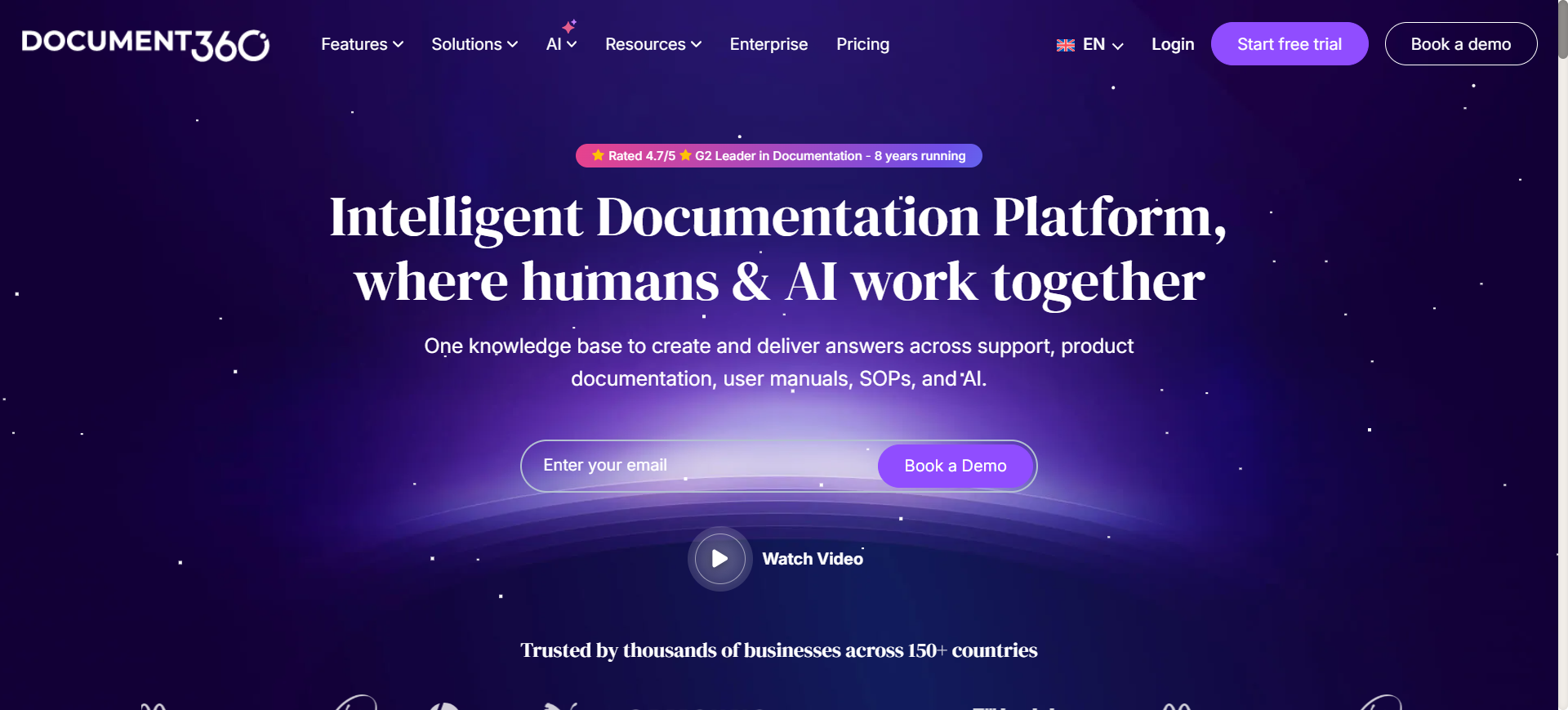
Document360 AI is an AI-powered knowledge base and technical documentation platform designed for software companies, support teams, and enterprise organizations. The platform helps teams create structured documentation portals, internal wikis, API documentation, SOPs, and customer help centers from a centralized workspace.
It combines AI writing assistance, advanced search, analytics, and version management to simplify large-scale documentation management. Document360 AI is commonly used by SaaS companies, IT teams, product support departments, and technical writers that need organized and searchable documentation across multiple teams and products.
Who Should Use Document360 AI
- SaaS support teams
- Technical documentation specialists
- Enterprise IT departments
- Product onboarding teams
- Customer support operations
- Companies managing large knowledge bases
How to use Document360 AI for AI software documentation
- Create a documentation workspace and organize categories for products or teams.
- Import existing manuals, FAQs, API docs, or help center articles.
- Use AI writing tools to generate summaries, rewrite content, and improve article clarity.
- Publish documentation portals with permissions, search indexing, and version control enabled.
Benefits of Using Document360 AI
- Centralizes technical knowledge in one platform
- Reduces repetitive documentation work
- Improves customer self-service support
- Helps teams maintain documentation consistency
- Simplifies documentation management across departments
Real World Example
A cloud infrastructure company uses Document360 AI to manage internal deployment documentation and external troubleshooting guides. Support teams update issue resolutions inside the platform, while the AI assistant helps standardize article formatting and improve search visibility for customers accessing the help center.
Pricing
Document360 AI offers Professional, Business, and Enterprise plans with custom quote-based pricing depending on team size, AI usage, and storage requirements. A free trial is available for teams evaluating the platform before deployment.
Pros
- Strong knowledge base organization features
- Good AI-assisted content management
- Supports both internal and external documentation
Cons
- Pricing is not fully transparent
- Advanced customization requires setup time
3. GitBook AI
What is GitBook AI
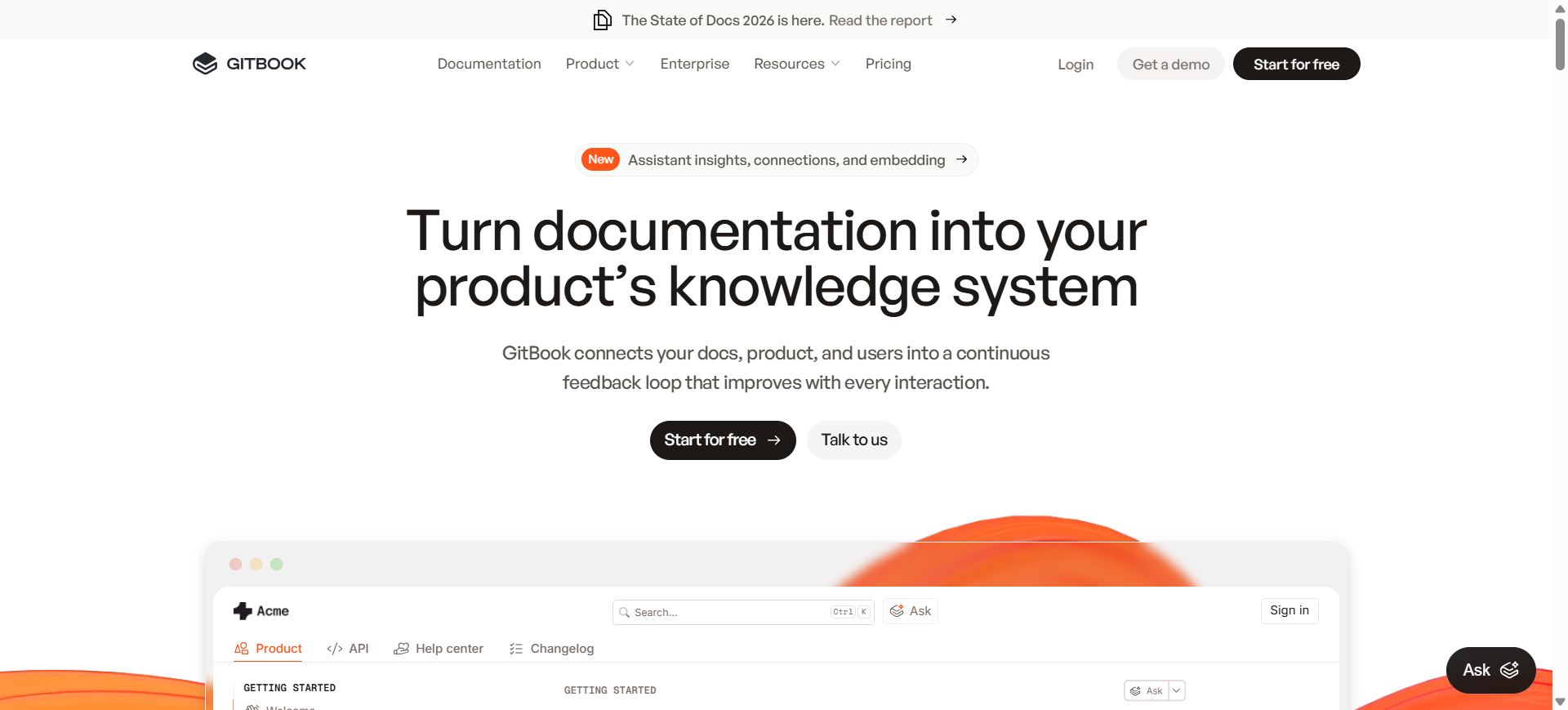
GitBook AI is a collaborative documentation platform built for technical teams that need structured product documentation, developer guides, API references, and internal knowledge bases. The platform combines AI-powered writing assistance with Git-based content management, making it suitable for engineering-focused documentation workflows.
GitBook AI is widely used by software companies, developer platforms, and product teams that require scalable documentation with real-time collaboration. Its clean editor, AI search capabilities, and integration with GitHub and GitLab help teams maintain organized technical content across fast-moving development environments.
Who Should Use GitBook AI
- Software engineering teams
- API and developer platform companies
- Technical product managers
- Internal documentation teams
- Remote development organizations
- Open-source project maintainers
How to use GitBook AI for AI software documentation
- Create a workspace and connect repositories from GitHub or GitLab.
- Structure documentation into collections, spaces, and nested pages.
- Use AI assistance to draft technical explanations and improve existing content.
- Publish documentation internally or externally with role-based access controls.
Benefits of Using GitBook AI
- Improves collaboration between technical teams
- Makes documentation easier to organize and maintain
- Reduces documentation inconsistencies across projects
- Simplifies navigation for developers and end users
- Helps teams scale documentation alongside product growth
Real World Example
A cybersecurity startup uses GitBook AI to manage internal incident response documentation and external API integration guides. Security engineers update workflows directly through Git integrations, while customer-facing documentation stays organized in a searchable developer portal for enterprise clients.
Pricing
GitBook AI includes a free plan for smaller teams and personal projects. Paid plans start at approximately $8–$12 per user per month, while Enterprise pricing depends on advanced permissions, integrations, and security requirements.
Pros
- Clean and intuitive documentation interface
- Strong collaboration and Git integration support
- Good structure for large documentation projects
Cons
- Advanced permissions require higher-tier plans
- Limited customization compared to self-hosted platforms
4. ReadMe AI
What is ReadMe AI
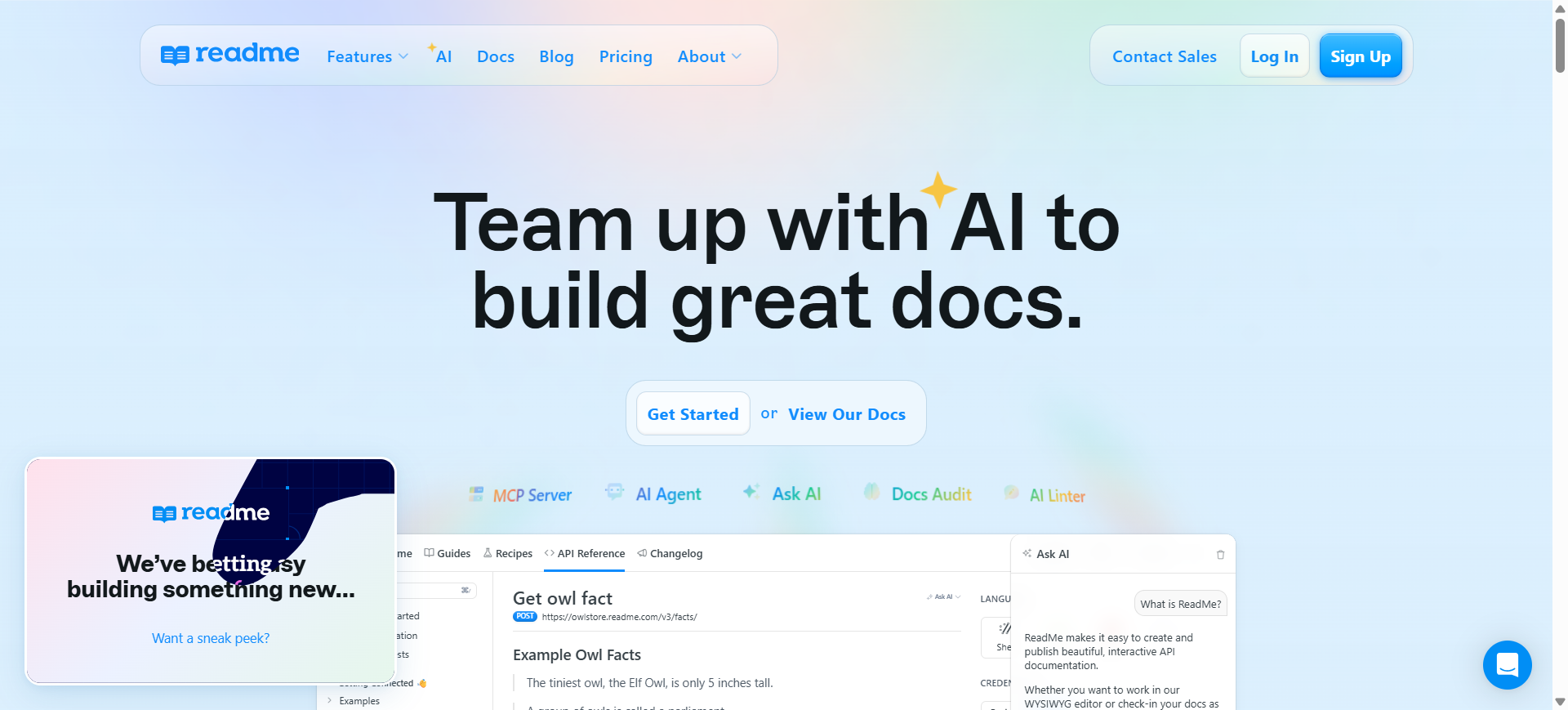
ReadMe AI is an API documentation platform designed to help software companies create interactive developer documentation and onboarding experiences. The platform focuses heavily on API usability, allowing developers to explore endpoints, test requests, review changelogs, and understand integrations directly from the documentation interface.
It is commonly used by API-first businesses, fintech companies, SaaS platforms, and developer tooling providers that need structured and user-friendly API documentation. ReadMe AI also includes AI-assisted search, usage analytics, and workflow automation tools to improve the developer experience across public and private APIs.
Who Should Use ReadMe AI
- API product companies
- Developer experience teams
- SaaS platforms with public APIs
- Technical onboarding teams
- Fintech and cloud service providers
- Engineering teams managing API ecosystems
How to use ReadMe AI for AI software documentation
- Import API specifications using OpenAPI or Swagger files.
- Organize API endpoints, guides, authentication details, and changelogs.
- Configure interactive testing environments for developers.
- Publish the developer portal and monitor usage analytics for improvements.
Benefits of Using ReadMe AI
- Improves API onboarding for external developers
- Reduces support requests related to integrations
- Makes API testing easier from documentation pages
- Helps teams maintain centralized developer resources
- Improves documentation usability with analytics insights
Real World Example
A logistics software provider uses ReadMe AI to manage shipping and tracking APIs for third-party ecommerce platforms. Developers can authenticate, test delivery endpoints, and review webhook examples directly inside the documentation portal, reducing integration delays for partner companies.
Pricing
ReadMe AI offers customized pricing based on API traffic, project size, and collaboration requirements. Enterprise plans include advanced analytics, access controls, and developer support features, while demo access is available for evaluation.
Pros
- Excellent interactive API documentation experience
- Strong developer onboarding capabilities
- Useful analytics for API usage tracking
Cons
- Less suitable for non-API documentation
- Enterprise pricing can become expensive
5. Swimm AI

What is Swimm AI
Swimm AI is a developer documentation platform designed to keep technical documentation connected directly to source code. The platform focuses on engineering knowledge management by linking documentation with repositories, pull requests, and development workflows to reduce outdated or disconnected technical content.
It is commonly used by software engineering teams working with large codebases, distributed development environments, and complex onboarding processes. Swimm AI combines AI-assisted documentation generation with code-aware synchronization, helping teams maintain accurate internal documentation as applications evolve.
Who Should Use Swimm AI
- Backend engineering teams
- Enterprise software companies
- Teams managing legacy codebases
- DevOps and platform engineering teams
- Remote software development organizations
- Companies with frequent code releases
How to use Swimm AI for AI software documentation
- Connect Swimm AI to repositories through GitHub, GitLab, or Bitbucket.
- Create documentation linked directly to functions, files, or workflows inside the codebase.
- Configure pull request checks to detect outdated documentation after code changes.
- Share synchronized documentation inside IDEs or internal developer portals.
Benefits of Using Swimm AI
- Reduces documentation drift caused by code updates
- Improves onboarding for new developers
- Helps teams preserve engineering knowledge
- Minimizes time spent searching through repositories
- Improves collaboration between developers and reviewers
Real World Example
A healthcare software company uses Swimm AI to document patient data processing workflows across multiple microservices. As developers modify backend services, the platform flags outdated documentation automatically, helping compliance teams and engineers maintain accurate internal records for regulated healthcare systems.
Pricing
Swimm AI offers a free plan for smaller teams and limited repositories. Paid Team plans start around $16–$29 per user per month, while Enterprise plans include advanced integrations, AI search, and self-hosted deployment options.
Pros
- Strong synchronization between docs and code
- Useful onboarding and knowledge-sharing workflows
- Integrates well with developer environments
Cons
- Less suitable for customer-facing documentation
- Initial setup can require engineering involvement
6. Kodesage AI
What is Kodesage AI
Kodesage AI is an enterprise-focused AI documentation and legacy system intelligence platform designed to help organizations understand, document, and modernize complex software systems. The platform analyzes source code, tickets, databases, and technical assets to automatically generate structured documentation and dependency insights.
It is commonly used by enterprises managing legacy applications, regulated systems, and undocumented codebases that are difficult to maintain or modernize. Kodesage AI supports on-premise, VPC, and air-gapped deployments, making it suitable for industries with strict compliance and data security requirements.
Who Should Use Kodesage AI
- Enterprises managing legacy systems
- Banking and financial institutions
- Insurance and healthcare technology teams
- Large engineering organizations
- Compliance-heavy industries
- Teams modernizing undocumented applications
How to use Kodesage AI for AI software documentation
- Connect Kodesage AI to repositories, ticketing systems, and documentation sources.
- Scan legacy applications and analyze dependencies across systems.
- Generate documentation templates such as API references, architecture maps, and user guides.
- Continuously sync documentation with code and issue updates inside the development workflow.
Benefits of Using Kodesage AI
- Reduces time spent documenting legacy systems
- Preserves critical engineering knowledge across teams
- Improves onboarding for new developers
- Helps organizations prepare modernization projects faster
- Supports secure documentation workflows for regulated environments
Real World Example
A large insurance provider uses Kodesage AI to document an aging claims management platform built over multiple decades. The platform analyzes COBOL services, internal APIs, and Jira tickets to generate architecture documentation and dependency maps, helping modernization teams reduce migration risks before cloud transformation projects begin.
Pricing
Kodesage AI uses custom enterprise pricing based on the number of systems, deployment model, and infrastructure requirements. The company offers demos and tailored implementation plans for organizations managing complex enterprise environments.
Pros
- Strong support for legacy system documentation
- Supports secure on-premise deployments
- Combines code analysis with documentation automation
Cons
- Primarily designed for enterprise-scale environments
- Requires technical setup and integration planning
7. Scribe AI
What is Scribe AI
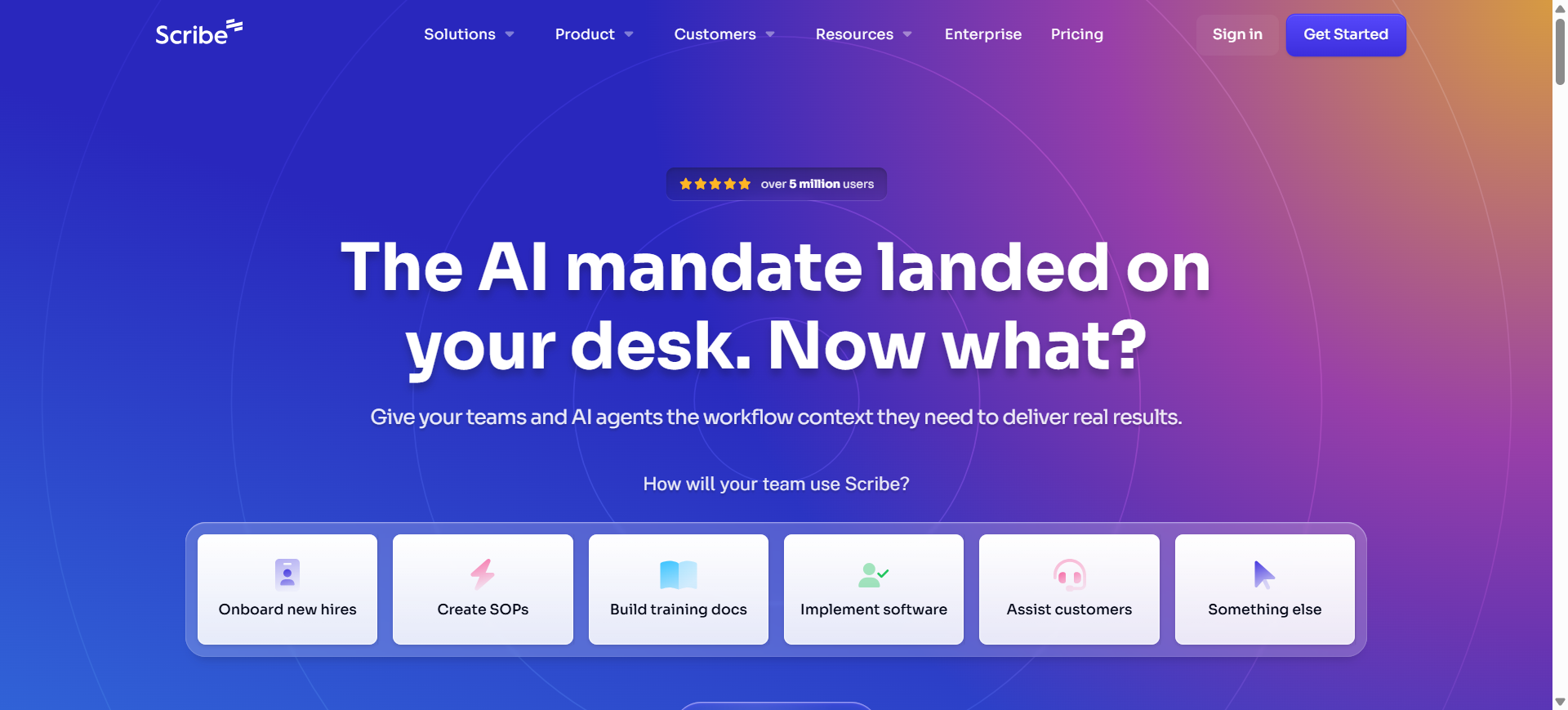
Scribe AI is a process documentation platform that automatically converts user actions into step-by-step guides with screenshots and written instructions. The platform is designed to simplify workflow documentation for software onboarding, internal operations, training, and support processes.
It is commonly used by operations teams, customer success departments, IT support teams, and software companies that need fast documentation without manually creating tutorials or SOPs. Scribe AI captures workflows directly from browser or desktop activity and transforms them into shareable guides.
Who Should Use Scribe AI
- Customer onboarding teams
- IT and helpdesk departments
- SaaS training teams
- HR and operations teams
- Small businesses documenting workflows
- Non-technical teams creating SOPs
How to use Scribe AI for AI software documentation
- Install the Scribe AI browser extension or desktop application.
- Start recording a workflow while navigating software or internal systems.
- Let the platform automatically generate screenshots and instructions.
- Edit the guide and share it through links, PDFs, or embedded documentation portals.
Benefits of Using Scribe AI
- Reduces time spent creating process documentation
- Makes onboarding workflows easier to scale
- Improves internal training consistency
- Helps non-technical teams create documentation quickly
- Simplifies knowledge sharing across departments
Real World Example
A customer support team at an ecommerce SaaS company uses Scribe AI to create troubleshooting guides for onboarding new support agents. Instead of manually writing tutorials, managers record workflows for refund processing, order tracking, and customer escalations, allowing new hires to follow visual step-by-step instructions during training.
Pricing
Scribe AI offers a free Basic plan with limited documentation features. Paid plans start around $23 per user per month for individual users, while team plans begin near $59 per month with collaboration and branding features included.
Pros
- Extremely fast workflow documentation creation
- Easy for non-technical users to use
- Good visual step-by-step guide generation
Cons
- Less suitable for complex developer documentation
- Advanced collaboration features require paid plans
8. Notion AI
What is Notion AI
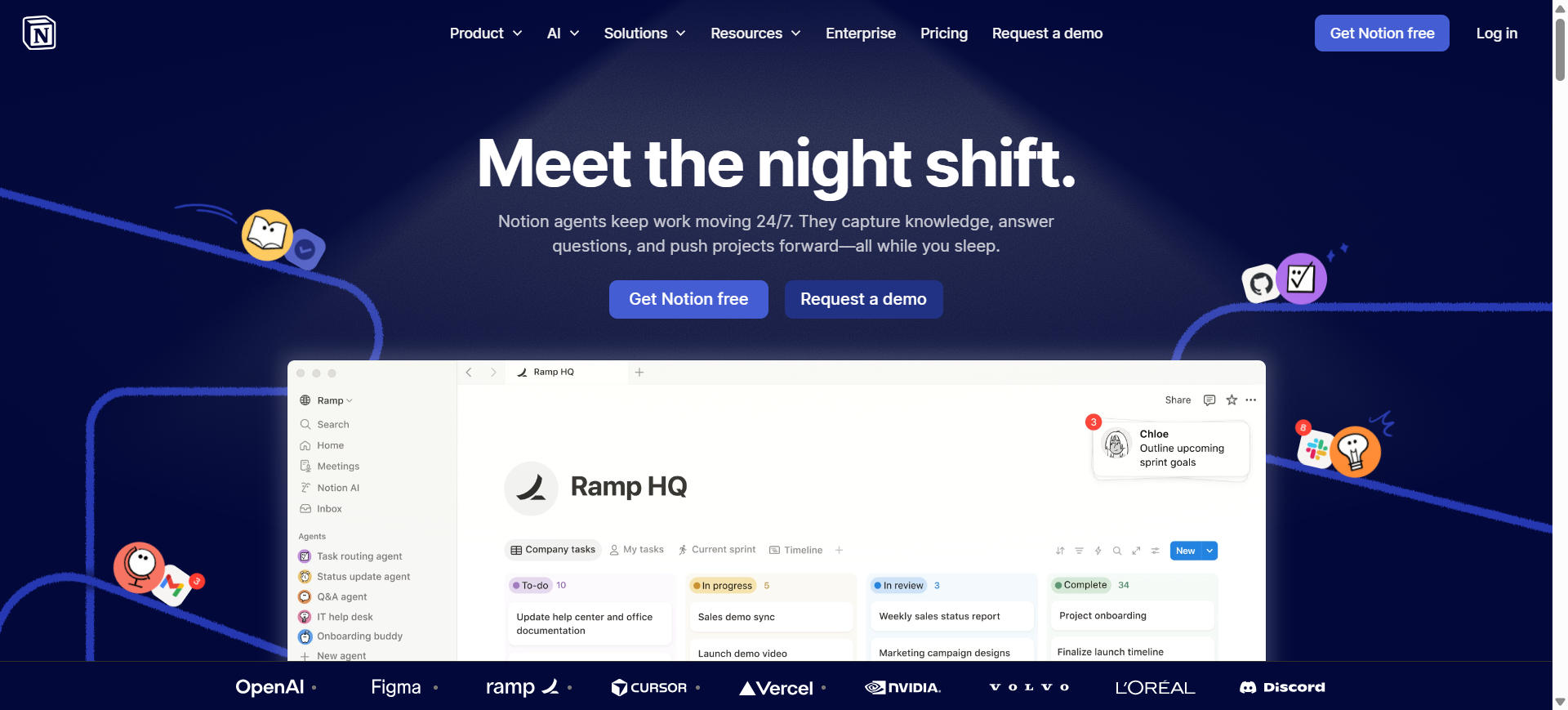
Notion AI is an AI-powered workspace and knowledge management platform that combines documentation, collaboration, project organization, and AI writing tools inside a single environment. It allows teams to create internal wikis, technical documentation, meeting notes, databases, and operational guides without relying on separate documentation systems.
The platform is widely used by startups, product teams, remote companies, and internal operations teams that need flexible documentation workflows. Notion AI also includes AI-assisted summarization, content generation, workspace search, and automation tools that help teams manage large volumes of information more efficiently.
Who Should Use Notion AI
- Startup and SaaS teams
- Product and operations managers
- Internal documentation teams
- Remote-first companies
- Small and mid-sized businesses
- Teams managing knowledge bases and SOPs
How to use Notion AI for AI software documentation
- Create workspace sections for engineering docs, onboarding, APIs, and internal guides.
- Import existing notes, spreadsheets, or documentation pages into databases and wikis.
- Use Notion AI to summarize meetings, generate technical drafts, and organize content.
- Share documentation across teams with permissions, search tools, and collaborative editing.
Benefits of Using Notion AI
- Centralizes documentation and team collaboration
- Reduces manual writing and note organization
- Improves knowledge sharing across departments
- Simplifies internal onboarding processes
- Helps teams manage documentation at scale
Real World Example
A remote SaaS company uses Notion AI to manage engineering onboarding, sprint documentation, and internal troubleshooting guides across product, support, and development teams. Managers use AI-generated summaries from meetings to automatically update project documentation and reduce manual administrative work.
Pricing
Notion offers a free plan for individuals and smaller teams. Paid plans start around $10 per user per month for Plus and approximately $20 per user per month for Business plans, which include broader AI functionality and advanced collaboration controls.
Pros
- Flexible workspace for multiple documentation types
- Strong collaboration and database organization tools
- AI features improve writing and summarization workflows
Cons
- Large workspaces can become difficult to organize
- Advanced AI features require higher-tier plans
9. Archbee AI
What is Archbee AI
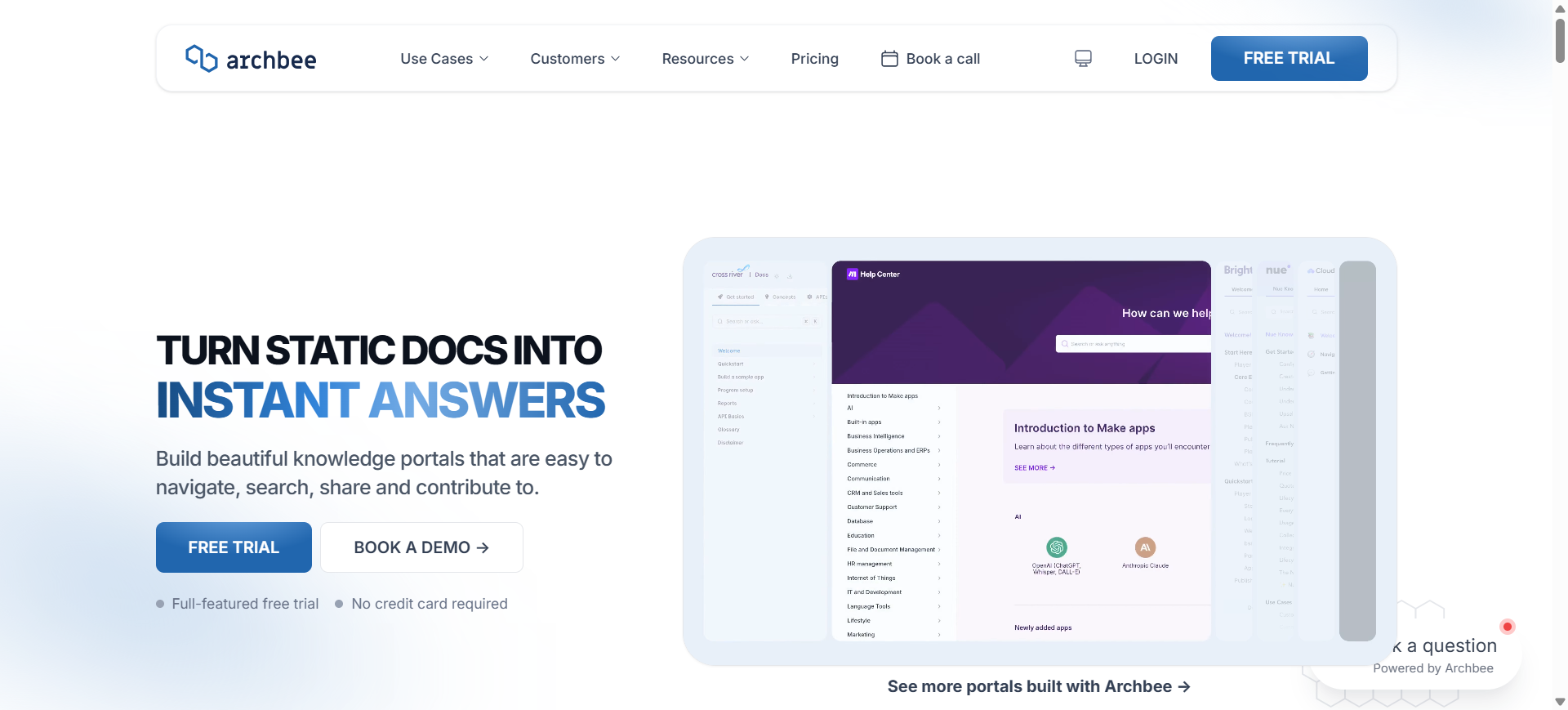
Archbee AI is a product and developer documentation platform built for technical teams that need structured knowledge bases, API documentation, internal wikis, and product guides. The platform combines collaborative editing with AI-powered search and writing assistance to help teams manage technical content in a centralized environment.
It is commonly used by SaaS companies, developer platforms, startups, and engineering teams that need customer-facing and internal documentation systems. Archbee AI also supports GitHub integrations, customizable portals, and API documentation workflows for growing software products.
Who Should Use Archbee AI
- SaaS product teams
- Developer documentation teams
- API-first startups
- Technical writers
- Engineering and product managers
- Companies building customer knowledge portals
How to use Archbee AI for AI software documentation
- Create documentation spaces for APIs, onboarding guides, and internal knowledge bases.
- Connect repositories and collaboration tools like GitHub, Slack, or Jira.
- Use AI tools to generate drafts, improve content readability, and organize documentation pages.
- Publish branded documentation portals with permissions and searchable navigation.
Benefits of Using Archbee AI
- Improves collaboration between product and engineering teams
- Simplifies management of developer documentation
- Reduces documentation fragmentation across tools
- Helps teams create professional documentation portals faster
- Improves access to internal and external technical knowledge
Real World Example
A B2B SaaS analytics company uses Archbee AI to manage API documentation, customer onboarding guides, and internal release notes. Product managers and developers collaborate inside shared workspaces, while customers access branded documentation portals to configure integrations and troubleshoot implementation issues independently.
Pricing
Archbee AI offers a 14-day free trial for teams evaluating the platform. Paid plans start around $80 per month for smaller teams, while Scaling and Enterprise plans include advanced customization, analytics, permissions, and AI capabilities.
Pros
- Strong support for product and API documentation
- Clean and modern documentation interface
- Good collaboration features for technical teams
Cons
- Advanced AI and analytics may require add-ons
- Less beginner-friendly for non-technical teams
10. Confluence AI
What is Confluence AI
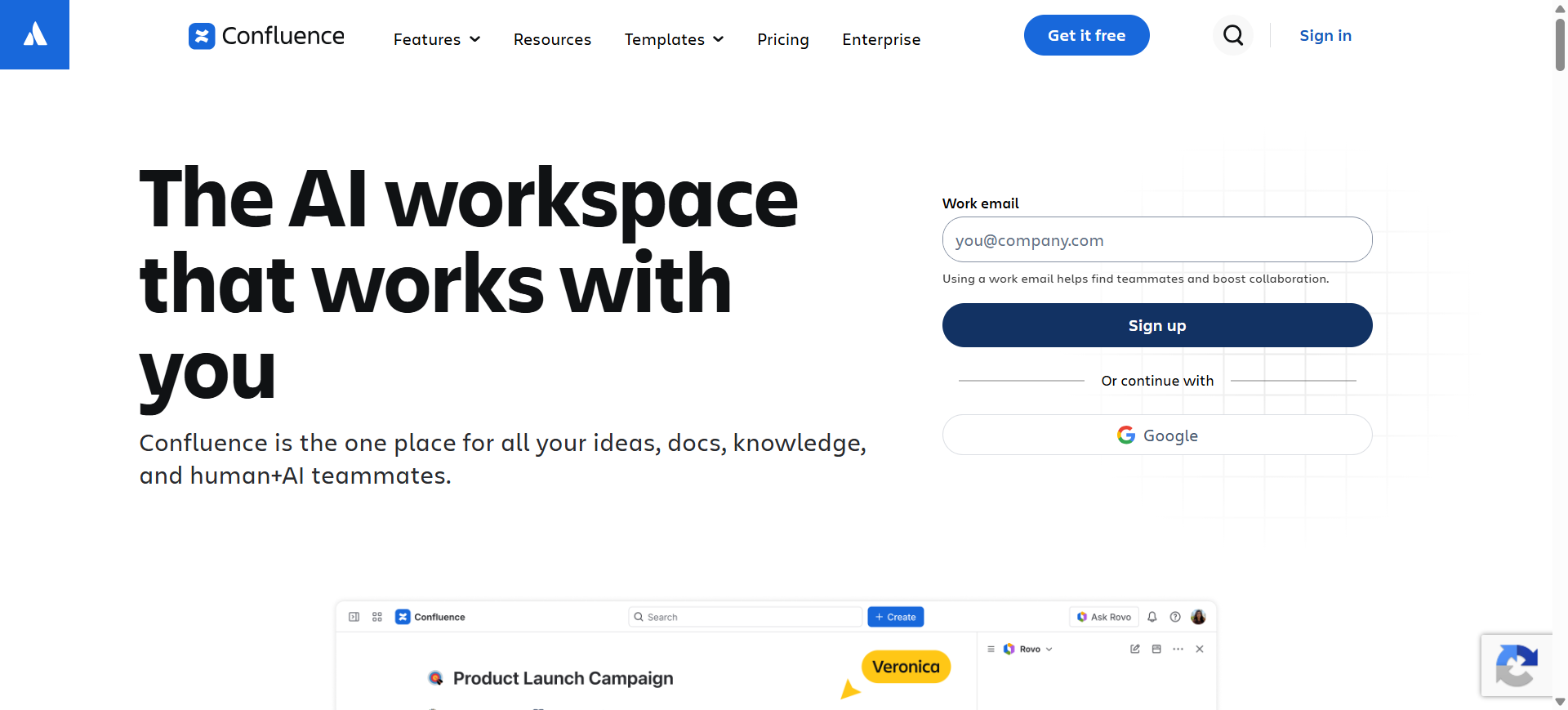
Confluence AI is an enterprise collaboration and documentation platform developed by Atlassian that combines team knowledge management with AI-powered content assistance. The platform helps organizations create internal documentation, engineering wikis, technical specifications, onboarding guides, and project documentation inside a centralized workspace.
It is widely used by engineering teams, IT departments, enterprise software companies, and agile organizations already working within the Atlassian ecosystem. Confluence AI integrates closely with Jira, Loom, and other Atlassian tools to support collaborative documentation workflows and AI-assisted knowledge discovery.
Who Should Use Confluence AI
- Enterprise software companies
- Agile development teams
- IT operations departments
- Product and engineering managers
- Organizations using Jira workflows
- Large remote collaboration teams
How to use Confluence AI for AI software documentation
- Create dedicated spaces for engineering, APIs, onboarding, or project documentation.
- Connect Jira projects and development workflows to related documentation pages.
- Use AI tools to draft summaries, generate content, and organize technical information.
- Share documentation with teams using permissions, comments, and collaborative editing tools.
Benefits of Using Confluence AI
- Centralizes company-wide technical knowledge
- Improves collaboration across distributed teams
- Reduces manual documentation management effort
- Helps maintain organized project documentation
- Simplifies linking documentation with development workflows
Real World Example
A multinational ecommerce company uses Confluence AI to manage internal engineering documentation for payment services, deployment workflows, and infrastructure operations. Product managers connect Jira tickets directly to technical pages, while AI-generated summaries help teams quickly review release updates during sprint planning meetings.
Pricing
Confluence offers a free plan for up to 10 users, while Standard plans start around $5–$6 per user per month. Premium and Enterprise plans include advanced AI features, automation, analytics, and enterprise-grade administration controls.
Pros
- Strong integration with Jira and Atlassian tools
- Good collaboration and permission management
- Scales well for enterprise documentation
Cons
- Large workspaces can become difficult to organize
- Advanced AI features require higher-tier plans
Where AI Is Used in Software Documentation
AI is used across multiple areas of software documentation to reduce manual work, improve accuracy, and simplify technical knowledge management. Modern AI documentation platforms support both developer-focused documentation and broader business documentation workflows.
API Documentation
AI helps generate API references, endpoint explanations, request examples, authentication guides, and changelogs directly from API specifications and repositories.
Developer Documentation
Engineering teams use AI to create code explanations, architecture documentation, dependency maps, onboarding guides, and internal technical references.
Knowledge Bases and Help Centers
AI documentation tools help businesses maintain searchable internal wikis, customer support articles, FAQs, troubleshooting guides, and product documentation.
SOP and Workflow Documentation
Many teams use AI to automatically create standard operating procedures, training materials, and step-by-step workflow guides from recorded actions and processes.
Legacy System Documentation
AI platforms analyze older codebases, databases, and infrastructure systems to generate technical documentation for modernization and migration projects.
DevOps and Infrastructure Documentation
AI is increasingly used to document deployment pipelines, CI/CD workflows, cloud infrastructure, monitoring systems, and operational procedures.
Product and Team Collaboration
Product managers, support teams, and remote organizations use AI documentation tools to centralize project notes, release documentation, meeting summaries, and internal collaboration workflows.
Benefits of AI Software Documentation Tools
AI software documentation tools help organizations automate technical writing, improve documentation accuracy, and simplify knowledge management across development teams. These platforms reduce repetitive manual work while making technical information easier to maintain and access.
- Reduces manual documentation effort for developers
- Improves developer onboarding and internal knowledge sharing
- Keeps documentation synchronized with code and product updates
- Enhances collaboration between engineering and support teams
- Makes technical documentation easier to search and manage
How AI Improves Developer Onboarding
AI software documentation tools help new developers understand complex systems faster by automatically organizing technical knowledge into searchable and structured documentation. Instead of manually reviewing large codebases, outdated wiki pages, or scattered files, developers can quickly access API references, architecture explanations, workflow guides, and dependency information from a centralized platform.
Many AI documentation platforms also keep onboarding materials updated as software changes over time. This reduces confusion caused by outdated documentation and helps engineering teams maintain consistent knowledge across projects. As a result, companies can shorten onboarding time, improve developer productivity, and reduce the dependency on senior engineers for repetitive knowledge transfer tasks.
How to Choose the Right AI Software Documentation Tool
The right AI software documentation tool should match your development workflow, documentation goals, and collaboration requirements. Before choosing a platform, teams should compare usability, automation capabilities, integrations, and long-term scalability.
Important things to consider
1) Documentation Type
Choose a tool that supports the type of documentation your team creates, such as API docs, internal wikis, onboarding guides, or customer knowledge bases.
2) AI Automation Features
Look for AI capabilities like automatic content generation, code summaries, smart search, and real-time documentation updates.
3) Developer Integrations
The platform should integrate smoothly with GitHub, GitLab, Jira, Slack, and other engineering tools already used by your team.
4) Collaboration and Permissions
Good documentation software should support collaborative editing, comments, approvals, and role-based access management.
5) Security Requirements
Organizations handling sensitive systems may need enterprise security features such as SSO, audit logs, encrypted storage, or on-premise deployment.
6) Scalability and Maintenance
Select a platform that can manage growing documentation libraries without becoming difficult to organize or maintain over time.
A well-designed AI documentation platform helps teams reduce manual work, improve documentation quality, and maintain consistent technical knowledge across projects.
Future of AI Software Documentation
AI software documentation platforms are evolving from simple writing assistants into intelligent engineering knowledge systems. Modern tools increasingly support automated code analysis, contextual search, workflow automation, and real-time synchronization with repositories and ticketing systems. As AI capabilities improve, documentation platforms are expected to play a larger role in software maintenance, onboarding, compliance management, and engineering productivity across large-scale development teams.
Conclusion
AI documentation tools have become indispensable for keeping technical knowledge in sync with evolving software systems. Choosing the right tool ensures teams reduce documentation gaps, streamline onboarding, and maintain consistency across projects. As development lifecycles accelerate, these tools will play a crucial role in enabling efficient collaboration and ensuring documentation remains up-to-date with minimal effort. Looking ahead, AI-driven documentation will continue to evolve, offering deeper code understanding and even more seamless integration with the entire software development ecosystem.
Below are some common questions businesses and developers ask when evaluating AI software documentation tools.
FAQs
What is the best AI software documentation tool in 2026?
The best AI software documentation tool depends on your use case and team requirements. Mintlify AI and ReadMe AI are widely used for API documentation, while GitBook AI and Confluence AI work well for collaborative technical documentation. Enterprise teams managing complex systems often prefer platforms like Kodesage AI or Document360 AI for advanced documentation management and scalability.
Can AI automatically generate software documentation from code?
Yes, many AI documentation platforms can automatically generate technical documentation directly from source code, repositories, and API specifications. These tools analyze functions, dependencies, workflows, and code structures to create documentation such as API references, onboarding guides, and architecture explanations with minimal manual effort.
Are AI software documentation tools accurate for large codebases?
Modern AI documentation tools are increasingly effective for large codebases, especially when integrated with repositories, version control systems, and development workflows. However, documentation quality still depends on code structure, repository organization, and regular validation by engineering teams to ensure technical accuracy and context.
Which AI documentation tools work best for APIs?
ReadMe AI, Mintlify AI, and Archbee AI are among the most popular platforms for API documentation. These tools support interactive API references, OpenAPI integration, developer portals, endpoint testing, and automated synchronization with backend services to improve developer onboarding and API usability.
How do AI documentation tools help developer onboarding?
AI documentation tools simplify onboarding by providing searchable, structured, and continuously updated technical knowledge. New developers can quickly access architecture details, setup instructions, workflow documentation, and API references without relying heavily on senior engineers or outdated internal documents.
Can AI documentation tools integrate with GitHub and Jira?
Yes, most modern AI documentation platforms integrate with GitHub, GitLab, Jira, Slack, and other development tools. These integrations help synchronize documentation with code changes, project updates, pull requests, and issue tracking workflows, reducing manual maintenance work.
Are AI software documentation tools suitable for enterprise teams?
Many AI software documentation tools are built specifically for enterprise environments. Platforms like Confluence AI, Document360 AI, and Kodesage AI offer advanced security controls, role-based permissions, audit logs, compliance support, and on-premise deployment options for large organizations managing sensitive systems.
What is the difference between AI knowledge base software and AI developer documentation tools?
AI knowledge base software mainly focuses on internal documentation, customer support articles, SOPs, and team collaboration. AI developer documentation tools are designed for technical workflows such as API documentation, code references, repository synchronization, and engineering onboarding. Some platforms combine both capabilities within a single documentation environment.