
Best AI Knowledge Management Tools help teams find information faster, organize internal knowledge, and reduce time wasted searching across apps and documents. The right AI Knowledge Management platform can improve productivity with smart search, instant answers, automation, and better collaboration. This guide compares the top tools to help you choose the best option for your business needs.
List of Best AI Knowledge Management Tools
- Guru AI
- Glean AI
- Document360 AI
- Slite AI
- Bloomfire AI
- Notion AI
- Knowmax AI
- Tettra AI
- Shelf AI
- Starmind AI
Best AI Knowledge Management Tools Comparison Table
| AI Tool | Best For | Key AI Strength | Pricing |
|---|---|---|---|
| Guru AI | Internal company knowledge | Trusted AI answers and verification | Custom pricing |
| Glean AI | Enterprise search | Cross-app AI search and answers | Custom pricing |
| Document360 AI | Documentation teams | AI search and writing assistant | Tiered plans available |
| Slite AI | Team docs | AI summaries and Ask assistant | Free plan and paid plans |
| Bloomfire AI | Enterprises | AI search and content discovery | Custom pricing |
| Notion AI | Startups and growing teams | AI writing and workspace search | Free plan and paid plans |
| Knowmax AI | Support teams | Guided AI workflows | Custom pricing |
| Tettra AI | SMB teams | AI Q&A and wiki search | Subscription plans available |
| Shelf AI | Support operations | Trusted AI answers and governance | Custom pricing |
| Starmind AI | Expert discovery | AI expert matching | Custom pricing |
1) Guru AI
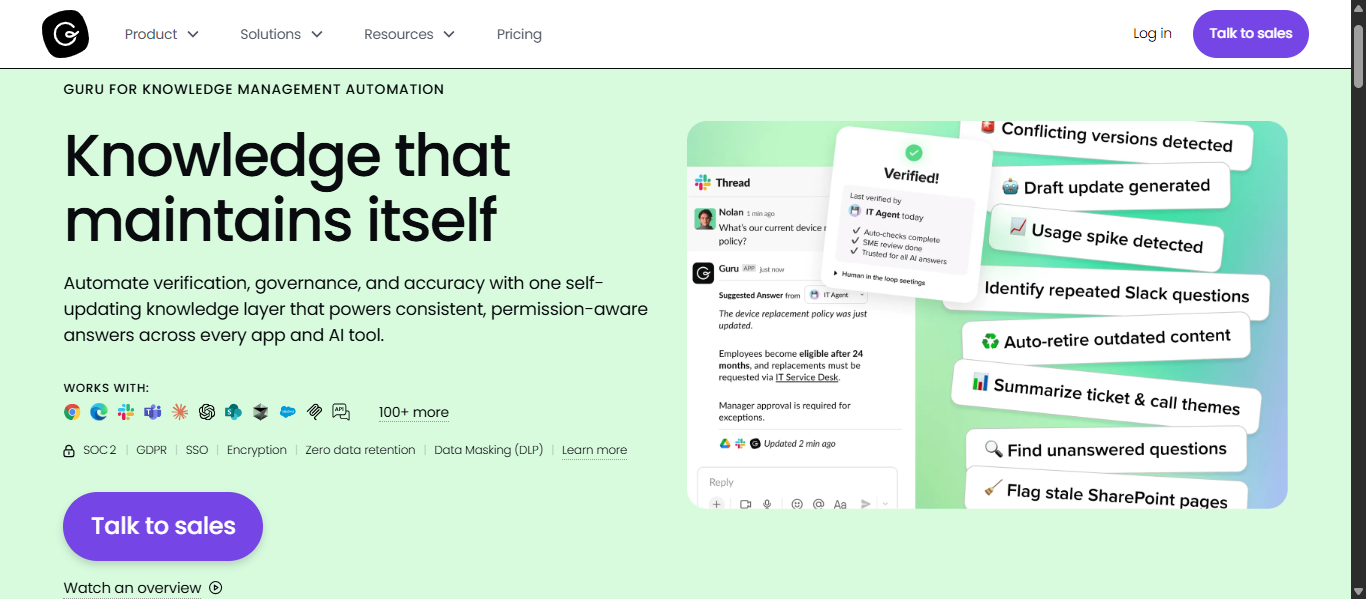
What Is Guru AI?
Guru AI is an AI Knowledge Management platform that helps businesses centralize company knowledge, automate content management, and deliver trusted answers across workplace tools. It connects documents, chats, apps, and internal resources into one verified knowledge system so teams can find accurate information quickly.
Key AI Features
- AI-powered search across connected tools
- Role-based Knowledge Agents for teams
- AI answers with source citations
- AI chat assistant for quick help
- Automatic content verification workflows
- Permission-based search results
- AI stale content detection
- Slack and Microsoft Teams integrations
- AI analytics and usage insights
Knowledge Management Capabilities
Guru AI helps businesses improve AI Knowledge Management by:
- Creating a single source of truth
- Reducing repeated employee questions
- Keeping internal content updated
- Delivering answers inside daily workflows
- Improving employee onboarding
- Supporting governance and compliance
- Connecting knowledge across multiple apps
Best For
Guru AI is best for:
- Mid-size and enterprise businesses
- HR, Sales, Support, and Operations teams
- Companies needing verified internal knowledge
- Teams using Slack or Microsoft Teams
- Businesses wanting AI-powered knowledge automation
Pros and Cons
Pros
- Strong AI Knowledge Management automation
- Trusted answers with citations
- Excellent Slack and Teams integrations
- Helps reduce repeated questions
- Strong permissions and governance tools
Cons
- Advanced pricing may suit larger teams more
- Initial setup requires knowledge organization
- Some features may be unnecessary for very small teams
How to Use Guru AI
- Connect workplace apps and data sources
- Import internal documents and knowledge
- Organize content by department or team
- Ask questions using AI search
- Use AI agents for team workflows
- Review analytics and update content regularly
Pricing
Guru AI offers custom pricing based on team size, feature needs, and business requirements.
Why Choose Guru AI?
Guru AI is one of the best AI Knowledge Management tools for businesses that need trusted internal answers, content automation, and easy access to knowledge inside everyday work apps. It is a strong choice for teams focused on productivity and accurate information.
2) Glean AI
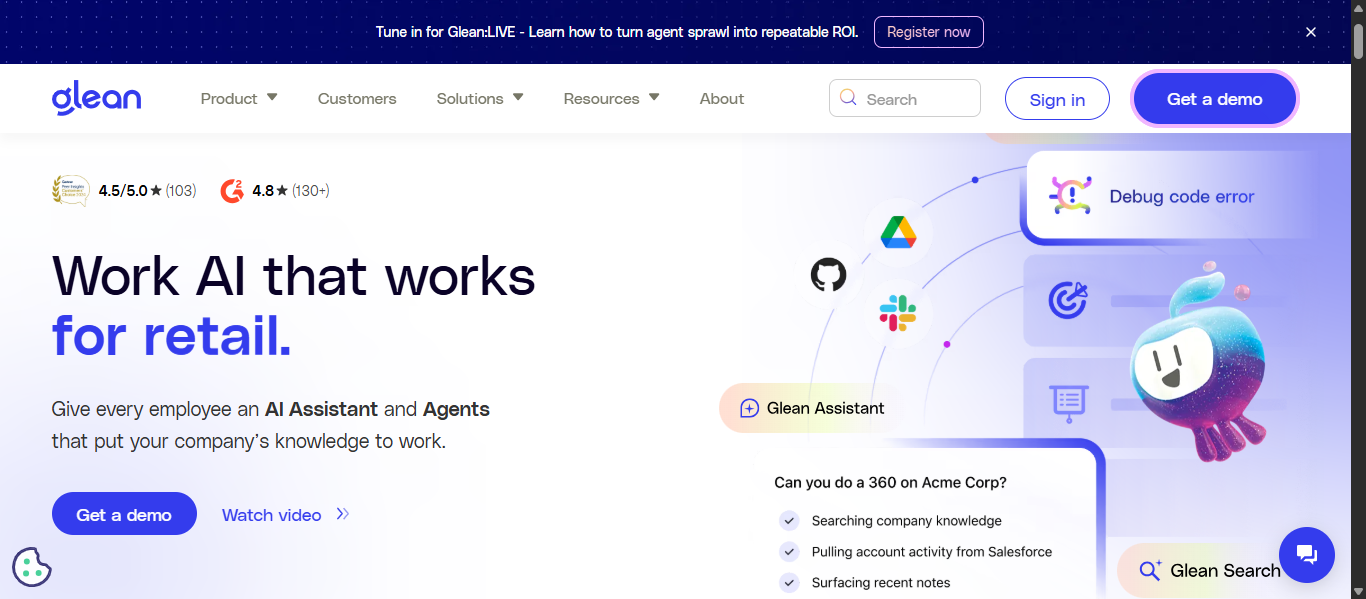
What is Glean AI?
Glean AI is an enterprise AI Knowledge Management platform that helps teams find company information faster across multiple workplace apps. It connects tools like email, chat, documents, CRM, and project platforms into one intelligent search system. Glean uses artificial intelligence to deliver direct answers, summaries, and relevant files, helping employees work faster and make better decisions.
Key AI Features
- AI-powered enterprise search across connected apps
- Natural language question answering
- Personalized search results based on user access
- AI summaries for documents and conversations
- AI assistant for workplace productivity
- AI agents for task automation
- Smart recommendations for related content
- Secure permission-aware search
Knowledge Management Capabilities
Glean AI helps businesses improve AI Knowledge Management by:
- Centralizing knowledge from multiple tools
- Reducing time spent searching for answers
- Preserving internal company knowledge
- Helping new employees onboard faster
- Surfacing experts inside the organization
- Improving cross-team collaboration
- Delivering trusted and relevant answers instantly
Best For
Glean AI is best for:
- Medium to large businesses
- Enterprise teams with many software tools
- Remote and hybrid teams
- IT, HR, Sales, and Operations teams
- Companies needing secure AI search
Pros and Cons
Pros
- Strong AI search across many platforms
- Fast access to internal knowledge
- Personalized and permission-based results
- Includes AI assistant and automation features
- Helpful for large organizations
Cons
- Custom pricing only
- Better suited for larger teams than small startups
- Initial setup may require admin support
How to Use Glean AI
- Connect company apps and data sources
- Let Glean index business knowledge securely
- Search using natural language questions
- Review AI answers and suggested files
- Use summaries to save time
- Build AI workflows for repetitive tasks
Pricing
Glean AI uses custom enterprise pricing based on team size, integrations, and deployment needs.
Why Choose Glean AI?
Glean AI is a strong choice for businesses that need fast, secure access to company knowledge spread across many apps. It combines AI search, automation, and trusted answers in one platform, making it one of the best AI Knowledge Management tools for growing organizations.
3) Document360 AI
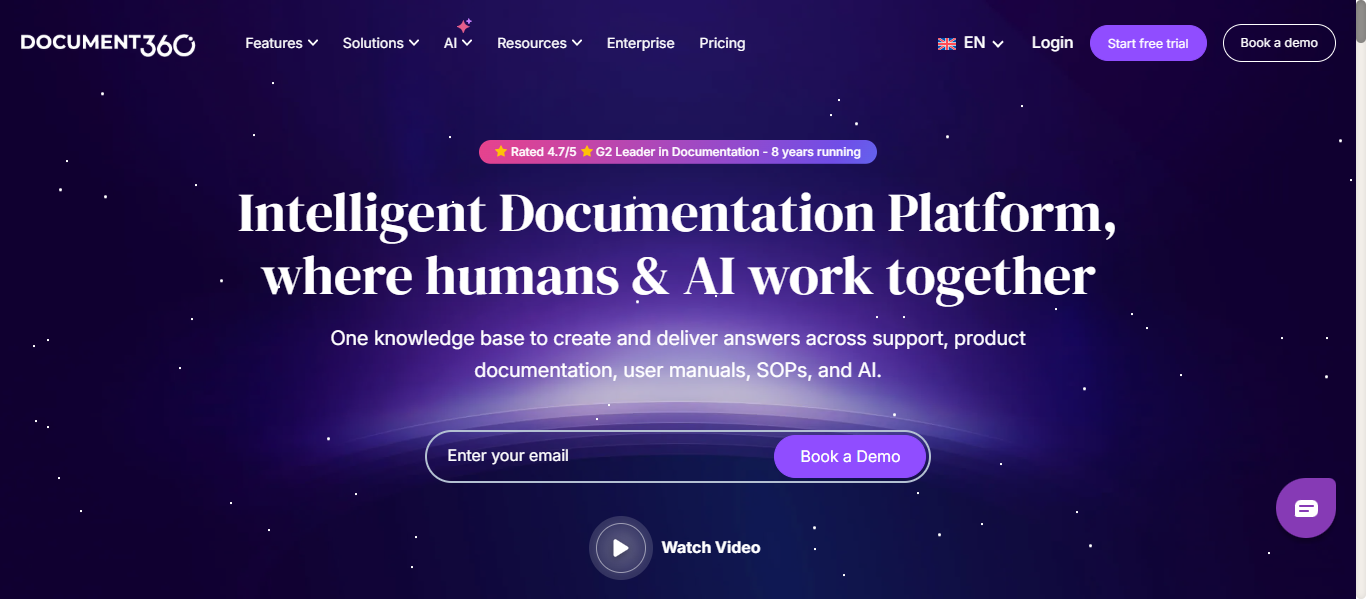
What Is Document360 AI?
Document360 AI is an AI Knowledge Management platform built for businesses that need to create, manage, and publish internal or customer-facing documentation. It helps teams centralize knowledge, reduce support requests, and deliver fast answers through AI search, automation, and structured content management.
Key AI Features
- AI-powered search across knowledge bases
- Eddy AI writing assistant for article creation
- AI article summaries
- AI chatbot for instant answers
- AI tag recommendations
- SEO title and meta description generation
- Related article recommendations
- Multilingual AI support features
Knowledge Management Capabilities
Document360 AI helps businesses improve AI Knowledge Management by:
- Building internal knowledge bases for employees
- Creating customer self-service help centers
- Managing SOPs, manuals, and product docs
- Organizing content with categories and workflows
- Tracking content performance with analytics
- Maintaining version control and approvals
- Reducing duplicate or outdated documentation
Best For
Document360 AI is best for:
- SaaS companies
- Customer support teams
- Product documentation teams
- Internal operations teams
- Businesses needing scalable knowledge bases
- Companies wanting AI-powered self-service support
Pros and Cons
Pros
- Strong documentation and knowledge base focus
- Useful AI writing and search tools
- Good for internal and external use cases
- Structured workflows and analytics
- Supports branded knowledge portals
Cons
- Advanced features may need setup time
- Higher plans cost more
- Better for documentation-heavy teams than simple note-taking
How to Use Document360 AI
- Create a workspace for internal or customer knowledge
- Import or write articles using AI tools
- Organize content into categories and sections
- Enable AI search or chatbot assistance
- Publish branded knowledge portals
- Use analytics to improve content performance
Pricing
Document360 AI offers tiered subscription plans, free trials, and enterprise pricing depending on features, users, and deployment needs.
Why Choose Document360 AI?
Document360 AI is one of the best AI Knowledge Management tools for teams that need professional documentation, searchable knowledge bases, and AI-powered support experiences. It is especially strong for businesses managing product docs, SOPs, and customer help centers.
4) Slite AI
What Is Slite AI?
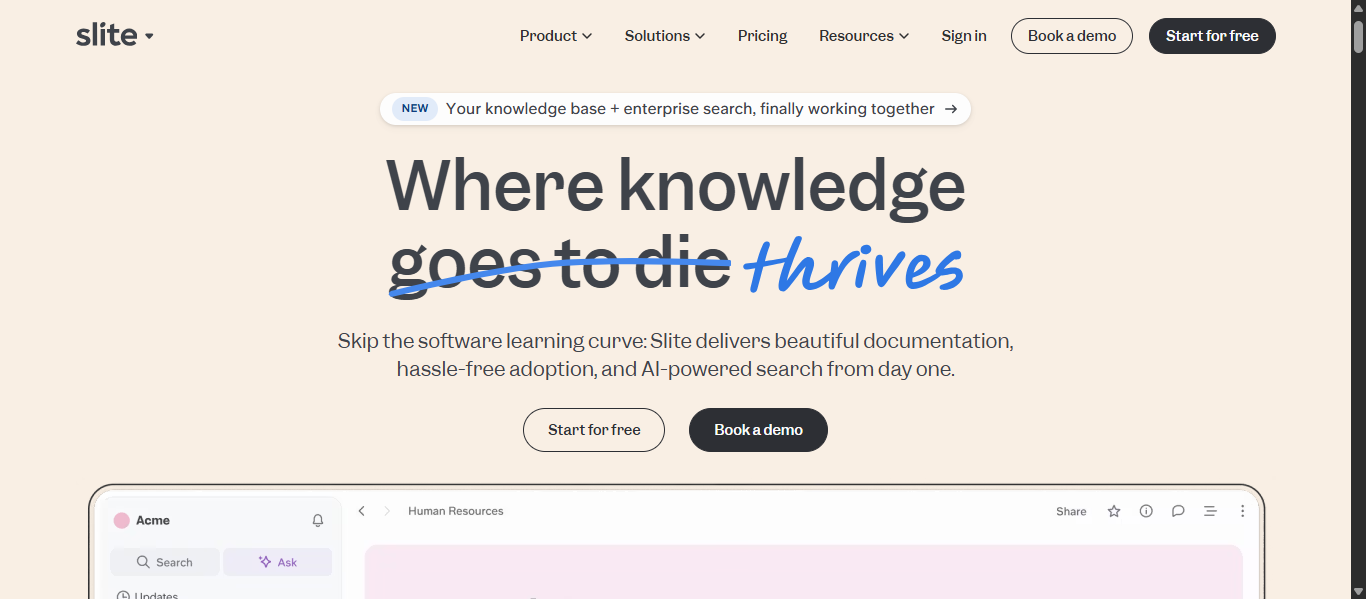
Slite AI is an AI Knowledge Management platform built for teams that need a simple and organized way to manage internal documentation, company processes, and shared knowledge. It combines a modern knowledge base with AI search, instant answers, and content management tools to help teams find trusted information faster.
Key AI Features
- AI-powered Ask feature for instant answers
- AI search across internal documents
- AI writing and formatting assistance
- Smart content suggestions
- Document verification reminders
- AI-supported multilingual answers
- Permission-based access controls
- Workflow integrations for team productivity
Knowledge Management Capabilities
Slite AI helps businesses improve AI Knowledge Management by:
- Creating a single source of truth for company knowledge
- Organizing policies, SOPs, notes, and workflows
- Reducing time spent searching for answers
- Keeping documentation updated with reminders
- Supporting onboarding and training
- Improving collaboration for remote teams
- Maintaining secure access to internal knowledge
Best For
Slite AI is best for:
- Startups and growing businesses
- Remote and hybrid teams
- HR and operations teams
- Companies needing lightweight internal wikis
- Teams wanting simple AI documentation tools
Pros and Cons
Pros
- Clean and user-friendly interface
- Strong AI search and instant answers
- Easy team adoption
- Good for remote collaboration
- Helpful document verification system
Cons
- Advanced enterprise needs may require higher plans
- Better for internal docs than complex external support portals
- Large organizations may need deeper customization
How to Use Slite AI
- Create a workspace for your team
- Add company docs, policies, and guides
- Organize pages into folders and collections
- Ask questions using AI search
- Use reminders to verify outdated docs
- Track usage and improve documentation quality
Pricing
Slite AI offers a free plan, paid team plans, and enterprise pricing based on users, security needs, and advanced features.
Why Choose Slite AI?
Slite AI is one of the best AI Knowledge Management tools for teams that want a clean, easy-to-use knowledge base with AI search and trusted documentation. It is especially strong for growing teams that need fast onboarding, better collaboration, and organized internal knowledge.
5) Bloomfire AI
What Is Bloomfire AI?
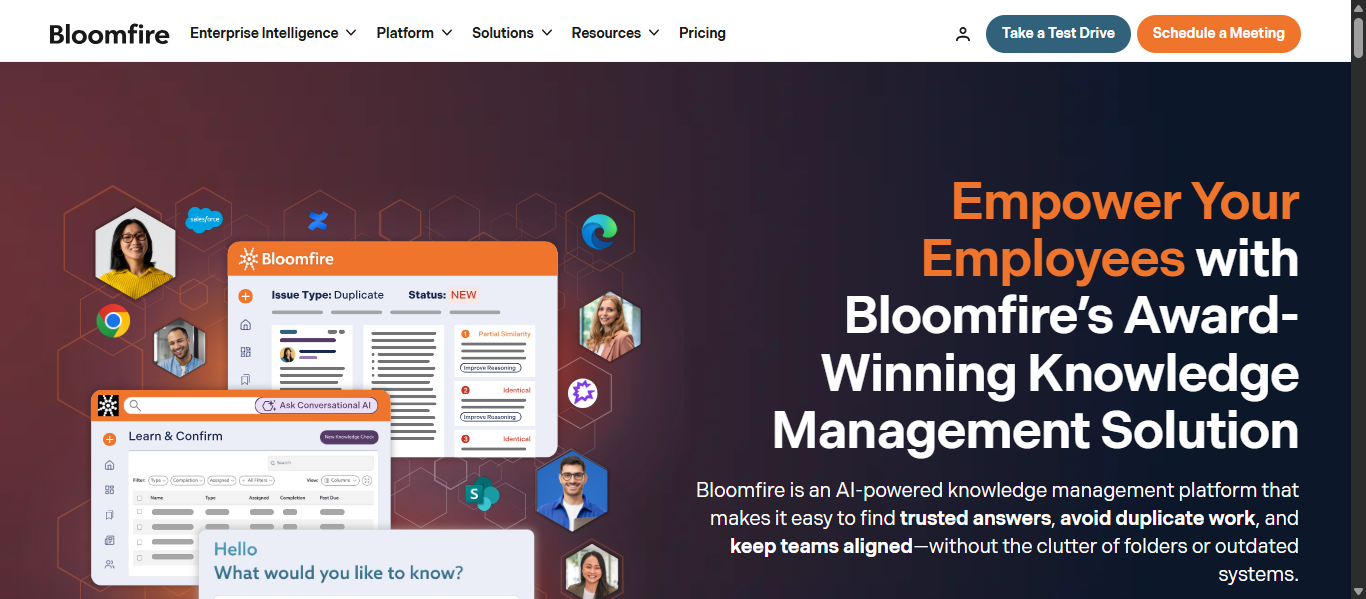
Bloomfire AI is an AI Knowledge Management platform that helps businesses centralize company knowledge, improve internal search, and give employees fast access to trusted answers. It combines knowledge sharing, enterprise search, analytics, and AI-powered assistance in one platform to reduce duplicate work and improve productivity.
Key AI Features
- AI-powered search and discovery
- Conversational AI for instant answers
- AI summaries from trusted content
- Smart recommendations for related knowledge
- Deep indexing across multiple file types
- AI-enhanced content authoring tools
- Analytics for content usage and engagement
- Permission-based secure access controls
Knowledge Management Capabilities
Bloomfire AI helps businesses improve AI Knowledge Management by:
- Creating a centralized company knowledge hub
- Reducing time spent searching for information
- Preserving internal expertise and institutional knowledge
- Supporting employee onboarding and training
- Improving collaboration across departments
- Surfacing accurate answers from approved content
- Managing documents, media, and shared resources in one place
Best For
Bloomfire AI is best for:
- Mid-size and enterprise businesses
- Customer support and service teams
- HR and training departments
- Remote and distributed teams
- Companies needing searchable internal knowledge
- Businesses focused on productivity and collaboration
Pros and Cons
Pros
- Strong AI search and knowledge discovery
- Good for company-wide knowledge sharing
- Supports multiple content formats
- Helpful analytics and reporting tools
- Strong access and permission controls
Cons
- Better suited for businesses than solo users
- Pricing requires consultation
- Advanced deployment may need planning
How to Use Bloomfire AI
- Create your company knowledge workspace
- Import documents, videos, and internal resources
- Organize content with categories and permissions
- Use AI search to ask questions naturally
- Review analytics to improve knowledge usage
- Keep content updated for trusted answers
Pricing
Bloomfire AI offers custom pricing based on business size, deployment scope, and platform requirements.
Why Choose Bloomfire AI?
Bloomfire AI is one of the best AI Knowledge Management tools for organizations that need secure internal search, better knowledge sharing, and faster employee access to important information. It is a strong choice for growing teams and enterprise companies.
6) Notion AI
What Is Notion AI?
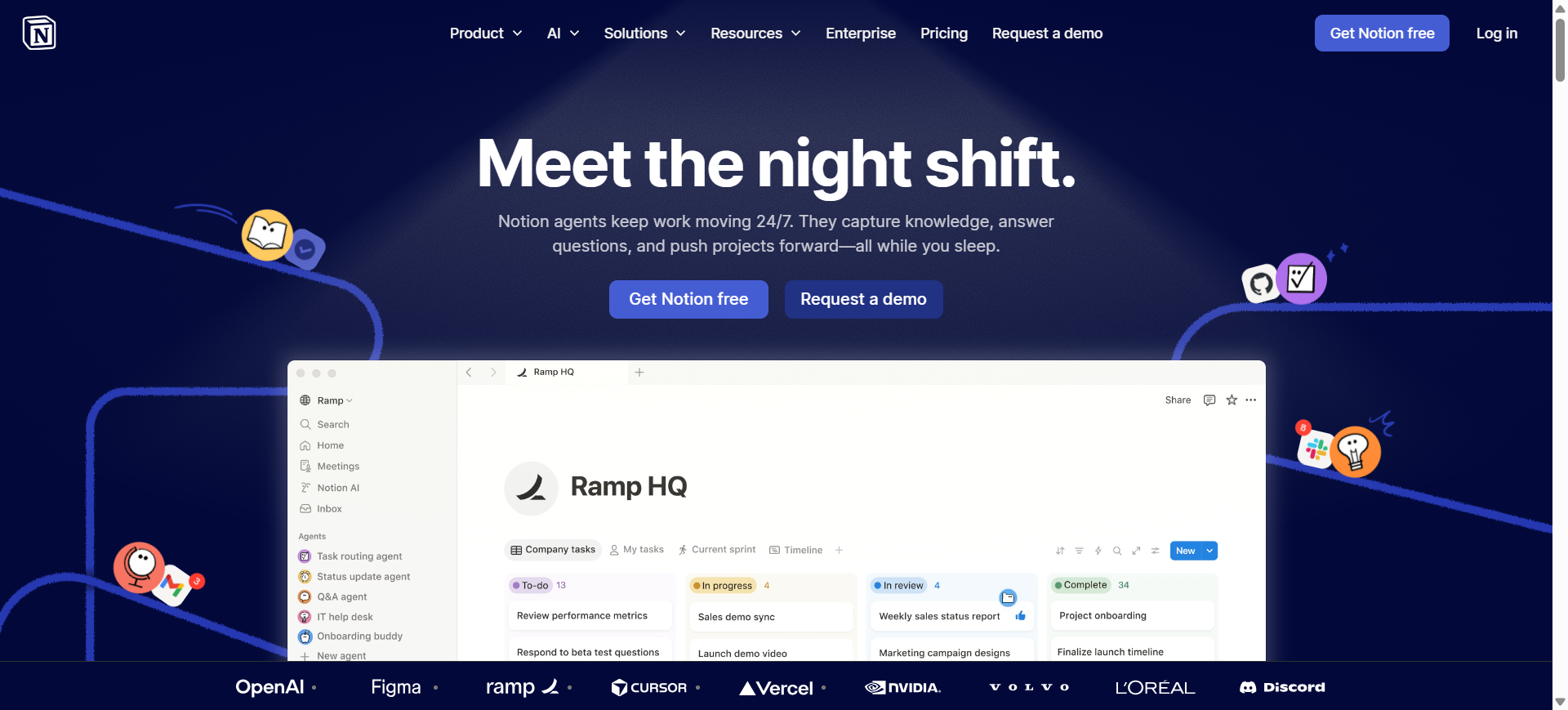
Notion AI is an AI Knowledge Management platform that combines notes, documents, databases, projects, and workplace AI in one workspace. It helps teams organize company knowledge, search internal information, automate repetitive tasks, and create content faster. Notion AI is widely used by startups, growing teams, and enterprises that want flexible knowledge management with built-in AI assistance.
Key AI Features
- AI writing assistant for drafts, summaries, and edits
- AI search across workspace content
- AI meeting notes and summaries
- AI autofill for databases and workflows
- Custom AI agents for recurring tasks
- Enterprise search across connected apps
- Research and reporting assistance
- Permission-aware AI access controls
Knowledge Management Capabilities
Notion AI helps businesses improve AI Knowledge Management by:
- Centralizing docs, SOPs, notes, and internal resources
- Creating a searchable company knowledge hub
- Reducing time spent finding information
- Improving onboarding with organized documentation
- Managing projects and knowledge in one place
- Automating updates and repetitive workflows
- Preserving internal company knowledge over time
Best For
Notion AI is best for:
- Startups and growing businesses
- Remote and hybrid teams
- Operations and project teams
- Content and marketing teams
- Companies wanting all-in-one workspace software
- Businesses needing flexible AI Knowledge Management
Pros and Cons
Pros
- Combines docs, tasks, and AI in one tool
- Highly flexible workspace structure
- Strong collaboration features
- Useful AI writing and search tools
- Good for both small and large teams
Cons
- Can become messy without structure
- Advanced setups need planning
- Full AI access may require higher plans
How to Use Notion AI
- Create a workspace for your team
- Add pages, docs, databases, and company resources
- Organize knowledge with folders and linked pages
- Use AI to search, summarize, and write content
- Build automations or AI agents for recurring work
- Maintain documentation as the team grows
Pricing
Notion offers a free plan, paid Plus plans, Business plans, and Enterprise pricing. Advanced AI capabilities are typically stronger on higher-tier plans.
Why Choose Notion AI?
Notion AI is one of the best AI Knowledge Management tools for teams that want flexibility, collaboration, and AI productivity in one platform. It is a strong choice for businesses that need a modern workspace with searchable internal knowledge.
7) Knowmax AI
What Is Knowmax AI?
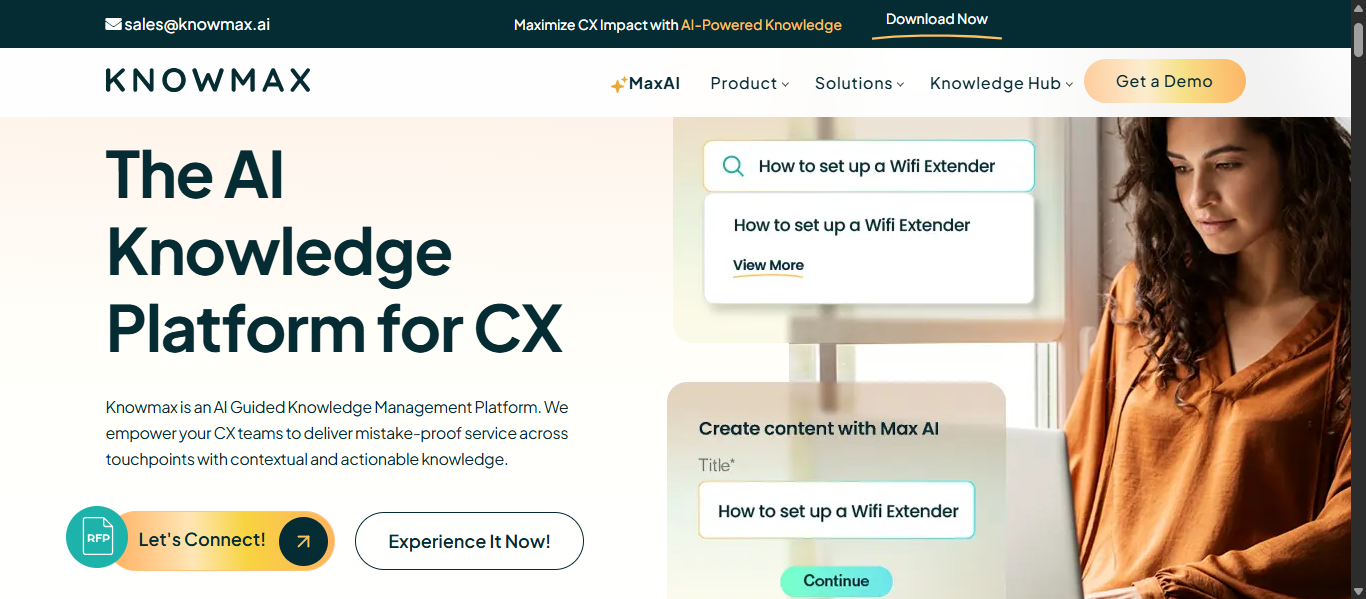
Knowmax AI is an AI Knowledge Management platform designed for customer support, contact centers, and enterprise service teams. It helps businesses centralize knowledge, guide agents with step-by-step workflows, and deliver fast, accurate answers across support channels. The platform focuses on improving service quality, reducing resolution time, and creating consistent customer experiences.
Key AI Features
- AI-powered knowledge search
- Guided workflows and decision trees
- AI suggestions for support agents
- Smart content recommendations
- Omnichannel knowledge delivery
- AI chatbot and self-service support tools
- Analytics for support performance
- Role-based access controls
Knowledge Management Capabilities
Knowmax AI helps businesses improve AI Knowledge Management by:
- Centralizing support knowledge in one platform
- Standardizing answers across channels
- Reducing agent handling time
- Improving first-contact resolution rates
- Supporting employee training and onboarding
- Creating self-service help experiences
- Keeping knowledge updated and searchable
Best For
Knowmax AI is best for:
- Customer support teams
- Contact centers
- Telecom, banking, healthcare, and retail businesses
- IT service desks
- Enterprises needing guided knowledge workflows
- Teams focused on service consistency
Pros and Cons
Pros
- Strong fit for support and service teams
- Guided workflows improve agent accuracy
- Useful self-service capabilities
- Helps reduce repeat customer questions
- Strong analytics for support operations
Cons
- Less suited for general internal wiki use
- Better for enterprise support teams than small businesses
- Pricing requires consultation
How to Use Knowmax AI
- Import support articles, SOPs, and workflows
- Organize content by teams or service categories
- Build guided decision trees for agents
- Enable AI search for quick answers
- Launch self-service portals or chatbots
- Track analytics and improve support knowledge
Pricing
Knowmax AI offers custom pricing based on users, channels, and enterprise requirements.
Why Choose Knowmax AI?
Knowmax AI is one of the best AI Knowledge Management tools for customer support teams that need faster answers, guided workflows, and consistent service delivery. It is especially valuable for enterprises managing high-volume customer interactions.
8) Tettra AI
What Is Tettra AI?
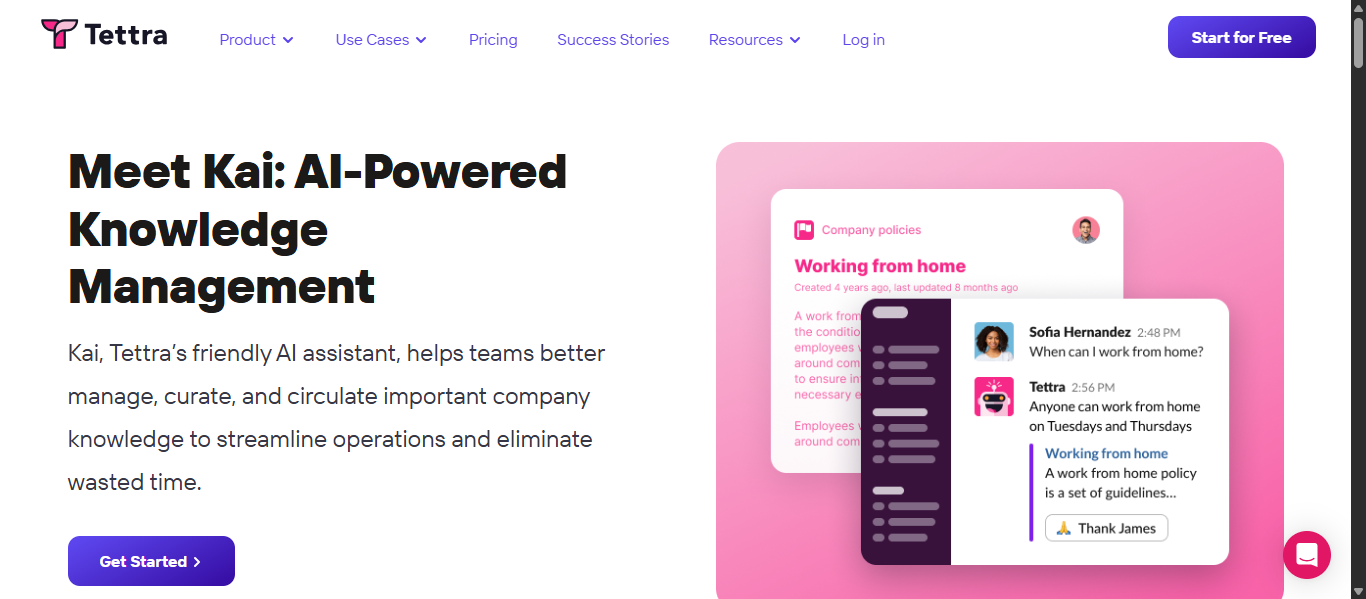
Tettra AI is an AI Knowledge Management platform built for teams that want to organize internal knowledge, reduce repetitive questions, and make company information easier to find. It combines an internal wiki, AI search, question-and-answer workflows, and content verification tools to help teams maintain trusted knowledge.
Key AI Features
- AI assistant for instant answers
- AI search across internal knowledge
- Slack-based AI question answering
- Smart content suggestions
- AI tagging and semantic search
- Question routing to subject experts
- Content freshness reminders
- Knowledge gap detection
Knowledge Management Capabilities
Tettra AI helps businesses improve AI Knowledge Management by:
- Building a centralized internal knowledge base
- Reducing repeated employee questions
- Keeping documentation accurate and updated
- Making answers searchable in Slack and Tettra
- Supporting onboarding and training
- Organizing policies, SOPs, and workflows
- Preserving team knowledge over time
Best For
Tettra AI is best for:
- Startups and growing businesses
- Remote and hybrid teams
- HR and operations teams
- Slack-first organizations
- Teams needing lightweight internal wikis
- Businesses focused on internal documentation
Pros and Cons
Pros
- Easy to use and quick to adopt
- Strong Slack integration
- Helpful AI assistant for repeated questions
- Good content verification workflows
- Useful for growing teams
Cons
- Less suited for complex enterprise deployments
- Advanced customization is limited
- Better for internal use than public help centers
How to Use Tettra AI
- Create a team workspace
- Import internal docs and company resources
- Organize pages by department or topic
- Ask questions through Tettra or Slack
- Use AI answers and routing tools
- Review stale content and update regularly
Pricing
Tettra AI offers subscription-based pricing with team plans and business plans based on users and features.
Why Choose Tettra AI?
Tettra AI is one of the best AI Knowledge Management tools for teams that want simple documentation, fast internal answers, and better knowledge sharing without complex setup. It is especially useful for growing companies that rely on Slack and collaborative workflows.
9) Shelf AI
What Is Shelf AI?
Shelf AI is an AI Knowledge Management platform built for enterprises that need accurate answers, trusted content, and scalable AI operations. It helps businesses organize internal knowledge, remove outdated content, and power AI search, copilots, and agent workflows using clean enterprise data.
Key AI Features
- AI-powered enterprise search
- AI Data Model for business knowledge
- AI agents and workflow automation
- Content Copilot for content creation and updates
- Automated duplicate and outdated content detection
- Conversational AI answers
- Analytics and performance insights
- Role-based permissions and governance controls
Knowledge Management Capabilities
Shelf AI helps businesses improve AI Knowledge Management by:
- Centralizing knowledge from multiple systems
- Removing redundant, obsolete, and trivial content
- Improving trust in internal answers
- Powering support agents with accurate information
- Supporting onboarding and training
- Making enterprise content AI-ready
- Maintaining governance and compliance standards
Best For
Shelf AI is best for:
- Large enterprises
- Customer support teams
- Contact centers
- IT and operations teams
- Businesses deploying AI assistants or agents
- Companies with complex knowledge systems
Pros and Cons
Pros
- Strong focus on content quality and governance
- Built for enterprise AI use cases
- Helpful automation for outdated content cleanup
- Good fit for support operations
- Scalable for large organizations
Cons
- Better suited for enterprises than small teams
- Custom pricing only
- Advanced deployment may need planning
How to Use Shelf AI
- Connect company repositories and business systems
- Import and analyze existing knowledge content
- Remove duplicate or outdated resources
- Enable AI search and trusted answer systems
- Launch AI copilots or agent workflows
- Monitor analytics and optimize knowledge quality
Pricing
Shelf AI uses custom enterprise pricing based on users, deployment scope, and platform needs.
Why Choose Shelf AI?
Shelf AI is one of the best AI Knowledge Management tools for enterprises that need trusted answers, governed content, and scalable AI automation. It is especially strong for organizations managing large knowledge bases and support operations.
1o) Starmind AI
What Is Starmind AI?
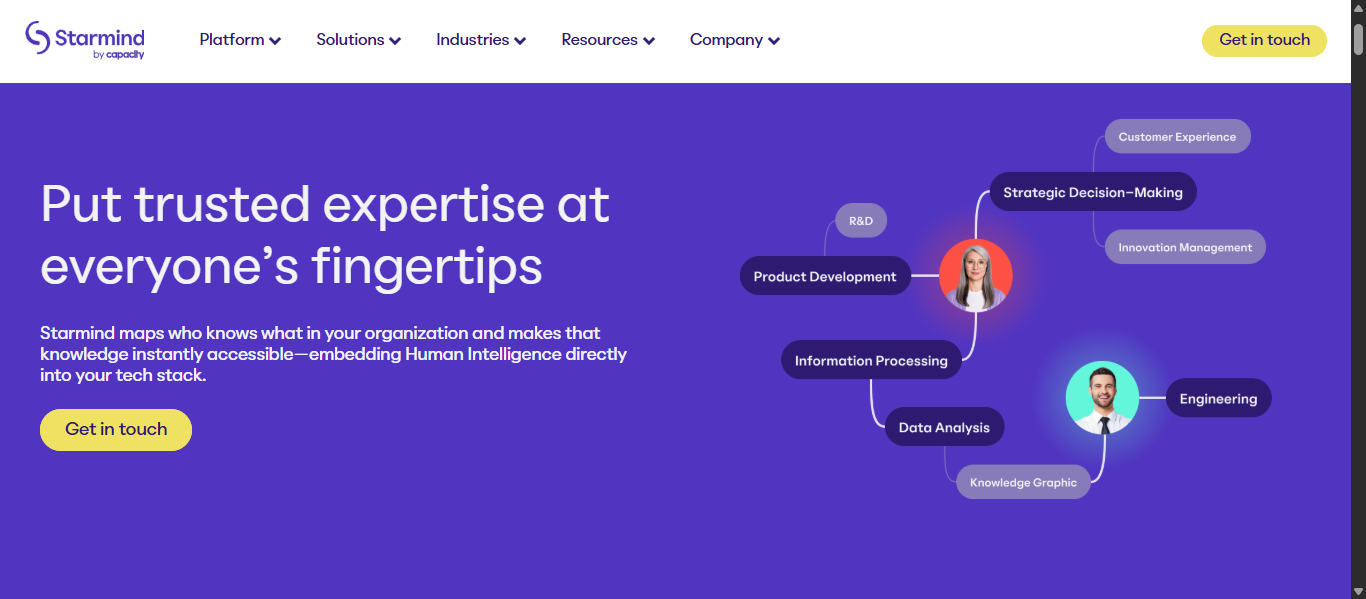
Starmind AI is an AI Knowledge Management platform that helps businesses discover internal expertise, connect employees with the right experts, and unlock hidden company knowledge. Instead of relying only on documents, it uses AI to map employee knowledge from daily work interactions and surface answers in real time. This makes it a strong solution for organizations with complex teams and specialized expertise.
Key AI Features
- AI-powered expertise discovery
- Real-time company knowledge mapping
- Expert matching for internal questions
- Natural language question routing
- Continuous learning from workplace interactions
- Integrations with Microsoft Teams, SharePoint, Jira, and Slack
- AI-driven recommendations
- Enterprise-grade privacy and governance controls
Knowledge Management Capabilities
Starmind AI helps businesses improve AI Knowledge Management by:
- Connecting employees to internal experts quickly
- Capturing tacit knowledge that is not documented
- Reducing time spent searching for answers
- Breaking down knowledge silos across departments
- Supporting faster onboarding for new employees
- Preserving expertise during workforce changes
- Improving collaboration in global organizations
Best For
Starmind AI is best for:
- Large enterprises
- Global organizations
- R&D and innovation teams
- Consulting and professional services firms
- Companies with specialized internal expertise
- Businesses wanting expert discovery instead of only document search
Pros and Cons
Pros
- Unique focus on employee expertise mapping
- Strong for hidden knowledge discovery
- Useful enterprise integrations
- Helps reduce repeated internal questions
- Valuable for large distributed teams
Cons
- Better suited for enterprises than small teams
- Pricing is custom only
- May be more specialized than standard wiki tools
How to Use Starmind AI
- Connect workplace systems and collaboration tools
- Allow AI to analyze knowledge signals securely
- Employees ask questions in natural language
- Starmind identifies the best internal experts
- Capture answers for future reuse
- Expand knowledge access across teams
Pricing
Starmind AI offers custom enterprise pricing based on users, integrations, and deployment needs.
Why Choose Starmind AI?
Starmind AI is one of the best AI Knowledge Management tools for enterprises that need to unlock human expertise, reduce knowledge silos, and connect employees to the right answers faster. It is especially valuable when important knowledge lives inside people, not just documents.
AI Agents for AI Knowledge Management
What Are AI Knowledge Management Agents?
AI Knowledge Management agents are intelligent software assistants that help businesses search, organize, update, and deliver company knowledge automatically. Unlike basic search tools, AI agents can understand user intent, retrieve relevant information, summarize content, and take actions across connected systems. Modern AI Knowledge Management increasingly combines retrieval with workflow automation.
How AI Agents Are Changing AI Knowledge Management Workflows
AI agents are transforming traditional knowledge bases into active productivity systems. Instead of only storing documents, they now help teams work faster by:
- Finding answers instantly across apps and files
- Summarizing long documents and policies
- Detecting outdated or duplicate content
- Routing questions to the right expert
- Automating repetitive internal requests
- Supporting onboarding and employee training
- Delivering context-aware recommendations
This shift moves companies from static documentation to action-driven knowledge systems.
Examples of AI Knowledge Management Agents
Common AI agent types include:
- Search agents that answer internal questions
- Content agents that write or update documentation
- Governance agents that flag stale knowledge
- Workflow agents that create tasks or tickets
- Expert discovery agents that connect employees to specialists
- Support agents that guide staff through processes
Tools Offering AI Agent-Like Capabilities
Several leading platforms now offer agent-style features:
- Guru AI for trusted workplace answers
- Glean AI for cross-app search and automation
- Notion AI for content creation and workflow help
- Shelf AI for governed answers and copilots
- Starmind AI for expert discovery
- Amazon Q Business for enterprise knowledge retrieval
How to Choose the Best AI Knowledge Management Tools
Choosing the right AI Knowledge Management tool depends on your team size, workflows, and business goals. The best platform should improve access to company knowledge, reduce wasted time, and scale with your organization.
1. Define Your Main Use Case
Start by identifying what you need most:
- Internal knowledge base
- Enterprise search
- Customer support knowledge
- Employee onboarding
- Workflow automation
- Expert discovery
A clear use case helps narrow the best tool faster.
2. Check AI Search Quality
Strong AI search should:
- Understand natural language questions
- Find answers across multiple tools
- Deliver relevant summaries
- Respect user permissions
Search quality is one of the most important buying factors.
3. Review Integrations
Choose a tool that connects with platforms your team already uses, such as:
- Slack
- Google Workspace
- Microsoft 365
- CRM tools
- Helpdesk platforms
- Project management apps
Better integrations create stronger AI Knowledge Management results.
4. Consider Ease of Use
If the platform is difficult to use, adoption will be low. Look for:
- Clean interface
- Fast onboarding
- Simple content creation
- Easy navigation
5. Evaluate Security and Permissions
For business knowledge, security matters. Check for:
- Role-based access controls
- Permission-aware AI answers
- Compliance support
- Data governance tools
6. Compare Pricing and Scalability
Choose software that fits your current budget but can grow later. Review:
- Free plans or trials
- Team plans
- Enterprise pricing
- Cost for AI add-ons
7. Look for AI Agent Features
Modern tools may include AI agents that can:
- Automate repetitive tasks
- Update outdated content
- Route questions
- Summarize documents
These features can save time as teams grow.
8. Match the Tool to Your Team Size
- Small teams may prefer simple tools like Notion AI or Tettra AI
- Growing companies may prefer Guru AI or Slite AI
- Enterprises may prefer Glean AI, Shelf AI, or Starmind AI
9. Choose Based on Long-Term Value
The best AI Knowledge Management tool is one that fits your workflows, integrates with your existing stack, and helps employees find trusted knowledge faster as your business grows.
Future of AI Knowledge Management
- AI Agents: Intelligent assistants will handle search, content updates, workflow routing, and internal support tasks with less human effort.
- Predictive Knowledge Delivery: Platforms will surface the right information before employees even search for it based on behavior and context.
- Unified Enterprise Search: AI tools will connect documents, chats, emails, CRMs, and apps into one searchable knowledge system.
- Self-Healing Knowledge Bases: AI will detect outdated, duplicate, or low-value content and automatically recommend fixes.
- Personalized Knowledge Experiences: Employees will receive answers, dashboards, and recommendations based on their role, team, and access level.
- Voice and Conversational Search: More users will access company knowledge through voice commands and natural language conversations.
- Expert Discovery AI: Businesses will use AI to identify internal subject experts and connect employees to the right people faster.
- Real-Time Translation: Global teams will access knowledge instantly in multiple languages with AI-powered translation.
- Stronger Governance and Security: Future AI Knowledge Management tools will improve permissions, compliance, and audit controls.
- Deeper Workflow Automation: AI will turn static knowledge bases into active systems that trigger tasks, tickets, and approvals automatically.
Conclusion
The best AI Knowledge Management tools help businesses organize information, improve search, reduce repeated work, and give teams faster access to trusted knowledge. Whether you need internal documentation, enterprise search, or AI agents, choosing the right platform depends on your team size, workflows, and long-term goals.
FAQs
Can AI Knowledge Management tools reduce employee training time?
Yes, they speed up onboarding by giving new employees instant access to policies, guides, SOPs, and trusted answers without relying on constant manager support.
Are AI Knowledge Management tools useful for remote teams?
Yes, remote teams use them to access shared knowledge anytime, reduce repeated questions, and stay aligned across different locations and time zones.
Do AI Knowledge Management tools work with existing business software?
Most leading tools integrate with platforms like Slack, Microsoft 365, Google Workspace, CRM systems, and helpdesk tools for better knowledge access.
Can small businesses use AI Knowledge Management tools?
Yes, many platforms offer affordable plans and simple setups that help small businesses organize documents, processes, and internal knowledge efficiently.
How do AI Knowledge Management tools improve productivity?
They save time by reducing manual searches, delivering faster answers, organizing company knowledge, and automating repetitive internal information requests.