
AI survey tools use artificial intelligence to automate survey creation, improve response quality, and analyze feedback faster across customer research, employee engagement, and market analysis workflows. In 2026, businesses use AI survey tools to generate questions from prompts, detect sentiment in open-ended responses, identify trends automatically, and reduce manual reporting work. Modern platforms also support conversational surveys, predictive analytics, and personalized survey experiences that help organizations collect more accurate and actionable insights at scale.
Businesses increasingly use AI survey tools to reduce manual analysis time and process large volumes of customer feedback more efficiently
List of Best AI Survey Tools
- SurveyMonkey Genius AI
- Qualtrics XM iQ
- Typeform AI
- BlockSurvey AI
- SurveySparrow AI
- Jotform AI
- Pollfish AI
- involve.me AI
- Zonka Feedback AI
- Tally AI
AI Survey Tools Comparison Table
AI survey platforms vary in automation, analytics depth, conversational experiences, privacy controls, and enterprise capabilities. The table below compares the best AI survey tools in 2026 based on practical business use cases, core AI features, pricing, and ideal users.
| Tool | Best For | Key AI Features | Pricing | Category |
|---|---|---|---|---|
| SurveyMonkey Genius AI | General business surveys | AI question generation, sentiment analysis, survey recommendations | Freemium | All-in-one AI survey platform |
| Qualtrics XM iQ | Enterprise analytics | Predictive analytics, Text iQ, automated insights | Enterprise pricing | Enterprise experience management |
| Typeform AI | Conversational surveys | AI-generated forms, adaptive questioning, response summaries | Paid plans | Conversational survey platform |
| BlockSurvey AI | Privacy-focused surveys | AI survey creation with encrypted data ownership | Freemium | Privacy-first AI survey tool |
| SurveySparrow AI | Customer experience surveys | Conversational surveys, AI analytics, workflow automation | Paid plans | Feedback management |
| Jotform AI | AI form generation | Prompt-based survey creation, logic automation | Freemium | AI forms and surveys |
| Pollfish AI | Market research | AI-generated research surveys, audience targeting | Pay-per-response | AI market research platform |
| involve.me AI | Interactive lead funnels | AI funnel generation, personalization, scoring | Freemium | Interactive survey funnels |
| Zonka Feedback AI | Feedback analytics | AI sentiment analysis, CX reporting, response intelligence | Paid plans | Customer feedback analytics |
| Tally AI | Lightweight surveys | AI form generation, no-code customization | Freemium | Minimalist AI survey builder |
AI survey tools are now used across customer research, employee feedback, lead generation, onboarding, product testing, and operational analytics. The detailed breakdown below explains how each platform works, where it performs best, and which types of teams benefit most from using it.
The AI survey platforms below were selected based on AI capabilities, usability, analytics depth, market reputation, privacy controls, and practical business use cases. Each tool serves different survey workflows, from enterprise research to conversational customer feedback.
1. SurveyMonkey Genius AI
What is SurveyMonkey Genius AI
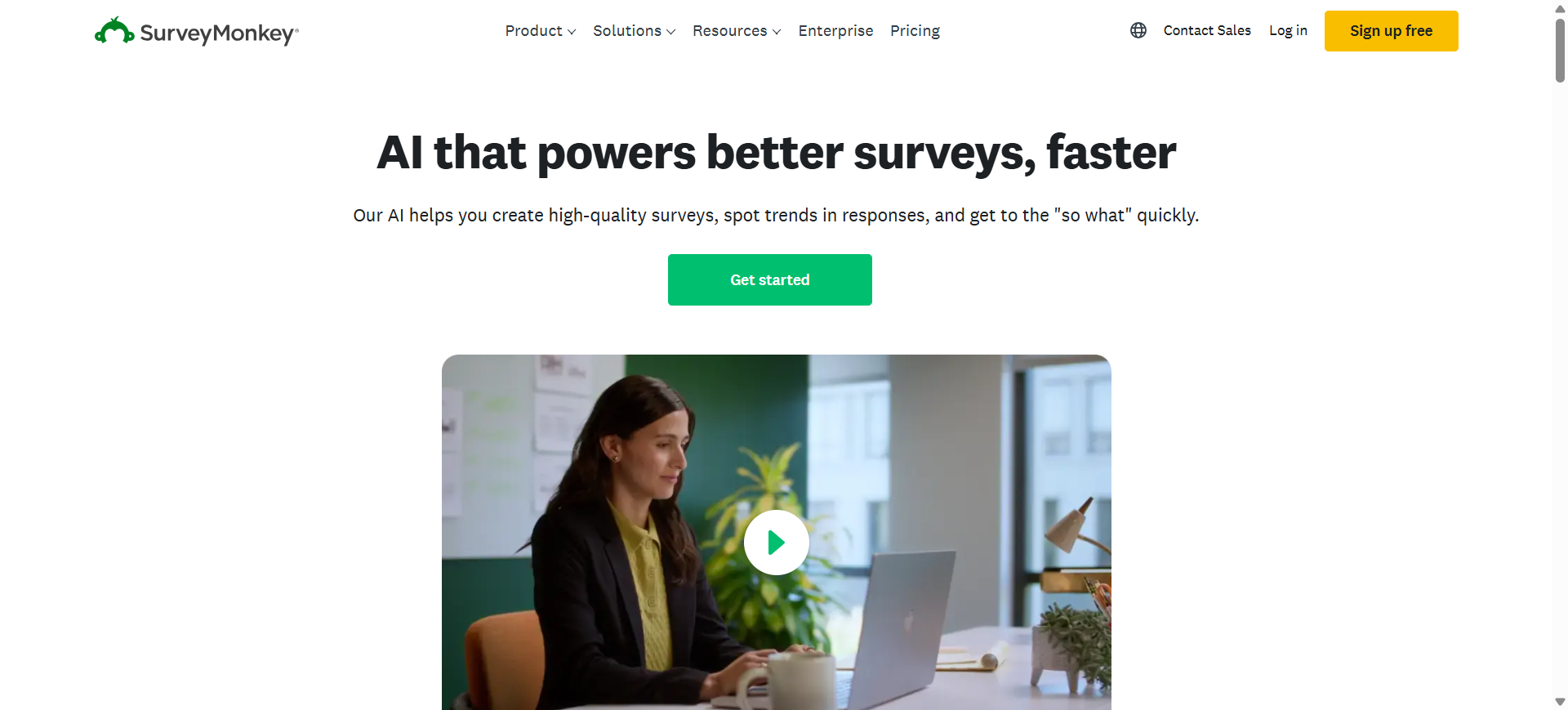
SurveyMonkey Genius is an AI-powered survey platform designed to help businesses create, distribute, and analyze surveys more efficiently. The platform combines traditional survey tools with AI-assisted question generation, automated insights, sentiment analysis, and thematic response clustering.
It is widely used for customer feedback, employee engagement, market research, and operational surveys across businesses of different sizes. SurveyMonkey also supports integrations with CRM, marketing, and collaboration tools, making it suitable for teams that need survey workflows connected to existing business systems.
Who Should Use SurveyMonkey Genius AI
- Marketing and customer research teams
- HR and employee experience departments
- Small and mid-sized businesses
- Enterprise survey operations teams
- Beginners needing AI-assisted survey creation
How to use SurveyMonkey Genius AI for surveys
- Enter a survey goal or prompt using the AI survey builder.
- Customize generated questions, logic flows, and branding elements.
- Distribute surveys through email, web links, QR codes, or embedded forms.
- Review AI-generated insights, sentiment analysis, and response summaries from the reporting dashboard.
Benefits of Using SurveyMonkey Genius AI
- Reduces survey creation time with AI-generated drafts
- Helps teams analyze large response datasets faster
- Improves survey consistency across departments
- Simplifies reporting for non-technical users
- Supports scalable survey operations for growing businesses
Real World Example
A retail ecommerce company used SurveyMonkey Genius AI to run post-purchase customer satisfaction surveys across multiple regions. The AI tools grouped recurring complaints about delayed shipping and identified negative sentiment patterns automatically, helping the operations team improve fulfillment workflows without manually reviewing thousands of responses.
Pricing
SurveyMonkey offers a limited free plan with basic survey functionality and AI-assisted features. Paid individual plans start around $39 per month, while team and enterprise plans include advanced analytics, collaboration tools, and higher response limits.
Pros
- Easy AI-assisted survey generation
- Strong analytics and reporting tools
- Large integration ecosystem
Cons
- Advanced features require higher-tier plans
- Free plan has response and question limits
2. Qualtrics XM iQ
What is Qualtrics XM iQ
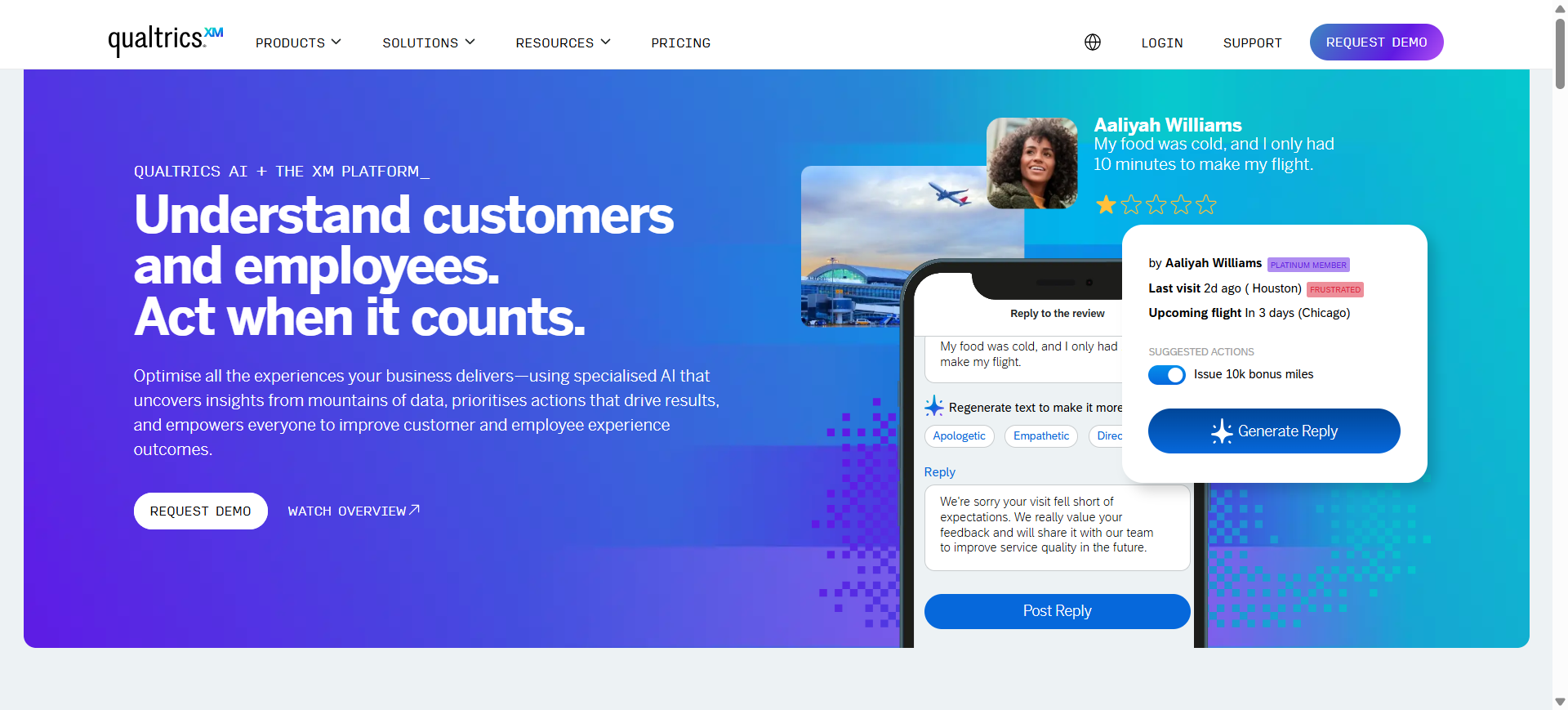
Qualtrics XM iQ is an enterprise experience management platform that uses AI to analyze customer, employee, product, and brand feedback at scale. The platform combines advanced survey capabilities with predictive analytics, text intelligence, sentiment analysis, and workflow automation.
Qualtrics is widely used by large organizations that need centralized feedback collection and deep research analytics across multiple departments. Its AI-powered tools, including Text iQ and Predict iQ, help businesses identify patterns, forecast trends, and prioritize operational decisions using large volumes of structured and unstructured survey data.
Who Should Use Qualtrics XM iQ
- Enterprise research and analytics teams
- Large customer experience departments
- HR and employee engagement programs
- Product research and UX teams
- Organizations managing global survey operations
How to use Qualtrics XM iQ for surveys
- Create a survey project using Qualtrics templates or custom workflows.
- Configure advanced logic, audience targeting, and feedback channels.
- Collect responses across email, web, mobile, and omnichannel touchpoints.
- Use XM iQ dashboards to analyze sentiment, trends, and predictive insights automatically.
Benefits of Using Qualtrics XM iQ
- Centralizes large-scale feedback operations in one platform
- Reduces manual analysis with AI-driven reporting
- Helps organizations identify risks and trends earlier
- Supports enterprise collaboration across departments
- Improves decision-making using predictive analytics
Real World Example
A global airline used Qualtrics XM iQ to monitor passenger feedback across airport kiosks, mobile apps, and post-flight surveys. The AI analytics system detected recurring complaints about delayed baggage handling in specific airports, allowing operations teams to address service bottlenecks before customer satisfaction scores declined further.
Pricing
Qualtrics offers a limited free survey account with capped responses and basic features. Strategic Research plans start around $420 per month billed annually, while enterprise XM suites use custom pricing based on interaction volume, users, and analytics requirements.
Pros
- Advanced enterprise analytics capabilities
- Strong AI sentiment and text analysis
- Highly customizable research workflows
Cons
- Expensive for small businesses
- Steeper learning curve than simpler survey tools
3. Typeform AI

What is Typeform AI
Typeform AI is a conversational survey and form-building platform that uses artificial intelligence to simplify survey creation and improve response engagement. The platform is known for its one-question-at-a-time interface, which makes surveys feel more interactive and less overwhelming for respondents.
Typeform AI helps users generate surveys from prompts, improve question wording, summarize responses, and personalize survey flows using conditional logic. It is commonly used for customer feedback, lead generation, onboarding forms, event registrations, and product research where user experience and completion rates are important priorities.
Who Should Use Typeform AI
- Marketing and brand experience teams
- SaaS companies collecting product feedback
- Agencies running lead generation campaigns
- Startups needing fast survey deployment
- Teams focused on high survey completion rates
How to use Typeform AI for surveys
- Describe your survey goal using the AI form generator.
- Edit generated questions, visuals, and branching logic inside the builder.
- Share the survey through websites, landing pages, email campaigns, or embedded forms.
- Track responses and review AI-generated summaries from the analytics dashboard.
Benefits of Using Typeform AI
- Increases survey engagement with conversational layouts
- Reduces setup time for survey creation
- Helps businesses collect more detailed responses
- Simplifies personalization through adaptive logic
- Improves brand presentation during feedback collection
Real World Example
A digital education company used Typeform AI to collect onboarding feedback from students after virtual training sessions. The conversational format improved completion rates compared to traditional forms, while AI-generated summaries helped instructors identify recurring issues with course pacing and lesson clarity.
Pricing
Typeform offers a limited free plan with capped monthly responses and basic AI functionality. Paid plans typically start around $29–$39 per month, while higher-tier business and growth plans include advanced analytics, integrations, and larger response limits.
Pros
- Strong conversational survey experience
- Clean and modern survey design
- Useful AI-assisted form generation
Cons
- Free plan has strict response limits
- Pricing increases quickly for larger teams
4. BlockSurvey AI
What is BlockSurvey AI
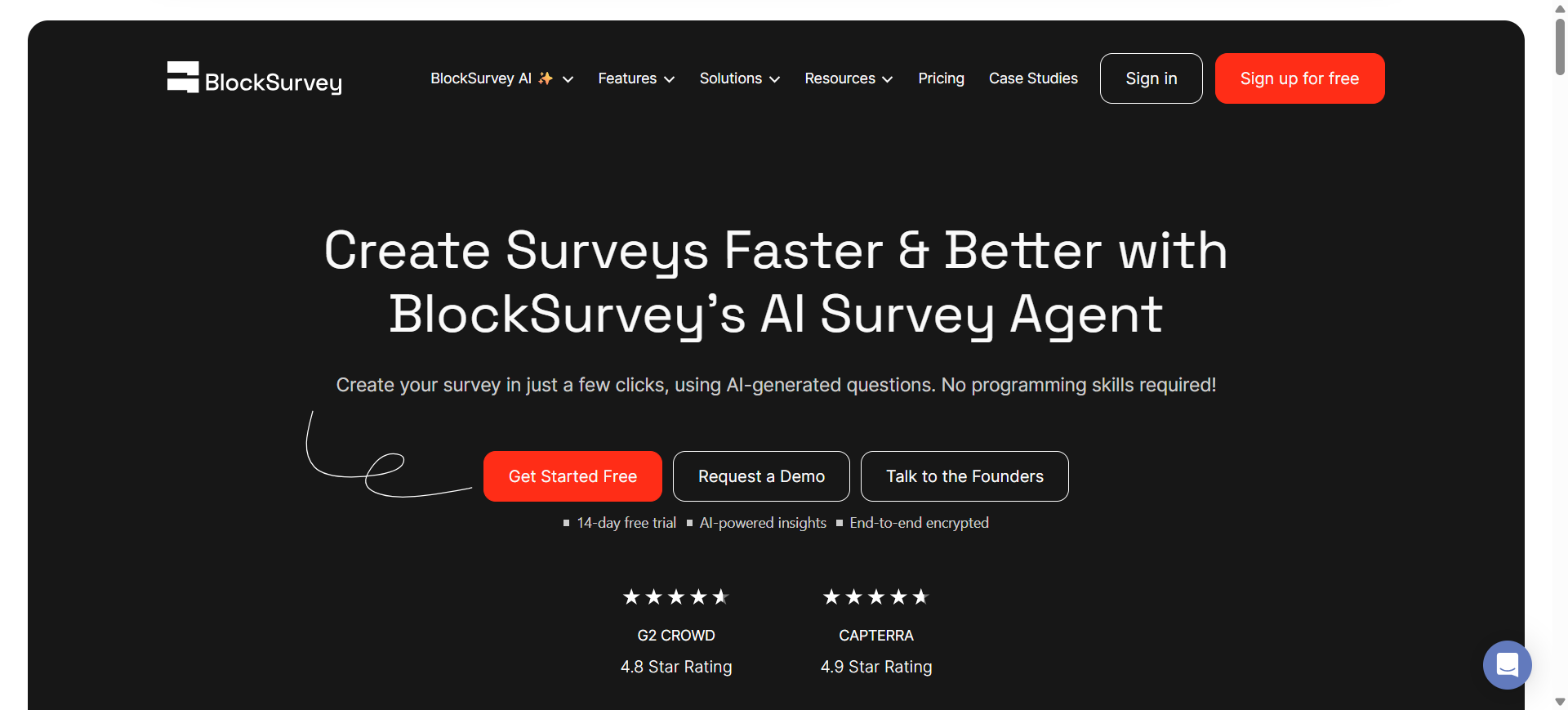
BlockSurvey is a privacy-focused survey platform that combines AI-powered survey generation with encrypted data collection and secure response management. The platform is designed for organizations that need stronger control over respondent privacy, sensitive feedback collection, and secure survey workflows.
Unlike many traditional survey platforms, BlockSurvey emphasizes end-to-end encryption, anonymous data collection, and user-owned survey data. Its AI tools help users generate surveys, analyze responses, identify themes, and automate insights while maintaining a privacy-first approach for research, healthcare, education, and compliance-sensitive industries.
Who Should Use BlockSurvey AI
- Healthcare and compliance-focused organizations
- Academic and research institutions
- NGOs collecting sensitive feedback
- Privacy-conscious businesses and teams
- Researchers handling confidential survey data
How to use BlockSurvey AI for surveys
- Enter a survey topic or objective into the AI survey generator.
- Customize questions, branching logic, anonymity settings, and access permissions.
- Share surveys through links, email campaigns, or embedded web forms.
- Review AI-powered sentiment analysis, thematic summaries, and encrypted response data from the dashboard.
Benefits of Using BlockSurvey AI
- Protects sensitive respondent data with encrypted storage
- Reduces manual analysis using AI-generated insights
- Improves trust in anonymous survey participation
- Helps organizations meet privacy and compliance requirements
- Simplifies secure research workflows for distributed teams
Real World Example
A nonprofit organization conducting mental health outreach surveys used BlockSurvey AI to collect anonymous responses from volunteers and community members. The encrypted survey system helped participants feel safer sharing sensitive experiences, while AI analysis identified recurring concerns about access to local support services.
Pricing
BlockSurvey offers a free plan with limited responses and AI survey functionality. Paid plans generally start around $39 per month for individuals, while premium and team plans include advanced AI analysis, branding controls, integrations, and higher response limits.
Pros
- Strong privacy and encryption features
- Useful AI-powered survey analysis
- Good option for sensitive research projects
Cons
- Smaller integration ecosystem than larger competitors
- Advanced plans can become expensive for large teams
5. SurveySparrow AI
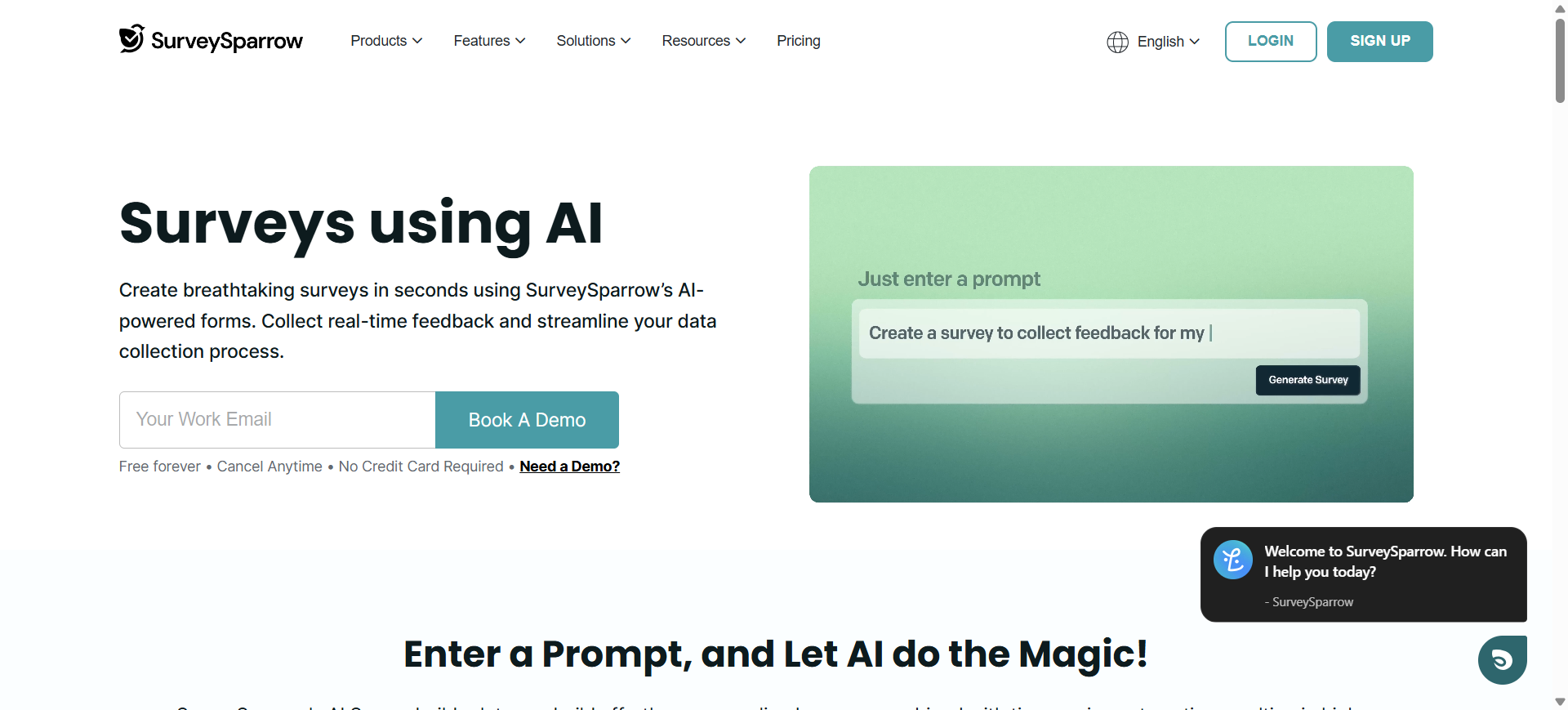
What is SurveySparrow AI
SurveySparrow is a conversational survey and customer feedback platform designed to improve engagement and response quality through chat-style interactions. The platform combines AI-powered analytics, workflow automation, recurring surveys, and omnichannel distribution to help businesses manage customer and employee feedback more effectively.
SurveySparrow is widely used for NPS, CSAT, CES, employee pulse surveys, and operational feedback programs. Its AI capabilities help teams analyze sentiment, detect patterns in responses, and automate follow-up actions from survey results. The platform also supports integrations with CRM, helpdesk, and collaboration systems for centralized feedback management.
Who Should Use SurveySparrow AI
- Customer experience and support teams
- SaaS and subscription-based businesses
- HR and employee engagement departments
- Agencies managing recurring feedback programs
- Teams focused on conversational survey experiences
How to use SurveySparrow AI for surveys
- Create a conversational survey using templates or AI-assisted survey generation.
- Configure logic flows, recurring schedules, and feedback workflows.
- Distribute surveys through email, web embeds, QR codes, SMS, or shared links.
- Monitor AI-generated sentiment analysis, dashboards, and automated response workflows from the reporting panel.
Benefits of Using SurveySparrow AI
- Improves survey completion rates with chat-style layouts
- Reduces manual effort in feedback analysis
- Helps teams respond faster to customer issues
- Supports recurring feedback collection at scale
- Simplifies cross-channel survey distribution
Real World Example
A SaaS customer success team used SurveySparrow AI to run quarterly NPS surveys for subscription customers. The AI analytics system identified recurring dissatisfaction among users struggling with onboarding documentation, allowing the support team to redesign onboarding resources and reduce early-stage churn.
Pricing
SurveySparrow offers a free trial with limited access to premium features and survey responses. Paid plans generally start around $19 per month for individuals, while business and professional plans include advanced reporting, AI analytics, integrations, and larger response limits.
Pros
- Strong conversational survey experience
- Useful AI-powered sentiment analysis
- Supports multiple survey distribution channels
Cons
- Advanced analytics require higher-tier plans
- Some enterprise features have a learning curve
6. Jotform AI
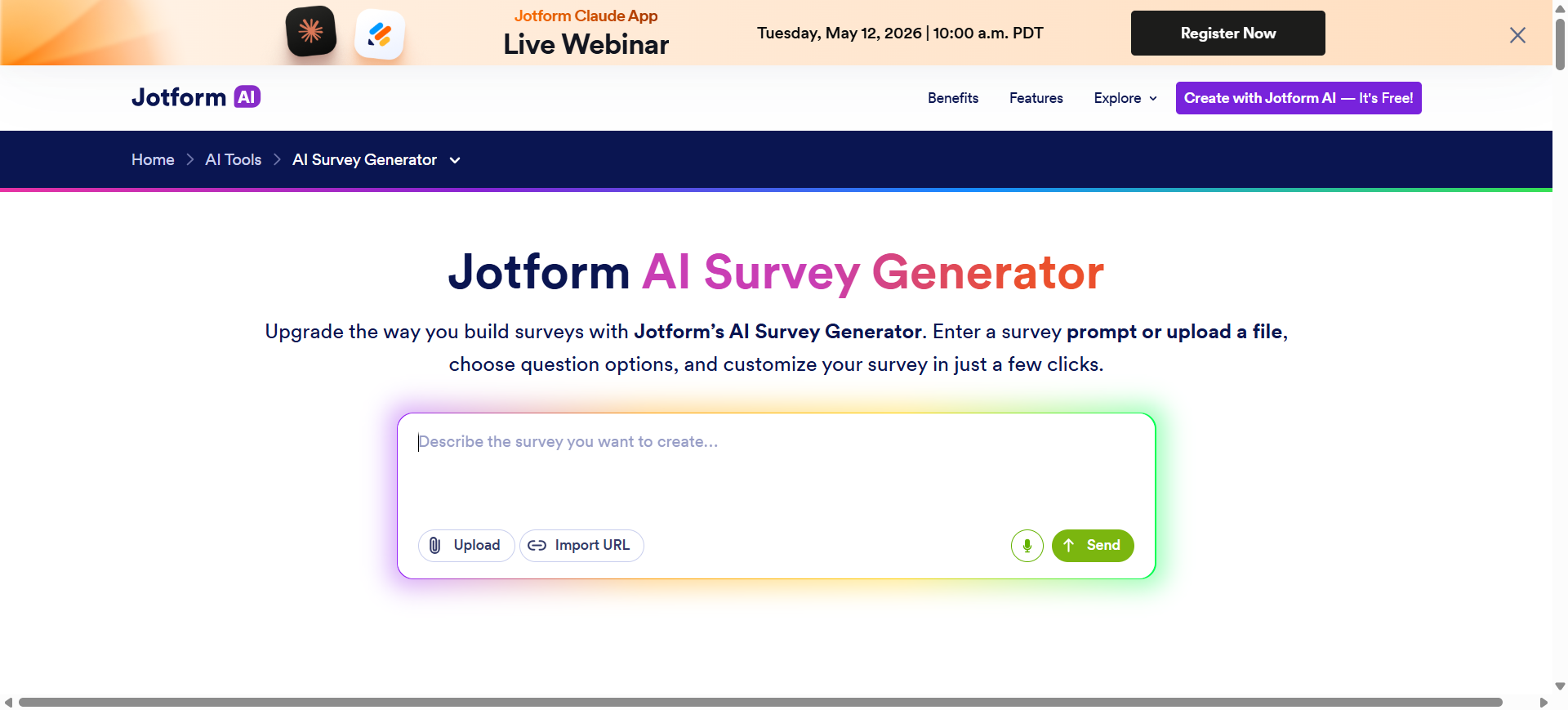
What is Jotform AI
Jotform is an AI-powered form and survey platform that helps businesses create interactive forms, questionnaires, and data collection workflows using natural language prompts. The platform combines drag-and-drop form building with AI-assisted survey generation, workflow automation, and integration support for business operations.
Jotform AI is commonly used for customer intake forms, registrations, lead qualification, event management, healthcare forms, and feedback surveys. Its flexible form builder and automation capabilities make it useful for businesses that need both survey functionality and operational data collection within the same platform.
Who Should Use Jotform AI
- Small businesses and startups
- Healthcare and service-based organizations
- Event and registration management teams
- Marketing and lead generation teams
- Non-technical users needing fast form creation
How to use Jotform AI for surveys
- Enter a prompt describing the survey or form you want to create.
- Edit generated questions, layouts, conditional logic, and branding settings.
- Connect the form to payment systems, CRMs, spreadsheets, or workflow apps if needed.
- Share the survey through web embeds, email campaigns, QR codes, or landing pages and track responses from the dashboard.
Benefits of Using Jotform AI
- Speeds up survey and form creation for operational teams
- Reduces manual administrative work through automation
- Supports multiple business workflows in one platform
- Simplifies data collection across departments
- Improves collaboration with integration-friendly workflows
Real World Example
A private healthcare clinic used Jotform AI to automate patient intake surveys before appointments. Patients completed mobile-friendly forms containing medical history and appointment preferences, while automated workflows routed submissions directly to administrative and clinical teams for faster processing.
Pricing
Jotform offers a free plan with limited submissions, forms, and storage capacity. Paid plans generally start around $39 per month, while higher-tier plans provide increased submission limits, HIPAA compliance options, advanced integrations, and workflow automation features.
Pros
- Flexible form and survey customization
- Strong automation and integration support
- Easy setup for non-technical users
Cons
- Free plan has restrictive submission limits
- Advanced workflows can become complex to manage
7. Pollfish AI
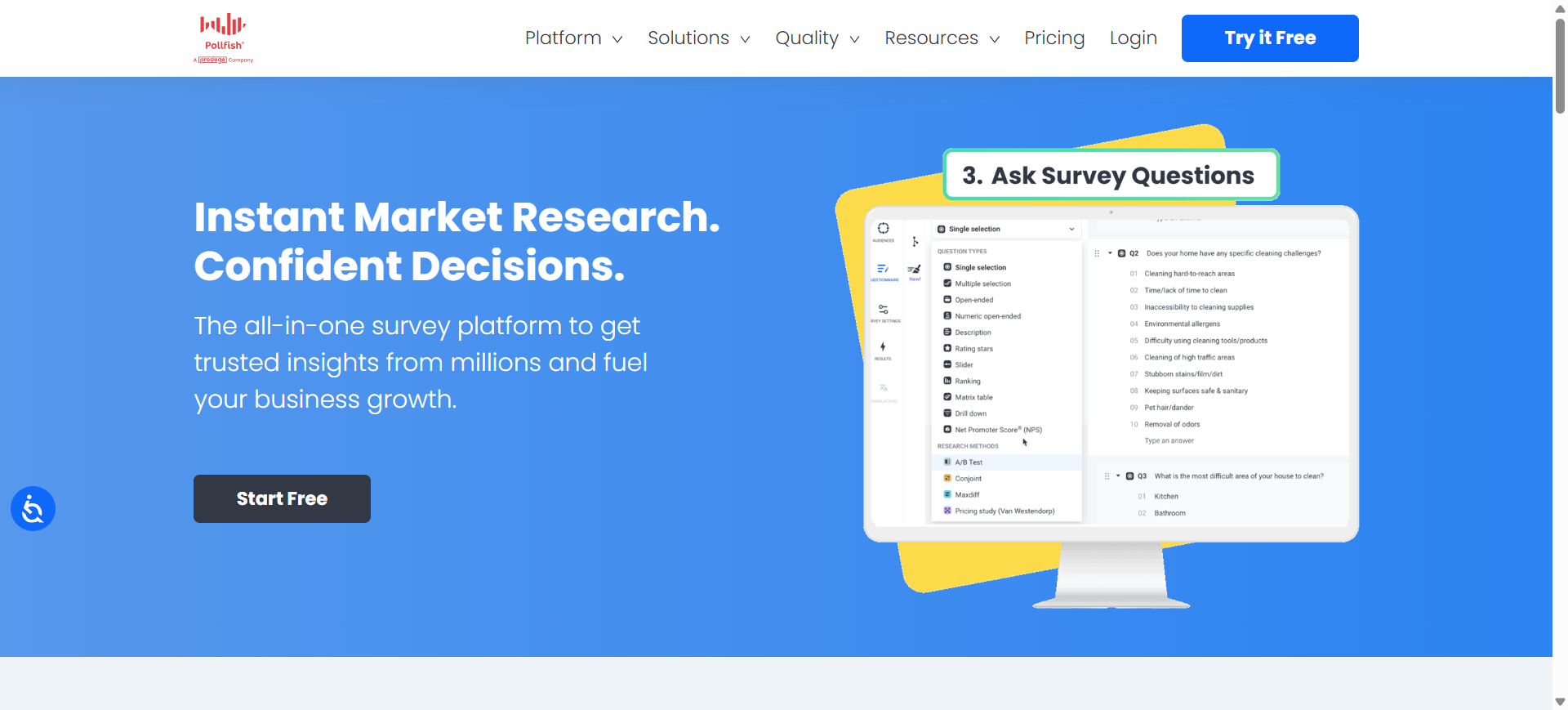
What is Pollfish AI
Pollfish is an AI-powered market research and survey platform built for businesses that need fast access to consumer insights and targeted survey audiences. The platform combines AI-assisted survey creation with built-in respondent targeting, allowing companies to launch research studies without relying on separate survey distribution providers.
Pollfish AI is commonly used for brand research, product testing, advertising validation, pricing analysis, and consumer behavior studies. Its AI features help users generate surveys, apply advanced research methodologies, and analyze responses quickly while accessing a global panel of verified respondents.
Who Should Use Pollfish AI
- Market research and consumer insights teams
- Advertising and branding agencies
- Product development teams
- Startups validating new ideas
- Businesses needing niche audience targeting
How to use Pollfish AI for surveys
- Enter a research objective into the AI Survey Builder to generate a draft survey.
- Customize questions, targeting filters, survey logic, and respondent criteria.
- Launch the survey to Pollfish’s audience network across selected demographics and regions.
- Review AI-generated insights, segmented analytics, and response trends from the reporting dashboard.
Benefits of Using Pollfish AI
- Speeds up large-scale market research projects
- Reduces manual effort in survey design and targeting
- Helps businesses access niche consumer audiences faster
- Simplifies analysis of large response datasets
- Supports scalable research without subscription commitments
Real World Example
A beverage startup used Pollfish AI to test packaging preferences before launching a new energy drink. The company surveyed health-conscious consumers across multiple cities, and the AI-generated analytics identified which packaging designs appealed most to younger buyers before the product entered retail distribution.
Pricing
Pollfish uses a pay-per-response pricing model instead of monthly subscriptions. Pricing generally starts around $0.95 per completed response, while enterprise and managed research projects use custom pricing based on audience targeting and project complexity.
Pros
- Strong audience targeting capabilities
- Useful AI-powered survey generation
- Fast turnaround for market research projects
Cons
- Costs increase with advanced targeting filters
- Better suited for research workflows than simple forms
8. involve.me AI
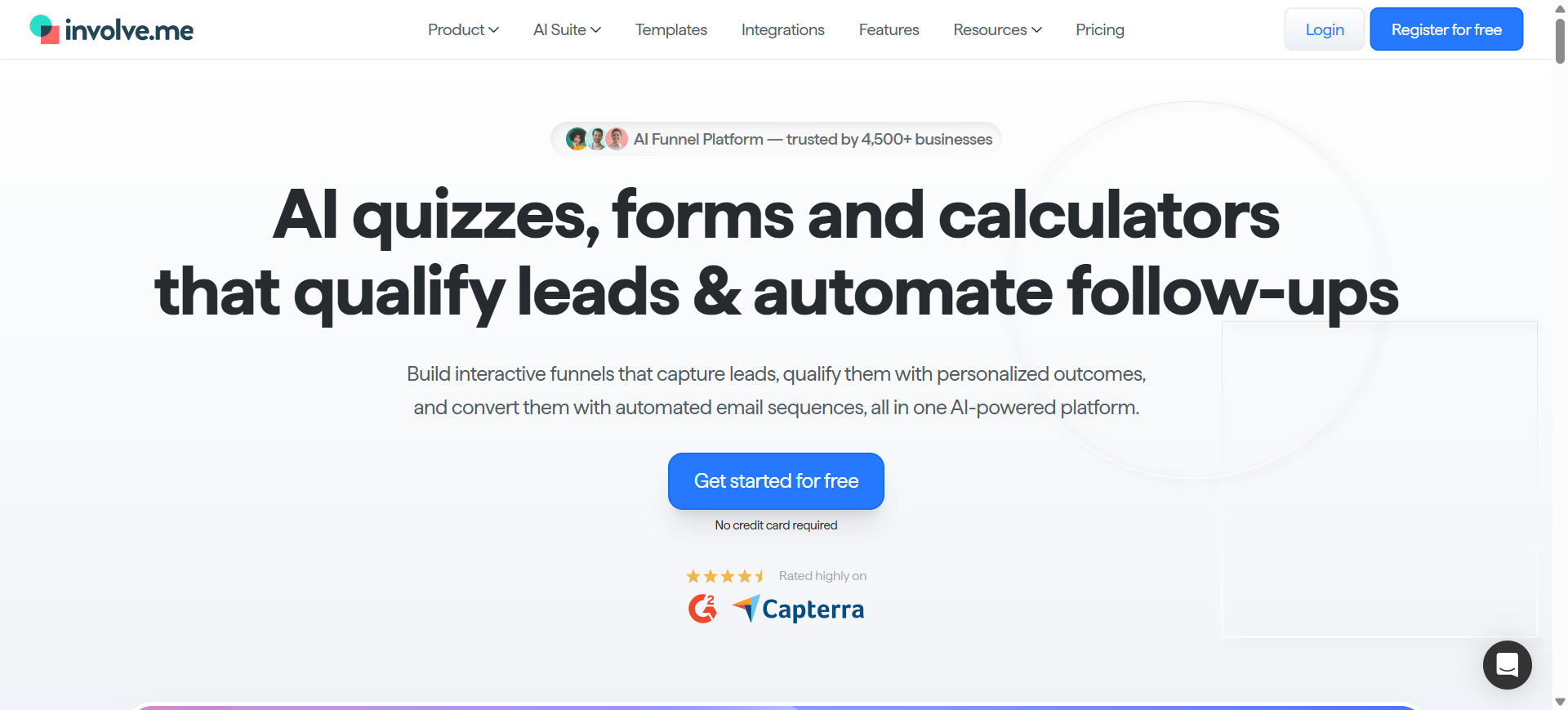
What is involve.me AI
involve.me is an interactive funnel and survey platform designed to help businesses create personalized quizzes, surveys, calculators, and lead generation workflows using AI-assisted automation. The platform focuses on combining surveys with conversion-oriented experiences instead of using static forms alone.
Businesses commonly use involve.me AI for lead qualification, customer onboarding, product recommendation funnels, feedback collection, and interactive marketing campaigns. Its AI-powered builder can generate multi-step funnels from prompts, while built-in personalization, scoring, and analytics help teams turn survey responses into actionable business workflows.
Who Should Use involve.me AI
- Marketing and growth teams
- Agencies building interactive campaigns
- SaaS companies running lead funnels
- Ecommerce businesses using product quizzes
- Non-technical teams needing no-code workflows
How to use involve.me AI for surveys
- Enter a prompt describing the survey, quiz, or funnel you want to build.
- Customize generated steps, scoring logic, branding, and conditional flows inside the drag-and-drop editor.
- Publish the survey as a standalone page, website embed, or pop-up experience.
- Track responses, lead qualification scores, and AI-generated analytics from the dashboard.
Benefits of Using involve.me AI
- Helps businesses collect and qualify leads faster
- Improves engagement with interactive multi-step flows
- Reduces manual funnel setup and survey design work
- Simplifies personalization without coding skills
- Supports marketing and feedback workflows in one platform
Real World Example
A financial advisory firm used involve.me AI to build an interactive retirement planning assessment for website visitors. The survey collected financial goals, investment preferences, and risk tolerance data, then automatically segmented leads and routed high-intent prospects to consultation booking pages.
Pricing
involve.me offers a free plan with limited funnels and monthly submissions. Paid plans generally start around $29 per month for individuals, while higher-tier business plans include advanced AI analytics, integrations, custom domains, and larger submission limits.
Pros
- Strong interactive funnel capabilities
- Easy no-code customization tools
- Useful lead qualification workflows
Cons
- Advanced features require paid plans
- Can feel complex for simple survey needs
9. Zonka Feedback AI
What is Zonka Feedback AI
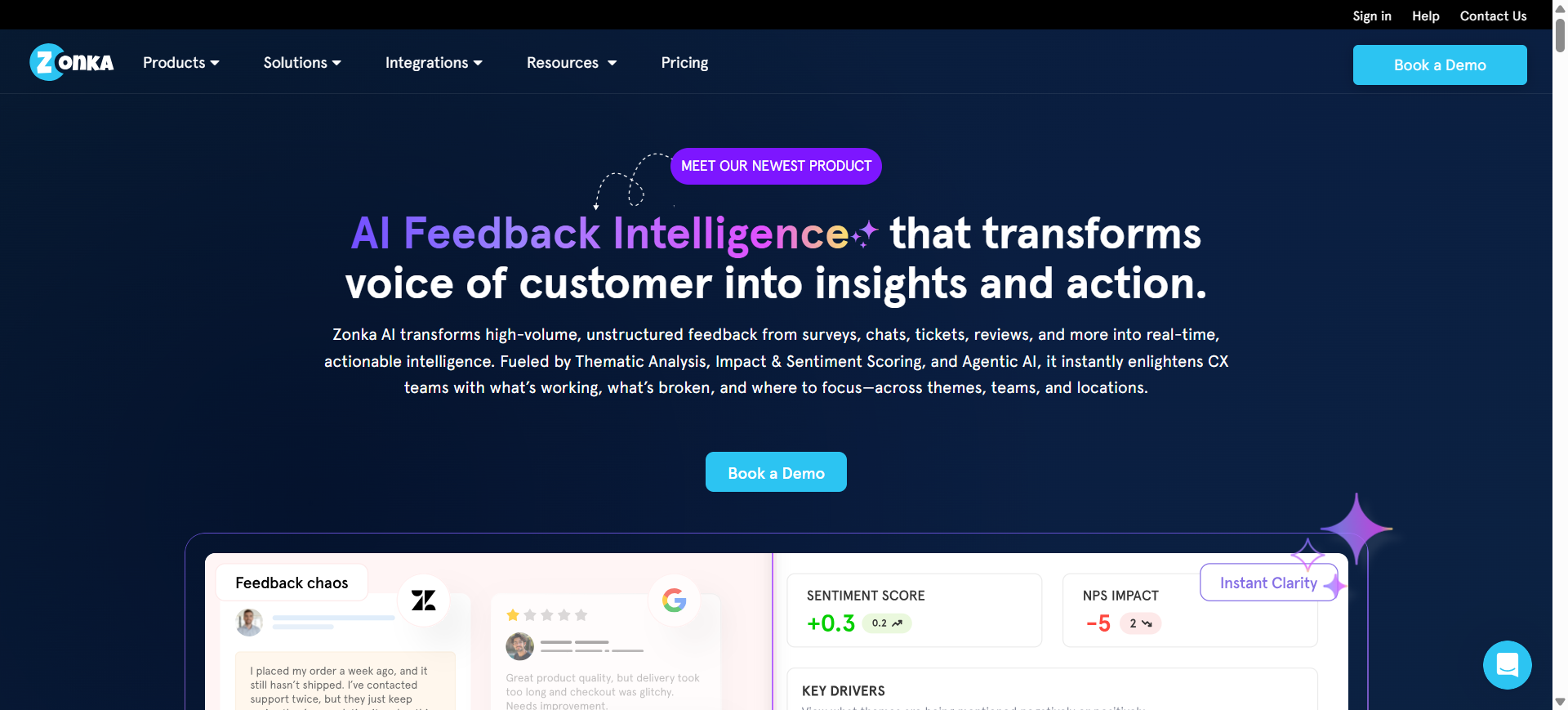
Zonka Feedback is a customer feedback and experience management platform that uses artificial intelligence to help businesses collect, analyze, and act on feedback across multiple channels. The platform combines surveys, AI-powered sentiment analysis, thematic detection, and automated reporting to help organizations understand customer experience trends more efficiently.
It is commonly used for NPS, CSAT, CES, product feedback, and service quality monitoring across industries such as retail, healthcare, hospitality, and SaaS. Zonka Feedback AI also supports omnichannel feedback collection through email, SMS, websites, kiosks, and in-app surveys while centralizing analytics into one reporting system.
Who Should Use Zonka Feedback AI
- Customer experience and CX operations teams
- Retail and hospitality businesses
- SaaS companies monitoring customer satisfaction
- Multi-location service businesses
- Teams managing omnichannel feedback programs
How to use Zonka Feedback AI for surveys
- Create a survey using templates or the AI-powered survey builder.
- Configure distribution channels such as email, SMS, web widgets, kiosks, or in-app forms.
- Collect responses and automate alerts or workflows for customer issues.
- Analyze AI-generated sentiment insights, themes, and trend reports from the dashboard.
Benefits of Using Zonka Feedback AI
- Helps businesses identify customer experience issues faster
- Reduces manual effort in feedback analysis and reporting
- Centralizes feedback collection across multiple channels
- Improves operational response times through automation
- Supports scalable customer experience monitoring
Real World Example
A hotel chain used Zonka Feedback AI to monitor guest satisfaction across multiple locations using QR-code surveys placed at reception desks and checkout counters. The AI analytics system identified recurring complaints about delayed room service at specific properties, helping regional managers improve staffing and service response times.
Pricing
Zonka Feedback offers custom pricing based on feedback volume, AI analytics usage, and business requirements. Feedback Management plans generally start around $99–$199 per month, while AI Feedback Intelligence plans use higher enterprise-level pricing tiers.
Pros
- Strong AI-powered sentiment analysis
- Supports omnichannel feedback collection
- Good workflow automation capabilities
Cons
- Advanced AI analytics can be expensive
- Reporting interface may require onboarding training
10. Tally AI
What is Tally AI
Tally is a lightweight no-code form and survey platform designed for fast survey creation with a simple document-style editing experience. The platform combines AI-assisted form generation, conditional logic, integrations, and customizable workflows while maintaining a minimal and beginner-friendly interface.
Tally AI is commonly used by startups, creators, SaaS teams, and small businesses for feedback collection, lead generation, registrations, onboarding forms, and internal surveys. Its free plan and flexible customization options make it popular among teams that want modern survey capabilities without the complexity of enterprise survey software.
Who Should Use Tally AI
- Startups and small businesses
- Creators and solo entrepreneurs
- SaaS teams collecting user feedback
- Marketing teams building lead forms
- Non-technical users wanting simple workflows
How to use Tally AI for surveys
- Enter a survey topic or prompt into the AI-powered form builder.
- Customize questions, conditional logic, layouts, and integrations inside the editor.
- Publish the survey using a shareable link, embedded form, or pop-up widget.
- Track submissions, automate workflows, and export responses to connected tools like Notion, Airtable, or Google Sheets.
Benefits of Using Tally AI
- Simplifies survey creation for non-technical teams
- Reduces setup time with AI-assisted workflows
- Supports unlimited forms and submissions on the free plan
- Helps startups manage surveys without high software costs
- Improves workflow automation through no-code integrations
Real World Example
A SaaS startup used Tally AI to build an early-access signup and product feedback workflow for beta users. The company collected feature requests, onboarding preferences, and bug reports through connected forms that automatically synced responses into Notion and Slack for faster product iteration.
Pricing
Tally offers a generous free plan with unlimited forms and submissions under fair usage guidelines. Tally Pro plans start around $29 per month, while Business plans add collaboration controls, email verification, custom domains, and advanced workspace management features.
Pros
- Very generous free plan
- Simple and beginner-friendly interface
- Strong no-code integration support
Cons
- Analytics are less advanced than enterprise platforms
- Design customization options are somewhat limited
Where AI Survey Tools Are Used
AI survey tools are now used across customer experience, product development, operations, healthcare, education, and digital marketing workflows. Businesses rely on AI-powered surveys to automate feedback collection, improve response analysis, and generate actionable insights faster than traditional survey methods.
1) Customer Satisfaction Surveys
Companies use AI survey tools to measure customer satisfaction through NPS, CSAT, and CES surveys across websites, apps, email campaigns, and support channels. Automated sentiment analysis helps teams identify recurring complaints, service gaps, and satisfaction trends without manually reviewing responses.
2) Product Feedback Collection
Product teams use AI surveys to collect feature requests, usability feedback, and post-launch reactions from users. AI-generated summaries and response clustering help teams identify which product issues or feature ideas appear most frequently across large datasets.
3) Employee Engagement Surveys
HR departments use AI survey platforms for employee pulse surveys, workplace satisfaction analysis, onboarding feedback, and retention research. AI analytics can detect patterns related to burnout, communication problems, or declining engagement across departments and teams.
4) Market Research Campaigns
Businesses use AI survey tools for consumer behavior analysis, pricing research, brand perception studies, and competitor benchmarking. AI-assisted targeting and automated reporting allow research teams to launch and analyze campaigns faster than traditional market research workflows.
5) Lead Qualification Funnels
Marketing teams use machine-learning-based quizzes and surveys to qualify leads based on interests, company size, budget, or purchasing intent. Interactive survey funnels help businesses personalize follow-up campaigns and route high-quality leads into CRM systems automatically.
6) Event Feedback Forms
Organizations collect post-event feedback using AI surveys to evaluate attendee satisfaction, speaker performance, networking experiences, and event logistics. AI analysis helps event teams identify operational improvements and prioritize changes for future events.
7) Healthcare and Patient Feedback
Hospitals, clinics, and healthcare providers use AI survey tools to gather patient satisfaction feedback, appointment experiences, treatment evaluations, and care quality insights. Privacy-focused survey platforms are especially important for handling sensitive healthcare responses securely.
8) Academic and Research Data Collection
Universities and research institutions use AI survey platforms for research studies, academic questionnaires, behavioral analysis, and field surveys. AI-assisted analysis helps researchers process large volumes of qualitative and quantitative data more efficiently.
9) UX Research and Usability Testing
UX teams use AI surveys to understand user experiences during website testing, app onboarding, feature releases, and interface redesigns. AI-generated insights help identify usability issues, friction points, and navigation problems faster.
10) Ecommerce Post-Purchase Feedback
Ecommerce businesses use AI surveys after purchases to measure delivery satisfaction, product quality, packaging experience, and customer loyalty. AI analytics help identify operational issues, improve retention strategies, and optimize post-purchase customer journeys.
Benefits of AI Survey Tools
AI survey tools help businesses automate feedback collection, improve response quality, and analyze survey data more efficiently. Modern platforms use artificial intelligence to reduce manual work while helping teams generate faster and more accurate insights.
- Faster survey creation with AI-generated questions
- Better response quality through personalized survey experiences
- Automated sentiment analysis for open-ended feedback
- Reduced manual reporting and data analysis work
- Real-time insights and trend detection across responses
How AI Improves Survey Analysis
AI survey tools help businesses process responses faster, identify patterns automatically, and generate actionable insights without extensive manual analysis.
- AI-powered text and sentiment analysis for open-ended responses
- Automatic grouping of similar feedback into themes
- Predictive analytics for identifying trends and future risks
- Response scoring and prioritization based on importance
- AI-generated summaries and automated reporting dashboards
How to Choose the Right AI Survey Tool
Selecting the right AI survey platform depends on your survey goals, audience size, privacy requirements, and reporting needs. The best tool for a startup may not be suitable for enterprise research or regulated industries.
1) Choose Based on Survey Type
Different survey tools specialize in different use cases. Conversational platforms work better for engagement-focused surveys, while enterprise platforms are more suitable for large-scale research and advanced analytics workflows.
2) Evaluate AI Analytics Capabilities
Some tools focus mainly on survey generation, while others provide advanced sentiment analysis, predictive insights, and automated reporting. Businesses should compare how deeply each platform handles AI-powered analytics.
3) Compare Privacy and Compliance Features
Organizations collecting sensitive data should evaluate encryption, GDPR compliance, anonymous response support, and data ownership policies before choosing a survey platform.
4) Check Integrations and Workflow Support
Survey tools often connect with CRMs, helpdesk systems, analytics platforms, and collaboration apps. Strong integrations help businesses automate workflows and centralize feedback management across teams.
5) Understand Pricing Models and Response Limits
Some platforms charge monthly subscription fees, while others use pay-per-response pricing. Businesses should review response limits, user restrictions, and premium analytics costs before scaling survey operations.
6) Evaluate Customization and Branding Controls
Custom branding, domain support, survey styling, and personalization features are important for businesses that want surveys to match their websites, products, or customer experiences.
Best AI Survey Tools for Different Use Cases
Different AI survey tools perform better in specific business scenarios. Choosing a platform based on your primary use case helps improve efficiency, reporting quality, and survey engagement.
| Use Case | Recommended Tool | Why It Stands Out |
|---|---|---|
| Enterprise Research & Analytics | Qualtrics XM iQ | Advanced predictive analytics and enterprise workflow support |
| Startup & Small Business Surveys | Tally AI | Lightweight setup with affordable no-code workflows |
| Customer Feedback Programs | SurveySparrow AI | Conversational surveys and customer experience automation |
| Market Research Campaigns | Pollfish AI | Strong audience targeting and research-focused analytics |
| Privacy-Focused Surveys | BlockSurvey AI | Encrypted and anonymous data collection workflows |
| Conversational Survey Experiences | Typeform AI | Interactive one-question-at-a-time survey design |
Common Limitations of AI Survey Tools
While AI survey tools improve automation and analysis, they still have some practical limitations businesses should consider.
- AI-generated questions may still need manual editing
- Biased responses can affect AI-driven insights
- Advanced analytics are often locked behind premium plans
- Sensitive data handling may raise privacy concerns
- Enterprise platforms can require training and onboarding
Examples of AI Survey Tool Use Cases
AI survey tools are used across multiple industries to automate feedback collection, improve response analysis, and generate faster business insights. Below are some common real-world use cases where AI-powered survey platforms are widely applied.
- Customer satisfaction surveys for ecommerce brands
- Employee engagement surveys for remote teams
- Product feedback collection for SaaS companies
- Market research surveys for startups
- Patient experience surveys for healthcare providers
- Event feedback and attendee experience surveys
- Lead qualification quizzes for marketing campaigns
- UX research and usability testing surveys
- Educational feedback forms for online learning platforms
- Restaurant and hospitality customer experience surveys
Future of AI Survey Tools
AI survey tools are evolving beyond simple form builders into intelligent feedback and decision-making platforms. Future systems will use deeper predictive analytics, real-time personalization, and conversational interfaces to improve engagement and response quality. Businesses will increasingly rely on AI-generated summaries, automated reporting, and behavioral insights to speed up decision-making. Privacy-focused AI processing and secure data ownership will also become more important as organizations collect larger amounts of sensitive feedback data. As AI capabilities improve, survey platforms will play a larger role in customer intelligence, product research, and operational strategy.
Conclusion
AI survey tools have become essential for businesses that need faster feedback collection, automated analysis, and scalable research workflows. The right platform depends on your goals, whether you need conversational surveys, enterprise analytics, market research, or privacy-focused data collection. As AI continues improving personalization, predictive insights, and automated reporting, survey platforms will move beyond traditional questionnaires and become more integrated with customer experience, product development, and business intelligence workflows.
FAQs
What is the best AI survey tool for small businesses?
Tally AI, Typeform AI, and Jotform AI are popular choices for small businesses because they offer simple setup, affordable pricing, and beginner-friendly survey builders. These tools help teams create surveys quickly without requiring advanced technical skills.
Can AI survey tools analyze open-ended responses automatically?
Yes. Most AI survey platforms use natural language processing and sentiment analysis to review open-ended responses automatically. They can identify recurring themes, emotional tone, customer concerns, and response patterns without manual tagging or spreadsheet analysis.
Are AI survey tools secure for collecting sensitive information?
Some AI survey platforms provide advanced privacy and compliance features such as encryption, anonymous response collection, and GDPR support. Privacy-focused tools like BlockSurvey AI are designed specifically for handling sensitive or confidential survey data securely.
Which AI survey tool is best for customer feedback collection?
SurveySparrow AI and SurveyMonkey Genius AI are commonly used for customer feedback programs because they support conversational surveys, sentiment analysis, recurring feedback collection, and real-time reporting workflows.
Do AI survey tools improve survey completion rates?
Yes. AI-powered personalization, conversational interfaces, mobile-friendly layouts, and adaptive question flows help reduce survey fatigue and improve engagement, which often leads to higher completion rates compared to traditional static forms.
How much do AI survey tools typically cost?
AI survey tool pricing varies widely depending on features and response limits. Some platforms offer free plans with limited usage, while paid plans usually range from $20 to several hundred dollars per month for enterprise-level analytics and automation features.