
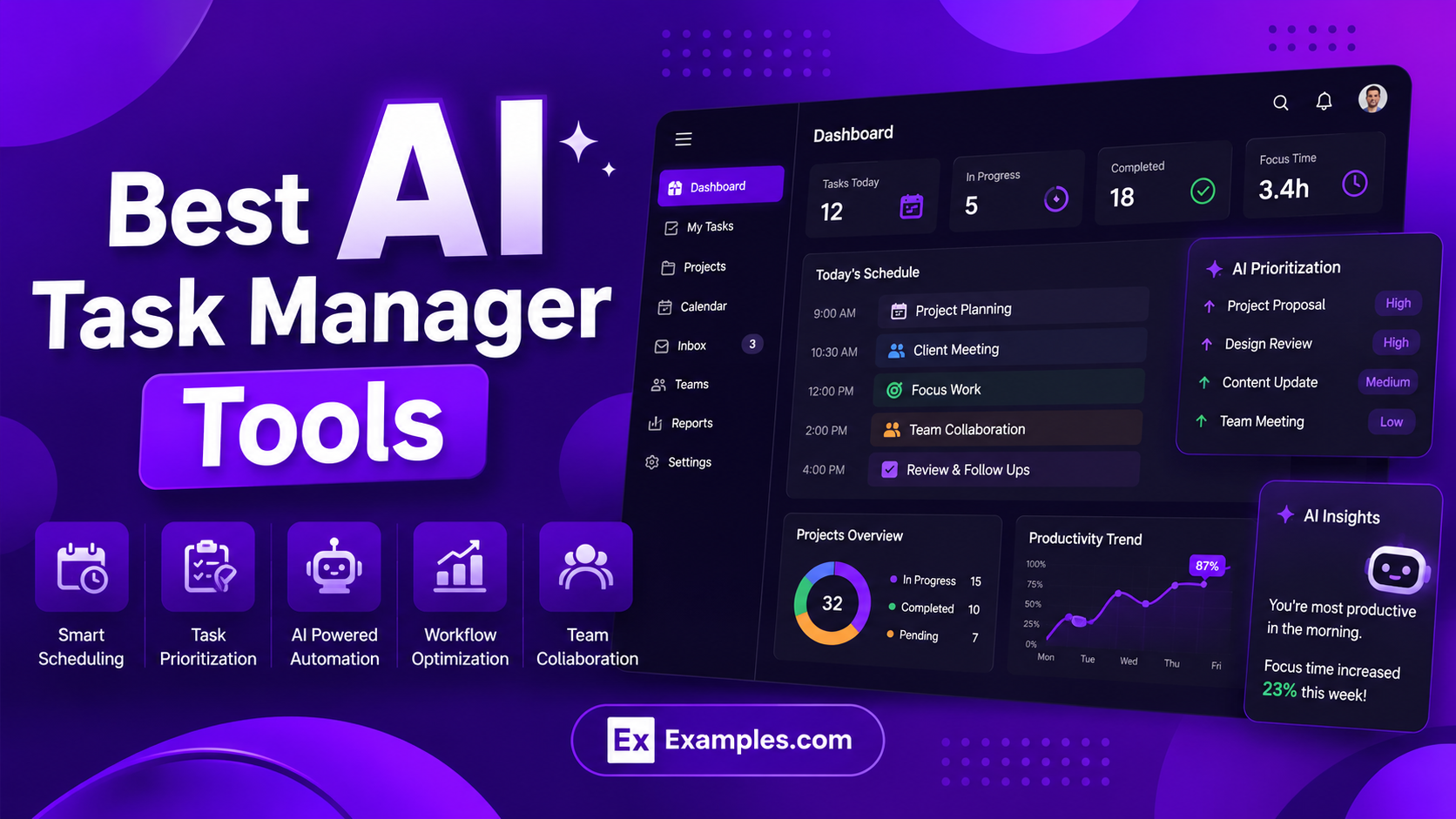
AI Task Manager tools help individuals and teams organize work, automate repetitive tasks, manage schedules, and improve productivity with AI powered workflow management. Unlike traditional task management apps, modern AI task manager platforms can prioritize tasks, generate action plans, summarize meetings, optimize calendars, and streamline collaboration in real time. In this guide, we reviewed the best AI Task Manager tools based on AI features, automation capabilities, scheduling intelligence, usability, integrations, collaboration, and overall workflow efficiency to help you choose the right platform for your needs.
Quick List of the Best AI Task Manager Tools
- Motion AI
- Reclaim AI
- Asana AI
- Notion AI
- Taskade AI
- Sunsama AI
- TimeHero AI
- Akiflow AI
- Kuse AI
- Zapier AI
Best AI Task Manager Tools Comparison Table
| AI Task Manager Tool | Best For | Key AI Features | Starting Price |
|---|---|---|---|
| Motion AI | AI scheduling and calendar planning | Auto scheduling, task prioritization, AI project planning | Paid plans |
| Reclaim AI | Smart calendar and focus management | Time blocking, habit scheduling, meeting optimization | Free + paid plans |
| Asana AI | Team workflow management | AI workflows, smart summaries, AI reporting | Free + paid plans |
| Notion AI | Knowledge and workspace management | AI writing, AI agents, summaries, workspace AI | Free + paid plans |
| Taskade AI | AI agents and workflow automation | AI agents, automation, AI workspace builder | Free + paid plans |
| Sunsama AI | Daily planning and productivity | AI planning, workload balancing, time blocking | Paid plans |
| TimeHero AI | Automatic task scheduling | Smart scheduling, recurring workflow automation | Paid plans |
| Akiflow AI | Unified productivity management | Task consolidation, calendar planning, workflow organization | Paid plans |
| Kuse AI | Document driven workflow execution | AI workflow generation, contextual task management | Paid plans |
| Zapier AI | Workflow automation across apps | AI automation, AI agents, workflow orchestration | Free + paid plans |
1) Motion AI
What Is Motion AI?
Motion AI is an AI powered task and calendar management platform designed to automate daily planning, project scheduling, and workflow organization. Unlike traditional task management apps, Motion uses AI to automatically prioritize tasks, schedule work on your calendar, optimize deadlines, and continuously adjust plans when meetings or priorities change. The platform combines AI task management, calendar scheduling, project planning, meeting coordination, and workflow automation in a single workspace.
Key AI Features
- AI task scheduling and automatic calendar planning
- Real time schedule optimization and dynamic rescheduling
- AI powered task prioritization based on deadlines and workload
- Smart meeting scheduling and focus time protection
- AI generated daily agendas and work plans
- AI meeting notes and action item generation
- Workflow automation and recurring task management
- Project planning with dependencies and workload balancing
- AI dashboards, docs, and workspace organization
- Team collaboration and capacity planning tools
Best Use Cases
Motion AI works best for:
- Busy professionals managing multiple deadlines
- Founders and executives with meeting heavy schedules
- Freelancers handling client projects and recurring tasks
- Teams needing automatic workload and schedule management
- Agencies managing project timelines and task dependencies
- Productivity focused users who want less manual planning
- Remote teams needing centralized AI workflow coordination
Pros and Cons
Pros
- Excellent AI scheduling and calendar automation
- Automatically reorganizes schedules when priorities change
- Combines tasks, projects, meetings, and calendars in one platform
- Strong focus time and workload optimization features
- Good project planning and team coordination tools
- Supports AI workflows, recurring tasks, and meeting automation
Cons
- Higher pricing compared to traditional task management apps
- Can feel overwhelming for users who prefer manual control
- Initial setup and workflow customization take time
- More suitable for productivity focused workflows than lightweight task tracking
Why Choose Motion AI?
Motion AI is a strong choice for users who want an AI Task Manager that actively plans and optimizes their workday instead of simply storing tasks. Its biggest advantage is automatic scheduling intelligence. The platform continuously updates calendars, reschedules overdue work, protects focus time, and prioritizes tasks without requiring constant manual adjustments. Motion is particularly valuable for users managing complex schedules, multiple projects, and high workload environments.
Who Should Use Motion AI?
Motion AI is ideal for:
- Entrepreneurs and startup founders
- Project managers and operations teams
- Consultants and agency professionals
- Remote teams with dynamic schedules
- Productivity focused professionals
- Users looking for AI based scheduling automation
- Teams needing AI powered project coordination and planning
Pricing
Motion AI offers paid subscription plans for individuals, professionals, and teams. Pricing includes access to AI scheduling, AI task management, calendar optimization, project planning, workflow automation, integrations, and productivity features. The platform also provides a free trial for new users.
2) Reclaim AI
What Is Reclaim AI?
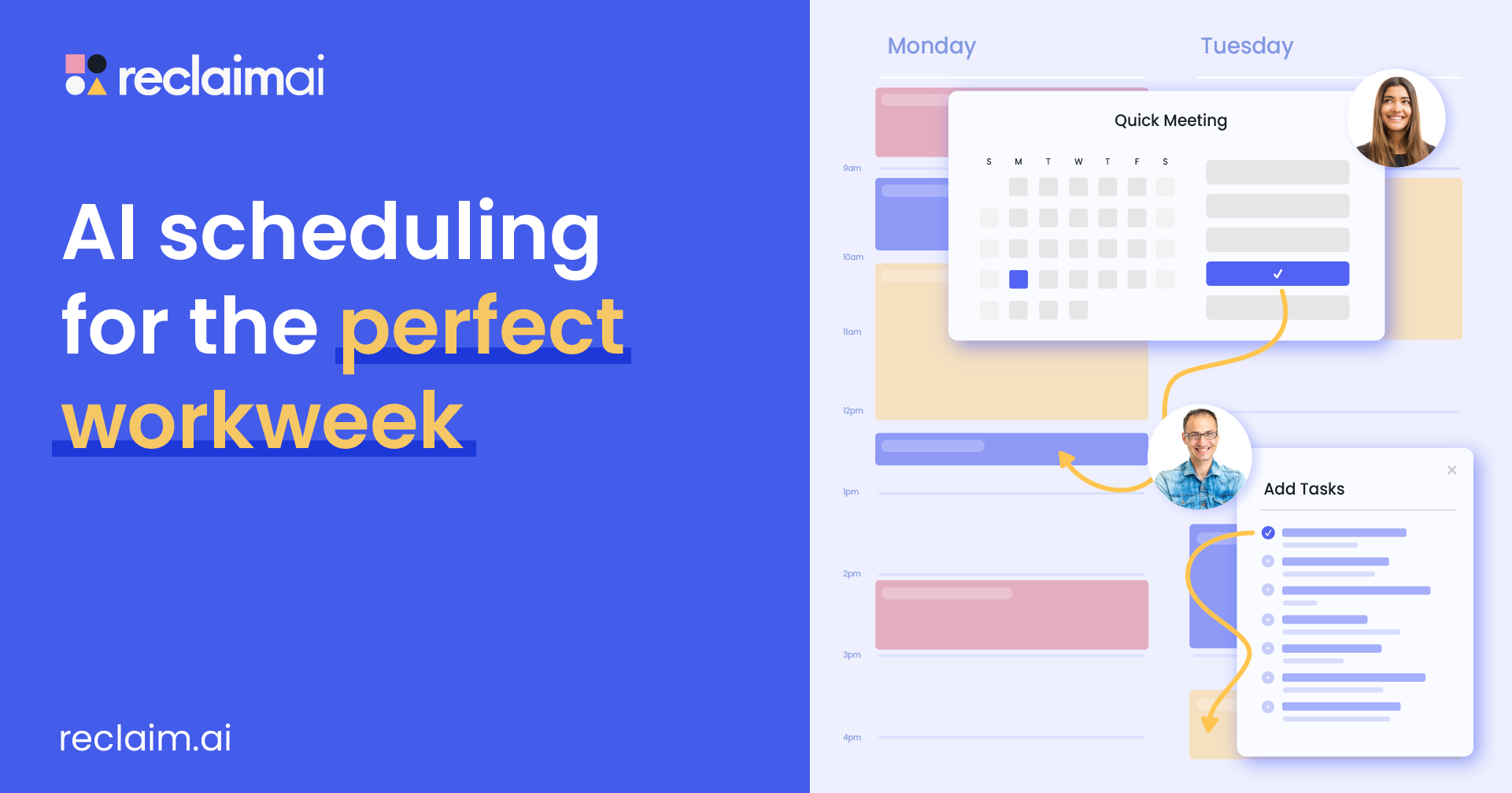
Reclaim AI is an AI powered scheduling and calendar management platform designed to help individuals and teams automatically organize tasks, meetings, habits, focus time, and daily workflows. Unlike traditional calendar apps, Reclaim AI uses smart scheduling automation to continuously optimize your calendar based on priorities, deadlines, availability, and changing schedules. The platform focuses heavily on productivity, work life balance, focus management, and intelligent time blocking.
Key AI Features
- AI powered calendar scheduling and automatic time blocking
- Smart meeting scheduling and recurring meeting optimization
- Automatic task scheduling based on priorities and deadlines
- AI focus time protection for deep work sessions
- Habit scheduling and recurring routine automation
- Dynamic calendar rescheduling when conflicts occur
- Smart scheduling links for meeting booking
- Buffer time and break scheduling automation
- Calendar sync across Google Calendar and Outlook
- Productivity analytics and time tracking insights
- Team scheduling and workload coordination tools
Best Use Cases
Reclaim AI works best for:
- Professionals with busy calendars and frequent meetings
- Remote teams managing multiple schedules and priorities
- Users needing automatic focus time management
- Founders and managers balancing meetings and deep work
- Teams looking for AI based scheduling automation
- Individuals wanting better work life balance and productivity
- Users managing recurring routines, habits, and tasks
Pros and Cons
Pros
- Excellent AI scheduling and calendar optimization
- Strong focus time and productivity management features
- Automatically reschedules events and tasks when conflicts happen
- Good balance between meetings, tasks, and personal routines
- Supports habits, breaks, and recurring workflows
- Works well for both individual and team scheduling
Cons
- More focused on calendar management than full project management
- Some advanced scheduling controls require setup and customization
- May feel complex for users wanting simple task management
- Best experience depends heavily on calendar integrations
Why Choose Reclaim AI?
Reclaim AI is a strong choice for users who want an AI Task Manager focused on intelligent scheduling and productivity optimization. Its biggest strength is automatic calendar management that protects focus time while balancing meetings, tasks, habits, and personal routines. Instead of manually adjusting schedules every day, Reclaim AI continuously reorganizes your calendar based on priorities and availability, helping users reduce scheduling overload and improve workflow efficiency.
Who Should Use Reclaim AI?
Reclaim AI is ideal for:
- Entrepreneurs and executives
- Remote and hybrid teams
- Productivity focused professionals
- Managers handling recurring meetings
- Freelancers balancing client schedules
- Users wanting AI based calendar automation
- Teams needing better scheduling coordination and focus management
Pricing
Reclaim AI offers both free and paid plans for individuals and teams. Pricing includes AI scheduling, smart meetings, focus time automation, habit tracking, calendar sync, task management, analytics, and workflow optimization features. Advanced plans provide additional automation, integrations, scheduling controls, and team collaboration tools.
3) Asana AI
What Is Asana AI?
Asana AI is an AI powered work management and project collaboration platform designed to help teams automate workflows, manage projects, prioritize tasks, and improve productivity. The platform combines project management, task tracking, workflow automation, reporting, and AI powered collaboration tools in a centralized workspace. Asana AI focuses on helping teams reduce manual work, improve coordination, and streamline complex business operations with intelligent automation and AI driven workflows.
Key AI Features
- AI powered workflow automation and smart task management
- Smart summaries for projects, tasks, and portfolios
- Smart status updates and AI generated reporting
- AI powered task creation and editing suggestions
- Smart rule creator for workflow automation
- AI project generation and smart project templates
- Smart goals and AI based goal tracking
- AI Studio for building no code AI workflows
- AI chat and contextual project insights
- Team collaboration and workload management tools
- AI connectors for productivity and workflow apps
- Project tracking, dashboards, and real time reporting
Best Use Cases
Asana AI works best for:
- Enterprise project and workflow management
- Cross functional team collaboration
- Marketing and creative operations
- Product and software development teams
- Business workflow automation
- Campaign and resource management
- Organizations managing large scale projects and processes
- Teams needing AI powered coordination and reporting
Pros and Cons
Pros:
- Strong AI workflow automation and task management features
- Excellent project tracking and collaboration tools
- Smart summaries and AI reporting improve productivity
- Supports enterprise scale workflow management
- AI Studio enables no code workflow automation
- Good integrations with productivity and collaboration platforms
- Centralized workspace for projects, goals, and communication
Cons:
- Advanced AI features are mainly available on higher plans
- Can feel complex for small teams or individual users
- Initial workflow setup may require time and planning
- More focused on team collaboration than personal productivity
Why Choose Asana AI?
Asana AI is a strong choice for teams looking for an AI Task Manager that combines workflow automation, project management, AI powered collaboration, and intelligent reporting in one platform. Its biggest strength is helping organizations manage large scale workflows while reducing manual coordination and repetitive work. Features like smart summaries, AI workflows, project automation, and AI generated insights make Asana AI highly suitable for teams handling complex operations and cross department collaboration.
Who Should Use Asana AI?
Asana AI is ideal for:
- Enterprise teams and growing businesses
- Project managers and operations teams
- Marketing and creative departments
- Product development and IT teams
- Organizations managing complex workflows
- Teams needing AI powered workflow automation
- Businesses looking for scalable work management systems
Pricing
Asana AI is included in Asana paid plans, with advanced AI Studio and enterprise automation features available in higher tier subscriptions. Pricing varies based on team size, workflow requirements, and advanced collaboration features.
4) Notion AI
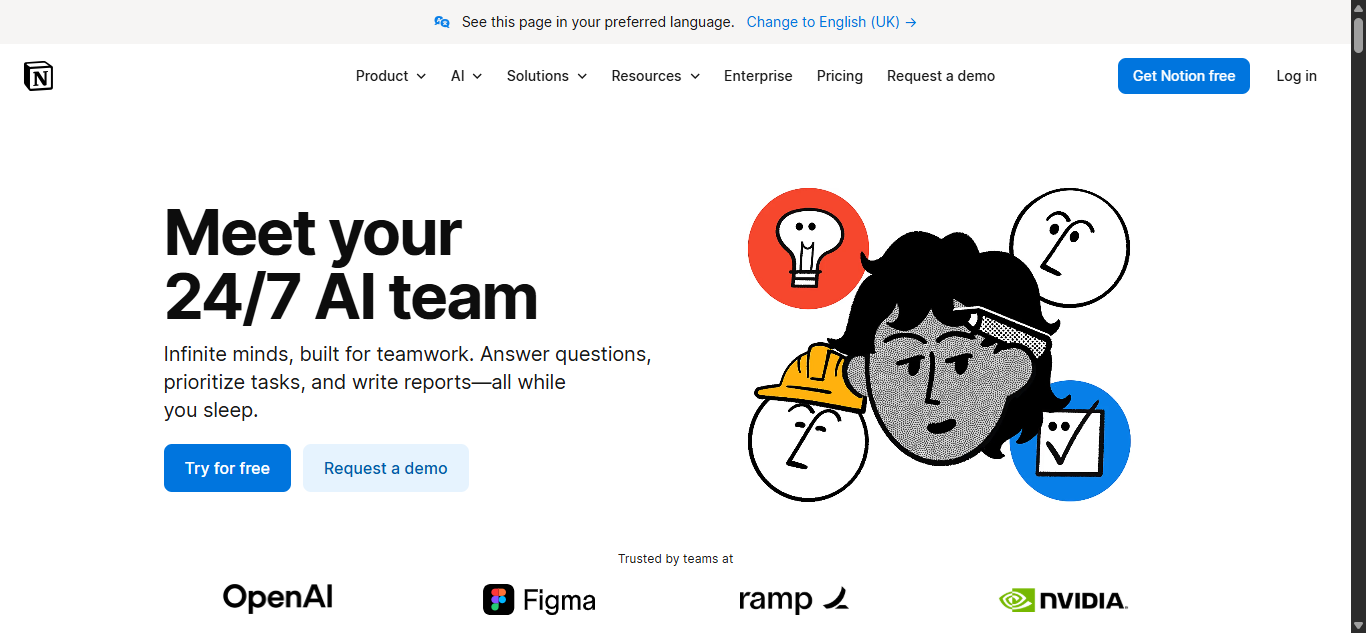
What Is Notion AI?
Notion AI is an AI powered workspace platform that combines task management, note taking, project planning, and collaboration tools in one system. It helps users organize workflows, generate content, summarize information, and manage projects more efficiently with AI automation.
Key AI Features
- AI writing and content generation
- AI task and workflow management
- AI summaries for notes and documents
- AI meeting notes and action items
- AI database autofill and organization
- AI search across workspace content
- Workflow automation and productivity tools
- Integrations with productivity platforms
Best Use Cases
Notion AI works best for:
- Knowledge management and documentation
- Team collaboration and project planning
- Content creation and AI writing workflows
- Research and brainstorming
- Startup and remote team workflows
- AI powered workspace organization
Pros and Cons
Pros:
- Combines notes, tasks, and AI tools in one workspace
- Strong AI writing and summarization features
- Highly customizable workflows and databases
- Good collaboration and productivity tools
- Supports AI workflow automation
Cons:
- Can feel overwhelming for new users
- Advanced AI features require paid plans
- Large workspaces may become difficult to organize
- More flexible workspace focused than structured project management
Why Choose Notion AI?
Notion AI is a strong choice for users who want an AI Task Manager combined with AI powered documentation, collaboration, and workflow organization. It helps teams centralize tasks, projects, notes, and AI workflows inside one connected workspace.
Who Should Use Notion AI?
Notion AI is ideal for:
- Startups and remote teams
- Content creators and marketers
- Product and operations teams
- Students and researchers
- Teams managing knowledge bases
- Users needing AI powered workspace management
Pricing
Notion AI is available through Notion paid plans, with pricing based on workspace features, AI usage, collaboration tools, and advanced workflow capabilities.
5) Taskade AI
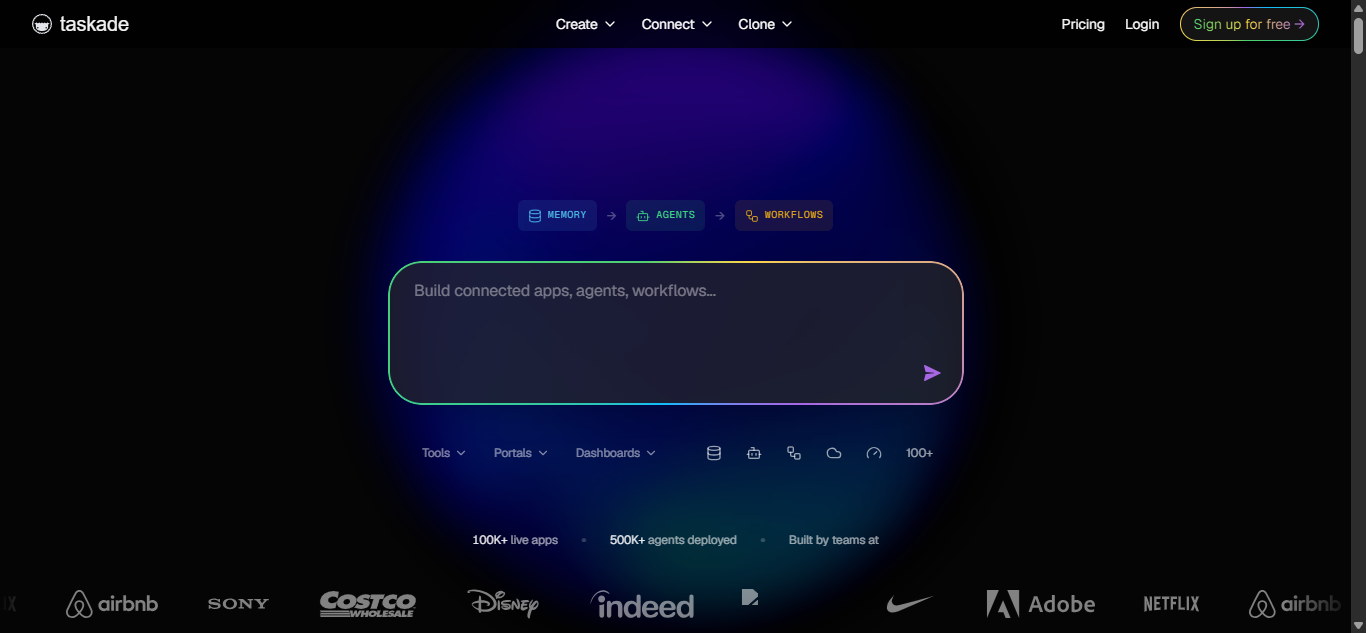
What Is Taskade AI?
Taskade AI is an AI powered productivity and workflow management platform designed for task organization, collaboration, AI agents, and workflow automation. It helps users create projects, manage tasks, automate workflows, build AI powered apps, and coordinate team collaboration inside one connected workspace.
Key AI Features
- AI agents with custom workflows and memory
- AI task generation and workflow automation
- AI project planning and structured task lists
- AI summaries for notes, tasks, and documents
- AI app and workspace builder
- AI automations with trigger based workflows
- AI powered collaboration and team coordination
- AI knowledge base trained on files and documents
- AI content generation and brainstorming tools
- AI powered dashboards and internal tools
- Integrations with productivity and collaboration apps
- Real time collaboration and project management
Best Use Cases
Taskade AI works best for:
- AI powered workflow automation
- Team collaboration and project planning
- AI agent based productivity systems
- Startup and remote team coordination
- Task and project management workflows
- AI powered app and workspace building
- Content planning and brainstorming
- Knowledge management and workflow organization
Pros and Cons
Pros:
- Strong AI agent and workflow automation capabilities
- Combines tasks, AI, collaboration, and automation in one platform
- Supports AI powered app and workspace generation
- Good project planning and brainstorming tools
- Real time collaboration and team coordination features
- Highly customizable workflows and automations
Cons:
- Can feel overwhelming for new users
- Advanced AI and automation features require paid plans
- Setup may take time for complex workflows
- More feature heavy than simple task management apps
Why Choose Taskade AI?
Taskade AI is a strong choice for users looking for an AI Task Manager with AI agents, workflow automation, project planning, and collaboration features in one platform. Its biggest advantage is combining AI powered task management with AI agents and automation tools that help teams organize workflows, generate projects, and automate repetitive work more efficiently.
Who Should Use Taskade AI?
Taskade AI is ideal for:
- Startups and remote teams
- AI workflow automation users
- Project managers and operations teams
- Content creators and marketers
- Businesses building AI powered workflows
- Teams needing AI agents and collaboration tools
- Users looking for all in one AI productivity platforms
Pricing
Taskade AI offers free and paid plans with pricing based on AI credits, automation usage, AI agents, workspace features, integrations, and collaboration capabilities. Higher plans include advanced AI models, unlimited agents, automations, and workflow management features.
6) Sunsama AI
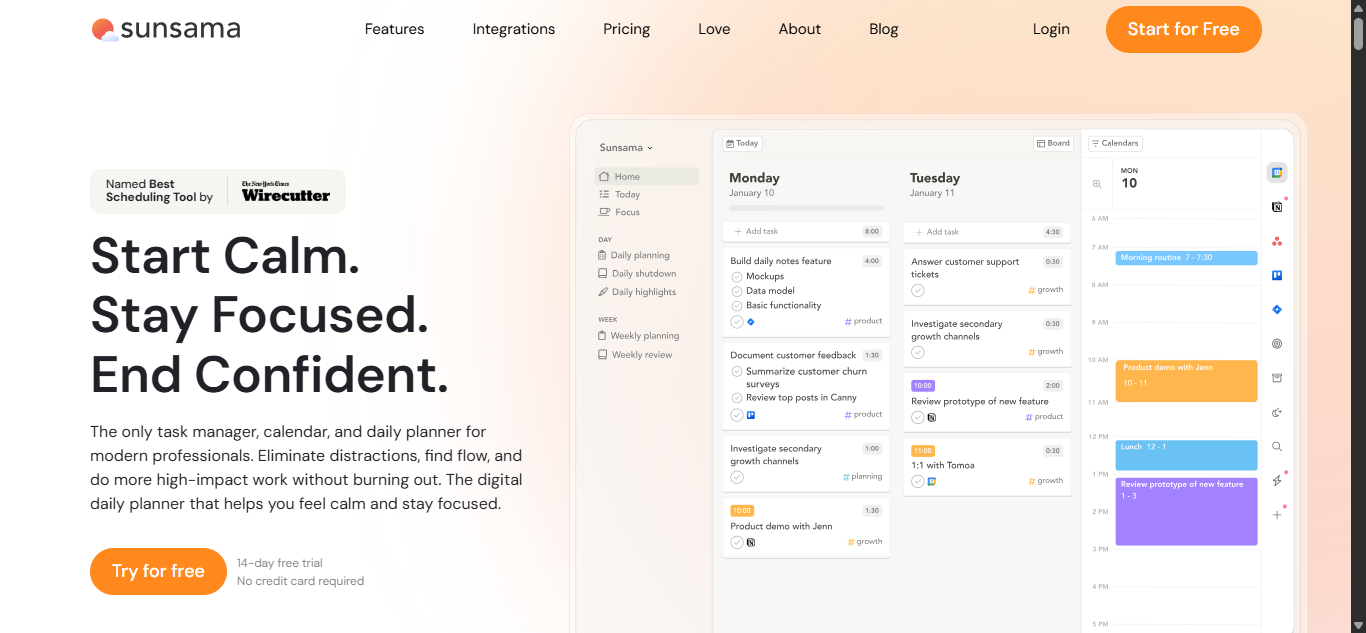
What Is Sunsama AI?
Sunsama AI is an AI powered daily planning and productivity platform designed to help users organize tasks, manage schedules, plan workloads, and improve focus. The platform combines task management, calendar planning, time blocking, productivity tracking, and AI assisted workflow organization in one workspace.
Key AI Features
- AI assisted task planning and time estimation
- Smart daily planning and workload organization
- AI suggested task channels and categories
- Automatic task scheduling and calendar integration
- AI powered daily highlights and work summaries
- Focus mode for distraction free work sessions
- Task and meeting management in one workspace
- Productivity analytics and work tracking
- Integration with productivity and project management tools
- Time blocking and workload balancing tools
Best Use Cases
Sunsama AI works best for:
- Daily planning and personal productivity
- Time blocking and workload management
- Professionals managing busy schedules
- Remote workers and freelancers
- Focus and deep work planning
- Teams needing simple productivity coordination
- Users looking for structured daily workflow organization
Pros and Cons
Pros:
- Clean and easy to use interface
- Strong daily planning and time blocking features
- Good balance between tasks, meetings, and focus time
- AI assisted workload and task organization
- Helps improve productivity without overwhelming users
- Supports integrations with popular productivity tools
Cons:
- More focused on personal productivity than advanced project management
- No free forever plan available
- Limited workflow automation compared to enterprise tools
- Requires consistent daily planning for best results
Why Choose Sunsama AI?
Sunsama AI is a strong choice for users who want an AI Task Manager focused on intentional daily planning, productivity balance, and structured work management. Instead of heavily automating every workflow, Sunsama focuses on helping users organize realistic workloads, manage focus time, and maintain better work life balance.
Who Should Use Sunsama AI?
Sunsama AI is ideal for:
- Freelancers and consultants
- Remote professionals
- Productivity focused users
- Managers handling multiple priorities
- Users practicing time blocking and deep work
- Teams wanting lightweight productivity coordination
- Individuals looking for structured daily planning systems
Pricing
Sunsama AI offers paid subscription plans with access to AI assisted planning, task management, calendar integration, productivity tracking, focus tools, and workflow organization features. A free trial is available for new users.
7) TimeHero AI
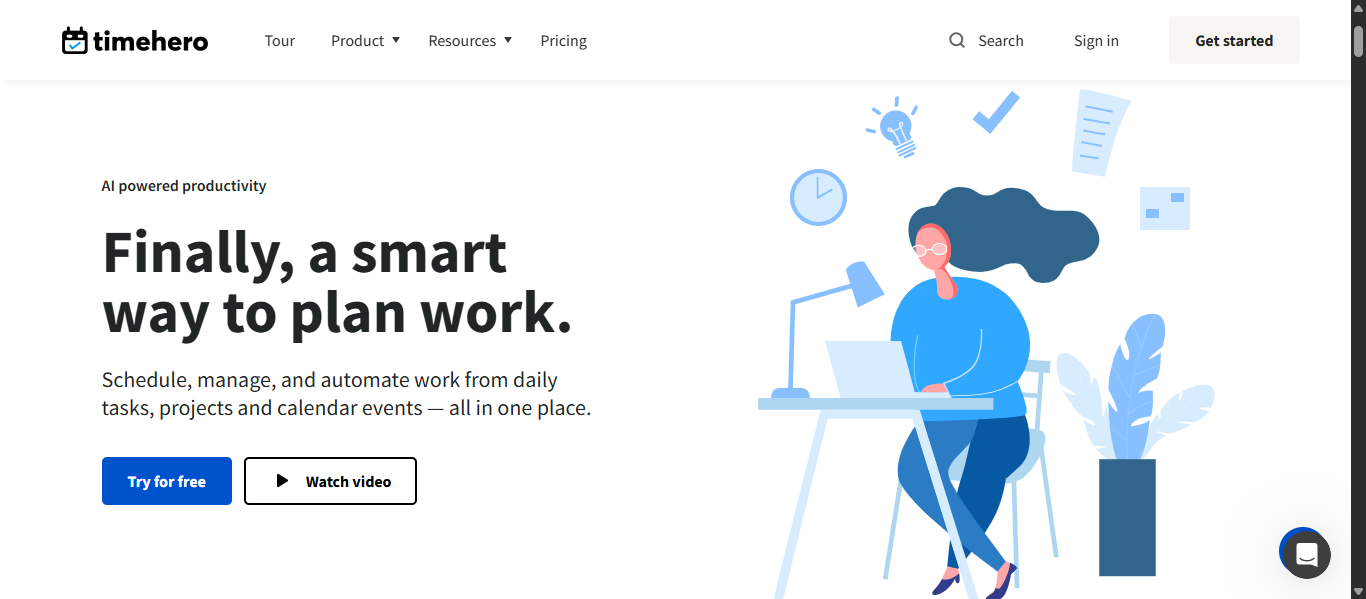
What Is TimeHero AI?
TimeHero AI is an AI powered task planning and work management platform designed to automate scheduling, prioritize tasks, manage projects, and optimize team productivity. The platform automatically plans work around meetings, deadlines, availability, and recurring tasks to help individuals and teams stay organized with less manual scheduling.
Key AI Features
- AI powered automatic task scheduling
- Smart project and workflow planning
- Dynamic task rescheduling when priorities change
- Automatic risk detection for overdue tasks
- AI workload and capacity management
- Smart recurring task automation
- Workflow templates with task dependencies
- Built in time tracking and timesheets
- Calendar integration with Google and Outlook
- Project forecasting and scheduling insights
- Task planning from email and connected apps
- Integrations with productivity and project management tools
Best Use Cases
TimeHero AI works best for:
- AI powered task scheduling and planning
- Team productivity and workload management
- Project workflow automation
- Remote team coordination
- Recurring workflow and operations management
- Time tracking and productivity optimization
- Small business and agency project management
- Professionals managing multiple deadlines
Pros and Cons
Pros:
- Strong AI scheduling and automatic planning features
- Automatically reorganizes work based on deadlines and availability
- Good project forecasting and workload visibility tools
- Built in time tracking and timesheet management
- Supports recurring workflows and task automation
- Useful integrations with calendars and productivity apps
Cons:
- Interface may require time to learn for new users
- More focused on scheduling than advanced collaboration workflows
- Customization options are limited compared to some enterprise tools
- Advanced reporting and workflow features require higher plans
Why Choose TimeHero AI?
TimeHero AI is a strong choice for users looking for an AI Task Manager focused on automatic planning, workload optimization, and smart scheduling. Its biggest advantage is adaptive scheduling that continuously reorganizes tasks around meetings, deadlines, and changing priorities, helping teams reduce manual planning and improve productivity.
Who Should Use TimeHero AI?
TimeHero AI is ideal for:
- Small businesses and remote teams
- Project managers and operations teams
- Freelancers and consultants
- Productivity focused professionals
- Teams managing recurring workflows
- Users needing AI scheduling and task automation
- Businesses looking for workload and capacity planning tools
Pricing
TimeHero AI offers multiple paid plans for individuals and teams, with pricing based on workflow automation, project management, scheduling, reporting, integrations, and collaboration features. A free trial is available for new users.
8) Akiflow AI
What Is Akiflow AI?
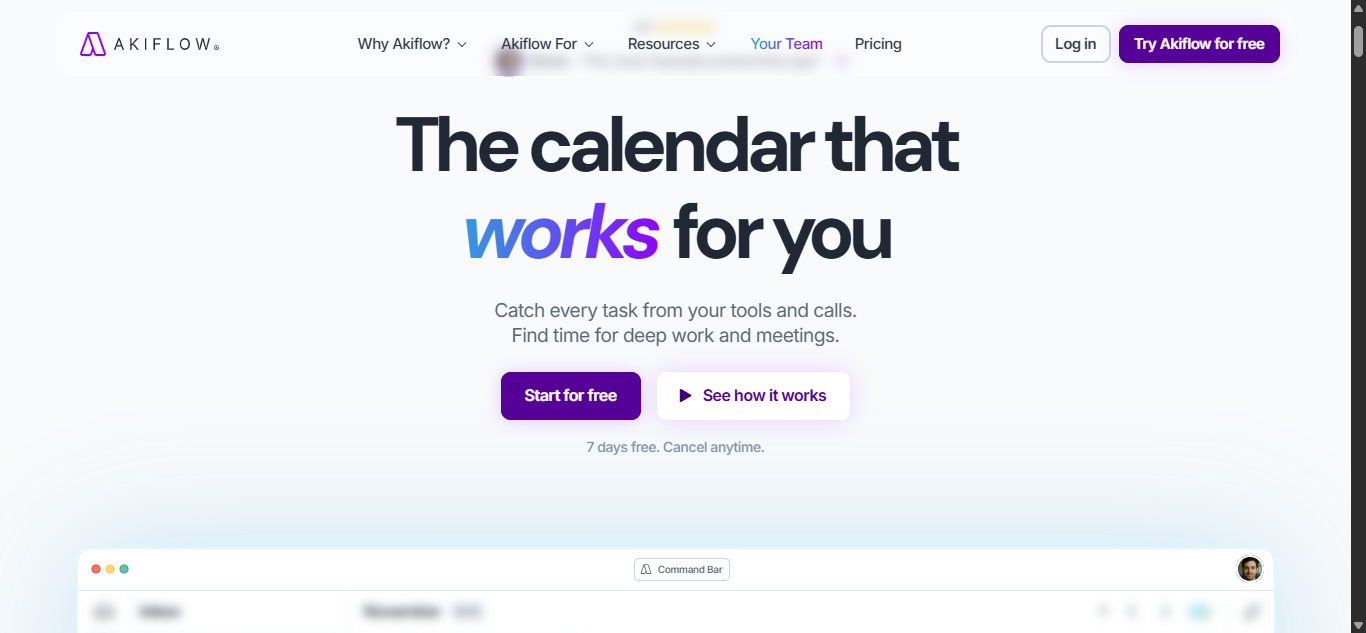
Akiflow AI is an AI powered productivity and task management platform designed to help users organize tasks, manage calendars, consolidate notifications, and streamline daily workflows in one workspace. The platform combines task management, calendar scheduling, time blocking, meeting coordination, and workflow organization to reduce context switching and improve productivity.
Key AI Features
- AI assisted task and calendar management
- Smart time blocking and schedule organization
- Unified inbox for tasks, emails, and notifications
- AI powered daily planning and prioritization
- Quick task capture and workflow automation
- Meeting scheduling and calendar coordination
- Keyboard shortcuts and productivity optimization tools
- Task synchronization across connected apps
- Focus management and workflow organization
- Integrations with productivity and collaboration platforms
- AI assisted workflow consolidation and planning
Best Use Cases
Akiflow AI works best for:
- Productivity and workflow organization
- Calendar and task consolidation
- Professionals managing multiple apps and workflows
- Daily planning and focus management
- Time blocking and schedule optimization
- Remote work productivity systems
- Users reducing context switching and workflow overload
Pros and Cons
Pros:
- Excellent task and calendar consolidation features
- Clean and productivity focused interface
- Strong time blocking and daily planning tools
- Helps reduce app switching and workflow clutter
- Fast task capture and workflow organization
- Good integrations with productivity platforms
Cons:
- More focused on personal productivity than full project management
- No free forever plan available
- Advanced workflow automation is limited compared to enterprise platforms
- Best suited for individuals and small teams
Why Choose Akiflow AI?
Akiflow AI is a strong choice for users looking for an AI Task Manager focused on productivity organization, task consolidation, and workflow efficiency. Its biggest advantage is bringing tasks, calendars, meetings, and notifications into one streamlined workspace, helping users reduce distractions and manage work more effectively.
Who Should Use Akiflow AI?
Akiflow AI is ideal for:
- Entrepreneurs and freelancers
- Productivity focused professionals
- Remote workers and consultants
- Users managing multiple productivity apps
- Professionals using time blocking workflows
- Individuals needing centralized task and calendar management
- Users wanting better workflow organization and focus management
Pricing
Akiflow AI offers paid subscription plans with pricing based on task management, calendar integration, workflow organization, productivity tools, and collaboration features. A free trial is available for new users.
9) Kuse AI
What Is Kuse AI?
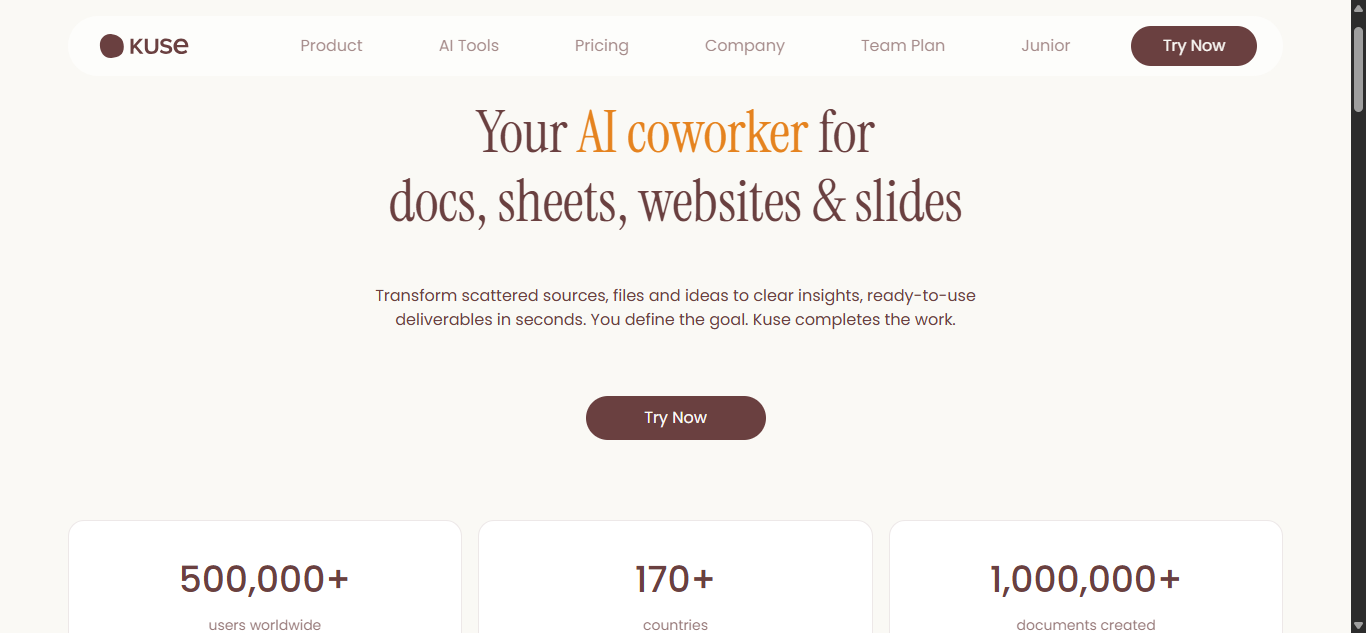
Kuse AI is an AI powered workflow and knowledge management platform designed to turn documents, notes, files, and research into structured tasks, workflows, reports, and collaborative workspaces. The platform focuses on AI driven workflow execution, contextual task management, AI orchestration, and intelligent knowledge based productivity systems.
Key AI Features
- AI powered workflow generation and orchestration
- AI task extraction from documents, files, and notes
- AI powered knowledge management and contextual memory
- AI document, report, and presentation generation
- AI workflow automation with intelligent execution
- AI summaries and structured project planning
- AI powered research and file analysis
- AI workspace organization and collaboration tools
- AI orchestration across workflows and documents
- AI powered productivity and execution systems
- Multi model AI support for workflow generation
- Context aware AI project and task management
Best Use Cases
Kuse AI works best for:
- Knowledge based workflow management
- AI powered project planning and execution
- Research and documentation workflows
- Product and operations management
- AI driven task generation from files and documents
- Team collaboration and workspace organization
- AI workflow automation and orchestration
- Businesses managing large knowledge bases
Pros and Cons
Pros:
- Strong AI workflow and knowledge management capabilities
- Excellent document driven task and workflow generation
- Supports AI orchestration and contextual productivity systems
- Good AI powered research and content generation tools
- Combines workflows, files, projects, and AI in one platform
- Supports long term contextual memory across workflows
Cons:
- More focused on knowledge workflows than lightweight task management
- Advanced workflow capabilities may require learning and setup
- Best suited for structured workflows and documentation heavy environments
- May feel feature rich for users wanting simple task tracking
Why Choose Kuse AI?
Kuse AI is a strong choice for users looking for an AI Task Manager focused on workflow intelligence, contextual execution, and knowledge driven productivity. Its biggest advantage is the ability to transform documents, research, files, and conversations into structured workflows and actionable tasks while maintaining long term project context across teams and workflows.
Who Should Use Kuse AI?
Kuse AI is ideal for:
- Product and operations teams
- Researchers and knowledge workers
- Startup and remote teams
- Businesses managing complex workflows
- Teams handling documentation heavy projects
- AI workflow automation users
- Organizations needing contextual task and workflow management
Pricing
Kuse AI offers multiple plans for individuals and teams, with pricing based on AI workflows, knowledge management features, collaboration tools, AI generation capabilities, and workspace functionality. Advanced plans provide expanded AI orchestration, workflow automation, and contextual workspace features.
10) Zapier AI
What Is Zapier AI?
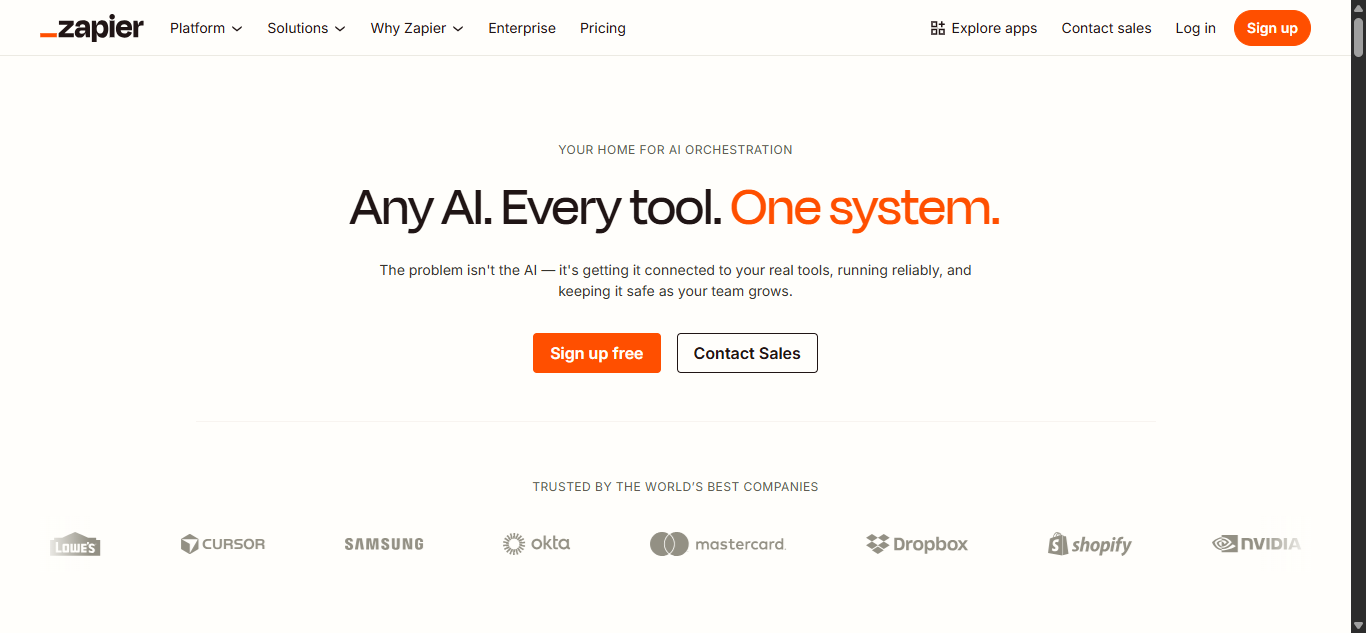
Zapier AI is an AI powered automation and workflow orchestration platform designed to connect apps, automate repetitive tasks, build AI workflows, and create AI agents without coding. The platform helps businesses and teams automate operations across thousands of apps using AI powered triggers, actions, workflows, chatbots, and automation systems.
Key AI Features
- AI powered workflow automation and orchestration
- AI agents for automated task execution
- AI chatbot and conversational workflow tools
- AI assisted workflow builder and automation setup
- Multi step workflow automation across apps
- AI powered data extraction and classification
- AI summaries, content generation, and smart replies
- AI triggers and automated actions
- AI powered app integrations and connectors
- Workflow templates for automation and productivity
- AI enhanced business process automation
- Integrations with thousands of productivity and business apps
Best Use Cases
Zapier AI works best for:
- Cross app workflow automation
- Business process automation
- AI powered productivity workflows
- Marketing and sales automation
- Customer support automation
- AI agent based task execution
- Operations and workflow orchestration
- Businesses managing repetitive workflows across multiple apps
Pros and Cons
Pros:
- Excellent automation and app integration capabilities
- Supports AI agents and AI powered workflows
- Connects thousands of apps without coding
- Good workflow templates and automation setup tools
- Strong business process automation features
- Useful for both individuals and enterprise teams
Cons:
- Advanced workflows may require setup and learning
- Complex automations can become difficult to manage
- Heavy automation usage may increase costs
- Better suited for workflow automation than traditional task management
Why Choose Zapier AI?
Zapier AI is a strong choice for users looking for an AI Task Manager focused on automation, workflow orchestration, and AI driven operations. Its biggest advantage is the ability to connect thousands of apps and automate repetitive business processes using AI workflows, AI agents, triggers, and smart actions without requiring technical development skills.
Who Should Use Zapier AI?
Zapier AI is ideal for:
- Businesses automating repetitive workflows
- Marketing and sales teams
- Operations and support teams
- No code automation users
- Startups and growing businesses
- Teams managing multiple productivity tools
- Users needing AI powered workflow orchestration and integrations
Pricing
Zapier AI offers free and paid plans with pricing based on workflow automation tasks, AI features, integrations, AI agents, and business automation usage. Higher tier plans include advanced automation controls, premium integrations, enterprise features, and expanded AI workflow capabilities.
What Makes an AI Task Manager Different From Traditional Task Apps?
Traditional task management apps mainly help users create to do lists, set deadlines, and organize projects manually. An AI Task Manager goes further by using artificial intelligence to automate scheduling, prioritize tasks, optimize workflows, generate summaries, and manage repetitive work with minimal manual input.
Unlike traditional task apps that rely heavily on manual organization, AI powered task management tools can analyze deadlines, workload, meetings, habits, and workflow patterns to make smarter decisions automatically. Many modern AI Task Manager platforms also support AI agents, workflow automation, predictive scheduling, and contextual task management across projects and connected apps.
Traditional Task Apps
Traditional task management tools typically focus on:
- Manual task creation and organization
- Basic reminders and deadlines
- Static project boards and lists
- Simple collaboration features
- Manual workflow management
- Fixed scheduling systems
These platforms work well for simple productivity and project tracking but usually require constant manual updates and planning.
AI Task Manager Tools
AI Task Manager platforms add intelligent automation features such as:
- AI powered scheduling and prioritization
- Automatic task generation and workflow planning
- AI summaries and meeting notes
- Dynamic calendar optimization
- Workflow automation and recurring task management
- AI agents and contextual productivity systems
- Smart workload balancing and project coordination
These features help reduce repetitive work, improve productivity, and automate complex workflows more efficiently.
Key Difference Between Traditional and AI Task Management
The biggest difference is automation and intelligence. Traditional task apps act as organizational tools, while AI Task Manager platforms actively assist users by planning schedules, optimizing workflows, automating tasks, and adapting to changing priorities in real time.
Why AI Task Managers Are Growing Faster
Businesses and professionals increasingly prefer AI Task Manager tools because they help:
- Save time on manual planning
- Reduce scheduling conflicts
- Automate repetitive workflows
- Improve team coordination
- Optimize productivity and focus time
- Manage complex workflows more efficiently
As AI productivity tools continue evolving, AI powered task management platforms are becoming more focused on workflow intelligence, AI agents, and autonomous work management instead of simple task tracking.
AI Agents in AI Task Manager Tools
What Are AI Task Manager Agents?
AI Task Manager agents are intelligent AI systems that can plan, organize, prioritize, and automate workflows with minimal human input. Unlike traditional automation tools that follow fixed rules, AI agents can understand context, make decisions, adapt to changing schedules, and execute multi step workflows across tasks, calendars, projects, and connected apps.
How AI Agents Are Changing AI Task Management Workflows
AI agents are transforming AI Task Manager platforms from simple productivity apps into autonomous workflow systems. Modern AI agents can automatically generate project plans, assign tasks, summarize meetings, optimize schedules, automate recurring workflows, and coordinate work across multiple tools in real time. This reduces manual planning, improves productivity, and helps teams focus more on strategic work instead of repetitive task management.
Examples of AI Task Manager Agent Workflows
Examples of AI agent workflows include:
- Automatically converting meeting notes into tasks and deadlines
- Reorganizing calendars when priorities change
- Assigning work based on team availability and workload
- Generating workflow templates and project plans
- Automating recurring operations and reminders
- Connecting workflows across multiple productivity apps
- Summarizing project updates and generating reports
- Managing AI powered task execution across teams and systems
Tools Offering AI Task Manager Agent Like Capabilities
Several AI Task Manager tools now include AI agent or agent like functionality:
- Motion AI
- Asana AI
- Notion AI
- Taskade AI
- Kuse AI
- Zapier AI
These platforms support AI powered workflow automation, intelligent scheduling, AI driven task generation, contextual workflow management, and autonomous productivity features that go beyond traditional task management systems.
AI Assistants vs AI Agents
AI assistants mainly help users with suggestions, summaries, reminders, or basic automation. AI agents go further by making decisions, planning workflows, executing tasks, coordinating systems, and adapting to changing conditions with minimal supervision. In modern AI Task Manager platforms, AI assistants improve productivity, while AI agents actively manage and automate workflows.
How to Choose the Right AI Task Manager
Choosing the right AI Task Manager depends on your workflow, team size, automation needs, and productivity goals. Some AI task management tools focus on smart scheduling and calendar optimization, while others specialize in workflow automation, AI agents, collaboration, or project management. Selecting the right platform helps reduce manual work, improve productivity, and streamline daily operations more effectively.
Choose Based on Your Workflow Type
Different AI Task Manager tools support different workflows:
- Scheduling focused workflows → Motion AI, Reclaim AI, Sunsama AI
- Workflow automation → Zapier AI, Taskade AI
- Knowledge and documentation workflows → Notion AI, Kuse AI
- Team collaboration and project management → Asana AI
- Productivity and focus management → Akiflow AI, Sunsama AI
Consider Your Team Size
The best AI Task Manager for an individual may not work well for larger teams.
- Individuals and freelancers usually benefit from lightweight productivity tools
- Small teams often need collaboration and workflow organization features
- Large organizations require project tracking, reporting, automation, and workload management capabilities
Evaluate AI Features Carefully
Not every AI feature provides the same value. Look for tools that offer:
- AI scheduling and automatic prioritization
- Workflow automation and recurring task management
- AI summaries and reporting
- AI agents and contextual task execution
- Calendar and productivity integrations
- Team collaboration and project coordination
Check Integration Support
An AI Task Manager should connect with the tools you already use. Strong integrations with calendars, communication apps, project management software, email platforms, and productivity systems help reduce manual work and improve workflow efficiency.
Focus on Ease of Use
Some AI task management platforms are highly customizable but may require setup and training. Others focus on simplicity and faster onboarding. Choose a tool that matches your workflow complexity and productivity style.
Compare Pricing and Scalability
Pricing varies significantly between AI Task Manager tools. Some platforms focus on affordable personal productivity, while others target enterprise workflow automation. Consider:
- Free plan availability
- AI feature limitations
- Team collaboration pricing
- Automation and workflow usage limits
- Long term scalability for growing teams
Prioritize Real Productivity Benefits
The best AI Task Manager should save time, reduce scheduling stress, automate repetitive work, and improve workflow visibility. Instead of choosing tools with the most AI features, focus on platforms that genuinely improve your daily productivity and workflow management.
Future of AI Task Management
- AI Agents: AI Task Manager tools will increasingly use autonomous AI agents to manage workflows, execute repetitive tasks, and coordinate projects with minimal human input.
- Predictive Scheduling: Future AI task management systems will predict deadlines, workload risks, and scheduling conflicts before they happen.
- Context Aware Workflows: AI platforms will better understand documents, conversations, meetings, and project history to generate smarter tasks and workflows automatically.
- AI Powered Work Automation: More repetitive business operations, recurring workflows, and administrative tasks will be automated using AI powered workflow systems.
- Cross Platform Workflow Management: AI Task Manager tools will connect calendars, communication apps, documents, CRMs, and productivity platforms into unified AI workflows.
- Smarter Team Collaboration: AI will help teams improve workload balancing, task delegation, meeting coordination, and project visibility in real time.
- Personalized Productivity Systems: AI task management platforms will adapt workflows, schedules, and recommendations based on individual work habits and productivity patterns.
- Voice and Conversational AI: More AI Task Manager platforms will support voice commands, conversational workflow management, and AI chat based productivity assistance.
- AI Driven Decision Making: Future AI productivity systems will provide strategic workflow insights, risk analysis, and task prioritization recommendations automatically.
- Autonomous Work Management: AI Task Manager tools are moving toward fully autonomous work management systems capable of planning, coordinating, and optimizing workflows independently.
Conclusion
AI Task Manager tools are transforming how individuals and teams organize work, automate workflows, manage schedules, and improve productivity. Whether you need AI scheduling, workflow automation, project management, or AI agents, choosing the right AI Task Manager depends on your workflow, team size, and productivity goals. The best platforms help reduce manual work, streamline operations, and make task management more efficient with AI powered automation and intelligent workflow support.
FAQs
Can an AI Task Manager automatically organize my daily workload?
Yes, many AI Task Manager tools can automatically prioritize tasks, schedule work, reorganize deadlines, and optimize calendars based on workload, meetings, and productivity patterns.
Are AI Task Manager tools useful for remote teams?
Yes, AI Task Manager platforms help remote teams improve collaboration, automate workflows, manage projects, track progress, and coordinate schedules across distributed work environments more efficiently.
Do AI Task Manager tools work with calendars and productivity apps?
Most AI Task Manager tools integrate with calendars, email platforms, communication apps, project management software, and productivity systems to centralize workflows and reduce manual coordination.
Can AI Task Manager tools help reduce productivity burnout?
Yes, many AI powered task management platforms support workload balancing, focus scheduling, smart prioritization, and time blocking to help users manage work more realistically and efficiently.
Are AI Task Manager tools suitable for small businesses?
Yes, small businesses use AI Task Manager tools to automate repetitive work, organize projects, manage team collaboration, improve scheduling, and streamline daily operations with less manual effort.