
The best AI Personal Assistant tools are those that handle tasks, automate workflows, and reduce manual work without constant prompting. An AI Personal Assistant is no longer just a chatbot, it helps manage emails, schedules, research, and daily tasks, making it a practical solution for improving productivity and saving time.
Best AI Personal Assistant Tools
- ChatGPT AI
- Claude AI
- Google Gemini AI
- Lindy AI
- Zapier Agents AI
- Motion AI
- Reclaim.ai
- Saner.AI
- Superhuman AI
- Personal AI
AI Personal Assistant Tools Comparison Table
| Tool | Key Capability | Best For | Pricing |
|---|---|---|---|
| ChatGPT AI | Writing, research, coding | General-purpose tasks | Free + Paid |
| Claude AI | Long-form writing, analysis | Deep thinking, documents | Free + Paid |
| Google Gemini AI | Workspace integration, multimodal AI | Gmail, Docs users | Free + Paid |
| Lindy AI | Workflow automation, email handling | Automation, business tasks | Paid |
| Zapier Agents AI | Cross-app automation | Workflow execution | Free + Paid |
| Motion AI | AI scheduling, task planning | Time management | Paid |
| Reclaim.ai | Smart calendar optimization | Productivity, scheduling | Free + Paid |
| Saner.AI | Note and task organization | Focus, knowledge management | Free + Paid |
| Superhuman AI | Email productivity, inbox management | High email usage | Paid |
| Personal AI | Personalized AI memory | Personal knowledge | Free + Paid |
General AI Personal Assistants
1) ChatGPT AI
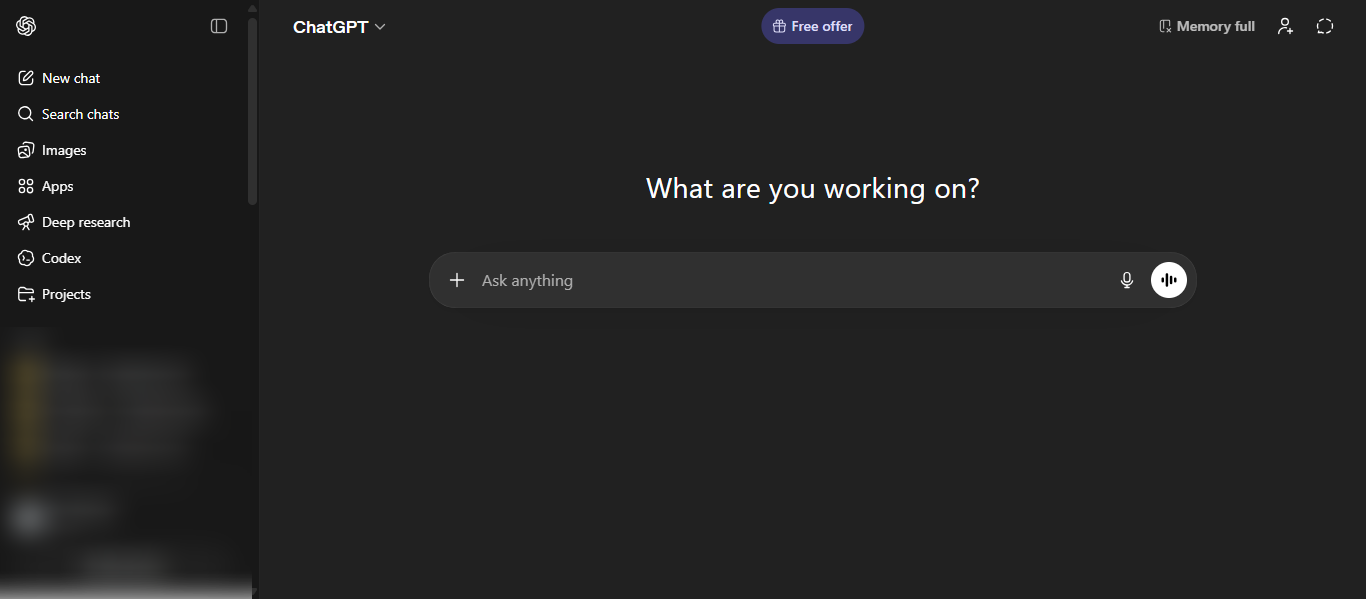
What is ChatGPT AI?
ChatGPT AI is an AI-powered AI Personal Assistant designed to understand and generate human-like language for a wide range of tasks. It uses advanced AI models to assist with writing, research, coding, data analysis, and problem-solving in real time. ChatGPT AI works through natural conversation, allowing users to give instructions, ask questions, and refine outputs interactively. It functions as a centralized AI assistant that improves productivity, supports learning, and simplifies complex workflows without requiring technical expertise.
Key Features
- Natural language AI conversations for task completion
- AI content generation for emails, blogs, and reports
- Advanced AI reasoning and problem-solving
- AI coding support and debugging
- File analysis and AI-powered summarization
- Custom instructions for personalized AI responses
- Multi-modal AI capabilities including text, image, and voice
Use Cases
- Writing emails, blogs, and business content
- Researching and summarizing information
- Coding, debugging, and technical assistance
- Brainstorming ideas and planning workflows
- Learning new topics quickly
- Automating repetitive AI-driven tasks
Pros and Cons
Pros
- Easy-to-use AI interface with minimal setup
- Versatile AI Personal Assistant for multiple tasks
- Strong AI writing and reasoning capabilities
- Supports a wide range of professional and personal use cases
Cons
- Requires prompts for most AI actions
- Outputs may need verification for accuracy
- Limited direct automation across external tools
Best For
ChatGPT AI is best for users who need a flexible AI Personal Assistant for writing, research, coding, and productivity tasks.
How to Use ChatGPT AI
- Open the ChatGPT AI interface
- Enter your task or question in natural language
- Review the AI response and refine prompts if needed
- Use follow-up instructions to improve results
- Save or export outputs for your workflow
Pricing
Free plan available with basic access; paid plans start around $20/month with higher limits and advanced AI features.
2) Claude AI
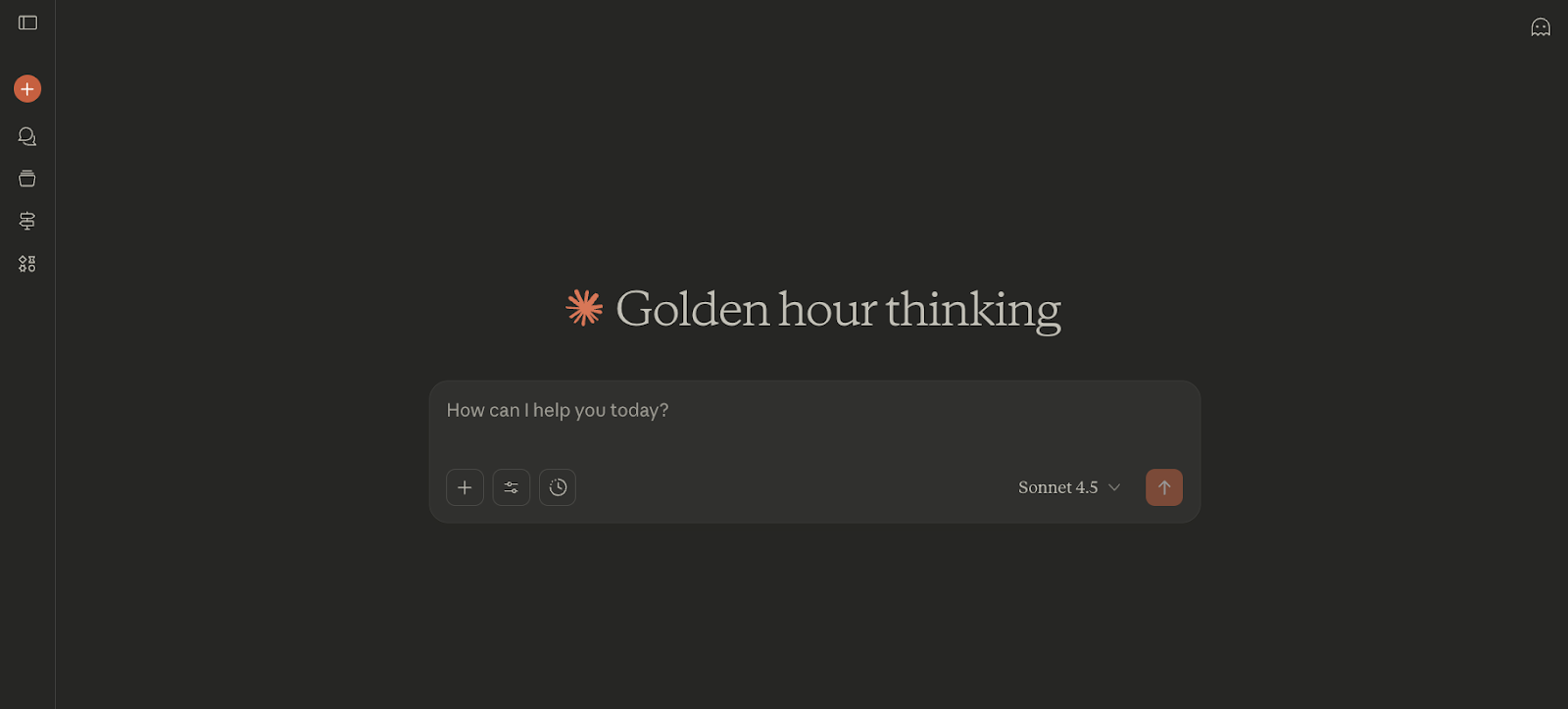
What is Claude AI?
Claude AI is an AI-powered AI Personal Assistant developed by Anthropic that focuses on advanced reasoning, long-form writing, and safe, reliable responses. It is built to handle complex tasks such as analyzing documents, generating structured content, and assisting with coding. Claude AI can process large amounts of context, follow detailed instructions, and produce clear, well-organized outputs, making it suitable for professional and technical workflows. It is designed with a strong focus on safety and alignment, helping users get accurate and responsible AI-generated results.
Key Features
- Advanced AI reasoning for complex problem-solving
- Long-context processing for large documents and data
- High-quality AI writing with structured outputs
- AI coding assistance and technical analysis
- File and document understanding
- Project-based workflows for organized tasks
- Integration support with external tools
Use Cases
- Writing detailed reports, articles, and professional content
- Analyzing long documents, PDFs, and datasets
- Coding, debugging, and technical problem-solving
- Research and deep analysis tasks
- Business communication and documentation
- Managing complex multi-step workflows
Pros and Cons
Pros
- Strong AI Personal Assistant for long-form writing and analysis
- Handles large context and complex inputs effectively
- Produces structured and professional-quality responses
- Focus on safe and reliable AI outputs
Cons
- Less automation compared to agent-based tools
- Requires prompts for most tasks
- Feature updates can be slower in some areas
Best For
Claude AI is best for users who need an AI Personal Assistant for deep thinking, long-form writing, document analysis, and technical tasks.
How to Use Claude AI
- Open the Claude AI interface
- Enter your query or task in natural language
- Upload documents or provide detailed instructions if needed
- Review the response and refine prompts for better output
- Organize work using projects or saved conversations
Pricing
Free plan available; paid plans start around $20/month with higher usage limits and advanced AI features.
3) Google Gemini AI
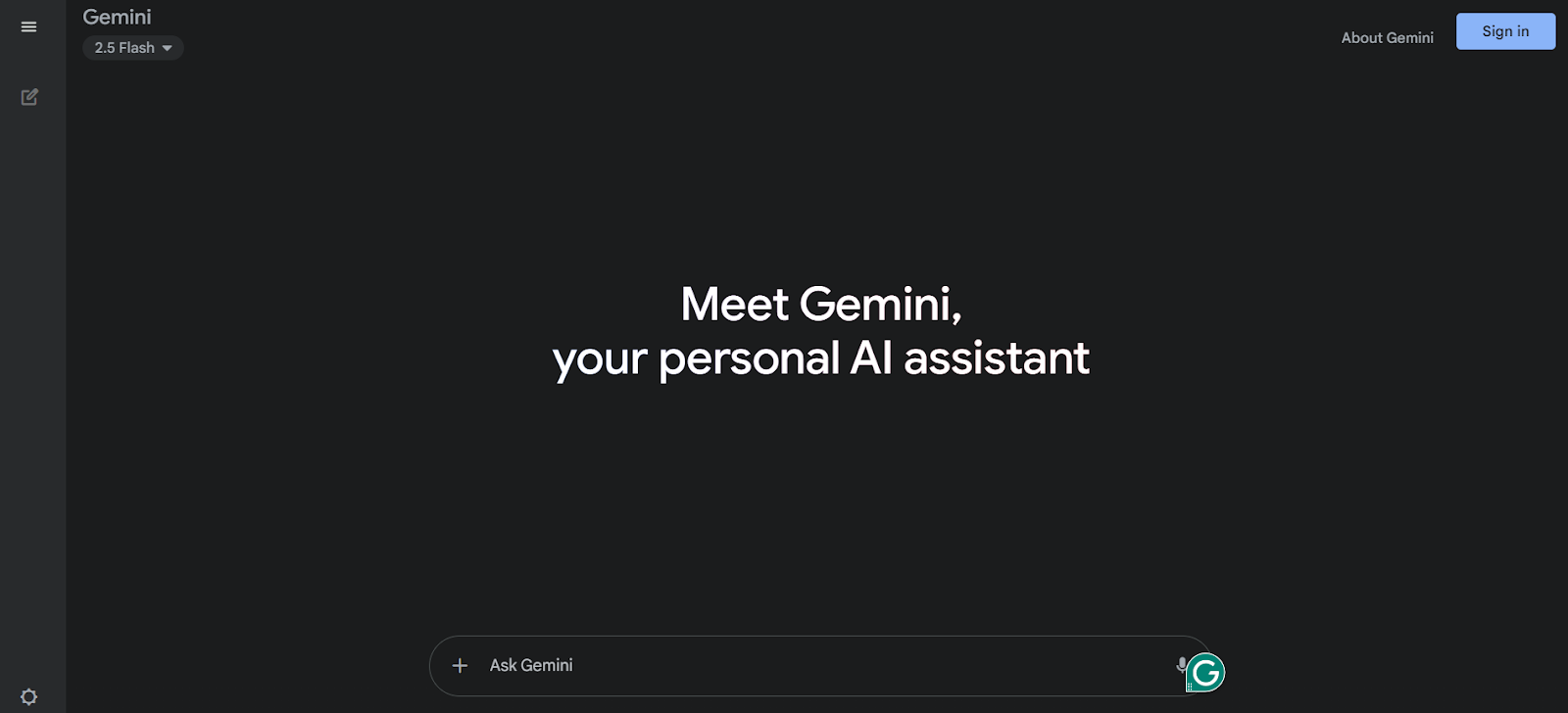
What is Google Gemini AI?
Google Gemini AI is an AI-powered AI Personal Assistant developed by Google that helps users complete tasks using natural language. It supports multiple formats like text, images, and code, making it useful for different workflows. Gemini AI is deeply integrated with Google Workspace tools like Gmail, Docs, and Drive, allowing users to write, summarize, and manage tasks directly within their apps.
Key Features
- Multimodal AI support for text, images, audio, and code
- Integration with Gmail, Docs, Sheets, and Drive
- AI-powered writing and summarization
- Real-time research and information retrieval
- Built-in AI assistance across Google apps
- Custom tools like Gems for personalized workflows
Use Cases
- Writing emails and documents in Gmail and Docs
- Summarizing files and long content
- Researching topics with AI assistance
- Creating reports and presentations
- Automating tasks inside Google Workspace
- Assisting with coding and technical tasks
Pros and Cons
Pros
- Strong AI Personal Assistant with Google ecosystem integration
- Works directly inside everyday productivity tools
- Supports multiple input formats
- Useful for both personal and professional tasks
Cons
- Best experience within Google ecosystem
- Requires prompts for most tasks
- Performance may vary for complex queries
Best For
Google Gemini AI is best for users who rely on Google Workspace and need an AI Personal Assistant for emails, documents, and productivity workflows.
How to Use Google Gemini AI
- Open the Gemini AI interface or access it within Google apps
- Enter your task or query in natural language
- Use it directly inside Gmail, Docs, or Drive
- Review and refine the output as needed
- Apply results to your workflow
Pricing
Free plan available; paid plans start around $19.99/month with advanced AI features.
Automation and Agent-Based Assistants
4) Lindy AI
What is Lindy AI?
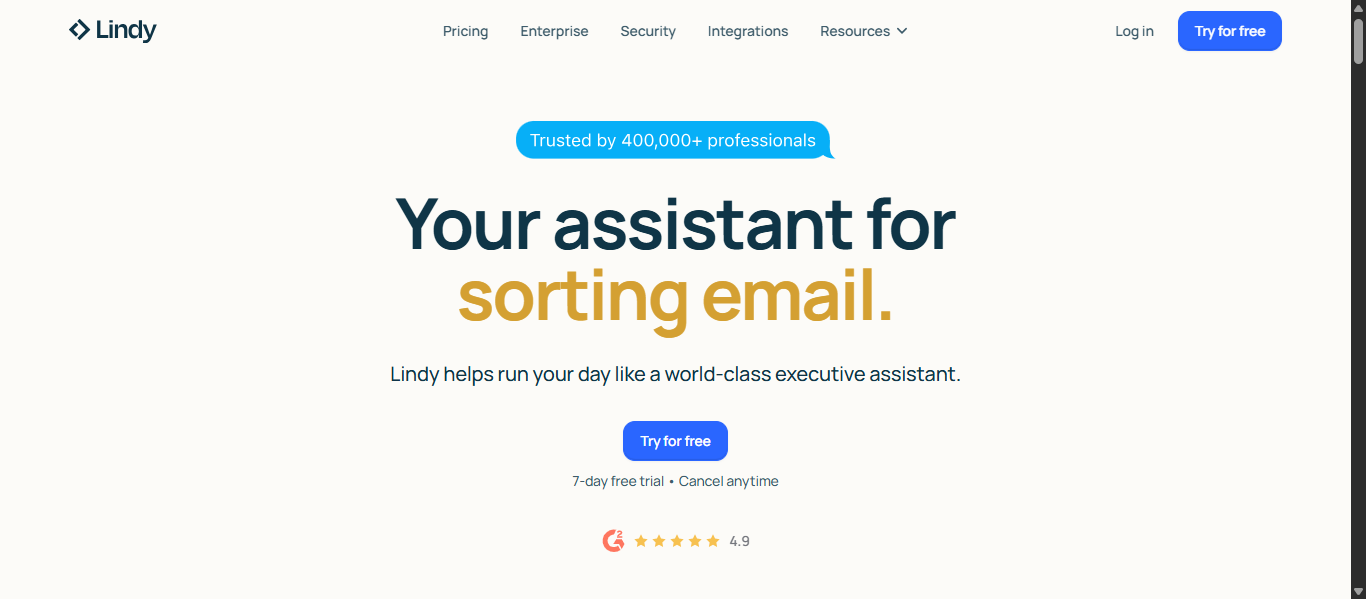
Lindy AI is an AI-powered AI Personal Assistant that automates emails, meetings, and workflows using AI agents. It allows users to create AI assistants with simple instructions to handle tasks like inbox management, scheduling, and follow-ups. Lindy AI focuses on proactive automation, helping users complete work without constant manual input.
Key Features
- AI agents for automating workflows and tasks
- Inbox management with AI-generated replies
- Meeting scheduling and follow-up automation
- AI meeting recording and summarization
- Learns user preferences over time
- Integration with multiple apps and tools
- No-code AI agent builder
Use Cases
- Managing and organizing emails automatically
- Scheduling and coordinating meetings
- Automating business and CRM workflows
- Generating and sending follow-up emails
- Recording and summarizing meetings
- Handling repetitive administrative tasks
Pros and Cons
Pros
- Strong AI Personal Assistant for automation and task execution
- Can work proactively without constant prompts
- Learns user behavior and improves over time
- No coding required to build AI agents
Cons
- Pricing may be high for individual users
- Usage-based limits can vary
- Setup may take time for complex workflows
Best For
Lindy AI is best for professionals and teams who need an AI Personal Assistant to automate emails, meetings, and workflows.
How to Use Lindy AI
- Connect your email and tools
- Describe the task you want automated
- Create and activate an AI agent
- Review outputs like emails or schedules
- Refine workflows based on your needs
Pricing
Free trial available; paid plans typically start around $49.99/month depending on usage and features.
5) Zapier Agents AI
What is Zapier Agents AI?
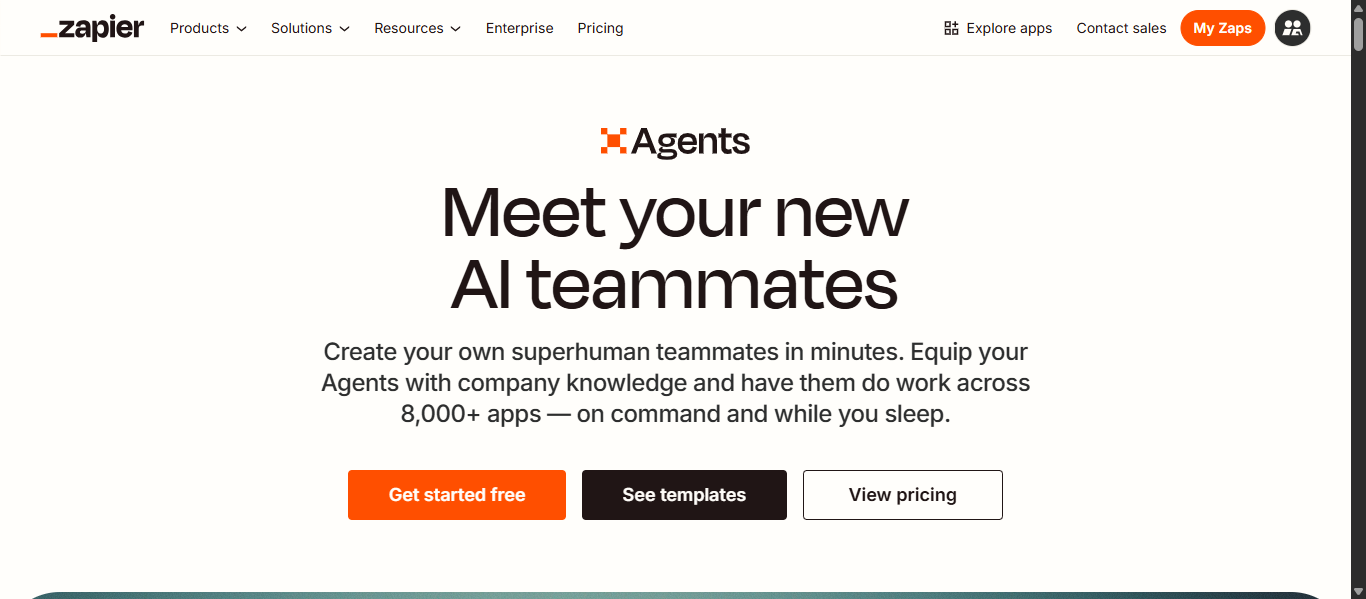
Zapier Agents AI is an AI-powered AI Personal Assistant that automates workflows across thousands of apps using AI agents. It enables users to create systems that perform multi-step tasks such as managing emails, updating data, and triggering actions without manual input. It focuses on execution and connectivity, helping users reduce repetitive work and streamline operations.
Key Features
- AI agents that automate multi-step workflows
- Integration with 8,000+ apps and tools
- No-code builder for creating AI automations
- Trigger-based workflows with cross-app actions
- Pre-built templates for common use cases
- AI-powered task execution and data handling
- Browser extension for running agents from any webpage
Use Cases
- Automating email responses and follow-ups
- Creating tasks from forms, messages, or events
- Syncing data between CRM, spreadsheets, and apps
- Managing leads, sales pipelines, and support workflows
- Automating repetitive business processes
- Connecting multiple tools into one workflow system
Pros and Cons
Pros
- Strong AI Personal Assistant for automation and execution
- Works across thousands of apps and services
- No coding required to build workflows
- Scalable for individuals and businesses
Cons
- Can be complex for advanced workflows
- Usage-based pricing can increase with scale
- Initial setup requires time and planning
Best For
Zapier Agents AI is best for users and businesses that need an AI Personal Assistant to automate workflows, connect apps, and reduce manual work.
How to Use Zapier Agents AI
- Connect your apps and tools
- Define a trigger or describe your workflow
- Build or choose an AI agent template
- Set actions the agent should perform
- Activate and monitor the automation
Pricing
Free plan available; paid plans typically start around $20–$30/month depending on usage and automation limits.
Productivity and Task Management Assistants
6) Motion AI
What is Motion AI?
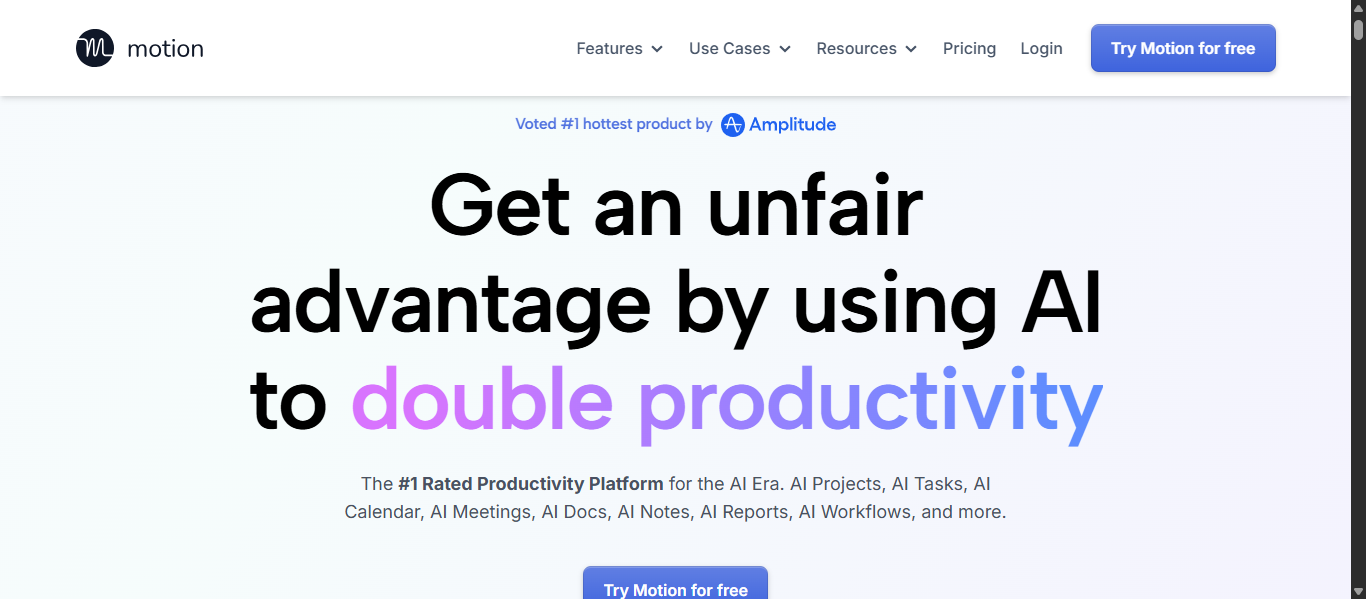
Motion AI is an AI-powered AI Personal Assistant that automatically plans your day by scheduling tasks, meetings, and projects in one place. It uses AI to prioritize work, assign time slots, and adjust schedules when changes happen. Motion AI focuses on time management by turning your to-do list into an optimized daily plan.
Key Features
- AI auto-scheduling based on priorities and deadlines
- Smart calendar that updates automatically
- Task and project management in one platform
- AI meeting scheduling with booking links
- Real-time rescheduling to avoid conflicts
- Integration with calendar and productivity tools
- Unified workspace for tasks and schedules
Use Cases
- Managing daily tasks and deadlines automatically
- Scheduling meetings without manual effort
- Planning projects with AI-driven timelines
- Handling multiple priorities efficiently
- Reducing time spent on manual planning
- Improving focus with structured schedules
Pros and Cons
Pros
- Strong AI Personal Assistant for time management
- Automatically adjusts schedules in real time
- Reduces manual planning effort
- Combines tasks, calendar, and projects in one tool
Cons
- Learning curve for new users
- May feel complex for simple needs
- Higher pricing compared to basic tools
Best For
Motion AI is best for professionals and teams who need an AI Personal Assistant to manage schedules, tasks, and projects automatically.
How to Use Motion AI
- Add your tasks, deadlines, and priorities
- Sync your calendar and meetings
- Let the AI create a daily schedule
- Review and adjust tasks if needed
- Allow AI to reschedule automatically when changes occur
Pricing
Free trial available; paid plans typically start around $19 to $29 per month depending on the plan.
7) Reclaim.ai
What is Reclaim.ai?
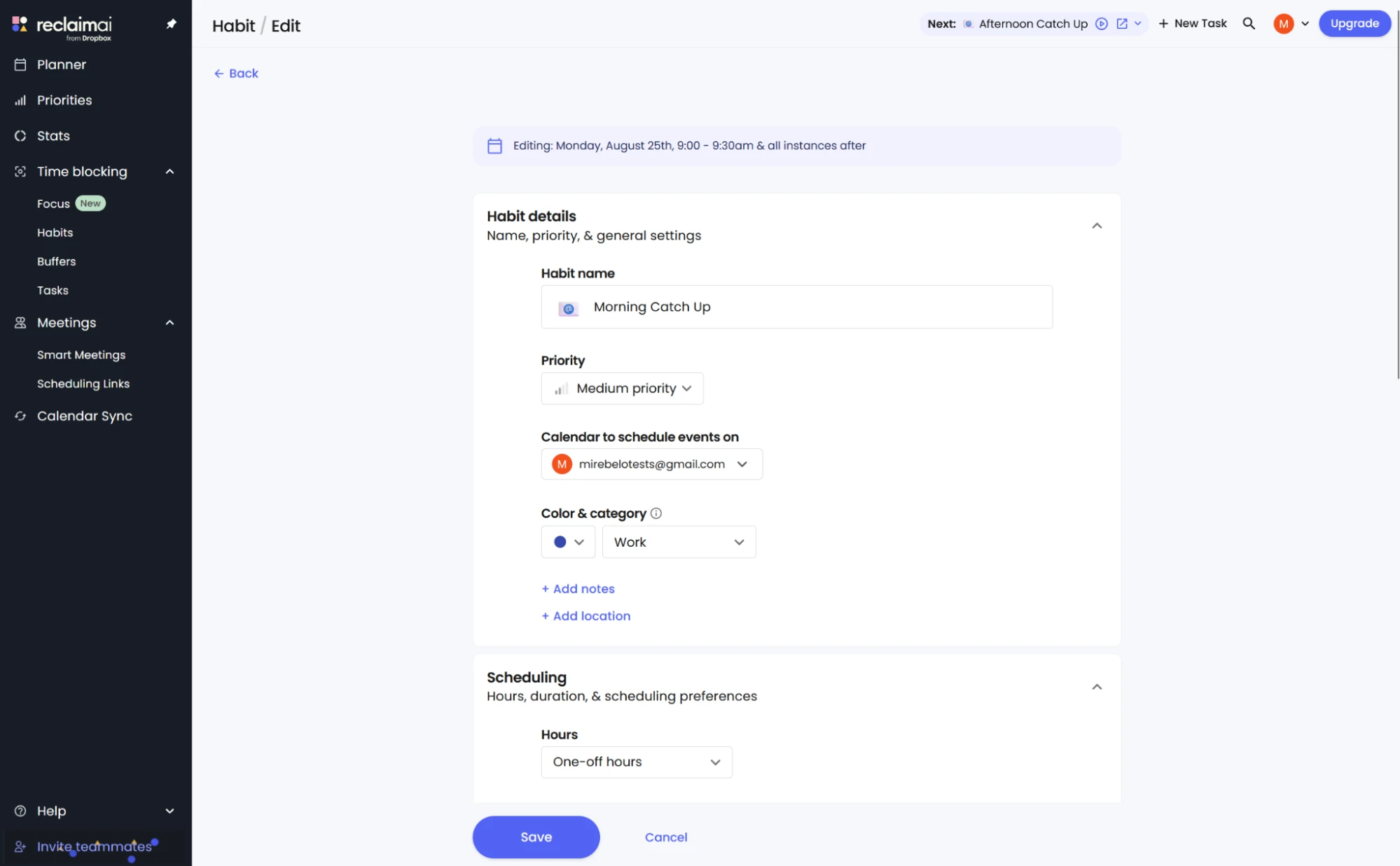
Reclaim.ai is an AI-powered AI Personal Assistant that automatically manages your calendar by scheduling tasks, meetings, and habits. It uses AI to prioritize your time, protect focus periods, and adjust your schedule as priorities change. Reclaim.ai focuses on time optimization to improve productivity and balance daily work.
Key Features
- AI auto-scheduling for tasks, meetings, and habits
- Smart time blocking to protect focus time
- Automatic rescheduling when conflicts occur
- Calendar sync with Google Calendar and Outlook
- AI scheduling links for meetings
- Habit tracking with flexible scheduling
- Built-in buffer time for breaks and transitions
Use Cases
- Managing daily schedules automatically
- Protecting deep work and focus time
- Scheduling meetings without back-and-forth
- Balancing tasks, habits, and deadlines
- Improving productivity and time management
- Coordinating team calendars efficiently
Pros and Cons
Pros
- Strong AI Personal Assistant for calendar automation
- Automatically adjusts schedules in real time
- Helps maintain work-life balance
- Works with popular calendar platforms
Cons
- Limited features in the free plan
- Primarily focused on calendar management
- Requires initial setup for best results
Best For
Reclaim.ai is best for individuals and teams who need an AI Personal Assistant to manage schedules, protect focus time, and optimize productivity.
How to Use Reclaim.ai
- Connect your calendar
- Add tasks, habits, and priorities
- Let AI schedule your time automatically
- Review and adjust preferences if needed
- Allow AI to reschedule based on changes
Pricing
Free plan available; paid plans typically start around $10 per user per month with advanced features.
8) Saner.ai
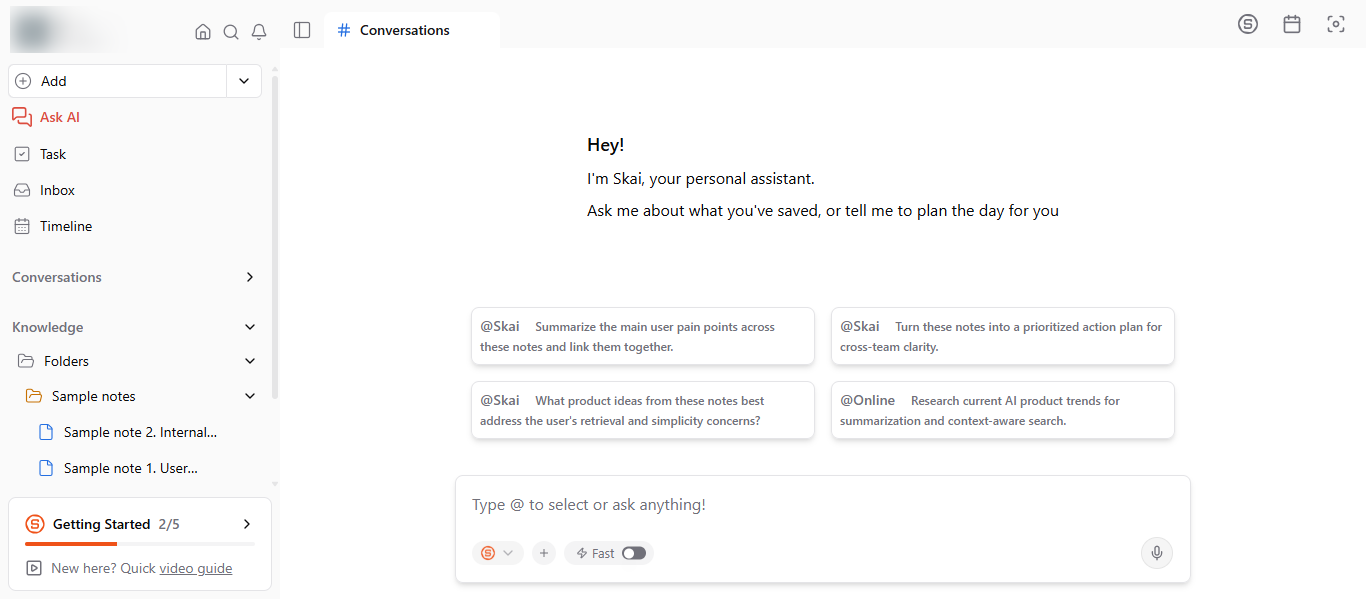
What is Saner.AI?
Saner.AI is an AI-powered AI Personal Assistant designed to organize notes, tasks, emails, and information in one place. It automatically structures scattered data, extracts key insights, and helps users stay focused. Saner.AI acts as a centralized AI workspace that reduces mental overload and improves productivity.
Key Features
- AI-powered note organization and knowledge management
- Smart search with context-based results
- AI task extraction from emails and documents
- Personal AI assistant for insights and answers
- Integration with productivity tools and data sources
- Distraction-free interface for better focus
- Automatic tagging, categorization, and summarization
Use Cases
- Organizing notes, documents, and research content
- Managing tasks and extracting action items
- Reducing information overload
- Planning daily work and tracking priorities
- Searching and retrieving knowledge quickly
- Supporting focused and structured workflows
Pros and Cons
Pros
- Strong AI Personal Assistant for organizing information
- Helps reduce cognitive overload and improve focus
- Automatically structures notes and tasks
- Useful for knowledge workers and professionals
Cons
- Limited automation compared to agent-based tools
- Requires setup for optimal organization
- Fewer advanced collaboration features
Best For
Saner.AI is best for individuals and professionals who need an AI Personal Assistant to organize information, manage tasks, and improve focus.
How to Use Saner.AI
- Connect your data sources like email and documents
- Add or import notes and content
- Use AI search to find information quickly
- Let AI extract tasks and suggest actions
- Manage your workflow in one dashboard
Pricing
Free plan available; paid plans typically start around $8 to $16 per month depending on features.
Email and Communication Assistants
9) Superhuman AI
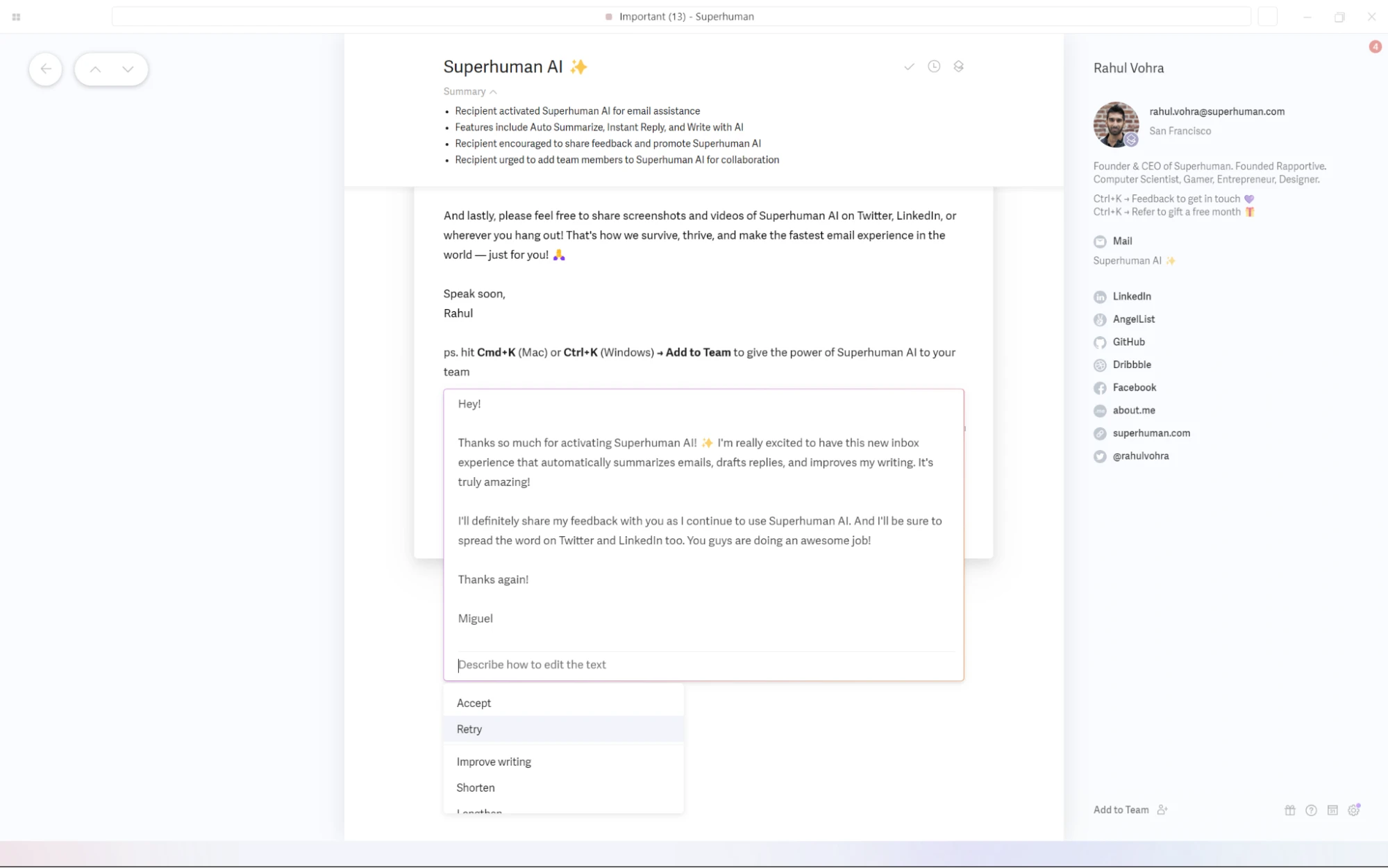
What is Superhuman AI?
Superhuman AI is an AI-powered AI Personal Assistant designed to manage emails faster and more efficiently. It uses AI to write emails, generate replies, organize inboxes, and automate follow-ups. Superhuman AI focuses on speed and efficiency, helping users handle email workflows with less effort.
Key Features
- AI-generated email drafts and replies
- Automatic inbox organization and prioritization
- One-line AI summaries of conversations
- Follow-up reminders with AI-generated messages
- AI search across emails and calendar
- Keyboard shortcuts for faster navigation
- Integration with Gmail and Outlook
Use Cases
- Managing high-volume email inboxes
- Writing and replying to emails quickly
- Automating follow-ups and reminders
- Organizing conversations and threads
- Improving communication workflows
- Reducing time spent on email management
Pros and Cons
Pros
- Strong AI Personal Assistant for email productivity
- Speeds up inbox management significantly
- Generates emails in your writing style
- Clean and fast user experience
Cons
- Focused mainly on email workflows
- Higher pricing compared to standard email tools
- Limited functionality outside email
Best For
Superhuman AI is best for professionals and teams who spend significant time on email and need an AI Personal Assistant to improve inbox productivity.
How to Use Superhuman AI
- Connect your email account
- Open your inbox within the platform
- Use AI to draft or reply to emails
- Organize emails using shortcuts and labels
- Set follow-ups and automate responses
Pricing
Paid plans typically start around $25 to $40 per user per month depending on features.
Personal AI and Identity Assistants
10) Personal AI
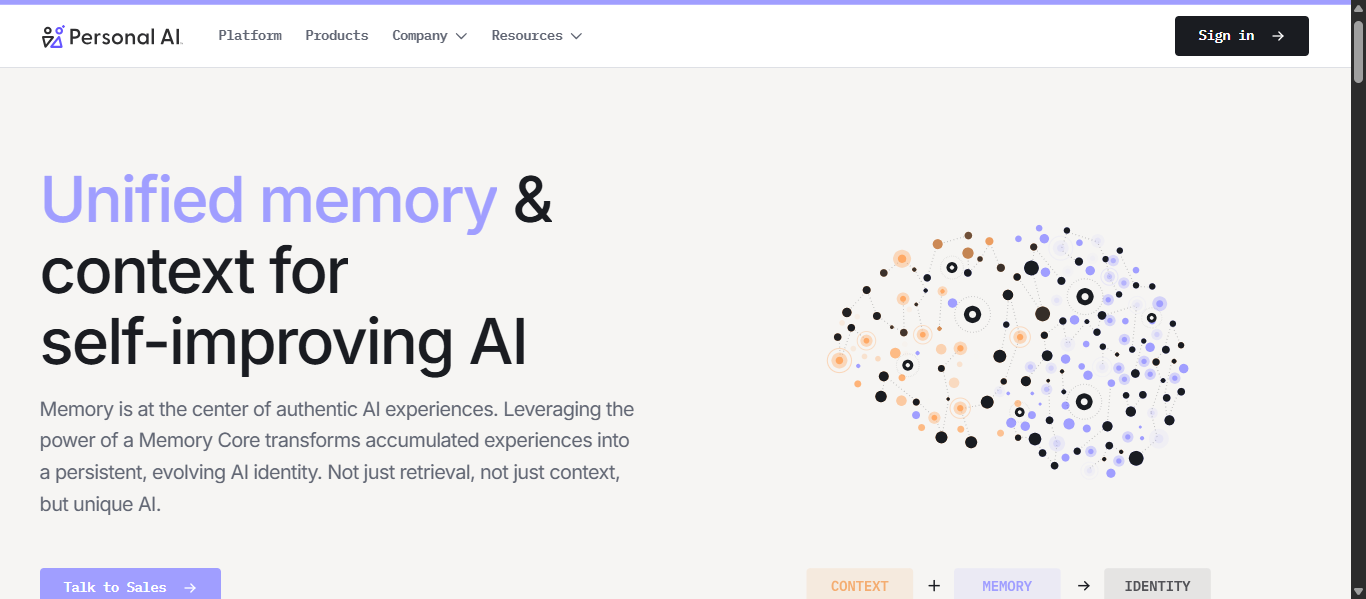
What is Personal AI?
Personal AI is an AI-powered AI Personal Assistant that lets users create a personalized AI model trained on their own data, memories, and knowledge. It learns from documents, conversations, and inputs to generate responses in your style and context. Personal AI focuses on building a private, memory-driven assistant that improves over time.
Key Features
- AI model trained on personal data and documents
- Memory-based system that learns and improves
- Ability to create AI personas for different tasks
- Private and user-controlled AI environment
- AI-powered communication and messaging tools
- Multi-device access across web and mobile
- Context-aware personalized responses
Use Cases
- Building a personal knowledge base
- Storing and retrieving important information
- Generating responses in your writing style
- Managing personal or business communication
- Creating AI personas for workflows
- Organizing long-term data and insights
Pros and Cons
Pros
- Strong AI Personal Assistant focused on personalization
- Learns continuously from user data
- High level of privacy and control
- Useful for long-term knowledge management
Cons
- Requires time to train and build data
- Limited automation compared to workflow tools
- Not ideal for quick general-purpose tasks
Best For
Personal AI is best for users who want an AI Personal Assistant that learns from their data, builds memory over time, and provides personalized responses.
How to Use Personal AI
- Upload your documents, notes, or data
- Train your AI model with your information
- Ask questions or generate responses
- Create AI personas for specific tasks
- Update data regularly to improve results
Pricing
Free plan available; paid plans vary based on usage and features.
AI Agents in AI Personal Assistant Tools
What Are AI Personal Assistant Agents?
AI agents are advanced systems within an AI Personal Assistant that can understand goals, make decisions, and execute tasks automatically. Unlike traditional AI tools that require constant prompts, AI agents can plan actions, use connected tools, and complete multi-step workflows with minimal user input. They work based on context, rules, and triggers, allowing them to operate continuously in the background.
In simple terms, an AI Personal Assistant helps you complete tasks when asked, while an AI agent can independently manage and execute those tasks without repeated instructions.
How AI Agents Are Changing AI Personal Assistant Workflows
AI agents are transforming workflows by shifting from reactive assistance to proactive execution. Instead of manually handling each step, users can rely on AI agents to manage tasks from start to finish.
- Automate repetitive tasks such as emails, scheduling, and updates
- Execute multi-step workflows across different tools and platforms
- Respond to triggers like new messages, events, or deadlines
- Maintain context and improve decisions over time
- Reduce manual effort and increase productivity
This change allows users to focus on higher-value work while routine processes run automatically in the background.
Examples of AI Personal Assistant Agents
AI agents are already used in many everyday workflows:
- Email agents that organize inboxes, prioritize messages, and draft replies
- Calendar agents that schedule meetings and adjust conflicts automatically
- Research agents that collect and summarize information from multiple sources
- Task agents that extract action items and track progress
- Workflow agents that connect apps and automate business processes
These agents function like digital assistants that continuously monitor tasks and take action without needing constant supervision.
Tools Offering AI Agent-Like Capabilities
Several AI Personal Assistant tools now include agent-based capabilities that support automation and execution:
- Zapier Agents AI enables cross-app workflow automation and multi-step task execution
- Lindy AI allows users to build custom AI agents for email, meetings, and workflows
- Motion AI automatically plans and adjusts schedules based on priorities
- Reclaim.ai dynamically manages time blocks and optimizes calendar usage
- Superhuman AI enhances email workflows with AI-assisted actions and follow-ups
These tools show how AI Personal Assistant platforms are evolving from simple assistants into systems that can actively manage and execute work.
How to Choose the Right AI Personal Assistant
Choosing the right AI Personal Assistant depends on your specific needs, workflow, and level of automation required. The best tool is not the most advanced one, but the one that fits your daily work.
1) Define Your Use Case First
Start by identifying what you actually need:
- Writing and research → choose general AI tools
- Scheduling and planning → choose productivity tools
- Email and communication → choose email assistants
- Automation and workflows → choose agent-based tools
2) Check Integration with Your Tools
Your AI Personal Assistant should connect with the apps you already use:
- Gmail, Outlook, Docs, CRM, Slack, and others
- Cross-app automation if required
3) Evaluate Features That Matter
Focus on features that directly impact your workflow:
- Natural language understanding
- Task automation and scheduling
- Document handling and summarization
- Customization and personalization
4) Choose Based on Automation Level
AI Personal Assistants vary by capability:
- Basic tools answer questions
- Intermediate tools assist within apps
- Advanced tools automate tasks and workflows
5) Consider Ease of Use
The tool should simplify your work:
- Simple interface
- Minimal setup
- Fast response time
6) Check Privacy and Security
AI tools often handle sensitive data:
- Data protection and access control
- Secure storage and compliance
- Reliable provider
7) Match It to Your Workflow Style
Different tools suit different working styles:
- On-demand tools for thinking and content
- Proactive tools for automation
- Specialized tools for specific tasks
Future of AI Personal Assistants
- Autonomous AI Assistants: AI Personal Assistants will shift from reactive tools to systems that can manage tasks and complete workflows without constant input.
- Deeper Personalization: AI will learn user behavior, preferences, and communication style to deliver tailored responses and actions.
- Multi-App Integration: AI Personal Assistants will connect seamlessly across tools like email, calendar, and business platforms for end-to-end automation.
- Real-Time Decision Making: AI will analyze data instantly and provide context-aware decisions for faster task management.
- Voice and Multimodal Interaction: Interaction will expand beyond text to include voice, images, and video for more natural communication.
- AI Agents as Digital Workers: AI agents will act as independent systems that monitor, decide, and execute tasks continuously.
- Improved Accuracy and Reliability: Advancements in AI will reduce errors and increase trust for critical tasks.
- Enterprise Adoption: Businesses will increasingly use AI Personal Assistants for operations, automation, and productivity at scale.
- Privacy and Security Enhancements: Future AI systems will focus on stronger data protection and user control.
- AI as a Daily Work Companion: AI Personal Assistants will become essential tools for managing work, communication, and decisions.
Conclusion
AI Personal Assistant tools are becoming essential for managing tasks, automating workflows, and improving productivity. The right tool depends on your needs, whether it is writing, scheduling, email management, or full automation. Choosing a tool that fits your workflow and saves time is more important than choosing the most advanced option.
FAQs
Are AI Personal Assistant tools suitable for beginners?
Yes, most AI Personal Assistant tools are beginner-friendly with simple interfaces and guided prompts, allowing users to start quickly without technical knowledge or complex setup.
Can AI Personal Assistant tools work offline?
Most AI Personal Assistant tools require an internet connection to function, as they rely on cloud-based AI models for processing, updates, and real-time responses.
Do AI Personal Assistant tools replace human assistants?
AI Personal Assistant tools support and automate routine tasks, but they do not fully replace human assistants, especially for complex decision-making, creativity, and personal interactions.
Can AI Personal Assistant tools be used for business tasks?
Yes, AI Personal Assistant tools are widely used for business tasks like email management, scheduling, data analysis, customer support, and workflow automation across teams and organizations.
How accurate are AI Personal Assistant tools?
AI Personal Assistant tools are generally accurate for common tasks, but outputs may vary depending on input quality, so reviewing responses is important for critical or sensitive work.