
AI logo design tools use artificial intelligence to generate brand logos based on prompts, company information, and design preferences. AI logo design platforms help startups, creators, and businesses produce professional logos quickly without relying entirely on manual design. In 2026, modern AI logo generators combine generative models, branding templates, and editing tools to create scalable visual identities that can be customized for websites, social media, and marketing materials.
What Is AI Logo Design?
AI logo design refers to the use of artificial intelligence to generate logos automatically based on brand inputs such as company name, industry, style preferences, and keywords.
Modern AI logo generators analyze design patterns, typography, and color combinations to create professional logo concepts that users can customize and export for branding.
List of Best AI Logo Design Tools
The following AI logo generators are among the most widely used tools for creating professional logos in 2026. These platforms combine generative AI, branding systems, and design automation to help businesses quickly develop visual identities.
- Looka AI
- Brandmark AI
- LogoAI
- Design.com AI Logo Maker
- Tailor Brands AI
- Adobe Firefly AI Logo Generator
- Ideogram AI
- Canva AI Logo Generator
- Logo Diffusion AI
- Zoviz AI
These tools differ in their approach to logo generation. Some specialize in automated brand kits, while others focus on text-to-image AI generation or advanced customization workflows.
AI Logo Generator Comparison Table
The following comparison helps evaluate the best AI logo design tools based on features, capabilities, and typical use cases.
| Tool | Best For | Key Features | Pricing | Category |
|---|---|---|---|---|
| Looka AI | Complete branding kits | AI logo generation, brand kits, social assets | Paid packages | Branding platform |
| Brandmark AI | Modern startup logos | AI logo generator, font pairing, design tools | One-time packages | AI branding |
| LogoAI | Automated professional logos | AI design engine, brand templates | Paid plans | AI logo generator |
| Design.com AI Logo Maker | Fast logo creation | Template library, customization tools | Free + paid | Logo generator |
| Tailor Brands AI | Business branding ecosystem | Logo maker, LLC tools, brand kits | Subscription | Branding platform |
| Adobe Firefly AI Logo Generator | Generative design workflows | Text-to-image design, Adobe ecosystem | Adobe subscription | Generative AI |
| Ideogram AI | Text-accurate logo imagery | Advanced text rendering AI | Free + paid | AI image generation |
| Canva AI Logo Generator | Beginner-friendly design | AI generation, templates, drag-and-drop editing | Free + Pro | Design platform |
| Logo Diffusion AI | Experimental logo styles | Prompt-based generation, logo variations | Paid plans | Generative design |
| Zoviz AI | Quick logo creation | Automated branding kits, logo builder | Paid plans | AI branding |
These tools represent different approaches to AI logo creation. Some platforms generate complete brand identity systems, while others focus on AI-generated graphics and creative experimentation.
The following section explains how each AI logo generator works, its key features, and when it is most useful.
1. Looka AI
What is Looka AI
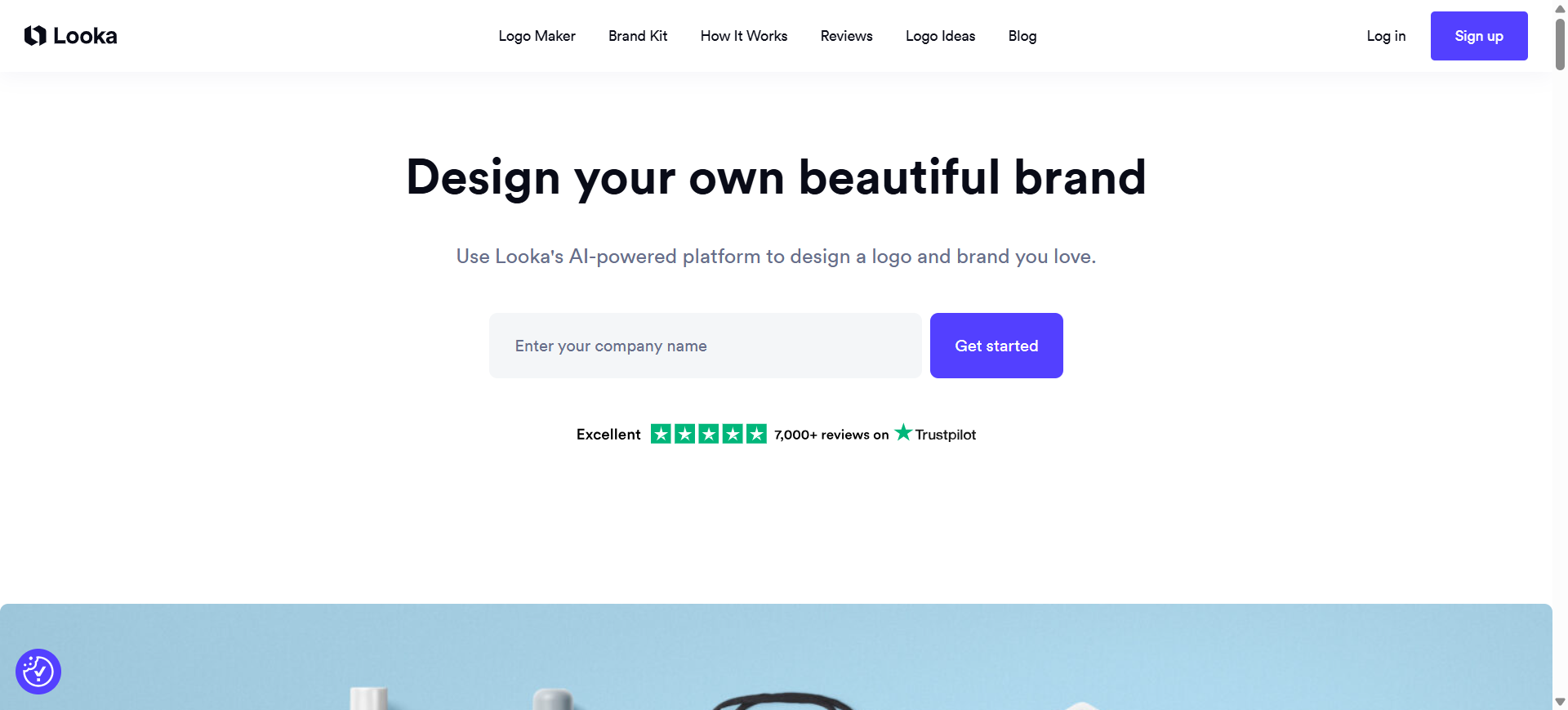
Looka AI is an automated AI logo generator that creates brand logos based on business information, style preferences, and design selections. The platform uses machine learning to generate logo concepts and complete branding kits within minutes.
It belongs to the branding AI category, meaning it generates logos while also creating supporting brand assets such as color palettes, typography systems, and marketing templates.
Key Features of Looka AI
- AI-generated logos based on business name, industry, and style preferences
- Automatic brand kit generation including colors, typography, and templates
- Built-in logo editor for customizing fonts, layouts, and icons
- High-resolution logo exports including SVG, PNG, and vector files
- Social media kit and brand assets automatically generated from the logo
How Looka AI Helps With Logo Design
Looka AI simplifies the logo creation process by generating multiple design options based on a few inputs like brand name and visual preferences. Users can quickly compare variations, adjust elements such as colors and fonts, and export professional logo files. This allows non-designers to create polished brand identities without advanced design skills.
Real-World Examples
A startup launching an online coffee brand can enter its business name, choose preferred color palettes, and select logo styles such as minimalist or modern. Looka AI then generates dozens of logo variations featuring icons, typography combinations, and layout styles. The chosen logo can be exported along with a full brand kit for social media and packaging.
Best For
- Startups launching a new brand
- Small businesses needing quick logo creation
- Entrepreneurs building brand kits
- E-commerce store owners
- Non-designers creating marketing assets
Pricing
Looka AI allows users to generate and preview logos for free. Downloading logo files and brand kits requires a one-time purchase or branding package, depending on the assets selected.
Why Looka AI Stands Out for AI Logo Design
Looka AI stands out because it combines logo generation with a complete branding system. Instead of producing only a logo, it automatically builds a cohesive brand identity including fonts, colors, and marketing templates, making it particularly useful for new businesses launching their visual brand from scratch.
2. Brandmark AI
What is Brandmark AI
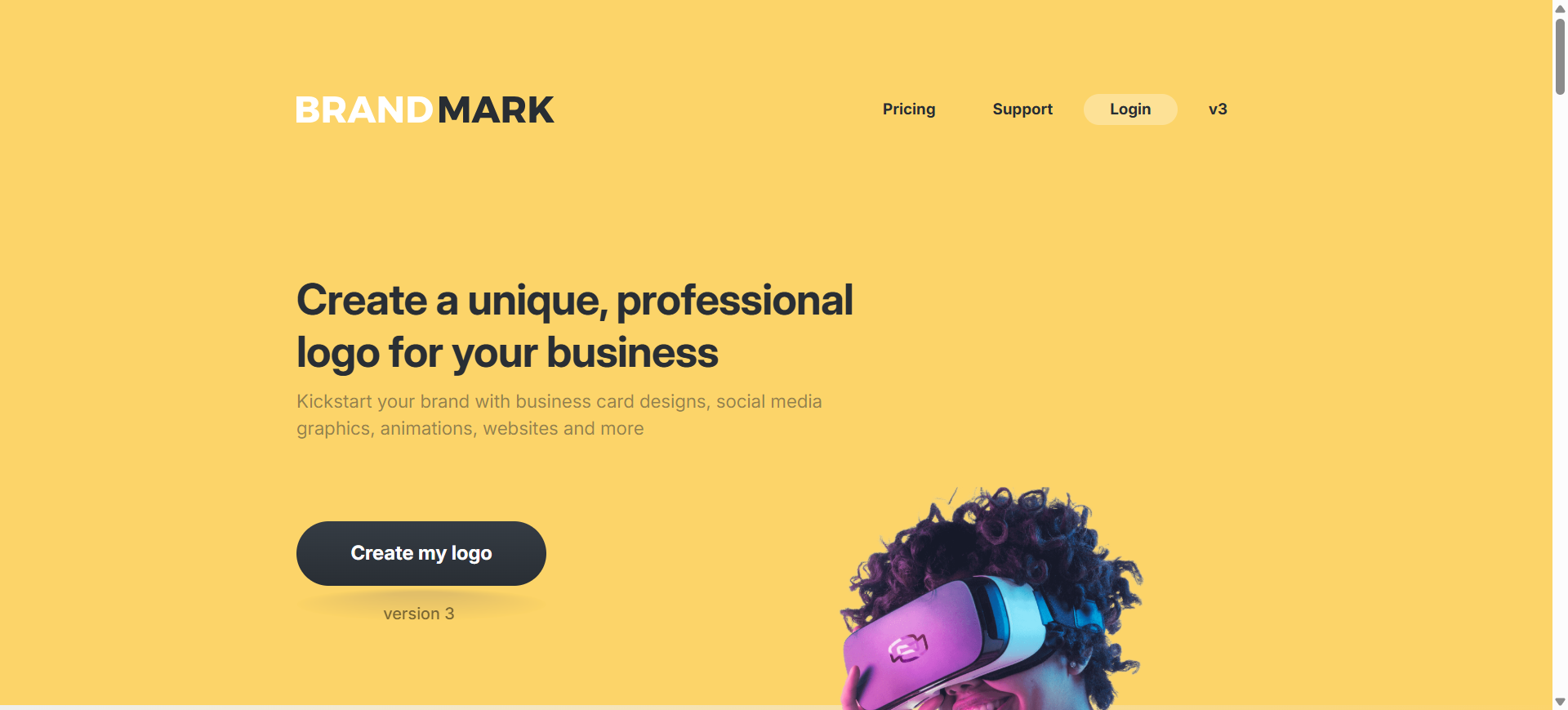
Brandmark AI is an automated AI logo generator designed to create professional logos and complete brand identity assets in minutes. The platform uses machine learning models to generate logo icons, typography combinations, and color palettes based on your business name and keywords.
It belongs to the branding AI category, meaning it not only generates logos but also builds related branding materials such as business cards, social media graphics, and brand guidelines.
Key Features of Brandmark AI
- AI-generated logos based on brand keywords, color preferences, and industry
- Automatic icon, typography, and color palette generation
- Built-in logo editor for customizing layouts, fonts, and styles
- Vector export formats including SVG, PNG, and PDF
- AI-powered tools like Logo Rank and color suggestions for evaluating and improving logo quality
How Brandmark AI Helps With Logo Design
Brandmark AI streamlines the logo creation process by automatically generating multiple design concepts after you enter your company name and a few keywords. The system suggests icons, font styles, and color schemes that match the brand’s theme, helping users quickly refine and customize a logo without needing design expertise.
Real-World Examples
A startup launching a fintech app could enter keywords like “finance, trust, digital banking.” Brandmark AI would generate multiple logo options featuring minimalist icons such as shields, charts, or abstract symbols paired with modern typography. The selected logo can then be exported along with matching branding assets like business cards and social media graphics.
Best For
- Startup founders building brand identities
- Small businesses launching new products
- Entrepreneurs without design experience
- Agencies needing quick logo prototypes
- Online businesses creating brand kits
Pricing
Brandmark AI allows users to generate and preview logos for free. Paid plans typically start with one-time packages (around $25–$35) for basic logo files, with higher tiers offering full branding assets and design files.
Why Brandmark AI Stands Out for AI Logo Design
Brandmark AI stands out because it combines AI logo generation with advanced brand identity tools. Beyond creating logos, it provides color palettes, typography pairing, and brand assets that help businesses build a consistent visual identity quickly. This makes it especially useful for startups that need a full branding package rather than just a logo.
3. LogoAI
What is LogoAI
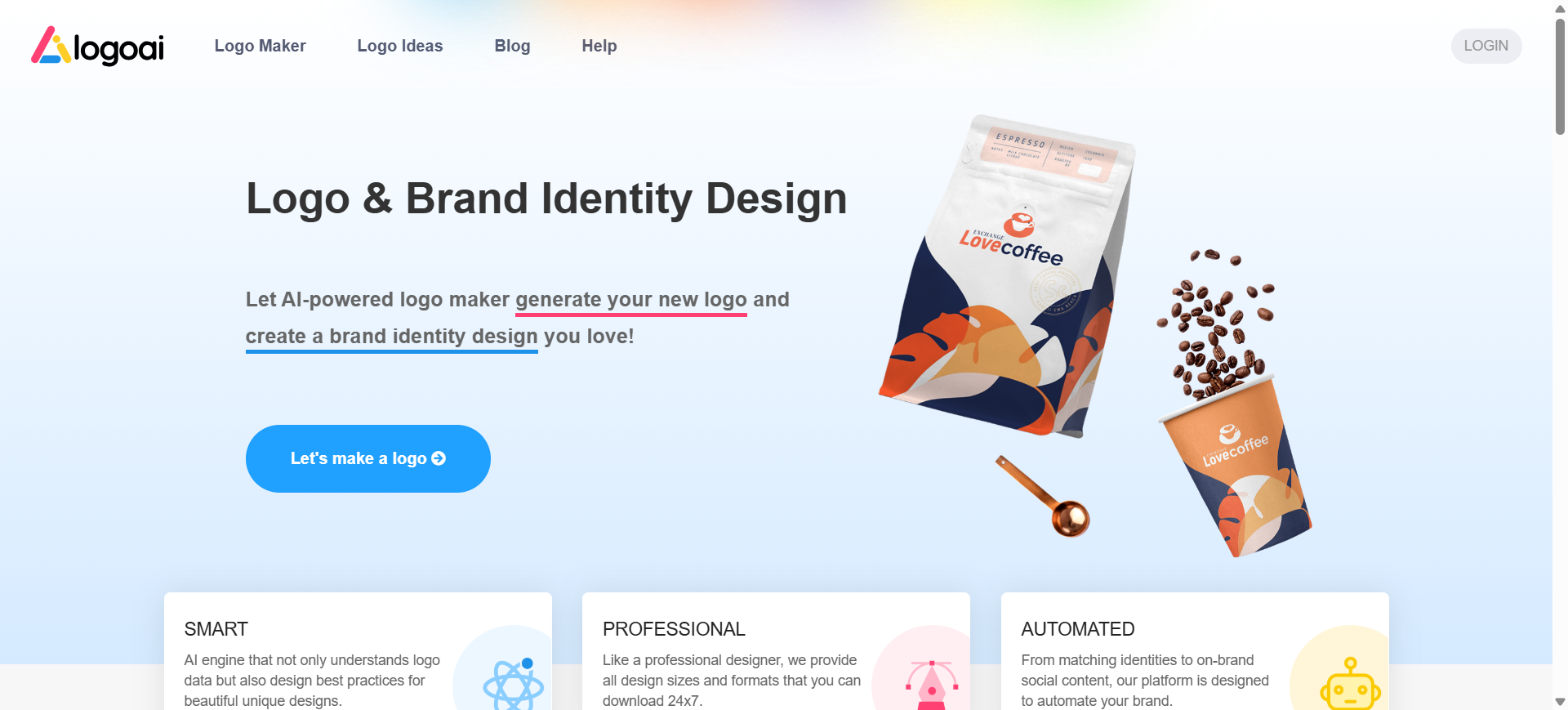
LogoAI is an automated AI logo generator that creates professional logos and brand identity assets using machine learning. Users simply enter a business name, select an industry, and choose design preferences to generate multiple logo options automatically.
It belongs to the automated AI branding category, where the system analyzes design best practices to generate logos, color palettes, and matching brand materials for businesses.
Key Features of LogoAI
- AI-powered logo generation engine trained on logo design principles
- Automatic color palette and typography suggestions for branding
- Built-in logo editor to adjust fonts, icons, layouts, and colors
- Exportable vector logo files (PNG, JPG, PDF, SVG) for print and digital use
- Automatic brand identity assets including stationery and social graphics
How LogoAI Helps With Logo Design
LogoAI simplifies logo creation by automatically generating multiple logo variations after you enter your brand details. Users can preview designs, customize elements like fonts and icons, and download complete logo packages. This allows businesses to create professional branding assets without hiring a designer.
Real-World Examples
A new fitness coaching startup could enter its brand name and choose the fitness industry category. LogoAI would generate logos featuring modern typography, geometric icons such as dumbbells or abstract shapes, and energetic color schemes like black, red, or neon green. The final logo can be exported with social media templates and brand materials.
Best For
- Startups launching a new brand
- Small businesses needing quick logo creation
- Entrepreneurs building brand identity kits
- Freelancers and creators starting online brands
- Agencies needing rapid logo prototypes
Pricing
LogoAI typically offers paid logo packages starting around $29, with higher tiers including vector files and full brand identity assets. Some versions allow users to generate and preview logos before purchasing the final design files.
Why LogoAI Stands Out for AI Logo Design
LogoAI stands out because its system is built around logo design best practices, allowing it to automatically generate balanced layouts, typography pairings, and color palettes. Instead of just generating icons, it focuses on creating complete brand-ready logo systems that can scale across marketing materials and digital platforms.
4. Design.com AI Logo Maker
What is Design.com AI Logo Maker
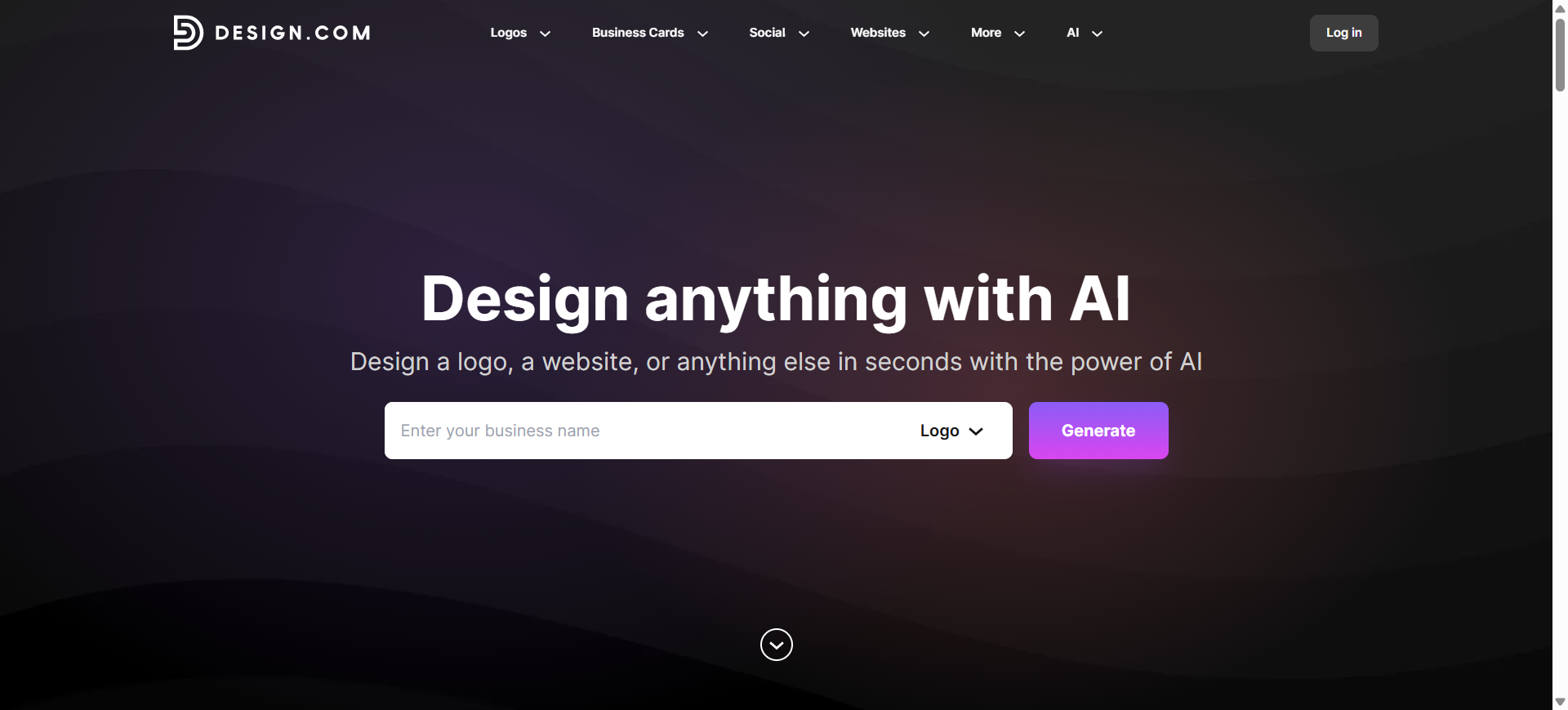
Design.com AI Logo Maker is an automated AI logo generator that helps businesses create logos and brand assets using prompts, business names, and industry keywords. The platform analyzes your inputs to generate multiple professional logo variations instantly.
It falls into the automated AI branding category, combining AI logo generation with customizable templates and editing tools to help users build logos and supporting brand materials quickly.
Key Features of Design.com AI Logo Maker
- AI-generated logos based on business name, keywords, and industry
- Extensive logo template and icon library for quick design generation
- Built-in logo editor to modify colors, fonts, shapes, and layouts
- Brand preview tools to see logos on signage, apparel, and marketing materials
- Export options including PNG, SVG, PDF, and vector formats for print and digital use
How Design.com Helps With Logo Design
Design.com speeds up the logo creation process by generating thousands of design variations after a user enters their brand name or prompt. Users can quickly refine designs by editing typography, colors, and layout inside the platform’s visual editor, making it possible to produce professional logos without design experience.
Real-World Examples
A new food delivery startup could enter its brand name and keywords such as “fast delivery” or “fresh meals.” Design.com’s AI would generate logo options featuring food icons, modern typography, and energetic color palettes like orange and red. The chosen design could then be customized and exported for use on packaging, apps, and social media.
Best For
- Entrepreneurs launching new brands
- Small businesses needing fast logo creation
- Startups building brand identities
- Non-designers creating marketing assets
- Agencies generating quick logo prototypes
Pricing
Design.com offers a free tier where users can generate and preview logos. Paid plans start at roughly $5–$15 per month, unlocking premium templates, full logo downloads, and additional branding tools.
Why Design.com Stands Out for AI Logo Design
Design.com stands out because it combines AI logo generation with a large template library and branding toolkit. Instead of producing just a single logo concept, it generates many variations and allows users to preview logos on real-world materials, making it useful for quickly building a consistent brand identity.
5. Tailor Brands AI
What is Tailor Brands AI
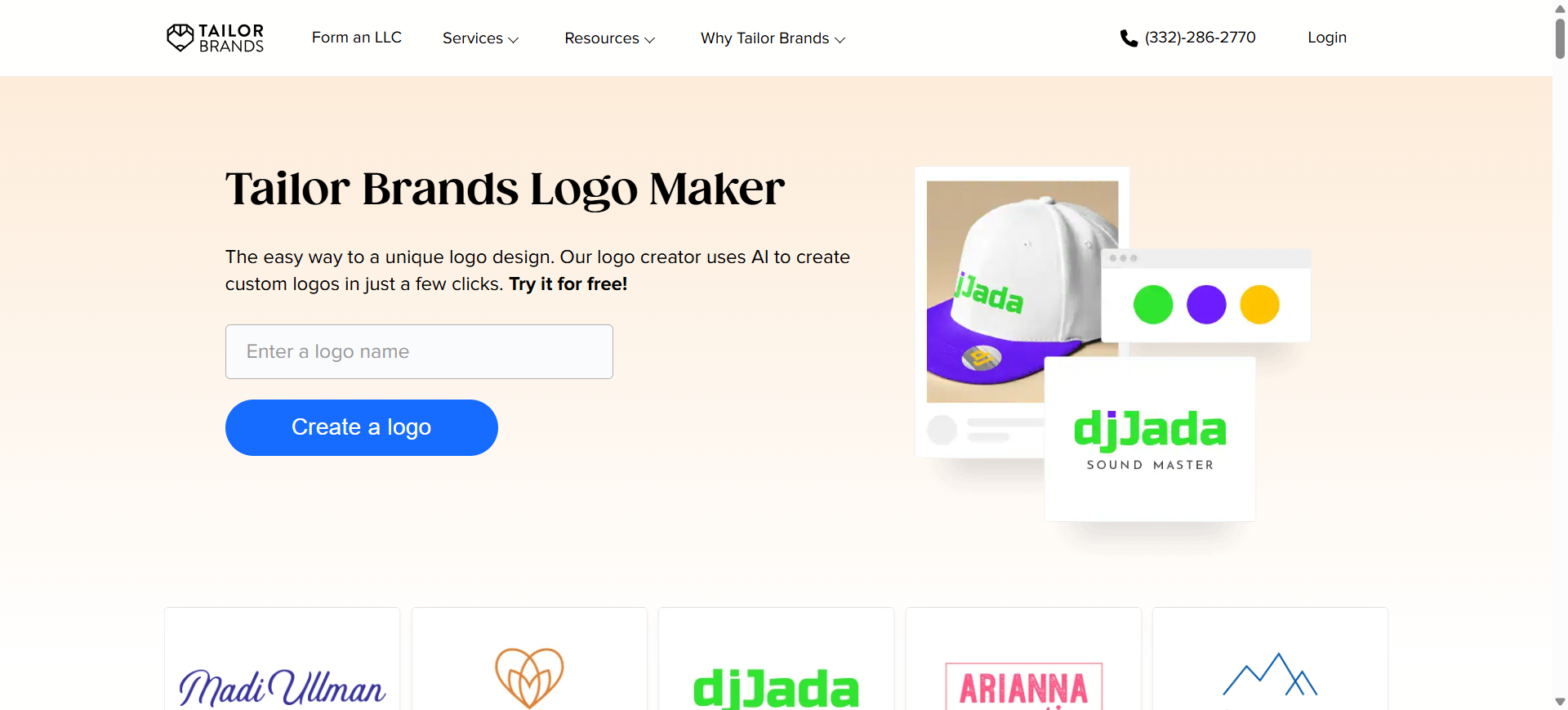
Tailor Brands AI is an automated AI logo generator and branding platform designed to help businesses create logos and build brand identities quickly. The system collects information about your business such as name, industry, and style preferences and generates multiple logo concepts automatically.
It falls into the branding AI category, because it not only creates logos but also produces brand assets like social media designs, business cards, and brand guidelines.
Key Features of Tailor Brands AI
- AI-powered logo generator that creates logos based on brand name and design preferences
- Guided design workflow that asks questions about industry, style, and logo type
- Built-in logo editor studio for adjusting fonts, colors, and layout
- Automatic generation of branding assets such as business cards and social media versions
- Exportable high-resolution logo files including PNG, SVG, and EPS formats
How Tailor Brands AI Helps With Logo Design
Tailor Brands AI simplifies logo creation through a guided process. Users enter their company name, choose style preferences such as icon-based or wordmark logos, and the AI generates several design options automatically. The built-in editor allows users to customize the logo and export ready-to-use branding assets for websites, social media, and marketing materials.
Real-World Examples
A new online clothing brand could use Tailor Brands AI to generate a modern typography-based logo. After entering the brand name and choosing a minimalist style, the platform generates logo options featuring clean fonts and simple icons. The selected logo can then be exported along with branded social media templates and business card designs.
Best For
- Entrepreneurs launching a new business
- Startups building a complete brand identity
- Small businesses needing fast logo generation
- E-commerce stores and online brands
- Non-designers creating professional branding assets
Pricing
Tailor Brands typically uses a subscription model, with plans starting at around $3.99–$12.99 per month depending on branding features. Some plans include additional tools such as website creation, brand kits, and business services.
Why Tailor Brands AI Stands Out for AI Logo Design
Tailor Brands AI stands out because it functions as a full business branding platform, not just a logo generator. In addition to creating logos, it helps businesses build brand assets, launch websites, and manage digital branding tools within one ecosystem.
6. Adobe Firefly AI Logo Generator
What is Adobe Firefly AI Logo Generator
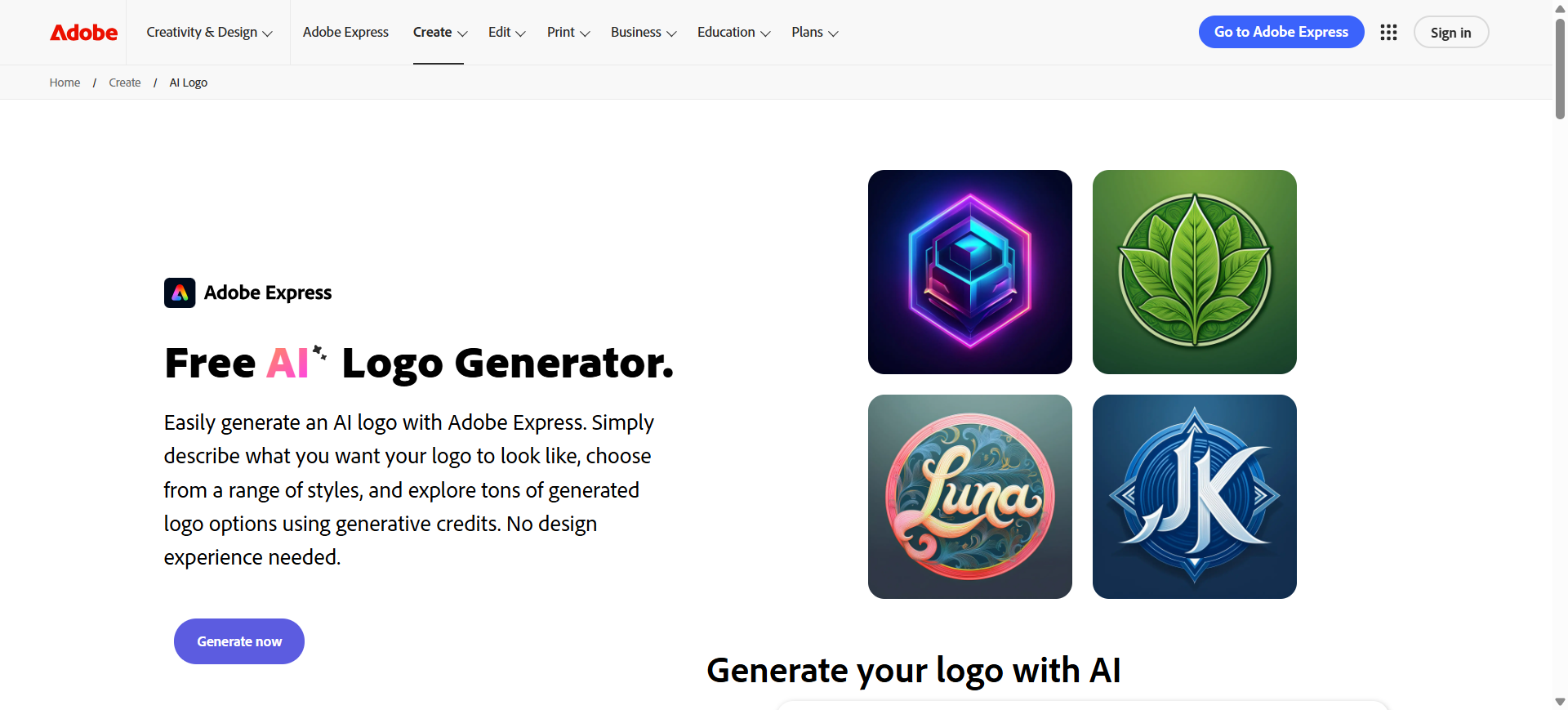
Adobe Firefly AI is a generative AI design platform developed by Adobe that can generate logos, icons, and visual assets using text prompts. Instead of relying only on templates, it uses prompt-based generative AI to create original graphics and vector illustrations that can be used as logo concepts.
It falls into the prompt-based AI generator category, allowing designers to generate logo ideas, icons, and visual styles using text descriptions such as “minimalist tech logo” or “retro coffee shop badge.”
Key Features of Adobe Firefly AI Logo Generator
- Text-to-image AI generation for creating logo concepts from prompts
- Text-to-vector graphics tool for generating editable logo icons and shapes
- Style controls to modify color palettes, textures, and visual styles
- Integration with Adobe Creative Cloud apps such as Photoshop and Illustrator
- AI-assisted generation of icons, illustrations, and brand visual assets
How Adobe Firefly Helps With Logo Design
Adobe Firefly helps designers generate logo concepts quickly by turning text prompts into graphics or vector artwork. Users can experiment with styles, colors, and icon concepts, then refine the results in Adobe design tools like Illustrator or Photoshop. This workflow makes it useful for exploring creative directions before finalizing a brand logo.
Real-World Examples
A startup building a futuristic tech brand could use Firefly to generate prompt-based concepts like “minimal geometric AI logo with neon blue gradient.” The tool would create multiple visual variations with different shapes, icon styles, and typography inspiration that designers can refine into a final logo inside Adobe Illustrator.
Best For
- Graphic designers exploring logo concepts
- Creative teams using the Adobe ecosystem
- Startups experimenting with visual brand styles
- Designers generating custom icons and symbols
- Agencies brainstorming logo directions
Pricing
Adobe Firefly offers a free tier with limited generative credits for image generation. Paid plans are included with Adobe Creative Cloud subscriptions, which unlock additional generations and advanced features.
Why Adobe Firefly Stands Out for AI Logo Design
Adobe Firefly stands out because it focuses on generative design rather than template logos. Its prompt-based workflow allows designers to generate unique icons, textures, and vector graphics that can be refined inside professional tools like Illustrator and Photoshop, making it especially powerful for creative professionals building custom logos.
7. Ideogram AI
What is Ideogram AI
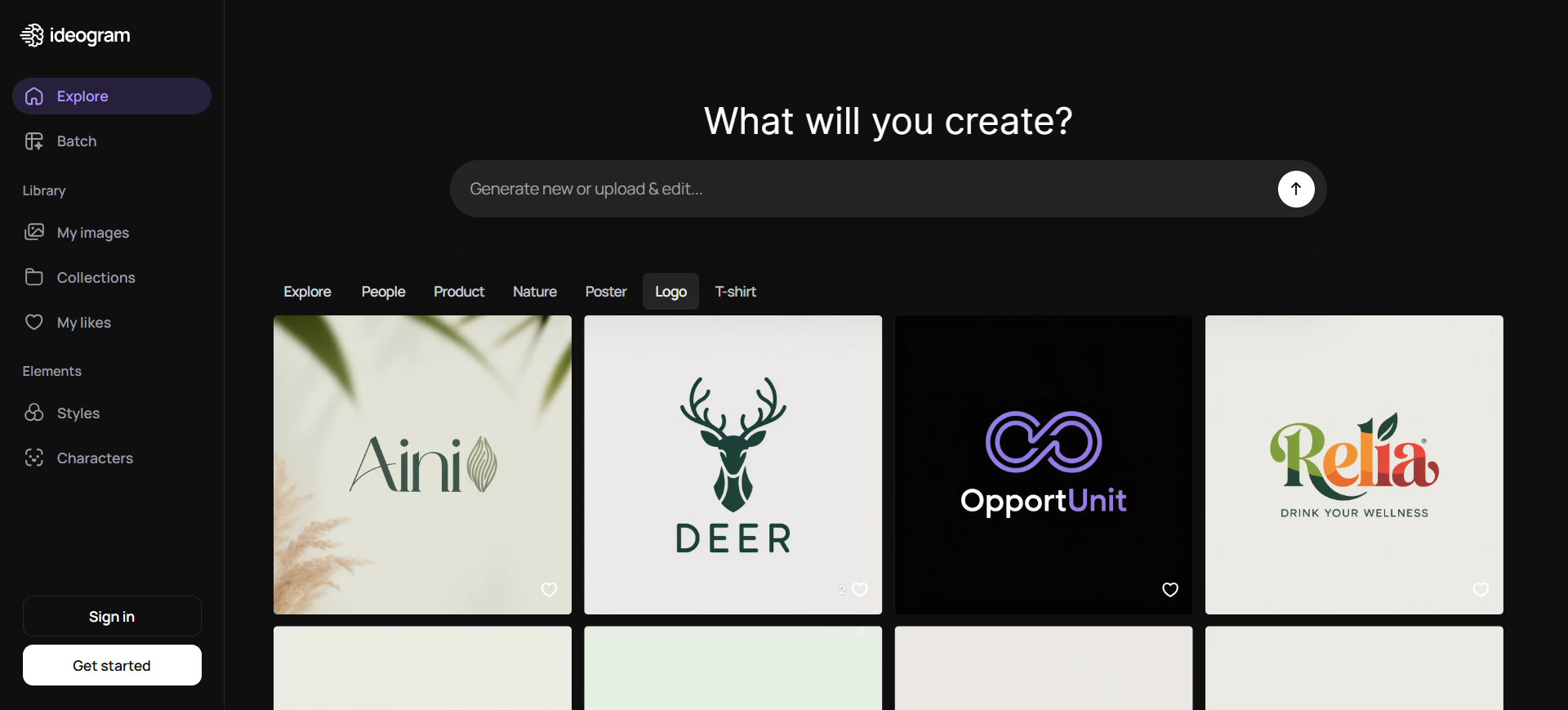
Ideogram AI is a prompt-based AI image generator designed to create images, graphics, and logos directly from text descriptions. Users enter a prompt describing the logo style, typography, and colors, and the AI generates multiple visual designs automatically.
It belongs to the prompt-based AI generator category, meaning logos are created through text prompts rather than templates. Ideogram is particularly known for generating images with clear, readable typography, something many AI image models struggle with.
Key Features of Ideogram AI
- Text-to-image AI generation for creating logos from prompts
- Industry-leading text rendering accuracy for wordmark logos
- Magic Prompt feature that enhances prompts for better design outputs
- Multiple style options such as illustration, design, 3D, and realistic
- Built-in tools for image remixing, upscaling, and style reference editing
How Ideogram AI Helps With Logo Design
Ideogram AI helps users rapidly explore logo concepts by generating designs from descriptive prompts. Designers can experiment with typography styles, icon ideas, and color palettes simply by adjusting the prompt. This makes it useful for brainstorming creative logo directions before refining the final design.
Real-World Examples
A new AI startup might enter a prompt such as:
“minimal futuristic AI logo with glowing blue typography and geometric symbol.”
Ideogram would generate several logo variations featuring stylized lettering, modern shapes, and tech-style color schemes. Designers can then select the best concept and refine it into a finished brand logo.
Best For
- Designers exploring creative logo concepts
- Startups needing unique wordmark logos
- Creators experimenting with prompt-based design
- Agencies brainstorming branding ideas
- Marketers generating visual branding assets
Pricing
Ideogram AI offers a free plan with limited daily image generations. Paid plans start at a low monthly subscription and unlock faster generations, additional credits, and advanced features.
Why Ideogram AI Stands Out for AI Logo Design
Ideogram AI stands out because of its exceptional typography rendering capabilities. Unlike many AI image generators that distort text, Ideogram can produce clear, readable lettering directly within generated images, making it particularly effective for wordmark and text-focused logo designs.
8. Canva AI Logo Generator
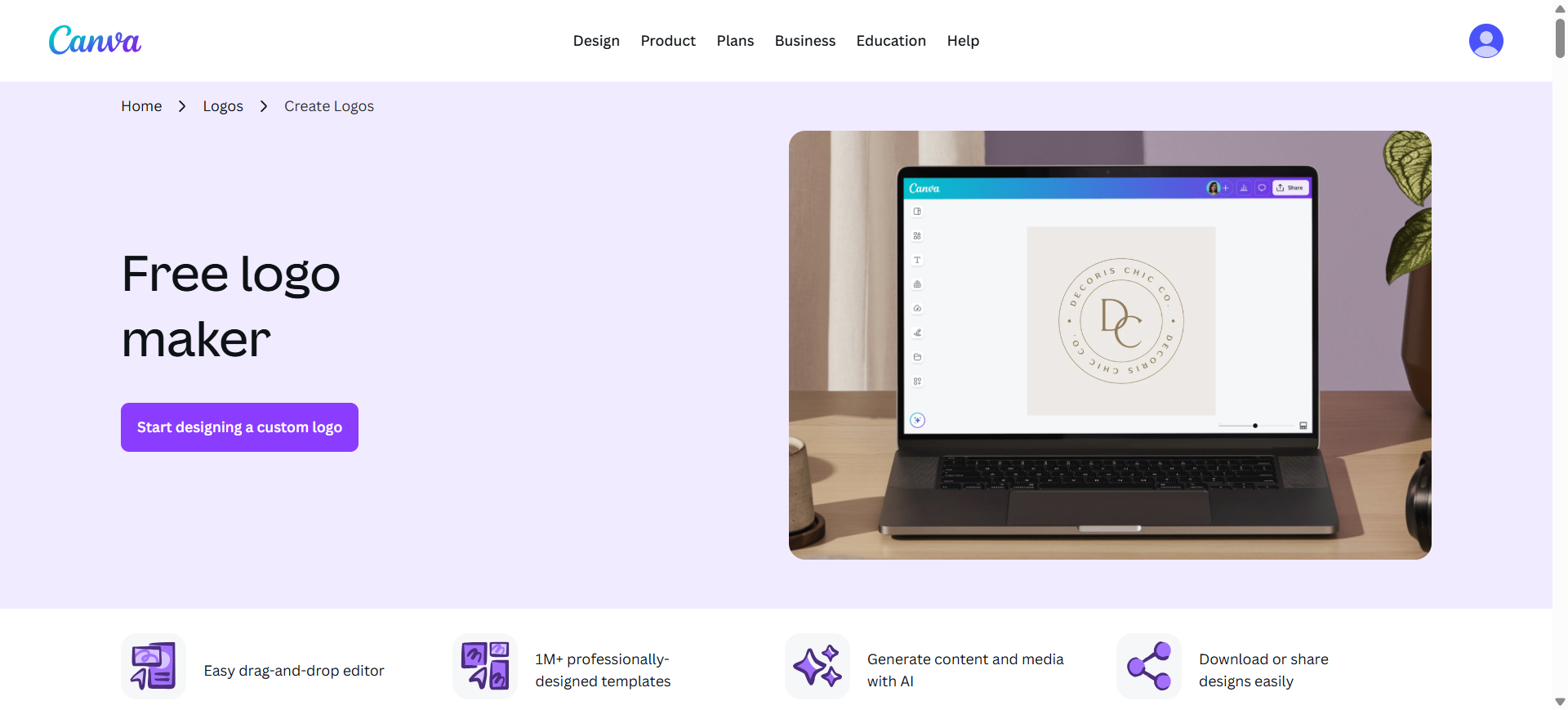
What is Canva AI Logo Generator
Canva AI Logo Generator is a design platform that combines AI-powered design suggestions with a drag-and-drop editor to help users create logos quickly. Instead of relying only on automatic generation, Canva blends AI-assisted design with manual editing, allowing users to generate logo ideas and then customize them fully.
It belongs to the AI-assisted design category, where artificial intelligence suggests layouts, styles, and templates while users retain control over the final design.
Key Features of Canva AI Logo Generator
- AI-generated logo ideas from prompts or brand inputs
- Large library of icons, fonts, graphics, and templates
- Drag-and-drop logo editor for full customization
- AI tools like Magic Design and style suggestions for faster creation
- Export options including PNG, SVG, and high-resolution formats for branding
How Canva AI Helps With Logo Design
Canva AI helps users generate logo concepts quickly and refine them using a visual editor. After entering brand information or selecting a template, users can modify fonts, colors, layouts, and icons to match their brand style. The AI assists by suggesting design variations and layouts, making the process easier for beginners.
Real-World Examples
A content creator launching a YouTube channel could generate a logo using Canva AI by entering keywords like “gaming channel logo neon style.” Canva would suggest logo concepts and templates, which the user can customize with different fonts, icons, and colors before exporting versions optimized for social media profiles.
Best For
- Beginners creating their first brand logo
- Content creators and influencers
- Small businesses and startups
- Social media marketers
- Designers needing quick logo drafts
Pricing
Canva offers a free plan that includes basic logo creation tools and templates. Premium features such as advanced AI tools, brand kits, and premium assets are available through Canva Pro subscriptions starting around $15 per month.
Why Canva AI Logo Generator Stands Out for AI Logo Design
Canva stands out because it combines AI generation with a powerful design editor. Instead of locking users into automated outputs, it allows complete customization using templates, icons, and AI suggestions, making it one of the most accessible tools for beginners creating logos and brand assets.
9. Logo Diffusion AI
What is Logo Diffusion AI
Logo Diffusion AI is a prompt-based AI logo generator that creates unique logos from text descriptions, sketches, or existing images. Instead of relying on templates, it uses generative AI models to produce multiple original logo variations based on user input.
It belongs to the prompt-based generative AI category, meaning users describe the logo they want, and the system generates designs that can be refined and exported as production-ready files.
Key Features of Logo Diffusion AI
- Text-to-logo generation that converts prompts into multiple logo concepts
- Sketch-to-logo capability for turning rough drawings into polished logos
- Built-in Magic Editor to refine designs, colors, and layouts
- Vector export and upscaling tools for high-resolution brand assets
- Advanced tools such as background removal and style transfer for logo customization
How Logo Diffusion AI Helps With Logo Design
Logo Diffusion helps users generate highly creative logo ideas without relying on pre-made templates. By entering prompts or uploading sketches, designers can quickly explore dozens of visual directions and refine them using built-in editing tools. This makes the platform useful for both brainstorming concepts and producing usable logo assets.
Real-World Examples
A tech startup could enter a prompt such as “minimal AI logo with glowing circuit symbol and modern typography.” Logo Diffusion would generate multiple logo variations using geometric icons, futuristic color palettes, and modern design styles. Designers can then refine the concept and export vector files for branding and marketing.
Best For
- Designers exploring creative logo concepts
- Startups needing unique brand identities
- Freelancers creating logo concepts for clients
- Marketing teams generating visual branding assets
- Businesses wanting non-template logos
Pricing
Logo Diffusion offers a free plan with limited credits for experimentation. Paid subscription tiers typically start around $24 per month, unlocking commercial usage, higher generation limits, and advanced editing features.
Why Logo Diffusion AI Stands Out for AI Logo Design
Logo Diffusion stands out because it focuses on generative design rather than templates. The ability to generate logos from text prompts, sketches, or images provides much greater creative freedom and allows users to produce completely unique logo concepts that can be refined into professional branding assets.
10. Zoviz AI
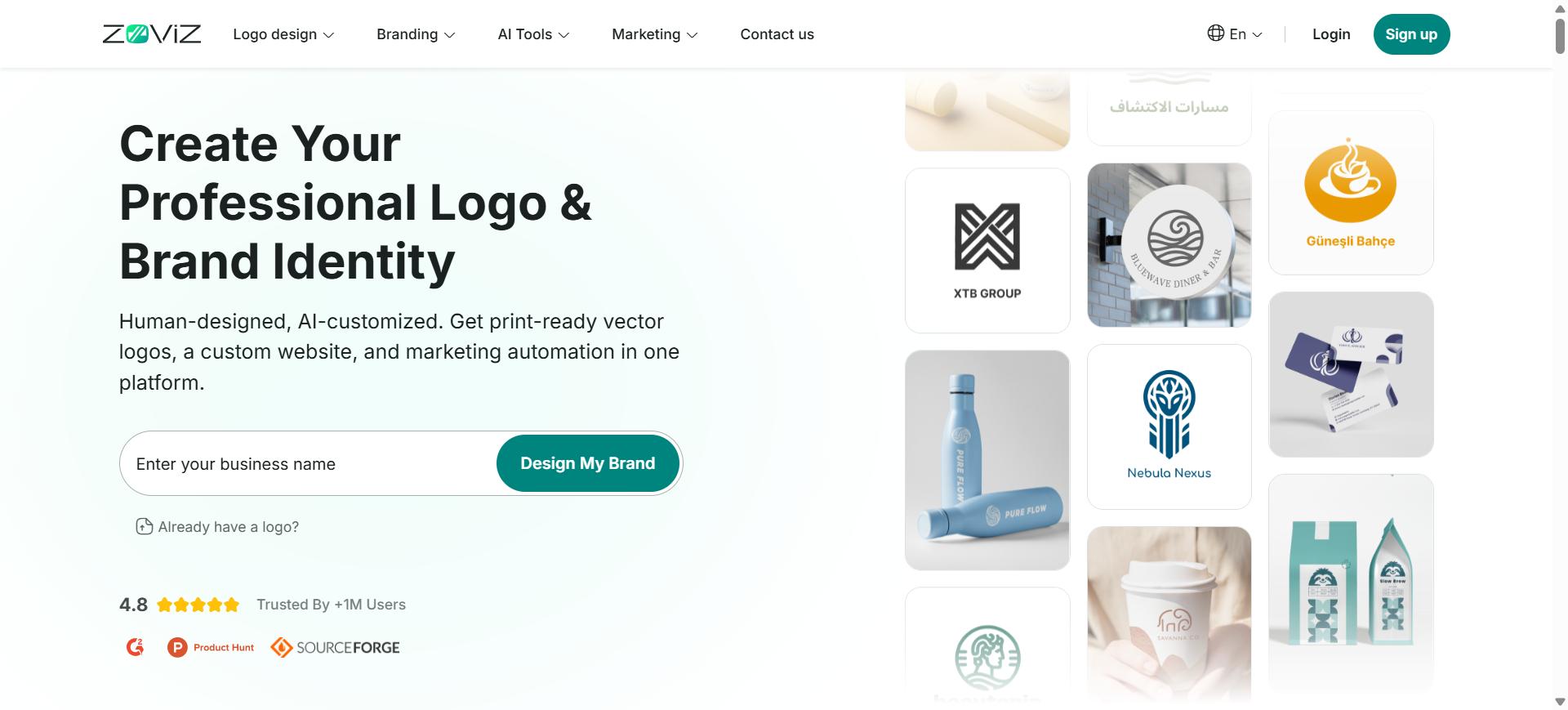
What is Zoviz AI
Zoviz AI is an automated AI logo generator and branding platform designed to help businesses create professional logos and full brand kits within minutes. Users enter their business name, industry, and style preferences, and the AI generates logo variations automatically.
It belongs to the automated AI branding category, meaning the platform generates logos while also producing additional brand assets such as business cards, social media graphics, and brand guidelines.
Key Features of Zoviz AI
- AI-powered logo generation based on brand name, industry, and style
- Automatic brand kit creation including business cards and social media assets
- Built-in logo customization tools to edit colors, fonts, icons, and layout
- High-resolution vector logo downloads for digital and print use
- Support for multiple languages and branding styles for global businesses
How Zoviz AI Helps With Logo Design
Zoviz AI simplifies logo creation by generating multiple professional logo options instantly after users enter basic brand details. The platform then allows users to customize colors, typography, and layout before downloading a complete logo package and brand assets, making it accessible even for people without design experience.
Real-World Examples
A new restaurant brand could enter its name and choose keywords like “modern dining” or “premium food.” Zoviz AI would generate logo options featuring food icons, elegant typography, and suitable color palettes such as black and gold. The selected logo could then be exported along with matching social media graphics and business card templates.
Best For
- Entrepreneurs launching a new brand
- Startups needing quick logo creation
- Small businesses building brand identity assets
- Freelancers designing branding concepts
- Non-designers creating professional logos
Pricing
Zoviz AI allows users to generate and preview logos for free before downloading. Paid plans typically start around $19.99, with higher tiers providing complete branding kits and additional assets.
Why Zoviz AI Stands Out for AI Logo Design
Zoviz AI stands out because it focuses on fast brand identity creation rather than just logos. In addition to generating logos, the platform produces a full set of branding materials including business cards, social media graphics, and brand guidelines allowing businesses to launch a complete visual identity quickly.
Examples of AI Logo Design
AI logo design tools are commonly used across startups, online businesses, and digital creators.
Examples include:
- Startup brands generating minimal tech-style logos using tools like Looka AI
- Ecommerce stores creating product brand logos using Canva AI Logo Generator
- Content creators designing YouTube channel logos with Ideogram AI
- Tech companies generating futuristic icon logos using Logo Diffusion AI
- Small businesses building full brand kits using Tailor Brands AI
Where AI Is Used in Logo Design?
AI supports several stages of the logo design process, helping users create professional branding faster and with less manual work.
Concept generation
AI analyzes brand inputs like company name, industry, and style preferences to generate multiple logo ideas automatically.
Typography pairing
AI recommends font styles that match the brand tone, helping create balanced and readable wordmark or text-based logos.
Color palette selection
AI suggests color combinations based on brand personality and industry trends, ensuring visual consistency.
Icon generation
AI creates icons or symbols that represent the brand, either from design libraries or generative AI models.
Brand kit creation
Many AI tools automatically generate brand assets such as color guidelines, social media graphics, and business cards after the logo is finalized.
Benefits of AI Logo Design Tools
AI logo design tools help businesses create professional branding faster and more efficiently. Here are the key advantages.
- Fast Logo Creation – AI can generate multiple logo ideas within seconds based on brand details and design preferences.
- Cost-Effective Solution – Businesses can design logos without hiring professional designers, reducing branding costs.
- Easy to Use – Most AI logo makers are beginner-friendly and require no graphic design experience.
Flexible Customization – Users can easily edit colors, fonts, icons, and layouts to match their brand style. - Multiple Design Variations – AI tools generate many logo options, helping users compare and choose the best design.
- Brand Kit Generation – Many platforms also provide brand kits that include color palettes, typography, and marketing templates.
How to Choose the Right AI Logo Design Tool
Selecting the right AI logo generator depends on your branding needs, design experience, and the level of customization required. The following factors help determine which tool is most suitable for creating a professional logo.
Ease of Use
Choose a platform with a simple interface and guided workflow so you can generate and edit logos easily without design experience. Tools that ask for brand details and automatically generate options are often best for beginners.
Customization Options
Look for tools that allow you to modify fonts, colors, icons, and layouts. Strong customization features help you refine the AI-generated logo so it better matches your brand identity.
Design Quality
Evaluate how professional and visually balanced the generated logos look. High-quality AI tools analyze design principles to create better typography, color combinations, and icon placement.
File Formats and Export Options
Ensure the tool supports high-resolution downloads such as SVG, PNG, or PDF, which are necessary for websites, social media, printing, and branding materials.
Brand Kit and Additional Assets
Some AI logo generators also provide brand kits with color palettes, typography guidelines, and marketing templates. These features help maintain consistent branding across platforms.
Pricing and Licensing
Review pricing models carefully. Some tools are free to generate logos but require payment to download files or obtain commercial usage rights.
Choosing a tool based on these factors ensures that the generated logo is not only visually appealing but also usable across all branding and marketing materials.
Future of AI Logo Design
AI logo design is expected to become more intelligent and automated as design technology evolves. Key developments shaping the future include:
- Generative Branding Systems – AI will create full brand identities, including logos, colors, typography, and brand guidelines.
- AI Design Copilots – AI assistants will help designers generate ideas, improve layouts, and create design variations.
- Brand Identity Automation – Businesses will be able to generate complete branding packages by entering basic brand information.
- Multimodal Design Tools – Future tools will support text prompts, sketches, images, and voice inputs for more flexible logo creation.
Conclusion
AI logo design tools are transforming how businesses create visual identities. What once required professional designers and long design processes can now be accomplished in minutes using AI-powered platforms.
From automated branding systems like Looka AI and Tailor Brands AI to generative tools like Adobe Firefly and Ideogram AI, modern AI logo generators offer a wide range of creative and practical capabilities.
As AI design technology continues to advance, these tools will increasingly help startups, creators, and businesses launch professional brands faster while still allowing room for customization and creative control.
FAQs
What is an AI logo generator?
An AI logo generator is a design tool that uses artificial intelligence to create logos automatically. Users enter information such as a business name, industry, and style preferences, and the AI generates multiple logo designs. Many tools also allow customization of fonts, colors, icons, and layouts before downloading the final logo files.
Are AI logos good for businesses?
Yes, AI logos can be useful for businesses, especially startups and small companies. AI tools can generate professional-looking logos quickly and at a lower cost than hiring designers. While they may not replace custom design for large brands, they are effective for creating clean and practical brand identities.
Can AI create unique logos?
AI can generate many logo variations using different icons, typography, and color combinations. This helps create designs that appear unique. However, because AI tools often rely on templates or trained design patterns, some logos may look similar unless users customize them carefully.
How much do AI logo makers cost?
AI logo makers typically offer free logo generation and preview options. Downloading high-resolution files or brand kits usually requires payment. Prices often range from around $10 to $100 depending on the platform, file formats, and additional branding assets included.
Can I trademark an AI-generated logo?
Yes, an AI-generated logo can usually be trademarked if it meets legal requirements such as originality and distinctiveness. However, users should ensure the logo does not resemble existing trademarks. In many cases, additional customization helps make the design unique enough for trademark registration.
What is the best AI logo generator in 2026?
Some of the best AI logo generators in 2026 include Looka AI, Brandmark AI, LogoAI, Canva AI Logo Generator, and Adobe Firefly. The best tool depends on your needs. Some platforms focus on automated branding kits, while others offer prompt-based generative design and deeper customization options.