
AI Business Intelligence refers to the use of artificial intelligence within business intelligence platforms to automatically analyze data, generate insights, and support decision-making. It helps organizations transform large, complex datasets into clear, actionable intelligence without heavy manual analysis. In 2026, AI Business Intelligence tools are enabling faster forecasting, natural language queries, and real-time insights, making data more accessible to both technical and non-technical users across organizations.
List of Best AI Business Intelligence Tools
The following tools represent the most advanced and widely adopted AI Business Intelligence platforms, combining analytics, automation, and decision intelligence capabilities.
- ThoughtSpot AI
- Microsoft Power BI
- Tableau AI
- Google Looker AI
- Qlik Sense AI
- Domo AI
- Sisense AI
- Oracle Analytics AI
- Sigma Computing AI
- Julius AI
These tools vary in complexity, pricing, and use cases, so comparing them based on features and business needs is essential before choosing the right platform.
Comparison Table
The table below compares the top AI Business Intelligence tools based on key decision factors such as use case, features, pricing, and category.
| Tool | Best For | Key Features | Pricing | Category |
|---|---|---|---|---|
| ThoughtSpot AI | Search-driven analytics | Natural language queries, AI insights, Live dashboards | Custom pricing (enterprise) | Conversational BI |
| Microsoft Power BI AI | Microsoft ecosystem users | Copilot AI, dashboards, data modeling, integrations | Free + Pro from ~$10/user/month | Enterprise BI |
| Tableau AI | Advanced data visualization | Predictive analytics, AI insights, interactive dashboards | From ~$75/user/month | Enterprise BI |
| Google Looker AI | Data modeling & semantic layer | Gemini AI, LookML modeling, embedded analytics | Custom pricing | Cloud BI |
| Qlik Sense AI | Data exploration & ML | AutoML, associative engine, augmented analytics | From ~$30/user/month | Enterprise BI |
| Domo AI | Real-time dashboards | AI apps, real-time data, cloud-native BI | Custom pricing | Cloud BI |
| Sisense AI | Embedded analytics | API-first BI, AI insights, data modeling | Custom pricing | Embedded BI |
| Oracle Analytics AI | Enterprise workflows | Augmented analytics, ML models, Oracle integration | Custom pricing | Enterprise BI |
| Sigma Computing AI | Cloud data warehouse analysis | Spreadsheet UI, AI analysis, cloud-native workflows | From ~$20/user/month | Cloud BI |
| Julius AI | Conversational analytics | Chat-based data analysis, file uploads, instant insights | Free + paid plans (~$20/month) | Conversational BI |
These tools differ significantly in how they approach analytics some prioritize conversational AI, while others focus on enterprise-grade reporting or cloud-native workflows.
In the next section, each tool is explained in detail to help you understand how they work, what they offer, and which one fits your business needs best.
1. ThoughtSpot AI
What is ThoughtSpot AI
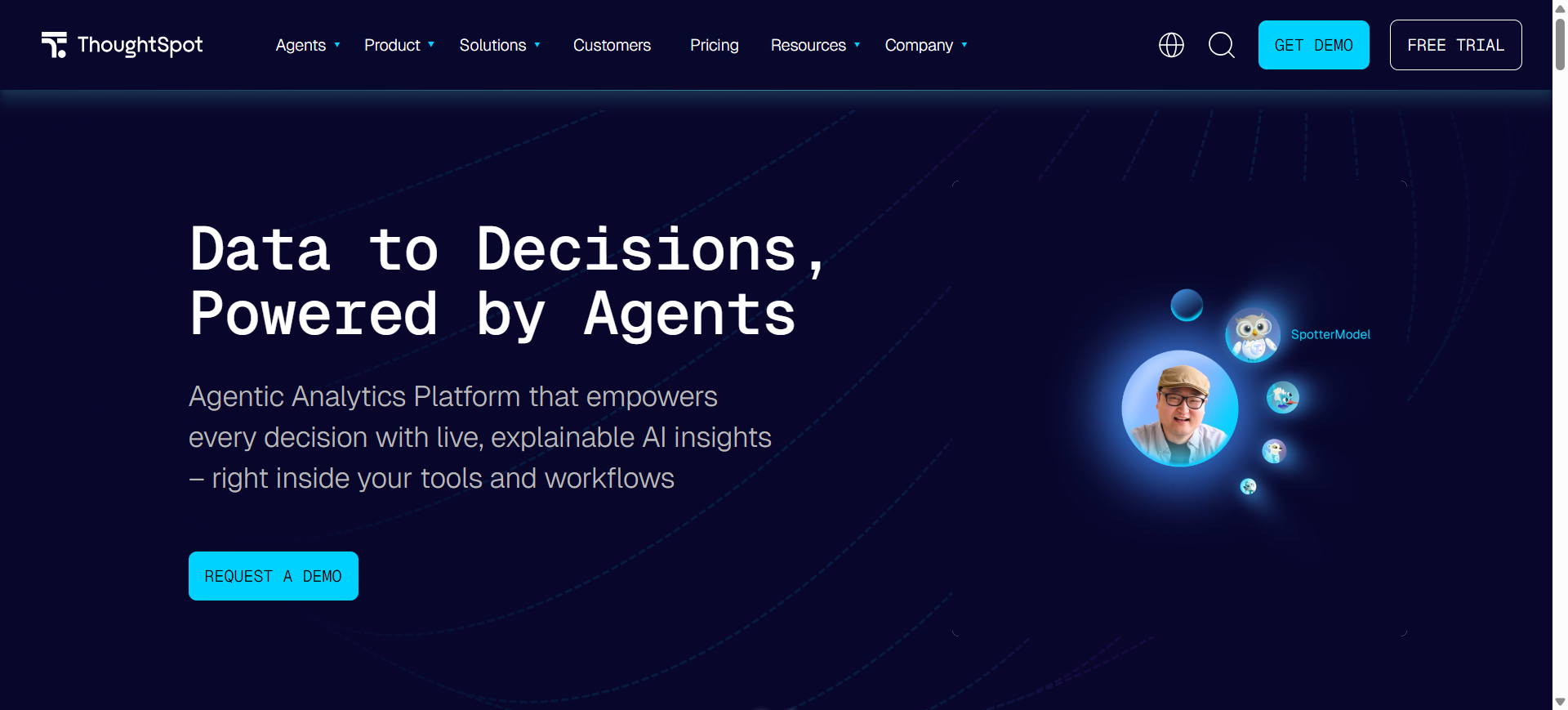
ThoughtSpot is an AI-powered business intelligence platform designed to help users analyze data using natural language questions instead of complex queries or manual reporting. It allows teams to search business data, create dashboards, and discover insights in real time.
The platform is widely known for its conversational analytics experience through Spotter AI, which helps users ask questions and receive instant visual insights. ThoughtSpot AI is mainly used for self-service analytics, decision-making, and real-time business reporting across cloud data platforms.
How to Use ThoughtSpot AI for Business Intelligence
- Connect ThoughtSpot AI to your cloud databases, spreadsheets, or business applications.
- Ask business questions in natural language, such as sales trends or customer performance.
- Use AI-generated dashboards and visualizations to explore insights instantly.
- Share reports and live dashboards with teams for faster decision-making.
Benefits of Using ThoughtSpot AI
- Makes data analysis easier for non-technical users
- Reduces dependency on data teams and analysts
- Delivers real-time business insights quickly
- Helps identify trends and anomalies automatically
- Improves decision-making with conversational analytics
Real World Example
A retail company can use ThoughtSpot AI to monitor sales performance across multiple regions in real time. Marketing teams can ask natural language questions to identify top-performing campaigns, while finance teams can track revenue trends without building manual reports. This helps organizations make faster and more accurate business decisions using live data.
Who Should Use It
- Business analysts
- Enterprise teams
- Sales and marketing departments
- Operations managers
- Non-technical business users
Pricing
ThoughtSpot AI offers an Essentials plan starting at around $25 per user/month, while the Pro plan starts at approximately $50 per user/month with advanced AI analytics features. Enterprise pricing is custom-based depending on data scale, users, and AI usage requirements.
2. Microsoft Power BI AI
What is Microsoft Power BI AI
Microsoft Power BI is a business intelligence platform that helps organizations analyze data, create dashboards, and generate AI-powered insights. It combines traditional reporting tools with Microsoft Copilot AI features to simplify data analysis and reporting.
The platform allows users to connect multiple data sources, visualize business performance, and ask questions using natural language. Power BI AI is widely used for reporting, forecasting, KPI tracking, and enterprise analytics within the Microsoft ecosystem.
How to Use Microsoft Power BI AI for Business Intelligence
- Connect Power BI to business data sources such as Excel, SQL databases, or cloud applications.
- Use Power BI Copilot to generate reports, summaries, and dashboard insights automatically.
- Build interactive dashboards to monitor KPIs, trends, and business performance.
- Share reports across teams through Microsoft Teams, Office 365, and cloud workspaces.
Benefits of Using Microsoft Power BI AI
- Simplifies business reporting with AI assistance
- Works seamlessly with Microsoft products and services
- Helps teams track real-time business performance
- Supports both technical and non-technical users
- Improves decision-making with predictive insights
Real World Example
A finance team can use Microsoft Power BI AI to monitor company revenue, expenses, and forecasting in real time. Sales managers can track regional performance dashboards, while executives can use Copilot AI summaries to understand business trends quickly. This helps organizations centralize reporting and improve operational visibility across departments.
Who Should Use It
- Enterprises using Microsoft products
- Business analysts
- Finance and operations teams
- Data reporting teams
- Small and large businesses
Pricing
Microsoft Power BI offers a free version with limited sharing features. Power BI Pro pricing starts at approximately $14 per user/month, while Power BI Premium Per User costs around $24 per user/month with advanced AI and enterprise analytics capabilities.
3. Tableau AI
What is Tableau AI
Tableau is an AI-powered business intelligence and data visualization platform developed by Salesforce. It helps businesses analyze data, build interactive dashboards, and discover insights using automation and predictive analytics.
The platform combines Tableau’s visualization capabilities with Einstein AI features to simplify data exploration and reporting. Users can analyze trends, generate insights, and interact with business data using natural language queries and AI-assisted analytics tools.
How to Use Tableau AI for Business Intelligence
- Connect Tableau AI to databases, spreadsheets, cloud platforms, or business applications.
- Use AI-assisted analytics to create visual dashboards and identify business trends.
- Ask questions in natural language to generate automated insights and summaries.
- Share dashboards and reports with teams for collaborative decision-making.
Benefits of Using Tableau AI
- Creates highly interactive and visual dashboards
- Simplifies complex business data analysis
- Helps identify patterns and trends faster
- Supports predictive and AI-driven analytics
- Improves collaboration through shared reporting
Real World Example
A healthcare company can use Tableau AI to track patient data, operational efficiency, and financial performance through interactive dashboards. Marketing teams can analyze campaign engagement, while executives can use AI-generated insights to monitor organizational KPIs. This helps businesses improve reporting accuracy and make faster strategic decisions.
Who Should Use It
- Data analysts
- Enterprises and large organizations
- Marketing and sales teams
- Business intelligence professionals
- Organizations focused on data visualization
Pricing
Tableau Creator pricing starts at approximately $75 per user/month and includes AI-powered analytics and dashboard creation features. Tableau Explorer and Viewer plans are available at lower pricing tiers, while enterprise deployments use custom pricing based on organization size and usage requirements.
4. Google Looker AI
What is Google Looker AI
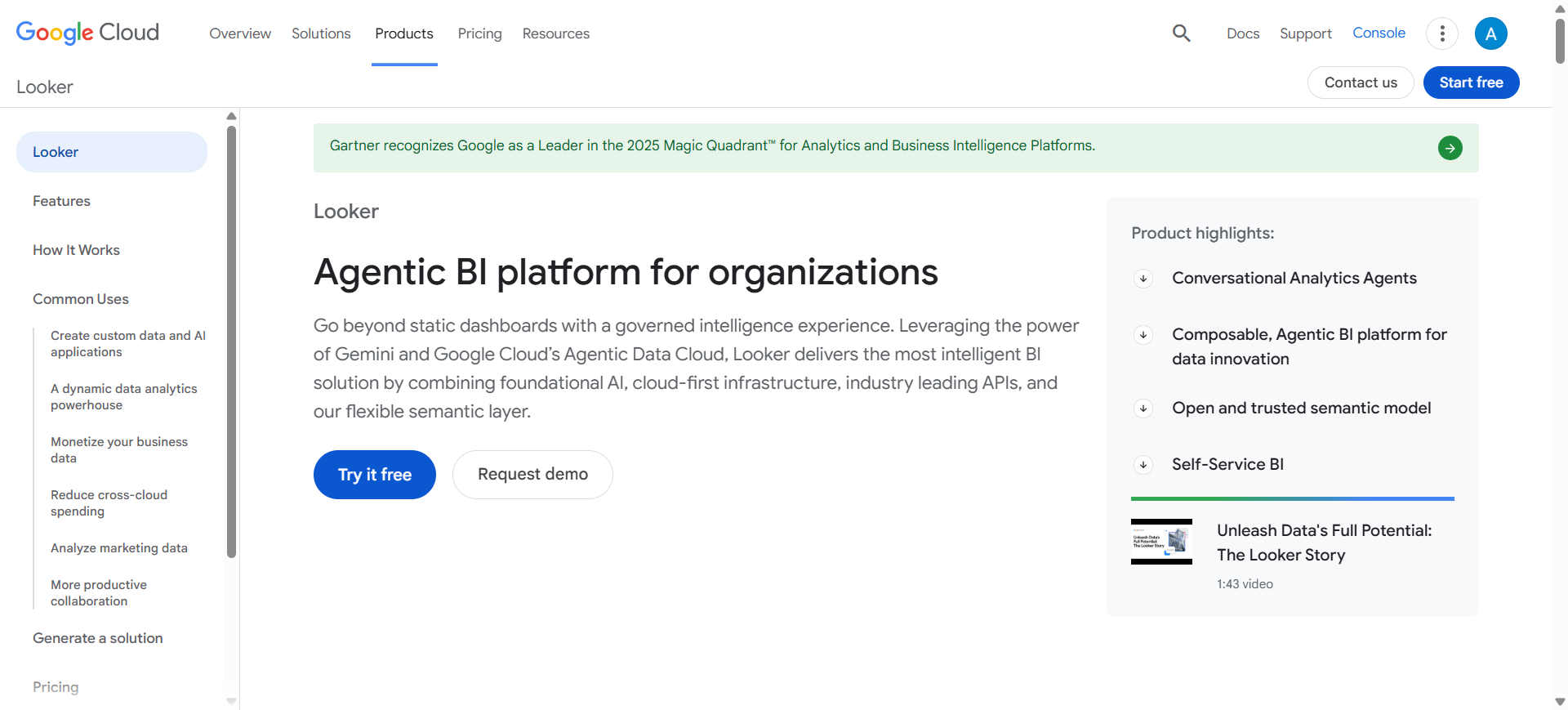
Google Looker is a cloud-based business intelligence platform that helps organizations analyze, visualize, and manage business data using AI-powered analytics. It combines Looker’s semantic data modeling with Google Gemini AI to simplify reporting and insight generation.
The platform is designed for organizations that work with large cloud datasets and need consistent reporting across teams. Looker AI helps users explore business metrics, create dashboards, and generate insights using conversational AI and automated analytics tools.
How to Use Google Looker AI for Business Intelligence
- Connect Looker AI to cloud databases, warehouses, or Google Cloud services.
- Build data models using LookML to organize and standardize business metrics.
- Use Gemini AI to ask questions, generate insights, and automate reporting tasks.
- Share dashboards and embedded analytics with teams or customer-facing applications.
Benefits of Using Google Looker AI
- Provides consistent and centralized business reporting
- Supports large-scale cloud data analytics
- Simplifies insight generation with Gemini AI
- Improves collaboration across departments
- Helps businesses create embedded analytics experiences
Real World Example
An eCommerce company can use Google Looker AI to track customer behavior, inventory performance, and sales trends across multiple regions. Product and marketing teams can use AI-generated insights to identify growth opportunities, while leadership teams can monitor business KPIs through centralized dashboards connected to Google Cloud infrastructure.
Who Should Use It
- Cloud-first organizations
- Data engineering teams
- Enterprise businesses
- Product and analytics teams
- Companies using Google Cloud Platform
Pricing
Google Looker AI uses custom enterprise pricing based on users, data usage, and deployment requirements. Looker Studio remains available as a free reporting tool, while advanced Looker AI and Gemini-powered analytics features are included in enterprise-level plans through Google Cloud.
5. Qlik Sense AI
What is Qlik Sense AI
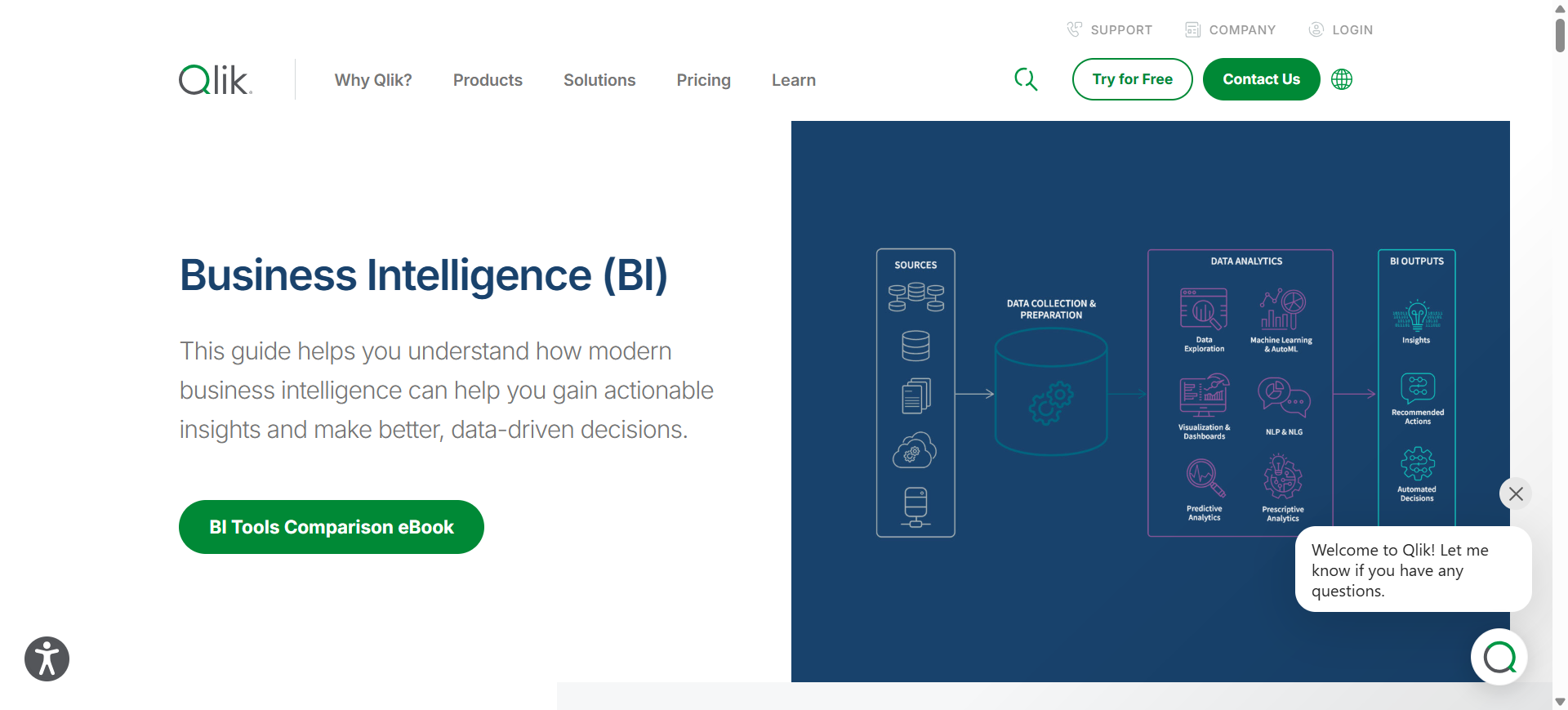
Qlik Sense is an AI-powered business intelligence platform that helps organizations analyze data, discover patterns, and create interactive dashboards. It uses augmented analytics and machine learning to simplify data exploration and support faster business decisions.
The platform is known for its associative analytics engine, which helps users uncover hidden relationships in data without following fixed query paths. Qlik Sense AI also includes AutoML capabilities for predictive analytics and automated insight generation.
How to Use Qlik Sense AI for Business Intelligence
- Connect Qlik Sense AI to databases, spreadsheets, cloud platforms, or enterprise applications.
- Create dashboards and visual reports using drag-and-drop analytics tools.
- Use AI-powered insights and AutoML features to identify trends and predict outcomes.
- Share dashboards and business reports with teams for collaborative analysis.
Benefits of Using Qlik Sense AI
- Helps uncover hidden relationships in business data
- Simplifies predictive analytics with AutoML tools
- Supports interactive and self-service analytics
- Improves business reporting and data exploration
- Enables faster decision-making with AI insights
Real World Example
A manufacturing company can use Qlik Sense AI to monitor supply chain performance, production efficiency, and operational risks. Sales teams can analyze customer demand trends, while management teams can use predictive analytics to forecast inventory requirements. This helps businesses improve planning, reduce inefficiencies, and optimize operations using real-time data.
Who Should Use It
- Business intelligence teams
- Enterprises and mid-sized businesses
- Operations and supply chain managers
- Data analysts
- Organizations needing predictive analytics
Pricing
Qlik Sense AI Standard plans start at approximately $30 per user/month with self-service analytics and dashboard capabilities. Enterprise pricing is custom-based and includes advanced AI, AutoML, governance, and large-scale deployment features.
6. Domo AI
What is Domo AI
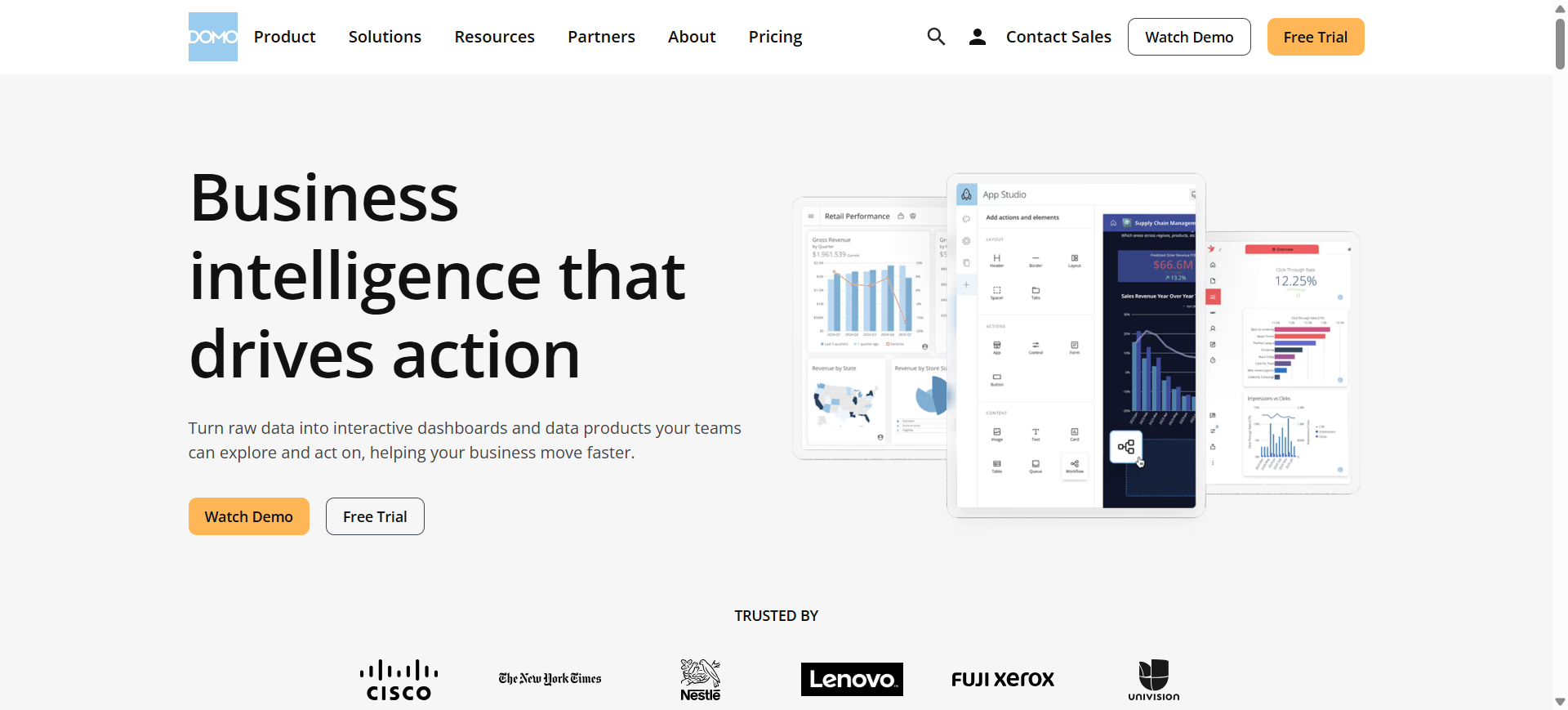
Domo is a cloud-based business intelligence platform that helps organizations collect, analyze, and visualize business data in real time. It combines dashboard reporting, automation, and AI-powered analytics to simplify business decision-making across departments.
The platform is designed for both technical and non-technical users, allowing teams to create reports, monitor KPIs, and automate workflows without complex setup. Domo AI also supports AI-driven insights, data apps, and mobile analytics for faster access to business information.
How to Use Domo AI for Business Intelligence
- Connect Domo AI to business applications, cloud platforms, and databases.
- Import and organize data into dashboards and real-time reports.
- Use AI-powered analytics to identify trends, anomalies, and business insights.
- Share dashboards and alerts with teams to improve collaboration and decision-making.
Benefits of Using Domo AI
- Provides real-time visibility into business performance
- Simplifies reporting with cloud-based dashboards
- Supports mobile access for remote teams
- Helps automate data monitoring and alerts
- Improves collaboration across departments
Real World Example
A retail business can use Domo AI to track inventory levels, store performance, and customer engagement in real time. Marketing teams can monitor campaign results, while operations managers can receive automated alerts about sales drops or supply chain issues. This helps businesses respond quickly to changing conditions and improve operational efficiency.
Who Should Use It
- Mid-sized and enterprise businesses
- Operations and sales teams
- Marketing departments
- Executives and decision-makers
- Organizations needing real-time dashboards
Pricing
Domo AI uses custom pricing based on users, data volume, and platform requirements. Enterprise plans include advanced AI analytics, automation, embedded dashboards, and governance features, while smaller deployments may use usage-based pricing models.
7. Sisense AI
What is Sisense AI
Sisense is an AI-powered business intelligence and embedded analytics platform designed to help organizations analyze, visualize, and integrate data into applications and workflows. It combines dashboards, reporting, and conversational AI features to simplify business analytics.
The platform is widely used for embedded analytics, allowing businesses to deliver AI-powered insights directly inside customer portals, SaaS products, and internal systems. Sisense AI also supports natural language analytics, predictive insights, and API-driven customization for enterprise reporting.
How to Use Sisense AI for Business Intelligence
- Connect Sisense AI to databases, cloud platforms, or enterprise applications.
- Create dashboards and reports using drag-and-drop visualization tools.
- Use AI-powered analytics and conversational queries to explore business insights.
- Embed dashboards and analytics into internal tools or customer-facing applications.
Benefits of Using Sisense AI
- Simplifies embedded analytics for applications and SaaS products
- Helps users analyze data using AI-powered insights
- Supports flexible dashboard customization and APIs
- Improves decision-making with real-time reporting
- Works well for both technical and non-technical teams
Real World Example
A SaaS company can use Sisense AI to provide built-in analytics dashboards for customers inside its platform. Internal teams can monitor product performance, customer engagement, and operational metrics in real time, while external users can access self-service reports without leaving the application. This helps businesses improve customer experience and deliver data-driven services directly within their products.
Who Should Use It
- SaaS companies
- Product and engineering teams
- Enterprise businesses
- Data analytics teams
- Organizations needing embedded analytics
Pricing
Sisense AI pricing starts at approximately $399/month for the Launch plan and around $1,299/month for the Grow plan with advanced embedded analytics capabilities. Enterprise-scale deployments and advanced AI features use custom pricing based on usage, storage, and deployment requirements.
8. Oracle Analytics AI
What is Oracle Analytics AI
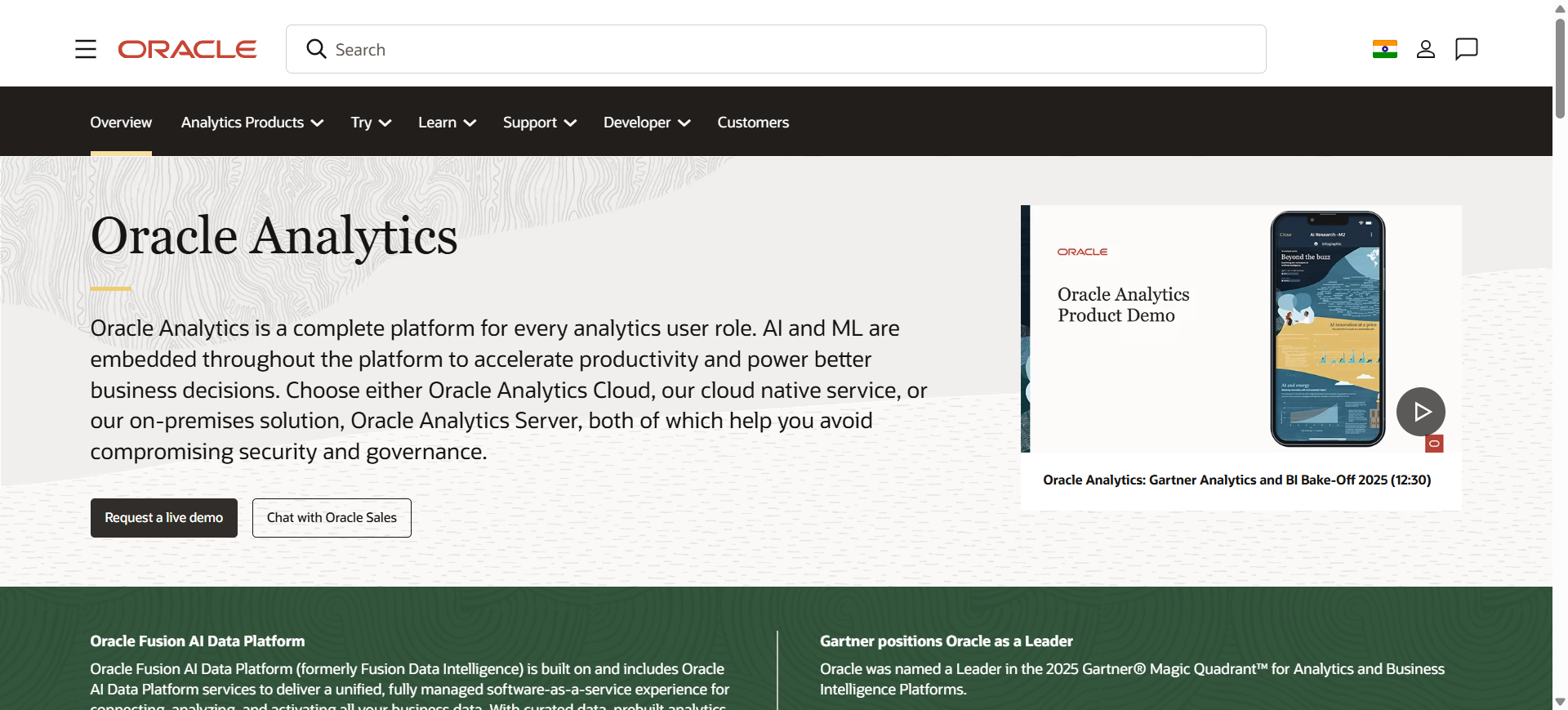
Oracle Analytics is a cloud-based business intelligence platform that helps organizations analyze data, create dashboards, and generate AI-powered insights. It combines data visualization, machine learning, and natural language analytics to simplify business reporting and decision-making.
The platform is designed for enterprise analytics and works closely with Oracle Cloud applications and databases. Oracle Analytics AI helps users explore data, automate analysis, and discover patterns using AI-driven recommendations and predictive analytics tools.
How to Use Oracle Analytics AI for Business Intelligence
- Connect Oracle Analytics AI to cloud databases, enterprise applications, or spreadsheets.
- Import and prepare business data using built-in data preparation tools.
- Use AI-powered dashboards and natural language analytics to explore insights.
- Share reports and predictive analytics dashboards across teams and departments.
Benefits of Using Oracle Analytics AI
- Helps automate data analysis and reporting
- Supports advanced predictive analytics and machine learning
- Works well with Oracle enterprise systems and cloud platforms
- Simplifies dashboard creation with drag-and-drop tools
- Improves business visibility through centralized analytics
Real World Example
A financial services company can use Oracle Analytics AI to monitor revenue performance, customer transactions, and operational risks in real time. Management teams can use AI-generated insights to forecast business growth, while analysts can build predictive models to improve planning and budgeting decisions. This helps organizations make faster and more accurate strategic decisions using centralized business data.
Who Should Use It
- Enterprise businesses
- Finance and operations teams
- Data analysts and BI professionals
- Organizations using Oracle Cloud
- Companies needing predictive analytics
Pricing
Oracle Analytics AI Professional plans start at approximately $16 per user/month, while Enterprise plans start around $80 per user/month with advanced AI, machine learning, and enterprise governance features. Oracle also offers usage-based OCPU pricing and custom enterprise deployment pricing for large organizations.
9. Sigma Computing AI
What is Sigma Computing AI
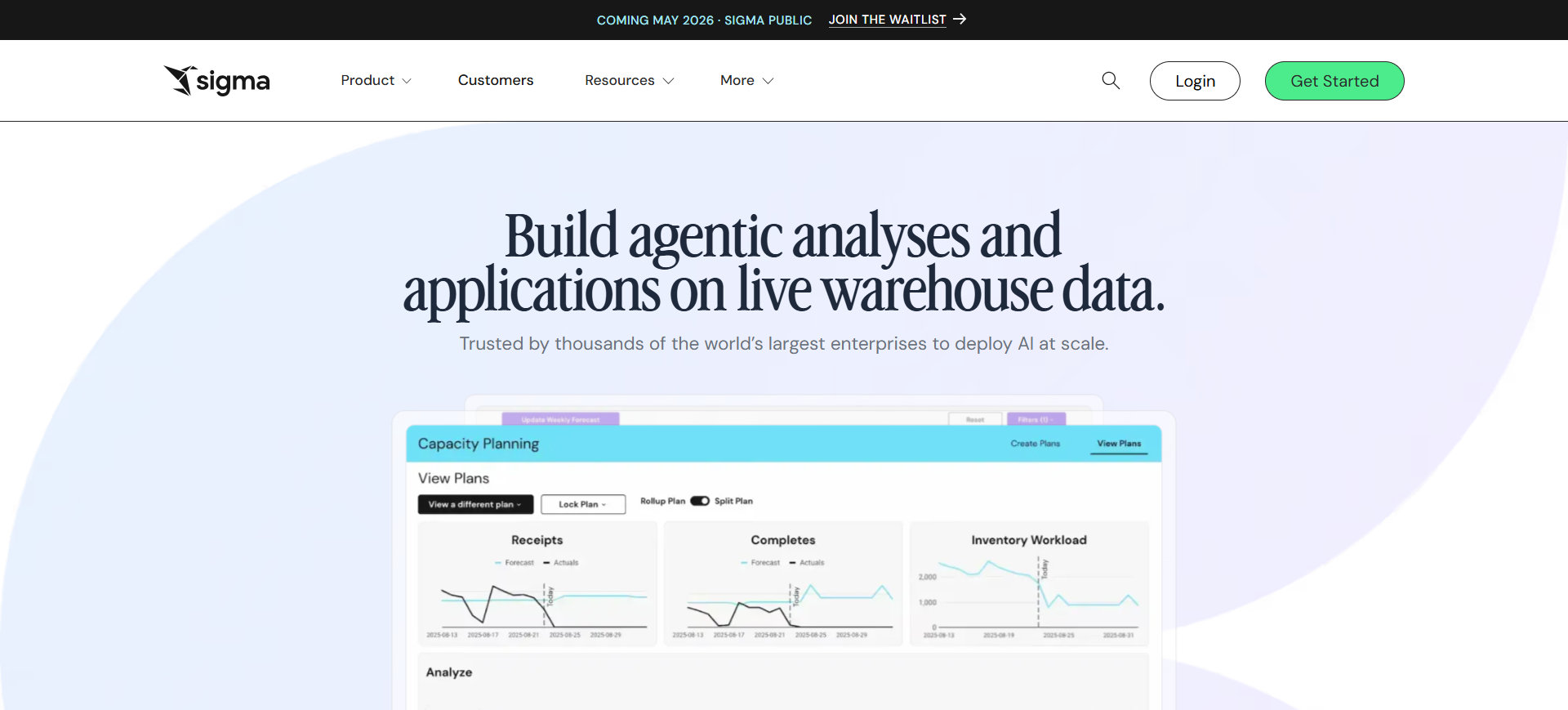
Sigma Computing is a cloud-native business intelligence platform that helps teams analyze live warehouse data using a spreadsheet-style interface and AI-powered analytics tools. It is designed to make data analysis easier for both technical and non-technical users.
The platform connects directly to cloud data warehouses like Snowflake, BigQuery, and Databricks, allowing users to work with real-time data without exporting spreadsheets. Sigma Computing AI also includes conversational analytics, AI-assisted formulas, and collaborative reporting features for modern business intelligence workflows.
How to Use Sigma Computing AI for Business Intelligence
- Connect Sigma Computing AI to your cloud data warehouse or business databases.
- Use the spreadsheet-style interface to explore and organize business data.
- Apply AI-powered analysis tools to identify trends, forecasts, and operational insights.
- Share dashboards and collaborative reports with teams for faster decision-making.
Benefits of Using Sigma Computing AI
- Makes cloud data analysis easier for business teams
- Provides real-time access to live warehouse data
- Reduces dependency on manual spreadsheet workflows
- Supports collaborative analytics across departments
- Simplifies AI-powered reporting and forecasting
Real World Example
An eCommerce company can use Sigma Computing AI to analyze sales performance, inventory trends, and customer purchasing behavior directly from its cloud warehouse. Finance and operations teams can collaborate on live reports without exporting data into spreadsheets. This helps organizations improve reporting accuracy and make faster operational decisions using real-time analytics.
Who Should Use It
- Cloud-first businesses
- Data and analytics teams
- Finance and operations departments
- Business users familiar with spreadsheets
- Organizations using Snowflake or Databricks
Pricing
Sigma Computing AI offers a Starter plan with limited free access for small teams, while Professional plans start at approximately $300/month for advanced analytics features. Enterprise pricing is custom-based depending on users, cloud warehouse usage, and AI capabilities required.
10. Julius AI
What is Julius AI
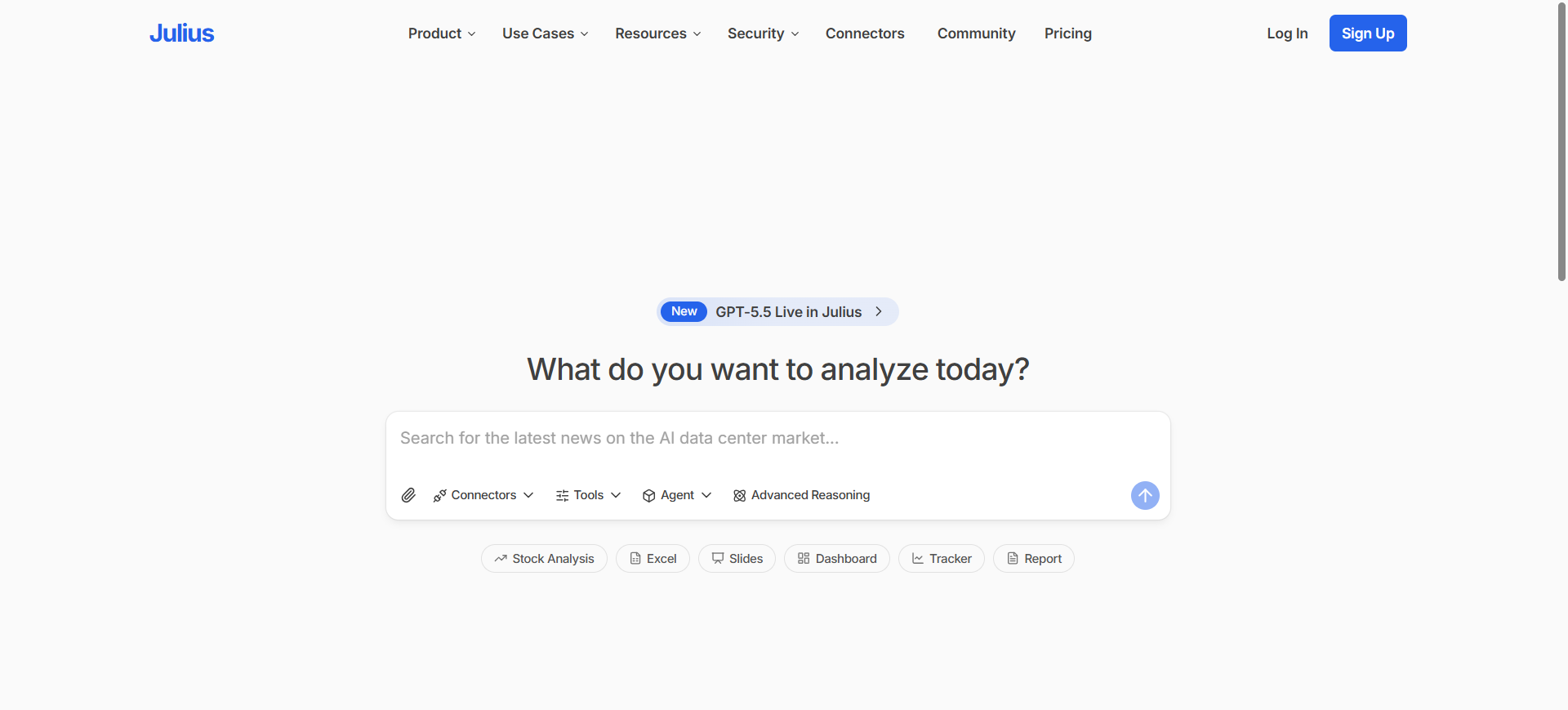
Julius is an AI-powered business intelligence and data analysis platform that helps users analyze data using natural language conversations. Instead of writing SQL queries or building complex dashboards, users can upload files or connect databases and ask questions in plain English.
The platform automatically generates charts, reports, summaries, and forecasts from business data. Julius AI is mainly designed for fast, no-code analytics and conversational business intelligence for teams that want quicker access to insights.
How to Use Julius AI for Business Intelligence
- Upload spreadsheets or connect databases such as Snowflake, BigQuery, or PostgreSQL.
- Ask business questions in plain language, like sales trends or revenue analysis.
- Review AI-generated charts, summaries, and insights instantly.
- Save reports and share recurring analyses with teams for ongoing business tracking.
Benefits of Using Julius AI
- Makes data analysis accessible without coding skills
- Generates charts and insights quickly through conversation
- Reduces manual reporting and spreadsheet work
- Supports fast decision-making with AI-generated summaries
- Works with both uploaded files and live databases
Real World Example
A startup can use Julius AI to analyze sales reports, marketing performance, and customer trends without hiring a dedicated analytics team. Finance teams can upload spreadsheets and ask questions about revenue growth or expenses, while operations teams can generate instant visual reports for weekly business reviews. This helps organizations speed up reporting and simplify data analysis workflows.
Who Should Use It
- Startups and small businesses
- Non-technical business users
- Marketing and finance teams
- Data analysts needing faster workflows
- Teams wanting conversational analytics
Pricing
Julius AI offers a free plan with limited monthly credits and basic analytics features. Paid plans start at approximately $40/month for Pro users, while Business plans start around $450/month with team collaboration, live database connectors, and advanced AI reporting capabilities.
What is AI Business Intelligence
AI Business Intelligence refers to the use of artificial intelligence technologies within business intelligence platforms to automate data analysis, generate insights, and improve decision-making. Traditional business intelligence tools mainly focus on dashboards and reporting, while AI-powered BI platforms can identify patterns, predict outcomes, and answer business questions using natural language.
Modern AI Business Intelligence tools use technologies such as machine learning, natural language processing, and predictive analytics to simplify how businesses work with data. Instead of manually searching through reports, users can ask questions, receive automated insights, and detect trends in real time.
In 2026, AI Business Intelligence is widely used to improve operational efficiency, forecasting, customer analysis, and strategic planning across industries. It helps both technical and non-technical users access data insights faster and make more informed business decisions.
Where AI is Used in Business Intelligence
AI is used across multiple areas of business intelligence to improve reporting, automation, and data-driven decision-making. Businesses use AI-powered BI tools to process large datasets faster and uncover insights that are difficult to identify manually.
Data Analysis and Reporting
AI helps automate data analysis by identifying trends, anomalies, and performance patterns in real time. It can also generate reports and dashboards automatically without requiring manual setup.
Predictive Analytics
Businesses use AI to forecast sales, customer demand, financial performance, and operational risks. Predictive models help organizations plan more accurately using historical and real-time data.
Natural Language Queries
Many AI BI tools allow users to ask questions in plain English instead of writing SQL queries or complex filters. This makes business intelligence more accessible to non-technical teams.
Customer and Market Analysis
AI is used to analyze customer behavior, purchasing patterns, engagement metrics, and market trends. Companies use these insights to improve marketing strategies and customer experiences.
Operational Monitoring
Organizations use AI Business Intelligence tools to track KPIs, supply chain performance, inventory management, and operational efficiency through real-time dashboards and automated alerts.
Decision Support
AI-powered BI platforms help executives and managers make faster decisions by providing automated recommendations, forecasting insights, and performance summaries based on business data.
Benefits of AI Business Intelligence Tools
AI Business Intelligence tools help organizations analyze data faster, automate reporting, and improve decision-making using real-time insights. They reduce manual work and make business analytics more accessible to both technical and non-technical users.
- Faster data analysis and reporting
- Improved decision-making with AI-generated insights
- Real-time monitoring of business performance
- Reduced manual reporting and operational workload
- Better forecasting and predictive analytics capabilities
Who Should Use AI Business Intelligence Tools
AI Business Intelligence tools are useful for businesses of all sizes that want to improve reporting, automate data analysis, and make faster decisions. They are widely used by business analysts, finance teams, marketing departments, operations managers, and executives who rely on data to monitor performance and identify trends.
These tools are also valuable for non-technical users because modern AI BI platforms support natural language queries, automated dashboards, and AI-generated insights. SaaS companies, enterprise organizations, and growing businesses commonly use AI Business Intelligence tools to improve efficiency, forecasting, and strategic planning.
How to Choose the Right AI Business Intelligence Tool
Choosing the right AI Business Intelligence tool depends on your business size, data complexity, technical requirements, and reporting goals. The best platform should help teams access insights quickly while supporting scalability, security, and real-time analytics.
Identify Your Business Needs
Start by understanding what you want from the platform. Some businesses need simple dashboards and reporting, while others require predictive analytics, AI-powered forecasting, or embedded analytics capabilities.
Check Data Integration Support
Choose a tool that connects easily with your existing databases, cloud platforms, CRM systems, and business applications. Strong integration support reduces manual work and improves reporting accuracy.
Evaluate Ease of Use
A good AI BI platform should be easy for both technical and non-technical users. Tools with natural language queries, drag-and-drop dashboards, and conversational analytics improve adoption across teams.
Consider Scalability and Performance
Your BI platform should handle growing data volumes and increasing users without slowing down. Cloud-native AI BI tools are commonly preferred for scalability and real-time analytics.
Compare AI and Automation Features
Modern AI Business Intelligence tools offer automated insights, predictive analytics, anomaly detection, and AI-generated summaries. Compare these features carefully based on your reporting and decision-making needs.
Review Pricing and Total Costs
Check subscription pricing, enterprise licensing, AI feature costs, and data storage limitations before choosing a platform. Some tools offer affordable entry plans, while enterprise deployments may require custom pricing.
Prioritize Security and Governance
Businesses handling sensitive data should choose platforms with strong security, governance, compliance controls, and role-based access management to protect business information.
Future of AI Business Intelligence
The future of AI Business Intelligence is focused on automation, real-time decision-making, and conversational analytics. In 2026 and beyond, AI BI platforms are becoming more intelligent by combining machine learning, predictive analytics, and natural language processing to simplify how businesses work with data. Organizations are increasingly moving toward self-service analytics where non-technical users can generate reports, ask questions, and receive AI-powered insights without relying heavily on data teams. AI Business Intelligence tools are also expected to improve workflow automation, forecasting accuracy, and personalized decision support, making data analysis faster, more scalable, and more accessible across industries.
Conclusion
AI Business Intelligence tools help businesses analyze data faster, automate reporting, and improve decision-making with real-time insights. In 2026, platforms like Power BI AI, ThoughtSpot AI, Tableau AI, and Looker AI are making advanced analytics more accessible to both technical and non-technical users. The right tool depends on your business goals, budget, and data requirements. Businesses should focus on scalability, integrations, and AI capabilities before choosing a platform. A well-selected AI BI solution can improve efficiency, forecasting, and overall business performance.
FAQs
Which AI BI tool is best for beginners?
Tools like Microsoft Power BI AI, ThoughtSpot AI, and Julius AI are beginner-friendly because they offer simple dashboards, drag-and-drop reporting, and conversational analytics features.
Are AI business intelligence tools expensive?
Pricing varies depending on features and business size. Some tools offer free plans or affordable subscriptions, while enterprise AI BI platforms usually use custom pricing models.
Can small businesses use AI BI tools?
Yes, many AI BI tools are designed for small businesses and startups. Cloud-based platforms offer affordable pricing, easy setup, and self-service analytics features.
Which industries use AI business intelligence tools?
Industries such as healthcare, finance, retail, manufacturing, SaaS, logistics, and eCommerce commonly use AI BI tools for analytics, forecasting, and operational reporting.
Do you need a data warehouse for business intelligence?
A data warehouse is not always required for business intelligence, but it is useful for managing large and complex datasets. Many modern AI BI tools can connect directly to cloud databases and business applications, allowing companies to analyze live data without maintaining a traditional warehouse.
What is the best AI business intelligence tool in 2026?
Microsoft Power BI AI, ThoughtSpot AI, and Tableau AI are among the best AI business intelligence tools in 2026. The right choice depends on business size, reporting needs, integrations, and whether you need conversational analytics, predictive insights, or enterprise dashboards.