
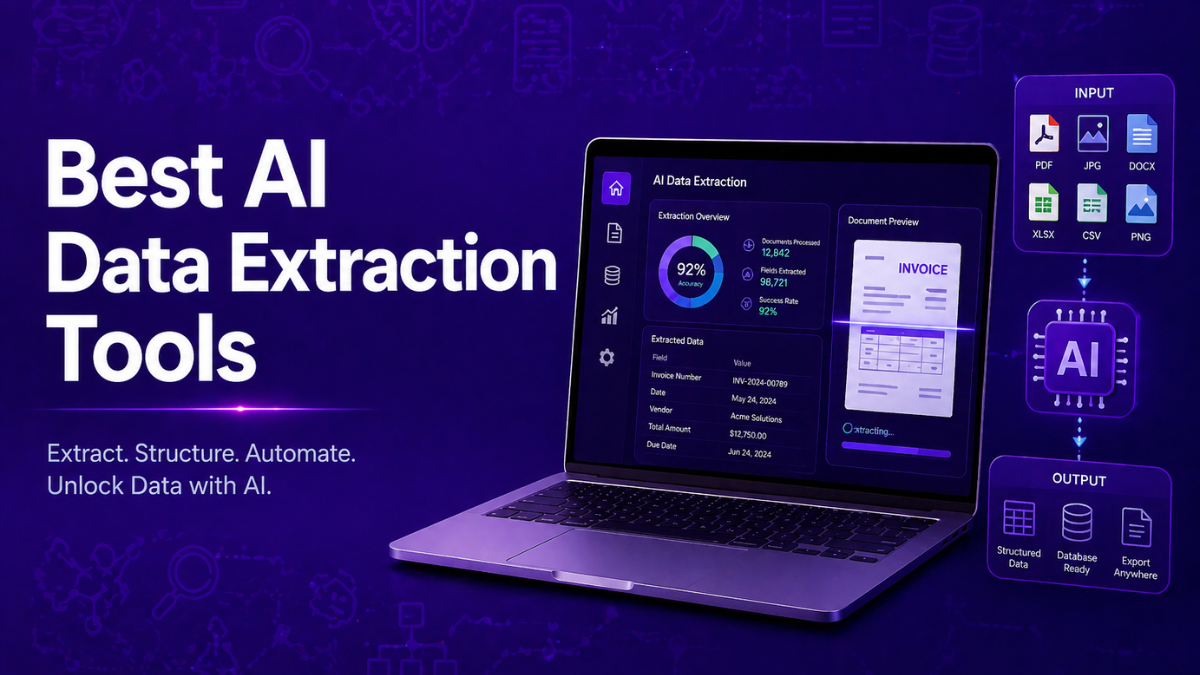
AI data extraction tools automate the process of collecting structured information from documents, websites, databases, and digital content. These systems use artificial intelligence to identify patterns, understand context, and convert unstructured data into usable formats. Businesses rely on AI data extraction tools to reduce manual data entry, improve accuracy, and scale data processing. As organizations increasingly depend on analytics and automation, AI-driven extraction has become a core component of modern data pipelines and decision-making workflows.
What are AI Data Extraction Tools
AI data extraction tools are software systems that automatically collect and convert information from documents, websites, databases, or digital content into structured data. These tools use technologies such as machine learning, natural language processing (NLP), and computer vision to understand patterns and extract meaningful information from unstructured or semi-structured sources.
Unlike traditional extraction methods that rely on manual rules or templates, AI tools can identify context and adapt to different formats. This allows them to extract data from invoices, PDFs, web pages, emails, and other complex sources with minimal manual configuration.
Organizations use AI data extraction tools to automate data collection, reduce manual entry, and build reliable datasets for analytics, reporting, and automation workflows.
Best AI Data Extraction Tools
- Bright Data AI
- Oxylabs AI Studio AI
- Apify AI
- Scrapfly AI
- Browse AI
- Octoparse AI
- Firecrawl AI
- Scrapy AI
- Crawl4AI AI
- Diffbot AI
AI Data Extraction Tools Comparison Table
Before choosing a tool, it helps to compare the main AI data extraction platforms based on their capabilities, automation level, and typical use cases.
Some tools focus on enterprise-scale web data collection, others provide no-code scraping interfaces, while developer frameworks offer flexibility for custom data pipelines.
The table below summarizes the key differences across the most widely used AI data extraction tools.
| Tool | Best For | Key Features | Pricing | Category |
|---|---|---|---|---|
| Bright Data AI | Enterprise-scale web data collection | Massive proxy network, pre-built scrapers, dataset marketplace | Usage-based / enterprise | Enterprise web data platform |
| Oxylabs AI Studio | Natural language data extraction | AI crawler, proxy infrastructure, browser automation | Custom enterprise plans | AI scraping platform |
| Apify AI | Automation workflows and scalable scraping | Actor marketplace, cloud scraping, API integrations | Free tier + paid plans | Developer automation platform |
| Scrapfly AI | API-driven scraping pipelines | Scraping API, proxy management, structured extraction | Usage-based | Developer API |
| Browse AI | No-code website extraction | Visual robot training, monitoring, automation integrations | Free + subscription | No-code scraping tool |
| Octoparse AI | Visual point-and-click scraping | Templates, cloud automation, scheduled extraction | Free + paid plans | No-code platform |
| Firecrawl AI | LLM-ready web data pipelines | Markdown/JSON output, crawling API, AI workflow integrations | Free + paid plans | AI web extraction API |
| Scrapy AI | Custom data extraction pipelines | Python framework, extensible architecture, large-scale crawling | Free (open source) | Developer framework |
| Crawl4AI AI | AI-focused open-source crawling | Parallel crawling, Markdown output, LLM data pipelines | Free | Open-source AI crawler |
| Diffbot AI | Semantic web data extraction | Computer vision, NLP extraction, knowledge graph outputs | Custom enterprise pricing | AI knowledge extraction platform |
In the next section, each tool is explained in detail to help you understand how it works, what problems it solves, and when it should be used in real-world data extraction workflows.
Web Data Extraction Platforms
1. Bright Data AI
What is Bright Data AI
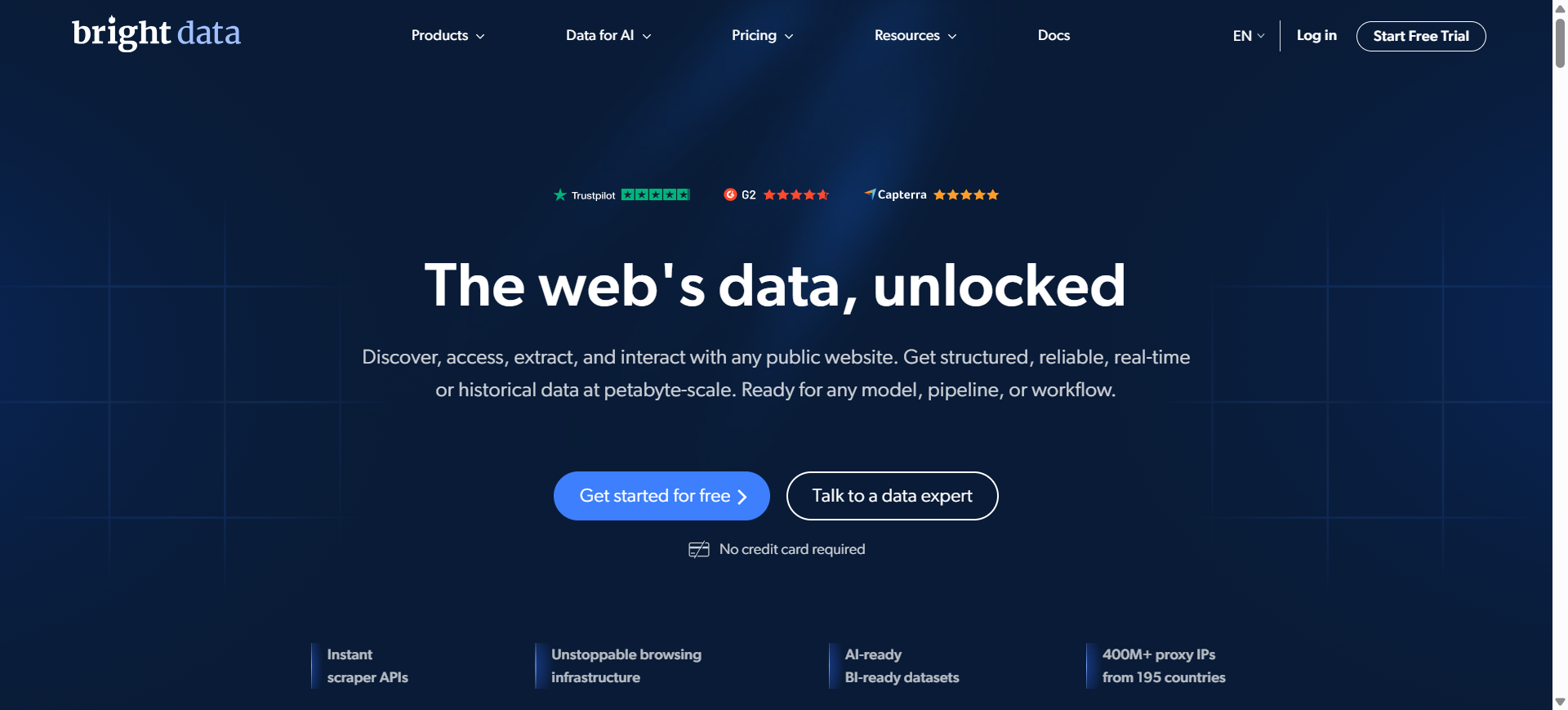
Bright Data is an enterprise-grade platform designed to collect and process large volumes of public web data automatically. It provides tools such as web scraping APIs, proxy networks, and ready-to-use datasets that help businesses gather structured information from websites.
The platform simplifies complex tasks like handling CAPTCHAs, rotating IP addresses, and extracting structured data. Organizations use it to build reliable data pipelines for analytics, AI training datasets, and competitive intelligence.
How to Use Bright Data AI for Data Extraction
- Create an account and access the Bright Data dashboard.
- Choose a data extraction method such as Web Scraper API, datasets, or proxy-based scraping.
- Configure the target website and select the data fields you want to collect.
- Export the extracted data in formats like JSON, CSV, or connect it directly to your database.
Benefits of Using Bright Data AI
- Handles large-scale web scraping with high reliability
- Automatically manages proxies, CAPTCHAs, and IP rotation
- Supports structured data extraction from many websites
- Scales easily for enterprise data pipelines and analytics
- Provides ready-made datasets for faster data access
Real World Example of Bright Data AI
An e-commerce analytics company uses Bright Data to track competitor pricing across multiple online marketplaces. The platform automatically extracts product prices, reviews, and inventory data from retail websites daily. This data is then analyzed to adjust pricing strategies and monitor market trends in real time.
Who Should Use It
- Data engineers building scraping pipelines
- Market research and competitive intelligence teams
- AI and machine learning developers
- E-commerce analytics companies
- Enterprises collecting large-scale web datasets
Pricing
Bright Data mainly uses usage-based pricing depending on data volume and proxy bandwidth. The Web Scraper API starts around $1.50 per 1,000 records on a pay-as-you-go plan, while enterprise subscriptions often begin around $499 per month for larger scraping volumes.
2. Oxylabs AI Studio
What is Oxylabs AI Studio
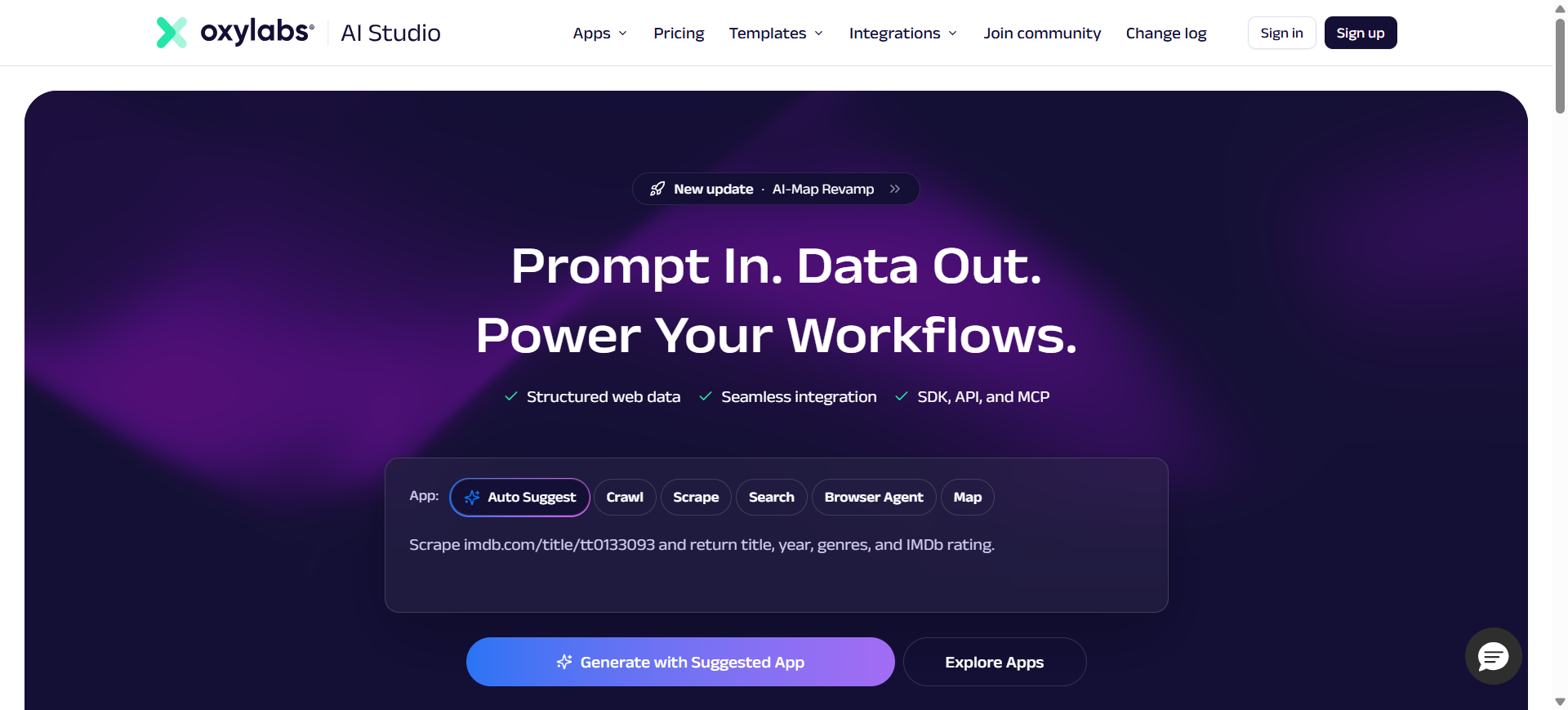
Oxylabs AI Studio is a low-code AI data extraction platform designed to collect structured data from websites quickly. Instead of writing complex scraping scripts, users can describe what data they need using natural language, and the AI system handles crawling and parsing automatically.
The platform includes several AI tools such as AI-Crawler, AI-Scraper, and AI-Search that help collect data from multiple pages or entire websites. These tools transform raw web content into structured formats like JSON or Markdown for analytics and automation workflows.
How to Use Oxylabs AI Studio for Data Extraction
- Create an account on Oxylabs AI Studio and access the dashboard.
- Choose an AI tool such as AI-Crawler or AI-Scraper.
- Describe the data you want in plain language or configure a target URL.
- Run the extraction and export the results in structured formats like JSON or CSV.
Benefits of Using Oxylabs AI Studio
- Extracts web data using natural language prompts instead of coding
- Handles JavaScript-heavy websites and dynamic content
- Integrates easily into analytics and automation workflows
- Scales to large data collection projects with cloud infrastructure
- Reduces time spent building and maintaining scraping scripts
Real World Example of Oxylabs AI Studio
A retail analytics company uses Oxylabs AI Studio to monitor competitor product listings on multiple e-commerce websites. The tool automatically extracts product prices, descriptions, and availability every day. This structured data is then used in dashboards to track market trends and adjust pricing strategies.
Who Should Use It
- Data analysts collecting web datasets
- Market research teams
- AI engineers building data pipelines
- Developers building scraping automation
- Businesses monitoring competitor data
Pricing
Oxylabs AI Studio offers a free trial with around 1,000 credits to test the platform. Paid plans start at about $12 per month for entry-level usage, with higher tiers based on credit usage and data volume.
3. Apify AI
What is Apify AI
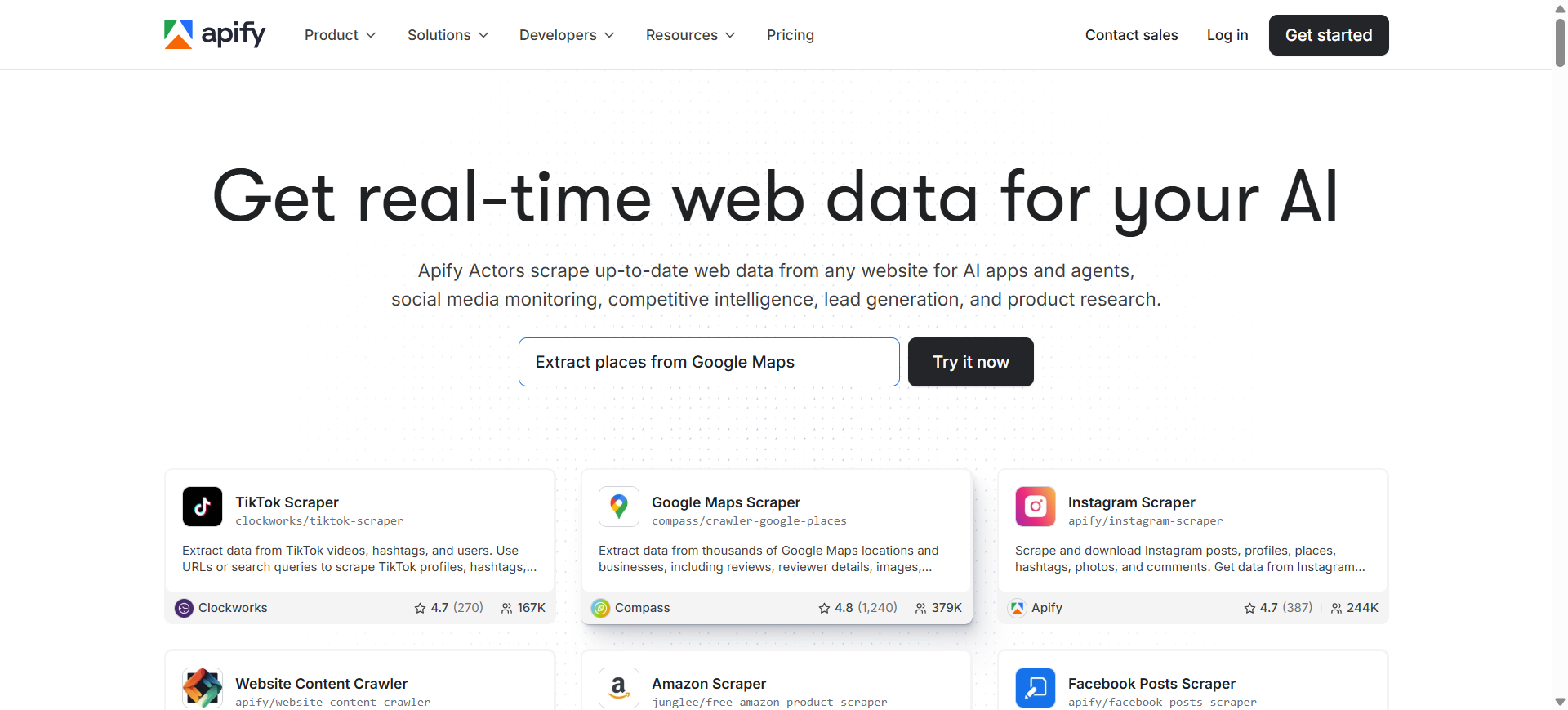
Apify is a cloud-based platform that helps users collect and automate web data extraction at scale. It provides ready-made scraping tools called Actors that can automatically extract information from websites, APIs, and online platforms.
The platform also includes the Apify Store, a marketplace with thousands of automation tools built by developers. These tools allow businesses to collect data such as product prices, social media content, and search results without managing scraping infrastructure.
How to Use Apify AI for Data Extraction
- Create an account and open the Apify dashboard.
- Choose a pre-built scraper (Actor) from the Apify Store.
- Enter the website URL or search query you want to extract data from.
- Run the Actor and export the extracted data to formats like JSON, CSV, or API integrations.
Benefits of Using Apify AI
- Provides thousands of ready-made scraping tools in the Apify Store
- Runs scraping jobs in the cloud without managing servers
- Supports automation, scheduling, and API integrations
- Handles dynamic websites and JavaScript content
- Scales easily for large data extraction pipelines
Real World Example of Apify AI
A digital marketing agency uses Apify to collect Google search results and competitor website data. The platform automatically extracts keywords, product listings, and review data from multiple websites. This information is then used to analyze market trends and improve SEO strategies.
Who Should Use It
- Data engineers building scraping pipelines
- Market research and SEO teams
- Developers building automation workflows
- AI engineers collecting training datasets
- Businesses monitoring competitor websites
Pricing
Apify offers a free plan with $5 in monthly platform credits, allowing users to test small scraping tasks without entering payment details. Paid plans start at $29 per month for the Starter plan, while larger teams can use the Scale plan ($199/month) or Business plan ($999/month) depending on usage and infrastructure needs.
4. Scrapfly AI
What is Scrapfly AI
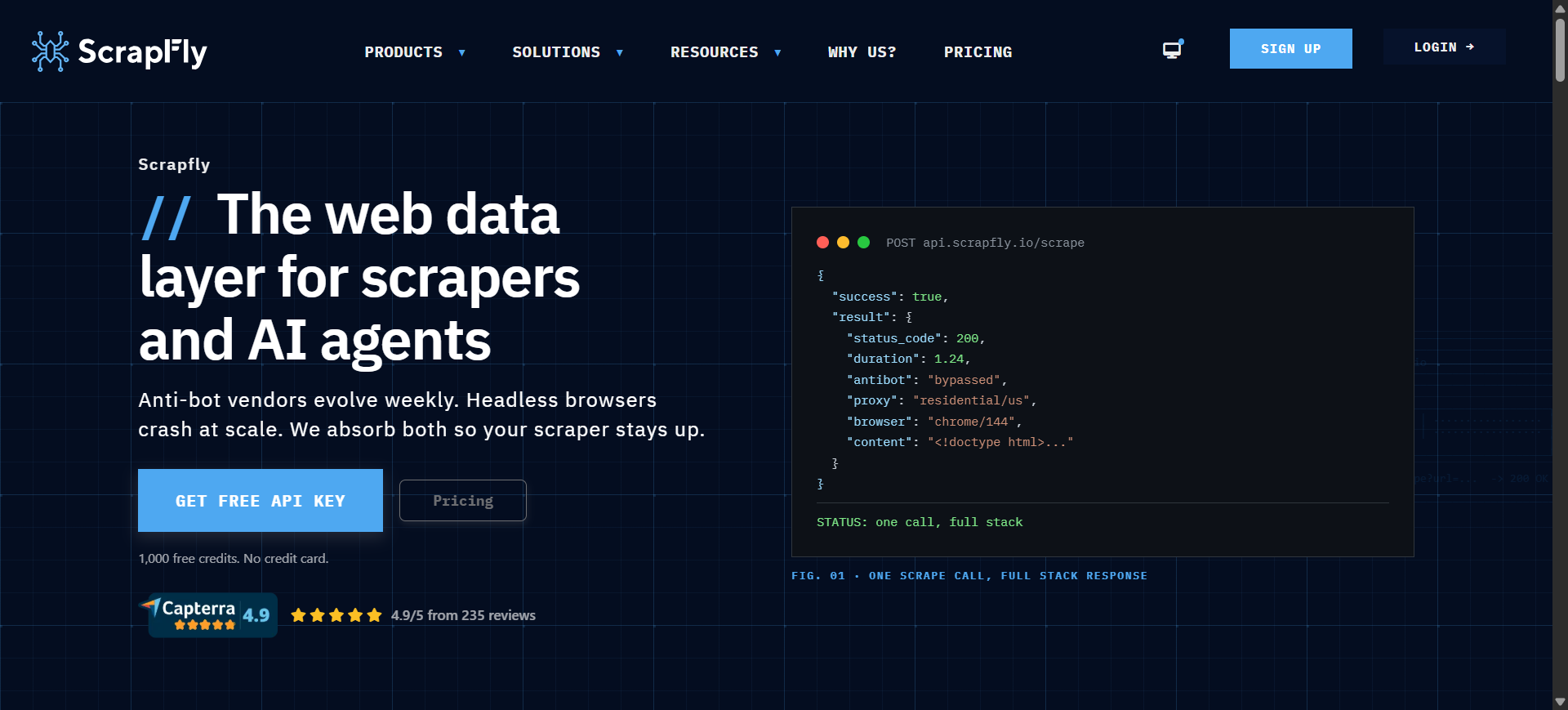
Scrapfly is a developer-focused web data extraction platform that provides APIs to collect structured data from websites at scale. It simplifies complex scraping tasks such as proxy rotation, JavaScript rendering, and anti-bot bypass through a single API.
Instead of building scraping infrastructure manually, developers can send requests to the Scrapfly API and receive structured website data instantly. The platform supports browser automation, screenshot capture, and AI-assisted data extraction for modern web applications.
How to Use Scrapfly AI for Data Extraction
- Create a Scrapfly account and get an API key from the dashboard.
- Send a request to the Scrapfly Web Scraping API with the target website URL.
- Enable features like JavaScript rendering or proxy rotation if needed.
- Receive structured data such as HTML, JSON, or screenshots through the API response.
Benefits of Using Scrapfly AI
- Handles complex websites with built-in anti-bot bypass
- Supports large-scale scraping with cloud infrastructure
- Provides proxies, browser automation, and rendering in one API
- Integrates easily with Python, JavaScript, and other programming languages
- Reduces the need to maintain custom scraping infrastructure
Real World Example of Scrapfly AI
A market research startup uses Scrapfly to collect product listings and review data from multiple e-commerce websites. Their application sends automated API requests to Scrapfly, which retrieves product details and pricing information daily. The collected data is then used to track pricing trends and analyze competitor strategies.
Who Should Use It
- Data engineers building scraping pipelines
- Developers creating automation tools
- AI engineers collecting training datasets
- Market research and analytics teams
- Startups building data collection platforms
Pricing
Scrapfly offers 1,000 free API credits for new accounts so users can test the platform without a credit card. Paid plans start around $30 per month (Discovery plan), while higher tiers such as Pro ($100/month) and Enterprise ($500/month) provide larger API credit limits for large-scale scraping projects.
AI Web Scraping & Automation Tools
5. Browse AI
What is Browse AI
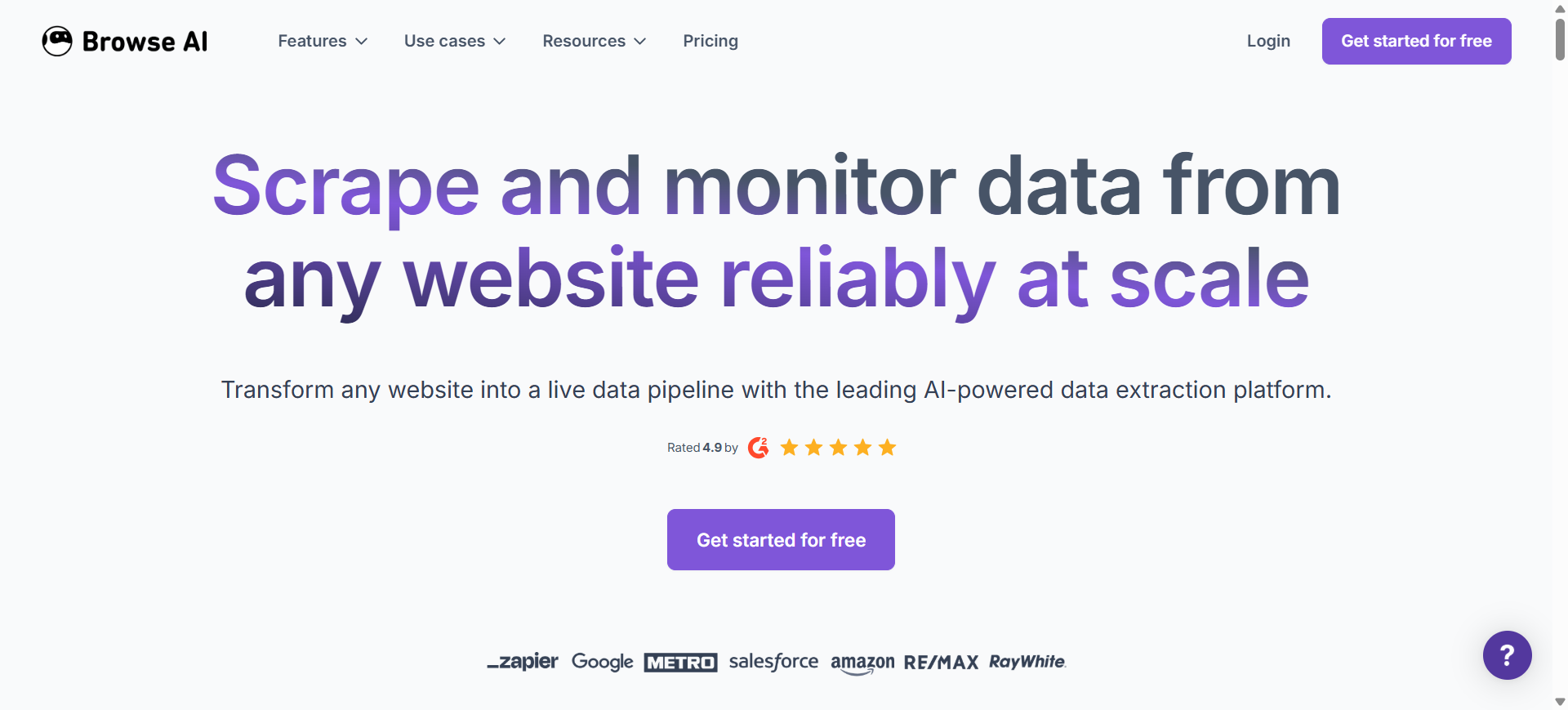
Browse AI is a no-code AI data extraction tool that allows users to scrape data from websites without writing code. Instead of building scraping scripts, users can train a “robot” by selecting the data they want on a webpage.
The platform automatically collects structured information such as product details, pricing, or listings and exports it into datasets. It also includes monitoring features that track website changes and update datasets automatically.
How to Use Browse AI for Data Extraction
- Create a Browse AI account and open the dashboard.
- Train a robot by selecting data elements on a webpage using the point-and-click interface.
- Run the robot to extract data from the page or across multiple pages.
- Export the data to formats like Google Sheets, CSV, or integrate it with automation tools.
Benefits of Using Browse AI
- No coding required for web scraping tasks
- Quickly converts websites into structured datasets
- Built-in monitoring to track website changes automatically
- Integrates with tools like Google Sheets, Zapier, and Airtable
- Easy to automate recurring data collection tasks
Real World Example of Browse AI
A marketing agency uses Browse AI to track competitor pricing on multiple e-commerce websites. The team trains a robot to extract product prices and descriptions from competitor pages daily. The data automatically updates in Google Sheets, helping the agency analyze pricing trends and adjust campaigns.
Who Should Use It
- Marketing and SEO teams
- Data analysts and researchers
- Freelancers collecting market data
- Small businesses monitoring competitor websites
- Non-technical users needing web data
Pricing
Browse AI offers a free plan with limited credits for small data extraction tasks. Paid plans typically start around $19–$48 per month depending on credits and usage, while enterprise plans with higher limits can reach $500 per month or more.
6. Octoparse AI
What is Octoparse AI
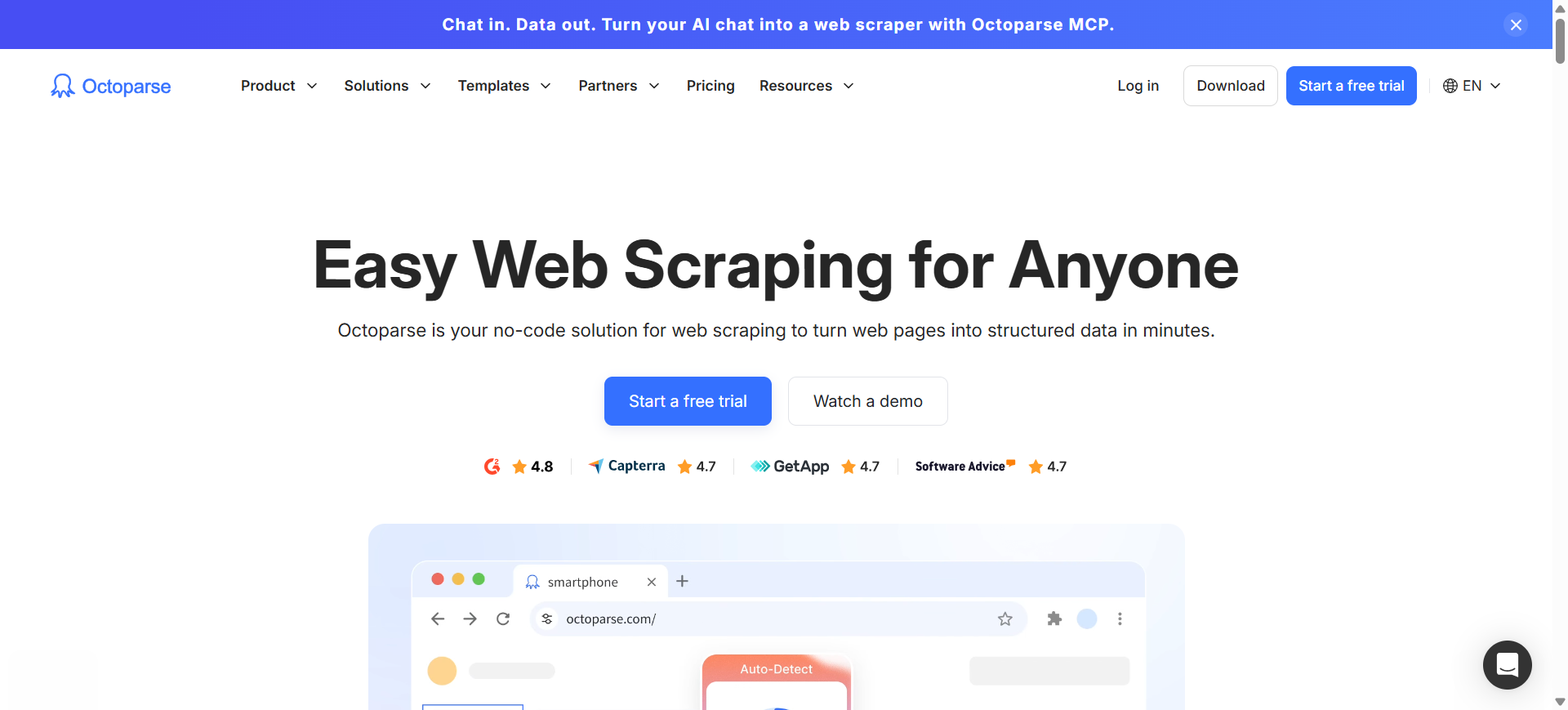
Octoparse is a no-code web data extraction platform that allows users to collect data from websites using a visual interface. Instead of writing scraping scripts, users can select elements on a webpage and let the AI detect patterns automatically.
The platform supports both desktop and cloud scraping, making it possible to run large data extraction tasks without keeping your computer online. Businesses commonly use Octoparse to collect product data, market research information, and competitor insights from websites.
How to Use Octoparse AI for Data Extraction
- Install Octoparse or access the cloud platform and create a new scraping task.
- Enter the target website URL you want to extract data from.
- Use the point-and-click interface to select data fields such as titles, prices, or links.
- Run the task and export the collected data in formats like CSV, Excel, or via API.
Benefits of Using Octoparse AI
- No coding required for building web scraping workflows
- Automatic detection of webpage data fields
- Cloud automation for running large scraping tasks
- Built-in templates for popular websites
- Multiple export options including Excel, CSV, and APIs
Real World Example of Octoparse AI
An e-commerce analytics company uses Octoparse to monitor product listings on major online marketplaces. The tool automatically extracts product names, prices, and reviews from competitor websites daily. The data is then analyzed to identify pricing trends and optimize product strategies.
Who Should Use It
- Marketing and competitor research teams
- E-commerce businesses tracking product prices
- Data analysts collecting web datasets
- Small businesses needing automated scraping
- Non-technical users who prefer no-code tools
Pricing
Octoparse offers a free plan with limited scraping tasks and data export limits for beginners. Paid plans typically start around $99 per month for the Standard plan, while Professional plans for larger projects cost about $249 per month with additional cloud scraping features.
7. Firecrawl AI
What is Firecrawl AI
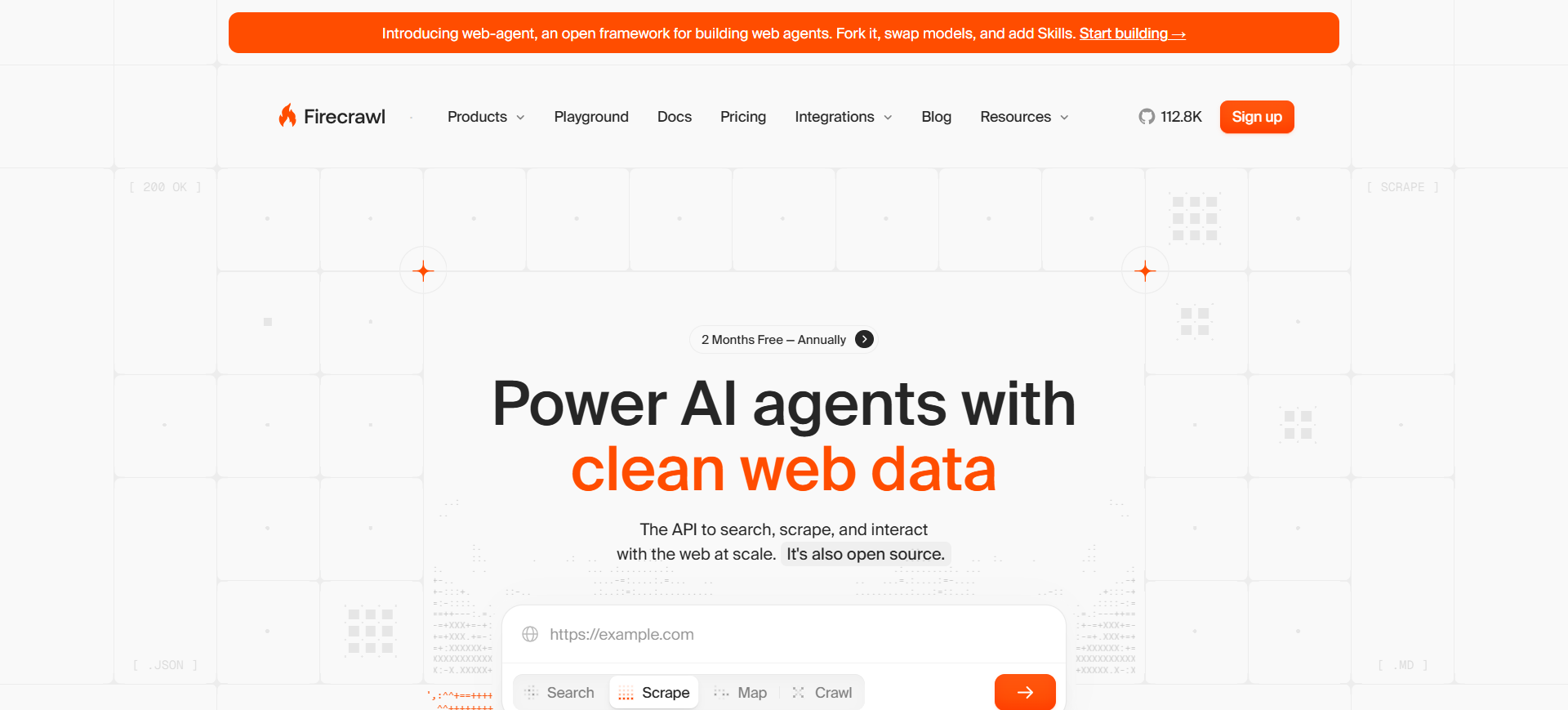
Firecrawl is an AI-focused web crawling and data extraction API designed to convert websites into clean, structured data. It automatically crawls websites, renders JavaScript pages, and extracts meaningful content such as text, tables, or metadata.
Unlike traditional scrapers that rely on CSS selectors, Firecrawl uses AI-driven extraction to understand page structure and return data in formats like Markdown or JSON. This makes it especially useful for building AI pipelines, RAG systems, and knowledge bases from web content.
How to Use Firecrawl AI for Data Extraction
- Create a Firecrawl account and obtain your API key from the dashboard.
- Send a request to the Firecrawl API with the website URL you want to extract data from.
- Define the structure of the data you want using a prompt or JSON schema.
- Receive clean structured output such as Markdown, JSON, or full page content.
Benefits of Using Firecrawl AI
- Converts websites into clean AI-ready datasets automatically
- Handles JavaScript-heavy websites without manual configuration
- Extracts structured data using prompts or schemas
- Supports crawling entire websites instead of single pages
- Integrates easily with AI pipelines and data workflows
Real World Example of Firecrawl AI
A startup building a customer support chatbot uses Firecrawl to collect documentation from product websites. The platform crawls all pages of the documentation site and converts them into clean Markdown files. These files are then used as training data for a retrieval-augmented AI assistant.
Who Should Use It
- AI engineers building RAG pipelines
- Developers building AI applications
- Data engineers collecting web datasets
- Startups building knowledge bases
- Companies creating AI training datasets
Pricing
Firecrawl offers a free tier with about 500 credits, which allows users to scrape roughly 500 web pages for testing and small projects. Paid plans start around $16 per month for 3,000 credits, with higher tiers like Standard (~$83/month) and Growth (~$333/month) for large-scale data extraction.
Developer-Focused AI Extraction Frameworks
8. Scrapy AI
What is Scrapy AI
Scrapy is an open-source web scraping framework written in Python that allows developers to build custom data extraction pipelines. It is widely used to crawl websites, collect structured data, and automate large-scale web scraping tasks.
When combined with AI tools or plugins, Scrapy can automatically detect patterns, parse web content, and extract structured datasets from complex websites. Because it is open source and highly customizable, many companies use Scrapy as the foundation for enterprise data collection systems.
How to Use Scrapy AI for Data Extraction
- Install Scrapy using Python and create a new scraping project.
- Define a spider that targets the website you want to extract data from.
- Configure selectors or AI parsing methods to identify the data fields.
- Run the crawler and export the extracted data to formats like JSON, CSV, or databases.
Benefits of Using Scrapy AI
- Completely open source and free to use
- Highly customizable for advanced scraping workflows
- Handles large-scale crawling across thousands of pages
- Integrates with AI tools and data processing pipelines
- Strong community and extensive documentation
Real World Example of Scrapy AI
A travel analytics company uses Scrapy to collect flight prices and hotel listings from multiple travel websites. The framework automatically crawls thousands of pages daily and extracts pricing and availability data. This data is analyzed to identify price trends and build travel comparison tools.
Who Should Use It
- Python developers building custom scrapers
- Data engineers creating large data pipelines
- AI engineers collecting training datasets
- Startups building web data products
- Research teams analyzing online datasets
Pricing
Scrapy is completely free and open source, available under the BSD license. The only costs involved are infrastructure expenses such as servers, proxies, or cloud hosting required to run large-scale scraping projects.
9. Crawl4AI AI
What is Crawl4AI AI
Crawl4AI is an open-source AI web crawling and data extraction framework designed to collect structured information from websites for AI and analytics projects. It focuses on converting web pages into clean, structured formats such as Markdown, JSON, or HTML, making the data easy to use in machine learning pipelines.
Unlike many scraping tools that focus only on raw HTML extraction, Crawl4AI is built specifically for AI workflows and data pipelines, helping developers prepare datasets for applications like chatbots, RAG systems, and AI training.
How to Use Crawl4AI AI for Data Extraction
- Install Crawl4AI using Python and configure the environment.
- Define the target website or list of URLs to crawl.
- Configure extraction rules using CSS selectors, XPath, or LLM-based parsing.
- Run the crawler and export the structured data as Markdown, JSON, or CSV.
Benefits of Using Crawl4AI AI
- Completely open-source and free to use
- Designed specifically for AI data pipelines and LLM workflows
- Extracts structured content from complex websites
- Supports parallel crawling for large-scale data collection
- Converts raw web pages into clean AI-ready datasets
Real World Example of Crawl4AI AI
An AI startup building a knowledge-base chatbot uses Crawl4AI to crawl documentation websites. The tool extracts article content, headings, and tables, then converts them into structured Markdown files. These datasets are later used to train a retrieval-augmented AI assistant for customer support.
Who Should Use It
- AI engineers building RAG systems
- Developers creating custom web crawlers
- Data engineers building web data pipelines
- Research teams collecting training datasets
- Startups building AI applications
Pricing
Crawl4AI is fully open-source and free, with no licensing fees or subscription plans. The only costs are infrastructure expenses such as servers, proxies, or cloud hosting needed to run large-scale crawling projects.
AI Knowledge & Semantic Extraction
10. Diffbot AI
What is Diffbot AI
Diffbot is an AI-powered web data extraction platform that converts web pages into structured datasets automatically. It uses machine learning and computer vision to understand the structure of websites and identify elements such as articles, products, images, and discussions.
Instead of relying on manual rules or selectors, Diffbot “reads” web pages like a human and extracts key information into structured formats such as JSON. The platform also powers the Diffbot Knowledge Graph, a large database of interconnected entities collected from billions of web pages.
How to Use Diffbot AI for Data Extraction
- Create a Diffbot account and access the dashboard or API tools.
- Choose an extraction API such as Article API, Product API, or Custom API.
- Submit the target webpage URL to the Diffbot API.
- Receive structured data outputs such as JSON containing extracted entities and fields.
Benefits of Using Diffbot AI
- Automatically extracts structured data from almost any webpage
- Uses computer vision and AI instead of manual scraping rules
- Access to a large web-scale knowledge graph dataset
- Supports large-scale crawling and data enrichment
- Helps build AI datasets, analytics platforms, and research tools
Real World Example of Diffbot AI
A financial intelligence company uses Diffbot to collect information about startups and technology companies from news websites and blogs. The platform extracts company names, founders, funding data, and related entities automatically. This data is then used to build a searchable database for market analysis and investment research.
Who Should Use It
- Data engineers building web data pipelines
- AI engineers creating knowledge graphs
- Market intelligence and research teams
- Enterprise analytics platforms
- Developers building large data applications
Pricing
Diffbot offers a free plan with limited API credits for testing and small projects. Paid plans typically start around $299 per month for the Startup plan, with larger plans like Plus ($899/month) and enterprise packages based on usage and credits.
Benefits of AI Data Extraction Tools
- Automates data collection – AI tools automatically extract information from documents, websites, and databases, reducing manual work.
- Improves accuracy – Machine learning models help minimize human errors and ensure consistent data extraction.
- Handles unstructured data – AI can extract data from PDFs, scanned documents, emails, and web pages with different formats.
- Processes large volumes of data – AI extraction tools can collect and process thousands of records quickly and efficiently.
- Speeds up decision-making – Faster access to structured data helps businesses analyze trends and make data-driven decisions.
Who Should Use AI Data Extraction Tools
AI data extraction tools are used by professionals and organizations that need to automatically collect and process data from documents, websites, and digital sources.
1. Data Engineers
Use AI data extraction tools to build automated data pipelines that collect and organize information from websites, APIs, and databases.
2. Market Research Teams
These tools help research teams gather competitor data, pricing information, and industry insights from multiple online sources.
3. AI and Machine Learning Engineers
AI engineers use extracted datasets to train machine learning models and build intelligent applications.
4. E-commerce Businesses
Online stores use AI extraction tools to monitor competitor pricing, product listings, and customer reviews.
5. Finance and Operations Teams
Finance teams extract information from invoices, receipts, bank statements, and other business documents to automate workflows.
Types of AI Data Extraction Tools
AI data extraction tools can be grouped based on the type of data they collect and how they process it. Understanding these categories helps businesses choose the right tool for their specific data sources and workflows.
Web Scraping Tools
Web scraping tools extract data directly from websites. They automatically collect information such as product listings, prices, reviews, and articles from web pages and convert it into structured formats like CSV or JSON. These tools are commonly used for market research, competitor monitoring, and lead generation.
Document Extraction Tools
Document extraction tools focus on extracting information from files such as PDFs, invoices, receipts, contracts, and scanned documents. They typically use technologies like OCR and machine learning to read text, identify fields, and convert document data into structured formats for business workflows.
API Data Extraction Tools
API data extraction tools collect structured data directly from applications and online services through APIs. This method is widely used to retrieve data from SaaS platforms, databases, social media platforms, and cloud services. API-based extraction is usually faster and more reliable because the data is already structured.
AI Knowledge Extraction Platforms
AI knowledge extraction platforms use machine learning and natural language processing to understand web content and convert it into structured knowledge. These tools can identify entities, relationships, and topics from large datasets and organize them into knowledge graphs or structured databases used for analytics and AI applications.
How to Choose the Right AI Data Extraction Tool
1. Identify Your Data Source
First determine where your data comes from, such as websites, PDFs, databases, or APIs. Some tools specialize in web scraping, while others focus on document processing.
2. Consider Ease of Use
Choose a no-code or low-code tool if you want a simple interface. Developer frameworks and APIs are better suited for teams that need more customization.
3. Check Data Accuracy and Quality
A good tool should extract data accurately and provide validation features to reduce errors in the extracted dataset.
4. Evaluate Scalability
Make sure the tool can handle your expected data volume, especially if you plan to collect large datasets regularly.
5. Review Integration Options
Look for tools that integrate easily with databases, spreadsheets, analytics tools, or APIs so the extracted data can be used in your workflows.
6. Compare Pricing and Costs
Consider both starting costs and long-term pricing models such as subscription plans or usage-based pricing.
7. Look for Automation Features
Some tools provide scheduling, monitoring, and automated workflows that allow continuous data extraction without manual intervention.
Future of AI Data Extraction
The future of AI data extraction is moving toward more intelligent and automated systems that require less manual setup. New tools are starting to support natural language extraction prompts, allowing users to simply describe the data they want instead of writing scraping rules. Many platforms are also adopting LLM-based scraping, where large language models understand webpage structures and extract relevant information automatically. Another major trend is automated schema detection, where AI identifies data fields and organizes them into structured formats without manual configuration.
As AI applications grow, tools are also focusing on creating AI-ready datasets for RAG systems, making web content easier to use for training chatbots and AI assistants. In addition, self-learning extraction pipelines are emerging, where systems continuously improve their accuracy as they process more data.
Conclusion
AI data extraction tools have become essential for collecting and processing information from websites, documents, and digital platforms. They help organizations automate manual data collection, improve accuracy, and build scalable data pipelines for analytics and automation. Today, tools range from no-code platforms designed for business users to developer frameworks for custom data pipelines and enterprise platforms built for large-scale data operations. Choosing the right tool depends on the type of data source, the scale of extraction, and the technical expertise of the team. As AI continues to evolve, automated extraction technologies will play a key role in building faster, smarter, and more reliable data pipelines for modern businesses.
FAQs
How do AI data extraction tools work?
These tools analyze text, images, tables, and webpage structures using AI models. They identify patterns and extract relevant data fields such as names, prices, dates, and product details, then convert them into structured formats like CSV, JSON, or database entries.
Can AI extract data from PDFs and scanned documents?
Yes. Many AI extraction tools use OCR (Optical Character Recognition) and machine learning to read text from PDFs, scanned files, and images, then convert that information into structured and searchable data.
What types of data can AI extraction tools process?
AI extraction tools can process structured, semi-structured, and unstructured data. This includes websites, PDFs, invoices, emails, spreadsheets, databases, and API responses.
Is web scraping with AI data extraction tools legal?
Web scraping is generally legal when collecting publicly available data, but users must follow website terms of service, privacy regulations, and applicable laws in their region.
Why are businesses adopting AI data extraction tools?
Businesses use these tools to automate manual data collection, reduce operational costs, improve data accuracy, and access real-time insights for better decision-making.