
AI Prompt Generator tools help users create structured prompts that guide AI models like GPT-4, Claude, Gemini, and Midjourney to produce better results. An AI prompt generator transforms simple instructions into detailed prompts with context, tone, and task definitions. In 2026, these tools are widely used by creators, marketers, developers, and businesses to improve AI output quality, reduce experimentation time, and standardize prompt workflows across teams and projects.
List of the Top AI Prompt Generator Tools
Here are the 12 best AI prompt generator tools, based on functionality, flexibility, and real-world usage.
- Juma AI (Team-GPT AI)
- PromptPerfect AI
- PromptLayer AI
- Promptitude AI
- AIPRM AI
- PromptVibes AI
- Taskade AI
- Coefficient AI
- HIX AI
- Originality AI
- promptoMANIA AI
- AI Parabellum
AI Prompt Generator Tools Comparison Table
Choosing the right AI prompt generator tool depends on your workflow, collaboration needs, and the AI models you use. The table below compares the top tools based on practical decision criteria.
| Tool | Best For | Key Features | Pricing | Category |
|---|---|---|---|---|
| Juma AI | Team prompt collaboration | Prompt builder, shared libraries, multi-model support | Free + Paid plans | Prompt management |
| PromptPerfect AI | Prompt optimization | Auto prompt tuning, multi-LLM optimization | Free + Paid | Prompt optimizer |
| AIPRM AI | Prompt templates | Community prompt library, SEO prompts | Free + Premium | Prompt library |
| PromptLayer AI | Developer prompt management | Versioning, analytics, A/B testing | Custom pricing | AI workflow |
| Taskade AI | Productivity workflows | AI prompts inside project management | Free + Paid | Productivity |
| HIX AI | Prompt templates for content | AI suggestions, multi-model prompts | Free + Paid | Content AI |
| PromptVibes AI | Context-rich prompts | 500+ prompts, contextual generation | Free + Paid | Prompt library |
| Originality AI | Creative prompt generation | Prompt refinement, AI detection | Paid | Content AI |
| promptoMANIA AI | Image prompt generation | Visual prompt builder, Midjourney support | Free | Image prompts |
| Coefficient AI | Spreadsheet prompt automation | AI prompts in Google Sheets & Excel | Free + Paid | Data workflows |
| Promptitude AI | Enterprise prompt management | Prompt deployment, provider-agnostic | Paid | Dev platform |
| AI Parabellum | Multimedia prompts | Text, image, video prompts | Free | Prompt generator |
While comparison tables help identify the right platform quickly, understanding how each tool works in practice is more useful. The following section explains each AI prompt generator tool, including its features, use cases, and pricing.
AI Prompt Builder Platforms
1. Juma AI (Team-GPT AI)
What is Juma AI
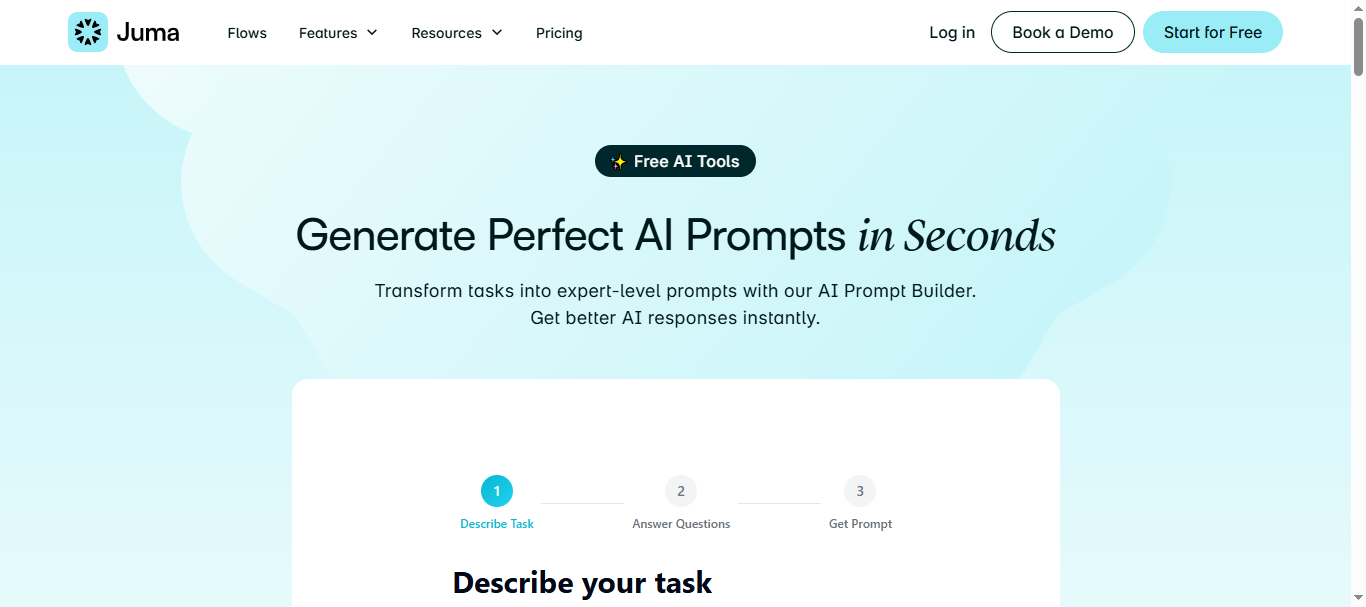
Juma (formerly Team-GPT) is a collaborative AI workspace designed to help teams create, organize, and reuse prompts across different AI models. The platform includes a built-in Prompt Builder that converts simple task descriptions into structured prompts with context, persona, and instructions. It also allows teams to store prompts in shared libraries, improving consistency and reducing repetitive prompt creation.
The tool supports multiple AI providers and helps organizations standardize how they interact with generative AI systems across projects.
How to use Juma AI for Prompt Generation
- Describe the task you want the AI to perform, such as writing a blog post or analyzing feedback.
- Answer follow-up questions suggested by the Prompt Builder to add context like tone, audience, or objective.
- Review the generated structured prompt that includes role, context, and instructions.
- Save the prompt in the team’s prompt library or use it directly in an AI conversation.
Key Features of Juma AI
- Guided AI prompt builder that converts tasks into structured prompts
- Shared prompt libraries for teams and organizations
- Multi-model support including major AI providers
- Project-based prompt organization and knowledge context
- Collaboration features for editing, sharing, and improving prompts
Example Use Case
A marketing team building weekly content campaigns can use Juma AI to create standardized prompts for blog writing, social media posts, and competitor analysis. Instead of rewriting prompts each time, the team stores proven prompts in a shared library and reuses them across campaigns, ensuring consistent output quality and faster content production.
Who Should Use It
- Marketing and content teams
- Agencies managing multiple client campaigns
- Product and research teams using AI for analysis
- Organizations implementing AI workflows
- Teams that need collaborative prompt libraries
Pricing
- Free Plan: $0/month with limited credits and full platform access for smaller workloads.
- Paid Plans: Usage-based credits and enterprise plans with additional features and security options.
Pricing may scale based on usage, team size, and enterprise requirements.
Pros
- Strong collaboration features for teams
- Guided prompt builder reduces prompt engineering effort
- Shared prompt library improves workflow consistency
- Works with multiple AI models in one workspace
- Helps teams reuse and standardize prompts
Cons
- Designed mainly for team workflows rather than solo users
- Advanced features may require onboarding for new users
2. PromptPerfect AI
What is PromptPerfect AI
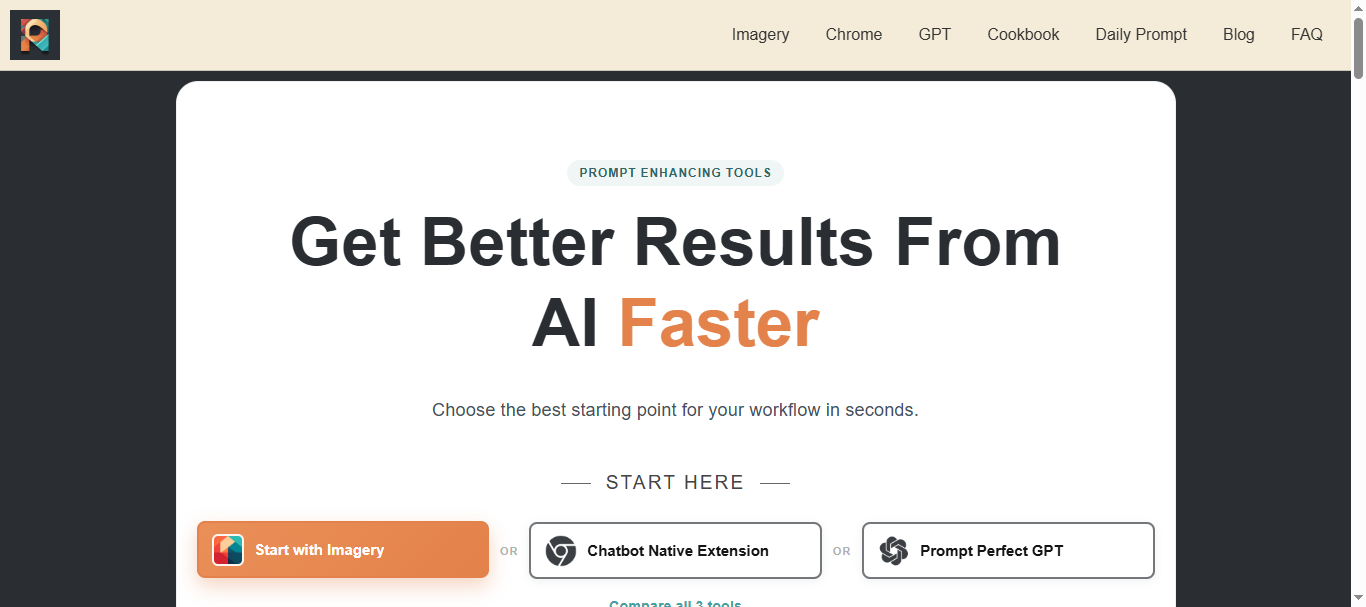
PromptPerfect is a prompt optimization and prompt-engineering platform designed to improve prompts for large language models such as GPT-4, Claude, and LLaMA. The tool analyzes user input and automatically restructures prompts to make them clearer, more detailed, and better aligned with the target AI model.
It is commonly used by developers, content creators, and AI teams to refine prompts, test variations, and improve output quality without manually rewriting instructions. The platform can also optimize prompts for image generation models such as DALL·E and Stable Diffusion.
How to use PromptPerfect AI for Prompt Generation
- Enter a simple prompt describing your task or idea.
- Select the AI model you want to optimize the prompt for (such as GPT-4 or Claude).
- Run the Autotune or optimization feature to generate an improved prompt structure.
- Use the optimized prompt directly in your AI tool or export it for workflows.
Key Features of PromptPerfect AI
- Automatic prompt optimization for multiple AI models
- Autotune system that rewrites and improves prompts automatically
- Multi-model support including GPT-4, Claude, and image models
- Prompt testing and version comparison tools
- Browser extension and API support for AI workflows
Example Use Case
A software development team building an AI chatbot uses PromptPerfect to optimize prompts used in their chatbot responses. Instead of manually testing dozens of prompt variations, they enter a basic prompt and let PromptPerfect generate optimized versions for different models. This helps the chatbot deliver more accurate responses and reduces development time.
Who Should Use It
- Developers building AI applications
- Prompt engineers
- AI researchers and technical teams
- Content creators working with multiple AI models
- Agencies optimizing prompts for different AI tools
Pricing
- Standard: Free plan with limited daily requests.
- Pro: Around $19.99/month with higher request limits and prompt optimization features.
- Pro Max: Around $99.99/month with API access and advanced optimization capabilities.
Pricing may vary based on request limits, credits, and API usage.
Pros
- Strong prompt optimization capabilities
- Supports multiple AI models and use cases
- Reduces prompt engineering effort
- Useful for technical workflows and AI development
- Provides automated prompt refinement
Cons
- Learning curve for beginners
- Free plan has limited requests
- Some advanced features require paid plans
3. PromptLayer AI
What is PromptLayer AI
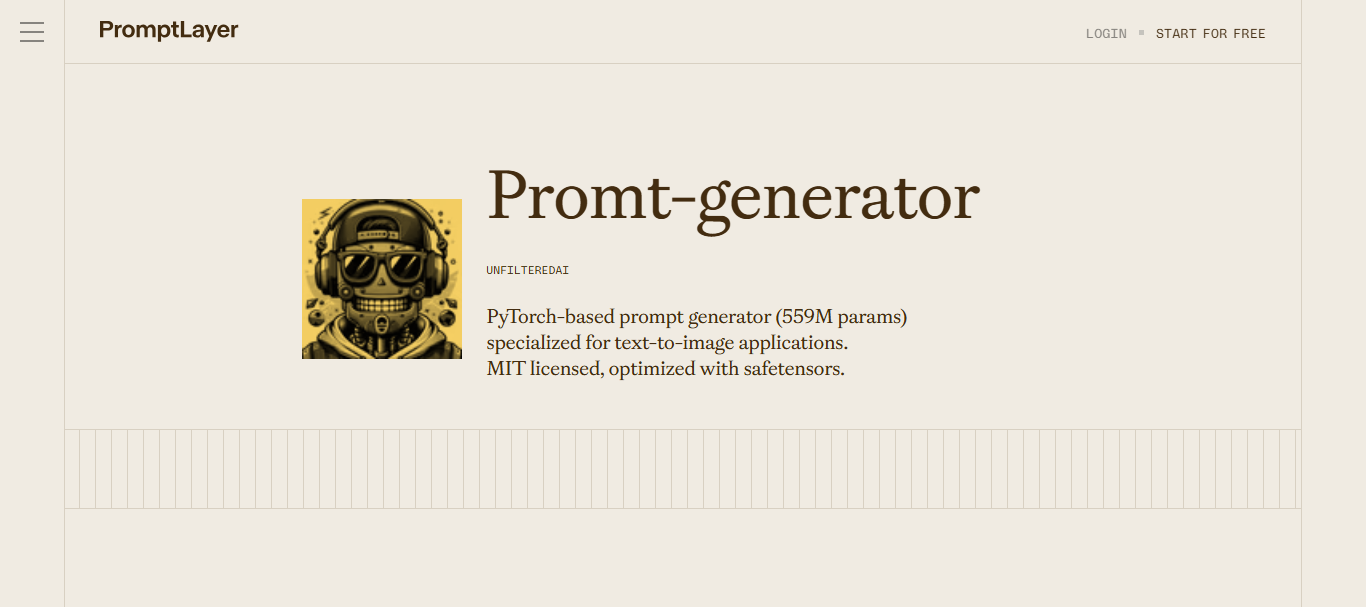
PromptLayer is a prompt engineering and management platform designed for teams building AI-powered applications. It acts as a middleware layer between your application and AI models, allowing teams to log, track, and manage prompts used in production systems.
The platform provides tools for prompt versioning, testing, deployment, and performance monitoring, helping developers improve AI outputs through systematic experimentation. It centralizes prompts in a registry and allows teams to compare versions, run evaluations, and collaborate on prompt development without modifying application code.
How to use PromptLayer AI for Prompt Generation
- Connect PromptLayer to your AI application using the API or SDK.
- Create and store prompt templates in the Prompt Registry dashboard.
- Test multiple prompt versions using evaluation tools or A/B testing.
- Deploy the best-performing prompt version to production environments.
Key Features of PromptLayer AI
- Prompt version control to track and manage prompt changes
- Prompt Registry for organizing templates and workflows
- A/B testing to compare prompt performance in production
- Request logging and metadata tracking for AI responses
- Collaboration tools for developers and domain experts
Example Use Case
A SaaS company building an AI customer support assistant uses PromptLayer to test different prompts that guide the chatbot’s responses. By running A/B tests on multiple prompt versions, the team can measure which prompt produces the most accurate answers and deploy that version to users without updating the entire application.
Who Should Use It
- AI developers building LLM applications
- Product teams managing AI features
- Startups deploying AI-powered tools
- Data science teams experimenting with prompts
- Organizations running AI models in production
Pricing
- Free Plan: $0/month with limited usage, workspace, and dataset size.
- Pro Plan: Around $49/month with expanded workspace limits and features.
- Team Plan: Around $500/month for larger teams with higher request limits and collaboration features.
Enterprise pricing may vary depending on request volume and dataset requirements.
Pros
- Strong prompt versioning and experiment tracking
- Built for production-level AI applications
- Allows safe A/B testing of prompts in real systems
- Detailed logging of prompts and AI responses
- Supports collaboration between developers and non-technical experts
Cons
- Primarily designed for developers rather than beginners
- Setup may require API integration
4. Promptitude AI

What is Promptitude AI
Promptitude is a prompt management and prompt engineering platform designed to help teams create, test, organize, and deploy prompts across multiple AI models from one centralized workspace. The platform supports providers like OpenAI, Claude, Gemini, and other LLMs, allowing users to manage prompts without being tied to a single AI provider.
It acts as a control center for prompt workflows, enabling users to store prompts in a secure library, reuse them as templates, and integrate them into applications or automation systems via API or no-code integrations.
How to use Promptitude AI for Prompt Generation
- Create a new prompt template and define variables such as tone, audience, or task.
- Connect AI providers like OpenAI or Claude through API integrations.
- Test prompts across different AI models and refine them using feedback or performance tracking.
- Publish or integrate prompts into workflows, applications, or internal tools.
Key Features of Promptitude AI
- Centralized prompt management platform for organizing prompts
- Multi-model compatibility across AI providers
- Reusable prompt templates with dynamic input variables
- API and no-code integrations for automating workflows
- Shared prompt libraries with role-based permissions
Example Use Case
A SaaS company developing an AI-powered knowledge assistant uses Promptitude to store and manage prompts used in the application. The development team tests multiple prompt versions across different models and deploys the best-performing prompt through the API, ensuring consistent responses for customers across the platform.
Who Should Use It
- Developers building AI-powered applications
- SaaS startups integrating AI features
- Product teams managing prompt workflows
- Enterprises implementing AI automation
- Prompt engineers managing multi-model prompts
Pricing
- Free Plan: Limited prompts and generations with free tokens to test the platform.
- Starter Plan: Around $39/month for small teams (≈2 users, limited prompts and generations).
- SaaS Plan: Around $89/month for teams with higher prompt limits and automation features.
- Growth Plan: Around $279/month with larger generation limits and team capabilities.
- Enterprise: Custom pricing with advanced integrations and security.
Pros
- Centralized system for prompt management and testing
- Supports multiple AI providers and models
- API and no-code integrations enable automation
- Useful for scaling prompts across teams and applications
- Flexible workspace pricing rather than per-user billing
Cons
- Primarily designed for developers and technical teams
- Requires API setup for advanced integrations
Prompt Libraries and Template Platforms
5. AIPRM AI
What is AIPRM AI
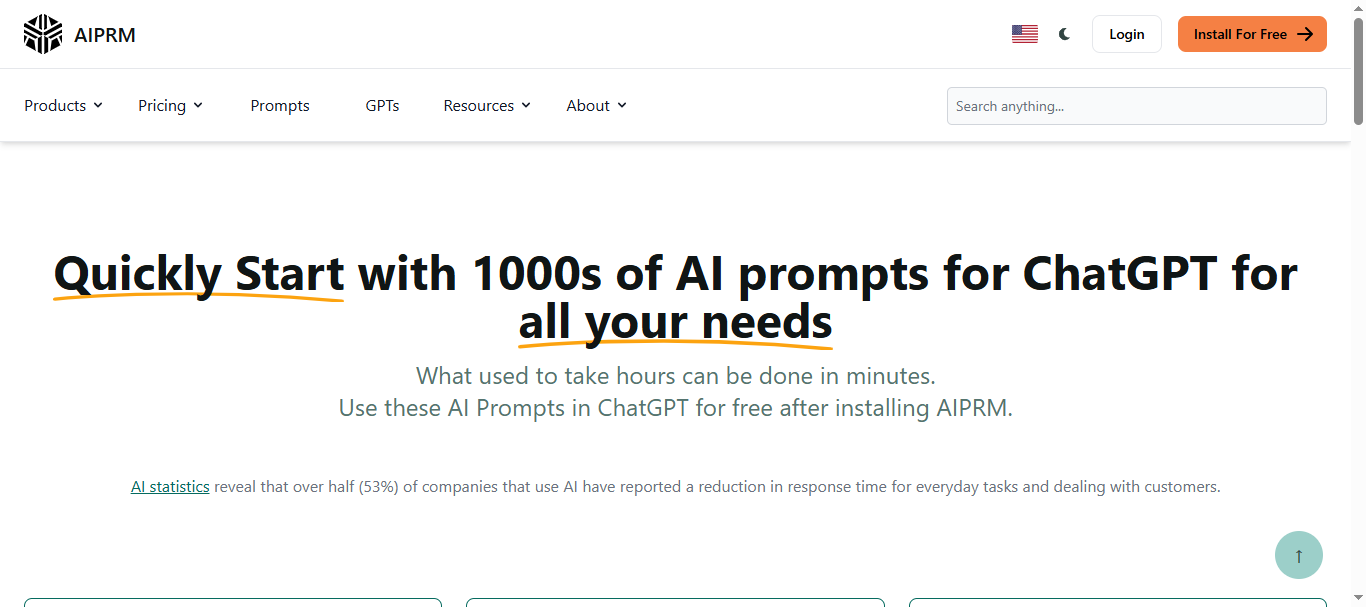
AIPRM is a prompt management and prompt library tool designed to enhance how users interact with AI platforms like ChatGPT and Claude. It works mainly as a browser extension that adds a curated prompt library directly into AI chat interfaces, allowing users to select and run pre-built prompts for tasks such as SEO, marketing, research, and coding.
The platform provides thousands of community-created prompts and allows users to save private templates, making it easier to reuse effective prompts without writing them from scratch.
How to use AIPRM AI for Prompt Generation
- Install the AIPRM browser extension for ChatGPT or supported AI platforms.
- Browse the built-in prompt library categorized by tasks like SEO, writing, or marketing.
- Select a prompt template and customize fields such as topic, audience, or keywords.
- Run the prompt inside ChatGPT or Claude to generate the desired output.
Key Features of AIPRM AI
- Large library of community and verified prompt templates
- Direct integration with ChatGPT through a browser extension
- Ability to create and store private prompt templates
- Prompt lists and favorites for organizing frequently used prompts
- Custom writing styles and tone settings in premium plans
Example Use Case
An SEO specialist uses AIPRM AI to generate blog outlines and keyword-optimized content prompts inside ChatGPT. Instead of manually writing prompts for every article, they select a pre-built SEO content brief prompt, enter the target keyword, and instantly generate structured outlines for blog posts and landing pages.
Who Should Use It
- Bloggers and content creators
- SEO specialists and marketers
- Freelancers using ChatGPT for client work
- Small businesses using AI for productivity
- Beginners learning prompt engineering
Pricing
- Free Plan: Access to public community prompts with limited customization.
- Basic Plan: Around $5.99/month with expanded prompt access.
- Pro Plan: Around $12/month with premium prompts and additional features.
- Elite Plan: Around $20/month with full access and priority features.
Higher plans include additional prompt storage, verified prompts, and collaboration capabilities.
Pros
- Large library of ready-to-use prompt templates
- Easy to use directly inside ChatGPT
- Saves time for marketing and SEO tasks
- Free version available with useful templates
- Active community contributing new prompts
Cons
- Works primarily through a browser extension
- Limited support for AI models outside ChatGPT ecosystem
- Some advanced features locked behind paid plans
6. PromptVibes AI
What is PromptVibes AI
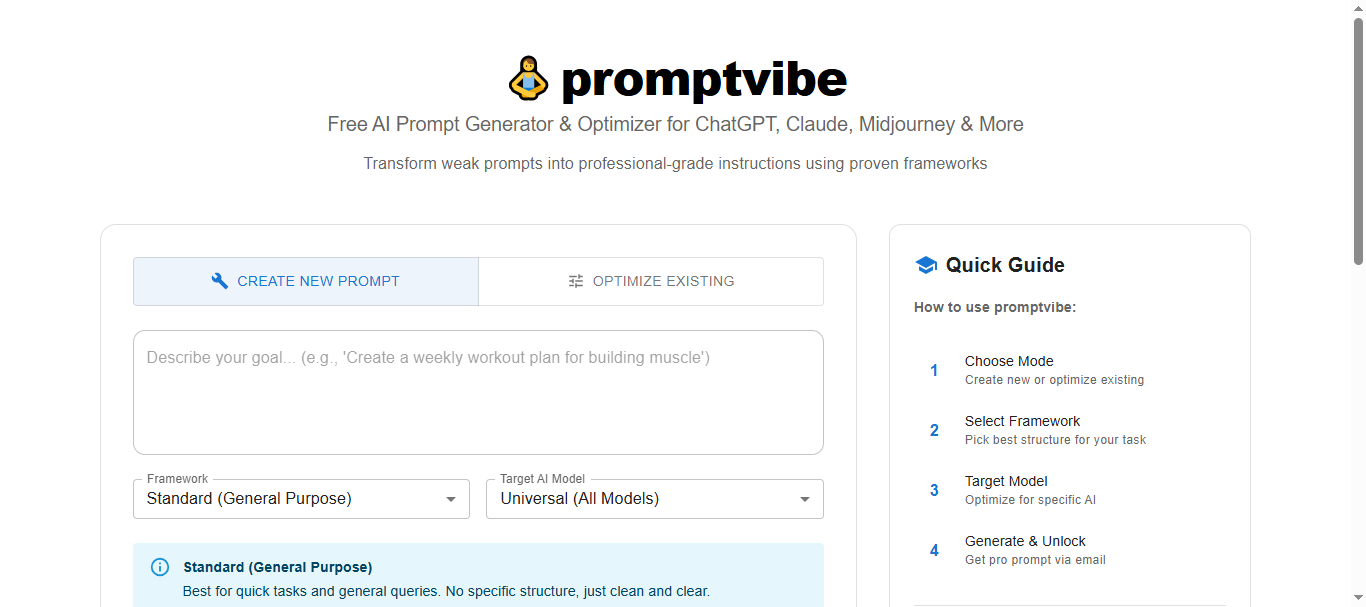
PromptVibes is an AI-powered prompt generator and prompt library designed to help users create effective prompts for chatbots like ChatGPT, Claude, and Gemini. The platform combines an automated prompt builder with a large library of pre-designed prompts across categories such as marketing, business, writing, and productivity.
It also provides over 500 ready-to-use prompts that users can customize or reuse, helping reduce the time spent crafting prompts manually while improving AI response quality.
How to use PromptVibes AI for Prompt Generation
- Enter the task you want the AI to perform, such as writing content or generating marketing ideas.
- Add context or specific instructions like tone, audience, or goal.
- Let the AI prompt generator create a structured prompt based on the task.
- Copy and use the generated prompt in AI tools such as ChatGPT, Claude, or Gemini.
Key Features of PromptVibes AI
- AI-powered prompt generator for custom prompt creation
- Library of 500+ pre-built prompts across multiple industries
- Prompt history for saving and reusing previous prompts
- Multilingual support for prompts in different languages
- Compatibility with major AI chatbots like ChatGPT, Bard, and Claude
Example Use Case
A digital marketing manager uses PromptVibes to create prompts for social media campaigns. Instead of manually writing detailed prompts, they select a marketing prompt template, add the campaign topic and target audience, and generate optimized prompts that produce structured social media content ideas using ChatGPT.
Who Should Use It
- Content creators and bloggers
- Social media managers
- SEO specialists
- Digital marketers
- Freelancers using AI tools for productivity
Pricing
- Basic Plan: Free (limited monthly credits and access to prompt library)
- Plus Plan: About $4.99/month with additional prompt credits and premium prompts
- Pro Plan: About $9.99/month with higher usage limits and advanced features
Pros
- Large library of ready-to-use prompts
- Easy to use for beginners and creators
- Works with multiple AI chat platforms
- Affordable pricing compared to many AI tools
- Saves time when creating prompts repeatedly
Cons
- Limited collaboration features for teams
- Lower-tier plans have monthly credit limits
Workflow and Productivity Prompt Tools
7. Taskade AI
What is Taskade AI
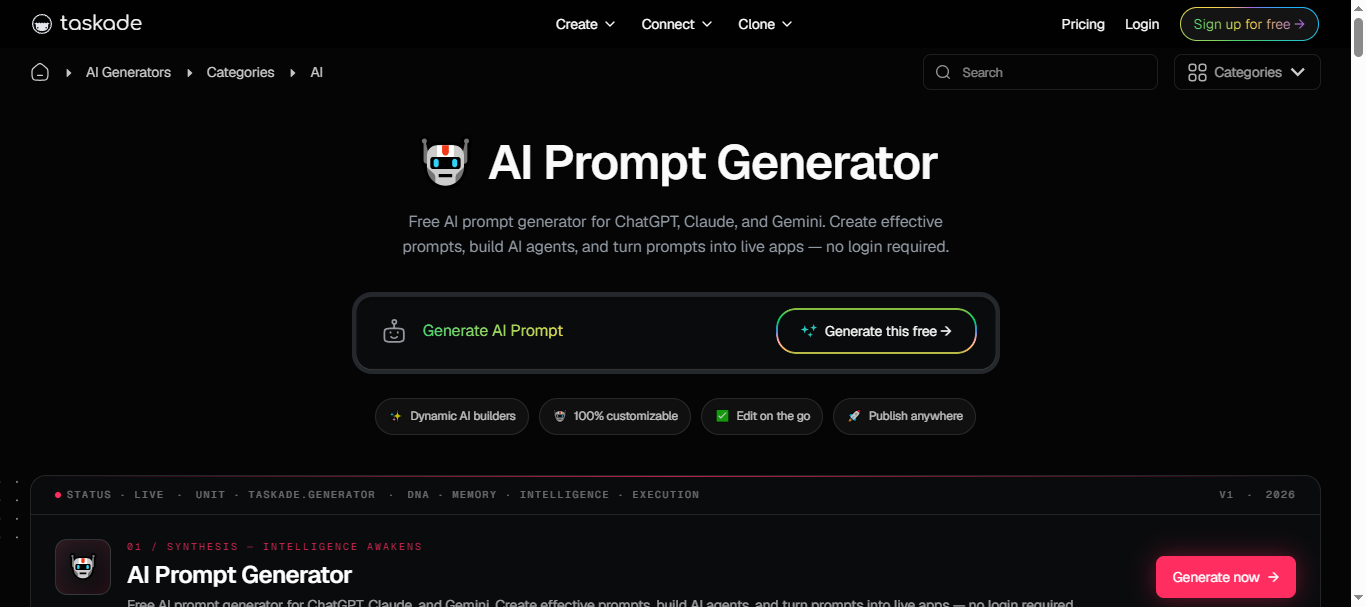
Taskade is an AI-powered productivity workspace that combines project management, collaboration, and prompt generation tools in one platform. It allows users to create structured prompts, reusable templates, and automated workflows that integrate with AI models such as ChatGPT, Claude, and Gemini.
Unlike standalone prompt generators, Taskade can convert prompts into AI agents, automations, or apps, enabling teams to reuse prompts as part of larger workflows and collaborative projects.
How to use Taskade AI for Prompt Generation
- Create a new AI project or open the AI Prompt Generator in Taskade.
- Describe the task you want the AI to perform (e.g., writing content or analyzing data).
- Customize the generated prompt by adjusting tone, context, or output format.
- Use the prompt in AI chat or convert it into an automation, agent, or reusable workflow.
Key Features of Taskade AI
- Built-in AI prompt generator for ChatGPT, Claude, and Gemini
- Reusable prompt templates and workflow automation
- AI agents with persistent memory and tool integrations
- Collaboration features for teams and shared workspaces
- Integration with 100+ tools including Slack, Google Workspace, and GitHub
Example Use Case
A startup marketing team uses Taskade to build a content workflow powered by AI prompts. The team creates a prompt template for blog writing, attaches it to an AI agent, and automates the process so that each time a new topic is added to the project board, the AI agent generates outlines and draft content automatically.
Who Should Use It
- Startups and remote teams
- Content and marketing teams
- Product managers and project teams
- Businesses automating AI workflows
- Users who want prompt generation integrated with productivity tools
Pricing
- Free Plan: Basic projects, collaboration tools, and limited AI credits.
- Pro Plan: Around $20/month with expanded AI usage and advanced features.
- Teams Plan: Around $100/month with collaboration and automation tools for larger teams.
- Enterprise: Custom pricing for organizations.
Pros
- Combines prompt generation with project management and collaboration
- Allows prompts to be turned into AI agents and workflows
- Supports multiple AI models and integrations
- Strong team collaboration features
- Useful for building automated AI workflows
Cons
- Interface may feel complex for users who only need simple prompt generation
- Some advanced AI features require paid plans
8. Coefficient AI
What is Coefficient AI
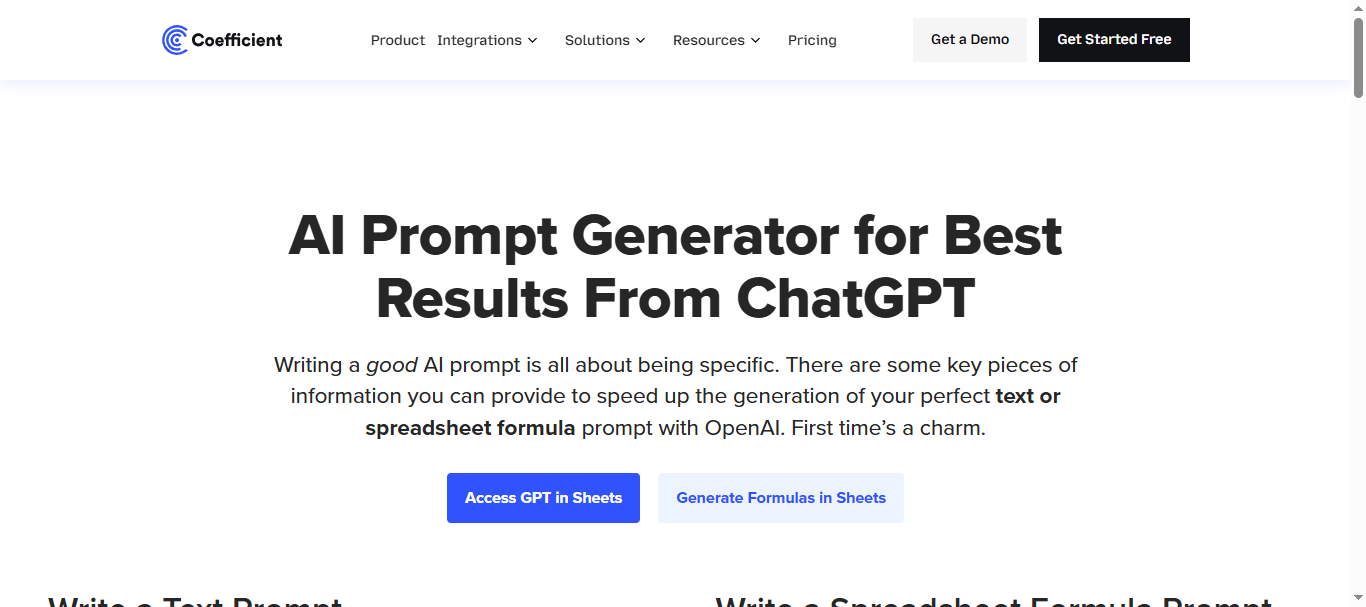
Coefficient is a spreadsheet automation and AI prompt tool that allows users to generate prompts and run AI tasks directly inside Google Sheets and Excel. It connects spreadsheets with external business systems and lets users create prompts that analyze data, generate insights, or automate reports without leaving the spreadsheet environment.
The platform also includes an AI Sheets Assistant that converts natural language instructions into formulas, charts, or summaries, making it easier for teams to work with data without writing complex formulas or code.
How to use Coefficient AI for Prompt Generation
- Install the Coefficient add-on for Google Sheets or Excel.
- Connect your spreadsheet with business systems such as CRM or analytics tools.
- Enter a prompt describing the analysis or report you want (e.g., summarize customer feedback).
- The AI assistant generates formulas, insights, or summaries using the spreadsheet data.
Key Features of Coefficient AI
- AI prompt execution directly inside Google Sheets and Excel
- Real-time data connections with 100+ business systems
- AI Sheets Assistant that generates formulas, charts, and insights
- Automated prompts triggered by spreadsheet data changes
- Prompt templates for reports, summaries, and analytics tasks
Example Use Case
A sales operations team tracks leads and customer interactions inside Google Sheets. Using Coefficient AI, they create prompts that automatically summarize weekly sales performance, highlight trends, and generate insights from CRM data. Instead of manually analyzing spreadsheets, the team receives AI-generated summaries and charts directly inside the spreadsheet dashboard.
Who Should Use It
- Data analysts and operations teams
- Marketing and sales teams working in spreadsheets
- Businesses managing large datasets in Google Sheets or Excel
- Product managers generating reports from data
- Teams automating analytics workflows
Pricing
- Free Plan: Basic AI prompts and spreadsheet integrations.
- Starter Plan: Around $49 per user/month with automation features and larger data imports.
- Professional Plan: Around $99 per user/month with advanced automation and data processing.
- Enterprise Plan: Custom pricing for large organizations.
Pros
- Integrates AI prompt generation directly into spreadsheets
- Strong data automation and reporting capabilities
- Supports real-time data connections from multiple systems
- Useful for teams working with analytics and dashboards
- Reduces manual data analysis and formula writing
Cons
- Primarily designed for spreadsheet workflows
- Advanced automation features require paid plans
Content and Marketing Prompt Generators
9. HIX AI
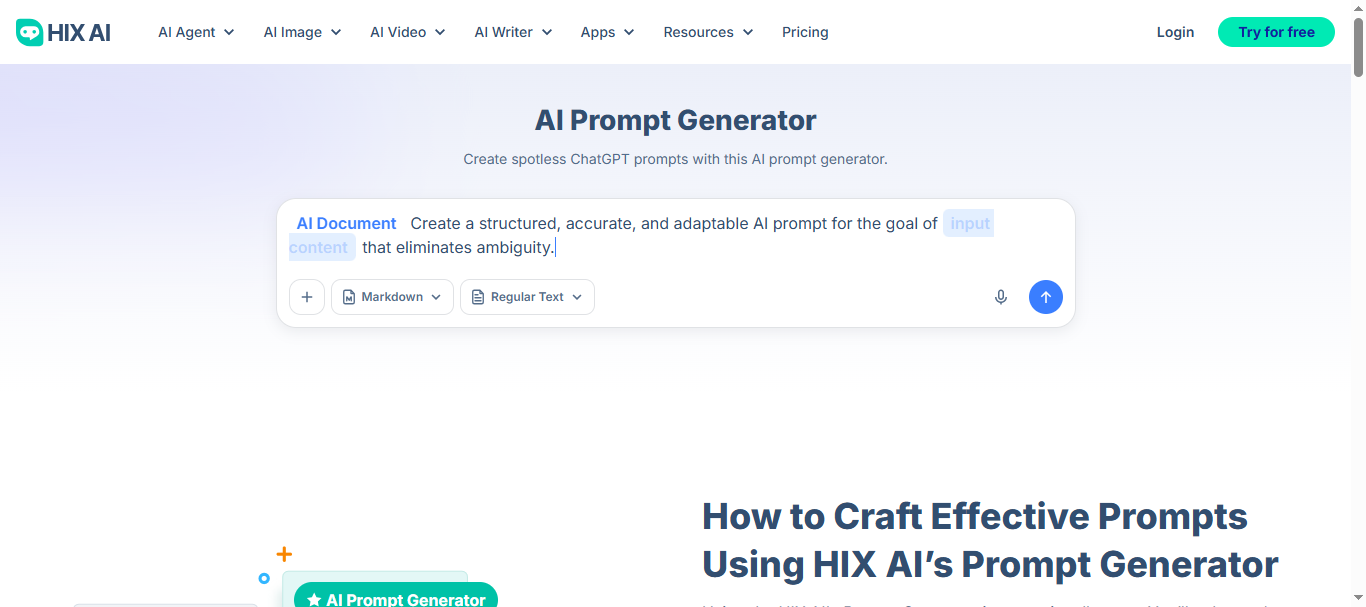
What is HIX AI
HIX is an all-in-one AI productivity and writing platform that includes tools for generating prompts, writing content, summarizing information, and automating AI tasks. The platform combines multiple AI capabilities—such as AI chat, writing templates, and prompt suggestions—into a single workspace designed for creators, marketers, and researchers.
It also supports multiple AI models and offers prompt templates, tone controls, and content generation tools, making it useful for building prompts for tasks like blog writing, research summaries, and marketing campaigns.
How to use HIX AI for Prompt Generation
- Open the HIX AI dashboard and select the AI writer or chat tool.
- Describe the task or topic you want the AI to generate prompts for.
- Choose a template or customize parameters such as tone, audience, or output format.
- Generate the prompt and use it to create content, summaries, or research outputs.
Key Features of HIX AI
- Library of 100+ AI writing and prompt templates for different tasks
- Multi-model AI chat supporting advanced language models
- AI writing assistant for blogs, emails, and marketing content
- Chrome extension and integrations with productivity tools
- Multilingual support for content generation in many languages
Example Use Case
A freelance content writer uses HIX AI to generate prompts for long-form blog articles. By selecting a blog writing template and entering the topic and audience, the platform creates structured prompts that guide the AI to generate outlines, introductions, and full article drafts more efficiently.
Who Should Use It
- Content writers and bloggers
- Digital marketers and SEO professionals
- Freelancers creating AI-assisted content
- Researchers summarizing information
- Businesses using AI for content workflows
Pricing
- Free Plan: Limited AI words and basic features.
- Basic Plan: Starts around $7.99–$12.99/month depending on billing cycle.
- Pro Plan: Around $19.99/month with higher word limits and advanced features.
- Unlimited Plan: Around $29.99/month with expanded AI usage.
Pricing may vary based on AI model access and monthly generation credits.
Pros
- Large set of AI tools in a single platform
- Multiple writing and prompt templates available
- Supports content generation for different formats
- Beginner-friendly interface
- Multilingual content generation capabilities
Cons
- Word credit limits can restrict heavy usage
- Some advanced features require higher-tier plans
10. Originality AI
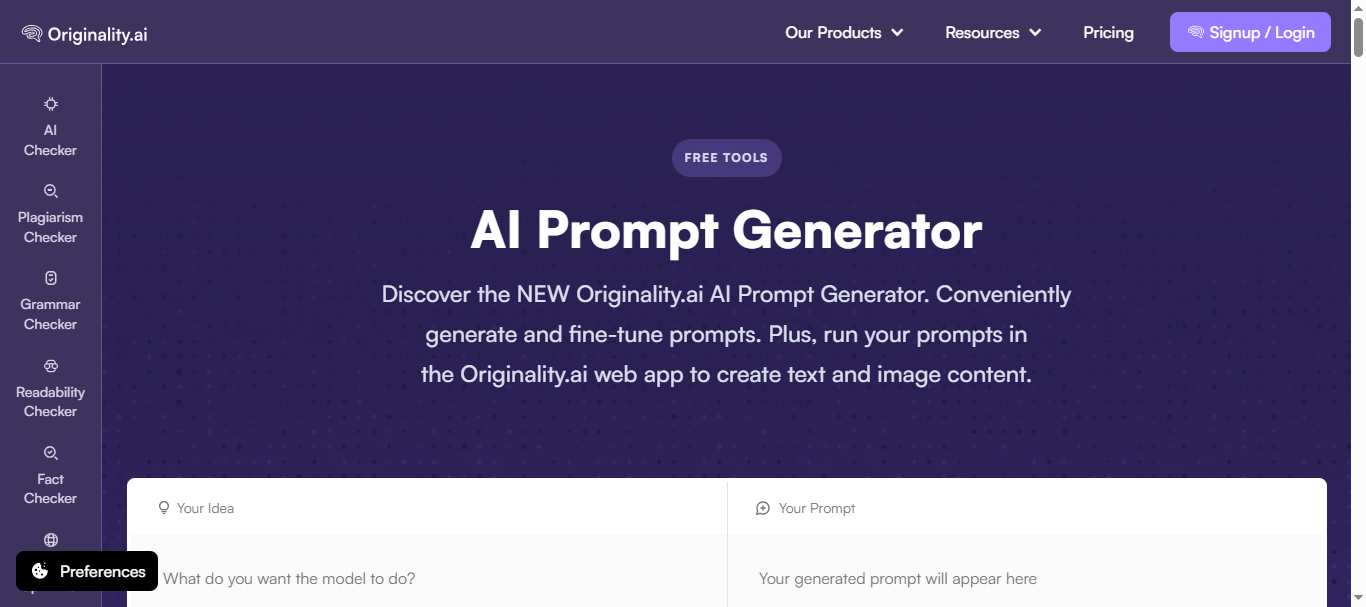
What is Originality AI
Originality is a content quality and prompt generation platform designed primarily for publishers, marketers, and SEO teams. While it is widely known for its AI detection and plagiarism checking tools, the platform also includes an AI prompt generator that helps users create structured prompts for writing and image generation tasks.
The tool allows users to generate prompts, fine-tune them for different AI models, and execute them directly inside the platform. It also recommends suitable AI models for the task, helping improve output quality and efficiency.
How to use Originality AI for Prompt Generation
- Open the Originality AI prompt generator and enter a task or idea for the prompt.
- Review the generated structured prompt and refine it using the fine-tune option.
- Select a recommended AI model such as OpenAI, Claude, or Gemini.
- Execute the prompt and copy the generated content or results for use in your workflow.
Key Features of Originality AI
- AI prompt generator for writing and image generation tasks
- Prompt fine-tuning tools for improving clarity and structure
- AI content detection and plagiarism checker integrated in one platform
- Recommended AI model selection for executing prompts
- Credit-based system for generating and running prompts
Example Use Case
A digital publisher uses Originality AI to generate prompts for long-form articles and editorial content. The editorial team creates structured prompts for blog posts, runs them through AI models, and then scans the final output with the platform’s AI detection and plagiarism tools to ensure the content meets quality and originality standards before publication.
Who Should Use It
- SEO professionals and content marketers
- Digital publishers and editorial teams
- Bloggers and freelance writers
- Agencies managing large volumes of AI-generated content
- Businesses monitoring AI-generated text quality
Pricing
- Pay-As-You-Go: About $30 for 3,000 credits (one-time purchase).
- Pro Subscription: Around $14.95 per month with about 2,000 credits per month.
- Enterprise Plan: Around $179/month with team management and advanced features.
Credits are typically used for prompt generation, AI detection scans, and content analysis.
Pros
- Combines prompt generation with AI detection and plagiarism checking
- Useful for publishers managing AI-generated content at scale
- Supports multiple AI models for executing prompts
- Credit system allows flexible usage for different workloads
- Includes tools for content quality and SEO workflows
Cons
- Credit-based pricing may become expensive for heavy usage
- Some advanced features require subscription plans
Visual Prompt Generators
11. Promptomania AI
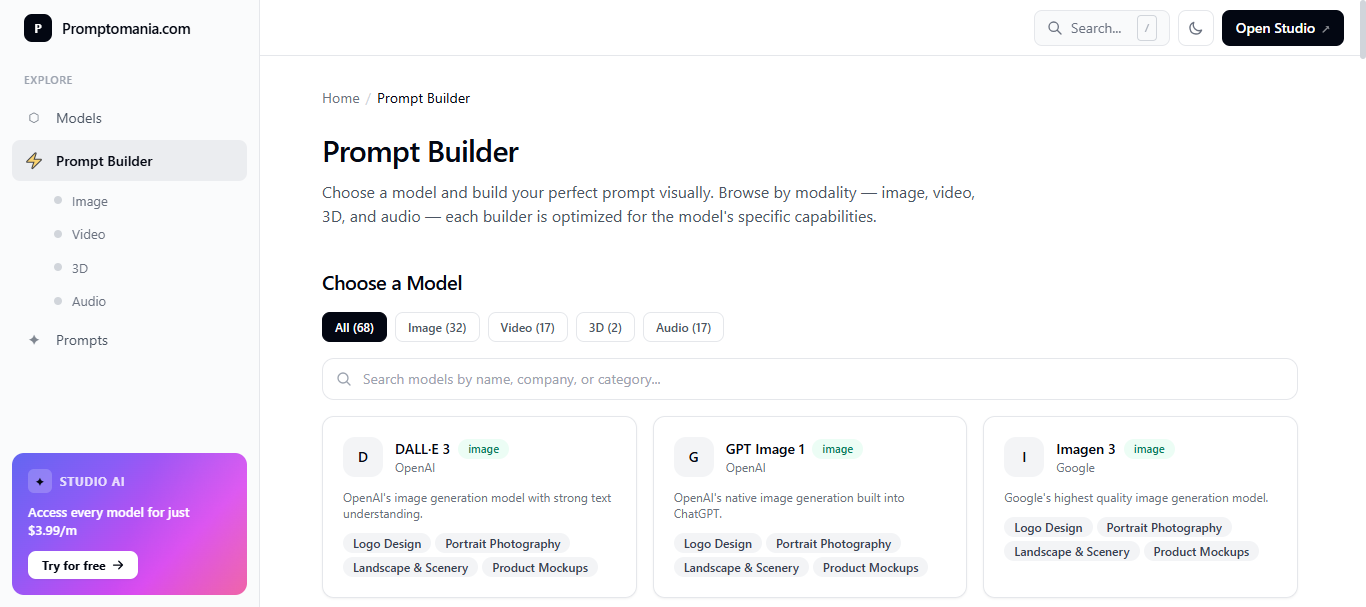
What is Promptomania AI
Promptomania is a specialized AI art prompt generator designed to help creators build detailed prompts for image-generation models such as Midjourney, Stable Diffusion, and DALL·E. The platform provides a visual prompt builder that allows users to structure prompts using elements like style, lighting, composition, and artistic effects.
It is widely used by designers, digital artists, and marketers who want to create high-quality AI-generated visuals without manually crafting complex prompts. The tool also includes tutorials and guides that help beginners learn how to write effective prompts for AI art generation.
How to use Promptomania AI for Prompt Generation
- Open the Promptomania prompt builder and select the AI model you want to generate prompts for (e.g., Midjourney or Stable Diffusion).
- Enter the main subject or concept for the image you want to create.
- Customize parameters such as style, lighting, color palette, and composition using the visual prompt builder.
- Generate the final prompt and copy it into your preferred AI image generation tool.
Key Features of Promptomania AI
- Visual prompt builder designed specifically for AI image generation
- Compatibility with AI models like Midjourney, Stable Diffusion, and DALL·E
- Grid splitter tool for separating generated image grids into individual images
- Step-by-step tutorials for learning AI art prompt creation
- Generic prompt builder supporting multiple AI art platforms
Example Use Case
A freelance graphic designer uses promptomania to create AI-generated product mockups for an e-commerce client. By selecting the product category, lighting style, and visual aesthetics in the prompt builder, the designer generates detailed prompts for Midjourney that produce realistic product images for marketing campaigns.
Who Should Use It
- Digital artists and illustrators
- Graphic designers
- Content creators producing AI visuals
- Marketing teams creating creative assets
- Game designers and concept artists
Pricing
- Free Plan: $0/month with full access to the AI prompt builder and art prompt tools.
The platform is primarily free to use and does not require a subscription for basic prompt generation.
Pros
- Specialized tool for AI art prompt generation
- Visual prompt builder simplifies complex prompt creation
- Compatible with multiple AI art models
- Helpful tutorials for beginners learning prompt design
- Completely free to use
Cons
- Focused mainly on image prompts rather than text prompts
- Requires external AI image generators to produce final images
Multi-Media Prompt Generators
12. AI Parabellum
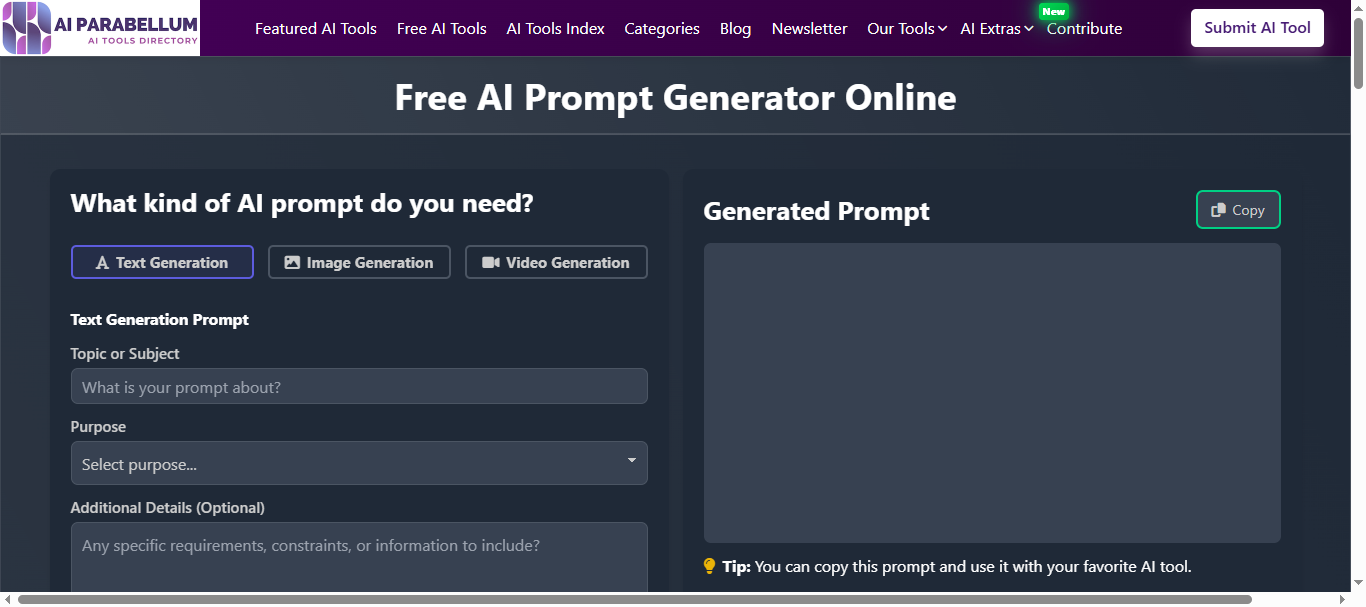
What is AI Parabellum
AI Parabellum is a free online AI prompt generator that helps users create structured prompts for language models, image generators, video generators and other AI tools. The platform converts simple instructions into well-formatted prompts with context, style, and task instructions so AI systems can produce more accurate results.
It is designed to be simple and accessible, allowing beginners and creators to generate prompts quickly without learning advanced prompt engineering techniques. The tool focuses on speed and ease of use rather than complex prompt management features.
How to use AI Parabellum for Prompt Generation
- Enter a description of the task you want the AI to perform.
- Add parameters such as content type, style, or format if needed.
- The tool automatically converts the input into a structured prompt.
- Copy the generated prompt and use it in AI tools like ChatGPT, Claude, or image generators.
Key Features of AI Parabellum
- Free AI prompt generator with no subscription required
- Structured prompt creation for better AI responses
- Templates for common AI use cases
- Simple interface designed for beginners
- Works with multiple AI systems including text and image models
Example Use Case
A small business owner wants to generate product descriptions for an online store using ChatGPT. Instead of manually crafting prompts, they enter the product details into AI Parabellum. The tool generates a structured prompt including product features, tone, and formatting instructions, which produces more consistent product descriptions across the catalog.
Who Should Use It
- Beginners learning prompt engineering
- Content creators experimenting with AI tools
- Freelancers using AI for simple tasks
- Small businesses creating AI content
- Users who need quick prompt generation without complex tools
Pricing
- Free Plan: Completely free to use with no subscription or hidden fees.
The platform provides prompt generation tools without requiring registration in most cases.
Pros
- Completely free prompt generator
- Very easy to use for beginners
- No sign-up required in many cases
- Generates structured prompts quickly
- Works with multiple AI platforms
Cons
- Limited customization for advanced prompt engineering
- No collaboration or team features
- Lacks analytics or prompt performance tracking
Where AI is Used in Prompt Engineering
AI is widely used in prompt engineering to improve how users interact with generative AI systems. One of the most common applications is content creation, where prompts are used to generate blog posts, marketing copy, product descriptions, emails, and social media content. Well-structured prompts help AI tools produce more relevant and organized content for writers, marketers, and businesses.
Prompt engineering is also used in software development and coding assistance. Developers create prompts that guide AI models to generate code snippets, debug errors, explain technical concepts, and assist with documentation. This helps streamline development workflows and speeds up problem solving.
Another important area is research and data analysis. Researchers and analysts use prompts to summarize long documents, extract insights from reports, and generate explanations for complex data. Proper prompts help AI tools provide more accurate summaries and meaningful insights.
AI prompt engineering is also widely used in image generation and creative design. Designers use prompts to generate visuals using AI image tools such as Midjourney or Stable Diffusion. Detailed prompts allow users to control elements like style, lighting, composition, and artistic direction when creating AI-generated images.
Benefits of AI Prompt Generator Tools
AI prompt generators improve the way users interact with generative AI systems. These tools help create structured prompts that produce better results and reduce the need for manual experimentation.
- Improves AI output quality
- Saves time
- Reduces trial and error
- Simplifies prompt engineering
- Boosts productivity
Who Should Use AI Prompt Generator Tools
AI prompt generator tools are useful for individuals and organizations that regularly work with generative AI systems. They simplify prompt creation and improve productivity across different workflows.
Content Creators and Bloggers
Writers can use prompt generators to create structured prompts for blog posts, articles, scripts, and social media content.
Digital Marketers and SEO Professionals
Marketing teams use prompt generators to build prompts for content campaigns, keyword research, ad copy, and marketing strategies.
Developers and AI Engineers
Developers working with AI applications can generate prompts for chatbots, automation tools, and AI-powered software features.
Researchers and Analysts
Researchers can use prompt generators to create prompts for summarizing documents, analyzing data, and generating insights from large datasets.
Businesses Implementing AI Workflows
Organizations using AI across departments can standardize prompt creation and maintain consistent AI interactions across teams.
Designers and Creative Professionals
Graphic designers, illustrators, and creative teams use prompt generators to create prompts for AI image generation tools such as Midjourney and Stable Diffusion.
How to Choose the Right AI Prompt Generator
Selecting the right AI prompt generator depends on how well the tool fits your workflow, AI models, and team requirements. The best tools combine flexibility, collaboration, and integration capabilities to support efficient AI usage.
AI Model Compatibility
Choose a tool that supports multiple AI models such as GPT-4, Claude, Gemini, and Midjourney. This allows you to generate prompts tailored for different AI systems and switch models based on the task.
Prompt Customization Capabilities
Look for tools that allow you to customize prompts with parameters like tone, audience, format, and context. Advanced prompt generators also offer templates and dynamic fields for better control.
Collaboration Features
If you work with a team, select a tool that provides shared prompt libraries, version history, and collaborative editing so teams can build and reuse prompts together.
Integration with Workflows
Choose prompt generators that integrate with your existing tools such as Google Docs, Slack, CRMs, spreadsheets, or development platforms to streamline workflows.
Pricing and Scalability
Evaluate pricing plans based on your usage. Some tools provide free versions for individuals, while others offer scalable plans for teams and enterprise-level workflows.
Choosing the right prompt generator depends on your workflow, AI tools, and collaboration needs. The tools listed above provide a wide range of features for individuals, creators, and businesses working with AI.
Future of AI Prompt Generation
The future of AI prompt generation will focus on making prompt creation more automated and intelligent. New tools are introducing automated prompt engineering, where users simply describe a task and the system generates a structured prompt automatically. Many platforms are also adding AI-assisted prompt design, helping users refine prompts by suggesting clearer wording, better context, and improved instructions.
Another important development is multi-model prompt optimization, where a single prompt can be adjusted to work across different AI models. In addition, many tools are building integrated prompt libraries that allow users and teams to store, organize, and reuse successful prompts across projects and workflows.
Conclusion
AI prompt generator tools help users create clear and effective prompts that improve the quality of AI outputs. They reduce trial and error, save time, and make it easier to work with AI models for tasks like content creation, research, development, and design. When choosing a tool, users should consider factors such as AI model compatibility, customization features, workflow integration, and pricing. As AI adoption continues to grow, prompt generators will play an important role in helping businesses, creators, and developers use AI more efficiently and consistently.
FAQs
What is an AI prompt generator?
An AI prompt generator is a tool that helps users create structured prompts for AI models like ChatGPT, Claude, and Gemini. It converts simple instructions into detailed prompts with context, tone, and formatting to improve the quality of AI-generated responses.
How do AI prompt generator tools work?
AI prompt generators analyze a user’s input or task description and convert it into a well-structured prompt. These prompts include clear instructions, context, and parameters that guide AI models to produce more accurate and relevant outputs.
Are AI prompt generator tools free?
Many AI prompt generator tools offer free versions with basic features. However, advanced tools with collaboration features, prompt libraries, and automation capabilities may require paid subscriptions or usage-based pricing.
Can AI prompt generators improve AI responses?
Yes, well-structured prompts help AI models understand the task better. This leads to more accurate, detailed, and relevant outputs compared to simple or unclear prompts.
Who should use AI prompt generator tools?
AI prompt generators are useful for content creators, marketers, developers, researchers, designers, and businesses that regularly use AI tools for writing, automation, analysis, or creative projects.
Do AI prompt generators work with different AI models?
Most modern prompt generators support multiple AI systems such as GPT-4, Claude, Gemini, Midjourney, and Stable Diffusion, allowing users to create prompts tailored for different AI platforms.