
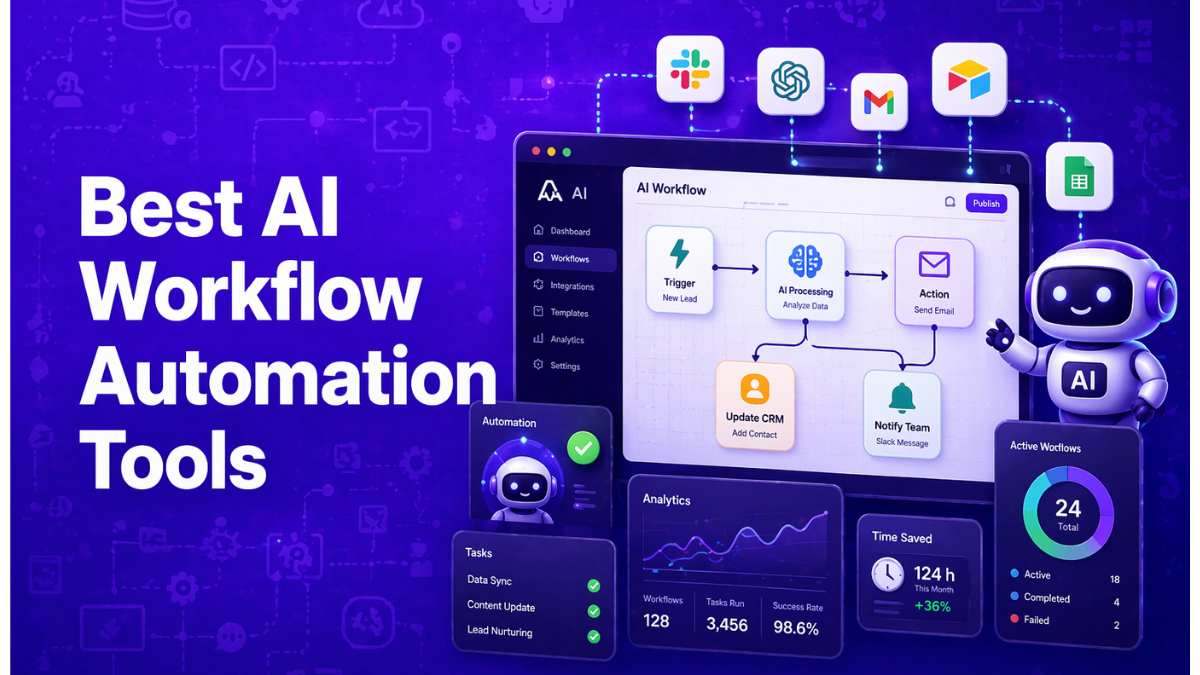
AI workflow automation refers to software platforms that combine artificial intelligence with automated workflows to execute multi-step tasks across applications without manual intervention. These systems connect business tools, analyze data, and trigger actions based on context and logic. In 2026, AI workflow automation enables teams to build intelligent processes that manage operations such as lead routing, content production, customer support, and internal productivity through AI-driven workflows and autonomous agents.
List of Top AI Workflow Automation Tools
- Zapier AI
- Make AI
- IFTTT AI
- Bardeen AI
- Relay.app AI
- Activepieces AI
- n8n AI
- Pipedream AI
- Microsoft Power Automate AI
- Workato AI
- Tray.io AI
- Boomi AI
- MuleSoft Anypoint AI
- Taskade AI
- Lindy AI
AI Workflow Automation Tools Comparison Table
These AI workflow automation platforms differ in complexity, integrations, and automation capabilities.
The table below compares the best tools based on typical evaluation criteria used by businesses.
| Tool | Best For | Key Features | Pricing | Category |
|---|---|---|---|---|
| Zapier AI | No-code automation across apps | 7000+ integrations, AI builders, triggers | Free + paid plans | No-code automation |
| Make AI | Visual automation workflows | Scenario builder, branching logic | Free + paid | Low-code automation |
| IFTTT AI | Simple consumer automation | Applets, triggers, smart home integration | Free + paid | Basic automation |
| Bardeen AI | Browser-based automation | AI scraping, browser workflows | Free + paid | Productivity automation |
| Relay.app AI | Human-in-the-loop workflows | approvals, async tasks | Paid plans | Workflow collaboration |
| Activepieces AI | Open-source automation | drag-and-drop flows | Free + paid | Open automation |
| n8n AI | Developer workflows | self-hosted nodes, code steps | Free + paid | Developer automation |
| Pipedream AI | API-driven automation | serverless workflows, SDK support | Free + paid | Developer automation |
| Microsoft Power Automate AI | Microsoft ecosystem workflows | RPA + cloud automation | Paid plans | Enterprise automation |
| Workato AI | Enterprise integrations | automation recipes, governance | Enterprise pricing | Enterprise automation |
| Tray.io AI | API integrations at scale | API orchestration, data workflows | Enterprise pricing | Enterprise automation |
| Boomi AI | Enterprise integration platform | integration platform as a service | Enterprise pricing | Enterprise automation |
| MuleSoft Anypoint AI | API-led integration | orchestration, API management | Enterprise pricing | Enterprise automation |
| Taskade AI | AI productivity workflows | task agents, project automation | Free + paid | AI productivity |
| Lindy AI | AI digital employees | agent workflows, AI assistants | Free + paid | AI agent platform |
Each platform approaches AI workflow automation differently. Some focus on simple app connections, while others enable complex automation with AI agents, enterprise integrations, or developer-level customization. The sections below explain how each tool works and when it should be used.
1. Zapier AI
What is Zapier AI
Zapier is a no-code workflow automation platform that connects thousands of apps and services to automate repetitive business tasks. It allows users to create automated workflows called “Zaps”, where a trigger in one app automatically performs actions in others. In 2026, Zapier also includes AI agents, AI workflow steps, and natural-language automation builders, enabling businesses to create intelligent workflows without coding.
How to use Zapier AI for Workflow Automation
- Choose a trigger event from an app (for example, a new lead in a CRM).
- Add automation actions or AI steps such as summarizing text or classifying data.
- Connect additional apps and define workflow logic or conditions.
- Activate the Zap to run automatically whenever the trigger occurs.
Key Features of Zapier AI
- 8,000+ app integrations across SaaS tools and APIs.
- AI workflow steps for summarization, classification, and automation.
- Natural-language automation builder and AI Copilot.
- Multi-step workflows with filters, paths, and logic branching.
- AI agents and chatbots integrated into automation workflows.
Best for
Businesses and teams that want no-code automation across multiple apps with integrated AI capabilities.
Pricing
Zapier offers a free plan with 100 tasks per month for basic automations. Paid plans start at $29.99/month (Professional) with multi-step workflows and higher task limits, while the Team plan starts around $103.50/month for shared automation management. Enterprise plans include advanced governance and custom pricing.
Pros
- Easy no-code automation builder
- Huge integration ecosystem (thousands of apps)
- AI workflow features and automation templates
Cons
- Costs increase quickly with higher task usage
- Limited flexibility compared to developer-focused tools
2. Make AI
What is Make AI
Make (formerly Integromat) is a visual workflow automation platform that allows users to design complex automations using a drag-and-drop interface. It connects SaaS apps, APIs, databases, and AI models to automate multi-step business processes. In 2026, Make AI includes AI-powered automation features and agent workflows, enabling users to generate workflows using natural language and automate data processing across connected tools.
How to use Make AI for Workflow Automation
- Create a workflow scenario using the visual automation canvas.
- Add triggers such as new events from apps or scheduled tasks.
- Connect actions and AI processing steps with filters and logic paths.
- Activate the workflow so it runs automatically whenever the trigger occurs.
Key Features of Make AI
- Visual drag-and-drop workflow builder.
- 2,000+ integrations with apps, APIs, and databases.
- Advanced logic tools such as routers, filters, and iterators.
- AI-powered workflow generation and automation steps.
- Real-time execution, scheduling, and error handling tools.
Best for
Teams and operations professionals who want visual control over complex workflows without writing code.
Pricing
Make offers a free plan with 1,000 operations per month for basic automations. Paid plans start at $10.59/month (Core plan) with increased automation capacity and advanced features. Higher tiers such as Pro ($18.82/month) and Teams ($34.12/month) provide expanded workflow capabilities and collaboration tools. Enterprise plans are available with custom pricing.
Pros
- Powerful visual workflow builder
- Affordable compared to many automation platforms
- Supports complex multi-step automations
Cons
- Interface can feel complex for beginners
- AI features are less advanced than agent-focused tools
3. IFTTT (If This Then That) AI
What is IFTTT AI
IFTTT (If This Then That) is a simple automation platform that connects apps, devices, and services using conditional workflows called Applets. Each automation follows a trigger-and-action model — when one event occurs, another action automatically happens. In 2026, IFTTT also integrates AI services like ChatGPT and other AI tools to generate content, analyze data, and automate smart workflows across apps and IoT devices.
How to use IFTTT AI for Workflow Automation
- Select a trigger from an app, device, or service (for example, a new email or calendar event).
- Choose the action that should happen automatically.
- Configure the Applet and connect the required apps or devices.
- Activate the automation so it runs automatically whenever the trigger occurs.
Key Features of IFTTT AI
- Simple trigger–action automation (Applets) builder.
- Integrations with 1000+ apps, services, and smart devices.
- AI services for content generation and workflow assistance.
- Multi-action workflows and webhook support.
- Smart home and IoT automation capabilities.
Best for
Individuals, creators, and small teams who need simple automation between apps, devices, and smart home services.
Pricing
IFTTT offers a Free plan that supports up to 2 Applets for basic automation. The Pro plan costs about $2.99/month and allows around 20 Applets with faster execution and multi-action workflows, while Pro+ costs about $8.99/month and supports unlimited Applets with AI services and advanced automation features.
Pros
- Very easy to set up automations
- Affordable pricing compared to most automation tools
- Strong smart-home and IoT integrations
Cons
- Limited for complex business workflows
- Smaller integration ecosystem than enterprise tools
4. Bardeen AI
What is Bardeen AI
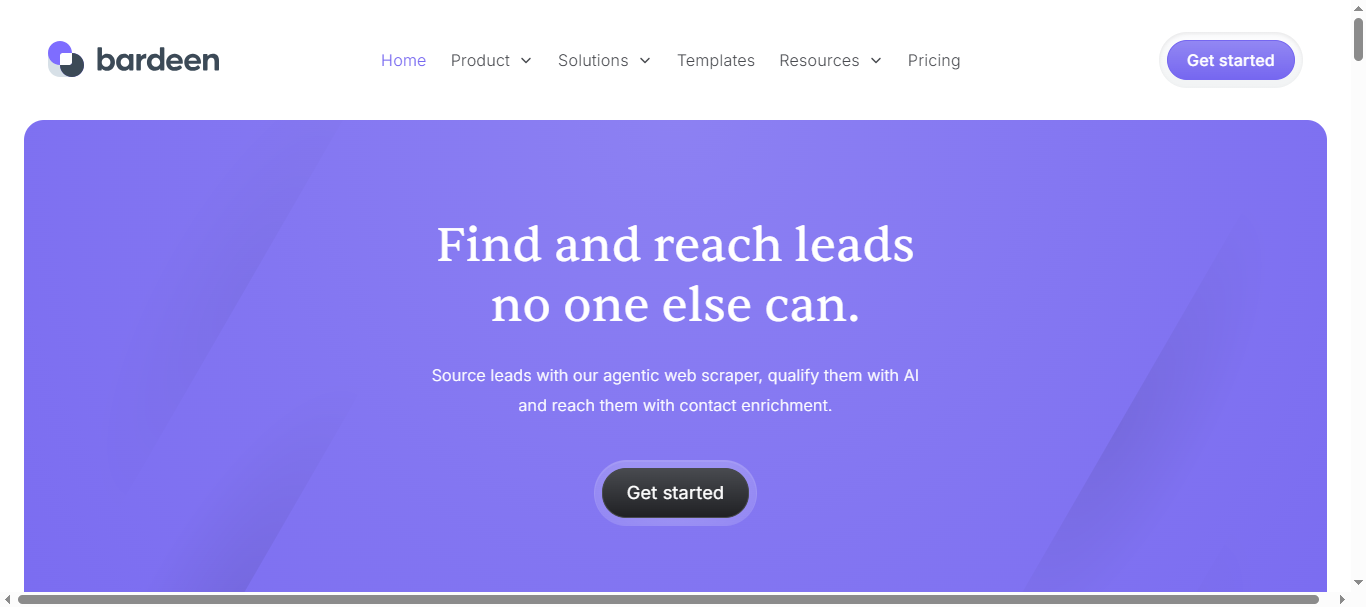
Bardeen is a browser-based workflow automation platform that uses AI agents to automate repetitive tasks across web apps and business tools. It runs as a browser extension and allows users to automate activities such as lead generation, data extraction, CRM updates, and outreach messaging. In 2026, Bardeen integrates AI models to analyze data, qualify leads, and automate workflows directly from the browser environment.
How to use Bardeen AI for Workflow Automation
- Install the Bardeen browser extension and connect your apps.
- Choose a prebuilt automation template (called a playbook) or create a custom workflow.
- Add AI steps such as data extraction, enrichment, or message generation.
- Run the workflow manually or schedule it to execute automatically.
Key Features of Bardeen AI
- AI automation playbooks for repetitive workflows.
- Browser automation for scraping data and filling forms.
- AI lead qualification and outreach message generation.
- Integrations with tools like HubSpot, Slack, Google Sheets, and Notion.
- No-code workflow builder with automation templates.
Best for
Sales teams, marketers, and operators who want AI-powered browser automation for lead generation and data workflows.
Pricing
Bardeen offers a free plan with limited automation credits for testing workflows. Paid plans typically start around $10/month for professional features, while advanced tiers such as Premium plans start around $40/month with higher automation credits and integrations. Enterprise plans provide custom pricing for teams with large automation needs.
Pros
- Strong browser automation capabilities
- AI tools for lead qualification and outreach
- Easy no-code workflow creation
Cons
- Limited automation credits on lower plans
- Works best for browser-based workflows rather than full backend automation
5. Relay.app AI
What is Relay.app AI
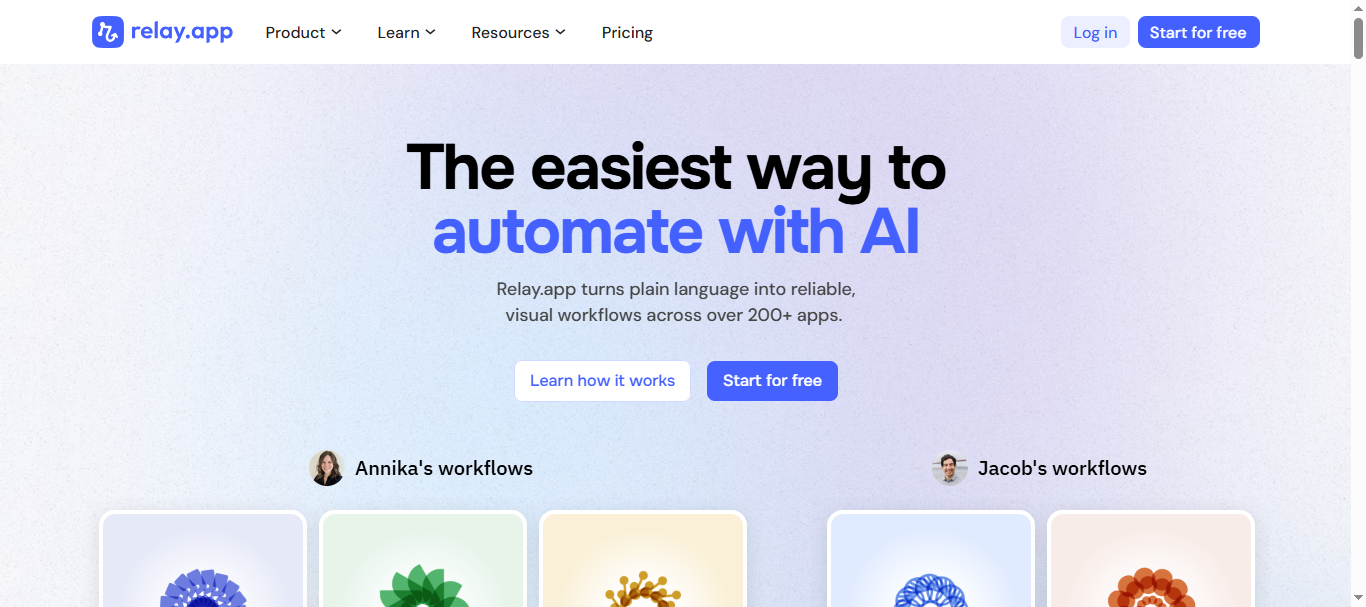
Relay.app is a no-code AI workflow automation platform designed to build automated processes and AI agents across business tools. It allows users to create visual workflows that connect apps like Gmail, Notion, HubSpot, and Slack while adding AI steps for tasks such as content generation, data classification, and analysis. The platform also supports human-in-the-loop approvals, allowing teams to review AI outputs before actions are executed.
How to use Relay.app AI for Workflow Automation
- Create a workflow using the visual automation builder.
- Connect apps and triggers such as forms, webhooks, or app events.
- Add AI steps for tasks like writing content, extracting data, or analyzing inputs.
- Deploy the workflow and optionally include approval steps for human review.
Key Features of Relay.app AI
- Visual no-code workflow builder with automation steps.
- Built-in AI actions for writing, classifying, and analyzing data.
- Integrations with 100+ tools such as Gmail, Notion, HubSpot, and Slack.
- Human-in-the-loop approval steps for workflow checkpoints.
- AI credits system with support for models like GPT, Claude, and Gemini.
Best for
Teams and operators who need simple AI workflows with approvals and collaboration built into automation processes.
Pricing
Relay.app offers a Free plan with about 200 automation steps and 500 AI credits per month for testing workflows. The Professional plan starts around $19/month for higher usage limits, while Team plans start around $69/month with shared workflows and multi-user collaboration. Enterprise plans include advanced governance, security, and custom pricing.
Pros
- Easy no-code automation builder
- Built-in AI steps with human approval workflows
- Good collaboration features for teams
Cons
- Smaller integration ecosystem than some competitors
- Limited flexibility for very complex automation logic
6. Activepieces AI
What is Activepieces AI
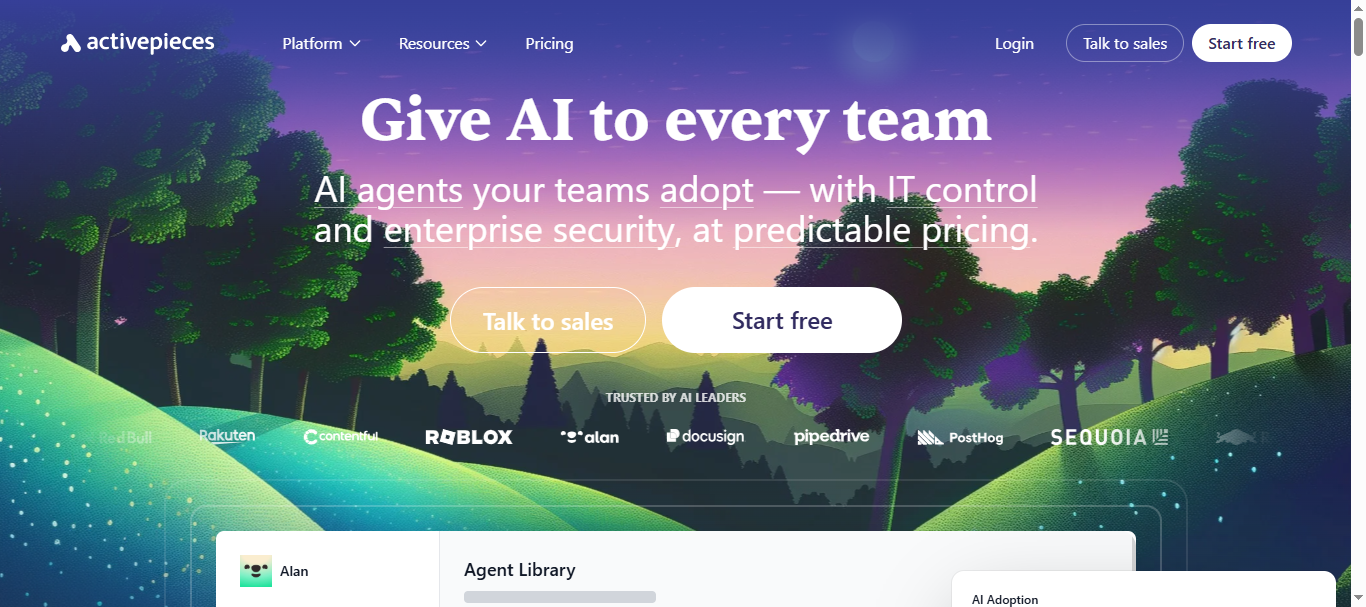
Activepieces is an open-source no-code workflow automation platform designed to connect apps and automate business tasks using AI-powered steps. It works similarly to tools like Zapier or Make but offers self-hosting, customizable workflows, and AI integrations for more control over automation. Users can create automated flows that trigger actions across multiple tools while using AI for tasks like data analysis, content generation, and decision-making.
How to use Activepieces AI for Workflow Automation
- Create a workflow (“Flow”) using the visual drag-and-drop automation builder.
- Choose a trigger such as a new form submission, webhook, or database update.
- Add actions like sending messages, updating records, or running AI prompts.
- Connect apps and deploy the automation to run automatically.
Key Features of Activepieces AI
- Open-source automation platform with no-code workflow builder.
- AI integrations that support models like GPT for automation steps.
- Supports triggers, actions, loops, branching, and conditional logic.
- Integrations with business tools like Google Sheets, Slack, HubSpot, and more.
- Option to self-host or use cloud deployment for data control and scalability.
Best for
Developers, startups, and teams looking for a low-cost open-source alternative to Zapier or Make with AI workflow capabilities.
Pricing
Activepieces offers a free cloud plan with about 1,000 tasks per month, two active flows, and AI credits for experimentation. Paid plans start around $25/month (Plus plan) with unlimited tasks and more automation flows. Business plans start around $150/month for teams, while enterprise plans include advanced security, governance, and custom pricing.
Pros
- Open-source and customizable automation platform
- Supports AI steps and advanced workflow logic
- Self-hosting option for full data control
Cons
- Smaller integration library compared to Zapier
- Setup can be technical for beginners
7. n8n AI
What is n8n AI
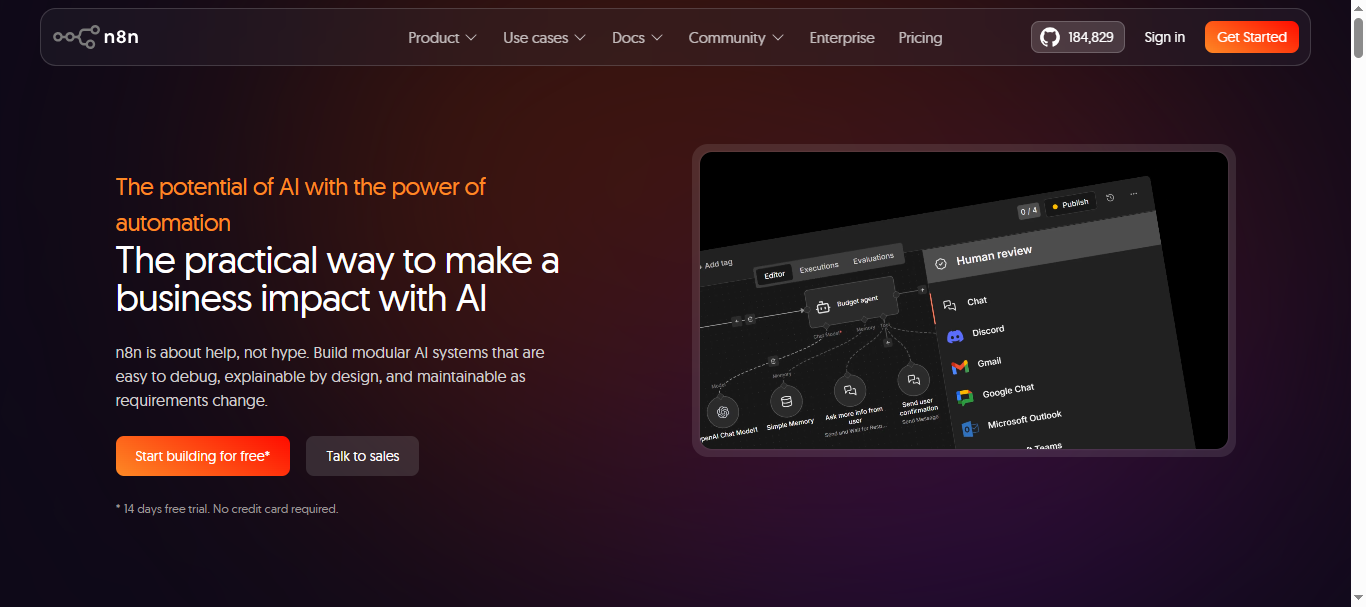
n8n is an open-source workflow automation platform that allows teams to build automated workflows and AI agents using a visual node-based interface. It connects apps, APIs, databases, and AI models to automate complex business processes such as data processing, lead management, and customer support. Unlike many no-code tools, n8n combines visual automation with custom code support, giving developers more flexibility and control.
How to use n8n AI for Workflow Automation
- Create a workflow using the visual node-based builder.
- Select a trigger such as a webhook, API event, or new database entry.
- Add actions like AI prompts, data processing, or sending messages.
- Connect apps and deploy the workflow to run automatically.
Key Features of n8n AI
- Visual node-based workflow builder with low-code flexibility.
- AI integrations with models like OpenAI, Gemini, and other LLMs.
- 500+ integrations with apps, APIs, and databases.
- Ability to create multi-step AI agents and RAG workflows.
- Self-hosting support with full control over infrastructure and data.
Best for
Developers, technical teams, and businesses that need highly customizable AI workflow automation with self-hosting and advanced logic control.
Pricing
n8n offers a free self-hosted community edition with unlimited workflows and full customization. Cloud plans start at around $20/month for ~2,500 workflow executions, while the Pro plan costs about $50/month with around 10,000 executions. Enterprise plans offer advanced security, SSO, and custom workflow limits.
Pros
- Open-source with self-hosting option
- Highly customizable with code support
- Strong AI automation and workflow flexibility
Cons
- Steeper learning curve for beginners
- Requires setup and maintenance for self-hosting
8. Pipedream AI
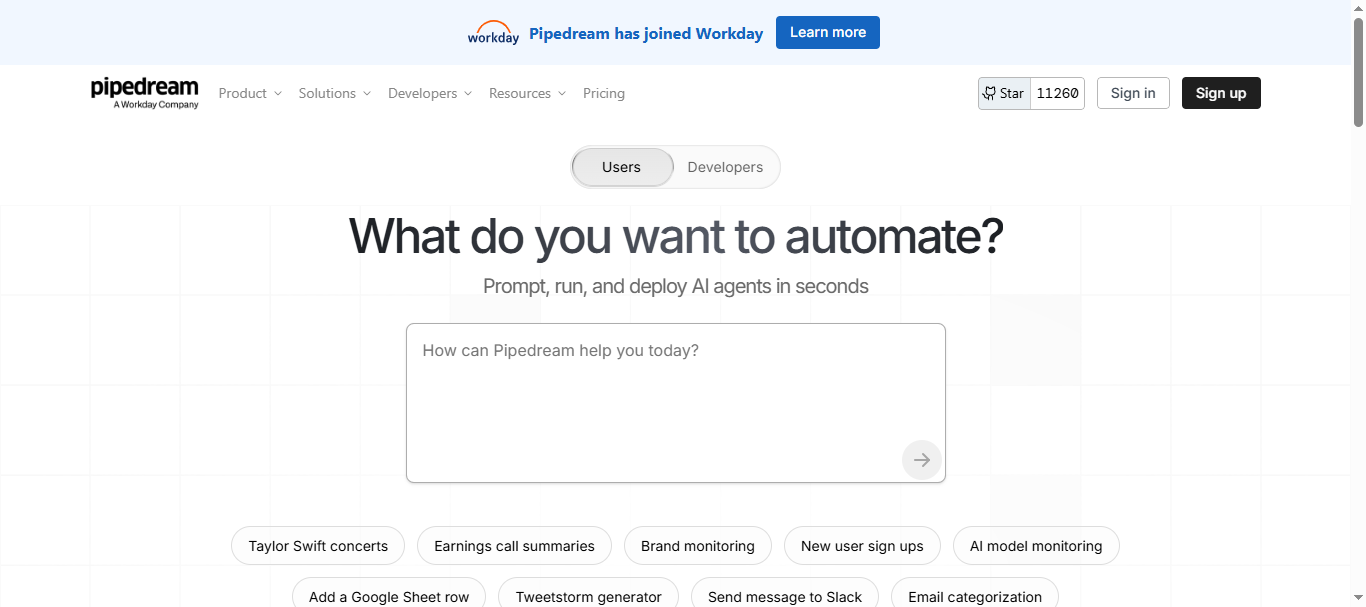
What is Pipedream AI
Pipedream is a developer-focused workflow automation platform that connects APIs, apps, databases, and AI models to automate complex tasks. It provides a serverless environment where users can create event-driven workflows using code or low-code components. Developers often use it to build automations triggered by webhooks, API calls, or real-time events across thousands of applications.
How to use Pipedream AI for Workflow Automation
- Create a workflow triggered by events like webhooks, API calls, or scheduled tasks.
- Connect apps or APIs such as Slack, GitHub, Stripe, or Google Sheets.
- Add AI logic or custom code (JavaScript, Python, etc.) to process data.
- Deploy the workflow so it runs automatically in the cloud.
Key Features of Pipedream AI
- Serverless workflow automation with real-time event triggers.
- AI agent builder for creating automated workflows with LLMs.
- 3,000+ integrations with APIs, databases, and SaaS tools.
- Custom code support (Node.js, Python, Go, Bash).
- Built-in monitoring, logging, and scaling for automation workflows.
Best for
Developers and technical teams who need API-driven automation, AI workflows, and event-based integrations.
Pricing
Pipedream offers a Free plan ($0/month) for basic automation and development testing. Paid plans start at about $45/month with higher credit limits for workflow execution and compute usage. Enterprise plans provide advanced scaling, security, and integration capabilities for large teams.
Pros
- Powerful automation for APIs and event-driven workflows
- Supports AI workflows and custom code
- Large integration ecosystem
Cons
- Not beginner-friendly for non-technical users
- Pricing can increase with high workflow usage
9. Microsoft Power Automate AI
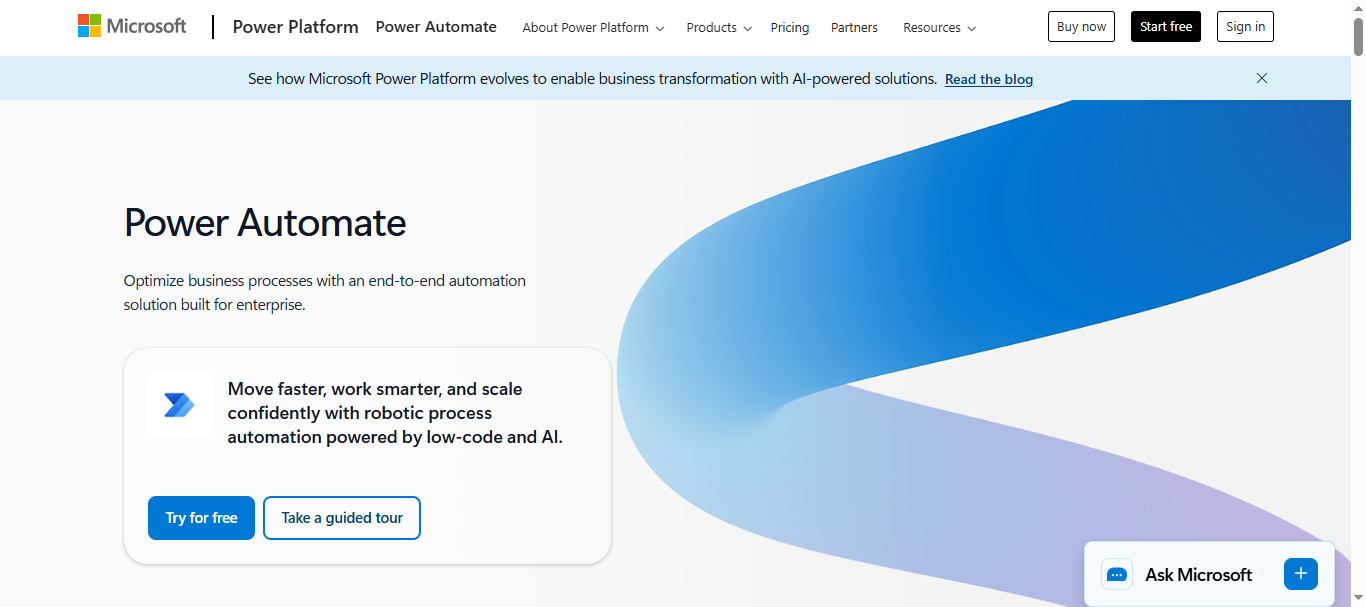
What is Microsoft Power Automate AI
Microsoft Power Automate is an enterprise workflow automation platform that combines robotic process automation (RPA), AI, and integrations to automate business processes across apps and services. It allows users to create automated workflows called “flows” that connect tools like Microsoft 365, Dynamics, SharePoint, and third-party SaaS applications.
With the addition of AI Builder and Copilot, Power Automate can analyze data, process documents, and generate intelligent workflows using natural language prompts. It is widely used by organizations to automate approvals, data transfers, reporting, and operational processes across departments.
How to use Microsoft Power Automate AI for Workflow Automation
- Create a new workflow (cloud flow or desktop flow) in the Power Automate dashboard.
- Select triggers such as a new email, form submission, or database update.
- Add automation steps using AI Builder, connectors, or RPA actions.
- Deploy the workflow so it runs automatically across connected apps and systems.
Key Features of Microsoft Power Automate AI
- AI Builder for document processing, predictions, and data extraction.
- Copilot AI to generate workflows from natural language prompts.
- Robotic Process Automation (RPA) for desktop and legacy systems.
- 700+ integrations with Microsoft and third-party apps.
- Process mining and analytics to optimize automation workflows.
Best for
Organizations using Microsoft 365, Dynamics, and enterprise systems that want scalable AI-powered automation across departments.
Pricing
Microsoft Power Automate offers several pricing tiers in 2026. The Premium plan starts at about $15 per user/month, allowing users to create unlimited cloud flows and use premium connectors. Enterprise automation plans include Process ($150 per bot/month) for unattended automation and Hosted Process ($215 per bot/month) with Microsoft-managed infrastructure. A free trial is also available for testing the platform.
Pros
- Deep integration with Microsoft ecosystem
- Supports AI, RPA, and enterprise automation
- Large library of connectors and templates
Cons
- Works best inside Microsoft ecosystem
- Complex workflows can be difficult to manage
Try Microsoft Power Automate AI
10. Workato AI
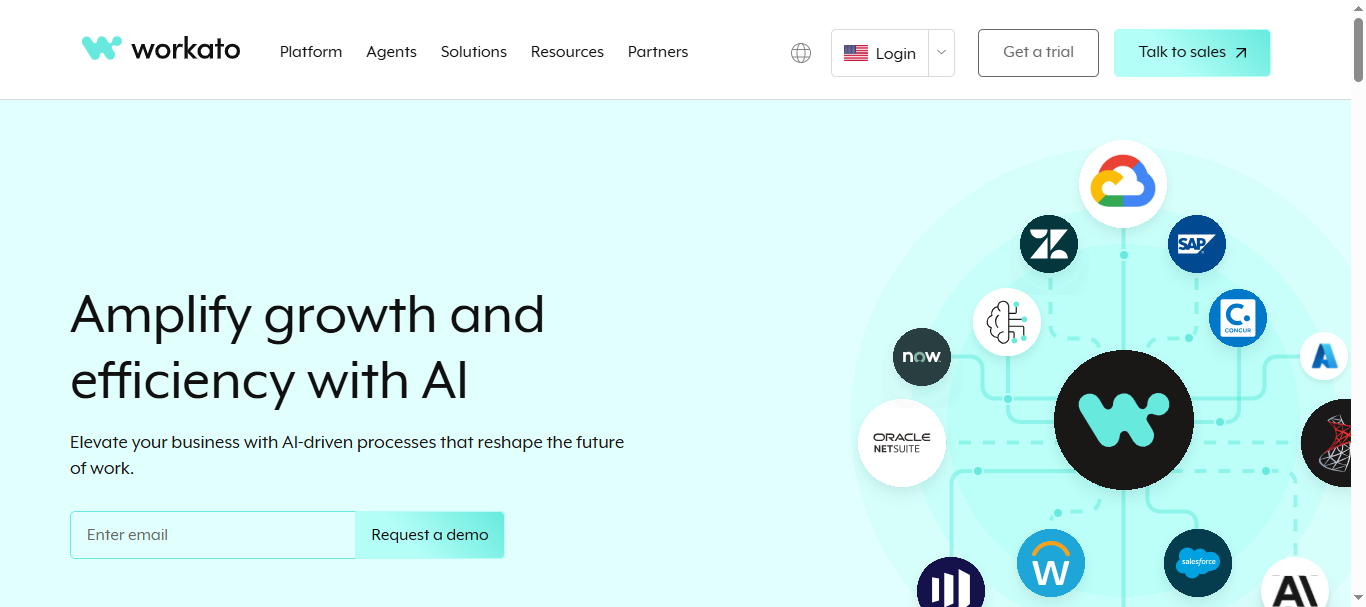
What is Workato AI
Workato is an enterprise workflow automation and integration platform that helps businesses connect applications, automate processes, and orchestrate data across cloud and on-premise systems. It belongs to the iPaaS (Integration Platform as a Service) category and enables companies to automate complex workflows without heavy coding.
The platform supports AI-powered automation through features like AIRO (AI assistant for automation design) and AI analytics tools that help optimize workflows and business processes. Workato integrates hundreds of enterprise tools like Salesforce, SAP, Slack, and Microsoft systems to automate multi-step workflows across departments.
How to use Workato AI for Workflow Automation
- Create an automation workflow (called a recipe) inside the Workato platform.
- Choose triggers such as new CRM data, form submissions, or database updates.
- Add automation steps and AI actions to process data or execute tasks.
- Deploy the workflow to automatically sync data and run processes across connected systems.
Key Features of Workato AI
- AI-powered automation using AIRO assistant and AI analytics tools.
- 1,000+ integrations with SaaS apps, APIs, and enterprise software.
- Low-code recipe builder for multi-step automation workflows.
- Real-time data synchronization across cloud and on-prem systems.
- Enterprise security, governance, and role-based access control.
Best for
Large enterprises and IT teams that need advanced workflow automation and integrations across multiple enterprise systems.
Pricing
Workato does not publish fixed pricing publicly and typically uses a custom enterprise pricing model. Most deployments start around $10,000 per year or more, depending on usage, connectors, and workflow volume. Mid-market companies often pay $50,000–$130,000 annually, while enterprise deployments can cost significantly higher based on scale.
Pros
- Powerful enterprise automation platform
- Extensive integrations and API connectivity
- Scalable workflows for large organizations
Cons
- Expensive compared to many automation tools
- Setup and management can be complex for beginners
11. Tray.io AI
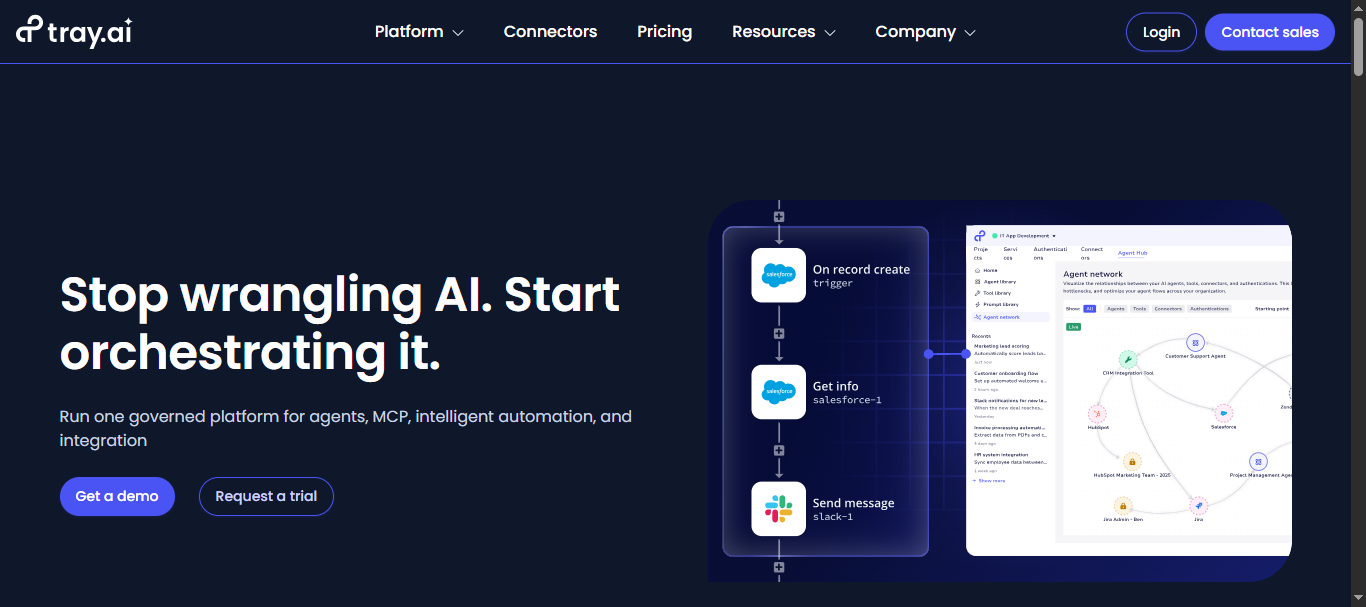
What is Tray.io AI
Tray.io (now often branded as Tray.ai) is an enterprise-grade integration and workflow automation platform (iPaaS) designed to connect apps, automate processes, and orchestrate AI-powered workflows across business systems. It provides a low-code workflow builder that helps teams integrate SaaS tools, APIs, and databases without heavy coding.
The platform also includes AI agent capabilities and automation tools that allow businesses to build intelligent workflows that can analyze data, trigger actions, and automate complex processes across multiple systems.
How to use Tray.io AI for Workflow Automation
- Create a workflow using Tray’s visual drag-and-drop automation builder.
- Connect business apps such as CRMs, marketing tools, or databases.
- Add automation logic, AI actions, and conditional workflows.
- Deploy the workflow to automatically move data and trigger tasks across systems.
Key Features of Tray.io AI
- Low-code workflow builder for complex automation.
- AI agent builder to create autonomous business workflows.
- 700+ integrations with SaaS apps, APIs, and enterprise tools.
- Advanced data mapping, transformation, and automation logic.
- Enterprise security, governance, and workflow monitoring.
Best for
Enterprise companies and operations teams that need advanced integrations and AI-powered workflow automation across multiple SaaS tools.
Pricing
Tray.io uses custom enterprise pricing based on usage and automation tasks. Entry plans typically start around $500 per month, with higher tiers for teams and enterprise deployments. Larger organizations often pay $5,000–$10,000+ annually depending on workflow volume and integrations.
Pros
- Powerful automation for complex enterprise workflows
- Large integration ecosystem for SaaS and APIs
- Supports AI agents and advanced automation logic
Cons
- Pricing can increase as automation usage grows
- Requires technical setup for advanced workflows
12. Boomi AI
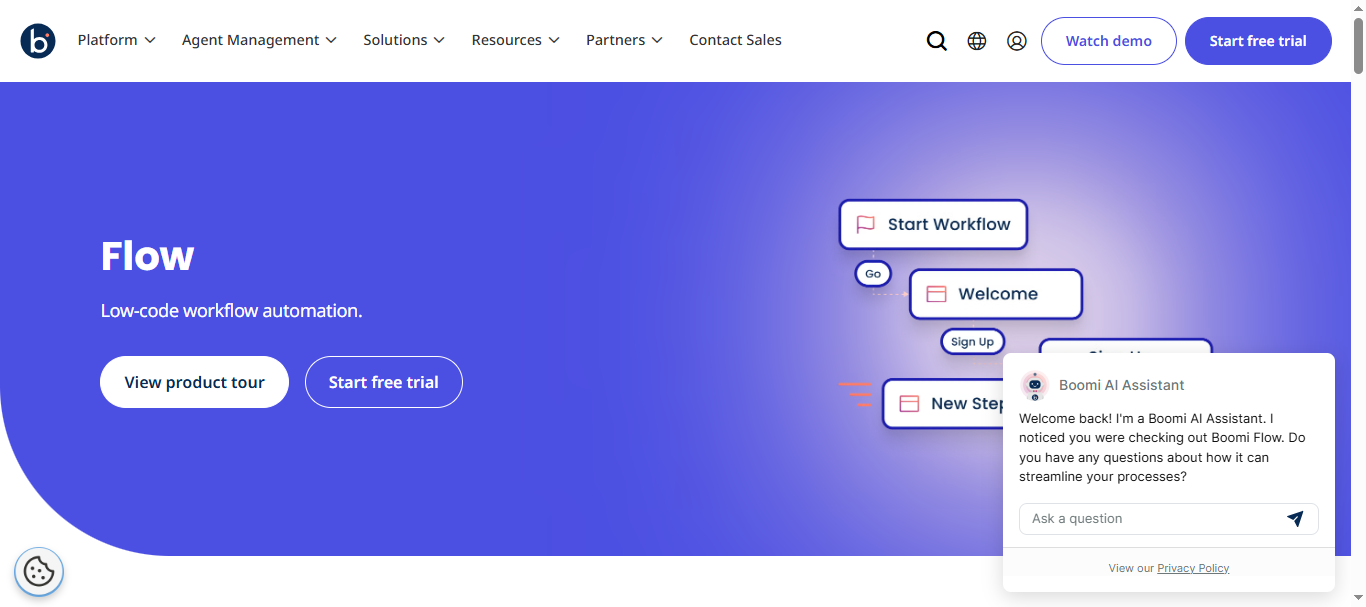
What is Boomi AI
Boomi is an enterprise integration and workflow automation platform (iPaaS) that connects applications, APIs, data, and systems across cloud and on-premise environments. The platform allows organizations to automate business processes and data workflows using a low-code integration builder and AI-powered automation features.
With tools like Boomi AI Agents and Agentstudio, businesses can design intelligent integrations and automate workflows that move data between systems such as CRMs, ERPs, and databases. It helps organizations eliminate data silos and run automated processes across their entire tech stack.
How to use Boomi AI for Workflow Automation
- Create an integration workflow using Boomi’s drag-and-drop process builder.
- Connect business applications, APIs, and databases using pre-built connectors.
- Add AI-powered automation steps or integration logic.
- Deploy and monitor workflows to automate data movement and business processes.
Key Features of Boomi AI
- AI agents to design and automate integrations.
- Low-code workflow builder for business automation.
- 1,500+ connectors for SaaS apps, APIs, and databases.
- API management and data integration capabilities.
- Hybrid deployment across cloud and on-prem systems.
Best for
Large organizations that need enterprise-grade integrations and AI-powered workflow automation across complex IT systems.
Pricing
Boomi uses a subscription and usage-based pricing model. A 30-day free trial is available for testing the platform. Pay-as-you-go plans start around $99 per month plus usage, while enterprise subscriptions typically start around $1,000 per month, depending on integrations, data volume, and platform capabilities.
For mid-size businesses, annual deployments commonly range between $25,000 and $75,000 per year depending on scale and infrastructure requirements.
Pros
- Powerful enterprise integration and automation platform
- Supports AI agents and intelligent workflows
- Strong hybrid cloud and API integration support
Cons
- Expensive for small teams or startups
- Setup can require technical expertise
13. MuleSoft Anypoint AI
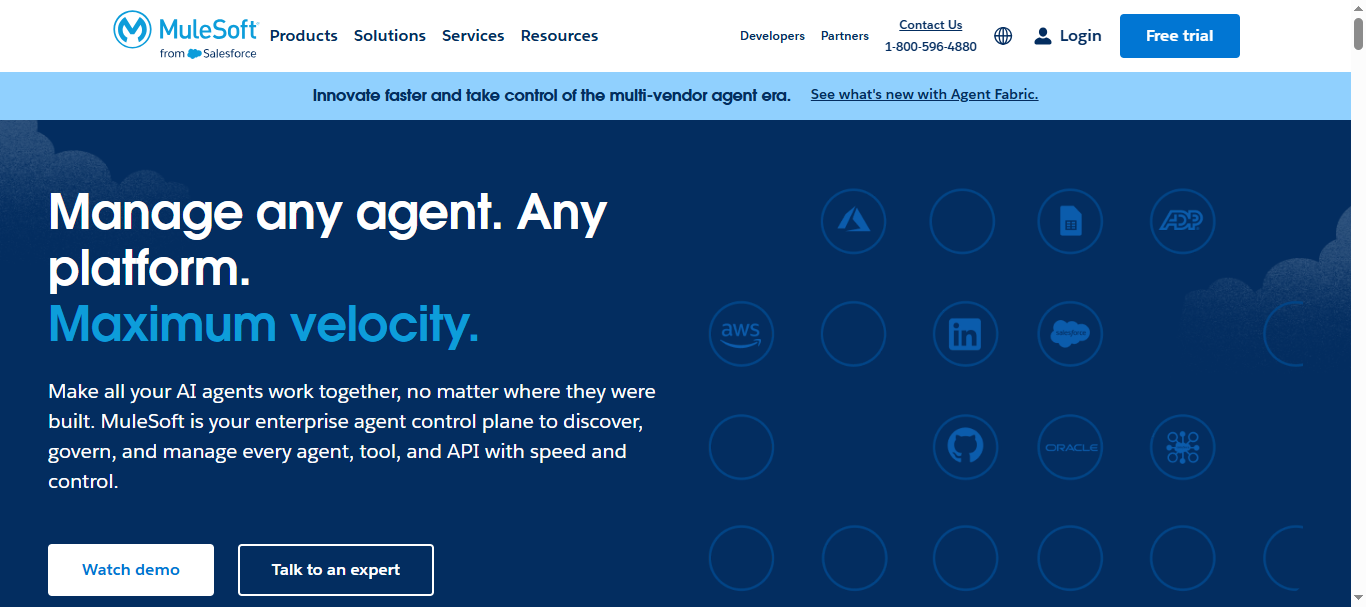
What is MuleSoft Anypoint AI
MuleSoft Anypoint is an enterprise integration and workflow automation platform that enables organizations to connect applications, data, and APIs across cloud and on-premise environments. It is part of the MuleSoft Anypoint Platform, which combines API management, integration tools, automation, and AI-driven services to orchestrate complex workflows.
The platform helps businesses automate multi-system processes by creating API-led connectivity between software tools. It also includes capabilities like RPA automation, intelligent document processing, and AI integrations, enabling organizations to automate workflows and manage enterprise data pipelines securely.
How to use MuleSoft Anypoint AI for Workflow Automation
- Design APIs and integrations using the Anypoint Design Center.
- Connect business systems and data sources using pre-built connectors.
- Build automated workflows with integration flows, RPA bots, or API triggers.
- Deploy and monitor automation across enterprise systems through the Anypoint Management Center.
Key Features of MuleSoft Anypoint AI
- API-led integration architecture for connecting enterprise systems.
- AI-powered document processing and data extraction.
- MuleSoft RPA for automating repetitive tasks and workflows.
- Hybrid deployment across cloud, on-premise, and container environments.
- Enterprise security, governance, and monitoring tools.
Best for
Large enterprises that need API-driven workflow automation and integration across complex IT systems.
Pricing
MuleSoft uses a subscription-based enterprise pricing model based on factors like API usage, integration flows, and message volume. Entry-level plans for Anypoint Platform often start around $27,000 per year, while enterprise deployments can exceed $100,000 annually depending on scale and infrastructure requirements.
The platform offers packages such as Integration Starter and Integration Advanced, with pricing determined by usage metrics like Mule Flows and Mule Messages.
Pros
- Powerful API-driven automation platform
- Scales well for enterprise integrations
- Strong governance and security capabilities
Cons
- Very expensive for small businesses
- Requires technical expertise to implement
14. Taskade AI
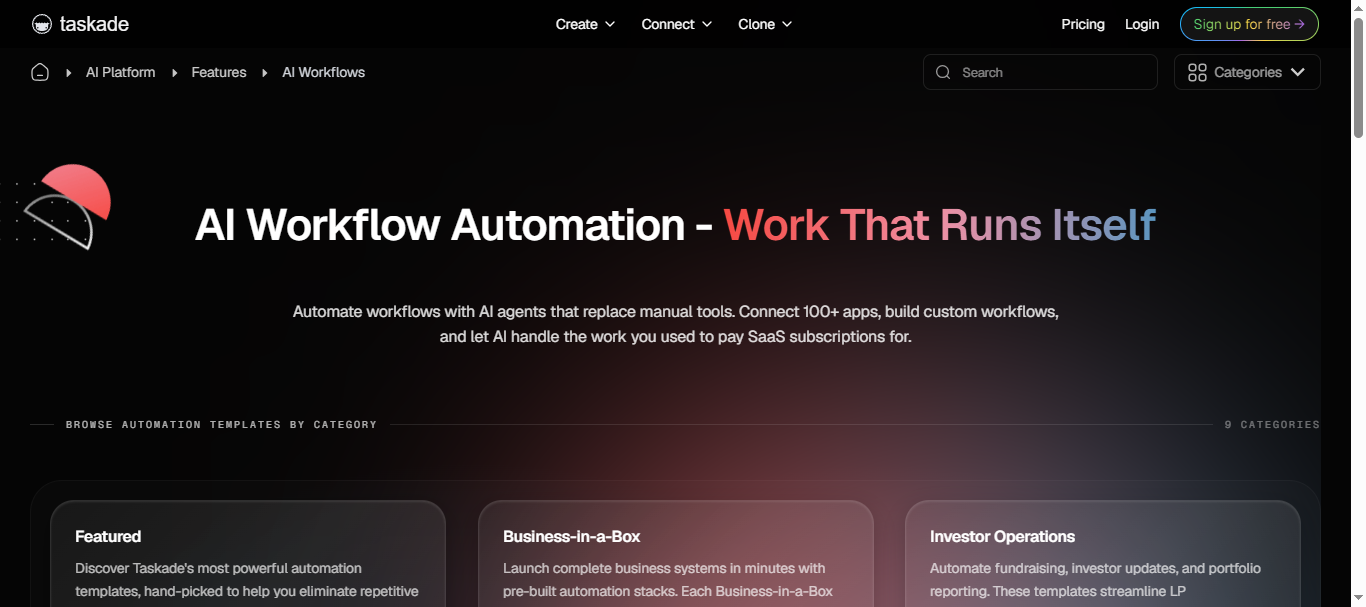
What is Taskade AI
Taskade is an AI-powered productivity and workflow automation platform that combines project management, AI agents, and automation tools in one workspace. It allows teams to create tasks, documents, workflows, and AI agents that automate repetitive work such as content creation, research, and task management.
The platform supports multi-agent workflows, automation triggers, and integrations with business apps, enabling teams to build intelligent workflows that operate across projects and tools. Taskade also allows users to generate AI agents and automations using natural language prompts.
How to use Taskade AI for Workflow Automation
- Create a workspace and project inside Taskade.
- Build or generate AI agents using prompts or templates.
- Connect tools and create automation workflows with triggers and actions.
- Deploy AI agents to automate tasks such as planning, content generation, or reporting.
Key Features of Taskade AI
- AI agents that automate tasks and workflows.
- Multi-agent teams that collaborate on complex workflows.
- Automation triggers and scheduled workflow execution.
- 100+ integrations with tools like Slack, Google Workspace, and HubSpot.
- AI-powered project management with task lists, boards, and mind maps.
Best for
Startups, remote teams, and creators who want AI-powered task management and workflow automation in a single collaborative workspace.
Pricing
Taskade AI offers a free plan with basic AI automation and workspace features. Paid plans start around $6 per month for the Starter plan with AI credits and app-building features. The Pro plan costs about $16/month and includes unlimited AI agents, automations, and integrations, while the Business plan (~$40/month) adds advanced analytics and larger AI credit limits.
Pros
- Combines AI agents, automation, and project management
- Easy no-code workflow and agent builder
- Affordable compared to many automation platforms
Cons
- Limited enterprise automation features
- Fewer integrations than some iPaaS tools
15. Lindy AI
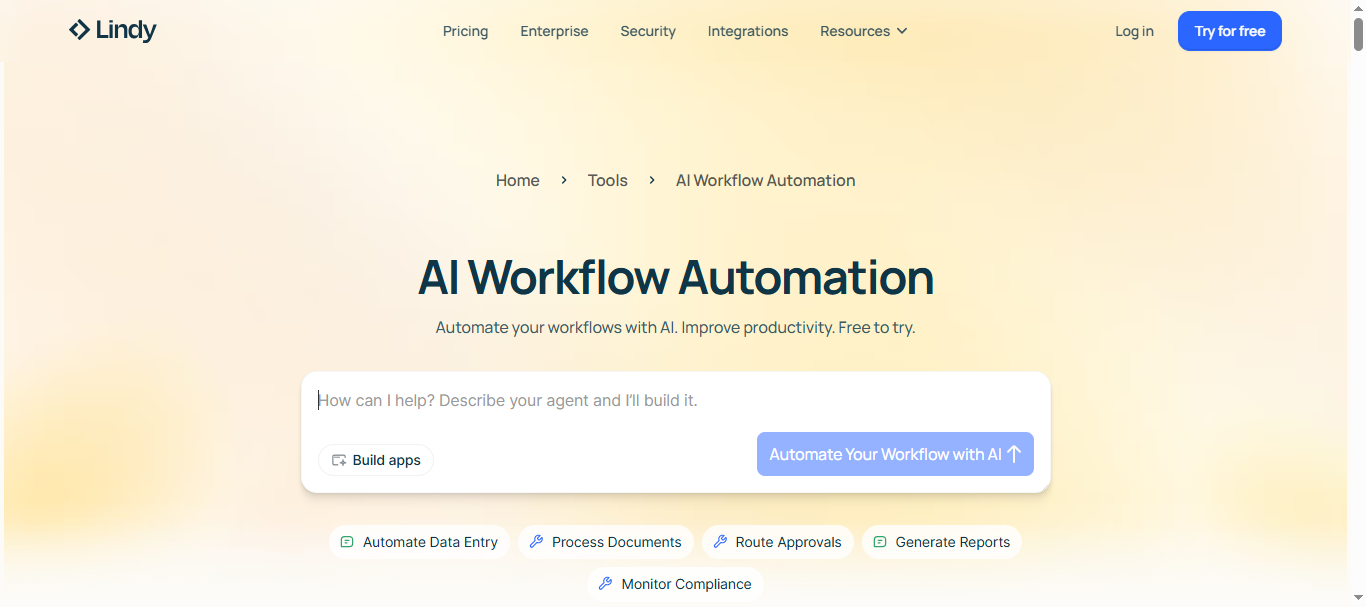
What is Lindy AI
Lindy is an AI workflow automation platform that lets users build autonomous AI agents (called “Lindies”) to handle repetitive tasks across apps and tools. It acts like a digital employee that can read emails, schedule meetings, update CRMs, and execute multi-step workflows without manual intervention.
The platform uses natural language instructions to create agents that perform actions across connected apps such as Gmail, Slack, and Google Calendar. This allows teams to automate daily operational work like lead follow-ups, meeting preparation, and data management.
How to use Lindy AI for Workflow Automation
- Create an AI agent (Lindy) by describing the task in natural language.
- Connect your tools such as Gmail, Slack, CRM, or calendar apps.
- Configure triggers and logic so the AI agent knows when to act.
- Deploy the agent to automatically execute tasks like replying to emails or updating records.
Key Features of Lindy AI
- No-code AI agent builder for creating autonomous workflows.
- Multi-step automation with reasoning and context awareness.
- Integrations with productivity tools like Gmail, Slack, and CRMs.
- AI assistants that manage email, scheduling, and meeting notes.
- Credit-based automation system for running tasks and workflows.
Best for
Startups, founders, and teams that want AI agents to automate daily operations such as email management, sales outreach, and meeting scheduling.
Pricing
Lindy AI uses a credit-based pricing model where each automated action consumes credits. The Free plan includes about 400 credits per month for testing workflows. Paid plans start at $19.99/month (Starter – 2,000 credits) and $49.99/month (Pro – 5,000 credits with unlimited agents and integrations), while enterprise plans offer custom pricing with higher usage limits.
Pros
- Easy no-code AI agent builder
- Powerful AI agents for multi-step workflows
- Good for automating personal and operational tasks
Cons
- Credit-based pricing can be unpredictable
- Integration library smaller than some competitors
AI Workflow Automation Agents
What Are AI Workflow Automation Agents
AI workflow automation agents are autonomous software systems powered by artificial intelligence that execute multi-step workflows across applications with minimal human input. Instead of following fixed rules like traditional automation, these agents can analyze context, make decisions, and adapt actions based on changing data or goals.
In simple terms, an AI workflow automation agent acts like a digital employee that can monitor events, process information, and complete tasks across tools such as CRMs, email platforms, project management software, and databases.
How AI Workflow Automation Agents Work
AI workflow agents operate by combining large language models (LLMs), integrations, and automation logic to complete tasks. A typical workflow looks like this:
1. Trigger detection
The agent monitors events such as new emails, form submissions, or CRM updates.
2. Context analysis
AI models analyze incoming data, documents, or messages to understand intent.
3. Decision making
The agent determines the next action using rules, prompts, or workflow logic.
4. Task execution
It performs actions across connected apps like sending emails, updating records, or generating reports.
Because AI agents can reason about data, they can handle unstructured inputs like emails, PDFs, and chat messages, which traditional automation systems struggle with.
Key Capabilities of AI Workflow Automation Agents
AI workflow automation agents typically provide the following capabilities:
- Autonomous decision-making based on context and workflow goals
- Multi-step workflow orchestration across multiple software tools
- Natural language understanding to interpret user instructions
- Integration with APIs and SaaS tools like CRM, email, and databases
- Human-in-the-loop control for approvals or oversight when needed
These capabilities allow businesses to automate processes that previously required manual intervention.
Examples of AI Workflow Automation Agents
AI workflow agents are used across many operational workflows:
Sales automation
- Qualify leads from website forms
- Update CRM records automatically
- Send personalized follow-up emails
Marketing automation
- Generate content from research sources
- Monitor social media mentions
- Build campaign reports automatically
Customer support
- Analyze incoming tickets
- Route issues to the right teams
- Suggest or generate responses
Internal productivity
- Summarize meetings and emails
- Generate task lists from discussions
- Automate document processing
How AI Workflow Agents Differ from Traditional Automation
| Feature | Traditional Workflow Automation | AI Workflow Automation Agents |
|---|---|---|
| Logic | Rule-based | AI-driven reasoning |
| Input | Structured data only | Structured + unstructured data |
| Flexibility | Static workflows | Adaptive decision-making |
| Execution | Fixed actions | Goal-based workflows |
| Intelligence | None | AI analysis and contextual understanding |
Why AI Workflow Automation Agents Matter in 2026
AI workflow agents are becoming critical because organizations now operate across dozens of apps and data systems. Manually managing processes across these tools creates inefficiencies and delays.
AI agents help solve this problem by acting as orchestration layers between systems, allowing businesses to automate complex workflows while reducing manual work.
As AI models continue improving, workflow agents are evolving from simple automation tools into autonomous operational assistants capable of planning, executing, and optimizing processes across entire organizations.
Platforms Supporting Agent Workflows
Several automation platforms now support AI agent workflows, allowing businesses to build systems that automate tasks, analyze data, and make decisions across multiple applications.
Common platforms include:
- Zapier AI – No-code automation with AI-powered workflows and app integrations.
- Make AI – Visual workflow builder for complex automation logic and AI steps.
- n8n AI – Open-source automation platform supporting AI nodes and custom workflows.
- Microsoft Power Automate AI – Enterprise automation with AI Builder and RPA capabilities.
- Workato AI – Enterprise integration platform with AI-powered workflow orchestration.
- Tray.ai – Low-code automation platform designed for large-scale integrations.
- Taskade AI – AI agents and workflow automation for productivity and team collaboration.
- Lindy AI – AI employee platform that automates tasks like email, scheduling, and CRM updates.
These platforms allow organizations to create AI-powered workflows where agents can monitor events, analyze context, and execute tasks automatically across connected systems.
Where AI Workflow Automation Is Used
AI workflow automation is used across many business functions to reduce manual work, improve efficiency, and automate repetitive processes. By combining integrations, automation logic, and AI decision-making, organizations can streamline operations across multiple systems.
1. Sales and Lead Management
AI workflow automation helps sales teams automate tasks such as lead qualification, CRM updates, and follow-up emails.
For example, when a new lead fills out a form, AI can analyze the data, assign the lead to the right salesperson, and send personalized outreach automatically.
2. Marketing Operations
Marketing teams use AI workflows to automate content creation, campaign management, and analytics reporting.
AI agents can generate marketing content, schedule social media posts, and compile campaign performance reports from multiple tools.
3. Customer Support
AI workflow automation can handle support tickets, route requests, and suggest responses to customer inquiries.
For instance, incoming support emails can be analyzed by AI and automatically assigned to the correct support team.
4. IT Operations
IT teams use automation to manage tasks like password resets, incident tracking, system monitoring, and ticket resolution.
AI can detect issues, trigger alerts, and execute predefined workflows to resolve technical problems.
5. HR and Employee Operations
HR departments use AI automation for onboarding workflows, document processing, leave management, and employee support requests.
This reduces administrative work and speeds up HR operations.
6. Finance and Accounting
AI workflow automation helps automate invoice processing, expense approvals, reporting, and compliance checks.
For example, invoices can be automatically extracted from documents and entered into accounting systems.
7. Internal Productivity and Knowledge Management
Teams use AI workflows to automate meeting summaries, task creation, research, and document management.
AI agents can summarize information, create action items, and distribute reports automatically.
Overall, AI workflow automation is widely used across sales, marketing, operations, IT, HR, finance, and productivity workflows, helping organizations automate complex processes and improve operational efficiency.
How to Choose the Right AI Workflow Automation Tool
Choosing the right AI workflow automation tool depends on your business needs, technical expertise, and automation goals. Not every platform is designed for the same level of complexity, so evaluating the right criteria helps avoid switching tools later.
1. Define Your Automation Use Case
Start by identifying the processes you want to automate.
For example, some tools are better for marketing and sales workflows, while others are designed for enterprise integrations or IT operations.
2. Evaluate Integration Capabilities
The tool should integrate with the applications your organization already uses, such as CRM systems, email platforms, databases, and project management tools.
Platforms with large integration libraries reduce the need for custom development.
3. Consider AI and Agent Capabilities
Modern workflow tools increasingly support AI agents that can analyze data, generate content, and make decisions.
If you need intelligent automation rather than simple triggers, choose platforms that support AI models and agent workflows.
4. Assess Ease of Use
Some tools are designed for non-technical users with no-code interfaces, while others require developer knowledge.
Teams without engineering resources usually benefit from drag-and-drop workflow builders.
5. Check Scalability and Performance
Automation tools should be able to handle increasing workflow volume and complex processes as your business grows.
Enterprise platforms often include advanced monitoring, security controls, and governance features.
6. Review Pricing and Total Cost
Automation platforms use different pricing models, including usage-based pricing, per-user subscriptions, or credit systems.
Consider both current costs and future scaling expenses before choosing a platform.
Selecting a tool that fits your technical environment, automation requirements, and long-term growth plans will ensure a smoother adoption of AI workflow automation.
Future of AI Workflow Automation
The future of AI workflow automation is moving toward autonomous, intelligent systems that can plan, execute, and optimize business processes with minimal human input. As AI models continue to improve, workflow automation tools are evolving from simple rule-based systems into platforms capable of understanding context, analyzing data, and making decisions across multiple applications.
In the coming years, organizations will increasingly rely on AI agents that collaborate across systems such as CRM, ERP, and communication tools to manage complex workflows automatically. These platforms will also include stronger governance, human-in-the-loop controls, and advanced analytics that continuously optimize processes. As adoption grows, AI workflow automation is expected to become a core operational layer for businesses, helping teams reduce manual work, improve productivity, and scale operations more efficiently.
Conclusion
AI workflow automation is transforming how organizations operate by combining integrations, automation logic, and artificial intelligence to manage complex processes automatically.
From simple app connections to autonomous AI agents, modern automation platforms help businesses reduce manual work, improve decision-making, and scale operations efficiently. As AI agents become more capable, workflow automation will increasingly function as the operational backbone of modern digital businesses.
FAQs
What is AI workflow automation?
AI workflow automation is the use of artificial intelligence to automate multi-step business processes across different applications. These systems can analyze data, make decisions, and trigger actions automatically, reducing manual work and improving operational efficiency.
How is AI workflow automation different from traditional automation?
Traditional automation follows fixed rules such as “if this, then that.” AI workflow automation can analyze context, understand unstructured data, and make decisions dynamically, allowing it to handle more complex workflows.
What are examples of AI workflow automation use cases?
Common use cases include lead management in sales, automated marketing campaigns, customer support ticket routing, HR onboarding workflows, IT service management, and financial reporting automation.
Do AI workflow automation tools require coding skills?
Many modern platforms provide no-code or low-code interfaces, allowing non-technical users to build workflows using drag-and-drop builders. However, some advanced platforms also support custom code for complex integrations.
What are AI workflow automation agents?
AI workflow automation agents are autonomous systems that can monitor events, analyze data, and execute tasks across connected applications. They can perform multi-step workflows and adapt actions based on context.
Which industries use AI workflow automation?
AI workflow automation is widely used across industries such as technology, finance, healthcare, e-commerce, marketing, customer support, and enterprise IT operations.