
Best AI Email Writing Tools help businesses, marketers, and professionals create faster, clearer, and more effective emails. The right AI Email Writing tool can save time, improve productivity, improve responses, and keep every message professional. From sales outreach to daily communication, these tools make email writing easier and more consistent.
List of AI Email Writing Tools
- Lavender AI
- Smartwriter AI
- Lindy AI
- Jasper AI
- Copy.ai
- Rytr AI
- ChatGPT AI
- Google Gemini AI
- Claude AI
- Writesonic AI
- Scalenut AI
- Hypotenuse AI
- HyperWrite AI
- MailerLite AI
- Read AI
AI Email Writing Tools Comparison Table
| Tool Name | Best For | Key Strength | Standout Feature | Pricing |
|---|---|---|---|---|
| Lavender AI | Sales outreach emails | Email coaching | Real-time reply scoring | Paid plans |
| Smartwriter AI | Personalized cold emails | Prospect research | AI icebreakers | Paid plans |
| Lindy AI | Workflow automation | Task execution | AI email agents | Paid plans |
| Jasper AI | Brand marketing emails | Brand consistency | Brand voice memory | Paid plans |
| Copy.ai | Campaign email writing | Scalable content | Multi-email workflows | Free and paid plans |
| Rytr AI | Budget email writing | Low cost value | Fast template drafts | Free and paid plans |
| ChatGPT AI | Flexible email drafting | Versatility | Prompt-based writing | Free and paid plans |
| Google Gemini AI | Gmail email help | Native integration | Built into Gmail | Free and paid plans |
| Claude AI | Professional communication | Human-like tone | Long context writing | Free and paid plans |
| Writesonic AI | Fast marketing emails | Speed | Multi-use templates | Free and paid plans |
| Scalenut AI | SEO focused campaigns | Content optimization | SEO + email workflow | Paid plans |
| Hypotenuse AI | Ecommerce emails | Product campaigns | Bulk product copy | Paid plans |
| HyperWrite AI | Everyday productivity emails | Smart drafting | Autocomplete writing | Free and paid plans |
| MailerLite AI | Newsletters and campaigns | Built-in platform | Email builder + AI | Free and paid plans |
| Read AI | Follow-up emails | Meeting context | Meeting-to-email summaries | Free and paid plans |
1) Lavender AI
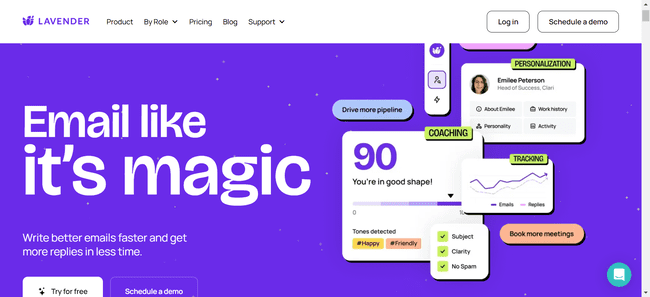
What Is Lavender AI?
Lavender AI is an AI Email Writing tool built mainly for sales teams, SDRs, recruiters, and professionals who want better reply rates from outreach emails. It works as an email coach inside your inbox and helps improve cold emails, follow-ups, and personalized outreach with real-time suggestions.
Key Features
- Real-time email scoring and coaching
- AI-generated first drafts for outreach emails
- Personalization suggestions for prospects
- Spam word detection and deliverability tips
- Mobile email preview optimization
- Gmail and Outlook integrations
- Team analytics and coaching dashboards
AI Email Writing Capabilities
Lavender AI focuses on improving sales email quality rather than general content writing. It helps users write clearer subject lines, stronger opening lines, concise body copy, and personalized outreach emails that are more likely to get replies. It also suggests edits while you write, making AI Email Writing faster and more performance-driven.
Best For
- Sales teams
- Cold outreach campaigns
- SDRs and BDRs
- Recruiters sending outreach emails
- Professionals who want more replies
Pros & Cons
Pros
- Strong for cold email optimization
- Real-time coaching inside inbox
- Helpful personalization tools
- Good for improving reply rates
Cons
- Less useful for newsletters or marketing campaigns
- Better for sales emails than general email writing
- Advanced team features need paid plans
Performance & Output Quality
Lavender AI performs best when writing one-to-one outreach emails. Its biggest strength is optimization, not just generation. Instead of producing generic drafts, it improves readability, personalization, and structure based on email best practices. This makes outputs more human and reply-focused.
Pricing
Lavender AI offers free access with limited usage, while paid plans are available for individuals and teams with advanced features.
2) Smartwriter AI
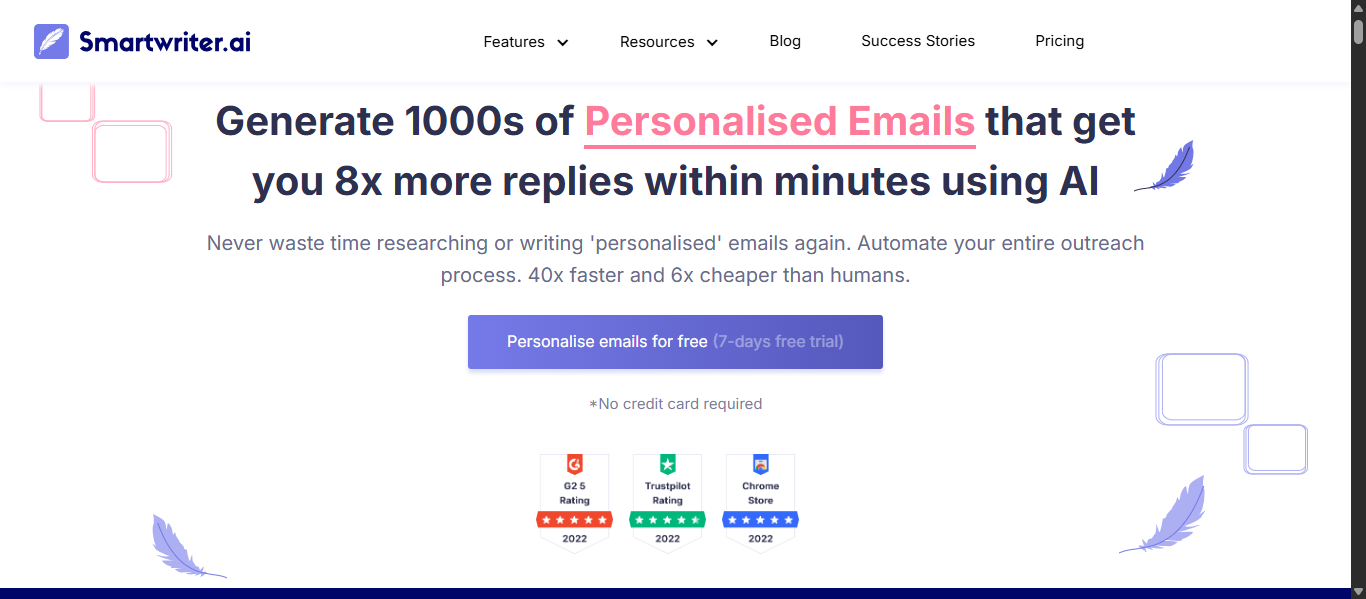
What Is Smartwriter AI?
Smartwriter AI is an AI Email Writing tool designed mainly for cold outreach, lead generation, and personalized sales emails. It helps users create custom emails at scale by using prospect data from websites, LinkedIn, and public sources. It is built for sales teams, agencies, recruiters, and marketers who need faster personalized outreach.
Key Features
- AI personalized cold email generation
- Prospect research automation
- Personalized first lines and icebreakers
- Follow-up email writing
- LinkedIn outreach message creation
- Bulk personalization for campaigns
- Lead data enrichment support
- Outreach workflow automation
AI Email Writing Capabilities
Smartwriter AI focuses on high-personalization email writing rather than general email drafting. It can generate custom intros, outreach messages, follow-ups, and prospect-specific emails using available public data. This makes AI Email Writing more relevant, faster, and more conversion-focused for outbound campaigns.
Best For
- Sales teams
- Cold email campaigns
- Lead generation agencies
- Recruiters
- B2B outreach teams
- Personalized prospecting emails
Pros & Cons
Pros
- Strong personalization features
- Saves prospect research time
- Good for scaling outreach
- Helpful for cold email campaigns
- Supports follow-up creation
Cons
- Less useful for casual daily emails
- Best suited for outbound sales use cases
- Learning curve for beginners
- Paid plans may be costly for small teams
Performance & Output Quality
Smartwriter AI performs best when users need custom cold emails at scale. Its strongest advantage is combining prospect research with email generation. Outputs are usually more personalized than standard AI writers, especially for sales outreach. Quality improves when accurate lead data is available.
Pricing
Smartwriter AI offers paid subscription plans with different usage levels for individuals, teams, and growing outreach campaigns.
3) Lindy AI
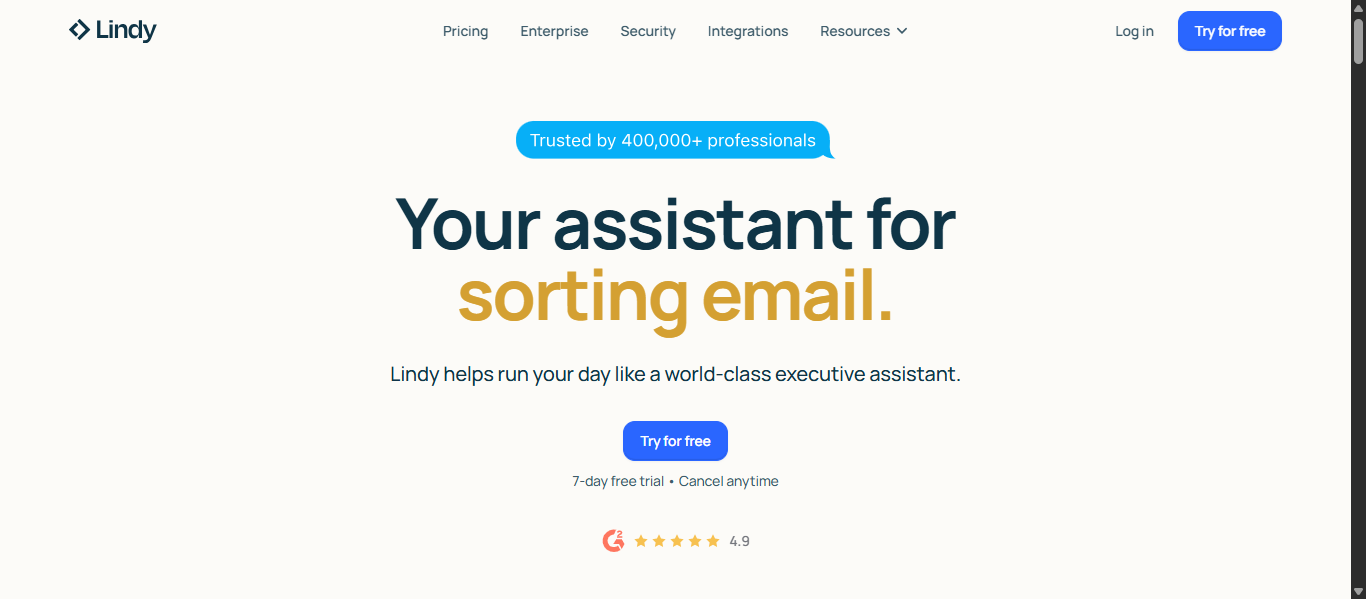
What Is Lindy AI?
Lindy AI is an AI Email Writing and automation platform designed to handle emails, meetings, scheduling, and repetitive business tasks through AI agents. It helps professionals and teams automate inbox management, draft replies, send follow-ups, and manage workflows with minimal manual work.
Key Features
- AI email drafting and reply generation
- Inbox triage and email prioritization
- Automated follow-ups and reminders
- Meeting scheduling and calendar management
- AI agents for workflow automation
- CRM and app integrations
- Meeting notes and summaries
- No-code automation builder
AI Email Writing Capabilities
Lindy AI goes beyond basic email writing by combining drafting with automation. It can create replies in your preferred tone, summarize long threads, generate follow-ups, and turn emails into tasks or scheduled actions. This makes AI Email Writing faster, smarter, and more workflow-driven for busy professionals.
Best For
- Founders and executives
- Sales teams
- Busy professionals
- Agencies
- Teams managing high email volume
- Users who want AI automation with email support
Pros & Cons
Pros
- Strong automation features
- Saves time on repetitive email tasks
- Helpful for scheduling and follow-ups
- Supports multiple business workflows
- Good for productivity-focused users
Cons
- More complex than simple email writers
- Best value comes with regular usage
- Learning setup may take time for beginners
- Overkill for users needing only basic email drafts
Performance & Output Quality
Lindy AI performs best for users who want both writing and execution. Instead of only generating emails, it helps complete tasks connected to those emails. Output quality is strong for professional communication, follow-ups, summaries, and admin workflows. It is especially useful when speed and automation matter.
Pricing
Lindy AI offers free trial access, with paid plans available for individuals, teams, and advanced automation needs.
4) Jasper AI

What Is Jasper AI?
Jasper AI is an AI Email Writing and marketing content platform built for businesses, marketers, and teams that need high-quality emails at scale. It helps users create newsletters, promotional emails, sales campaigns, follow-ups, and branded email copy while maintaining a consistent tone of voice.
Key Features
- AI email generator for campaigns and outreach
- Brand voice customization
- Templates for marketing emails and newsletters
- Rewrite and improve existing email copy
- Browser extension support
- Team collaboration tools
- Multi-channel content creation
- Workflow and automation features
AI Email Writing Capabilities
Jasper AI is strong for AI Email Writing because it can generate complete email drafts, subject lines, CTAs, welcome emails, nurture campaigns, and promotional sequences. It is especially useful for businesses that need polished branded emails instead of one-off casual replies. Jasper also helps rewrite content to match tone, audience, and campaign goals.
Best For
- Marketing teams
- Startups and businesses
- Brand-focused companies
- Newsletter creators
- Email campaign managers
- Teams creating content at scale
Pros & Cons
Pros
- Strong brand voice controls
- Good for email campaigns and newsletters
- Helpful templates for faster writing
- Built for teams and collaboration
- Supports multiple content formats
Cons
- More expensive than simple AI writers
- Better for businesses than casual users
- Can feel feature-heavy for beginners
Performance & Output Quality
Jasper AI performs best when users need professional marketing emails with clear messaging and consistent branding. Output quality is strong for campaigns, product launches, newsletters, and structured sequences. It is less focused on quick personal inbox replies and stronger for strategic content creation.
Pricing
Jasper AI offers paid subscription plans for individuals, teams, and businesses, with higher tiers focused on collaboration and advanced brand controls.
5) Copy.ai
What Is Copy.ai?
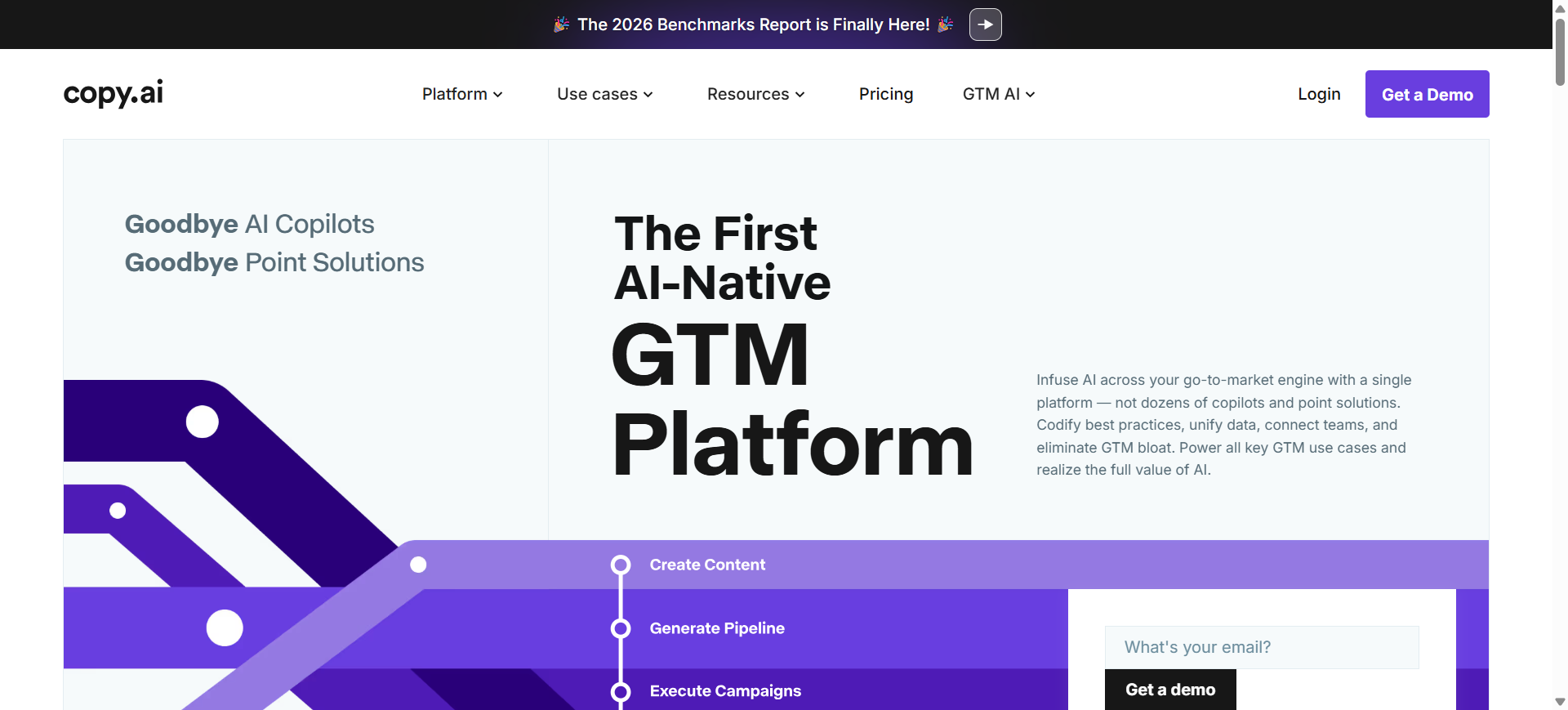
Copy.ai is an AI Email Writing and go-to-market content platform built for businesses, marketers, and sales teams. It helps users create marketing emails, cold outreach, newsletters, follow-ups, and campaign copy faster while keeping messaging consistent. It is designed for teams that need scalable content creation across multiple channels.
Key Features
- AI email generator for campaigns and outreach
- Brand voice customization
- Marketing and sales templates
- Cold email and follow-up writing
- Workflow automation tools
- Team collaboration features
- Multi-channel content creation
- Content rewriting and optimization
AI Email Writing Capabilities
Copy.ai is strong for AI Email Writing because it can generate subject lines, promotional emails, nurture campaigns, outreach sequences, and personalized sales emails. It also helps rewrite drafts, improve tone, and create multiple variations quickly. This makes it useful for teams running frequent campaigns or outbound outreach.
Best For
- Marketing teams
- Sales teams
- Startups and growing businesses
- Cold outreach campaigns
- Newsletter creators
- Teams needing scalable content
Pros & Cons
Pros
- Strong for email campaigns and outreach
- Helpful templates for fast writing
- Good team collaboration tools
- Supports multiple content types
- Useful for scaling content production
Cons
- More feature-heavy than simple AI writers
- Better for business users than casual users
- Advanced workflows may take time to learn
Performance & Output Quality
Copy.ai performs best when users need structured business emails at scale. Output quality is strong for promotional emails, sales outreach, newsletters, and campaign sequences. It is especially useful for teams that need speed, consistency, and multiple variations instead of one-off casual emails.
Pricing
Copy.ai offers free access with limited usage, while paid plans are available for individuals, teams, and businesses needing advanced features.
6) Rytr AI
What Is Rytr AI?
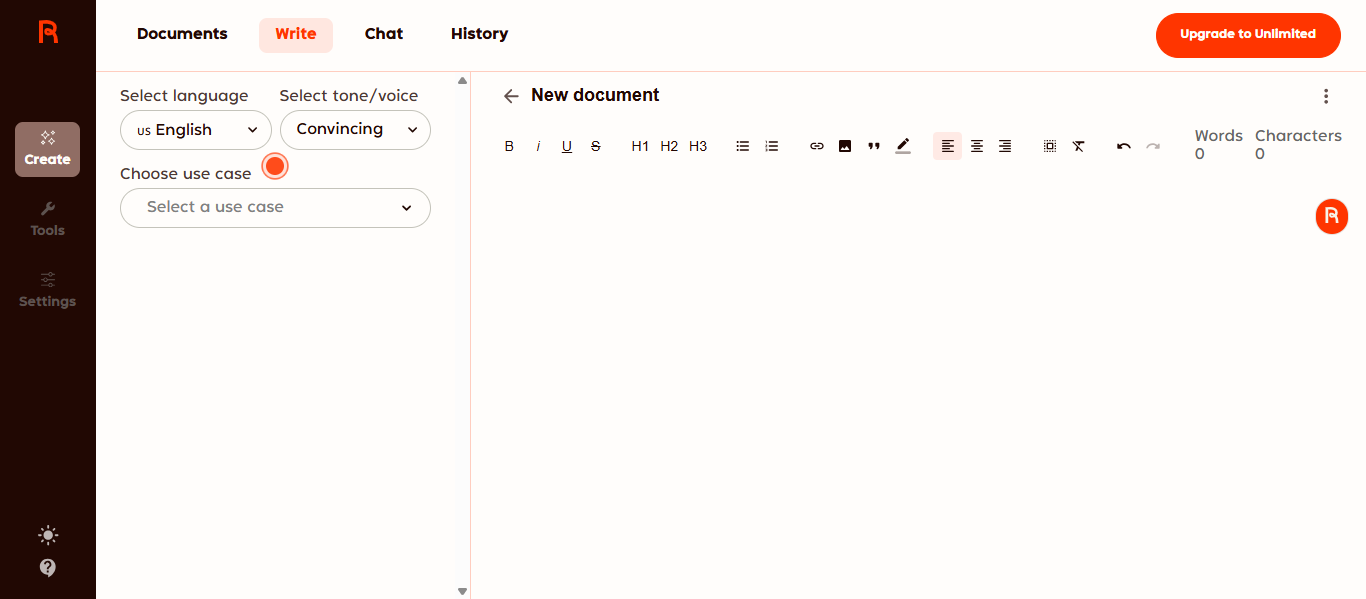
Rytr AI is an affordable AI Email Writing and content generation tool designed for freelancers, marketers, small businesses, and everyday users. It helps create emails, replies, subject lines, promotional messages, and other short-form content quickly through simple templates and guided prompts.
Key Features
- AI email generator for drafts and replies
- 40+ writing use cases and templates
- 20+ tone options
- Multi-language support
- Rewrite, shorten, and expand tools
- Chrome extension support
- Built-in plagiarism checker
- Custom tone options on higher plans
AI Email Writing Capabilities
Rytr AI is useful for AI Email Writing because it can generate professional emails, sales emails, follow-ups, support replies, and promotional copy in seconds. Users can choose tone, purpose, and writing style to create faster drafts. It is best for quick email creation rather than deep campaign strategy.
Best For
- Freelancers
- Small businesses
- Budget-conscious users
- Quick email drafts
- Beginners using AI writing tools
- Basic marketing emails
Pros & Cons
Pros
- Budget-friendly pricing
- Easy to use for beginners
- Fast email generation
- Multiple tones and templates
- Free plan available
Cons
- Less advanced than premium tools
- Better for short emails than complex campaigns
- Limited collaboration features
- Outputs may need editing for nuance
Performance & Output Quality
Rytr AI performs best for short and practical email tasks such as follow-ups, replies, outreach drafts, and simple promotions. Output quality is solid for the price, especially for users who need speed and affordability. For advanced personalization or brand-heavy campaigns, stronger enterprise tools may perform better.
Pricing
Rytr AI offers a free plan with limited monthly usage, plus paid plans for unlimited generation and advanced features.
7) ChatGPT AI
What Is ChatGPT AI?
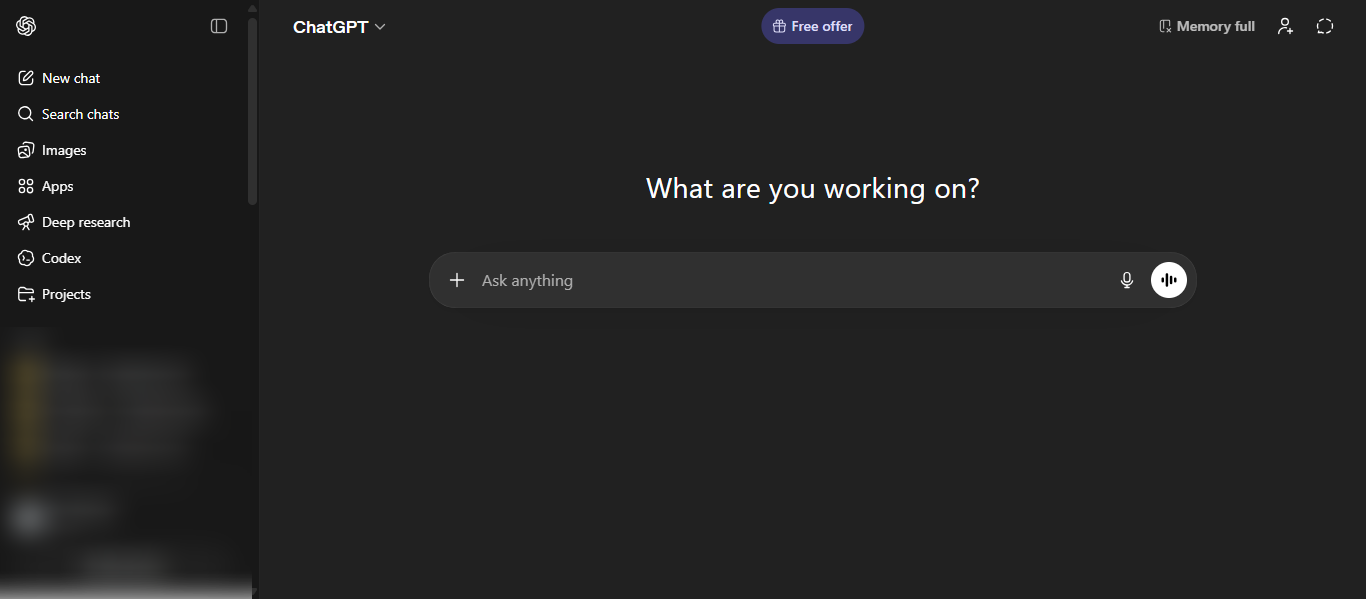
ChatGPT AI is an advanced AI Email Writing assistant developed for individuals, professionals, marketers, and businesses that need flexible email creation. It helps users write emails, replies, follow-ups, outreach messages, newsletters, and subject lines through natural prompts. It is one of the most versatile tools for both casual and professional email writing.
Key Features
- AI email drafting from simple prompts
- Subject line generation
- Rewrite, shorten, and expand tools
- Tone adjustment for formal or casual emails
- Follow-up and reply generation
- Multi-language support
- File and context-based writing assistance
- Web, desktop, and mobile access
AI Email Writing Capabilities
ChatGPT AI is highly effective for AI Email Writing because it can generate cold emails, professional replies, customer support emails, newsletters, sales outreach, internal communication, and personalized follow-ups. Users can also ask it to rewrite weak drafts into clearer and stronger emails. Its flexibility makes it useful for almost any email scenario.
Best For
- Professionals
- Freelancers
- Students
- Sales teams
- Marketers
- Businesses needing flexible email support
Pros & Cons
Pros
- Extremely versatile for many email types
- Easy prompt-based writing
- Strong rewriting and editing ability
- Good for brainstorming subject lines
- Available on free and paid plans
Cons
- Quality depends on prompt quality
- Needs review for sensitive business emails
- Not built only for email workflows
- Can generate generic drafts with vague prompts
Performance & Output Quality
ChatGPT AI performs strongly across most email tasks. It is especially useful for users who need fast drafts, rewrites, or personalized messages. Output quality is often high when prompts include clear goals, tone, and audience details. It is one of the best all-purpose tools for everyday email writing.
Pricing
ChatGPT AI offers a free plan with core features, while paid plans provide higher limits, faster access, and advanced capabilities.
8) Google Gemini AI
What Is Google Gemini AI?
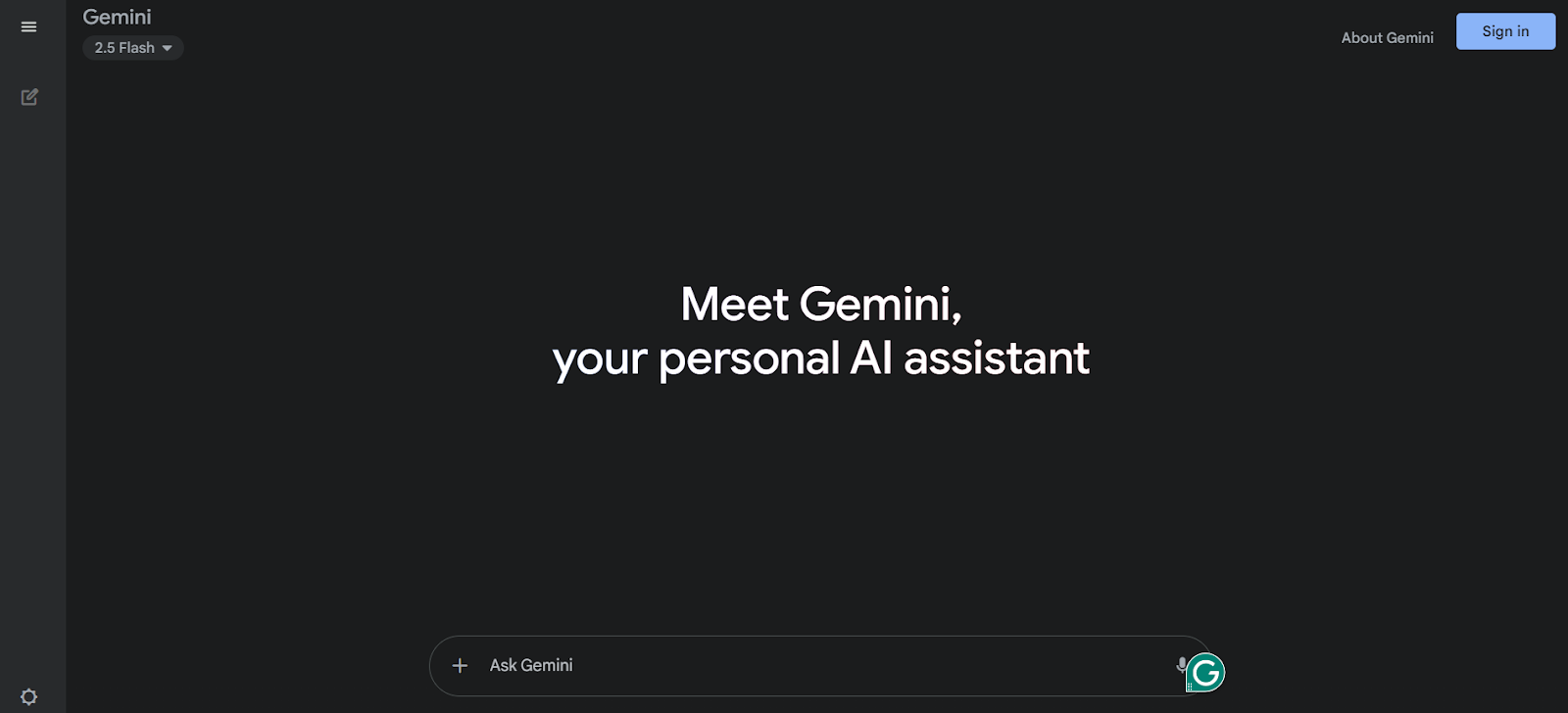
Google Gemini AI is an AI Email Writing assistant built into Gmail and Google Workspace. It helps users draft emails, reply faster, summarize long threads, and improve writing without leaving Gmail. It is ideal for professionals, students, businesses, and anyone who uses Gmail regularly.
Key Features
- AI email drafting inside Gmail
- Smart reply suggestions
- Email thread summaries
- Rewrite, shorten, and formalize tools
- Context-aware email responses
- Inbox search with AI assistance
- Google Workspace integration
- Mobile and desktop access
AI Email Writing Capabilities
Google Gemini AI is strong for AI Email Writing because it works directly inside Gmail. Users can generate full drafts from prompts, improve rough emails, create faster replies, and summarize conversations before responding. It is especially useful for users who want email help without switching to another tool.
Best For
- Gmail users
- Professionals
- Students
- Remote teams
- Google Workspace users
- Everyday email productivity
Pros & Cons
Pros
- Built directly into Gmail
- Fast and convenient workflow
- Helpful for replies and summaries
- Strong Google Workspace integration
- Good for daily email productivity
Cons
- Best experience inside Google ecosystem
- Advanced features may require paid plans
- Less customizable than standalone AI writers
- Works best for Gmail users
Performance & Output Quality
Google Gemini AI performs best for everyday business and personal emails. Output quality is clear, professional, and practical for replies, follow-ups, scheduling, and routine communication. Its biggest advantage is speed and convenience inside Gmail rather than advanced campaign writing.
Pricing
Google Gemini AI offers free access with limited features, while advanced Gmail and Workspace features are available through paid Google plans.
9) Claude AI
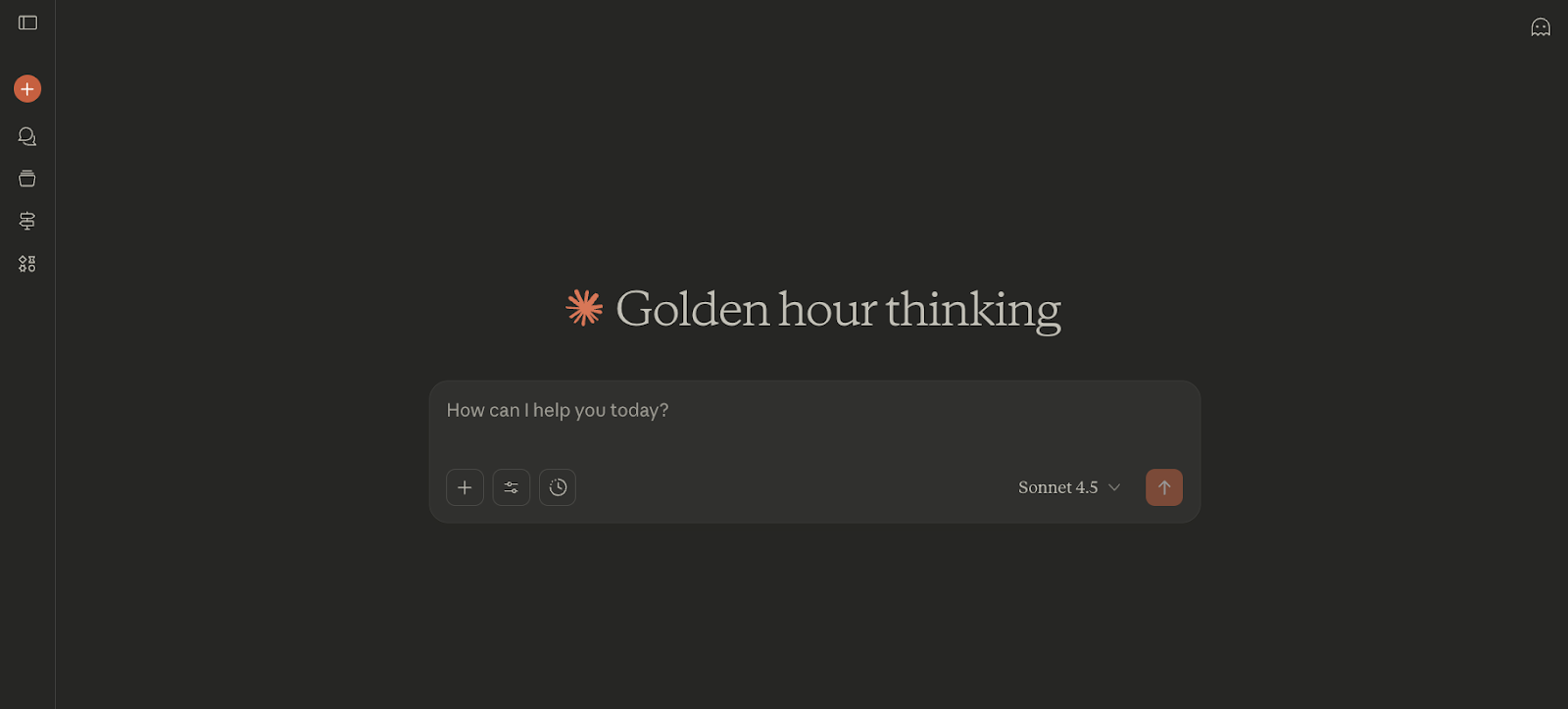
What Is Claude AI?
Claude AI is an advanced AI Email Writing assistant developed by Anthropic for professionals, businesses, marketers, and everyday users who need thoughtful and natural email writing. It helps create emails, replies, follow-ups, summaries, and professional communication with a strong focus on clarity, context, and human-like writing.
Key Features
- AI email drafting from prompts
- Rewrite, shorten, and expand tools
- Natural tone adjustment
- Long-context understanding for complex emails
- File and document-based writing support
- Multi-language assistance
- Web, desktop, and mobile access
- Connected apps and productivity integrations
AI Email Writing Capabilities
Claude AI is highly effective for AI Email Writing because it can generate polished business emails, outreach messages, internal communication, customer support replies, newsletters, and detailed follow-ups. It is especially strong when users need thoughtful wording, professional tone, or long-form emails based on notes or uploaded files.
Best For
- Professionals
- Executives
- Businesses
- Writers and marketers
- Teams handling complex communication
- Users who prefer natural writing tone
Pros & Cons
Pros
- Strong human-like writing quality
- Excellent for professional communication
- Handles long context well
- Good for rewriting unclear drafts
- Available on free and paid plans
Cons
- Best results need clear prompts
- Less email-specific than dedicated outreach tools
- Advanced features may require paid plans
- Can be more than needed for simple replies
Performance & Output Quality
Claude AI performs strongly for thoughtful and professional email tasks. Output quality is often clear, structured, and natural sounding. It is especially useful for sensitive business communication, detailed follow-ups, and messages that need a polished human tone rather than template-style writing.
Pricing
Claude AI offers a free plan with core access, while paid plans provide higher usage limits, premium models, and advanced productivity features.
10) Writesonic AI
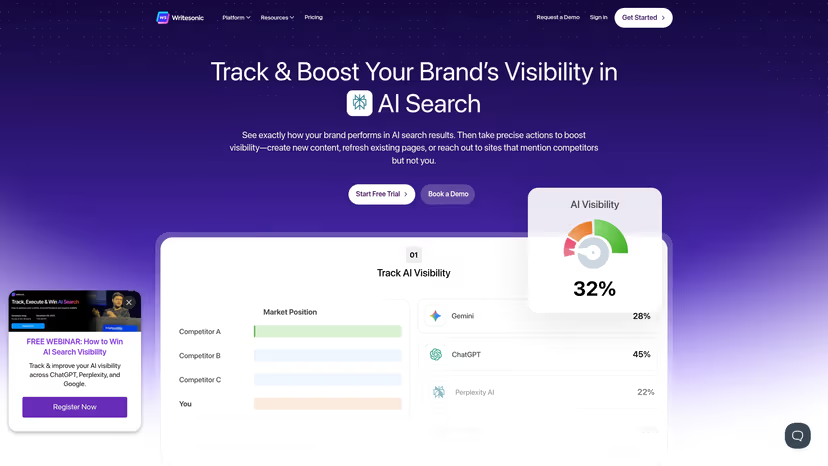
What Is Writesonic AI?
Writesonic AI is an AI Email Writing and content creation platform designed for marketers, businesses, freelancers, and sales teams. It helps users generate emails, replies, newsletters, promotional copy, and outreach messages quickly through templates and prompt-based writing tools. It is popular for users who need fast content creation across multiple channels.
Key Features
- AI email generator for campaigns and outreach
- Subject line and CTA creation
- Rewrite, shorten, and expand tools
- Marketing templates for multiple use cases
- Multi-language support
- Brand tone customization
- Browser extension support
- Content generation for blogs, ads, and emails
AI Email Writing Capabilities
Writesonic AI is useful for AI Email Writing because it can generate promotional emails, cold outreach, newsletters, follow-ups, customer emails, and sales messages in seconds. It also helps create multiple versions for testing and improves drafts based on tone or goals. This makes it effective for both marketing and business communication.
Best For
- Marketers
- Businesses
- Freelancers
- Sales teams
- Agencies
- Users needing fast email drafts
Pros & Cons
Pros
- Fast content generation
- Helpful templates for email writing
- Good for promotional and outreach emails
- Supports multiple languages
- Useful for marketers managing many tasks
Cons
- Outputs may need editing for brand tone
- More focused on speed than deep personalization
- Advanced features may require paid plans
- Can feel broad for users needing only email tools
Performance & Output Quality
Writesonic AI performs best for quick business emails, marketing campaigns, and outreach drafts. Output quality is strong when users provide clear prompts and goals. It is especially useful for generating multiple email ideas fast rather than handling complex inbox workflows.
Pricing
Writesonic AI offers free access with limited usage, while paid plans provide higher limits, premium models, and advanced features.
11) Scalenut AI

What Is Scalenut AI?
Scalenut AI is an AI Email Writing and content marketing platform designed for marketers, businesses, agencies, and growing brands. It combines AI writing with SEO tools to help users create emails, newsletters, promotional copy, and marketing content faster. It is best known for blending content creation with optimization features.
Key Features
- AI email generator for campaigns and outreach
- Subject line and CTA creation
- Rewrite, shorten, and expand tools
- SEO research and keyword tools
- Brand tone customization
- Long-form content writer
- Content optimization suggestions
- Team collaboration features
AI Email Writing Capabilities
Scalenut AI supports AI Email Writing by generating promotional emails, sales emails, follow-ups, newsletters, and customer communication. It can help users create faster drafts, improve messaging, and produce multiple email variations. It is especially useful for marketers who want both email writing and SEO-focused content tools in one platform.
Best For
- Marketers
- Agencies
- Businesses
- Content teams
- Newsletter creators
- Users needing writing plus SEO tools
Pros & Cons
Pros
- Combines AI writing with SEO tools
- Helpful for campaigns and newsletters
- Good for marketers managing multiple tasks
- Supports long-form and short-form writing
- Useful optimization features
Cons
- More feature-heavy than simple email tools
- Better for marketers than casual users
- May require learning time for beginners
- Premium features need paid plans
Performance & Output Quality
Scalenut AI performs best for business emails, marketing campaigns, newsletters, and promotional content. Output quality is solid when prompts are clear and goals are defined. Its biggest advantage is combining email writing with broader content planning and optimization tools.
Pricing
Scalenut AI offers paid subscription plans, with higher tiers for advanced writing limits, team features, and optimization tools.
12) Hypotenuse AI
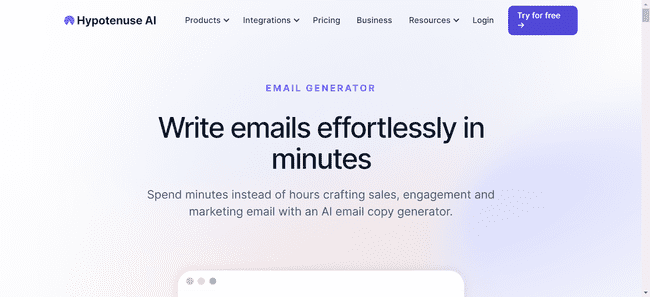
What Is Hypotenuse AI?
Hypotenuse AI is an AI Email Writing and ecommerce content platform built for businesses, marketers, online stores, and agencies. It helps users create emails, product promotions, newsletters, and marketing copy faster while also supporting product content and brand-focused writing. It is especially useful for ecommerce teams managing campaigns at scale.
Key Features
- AI email generator for campaigns and promotions
- Product-focused marketing content creation
- Rewrite, shorten, and expand tools
- Brand voice customization
- Bulk content generation
- SEO content writing tools
- Team collaboration features
- Multi-language support
AI Email Writing Capabilities
Hypotenuse AI supports AI Email Writing by generating promotional emails, abandoned cart emails, newsletters, launch emails, product updates, and customer communication. It is strong for ecommerce brands that need email copy connected to products, offers, and seasonal campaigns. It also helps create multiple email versions quickly.
Best For
- Ecommerce brands
- Online stores
- Marketers
- Agencies
- Businesses running product campaigns
- Teams managing high-volume content
Pros & Cons
Pros
- Strong for ecommerce email campaigns
- Helpful for product-based promotions
- Supports bulk content creation
- Good brand voice controls
- Useful for marketers managing multiple channels
Cons
- Better for ecommerce than personal emails
- More specialized than general AI chat tools
- Advanced features may require paid plans
- Can be too broad for users needing only simple email drafts
Performance & Output Quality
Hypotenuse AI performs best for promotional emails, product launches, newsletters, and ecommerce lifecycle campaigns. Output quality is strong when product details and brand guidelines are clear. Its biggest advantage is creating scalable product-focused email content efficiently.
Pricing
Hypotenuse AI offers paid subscription plans, with higher tiers for larger teams, advanced features, and increased content generation limits.
13) HyperWrite AI
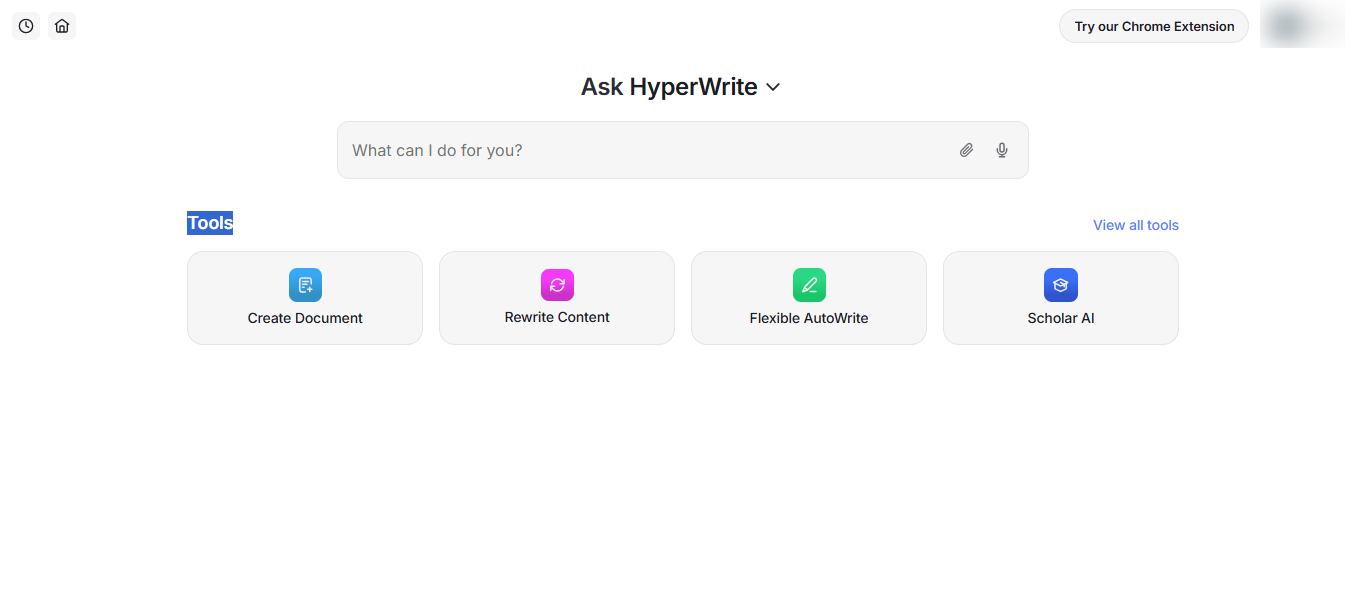
What Is HyperWrite AI?
HyperWrite AI is an AI Email Writing and productivity assistant designed for professionals, students, freelancers, and businesses. It helps users create emails, replies, follow-ups, summaries, and other written content faster through AI-powered drafting tools and browser-based assistance. It is known for combining writing support with productivity features.
Key Features
- AI email generator for drafts and replies
- Smart autocomplete while typing
- Rewrite, shorten, and expand tools
- Email tone and style optimization
- AI assistant inside browser
- Summarization tools
- Research and writing support
- Chrome extension integration
AI Email Writing Capabilities
HyperWrite AI is useful for AI Email Writing because it can generate professional emails, outreach messages, quick replies, follow-ups, and polished business communication from short prompts. It also improves rough drafts, adjusts tone, and helps users write faster directly inside email platforms and websites.
Best For
- Professionals
- Students
- Freelancers
- Busy email users
- Productivity-focused users
- Users wanting browser-based AI writing help
Pros & Cons
Pros
- Fast email drafting and editing
- Helpful autocomplete suggestions
- Works across websites with extension
- Good for daily productivity writing
- Useful tone improvement tools
Cons
- Less specialized than dedicated sales email tools
- Best features may require paid plans
- Can feel broad for users needing only email tools
- Outputs may need review for important emails
Performance & Output Quality
HyperWrite AI performs best for everyday email tasks such as replies, follow-ups, scheduling emails, and professional communication. Output quality is clear and practical, especially for users who need speed and convenience. Its browser integration makes it strong for real-time writing workflows.
Pricing
HyperWrite AI offers free access with limited usage, while paid plans provide higher limits, premium features, and advanced AI tools.
14) MailerLite AI
What Is MailerLite AI?
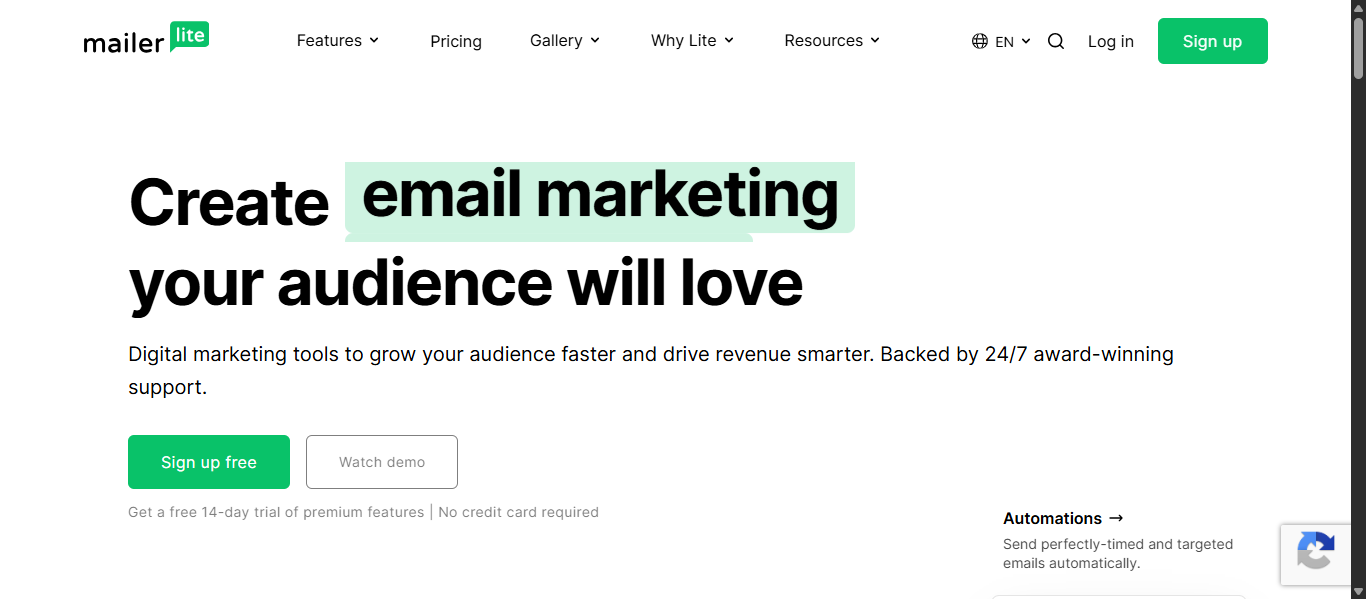
MailerLite AI is an AI Email Writing and email marketing platform designed for creators, businesses, ecommerce brands, and marketers. It helps users create newsletters, promotional emails, automations, subject lines, and campaigns faster while also offering landing pages, subscriber management, and analytics tools. It is ideal for users who want email writing and marketing features in one platform.
Key Features
- AI email generator for newsletters and campaigns
- AI subject line suggestions
- Drag-and-drop email builder
- Email automation workflows
- Landing page and signup form builder
- Audience segmentation tools
- Performance analytics and reporting
- Smart send-time optimization
AI Email Writing Capabilities
MailerLite AI is strong for AI Email Writing because it can generate newsletters, promotional emails, welcome sequences, product launches, follow-ups, and subject lines directly inside the campaign builder. It helps users write faster, test different versions, and improve engagement without using separate writing tools.
Best For
- Creators
- Small businesses
- Ecommerce brands
- Bloggers
- Marketers
- Newsletter publishers
Pros & Cons
Pros
- Combines AI writing with email marketing tools
- Easy-to-use email editor
- Helpful for newsletters and campaigns
- Strong automation features
- Good for growing subscriber lists
Cons
- Better for campaign emails than personal inbox replies
- Advanced features may require paid plans
- Less flexible than general AI chat tools
- Best value comes with regular email marketing use
Performance & Output Quality
MailerLite AI performs best for newsletters, product promotions, welcome emails, and automated campaigns. Output quality is clear and practical, especially for marketers who need fast drafts inside their email platform. Its biggest advantage is combining writing, sending, and analytics in one workflow.
Pricing
MailerLite AI offers a free plan with core features, while paid plans provide advanced automation, higher limits, and premium AI capabilities.
15) Read AI
What Is Read AI?
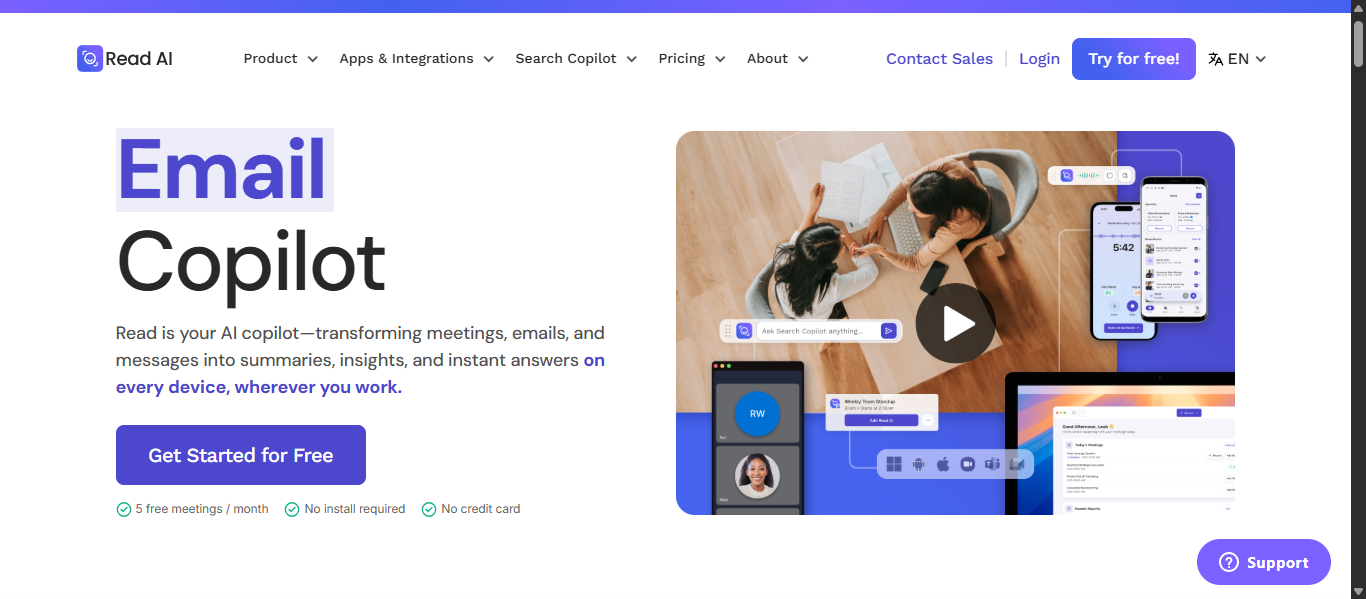
Read AI is an AI Email Writing and productivity assistant designed to turn meetings, emails, and messages into useful summaries, follow-ups, and action items. It helps professionals and teams write better emails using meeting context, conversation history, and workflow insights. It is especially valuable for users who send recap emails, follow-ups, and status updates after meetings.
Key Features
- AI email follow-up generation
- Meeting summaries and transcripts
- Smart reply suggestions
- Email thread summarization
- Search across meetings, emails, and messages
- Action item tracking
- Integrations with Gmail, Outlook, Slack, and CRM tools
- Web, desktop, and mobile access
AI Email Writing Capabilities
Read AI is strong for AI Email Writing because it can generate meeting recap emails, follow-up messages, internal updates, client summaries, and responses based on previous discussions. Instead of starting from scratch, users can turn meeting notes into polished emails quickly. It is built more for context-based communication than general promotional email writing.
Best For
- Professionals with many meetings
- Remote teams
- Sales teams
- Project managers
- Executives
- Users needing follow-up emails fast
Pros & Cons
Pros
- Excellent for meeting follow-up emails
- Saves time after calls and meetings
- Strong summarization features
- Helpful integrations across work tools
- Good for productivity-focused teams
Cons
- Less focused on marketing campaigns
- Better for business workflows than casual users
- Advanced features may require paid plans
- Best value comes with frequent meetings
Performance & Output Quality
Read AI performs best when users need accurate recap emails, action-item follow-ups, and status communication. Output quality is clear, relevant, and context-aware because it uses prior conversations instead of generic prompts. Its biggest strength is turning meetings into useful emails quickly.
Pricing
Read AI offers a free plan with core features, while paid plans provide higher limits, advanced integrations, and premium productivity tools.
AI Email Writing Agents
What Are AI Email Writing Agents?
AI Email Writing agents are advanced systems that do more than generate text. Instead of only drafting one email from a prompt, they can understand goals, gather context, make decisions, and complete related tasks automatically. An AI Email Writing agent may review inbox activity, personalize outreach, schedule follow-ups, summarize threads, and improve future emails based on results.
How AI Agents Are Changing AI Email Writing Workflows
Traditional AI Email Writing tools wait for instructions. AI agents work proactively across the full workflow.
Old workflow:
- Write prompt
- Generate email
- Manually edit
- Manually send
- Manually track replies
New agent workflow:
- Detect priority contacts
- Draft personalized emails automatically
- Suggest best send times
- Trigger follow-ups
- Summarize replies
- Organize tasks and workflows
This saves time and turns AI Email Writing from simple drafting into workflow execution.
Examples of AI Email Writing Agents
Common real-world examples include:
- Sales outreach agents that research leads and generate personalized cold emails
- Inbox agents that sort messages and draft replies
- Meeting follow-up agents that turn notes into recap emails
- Campaign agents that create sequences and optimize messaging
- Executive assistant agents that schedule, remind, and respond
These examples show how AI Email Writing is evolving from writing support into autonomous assistance.
Tools Offering Agent-Like Features
Based on the tools covered in this guide, these platforms offer strong agent-like capabilities:
- Lindy AI for workflow automation, follow-ups, scheduling, and email task execution
- ChatGPT AI for custom workflows, smart drafting, and automation prompts
- Google Gemini AI for Gmail-integrated drafting, summaries, and smart replies
- Read AI for meeting recap emails, follow-ups, and context-aware communication
- Claude AI for long-context email drafting and thoughtful business communication
- Smartwriter AI for automated prospect research and personalized cold outreach
- Lavender AI for coaching, scoring, and improving sales emails
- Jasper AI for workflow-based campaign email generation
- Copy.ai for automated campaign sequences and business email workflows
- HyperWrite AI for real-time writing assistance and smart email replies
How to Choose an AI Email Writing Tool
Choose the AI Email Writing tool that fits your workflow, not the one with the most features. The best tool should save time, improve email quality, and feel easy to use.
Match It to Your Needs
Pick based on your main goal:
- Sales outreach: personalization and follow-ups
- Marketing: newsletters and campaigns
- Productivity: quick replies and summaries
- Professional use: polished business emails
Check Output Quality
Make sure emails sound natural and useful.
- Human-like tone
- Clear writing
- Minimal editing needed
- Good personalization
Choose Easy Workflow Tools
Some tools work inside Gmail or Outlook, while others use separate apps. Choose the one that fits how you already work.
Compare Value
Look at:
- Features you actually need
- Free vs paid plans
- Ease of use
- Time saved
Test Before Buying
Try 2 or 3 tools with the same email prompt and compare quality, speed, and usability.
Best Picks by Need
- Outreach: Lavender AI
- Marketing: Jasper AI
- Productivity: Read AI
- General writing: ChatGPT AI
- Budget: Rytr AI
Choose Results Over Features
The best AI Email Writing tool is the one that helps you write better emails faster with less effort.
Future of AI Email Writing
- AI Agents Will Handle More Work: Future AI tools will automate follow-ups, scheduling, inbox sorting, and routine communication with less manual effort.
- More Human and Personalized Writing: AI-generated emails will sound more natural and adapt to tone, history, and recipient preferences.
- Deeper Gmail and Outlook Integration: More tools will work directly inside email platforms for faster drafting, replying, and editing.
- Smarter Context Awareness: AI will use past emails, meetings, notes, and documents to create better replies and follow-ups.
- Better Results Through Optimization: Tools will improve subject lines, send times, and email performance using real data.
- Stronger Privacy and Security: More platforms will focus on secure data handling, permission controls, and business safety.
- AI Will Support, Not Replace, Humans: AI will handle repetitive work while people stay in control of strategy and relationships.
Conclusion
The best AI Email Writing tools help you save time, improve email quality, and write with less effort. Whether you need sales outreach, marketing campaigns, or faster daily replies, choosing the right tool depends on your workflow and goals. As AI continues to improve, these tools will become even more useful for modern communication.
FAQs
Which AI Email Writing tools are best for small businesses?
Small businesses often choose MailerLite AI, Rytr AI, and ChatGPT AI because they are affordable, easy to use, and helpful for daily email tasks.
Can AI Email Writing tools improve email open rates?
Yes, many tools help create stronger subject lines, clearer copy, and better send timing, which can improve open rates and engagement.
Are AI Email Writing tools useful for customer support emails?
Yes, they can draft replies, summarize requests, and maintain professional tone, helping support teams respond faster and more consistently.
Do AI Email Writing tools work for multilingual emails?
Many platforms support multiple languages, allowing users to create emails for global customers, remote teams, and international marketing campaigns.
How often should businesses use AI Email Writing tools?
Businesses can use them daily for outreach, replies, newsletters, follow-ups, and repetitive communication while reviewing important emails before sending.