
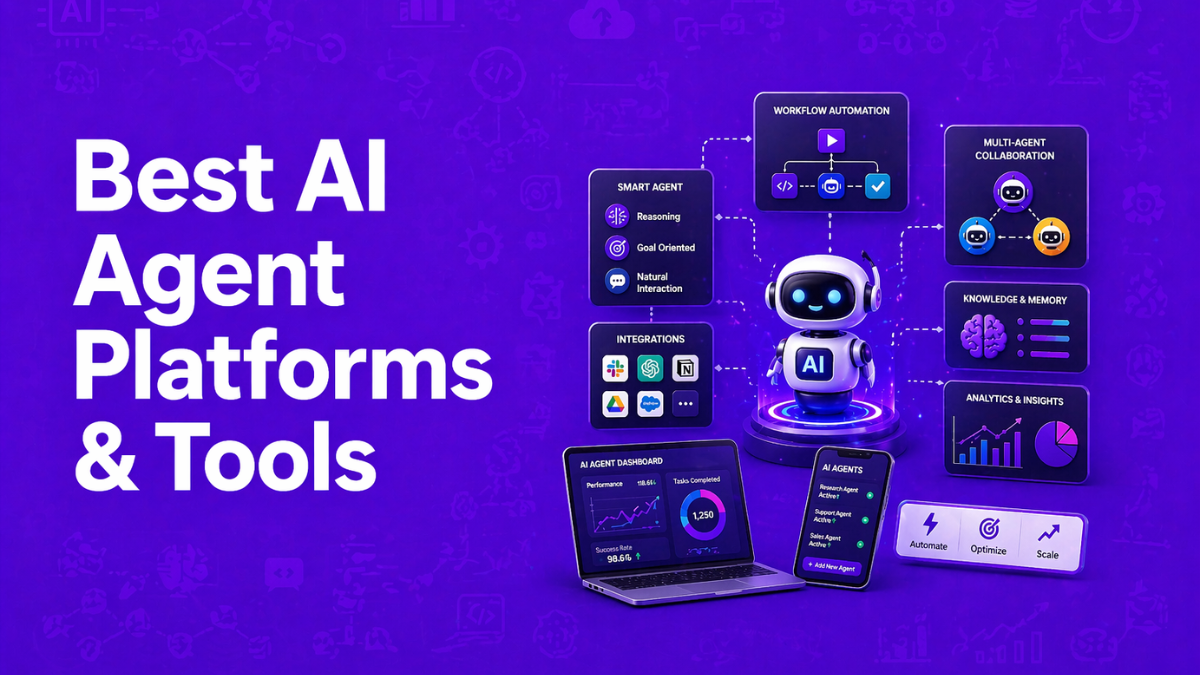
AI agent platforms are software systems that enable organizations to build, deploy, and manage autonomous AI agents capable of completing complex tasks. These platforms combine large language models, APIs, and workflow tools to automate processes such as research, customer support, coding, and business operations. In 2026, AI agent platforms have become a core layer of modern automation, allowing teams to create intelligent systems that plan, reason, and execute tasks across multiple applications.
List of Best AI Agent Platforms & Tools
No-Code / Low-Code AI Agent Builders
1. Gumloop AI
2. Relay.app AI
3. Lindy AI
4. Stack AI
5. Voiceflow AI
6. Zapier AI
Developer-Focused AI Agent Frameworks
7. CrewAI AI
8. LangChain AI
9. Microsoft AutoGen AI
10. Flowise AI
Enterprise AI Agent Platforms
11. Google Vertex AI Agent Builder
12. Microsoft Copilot Studio AI
13. IBM Watsonx.ai AI
Specialized AI Agent Tools
14. Devin AI
15. AirOps AI
AI Agent Platform Comparison Table
Before choosing a platform, it helps to compare tools across features, use cases, and pricing models.
| Tool | Best For | Key Features | Pricing | Category |
|---|---|---|---|---|
| Gumloop AI | No-code workflow agents | Visual builder, LLM integrations, templates | Free + paid | No-code platform |
| Relay.app AI | Workflow automation | Human-in-the-loop agents, integrations | Free + paid | Automation platform |
| Lindy AI | AI employees | task automation, CRM integrations | Free + paid | Business agents |
| Stack AI | Enterprise workflows | AI app deployment, templates | Free + enterprise | Enterprise platform |
| Voiceflow AI | Support agents | conversational AI, drag-and-drop builder | Free + paid | Customer support |
| Zapier AI | Automation agents | app integrations, decision workflows | Free + paid | Workflow automation |
| CrewAI AI | Multi-agent systems | role-based agents, orchestration | Free + paid | Developer framework |
| LangChain AI | Custom agents | tools, memory, multi-agent orchestration | Open source | Framework |
| Microsoft AutoGen AI | Collaborative agents | agent communication, multi-model support | Free | Framework |
| Flowise AI | Visual LLM workflows | node-based agent building | Free + paid | Visual framework |
| Google Vertex AI Agent Builder | Enterprise AI | RAG, cloud infrastructure | Usage-based | Enterprise |
| Microsoft Copilot Studio AI | Business automation | Microsoft ecosystem integration | Enterprise pricing | Enterprise |
| IBM Watsonx.ai AI | AI model development | enterprise governance, model training | Custom | Enterprise |
| Devin AI | Coding agents | autonomous software development | Paid | Developer tool |
| AirOps AI | SEO and content agents | automated research workflows | Free + paid | Marketing AI |
These platforms vary widely in complexity. Some prioritize developer flexibility, while others focus on no-code automation and business workflows.
The following sections break down each AI agent platform in detail, including features, use cases, and pricing.
1. Gumloop AI
What is Gumloop AI
Gumloop is a no-code AI automation and agent-building platform that allows teams to create intelligent workflows using a visual drag-and-drop interface. It combines workflow automation with large language models so agents can analyze data, make decisions, and execute multi-step tasks automatically.
Unlike traditional automation tools, Gumloop integrates AI models such as GPT-4, Claude, and Gemini directly into workflows, allowing agents to perform reasoning tasks like research, data extraction, and content generation. Businesses often use it to automate operations, marketing, sales, and internal processes without writing code.
How to use Gumloop AI for AI Agents
- Create a workflow (Flow) – Use the visual canvas to define triggers, tools, and steps.
- Add AI models – Connect LLMs such as GPT-4, Claude, or Gemini to power reasoning tasks.
- Configure agent instructions – Define goals, prompts, and tool access so the agent knows how to act.
- Deploy and automate tasks – Run the agent manually or trigger it automatically through events or integrations.
Key Features of Gumloop AI
- Drag-and-drop no-code workflow builder
- Built-in access to major AI models (GPT-4, Claude, Gemini)
- 130+ integrations with business tools and APIs
- AI-powered data extraction and web scraping
- Automated triggers and scheduling for workflows
Example Use Case
A SaaS sales team uses Gumloop AI to automate lead research and outreach. When a new lead enters their CRM, a Gumloop agent automatically enriches the contact with web data, analyzes the company profile, drafts a personalized outreach email, and updates the CRM pipeline. This automation saves hours of manual research and ensures sales reps focus on closing deals instead of repetitive tasks.
Who Should Use Gumloop AI
- Marketing and sales teams automating outreach workflows
- Operations teams managing repetitive business processes
- Startups building AI agents without developers
- Agencies automating data research and reporting
Pricing
Gumloop follows a credit-based freemium model, with a Free plan offering ~2,000 credits/month and limited triggers. Paid plans start at $37/month (Solo, 10k+ credits), while the Team plan (~$244/month) adds seats, analytics, and collaboration features; Enterprise pricing is custom.
Pros
- Easy no-code automation for AI workflows
- Supports multiple AI models and integrations
- Powerful for complex business automation
Cons
- Credit-based pricing can be confusing
- Advanced workflows require some learning curve
2. Relay.app AI
What is Relay.app AI
Relay.app is a no-code AI workflow automation platform that helps businesses create intelligent automations and AI-powered agents across multiple apps. It allows users to design workflows visually and add AI steps that analyze data, generate content, or make decisions automatically.
The platform focuses on simplicity, enabling teams to turn plain-language instructions into automated workflows that connect with tools like Gmail, Notion, HubSpot, and other business apps. Relay.app also supports Human-in-the-Loop automation, meaning users can insert approval or review steps inside AI workflows when human oversight is needed.
How to use Relay.app AI for AI Agents
- Create a workflow – Use the visual workflow builder to design automation steps and triggers.
- Add AI actions – Insert AI steps to summarize text, analyze data, or generate responses.
- Connect apps and tools – Integrate business apps such as CRM, email, or project management tools.
- Run and automate processes – Deploy the workflow so the AI agent executes tasks automatically.
Key Features of Relay.app AI
- Visual drag-and-drop workflow builder
- AI actions for text generation, summarization, and analysis
- Human-in-the-Loop approvals inside workflows
- Integrations with 100+ apps and services
- Workflow triggers, scheduling, and automation controls
Example Use Case
A marketing team uses Relay.app AI to automate lead qualification. When a new lead submits a form, the workflow automatically collects data from the CRM, uses AI to analyze the company profile, summarizes the lead insights, and sends the information to the sales team in Slack. If the lead score meets certain criteria, a manager approval step is triggered before the outreach campaign starts.
Who Should Use Relay.app AI
- Startups automating internal operations
- Marketing and sales teams managing lead workflows
- Operations teams creating AI-driven automations
- Non-technical teams building agents without coding
Pricing
Relay.app offers a freemium plan with ~200 workflow steps and 500 AI credits/month. Paid plans start at $19/month (Professional) and $69/month (Team) for more steps, AI credits, and collaboration features, with Enterprise pricing available on request.
Pros
- Easy no-code workflow automation
- Built-in AI actions for business tasks
- Human approval steps improve reliability
Cons
- Fewer integrations compared to some competitors
- AI credit usage can increase costs at scale
3. Lindy AI
What is Lindy AI
Lindy is a no-code AI agent platform that lets businesses create custom AI assistants to automate everyday workflows like emails, CRM updates, meeting scheduling, and sales outreach. Instead of building automation with code, users simply describe tasks in natural language and Lindy generates the workflow automatically.
The platform acts like a digital employee that can execute tasks across multiple tools, monitor triggers, and perform actions autonomously. Teams often use Lindy agents to manage communication, analyze data, and handle repetitive operational work.
How to use Lindy AI for AI Agents
- Create a new agent – Sign up and choose a template or build an agent from scratch.
- Define triggers and goals – Set events like new emails, CRM updates, or scheduled tasks.
- Connect tools and integrations – Link apps such as Gmail, Slack, Zoom, or CRM platforms.
- Deploy and automate workflows – The AI agent runs tasks automatically and learns from interactions.
Key Features of Lindy AI
- No-code AI agent builder with natural-language instructions
- Workflow automation for email, CRM, and operations
- Integrations with thousands of apps and APIs
- Multi-agent collaboration for complex workflows
- AI assistants for meeting notes, scheduling, and outreach
Example Use Case
A sales team uses Lindy AI to automate lead management. When a new lead enters their CRM, a Lindy agent automatically researches the company, drafts a personalized outreach email, schedules a follow-up call, and updates the CRM with interaction history. This reduces manual research and allows sales representatives to focus on closing deals rather than administrative tasks.
Who Should Use Lindy AI
- Sales teams automating outreach and lead management
- Operations teams reducing repetitive administrative work
- Startups building AI agents without developers
- Customer support teams handling automated responses
Pricing
Lindy AI offers a 7-day free trial, with paid plans starting at $49.99/month (Plus) and $99.99/month (Pro) for higher automation capacity. Larger teams can choose the Max plan (~$199.99/month) or opt for custom enterprise pricing with advanced integrations and support.
Pros
- Easy no-code agent builder
- Strong integrations with business tools
- Useful for sales and workflow automation
Cons
- Credit-based usage can increase costs
- Complex workflows may require tuning
4. Stack AI
What is Stack AI
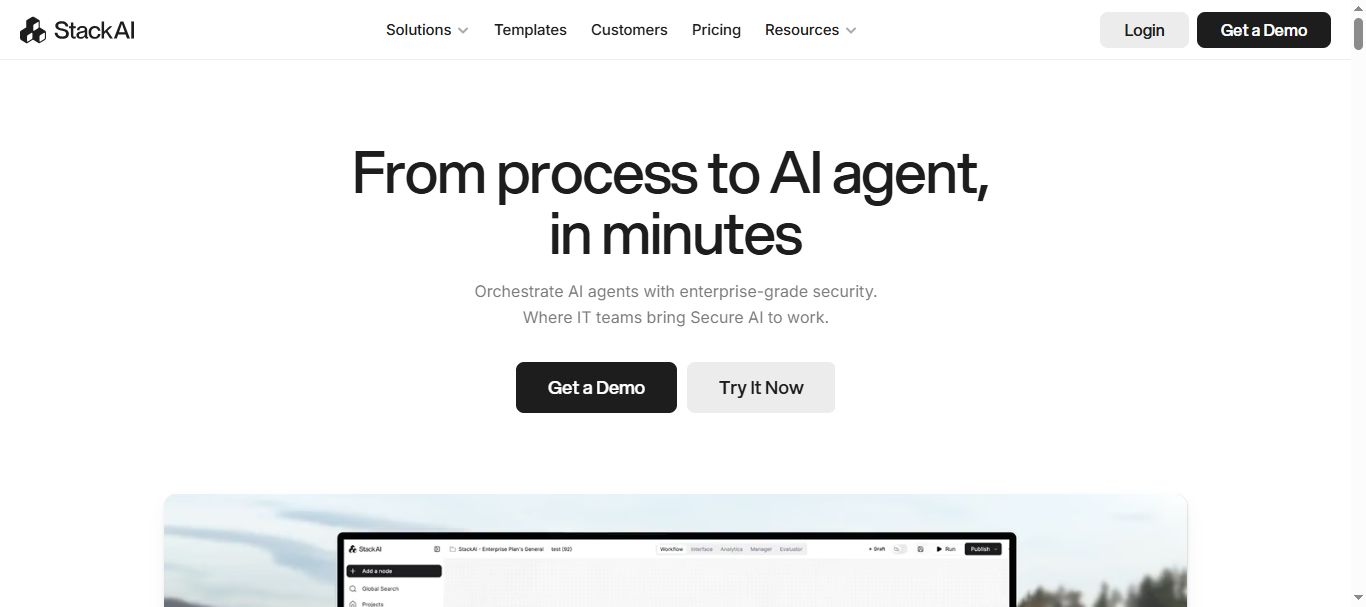
Stack is a no-code / low-code AI agent platform designed to help organizations build, deploy, and manage AI-powered workflows without heavy coding. It allows teams to connect large language models, internal data sources, and business applications to create AI agents that automate complex processes.
The platform provides a visual drag-and-drop builder where users can design workflows that analyze documents, retrieve knowledge from databases, and perform automated actions. Stack AI is commonly used by enterprise teams such as finance, operations, and IT to automate tasks like document processing, knowledge management, and internal support systems.
How to use Stack AI for AI Agents
- Create a project – Start a new AI workflow using the visual builder interface.
- Connect data sources – Add company knowledge bases, documents, or APIs.
- Configure AI logic – Use LLMs and conditional logic to define how the agent processes data.
- Deploy and integrate – Launch the AI agent through apps, APIs, or internal tools.
Key Features of Stack AI
- Drag-and-drop AI workflow and agent builder
- Retrieval-augmented generation (RAG) for knowledge-based agents
- Integration with enterprise tools and databases
- Secure deployment options (cloud, VPC, or on-premise)
- Monitoring and governance tools for enterprise AI systems
Example Use Case
A financial services company uses Stack AI to automate contract review. The AI agent reads legal documents, extracts key terms, checks compliance rules, and flags potential risks for the legal team. Instead of manually reviewing hundreds of pages, analysts receive summarized insights and alerts generated automatically by the AI workflow.
Who Should Use Stack AI
- Enterprise teams automating complex workflows
- Operations and finance departments analyzing documents
- IT teams building internal AI assistants
- Organizations integrating AI into existing business systems
Pricing
Stack AI offers a Free plan ($0/month) with limited runs for experimentation. Paid plans start at $199/month (Starter, ~2,000 runs) and $899/month (Team) for scaling AI across teams, while Enterprise plans offer custom pricing with advanced security and infrastructure options.
Pros
- Powerful no-code platform for enterprise AI agents
- Strong integrations with business systems and data sources
- Supports secure deployment and governance
Cons
- Higher pricing compared to basic automation tools
- Initial setup can be complex for beginners
5. Voiceflow AI
What is Voiceflow AI
Voiceflow is a no-code platform for designing, prototyping, and deploying conversational AI agents across chat and voice channels. It allows product teams, designers, and developers to create AI assistants that automate customer support, lead generation, and voice interactions without writing complex code.
The platform provides a visual builder where users design conversation flows, connect large language models (such as GPT, Claude, and Gemini), and integrate with business tools. Voiceflow is widely used for building chatbots, call-center assistants, and interactive AI experiences across websites, mobile apps, and phone systems.
How to use Voiceflow AI for AI Agents
- Design the conversation flow – Use the drag-and-drop builder to map user interactions and agent responses.
- Connect AI models and knowledge sources – Integrate LLMs and company knowledge bases.
- Add logic and integrations – Configure APIs, tools, or automation rules for agent actions.
- Test and deploy the agent – Launch the AI agent across web chat, voice channels, or apps.
Key Features of Voiceflow AI
- Visual drag-and-drop conversational AI builder
- Support for multiple LLMs (GPT, Claude, Gemini, Llama)
- Knowledge base integration for contextual responses
- Real-time team collaboration and workflow versioning
- Omnichannel deployment (web, mobile, phone, and apps)
Example Use Case
A customer support team uses Voiceflow to build an AI support assistant for their website and phone system. The AI agent answers common questions, retrieves order information from the company database, and escalates complex issues to human agents. By automating routine queries, the company resolves a large portion of support tickets instantly and reduces response times significantly.
Who Should Use Voiceflow AI
- Product teams designing conversational AI experiences
- Customer support teams automating helpdesk responses
- UX designers building chatbot prototypes
- Companies creating voice assistants or call-center automation
Pricing
Voiceflow offers a free Starter plan with limited credits and agents for testing. Paid plans start at $60/month per editor (Pro) and $150/month per editor (Business) with higher usage and collaboration features, while Enterprise plans provide custom pricing with advanced security and support.
Pros
- Easy visual builder for chat and voice AI
- Supports multiple AI models and integrations
- Strong collaboration features for teams
Cons
- Pricing based on editor seats can become expensive
- Advanced production workflows may require additional integrations
6. Zapier AI
What is Zapier AI
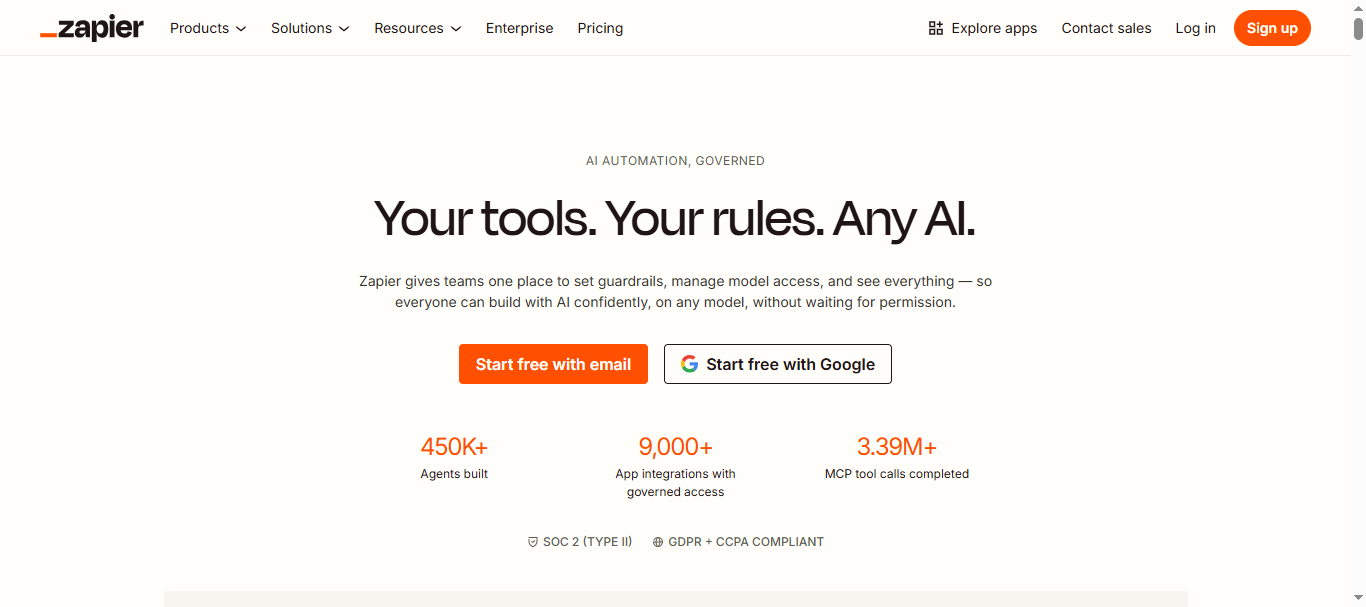
Zapier is a no-code automation and AI agent platform that helps businesses connect apps and automate workflows across their tech stack. It allows users to create AI-powered agents and workflows that analyze data, trigger actions, and perform tasks automatically across thousands of applications.
With Zapier AI, users can build intelligent automations called “Zaps” that connect tools like Gmail, Slack, HubSpot, and Google Sheets. The platform also includes AI features that can interpret data, generate content, and make decisions within workflows.
How to use Zapier AI for AI Agents
- Create a Zap or workflow – Start a new automation using the visual workflow builder.
- Add triggers and AI steps – Define events (like new emails or form submissions) and include AI reasoning steps.
- Connect apps and tools – Integrate business tools such as CRM, email, databases, or messaging apps.
- Deploy and run automation – The AI agent automatically executes tasks and updates systems when triggered.
Key Features of Zapier AI
- Connect 8,000+ apps and services through integrations
- AI-powered automation and decision-making steps
- Visual no-code workflow builder (Zaps)
- Built-in AI chatbots and workflow assistants
- Trigger-based automation with scheduling and filters
Example Use Case
A marketing agency uses Zapier AI to automate campaign reporting. When new data appears in Google Analytics, a Zapier workflow collects the data, uses AI to generate a summary report, and automatically sends the insights to the marketing team through Slack and email. This removes the need for manual data analysis and speeds up reporting cycles.
Who Should Use Zapier AI
- Marketing teams automating campaigns and reporting
- Operations teams connecting multiple apps and workflows
- Startups building automation without developers
- Businesses integrating AI into existing SaaS tools
Pricing
Zapier offers a Free plan with about 100 tasks per month for simple automations. Paid plans start with the Professional plan around $19.99–$29.99/month for roughly 750 tasks. The Team plan (~$69–$103/month) supports shared workflows and higher automation limits, while Enterprise plans provide advanced security and higher task capacity.
Pros
- Huge integration ecosystem (8,000+ apps)
- Very easy no-code automation builder
- Flexible AI workflow automation
Cons
- Task-based pricing can become expensive at scale
- Complex automations may require optimization
7. CrewAI AI
What is CrewAI AI
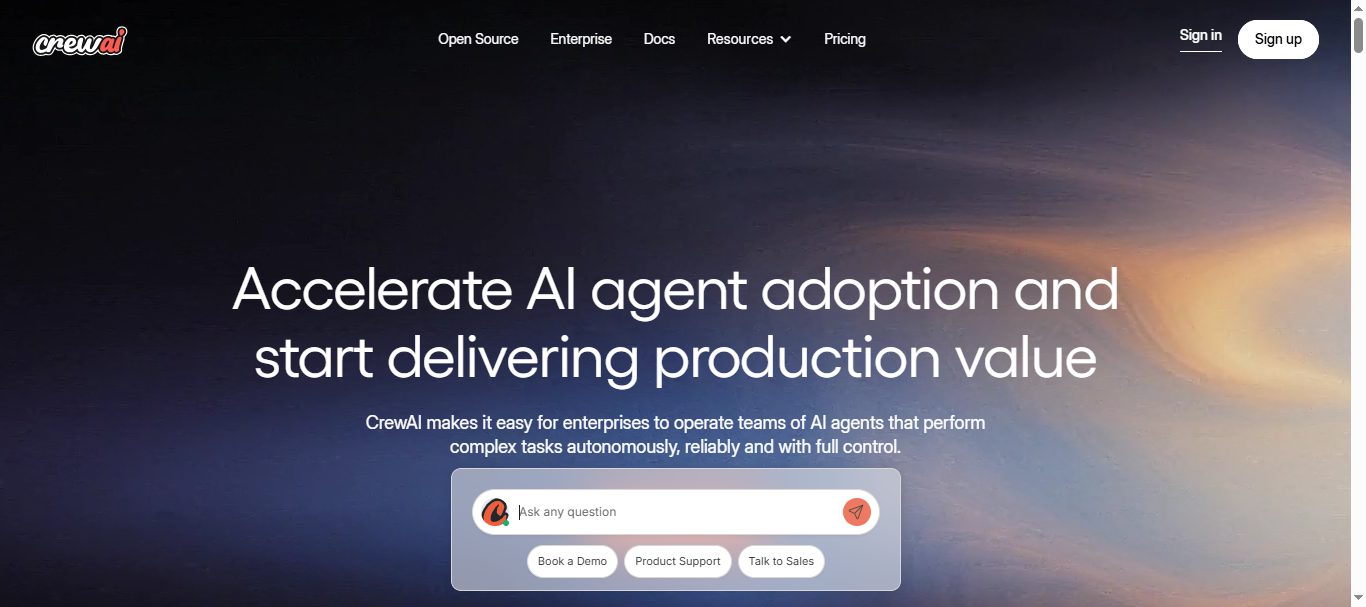
CrewAI is a multi-agent AI framework and platform that allows you to build teams of AI agents (“crews”) that collaborate to complete complex tasks. Instead of relying on a single AI model, CrewAI organizes multiple agents with defined roles, goals, and tools to work together like a human team.
It supports both code-first (Python) and no-code visual builder (CrewAI Studio) approaches, making it flexible for developers and non-technical users. CrewAI is widely used for automation, research workflows, content generation pipelines, and business operations where multi-step reasoning is required.
How to use CrewAI AI for AI Agents
- Define agents and roles – Create multiple agents with specific responsibilities (e.g., researcher, writer, analyst).
- Assign tasks and workflows – Structure how agents collaborate and pass tasks between each other.
- Connect tools and APIs – Integrate external tools like databases, APIs, or web search.
- Run and monitor execution – Deploy the crew and track how agents complete tasks together.
Key Features of CrewAI AI
- Multi-agent role-based collaboration system
- Built-in memory and context sharing across agents
- Integration with APIs, tools, and external data sources
- Visual builder + Python framework flexibility
- Advanced task delegation and workflow orchestration
Example Use Case
A content marketing team uses CrewAI to automate blog production. One agent researches trending topics, another creates an outline, a third writes the draft, and a final agent edits and optimizes SEO. Instead of a single AI handling everything, each specialized agent improves accuracy and quality, resulting in faster and more structured content creation workflows.
Who Should Use CrewAI AI
- Developers building advanced multi-agent systems
- AI engineers creating autonomous workflows
- Startups automating complex operations
- Teams needing structured, role-based AI processes
Pricing
CrewAI offers a free open-source version with ~50 executions/month for experimentation. Paid plans start at $25/month for additional executions, while advanced or enterprise deployments start around $99/month or custom pricing depending on infrastructure and usage.
Pros
- Powerful multi-agent collaboration model
- Flexible (code + no-code options)
- Great for complex, multi-step workflows
Cons
- Learning curve for beginners
- Requires tuning for stable results
8. LangChain AI
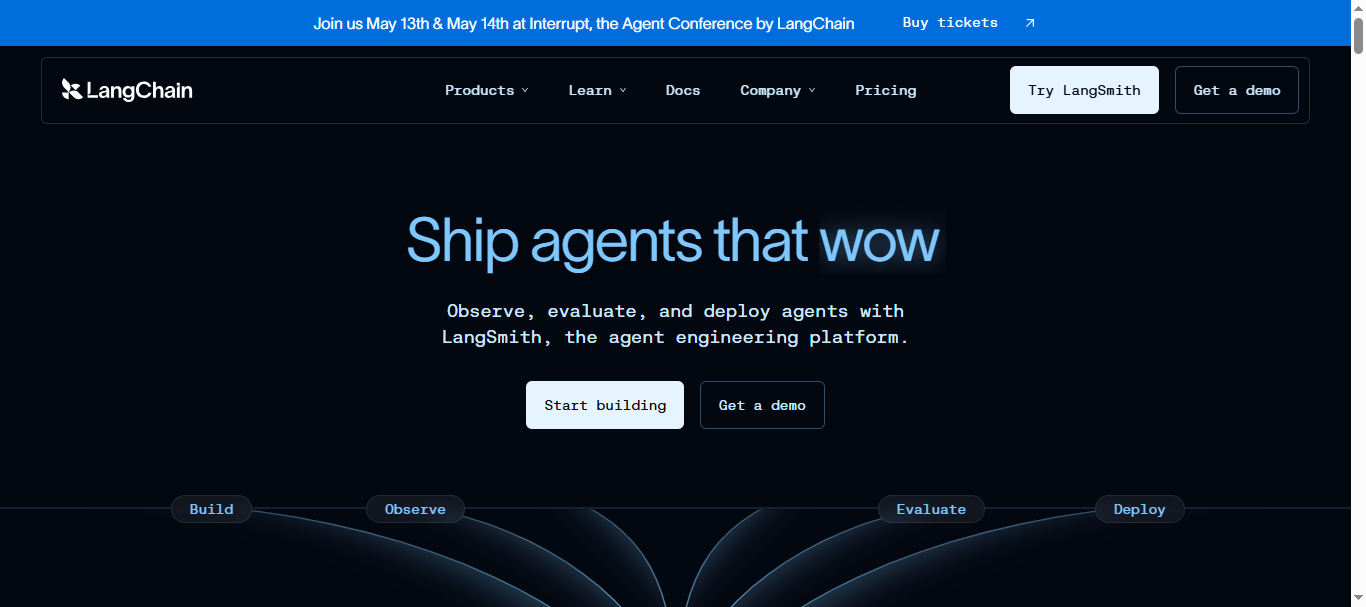
What is LangChain AI
LangChain is an open-source framework for building AI applications and agents powered by large language models (LLMs). It helps developers connect models like OpenAI GPT, Anthropic Claude, or Google Gemini with external tools, databases, and APIs to create intelligent workflows.
The platform provides modular components such as chains, agents, memory, and document loaders that allow developers to build advanced AI systems like chatbots, research assistants, or automated workflows. Because of its flexibility and huge ecosystem, LangChain has become one of the most widely used frameworks for developing production-grade AI agents and LLM applications.
How to use LangChain AI for AI Agents
- Set up the framework – Install LangChain in Python or JavaScript and configure an LLM provider (e.g., OpenAI or Gemini).
- Create chains and agents – Define workflows that combine prompts, tools, and data sources.
- Connect external tools – Integrate APIs, vector databases, or documents to provide context.
- Deploy and monitor agents – Use tools like LangSmith to test, debug, and deploy agents in production.
Key Features of LangChain AI
- Modular architecture with chains, tools, and agents
- Built-in memory and context management
- Integration with major LLM providers and APIs
- Support for retrieval-augmented generation (RAG)
- Monitoring and debugging through LangSmith observability tools
Example Use Case
A customer support platform uses LangChain to build an AI knowledge assistant. The agent retrieves answers from internal documentation using a vector database, summarizes relevant sections, and responds to support tickets automatically. If the question is complex, the system escalates it to a human agent while attaching the AI-generated research summary.
Who Should Use LangChain AI
- Developers building AI applications or agents
- AI engineers creating LLM-powered automation systems
- Startups building custom AI workflows
- Companies integrating AI into existing software systems
Pricing
LangChain itself is free and open source, making it accessible for developers experimenting with AI applications. However, the commercial observability platform LangSmith offers additional features with pricing starting at $0/month for the Developer tier and around $39 per seat/month for the Plus plan, while enterprise deployments use custom pricing.
Pros
- Highly flexible framework for custom AI agents
- Large ecosystem with many integrations
- Free and open source for developers
Cons
- Steep learning curve for beginners
- Requires coding knowledge to implement effectively
9. Microsoft AutoGen AI
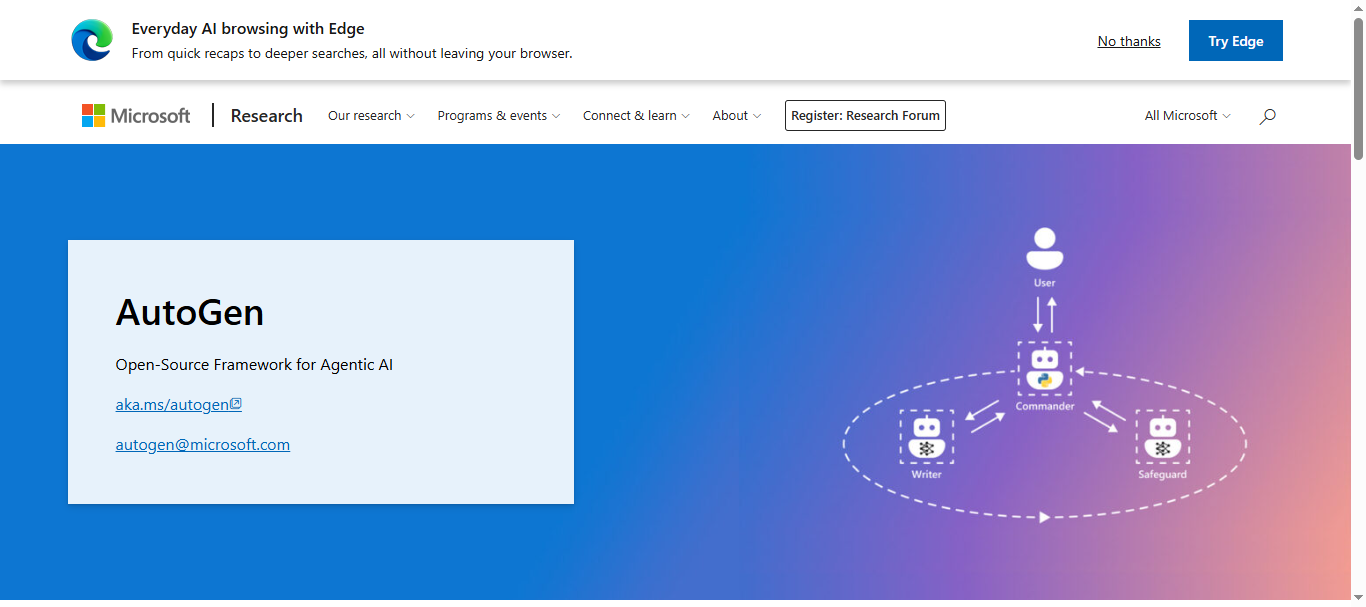
What is Microsoft AutoGen AI
Microsoft AutoGen is an open-source AI agent framework developed by Microsoft Research that enables developers to build multi-agent AI applications where different agents collaborate to complete complex tasks.
Instead of relying on a single AI model, AutoGen allows multiple agents to communicate, reason, and coordinate actions through structured conversations. Each agent can have a specific role (such as researcher, coder, or reviewer), making the system ideal for building advanced automation pipelines, research tools, and enterprise AI workflows.
How to use Microsoft AutoGen AI for AI Agents
- Install the AutoGen framework – Set up the Python SDK and connect it to an LLM provider such as OpenAI or Azure OpenAI.
- Create specialized agents – Define agents with roles like assistant, user proxy, or task executor.
- Configure collaboration workflows – Enable agents to communicate, share results, and refine outputs together.
- Run and monitor tasks – Deploy the multi-agent system to automate complex reasoning workflows.
Key Features of Microsoft AutoGen AI
- Multi-agent conversation-based collaboration system
- Support for LLM tool usage and code execution
- Human-in-the-loop workflows for supervision
- Integration with APIs, databases, and external tools
- Modular architecture with AutoGen Core, AgentChat, and Extensions
Example Use Case
A software development team uses Microsoft AutoGen to automate code debugging. One AI agent writes code, another reviews it for bugs, and a third agent tests and refines the solution. The agents communicate through structured messages, improving the output iteratively until the code meets quality standards. This multi-agent workflow significantly reduces development time and improves reliability.
Who Should Use Microsoft AutoGen AI
- AI engineers building advanced agent systems
- Developers creating multi-agent automation workflows
- Research teams experimenting with agent collaboration
- Enterprises building complex AI-driven applications
Pricing
Microsoft AutoGen is completely free and open source, with no subscription cost for the framework itself. However, users must pay for LLM API usage and cloud infrastructure (such as OpenAI, Azure OpenAI, or other model providers) used to run the agents.
Pros
- Powerful framework for multi-agent collaboration
- Open source and free to use
- Highly flexible for complex AI applications
Cons
- Requires programming knowledge (Python/.NET)
- Multi-agent workflows can be difficult to debug
10. Flowise AI
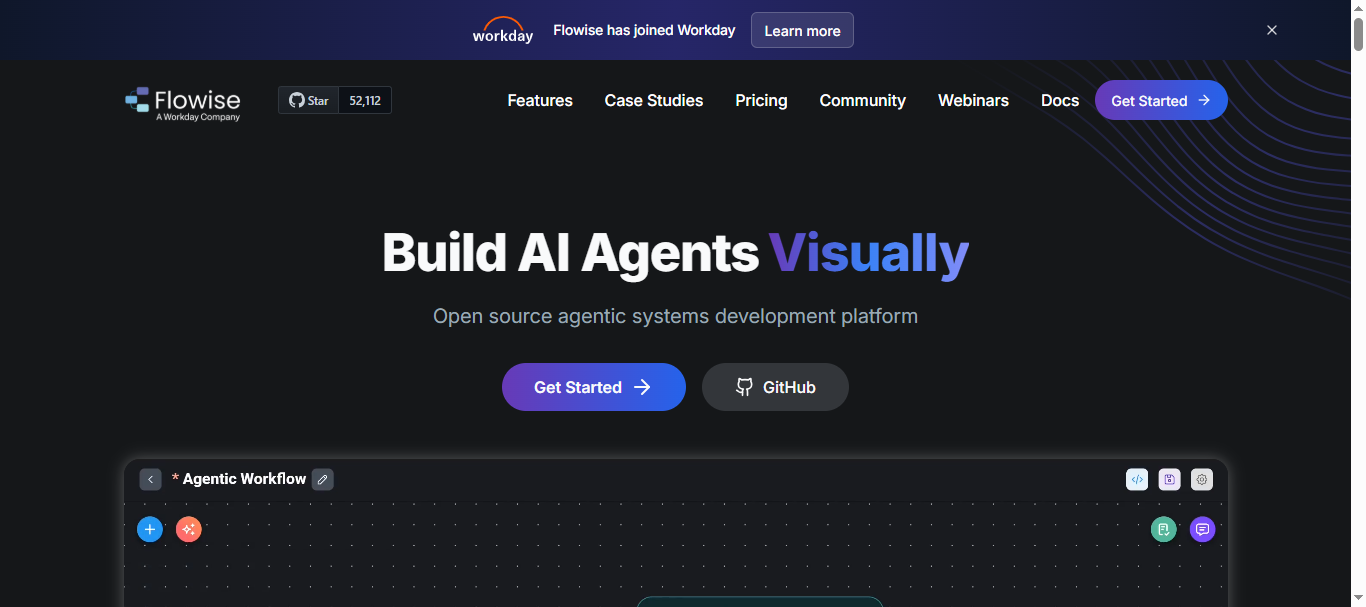
What is Flowise AI
Flowise is an open-source, low-code platform for building AI agents and LLM-powered applications using a visual interface. It allows developers and non-technical users to design AI workflows by connecting components such as prompts, APIs, databases, and models through a drag-and-drop canvas.
The platform is widely used to create chatbots, knowledge assistants, and automated AI workflows. Because Flowise integrates with frameworks like LangChain and supports multiple language models, teams can quickly prototype and deploy production-ready AI agents without writing extensive code.
How to use Flowise AI for AI Agents
- Create a workflow (Chatflow) – Use the visual builder to design the AI workflow and connect nodes.
- Connect models and tools – Integrate LLMs like OpenAI, Anthropic, or local models with APIs and databases.
- Add logic and memory – Configure prompts, vector databases, and conditional logic for smarter agents.
- Deploy and integrate – Embed the AI agent in apps, websites, or internal systems.
Key Features of Flowise AI
- Drag-and-drop visual workflow builder for AI agents
- Built-in support for LLM orchestration and RAG pipelines
- Integration with multiple AI models and APIs
- Self-hosting and cloud deployment options
- Tools for monitoring, evaluation, and AI workflow management
Example Use Case
A SaaS company uses Flowise to create an internal AI knowledge assistant. The agent connects to company documentation stored in a vector database and retrieves relevant information when employees ask questions. Instead of searching through multiple tools, team members get instant answers from the AI assistant embedded in their Slack workspace.
Who Should Use Flowise AI
- Developers building custom AI agents
- Startups creating AI-powered applications quickly
- Product teams building internal AI assistants
- Companies experimenting with LLM workflows
Pricing
Flowise is open source and free to self-host, which makes it popular among developers and startups. The hosted Flowise Cloud plans start around $35/month (Starter) and about $65/month for the Pro plan, which includes higher prediction limits, storage, and team collaboration features. Enterprise deployments with SSO, audit logs, and private infrastructure are available with custom pricing.
Pros
- Free open-source option available
- Visual builder simplifies AI workflow creation
- Supports many AI models and integrations
Cons
- Requires some technical setup for production
- Large-scale deployments may need infrastructure tuning
11. Google Vertex AI Agent Builder
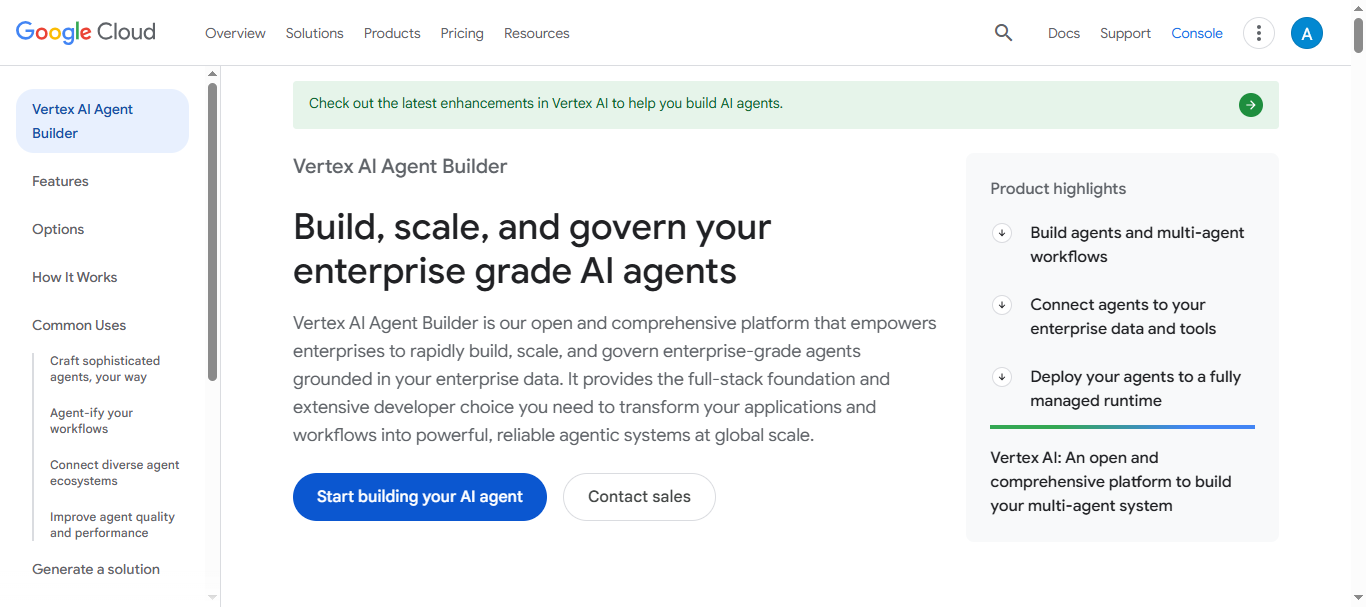
What is Google Vertex AI
Google Vertex is a cloud-based platform from Google Cloud that helps developers and enterprises build, deploy, and scale AI agents in production. It provides tools to create autonomous agents that can reason, access data sources, call APIs, and automate workflows across applications.
The platform is part of the Vertex AI ecosystem and includes services like Agent Engine runtime, memory management, monitoring, and security tools. These features allow organizations to manage the full lifecycle of AI agents—from development and testing to deployment and governance—inside Google Cloud infrastructure.
How to use Google Vertex for AI Agents
- Set up a Google Cloud project – Enable Vertex AI and configure the development environment.
- Build the agent logic – Use the Agent Development Kit (ADK) or supported frameworks like LangChain.
- Connect tools and data sources – Integrate APIs, databases, and knowledge sources for agent reasoning.
- Deploy using Agent Engine – Launch the AI agent on the managed runtime and monitor performance.
Key Features of Google Vertex
- Fully managed AI agent runtime and deployment environment
- Integration with Gemini models and Google Cloud services
- Built-in observability tools (logging, monitoring, tracing)
- Enterprise-grade security, IAM access control, and governance
- Support for multi-agent workflows and RAG applications
Example Use Case
A retail company uses Vertex AI Agent Builder to build an AI customer support assistant. The agent retrieves product information from a database, answers customer questions, and processes returns automatically. When the request becomes complex, the system escalates the case to a human agent while providing the AI-generated summary, reducing support workload and improving response times.
Who Should Use Google Vertex
- Enterprises building production-scale AI agents
- Developers working within the Google Cloud ecosystem
- Data teams building RAG-based knowledge assistants
- Companies needing secure AI infrastructure and governance
Pricing
Vertex AI Agent Builder uses a pay-as-you-go model, with a free tier including ~50 vCPU hours and 100 GiB memory/month for experimentation. After that, compute costs about $0.0864 per vCPU-hour and ~$0.009 per GiB-hour, while model inference and API usage are billed separately based on tokens and services.
Pros
- Fully managed infrastructure for production AI agents
- Strong integration with Google Cloud and Gemini models
- Enterprise-grade security, monitoring, and governance
Cons
- Pricing can become complex with multiple services
- Strong dependency on the Google Cloud ecosystem
12. Microsoft Copilot Studio AI
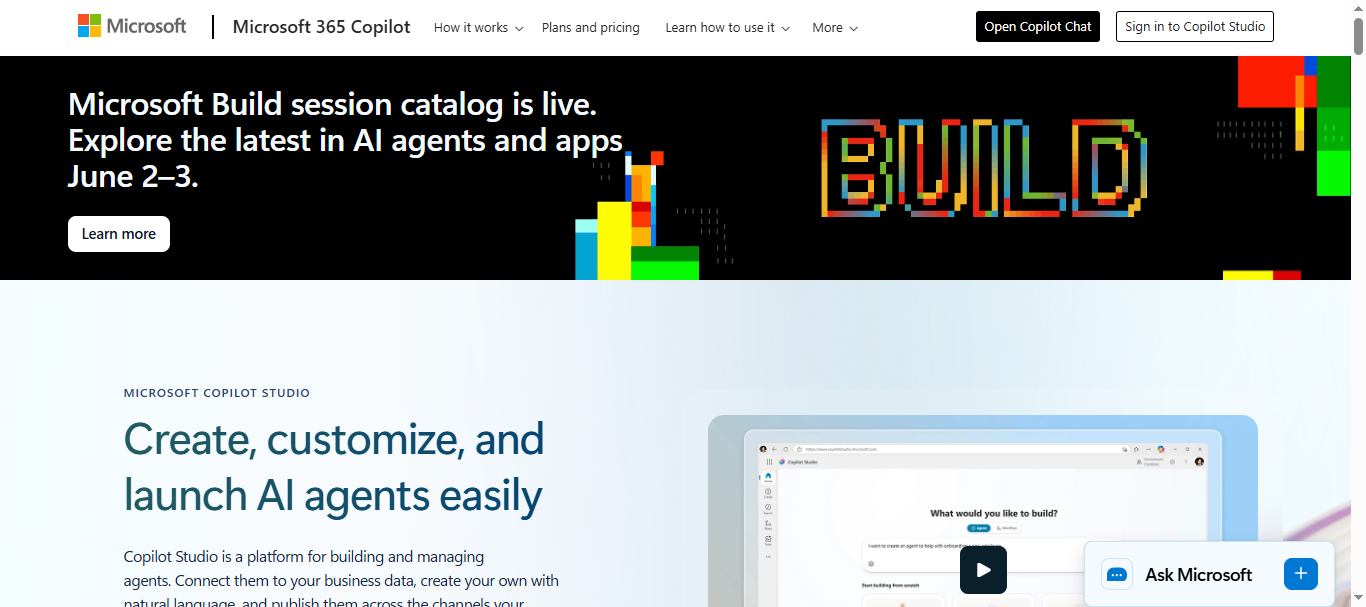
What is Microsoft Copilot Studio AI
Microsoft Copilot Studio is a low-code platform for building AI agents and copilots within the Microsoft ecosystem. It allows businesses to design conversational AI assistants, automate workflows, and integrate AI agents into tools like Microsoft Teams, Dynamics 365, SharePoint, and other Microsoft 365 services.
Originally known as Power Virtual Agents, the platform evolved into Copilot Studio to support generative AI and autonomous agents powered by large language models. Organizations can build custom agents that access company data, interact with users, and perform actions across enterprise systems securely.
How to use Microsoft Copilot Studio for AI Agents
- Create an agent – Use the visual builder to design conversational workflows and AI responses.
- Connect data sources – Integrate Microsoft Graph, databases, or knowledge bases for context.
- Add automation and actions – Configure workflows to perform tasks like updating records or sending messages.
- Deploy across channels – Publish the AI agent to Microsoft Teams, websites, or enterprise apps.
Key Features of Microsoft Copilot Studio
- Visual low-code AI agent builder
- Integration with Microsoft 365, Teams, and Dynamics
- Generative AI responses powered by LLMs
- Enterprise security, governance, and compliance controls
- Multi-channel deployment for chatbots and assistants
Example Use Case
A customer support team uses Microsoft Copilot Studio to create an internal helpdesk assistant inside Microsoft Teams. Employees ask questions about HR policies, IT support, or internal documentation, and the AI agent retrieves answers from company knowledge bases. If the request requires action, such as resetting a password or creating a support ticket, the agent triggers an automated workflow in the organization’s IT system.
Who Should Use Microsoft Copilot Studio
- Enterprises using Microsoft 365 and Power Platform
- IT teams building internal automation assistants
- Customer support teams creating AI helpdesk bots
- Organizations deploying AI agents inside Microsoft apps
Pricing
Microsoft Copilot Studio uses usage-based Copilot Credits, with 25,000 credits costing about $200/month for agent responses and actions. Access is also included with Microsoft 365 Copilot (~$30 per user/month) for building agents within Microsoft apps.
Pros
- Deep integration with Microsoft 365 ecosystem
- Low-code interface for building enterprise AI agents
- Strong security and compliance features
Cons
- Best suited for Microsoft-centric environments
- Credit-based pricing can be complex to estimate
Try Microsoft Copilot Studio AI
13. IBM watsonx.ai AI
What is IBM watsonx.ai
IBM watsonx.ai is an enterprise AI development platform designed for building, training, and deploying AI models and agents at scale. It is part of the IBM watsonx ecosystem and provides tools for generative AI, machine learning, and agent-based workflows that run securely across hybrid or multi-cloud environments.
The platform includes access to IBM’s Granite foundation models, third-party models, and open-source models, enabling developers to create AI agents that can reason over data, automate workflows, and interact with enterprise systems. Organizations commonly use watsonx.ai for AI assistants, document analysis systems, and enterprise automation solutions.
How to use IBM watsonx.ai for AI Agents
- Set up a watsonx.ai workspace – Create a project and connect datasets, APIs, or knowledge bases.
- Choose a foundation model – Select IBM Granite or other supported LLMs for reasoning tasks.
- Build AI workflows or agents – Use prompt engineering, RAG pipelines, and orchestration tools.
- Deploy and monitor the AI system – Launch the agent in production and track performance with governance tools.
Key Features of IBM watsonx.ai
- Access to enterprise-ready foundation models (IBM Granite and others)
- Built-in retrieval-augmented generation (RAG) and agent workflows
- Integration with enterprise data, APIs, and cloud services
- Model training, tuning, and deployment tools
- Enterprise governance, security, and lifecycle management
Example Use Case
A global bank uses watsonx.ai to build a regulatory compliance assistant. The AI agent scans financial documents, retrieves relevant regulations from internal knowledge bases, and generates compliance reports for analysts. Instead of manually reviewing thousands of documents, analysts receive summarized insights and risk alerts generated automatically by the AI system.
Who Should Use IBM watsonx.ai
- Enterprises building secure AI systems
- Data science teams developing custom models
- Financial, healthcare, and government organizations
- Companies requiring strong AI governance and compliance
Pricing
IBM watsonx.ai offers a free trial with ~300,000 tokens/month and limited compute for testing. Production deployments follow a pay-as-you-go model, while enterprise plans start around $1,050+/month with additional charges for compute, tokens, and hosting usage.
Pros
- Enterprise-grade security and governance
- Powerful tools for building production AI agents
- Supports multiple models and hybrid cloud deployment
Cons
- Pricing structure can be complex
- Steeper learning curve for beginners
14. Devin AI
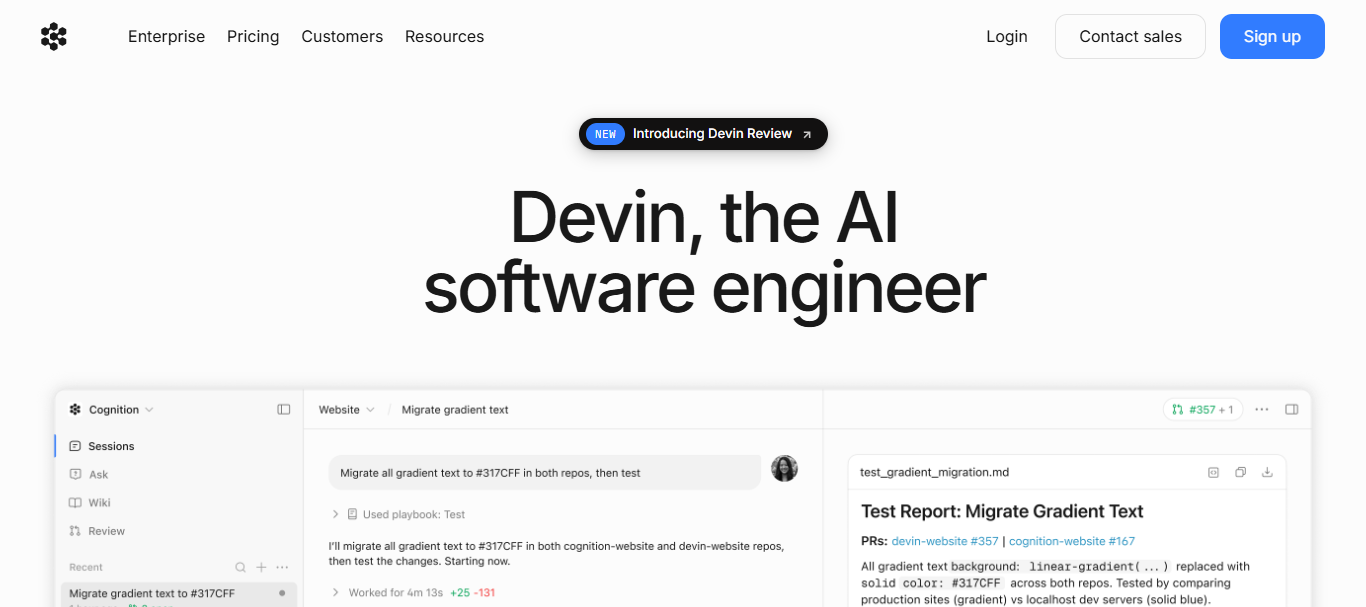
What is Devin AI
Devin is an autonomous AI software engineer developed by Cognition Labs that can plan, write, debug, and deploy software applications with minimal human input. Unlike traditional coding assistants that only suggest code, Devin operates as an AI agent capable of completing entire development tasks independently.
Developers can give Devin a goal—such as fixing a bug, building a web app, or completing a project ticket—and the agent will plan the steps, write code, test the results, and iterate until the task is completed. This makes Devin one of the most advanced AI agent systems for software engineering and autonomous development workflows.
How to use Devin AI for AI Agents
- Describe a development task – Provide a goal such as building a feature, fixing a bug, or creating an application.
- Allow the agent to plan – Devin breaks the task into steps and creates a development strategy.
- Execute and test code – The agent writes code, runs tests, debugs errors, and updates the solution.
- Review and deploy results – Developers can review outputs and deploy the completed project.
Key Features of Devin AI
- Fully autonomous AI software engineering agent
- Ability to plan, code, test, and deploy applications
- Built-in development environment and task execution tools
- Integration with Git repositories, APIs, and development workflows
- Self-learning capabilities that improve with each project
Example Use Case
A startup uses Devin AI to automate bug fixing and feature development in its software projects. When an issue is created in GitHub, the AI agent analyzes the bug, writes a patch, runs automated tests, and submits a pull request with the fix. Developers then review the changes and merge them, allowing the engineering team to resolve issues faster and focus on higher-level system design.
Who Should Use Devin AI
- Software developers and engineering teams
- Startups building applications quickly
- Tech companies automating development workflows
- AI researchers experimenting with autonomous agents
Pricing
Devin AI uses a subscription and usage-based model, with the Core plan starting around $20 plus pay-as-you-go compute (~$2.25 per Agent Compute Unit). The Team plan costs about $500/month with compute credits and API access, while enterprise deployments offer custom pricing with advanced infrastructure and security options.
Pros
- Capable of completing full software development tasks
- Autonomous planning and debugging capabilities
- Reduces manual coding effort for repetitive tasks
Cons
- Expensive for small teams at higher usage levels
- Still evolving and may require human oversight
15. AirOps AI
What is AirOps AI
AirOps is an AI workflow automation platform designed primarily for content, SEO, and marketing teams. It allows organizations to build AI agents and workflows that automate tasks such as research, content creation, optimization, and publishing. The platform combines large language models with data sources and automation tools so teams can scale content production while maintaining brand consistency.
Unlike basic AI writing tools, AirOps focuses on “content engineering” workflows—multi-step pipelines where AI agents research keywords, generate drafts, analyze data, and publish content automatically. Teams can also integrate APIs, SEO tools, and databases to power agent-driven automation across marketing operations.
How to use AirOps AI for AI Agents
- Create a workflow – Use the visual builder to design multi-step AI workflows for research, writing, or analysis.
- Add AI models and tools – Connect LLMs, APIs, SEO data, or internal databases.
- Define automation logic – Configure tasks such as content generation, optimization, and publishing.
- Deploy and monitor – Run workflows automatically and track task usage and performance.
Key Features of AirOps AI
- Visual AI workflow builder for automation pipelines
- AI agents for content research, drafting, and optimization
- Integration with SEO tools, CMS platforms, and APIs
- Human-in-the-loop steps for quality control
- Workflow monitoring and analytics for automation performance
Example Use Case
A digital marketing agency uses AirOps AI to automate blog production for multiple clients. The platform runs keyword research, analyzes competitor content, generates article outlines, drafts blog posts, and prepares SEO metadata automatically. Editors then review and approve the content before publishing to WordPress. This workflow allows the agency to produce high-quality SEO content at scale while reducing manual work.
Who Should Use AirOps AI
- Marketing and SEO teams scaling content production
- Agencies managing multi-client content workflows
- Growth teams automating research and optimization
- Companies building AI-driven content operations
Pricing
AirOps offers a free tier with limited tasks for experimentation. Paid plans start at $199/month (Solo, ~10k–20k workflow tasks) and $1,999/month (Pro) with higher limits and team features, while Enterprise plans provide custom pricing with advanced integrations and governance.
Pros
- Powerful automation for SEO and content workflows
- Visual builder makes AI workflow creation easier
- Scales content production with AI agents
Cons
- Pricing can be expensive for small teams
- Task-based billing can make costs harder to predict
Where AI Agents Are Used
AI agent platforms are being adopted across many industries to automate tasks, improve decision-making, and streamline operations. By connecting AI models with business tools and data sources, these agents can perform complex workflows with minimal human intervention.
Common areas where AI agents are used include:
- Customer support automation – AI agents handle FAQs, resolve support tickets, and assist customers across chat, voice, and email channels.
- Sales and lead qualification – Agents research prospects, enrich CRM data, and automate outreach campaigns.
- Software development and coding assistance – AI agents help write code, debug issues, test applications, and automate development workflows.
- Marketing automation and research – Agents analyze market trends, generate content, and optimize SEO or advertising campaigns.
- Business workflow automation – Companies use AI agents to automate repetitive operational tasks across multiple apps and systems.
- Data analysis and reporting – AI agents process large datasets, generate insights, and create automated reports for decision-making.
- Knowledge management systems – Organizations deploy AI agents that retrieve information from internal documents, databases, and knowledge bases to answer employee questions quickly.
Benefits of AI Agent Platforms
- Automate repetitive workflows to save time on routine tasks
- Reduce operational costs by minimizing manual work
- Improve speed and productivity across teams
- Enable scalable automation for growing businesses
- Connect multiple systems and tools into one intelligent workflow
Who Should Use AI Agent Platforms
AI agent platforms can benefit many teams and organizations that want to automate workflows, improve productivity, and integrate AI into daily operations.
Product Teams
Use AI agents to build intelligent product features, automate internal workflows, and improve user experiences.
Developers and AI Engineers
Create custom AI agents, integrate APIs, and build advanced automation systems for applications and services.
Marketing Teams
Automate tasks such as content creation, keyword research, lead generation, and campaign optimization.
Customer Support Teams
Deploy AI assistants to handle customer inquiries, resolve support tickets, and provide 24/7 assistance.
Operations and Automation Specialists
Streamline repetitive business processes and connect multiple tools into automated workflows.
Enterprises
Implement scalable AI infrastructure to support automation, data analysis, and organization-wide digital transformation.
How to Choose the Right AI Agent Platform
Selecting the right AI agent platform requires evaluating several factors to ensure it fits your workflow, technical skills, and business requirements. Before choosing a platform, consider the following key aspects:
- Technical expertise required – Some platforms are no-code and beginner-friendly, while others require programming knowledge for advanced AI development.
- Integration ecosystem – Make sure the platform connects easily with tools like CRM systems, databases, APIs, and business software you already use.
- Multi-agent orchestration capability – If your workflows are complex, choose a platform that supports multiple AI agents collaborating on tasks.
- Pricing and usage model – Compare subscription plans, usage-based pricing, or credit systems to find a solution that fits your budget.
- Security and compliance requirements – Businesses handling sensitive data should prioritize platforms with strong governance and security controls.
- Deployment flexibility – Look for options that support cloud deployment, self-hosting, or hybrid infrastructure depending on your needs.
Why Businesses Are Adopting AI Agent Platforms
Businesses are moving beyond standalone AI tools and adopting agent-based automation systems that can coordinate tasks across multiple applications. Instead of handling a single task, AI agents can plan, execute, and manage complex workflows.
This approach allows organizations to automate research, decision-making, and operational processes using intelligent software agents that integrate with existing business tools and data systems.
Conclusion
AI agent platforms are transforming how businesses automate workflows and build intelligent systems. By combining AI models, tools, and data sources, these platforms enable organizations to automate complex tasks, improve productivity, and scale operations more efficiently. Choosing the right platform depends on your technical needs, integrations, and automation goals.
FAQs
What is an AI agent platform?
An AI agent platform is a tool that allows users to build and manage AI agents capable of automating tasks, analyzing data, and executing workflows across multiple applications.
How are AI agents different from chatbots?
Chatbots mainly focus on conversations, while AI agents can perform actions such as running workflows, accessing data, and making decisions to complete tasks.
Do AI agent platforms require coding skills?
Not always. Many platforms offer no-code or low-code builders, while others provide developer frameworks for building advanced AI agents.
Can AI agents integrate with business tools?
Yes, most AI agent platforms support integrations with tools like CRMs, databases, APIs, and communication platforms to automate workflows.
Are AI agent platforms suitable for small businesses?
Yes. Many platforms offer free plans or low-cost tiers, allowing startups and small businesses to automate tasks without large infrastructure investments.