
AI landing page builders are platforms that use artificial intelligence to generate, design, and optimize landing pages for marketing campaigns. Businesses use AI landing page builders to launch pages faster, automate copywriting and layout design, and improve conversion performance without relying on developers. In 2026, these tools combine AI-generated templates, conversion analytics, and automated testing to help teams create high-performing campaign pages in minutes instead of days.
List of Top AI Landing Page Builder Tools
AI landing page builders combine artificial intelligence with drag-and-drop editors, conversion optimization features, and automated design systems to help marketers launch pages quickly without coding. Modern platforms can generate layouts, write marketing copy, and optimize pages using testing and analytics to improve conversions.
Below are the best AI landing page builder tools in 2026, covering platforms designed for marketers, startups, agencies, and businesses that need scalable campaign pages.
- Unbounce AI
- Instapage AI
- Leadpages AI
- Landingi AI
- Swipe Pages AI
- Wix AI
- Hostinger AI
- Durable AI
- Dorik AI
- HubSpot Landing Pages AI
- involve.me AI
- Framer AI
- AIDesigner AI
- PlayCode AI
- 10Web AI
AI Landing Page Builder Comparison Table
Choosing the right AI landing page builder depends on marketing goals, technical skill level, and campaign scale. The table below compares key features, pricing models, and typical use cases for leading AI landing page tools.
| Tool | Best For | Key AI Features | Starting Pricing | Category |
|---|---|---|---|---|
| Unbounce AI | Conversion optimization | Smart Builder, Smart Traffic routing, AI copy suggestions, A/B testing | ~$99/month | CRO Landing Page Builder |
| Instapage AI | Enterprise marketing teams | AI content generation, heatmaps, experimentation tools, dynamic personalization | ~$79–$199/month | Enterprise Landing Page Platform |
| Leadpages AI | Small businesses & marketers | AI writing assistant, conversion templates, lead capture forms, analytics | ~$37/month | Marketing Landing Page Builder |
| Landingi AI | Campaign landing pages | AI Composer, Smart Sections, EventTracker analytics, A/B testing | ~$29/month | Landing Page Platform |
| Swipe Pages AI | Mobile-first campaigns | AI page assistant, AMP landing pages, A/B testing, fast page performance | ~$29/month | Mobile Landing Page Builder |
| Wix AI | Beginners & small businesses | AI site generator, AI content creation, drag-and-drop editor, SEO tools | Free + ~$17/month | Website Builder |
| Hostinger AI | Budget landing pages | AI website generator, AI writer, heatmap insights, hosting included | ~$2.99/month | Website Builder |
| Durable AI | Rapid website generation | AI site generator, AI copywriting, CRM tools, marketing automation | ~$15/month | AI Website Builder |
| Dorik AI | Freelancers & startups | AI website generator, prompt-based design, templates, SEO tools | Free + ~$15/month | No-Code Website Builder |
| HubSpot Landing Pages AI | CRM-driven marketing | AI content assistant, CRM integration, personalization, analytics | Free + ~$15/month | Marketing Platform |
| involve.me AI | Interactive funnels | AI landing page generator, quizzes, calculators, multi-step funnels | ~$29/month | Funnel Builder |
| Framer AI | Designers & startups | Prompt-based site generation, design editor, animations, hosting | Free + ~$10/month | AI Design Builder |
| AIDesigner AI | UI layout generation | AI UI generator, infinite canvas design editor, prototype creation | ~$25/month | AI Design Tool |
| PlayCode AI | Developers & startups | Prompt-based website generation, code export, React/Vue support | Free + ~$9.99/month | AI Code Builder |
| 10Web AI | WordPress users | AI website generator, Elementor editor, managed hosting, PageSpeed optimization | ~$10/month | WordPress AI Builder |
Each platform approaches AI landing page creation differently. Some focus on conversion optimization and testing, while others prioritize design automation or full marketing workflows. The following section explains how each tool works, its core features, and which teams benefit most from using it.
1. Unbounce AI
What is Unbounce AI
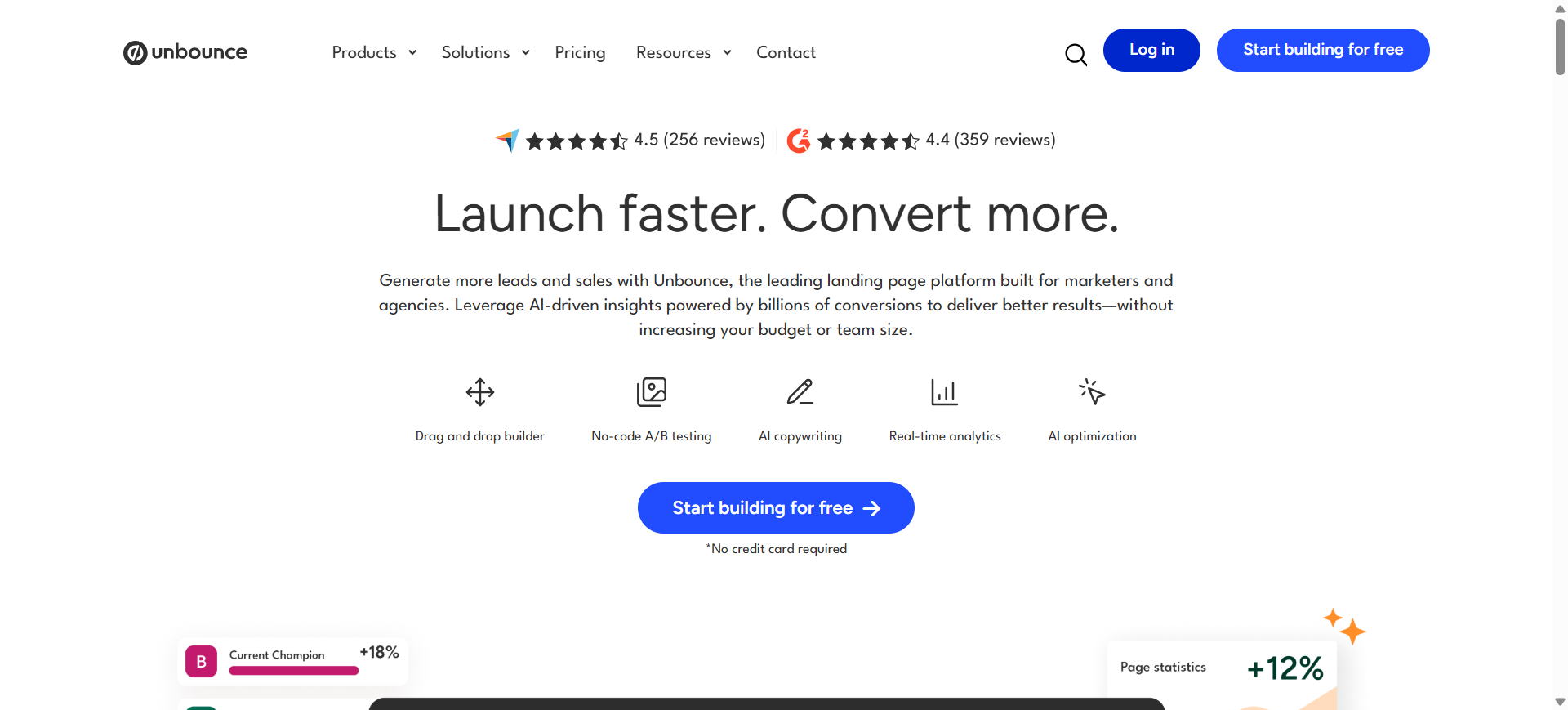
Unbounce is a conversion-focused landing page platform designed for marketers who need high-performing campaign pages without coding. It combines drag-and-drop design with AI-powered optimization tools that generate layouts and improve messaging automatically.
The platform is widely used for paid advertising campaigns and lead-generation funnels where landing page performance directly affects ROI. Its AI tools help teams launch and optimize landing pages faster than traditional design workflows.
How to use Unbounce AI for AI landing page builder
- Enter your campaign goal, product details, or target audience into the AI builder.
- Generate an AI-powered landing page layout with suggested copy and design sections.
- Customize elements using the drag-and-drop editor and integrate forms or analytics tools.
- Launch the page and run A/B tests to optimize conversions automatically.
Key Features of Unbounce AI
- AI Smart Builder for automated landing page creation
- Smart Traffic routing to send visitors to the highest-converting page version
- Drag-and-drop landing page editor
- Built-in A/B testing and conversion analytics
- Pop-ups and sticky bars for lead capture
- Integration with CRM, email marketing, and ad platforms
- AMP page support for faster mobile loading
Use Cases of Unbounce AI for AI landing page builder
- Creating PPC landing pages optimized for conversion rate optimization (CRO)
- Testing landing page variations for paid ad campaigns
- Building lead generation pages integrated with CRM systems
- Running A/B testing experiments to improve marketing performance
- Launching optimized pages for product launches and webinars
Real World Example
A SaaS company running Google Ads campaigns can use Unbounce AI to generate landing pages quickly for different keywords. Using Smart Traffic, the platform automatically sends visitors to the page version with the highest conversion probability. This improves ad ROI while reducing manual optimization work.
Who Should Use It
- Digital marketing agencies
- SaaS companies running paid ads
- Growth marketers focused on CRO
- Startups launching product campaigns
- Businesses optimizing lead generation funnels
Pricing
Unbounce offers plans starting around $99 per month for the Build plan, with higher tiers offering advanced testing and optimization tools. A free trial is typically available for new users.
Pros
- Strong conversion optimization features
- AI-powered traffic routing improves performance
- Extensive integrations with marketing tools
Cons
- Pricing is higher than many builders
- Design flexibility can be limited compared to full website builders
2. Instapage AI
What is Instapage AI
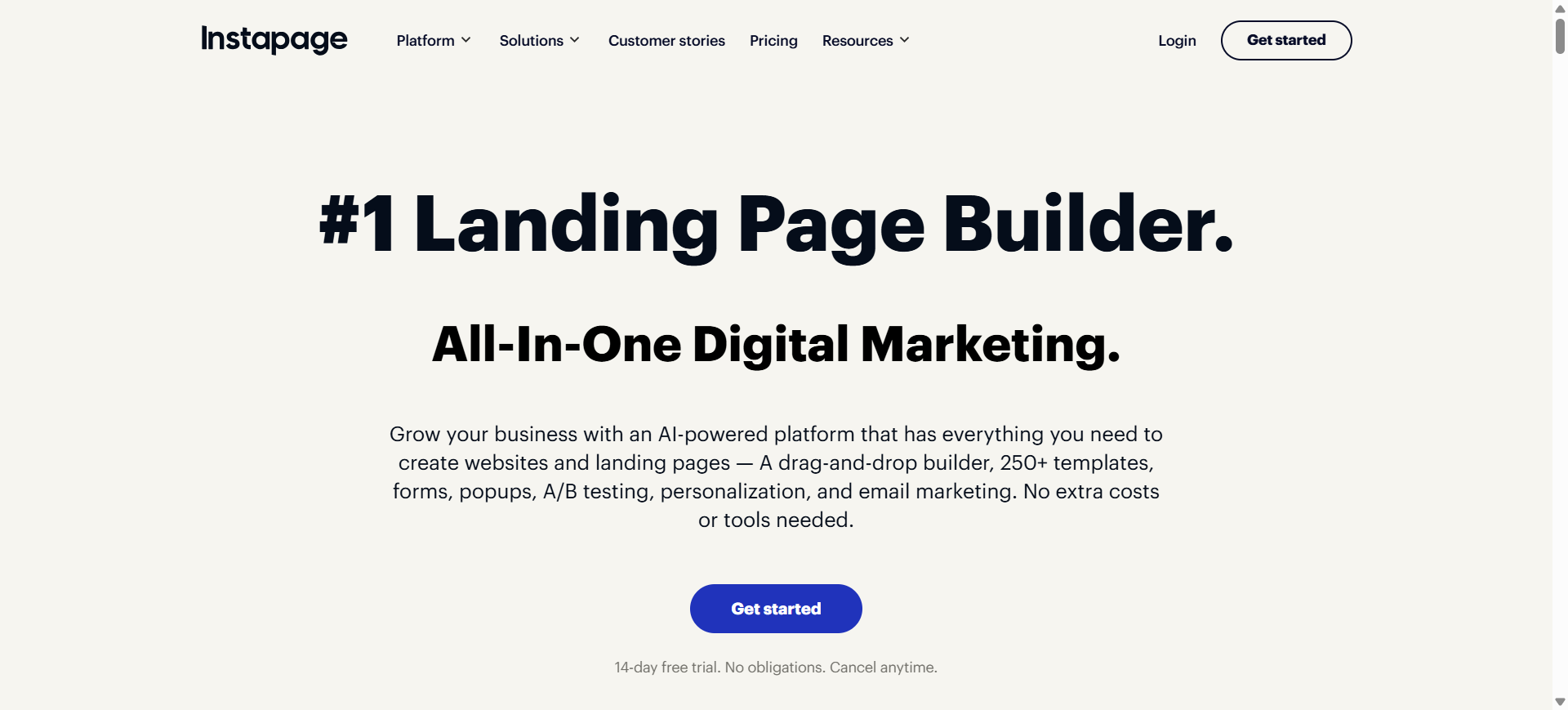
Instapage is an enterprise-grade landing page platform designed for marketing teams running large-scale campaigns. It focuses on post-click optimization, helping businesses create landing pages tailored specifically to advertising campaigns.
The platform combines AI-assisted copywriting with advanced experimentation tools, heatmaps, and analytics to improve campaign performance and conversion rates.
How to use Instapage AI for AI landing page builder
- Choose a landing page template or generate one using AI suggestions.
- Customize page sections, forms, and media using the visual editor.
- Connect advertising platforms and analytics tools.
- Run experiments such as A/B testing and heatmap analysis.
Key Features of Instapage AI
- AI-powered content suggestions
- Drag-and-drop page editor
- Heatmaps and visitor behavior tracking
- Dynamic content personalization
- Built-in A/B testing tools
- Collaboration tools for marketing teams
- Integration with ad networks and CRM systems
Use Cases of Instapage AI for AI landing page builder
- Creating campaign-specific landing pages for paid advertising
- Running conversion optimization experiments using heatmaps
- Building personalized landing pages for targeted marketing campaigns
- Scaling landing pages across multiple ad groups and keywords
- Improving campaign performance through data-driven CRO strategies
Real World Example
A digital marketing agency managing Facebook and Google Ads campaigns can create dedicated landing pages for each ad group using Instapage. By analyzing heatmaps and conversion data, the agency can refine page elements and improve campaign ROI.
Who Should Use It
- Marketing agencies
- Enterprise marketing teams
- SaaS companies running large campaigns
- PPC specialists
- Performance marketing teams
Pricing
Instapage pricing typically starts at about $79–$199 per month depending on the plan and billing cycle, with enterprise plans available for large teams.
Pros
- Powerful experimentation and analytics tools
- Designed specifically for marketing campaigns
- Excellent collaboration features for teams
Cons
- Expensive for small businesses
- Learning curve for beginners
3. Leadpages AI
What is Leadpages AI
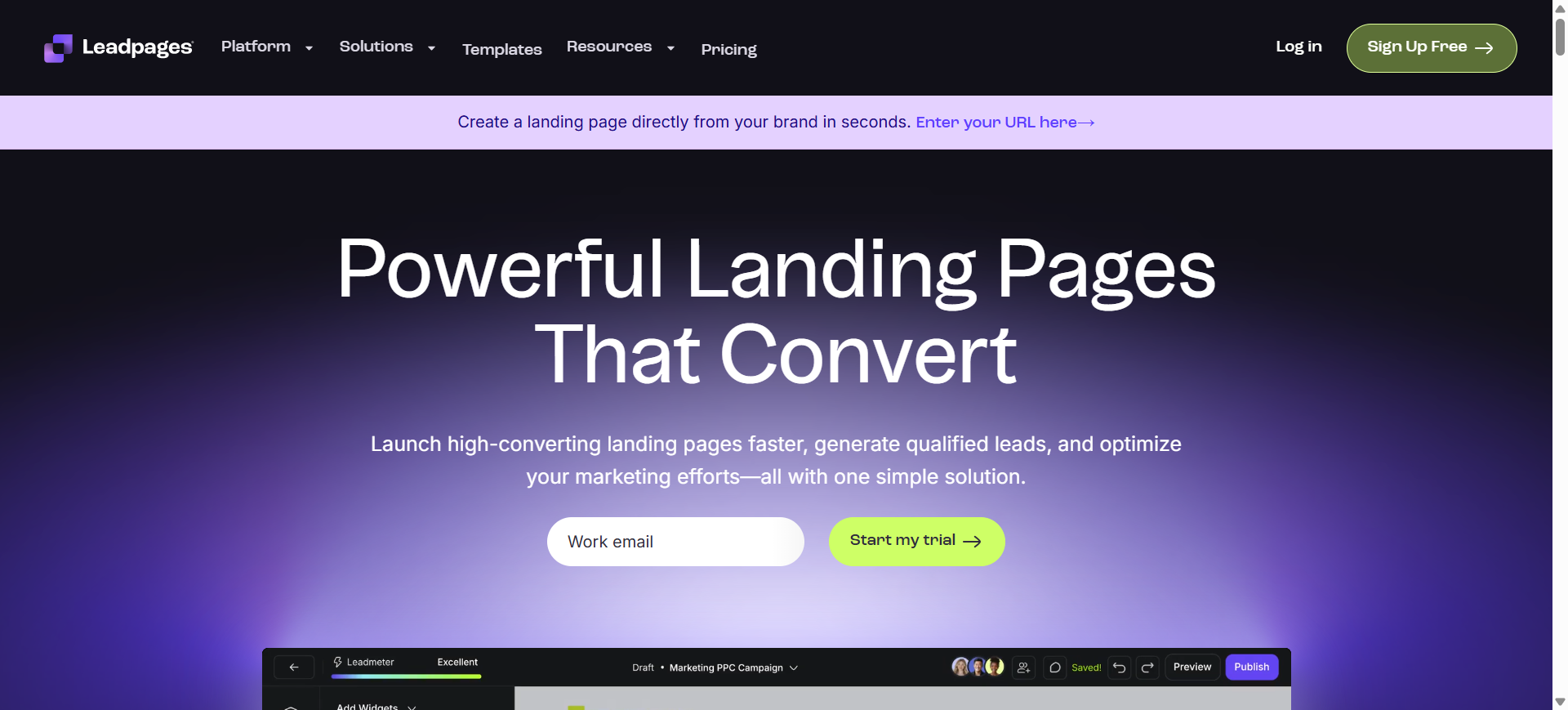
Leadpages is a landing page builder designed for entrepreneurs and marketing teams that need to create conversion-focused pages quickly without coding. The platform combines a drag-and-drop editor with AI tools that generate headlines, optimize marketing copy, and suggest improvements for higher conversions.
It is widely used by small businesses and marketers to create landing pages, pop-ups, and lead capture forms connected to marketing campaigns. The platform also provides templates and analytics to help optimize campaign performance.
How to use Leadpages AI for AI landing page builder
- Select a landing page template or generate page sections using the AI writing assistant.
- Customize the layout, text, forms, and CTA elements using the drag-and-drop editor.
- Integrate the landing page with CRM, email marketing, or payment tools.
- Publish the page and monitor performance using built-in analytics and A/B testing.
Key Features of Leadpages AI
- Drag-and-drop landing page builder
- AI writing assistant for headlines and marketing copy
- Conversion-optimized templates library
- Built-in lead capture forms and pop-ups
- A/B testing and conversion analytics
- Integrations with CRM, email marketing, and payment platforms
- Mobile-responsive landing page designs
Use Cases of Leadpages AI for AI landing page builder
- Creating landing pages optimized for lead generation campaigns
- Building pages for email marketing funnel conversions
- Launching product pages targeting paid search traffic
- Running A/B testing experiments to improve landing page conversion rates
- Designing SEO-optimized pages for content marketing campaigns
Real World Example
A small SaaS startup running Facebook Ads can create a dedicated landing page using Leadpages AI. The AI writing assistant generates headlines and CTA suggestions, while A/B testing identifies which version converts the most visitors into leads.
Who Should Use It
- Small businesses and startups
- Digital marketers
- Content creators and bloggers
- Marketing agencies
- Entrepreneurs launching online products
Pricing
Leadpages offers paid plans starting around $37 per month (annual billing) for the Standard plan, with higher tiers such as Pro costing about $99 per month depending on features and billing cycle.
Pros
- Beginner-friendly landing page builder
- Strong template library for fast page creation
- Built-in lead capture and marketing integrations
Cons
- Limited design flexibility compared to advanced builders
- Some features such as advanced testing require higher-tier plans
4. Landingi AI
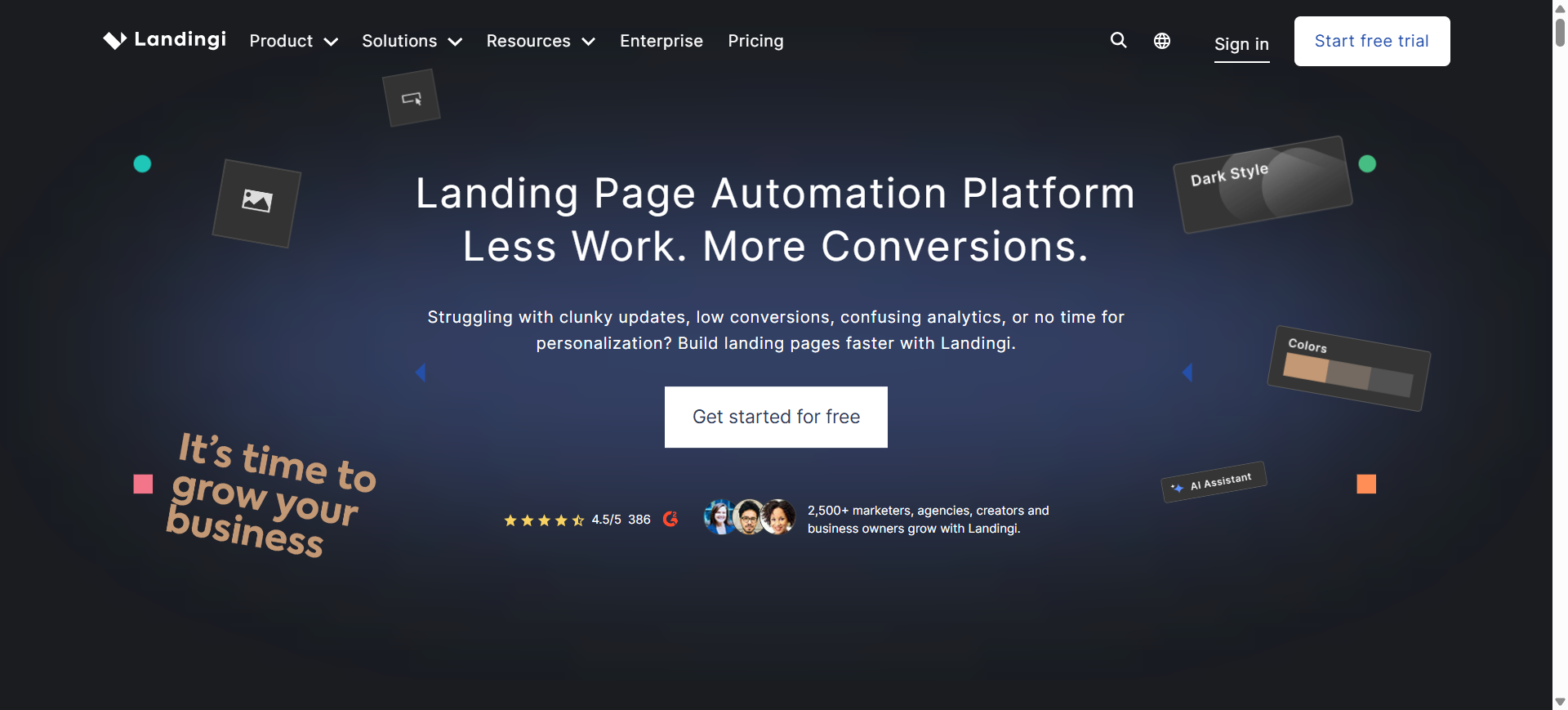
What is Landingi AI
Landingi is a no-code landing page builder designed to help marketers create, publish, and optimize landing pages without coding. The platform combines a drag-and-drop editor with AI-powered tools that generate page layouts, marketing copy, and SEO-optimized content.
It also includes analytics and conversion tracking features so businesses can test different landing page versions and improve campaign performance. The platform supports templates, integrations, and automation for marketing workflows.
How to use Landingi AI for AI landing page builder
- Choose a landing page template or use the AI Composer to generate a page layout and content.
- Customize sections, forms, images, and CTAs using the drag-and-drop editor.
- Connect marketing tools like CRM, analytics, or email marketing platforms.
- Launch the page and run A/B tests to improve conversions and campaign performance.
Key Features of Landingi AI
- AI Composer for automated landing page structure and content generation
- Drag-and-drop visual editor with pixel-level design control
- 400+ landing page templates for marketing campaigns
- A/B testing tools for conversion optimization
- EventTracker analytics for monitoring visitor behavior
- Integrations with 170+ marketing tools including CRM and email platforms
- AI-assisted SEO, copy generation, and automated translation tools
Use Cases of Landingi AI for AI landing page builder
- Creating landing pages optimized for lead generation campaigns
- Designing pages targeting paid search and PPC traffic
- Running A/B testing experiments to improve conversion rates
- Launching pages for product launches and webinar registrations
- Building SEO-optimized landing pages for content marketing campaigns
Real World Example
A marketing agency running multiple advertising campaigns can use Landingi AI to create landing pages quickly for each campaign. By testing different layouts and CTA variations with built-in A/B testing, the agency can identify which landing page version generates the highest conversion rate.
Who Should Use It
- Digital marketing agencies
- SaaS companies
- Small and medium businesses
- Growth marketers
- Entrepreneurs launching campaigns
Pricing
Landingi offers a free trial and a free version for basic usage. Paid plans generally start around $29 per month, with higher tiers such as Professional and Enterprise providing unlimited pages, more traffic limits, and advanced marketing features.
Pros
- Easy-to-use drag-and-drop editor
- Large template library for marketing campaigns
- Built-in analytics and conversion optimization tools
Cons
- Some advanced features require higher-tier plans
- Customization options may be limited for complex designs compared to developer-focused builders
5. Swipe Pages AI
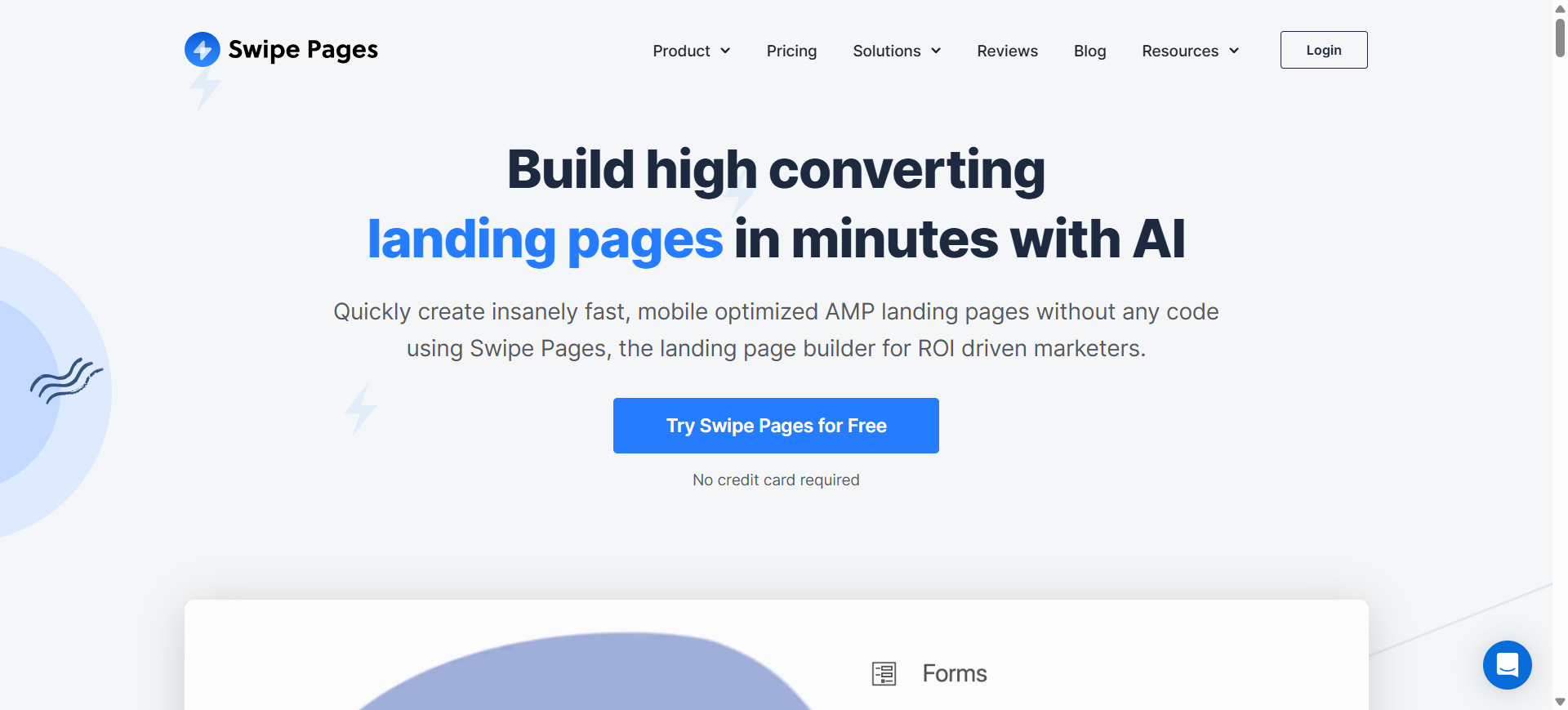
What is Swipe Pages AI
Swipe Pages is a no-code landing page builder designed for marketers who want fast, mobile-optimized landing pages without writing code. The platform focuses on conversion performance by enabling users to build AMP-powered landing pages that load quickly and improve campaign results.
It combines AI-assisted design, drag-and-drop editing, and conversion optimization features such as A/B testing and analytics to help marketers create high-performing pages for advertising campaigns and lead generation.
How to use Swipe Pages AI for AI landing page builder
- Select a template or generate a page structure using the built-in AI assistant.
- Customize sections, forms, images, and CTA elements with the drag-and-drop editor.
- Integrate marketing tools such as CRM, analytics, or email platforms.
- Publish the landing page and run A/B testing to optimize conversions.
Key Features of Swipe Pages AI
- AI-assisted page creation with the Swipe Genie AI design assistant
- Drag-and-drop landing page builder with pre-built blocks
- AMP landing pages for ultra-fast mobile performance
- Built-in A/B testing and analytics
- Lead capture forms and conversion tracking
- Integration with CRM, email marketing, and automation tools
- Conversion-optimized templates for marketing campaigns
Use Cases of Swipe Pages AI for AI landing page builder
- Building landing pages optimized for paid advertising campaigns
- Running conversion rate optimization (CRO) experiments with A/B testing
- Creating lead capture pages for email marketing funnels
- Launching product pages designed for high-intent search traffic
- Designing SEO-friendly campaign pages for content marketing strategies
Real World Example
A digital marketing agency running Google Ads campaigns can create multiple landing pages with Swipe Pages AI. By testing different layouts and CTAs using built-in A/B testing, the agency can identify which landing page version delivers the highest conversion rate and improve campaign ROI.
Who Should Use It
- Digital marketing agencies
- SaaS companies running paid campaigns
- Affiliate marketers
- Growth marketers focused on CRO
- Businesses managing multiple ad funnels
Pricing
Swipe Pages offers plans starting around $29 per month when billed annually, with higher plans such as Marketer and Agency ranging up to about $199 per month depending on features and traffic limits. A free trial is typically available for new users.
Pros
- Extremely fast landing pages with AMP support
- Strong conversion optimization features
- Easy drag-and-drop builder for non-technical users
Cons
- Limited design flexibility compared to full website builders
- Template library smaller than some competitors
6. Wix AI
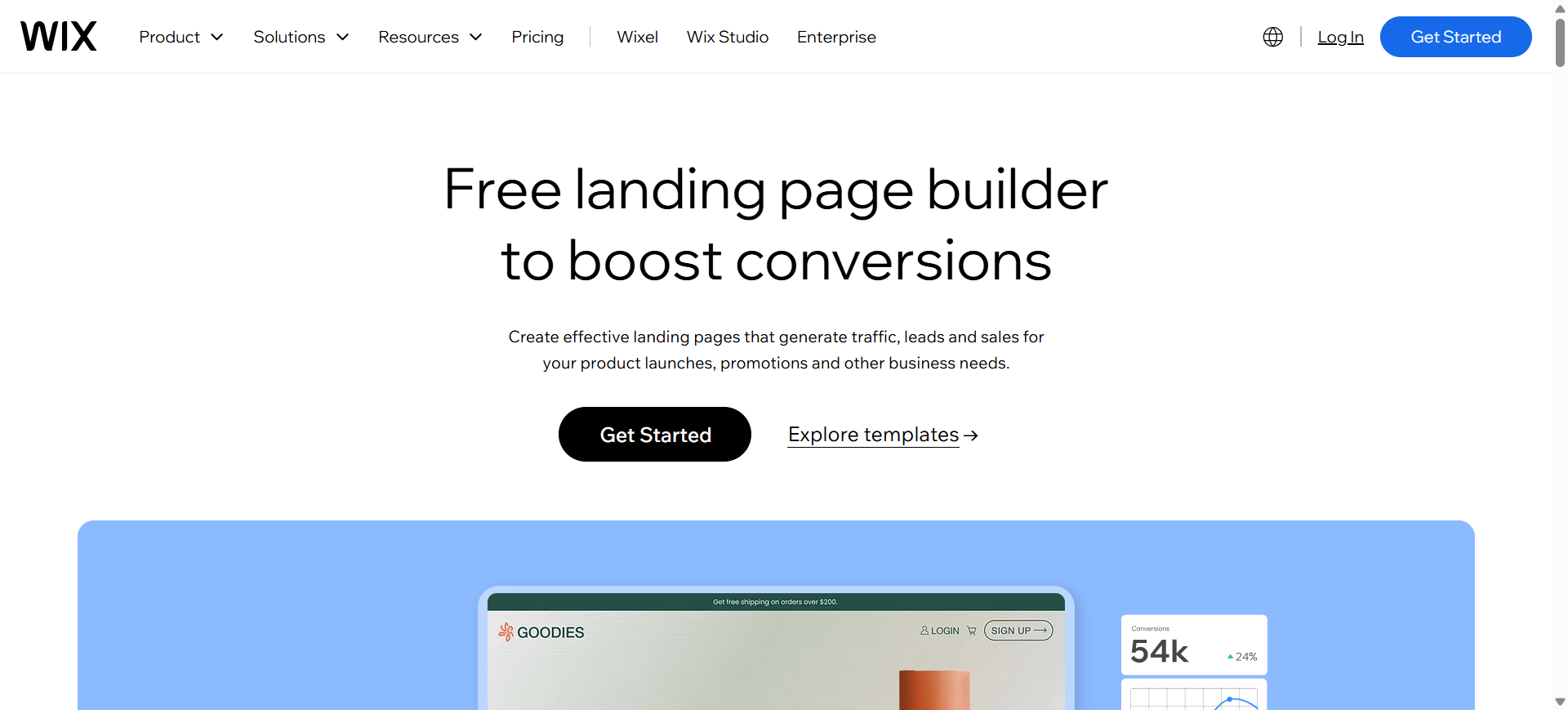
What is Wix AI
Wix is an AI-powered website and landing page builder that automatically generates websites and campaign pages based on user prompts. By answering a few questions about your business, audience, and goals, the platform creates a complete landing page layout with suggested text, sections, and design elements.
The tool combines AI generation with Wix’s drag-and-drop editor, allowing users to refine layouts, add forms, and integrate marketing tools. This makes it a popular choice for beginners, startups, and small businesses that need fast landing page creation without coding.
How to use Wix AI for AI landing page builder
- Enter your business details and marketing goals into the Wix AI website generator.
- Wix AI generates a landing page layout with copy, sections, and design elements.
- Customize the page using the drag-and-drop editor, templates, and widgets.
- Publish the landing page and connect analytics, forms, or marketing integrations.
Key Features of Wix AI
- AI website generator that creates full landing pages from prompts
- Drag-and-drop visual editor for easy customization
- 900+ templates and landing page layouts
- Built-in SEO tools and analytics
- AI content generation for headlines, text, and product descriptions
- App marketplace with marketing integrations
- Mobile-responsive landing page design
Use Cases of Wix AI for AI landing page builder
- Creating SEO-optimized landing pages for content marketing campaigns
- Launching product pages for paid search and PPC traffic
- Building pages for lead generation and email marketing funnels
- Designing pages targeting keyword-specific marketing campaigns
- Creating landing pages for affiliate marketing and conversion optimization
Real World Example
A freelancer launching a digital product can use Wix AI to generate a landing page by describing the product and audience. The platform automatically creates sections like product benefits, testimonials, and CTAs, allowing the user to publish a campaign page within minutes.
Who Should Use It
- Small businesses and startups
- Freelancers and creators
- Non-technical marketers
- Entrepreneurs launching products
- Agencies building simple marketing sites
Pricing
Wix AI offers a free plan for building and publishing basic websites, though pages display Wix branding and a subdomain. Premium plans start around $17 per month, with higher tiers offering custom domains, advanced marketing tools, and ecommerce features.
Pros
- Very beginner-friendly AI builder
- Large template library and design flexibility
- Free plan available for testing
Cons
- Free version includes Wix branding
- Advanced marketing and analytics tools require paid plans
7. Hostinger AI
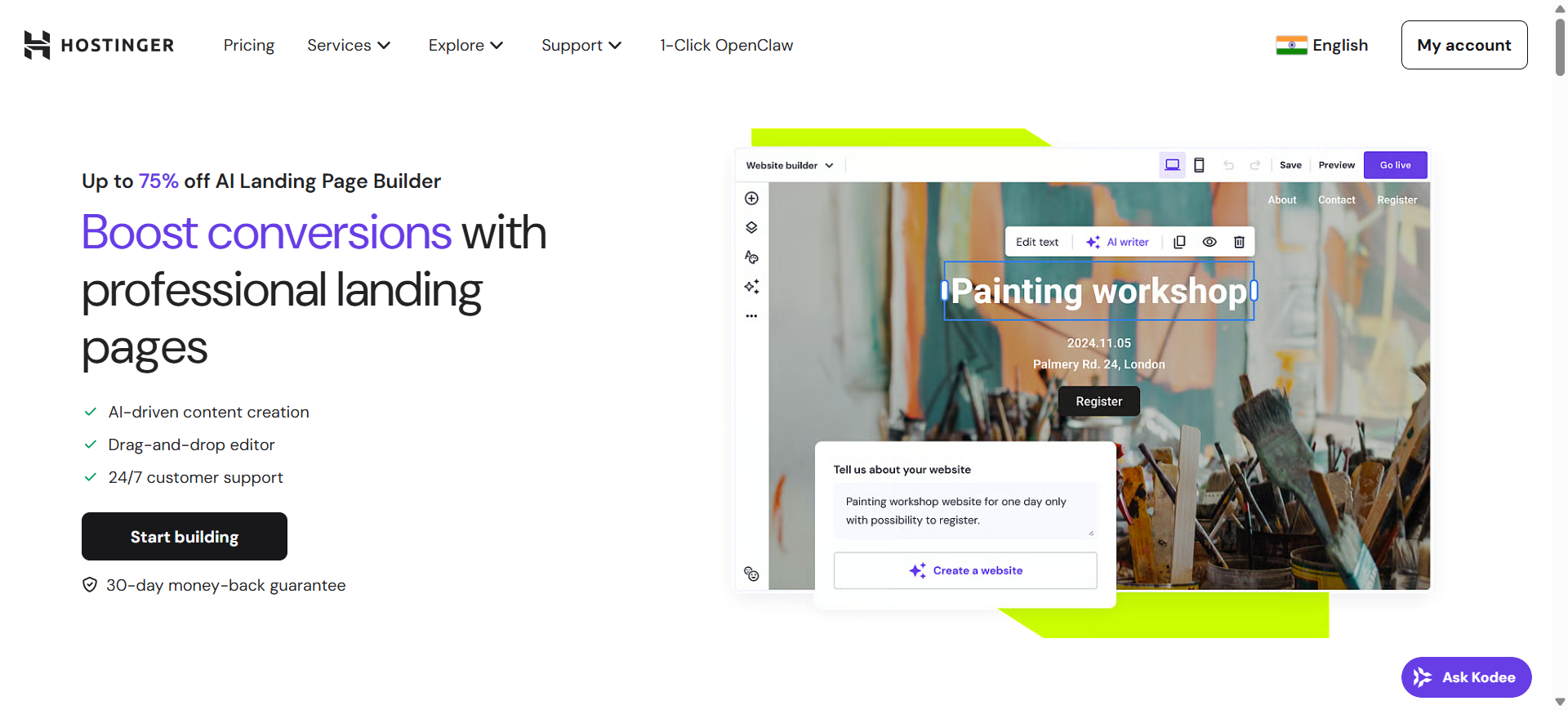
What is Hostinger AI
Hostinger is an AI-powered website and landing page builder that helps users generate professional pages without coding. The platform uses artificial intelligence to automatically create website layouts, content, and design elements based on a short description of the user’s business or campaign.
It combines hosting, templates, AI content tools, and marketing integrations in a single platform. This makes it especially popular among small businesses, freelancers, and startups looking for a fast and affordable way to launch landing pages.
How to use Hostinger AI for AI landing page builder
- Enter a short prompt describing your business, product, or campaign goals.
- The AI builder automatically generates a landing page layout with sections and content.
- Customize the page using the drag-and-drop editor and built-in design tools.
- Publish the landing page and track performance using analytics and marketing integrations.
Key Features of Hostinger AI
- AI website and landing page generator from text prompts
- Drag-and-drop page editor with customizable blocks
- Built-in AI tools such as AI Writer, Logo Maker, and Heatmap generator
- Mobile-responsive templates and layouts
- Built-in SEO tools and analytics
- Ecommerce features with payment integrations
- Hosting, domain registration, and SSL included
Use Cases of Hostinger AI for AI landing page builder
- Building landing pages optimized for lead generation campaigns
- Creating pages for SEO-driven marketing funnels
- Launching product pages targeting paid search traffic
- Designing landing pages for affiliate marketing campaigns
- Running conversion optimization experiments using AI insights
Real World Example
A freelancer launching a digital course can use Hostinger AI to generate a landing page by describing the course and target audience. The AI builder creates sections such as course benefits, testimonials, and signup forms, allowing the user to launch the campaign quickly.
Who Should Use It
- Small businesses and startups
- Freelancers and creators
- Non-technical marketers
- Entrepreneurs launching online products
- Businesses needing budget-friendly landing pages
Pricing
Hostinger AI Website Builder plans typically start around $2.99 per month, making it one of the most affordable AI builders available. Higher plans such as Business offer additional storage, ecommerce features, and advanced AI tools.
Pros
- Extremely affordable compared to many AI builders
- Beginner-friendly interface with no coding required
- AI tools included with hosting and domain
Cons
- Limited design flexibility compared to advanced builders
- No permanent free plan available
8. Durable AI
What is Durable AI
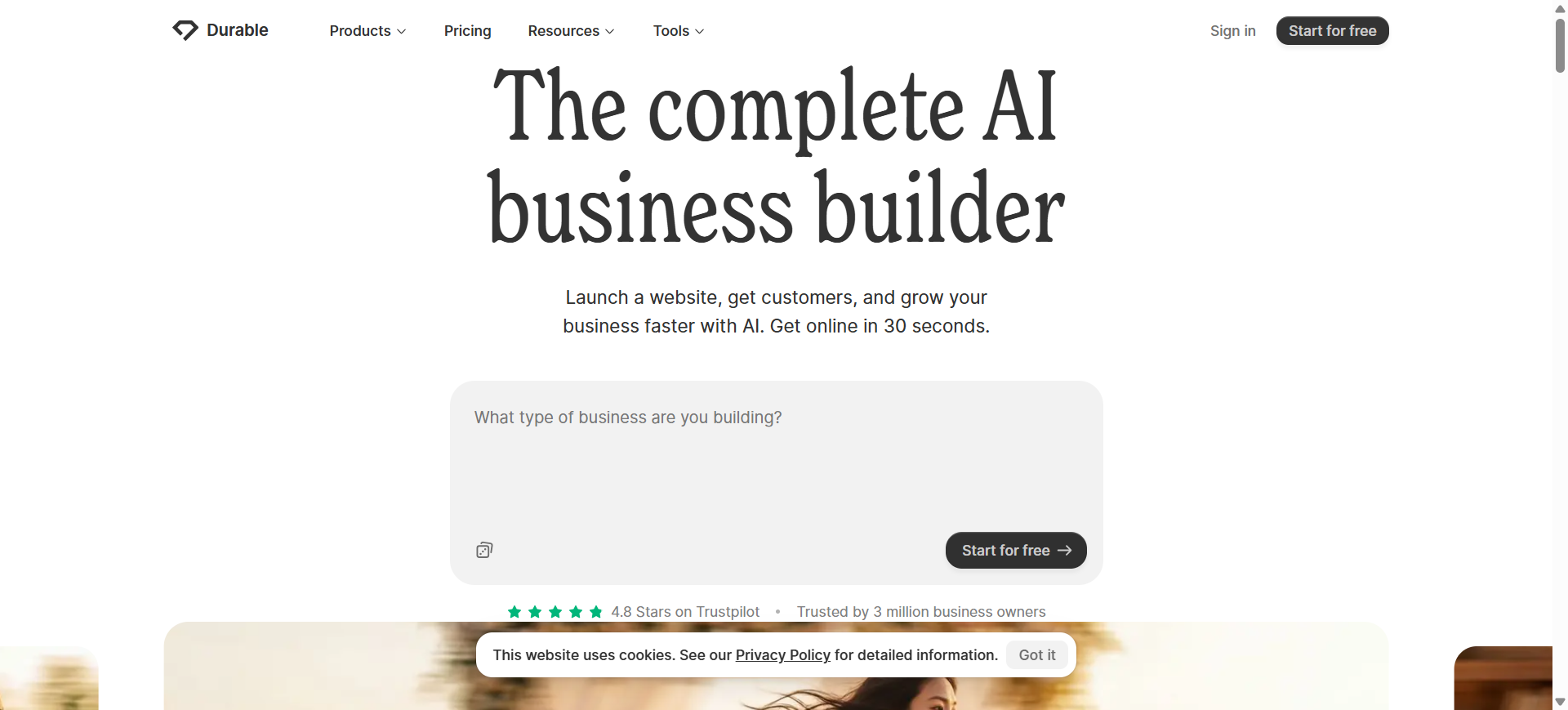
Durable is an AI-powered website and landing page builder designed to create fully functional websites in seconds. By answering a few questions about your business, the platform automatically generates a complete landing page with layout, text, images, and branding.
The tool is designed for entrepreneurs and small businesses that need to launch landing pages quickly without coding or design skills. In addition to page creation, Durable includes built-in CRM, invoicing, marketing automation, and analytics tools within a single platform.
How to use Durable AI for AI landing page builder
- Enter your business type, name, and campaign goal into the Durable AI builder.
- The platform generates a complete landing page with content, sections, and design automatically.
- Customize text, images, branding, and forms using the visual editor.
- Publish the page and connect marketing tools or CRM features to manage leads.
Key Features of Durable AI
- AI website generator that builds pages in about 30 seconds
- Automatic content and layout generation for landing pages
- Built-in CRM and lead management tools
- AI copywriting for marketing and website content
- Integrated invoicing and business management tools
- Mobile-responsive page design and hosting included
- Built-in SEO optimization and analytics tools
Use Cases of Durable AI for AI landing page builder
- Creating SEO-optimized landing pages for local business marketing
- Building pages for lead generation funnels and service businesses
- Launching landing pages targeting keyword-specific campaigns
- Creating conversion pages for paid advertising traffic
- Rapidly generating pages for startup product validation
Real World Example
A local service business such as a cleaning company can use Durable AI to generate a landing page in seconds. By entering the business type and location, the platform creates a page with services, testimonials, and contact forms ready for customer inquiries.
Who Should Use It
- Freelancers and solopreneurs
- Local service businesses
- Startup founders testing ideas
- Small businesses launching online campaigns
- Non-technical users needing quick landing pages
Pricing
Durable AI offers a free plan for testing basic features, while paid plans typically start around $15 per month, with higher tiers offering advanced CRM, AI tools, and business automation features.
Pros
- Extremely fast page generation (about 30 seconds)
- All-in-one platform with CRM, invoicing, and marketing tools
- Beginner-friendly with no coding required
Cons
- Limited design customization compared to advanced builders
- Advanced business tools require higher-tier plans
9. Dorik AI
What is Dorik AI
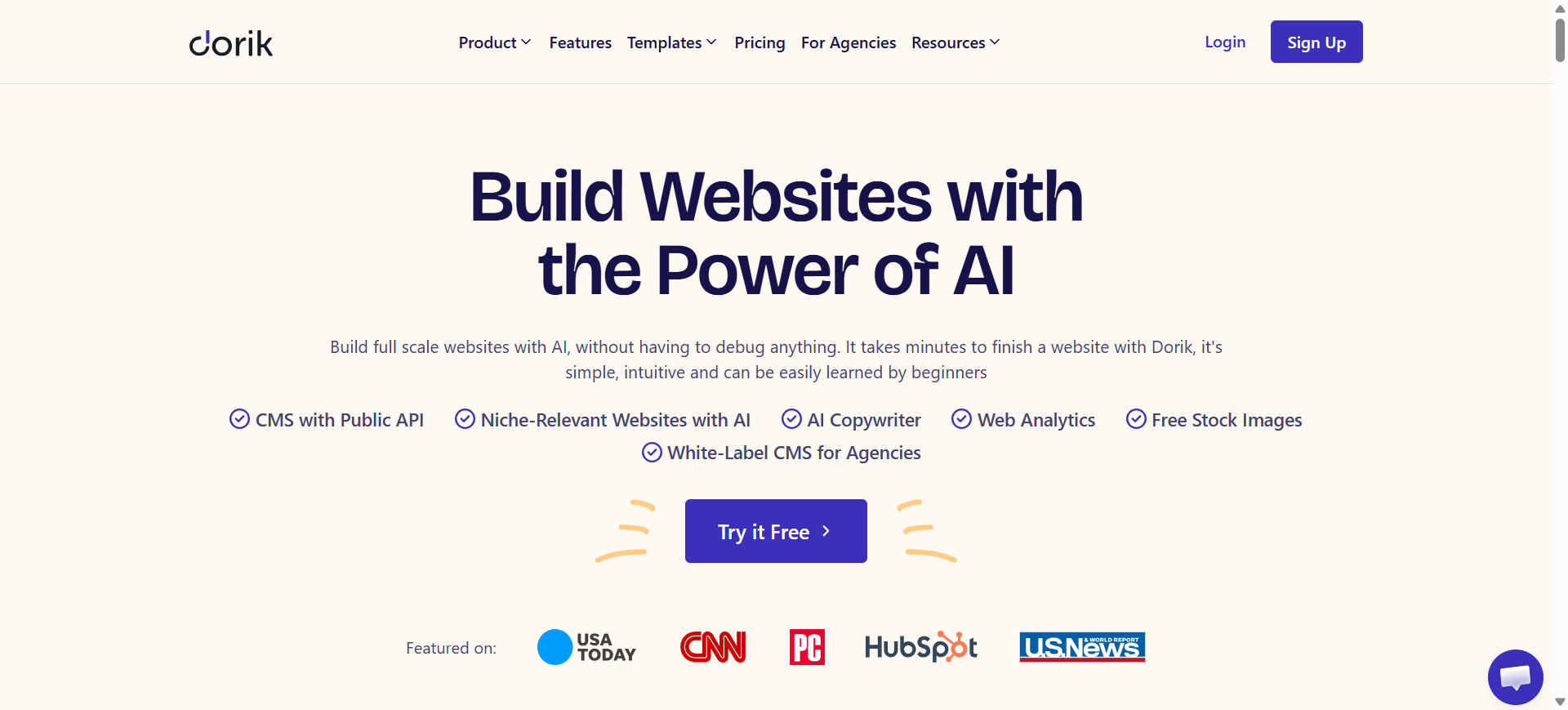
Dorik is a no-code AI website and landing page builder that generates complete pages from simple prompts. Users describe their business or campaign, and the platform automatically creates a landing page with layout, sections, and content.
The platform includes drag-and-drop editing, templates, hosting, and SEO tools, making it possible for non-technical users to launch landing pages quickly without coding. Dorik AI is widely used by freelancers, agencies, and small businesses building marketing pages or portfolios.
How to use Dorik AI for AI landing page builder
- Enter a prompt describing your product, business, or campaign goal.
- Dorik AI generates a complete landing page layout with text and design elements.
- Customize sections, images, forms, and CTAs using the drag-and-drop editor.
- Publish the page with hosting and connect analytics or marketing tools.
Key Features of Dorik AI
- AI website and landing page generator from prompts
- Drag-and-drop visual editor for customization
- 110+ templates and 250+ UI blocks for design flexibility
- Built-in SEO tools and analytics tracking
- Unlimited hosting, bandwidth, and SSL security
- Team collaboration and client management features
- White-label CMS options for agencies
Use Cases of Dorik AI for AI landing page builder
- Creating landing pages optimized for SEO-driven lead generation
- Designing pages targeting keyword-specific marketing campaigns
- Launching landing pages for paid search and PPC campaigns
- Building pages for content marketing funnels and email signups
- Running landing page experiments for conversion rate optimization (CRO)
Real World Example
A freelancer launching a personal brand website can use Dorik AI to generate a landing page in minutes. After entering details about services and target audience, the platform creates sections like portfolio, testimonials, and contact forms ready for publishing.
Who Should Use It
- Freelancers and creators
- Small businesses
- Marketing agencies
- Startup founders
- Non-technical entrepreneurs
Pricing
Dorik AI offers a free plan for basic website creation, while paid plans generally start around $15–$18 per month for personal plans and about $39 per month for business plans depending on features and domains.
Pros
- Very easy to use for beginners
- AI generation speeds up landing page creation
- Affordable pricing compared to many builders
Cons
- Limited advanced ecommerce features
- Custom design flexibility is lower than developer-focused platforms
10. HubSpot AI (Landing Page Builder)
What is HubSpot AI
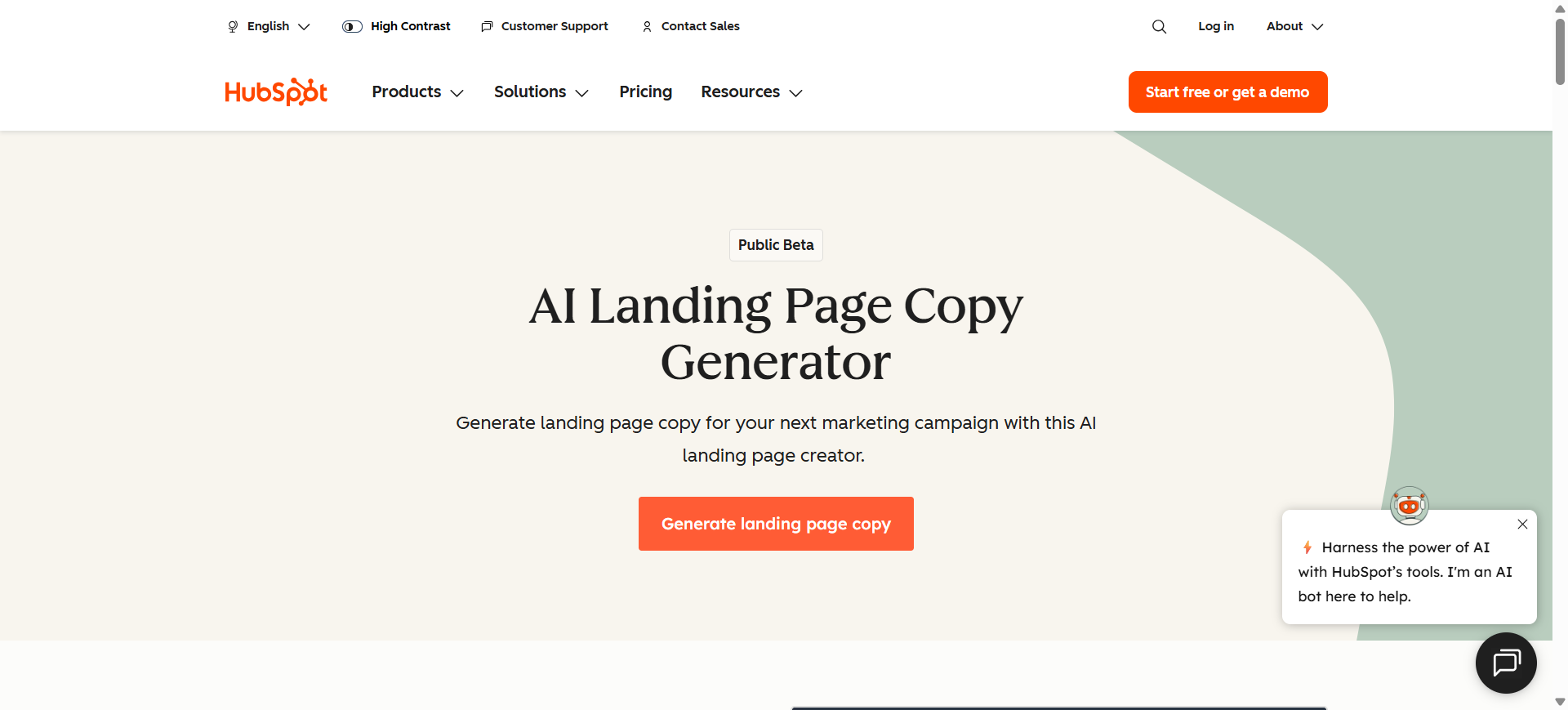
HubSpot (often referred to through Breeze AI inside the HubSpot platform) is an AI-powered marketing and CRM platform that includes tools for creating landing pages, generating campaign content, and managing leads. The landing page builder is integrated with HubSpot’s marketing automation, CRM, and analytics tools, allowing businesses to create conversion-focused pages and track performance in one system.
The platform uses AI to generate page content, automate marketing workflows, and personalize customer experiences based on CRM data and campaign insights.
How to use HubSpot AI for AI landing page builder
- Use HubSpot’s AI landing page generator or select a template from the template library.
- Generate marketing copy and page sections using AI assistants inside the editor.
- Customize forms, CTAs, and design elements with the drag-and-drop builder.
- Publish the landing page and track performance using HubSpot CRM, analytics, and automation tools.
Key Features of HubSpot AI
- AI landing page generator and drag-and-drop page builder
- AI content creation for headlines, landing page copy, and marketing campaigns
- Built-in CRM integration for lead tracking and segmentation
- A/B testing and conversion analytics tools
- Marketing automation workflows for nurturing leads
- Dynamic personalization based on visitor data
- Integration with advertising platforms, email marketing, and analytics tools
Use Cases of HubSpot AI for AI landing page builder
- Creating landing pages optimized for lead generation and inbound marketing
- Designing pages targeting SEO keywords and organic search traffic
- Running A/B testing campaigns to improve conversion rate optimization (CRO)
- Building pages integrated with CRM-based marketing automation workflows
- Launching landing pages for email marketing funnels and paid campaigns
Real World Example
A SaaS company running inbound marketing campaigns can create landing pages using HubSpot AI and connect them directly to its CRM. When visitors submit a form, their data automatically enters the CRM, triggering automated email sequences and personalized follow-up campaigns.
Who Should Use It
- Marketing teams using CRM-driven campaigns
- SaaS companies and B2B businesses
- Digital marketing agencies
- Businesses running inbound marketing strategies
- Enterprises managing multi-channel campaigns
Pricing
HubSpot offers a free plan with basic landing page tools and CRM features. Paid plans such as Marketing Hub Starter start around $15 per user per month, while advanced plans like Marketing Hub Professional can start around $800 per month depending on contacts and features.
Pros
- Powerful CRM integration with marketing automation
- AI tools for generating landing page copy and campaign content
- Strong analytics and personalization features
Cons
- Pricing increases quickly for advanced features
- Platform can have a learning curve for beginners
11. involve.me AI
What is involve.me AI
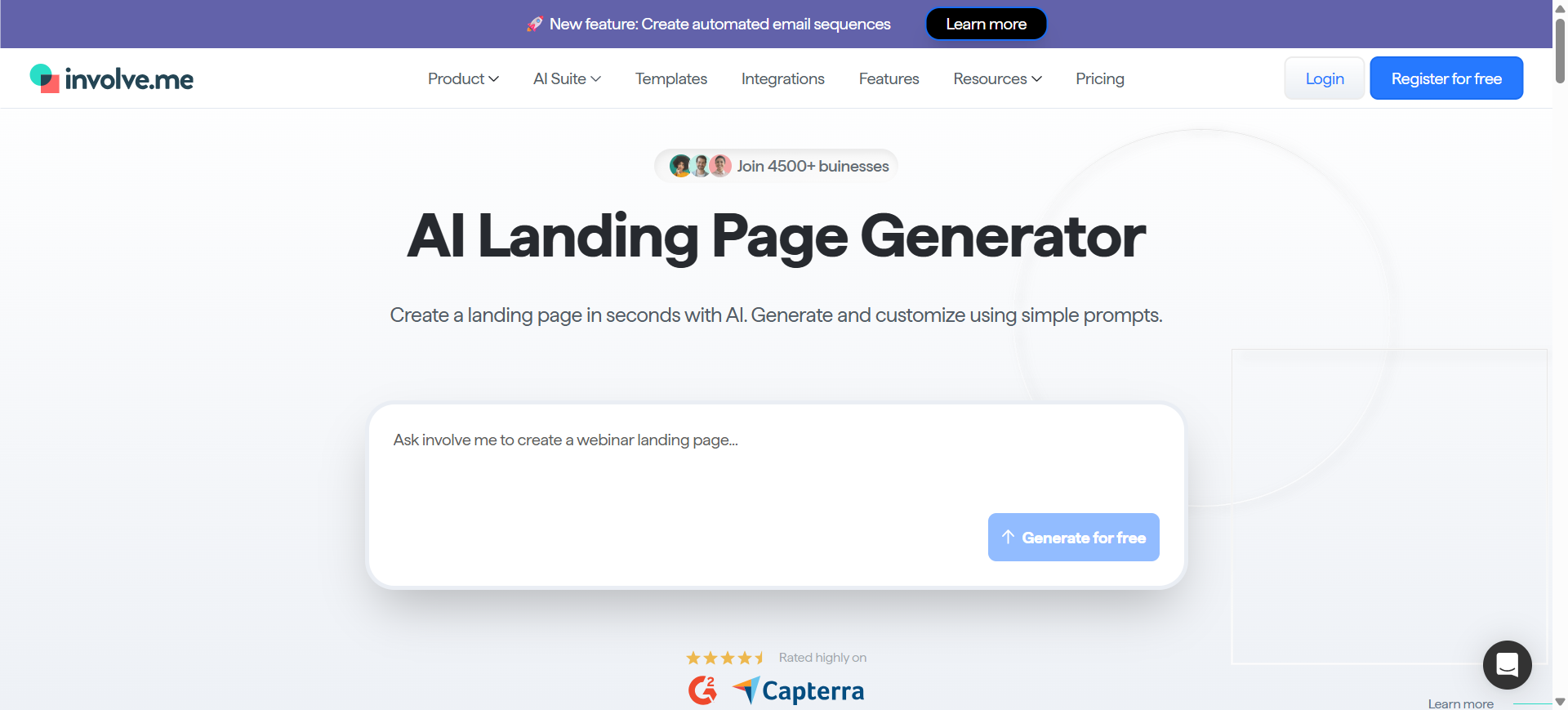
involve.me is an interactive landing page and funnel builder that helps businesses create conversion-focused pages, quizzes, surveys, and forms without coding. The platform uses AI to generate landing pages, forms, and marketing funnels based on a simple prompt or website URL.
Unlike traditional builders, involve.me emphasizes interactive experiences such as calculators, quizzes, and multi-step forms that guide visitors through personalized funnels and increase engagement.
How to use involve.me AI for AI landing page builder
- Enter your campaign details or website URL into the AI landing page generator.
- The AI automatically creates a landing page layout with forms, content blocks, and branding.
- Customize elements using the drag-and-drop editor and add interactive features like quizzes or calculators.
- Publish the landing page and track performance with built-in analytics and A/B testing.
Key Features of involve.me AI
- AI landing page generator for automated page creation
- Drag-and-drop editor with no coding required
- Interactive elements such as quizzes, calculators, and surveys
- Multi-step funnels for lead qualification and personalization
- Built-in analytics and A/B testing tools
- Integrations with CRM, email marketing, and automation tools
- 300+ templates and conversion-optimized content elements
Use Cases of involve.me AI for AI landing page builder
- Building landing pages optimized for lead generation funnels
- Creating interactive experiences for conversion rate optimization (CRO)
- Designing landing pages targeting SEO and content marketing campaigns
- Capturing leads through interactive quizzes and survey funnels
- Launching campaign pages integrated with CRM and marketing automation
Real World Example
A marketing agency running a lead generation campaign can use involve.me AI to create a quiz-based landing page that recommends products based on user responses. Visitors complete the quiz, submit their email, and automatically enter a segmented email funnel for follow-up marketing.
Who Should Use It
- Marketing agencies
- SaaS companies
- Growth marketers
- Businesses running lead generation funnels
- Creators building interactive marketing campaigns
Pricing
involve.me offers a free plan with limited submissions and visits, allowing users to test the platform. Paid plans start around $29 per month, with higher tiers offering advanced analytics, integrations, and automation features.
Pros
- Strong interactive funnel features for higher engagement
- AI generation speeds up landing page creation
- Built-in lead qualification tools and analytics
Cons
- Design flexibility is lower than advanced design builders
- Some advanced automation features require higher-tier plans
12. Framer AI
What is Framer AI
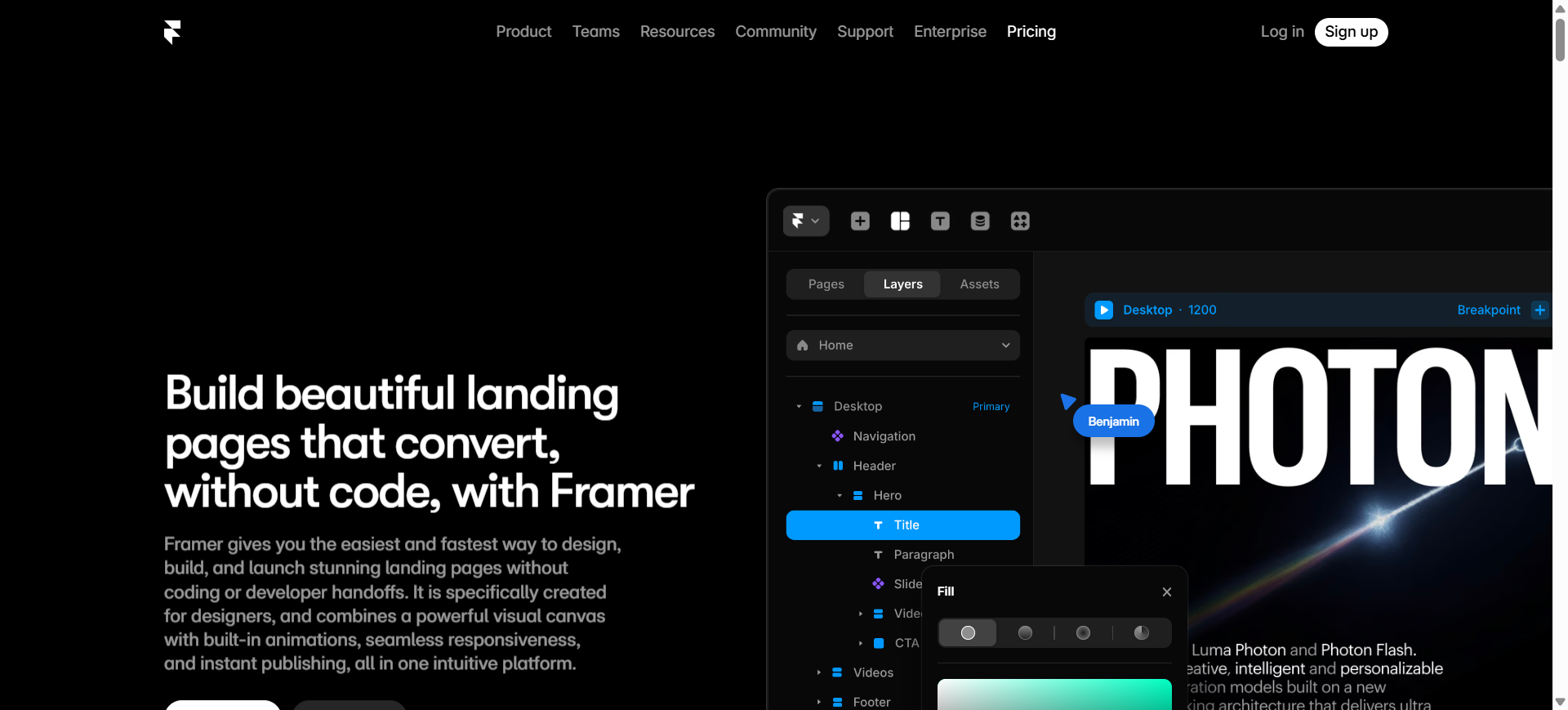
Framer is a design-focused AI website builder that generates complete landing page layouts from prompts. It is widely used by startups and designers who want visually appealing pages with advanced customization capabilities.
The platform blends AI generation with interactive design tools, making it possible to build responsive landing pages quickly while retaining design flexibility.
How to use Framer AI for AI landing page builder
- Enter a prompt describing your business, product, or campaign.
- Framer AI generates a responsive landing page layout and starter content.
- Customize design elements, animations, and components in the editor.
- Publish the landing page with hosting and analytics enabled.
Key Features of Framer AI
- Prompt-based landing page generation
- Visual design editor with animation tools
- Responsive layouts optimized for multiple devices
- Real-time collaboration features
- Built-in hosting and deployment
- Custom components and design control
- AI-generated text and structure suggestions
Use Cases of Framer AI for AI landing page builder
- Building modern landing pages for startup product launches
- Designing conversion pages for SaaS onboarding campaigns
- Creating interactive pages for design-focused brands
- Launching landing pages for beta signup funnels
- Testing different landing page layouts for growth experiments
Real World Example
A startup launching a new SaaS product can use Framer AI to generate a modern landing page in minutes. Designers can then refine the layout and animations to match brand identity before launching the campaign.
Who Should Use It
- Startup founders
- Product designers
- SaaS companies
- Creative agencies
- Developers building marketing sites
Pricing
Framer offers a free plan with basic features, while paid plans typically start around $10 per month depending on hosting and collaboration features.
Pros
- Powerful design customization
- Fast AI-generated landing page layouts
- Built-in hosting and collaboration
Cons
- Limited marketing analytics compared to CRO tools
- Not primarily built for conversion optimization
13. AIDesigner AI
What is AIDesigner AI
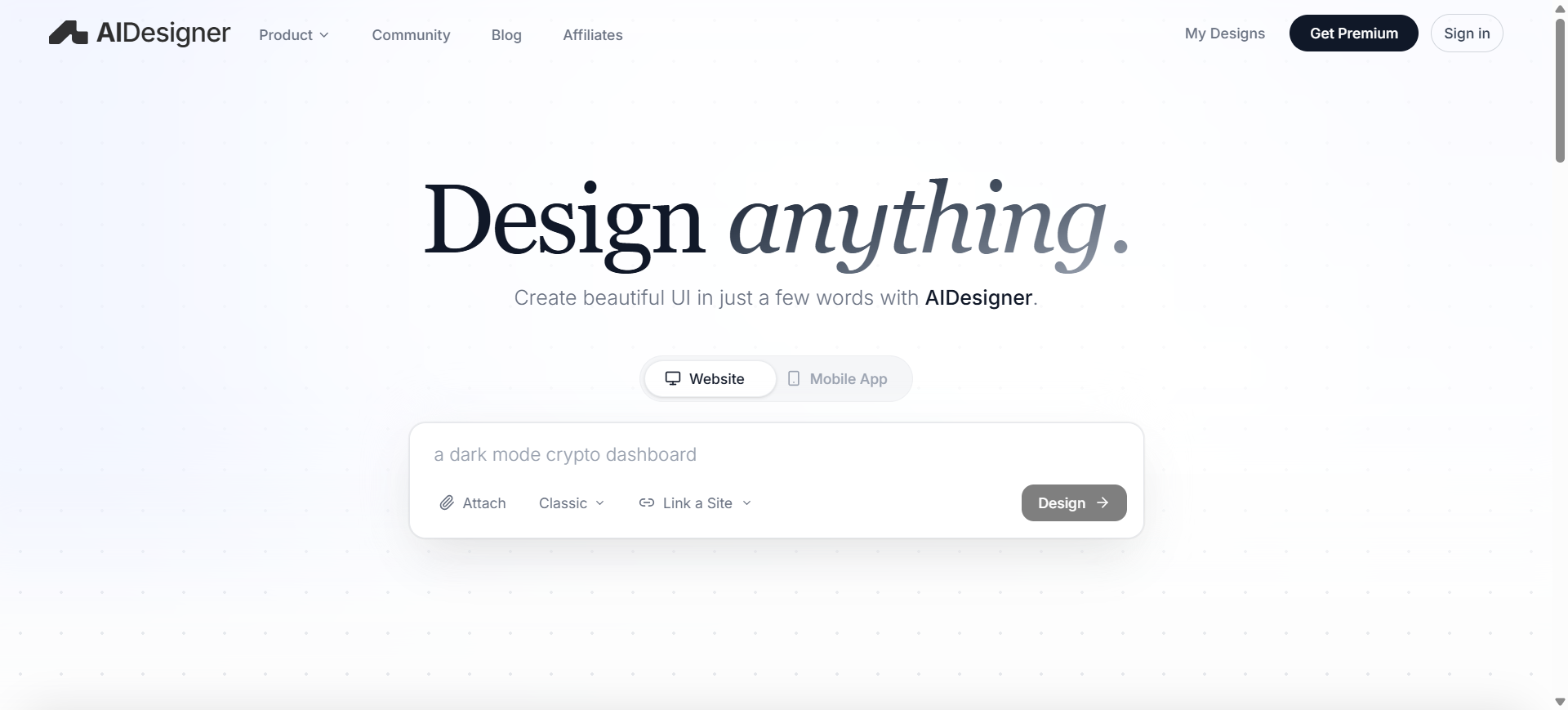
AIDesigner is an AI-powered UI and landing page design platform that generates professional website interfaces from simple text prompts. Users can describe a product, business, or campaign, and the tool automatically creates landing page layouts, sections, and visual elements.
The platform focuses heavily on design quality, allowing users to create polished landing page layouts that resemble professionally designed interfaces while eliminating the need for manual UI design skills.
How to use AIDesigner AI for AI landing page builder
- Enter a prompt describing your product, business, or campaign landing page.
- The AI generates a landing page UI layout with sections such as hero, features, and CTA.
- Edit the design on the infinite canvas by adjusting text, buttons, images, and layout elements.
- Export the design or publish the landing page for marketing campaigns.
Key Features of AIDesigner AI
- AI UI designer that generates landing page layouts from prompts
- Infinite design canvas for editing landing page components
- Prototype generator for interactive design previews
- Website cloning tool to recreate existing page designs
- AI-generated UI components such as buttons, forms, and sections
- Direct editing of layout, typography, and visual hierarchy
- Export options for developers or deployment workflows
Use Cases of AIDesigner AI for AI landing page builder
- Designing landing pages optimized for conversion rate optimization (CRO) experiments
- Creating UI prototypes for SEO landing pages and marketing funnels
- Generating layouts for product launch landing pages
- Designing landing pages targeting paid advertising traffic
- Rapidly prototyping pages for startup MVP marketing campaigns
Real World Example
A startup building a SaaS tool can use AIDesigner AI to generate a landing page layout for its product launch campaign. After entering a prompt describing the SaaS product and its target audience, the platform generates sections such as product features, testimonials, and demo request forms that can be refined before publishing.
Who Should Use It
- Startup founders
- Product designers
- Marketing agencies
- SaaS companies
- Developers building landing page interfaces
Pricing
AIDesigner AI offers a free plan with limited design capabilities, while the Pro plan starts around $25 per month, unlocking advanced AI design tools and additional export options.
Pros
- Generates high-quality landing page UI designs quickly
- Useful for rapid prototyping and design workflows
- AI simplifies complex UI design tasks
Cons
- Primarily focused on design rather than marketing automation
- Requires additional tools for analytics, A/B testing, or campaign tracking
14. PlayCode AI
What is PlayCode AI
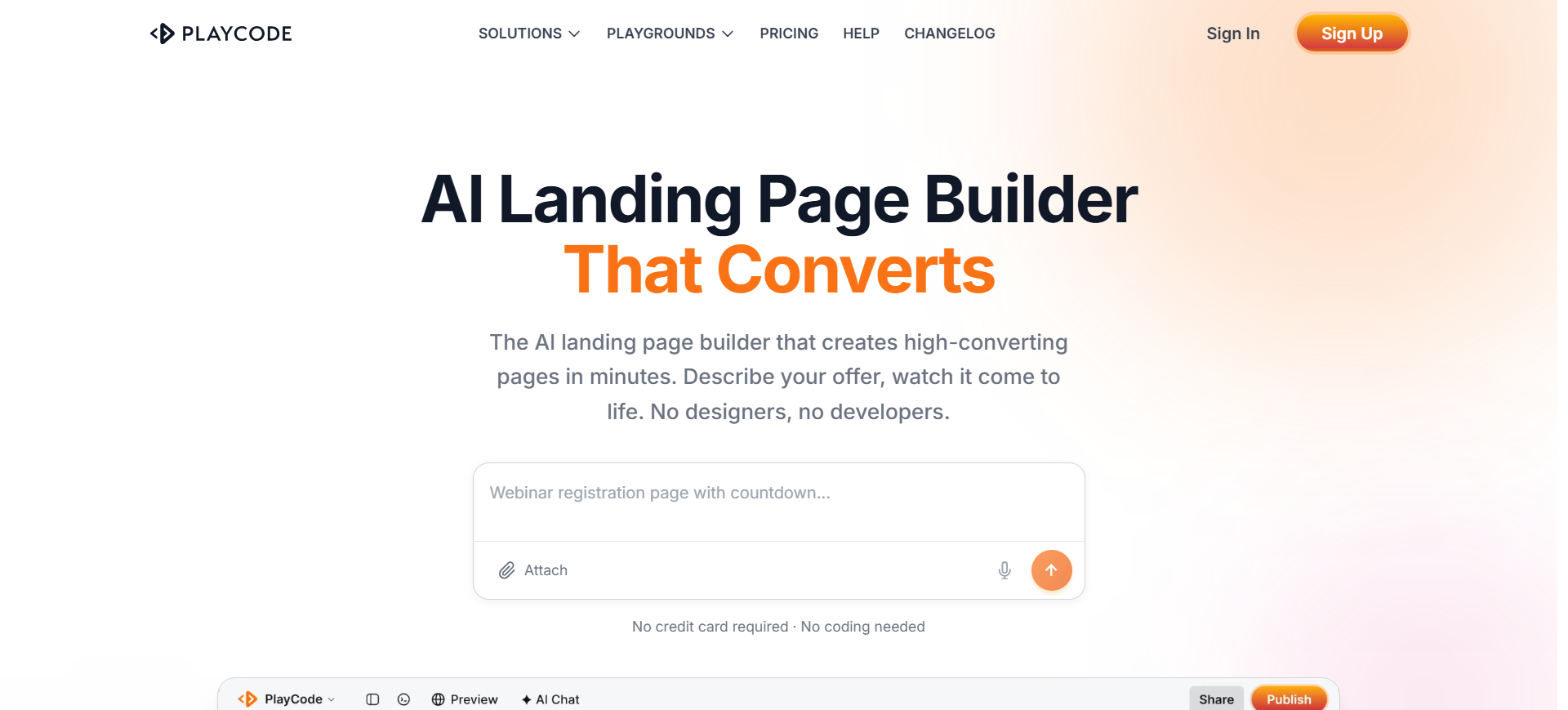
PlayCode is an AI-powered website and landing page builder that allows users to create websites simply by describing what they want in natural language. Instead of using traditional drag-and-drop builders, the platform generates full websites or landing pages automatically using modern web technologies such as React, Vue, and Tailwind CSS.
The platform focuses on rapid development, enabling entrepreneurs, developers, and marketers to create production-ready landing pages quickly and export the underlying code if needed.
How to use PlayCode AI for AI landing page builder
- Describe your business, product, or campaign goal using natural language prompts.
- PlayCode AI generates a landing page layout and content automatically.
- Edit the page visually or modify the generated code directly for customization.
- Publish the landing page to a hosted URL or export the code for deployment elsewhere.
Key Features of PlayCode AI
- Natural language website generation through AI prompts
- Automatic landing page layout and content creation
- Live preview editor showing real-time changes
- Ability to export full HTML, CSS, and JavaScript code
- Support for modern frameworks like React and Vue
- One-click publishing with subdomain or custom domain
- Mobile-responsive landing page design by default
Use Cases of PlayCode AI for AI landing page builder
- Building SEO-optimized landing pages for startup product launches
- Creating marketing pages for paid traffic campaigns
- Rapidly generating pages for conversion rate optimization (CRO) experiments
- Developing landing pages targeting keyword-specific campaigns
- Creating interactive product pages for SaaS marketing funnels
Real World Example
A startup founder launching an MVP can use PlayCode AI to generate a landing page describing the product idea and target audience. Within minutes, the platform creates a full landing page with sections like hero, features, pricing, and contact forms ready for testing marketing campaigns.
Who Should Use It
- Startup founders
- Developers and technical marketers
- SaaS companies
- Freelancers building landing pages for clients
- Entrepreneurs validating product ideas
Pricing
PlayCode AI offers a free plan for basic usage and experimentation. Paid plans with advanced AI features and publishing tools generally start around $9.99–$25 per month depending on features and usage limits.
Pros
- Generates full landing pages from simple prompts
- Allows code export and developer customization
- Supports modern web frameworks for advanced use
Cons
- Requires some technical understanding for deeper customization
- Marketing analytics and CRO tools are limited compared to dedicated landing page builders
15. 10Web AI
What is 10Web AI
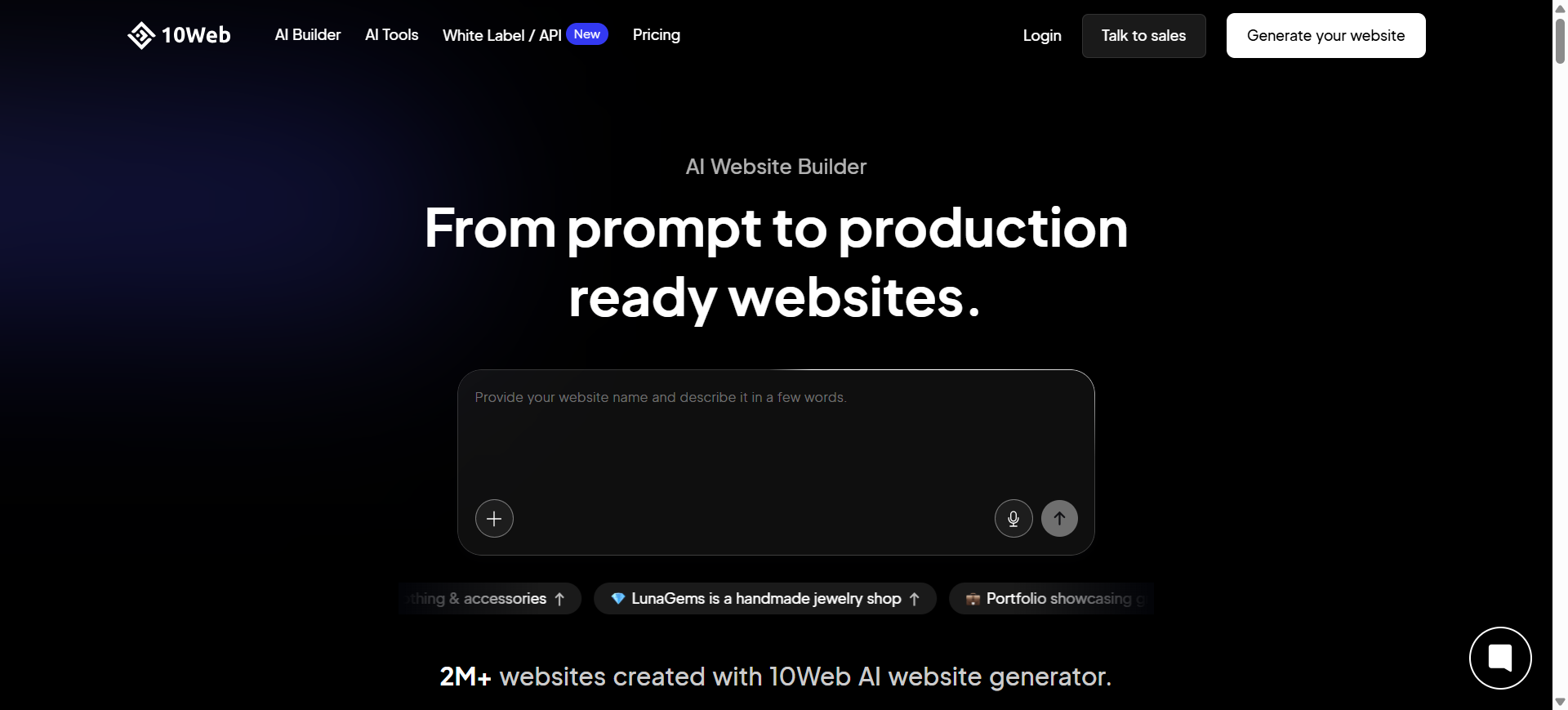
10Web is an AI-powered website and landing page builder built on top of WordPress. The platform automatically generates full websites or landing pages by asking users a few questions about their business and campaign goals. It combines AI generation with managed WordPress hosting and optimization tools.
Because it runs on WordPress infrastructure, users retain flexibility to customize pages, install plugins, and scale their websites while still benefiting from AI-driven automation for design, content, and layout generation.
How to use 10Web AI for AI landing page builder
- Enter details about your business, target audience, and campaign objective.
- The AI builder generates a WordPress landing page layout with sections, images, and copy.
- Customize the page using the Elementor-based visual editor and AI writing assistant.
- Publish the landing page with integrated hosting, SEO tools, and analytics.
Key Features of 10Web AI
- AI website and landing page generator from prompts
- WordPress-based builder using Elementor visual editor
- Managed hosting on Google Cloud infrastructure
- AI content and image generation tools
- Automatic PageSpeed optimization for faster loading
- Website migration and AI site recreation tools
- SEO optimization and plugin compatibility
Use Cases of 10Web AI for AI landing page builder
- Creating landing pages optimized for SEO-driven marketing campaigns
- Building conversion pages for paid advertising traffic
- Generating pages for lead generation funnels and product launches
- Running conversion rate optimization (CRO) experiments using WordPress plugins
- Launching landing pages integrated with content marketing and blog SEO strategies
Real World Example
A SaaS startup launching a new product can use 10Web AI to generate a WordPress landing page by entering a short description of the product. The platform creates sections like features, testimonials, and pricing automatically, allowing the startup to quickly publish a marketing page and start driving traffic.
Who Should Use It
- WordPress users and developers
- SaaS startups
- Digital marketing agencies
- Bloggers and content marketers
- Businesses running SEO campaigns
Pricing
10Web AI offers a free trial, while paid plans typically start around $10–$14 per month for the Starter plan and increase depending on hosting capacity and features.
Pros
- Combines AI builder with WordPress flexibility
- Built-in hosting and performance optimization
- Strong SEO capabilities through WordPress plugins
Cons
- Dependent on the WordPress ecosystem
- Design flexibility can be limited without additional plugins
What Are AI Landing Page Builders
AI landing page builders are software platforms that use artificial intelligence to automatically create, design, and optimize landing pages for marketing campaigns. Instead of manually designing pages or writing copy, users can describe their product, campaign goal, or target audience, and the AI generates a complete landing page structure with text, images, and call-to-action sections.
These tools combine machine learning, design automation, and marketing optimization to simplify landing page creation. AI landing page builders can generate page layouts, write marketing copy, recommend design elements, and even predict which page variations will convert better.
In practice, businesses use AI landing page builders to launch campaign pages quickly, test multiple versions of a landing page, and optimize conversions without needing developers or designers. This reduces the time required to build landing pages while improving marketing performance.
How to Create a Landing Page
Creating a landing page involves designing a focused webpage that encourages visitors to take a specific action, such as signing up, downloading a resource, or purchasing a product. With modern AI landing page builders, the process is faster because design, layout, and copywriting can be generated automatically.
1. Define Your Goal
Start by deciding the main objective of the landing page. A landing page should focus on one clear action, such as collecting leads, promoting a webinar, or selling a product. A clear goal helps structure the content and call-to-action.
2. Choose an AI Landing Page Builder
Select a landing page builder that fits your marketing needs. Platforms like Unbounce AI, Wix AI, and Landingi AI allow users to generate pages quickly using templates and AI-generated content.
3. Create the Page Structure
Use a template or AI generator to create the landing page layout. Most high-converting landing pages include:\
- A strong headline and subheadline
- A hero section with a clear call-to-action
- Benefits or product features
- Testimonials or social proof
- A lead capture form or signup button
4. Write Clear and Persuasive Content
Focus on communicating value quickly. Explain how your product or service solves a problem and highlight key benefits. AI copywriting tools can help generate headlines, CTAs, and supporting text.
5. Optimize and Test
After publishing the page, track performance using analytics and run A/B tests on elements such as headlines, images, and CTA buttons. Continuous testing helps improve conversion rates and campaign performance over time.
Benefits of AI Landing Page Builder Tools
- Faster Campaign Launches – AI tools generate landing pages quickly, allowing marketers to launch campaigns in minutes.
- Lower Design and Development Costs – Automation reduces the need for designers and developers.
- Better Conversion Testing – Built-in A/B testing helps identify the best-performing page versions.
- Scalable Page Production – Easily create multiple landing pages for different campaigns or audiences.
- Improved Marketing Workflows – Integrates with CRM, analytics, and email marketing tools to streamline campaigns.
Who Should Use AI Landing Page Builders
Startups and Entrepreneurs
Use AI landing page builders to quickly launch product pages, validate ideas, and capture early leads without hiring designers or developers.
Digital Marketing Agencies
Agencies can create and manage multiple landing pages for client campaigns, making it easier to run paid ads, lead generation funnels, and marketing experiments.
SaaS Companies
SaaS businesses often use landing pages for product demos, free trials, and onboarding campaigns. AI builders help them create and test these pages faster.
Ecommerce Businesses
Online stores can use landing pages to promote products, run seasonal campaigns, and optimize conversion rates from paid traffic.
Content Creators and Freelancers
Creators can build landing pages for newsletters, online courses, portfolio promotion, or lead generation without needing technical skills.
How to Choose the Right AI Landing Page Builder
Choosing the right AI landing page builder depends on your marketing goals, technical requirements, and campaign scale. Different tools focus on different strengths such as conversion optimization, design flexibility, or automation. Here are the key factors to consider when selecting a platform.
Define Your Marketing Goals
Start by identifying what you want to achieve with your landing pages. For example, if your goal is lead generation, choose a tool with strong form builders and CRM integrations. If you run paid ads, prioritize platforms with A/B testing and conversion analytics.
Check AI Capabilities
Not all AI builders offer the same features. Look for tools that provide AI copywriting, automated layout generation, and optimization suggestions. Advanced platforms can also personalize content and predict conversion performance.
Evaluate Design Flexibility
Some tools prioritize simplicity while others offer full design control. If branding and visual customization are important, choose a builder with a flexible drag-and-drop editor and customizable templates.
Review Integrations
Landing pages often need to connect with marketing tools such as CRM systems, email marketing platforms, analytics dashboards, and advertising networks. Make sure the builder supports the integrations required for your workflow.
Consider Pricing and Scalability
Compare pricing plans and ensure the platform can support your future growth. Businesses running multiple campaigns should choose tools that allow unlimited pages, traffic capacity, and team collaboration.
By evaluating these factors, businesses can select an AI landing page builder that aligns with their marketing strategy and supports long-term campaign optimization.
Best AI Landing Page Builder Overall
For most businesses, Unbounce AI and Instapage AI offer the strongest conversion optimization tools, while Wix AI and Hostinger AI are excellent for beginners and small businesses.
Design-focused teams may prefer Framer AI, while WordPress users often choose 10Web AI for its flexibility and SEO capabilities.
Future of AI Landing Page Builders
AI landing page builders are expected to become more advanced and automated in the coming years. Future tools will use AI-generated personalization to adapt page content based on visitor behavior, location, and preferences. Platforms will also introduce automated CRO testing, where AI creates and tests multiple page versions automatically to find the best-performing design.
Additionally, AI marketing agents will manage campaigns by optimizing landing pages and adjusting messaging in real time. With predictive conversion optimization, AI will analyze data to recommend layouts and headlines that are more likely to convert. In the future, some platforms may even enable full campaign generation, where landing pages, ads, and marketing content are created automatically from a single prompt.
Conclusion
AI landing page builders have transformed how businesses create and optimize marketing pages. By automating design, content generation, and testing, these tools allow marketers to launch campaigns faster and improve conversion performance. As AI technology continues to evolve, landing page builders will become even more powerful, enabling businesses to scale campaigns, personalize experiences, and manage marketing workflows more efficiently.
FAQs
What is an AI landing page builder?
An AI landing page builder is a platform that uses artificial intelligence to automatically generate landing pages. It can create page layouts, write marketing copy, suggest images, and optimize design elements based on conversion best practices. These tools help businesses build campaign pages faster without needing coding or design skills.
What is the best AI landing page builder in 2026?
The best AI landing page builder depends on your marketing needs. Some tools focus on conversion rate optimization (CRO) and A/B testing, while others emphasize design flexibility or automation. Platforms like Unbounce AI, Wix AI, and Instapage AI are popular because they combine AI generation, analytics, and marketing integrations.
Can AI create a landing page automatically?
Yes, AI can generate a complete landing page automatically by analyzing a business description or campaign goal. It can create layouts, write headlines and content, and add design elements. However, human review is still important to refine messaging, branding, and campaign strategy.
Are AI landing page builders free?
Many AI landing page builders offer free plans or trials that allow users to create basic pages. However, advanced features such as A/B testing, custom domains, marketing integrations, and detailed analytics are usually available only in paid plans.
How long does it take to build a landing page with AI?
With AI landing page builders, a basic landing page can be generated in just a few minutes. However, customizing the design, adding content, and optimizing the page for conversions may take anywhere from 30 minutes to a few hours depending on the campaign complexity.
Do AI landing pages convert better than traditional ones?
AI landing pages can often achieve better conversion rates because they use data-driven optimization. AI tools can analyze user behavior, test multiple page variations, personalize content for visitors, and continuously improve page performance through automated testing and analytics.