
The best AI Speech-to-Text tools convert spoken audio into accurate text using advanced AI Speech-to-Text technology. These tools automatically transcribe meetings, interviews, podcasts, and videos, helping businesses and creators save time while capturing spoken information in searchable text.
Modern AI Speech-to-Text systems use machine learning and speech recognition models to understand accents, identify speakers, and generate transcripts in real time. As a result, teams can document conversations, analyze discussions, and turn audio content into useful written records within minutes.
List of Best AI Speech-to-Text Tools
- Otter.ai
- Sonix AI
- Descript AI
- Trint AI
- Speechmatics AI
- Amazon Transcribe AI
- Rev.ai
- Temi AI
- Scribie AI
- Happy Scribe AI
- TranscribeMe AI
- MeetGeek AI
- Fireflies.ai
- Lindy AI
- Speechnotes
AI Speech-to-Text Comparison Table
| Tool | Best For | Type | Key Capability | Pricing |
|---|---|---|---|---|
| Otter.ai | Meeting transcription | AI meeting assistant | Real-time transcription and summaries | Free plan + paid plans |
| Sonix AI | Professional transcription | AI transcription platform | Multilingual transcription and translation | Pay-per-hour transcription |
| Descript AI | Podcast & video creators | AI editing platform | Edit audio/video via transcript | Subscription plans |
| Trint AI | Journalism teams | AI transcription platform | Collaborative transcript editing | Subscription plans |
| Speechmatics AI | Enterprise speech recognition | AI speech API | High-accuracy speech recognition | Enterprise pricing |
| Amazon Transcribe AI | Cloud transcription | Cloud AI API | Real-time and batch transcription | API usage pricing |
| Rev.ai | Developer integration | AI speech API | Speech-to-text API for apps | API usage pricing |
| Temi AI | Fast transcription | AI transcription tool | Quick automated audio transcription | Pay-per-minute transcription |
| Scribie AI | Budget transcription | AI + human transcription | Human-reviewed transcripts | Pay-per-minute transcription |
| Happy Scribe AI | Multilingual transcription | AI transcription platform | 120+ language support | Subscription + pay-per-minute |
| TranscribeMe AI | Secure transcription | AI + human transcription | AI transcription with human review | Pay-per-minute transcription |
| MeetGeek AI | Meeting productivity | AI meeting assistant | Meeting recording and summaries | Free plan + paid plans |
| Fireflies.ai | Meeting analytics | AI meeting assistant | Conversation insights and transcripts | Free plan + paid plans |
| Lindy AI | Interview automation | AI assistant | Meeting transcription + workflow automation | Free plan + subscription |
| Speechnotes | Voice typing and dictation | Speech-to-text dictation tool | Real-time voice typing and transcription | Free + pay-as-you-go |
1) Otter.ai
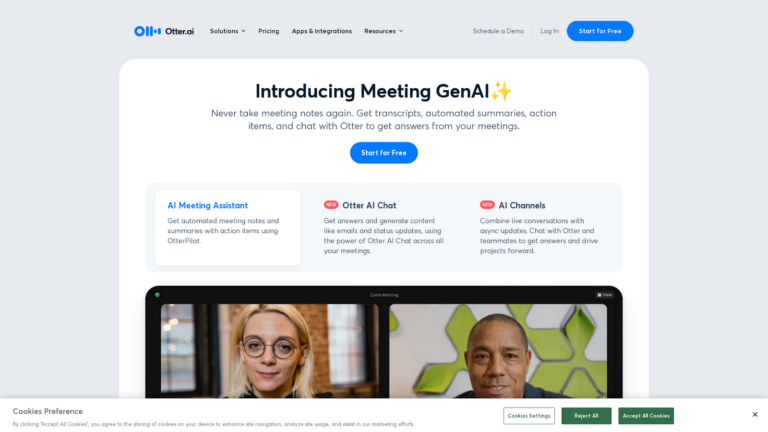
What Is Otter.ai?
Otter.ai is an AI Speech-to-Text tool that converts spoken conversations into written transcripts. It records meetings, interviews, and lectures while generating real-time notes. The platform also identifies speakers and organizes discussions into searchable transcripts.
How to Use Otter.ai for AI Speech-to-Text
- Create an account on the Otter.ai website or app.
- Start recording a meeting or upload an audio file.
- Otter automatically converts speech into text in real time.
- Review and edit the generated transcript.
- Share or export the transcript when needed.
What Are the Benefits of Otter.ai
- Real-time speech-to-text transcription.
- Automatic meeting summaries and searchable transcripts.
- Speaker identification for multi-person conversations.
- Easy sharing and collaboration on meeting notes.
- Integrations with Zoom, Google Meet, and Microsoft Teams.
Where Otter.ai Is Used
- Business meetings and team collaboration.
- Online webinars and virtual conferences.
- Educational lectures and classes.
- Interviews and research documentation.
- Podcast and video transcription.
Who Should Use Otter.ai
- Business professionals and remote teams.
- Students and educators.
- Journalists and researchers.
- Content creators and podcasters.
- Sales and customer support teams.
Pricing
Otter.ai offers a free plan, while advanced features are available through paid Pro, Business, and Enterprise plans.
2) Sonix AI
What Is Sonix AI?
Sonix AI is an AI Speech-to-Text platform that converts audio and video recordings into written transcripts automatically. It uses advanced speech recognition technology to generate accurate transcripts and supports transcription and translation in multiple languages. The platform also provides searchable transcripts and editing tools for organizing spoken content.
How to Use Sonix AI for AI Speech-to-Text
- Upload an audio or video file to the Sonix platform.
- The AI automatically converts speech into text.
- Review and edit the transcript using the built-in editor.
- Add speaker labels, timestamps, or corrections if needed.
- Export the transcript or subtitles in different formats.
What Are the Benefits of Sonix AI
- Automatic speech-to-text transcription for audio and video files.
- Supports transcription and translation in many languages.
- Searchable transcripts that help users find specific parts of conversations.
- Built-in editor for correcting transcripts and adding speaker labels.
- Integrations with common productivity and media tools.
Where Sonix AI Is Used
- Podcast and interview transcription.
- Video subtitle and caption generation.
- Business meeting documentation.
- Research and academic transcription.
- Media and content production workflows.
Who Should Use Sonix AI
- Journalists and researchers transcribing interviews.
- Businesses documenting meetings and discussions.
- Content creators generating captions and transcripts.
- Marketing teams repurposing audio or video content.
- Educators and students recording lectures.
Pricing
Sonix AI uses a subscription plan and pay-as-you-go transcription pricing model, with additional options available for teams and enterprise users.
3) Descript AI
What is Descript AI?
Descript AI is an AI Speech-to-Text and media editing platform that converts audio and video into written transcripts. It allows users to edit recordings by editing the text, making audio and video editing faster and easier. The platform also includes AI features for transcription, voice generation, and content editing.
How to Use Descript AI for AI Speech-to-Text
- Upload an audio or video file to Descript.
- The platform automatically converts speech into a transcript.
- Edit the transcript to modify the audio or video content.
- Use built-in tools to remove filler words, add captions, or adjust clips.
- Export the final transcript, audio, or video file.
What Are the Benefits of Descript AI
- Automatic speech-to-text transcription for audio and video files.
- Text-based editing that lets users edit media by editing transcripts.
- AI tools for removing filler words and improving audio quality.
- Built-in screen recording and podcast editing features.
- Collaboration tools for teams working on media projects.
Where Descript AI Is Used
- Podcast production and editing.
- Video content creation for social media and marketing.
- Interview transcription and editing.
- Webinar and online course production.
- Media and content editing workflows.
Who Should Use Descript AI
- Podcasters and video creators.
- Content marketers and social media teams.
- Journalists and interviewers.
- Businesses creating training or marketing videos.
- Educators producing online learning content.
Pricing
Descript AI offers a free plan with limited features, while advanced transcription and editing tools are available through subscription-based plans for creators, businesses, and teams.
4) Trint AI
What Is Trint AI?
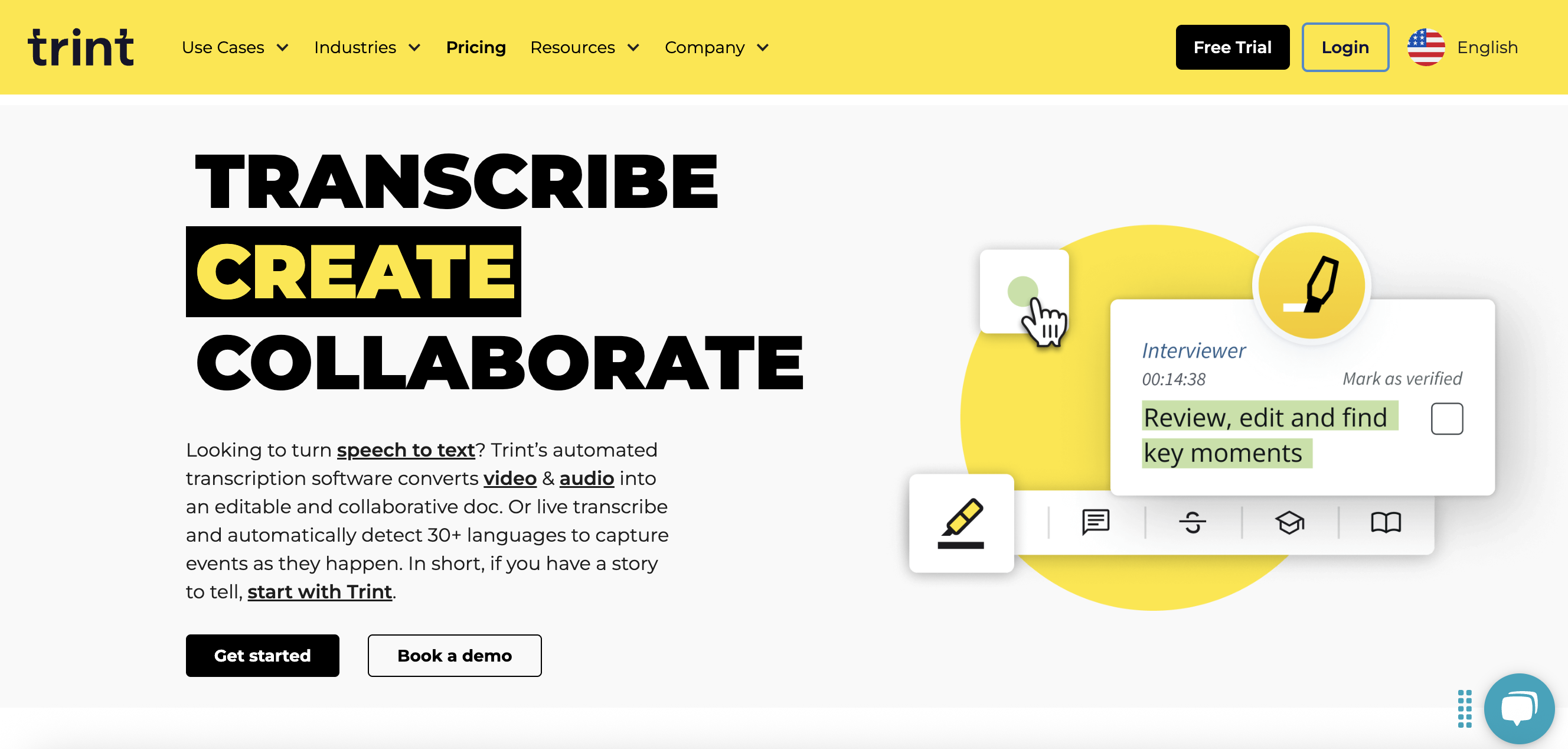
Trint AI is an AI Speech-to-Text platform that converts audio, video, and live speech into written transcripts automatically. It uses advanced speech recognition to generate searchable transcripts and allows users to edit, organize, and collaborate on transcription content in one workspace.
How to Use Trint AI for AI Speech-to-Text
- Upload an audio or video file to the Trint platform.
- The AI automatically converts speech into a transcript.
- Review and edit the transcript using the built-in editor.
- Add speaker labels, highlights, or comments if needed.
- Export the transcript or share it with your team.
What Are the Benefits of Trint AI
- Automatic speech-to-text transcription for audio and video files.
- Supports multiple languages for global transcription workflows.
- Searchable transcripts that help locate key quotes quickly.
- Built-in editing tools with timestamps and speaker labels.
- Collaboration features that allow teams to work on transcripts together.
Where Trint AI Is Used
- Journalism and newsroom workflows.
- Podcast and media production.
- Business meeting transcription.
- Video caption and subtitle creation.
- Research interviews and documentation.
Who Should Use Trint AI
- Journalists and media professionals.
- Content creators and video editors.
- Businesses documenting meetings and interviews.
- Researchers analyzing recorded discussions.
- Marketing teams converting audio or video into written content.
Pricing
Trint AI offers subscription-based plans with a free trial, along with advanced plans and enterprise options for teams and organizations.
5) Speechmatics AI
What Is Speechmatics AI?
Speechmatics AI is an AI Speech-to-Text platform that converts spoken audio into written transcripts using automatic speech recognition technology. It supports real-time and recorded transcription and is designed to process speech accurately across different accents and environments.
How to Use Speechmatics AI for AI Speech-to-Text
- Upload an audio or video file to the Speechmatics platform or connect through its API.
- The system processes the audio and converts speech into text automatically.
- Review the generated transcript with timestamps and speaker labels.
- Export the transcript or integrate it into applications and workflows.
- Use the text for captions, documentation, or analysis.
What Are the Benefits of Speechmatics AI
- Converts speech into text in real time or from recorded files.
- Designed to recognize speech across different accents and environments.
- Provides timestamps and speaker identification in transcripts.
- Offers flexible deployment options such as cloud or on-premises integration.
- Allows developers to integrate speech recognition into applications.
Where Speechmatics AI Is Used
- Media and broadcasting for subtitles and captions.
- Call centers analyzing customer conversations.
- Meeting platforms for automatic transcription.
- Education and research documentation.
- Enterprise applications that require voice recognition.
Who Should Use Speechmatics AI
- Developers building voice-enabled applications.
- Enterprises processing large volumes of voice data.
- Media teams generating transcripts and captions.
- Businesses analyzing conversations and meetings.
- Organizations using speech recognition technology.
Pricing
Speechmatics provides API-based pricing and enterprise plans, along with a free trial option for developers.
6) Amazon Transcribe AI
What Is Amazon Transcribe AI?
Amazon Transcribe AI is an AI Speech-to-Text service from Amazon Web Services (AWS) that converts spoken audio into written transcripts automatically. It uses machine-learning–based automatic speech recognition (ASR) to process both live audio streams and recorded media files.
How to Use Amazon Transcribe AI for AI Speech-to-Text
- Upload an audio or video file to an Amazon S3 bucket.
- Create a transcription job in the AWS console or use the API.
- The system processes the audio and converts speech into text.
- Review the transcript with timestamps and speaker separation.
- Export or integrate the transcript into applications or analytics workflows.
What Are the Benefits of Amazon Transcribe AI
- Converts speech into text automatically using machine-learning models.
- Supports real-time streaming transcription and batch transcription for recorded files.
- Includes features like speaker identification, custom vocabulary, and transcript filtering.
- Helps organizations automate manual transcription tasks and analyze audio content.
- Integrates easily with AWS services for application development and data processing.
Where Amazon Transcribe AI Is Used
- Customer service call analysis and call center recordings.
- Video subtitle and caption generation.
- Meeting and conference transcription.
- Media and broadcasting workflows.
- Voice-enabled applications and software.
Who Should Use Amazon Transcribe AI
- Developers building voice-enabled applications.
- Businesses analyzing customer conversations.
- Media teams generating subtitles and transcripts.
- Organizations processing large volumes of audio data.
- Enterprises using cloud-based speech recognition.
Pricing
Amazon Transcribe follows a pay-as-you-go pricing model based on the amount of audio processed, with a limited free usage option for new AWS users.
7) Rev.ai
What Is Rev.ai?
Rev.ai is an AI Speech-to-Text API platform that converts spoken audio into written transcripts automatically. It is designed mainly for developers and businesses that want to integrate speech recognition into applications, workflows, or services. The platform uses machine-learning–based automatic speech recognition to deliver fast and accurate transcription.
How to Use Rev.ai for AI Speech-to-Text
- Create an account and obtain an API access token.
- Upload an audio file or stream live audio through the Rev.ai API.
- The system processes the speech and generates a transcript automatically.
- Review the transcript with timestamps and formatting.
- Integrate the transcription output into applications or export it for further use.
What Are the Benefits of Rev.ai
- Automatic speech-to-text transcription using AI speech recognition.
- Supports both real-time streaming and recorded audio transcription.
- Custom vocabulary features help improve transcription accuracy for specific terms.
- Designed for developers with easy API integration and documentation.
- High reliability and secure infrastructure for processing audio data.
Where Rev.ai Is Used
- Voice-enabled applications and software platforms.
- Call center conversation analysis.
- Media transcription and caption generation.
- Meeting transcription tools.
- Business intelligence and voice analytics systems.
Who Should Use Rev.ai
- Developers building speech-enabled applications.
- Businesses processing large volumes of voice data.
- Media companies generating captions or transcripts.
- SaaS platforms integrating speech recognition features.
- Organizations analyzing recorded conversations.
Pricing
Rev.ai uses a usage-based API pricing model, where the cost depends on the amount of audio processed. Paid plans and enterprise options are available for larger workloads.
8) Temi AI
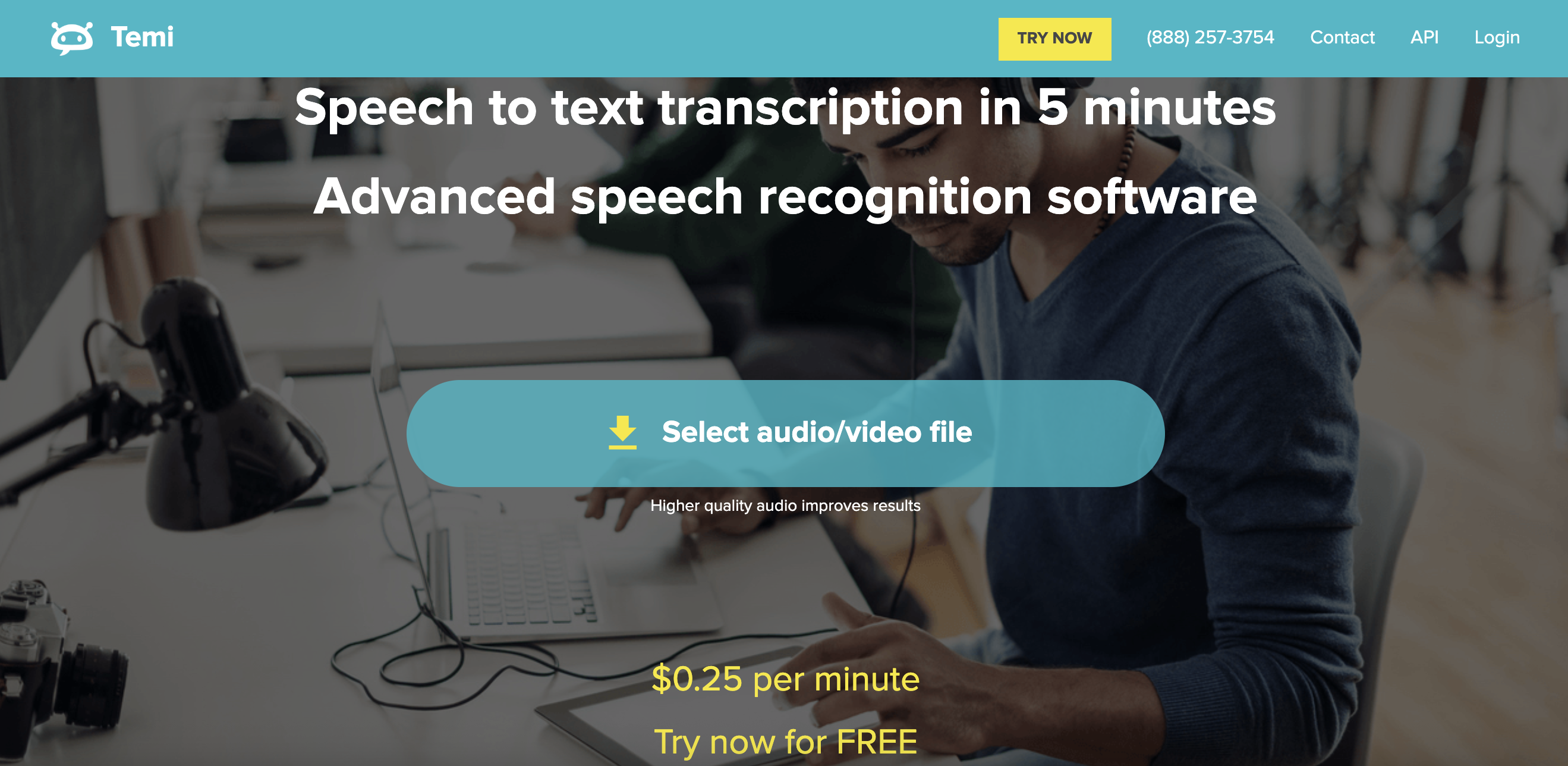
What Is Temi AI?
Temi AI is an AI Speech-to-Text transcription tool that converts audio and video recordings into written transcripts automatically. The platform uses automated speech recognition technology to process uploaded recordings and deliver transcripts within minutes.
How to Use Temi AI for AI Speech-to-Text
- Upload an audio or video file to the Temi platform.
- The system automatically processes the recording and converts speech into text.
- Review the transcript using the built-in editing tool.
- Correct any words or speaker labels if needed.
- Download or share the final transcript.
What Are the Benefits of Temi AI
- Automatically converts audio and video files into text.
- Transcripts are generated quickly, often within minutes.
- Provides timestamps and editing tools for transcript correction.
- Supports multiple audio and video file formats.
- Helps save time compared with manual transcription.
Where Temi AI Is Used
- Interview transcription for journalists and reporters.
- Podcast and video transcription for content creators.
- Meeting and lecture documentation.
- Research and academic transcription.
- Business communication records.
Who Should Use Temi AI
- Journalists and media professionals.
- Podcasters and video creators.
- Students and researchers.
- Freelancers who need quick transcription.
- Businesses documenting conversations.
Pricing
Temi uses a pay-per-minute transcription pricing model without subscription plans, allowing users to pay only for the audio they transcribe.
9) Scribie AI
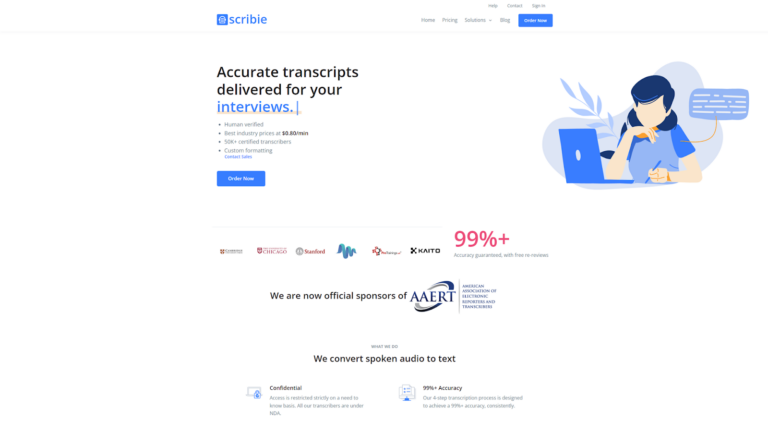
What Is Scribie AI?
Scribie AI is an AI Speech-to-Text transcription platform that converts audio and video recordings into written transcripts. The platform combines automated transcription with a human-verified review process to improve accuracy and ensure reliable results for professional use.
How to Use Scribie AI for AI Speech-to-Text
- Upload an audio or video file to the Scribie platform.
- The system generates an automated transcript of the recording.
- Professional transcribers review and refine the transcript for accuracy.
- Users can check and edit the transcript using the online editor.
- Download the final transcript or export it in different formats.
What Are the Benefits of Scribie AI
- Combines AI transcription with human verification to improve transcript quality.
- Provides transcripts with high accuracy and detailed formatting.
- Supports multiple audio and video formats for transcription.
- Includes timestamps, speaker tracking, and subtitle file export options.
- Designed for professional transcription workflows such as interviews and podcasts.
Where Scribie AI Is Used
- Podcast and interview transcription.
- Research and academic documentation.
- Business meetings and recorded calls.
- Media production and video captioning.
- Legal and professional transcription services.
Who Should Use Scribie AI
- Journalists and media professionals.
- Researchers and academic institutions.
- Businesses documenting meetings or recordings.
- Podcasters and content creators.
- Professionals needing highly accurate transcripts.
Pricing
Scribie offers automated and human-verified transcription services with pay-per-minute pricing, allowing users to pay only for the audio they transcribe.
10) Happy Scribe AI
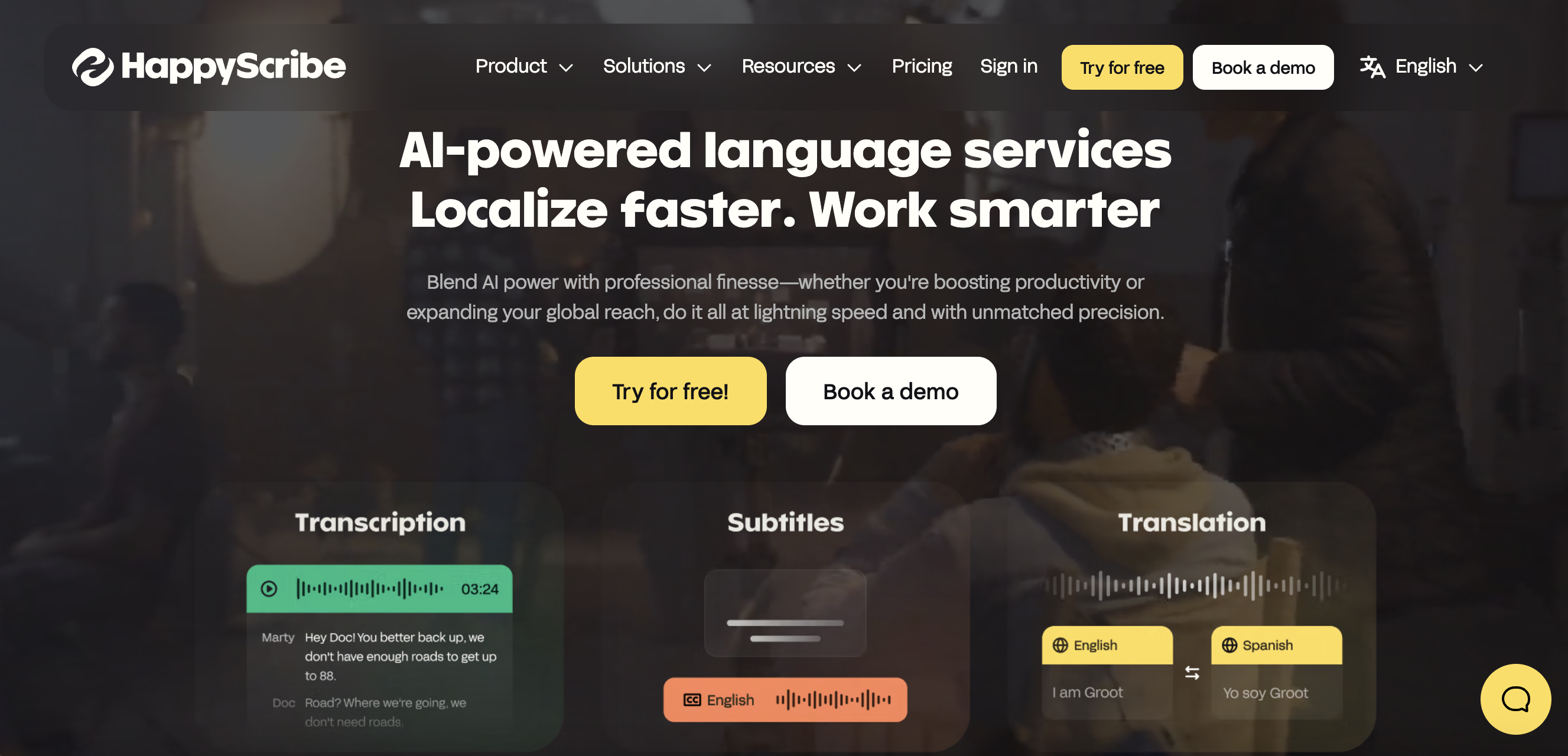
What Is Happy Scribe AI?
Happy Scribe AI is an AI Speech-to-Text platform that converts audio and video files into written transcripts automatically. It provides tools for transcription, subtitles, captions, and translation, allowing users to turn spoken content into searchable text quickly.
How to Use Happy Scribe AI for AI Speech-to-Text
- Upload an audio or video file to the Happy Scribe platform.
- The AI automatically converts speech into a transcript within minutes.
- Review and edit the transcript using the online editor.
- Add speaker labels, timestamps, or corrections if needed.
- Export the transcript or subtitle file in your preferred format.
What Are the Benefits of Happy Scribe AI
- Automatically converts audio or video recordings into text using AI transcription.
- Provides an interactive editor for reviewing and editing transcripts.
- Allows users to export transcripts in formats such as TXT, DOCX, SRT, and VTT.
- Supports collaboration by letting teams share and edit transcripts online.
- Offers both AI-generated transcription and optional human-reviewed transcripts for higher accuracy.
Where Happy Scribe AI Is Used
- Podcast and interview transcription.
- Video caption and subtitle generation.
- Meeting and lecture documentation.
- Research and academic transcription.
- Media and content production workflows.
Who Should Use Happy Scribe AI
- Content creators and video producers.
- Journalists and researchers.
- Businesses documenting meetings or interviews.
- Educators creating transcripts for lectures.
- Teams that need captions or subtitles for video content.
Pricing
Happy Scribe offers a free trial with limited transcription minutes, while full features are available through subscription plans and pay-as-you-go transcription options.
11) TranscribeMe AI
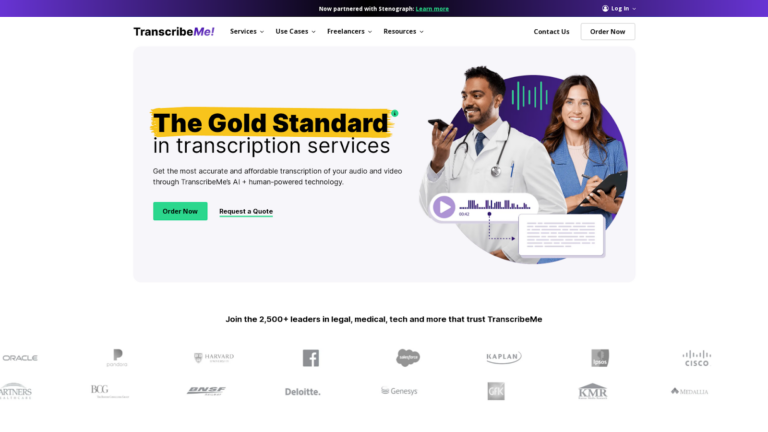
What Is TranscribeMe AI?
TranscribeMe AI is an AI Speech-to-Text transcription platform that converts audio and video recordings into written transcripts. It combines automatic speech recognition with human transcription review to improve accuracy and produce reliable transcripts for professional use.
How to Use TranscribeMe AI for AI Speech-to-Text
- Create an account on the TranscribeMe platform.
- Upload your audio or video file to the dashboard.
- The system processes the recording and converts speech into text.
- Review the transcript generated by the platform.
- Download or export the final transcript for documentation or analysis.
What Are the Benefits of TranscribeMe AI
- Converts audio and video recordings into written text automatically.
- Uses a hybrid model of AI and human transcription to improve accuracy.
- Provides timestamps, speaker labels, and formatted transcripts.
- Supports transcription for different industries such as legal, medical, research, and business.
- Helps organizations analyze spoken data and document conversations efficiently.
Where TranscribeMe AI Is Used
- Interview and podcast transcription.
- Meeting and conference documentation.
- Research and academic transcription.
- Media production and video captioning.
- Call center and business communication analysis.
Who Should Use TranscribeMe AI
- Businesses processing recorded meetings and conversations.
- Researchers and academic institutions.
- Journalists and media professionals.
- Content creators converting audio or video into text.
- Organizations handling large volumes of voice recordings.
Pricing
TranscribeMe offers automated and human-verified transcription services with pay-per-minute pricing, and different service levels are available depending on the required accuracy and review process.
12) MeetGeek AI
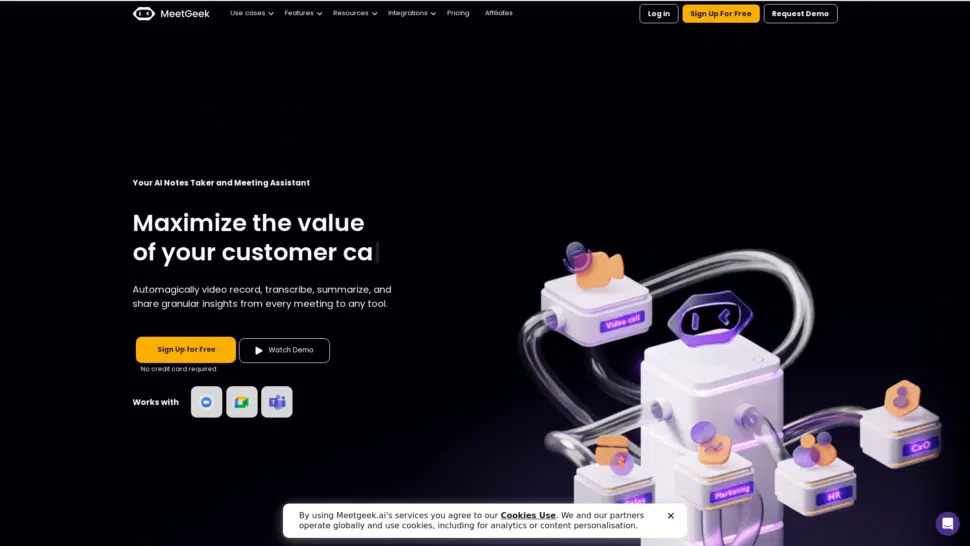
What Is MeetGeek AI?
MeetGeek AI is an AI Speech-to-Text meeting assistant that automatically records meetings, transcribes conversations, and generates summaries. It helps teams capture important discussions, action items, and insights without manual note-taking.
How to Use MeetGeek AI for AI Speech-to-Text
- Connect MeetGeek with meeting platforms like Zoom, Google Meet, or Microsoft Teams.
- The AI automatically joins or records the meeting.
- MeetGeek converts spoken conversation into a transcript.
- Review AI-generated summaries, highlights, and action items.
- Share or export meeting notes and transcripts with your team.
What Are the Benefits of MeetGeek AI
- Automatically records meetings and converts speech into text.
- Generates AI meeting summaries, key points, and action items after calls.
- Provides searchable transcripts for reviewing discussions later.
- Integrates with tools such as Zoom, Google Meet, Microsoft Teams, Slack, and project platforms.
- Helps teams stay aligned and avoid manual note-taking during meetings.
Where MeetGeek AI Is Used
- Online meetings and virtual collaboration.
- Sales calls and client discussions.
- Team project meetings and decision tracking.
- Interview recordings and documentation.
- Business communication and meeting analytics.
Who Should Use MeetGeek AI
- Remote teams and project managers.
- Sales and customer success teams.
- Business professionals who attend frequent meetings.
- Startups and organizations documenting discussions.
- Anyone who wants automatic meeting transcripts and summaries.
Pricing
MeetGeek provides a free plan with limited meeting recordings, while additional features and higher limits are available through paid subscription plans for individuals, teams, and enterprises.
13) Fireflies.ai
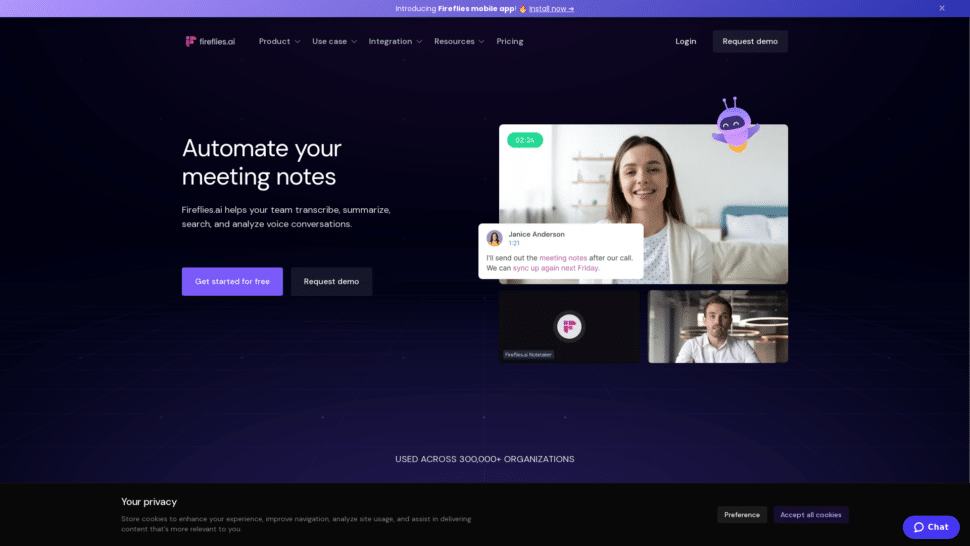
What Is Fireflies.ai?
Fireflies.ai is an AI Speech-to-Text meeting assistant that automatically records, transcribes, summarizes, and analyzes conversations from meetings and calls. It captures discussions from platforms like Zoom, Google Meet, and Microsoft Teams and turns them into searchable transcripts and notes.
How to Use Fireflies.ai for AI Speech-to-Text
- Sign up for a Fireflies.ai account and connect your calendar or meeting platform.
- The Fireflies AI assistant automatically joins meetings or records uploaded audio.
- The platform converts speech into a transcript during or after the meeting.
- Review the transcript, highlights, and AI-generated summaries.
- Share or export notes and transcripts with your team.
What Are the Benefits of Fireflies.ai
- Automatically records meetings and converts speech into text.
- Generates AI summaries, highlights, and action items from conversations.
- Stores transcripts in a searchable workspace for future reference.
- Integrates with platforms such as Zoom, Google Meet, Microsoft Teams, and CRM tools.
- Helps teams analyze conversations and track important decisions.
Where Fireflies.ai Is Used
- Online meetings and team collaboration.
- Sales calls and client discussions.
- Interview recordings and documentation.
- Project meetings and decision tracking.
- Customer support call analysis.
Who Should Use Fireflies.ai
- Remote teams and project managers.
- Sales and customer success teams.
- Business professionals attending frequent meetings.
- Startups and organizations documenting discussions.
- Anyone who needs automatic meeting transcripts and summaries.
Pricing
Fireflies.ai provides a free plan with basic transcription features, while advanced capabilities such as AI summaries, analytics, and integrations are available through paid subscription plans for individuals, teams, and businesses.
14) Lindy AI
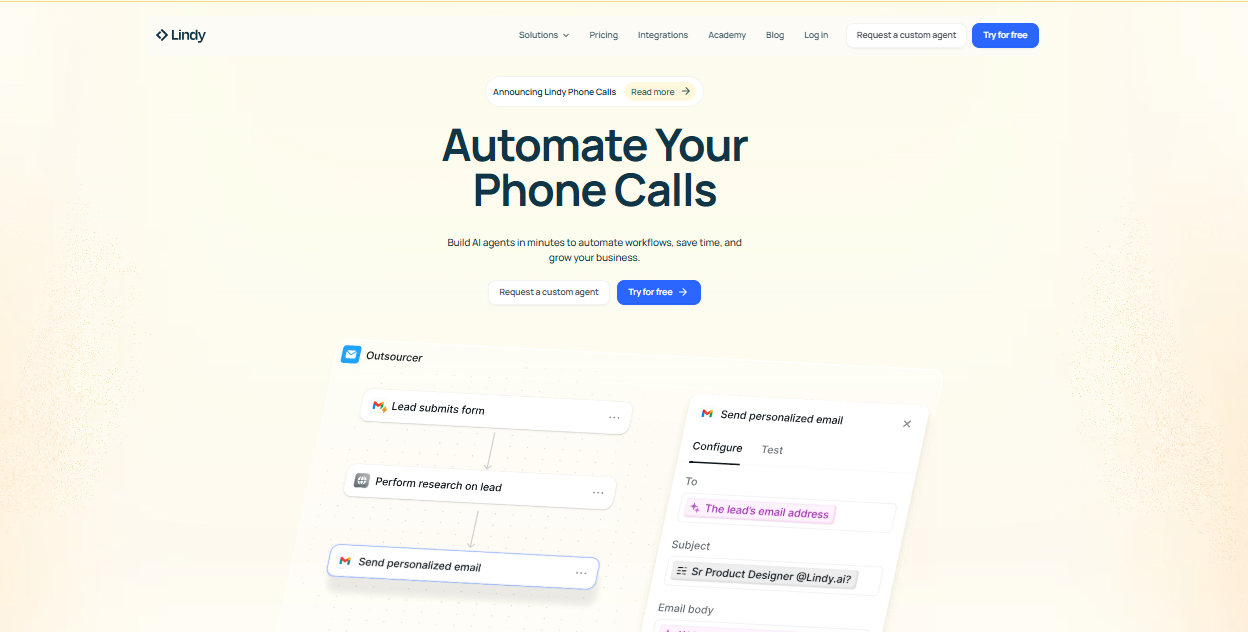
What Is Lindy AI?
Lindy AI is an AI Speech-to-Text and workflow automation assistant that records meetings, transcribes conversations, and generates summaries automatically. It acts like a digital assistant that manages meetings, emails, and tasks while converting spoken discussions into organized transcripts and notes.
How to Use Lindy AI for AI Speech-to-Text
- Connect Lindy with your calendar or meeting platforms.
- The AI assistant automatically joins meetings or records conversations.
- Lindy converts speech into a transcript during or after the meeting.
- Review the transcript, summaries, and extracted action items.
- Share notes or integrate them with productivity tools.
What Are the Benefits of Lindy AI
- Automatically records meetings and converts speech into text.
- Generates summaries, key decisions, and action items from conversations.
- Helps automate tasks like scheduling, follow-ups, and documentation.
- Integrates with many productivity tools and applications.
- Reduces manual note-taking and improves team productivity.
Where Lindy AI Is Used
- Online meetings and virtual collaboration.
- Interview transcription and documentation.
- Sales calls and client conversations.
- Business workflow automation and task management.
- Research and content creation from meeting transcripts.
Who Should Use Lindy AI
- Remote teams and business professionals.
- Recruiters and interviewers recording discussions.
- Sales teams documenting customer conversations.
- Project managers tracking meeting decisions.
- Organizations automating meeting notes and workflows.
Pricing
Lindy AI offers a free trial, while full features are available through subscription plans for individuals, teams, and businesses.
15) Speechnotes
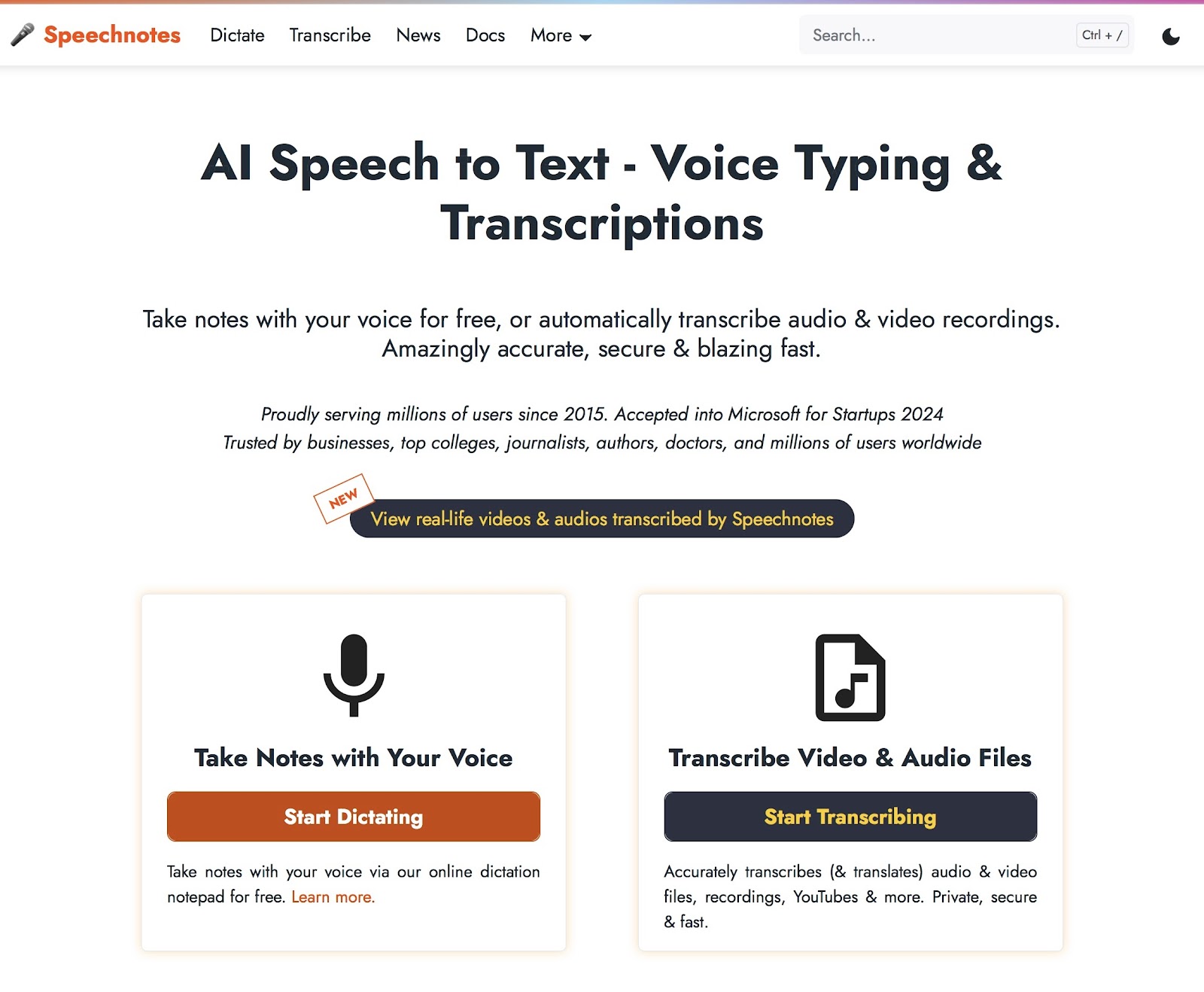
What Is Speechnotes AI?
Speechnotes AI is a speech-to-text dictation and transcription tool that converts spoken words into written text in real time. It works directly in a browser or mobile app and allows users to dictate notes, documents, and messages instead of typing.
How to Use Speechnotes AI for AI Speech-to-Text
- Open the Speechnotes web app or mobile application.
- Click the microphone icon to start voice dictation.
- Speak naturally while the system converts speech into text.
- Use voice commands or the keyboard to add punctuation and edits.
- Save, copy, or export the generated text when finished.
What Are the Benefits of Speechnotes AI
- Converts speech into text instantly using AI speech recognition.
- Allows voice typing in documents, emails, and notes without manual typing.
- Includes features like automatic punctuation, timestamps, and captions.
- Works directly in a browser without complex installation.
- Helps improve productivity by capturing ideas quickly through dictation.
Where Speechnotes AI Is Used
- Writing documents, emails, and notes using voice typing.
- Transcribing interviews, podcasts, and recorded conversations.
- Creating captions for videos and media content.
- Recording lectures and research discussions.
- Dictating ideas for blogs or articles.
Who Should Use Speechnotes AI
- Writers and content creators who prefer voice typing.
- Students taking lecture notes through dictation.
- Journalists transcribing interviews quickly.
- Professionals creating documents or emails by voice.
- Anyone who wants faster text creation without typing.
Pricing
Speechnotes offers a free version for dictation, while transcription services are available through pay-as-you-go pricing based on the audio processed.
AI Speech-to-Text Agents
What Are AI Speech-to-Text Agents?
AI Speech-to-Text agents are AI systems that automatically listen to conversations and convert spoken language into written text. These agents use speech recognition and natural language processing to transcribe audio, identify speakers, and organize conversations into structured transcripts. In many workflows, they also generate summaries, highlights, and searchable notes from recorded or live audio.
How AI Agents Are Changing AI Speech-to-Text Workflows
AI Speech-to-Text agents are transforming how organizations capture and process spoken information. Instead of manually recording and transcribing conversations, AI agents can automatically join meetings, record discussions, and generate transcripts in real time.
These agents also help teams search transcripts, extract key insights, and turn conversations into actionable information. As a result, businesses, researchers, and content creators can document discussions faster and reduce the time spent on manual transcription tasks.
Examples of AI Speech-to-Text Agents
Several modern AI tools function like speech-to-text agents by automatically recording and transcribing conversations.
Common examples include:
- Otter.ai – Automatically joins meetings and creates real-time transcripts and summaries.
- Fireflies.ai – Records meetings and generates searchable transcripts and highlights.
- MeetGeek AI – Captures meeting discussions and produces summaries and action items.
- Lindy AI – Transcribes meetings and extracts insights from conversations.
- Amazon Transcribe – Provides automated speech recognition for applications and workflows.
These tools act as digital assistants that continuously capture and process spoken information.
Tools Offering AI Speech-to-Text Agent-Like Capabilities
Many modern speech-to-text platforms now include agent-like features that automate transcription workflows. Tools such as Otter.ai, Fireflies.ai, MeetGeek AI, Sonix AI, and Descript AI can automatically record conversations, convert speech into text, and generate structured meeting notes.
Some enterprise platforms like Amazon Transcribe, Rev.ai, and Speechmatics AI also allow developers to build custom speech-to-text agents that process audio streams in real time. These capabilities make AI Speech-to-Text tools more powerful for applications such as meeting assistants, call-center analytics, and automated documentation.
How to Choose the Right AI Speech-to-Text Tool
- Accuracy of transcription – Choose tools that provide reliable speech recognition and handle accents, background noise, and multiple speakers effectively.
- Real-time transcription support – Some tools transcribe live meetings, while others only process recorded audio files.
- Integration with other platforms – Look for tools that connect with platforms like Zoom, Google Meet, Microsoft Teams, or content editing software.
- Editing and collaboration features – Built-in editors, speaker labels, and shared workspaces help teams review transcripts easily.
- File format support – Ensure the tool supports common audio and video formats for easier uploads.
- Pricing and scalability – Select tools with pricing plans that match your transcription volume and business needs.
Future of AI Speech-to-Text
- Improved speech recognition accuracy through advanced AI and machine learning models.
- Real-time transcription becoming standard for meetings, webinars, and live conversations.
- AI meeting assistants and voice agents automatically generating summaries and action items.
- Integration with productivity tools such as project management and collaboration platforms.
- Multilingual transcription and translation enabling global communication.
- Speech analytics and insights helping organizations analyze conversations and customer interactions.
Conclusion
AI Speech-to-Text tools are transforming how people capture and use spoken information. From meeting assistants like Otter.ai and Fireflies.ai to developer platforms such as Amazon Transcribe and Rev.ai, these tools help convert audio into searchable text quickly and efficiently. By choosing the right AI Speech-to-Text solution based on accuracy, integrations, and workflow needs, businesses, creators, and professionals can improve productivity, document conversations easily, and turn voice data into valuable insights.
FAQs
What is an AI Speech-to-Text tool?
An AI Speech-to-Text tool converts spoken audio into written text using artificial intelligence. It helps transcribe meetings, interviews, podcasts, and conversations automatically without manual transcription.
How accurate are AI Speech-to-Text tools?
Most modern AI Speech-to-Text tools provide high transcription accuracy when audio quality is clear. Accuracy may vary depending on accents, background noise, and the number of speakers.
Can AI Speech-to-Text tools transcribe meetings in real time?
Yes, many AI Speech-to-Text tools can transcribe conversations in real time during meetings or webinars, allowing users to capture discussions instantly and review searchable transcripts afterward.
Who should use AI Speech-to-Text tools?
AI Speech-to-Text tools are useful for businesses, journalists, researchers, students, and content creators who need to convert spoken conversations into written transcripts quickly and efficiently.
What are the main benefits of AI Speech-to-Text tools?
AI Speech-to-Text tools save time by automating transcription, improve accessibility with captions, and help users search, analyze, and document conversations from meetings, interviews, or recordings.