
AI chatbots are transforming how people work, learn, and communicate by providing instant, intelligent responses to user queries. From writing content and answering questions to automating tasks and supporting businesses, these tools are now widely used across industries. With so many options available, choosing the right AI chatbot can be confusing. Each tool offers different features, use cases, and benefits depending on your needs. In this guide, you will discover the best AI chatbot tools, their key features, and how to choose the right one for your workflow.
What Are AI Chatbots?
AI chatbots are software applications that use artificial intelligence to understand, process, and respond to human language in real time. They can hold conversations, answer questions, and perform tasks through text or voice interactions. Unlike traditional bots, modern AI chatbots are powered by large language models, which allow them to understand context, generate natural responses, and assist with complex tasks.
Key Points
- AI chatbots simulate human-like conversations
- They can answer questions, generate content, and automate tasks
- They work across websites, apps, and messaging platforms
Where AI Chatbots Are Used
- Customer support and live chat
- Content writing and research
- Education and learning assistance
- Business automation and productivity
AI chatbots are widely used because they save time, improve efficiency, and provide instant support across different use cases.
Best AI Chatbot Tools (Quick List)
Here are the popular AI chatbot tools used for different tasks such as writing, research, automation, and customer support:
- ChatGPT AI
- Claude AI
- Google Gemini AI
- Microsoft Copilot AI
- Grok AI
- Meta AI
- DeepSeek AI
- Pi AI
- Perplexity AI
- Poe AI
- Le Chat Mistral AI
- Duck.ai AI
- Intercom AI
- Tidio AI
- Zendesk AI
- Drift AI
- ManyChat AI
- Knock AI
AI Chatbot Tools Comparison Table
| Tool | Best Use Case | Key Feature | Pricing |
|---|---|---|---|
| ChatGPT AI | Writing, coding, productivity | Multimodal capabilities | Free + Paid |
| Claude AI | Writing, reasoning | Long context understanding | Free + Paid |
| Google Gemini AI | Google ecosystem tasks | Workspace integration | Free + Paid |
| Microsoft Copilot AI | Office productivity | Microsoft 365 integration | Free + Paid |
| Perplexity AI | Research, citations | Real-time web search | Free + Paid |
| Grok AI | Real-time insights | X platform integration | Free + Paid |
| Meta AI | Social media tasks | Integration with Meta apps | Free |
| DeepSeek AI | Reasoning, coding | Low-cost AI models | Free / Low-cost |
| Pi AI | Conversations, support | Emotional intelligence | Free |
| Poe AI | Multi-model usage | Access to multiple AI models | Free + Paid |
| Le Chat Mistral AI | Context & memory tasks | Advanced memory features | Free + Paid |
| Duck.ai AI | Privacy-focused usage | Data anonymization | Free + Paid |
| Intercom AI | Customer service | AI support automation | Paid |
| Tidio AI | Small business support | Live chat + AI automation | Free + Paid |
| Zendesk AI | Customer support | AI ticket automation | Paid |
| Drift AI | Sales & lead generation | Conversational marketing | Paid |
| ManyChat AI | Social media automation | Chat automation flows | Free + Paid |
| Knock AI | Lead qualification | Real-time conversation routing | Paid |
Core AI Chatbots
1) ChatGPT AI
What is ChatGPT AI?
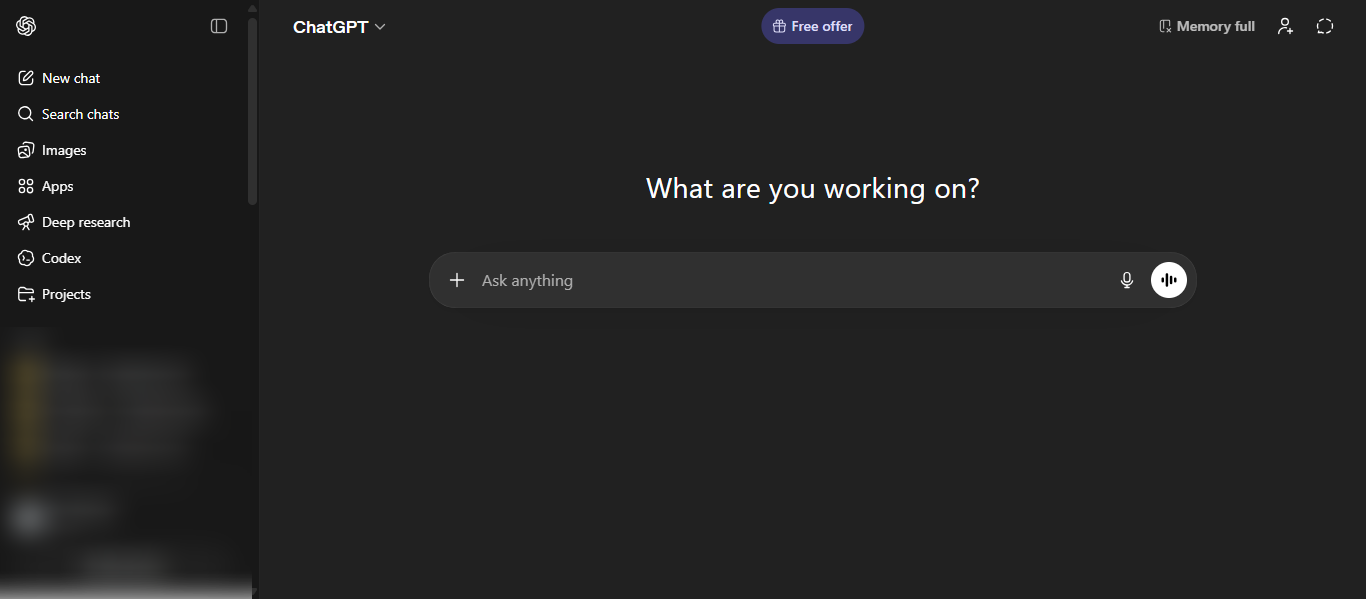
ChatGPT is an AI chatbot that helps users interact through natural conversations to complete tasks, answer questions, and generate content. It uses advanced language models to understand context and provide accurate, human-like responses. It is widely used for writing, coding, research, and productivity tasks.
How to Use ChatGPT AI Chatbot
- Go to the official website
- Sign up or log in
- Type your query in the chat box
- Upload files or use voice input if needed
- Continue conversation for better results
Key Strength of ChatGPT AI Chatbot
- Versatile for writing, coding, research, and automation
- Multimodal support including text, voice, and images
- Strong reasoning and natural conversation ability
- Integrates with various tools and workflows
Ideal For
- Students and learners
- Content creators and marketers
- Developers and analysts
- Business professionals
- Anyone needing AI assistance
Pros and Cons
Pros
- Easy to use interface
- Supports multiple tasks in one tool
- Fast and reliable responses
- Regular updates with new features
Cons
- Can provide incorrect information at times
- Advanced features require paid plans
- Usage limits in free version
Pricing
Free plan available with basic features. Paid plans provide advanced models, higher usage limits, and additional tools.
2) Claude AI
What is Claude AI?
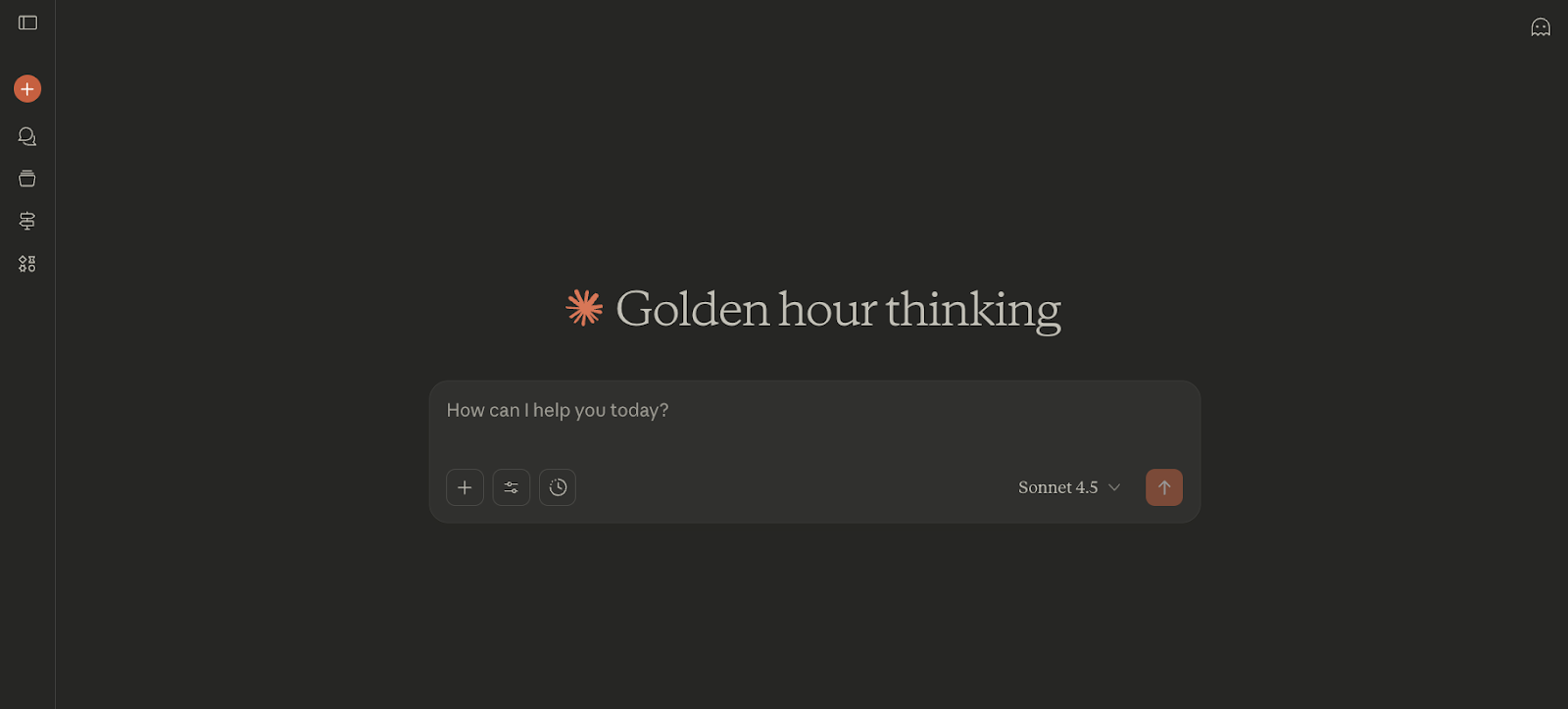
Claude is an AI chatbot developed by Anthropic that helps users write, analyze information, and solve complex problems through natural conversations. It is designed for safe, reliable, and structured responses, making it strong in reasoning, coding, and long-form content tasks.
How to Use Claude AI Chatbot
- Go to the official website and sign up
- Start a conversation by typing your query
- Upload documents or data if needed
- Ask follow-up questions for deeper analysis
- Use it for writing, coding, or research tasks
Key Strength of Claude AI Chatbot
- Strong structured reasoning and logical responses
- Handles long documents with large context understanding
- Excellent for writing, editing, and summarization
- Supports coding, data analysis, and problem solving
- Can analyze text, images, and files efficiently
Ideal For
- Writers and content creators
- Developers and technical users
- Researchers and analysts
- Business professionals
- Users working with large documents
Pros and Cons
Pros
- High-quality structured and clear responses
- Handles long context and large inputs effectively
- Safer and more reliable output style
- Strong performance in writing and coding tasks
Cons
- Limited features compared to some competitors
- May require careful prompts for best results
- Advanced features available only in paid plans
Pricing
Free plan available with limited access. Paid plans start around $20/month, offering advanced models, higher limits, and premium features.
3) Google Gemini AI
What is Google Gemini AI?
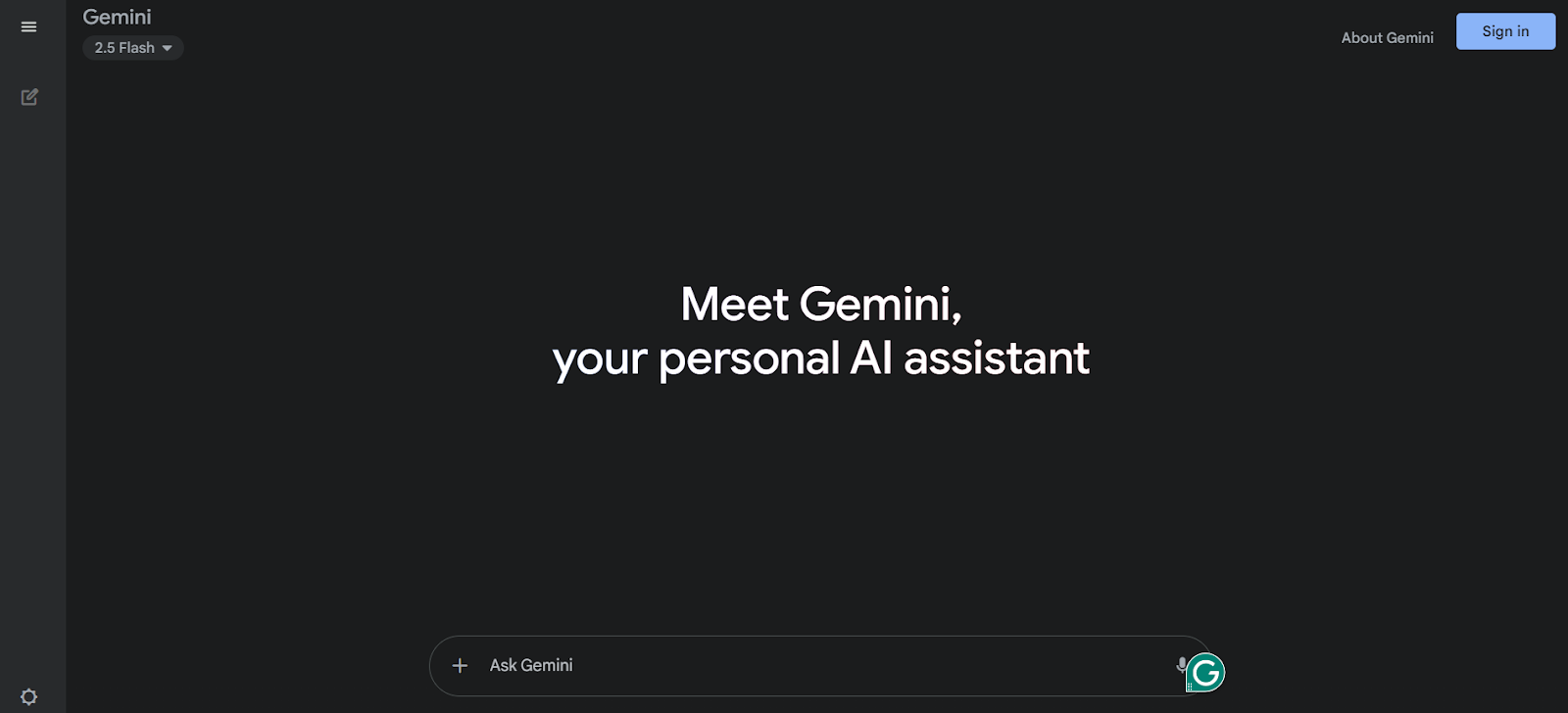
Google Gemini is an AI chatbot developed by Google that helps users with writing, research, and productivity tasks. It is powered by multimodal AI models that can understand text, images, audio, and code, making it highly versatile for everyday use.
How to Use Google Gemini AI Chatbot
- Go to the official Gemini website or app
- Sign in with your Google account
- Enter your prompt or question
- Use text, voice, or images to interact
- Connect with Google apps like Gmail, Docs, or Drive for better results
Key Strength of Google Gemini AI Chatbot
- Deep integration with Google Workspace tools like Docs, Gmail, and Drive
- Multimodal capabilities including text, images, audio, and code
- Strong real-time information retrieval and search capabilities
- Can analyze large documents with long context understanding
- Supports AI-powered features like image generation and research tools
Ideal For
- Google Workspace users
- Students and researchers
- Content creators and marketers
- Business professionals
- Users who rely on Google ecosystem tools
Pros and Cons
Pros
- Seamless integration with Google apps
- Supports multiple input types like text, voice, and images
- Strong for research and real-time information
- Easy to use with familiar Google interface
Cons
- Performance may vary depending on task
- Advanced features require paid plans
- Limited flexibility outside Google ecosystem
Pricing
Free plan available with basic features. Paid plans offer advanced models, deeper integration, and enhanced capabilities.
4) Microsoft Copilot AI
What is Microsoft Copilot AI?
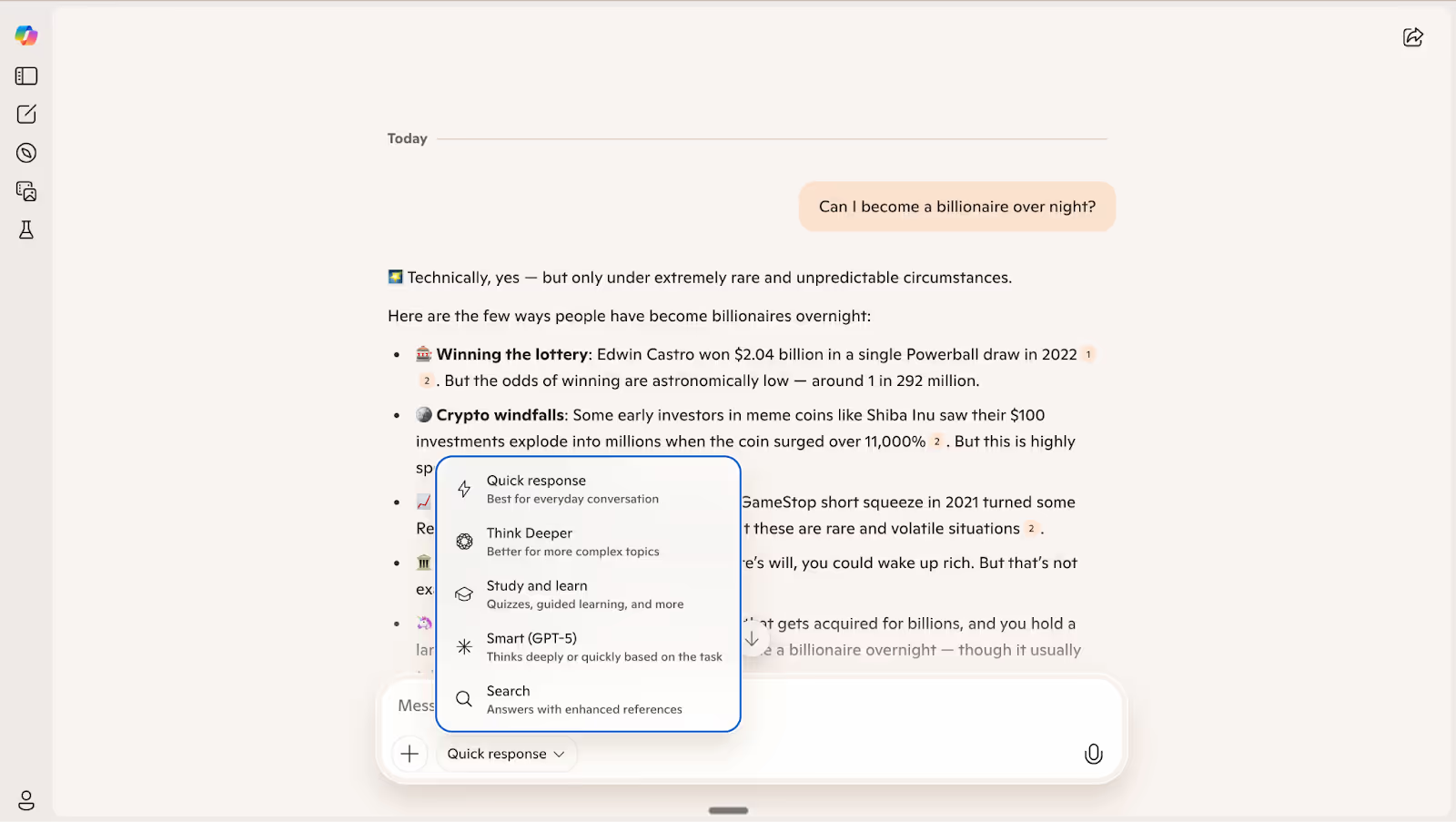
Microsoft Copilot is an AI system developed by Microsoft that helps users improve productivity by assisting with tasks like writing, data analysis, and communication. It works across Microsoft products such as Word, Excel, PowerPoint, Outlook, and Teams, making everyday work faster and more efficient.
How to Use Microsoft Copilot AI Chatbot
- Open Copilot from the web, Windows, or Microsoft apps
- Sign in with your Microsoft account
- Type your request or task
- Upload files or use voice input if needed
- Use it inside tools like Word, Excel, or Outlook for better results
Key Strength of Microsoft Copilot AI Chatbot
- Deep integration with Microsoft 365 apps like Word, Excel, and Teams
- Can analyze documents, emails, and spreadsheets automatically
- Supports task automation and workflow assistance
- Uses advanced AI models for writing and problem solving
- Helps summarize, generate, and edit content efficiently
Ideal For
- Office professionals
- Business teams and enterprises
- Students and researchers
- Data analysts
- Users working in Microsoft ecosystem
Pros and Cons
Pros
- Seamless integration with Microsoft tools
- Improves productivity and workflow efficiency
- Handles documents, emails, and data easily
- Strong enterprise security and compliance
Cons
- Requires Microsoft ecosystem for full use
- Paid plans can be expensive for teams
- Limited flexibility outside Microsoft tools
Pricing
Basic access is available for free in some Microsoft products. Advanced features require Microsoft 365 subscription or Copilot plans, typically starting around $20 to $30 per month.
5) Grok AI
What is Grok AI?
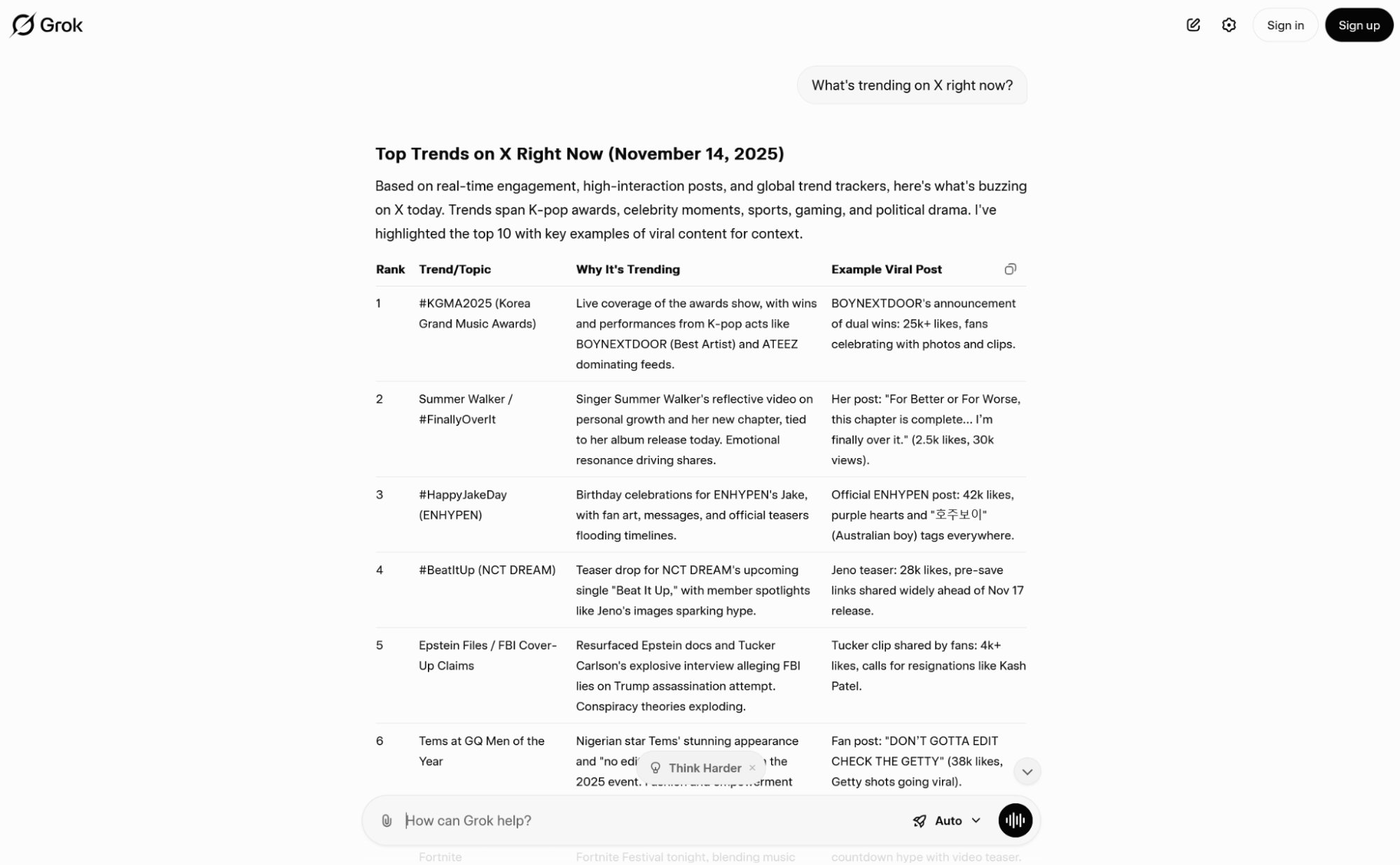
Grok is an AI chatbot developed by xAI that helps users generate answers, create content, and analyze information through conversational interaction. It provides real-time insights by accessing live data from the web and the X platform, making it useful for up-to-date queries and discussions.
How to Use Grok AI Chatbot
- Visit the official Grok website or access it via X
- Sign in with your account
- Enter your question or task
- Use it for writing, coding, or research
- Ask follow-up questions for better results
Key Strength of Grok AI Chatbot
- Real-time access to information from web and X platform
- Strong reasoning and problem-solving capabilities
- Supports content creation, coding, and research tasks
- Conversational style with a unique personality and tone
- Multimodal features including text and image generation
Ideal For
- Users who want real-time updates and trending insights
- Content creators and social media users
- Developers and technical users
- Researchers and analysts
- Users active on X platform
Pros and Cons
Pros
- Provides real-time and up-to-date information
- Strong integration with social media platform X
- Handles multiple tasks like writing and coding
- Engaging and conversational responses
Cons
- Accuracy may vary for complex topics
- Requires X ecosystem for full functionality
- Fewer integrations compared to some competitors
Pricing
Free access available with limited features. Paid plans through X subscriptions provide higher usage limits and advanced capabilities.
6) Meta AI
What is Meta AI?
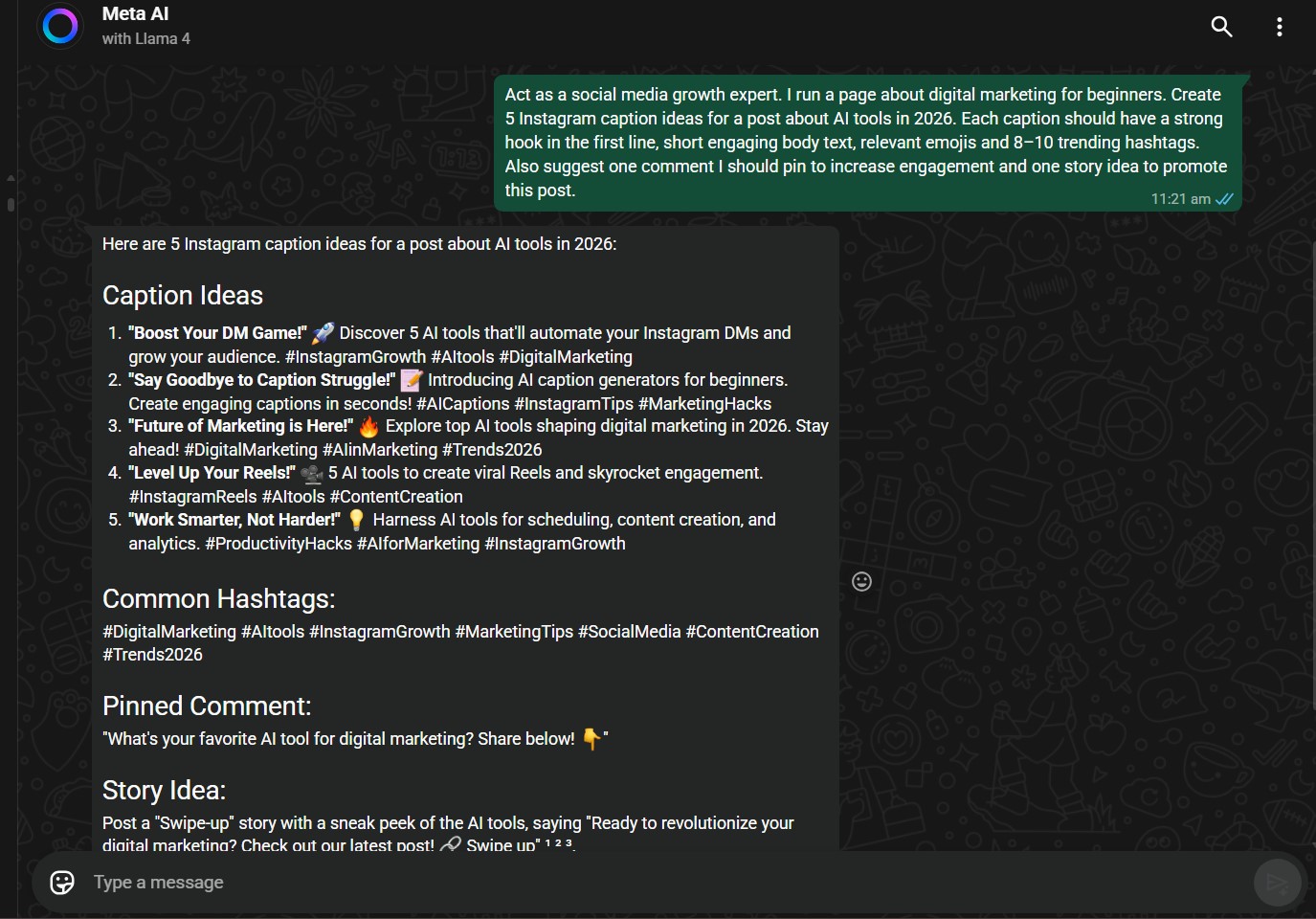
Meta AI is an AI chatbot developed by Meta that helps users answer questions, generate content, and perform everyday tasks through conversations. It is built using Meta’s LLaMA models and is integrated directly into apps like Facebook, Instagram, WhatsApp, and Messenger. It can also be used as a standalone AI tool across web and mobile platforms.
How to Use Meta AI Chatbot
- Open Meta AI through WhatsApp, Instagram, Facebook, or the website
- Start typing your question or request
- Use it for chatting, content creation, or quick answers
- Ask follow-up questions for better results
- Explore features like image generation or suggestions
Key Strength of Meta AI Chatbot
- Deep integration with social media platforms like WhatsApp and Instagram
- Provides quick responses for everyday queries
- Supports content creation and image generation
- Learns user preferences for more personalized answers
- Easy access without installing separate tools
Ideal For
- Social media users
- Casual users and beginners
- Content creators
- Students and general users
- Users looking for quick answers
Pros and Cons
Pros
Free to use across Meta platforms
Easy and accessible within apps
Fast responses for daily tasks
Supports creative content generation
Cons
Limited advanced features compared to other tools
Not suitable for complex professional tasks
Privacy concerns for some users
Limited integrations outside Meta ecosystem
Pricing
Free to use across Meta platforms with no subscription required.
7) DeepSeek AI
What is DeepSeek AI?
DeepSeek is an AI chatbot developed by a Chinese AI company that helps users generate content, solve problems, and analyze information through conversations. It is powered by advanced large language models designed for strong reasoning, coding, and long-context understanding. It is widely used for research, programming, and structured problem-solving tasks.
How to Use DeepSeek AI Chatbot
- Visit the official DeepSeek website
- Sign up or access the chat interface
- Enter your query or task
- Upload documents for analysis if needed
- Ask follow-up questions for better results
Key Strength of DeepSeek AI Chatbot
- Strong reasoning and step-by-step problem solving
- Excellent for coding and technical tasks
- Handles long context and large inputs efficiently
- Supports document analysis and summarization
- Cost-effective and accessible AI solution
Ideal For
- Developers and programmers
- Researchers and analysts
- Students and learners
- Technical professionals
- Users needing detailed and structured answers
Pros and Cons
Pros
- Strong performance in reasoning and coding tasks
- Free or low-cost compared to competitors
- Handles complex queries with detailed responses
- Good for long-form and technical content
Cons
- Privacy concerns in some regions
- Limited features compared to premium tools
- Accuracy may vary in certain topics
- Fewer integrations with external platforms
Pricing
Free access available for basic usage. API and advanced usage may involve low-cost pricing depending on usage.
8) Pi AI
What is Pi AI?
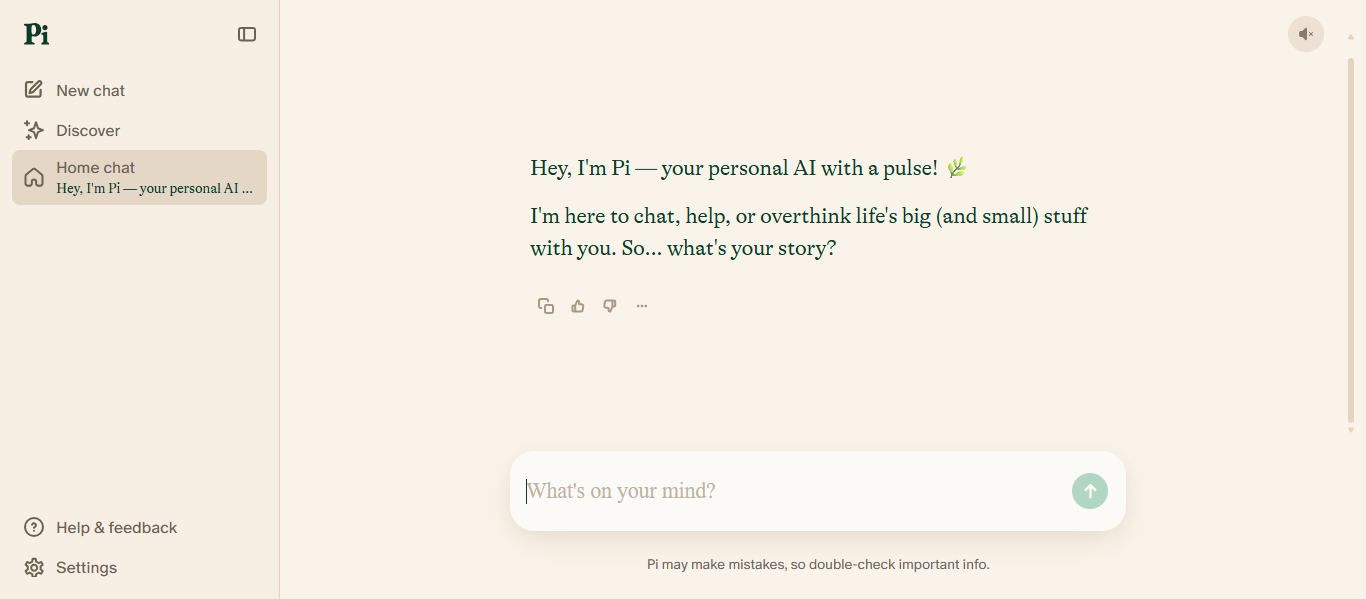
Pi is an AI chatbot developed by Inflection AI that focuses on personal conversations, emotional support, and everyday assistance. It is designed to be a supportive and intelligent companion that can talk, give advice, and help users explore ideas in a natural way. Unlike many tools, it prioritizes empathy and human-like interaction over complex productivity tasks.
How to Use Pi AI Chatbot
- Visit the official Pi website or app
- Sign up or start chatting directly
- Type your message or use voice input
- Ask for advice, ideas, or general questions
- Continue conversations for more personalized responses
Key Strength of Pi AI Chatbot
- Strong focus on emotional intelligence and human-like conversation
- Provides personalized and supportive responses
- Remembers conversation context for better interaction
- Available across web and mobile platforms
- Simple and user-friendly experience
Ideal For
- Users looking for personal conversations
- Individuals seeking advice or emotional support
- Students and casual users
- Creative thinkers and idea explorers
- Anyone wanting a friendly AI companion
Pros and Cons
Pros
Highly conversational and engaging responses
Focus on empathy and user experience
Easy to use with clean interface
Free access available
Cons
Not ideal for coding or complex tasks
Limited professional or business features
Fewer integrations compared to other tools
Pricing
Free to use with no subscription required currently. Some advanced features may be introduced in future plans.
Research & Multi-Model AI Chatbots
9) Perplexity AI
What is Perplexity AI?
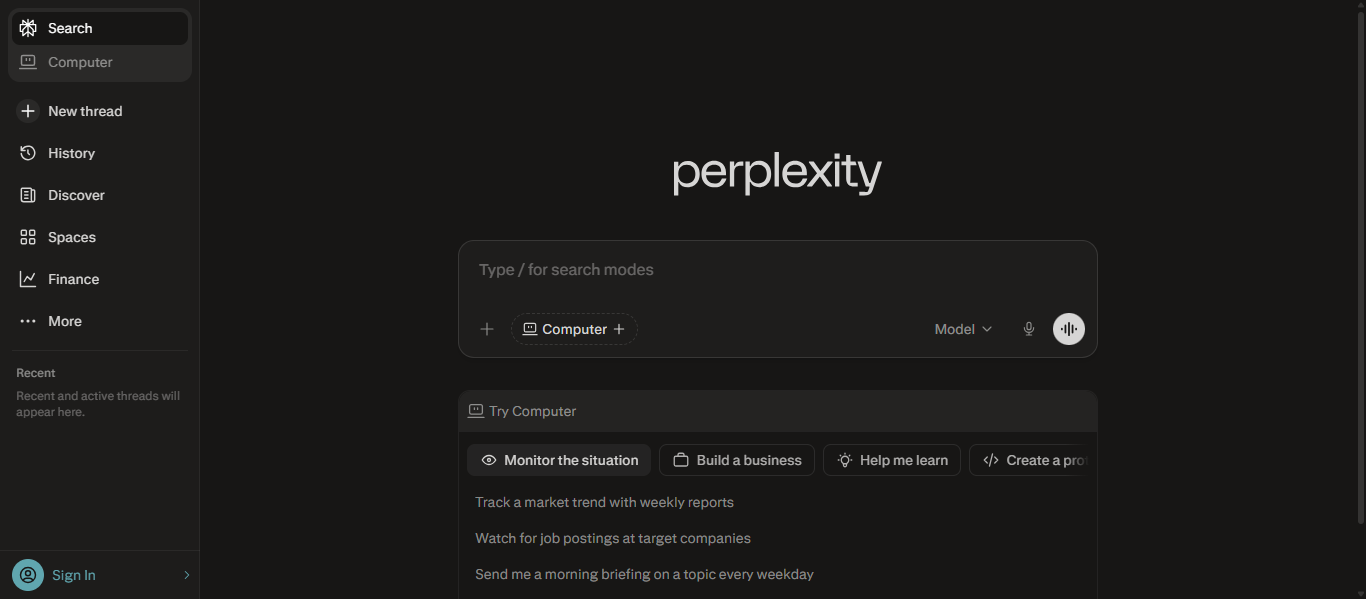
Perplexity AI is an AI-powered search engine and chatbot that helps users find accurate answers by searching the web in real time. It combines conversational AI with live data to provide clear responses along with source citations. It is widely used for research, fact-checking, and quick information discovery.
How to Use Perplexity AI Chatbot
- Visit the official Perplexity website
- Type your question or topic in the search bar
- View the generated answer with cited sources
- Click sources to verify information
- Ask follow-up questions for deeper research
Key Strength of Perplexity AI Chatbot
- Real-time web search with up-to-date information
- Provides answers with source citations for verification
- Combines search engine and conversational AI
- Generates clear summaries from multiple sources
- Supports research, fact-checking, and knowledge discovery
Ideal For
- Researchers and students
- Content creators and writers
- Professionals needing accurate information
- Users who want verified answers
- Anyone doing online research
Pros and Cons
Pros
- Provides real-time and reliable information
- Includes sources for transparency
- Easy to use for research tasks
- Saves time by summarizing content
Cons
- May depend on available web sources
- Advanced features require paid plan
- Limited creativity compared to some tools
Pricing
Free plan available with core features. Pro plan offers advanced models, deeper search capabilities, and higher usage limits.
10) Poe AI
What is Poe AI?
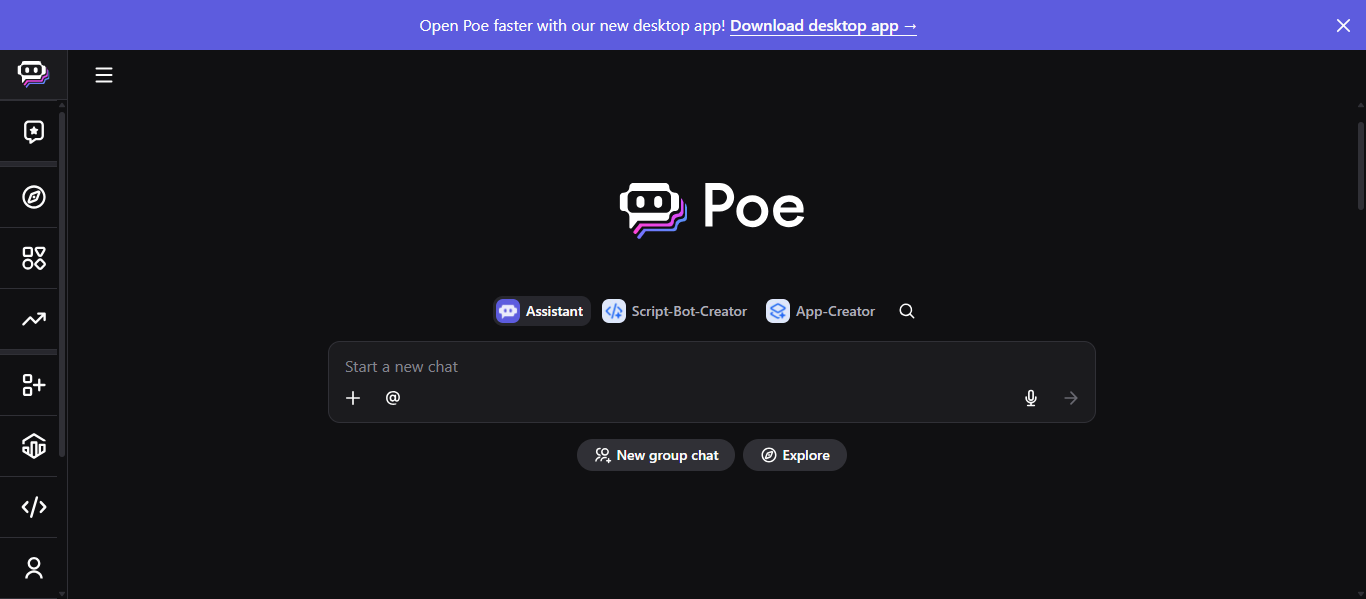
Poe is an AI chatbot platform developed by Quora that allows users to interact with multiple AI models in one place. It provides access to tools like ChatGPT, Claude, and other models through a single interface. It is widely used for comparing responses, creating custom bots, and exploring different AI capabilities.
How to Use Poe AI Chatbot
- Visit the official Poe website
- Sign up using email or social account
- Choose an AI model from the list
- Enter your query or task
- Switch between models to compare responses
- Create custom bots if needed
Key Strength of Poe AI Chatbot
- Access to multiple AI models in one platform
- Easy switching between different AI tools
- Ability to create and share custom bots
- Supports various AI features in one interface
- Useful for comparing outputs from different models
Ideal For
- Users who want multiple AI tools in one place
- Researchers and students
- Developers and AI enthusiasts
- Content creators
- Users comparing AI responses
Pros and Cons
Pros
- Multiple AI models in one platform
- Easy to compare different outputs
- Custom bot creation feature
- Flexible usage options
Cons
- Can be confusing for beginners
- Advanced models require paid plans
- Usage limits on free version
- Depends on internet connectivity
Pricing
Free plan available with limited usage. Paid plans offer advanced features and higher limits.
11) Le Chat Mistral AI
What is Le Chat Mistral AI?
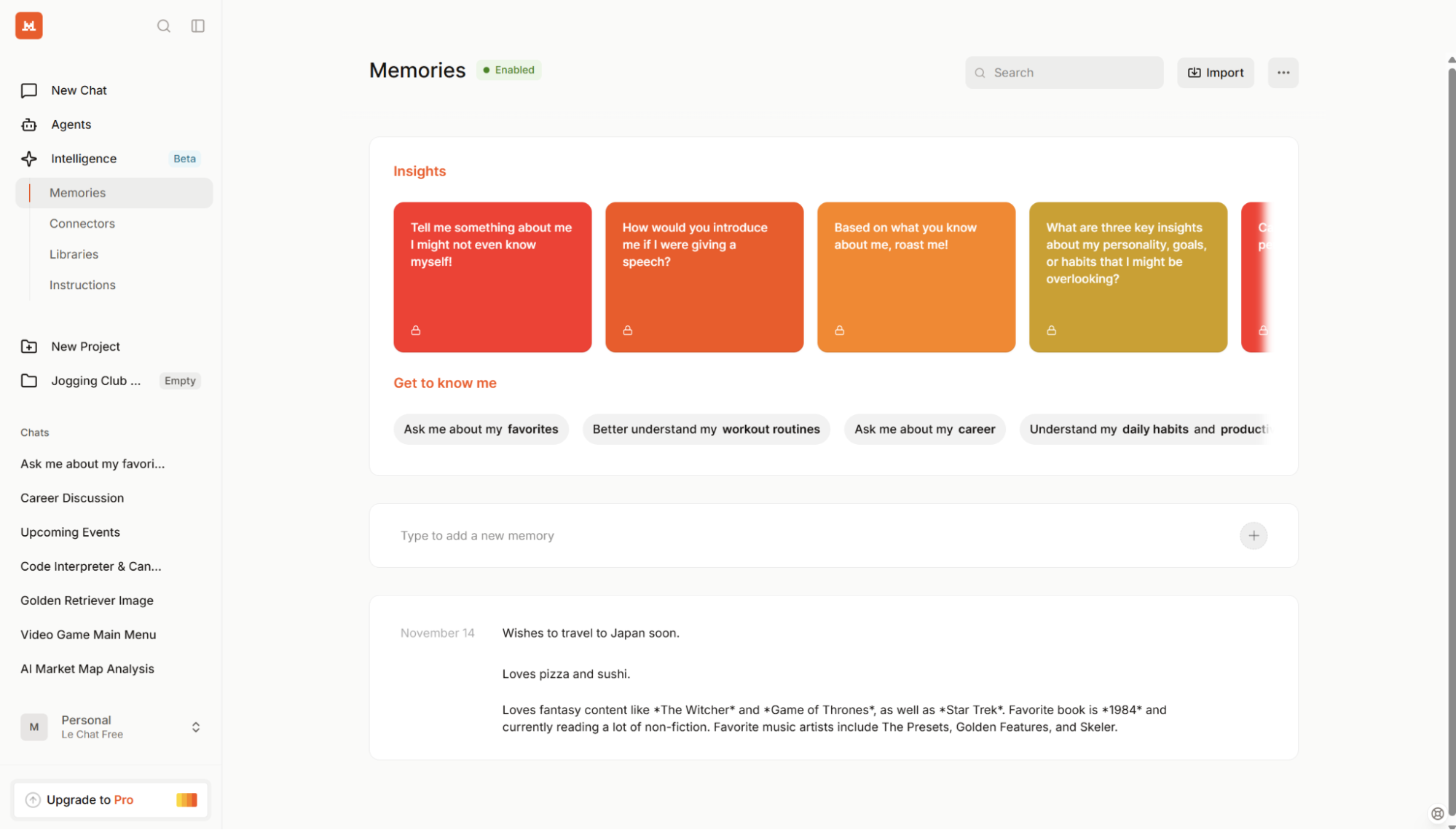
Le Chat is an AI chatbot developed by Mistral AI that helps users generate content, analyze information, and interact through natural conversations. It is powered by advanced language models and supports tasks like writing, coding, research, and document analysis. It is designed to be a fast, multilingual assistant for both personal and professional use.
How to Use Le Chat Mistral AI Chatbot
- Visit the official Le Chat website
- Sign up or access the chat interface
- Enter your query or task
- Upload documents or data if needed
- Use features like search, coding, or content generation
- Continue conversation for better results
Key Strength of Le Chat Mistral AI Chatbot
- Multilingual conversational capabilities with natural language understanding
- Real-time research and web-based information synthesis
- Strong reasoning, coding, and document analysis features
- Supports image generation and creative workflows
- Customizable AI assistant with focus on privacy and control
Ideal For
- Students and researchers
- Developers and technical users
- Content creators
- Business professionals
- Users needing multilingual AI support
Pros and Cons
Pros
- Fast and efficient responses
- Strong multilingual support
- Good for research and structured tasks
- Focus on privacy and customization
Cons
- Fewer integrations compared to major competitors
- Still evolving compared to larger platforms
- Some advanced features limited to higher plans
Pricing
Free plan available with core features. Paid plans provide advanced capabilities and higher usage limits.
12) Duck.ai
What is Duck.ai?
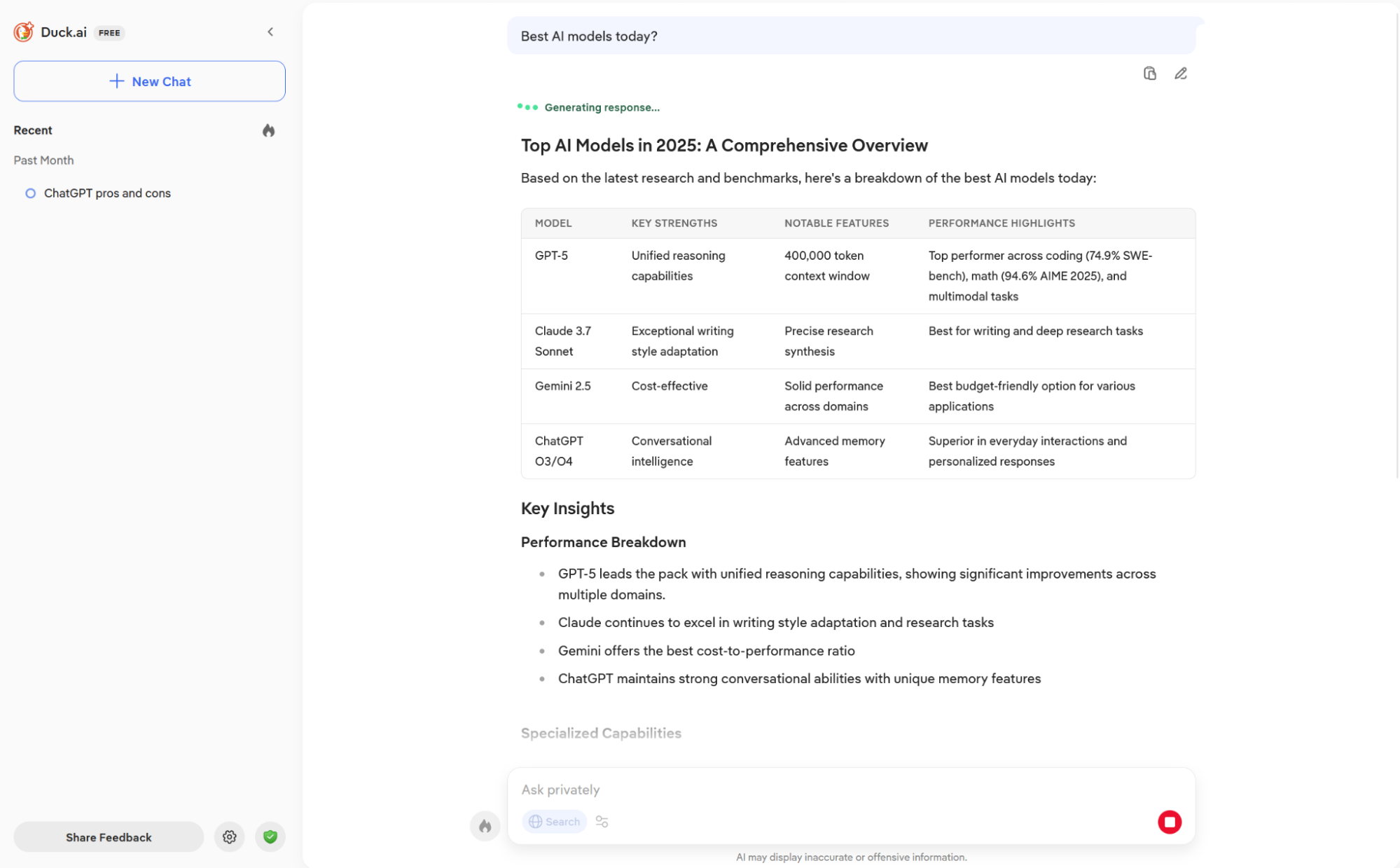
Duck.ai is an AI chatbot developed by DuckDuckGo that allows users to interact with multiple AI models while keeping conversations private. It provides anonymized access to models from companies like OpenAI, Anthropic, Meta, and Mistral without tracking or storing user data. It is designed for users who want AI assistance with a strong focus on privacy and security.
How to Use Duck.ai AI Chatbot
- Visit the Duck.ai website or access it through DuckDuckGo
- Start typing your query directly without login
- Choose or interact with available AI models
- Ask questions, generate content, or summarize text
- Continue conversation while maintaining privacy
Key Strength of Duck.ai AI Chatbot
- Strong focus on privacy with no tracking or data storage
- Access to multiple AI models in one place
- No account required for basic usage
- Supports content generation, summarization, and queries
- Anonymous interaction with AI systems
Ideal For
- Privacy-focused users
- Casual users and beginners
- Researchers and students
- Users who want anonymous AI usage
- Anyone avoiding data tracking
Pros and Cons
Pros
No tracking or data collection
Free and easy to use
Multiple AI models available
No login required
Cons
- Limited advanced features compared to competitors
- May lack real-time data in some cases
- Fewer integrations with external tools
- Not ideal for complex professional tasks
Pricing
Free to use with no subscription required.
Customer Support & Business AI Chatbots
13) Intercom AI
What is Intercom AI?
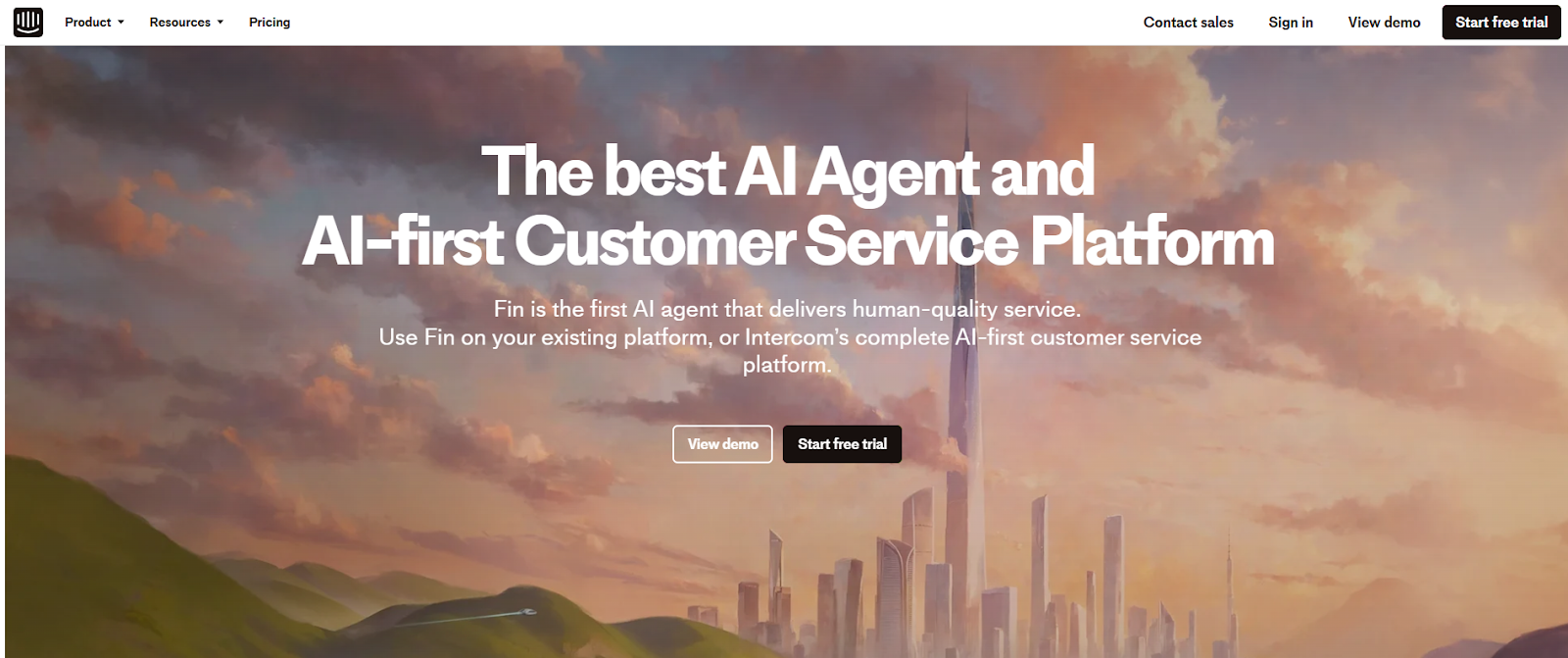
Intercom AI is an AI-powered customer service platform that helps businesses manage conversations, automate support, and improve customer experience. It combines live chat, helpdesk tools, and AI chatbot capabilities into one system to handle customer queries efficiently. It also includes AI agents like Fin that can automatically resolve support questions using company data.
How to Use Intercom AI Chatbot
- Sign up on the Intercom platform
- Set up chat widget on your website or app
- Connect your knowledge base or support content
- Enable AI agent to handle customer queries
- Monitor conversations and improve responses over time
Key Strength of Intercom AI Chatbot
- AI agent (Fin) that can automatically resolve customer queries
- Combines chat, email, and support tools in one platform
- Automates repetitive support tasks and workflows
- Improves over time using conversation data
- Provides 24/7 customer support across channels
Ideal For
- Businesses and startups
- Customer support teams
- SaaS companies
- E-commerce platforms
- Companies handling high customer queries
Pros and Cons
Pros
- Automates customer support efficiently
- Reduces workload for support teams
- Improves response time and customer experience
- Scales easily with business growth
Cons
- Requires setup and integration
- Paid plans needed for advanced features
- May need training data for best results
- Not ideal for individual users
Pricing
Paid plans available with different tiers based on features and usage. Advanced AI features and automation tools are included in higher plans.
14) Tidio AI
What is Tidio AI?
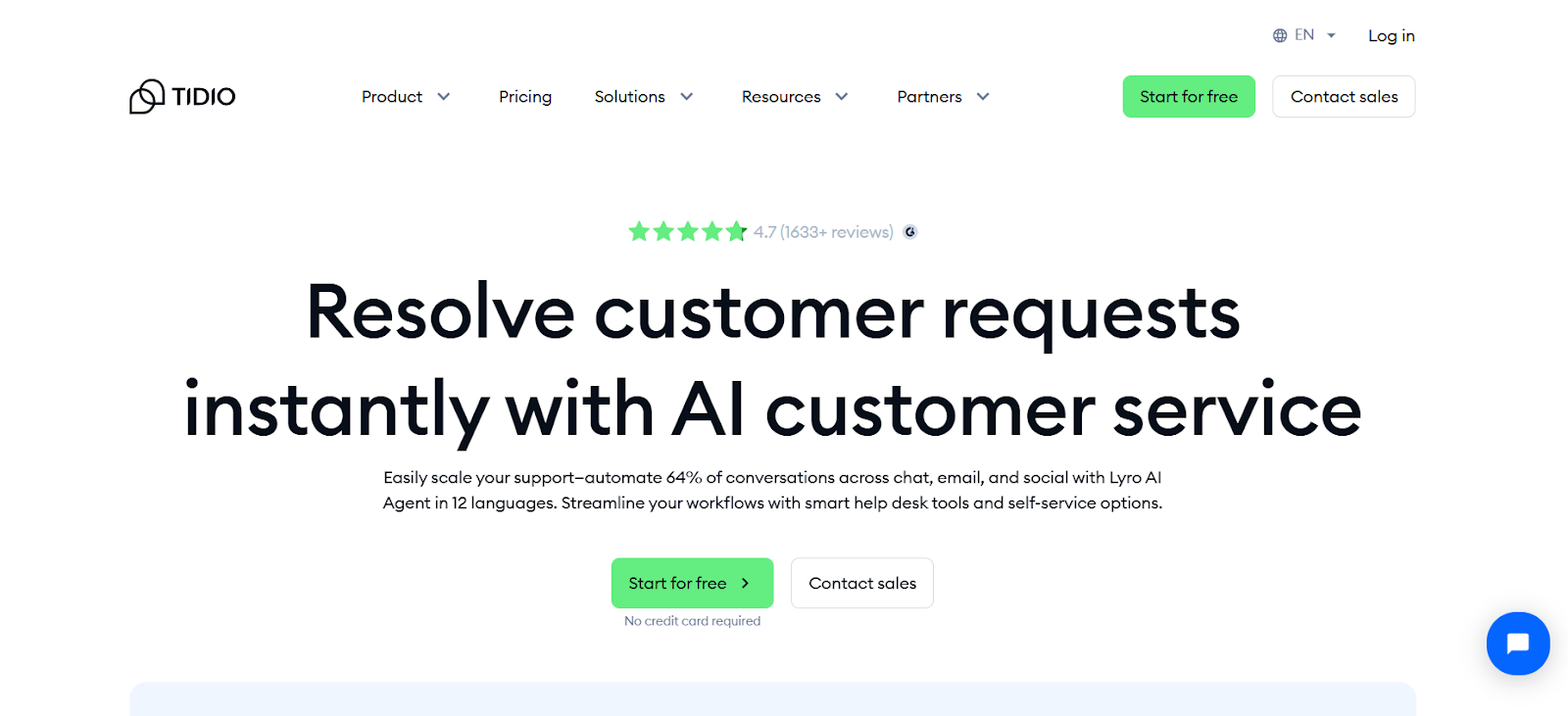
Tidio AI is an AI chatbot and customer service platform that helps businesses manage conversations, automate support, and engage customers in real time. It combines live chat, helpdesk tools, and AI automation into a single system for handling customer queries efficiently. It is widely used by small and medium businesses to improve response time and customer experience.
How to Use Tidio AI Chatbot
- Sign up on the Tidio website
- Add the chat widget to your website or app
- Connect your knowledge base or FAQs
- Enable AI agent to answer customer queries
- Monitor chats and improve responses over time
Key Strength of Tidio AI Chatbot
- AI agent (Lyro) that can automate customer responses and handle repetitive queries
- Combines live chat, chatbot automation, and helpdesk in one platform
- Supports multichannel communication across website, WhatsApp, Messenger, and more
- Provides real-time analytics and performance insights
- Helps generate leads and improve conversions through automation
Ideal For
- Small and medium businesses
- E-commerce stores
- Customer support teams
- Startups and online businesses
- Companies handling website visitors
Pros and Cons
Pros
- Easy to set up and use
- Automates customer support effectively
- Supports multiple communication channels
- Improves response time and customer engagement
Cons
- Advanced features require paid plans
- May need training data for better accuracy
- Limited customization compared to enterprise tools
- Can be complex for beginners initially
Pricing
Free plan available with basic features. Paid plans offer automation tools, higher usage limits, and advanced support features.
15) Zendesk AI
What is Zendesk AI?
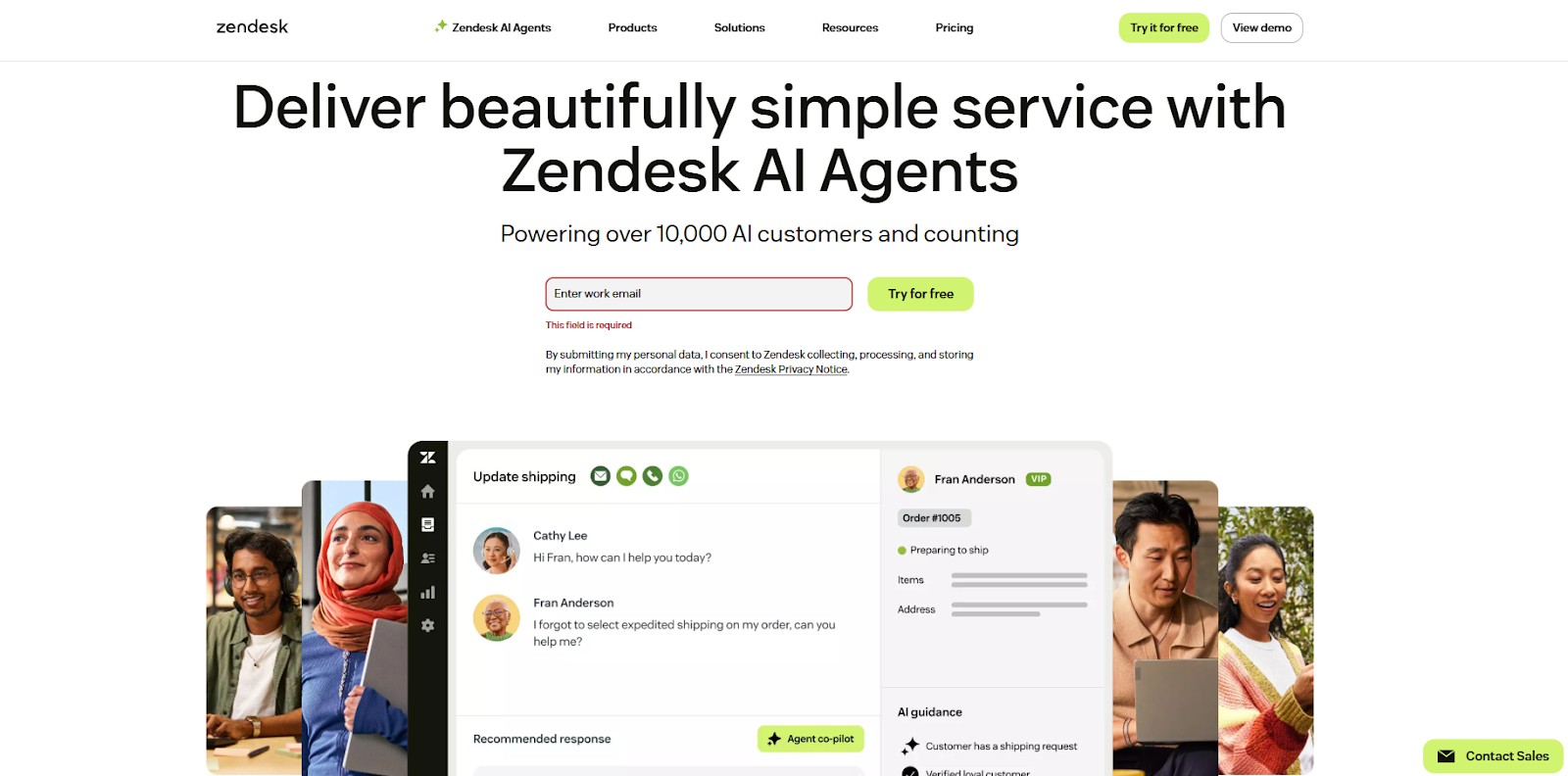
Zendesk AI is an AI-powered platform that includes AI chatbot capabilities to help businesses automate customer support and manage service operations efficiently. It uses artificial intelligence to understand customer queries, route tickets, and provide faster, personalized responses across multiple channels.
How to Use Zendesk AI Chatbot
- Sign up on the Zendesk platform
- Set up your support system like chat, email, or helpdesk
- Add your knowledge base or FAQs
- Enable AI chatbot automation for handling queries
- Monitor tickets and improve workflows over time
Key Strength of Zendesk AI Chatbot
- AI chatbot automates customer queries across multiple channels
- Intelligent ticket routing based on customer intent
- Provides suggested replies and automated responses
- Summarizes conversations for faster support
- Improves efficiency with workflow automation and analytics
Ideal For
- Customer support teams
- Enterprises and large businesses
- SaaS companies
- E-commerce platforms
- Organizations handling high support volume
Pros and Cons
Pros
- Automates large volume of support requests
- Improves response time and efficiency
- Works across multiple communication channels
- Scales well for growing businesses
Cons
- Requires setup and configuration
- Paid plans needed for full features
- May need training data for best results
- Complex for small teams or beginners
Pricing
Paid plans available with different tiers. Advanced AI features and automation tools are included in higher plans.
Difference Between AI Chatbots and AI Agents
| Feature | AI Chatbots | AI Agents |
|---|---|---|
| Purpose | Conversation and responses | Task execution and automation |
| Behavior | Reactive (responds to input) | Proactive (acts independently) |
| Function | Answers questions, generates content | Performs actions and completes tasks |
| Interaction | Requires continuous user prompts | Can operate with minimal input |
| Capability | Limited to conversation | Can use tools, workflows, and integrations |
| Use Case | Writing, chatting, support | Automation, scheduling, task management |
How to Choose the Right AI Chatbot
Choosing the right AI chatbot depends on your specific needs, goals, and budget. Not all AI chatbots are built for the same purpose, so selecting the right one can improve productivity and efficiency.
Key Factors to Consider
1. Define Your Use Case
- Writing and content creation → choose general AI chatbots
- Research and fact-checking → choose AI chatbots with web access
- Customer support → choose business AI chatbots
2. Check Features and Capabilities
- Look for features like file upload, voice input, or automation
- Choose tools with strong reasoning or real-time data if needed
- Consider integration with apps like Google or Microsoft
3. Ease of Use
- Select a tool with a simple interface
- Beginner-friendly AI chatbots are better for daily use
- Advanced tools may require learning
4. Pricing and Budget
- Start with free plans to test features
- Upgrade only if advanced features are required
- Compare value instead of just cost
5. Integration and Compatibility
- Check if the AI chatbot works with your existing tools
- Business users should look for CRM or app integrations
Future of AI Chatbots
The future of AI chatbots is focused on becoming more intelligent, autonomous, and deeply integrated into everyday workflows. These tools are evolving from simple conversation systems into powerful assistants that can handle complex tasks.
- Rise of AI Agents – AI chatbots are evolving into AI agents that can perform tasks like scheduling, automation, and decision-making with minimal user input.
- Multimodal Capabilities – AI chatbots will support text, voice, images, and video, enabling more natural and flexible interactions.
- Deeper Integration with Tools – AI chatbots will connect with apps, software, and business systems to automate workflows and improve efficiency.
- Personalization and Memory – AI chatbots will remember user preferences and provide more relevant and personalized responses over time.
- Real-Time and Accurate Responses – Improved access to live data will make AI chatbots more reliable for research, decision-making, and real-time insights.
Conclusion
AI chatbots have become essential tools for communication, productivity, and automation across different use cases. From general-purpose assistants to business-focused platforms, each tool offers unique features based on user needs. Choosing the right AI chatbot depends on your goals, whether it is content creation, research, or customer support. As technology continues to evolve, AI chatbots will become more advanced, intelligent, and integrated into everyday workflows.
FAQs
How do AI chatbots work?
AI chatbots use machine learning and natural language processing to understand user input, analyze context, and generate human-like responses based on trained data and real-time information.
Can AI chatbots replace human support?
AI chatbots can handle repetitive queries and basic tasks, but they cannot fully replace human support, especially for complex issues that require emotional understanding and decision-making.
Are AI chatbots safe to use?
Most AI chatbots are safe when used on trusted platforms, but users should avoid sharing sensitive information, as data privacy and security may vary depending on the tool.
Can AI chatbots generate content?
Yes, AI chatbots can generate content such as articles, emails, code, and summaries. They are widely used for writing, brainstorming ideas, and improving productivity.
Do AI chatbots need internet to work?
Most AI chatbots require an internet connection to process requests and provide real-time responses, although some tools offer limited offline capabilities for basic tasks.