
AI Instagram tools help creators, marketers, and businesses automate content creation, captions, analytics, and engagement. AI Instagram refers to tools that uses artificial intelligence to generate posts, Reels, hashtags, insights, and automated interactions on Instagram. These tools streamline social media workflows, reduce manual effort, and improve audience growth by using data-driven recommendations and generative AI capabilities.
Top AI Instagram Tools
- Canva AI
- Adobe Express AI
- Invideo AI
- Zebracat AI
- Pictory AI
- Imagine.Art AI
- Copy.ai
- Flick AI
- RiteTag AI
- Planable AI
- Predis.ai
- SocialBee AI
- Hootsuite AI
- Sprout Social AI
- Awario AI
- Affable.ai
- Jotform Instagram Agent AI
- ManyChat AI
- Meta AI Studio
Comparison Table of AI Instagram Tools
AI Instagram tools vary widely in their capabilities. Some focus on content generation, while others specialize in analytics, automation, or scheduling. The comparison below helps identify the primary purpose and automation level of each tool.
| Tool Name | Best Use Case | Key Feature | Automation Level | Pricing Model |
|---|---|---|---|---|
| Canva AI | Instagram post design | AI design templates | Medium | Freemium |
| Adobe Express AI | AI post generator | Prompt-based image generation | Medium | Freemium |
| Imagine.Art AI | AI visual generation | AI art & image generation | Medium | Freemium |
| Invideo AI | Instagram Reels | Text-to-video generation | High | Freemium |
| Zebracat AI | Short-form video | Prompt-to-video with voiceover | High | Paid |
| Pictory AI | Content repurposing | Converts long content to short videos | High | Paid |
| Copy.ai | Caption writing | AI copy generation | Medium | Freemium |
| RiteTag AI | Hashtag research | Real-time hashtag suggestions | Low | Paid |
| Planable AI | Caption & scheduling | AI caption generator | Medium | Freemium |
| Jotform Instagram Agent AI | DM automation | AI conversation responses | High | Freemium |
| ManyChat AI | Chatbot marketing | Automated DM flows | High | Freemium |
| Meta AI Studio | AI bots | Custom AI assistants | Medium | Free |
| Predis.ai | Content planning | AI post ideas and scheduling | High | Freemium |
| SocialBee AI | Social media management | AI post creation and recycling | Medium | Paid |
| Hootsuite AI | Analytics & scheduling | Best-time-to-post AI | Medium | Paid |
| Sprout Social AI | Advanced analytics | AI social listening | Medium | Paid |
| Awario AI | Brand monitoring | AI social listening | Medium | Paid |
| Affable.ai | Influencer marketing | AI influencer discovery | Medium | Paid |
| Flick AI | Instagram growth | AI hashtag strategy | Medium | Paid |
These tools serve different roles across the Instagram workflow, from content generation to performance analysis. The following section explains how each tool works and when it should be used.
1. Canva AI
What is Canva AI
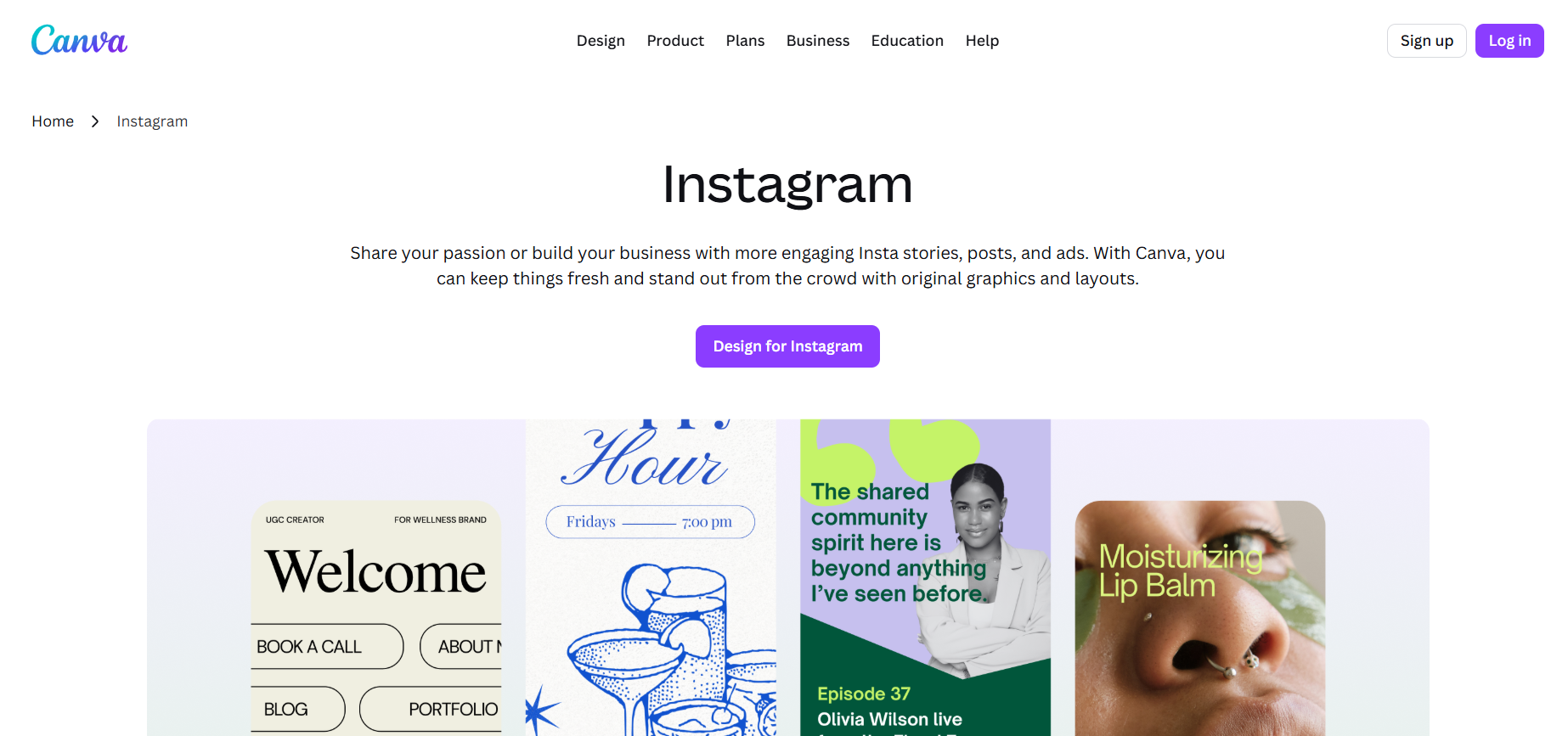
Canva AI is an artificial intelligence design platform that helps users create Instagram posts, Stories, carousels, and promotional graphics using simple prompts and templates. The tool combines generative AI with visual editing features to automate design tasks. Users can generate images, adjust layouts, and apply brand styles quickly without advanced design skills.
How to use Canva AI for Instagram
To create Instagram content with Canva AI, users start by entering a design prompt or choosing an Instagram template. The AI generates visuals, layouts, or graphics that match the prompt. Users can then edit the design using tools such as background remover, text editing, or image adjustments. Once finalized, the content can be exported or scheduled for posting.
Best Features of Canva AI
- AI image and design generation
- Instagram-ready templates and layouts
- Magic Resize for multiple Instagram formats
- Background remover and Magic Edit tools
- Brand Kit for consistent visual identity
Key Benefits of Canva AI
- Speeds up Instagram content creation
- Maintains consistent branding across posts
- Simplifies design for beginners
- Supports multiple Instagram formats quickly
- Reduces the need for external design tools
Where Canva AI is Used in Instagram
Canva AI is commonly used to design Instagram feed posts, Stories, carousel slides, and promotional graphics. It is also used to create branded content, product announcements, and visual marketing materials optimized for Instagram dimensions.
Who Should Use Canva AI
- Instagram content creators
- Small business owners
- Social media managers
- Marketing teams
- Agencies managing multiple social accounts
Pros
- Easy for beginners to use
- Large library of templates
- Built-in AI design tools
Cons
- Some advanced AI features require paid plans
- Limited control compared with professional design software
Pricing
Canva offers a free plan with basic features. Canva Pro and Team plans provide additional AI tools, templates, and brand management features through a subscription model.
2. Adobe Express AI
What is Adobe Express AI
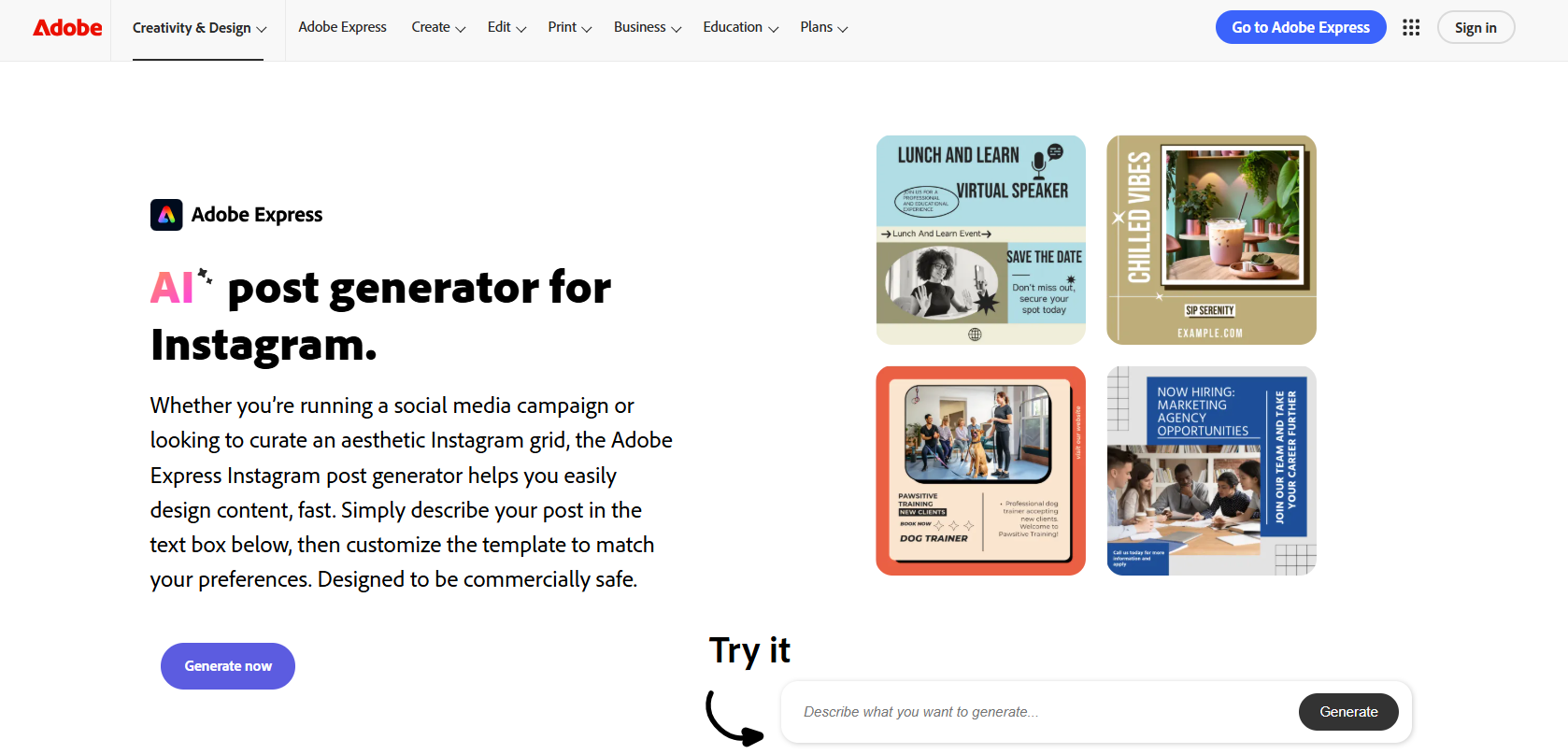
Adobe Express AI is an AI-powered design and content creation tool that helps users generate social media graphics, videos, and marketing visuals quickly. It integrates Adobe Firefly generative AI, allowing users to create images, templates, and text effects using prompts. The platform is designed for creators, marketers, and small businesses who want to produce professional social media content without advanced design skills.
How to use Adobe Express AI for Instagram
To create Instagram content, users enter a prompt in the AI generator or choose an Instagram template. Adobe Express then generates multiple design options based on the prompt. Users can customize layouts, add brand assets, and edit images using built-in AI tools. Once finished, the content can be exported or scheduled directly for publishing through the platform’s social media scheduler.
Best Features of Adobe Express AI
- AI Instagram post generator from prompts
- Text-to-image generation powered by Adobe Firefly
- Generate templates automatically from text prompts
- Background removal and AI editing tools
- One-click resize for multiple social platforms
- Built-in social media scheduler
Key Benefits of Adobe Express AI
- Generates social media graphics quickly
- Simplifies professional design for beginners
- Produces multiple design variations instantly
- Maintains brand consistency across posts
- Reduces time spent on manual graphic design
Where Adobe Express AI is Used in Instagram
Adobe Express AI is commonly used to design Instagram feed posts, promotional graphics, Stories, and carousel images. Businesses also use it for marketing visuals, branded campaign assets, and product announcements optimized for Instagram formats.
Who Should Use Adobe Express AI
- Instagram content creators
- Small business owners
- Social media managers
- Marketing teams
- Agencies managing social media campaigns
Pros
- AI design generation from simple prompts
- Integrated with Adobe Firefly AI technology
- Large library of templates and assets
- Built-in scheduling for social media
Cons
- Some AI tools require premium plans
- Advanced design control is limited compared with professional Adobe tools
Pricing
Adobe Express offers a free plan with limited AI credits. Premium plans unlock additional generative AI usage, advanced templates, brand tools, and scheduling features.
3. Invideo AI
What is Invideo AI
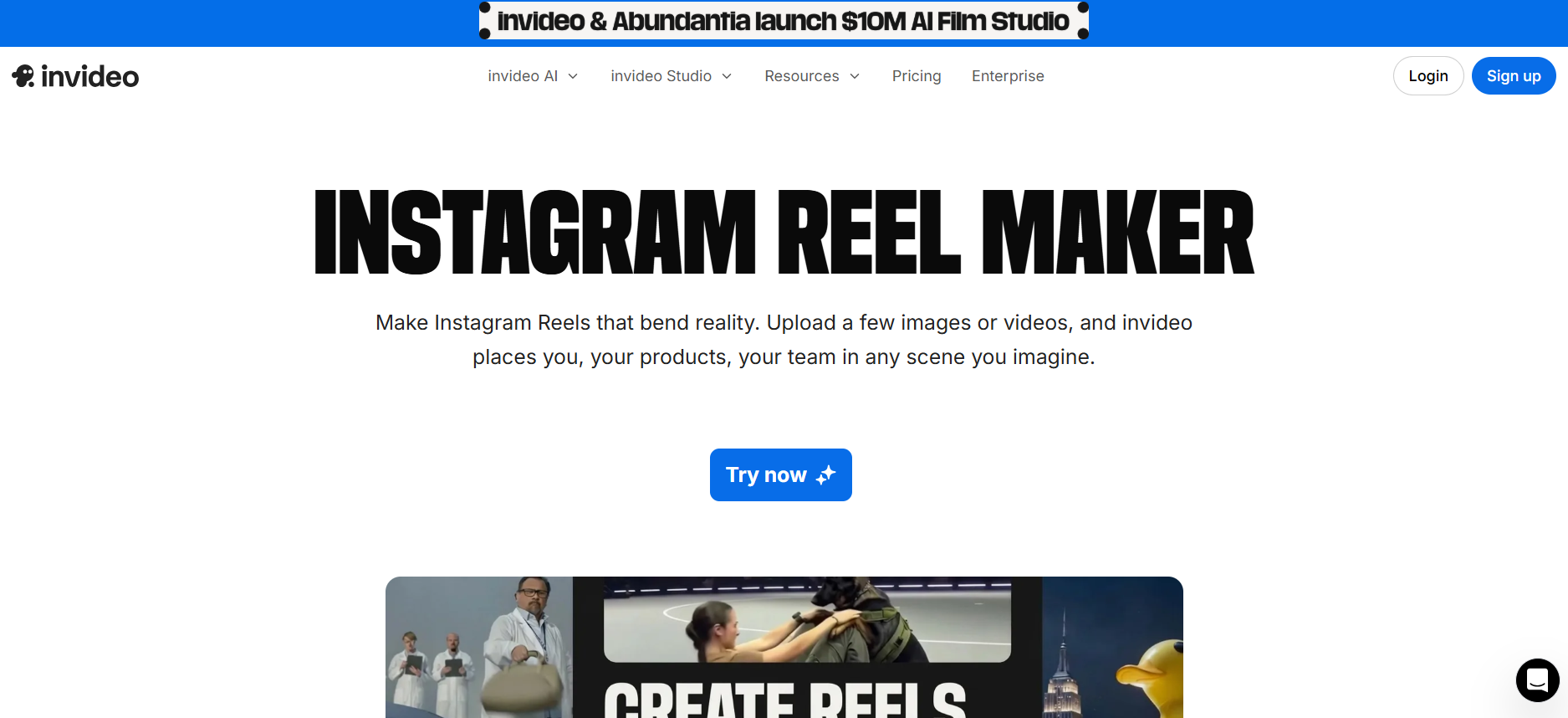
Invideo AI is a generative AI video creation platform that converts text prompts into fully edited videos. It automatically generates scripts, selects stock footage, adds transitions, voiceovers, and captions to produce ready-to-publish videos. The platform is widely used for creating short-form social media videos such as Instagram Reels, promotional clips, and marketing content without requiring video editing experience.
How to use Invideo AI for Instagram
To create Instagram videos, users enter a prompt describing the video idea or paste content such as a script or blog text. Invideo AI generates a complete video with scenes, visuals, voiceovers, and subtitles. Users can modify the video by editing text instructions, changing voiceovers, adjusting visuals, or resizing the video to fit Instagram formats such as Reels or Stories before exporting.
Best Features of Invideo AI
- Text-to-video generation from prompts
- AI script generation and automatic scene creation
- Built-in AI voiceovers and subtitles
- Large library of stock footage and music
- Automatic resizing for Instagram formats
- Text-based video editing commands
Key Benefits of Invideo AI
- Simplifies video production for beginners
- Speeds up creation of Instagram Reels
- Reduces the need for manual video editing
- Produces complete videos from simple prompts
- Supports multilingual voiceovers and captions
Where Invideo AI is Used in Instagram
Invideo AI is commonly used to create Instagram Reels, promotional videos, product demonstrations, and educational short-form content. Marketers and creators use it to convert ideas, scripts, or blog content into engaging videos optimized for Instagram.
Who Should Use Invideo AI
- Instagram creators producing video content
- Social media marketers
- Small businesses promoting products
- Marketing teams creating short-form videos
- Agencies managing social media campaigns
Pros
- Generates complete videos from simple prompts
- Built-in voiceovers and captions
- Large stock media library
- Beginner-friendly workflow
Cons
- AI generation limits on lower plans
- Advanced customization options are limited
Pricing
Invideo AI offers a free plan with limited AI video generation. Paid plans provide additional video credits, premium media assets, and higher export limits.
4. Zebracat AI
What is Zebracat AI
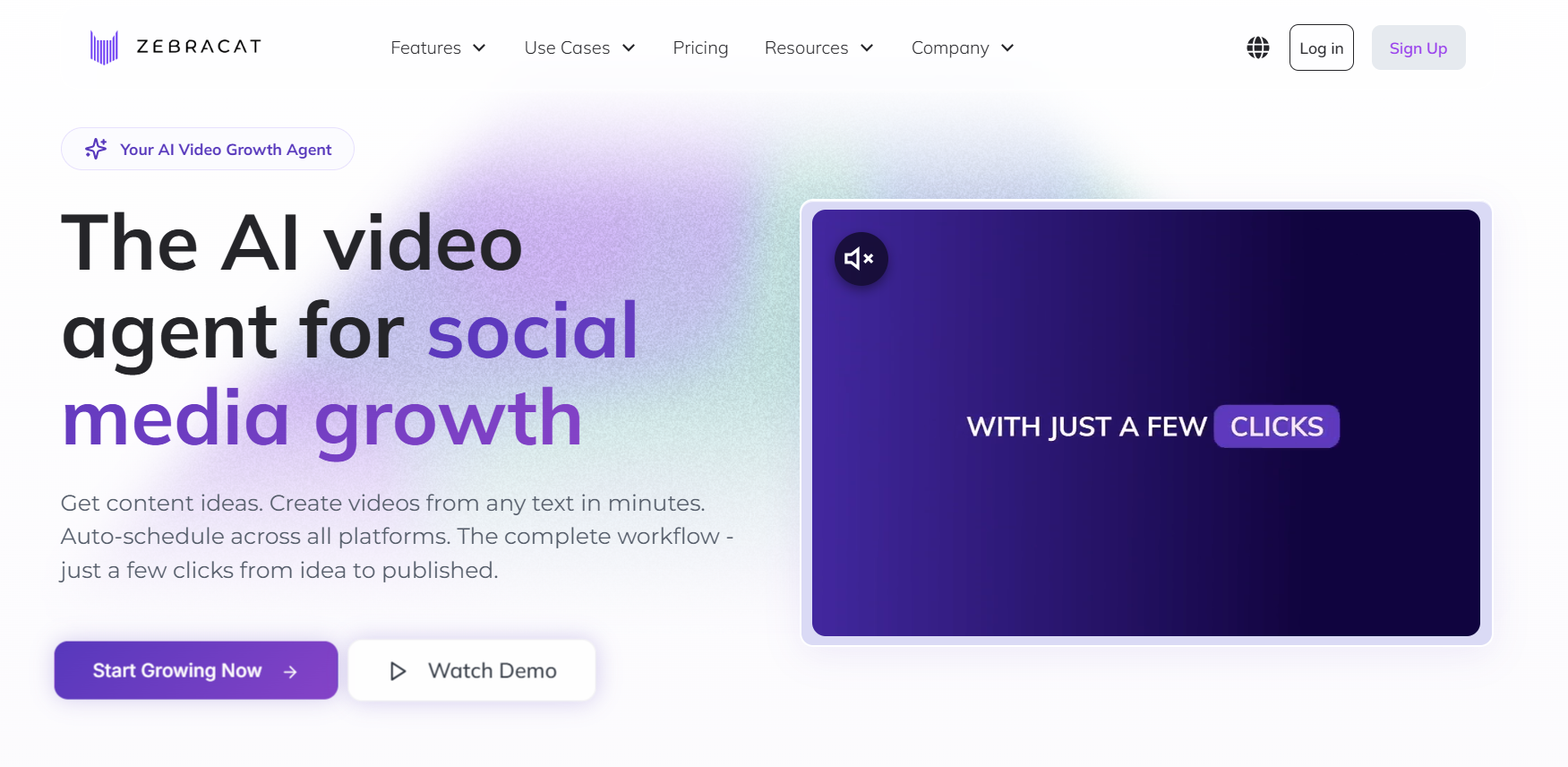
Zebracat AI is an AI video generation platform designed to turn text prompts, scripts, or blog content into short-form videos. The tool automatically creates scripts, selects visuals, adds captions, and generates voiceovers to produce ready-to-publish videos. Zebracat is commonly used to create social media videos, especially short-form formats such as Instagram Reels and Stories.
How to use Zebracat AI for Instagram
To create Instagram videos, users start by entering a prompt, script, or link to existing content. Zebracat AI generates a short video with scenes, visuals, captions, and voiceovers. Users can adjust the style, edit text overlays, change visuals, or modify the voiceover. The final video can then be exported in Instagram-friendly formats such as vertical Reels or Stories.
Best Features of Zebracat AI
- Prompt-to-video generation
- Automatic script creation
- AI voiceovers and captions
- Stock visuals and media library
- Short-form video optimization
- AI video editing workflow
Key Benefits of Zebracat AI
- Speeds up short-form video production
- Simplifies video creation without editing skills
- Converts ideas or scripts into ready videos
- Produces captioned videos suitable for social media
- Helps creators scale content production
Where Zebracat AI is Used in Instagram
Zebracat AI is commonly used to create Instagram Reels, educational clips, product promotion videos, and short marketing content. Businesses and creators also use it to convert blog posts or scripts into engaging vertical videos optimized for Instagram.
Who Should Use Zebracat AI
- Instagram content creators
- Social media marketers
- Small businesses promoting products
- Digital marketing teams
- Agencies producing social media videos
Pros
- Generates short videos quickly
- AI voiceover and captions included
- Beginner-friendly workflow
- Optimized for short-form social videos
Cons
- Usage limits on lower plans
- Editing flexibility is limited compared to full video editors
Pricing
Zebracat offers subscription plans based on monthly video generation limits, with higher plans providing additional AI video credits and advanced features.
5. Pictory AI
What is Pictory AI
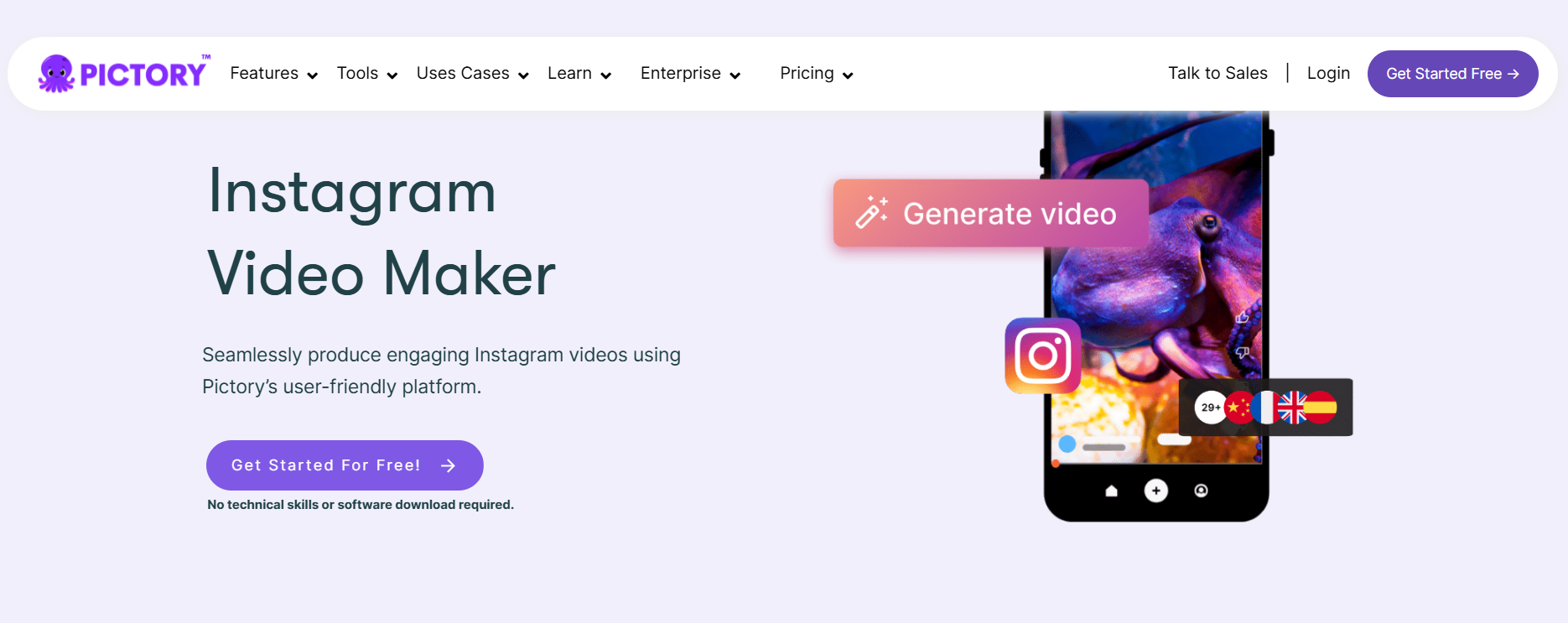
Pictory AI is an AI video creation platform that converts text, scripts, blog posts, and other content into fully edited videos. The platform automatically selects visuals, generates captions, and adds voiceovers to create social media videos in minutes. It is commonly used by marketers and creators to produce short-form content for platforms like Instagram, YouTube, and TikTok without traditional video editing.
How to use Pictory AI for Instagram
Users start by entering a script, prompt, article link, or existing content. Pictory’s AI analyzes the text and generates a storyboard with scenes, visuals, and captions. Users can then customize visuals, add branding, and edit the video before exporting it in vertical formats optimized for Instagram Reels or social posts.
Best Features of Pictory AI
- Text-to-video generation from scripts or prompts
- Blog or URL-to-video conversion
- AI voiceovers and narration
- Automatic subtitles and captions
- Large royalty-free media library
- AI video editing without timeline editing
Key Benefits of Pictory AI
- Converts written content into engaging videos quickly
- Saves time compared to traditional editing
- Produces captioned videos suitable for social media
- Simplifies video creation for beginners
- Supports vertical formats for short-form platforms
Where Pictory AI is Used in Instagram
Pictory AI is used to create Instagram Reels, educational videos, product marketing clips, and repurposed blog content. Brands also use it to convert long articles or marketing material into short videos optimized for Instagram engagement.
Who Should Use Pictory AI
- Instagram creators producing video content
- Content marketers
- Small businesses promoting products
- Social media managers
- Agencies creating social video campaigns
Pros
- Converts text or blog content into videos automatically
- Includes AI voiceovers and captions
- Large media library for visuals and music
- Beginner-friendly workflow
Cons
- Advanced customization is limited
- Full features require paid plans
Pricing
Pictory offers a free trial, while paid plans provide higher video generation limits, additional AI features, and branding options.
6. Imagine.Art AI
What is Imagine.Art AI
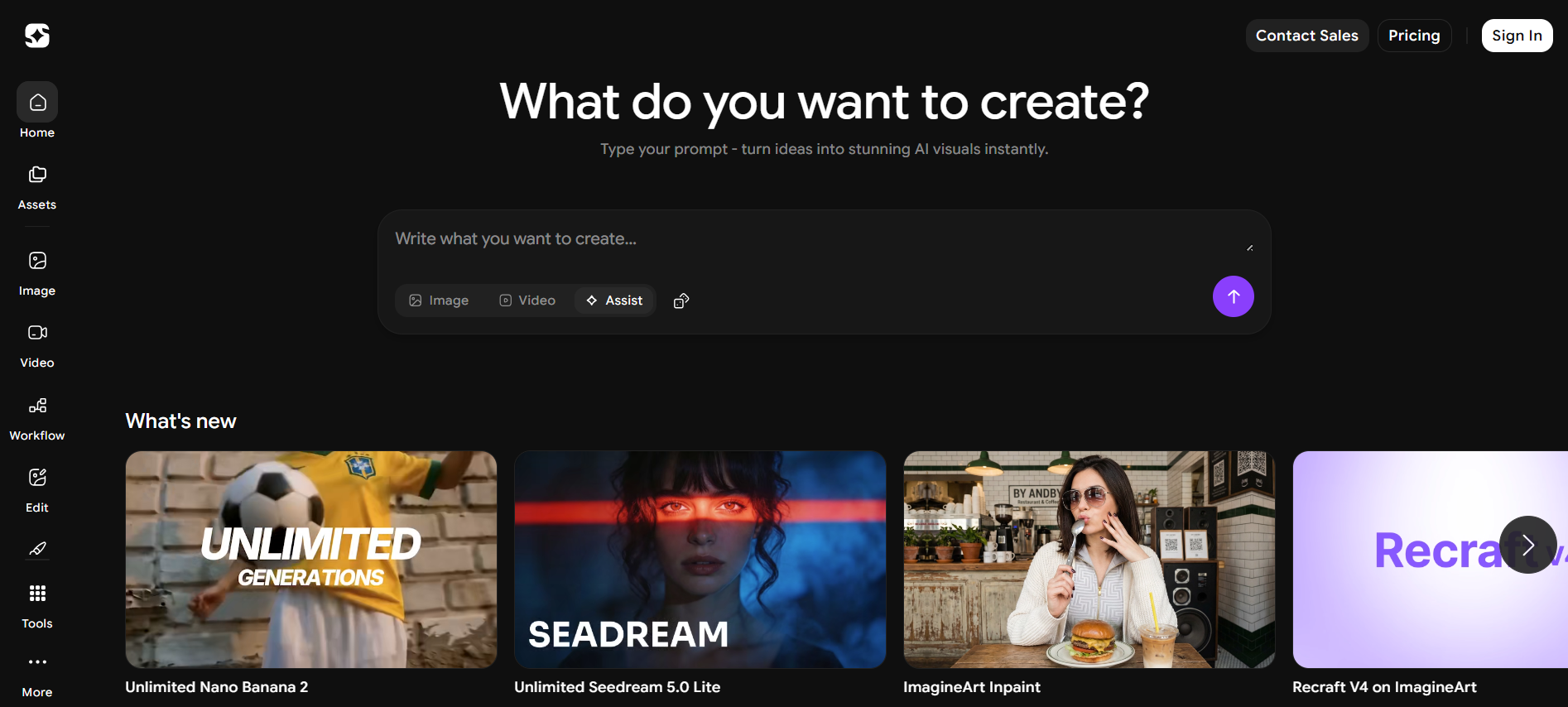
Imagine.Art AI is a generative AI platform designed to create images, artwork, and visual assets from text prompts. The tool uses advanced diffusion models to generate high-quality visuals that can be used in marketing, social media, and creative projects. For Instagram creators and brands, Imagine.Art AI helps produce unique graphics, illustrations, and backgrounds without requiring professional design skills.
How to use Imagine.Art AI for Instagram
To create Instagram visuals, users start by entering a text prompt describing the image they want. Imagine.Art AI generates multiple image variations based on the prompt. Users can adjust styles, refine prompts, or edit the generated images before downloading them. The images can then be used for Instagram posts, carousel slides, or promotional visuals.
Best Features of Imagine.Art AI
- Text-to-image generation from prompts
- Multiple artistic styles and visual themes
- High-resolution image generation
- Background generation and replacement
- AI image upscaling and enhancement
- Customizable visual styles
Key Benefits of Imagine.Art AI
- Generates unique visuals quickly
- Reduces the need for stock images
- Supports creative branding and visual storytelling
- Simplifies image creation for non-designers
- Enables rapid production of social media graphics
Where Imagine.Art AI is Used in Instagram
Imagine.Art AI is used to create Instagram post images, carousel graphics, story visuals, and creative artwork for branded content. It is also useful for generating backgrounds, illustrations, and concept visuals for social media marketing campaigns.
Who Should Use Imagine.Art AI
- Instagram creators and artists
- Small businesses creating marketing visuals
- Social media managers
- Digital marketers
- Agencies producing branded content
Pros
- Generates unique AI artwork from prompts
- Multiple visual styles available
- High-resolution image outputs
- Beginner-friendly interface
Cons
- Generated images may require editing
- Some advanced features require paid plans
Pricing
Imagine.Art offers a free plan with limited generations, while paid plans provide higher image generation limits, faster processing, and access to additional AI models.
7. Copy.ai
What is Copy.ai
Copy.ai is an AI writing platform that generates marketing copy, social media captions, blog content, and product descriptions using large language models. It helps businesses and creators produce content faster by automating repetitive writing tasks. The platform also includes specialized tools like an AI Instagram caption generator and hashtag generator for social media content creation.
How to use Copy.ai for Instagram
To create Instagram content, users describe their post idea, topic, or keywords in the AI prompt. Copy.ai generates multiple caption options that match the desired tone and style. Users can edit the generated captions, add emojis or hashtags, and select the best version before posting. The platform also provides tools to generate hashtags and social media ideas.
Best Features of Copy.ai
- AI Instagram caption generator
- AI hashtag generator for social posts
- Multiple tone and writing style options
- Content templates for marketing copy
- Workflow automation for marketing teams
- Support for multiple languages
Key Benefits of Copy.ai
- Generates social media captions quickly
- Helps overcome writer’s block
- Creates multiple caption variations instantly
- Maintains consistent tone for brand messaging
- Saves time for marketers and creators
Where Copy.ai is Used in Instagram
Copy.ai is commonly used to generate Instagram captions, hashtags, post ideas, and marketing messages. Brands and creators also use it to write promotional content, engagement captions, and storytelling posts for Instagram campaigns.
Who Should Use Copy.ai
- Instagram creators
- Social media managers
- Digital marketers
- Small business owners
- Content marketing teams
Pros
- Fast caption and copy generation
- Large template library for marketing content
- Supports multiple languages and tones
Cons
- Content may require editing for accuracy
- Advanced features require paid plans
Pricing
Copy.ai offers a free plan with limited credits, while paid plans start around $49 per month with additional features such as workflow automation and higher usage limits.
8. Flick AI
What is Flick AI
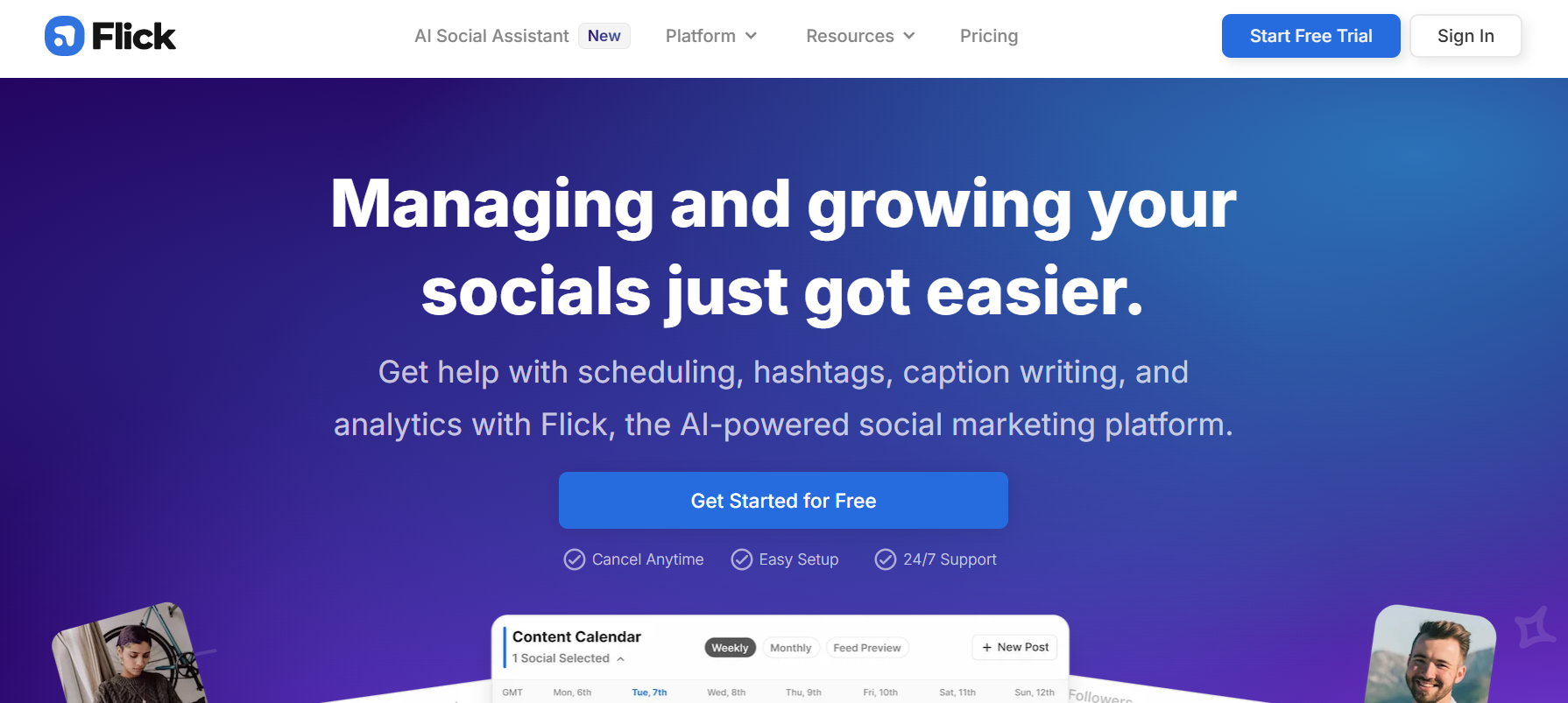
Flick AI is an AI-powered social media marketing platform designed to help creators and businesses plan, create, and optimize content across platforms like Instagram. The platform includes Iris, an AI social media assistant that helps generate post ideas, captions, strategies, and hashtags. It also combines scheduling, analytics, and hashtag tools to streamline social media workflows in one dashboard.
How to use Flick AI for Instagram
To use Flick AI, users connect their Instagram account and provide information about their brand and audience. The AI assistant can then suggest content ideas, generate captions, recommend hashtags, and help build a content calendar. Users review the generated posts, make edits if needed, and schedule them through Flick’s visual content planner.
Best Features of Flick AI
- AI social media assistant (Iris) for strategy and content planning
- AI caption generator tailored to brand voice
- Hashtag research and performance tracking
- Social media post scheduler and content calendar
- AI post generator for captions, visuals, and carousel ideas
- Instagram analytics and performance insights
Key Benefits of Flick AI
- Automates large parts of social media planning
- Generates post ideas and captions quickly
- Improves hashtag strategy and discoverability
- Keeps posting consistent through scheduling tools
- Helps marketers build structured content strategies
Where Flick AI is Used in Instagram
Flick AI is commonly used for planning Instagram content calendars, generating captions, discovering effective hashtags, and scheduling posts. Many creators and marketing teams use it to manage ongoing Instagram campaigns and maintain consistent posting schedules.
Who Should Use Flick AI
- Instagram creators and influencers
- Social media managers
- Digital marketing agencies
- Small business owners
- Marketing teams managing multiple accounts
Pros
- All-in-one social media management platform
- AI assistant for content ideas and captions
- Advanced hashtag research and analytics
- Built-in scheduling and planning tools
Cons
- Learning curve for new users
- Some advanced features require paid plans
Pricing
Flick AI offers a free trial, while paid plans typically include Solo, Pro, and Agency tiers with increasing limits for analytics, scheduling, and hashtag tracking.
9. RiteTag AI
What is RiteTag AI
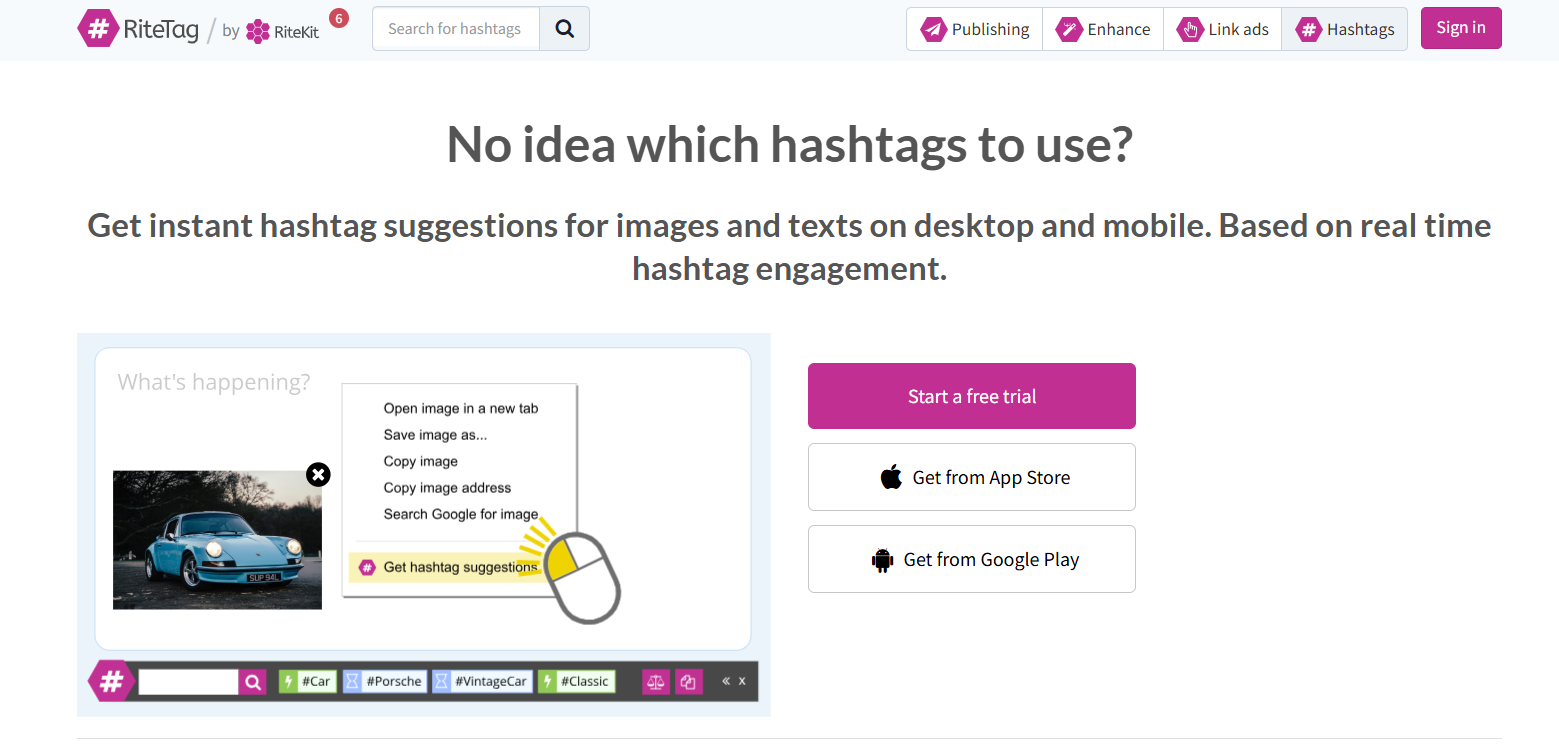
RiteTag AI is a hashtag research and optimization tool that helps creators and marketers find effective hashtags for social media posts. It analyzes captions, keywords, or images and generates hashtag suggestions based on real-time engagement data. The platform focuses on improving social media reach by recommending hashtags that are trending, relevant, and likely to perform well on platforms such as Instagram.
How to use RiteTag AI for Instagram
To generate hashtags, users enter a caption, keyword, or upload an image into the tool. RiteTag analyzes the content and produces hashtag suggestions based on current engagement data. Users can review the suggestions, select the best hashtags, and copy them directly into their Instagram captions before publishing the post. The tool can also run through browser extensions or social media publishing tools.
Best Features of RiteTag AI
- Instant hashtag suggestions for text or images
- Real-time hashtag engagement analysis
- Color-coded hashtag strength indicators
- Hashtag comparison and analytics tools
- Browser extension for social media workflows
- Integration with social media management tools
Key Benefits of RiteTag AI
- Helps discover relevant hashtags quickly
- Uses real-time data to improve hashtag selection
- Reduces time spent researching hashtags
- Improves post reach and discoverability
- Supports hashtag strategies across multiple social platforms
Where RiteTag AI is Used in Instagram
RiteTag AI is commonly used when writing Instagram captions or planning posts. Creators and marketers use it to identify trending hashtags, avoid overused or banned tags, and optimize posts for better discoverability in Instagram search and explore feeds.
Who Should Use RiteTag AI
- Instagram creators and influencers
- Social media marketers
- Small business owners
- Content creators managing multiple posts
- Marketing agencies running social campaigns
Pros
- Real-time hashtag suggestions based on engagement data
- Works with both images and text posts
- Browser extension for faster workflow
- Integrates with social media tools
Cons
- Focuses mainly on hashtags rather than full social media management
- Some analytics features require paid plans
Pricing
RiteTag offers a free trial, while paid plans typically start around $49 per month depending on usage limits and analytics features.
10. Planable AI

What is Planable AI
Planable AI is an AI-assisted social media management platform designed to help teams plan, collaborate, approve, and schedule social media content. It combines content planning, AI writing tools, and publishing features in one workspace. The platform is commonly used by marketing teams and agencies to streamline the entire social media workflow—from creating posts to scheduling and approvals.
How to use Planable AI for Instagram
To create Instagram content, users upload an image or video into Planable’s post composer and use the Generate with AI feature to create captions or hashtags automatically. The platform analyzes the media and produces caption suggestions that can be edited before publishing. Users can then schedule posts, Stories, or Reels directly from the content calendar.
Best Features of Planable AI
- AI caption generator based on images or videos
- Social media post scheduling and publishing
- Team collaboration and approval workflows
- Visual content calendar for planning posts
- AI script and caption generators for social content
- Instagram grid preview and scheduling tools
Key Benefits of Planable AI
- Speeds up social media caption writing
- Simplifies collaboration between marketing teams
- Allows teams to review and approve posts before publishing
- Helps maintain a consistent posting schedule
- Reduces time spent managing multiple social platforms
Where Planable AI is Used in Instagram
Planable AI is used for planning Instagram posts, writing captions, managing approvals, and scheduling content such as posts, Stories, and Reels. Marketing teams often use it to coordinate campaigns and ensure consistent publishing across accounts.
Who Should Use Planable AI
- Social media managers
- Marketing teams
- Digital marketing agencies
- Businesses managing multiple Instagram accounts
- Content creators collaborating with teams
Pros
- Built for team collaboration and approvals
- AI tools for captions and content ideas
- Visual planner for organizing posts
- Supports scheduling across multiple social platforms
Cons
- Limited social listening and analytics features
- Some advanced features require paid plans
Pricing
Planable offers a free plan that includes up to 50 posts, allowing users to test the platform. Paid plans start around $33 per month per workspace, with higher tiers for agencies and enterprise teams.
11. Predis.ai
What is Predis.ai
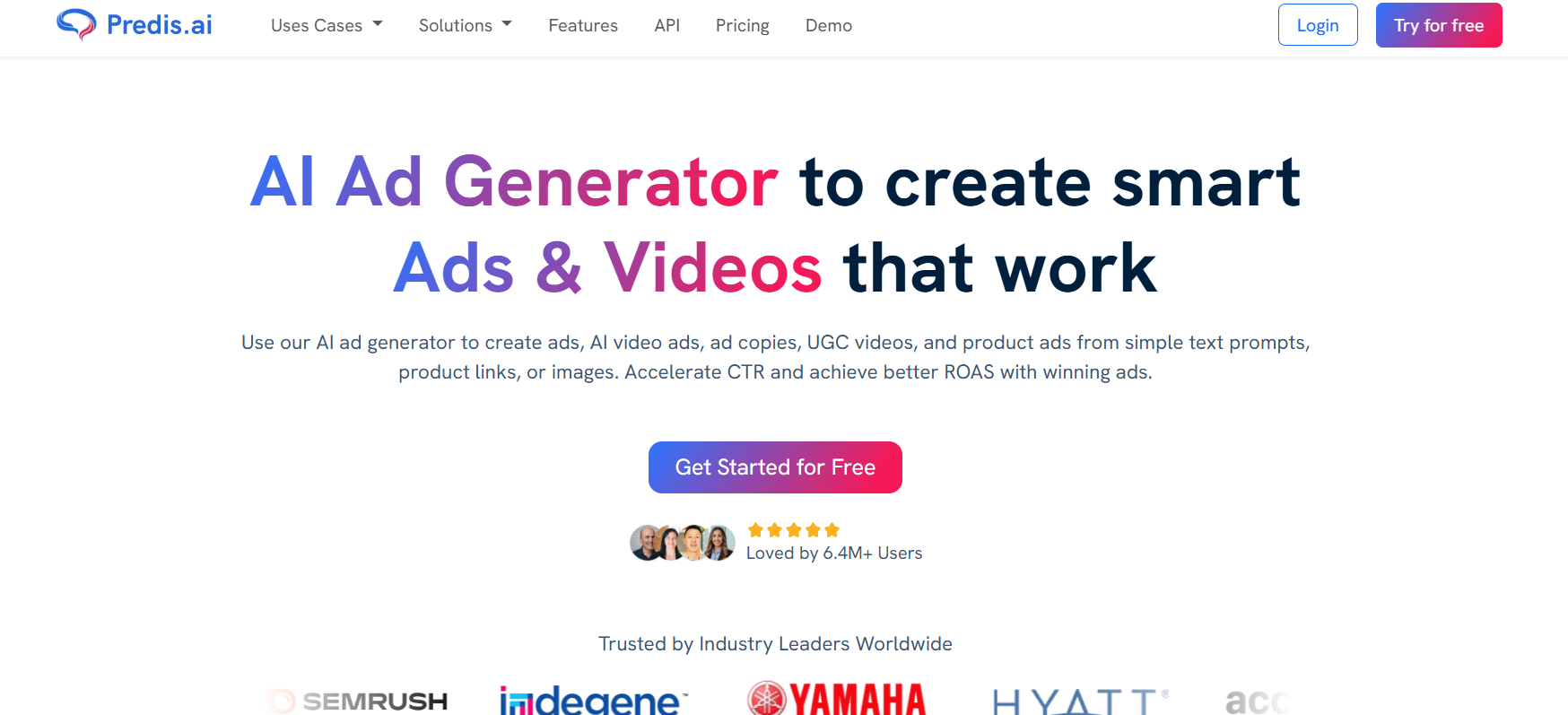
Predis.ai is an AI-powered social media content creation and management platform designed to generate posts, captions, hashtags, videos, and ads for platforms like Instagram. The tool uses AI to turn simple text prompts or product details into complete social media content, including graphics and captions. It also provides scheduling, competitor analysis, and performance suggestions to improve social media strategy.
How to use Predis.ai for Instagram
To create Instagram content, users enter a short prompt, product description, or post idea. Predis.ai generates a complete Instagram post with visuals, captions, and hashtags. Users can edit the design using templates, adjust branding elements, and preview the post. The content can then be scheduled or automatically published through the platform’s built-in social media scheduler.
Best Features of Predis.ai
- AI Instagram post generator from text prompts
- Automatic caption and hashtag generation
- AI image and video generation for posts and Reels
- Built-in social media scheduler with auto-posting
- Competitor analysis and performance insights
- Template-based design editor for social posts
Key Benefits of Predis.ai
- Generates complete Instagram posts quickly
- Reduces time spent on content design and writing
- Helps maintain consistent branding across posts
- Provides AI suggestions to improve post performance
- Supports automated social media publishing
Where Predis.ai is Used in Instagram
Predis.ai is used to generate Instagram feed posts, carousels, product promotions, and Reels. Businesses often use it to automate content creation, plan social media calendars, and analyze competitor strategies to improve engagement.
Who Should Use Predis.ai
- Instagram creators
- Small businesses and e-commerce brands
- Social media managers
- Digital marketing agencies
- Marketing teams running social campaigns
Pros
- Generates images, captions, and hashtags automatically
- Includes scheduling and automation tools
- Useful competitor analysis features
Cons
- Some advanced features require higher-tier plans
- Creative control may be limited compared to manual design tools
Pricing
Predis.ai offers a free trial, while paid plans typically start around $19 per month, with higher tiers providing more credits, brands, and automation features.
12. SocialBee AI
What is SocialBee AI
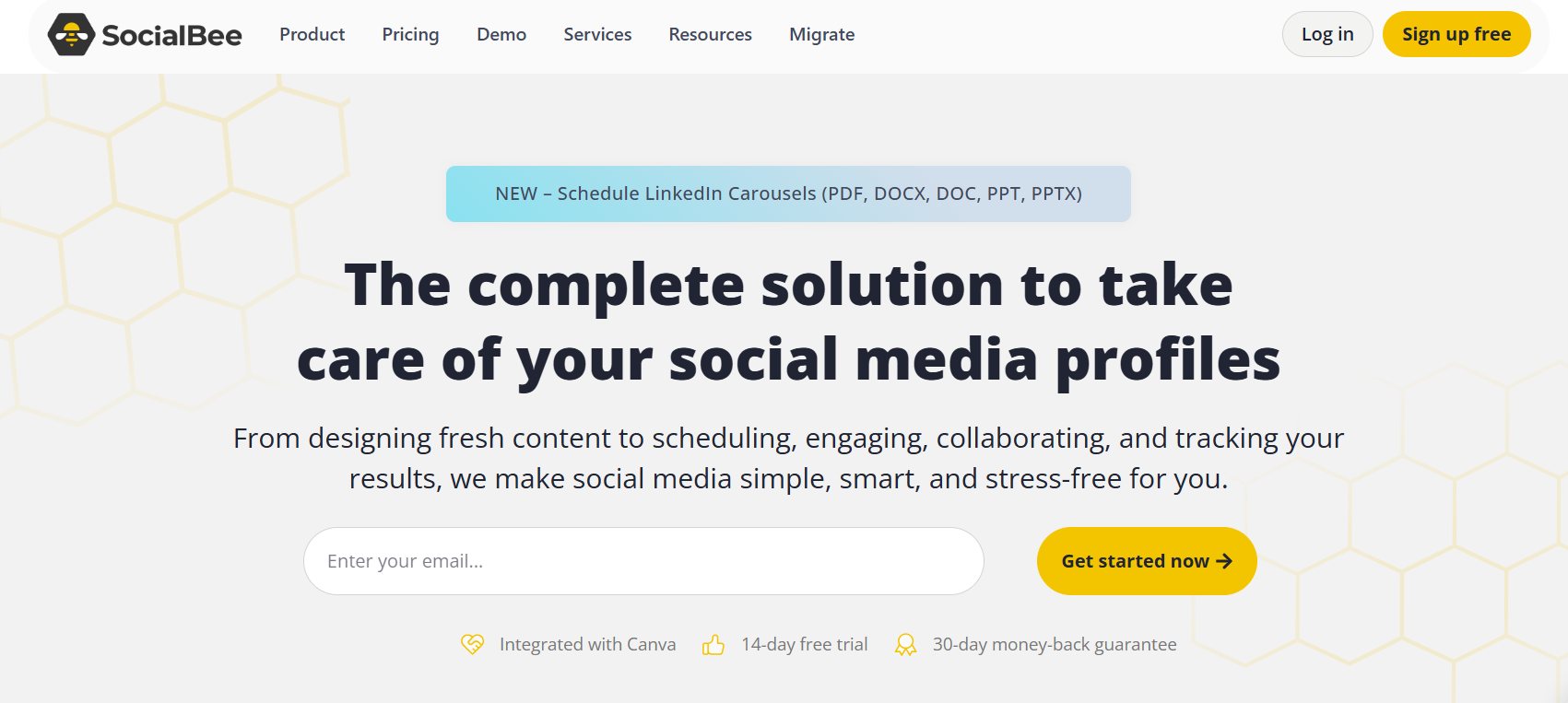
SocialBee AI is an AI-powered social media management platform that helps users create, schedule, publish, and analyze content across multiple social networks from one dashboard. It combines AI content generation with scheduling, analytics, and engagement tools to streamline social media workflows. The platform is widely used by businesses and marketers to manage social media strategies more efficiently.
How to use SocialBee AI for Instagram
To use SocialBee for Instagram, users connect their social media accounts and create posts using the AI content generator or manual composer. The platform allows users to generate captions, add visuals, and organize posts into content categories. Posts can then be scheduled using the content calendar, and SocialBee automatically publishes them at the planned time.
Best Features of SocialBee AI
- AI social media post generator
- Visual content calendar and scheduling
- Category-based content organization
- Social media inbox for comments and messages
- Analytics and reporting tools
- Integrations with design tools and automation platforms
Key Benefits of SocialBee AI
- Simplifies social media management from one dashboard
- Automates scheduling and publishing of posts
- Helps maintain a consistent posting schedule
- Improves collaboration between marketing teams
- Provides analytics to measure social media performance
Where SocialBee AI is Used in Instagram
SocialBee AI is commonly used for planning Instagram content calendars, generating captions, scheduling posts, and monitoring engagement. It also helps teams track performance metrics and respond to comments and messages from a unified social media inbox.
Who Should Use SocialBee AI
- Social media managers
- Digital marketing agencies
- Small businesses managing Instagram accounts
- Content creators and influencers
- Marketing teams handling multiple social channels
Pros
- All-in-one platform for scheduling, content creation, and analytics
- AI tools for generating captions and posts
- Strong collaboration and workflow features
- Supports multiple social media platforms
Cons
- No permanent free plan (trial only)
- Advanced features require higher-tier subscriptions
Pricing
SocialBee offers a 14-day free trial. Paid plans typically start around $29 per month, with higher tiers providing additional users, social profiles, and advanced features.
13. Hootsuite AI
What is Hootsuite AI
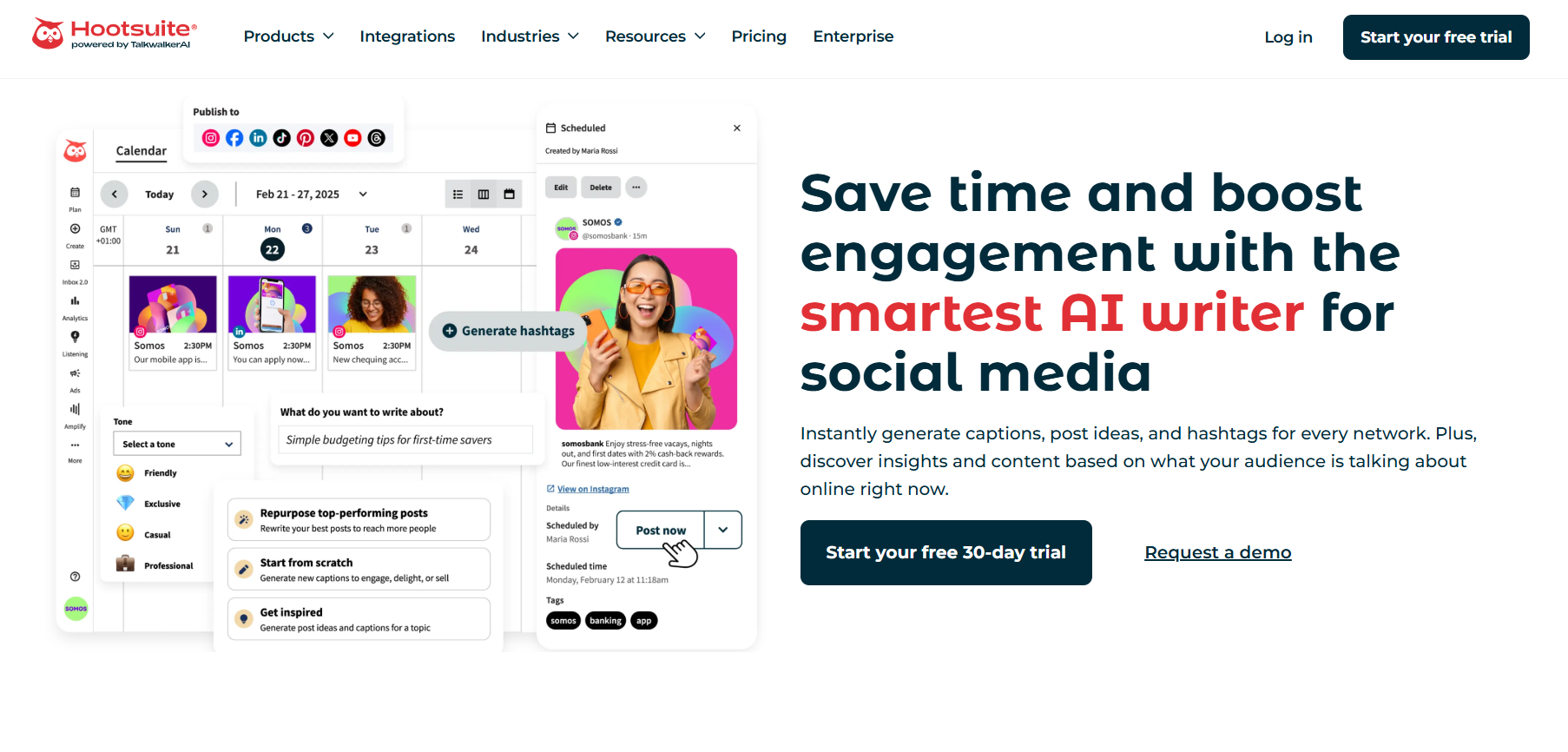
Hootsuite AI refers to the artificial intelligence features integrated into the Hootsuite social media management platform. These features include tools like OwlyWriter AI and OwlyGPT, which help users generate captions, brainstorm post ideas, and automate parts of social media marketing. The platform also combines scheduling, analytics, engagement management, and AI-powered social listening in a single dashboard for managing social media accounts.
How to use Hootsuite AI for Instagram
To use Hootsuite AI for Instagram, users connect their Instagram account to the Hootsuite dashboard. Inside the post composer, users can activate OwlyWriter AI to generate captions, post ideas, or rewrite existing posts. The platform also suggests hashtags, analyzes performance data, and recommends the best times to publish posts for higher engagement.
Best Features of Hootsuite AI
- OwlyWriter AI for generating captions and post ideas
- OwlyGPT AI assistant for campaign insights and strategy
- AI hashtag and caption suggestions
- AI-powered social listening and trend monitoring
- Best-time-to-post recommendations based on analytics
- Content repurposing from existing posts or URLs
Key Benefits of Hootsuite AI
- Automates parts of social media content creation
- Helps maintain a consistent posting schedule
- Provides data-driven insights for better engagement
- Saves time managing multiple social accounts
- Improves social media strategy with AI recommendations
Where Hootsuite AI is Used in Instagram
Hootsuite AI is used to generate captions, schedule Instagram posts, analyze engagement metrics, and monitor brand mentions. Marketing teams often use it to manage multiple Instagram accounts, track campaign performance, and discover trending topics.
Who Should Use Hootsuite AI
- Social media managers
- Digital marketing agencies
- Medium-to-large businesses managing multiple accounts
- Marketing teams running social campaigns
- Brands tracking engagement and analytics
Pros
- Comprehensive social media management platform
- AI tools for captions, ideas, and strategy
- Strong analytics and reporting features
- Supports multiple social media platforms
Cons
- Pricing is higher than many alternatives
- Interface can feel complex for beginners
Pricing
Hootsuite offers paid plans starting with a Standard plan around $99 per user per month, with higher tiers providing advanced analytics, team collaboration, and enterprise features.
14. Sprout Social AI
What is Sprout Social AI
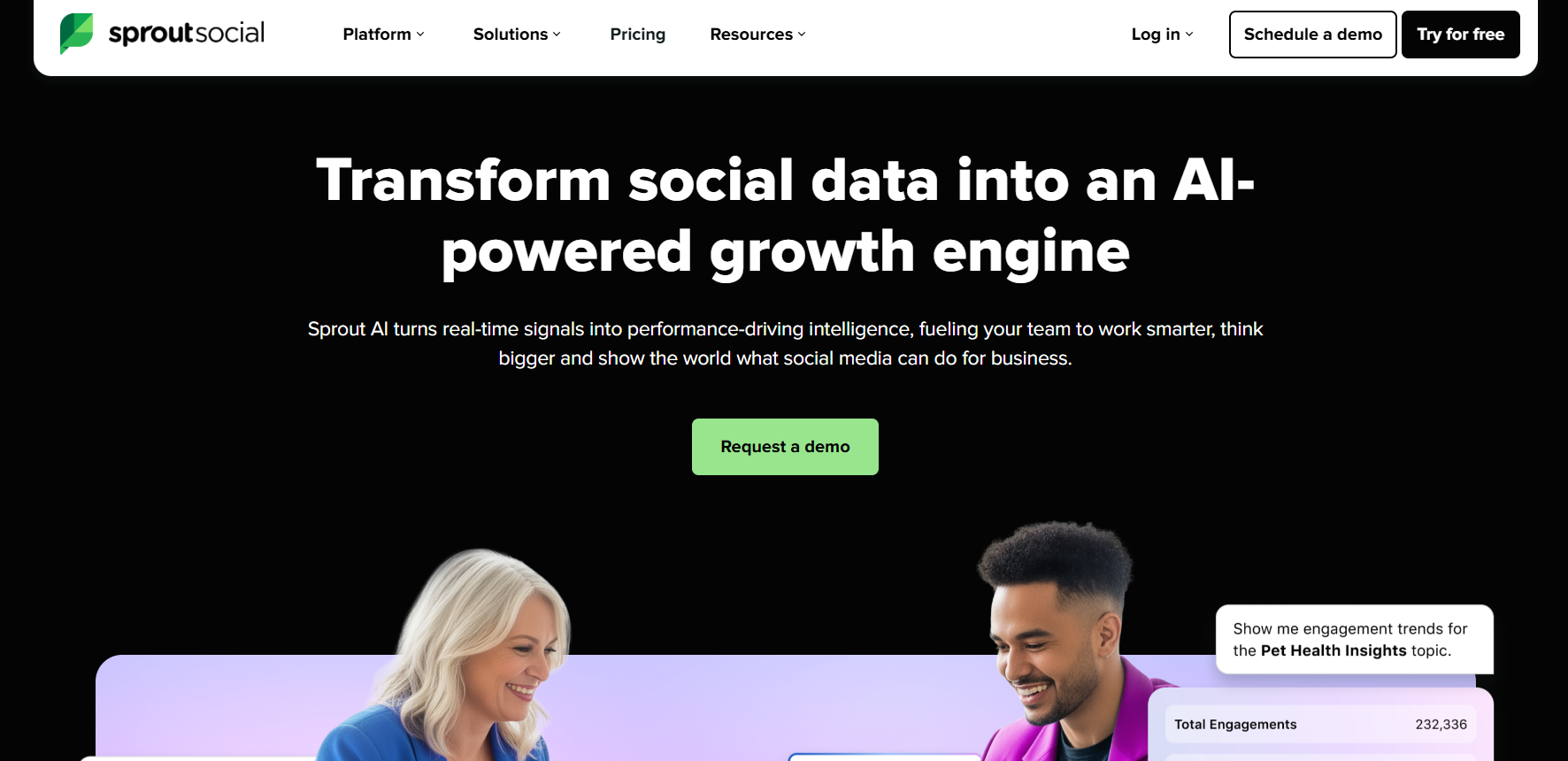
Sprout Social AI refers to the artificial intelligence features integrated into the Sprout Social social media management platform. These AI capabilities help businesses create content, analyze engagement, monitor conversations, and manage social media interactions from one dashboard. The platform uses machine learning and natural language processing to generate insights, recommend posting times, and analyze audience sentiment across social networks.
How to use Sprout Social AI for Instagram
To use Sprout Social AI for Instagram, users connect their Instagram account to the Sprout dashboard. The platform’s AI Assist tools can generate captions, refine messages, and create post suggestions based on previous high-performing content. Users can then schedule posts, monitor engagement in the unified inbox, and analyze performance data to improve their Instagram strategy.
Best Features of Sprout Social AI
- AI Assist for generating captions and social copy
- Optimal Send Times / ViralPost to determine best posting times
- AI sentiment analysis for comments and messages
- Social listening to identify trends and conversations
- AI-powered influencer discovery tools
- Automated reporting and performance insights
Key Benefits of Sprout Social AI
- Generates data-driven content ideas
- Identifies the best time to publish posts
- Provides detailed analytics and engagement insights
- Helps brands monitor customer sentiment and conversations
- Supports scalable social media management for teams
Where Sprout Social AI is Used in Instagram
Sprout Social AI is commonly used to schedule Instagram posts, monitor comments and messages, analyze engagement trends, and discover influencer partnerships. Marketing teams also use it to track campaign performance and identify trending topics within Instagram conversations.
Who Should Use Sprout Social AI
- Social media managers
- Marketing teams and enterprises
- Digital marketing agencies
- Brands managing multiple social accounts
- Businesses focusing on analytics-driven marketing
Pros
- Advanced analytics and reporting tools
- AI-assisted content creation and optimization
- Powerful social listening and sentiment analysis
- Supports multi-platform social media management
Cons
- Higher pricing compared to many social media tools
- Complex interface for beginners
Pricing
Sprout Social typically starts around $199 per user per month, with higher tiers providing advanced analytics, automation tools, and enterprise features.
15. Awario AI
What is Awario AI
Awario AI is a social listening and brand monitoring platform that helps businesses track online conversations about their brand, products, competitors, or industry topics. It scans social networks, news sites, blogs, forums, and other web sources to collect mentions and analyze trends. The platform uses analytics and sentiment analysis to help marketers understand audience perception and monitor brand reputation in real time.
How to use Awario AI for Instagram
To use Awario for Instagram strategy, users create alerts based on keywords such as brand names, hashtags, or competitors. Awario then collects mentions across social platforms and displays them in a dashboard. Marketers can analyze sentiment, identify trending discussions, and engage with users talking about related topics to improve social media marketing campaigns.
Best Features of Awario AI
- Real-time brand mention tracking across the web
- AI sentiment analysis of social conversations
- Social listening dashboard with analytics
- Boolean keyword search for precise monitoring
- Influencer and lead discovery tools
- Data export and reporting features
Key Benefits of Awario AI
- Helps brands monitor public perception online
- Identifies trends and discussions related to your niche
- Tracks competitor mentions and industry conversations
- Enables quick responses to customer feedback
- Provides data for improving social media strategy
Where Awario AI is Used in Instagram
Awario AI is commonly used to track Instagram mentions, monitor hashtags, and analyze audience sentiment around posts or campaigns. Marketers also use it to identify influencers, discover potential leads, and monitor conversations related to their brand or competitors.
Who Should Use Awario AI
- Social media managers
- Digital marketing teams
- Brand managers and PR teams
- Businesses monitoring online reputation
- Agencies managing client social media campaigns
Pros
- Tracks mentions across multiple online platforms
- Real-time alerts for brand discussions
- Useful sentiment analysis and reporting tools
Cons
- Advanced analytics features are limited compared with enterprise tools
- Learning curve for new users
Pricing
Awario offers multiple subscription tiers starting around $49 per month, with higher plans providing more monitored topics, mentions, and team collaboration features.
16. Affable.ai
What is Affable.ai
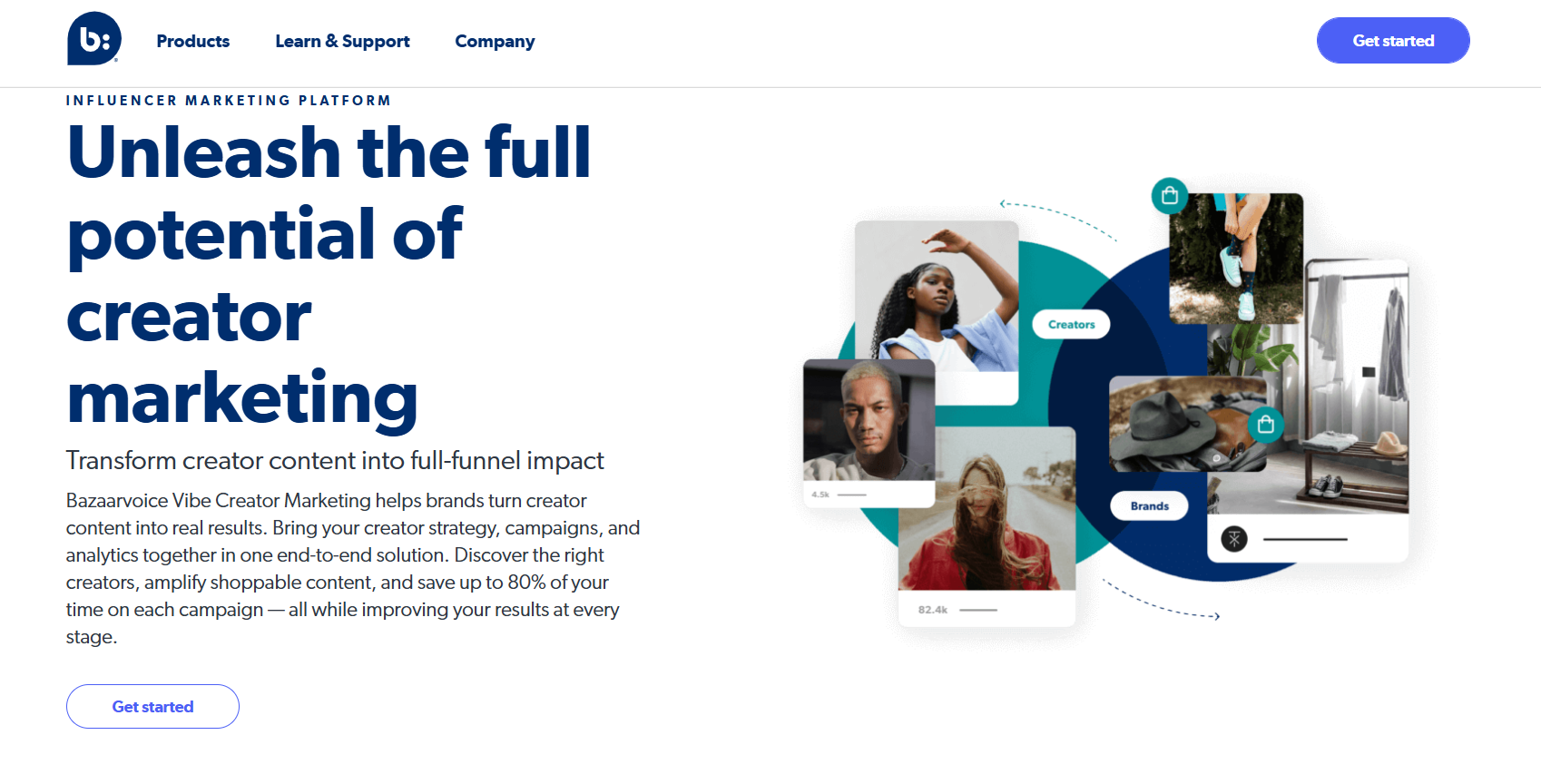
Affable.ai is an AI-powered influencer marketing platform that helps brands discover, manage, and measure influencer collaborations across social media platforms such as Instagram, YouTube, and TikTok. The platform uses AI and data analytics to identify relevant influencers, analyze their audience demographics, and track campaign performance in one dashboard.
How to use Affable.ai for Instagram
To use Affable.ai, marketers create a campaign and search for influencers using filters such as audience demographics, niche, location, or engagement metrics. The platform’s AI tools help shortlist relevant creators and analyze their authenticity. Once influencers are selected, users can manage outreach, track campaign performance, and measure results such as reach, engagement, and sales from influencer posts.
Best Features of Affable.ai
- AI influencer discovery with advanced filters
- Audience demographic analysis for creators
- Campaign management dashboard
- Influencer relationship management (CRM) tools
- Performance tracking for reach, engagement, and sales
- Competitor influencer strategy insights
Key Benefits of Affable.ai
- Helps brands find relevant Instagram influencers quickly
- Provides data-driven insights for influencer campaigns
- Simplifies managing multiple influencer collaborations
- Tracks campaign performance in one platform
- Improves ROI from influencer marketing efforts
Where Affable.ai is Used in Instagram
Affable.ai is commonly used to discover Instagram influencers, run influencer marketing campaigns, and track engagement metrics such as impressions and reach. Brands and agencies use it to manage large creator campaigns and monitor the effectiveness of influencer partnerships.
Who Should Use Affable.ai
- Brands running influencer marketing campaigns
- Social media marketing teams
- Digital marketing agencies
- E-commerce companies promoting products
- PR and influencer marketing specialists
Pros
- Powerful influencer discovery tools
- Data-driven analytics for campaign performance
- Supports multiple social media platforms
Cons
- Pricing may be high for small businesses
- Some features require onboarding or demo access
Pricing
Affable.ai typically offers custom pricing plans, and businesses often need to request a demo. Some reports suggest enterprise-level plans starting around $950 per month, depending on campaign scale and features.
17. Jotform Instagram Agent AI
What is Jotform Instagram Agent AI
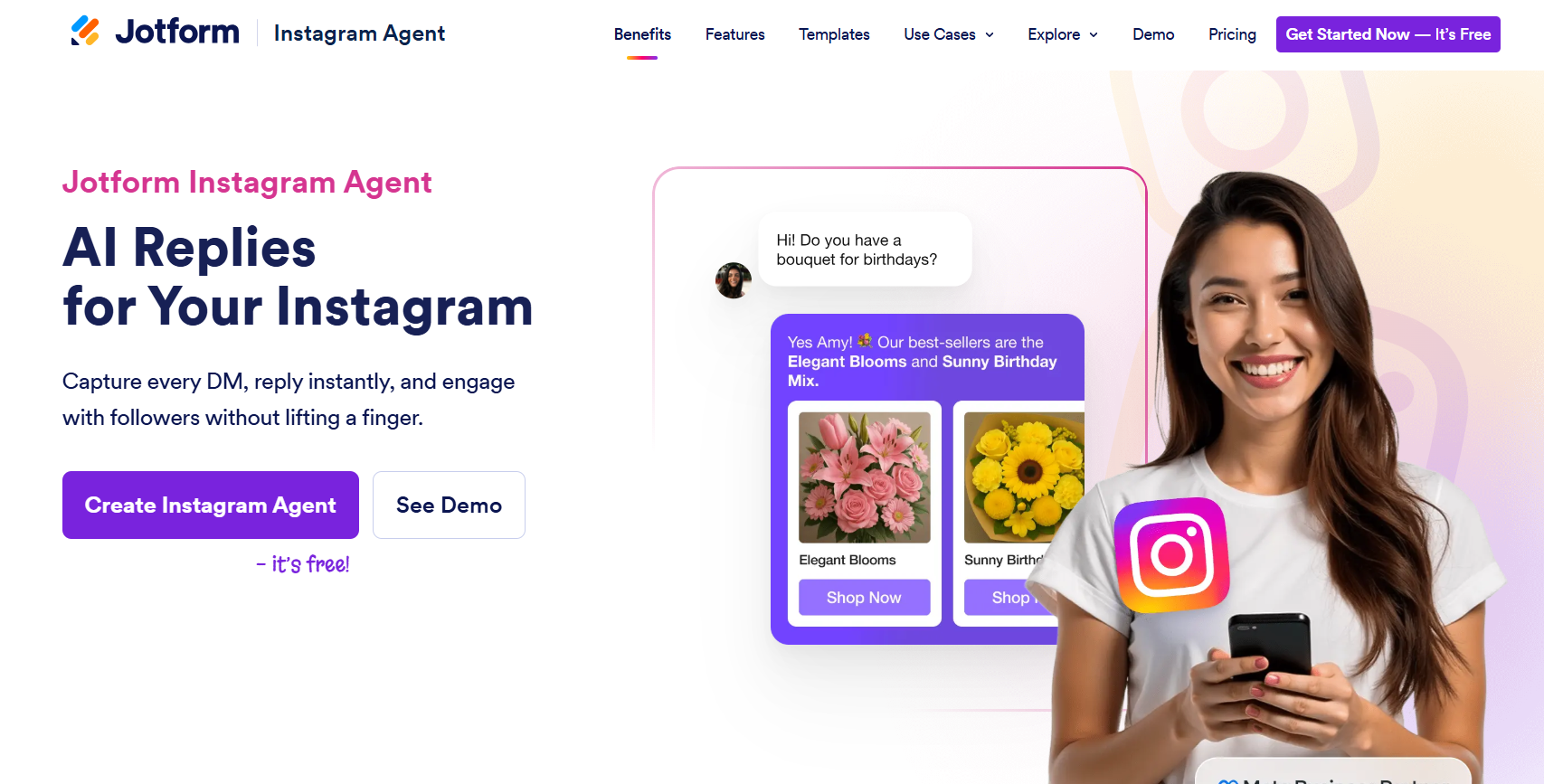
Jotform Instagram Agent AI is an AI-powered chatbot that automatically manages Instagram interactions such as direct messages, comments, and story replies. The tool connects to your Instagram account and uses AI to respond to followers in real time, helping creators and businesses stay responsive without manually replying to every message.
The system learns from your Instagram bio, posts, and previous messages so it can reply using your brand’s tone and communication style.
How to use Jotform Instagram Agent AI for Instagram
To start using the tool, users connect their Instagram account inside the Jotform AI Agent dashboard. After connecting, the AI can be trained using previous messages, FAQs, or a knowledge base.
Once activated, the agent monitors incoming messages and automatically replies to DMs, comments, and story mentions using context-aware responses. Users can adjust rules, pause automation, or take over conversations manually at any time.
Best Features of Jotform Instagram Agent AI
- Automatic replies to Instagram DMs
- AI responses to comments and story mentions
- Training using Instagram bio, posts, and messages
- Lead generation through automated chat flows
- Integration with Jotform forms and workflows
- Multilingual AI responses for global audiences
Key Benefits of Jotform Instagram Agent AI
- Provides 24-7 automated responses to followers
- Saves time by answering repetitive questions automatically
- Captures leads and customer inquiries through chat
- Maintains consistent brand voice in conversations
- Improves engagement and response speed on Instagram
Where Jotform Instagram Agent AI is Used in Instagram
Jotform Instagram Agent AI is commonly used to automate customer support, respond to product inquiries, manage comments, and capture leads through Instagram chats. Businesses also use it for marketing campaigns, booking requests, and customer service interactions on Instagram.
Who Should Use Jotform Instagram Agent AI
- Instagram creators and influencers
- Small businesses handling customer inquiries
- E-commerce brands receiving product questions
- Social media managers handling large message volumes
- Marketing teams running Instagram campaigns
Pros
- AI-powered DM and comment automation
- Learns brand tone from Instagram content
- Works 24-7 to respond instantly
- Integrates with Jotform forms and workflows
Cons
- Advanced automation features require paid plans
- Primarily focused on messaging automation rather than full social media management
Pricing
Jotform offers a free plan for AI agents with limited conversations. Paid plans typically start around $34 per month, with higher tiers providing more agents, conversations, and automation features.
Try Jotform Instagram Agent AI
18. ManyChat AI
What is ManyChat AI
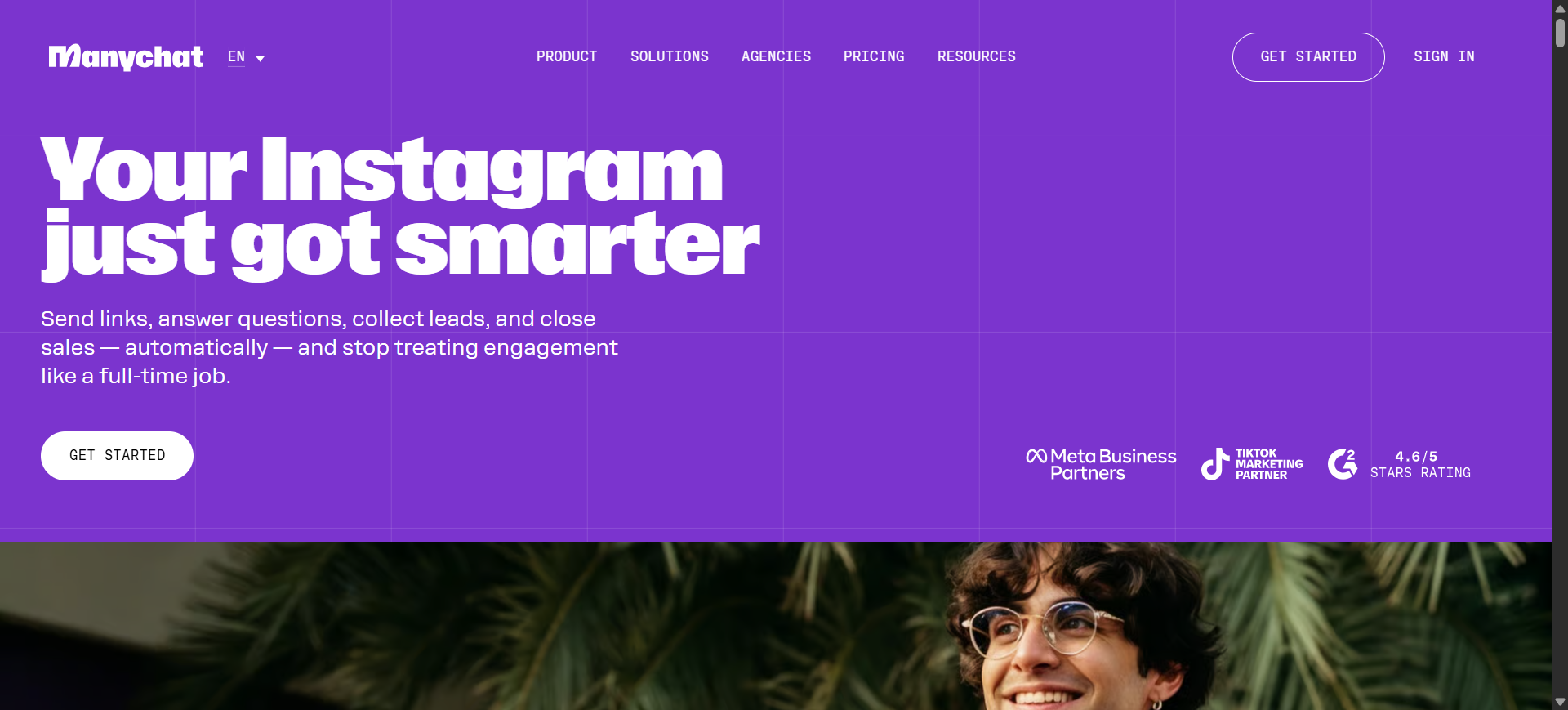
ManyChat AI is a conversational marketing platform that helps businesses automate Instagram conversations using chatbots and AI-assisted messaging. The platform allows brands and creators to automatically respond to direct messages, comments, and story interactions. It supports Instagram, Facebook Messenger, WhatsApp, and other messaging channels from one dashboard.
The tool is widely used for marketing automation, lead generation, and customer support through Instagram Direct Messages.
How to use ManyChat AI for Instagram
To use ManyChat for Instagram, users connect their Instagram Business account to the ManyChat dashboard. After connecting, they can create automated conversation flows using a drag-and-drop builder.
These workflows can trigger automated replies when someone comments on a post, sends a DM, or uses a specific keyword. Businesses can also create automated marketing campaigns that send follow-up messages or product information directly through Instagram DMs.
Best Features of ManyChat AI
- Automated replies to Instagram DMs
- Comment-to-DM automation for posts and Reels
- Keyword-triggered automated conversations
- Drag-and-drop chatbot workflow builder
- AI-assisted replies that match brand tone
- Multi-channel messaging (Instagram, Messenger, WhatsApp)
Key Benefits of ManyChat AI
- Provides instant responses to follower messages
- Automates customer support and FAQs
- Helps convert Instagram engagement into leads or sales
- Saves time managing repetitive conversations
- Supports marketing campaigns through automated messaging
Where ManyChat AI is Used in Instagram
ManyChat AI is commonly used for automating Instagram DMs, responding to post comments, sending product information, and running lead-generation campaigns. Many creators also use it for comment-to-DM funnels where followers receive links or resources automatically after commenting on a post.
Who Should Use ManyChat AI
- Instagram creators and influencers
- E-commerce brands
- Social media marketers
- Businesses handling large DM volumes
- Marketing agencies managing client campaigns
Pros
- Powerful automation for Instagram messaging
- Easy drag-and-drop chatbot builder
- Supports multi-channel messaging
- Strong marketing and lead-generation tools
Cons
- Pricing increases as contact lists grow
- Setup may require learning automation workflows
Pricing
ManyChat offers a free plan with limited automation features. The Pro plan typically starts around $15 per month and scales based on the number of contacts in your account.
19. Meta AI Studio
What is Meta AI Studio
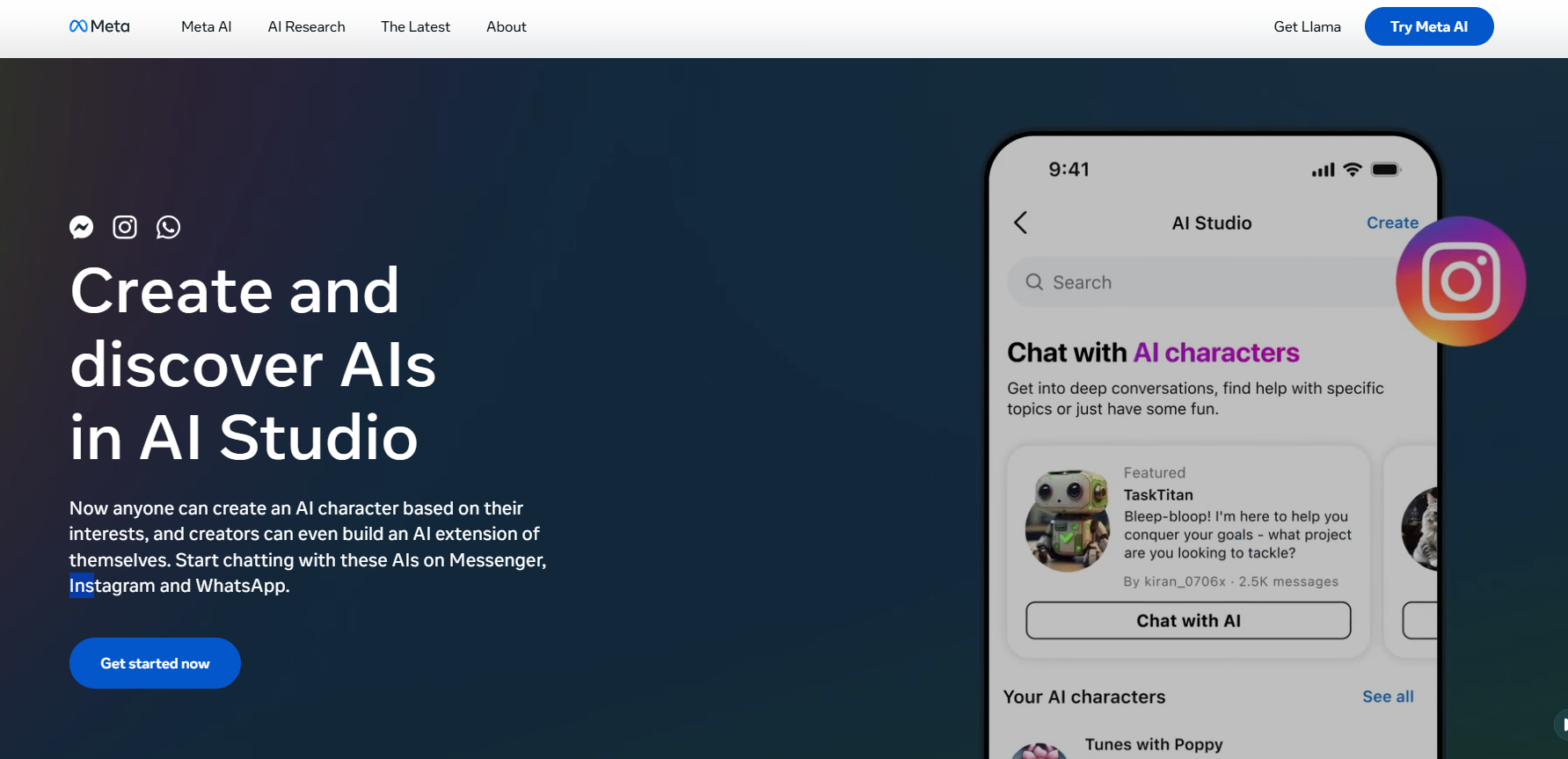
Meta AI Studio is a platform created by Meta that allows users to build and deploy custom AI characters or assistants that interact with people on Instagram and other Meta apps. Creators and businesses can design AI versions of themselves or new AI personas that respond to followers in chats, comments, or story replies.
These AI assistants can be customized with a specific personality, tone, and purpose, helping creators automate conversations and engage with large audiences more efficiently.
How to use Meta AI Studio for Instagram
To use Meta AI Studio, users access the AI Studio interface and create a custom AI character. They define the AI’s name, personality, and the topics it should respond to.
The AI can then be trained using information such as Instagram posts, FAQs, or brand details. Once activated, the AI interacts with followers by replying to messages, answering questions, or participating in conversations on Instagram.
Best Features of Meta AI Studio
- Create custom AI characters or assistants
- Personalized responses based on creator content
- Automated replies to follower questions
- Customizable personality and communication style
- Cross-platform integration with Instagram, Messenger, and WhatsApp
- Ability to share AI characters publicly for others to interact with
Key Benefits of Meta AI Studio
- Automates follower interactions on Instagram
- Allows creators to scale engagement with large audiences
- Saves time responding to common questions
- Provides personalized AI assistants for brands and creators
- Enables new interactive experiences with followers
Where Meta AI Studio is Used in Instagram
Meta AI Studio is commonly used to create AI assistants that answer follower questions, respond to story replies, and manage direct messages. Influencers and businesses can also use AI personas to share information about products, content, or services automatically.
Who Should Use Meta AI Studio
- Instagram creators and influencers
- Brands interacting with large audiences
- Businesses offering customer support through Instagram
- Social media managers handling many messages
- Marketing teams building automated engagement strategies
Pros
- Built directly into Meta’s ecosystem
- Allows fully customizable AI assistants
- Supports multiple Meta platforms
- Automates follower engagement
Cons
- Availability may vary by region
- AI responses may require monitoring and adjustments
Pricing
Meta AI Studio is currently free to use for creators and businesses, though access depends on account eligibility and regional rollout of Meta AI features.
Where is AI Used in Instagram?
AI is used across multiple areas of Instagram content creation, marketing, and engagement. AI tools help automate repetitive tasks, analyze performance data, and generate content faster.
1. Content Creation
AI tools generate Instagram posts, images, carousels, and Reels from simple prompts. Creators and brands use AI to design graphics, edit photos, and produce short-form videos without professional editing skills.
2. Caption and Hashtag Generation
AI writing tools analyze keywords and topics to generate captions, hashtags, and post ideas. This helps maintain consistent posting while improving discoverability.
3. Video and Reels Production
AI video tools convert scripts, prompts, or blog posts into Instagram Reels. These platforms automatically generate scenes, voiceovers, captions, and transitions.
4. Social Media Scheduling
AI scheduling tools recommend the best times to post based on audience activity and engagement patterns. This helps increase reach and interaction.
5. Audience Engagement and Messaging
AI chatbots respond to Instagram DMs, comments, and story replies automatically. Businesses often use this to answer questions, capture leads, and provide customer support.
6. Analytics and Performance Insights
AI analytics tools monitor engagement metrics, audience behavior, and hashtag performance. These insights help marketers optimize content strategies and improve campaign results.
What Are the Benefits of AI Instagram Tools?
The main benefits of AI Instagram tools include:
- Faster Content Creation: AI can generate captions, images, and videos within minutes.
- Consistent Posting: Scheduling tools help maintain a regular posting schedule.
- Improved Engagement: AI chatbots and automation tools respond to followers instantly.
- Better Content Strategy: AI analytics tools provide insights on hashtags, trends, and audience behavior.
- Time Savings: Automation reduces the manual work involved in social media management.
- Data-Driven Marketing: AI insights help marketers optimize campaigns and improve performance.
How to Choose the Best AI Instagram Tool?
Choosing the right AI Instagram tool depends on your content needs, automation level, and budget. The steps below help you quickly identify the most suitable tool.
1. Identify Your Main Goal
Decide what you want AI to help with:
- Content creation (images, posts, carousels)
- Video and Reels generation
- Caption and hashtag writing
- Scheduling and social media management
- DM and comment automation
- Analytics and performance tracking
2. Choose the Right Tool Category
Different tools solve different problems:
- Design tools for creating Instagram graphics
- Video tools for Reels and short-form videos
- Writing tools for captions and hashtags
- Management tools for scheduling and analytics
3. Check Automation Features
Look for useful automation such as:
- AI caption generation
- Hashtag recommendations
- Auto-scheduling posts
- DM and comment replies
4. Consider Ease of Use
Choose tools that provide:
- Simple interface
- Templates or ready workflows
- Fast content generation
5. Compare Pricing
Most AI tools offer:
- Free plans with limited features
- Monthly subscription plans
- Higher tiers for teams and agencies.
Why Businesses Are Adopting AI Instagram Tools in 2026?
Businesses are rapidly adopting AI Instagram tools because they help automate content creation, improve marketing performance, and reduce the time required to manage social media. In 2026, AI has become a core part of social media strategy rather than just an optional tool.
Faster Content Production
AI tools can generate captions, images, and videos in minutes, allowing brands to produce more content with fewer resources. Many marketers now rely on AI to accelerate their social media workflows.
Data-Driven Marketing Decisions
AI platforms analyze engagement metrics, audience behavior, and content trends to recommend better posting strategies. This allows businesses to make marketing decisions based on data rather than guesswork.
Time Savings and Efficiency
Automation tools handle repetitive tasks such as caption writing, scheduling posts, and responding to messages. In surveys, more than 71% of marketers say AI saves time in social media management.
Better Content Performance
AI can analyze trending topics and successful content patterns to help marketers create posts that are more likely to perform well. About 44.7% of marketers report better performance from AI-assisted content.
Scalable Social Media Marketing
AI allows businesses to manage multiple accounts, campaigns, and influencer collaborations at scale. For example, new AI influencer marketing platforms help brands manage hundreds of creators efficiently.
Competitive Advantage
Companies that adopt AI marketing tools early often outperform competitors because they can create more content, analyze data faster, and adapt to trends quickly.
Future of AI Instagram Tools
AI Instagram tools are expected to become more advanced and automated in the coming years. These tools will help creators and businesses generate content faster, analyze audience behavior more accurately, and manage social media campaigns with less manual effort.
In the future, AI tools will likely create complete Instagram posts including images, captions, hashtags, and scheduling from a single prompt. They will also provide better performance predictions, helping marketers understand which content will work best before publishing.
As AI technology continues to improve, Instagram marketing will become more data-driven, automated, and personalized for different audiences.
Real Examples of AI Instagram Tools in Action
Example 1: AI-Generated Instagram Post
A small business uses Canva AI to generate a product announcement post. By entering a prompt like “New summer skincare product launch”, the tool creates multiple visual designs optimized for Instagram.
Example 2: AI Instagram Reel from Blog Content
A marketer uses Invideo AI to convert a blog article into a short Instagram Reel with captions and voiceover. This allows long-form content to be repurposed into short-form social media videos.
Example 3: AI Caption and Hashtag Generation
A creator uses Copy.ai to generate caption ideas and hashtags for a travel post. The tool produces multiple caption variations and suggests relevant hashtags to improve discoverability.
Example 4: AI DM Automation
A business uses ManyChat AI to automatically reply to Instagram comments with product links through direct messages, helping convert engagement into sales.
Example 5: AI Content Strategy Planning
A social media manager uses Flick AI to generate a monthly Instagram content plan including post ideas, hashtags, and scheduling recommendations.
Conclusion
AI Instagram tools help streamline the entire social media workflow, from generating posts and videos to analyzing performance and managing engagement. Choosing the right tool depends on specific needs such as content creation, automation, analytics, or influencer marketing. By integrating AI tools strategically, creators and businesses can produce consistent content, improve reach, and make data-driven decisions for sustainable Instagram growth.
FAQs
What are AI Instagram tools?
AI Instagram tools are software platforms that use artificial intelligence to automate tasks such as content creation, caption writing, hashtag generation, analytics, and engagement management. These tools help creators and businesses streamline their Instagram workflow while improving content quality and audience reach.
Can AI create Instagram posts automatically?
Yes. Many AI tools can generate Instagram posts, captions, images, and videos using prompts. Some platforms also provide scheduling features that publish posts automatically based on recommended posting times.
Are AI Instagram tools safe to use?
Most AI Instagram tools are safe when they use official Instagram APIs and follow platform guidelines. Tools focused on content creation, analytics, and scheduling are generally compliant. Users should avoid automation tools that perform mass actions such as bulk following or liking.
Do AI Instagram tools help increase followers?
AI tools can support follower growth by improving content quality, optimizing hashtags, identifying trends, and analyzing engagement data. While they do not guarantee followers directly, they help create more effective content strategies.
What is the best AI tool for Instagram content creation?
Several tools support Instagram content creation using AI, including design tools, caption generators, and video creators. The best option depends on whether the goal is creating images, generating captions, producing Reels, or managing overall social media strategy.
How will AI change Instagram marketing in the future?
AI is expected to further automate social media workflows, improve audience targeting, and enable faster content production. As AI models improve, Instagram marketing will rely more on predictive analytics, automated content generation, and real-time optimization.