
Best AI Translation tools are software that use AI to translate text, speech, and documents instantly with high accuracy. Tools like DeepL, Google Translate, and ChatGPT lead AI Translation by delivering fast and context-aware results for businesses, creators, and global teams. AI Translation has moved beyond simple word replacement. Modern tools use neural networks and language models to understand context, tone, and meaning. This helps produce translations that feel more natural and accurate across different languages and formats.
These tools are widely used in customer support, marketing, content creation, and product localization. They help businesses reach global audiences and improve communication. Choosing the right AI Translation tool depends on your needs, such as speed, accuracy, or workflow integration.
What Are the Best AI Translation Tools?
The best AI Translation tools are platforms that translate text, speech, and documents with high accuracy while preserving context and tone. Popular tools include DeepL, Google Translate, Smartcat, and ChatGPT, each built for different needs such as quick translations, business localization, and real-time communication.
Best AI Translation Tools (Quick List)
- DeepL AI
- Google Translate AI
- Smartcat AI
- Papago AI
- JotMe AI
- Wordly AI
- Maestra AI
- MachineTranslation.com
- ChatGPT AI
- Gemini AI
- Claude AI
- QuillBot AI
- Copy.ai
- TextUnited AI
- Taia AI
- SYSTRAN AI
- Yandex Translate AI
- Microsoft Translator AI
Best AI Translation Tools Comparison Table
| Tool | Type | Best For | Accuracy | Key Strength | Limitation |
|---|---|---|---|---|---|
| DeepL AI | NMT | High-quality translations | High | Natural, human-like output | Limited language support |
| Google Translate AI | NMT | Quick translations | Medium | Supports 100+ languages | Less contextual accuracy |
| Smartcat AI | AI + TMS | Localization workflows | High | AI + human collaboration | Complex for beginners |
| Papago AI | NMT | Asian languages | Medium | Strong Korean/Japanese accuracy | Limited global languages |
| JotMe AI | Real-time AI | Meetings | High | Live translation + notes | Not for documents |
| Wordly AI | Real-time AI | Events | High | Live captions + audio translation | Setup required |
| Maestra AI | AI Media | Video/audio translation | High | Subtitles + dubbing | Not for general text |
| MachineTranslation.com | Multi-AI | Accuracy comparison | Very High | Combines multiple engines | Requires manual selection |
| ChatGPT AI | LLM | Flexible translation | High | Context + tone control | No translation memory |
| Gemini AI | LLM | Large-scale translation | High | Multimodal + long context | No workflow system |
| Claude AI | LLM | Long-form translation | High | Natural language quality | Limited integrations |
| QuillBot AI | AI Tool | Simple text translation | Medium | Easy to use | Limited advanced features |
| Copy.ai | GenAI | Marketing translation | Medium | Brand voice control | Not for localization workflows |
| TextUnited AI | AI + TMS | Enterprise localization | High | Translation memory + automation | Complex setup |
| Taia AI | AI + Human | Business translation | Medium | AI + human editing | Slower workflow |
| SYSTRAN AI | Enterprise AI | Secure translation | High | Customization + security | Requires setup |
| Yandex Translate AI | NMT | Regional languages | Medium | Strong Russian support | Less global adoption |
| Microsoft Translator AI | NMT | Business + API | Medium | Integration with Microsoft tools | Limited customization |
1) DeepL AI
What is DeepL AI?
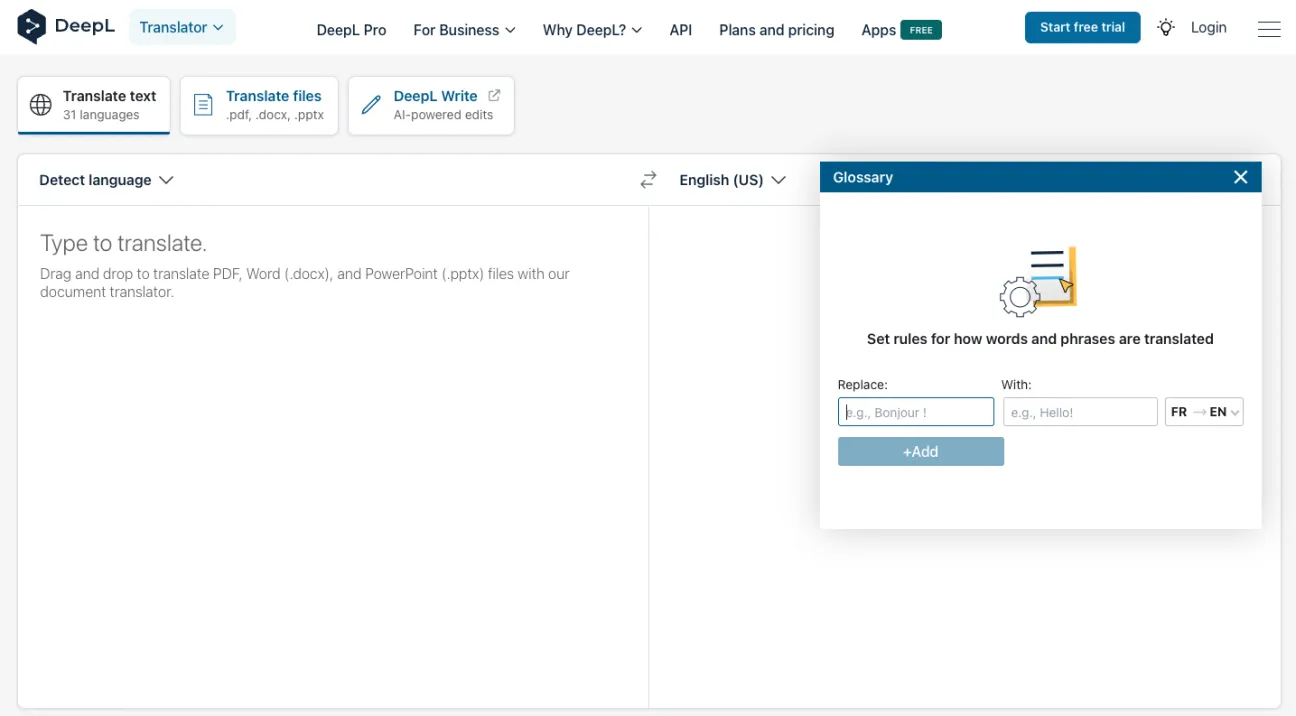
DeepL AI is an advanced AI Translation tool that uses neural machine translation to convert text, documents, and speech into multiple languages with high accuracy. It is known for producing natural, human-like translations and is widely used by individuals, businesses, and global teams for professional communication.
How to Use DeepL AI for AI Translation
- Open the official DeepL AI website
- Paste or type your text into the input box
- Select the target language
- Get instant translated output
- Upload documents like Word or PDF for full translation
- Use API or glossary features for advanced workflows
Where DeepL AI is Used in AI Translation
- Business communication and emails
- Website and app localization
- Document translation such as reports and presentations
- Customer support and multilingual content
- Academic and professional work
Who Should Use DeepL AI
- Businesses needing accurate AI Translation
- Content creators and marketers
- Students and researchers
- Professionals handling multilingual documents
- Teams requiring natural and fluent translations
Limitations
- Supports fewer languages compared to some competitors
- Limited customization without paid plans
- Not ideal for real-time large-scale collaboration
- Advanced features like glossary and API require subscription
Pricing
DeepL AI offers a free plan with basic features, while paid plans provide higher limits, better security, and API access for individuals, teams, and enterprises.
2) Google Translate AI
What is Google Translate AI?
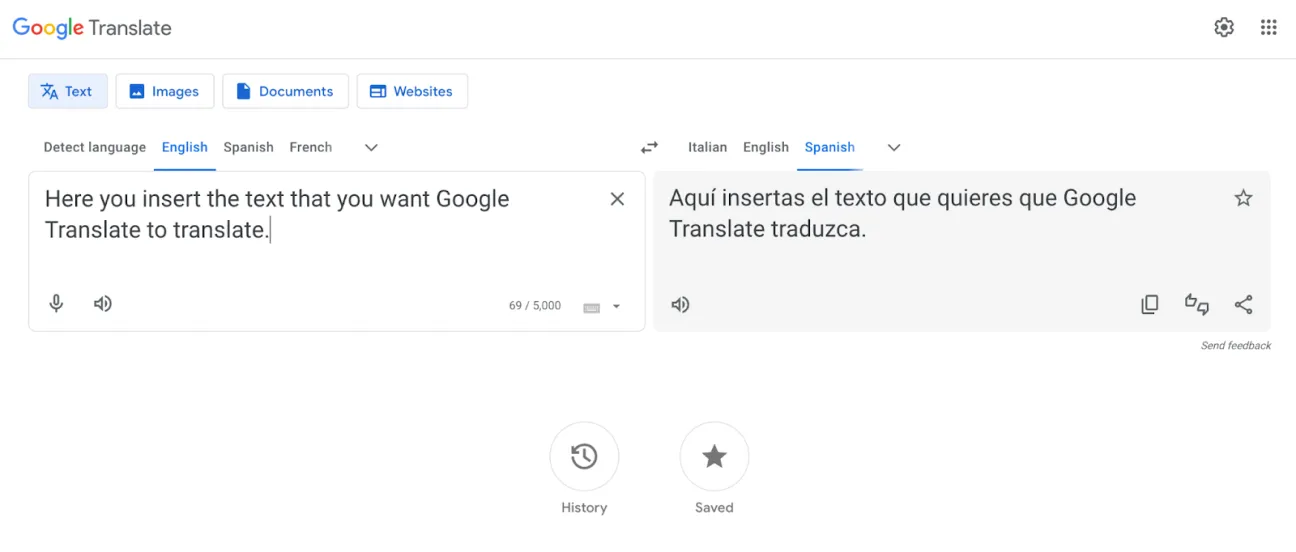
Google Translate AI is a widely used AI Translation tool that uses neural machine translation and advanced AI models to translate text, speech, images, and documents across multiple languages. It focuses on speed, accessibility, and broad language support, making it one of the most popular translation tools globally.
How to Use Google Translate AI for AI Translation
- Open Google Translate in your browser or app
- Enter or paste your text into the input box
- Select the target language or use auto-detect
- Get instant translated output
- Upload documents, images, or use voice input for translation
- Translate entire web pages using browser integration
Where Google Translate AI is Used in AI Translation
- Quick text translation for daily use
- Travel and real-time communication
- Website and document translation
- Voice and conversation translation
- Image translation such as signs and menus
Google Translate supports a wide range of languages and formats, making it useful for both personal and basic business use.
Who Should Use Google Translate AI
- Individuals needing quick AI Translation
- Travelers and students
- Content creators for basic translation tasks
- Small businesses handling simple multilingual content
- Users looking for free and fast translation
Limitations
- Lower accuracy for complex or professional content
- Limited control over tone and terminology
- No translation memory for consistency
- Not ideal for enterprise localization workflows
Pricing
Google Translate AI is free for general use, while advanced API-based usage is available through paid Google Cloud Translation services.
3) Smartcat AI
What is Smartcat AI?
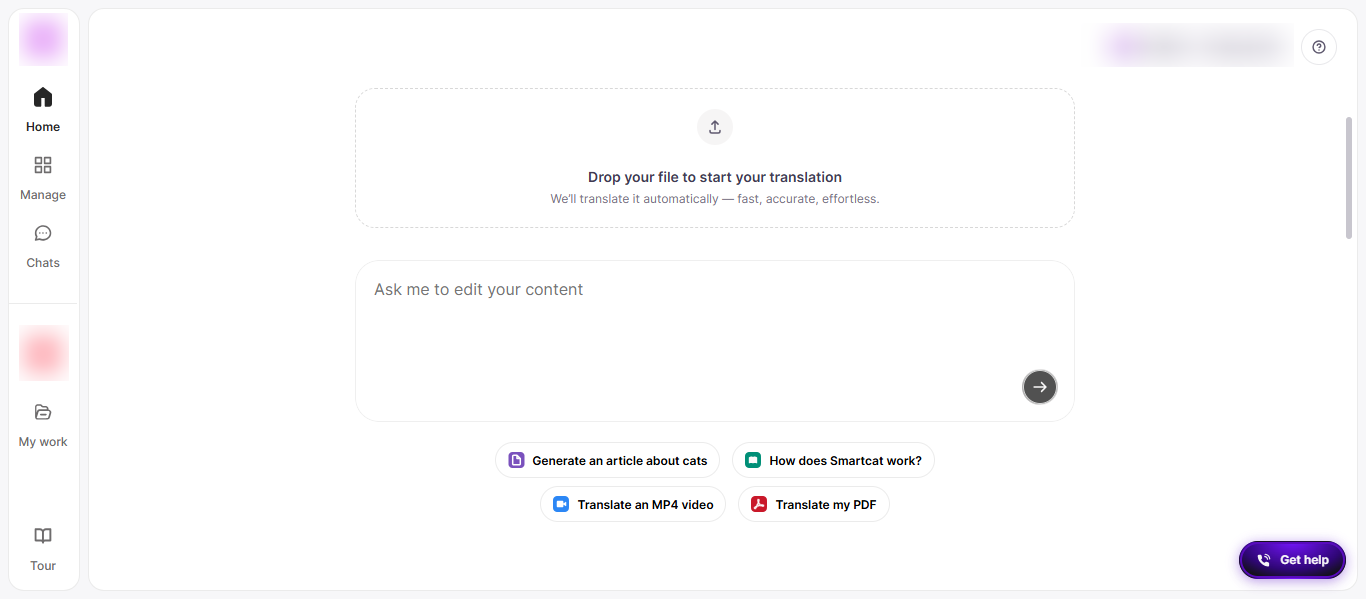
Smartcat AI is a cloud-based AI Translation and localization platform that combines AI translation, human collaboration, and workflow automation in one system. It allows businesses to translate, create, and manage multilingual content at scale using AI agents, translation memory, and a global marketplace of linguists.
How to Use Smartcat AI for AI Translation
- Sign up on the Smartcat platform
- Upload content such as documents, websites, or media files
- Select source and target languages
- Run AI Translation using built-in tools
- Apply translation memory and glossary for consistency
- Collaborate with team members or professional translators
- Export translated content in required formats
Where Smartcat AI is Used in AI Translation
- Website and software localization
- Marketing and multilingual content creation
- eLearning and training materials
- Product and technical documentation
- Video, audio, and multimedia translation
Smartcat supports large-scale content operations and integrates with tools like CMS, design platforms, and development environments for continuous localization.
Who Should Use Smartcat AI
- Enterprises managing global content
- Localization and marketing teams
- Product and development teams
- Businesses needing scalable AI Translation workflows
- Teams requiring AI + human collaboration
Limitations
- Can be complex for beginners
- Requires setup for workflows and integrations
- Advanced features may require training
- Not ideal for quick, one-time translations
Pricing
Smartcat AI offers a free plan with basic features, while paid plans are modular and scalable, starting around $249 per month with enterprise-level custom pricing options.
4) Papago AI
What is Papago AI?
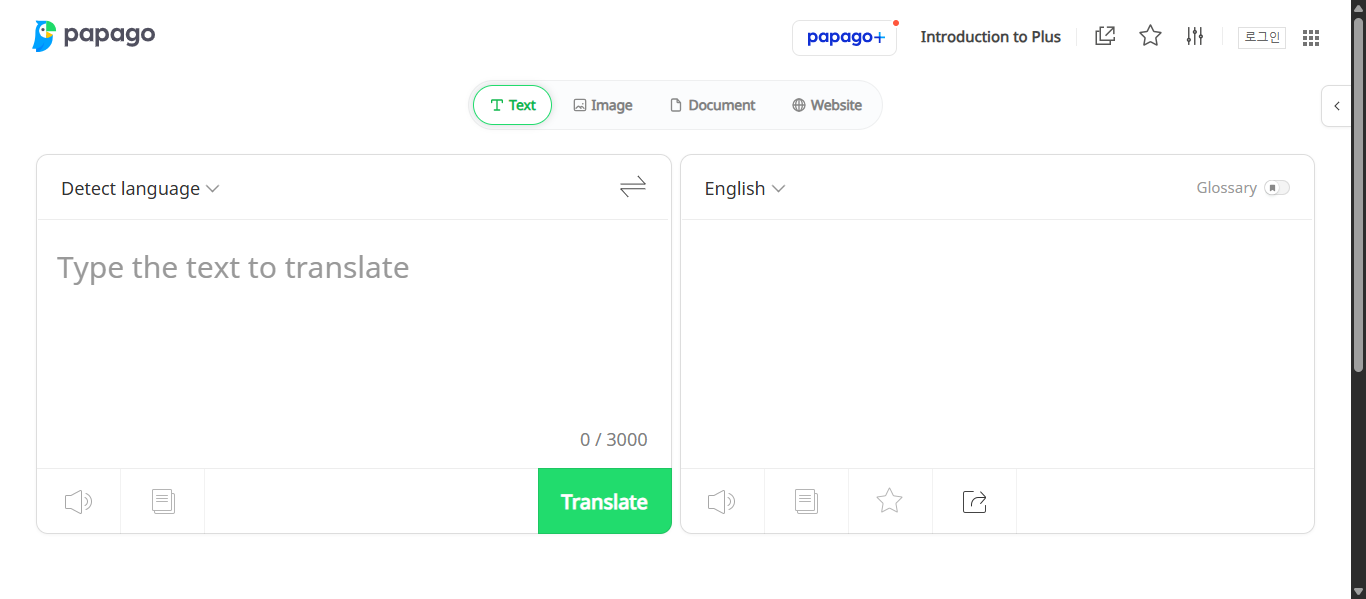
Papago AI is an AI Translation tool developed by Naver that uses neural machine translation to translate text, speech, images, and conversations across multiple languages. It is designed to understand context and deliver more accurate translations, especially for Asian languages like Korean, Japanese, and Chinese.
How to Use Papago AI for AI Translation
- Open the Papago website or mobile app
- Enter or paste your text into the input box
- Select the target language
- Get instant translated output
- Use voice or conversation mode for real-time translation
- Upload images or use camera translation for text in photos
- Translate websites or documents directly
Where Papago AI is Used in AI Translation
- Travel and real-time communication
- Translating signs, menus, and images
- Language learning and practice
- Business communication in Asian markets
- Website and text translation
Papago AI is especially useful for translating Asian languages with better context accuracy compared to many general tools.
Who Should Use Papago AI
- Travelers and tourists
- Students learning new languages
- Businesses targeting Asian markets
- Content creators working with multilingual audiences
- Users needing real-time voice and image translation
Limitations
- Supports fewer languages compared to global tools
- Stronger performance mainly in Asian languages
- Limited enterprise features and integrations
- Not ideal for large-scale localization workflows
Pricing
Papago AI is free to use for most features, with optional premium services offering enhanced capabilities and additional features.
5) JotMe AI
What is JotMe AI?
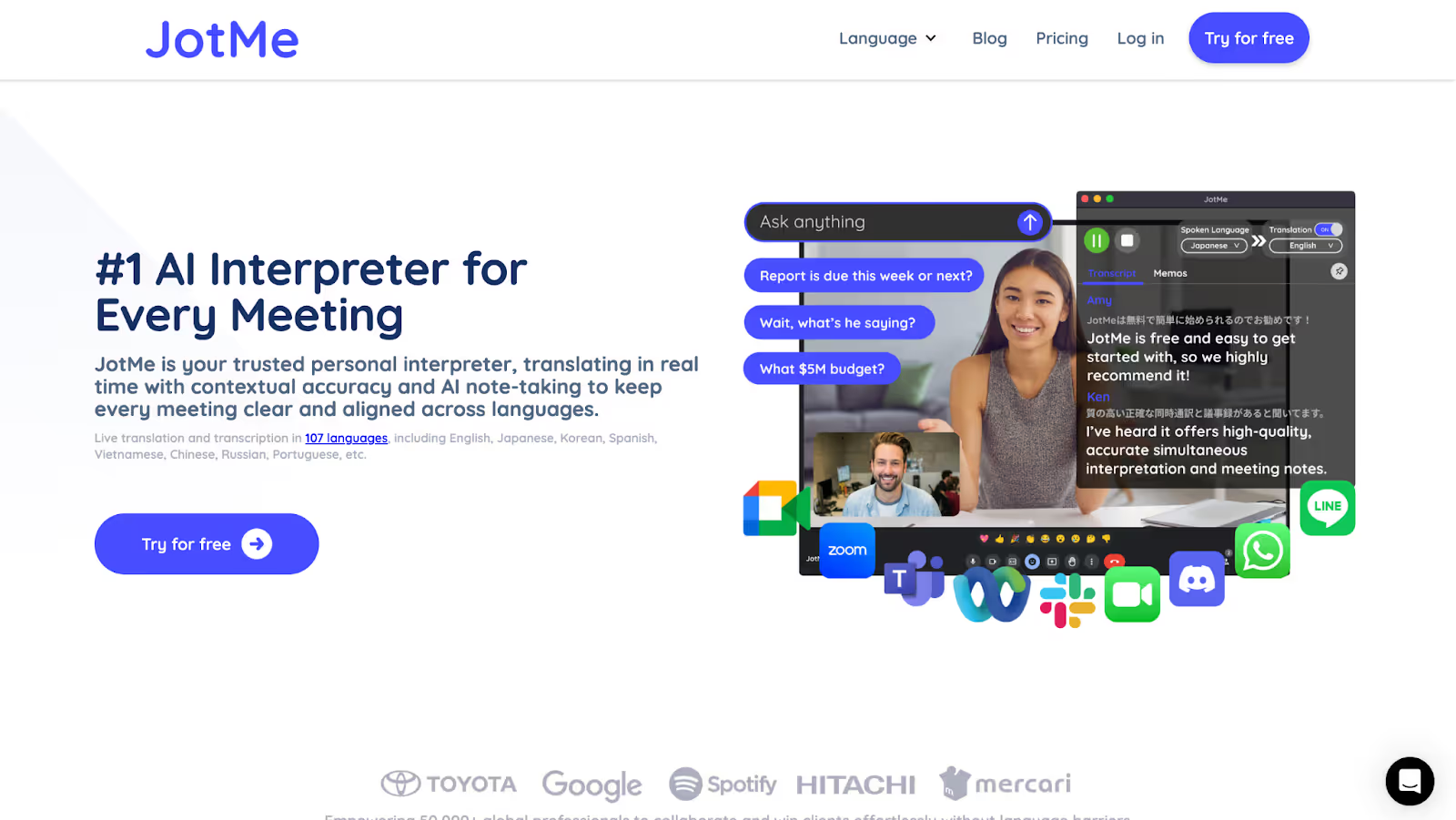
JotMe AI is a real-time AI Translation tool and meeting assistant that translates, transcribes, and summarizes conversations instantly across multiple languages. It is designed for live meetings and helps users communicate without language barriers using contextual and speech-based translation.
How to Use JotMe AI for AI Translation
- Download the JotMe app or use the Chrome extension.
- Join your meeting on Zoom, Google Meet, or Microsoft Teams.
- Select your spoken and target languages.
- Start live translation and transcription instantly.
- View real-time captions, summaries, and notes.
- Access saved transcripts and AI-generated meeting notes after the session.
Where JotMe AI is Used in AI Translation
- Real-time meeting translation.
- Multilingual team collaboration.
- Online classes and webinars.
- Client calls and international business meetings.
- Live events and conversations.
JotMe works across desktop, mobile, and browser environments, making it suitable for both virtual and in-person communication.
Who Should Use JotMe AI
- Global teams and remote workers.
- Business professionals handling multilingual meetings.
- Students and educators in international environments.
- Customer support and sales teams.
- Anyone needing real-time AI Translation.
Limitations
- Focused mainly on live translation, not document translation.
- Requires installation or extension for full functionality.
- Limited offline capabilities.
- Advanced usage may require a learning curve.
Pricing
JotMe AI offers a free plan with limited monthly translation and transcription minutes, while paid plans provide higher usage limits and additional AI features.
6) Wordly AI
What is Wordly AI?
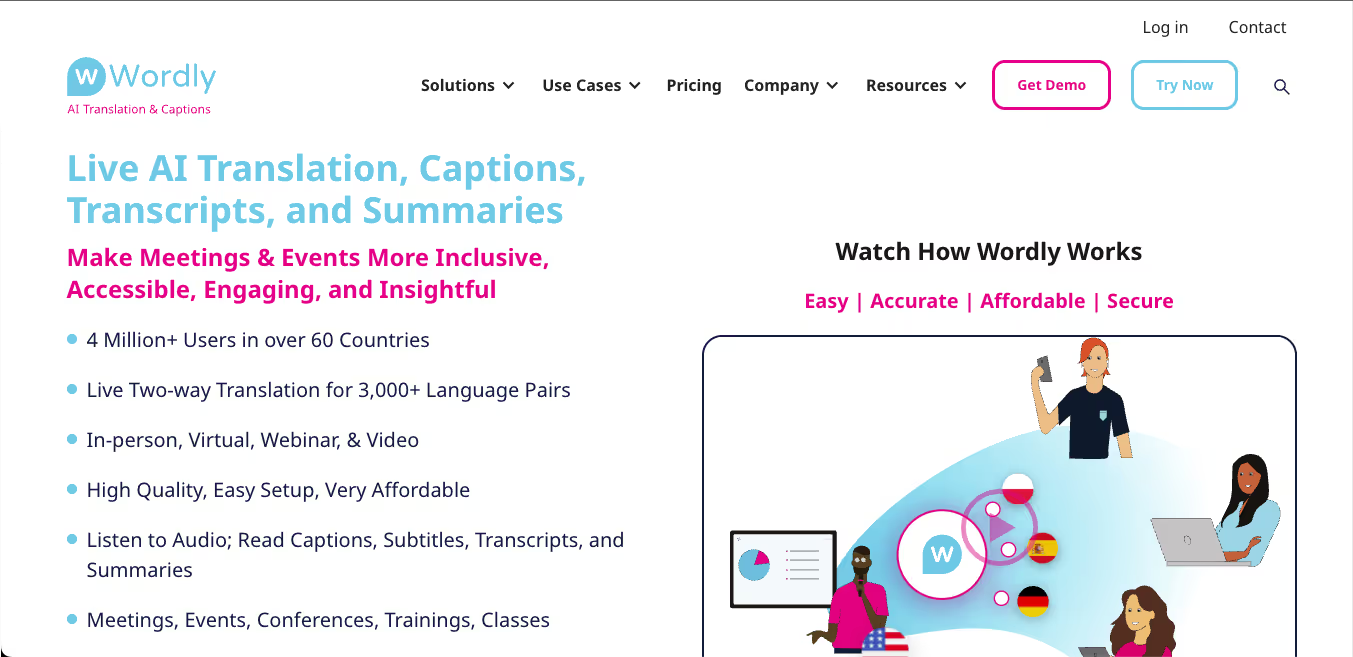
Wordly AI is a real-time AI Translation platform that provides live translation, captions, transcripts, and summaries for meetings and events. It uses AI instead of human interpreters to deliver instant speech-to-text and speech-to-speech translation across multiple languages, making communication more accessible and scalable.
How to Use Wordly AI for AI Translation
- Sign up or request access to the Wordly platform.
- Create a translation session for your meeting or event.
- Share the session link or QR code with participants.
- Participants join using their devices without downloads.
- Select preferred languages for translation.
- View live captions or listen to translated audio in real time.
- Access transcripts and summaries after the session.
Where Wordly AI is Used in AI Translation
- Live meetings and corporate communication.
- Webinars and virtual events.
- In-person conferences and global events.
- Training sessions and educational programs.
- Government and public communication events.
Wordly works across in-person, virtual, and hybrid environments, making it suitable for large-scale multilingual communication.
Who Should Use Wordly AI
- Event organizers and conference managers.
- Global businesses and enterprise teams.
- Educational institutions and trainers.
- Government organizations and public sector teams.
- Companies hosting multilingual meetings and webinars.
Limitations
- Focused mainly on live translation, not document translation.
- Requires setup for events and sessions.
- Less suitable for quick, one-time translations.
- Pricing is not fully transparent on the website.
Pricing
Wordly AI uses usage-based pricing, typically based on translation hours, and is designed to be more cost-effective than human interpreters with scalable enterprise options.
7) Maestra AI
What is Maestra AI?
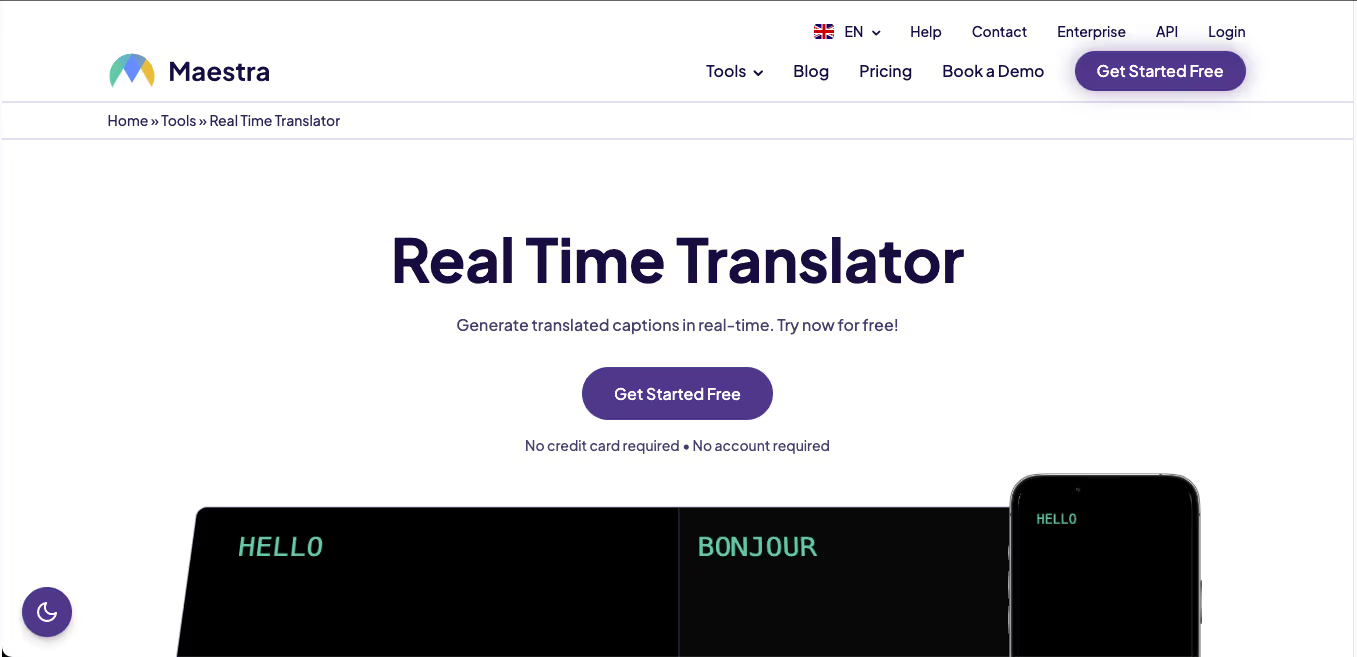
Maestra AI is an AI Translation and transcription platform that converts audio, video, and speech into text, subtitles, and voiceovers in multiple languages. It uses AI to deliver real-time translation, dubbing, and captioning, making multilingual content creation faster and more scalable. It supports over 125 languages and combines transcription, translation, and voice synthesis in one system.
How to Use Maestra AI for AI Translation
- Open the Maestra AI platform in your browser.
- Upload your audio, video, or text content.
- Select the source and target languages.
- Generate translations, subtitles, or voiceovers instantly.
- Edit and customize subtitles or translated content if needed.
- Export the final output in formats like video, text, or subtitle files.
Where Maestra AI is Used in AI Translation
- Video and audio content translation.
- Subtitle and caption generation for media.
- Podcast and YouTube content localization.
- Live meeting and real-time speech translation.
- eLearning and training content translation.
Maestra AI is widely used in media, education, and business environments to make content accessible across languages.
Who Should Use Maestra AI
- Content creators and YouTubers.
- Media and production teams.
- Businesses creating multilingual video content.
- Educators and eLearning platforms.
- Teams needing AI Translation for audio and video.
Limitations
- Focused mainly on audio and video translation, not general text translation.
- Requires internet connection for real-time features.
- Accuracy may vary with accents or background noise.
- Advanced features like voice cloning may require learning and setup.
Pricing
Maestra AI offers a free trial, with paid plans based on usage, including subscription and enterprise options with API access and advanced features.
8) MachineTranslation.com
What is MachineTranslation.com?
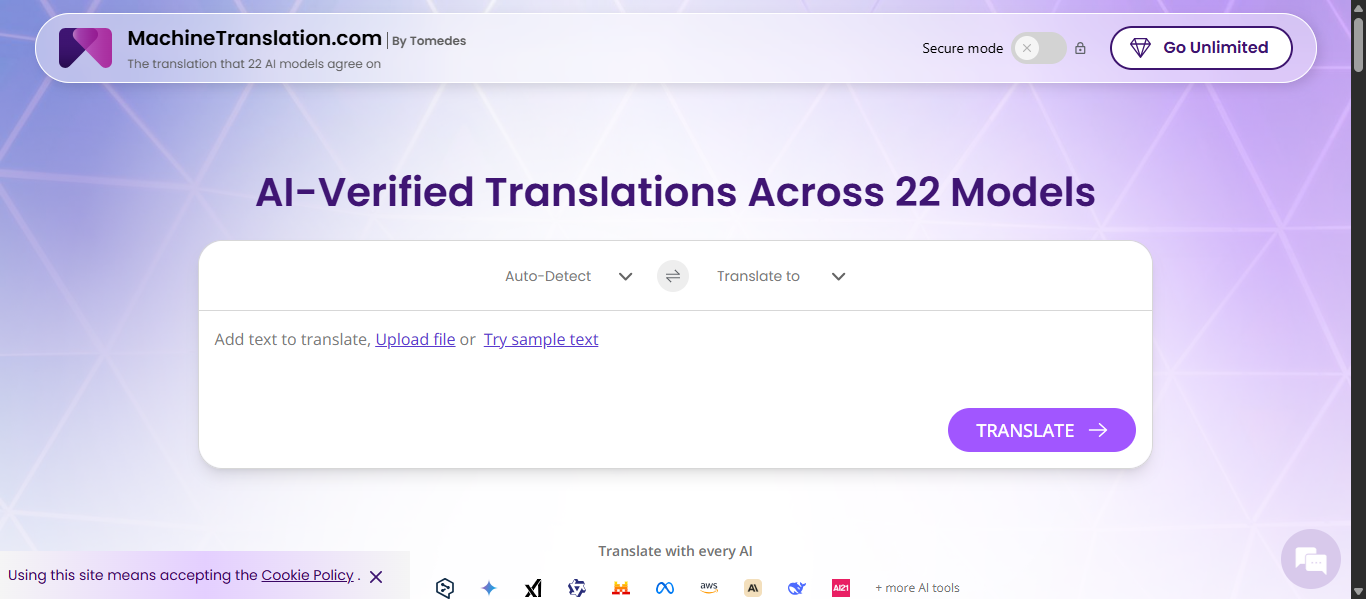
MachineTranslation.com is an AI Translation platform developed by Tomedes that combines multiple AI translation engines and large language models into one system. Instead of relying on a single tool, it compares translations from different AI models and helps users choose the most accurate and contextually correct output.
How to Use MachineTranslation.com for AI Translation
- Open the MachineTranslation.com website in your browser.
- Paste your text or upload documents such as Word or PDF files.
- Select source and target languages.
- View multiple AI-generated translations side by side.
- Choose the best version or refine output using built-in tools.
- Download the translated content with formatting preserved.
Where MachineTranslation.com is Used in AI Translation
- Business and professional document translation.
- Legal, medical, and technical content translation.
- Website and marketing content localization.
- Large file and bulk translation tasks.
- Comparing translation quality across multiple AI tools.
MachineTranslation.com is especially useful when accuracy matters, as it allows users to compare results from multiple engines instead of relying on a single output.
Who Should Use MachineTranslation.com
- Businesses handling multilingual content.
- Professionals working with legal or sensitive documents.
- Content teams needing high accuracy translations.
- Researchers and analysts working with global data.
- Users who want to compare multiple AI Translation outputs.
Limitations
- Interface can feel complex for beginners.
- Requires review to choose the best translation output.
- Processing large files may take more time.
- Advanced customization may require experience.
Pricing
MachineTranslation.com offers a free plan with generous usage limits, while advanced features such as higher volume, API access, and human review are available through paid options.
9) ChatGPT AI
What is ChatGPT AI?
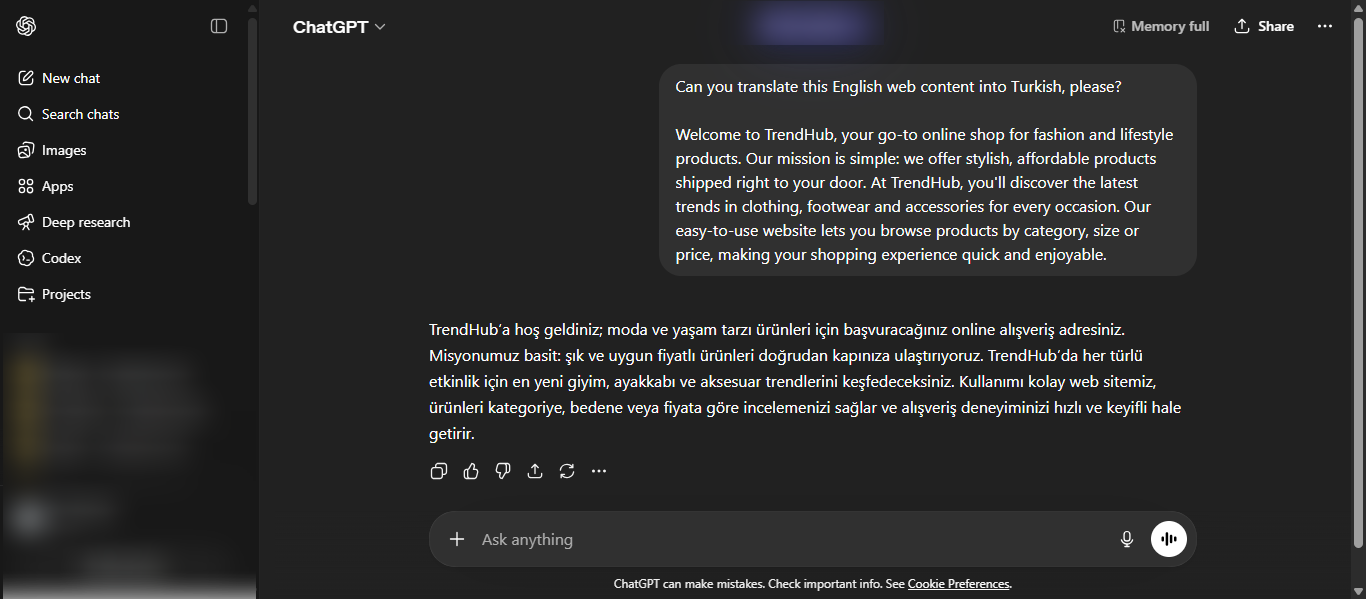
ChatGPT AI is a generative AI Translation tool developed by OpenAI that can translate text across multiple languages using advanced language models. It understands context, tone, and intent, allowing it to produce more natural and flexible translations compared to traditional machine translation tools.
How to Use ChatGPT AI for AI Translation
- Open ChatGPT in your browser or app.
- Paste the text you want to translate.
- Specify the target language and tone if needed.
- Generate the translation instantly.
- Ask for alternative versions or refinements.
- Reuse prompts for consistent translation results.
Where ChatGPT AI is Used in AI Translation
- Text and document translation.
- Content rewriting and localization.
- Customer support and communication.
- Marketing and creative content translation.
- Educational and research purposes.
ChatGPT is widely used for flexible AI Translation tasks where tone, style, and customization are important.
Who Should Use ChatGPT AI
- Content creators and marketers.
- Businesses needing flexible translations.
- Students and researchers.
- Developers using API-based workflows.
- Anyone looking for customizable AI Translation.
Limitations
- No built-in translation memory for consistency.
- Requires manual prompts for repeated tasks.
- Accuracy may vary depending on input quality.
- Not designed for structured localization workflows.
Pricing
ChatGPT AI offers both free and paid plans, with advanced features, faster responses, and API access available in premium options.
10) Gemini AI
What is Gemini AI?
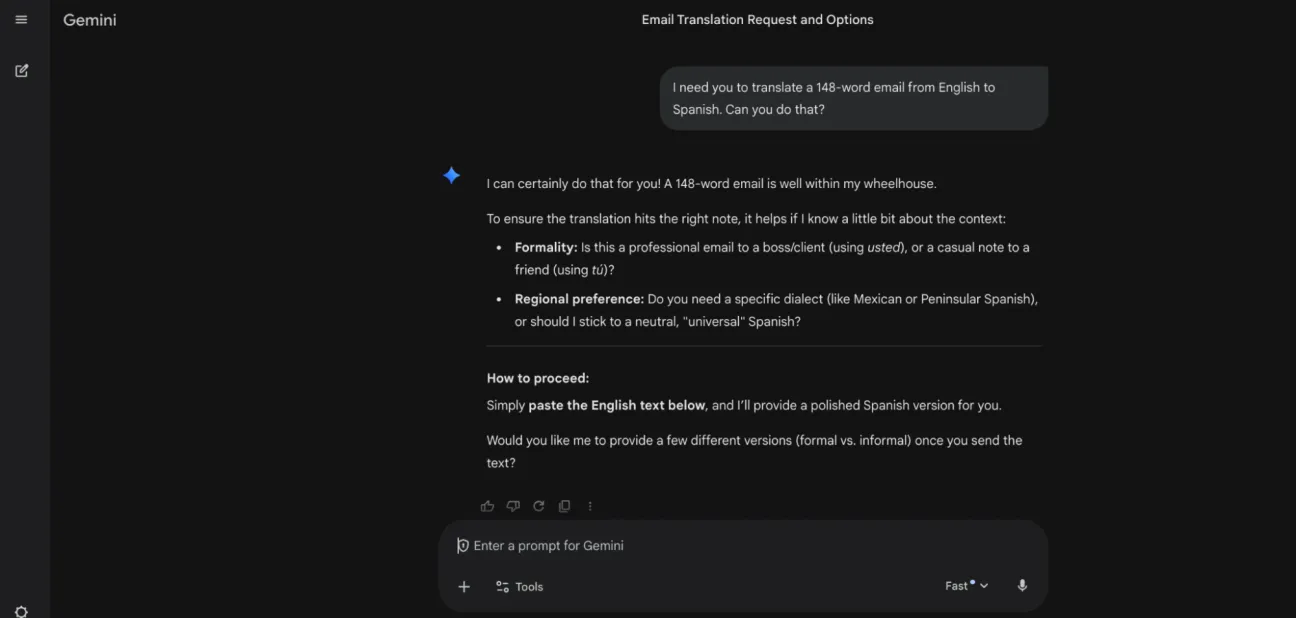
Gemini AI is a multimodal AI Translation tool developed by Google that can translate text, speech, images, and documents across multiple languages using advanced large language models. It understands context, tone, and meaning, enabling more natural and accurate translations compared to traditional tools.
How to Use Gemini AI for AI Translation
- Open the Gemini app or web platform.
- Enter or paste the text you want to translate.
- Specify the target language and context if needed.
- Generate the translation instantly.
- Upload files, images, or audio for advanced translation tasks.
- Refine output by asking for tone, style, or alternative versions.
Where Gemini AI is Used in AI Translation
- Text and document translation.
- Real-time speech and conversation translation.
- Image and multimedia translation.
- Large document and codebase translation.
- Multilingual content creation and localization.
Gemini AI supports translation across many languages and can process multiple formats at once, making it useful for complex and large-scale AI Translation tasks.
Who Should Use Gemini AI
- Businesses handling large multilingual content.
- Developers and technical teams.
- Content creators and marketers.
- Researchers working with global data.
- Users needing advanced and flexible AI Translation.
Limitations
- No built-in translation memory for consistency.
- Output may vary depending on prompts.
- Not a dedicated localization workflow tool.
- Advanced features may require API or ecosystem usage.
Pricing
Gemini AI offers free access with basic features, while advanced capabilities and API usage are available through paid plans and Google Cloud services.
11) Claude AI
What is Claude AI?
Claude AI is a generative AI Translation tool developed by Anthropic that uses advanced large language models to translate, rewrite, and analyze text across multiple languages. It is designed for natural, context-aware communication and can produce accurate, human-like translations while maintaining tone and meaning.
How to Use Claude AI for AI Translation
- Open Claude AI in your browser or app.
- Paste the text you want to translate.
- Specify the target language and any tone or context.
- Generate the translation instantly.
- Refine the output by asking for edits or alternative versions.
- Reuse prompts for consistent AI Translation results.
Where Claude AI is Used in AI Translation
- Text and document translation.
- Long-form content and research translation.
- Content rewriting and localization.
- Customer communication and support.
- Educational and professional use cases.
Claude AI is especially strong in handling long and complex text due to its large context window and advanced reasoning capabilities.
Who Should Use Claude AI
- Content creators and writers.
- Businesses handling detailed documents.
- Researchers and analysts.
- Developers and technical teams.
- Users needing high-quality, context-aware AI Translation.
Limitations
- No built-in translation memory for consistency.
- Requires prompts for structured workflows.
- Limited integrations compared to enterprise localization tools.
- Primarily text-focused with fewer multimedia capabilities.
Pricing
Claude AI offers free and paid plans, with advanced models and higher usage limits available through subscription and API-based access.
12) QuillBot AI
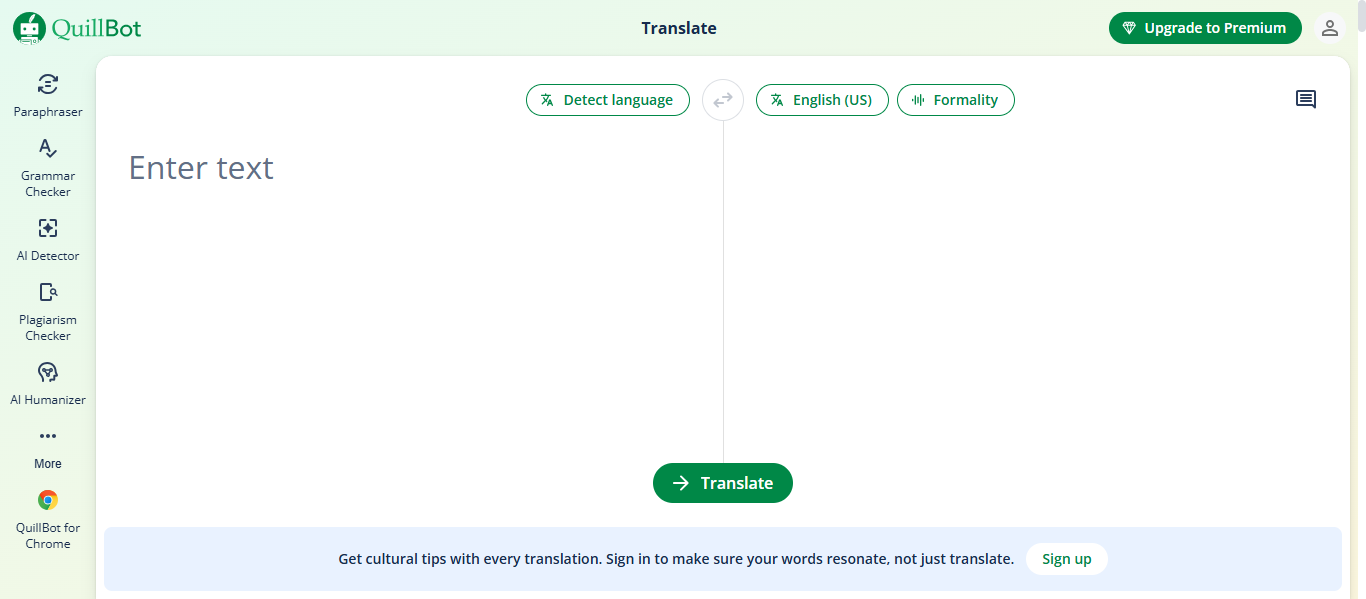
What is QuillBot AI?
QuillBot AI is an AI Translation and writing assistant tool that translates text across multiple languages while also improving grammar, tone, and clarity. It uses advanced AI models to deliver context-aware translations, making it especially useful for writing, rewriting, and multilingual content creation.
How to Use QuillBot AI for AI Translation
- Open the QuillBot Translate tool in your browser.
- Paste or type the text you want to translate.
- Select the source and target languages.
- Click translate to generate instant output.
- Edit or refine the translated text if needed.
- Copy or export the final result for use.
Where QuillBot AI is Used in AI Translation
- Text and paragraph translation.
- Academic and research content translation.
- Email and business communication.
- Blog and content writing.
- Language learning and practice.
QuillBot is widely used alongside its other writing tools, making it useful for improving both translation and writing quality.
Who Should Use QuillBot AI
- Students and researchers.
- Content writers and bloggers.
- Marketers and professionals.
- Non-native speakers improving language skills.
- Users needing simple and fast AI Translation.
Limitations
- Not designed for enterprise localization workflows.
- Limited advanced translation controls compared to dedicated tools.
- Accuracy may vary for complex or technical content.
- Some features are restricted in the free version.
Pricing
QuillBot AI offers a free translation tool with optional premium plans that provide higher limits and access to advanced features.
13) Copy.ai
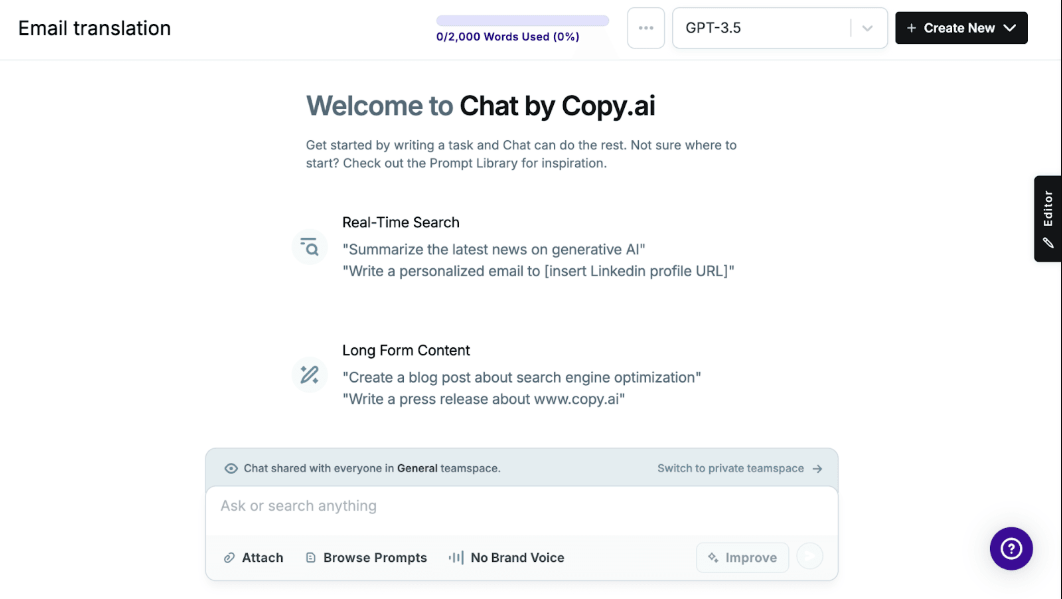
What is Copy.ai?
Copy.ai is a generative AI Translation and content creation platform that helps users translate, generate, and optimize marketing content across multiple languages. It uses advanced AI models and workflows to automate multilingual content creation, making it easier to scale global communication and localization.
How to Use Copy.ai for AI Translation
- Open the Copy.ai platform in your browser.
- Create a new workflow or select a translation tool.
- Paste your text or input content such as marketing copy or product descriptions.
- Choose the target language and provide tone or style instructions.
- Generate translations instantly using AI.
- Edit and refine the output for accuracy and brand voice consistency.
Where Copy.ai is Used in AI Translation
- Marketing content and ad copy translation.
- Product descriptions and eCommerce localization.
- Social media and blog content translation.
- Email campaigns and sales communication.
- Automated multilingual content workflows.
Copy.ai is mainly used for content-focused AI Translation, especially where brand voice and tone matter.
Who Should Use Copy.ai
- Marketing teams and content creators.
- Businesses scaling global content.
- eCommerce and SaaS companies.
- Sales and growth teams.
- Users needing AI Translation with content generation.
Limitations
- Not a dedicated localization or translation management system.
- No built-in translation memory for long-term consistency.
- Requires prompts and workflows for best results.
- Less suitable for technical or legal translations.
Pricing
Copy.ai offers free and paid plans with scalable features, including workflow automation, higher usage limits, and advanced AI capabilities for teams and enterprises.
14) TextUnited AI
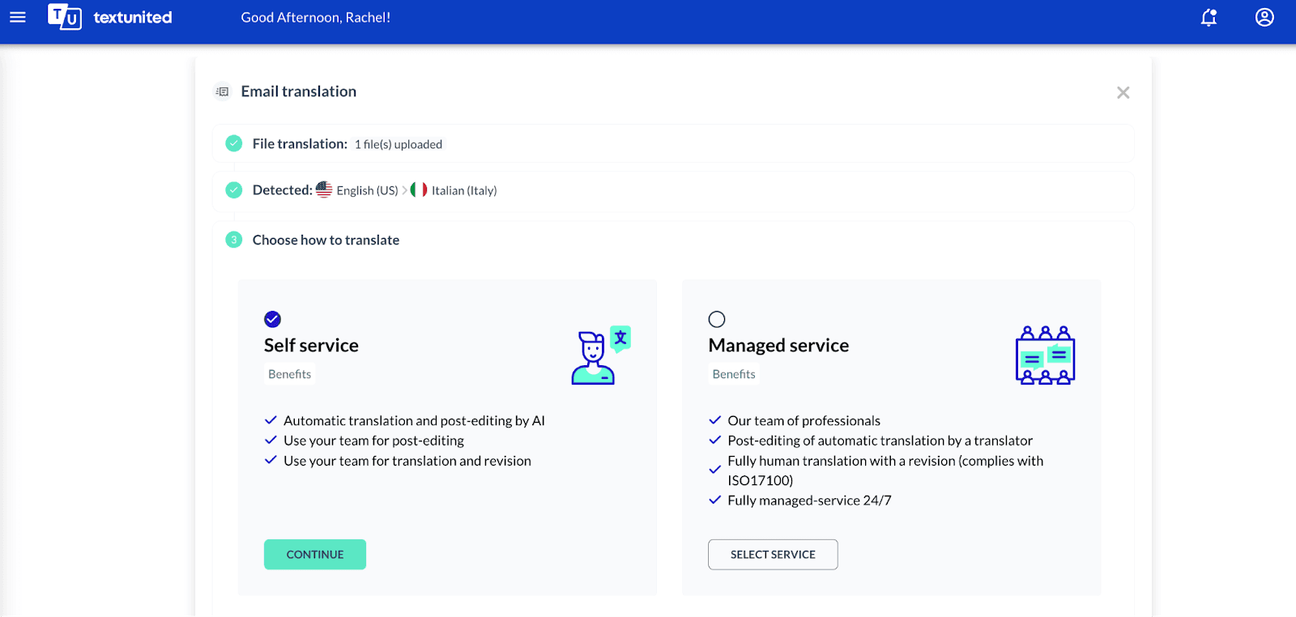
What is TextUnited AI?
TextUnited AI is a cloud-based AI Translation and localization platform that combines AI translation, translation memory, and human collaboration in one system. It is designed to manage complex multilingual content while maintaining consistency, accuracy, and control across all translation workflows.
How to Use TextUnited AI for AI Translation
- Open the TextUnited platform in your browser.
- Upload files such as documents, websites, or product content.
- Select source and target languages.
- Run AI Translation with built-in language models.
- Apply translation memory and terminology rules automatically.
- Review and approve translations within the platform.
- Export translated content with original formatting preserved.
Where TextUnited AI is Used in AI Translation
- Website and software localization.
- Business and technical document translation.
- Product content and catalog translation.
- Customer support and knowledge base translation.
- Multilingual content management across teams.
TextUnited is especially useful for managing continuous and large-scale AI Translation workflows with automation and integrations.
Who Should Use TextUnited AI
- Enterprises managing complex multilingual content.
- Localization and product teams.
- Developers integrating translation into workflows.
- Businesses scaling global communication.
- Teams needing structured and consistent AI Translation systems.
Limitations
- Can be complex for beginners and small teams.
- Requires setup for workflows and integrations.
- Not ideal for quick or one-time translations.
- Advanced features may need technical understanding.
Pricing
TextUnited AI offers a free plan for basic usage, along with scalable subscription plans for teams and enterprises with advanced features and higher usage limits.
15) Taia AI
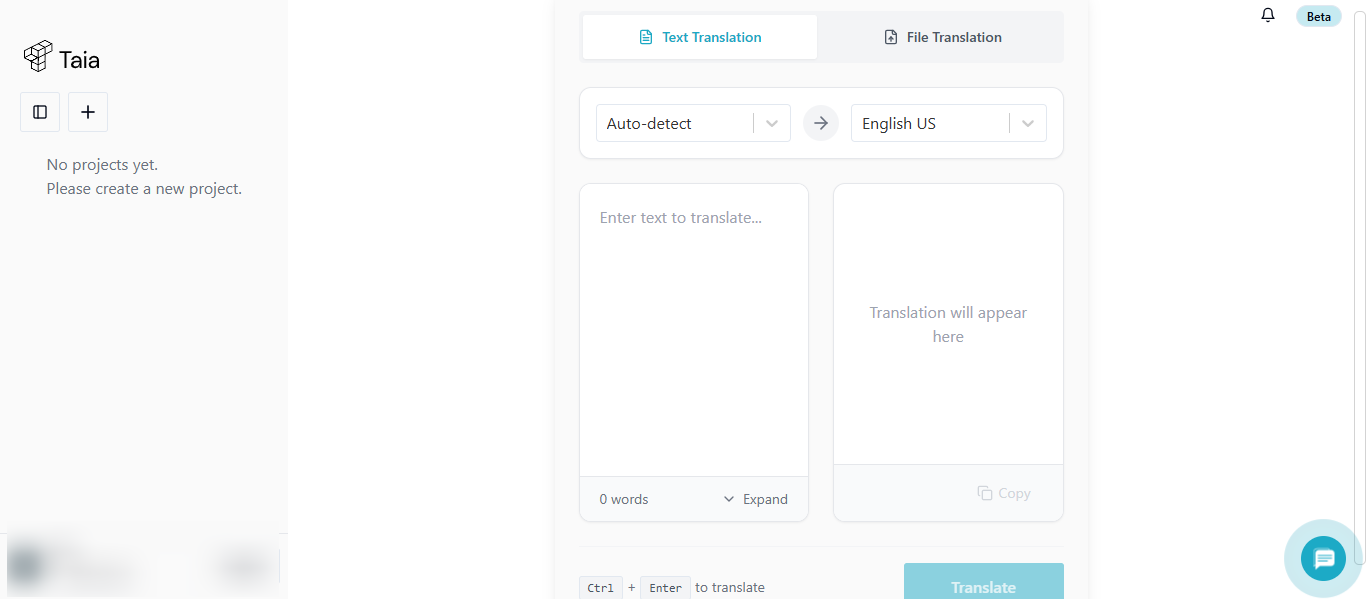
What is Taia AI?
Taia AI is an AI Translation and localization platform that combines AI-powered translation, team collaboration tools, and professional human linguists in one system. It is designed for businesses to translate documents, websites, and content efficiently while maintaining accuracy, consistency, and brand voice.
How to Use Taia AI for AI Translation
- Open the Taia AI platform in your browser.
- Upload files such as documents, PDFs, or website content.
- Select source and target languages.
- Run AI Translation to generate instant results.
- Edit translations using built-in tools or collaborate with your team.
- Request professional human review if higher accuracy is needed.
- Download translated files with formatting preserved.
Where Taia AI is Used in AI Translation
- Business document and file translation.
- Website and product localization.
- Marketing and multilingual campaigns.
- Technical, legal, and enterprise content translation.
- Large-scale content workflows with team collaboration.
Taia AI supports full document translation with formatting preserved and works well for high-volume business content.
Who Should Use Taia AI
- Businesses managing multilingual content.
- Marketing and localization teams.
- Enterprises handling large document volumes.
- Teams needing AI plus human translation workflows.
- Organizations requiring consistent and scalable AI Translation.
Limitations
- Can be complex for beginners due to multiple workflow options.
- Requires setup to fully use collaboration and automation features.
- Not ideal for quick one-time translations.
- Best suited for structured and ongoing translation projects.
Pricing
Taia AI offers a free plan with limited usage, along with scalable paid plans that include advanced features, higher limits, and enterprise-level capabilities.
16) SYSTRAN AI
What is SYSTRAN AI?
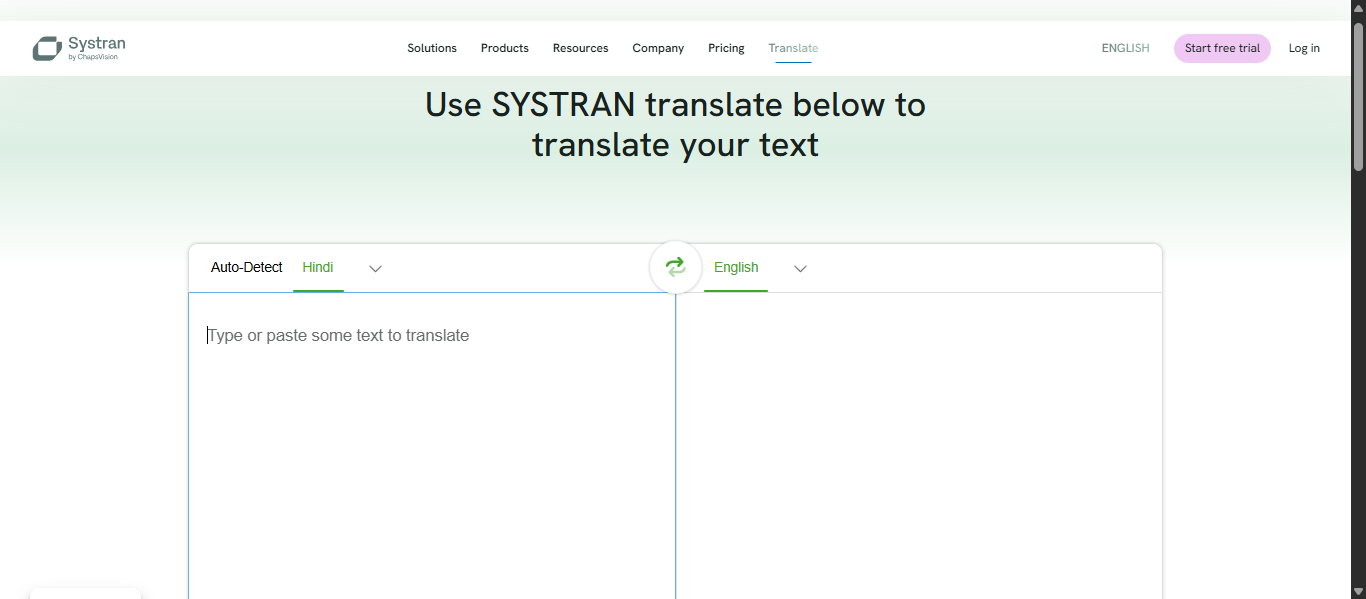
SYSTRAN AI is an enterprise-level AI Translation platform that uses neural machine translation and advanced language technologies to deliver fast, accurate, and secure translations. It is one of the oldest machine translation systems and is designed for businesses that need scalable, customizable, and confidential multilingual communication.
How to Use SYSTRAN AI for AI Translation
- Open the SYSTRAN platform in your browser or enterprise system.
- Paste text or upload documents such as Word, PDF, or web content.
- Select source and target languages.
- Run AI Translation to generate instant results.
- Use plugins or integrations to translate directly inside tools like email or CMS.
- Customize translations using dictionaries and terminology rules.
Where SYSTRAN AI is Used in AI Translation
- Enterprise document translation.
- Government and defense communication.
- Technical, legal, and medical content translation.
- Website and product localization.
- Large-scale multilingual workflows.
SYSTRAN is widely used in industries that require high accuracy and data security, including government and enterprise environments.
Who Should Use SYSTRAN AI
- Enterprises handling sensitive and large-scale content.
- Government and regulated industries.
- Localization and technical teams.
- Businesses needing secure AI Translation solutions.
- Organizations requiring customization and control over translations.
Limitations
- Can be complex for beginners and small teams.
- Requires setup and integration for full functionality.
- Not ideal for quick or casual translations.
- Advanced features may need technical knowledge.
Pricing
SYSTRAN AI offers subscription-based and enterprise pricing models, including cloud and on-premise deployment options with scalable features.
17) Yandex Translate AI
What is Yandex Translate AI?
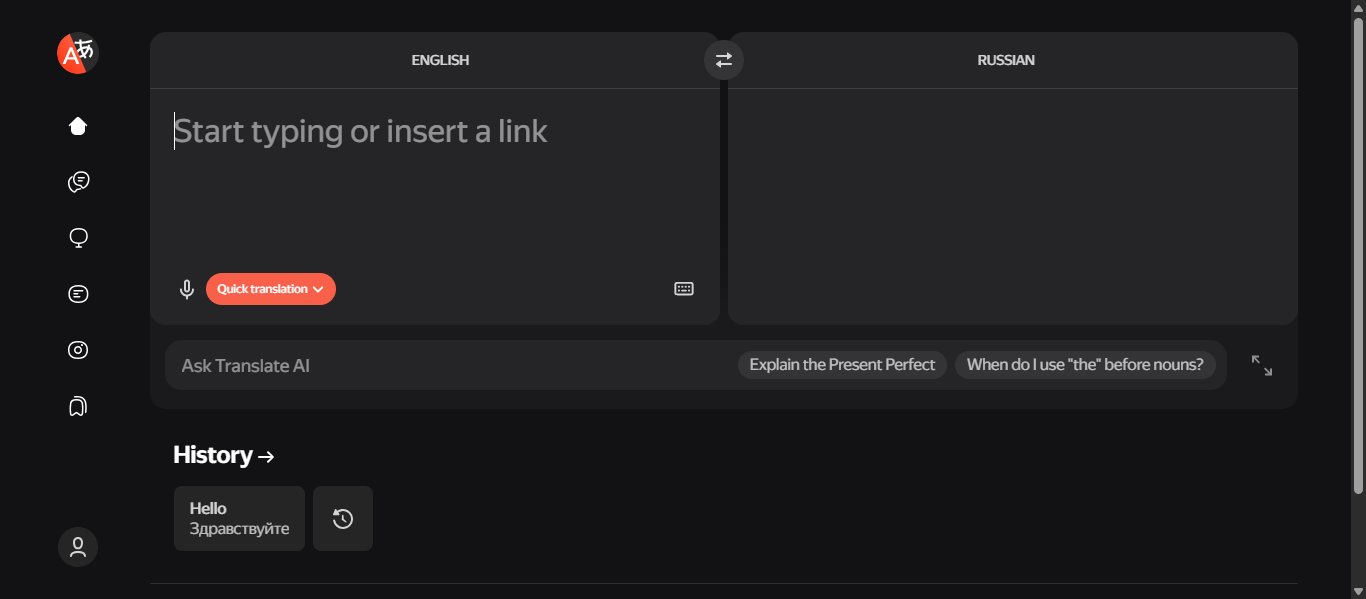
Yandex Translate AI is an AI Translation tool developed by Yandex that translates text, speech, images, and web pages across multiple languages. It uses a hybrid system combining neural machine translation and statistical models to understand context and deliver more accurate and natural translations.
How to Use Yandex Translate AI for AI Translation
- Open the Yandex Translate website in your browser.
- Paste or type the text you want to translate.
- Select the target language or use auto-detect.
- Get instant translated output.
- Upload images or use voice input for translation.
- Translate entire web pages directly using the tool.
Where Yandex Translate AI is Used in AI Translation
- Text and document translation.
- Website and web page translation.
- Voice and speech translation.
- Image and camera-based translation.
- Multilingual communication in everyday and business use.
Yandex Translate supports over 100 languages and is especially strong for Russian and Eastern European language pairs.
Who Should Use Yandex Translate AI
- Individuals needing quick AI Translation.
- Students and language learners.
- Travelers and casual users.
- Businesses working with Russian or regional languages.
- Users needing multi-format translation such as text, voice, and images.
Limitations
- Accuracy may vary for complex or technical content.
- Less popular globally compared to some competitors.
- Limited enterprise-level localization features.
- May require manual review for critical translations.
Pricing
Yandex Translate AI is free for general use, with API-based services available for businesses that need scalable and automated translation solutions.
18) Microsoft Translator AI
What is Microsoft Translator AI?
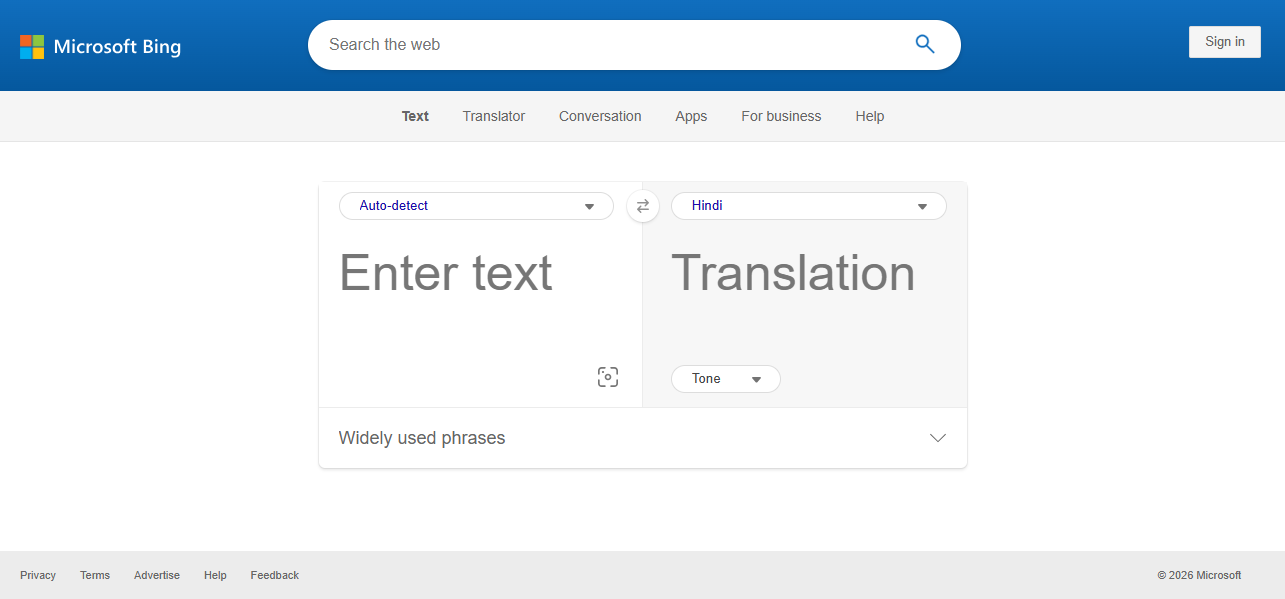
Microsoft Translator AI is a cloud-based AI Translation tool developed by Microsoft that translates text, speech, images, and conversations across multiple languages using neural machine translation. It is integrated into products like Bing, Microsoft Office, and apps, enabling real-time and scalable multilingual communication.
How to Use Microsoft Translator AI for AI Translation
- Open the Microsoft Translator or Bing Translator website.
- Paste or type the text you want to translate.
- Select the target language or use auto-detect.
- Get instant translated output.
- Use voice, image, or conversation mode for real-time translation.
- Translate full web pages or documents directly.
Where Microsoft Translator AI is Used in AI Translation
- Text and document translation.
- Real-time conversation and speech translation.
- Website and web page translation.
- Image and camera-based translation.
- Business applications and multilingual workflows.
Microsoft Translator supports over 100 languages and works across web, mobile, and enterprise systems, making it suitable for both personal and professional use.
Who Should Use Microsoft Translator AI
- Individuals needing quick AI Translation.
- Businesses integrating translation into applications.
- Developers using API-based translation.
- Students and travelers.
- Teams requiring real-time multilingual communication.
Limitations
- Accuracy may vary for complex or domain-specific content.
- Limited customization compared to dedicated localization platforms.
- Requires API or cloud setup for advanced use cases.
- Not ideal for managing long-term translation consistency.
Pricing
Microsoft Translator AI offers free usage for basic translation, with scalable paid options available through Azure-based API services for businesses and developers.
AI Translation Agents
What Are AI Translation Agents?
AI Translation agents are intelligent systems that automate the entire AI Translation process, not just text conversion. They manage context, terminology, quality checks, and workflow automation to ensure consistent and accurate translations at scale.
How AI Translation Agents Are Changing AI Translation Workflows
- Automate the full translation workflow from input to delivery
- Select the best AI model based on language and content type
- Apply translation memory and terminology rules automatically
- Perform quality checks and detect errors before output
- Integrate with CMS, apps, and business systems
- Reduce manual work and improve translation consistency
Examples of AI Translation Agents
- Smartcat AI automates translation workflows with AI and human collaboration
- MachineTranslation.com compares multiple AI models to select the best translation
- TextUnited AI manages translation memory and automated localization processes
- SYSTRAN AI uses customizable engines for secure and enterprise translation
Tools Offering AI Translation Agent-Like Capabilities
Smartcat AI, MachineTranslation.com, TextUnited AI, and SYSTRAN AI provide agent-like capabilities by going beyond simple AI Translation and managing the entire translation workflow. These platforms can automatically handle content input, apply translation memory and terminology rules, select appropriate AI models, and perform quality checks before delivering the final output. They also integrate with business systems such as CMS platforms, development tools, and content pipelines, allowing continuous and automated translation without manual intervention. This makes them suitable for large-scale multilingual operations where consistency, accuracy, and efficiency are critical. Unlike basic AI Translation tools, these systems act as centralized control layers that coordinate translation tasks, maintain brand consistency, and streamline localization processes across teams and projects.
How to Choose the Right AI Translation Tool
Choosing the right AI Translation tool depends on your specific use case, accuracy needs, and workflow requirements. The best tool is not the one with the most features, but the one that fits your translation goals effectively.
Identify Your Use Case
- Start by understanding what you need the tool for.
- Use simple tools like Google Translate AI or QuillBot AI for quick translations.
- Choose tools like DeepL AI for high-quality and natural translations.
- Use platforms like Smartcat AI or TextUnited AI for business and localization workflows.
Check Translation Accuracy
- Accuracy is critical for AI Translation.
- Tools like DeepL AI and ChatGPT AI provide more natural and context-aware translations.
- For sensitive or professional content, always choose tools that maintain tone and meaning.
Evaluate Language Support
- Make sure the tool supports the languages you need.
- Google Translate AI offers broad language coverage.
- Papago AI performs better for Asian languages.
Look for Workflow and Integration Features
- If you are handling large-scale content, choose tools with automation.
- Smartcat AI and SYSTRAN AI offer workflow management and integrations.
- API support is important for developers and businesses.
Consider Ease of Use
- For beginners, simple tools are better.
- Google Translate AI and QuillBot AI are easy to use with minimal setup.
- Advanced tools may require training and setup.
Check Scalability and Performance
- For businesses, scalability matters.
- Tools like Amazon Translate, Smartcat AI, and TextUnited AI handle large volumes efficiently.
- Choose tools that grow with your needs.
Review Pricing and Value
- Compare free and paid plans based on your usage.
- Free tools are suitable for basic tasks.
- Paid tools offer better accuracy, security, and advanced features.
Future of AI Translation
- AI Translation will become more context-aware and human-like – Future models will better understand tone, intent, and cultural nuances, reducing the need for manual editing
- Real-time translation will become more accurate and seamless – Voice and live translation tools will improve, enabling smooth conversations across languages without delays
- AI Translation agents will automate complete workflows – AI systems will handle content updates, quality checks, and delivery automatically instead of just translating text
- Multimodal translation will expand beyond text – AI will translate images, videos, audio, and live interactions within a single workflow
- Personalization and brand voice control will improve – Businesses will train AI to maintain tone, terminology, and style across all languages
- Integration with business tools will become standard – AI Translation will connect directly with CMS, apps, and communication platforms for continuous translation
- Human and AI collaboration will remain important – AI will handle speed and scale, while humans will ensure accuracy, creativity, and quality
- Security and privacy will become a major focus – More tools will offer secure, enterprise-grade translation for sensitive data and regulated industries
Conclusion
AI Translation tools have become essential for breaking language barriers and enabling global communication across businesses and individuals. From quick translation tools to advanced AI-driven platforms, each solution serves a specific purpose based on accuracy, scalability, and workflow needs. Choosing the right AI Translation tool depends on your use case, but combining speed, context awareness, and automation is key to achieving effective and reliable results.
FAQs
Which AI Translation tool is best for accuracy?
DeepL AI is widely considered the best for accuracy, while ChatGPT AI and Claude AI provide strong context-aware translations for complex and long-form content.
Which AI Translation tool is best for businesses?
Smartcat AI, TextUnited AI, and SYSTRAN AI are best for businesses because they offer workflow automation, translation memory, and integration features for scalable AI Translation.
Can AI Translation tools handle real-time translation?
Yes, tools like Wordly AI, JotMe AI, and Google Translate AI support real-time translation for meetings, conversations, and live events with speech and caption features.
What features should I look for in AI Translation tools?
Look for accuracy, language support, real-time translation, integration options, and workflow automation. Advanced tools also offer translation memory and glossary support for consistency.
Are AI Translation tools safe for business use?
Many AI Translation tools offer secure and enterprise-grade solutions, but businesses should choose tools with data protection, privacy controls, and compliance features for sensitive content.