
AI game development tools are the fastest way to build games today, and the best options right now are Ludo.ai, Scenario, and Rosebud AI for most developers. These tools reduce development time, automate asset creation, and simplify coding, making them essential for both beginners and professional studios.
AI game development is no longer experimental. It is now a practical workflow used to speed up asset creation, improve game design, and automate repetitive tasks. These tools do not replace developers. They improve productivity across every stage, from ideation to testing. Whether you are an indie creator or part of a studio, choosing the right AI game development tools can improve efficiency, reduce costs, and help you build better games faster.
List of AI Game Development Tools
- Rosebud AI
- Base 44 AI
- Ludo.ai
- GitHub Copilot AI
- Scenario AI
- Meshy AI
- Leonardo AI
- Layer AI
- Promethean AI
- Skybox AI
- InWorld AI
- Charisma AI
- Cascadeur AI
- modl.ai
AI Game Development Tools Comparison Table
| Tool Name | Primary Use | Key Features | Best For | Pricing |
|---|---|---|---|---|
| Rosebud AI | Game prototyping | Text-to-game, code + asset generation | Rapid prototyping, beginners | Freemium |
| Base 44 AI | Game generation | Text-to-game creation, automated gameplay logic | Text-to-game creation, automated gameplay logic | Freemium |
| Ludo.ai | Game ideation | Market analysis, idea generation | Indie developers, planning | Freemium |
| GitHub Copilot AI | Code Generation | AI coding assistant, auto-complete | Developers, scripting | Paid (subscription) |
| Scenario AI | Asset creation | Custom AI models, style consistency | Game artists | Freemium |
| Meshy AI | 3D model generation | Text-to-3D, fast exports | 3D assets, prototyping | Subscription |
| Leonardo AI | Visual design | Image generation, concept art | Beginners, designers | Freemium |
| Layer AI | Environment design | Style-trained asset generation | Large environments | Paid |
| Promethean AI | Scene building | AI-assisted environment creation | Level designers | Enterprise / Free (limited) |
| Skybox AI | Background generation | AI skyboxes, environment visuals | World design | Freemium |
| InWorld AI | NPC development | Real-time AI characters, dialogue | Story-driven games | Paid |
| Charisma AI | Dialogue systems | Interactive storytelling, conversations | RPGs, narrative games | Freemium |
| Cascadeur AI | Animation | Physics-based animation tools | Character animation | Paid |
| ElevenLabs AI | Voice generation | AI voice, text-to-speech | Voiceovers, NPC voices | Freemium |
| AIVA AI | Music creation | AI-generated music tracks | Game soundtracks | Freemium |
| Soundraw AI | Audio generation | Custom background music | Game audio | Subscription |
| modl.ai | Game testing | Automated testing, bug detection | QA teams | Enterprise |
Game Generation and Prototyping
1) Rosebud AI
What is Rosebud AI?
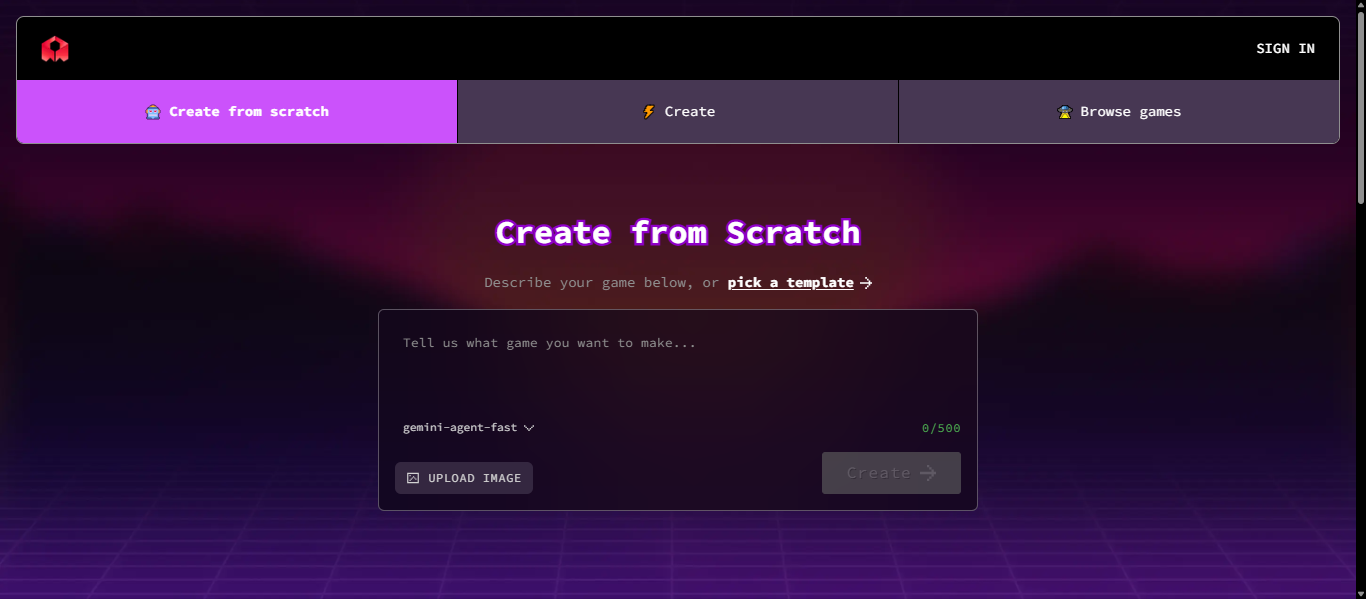
Rosebud AI is a no-code AI game development platform that converts simple text prompts into fully playable games, including code, assets, and gameplay logic. It allows users to create, edit, and publish games directly in the browser without needing programming or design experience.
How to Use Rosebud AI for AI Game Development
- Open the platform and start a new project
- Enter your game idea as a prompt
- AI generates code, assets, and gameplay
- Edit characters, scenes, and mechanics
- Preview the game instantly
- Publish or share your game
Key Features of Rosebud AI
- Text-to-game generation from prompts
- No coding required for game creation
- Built-in asset and environment generation
- AI-powered NPC and gameplay systems
- Browser-based editor with instant preview
- Multiple game formats like RPG and story games
Where Rosebud AI is Used in AI Game Development
- Rapid game prototyping
- Idea validation and testing
- Asset and gameplay creation
- Beginner-friendly game building
- Quick publishing and sharing
Who Should Use Rosebud AI
- Beginners with no coding experience
- Indie developers testing ideas
- Small teams building prototypes
- Educators and content creators
Pricing
Freemium model with free access for basic use. Paid plans unlock advanced features and higher usage limits.
2) Base 44 AI
What is Base44 AI?
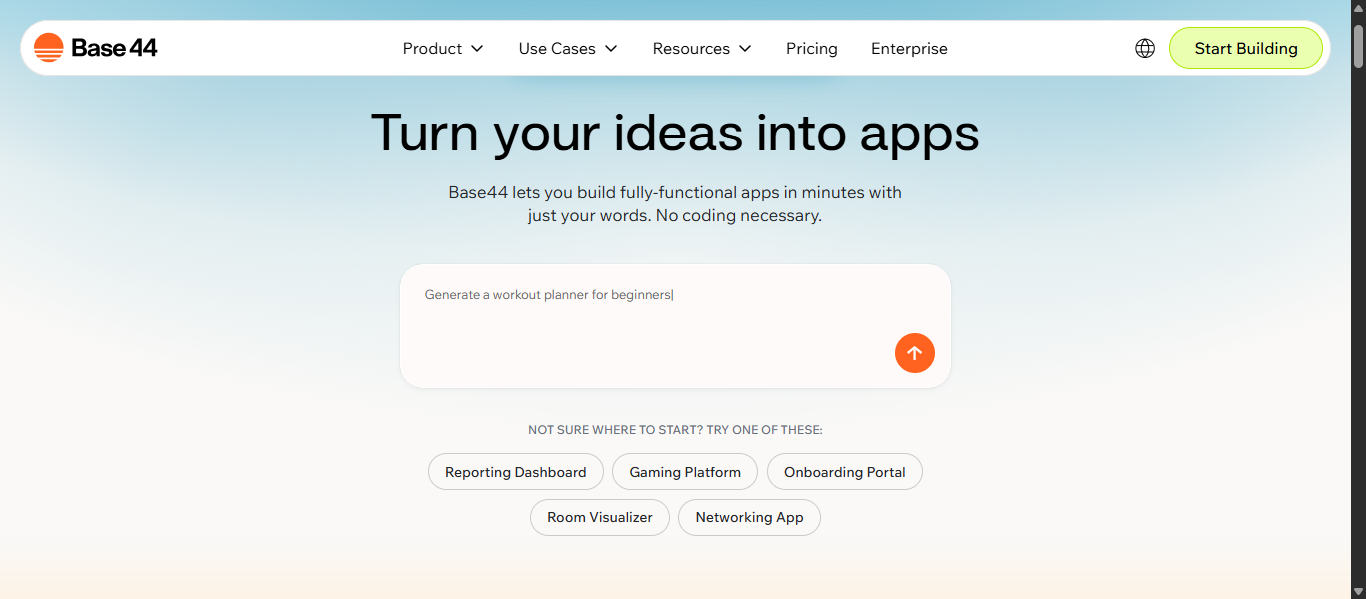
Base44 AI is a no-code AI platform that turns simple text prompts into fully functional applications with built-in logic, database, and user systems. In AI game development, it is used for rapid prototyping, backend logic creation, and building game-related tools without coding.
How to Use Base44 AI for AI Game Development
- Open Base44 AI and create a new project
- Describe your app or game idea using natural language
- The AI generates a working app with UI, logic, and database
- Customize workflows, features, and design
- Add integrations or automation if needed
- Test and deploy your prototype or tool
Key Features of Base44 AI
- Text-to-app generation using natural language prompts
- Builds full-stack apps including frontend, backend, and database
- No coding required for creating functional applications
- Built-in authentication, storage, and infrastructure
- Supports automation, workflows, and integrations
- Fast prototyping and MVP creation in minutes
Where Base44 AI is Used in AI Game Development
- Rapid prototyping of game ideas and systems
- Building backend tools and dashboards for games
- Creating game-related web apps and admin panels
- Automating workflows and game logic systems
- Supporting early-stage AI game development projects
Who Should Use Base44 AI
- Indie developers building game prototypes
- Developers creating backend systems for games
- Startups testing game ideas quickly
- Non-technical creators exploring AI game development
Pricing
Free plan available to get started. Paid plans offer higher usage limits, more features, and scalability.
Ideation and Research
3) Ludo.ai
What is Ludo AI?
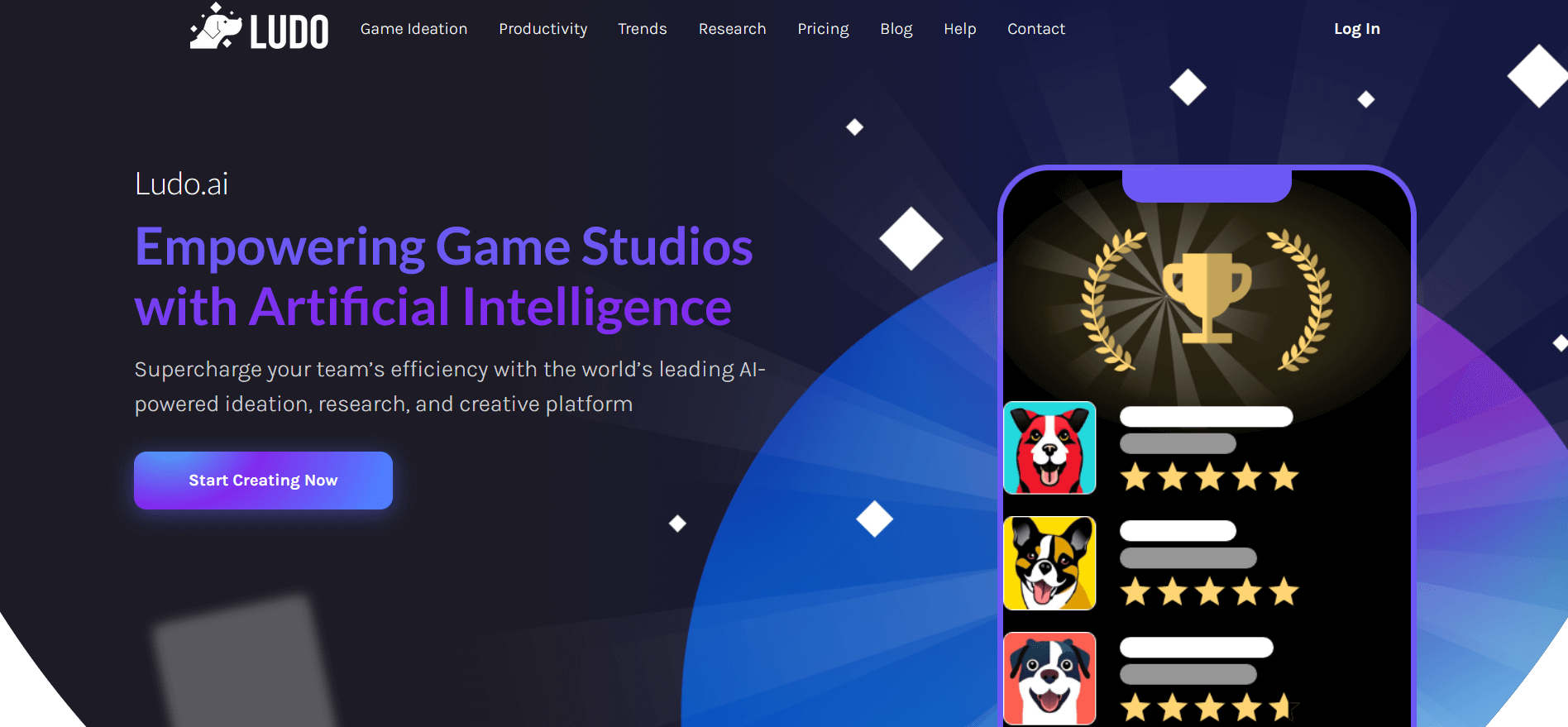
Ludo AI is an AI-powered game development platform designed for ideation, research, and early-stage design, helping developers generate game concepts, assets, and market insights in one place. It combines AI tools for idea generation, asset creation, and trend analysis to support faster and smarter AI game development workflows.
How to Use Ludo AI for AI Game Development
- Enter your game idea, theme, or keyword
- Use the Game Ideator to generate concepts
- Analyze market trends and similar games
- Generate assets like images, sprites, or 3D models
- Create a structured game concept document
- Optionally generate a playable prototype
Key Features of Ludo AI
- AI-powered game idea generation and concept building
- Market analysis and trend tracking for better decisions
- Image, sprite, and 3D asset generation from prompts
- Playable prototype generation for quick testing
- Game research tools with large game database insights
- AI assistant for design guidance and brainstorming
Where Ludo AI is Used in AI Game Development
- Game idea generation and brainstorming
- Market research and competitor analysis
- Pre-production planning and documentation
- Asset creation for early prototypes
- Testing game concepts before development
Who Should Use Ludo AI
- Indie developers validating game ideas
- Game designers planning new projects
- Studios researching market trends
- Beginners exploring AI game development
- Teams working on early-stage concepts
Pricing
Freemium model with a free plan available. Paid plans start around $35 per month with advanced features and higher usage limits.
Coding and Development
4) GitHub Copilot AI
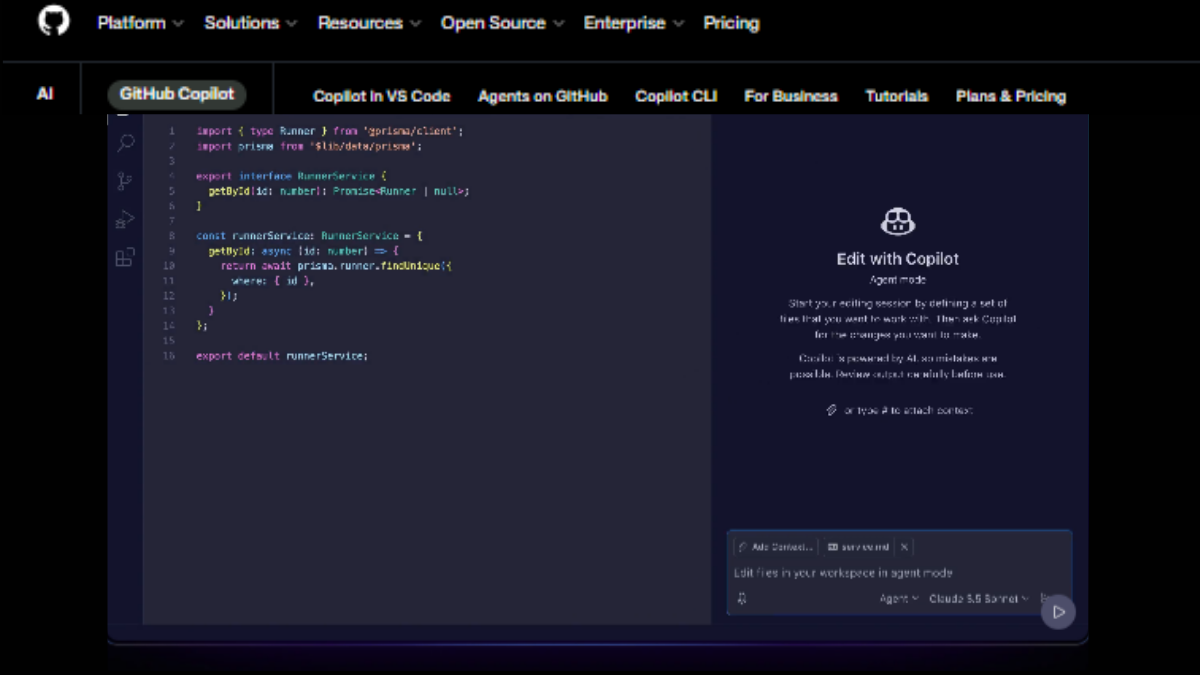
What is GitHub Copilot AI?
GitHub Copilot AI is an AI-powered coding assistant that helps developers write, edit, debug, and understand code in real time using natural language prompts and inline suggestions. In AI game development, it is widely used to generate gameplay scripts, automate coding tasks, and speed up development workflows.
How to Use GitHub Copilot AI for AI Game Development
- Install GitHub Copilot in your IDE such as VS Code or Visual Studio
- Open your game development project
- Start writing code for gameplay, UI, or logic
- Copilot automatically suggests code, functions, or full scripts
- Use Copilot Chat to generate or fix game-related code
- Review, edit, and integrate the generated code into your project
Key Features of GitHub Copilot AI
- Real-time code suggestions and auto-completion
- Generates full functions and multi-line code blocks
- AI chat for debugging and explanations
- Supports multiple programming languages
- Works inside popular IDEs
- Helps refactor and improve existing code
Where GitHub Copilot AI is Used in AI Game Development
- Writing gameplay mechanics and scripts
- Automating repetitive coding tasks
- Debugging and fixing errors
- Building AI behavior systems for NPCs
- Speeding up overall AI game development workflows
Who Should Use GitHub Copilot AI
- Game developers and programmers
- Indie developers building games faster
- Teams working on complex game systems
- Beginners learning coding in AI game development
Pricing
Free plan available with limited usage. Paid plans are subscription-based for individuals and teams with advanced features.
Asset Creation and Design
5) Scenario AI
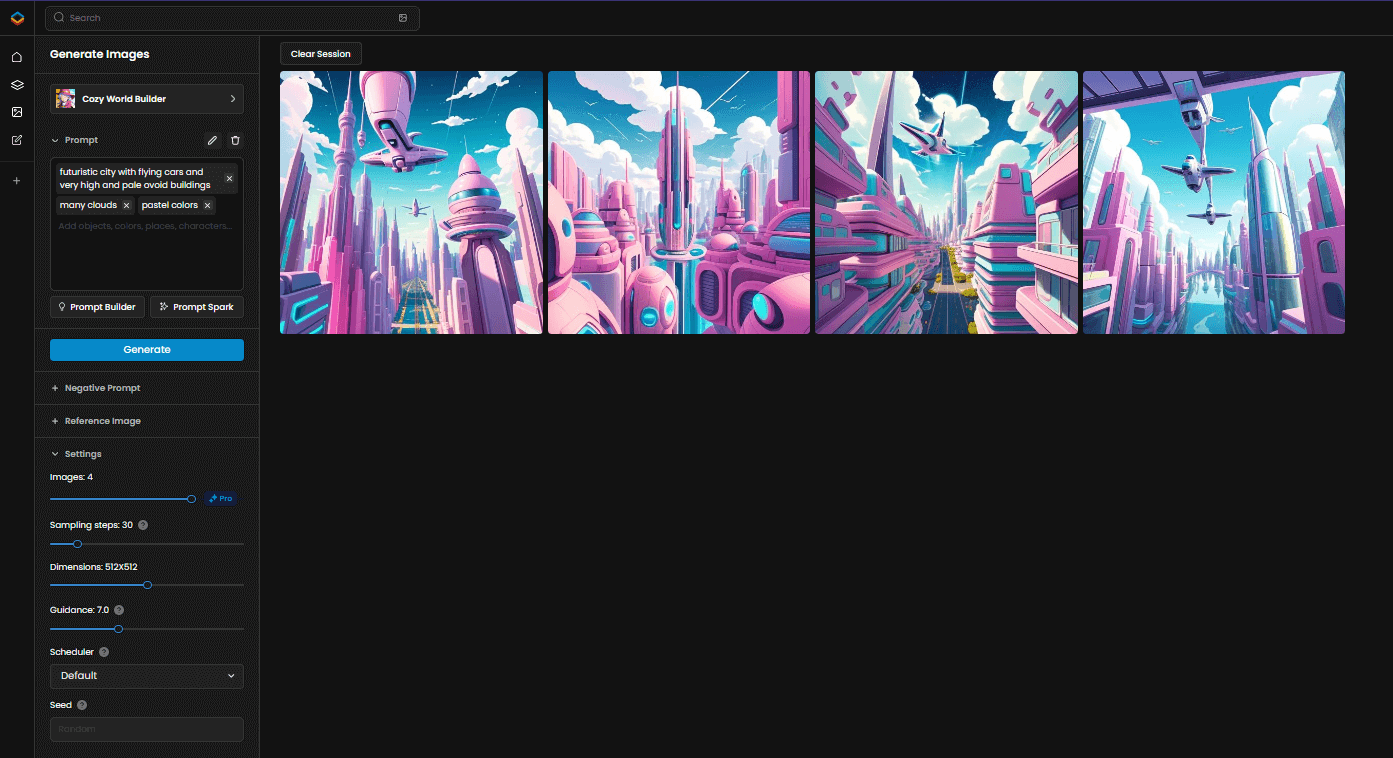
What is Scenario AI?
Scenario AI is an AI-powered platform designed to generate consistent, high-quality game assets such as images, videos, and 3D content using custom-trained models. In AI game development, it is widely used to create style-consistent characters, environments, and assets that match a game’s visual identity.
How to Use Scenario AI for AI Game Development
- Upload your artwork or reference assets
- Train a custom AI model based on your style
- Enter prompts to generate game assets
- Edit and refine visuals using built-in tools
- Export assets for use in game engines
- Scale asset generation for your project
Key Features of Scenario AI
- Custom AI model training for style consistency
- Generates 2D, 3D, and visual assets from prompts
- Advanced editing tools like inpainting and upscaling
- Batch generation for large asset creation
- Integration with game engines like Unity and Unreal
- Maintains consistent characters and environments
Where Scenario AI is Used in AI Game Development
- Game asset creation such as characters and environments
- Concept art and visual design
- UI and creative asset generation
- Large-scale asset production workflows
- Maintaining consistent visual style
Who Should Use Scenario AI
- Game artists and designers
- Indie developers creating assets
- Studios managing large art pipelines
- Teams needing consistent visual output
Pricing
Freemium model with free access available. Paid plans unlock higher usage limits and advanced features.
6) Meshy AI
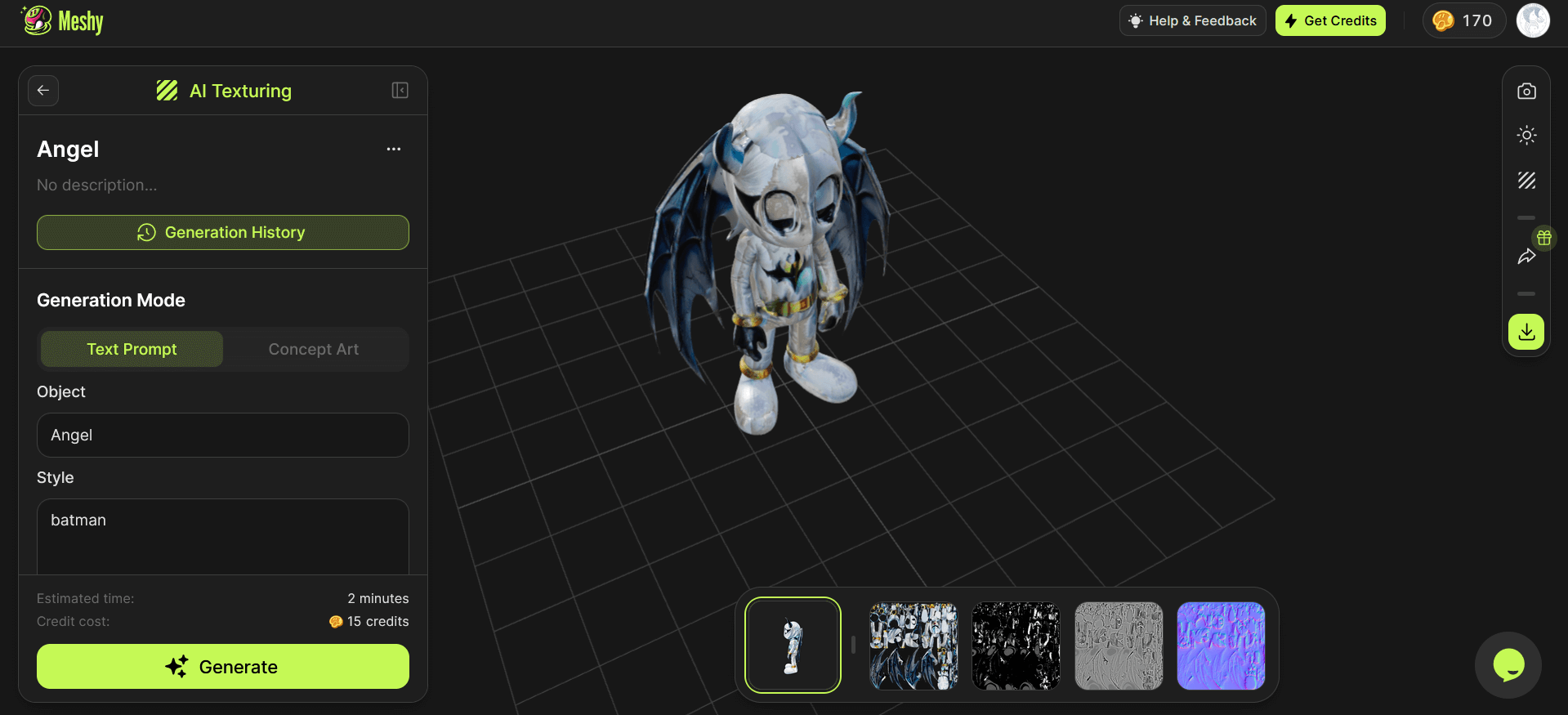
What is Meshy AI?
Meshy AI is an AI-powered 3D model generator that converts text prompts or images into high-quality 3D assets in seconds. In AI game development, it is widely used to create characters, environments, and game-ready models without requiring advanced 3D modeling skills.
How to Use Meshy AI for AI Game Development
- Open Meshy AI in your browser
- Choose text-to-3D or image-to-3D option
- Enter a prompt or upload an image
- Generate a 3D model instantly
- Refine textures, lighting, and details
- Export the model for use in game engines
Key Features of Meshy AI
- Text-to-3D model generation from prompts
- Image-to-3D conversion for fast asset creation
- AI texturing and material generation
- Fast model creation in minutes instead of days
- Supports multiple export formats for game engines
- Beginner-friendly with no advanced 3D skills required
Where Meshy AI is Used in AI Game Development
- Creating 3D characters, props, and environments
- Rapid prototyping of game assets
- Converting concept art into 3D models
- Building asset libraries for games
- Supporting early-stage game design and visualization
Who Should Use Meshy AI
- Game developers and 3D artists
- Indie developers without 3D modeling experience
- Designers creating quick prototypes
- Teams building large asset libraries
Pricing
Freemium model with free access available. Paid plans provide higher usage limits and advanced features.
7) Leonardo AI
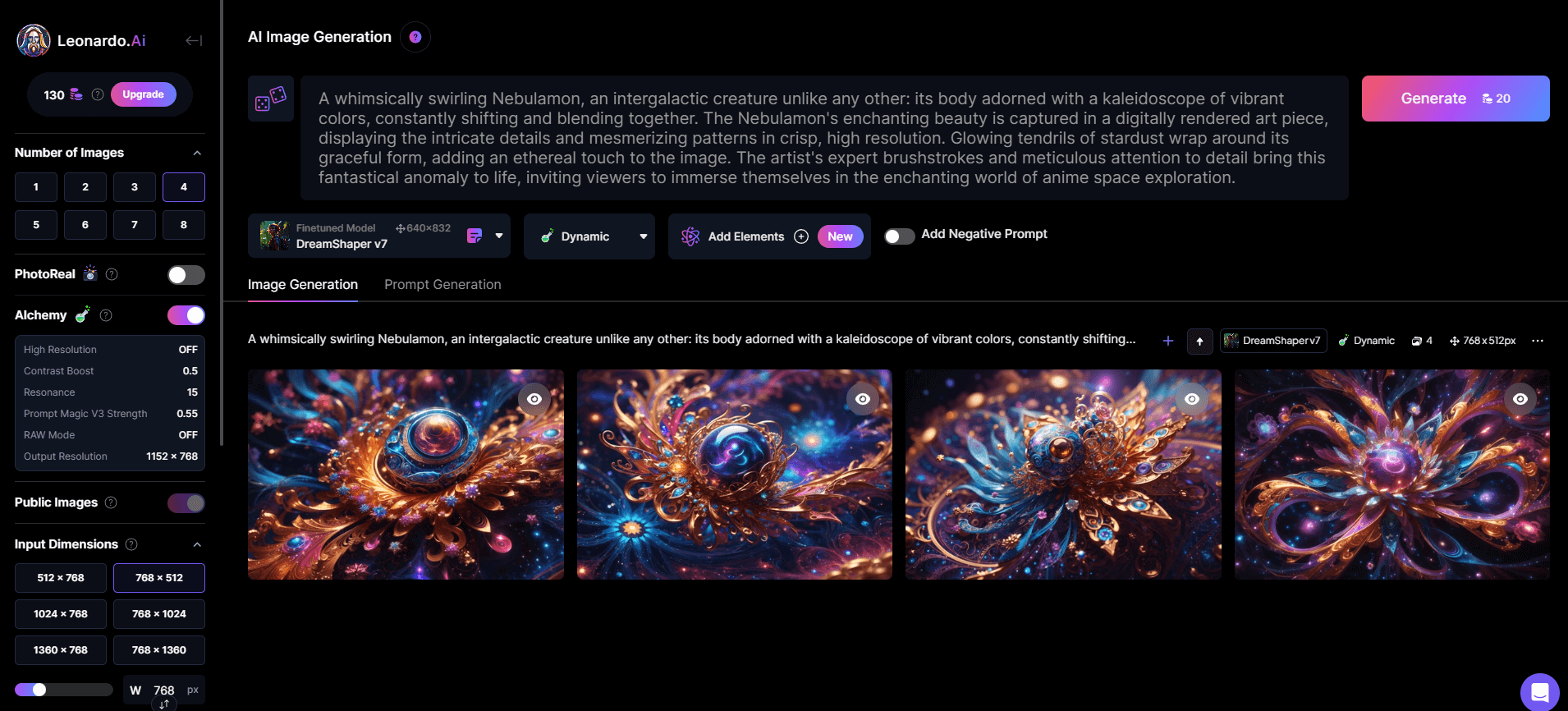
What is Leonardo AI?
Leonardo AI is a generative AI platform that creates high-quality images, game assets, and videos from text prompts or images using advanced AI models. In AI game development, it is widely used to design concept art, characters, environments, and visual assets with consistent style and high creative control.
How to Use Leonardo AI for AI Game Development
- Open Leonardo AI and log in
- Enter a text prompt or upload a reference image
- Choose a model or style for your asset
- Generate images or assets instantly
- Refine results using editing tools
- Upscale and export assets for game use
Key Features of Leonardo AI
- Text-to-image and image-to-image generation
- AI video and animation generation from prompts
- Real-time editing tools like canvas and refinement tools
- Style consistency across multiple assets
- High-resolution upscaling for production-ready visuals
- Custom models and presets for creative control
Where Leonardo AI is Used in AI Game Development
- Creating concept art and visual design
- Generating characters and environments
- Designing UI and game visuals
- Producing marketing and promotional assets
- Supporting early-stage game prototyping
Who Should Use Leonardo AI
- Game designers and artists
- Indie developers creating visual assets
- Studios building consistent art styles
- Beginners exploring AI game development
Pricing
Freemium model with free access available. Paid plans unlock higher usage limits and advanced features.
Environment and World Building
8) Layer AI
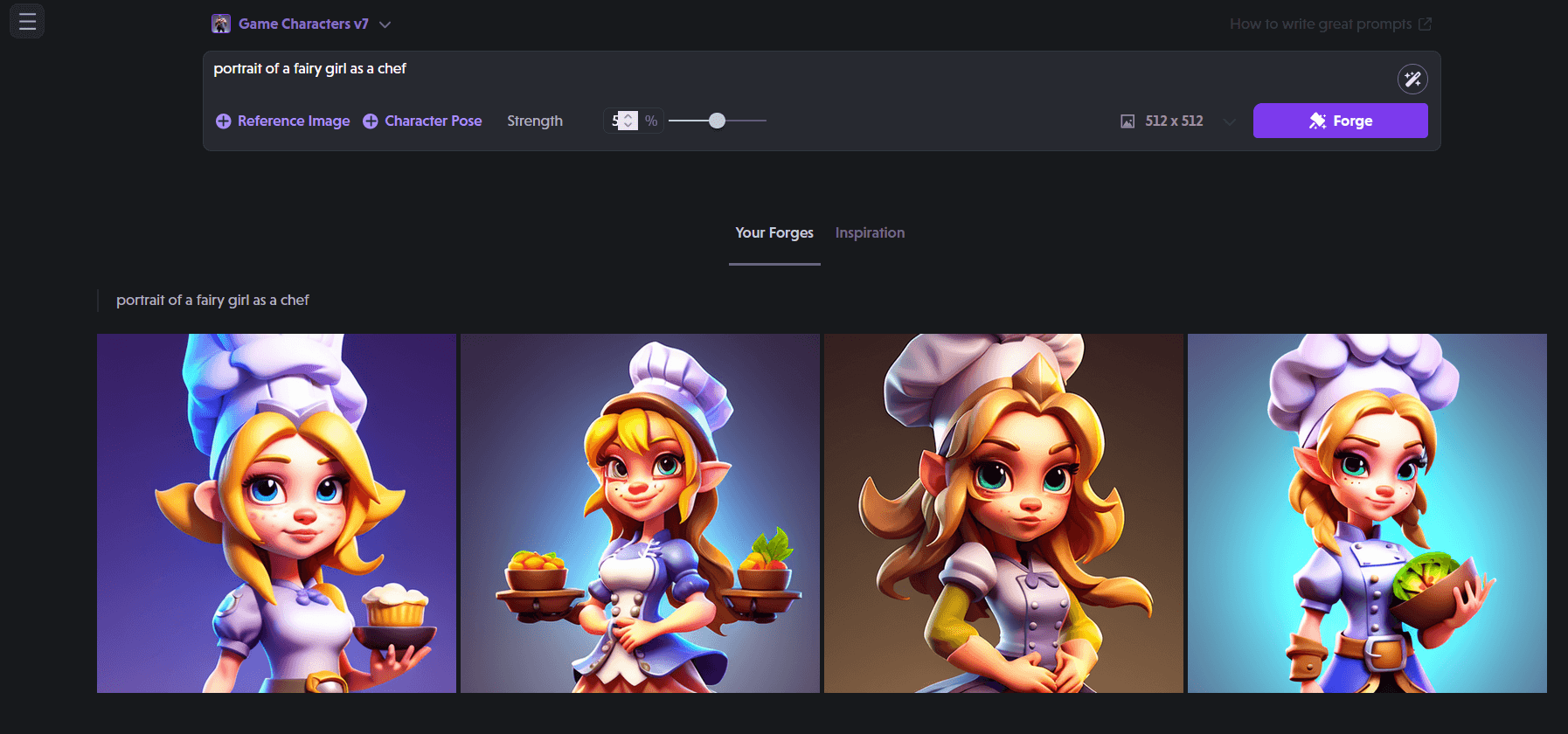
What is Layer AI?
Layer AI is an AI-powered platform designed for game studios to generate, edit, and manage game assets such as 2D images, 3D models, video, and audio in one workspace. In AI game development, it is widely used to create style-consistent assets, automate production workflows, and scale content creation efficiently.
How to Use Layer AI for AI Game Development
- Sign up and open the Layer AI platform
- Upload reference images or existing game assets
- Train a custom AI model based on your style
- Generate assets using prompts or workflows
- Edit and refine assets using built-in tools
- Export assets directly into your game pipeline
Key Features of Layer AI
-
Generates 2D, 3D, video, and audio assets in one platform
- Custom AI model training for consistent art style
- Multi-model access for different creative needs
- Advanced editing tools for refining assets
- Workflow automation for large-scale production
- Integration with game engines and pipelines
Where Layer AI is Used in AI Game Development
- Game asset creation such as characters and environments
- Maintaining consistent visual style across projects
- Scaling asset production for live games
- Creating marketing and promotional assets
- Automating creative workflows in studios
Who Should Use Layer AI
- Game studios and production teams
- Indie developers scaling asset creation
- Game artists and art directors
- Teams managing large creative workflows
Pricing
Free plan available to get started. Paid plans offer scalable usage and advanced features for teams.
9) Promethean AI
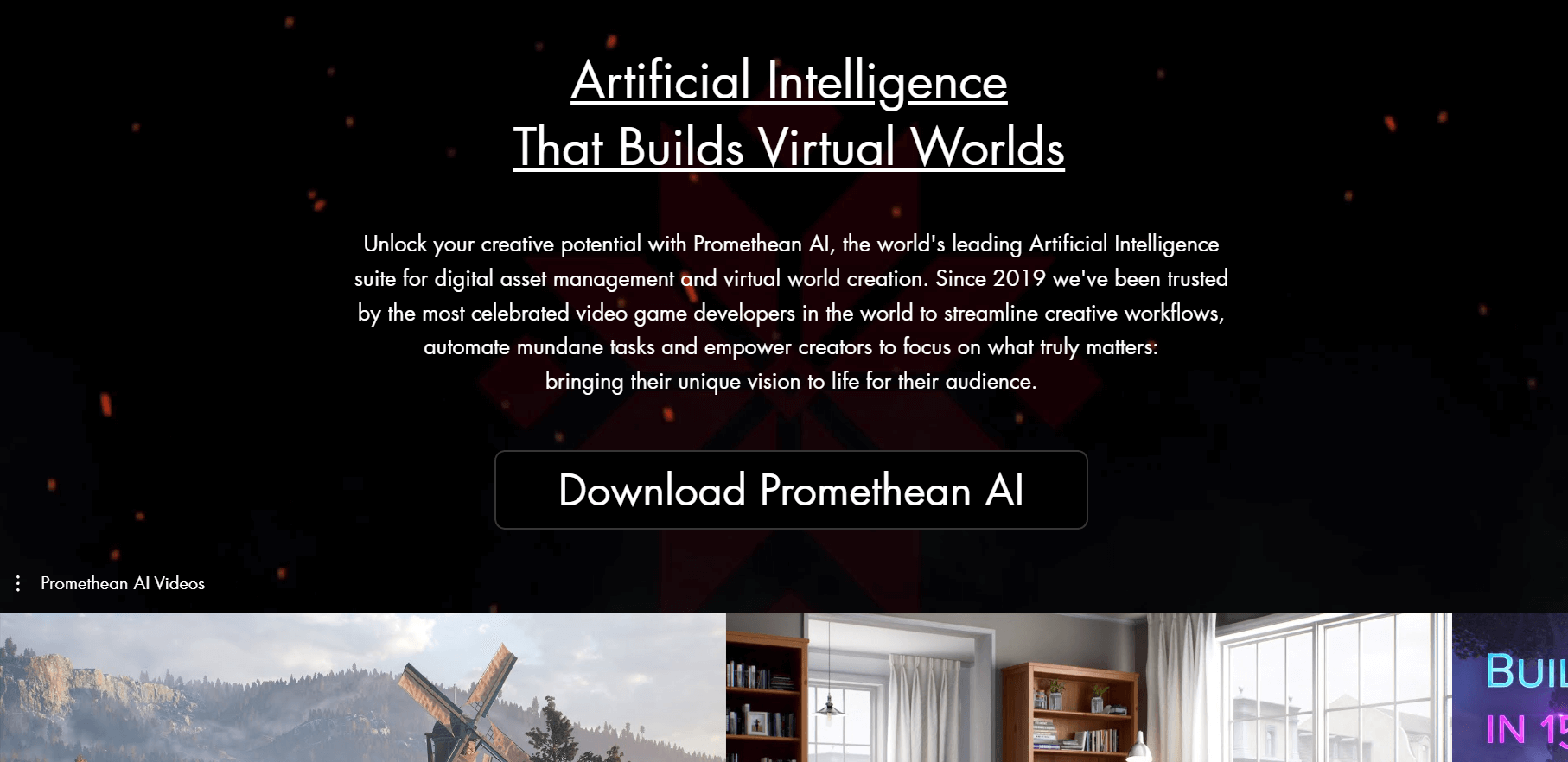
What is Promethean AI?
Promethean AI is an AI-powered creative assistant that helps artists and developers build complex virtual environments by automating asset placement, scene creation, and world building. In AI game development, it is widely used to speed up environment design while allowing teams to focus on creativity and storytelling.
How to Use Promethean AI for AI Game Development
- Integrate Promethean AI with your 3D tool or game engine
- Import or connect your existing asset library
- Use natural language or commands to generate scenes
- Let AI suggest and place assets automatically
- Adjust layouts, lighting, and environment details
- Refine and export scenes into your game project
Key Features of Promethean AI
- AI-assisted environment and scene generation
- Smart asset placement and recommendations
- Works with existing tools like Unreal Engine and Unity
- No need to upload assets or change workflow
- Learns and adapts to user style and preferences
- Real-time collaboration and workflow customization
Where Promethean AI is Used in AI Game Development
- Environment and level design
- Virtual world building
- Asset organization and management
- Scene layout and optimization
- Large-scale game production workflows
Who Should Use Promethean AI
- Game designers and environment artists
- AAA studios and production teams
- Indie developers building 3D worlds
- Teams managing large asset libraries
Pricing
Free version available for individuals. Paid plans and enterprise solutions offer advanced features and scalability.
10) Skybox AI
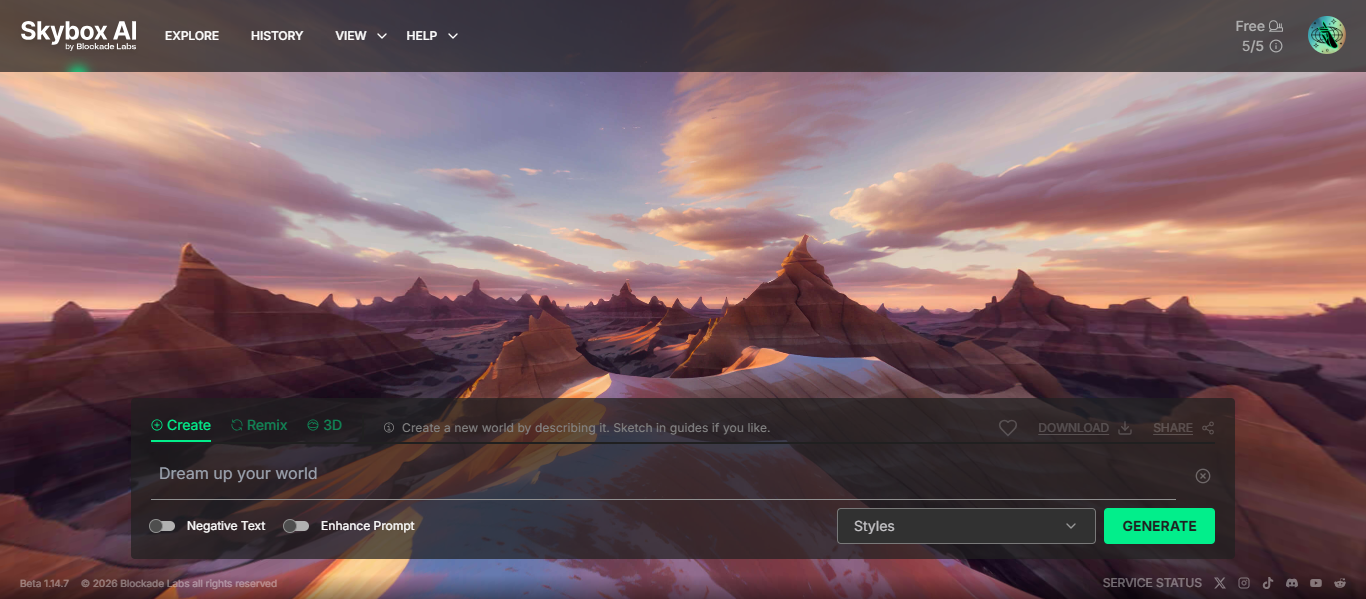
What is Skybox AI?
Skybox AI is an AI-powered environment generator that creates high-quality 360° skyboxes and immersive worlds from simple text prompts. In AI game development, it is widely used to design realistic backgrounds, environments, and world scenes for games, VR, and 3D applications.
How to Use Skybox AI for AI Game Development
- Open Skybox AI in your browser
- Enter a text prompt describing your environment
- Choose style or visual settings
- Generate a 360° skybox instantly
- Edit or remix the generated environment
- Export the skybox for use in your game engine
Key Features of Skybox AI
- Text-to-360° environment generation in seconds
- Creates immersive panoramic worlds and skyboxes
- High-resolution outputs with HDRI support
- Remix and editing tools for refining environments
- Works for VR, AR, and game environments
- API and integration support for creative workflows
Where Skybox AI is Used in AI Game Development
- Creating background environments and skyboxes
- Designing immersive game worlds
- Supporting VR and AR game environments
- Rapid prototyping of world visuals
- Enhancing realism in game scenes
Who Should Use Skybox AI
- Game developers and environment artists
- VR and AR creators
- Indie developers building immersive worlds
- Designers creating background environments
Pricing
Freemium model with free access available. Paid plans provide higher resolution outputs and advanced features.
NPCs and Storytelling
11) InWorld AI
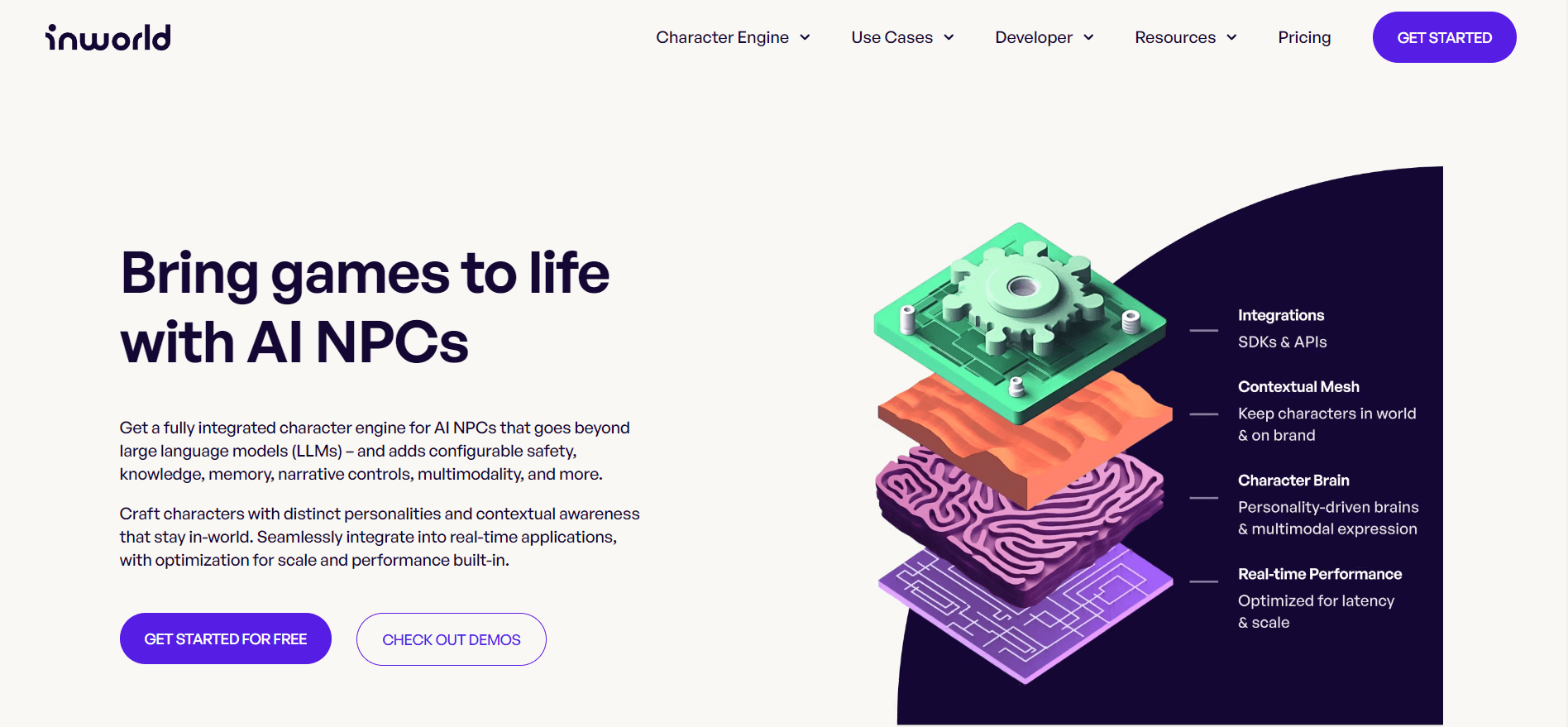
What is InWorld AI?
InWorld AI is a real-time AI platform that enables developers to create intelligent, interactive characters with natural voice, behavior, and dialogue. In AI game development, it is widely used to build dynamic NPCs that respond to player actions and create more immersive gameplay experiences.
How to Use InWorld AI for AI Game Development
- Sign up and access the InWorld AI platform
- Create a character with personality, goals, and behavior
- Configure voice, dialogue style, and responses
- Integrate using SDKs with game engines like Unity or Unreal
- Test real-time interactions with players
- Deploy characters into your game environment
Key Features of InWorld AI
- Real-time AI character behavior and dialogue generation
- Advanced voice AI with natural text-to-speech capabilities
- Dynamic NPC personalities with memory and context awareness
- Low-latency responses for real-time gameplay interaction
- Integration with Unity and Unreal Engine SDKs
- Scalable infrastructure for large-scale interactive applications
Where InWorld AI is Used in AI Game Development
- Creating intelligent NPCs with realistic conversations
- Building interactive storytelling and dialogue systems
- Enhancing player immersion and engagement
- Designing dynamic quests and character interactions
- Powering real-time voice-based game experiences
Who Should Use InWorld AI
- Game developers building story-driven games
- Studios creating immersive NPC experiences
- Indie developers focusing on interaction design
- Teams working on real-time AI gameplay systems
Pricing
Freemium access available for developers. Paid plans provide advanced features, scalability, and enterprise-level capabilities.
12) Charisma AI
What is Charisma AI?
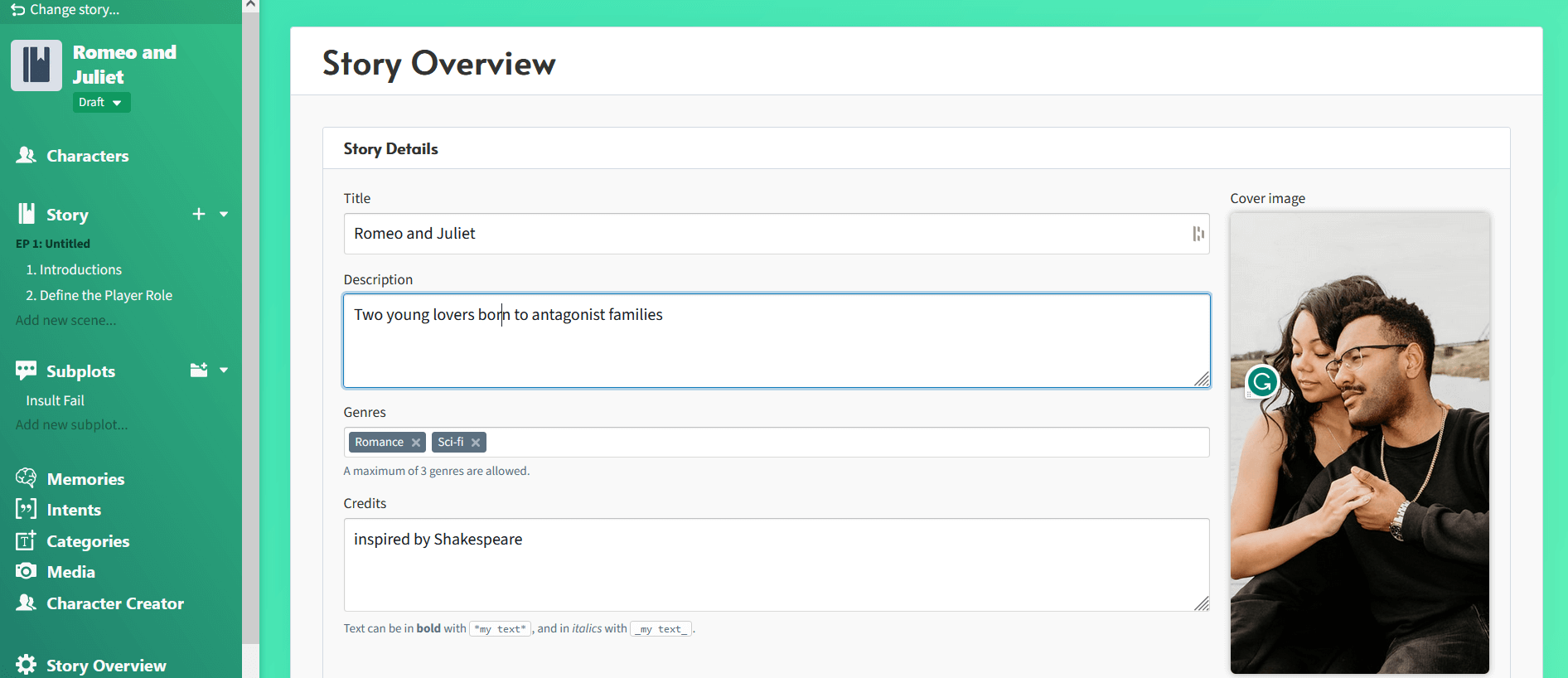
Charisma AI is an AI-powered interactive storytelling platform that enables developers to create virtual characters with real-time conversations, emotions, and memory. In AI game development, it is widely used to build narrative-driven experiences where NPCs interact dynamically with players and influence the storyline.
How to Use Charisma AI for AI Game Development
- Sign up and access the Charisma AI platform
- Create characters with personality, goals, and dialogue
- Design story flows using visual scripting tools
- Add voice, emotions, and interaction rules
- Integrate with game engines like Unity or Unreal
- Test real-time player interactions and refine the experience
Key Features of Charisma AI
- Interactive storytelling with real-time AI-driven dialogue
- Virtual characters with emotions, memory, and goals
- Combination of scripted and generative AI for control
- Voice-enabled conversations and speech interaction
- Cross-platform support including web, games, and VR
- Real-time analytics to track engagement and interactions
Where Charisma AI is Used in AI Game Development
- Creating narrative-driven games and story experiences
- Building interactive NPC dialogue systems
- Designing branching storylines based on player choices
- Enhancing player immersion through real-time conversations
- Developing conversational gameplay mechanics
Who Should Use Charisma AI
- Game developers building story-based games
- Narrative designers and writers
- Studios creating immersive RPGs
- Teams focused on player interaction and dialogue systems
Pricing
Freemium or pay-as-you-go model available. Paid plans provide advanced features, scalability, and enterprise capabilities.
Animation and Motion Capture
13) Cascadeur AI
What is Cascadeur AI?
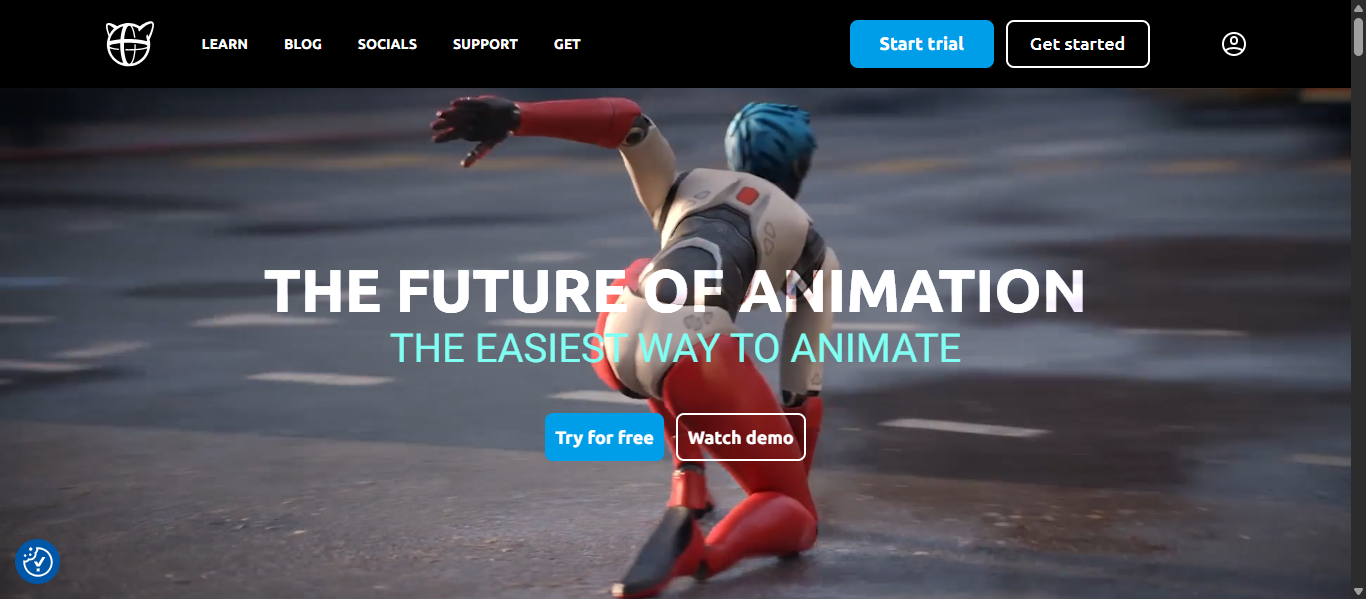
Cascadeur AI is a 3D animation software that uses AI-assisted posing and physics-based tools to create realistic character animations. In AI game development, it is widely used to design natural movements, refine animations, and speed up character animation workflows without requiring motion capture.
How to Use Cascadeur AI for AI Game Development
- Download and open Cascadeur software
- Import your 3D character model or animation file
- Use AutoPosing to create natural character poses
- Apply AI tools to generate smooth motion between keyframes
- Adjust physics, balance, and movement accuracy
- Export animations for use in game engines
Key Features of Cascadeur AI
- AI-assisted AutoPosing for natural character poses
- AI Inbetweening to generate smooth animations between frames
- Physics-based animation system for realistic motion
- Video-based motion capture (Video Mocap tool)
- Animation cleanup and editing tools
- Supports formats like FBX, DAE, and USD for easy integration
Where Cascadeur AI is Used in AI Game Development
- Character animation and movement design
- Creating realistic combat and action sequences
- Refining animations without motion capture
- Cleaning and improving imported animations
- Enhancing animation quality in game production
Who Should Use Cascadeur AI
- Game developers working on character animation
- 3D artists and animators
- Indie developers without mocap equipment
- Studios building realistic game animations
Pricing
Free version available for basic use. Paid plans provide advanced features and professional capabilities.
14) Modl.ai
What is modl AI?
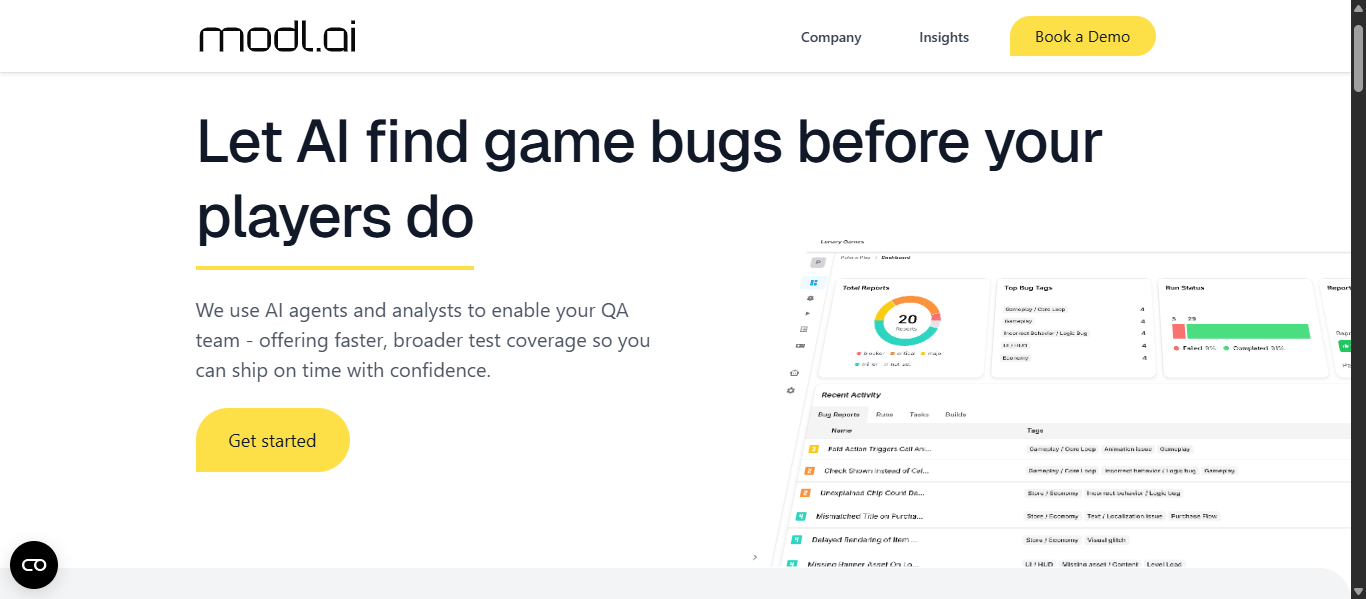
modl AI is an AI-powered game testing and quality assurance platform that uses intelligent agents to simulate player behavior, detect bugs, and analyze game performance automatically. In AI game development, it is widely used to automate testing workflows, improve game quality, and reduce manual QA effort.
How to Use modl AI for AI Game Development
- Upload your game build to the platform
- Define testing tasks using simple instructions
- Let AI agents simulate gameplay and test scenarios
- Run automated testing sessions
- Review bug reports, logs, and performance data
- Fix issues and repeat testing cycles
Key Features of modl AI
- AI agents simulate real player behavior for testing
- Automated bug detection including crashes and glitches
- No integration required with game engine or code
- Generates detailed bug reports with visuals and severity scores
- Supports continuous testing workflows and CI pipelines
- Adapts to different game states using AI reasoning
Where modl AI is Used in AI Game Development
- Automated game testing and QA processes
- Detecting bugs, glitches, and performance issues
- Simulating player behavior for better game balancing
- Improving gameplay experience before release
- Reducing manual testing effort in development cycles
Who Should Use modl AI
Game developers and QA teams
Studios testing large-scale games
Indie developers improving game quality
Teams automating testing workflows
Pricing
Custom or enterprise-based pricing model. Contact the team for access, features, and usage plans.
AI Game Development Agnets
What Are AI Game Development Agents?
AI game development agents are autonomous or semi-autonomous AI systems that can perform tasks like coding, testing, asset generation, and gameplay simulation without constant human input. In AI game development, these agents act as assistants that automate complex workflows and improve development speed.
How AI Agents Are Changing AI Game Development Workflows
AI agents are transforming how games are built by reducing manual effort and enabling continuous automation across the development pipeline.
- Automate repetitive tasks like testing, coding, and asset generation
- Simulate real player behavior to improve gameplay quality
- Assist developers in real-time with design and coding decisions
- Speed up prototyping and reduce development time
- Enable smaller teams to handle large-scale projects
👉 Result: Faster, more efficient AI game development with fewer resources
Examples of AI Game Development Agents
- Testing agents that simulate thousands of gameplay scenarios
- Coding agents that generate scripts and fix errors
- Design agents that suggest mechanics and level ideas
- NPC agents that control character behavior and dialogue
- Asset agents that generate game visuals and environments
- 👉 These agents work across different stages of AI game development.
Tools Offering AI Game Development Agent Capabilities
Several tools in this list already function as AI agents or include agent-like features:
- modl AI – AI testing agents that simulate player behavior
- GitHub Copilot AI – Coding assistant acting as a development agent
- InWorld AI – Intelligent NPC agents with real-time interaction
- Charisma AI – Narrative agents for dynamic storytelling
- Ludo AI – Ideation agent for game concepts and planning
- Rosebud AI – Multi-task agent for generating games from prompts
How to Choose the Right AI Game Development Tools
The best AI game development tools depend on your project stage, technical skills, and specific needs such as asset creation, coding, or testing. Choosing the right tool means solving a real problem in your workflow, not just using AI for convenience.
1. Identify Your Game Development Needs
Start by understanding where you need support in AI game development:
- Asset creation (2D, 3D, environments)
- Coding and scripting
- NPC behavior and storytelling
- Testing and quality assurance
- Ideation and planning
👉 Choose tools based on your biggest bottleneck
2. Match Tools to Your Skill Level
Different tools are built for different users:
- Beginners → No-code tools like Rosebud AI
- Intermediate → Tools like Ludo AI or Leonardo AI
- Advanced → Tools like GitHub Copilot AI or modl AI
👉 Select tools that match your technical expertise
3. Check Integration with Game Engines
A good AI game development tool should work smoothly with your workflow.
Look for compatibility with:
- Unity
- Unreal Engine
- Blender or other 3D tools
👉 Poor integration can slow down development
4. Focus on Scalability and Performance
Choose tools that can grow with your project:
- Can it handle large asset libraries?
- Does it support team collaboration?
- Can it scale for bigger projects?
👉 This is important for long-term AI game development
5. Evaluate Output Quality
Not all AI tools produce production-ready results.
Check:
- Asset quality
- Code reliability
- Animation realism
- Consistency across outputs
👉 Always test before fully adopting a tool
6. Consider Budget and Pricing Model
Choose tools that fit your budget:
- Free or freemium for testing
- Subscription for regular use
- Enterprise for large teams
👉 Avoid tools that add cost without clear value
7. Combine Multiple Tools
There is no single tool that does everything.
Best approach:
- Use one tool for assets
- Another for coding
- Another for testing
👉 A combined AI game development stack gives better results
Future of AI Game Development
AI is rapidly transforming how games are created, tested, and experienced. Key developments expected include:
- Autonomous AI game development agents — AI systems that can generate code, design levels, create assets, and test gameplay automatically with minimal manual effort.
- AI-powered procedural game creation — Tools that generate complete environments, characters, and game mechanics based on simple prompts or design inputs.
- Real-time adaptive gameplay systems — AI that adjusts difficulty, storylines, and interactions dynamically based on player behavior and preferences.
- Intelligent NPCs with memory and context — AI-driven characters that respond naturally, remember player actions, and create more immersive game experiences.
- AI-driven production optimization — Systems that automate testing, bug detection, and performance tuning to speed up development cycles.
These advancements will enable developers to scale AI game development workflows, reduce production time, and deliver more dynamic and personalized gaming experiences.
Conclusion
AI game development is transforming how games are created by automating tasks like asset generation, coding, testing, and design. The right AI game development tools help developers build faster, reduce costs, and improve game quality. By choosing tools based on your needs and combining them effectively, you can create more efficient workflows and deliver better gaming experiences.
FAQs
What are the best AI game development tools?
The best AI game development tools include Ludo AI, Scenario AI, GitHub Copilot AI, and Rosebud AI, each helping with coding, asset creation, testing, and game design.
How do AI tools help in game development?
AI game development tools automate tasks like asset creation, coding, testing, and design, allowing developers to build games faster, reduce manual work, and improve overall productivity.
Are AI game development tools suitable for beginners?
Yes, many AI game development tools are beginner-friendly, offering no-code or low-code features that allow users to create games without advanced programming or design skills.
Can AI create a complete game automatically?
AI can generate assets, code, and prototypes, but it cannot fully replace developers. Human input is still required for creativity, design decisions, and final game optimization.
Which AI tool is best for indie game developers?
Tools like Ludo AI, Rosebud AI, and Scenario AI are ideal for indie developers as they reduce development time, automate workflows, and help create high-quality games with limited resources.