
AI presentation tools use artificial intelligence to automatically generate slide decks, organize ideas, and design visually consistent presentations. These tools help professionals create polished presentations from simple prompts, documents, or outlines without starting from a blank slide. In 2026, AI presentation tools range from automated slide generators to design platforms integrated with PowerPoint and Google Slides, helping teams produce professional presentations faster while maintaining structure, clarity, and visual consistency.
Top AI Presentation Tools
The following platforms represent the most widely used AI presentation tools in 2026. Each tool focuses on different aspects of presentation creation such as automated slide generation, design systems, storytelling, or integrations with existing presentation software.
- Gamma AI
- Canva AI
- Beautiful.ai
- Prezi AI
- Tome AI
- Plus AI
- SlidesAI.io AI
- Microsoft Copilot AI (PowerPoint)
- Pitch AI
- Chronicle AI
- Decktopus AI
- Storydoc AI
- Piktochart AI
- Presentations.AI
- PowerPresent AI
AI Presentation Tools Comparison Table
AI presentation tools differ significantly in design automation, integrations, and collaboration capabilities. The comparison below highlights how the most popular platforms compare in terms of features, use cases, and pricing models.
| Tool | Best For | Key Features | Pricing | Category |
|---|---|---|---|---|
| Gamma AI | Interactive web presentations | Prompt-based slide generation, analytics | Free + paid plans | AI-native presentation |
| Canva AI | Design-focused presentations | Templates, Magic Design, asset library | Free + Pro | Design platform |
| Beautiful.ai | Brand-consistent slides | Smart templates, auto-layout | Paid plans | Business presentations |
| Prezi AI | Non-linear storytelling | Zoomable canvas, interactive navigation | Free + paid | Dynamic presentations |
| Tome AI | Narrative presentations | AI storytelling, content generation | Free + paid | AI storytelling |
| Plus AI | Google Slides & PowerPoint integration | Native plugins, AI slide generation | Paid plans | Presentation plugin |
| SlidesAI.io AI | Text-to-slide conversion | Google Slides integration | Free + paid | Budget AI tool |
| Microsoft Copilot AI | PowerPoint automation | Native Microsoft 365 AI assistance | Microsoft subscription | PowerPoint AI |
| Pitch AI | Team collaboration | Analytics, sales presentations | Free + paid | Sales presentations |
| Chronicle AI | Interactive presentations | Widget-based design system | Free + paid | Interactive decks |
| Decktopus AI | Fast slide generation | Prompt-based presentation creation | Paid plans | Quick deck creation |
| Storydoc AI | Interactive storytelling | Scrollable presentations, engagement analytics | Paid plans | Story-driven decks |
| Piktochart AI | Data-heavy presentations | Charts, reports, visual storytelling | Free + paid | Data presentations |
| Presentations.AI | Automated slide design | AI layout generation | Paid plans | AI presentation maker |
| PowerPresent AI | Quick prompt presentations | AI slide generation from prompts | Paid plans | AI-native presentation |
While many AI presentation tools offer similar core capabilities, each platform approaches presentation creation differently. Some prioritize design automation, others focus on integrations with existing slide software, while a few specialize in interactive or narrative presentations. The detailed breakdown below explains how each tool works, its strengths, and the types of users it serves best.
Leading AI Presentation Platforms
1. Gamma AI
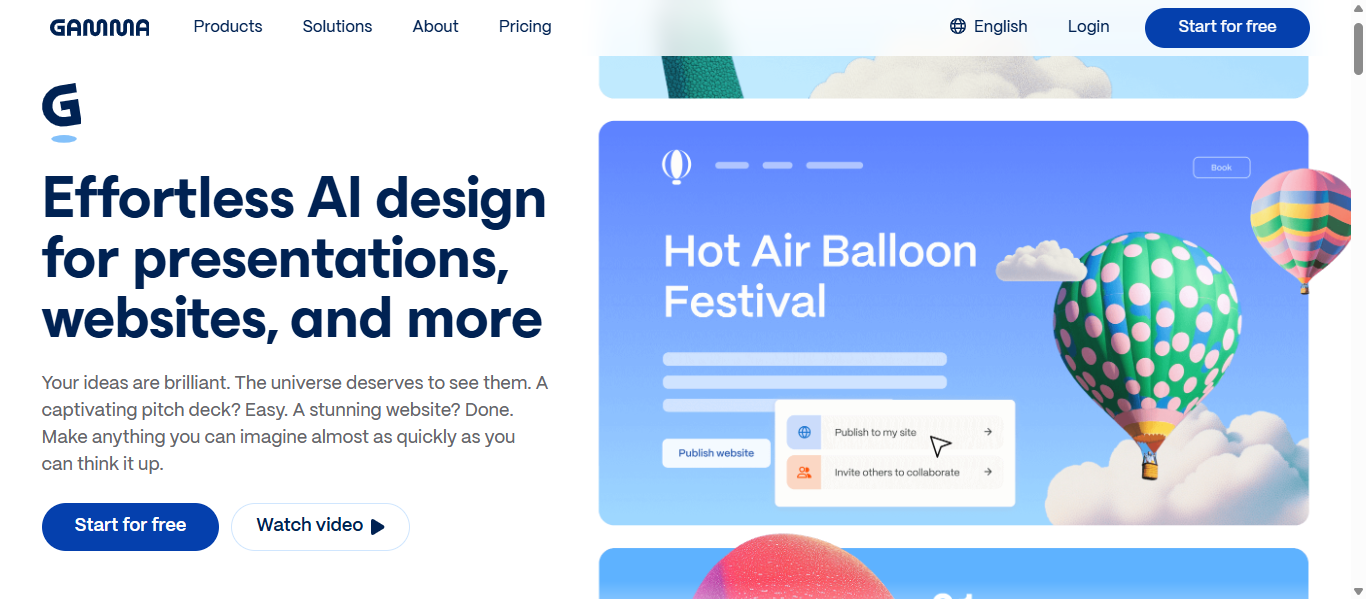
What is Gamma AI
Gamma is an AI-powered presentation platform designed to generate modern slide decks, documents, and web-style presentations from simple prompts. The tool focuses on creating visually cohesive presentations automatically while allowing users to refine content and layout with AI assistance. Gamma is widely used for quick presentation creation, interactive web-based decks, and asynchronous presentation sharing.
Key Features
- Prompt-to-presentation generation that converts ideas into structured slide decks
- Automatic layout and design system that keeps slides visually consistent
- Built-in AI writing tools that help generate slide content and summaries
- Interactive elements such as embeds, buttons, and expandable sections
- Export options including PDF, PowerPoint, and shareable web presentations
How Gamma AI Helps Create Presentations
- The user enters a topic, outline, or prompt describing the presentation.
- Gamma generates a structured outline and automatically builds slides with content and visuals.
- Users refine slides by adjusting text, layout, and images using AI editing tools.
- The final presentation can be shared as a web-based deck or exported to formats such as PowerPoint or PDF.
This workflow removes the need to manually design slides, helping users move from idea to presentation draft in minutes.
Best Use Cases
- Startup founders preparing investor pitch decks
- Product teams creating internal strategy presentations
- Marketing teams sharing campaign proposals
- Consultants delivering client reports
- Professionals sending asynchronous presentations to remote teams
Presentation Example Using Gamma AI
A startup founder preparing a Series A investor pitch enters a prompt describing their product, market opportunity, and traction metrics. Gamma automatically generates a structured pitch deck with sections such as problem, solution, product demo, market size, and financial projections. The founder edits a few slides and shares the deck as an interactive link with potential investors.
Pros
- Fast AI-driven presentation generation
- Clean and modern visual layouts
- Interactive presentation format for online sharing
- AI assistance for writing and structuring slides
Cons
- Limited control compared to manual slide design tools
- PowerPoint exports may require minor adjustments
- Internet connection required to generate presentations
Pricing
Gamma offers a free plan with limited AI credits for generating presentations. Paid plans start at approximately $8–$10 per month, providing more AI generations, advanced customization, and branding options. Higher-tier plans include analytics, team collaboration features, and increased usage limits.
2. Canva AI (AI Presentation Maker)
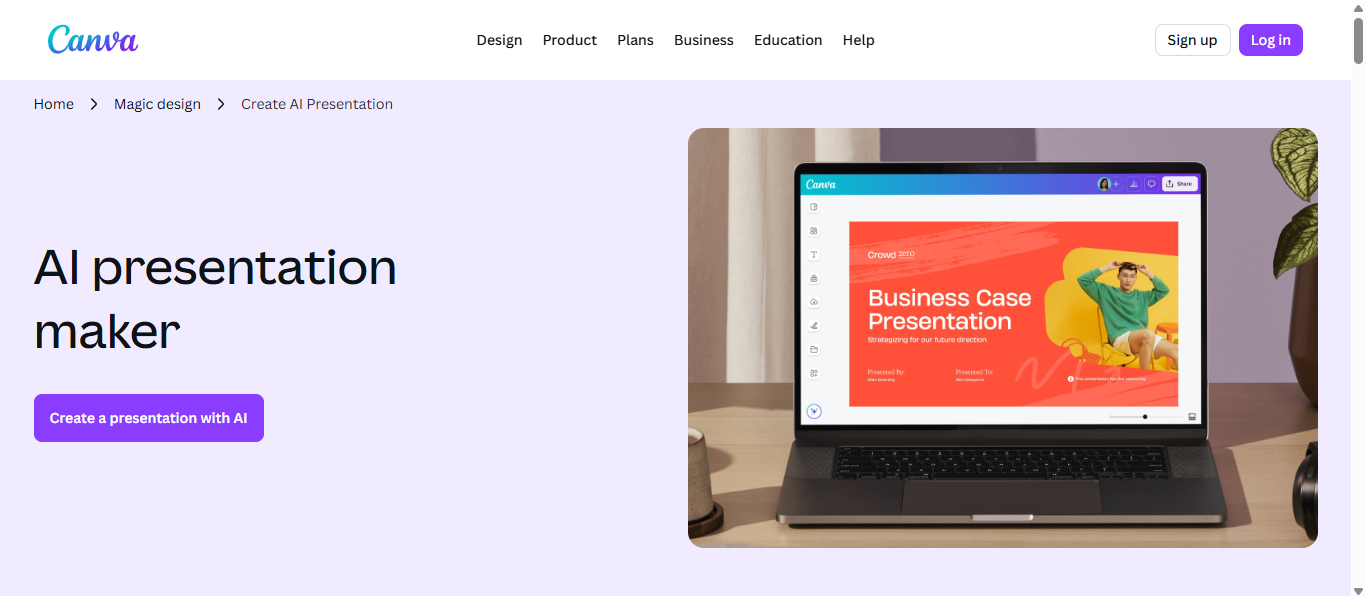
What is Canva AI
Canva is an AI-powered presentation creator built into the Canva design platform. Using the Magic Design feature, users can generate entire presentations from a short prompt, document, or outline. The tool focuses on combining AI slide generation with Canva’s large template library and design assets to help individuals and teams quickly produce professional presentations.
Key Features
- Prompt-based presentation generation that converts ideas into complete slide decks
- AI-generated templates with automatic design and layout suggestions
- Magic Write AI assistant for drafting slide text and summaries
- Real-time collaboration with comments, editing, and shared workspaces
- Export options including PowerPoint (PPTX), PDF, video slideshows, and shareable links
How Canva AI Helps Create Presentations
- The user enters a topic, outline, or uploads content such as a document or notes.
- Canva’s Magic Design AI generates a structured presentation with layouts, images, and suggested text.
- The user edits the slides using Canva’s drag-and-drop editor and AI writing tools.
- The finished presentation can be presented directly in Canva or exported to formats like PowerPoint or PDF.
This process significantly reduces the time required to design slides manually because AI generates both structure and visual layout automatically.
Best Use Cases
- Marketing teams creating campaign presentations
- Educators building visual lesson slides
- Small businesses preparing sales presentations
- Social media teams presenting content strategies
- Freelancers producing client presentation decks
Presentation Example Using Canva AI
A marketing manager preparing a social media campaign proposal enters a prompt describing campaign goals, target audience, and content strategy. Canva AI generates a presentation with sections for campaign overview, platform strategy, content examples, and performance metrics. The manager edits visuals using Canva templates and shares the presentation with the team.
Pros
- Extremely beginner-friendly design interface
- Large template and media asset library
- Strong collaboration features for teams
- Multiple export formats including PowerPoint
Cons
- AI results may feel template-based without customization
- Advanced design control may require manual editing
- Some AI features require a paid subscription
Pricing
Canva offers a free plan with limited AI usage and templates. Paid plans such as Canva Pro start around $12–$15 per month, unlocking advanced AI tools, premium assets, and team collaboration features. A free trial is typically available for Pro subscriptions.
3. Beautiful.ai
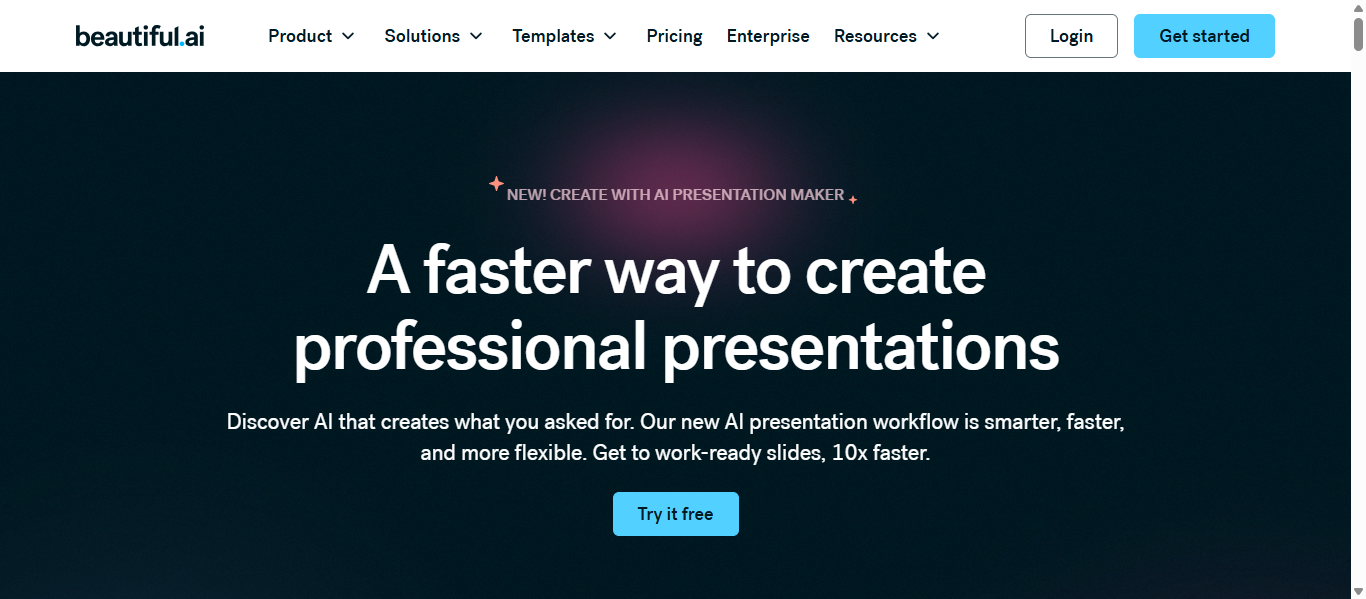
What is Beautiful.ai
Beautiful.ai is an AI-powered presentation platform designed to automate slide design and layout creation. The platform uses a design system called Smart Slides that automatically adjusts spacing, alignment, and visual elements as users add content. Its main goal is to help teams create professional presentations quickly without manual formatting or design expertise.
Key Features
- AI-powered slide generation that creates presentation drafts from prompts or outlines
- Smart Slides that automatically align and resize content to maintain visual consistency
- Built-in slide templates for charts, timelines, comparisons, and infographics
- Team collaboration tools including shared templates, comments, and asset libraries
- Export options including PowerPoint, PDF, and shareable presentation links
How Beautiful.ai Helps Create Presentations
- Users start by entering a topic or outline for their presentation.
- The AI generates a first draft with structured slides and visual layouts.
- As users add or modify content, Smart Slides automatically adjust formatting and alignment.
- The completed presentation can be exported or shared online with team members.
This workflow removes the need for manual slide formatting, allowing users to focus on the message rather than design details.
Best Use Cases
- Marketing teams preparing campaign presentations
- Consultants creating client-ready business decks
- Sales teams presenting product proposals
- Corporate teams delivering weekly or monthly reports
- Startup founders building investor presentations
Presentation Example Using Beautiful.ai
A consulting firm preparing a quarterly business review uses Beautiful.ai to create a structured presentation. The AI generates slides for company performance, market trends, and financial insights. Smart Slides automatically arrange charts and text, ensuring every slide maintains a clean and consistent visual style.
Pros
- Automatic design formatting reduces manual slide work
- Consistent visual style across all slides
- Professional templates and infographic layouts
- Collaboration features for teams
Cons
- Less creative flexibility due to automated layouts
- Exported PowerPoint files may require minor adjustments
- Cloud-based platform requires internet access
Pricing
Beautiful.ai offers a Pro plan starting around $12 per month (billed annually) for individual users. Team plans start at approximately $40 per user per month, providing collaboration features and brand management tools. Enterprise pricing is available for larger organizations.
4. Prezi AI
What is Prezi AI
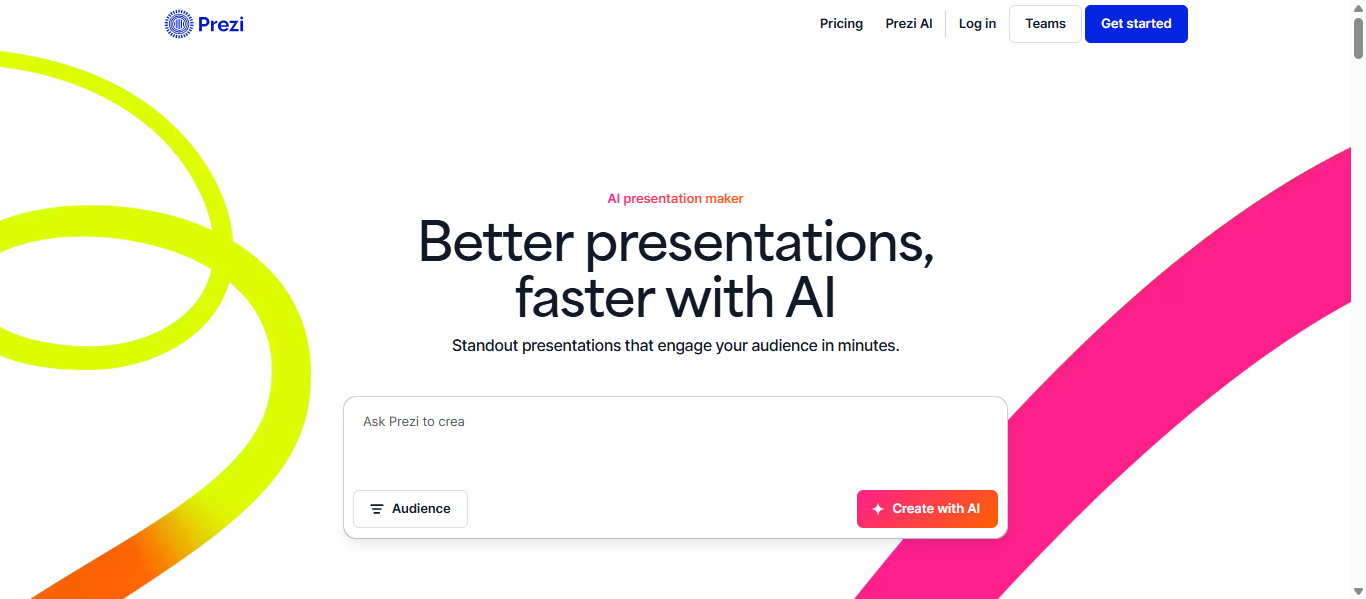
Prezi is an AI-powered presentation generator designed to create dynamic and visually engaging presentations using a unique zoomable canvas rather than traditional slides. The platform helps users turn prompts, documents, or outlines into structured presentations with visuals and layouts automatically generated by AI. Prezi’s main goal is to improve storytelling and audience engagement through interactive presentation formats.
Key Features
- AI prompt-to-presentation generation that converts topics into structured presentations
- Zoomable canvas format that allows non-linear navigation between topics
- AI content rewriting tools to refine text and clarify slide messages
- Interactive visual storytelling elements including diagrams, images, and animated transitions
- Export and sharing options such as PDF, online presentations, and presentation links
How Prezi AI Helps Create Presentations
- Users start by entering a topic or uploading documents such as notes, PDFs, or existing slides.
- Prezi AI analyzes the content and generates a structured presentation with visual layouts and storytelling flow.
- The presenter edits text, visuals, and navigation using built-in AI editing tools.
- The final presentation is delivered through an interactive zoomable format that helps audiences follow the narrative.
This workflow allows presenters to transform static content into a more engaging visual story without manually designing slides.
Best Use Cases
- Educators creating visually engaging lessons
- Public speakers preparing storytelling-based presentations
- Marketing teams presenting product narratives
- Trainers explaining complex workflows or systems
- Conference presenters delivering interactive talks
Presentation Example Using Prezi AI
A university professor creating a lecture about climate change uploads research notes into Prezi AI. The tool generates an interactive presentation where the main canvas shows the global topic, while zoom-in sections explain causes, environmental impacts, and mitigation strategies. During the lecture, the professor navigates between sections to visually connect ideas for students.
Pros
- Unique zoomable presentation format that increases engagement
- AI assistance for generating presentation structure and visuals
- Strong storytelling capabilities for narrative presentations
- Interactive elements that keep audiences focused
Cons
- Learning curve for users unfamiliar with the zoom canvas interface
- Motion-based navigation may not suit all presentation styles
- Some advanced features require a paid subscription
Pricing
Prezi offers a free plan with limited AI usage and public presentations. Paid plans typically start around $7 per month for the Standard plan, with higher tiers such as Plus and Premium costing up to $29 per month depending on features like analytics, branding, and advanced collaboration tools.
5. Tome AI
What is Tome AI
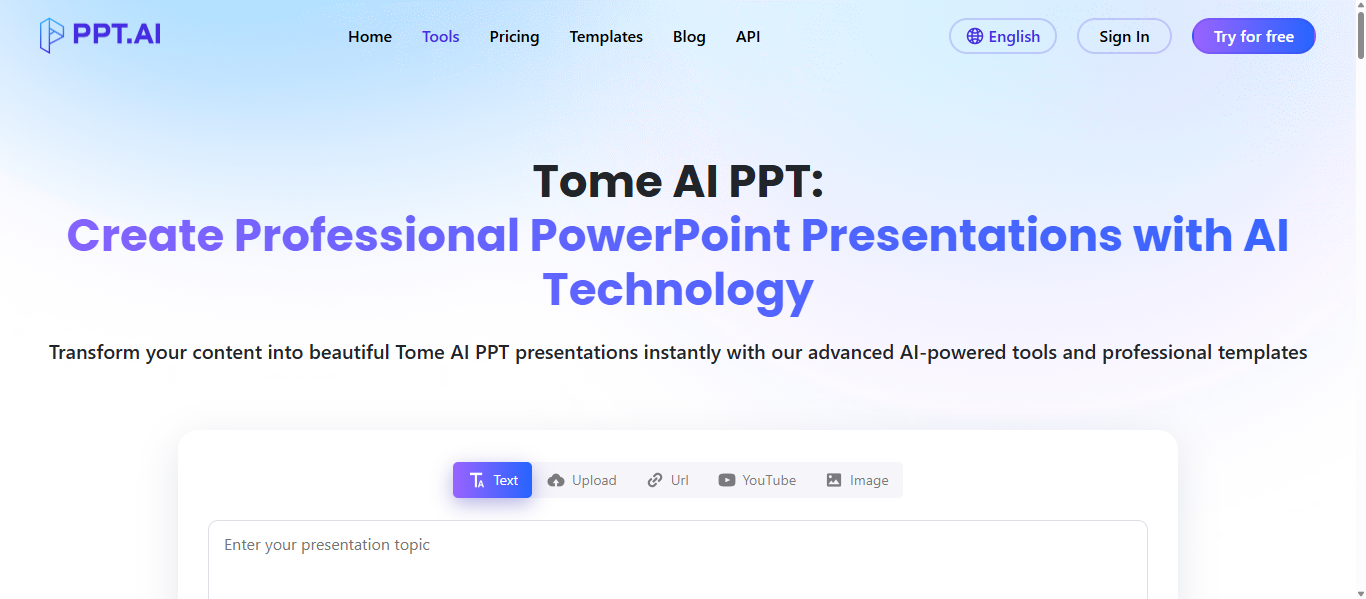
Tome is an AI-powered storytelling and presentation platform that converts ideas, documents, or prompts into structured visual presentations. The tool focuses on narrative-first presentation creation, helping users turn written content into slide-style stories with visuals and layouts automatically generated by AI. It was launched by former Meta executives and is widely used for pitch decks, product storytelling, and business presentations.
Key Features
- Prompt-to-presentation generation that transforms text or ideas into structured slides
- AI-driven layout design that organizes content with clear visual hierarchy
- Built-in storytelling assistance that improves slide messaging and narrative flow
- Multimedia embedding support for images, videos, and interactive content
- Export and sharing options including presentation links, PDFs, and collaborative workspaces
How Tome AI Helps Create Presentations
- The user enters a prompt, outline, or document describing the presentation topic.
- Tome analyzes the content and generates a narrative outline with slides and visuals.
- Users edit text, visuals, and layout using AI suggestions for improving storytelling.
- The completed presentation can be shared online or exported for meetings and presentations.
This workflow helps users move from an idea to a structured presentation in minutes instead of spending hours designing slides manually.
Best Use Cases
- Startup founders building investor pitch decks
- Product teams presenting product roadmaps
- Sales teams creating persuasive proposal presentations
- Marketers explaining campaign strategies
- Educators presenting structured lessons or workshops
Presentation Example Using Tome AI
A product manager preparing a new product launch presentation enters a short prompt describing the product features and target audience. Tome AI generates slides covering the problem, product solution, feature highlights, competitive advantage, and launch timeline. The manager edits the visuals and shares the presentation with stakeholders before the product announcement.
Pros
- Strong storytelling and narrative-focused slide generation
- AI automatically structures ideas into logical presentation flow
- Supports multimedia elements such as videos and interactive embeds
- Useful for quick presentation drafts from simple prompts
Cons
- Layout customization may be limited compared to design-focused tools
- Some advanced AI features require paid plans
- Export options can be more limited than traditional slide tools
Pricing
Tome AI uses a freemium pricing model with a limited free plan available for basic presentation creation. Paid plans typically start around $16–$20 per month, unlocking advanced AI generation features, collaboration tools, and export capabilities. Enterprise pricing is available for teams and organizations.
AI Tools for PowerPoint & Google Slides Workflows
6. Plus AI
What is Plus AI
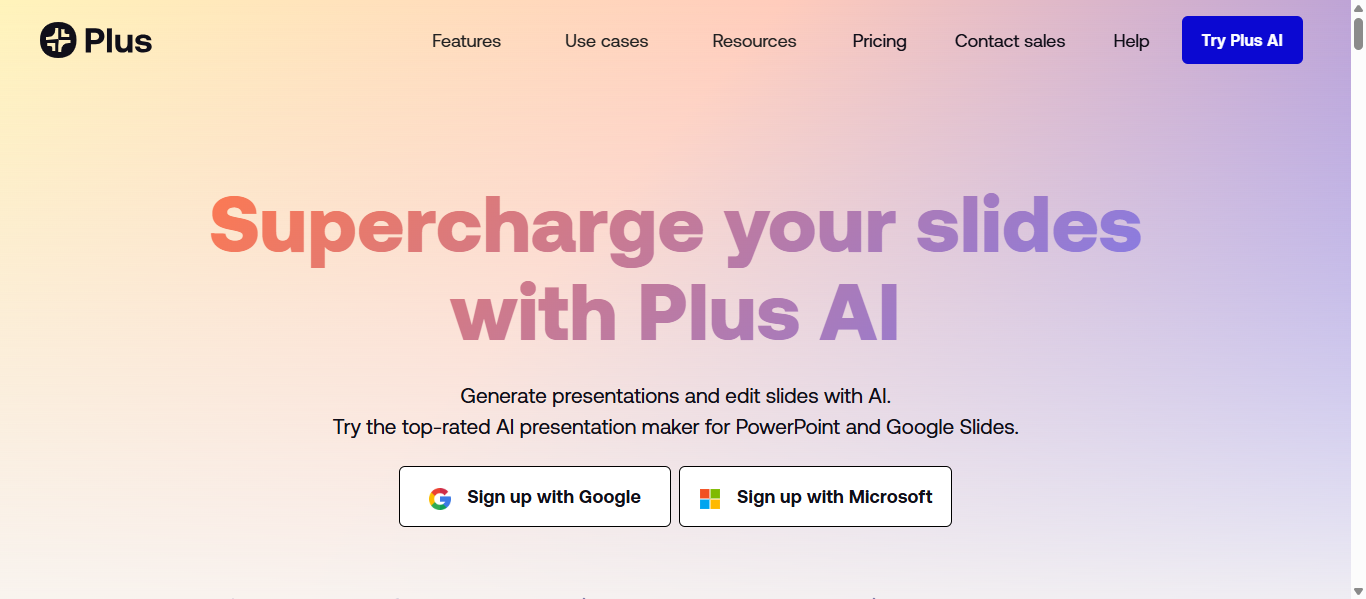
Plus is an AI presentation generator designed to work directly inside Google Slides and Microsoft PowerPoint. Instead of using a separate platform, it functions as an AI add-on that helps users create, edit, and improve presentations within the tools they already use. The main purpose of Plus AI is to speed up slide creation and automate formatting using generative AI.
Key Features
- Prompt-to-presentation generation that creates full slide decks from a topic
- AI rewrite and “Slide Remix” tools to restructure or improve existing slides
- Native integration with Google Slides and PowerPoint for seamless editing
- Custom themes and brand templates for consistent presentation design
- Export and sharing options including PPTX files, Google Slides decks, and presentation links
How Plus AI Helps Create Presentations
- Users install the Plus AI add-in in Google Slides or PowerPoint.
- A prompt, outline, or document is entered to generate a presentation structure.
- The AI generates slides with titles, bullet points, and suggested layouts.
- Users refine slides with AI tools such as rewrite, remix, or design adjustments.
This workflow allows professionals to generate and refine presentations directly inside their existing slide software without switching platforms.
Best Use Cases
- Consultants preparing client presentations
- Sales teams creating product proposal decks
- Marketing teams summarizing campaign reports
- Corporate teams building internal presentations
- Professionals working primarily in PowerPoint or Google Slides
Presentation Example Using Plus AI
A marketing analyst preparing a monthly performance report installs Plus AI inside Google Slides. The analyst uploads a document containing campaign metrics, and the AI converts it into slides summarizing key insights, charts, and recommendations. After minor edits, the presentation is ready to share with the leadership team.
Pros
- Works directly inside Google Slides and PowerPoint
- Saves time by generating slides from documents or prompts
- Helps rewrite and restructure existing slides quickly
- Supports brand templates and custom themes
Cons
- Requires Google Slides or PowerPoint to function
- Design capabilities depend on the underlying slide platform
- Advanced AI features are available only in paid plans
Pricing
Plus AI typically offers a 7-day free trial for new users. Paid plans start at around $10 per user per month (annual billing) or approximately $15 per month on a monthly plan, depending on features and usage limits.
7. SlidesAI.io
What is SlidesAI.io
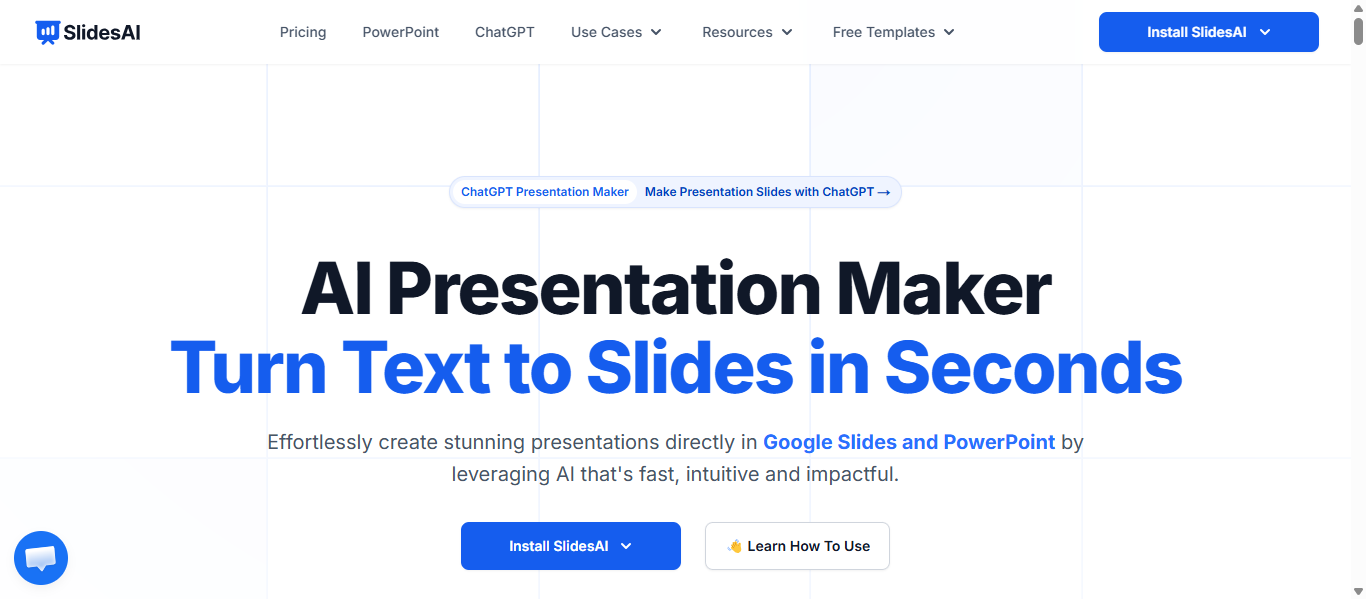
SlidesAI.io is an AI-powered presentation tool that converts text, outlines, or documents into structured slide decks automatically. It mainly works as a Google Slides add-on that helps users generate slides directly inside their presentation workspace. The tool focuses on transforming written content into presentation-ready slides without requiring manual formatting or design skills.
Key Features
- AI text-to-slides generation that converts scripts or notes into presentation slides
- Ready-made themes and layouts that automatically style the slides
- AI writing assistant that can expand, shorten, or refine slide text
- Built-in support for AI images and stock visuals for presentations
- Integration with Google Slides and export support for PowerPoint files
How SlidesAI.io Helps Create Presentations
- The user installs the SlidesAI add-on from the Google Workspace Marketplace.
- Inside Google Slides, the user enters a topic, outline, or full script.
- SlidesAI analyzes the content and generates slides with titles, bullet points, and layouts.
- The user edits the slides in Google Slides and exports them to PowerPoint or PDF if needed.
This process allows users to transform written content into a presentation in minutes rather than manually building each slide.
Best Use Cases
- Students creating academic presentations quickly
- Teachers preparing lesson slides from notes
- Business professionals summarizing reports into presentations
- Marketing teams converting documents into slide decks
- Consultants generating draft presentations for clients
Presentation Example Using SlidesAI.io
A university student preparing a research project presentation pastes their report summary into SlidesAI. The tool automatically creates slides covering the introduction, research methodology, key findings, and conclusion. After minor edits and visual adjustments, the student exports the deck and presents it in class.
Pros
- Very easy to use inside Google Slides
- Quickly converts text into structured presentations
- Helpful for generating first-draft slide outlines
- Supports multiple languages and presentation styles
Cons
- Design customization may be limited compared to design platforms
- Requires Google Slides or browser access
- AI output may need editing before final presentation
Pricing
SlidesAI uses a freemium pricing model with a free plan that allows limited slide generations. Paid plans start at around $8.33 per month (Pro plan) and higher tiers such as Premium (~$16.67 per month) offer unlimited presentations and higher AI usage limits.
8. Microsoft Copilot AI (PowerPoint)
What is Microsoft Copilot AI (PowerPoint)
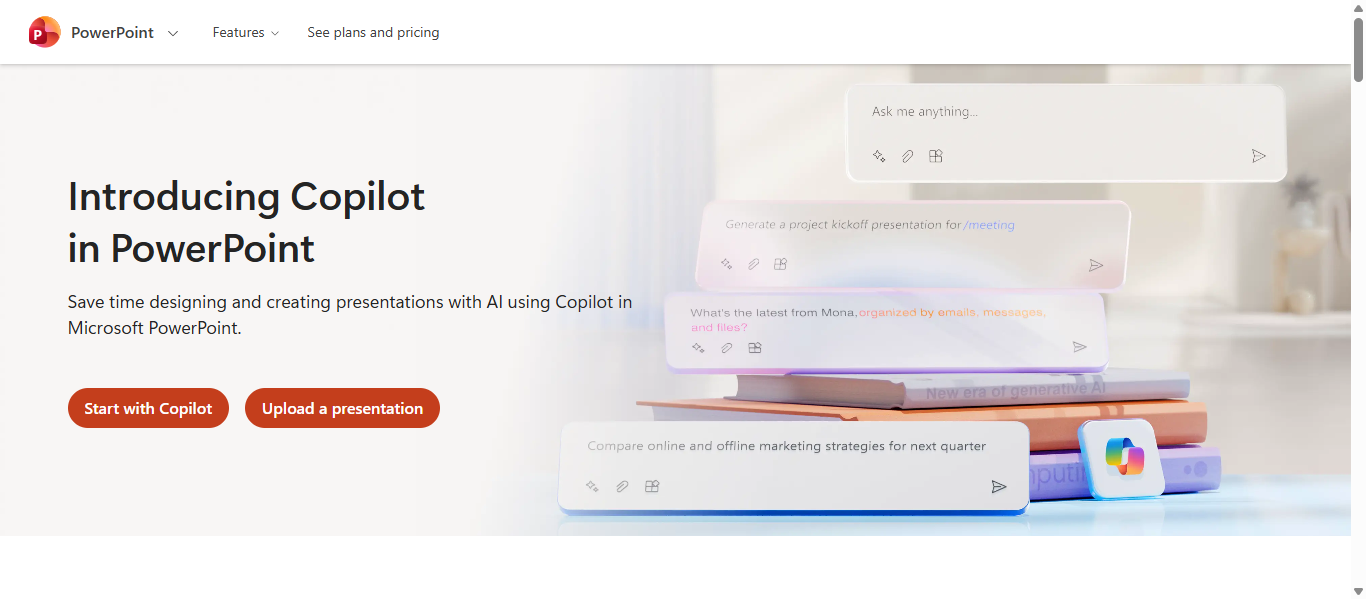
Microsoft Copilot in Microsoft PowerPoint is an AI assistant integrated into Microsoft 365 that helps users create, edit, and improve presentations using natural-language prompts. It allows users to generate entire slide decks, rewrite slide content, and design layouts directly inside PowerPoint without leaving the application. The goal of Copilot is to automate repetitive presentation tasks and improve productivity for professionals and teams.
Key Features
- AI prompt-to-presentation generation that creates full PowerPoint decks from a topic
- Automatic slide outlines, layouts, and AI-generated visuals based on user instructions
- AI writing assistance that rewrites text, summarizes documents, and improves slide messaging
- Built-in speaker notes generation to help presenters explain slides clearly
- Deep integration with Microsoft 365 apps such as Word, Excel, Teams, and OneDrive
How Microsoft Copilot Helps Create Presentations
- Open PowerPoint and select the Copilot button in the ribbon menu.
- Enter a prompt such as “Create a presentation about renewable energy trends.”
- Copilot generates slides with titles, bullet points, visuals, and suggested layouts.
- Users edit the slides, refine content with AI suggestions, and add custom visuals before presenting.
This process allows users to generate a complete draft presentation in minutes instead of manually designing each slide.
Best Use Cases
- Corporate teams preparing internal reports
- Consultants creating business strategy presentations
- Sales teams building product proposal decks
- Managers preparing meeting presentations
- Students generating research presentations
Presentation Example Using Microsoft Copilot AI
A business analyst preparing a market trends presentation asks Copilot to create slides using data from an Excel report. Copilot analyzes the document, generates slides summarizing the key insights, adds charts for data visualization, and writes speaker notes for each slide. The analyst edits a few details and presents the deck during a team meeting.
Pros
- Works directly inside PowerPoint with no additional tools
- Automatically generates slides from prompts or documents
- Helps summarize large documents into presentation format
- Integrates with other Microsoft 365 applications
Cons
- Requires Microsoft 365 subscription or Copilot license
- AI output may still require manual editing
- Limited customization compared to specialized AI presentation tools
Pricing
Microsoft Copilot for PowerPoint is available through Microsoft 365 Copilot subscriptions. Business plans with Copilot typically start around $20–$30 per user per month depending on the Microsoft 365 plan and organization size. Some basic Copilot features are also included with eligible Microsoft 365 subscriptions.
Try Microsoft Copilot AI (PowerPoint)
AI Tools for Collaborative or Business Presentations
9. Pitch AI
What is Pitch AI
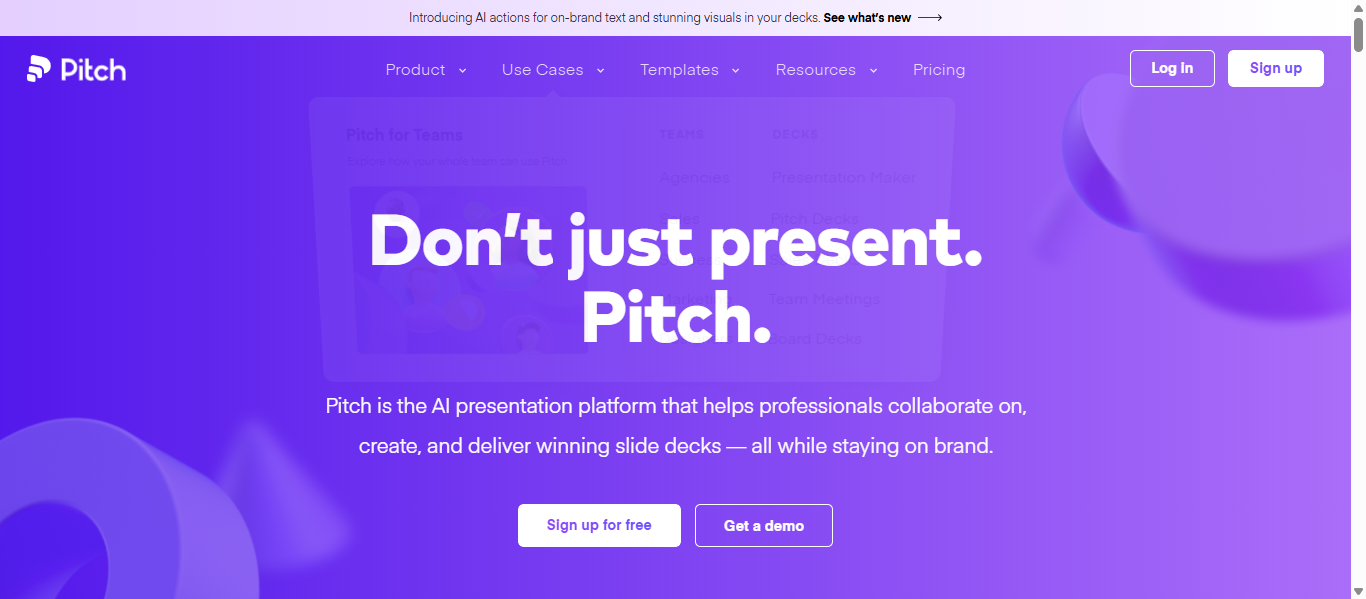
Pitch is a modern presentation platform designed for teams to create, collaborate on, and deliver professional slide decks. The platform combines AI-assisted slide creation with collaboration tools, analytics, and brand management features. It was built to help startups, sales teams, and businesses create polished presentations faster while maintaining consistent design and messaging.
Key Features
- Prompt-to-presentation generator that creates slide drafts from a topic
- AI tools for rewriting slide content, improving tone, and refining text
- Real-time collaboration where team members edit slides simultaneously
- Large template library with customizable fonts, colors, and layouts
- Export and sharing options including PPTX, PDF, and branded presentation links
How Pitch AI Helps Create Presentations
- Users start by entering a prompt or choosing a template for their presentation.
- Pitch AI generates a structured deck with suggested slide layouts and text.
- Teams collaborate in real time to edit content, adjust visuals, and refine messaging.
- The finished presentation can be shared via a link, exported to PowerPoint, or presented online.
This workflow reduces the time required to build professional presentations while allowing teams to collaborate on a single deck in real time.
Best Use Cases
- Startup founders creating investor pitch decks
- Sales teams presenting product proposals
- Marketing teams building campaign presentations
- Agencies sharing client presentations and reports
- Product teams presenting feature updates and strategies
Presentation Example Using Pitch AI
A SaaS startup preparing a fundraising pitch deck uses Pitch AI to generate slides explaining the product, market opportunity, and growth strategy. The AI creates a draft presentation with sections such as problem, solution, business model, and traction metrics. The founding team collaborates on the slides before presenting the deck to investors.
Pros
- Strong collaboration features for team presentations
- Modern design templates optimized for pitch decks
- Built-in analytics and engagement tracking
- AI tools help refine content and design quickly
Cons
- AI content generation can be basic compared to AI-native tools
- Some advanced features require paid plans
- Design flexibility may be limited compared to full design platforms
Pricing
Pitch offers a free plan that includes unlimited presentations and limited AI credits for slide generation. Paid plans start at approximately $20 per month for team plans, offering advanced analytics, collaboration tools, and additional AI credits.
10. Chronicle AI
What is Chronicle AI
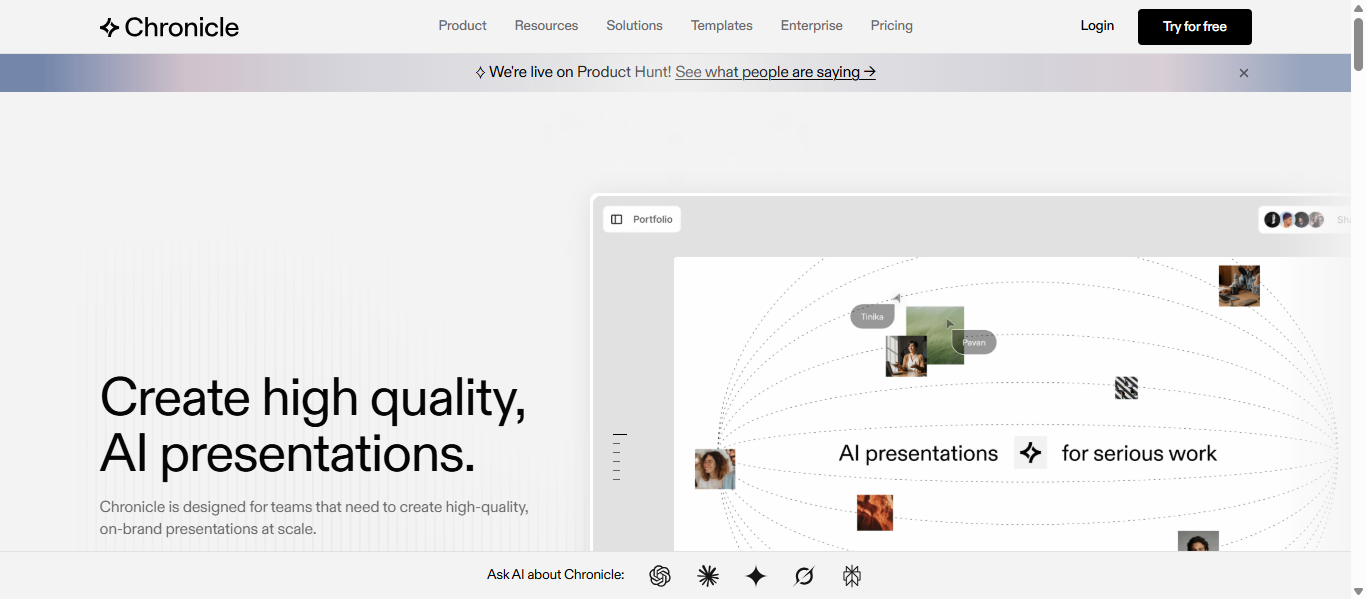
Chronicle is a modern AI-powered presentation platform designed to transform ideas, notes, or documents into visually structured presentations. The tool focuses on story-driven presentations, helping teams create interactive and polished decks without manual slide design. It is commonly used for business presentations, investor decks, and team updates where clarity and storytelling matter.
Key Features
- AI presentation generator that converts notes, outlines, or documents into structured slides
- Smart templates and layouts that automatically maintain visual balance and branding
- Interactive widgets and visual components for charts, timelines, and embedded content
- Real-time collaboration allowing teams to edit presentations together
- Export and publishing options including PDF downloads and web-based presentations
How Chronicle AI Helps Create Presentations
- The user enters a topic, outline, or uploads documents such as PDFs or links.
- Chronicle AI analyzes the content and generates a structured presentation narrative.
- Slides are automatically formatted using AI templates and design logic.
- Users refine the deck and publish it as a presentation link or export it for meetings.
This workflow reduces the time required to build presentations while ensuring slides remain visually consistent and easy to understand.
Best Use Cases
- Startup founders preparing investor pitch decks
- Consultants presenting research findings to clients
- Product teams explaining product strategy or roadmap
- Marketing teams presenting campaign results
- Corporate teams creating executive presentations
Presentation Example Using Chronicle AI
A product marketing team preparing a product launch strategy presentation uploads campaign notes and market research into Chronicle AI. The platform generates slides explaining the target audience, product positioning, launch timeline, and marketing channels. The team refines visuals and shares the presentation link with stakeholders before the launch meeting.
Pros
- Strong storytelling structure for business presentations
- Clean, professional slide design generated automatically
- Interactive presentation elements and widgets
- Real-time collaboration for team projects
Cons
- Still evolving with fewer templates than older tools
- Limited offline functionality
- Advanced features require paid plans
Pricing
Chronicle offers a free plan with limited AI features. Paid plans typically start at around $12 per user per month for the Pro plan, with team plans costing around $25 per user per month depending on collaboration features and usage limits.
11. Decktopus AI
What is Decktopus AI
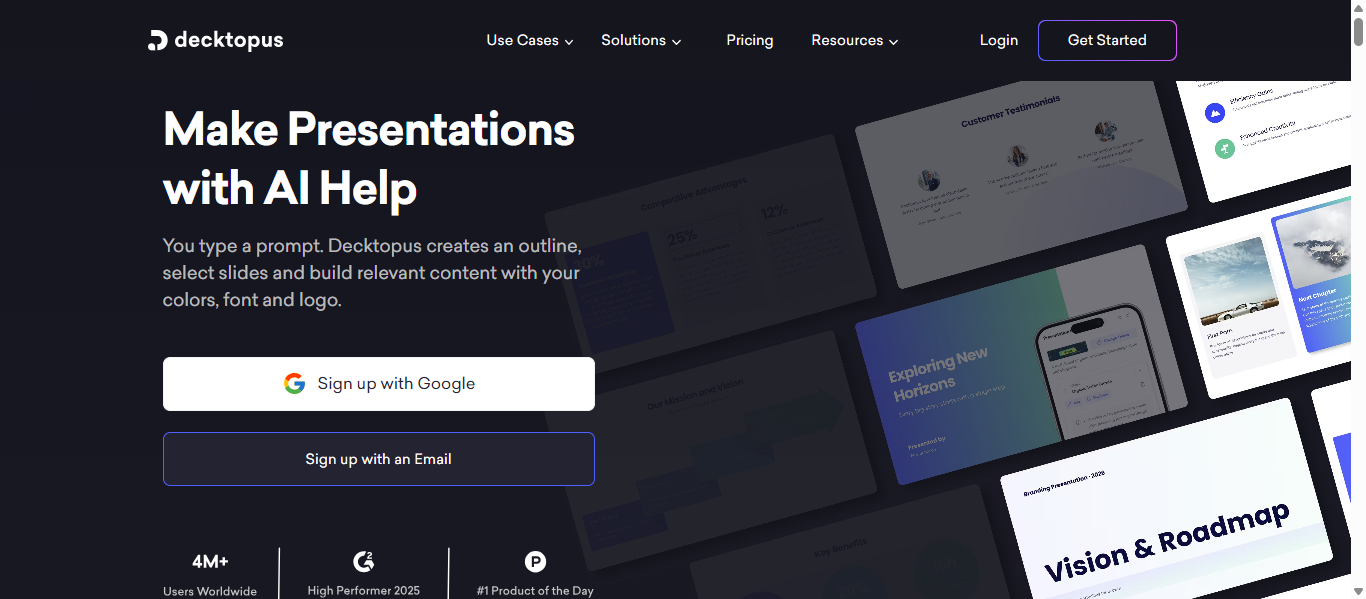
Decktopus is a web-based AI presentation generator that helps users create professional slide decks from a short topic or outline. The platform focuses on automating slide design, structure, and content, allowing users to quickly produce presentations without manual formatting. It is commonly used by professionals, marketers, and educators who need polished presentations in a short time.
Key Features
- AI prompt-to-presentation generation that builds slides from a topic or outline
- Smart templates that automatically apply design styles, colors, and fonts
- AI content assistance that generates slide text, speaker notes, and presentation tips
- Built-in media support including images, icons, videos, and interactive elements
- Export options including PowerPoint (PPTX), PDF downloads, and shareable presentation links
How Decktopus AI Helps Create Presentations
- The user enters a topic or presentation idea in the Decktopus dashboard.
- The AI generates an outline and automatically creates slides with relevant layouts and visuals.
- Users customize the slides by editing text, adding visuals, or selecting a template.
- The final presentation can be presented online or exported to formats like PowerPoint or PDF.
This process significantly reduces the time needed to design slides manually because the AI handles structure, formatting, and visual styling.
Best Use Cases
- Sales teams preparing proposal presentations
- Entrepreneurs creating startup pitch decks
- Marketing teams presenting campaign strategies
- Teachers creating lesson presentations
- Consultants preparing client reports
Presentation Example Using Decktopus AI
A sales consultant preparing a product proposal presentation enters key details about the product, customer challenges, and pricing structure. Decktopus AI generates slides covering the problem, product features, benefits, and pricing comparison. The consultant adjusts visuals and exports the presentation as a PowerPoint file before presenting it to the client.
Pros
- Quickly generates full presentations from simple prompts
- Ready-made templates simplify slide design
- AI assistance for writing slide text and speaker notes
- Supports multiple presentation export formats
Cons
- Template customization options can be limited
- Design flexibility may be lower than advanced design tools
- Requires internet access since it is cloud-based
Pricing
Decktopus typically offers paid plans starting around $14.99 per month for the Pro plan, which includes AI presentation generation and AI credits. Business plans start around $34.99 per month per user, offering advanced collaboration, branding features, and analytics tools.
AI Tools for Visual Storytelling & Data Presentations
12. Storydoc AI
What is Storydoc AI
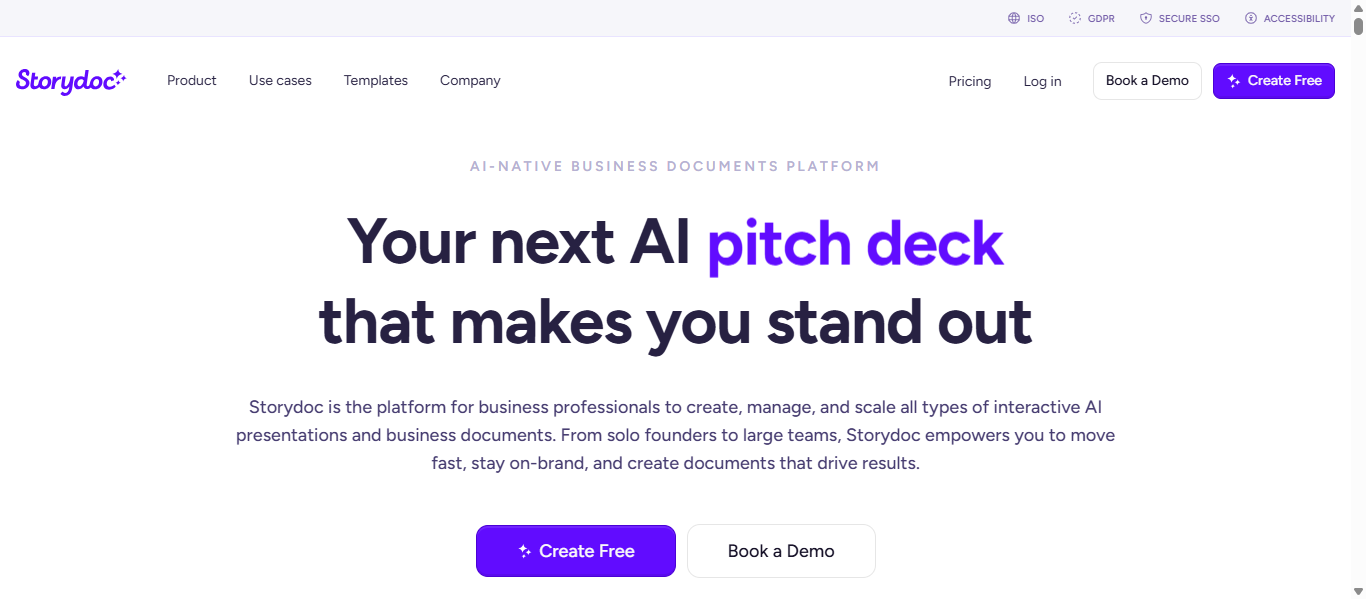
Storydoc is an AI-powered presentation platform that transforms traditional slide decks into interactive, web-based presentations. Instead of static slides, it creates scrollable presentations with multimedia elements, personalization, and analytics. The platform is widely used by sales and marketing teams to build engaging proposals, pitch decks, and reports that track viewer engagement.
Key Features
- AI presentation generator that turns text, URLs, or documents into structured slide decks
- Interactive presentation layouts with videos, buttons, forms, and multimedia embeds
- Smart templates for proposals, pitch decks, reports, and sales presentations
- Real-time analytics showing how viewers interact with the presentation
- Integrations with tools such as Calendly, YouTube, Loom, and CRM systems
How Storydoc AI Helps Create Presentations
- The user enters a prompt, uploads a document, or connects a website to generate presentation content.
- Storydoc AI automatically builds an interactive presentation with structured sections and visuals.
- The user customizes slides by adding multimedia, branding, and personalized content.
- The presentation is published as a shareable web link where engagement metrics can be tracked.
This approach helps teams replace static PDF or PowerPoint files with interactive presentations that can capture audience attention and measure engagement.
Best Use Cases
- Sales teams creating interactive proposals and client presentations
- Startups building investor pitch decks
- Marketing teams presenting campaign strategies and case studies
- Agencies sharing interactive reports with clients
- Recruiters presenting company culture or hiring proposals
Presentation Example Using Storydoc AI
A digital marketing agency prepares a client proposal presentation using Storydoc AI. The platform generates slides explaining the marketing strategy, campaign timeline, pricing packages, and expected results. The agency embeds a video demonstration and a meeting scheduling button directly inside the presentation before sending it to the client.
Pros
- Creates interactive presentations instead of static slides
- Built-in analytics for tracking viewer engagement
- Supports multimedia content like videos, forms, and embeds
- AI tools assist with writing and structuring presentation content
Cons
- Designed mainly for online presentations rather than offline slides
- Advanced customization features require paid plans
- Learning curve for users familiar only with traditional slide tools
Pricing
Storydoc offers a 14-day free trial that allows users to create and test interactive presentations. Paid plans typically start around $19–$20 per month per user, while advanced business plans with analytics and team features can cost $40–$60 per month depending on usage and integrations.
13. Piktochart AI
What is Piktochart AI
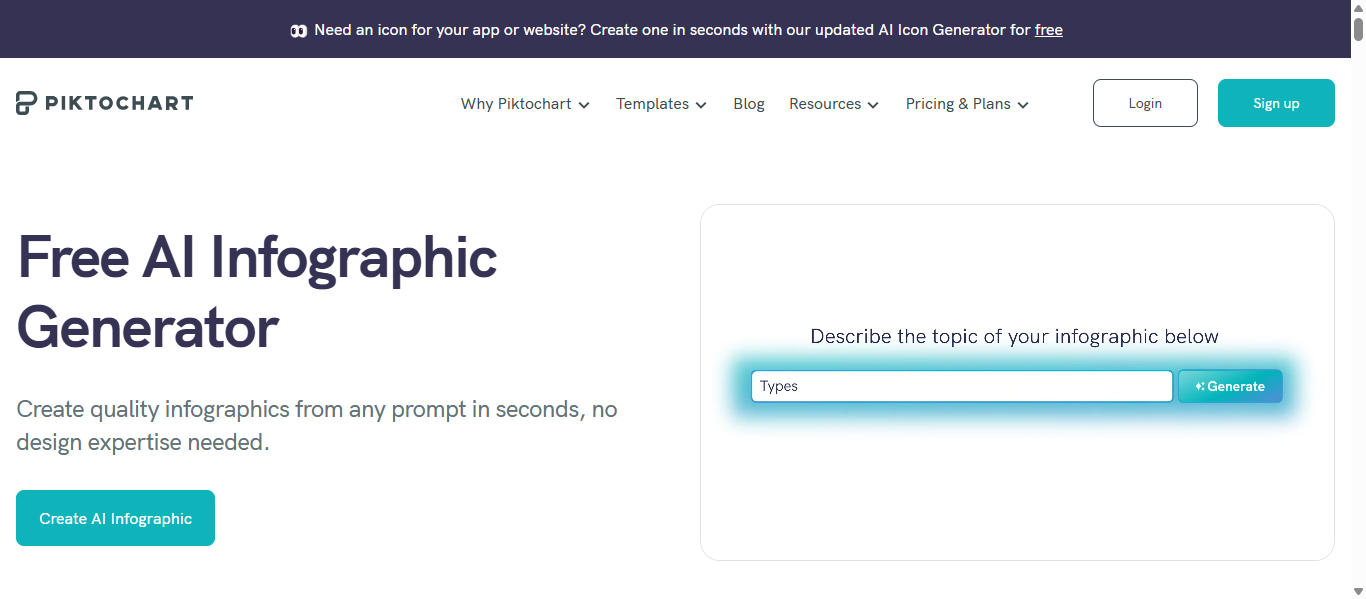
Piktochart is a visual design and presentation platform that uses artificial intelligence to transform text, documents, or prompts into visually rich slides, infographics, and reports. The tool focuses on data-driven presentations, helping users convert complex information into charts, diagrams, and easy-to-understand visuals without design skills.
Key Features
- AI prompt-to-visual generation that converts written content into presentation slides
- Large library of templates for presentations, reports, and infographics
- Automatic chart and data visualization tools for graphs, timelines, and diagrams
- Brand customization with fonts, colors, and logos for consistent design
- Export options including PDF, PNG, and shareable online presentations
How Piktochart AI Helps Create Presentations
- The user enters a presentation topic or uploads content such as a document or notes.
- Piktochart AI analyzes the content and generates structured slides with visuals and layouts.
- Users customize the slides by adding charts, icons, images, and branding elements.
- The presentation can then be shared online or exported for meetings and reports.
This workflow allows teams to convert complex data or reports into visually clear presentations much faster than building slides manually.
Best Use Cases
- Marketing teams presenting campaign performance reports
- Analysts visualizing business data and metrics
- Educators creating visual teaching materials
- HR teams building training and onboarding presentations
- Nonprofit organizations explaining impact reports
Presentation Example Using Piktochart AI
A nonprofit organization preparing an annual impact report presentation uploads program data and statistics into Piktochart AI. The tool generates slides containing charts, timelines, and visual summaries showing how funds were used and what outcomes were achieved. The final presentation visually communicates the organization’s results to donors and stakeholders.
Pros
- Excellent for data visualization and infographic-style slides
- Large template and design asset library
- AI converts documents into visual presentations quickly
- Supports charts, diagrams, and branded design elements
Cons
- Not as focused on slide-based storytelling as some tools
- Some export formats require paid plans
- Advanced design features may require a learning curve
Pricing
Piktochart offers a free plan with limited AI credits and templates. Paid plans start at about $14 per month when billed annually, while Business plans cost around $24 per user per month depending on features and usage limits.
14. Presentations.AI
What is Presentations.AI
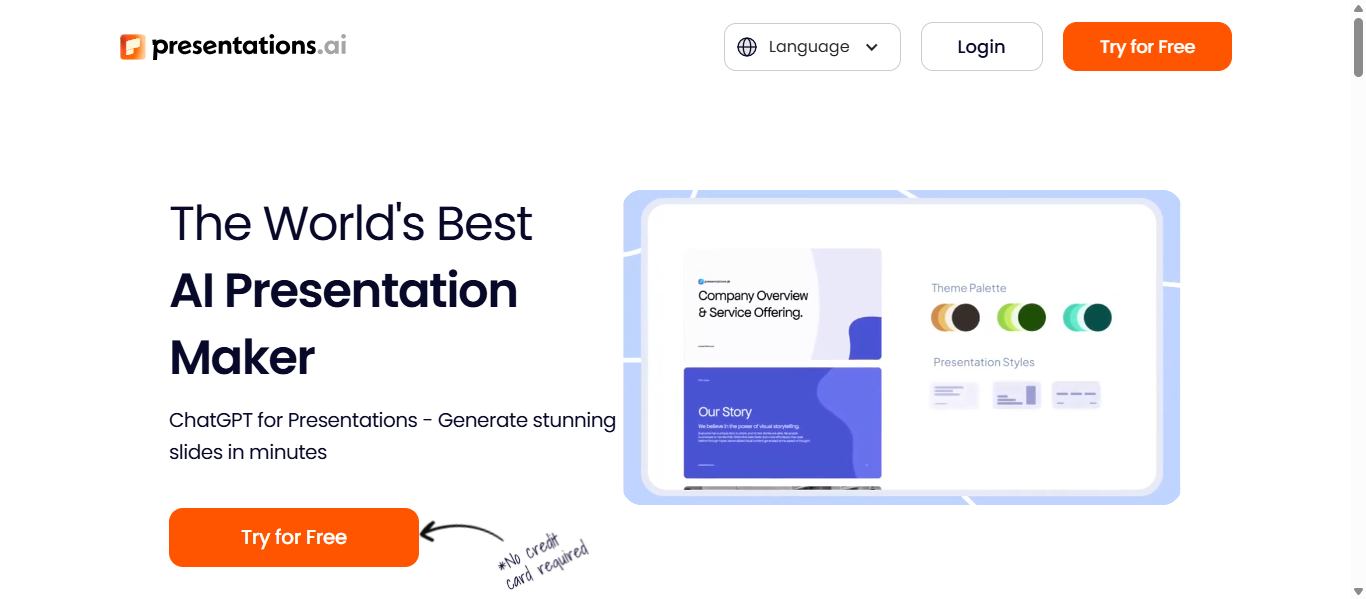
Presentations.AI is a cloud-based AI presentation generator designed to transform ideas, documents, or prompts into complete slide decks automatically. The platform uses AI to generate structured presentations with layouts, visuals, and formatted text so users can focus on their message instead of manual slide design. It is commonly used by professionals, marketers, and teams who need fast, polished presentations.
Key Features
- Prompt-to-presentation generation that turns ideas or documents into structured slides
- AI design assistant that automatically formats layouts and visual hierarchy
- Smart templates that adapt dynamically when content changes
- Real-time collaboration features including shared editing and comments
- Export and sharing options such as PowerPoint files, PDFs, and online presentation links
How Presentations.AI Helps Create Presentations
- The user enters a topic, prompt, or uploads content such as documents or outlines.
- The AI analyzes the information and automatically generates a structured presentation draft.
- Users customize slides by editing text, visuals, and themes using the AI design assistant.
- The completed presentation can be exported as PowerPoint, shared online, or presented directly from the platform.
This workflow helps users move from an idea to a presentation draft in minutes rather than spending hours building slides manually.
Best Use Cases
- Startup founders creating investor pitch decks
- Marketing teams preparing campaign presentations
- Corporate teams delivering internal business reports
- Consultants building client presentations quickly
- Educators preparing structured classroom presentations
Presentation Example Using Presentations.AI
A startup founder preparing a product roadmap presentation enters a prompt describing the company’s vision, product milestones, and future development plans. Presentations.AI generates slides outlining the roadmap timeline, feature highlights, and strategic goals. The founder refines the visuals and exports the presentation as a PowerPoint file for a board meeting.
Pros
- Quickly converts prompts or documents into presentations
- Smart templates maintain consistent slide design
- AI assists with both layout and content generation
- Collaboration features support team presentations
Cons
- Advanced features may require a paid plan
- AI-generated slides may need editing for complex topics
- Limited customization compared with advanced design tools
Pricing
Presentations.AI offers a free starter plan with limited AI credits. Paid plans start around $198 per year for the Pro plan, which includes advanced templates, branding features, and higher AI usage limits. Some plans also include collaboration tools and analytics.
15. PowerPresent AI
What is PowerPresent AI
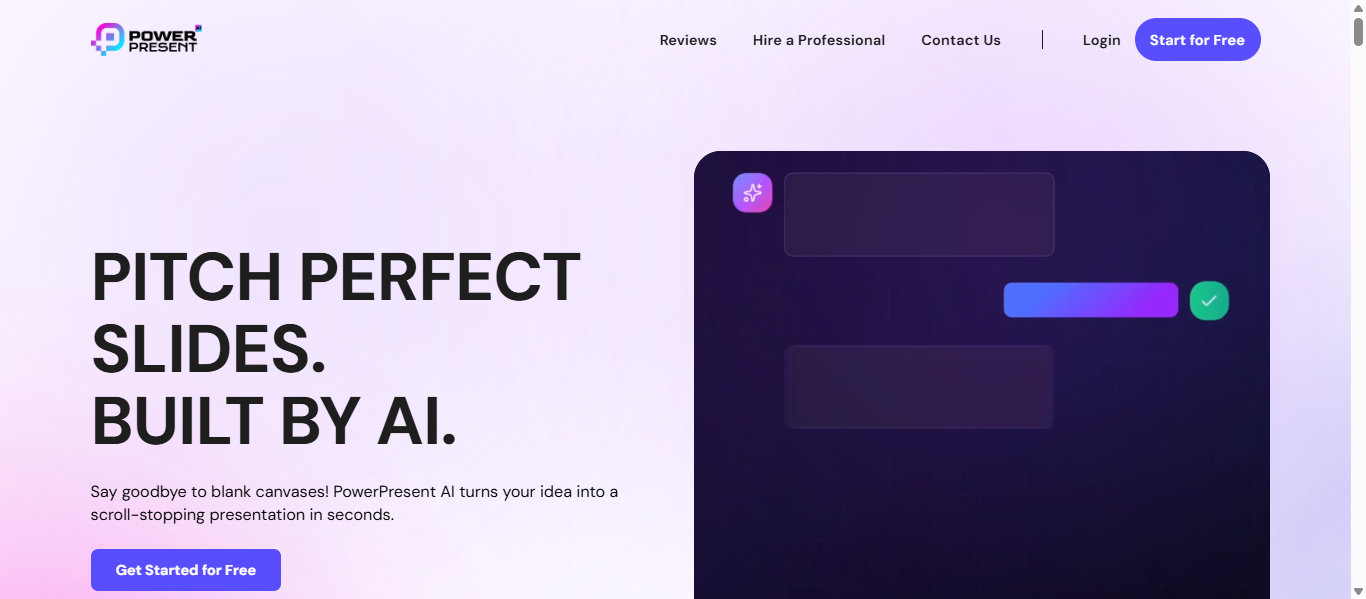
PowerPresent is an AI-powered presentation generator that converts prompts, documents, or outlines into complete slide decks automatically. The platform focuses on fast presentation creation, allowing users to generate professional slides without design experience. Users simply enter a topic or upload content, and the AI builds a structured presentation with layouts, visuals, and formatted text.
Key Features
- AI prompt-to-presentation generation that builds full slide decks automatically
- 100+ professionally designed templates and slide layouts
- AI content structuring that organizes ideas into logical presentation sections
- Customizable themes, fonts, and visual styles for personalized slides
- Export options including PowerPoint (PPTX) and Google Slides formats
How PowerPresent AI Helps Create Presentations
- The user enters a topic, prompt, or uploads notes, documents, or a link.
- PowerPresent AI analyzes the content and generates a structured presentation outline.
- The platform automatically creates slides with headlines, visuals, and layouts.
- Users customize fonts, themes, and content before exporting or presenting the deck.
This process allows users to create professional presentations in minutes instead of manually building each slide.
Best Use Cases
- Entrepreneurs creating startup pitch decks
- Students preparing academic presentations
- Marketing teams explaining campaign strategies
- Business professionals delivering project updates
- Trainers preparing workshop or seminar slides
Presentation Example Using PowerPresent AI
A startup founder preparing a product demonstration presentation enters a prompt describing the product features and benefits. PowerPresent AI generates slides covering the problem, product solution, key features, and market opportunity. The founder edits the visuals and exports the deck as a PowerPoint file before presenting it to potential investors.
Pros
- Generates full presentations from simple prompts
- Requires no design experience to create professional slides
- Large template library improves slide variety
- Supports export to PowerPoint and other formats
Cons
- AI-generated slides may require editing for detailed presentations
- Some advanced features require paid plans
- Limited customization compared to advanced design platforms
Pricing
PowerPresent AI uses a credit-based pricing model. A starter option allows users to generate presentations for about $2 per deck, while paid plans such as Pro ($19/month) and Power ($49/month) offer additional AI credits and advanced features. Annual plans around $99 per year provide expanded template access and higher usage limits.
Where AI is Used in Presentations
Artificial intelligence is now integrated into many stages of presentation creation. Instead of building slides manually, AI tools automate key tasks such as content creation, slide design, and visual storytelling.
1. Slide Generation
AI presentation tools can generate entire slide decks from a short prompt, outline, or document. Users simply describe the topic, and the AI organizes the content into a structured presentation with titles, bullet points, and sections.
2. Content Writing and Summarization
AI can help generate or refine slide content. It summarizes documents, reports, or research into concise slide text, ensuring information is clear and easy for audiences to understand.
3. Design Automation
Many AI tools automatically apply layouts, fonts, spacing, and visual hierarchy. Instead of manually adjusting elements, AI keeps slides visually balanced and consistent across the entire presentation.
4. Data Visualization
AI can convert raw data into charts, graphs, and visual diagrams. This helps presenters communicate complex information more clearly through visual storytelling.
5. Image and Visual Generation
Some AI presentation tools generate visuals such as illustrations, icons, or background images that match the presentation topic and design theme.
6. Speaker Notes and Presentation Scripts
AI assistants can automatically generate speaker notes that explain each slide in detail. This helps presenters prepare scripts and improves the clarity of their delivery during meetings or presentations.
Benefits of AI Presentation Tools
- Saves time on slide creation – AI can generate complete presentations from a simple prompt or document.
- Professional slide design – Automatic layouts and themes help create visually polished presentations.
- Better content structure – AI organizes ideas into clear sections, titles, and bullet points.
- Automatic charts and visuals – Data can be converted into graphs, diagrams, and visual summaries.
- Real-time collaboration – Teams can edit, comment, and review presentations together.
- Consistent branding – Brand colors, fonts, and templates stay uniform across slides.
- Quick updates and edits – Slides can be easily modified when information changes.
Who Should Use AI Presentation Tools
AI presentation tools are useful for professionals and teams who regularly create slide decks. Marketing teams use them for campaign presentations, sales teams for client proposals, and startup founders for investor pitch decks. Consultants and analysts use AI tools to present reports and insights, while educators and students use them for lectures and projects. Corporate teams also use AI presentation tools to prepare meeting and project update presentations quickly.
How to Choose the Right AI Presentation Tool?
When selecting an AI presentation tool, consider these key factors:
Design flexibility
Choose tools that match your needs. Some focus on automatic slide design, while others allow more manual customization.
Software compatibility
If you use PowerPoint or Google Slides regularly, select a tool that integrates with those platforms.
Team collaboration
For team projects, choose tools that support real-time editing, comments, and shared workspaces.
Data and visual support
If your presentations include reports or analytics, pick tools that provide charts, graphs, and visual storytelling features.
Cost and scalability
Compare free plans and paid options to ensure the tool fits your budget and can scale as your presentation needs grow.
Future of AI Presentation Tools
AI presentation tools will continue to improve as artificial intelligence becomes more advanced. In the future, these tools will be able to generate complete presentations automatically from simple prompts, documents, or meeting notes. They will also create charts, visuals, and design elements that match the presentation topic.
Many platforms are expected to include real-time AI assistance that helps teams edit slides, improve wording, and organize content during collaboration. Additionally, presentation tools may provide analytics that show how audiences interact with slides. As AI integrates more deeply with productivity platforms like document editors and spreadsheets, creating presentations from existing work will become much faster and easier.
Conclusion
AI presentation tools simplify slide creation by automating content generation, design, and formatting. Different tools focus on different strengths, such as design automation, collaboration, or integration with PowerPoint and Google Slides. The right platform depends on your workflow and presentation needs. Choosing a tool that balances automation, customization, and collaboration can help create presentations faster while maintaining quality.
FAQs
What is an AI presentation tool?
An AI presentation tool is software that uses artificial intelligence to automatically generate slides, organize content, and design layouts. Users can create presentations by entering a prompt, uploading a document, or providing notes. The AI then structures the information into slides with text, visuals, and formatting.
Which AI tool can create PowerPoint presentations automatically?
Several AI tools can generate PowerPoint presentations automatically. Tools such as Microsoft Copilot for PowerPoint, Plus AI, Gamma, and Presentations.AI can create slide decks from prompts or documents and export them as PowerPoint files.
Are AI presentation makers better than PowerPoint?
AI presentation makers are not replacements for PowerPoint but tools that simplify presentation creation. They help automate slide design, content generation, and formatting. PowerPoint still provides advanced manual editing and customization, while AI tools focus on speed and automation.
Can AI generate a full presentation from a prompt?
Yes. Many AI presentation tools can generate a full presentation from a simple prompt. The AI analyzes the topic and creates a structured slide deck with headings, bullet points, visuals, and layouts that can be edited before presenting.
Which AI presentation tool works best with Google Slides?
Tools such as Plus AI and SlidesAI.io work directly inside Google Slides. They allow users to generate slides, edit content with AI assistance, and manage presentations without leaving the Google Slides environment.
Are AI-generated presentations customizable?
Yes. Most AI-generated presentations can be edited after creation. Users can change text, adjust layouts, add images or charts, apply brand colors, and modify slide designs to match their presentation requirements.