
AI Data Analysis refers to the use of artificial intelligence to automatically process, explore, and interpret datasets for decision-making. It combines machine learning, natural language processing, and automation to reduce manual analysis and surface insights faster. In 2026, AI data analysis tools are widely used across business intelligence, data science, and operations, enabling both technical and non-technical users to query data, generate visualizations, and identify patterns with minimal effort.
List of Best AI Data Analysis Tools
- ChatGPT Advanced Data Analysis AI
- Claude AI
- Julius AI
- Microsoft Power BI AI
- Tableau AI
- Databricks AI
- ThoughtSpot AI
- Domo AI
- Polymer AI
- AnswerRocket AI
- Qlik Sense AI
- Google Vertex AI
- IBM Cognos AI
- DataRobot AI
- H2O.ai AI
AI Data Analysis Tools – Comparison Table
Below is a structured comparison of leading AI data analysis tools based on core capabilities, typical use cases, and pricing models. This helps identify which tools align best with specific workflows and technical requirements.
| Tool | Best For | Key Features | Pricing | Category |
|---|---|---|---|---|
| ChatGPT Advanced Data Analysis AI | Ad hoc analysis and prototyping | File upload analysis, Python code generation, charts, summaries | Freemium | Conversational AI |
| Claude AI | Large dataset interpretation | Long context window, document analysis, structured reasoning | Freemium | Conversational AI |
| Julius AI | Chat-based data exploration | Natural language queries, instant visualizations, lightweight modeling | Freemium | Conversational AI |
| Microsoft Power BI AI | Enterprise business intelligence | Copilot, dashboards, DAX assistance, integrations | Paid (subscription) | BI Platform |
| Tableau AI | Advanced visualization | Tableau Pulse, Einstein AI insights, interactive dashboards | Paid (subscription) | BI Platform |
| Databricks AI | Large-scale data science | Lakehouse architecture, AutoML, distributed processing | Enterprise (usage-based) | Data Science Platform |
| ThoughtSpot AI | Search-driven analytics | Natural language search, SpotIQ insights, real-time queries | Enterprise | BI Platform |
| Domo AI | End-to-end analytics workflows | Data integration, AI insights, real-time alerts, dashboards | Enterprise | Analytics Platform |
| Polymer AI | Spreadsheet automation | Auto-generated dashboards, data transformation, no-code setup | Paid (tiered) | No-code Analytics |
| AnswerRocket AI | Natural language reporting | Query-to-report generation, automated insights, business analytics | Paid | Conversational Analytics |
| Qlik Sense AI | Associative data exploration | AI-assisted discovery, AutoML, interactive dashboards | Paid | BI Platform |
| Google Vertex AI | Custom ML workflows | Model training, predictive analytics, scalable pipelines | Usage-based | ML Platform |
| IBM Cognos AI | Enterprise reporting | AI assistant, automated insights, governance controls | Paid | BI Platform |
| DataRobot AI | Automated machine learning | End-to-end AutoML, model deployment, explainability | Enterprise | ML Platform |
| H2O.ai AI | Predictive modeling | Open-source AutoML, scalable ML, model interpretability | Freemium / Enterprise | ML Platform |
After comparing these tools, the next section provides a detailed breakdown of each platform, including how they work, their features, and when to use them.
1. ChatGPT Advanced Data Analysis AI
What is ChatGPT ADA AI
ChatGPT ADA is a conversational AI tool that allows users to analyze data using natural language. It lets you upload files like CSVs or Excel sheets and automatically generate insights, charts, and summaries. The main purpose is to simplify data analysis without requiring coding skills. It is widely used for quick exploration, reporting, and automation of repetitive analysis tasks.
How to Use ChatGPT ADA AI for Data Analysis
- Upload your dataset (CSV, Excel, or text file) into ChatGPT
- Ask questions in plain language (e.g., “analyze trends” or “create a chart”)
- Review generated outputs like graphs, summaries, or code
- Refine results by asking follow-up questions or deeper analysis
Benefits of Using ChatGPT ADA AI
- No coding required for data analysis
- Fast insights and visualization generation
- Handles multiple data formats easily
- Helps automate repetitive analysis tasks
- Useful for both beginners and professionals
Use Cases of ChatGPT ADA AI for Data Analysis
A marketing team uploads campaign data and asks ChatGPT to identify top-performing channels, generate charts, and summarize ROI trends for reporting.
Who Should Use It
- Data analysts needing quick insights
- Business professionals without technical skills
- Students and researchers
- Marketing and operations teams
- Freelancers working with datasets
Pricing
ChatGPT offers a free plan with limited features and usage. Paid plans start around $20/month (Plus), with advanced tiers like Pro ($200/month) and Business plans available for teams.
2. Claude AI
What is Claude AI
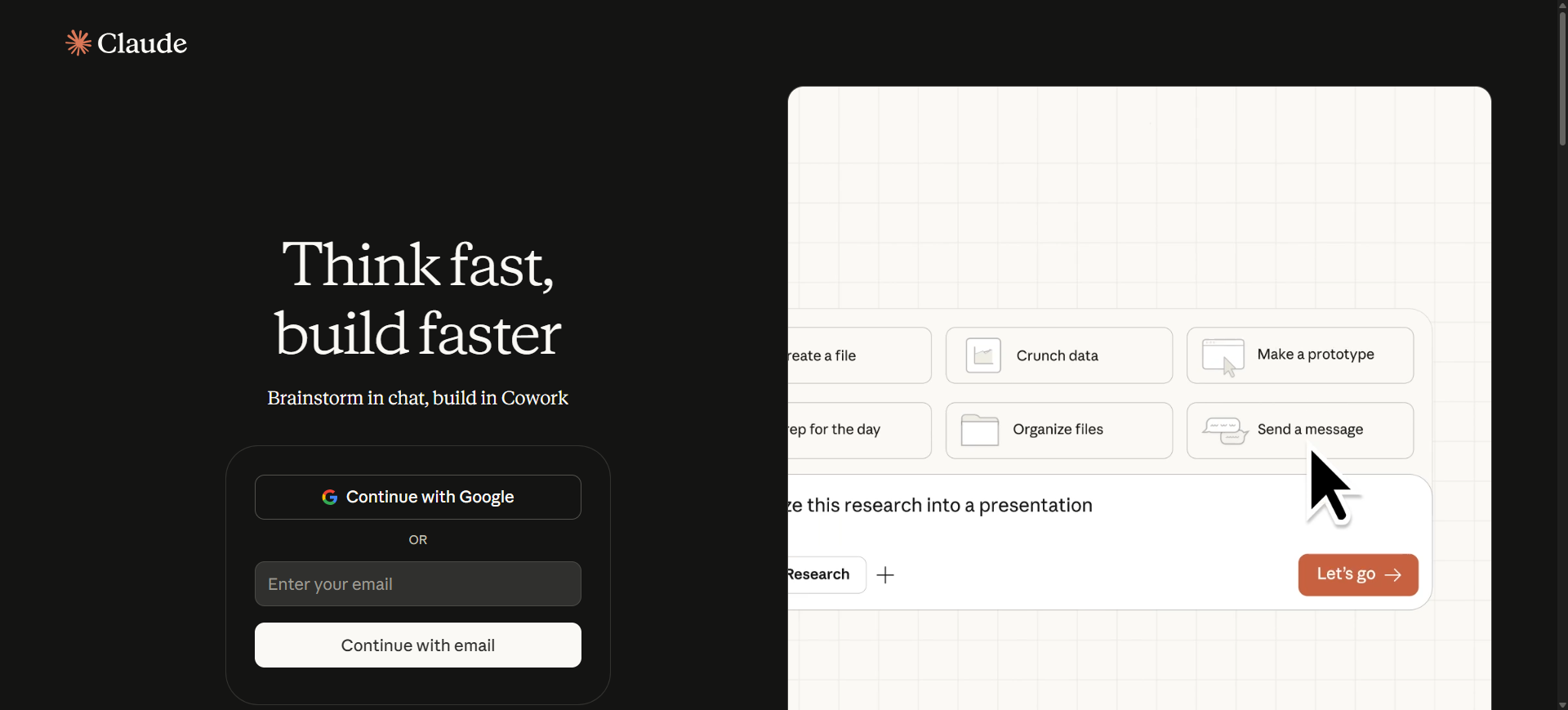
Claude is a conversational AI developed by Anthropic that helps users analyze data, generate insights, and work with large datasets using natural language. It is known for handling long documents and complex data context better than many alternatives. The main purpose of Claude AI is to simplify analysis, summarization, and reasoning tasks without requiring coding. It is widely used for research, reporting, and data interpretation workflows.
How to Use Claude AI for Data Analysis
- Upload datasets, documents, or paste structured data into Claude
- Ask questions in plain language (e.g., “summarize trends” or “find patterns”)
- Review generated insights, tables, or explanations
- Refine results with follow-up prompts for deeper analysis
Benefits of Using Claude AI
- Handles large datasets and long documents efficiently
- Strong reasoning and structured analysis capabilities
- Easy to use with natural language prompts
- Useful for both qualitative and quantitative insights
- Supports multiple workflows like research, reporting, and data review
Use Cases of Claude AI for Data Analysis
A research team uploads a large dataset and reports, then asks Claude to summarize key findings, identify trends, and generate insights for decision-making.
Who Should Use It
- Data analysts working with large datasets
- Researchers and academics
- Business professionals analyzing reports
- Content and strategy teams
- Developers handling data-heavy workflows
Pricing
Claude offers a free plan with limited daily usage. Paid plans start at around $20/month for Pro, with higher tiers like Max ($100–$200/month) and team/enterprise plans available.
3. Julius AI
What is Julius AI
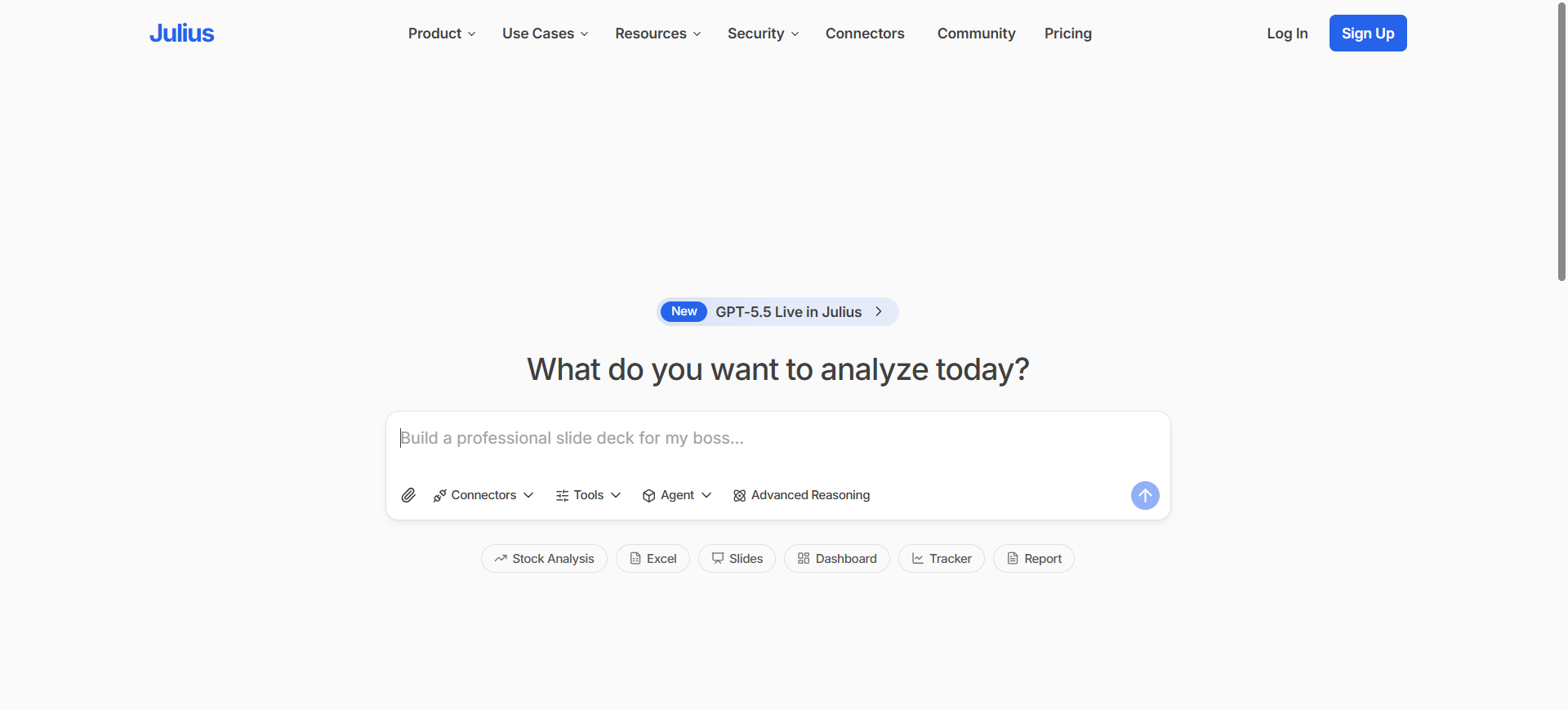
Julius is a conversational AI data analysis tool designed to turn raw data into insights using natural language. It allows users to upload spreadsheets or connect databases and instantly generate charts, summaries, and reports. The main purpose of Julius AI is to simplify data analysis without coding. It is widely used by business teams for quick insights and automated reporting workflows.
How to Use Julius AI for Data Analysis
- Upload a dataset (CSV, Excel) or connect a data source like Google Sheets
- Ask questions in plain English (e.g., “show revenue trends”)
- View generated charts, tables, or summaries instantly
- Save or refine analysis for repeated reporting
Benefits of Using Julius AI
- No coding or SQL required for analysis
- Generates charts and insights instantly
- Supports large datasets and multiple formats
- Automates repetitive reporting tasks
- Easy for non-technical users to adopt
Use Cases of Julius AI for Data Analysis
A sales team connects their CRM data and asks Julius AI to analyze monthly revenue trends, identify top-performing regions, and generate dashboards for management reports.
Who Should Use It
- Business analysts
- Marketing and sales teams
- Non-technical professionals
- Startups and small teams
- Researchers working with datasets
Pricing
Julius AI offers a free plan with limited usage and basic features. Paid plans typically start around $20/month, with Pro plans around $37–$45/month and custom enterprise pricing available.
4. Microsoft Power BI AI
What is Microsoft Power BI AI
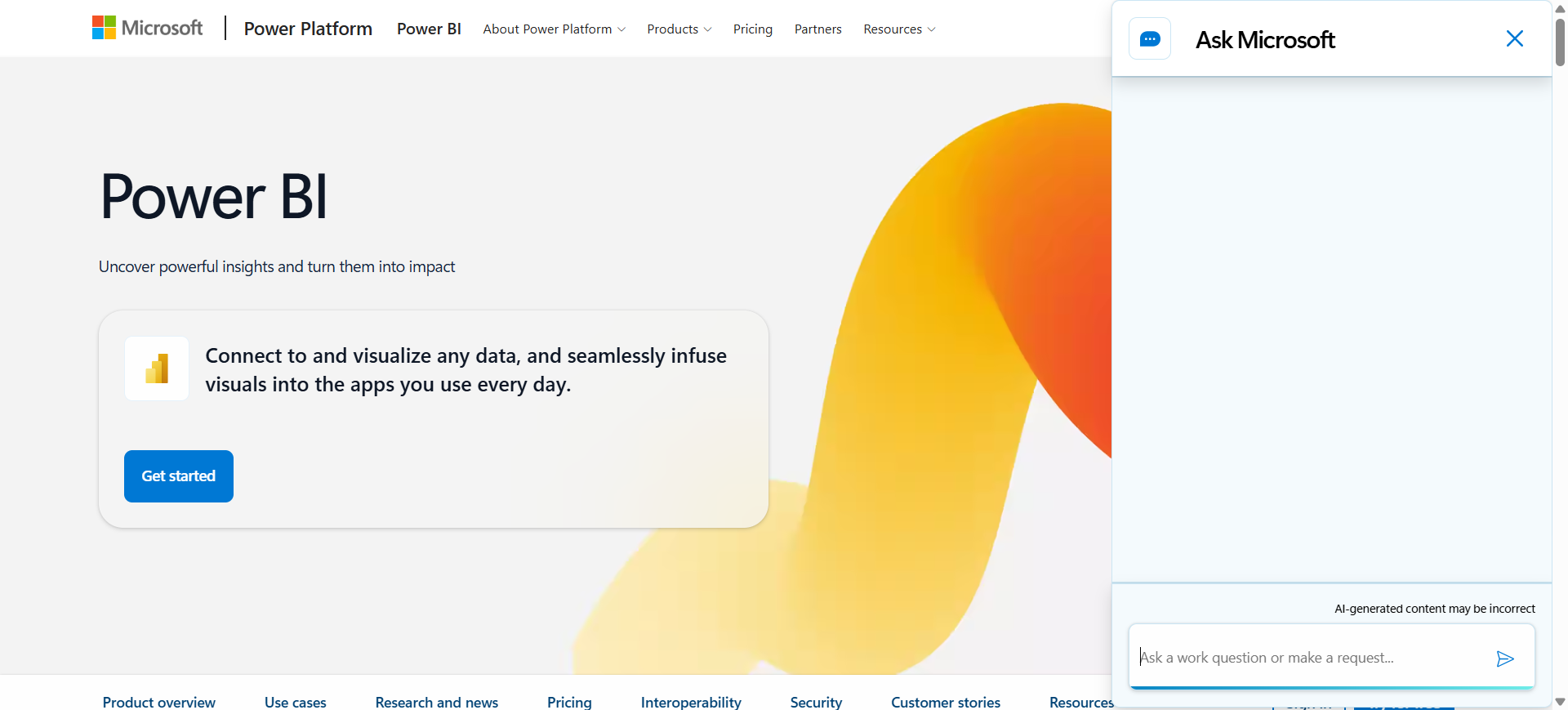
Microsoft Power BI is a business intelligence platform that uses artificial intelligence to analyze data, create dashboards, and generate insights. It includes AI features like Copilot, which allows users to ask questions in natural language and automatically build reports. The main purpose of Power BI AI is to help organizations turn raw data into clear, visual insights for decision-making. It is widely used in enterprises and teams already using Microsoft tools.
How to Use Microsoft Power BI AI for Data Analysis
- Connect your data sources (Excel, databases, cloud apps) to Power BI
- Use Copilot or natural language queries to explore data
- Create dashboards and visual reports automatically
- Share insights with your team or embed them in apps
Benefits of Using Microsoft Power BI AI
- Strong integration with Microsoft ecosystem (Excel, Teams, Azure)
- AI-powered dashboards and automated insights
- Supports large datasets and real-time analytics
- Easy sharing and collaboration across teams
- Scalable for both small teams and enterprises
Use Cases of Microsoft Power BI AI for Data Analysis
A finance team connects company data to Power BI and uses Copilot to generate revenue dashboards, identify trends, and share reports with leadership for faster decision-making.
Who Should Use It
- Enterprise teams and organizations
- Business analysts and BI professionals
- Microsoft ecosystem users
- Finance and operations teams
- Data teams handling large datasets
Pricing
Power BI offers a free version for individual use, with paid plans starting at about $14/user/month for Pro and $24/user/month for Premium Per User.
Advanced AI features like Copilot may require additional licensing (~$30/user/month) or enterprise capacity starting around $4,995/month.
5. Tableau AI
What is Tableau AI
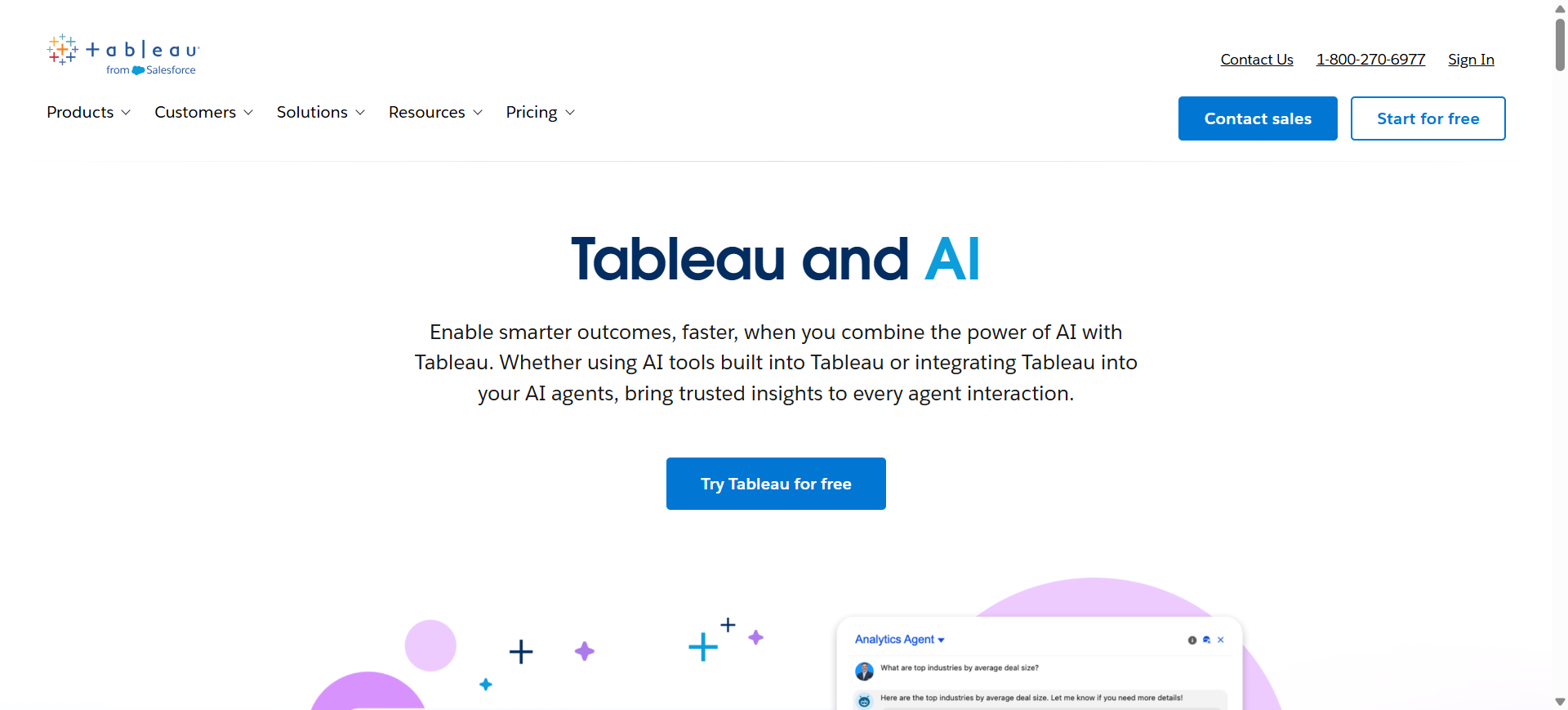
Tableau is an AI-powered business intelligence platform that helps users visualize, analyze, and understand data through interactive dashboards. It includes features like Tableau Pulse and Tableau Agent, which provide automated insights and natural language querying. The main purpose of Tableau AI is to make data analysis easier and more accessible for both technical and non-technical users. It is widely used for data visualization, reporting, and decision-making across organizations.
How to Use Tableau AI for Data Analysis
- Connect your data sources (databases, spreadsheets, cloud apps)
- Use natural language queries or AI features like Pulse to explore data
- Build dashboards using drag-and-drop tools
- Share insights with teams or stakeholders through reports
Benefits of Using Tableau AI
- Creates highly interactive and visual dashboards
- AI-powered insights with tools like Tableau Pulse
- Supports natural language data exploration
- Handles large and complex datasets efficiently
- Strong ecosystem with integrations and enterprise support
Use Cases of Tableau AI for Data Analysis
A retail company uses Tableau AI to track sales performance, identify trends across regions, and receive automated insights on declining product categories for faster decision-making.
Who Should Use It
- Business intelligence teams
- Data analysts and visualization experts
- Enterprises handling large datasets
- Marketing and sales teams
- Organizations using Salesforce ecosystem
Pricing
Tableau pricing starts at around $75/user/month for Creator, with Explorer at ~$42 and Viewer at ~$15 per user/month.
Advanced AI features like Tableau Pulse and Agent are typically included in higher-tier or enterprise plans such as Tableau Cloud or Tableau+ bundles.
6. Databricks AI
What is Databricks AI
Databricks is a unified data and AI platform designed for large-scale data analysis, machine learning, and predictive analytics. It uses a “lakehouse” architecture to combine data engineering, analytics, and AI in one system. The main purpose of Databricks AI is to help organizations process massive datasets and build advanced models efficiently. It is widely used by enterprises for big data analytics, real-time processing, and AI-driven decision-making.
How to Use Databricks AI for Data Analysis
- Connect large datasets from cloud storage, warehouses, or data lakes
- Use notebooks or AI assistants to explore and analyze data
- Build models using AutoML or custom machine learning workflows
- Deploy insights or predictions into dashboards or applications
Benefits of Using Databricks AI
- Handles very large datasets and complex workloads
- Combines data engineering, analytics, and AI in one platform
- Supports real-time and batch data processing
- Enables scalable machine learning and predictive analytics
- Strong collaboration tools for data teams
Use Cases of Databricks AI for Data Analysis
A large e-commerce company uses Databricks AI to analyze customer behavior across millions of transactions, build recommendation models, and optimize pricing strategies in real time.
Who Should Use It
- Data engineers and data scientists
- Large enterprises with big data needs
- AI/ML teams building predictive models
- Organizations handling real-time analytics
- Companies with complex data pipelines
Pricing
Databricks uses a usage-based pricing model based on Databricks Units (DBUs), where you pay for compute and storage resources consumed.
Costs typically start around ~$0.07–$0.15 per DBU, with total monthly spending ranging from hundreds to thousands depending on workload scale.
7. ThoughtSpot AI
What is ThoughtSpot AI
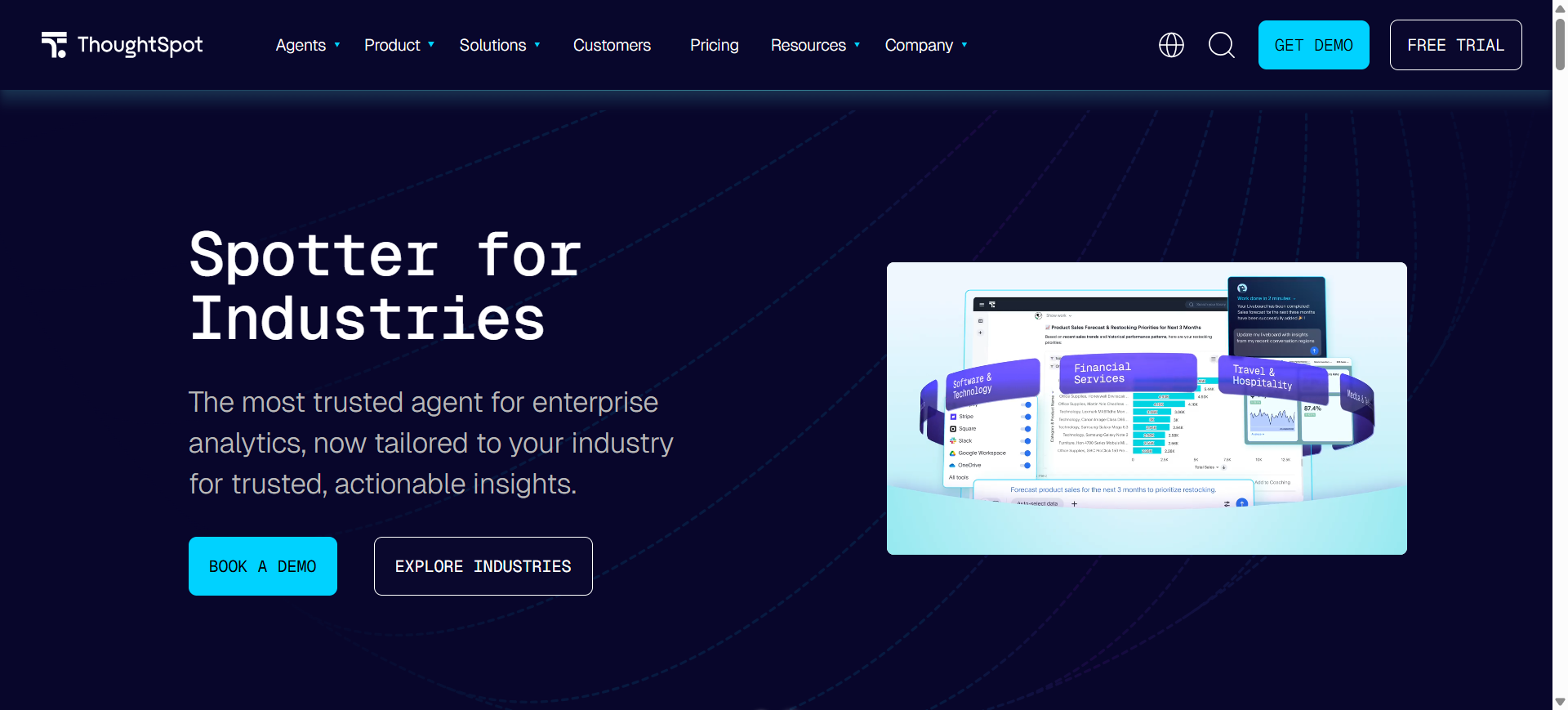
ThoughtSpot is a search-driven data analytics platform that allows users to analyze data using natural language queries. Instead of building dashboards manually, users can simply type questions and get instant visual insights. Its main purpose is to make data analysis faster and accessible for non-technical users. It also includes AI features like SpotIQ, which automatically detects trends, anomalies, and insights from large datasets.
How to Use ThoughtSpot AI for Data Analysis
- Connect your data sources such as cloud warehouses or databases
- Type questions in plain language (e.g., “show sales trends by region”)
- View instant charts, dashboards, and AI-generated insights
- Refine queries or explore deeper insights using follow-up searches
Benefits of Using ThoughtSpot AI
- No SQL or coding required for analysis
- Fast, search-based data exploration
- Automatically detects trends and anomalies
- Works with real-time and large datasets
- Enables self-service analytics for business users
Use Cases of ThoughtSpot AI for Data Analysis
A retail company uses ThoughtSpot AI to search sales data, identify declining product categories, and detect unusual trends automatically using SpotIQ insights.
Who Should Use It
- Business analysts
- Non-technical users
- Enterprise teams
- Marketing and sales teams
- Data-driven organizations
Pricing
ThoughtSpot offers plans starting around $25/user/month (Essentials) and $50/user/month (Pro), with usage-based options like ~$0.10 per query.
Enterprise pricing is custom and can scale significantly based on data volume, users, and usage requirements.
8. Domo AI
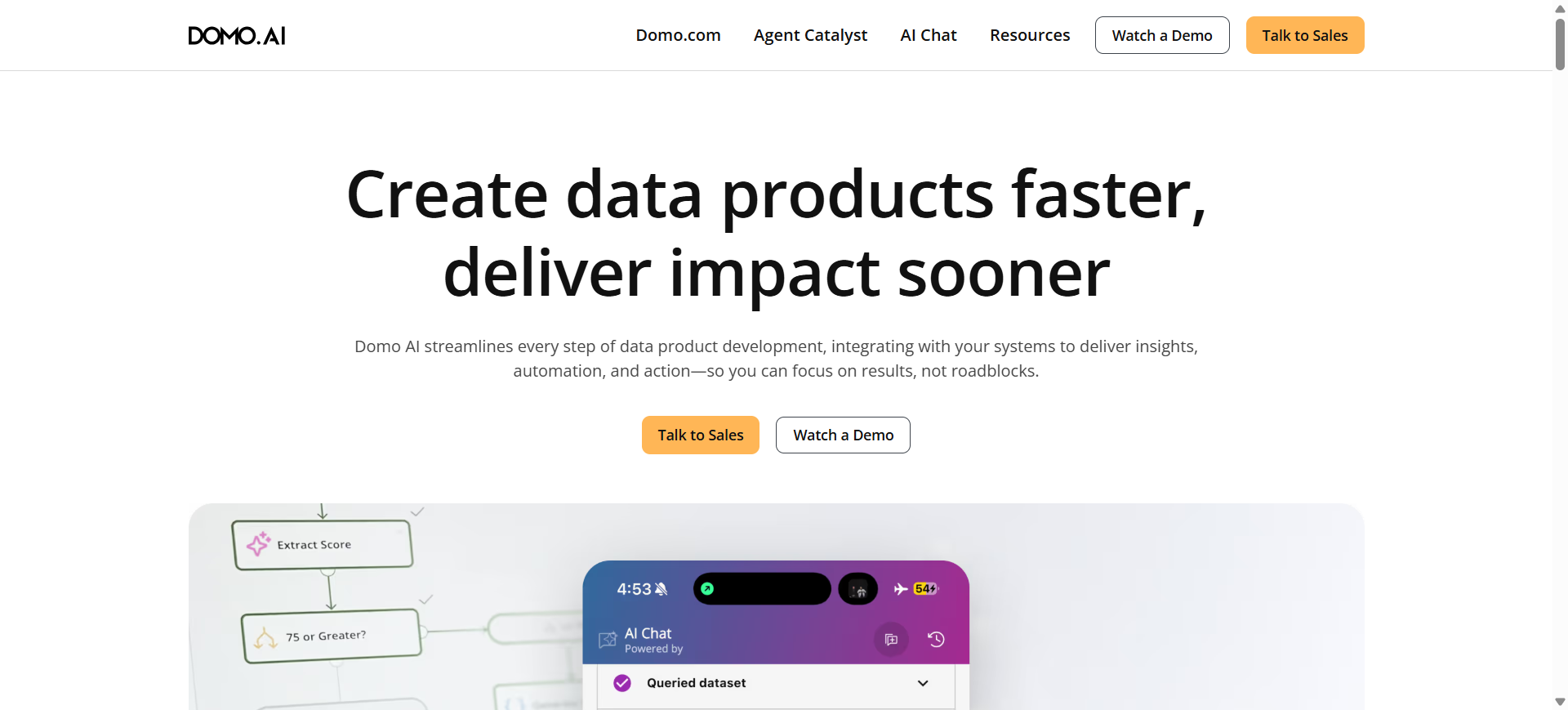
What is Domo AI
Domo is an end-to-end data analytics platform that combines data integration, visualization, and artificial intelligence in one system. It allows businesses to connect multiple data sources, analyze them, and generate real-time insights through dashboards and AI tools. The main purpose of Domo AI is to help organizations move from raw data to actionable decisions in a single platform. It is widely used by enterprises for business intelligence, automation, and data-driven workflows.
How to Use Domo AI for Data Analysis
- Connect data from sources like databases, cloud apps, or spreadsheets
- Use built-in tools to clean and prepare data automatically
- Explore insights using dashboards or AI chat features
- Set alerts or automate workflows based on data changes
Benefits of Using Domo AI
- All-in-one platform for data integration, analysis, and visualization
- Real-time dashboards and automated alerts
- Strong collaboration features for teams
- Scalable for large and complex data environments
- Supports AI-driven insights and automation
Use Cases of Domo AI for Data Analysis
A retail company uses Domo AI to connect sales, inventory, and marketing data, monitor performance in real time, and automatically trigger alerts when sales drop or inventory runs low.
Who Should Use It
- Large enterprises and organizations
- Data teams managing multiple data sources
- Business intelligence professionals
- Operations and finance teams
- Companies needing real-time analytics
Pricing
Domo offers a 30-day free trial, but no permanent free plan. Paid pricing is usage-based and typically starts around ~$30,000/year for small deployments, scaling to $100,000–$250,000+ annually for mid-size and enterprise use.
9. Polymer AI
What is Polymer AI
Polymer is a no-code data analysis and visualization tool that turns spreadsheets into interactive dashboards automatically. It allows users to upload data and instantly generate insights, charts, and reports without technical skills. The main purpose of Polymer AI is to simplify data exploration and make analytics accessible to non-technical users. It is commonly used by startups, marketers, and small teams for quick reporting and data visualization.
How to Use Polymer AI for Data Analysis
- Upload a spreadsheet (CSV, Excel) or connect a data source
- Let the AI automatically create dashboards and visualizations
- Use natural language queries to explore insights
- Share or embed dashboards for reporting and collaboration
Benefits of Using Polymer AI
- No coding required for data analysis
- Instantly converts spreadsheets into dashboards
- Easy to use for non-technical users
- Fast setup with minimal configuration
- Supports sharing and embedding reports
Use Cases of Polymer AI for Data Analysis
A marketing team uploads campaign data into Polymer AI, which automatically generates dashboards showing performance trends, top channels, and ROI insights for quick reporting.
Who Should Use It
- Small teams and startups
- Marketing and sales professionals
- Non-technical business users
- Freelancers and consultants
- Teams working with spreadsheets
Pricing
Polymer AI offers a free trial with limited features. Paid plans typically start around $25–$50/month, with Pro plans (~$100/month) and Teams plans (~$250/month), while enterprise pricing is custom.
10. AnswerRocket AI
What is AnswerRocket AI
AnswerRocket is an enterprise-grade AI data analysis platform that enables users to explore and analyze data using natural language. It uses a conversational AI assistant (Max) to generate insights, reports, and visualizations instantly. The main purpose of AnswerRocket AI is to help business users get fast, accurate answers from data without relying on technical teams. It is widely used for business intelligence, reporting, and decision-making.
How to Use AnswerRocket AI for Data Analysis
- Connect your business data sources (databases, warehouses, or apps)
- Ask questions in plain language (e.g., “why did sales drop?”)
- Review AI-generated insights, charts, and explanations
- Automate recurring reports or refine analysis with follow-up queries
Benefits of Using AnswerRocket AI
- No coding required for advanced analytics
- Generates instant insights from complex datasets
- Supports predictive and diagnostic analysis
- Automates recurring reports and workflows
- Works with both structured and unstructured data
Use Cases of AnswerRocket AI for Data Analysis
A retail company uses AnswerRocket AI to analyze sales data, identify performance drivers, and automatically generate weekly reports explaining why certain regions underperformed.
Who Should Use It
- Enterprise business teams
- Data analysts and BI professionals
- Marketing and sales teams
- Executives needing quick insights
- Organizations with large datasets
Pricing
AnswerRocket uses custom enterprise pricing based on users, data sources, and use cases, with no fixed public plans.
Typical deployments often start around ~$75,000/year, scaling higher for large enterprise implementations.
11. Qlik Sense AI
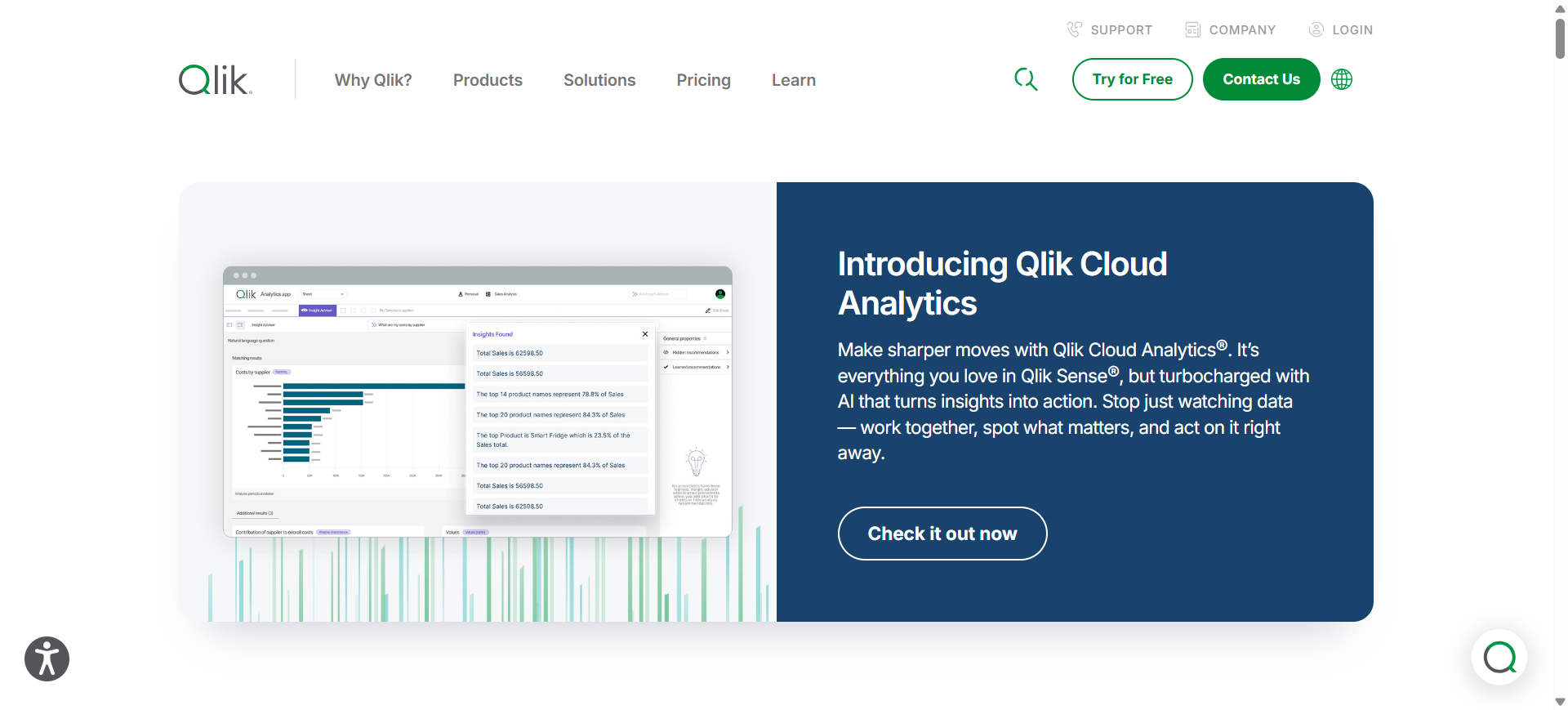
What is Qlik Sense AI
Qlik Sense is a business intelligence and data analytics platform that uses artificial intelligence to help users explore and understand data. It includes features like Insight Advisor, which provides automated insights and answers using natural language queries. The main purpose of Qlik Sense AI is to simplify data discovery and enable users to find patterns and relationships quickly. It is widely used for interactive dashboards, reporting, and enterprise analytics.
How to Use Qlik Sense AI for Data Analysis
- Connect your data sources such as databases, cloud apps, or spreadsheets
- Use Insight Advisor or search to ask questions in natural language
- Explore automatically generated visualizations and insights
- Build dashboards and share reports with your team
Benefits of Using Qlik Sense AI
- AI-powered insights and automated recommendations
- Strong data exploration with associative analytics
- Supports real-time and large-scale datasets
- Interactive dashboards and visual reporting
- Scalable for teams and enterprise environments
Use Cases of Qlik Sense AI for Data Analysis
A retail company uses Qlik Sense AI to analyze customer purchase data, uncover hidden relationships between products, and optimize pricing and inventory decisions based on AI-generated insights.
Who Should Use It
- Business intelligence teams
- Data analysts and data professionals
- Enterprise organizations
- Marketing and sales teams
- Companies handling large datasets
Pricing
Qlik Sense offers subscription-based pricing, starting around $30/user/month for basic plans, with professional licenses ranging from ~$70–$150/month.
Enterprise and cloud plans can cost $2,500–$5,000+ per month depending on data capacity and usage.
12. Google Vertex AI
What is Google Vertex AI
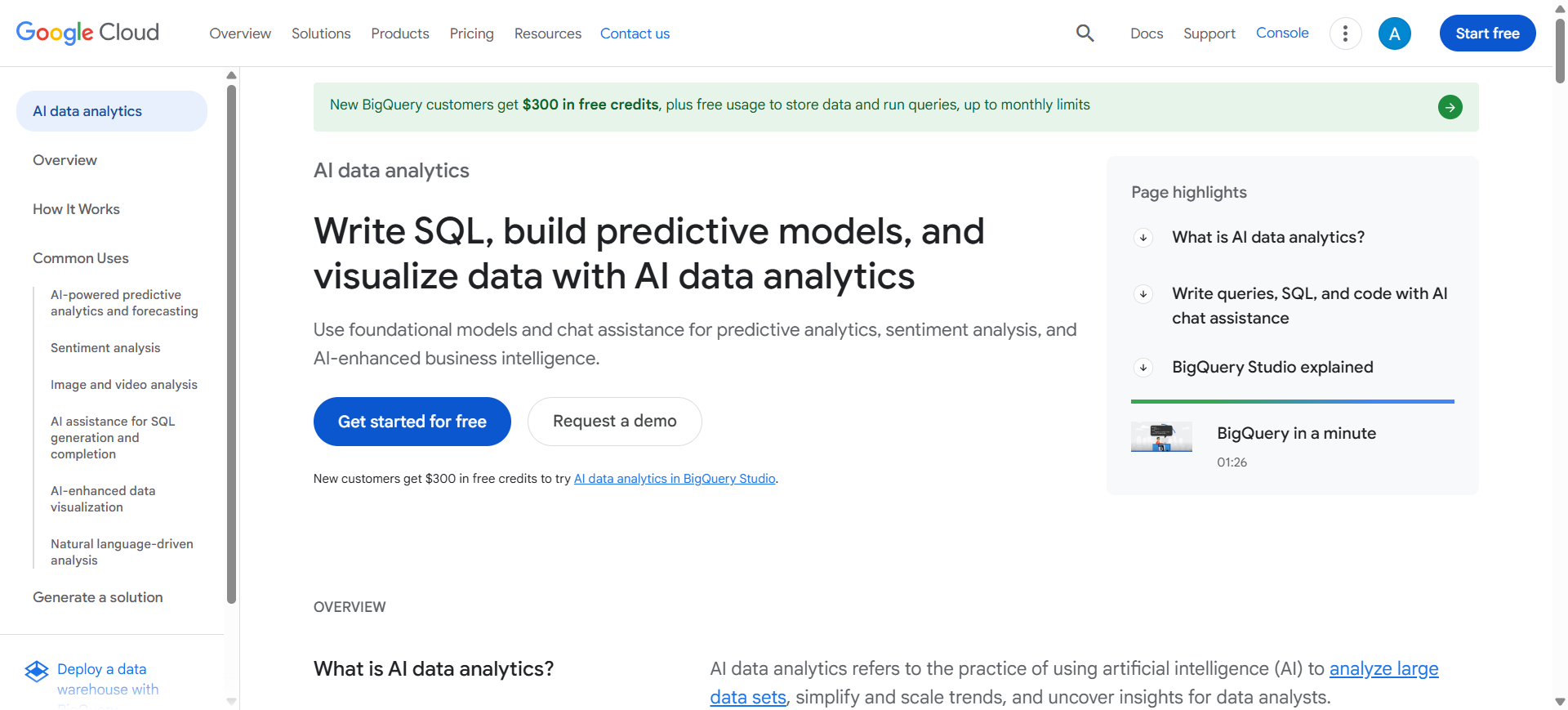
Google Vertex is a cloud-based AI and machine learning platform that helps businesses build, train, and deploy models at scale. It combines data engineering, machine learning, and generative AI tools into one system. The main purpose of Vertex AI is to simplify the entire AI lifecycle—from raw data to predictions and insights. It is widely used by enterprises for predictive analytics, automation, and large-scale data processing.
How to Use Google Vertex AI for Data Analysis
- Connect your data from sources like BigQuery, cloud storage, or databases
- Use AutoML or pre-built models to analyze and train on your data
- Run predictions or generate insights using AI models
- Deploy results into dashboards, apps, or workflows
Benefits of Using Google Vertex AI
- End-to-end platform for data, ML, and AI workflows
- Scales easily for large datasets and enterprise needs
- Supports both custom models and pre-trained AI models
- Integrates deeply with Google Cloud ecosystem
- Enables predictive analytics and automation
Use Cases of Google Vertex AI for Data Analysis
A retail company uses Vertex AI to forecast product demand, analyze customer behavior, and automate inventory decisions using predictive models trained on historical data.
Who Should Use It
- Data scientists and ML engineers
- Enterprises with large-scale data
- AI and analytics teams
- Developers building AI applications
- Companies using Google Cloud
Pricing
Vertex AI uses a pay-as-you-go model based on compute, storage, and API usage, with no fixed subscription.
New users get ~$300 free credits, and costs vary from a few hundred dollars/month to thousands depending on usage and scale.
13. IBM Cognos AI
What is IBM Cognos AI
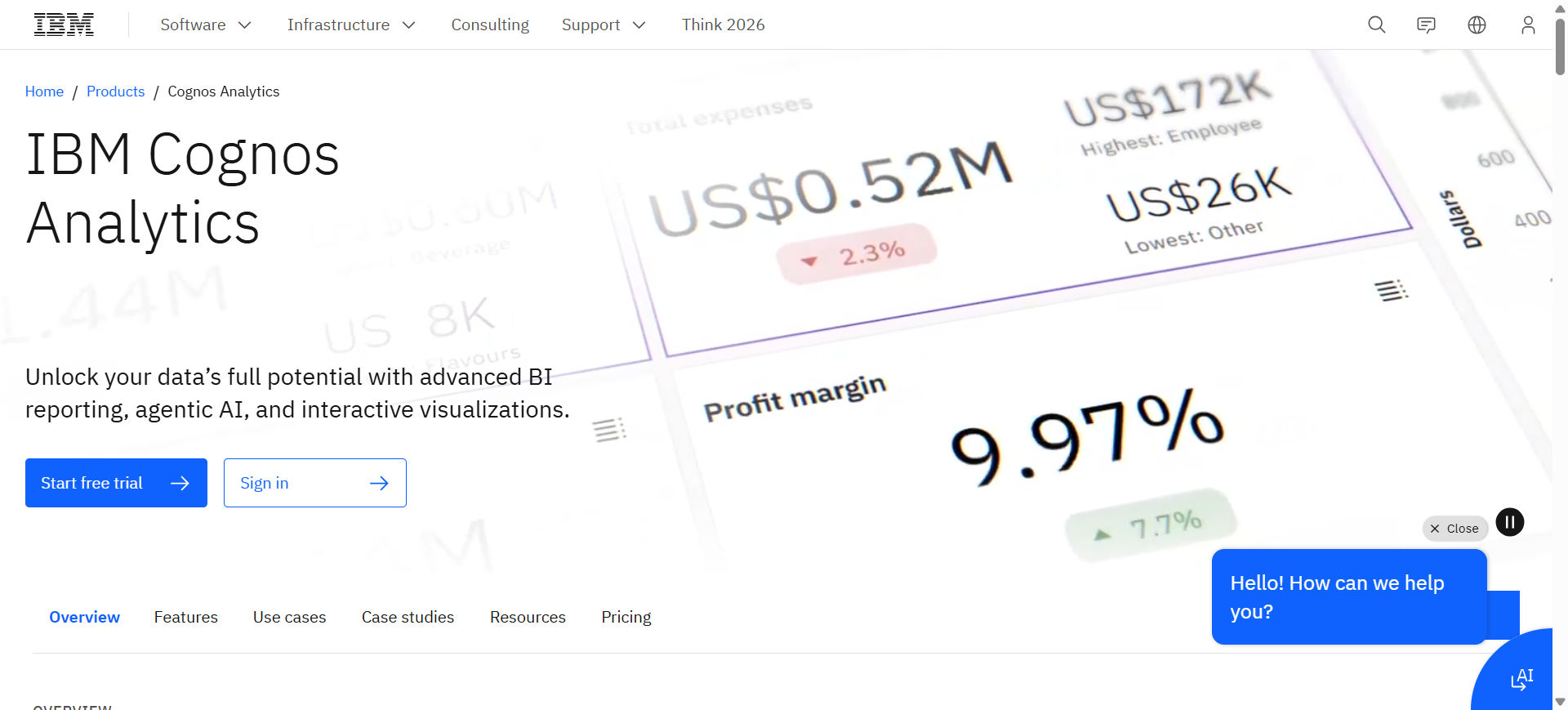
IBM Cognos is an enterprise business intelligence platform that uses artificial intelligence to analyze data, create reports, and generate insights. It combines dashboards, reporting, and AI-powered assistants to help users explore data easily. The main purpose of IBM Cognos AI is to provide secure, governed analytics for organizations. It is widely used by enterprises for reporting, forecasting, and decision-making.
How to Use IBM Cognos AI for Data Analysis
- Connect your data sources such as databases, cloud systems, or spreadsheets
- Use the AI assistant to ask questions in natural language
- Create dashboards and reports automatically
- Share insights across teams with built-in collaboration tools
Benefits of Using IBM Cognos AI
- Strong data governance and security features
- AI-powered insights and automated reporting
- Handles large and complex enterprise datasets
- Supports dashboards, forecasting, and data exploration
- Centralized platform for organization-wide analytics
Use Cases of IBM Cognos AI for Data Analysis
A finance team uses IBM Cognos AI to generate financial reports, forecast revenue trends, and ensure compliance with standardized reporting across departments.
Who Should Use It
- Large enterprises
- Finance and operations teams
- Business intelligence professionals
- Data analysts working with structured data
- Organizations needing strong governance
Pricing
IBM Cognos Analytics offers a free trial with cloud-based plans starting around $10–$10.60 per user/month (Standard) and ~$40–$42/month for Premium plans.
Enterprise pricing is customizable based on deployment, users, and infrastructure requirements.
14. DataRobot AI
What is DataRobot AI
DataRobot is an enterprise-grade automated machine learning (AutoML) platform that helps organizations build, deploy, and manage predictive models. It automates the entire machine learning lifecycle, from data preparation to model deployment. The main purpose of DataRobot AI is to make advanced analytics and predictive modeling accessible without requiring deep data science expertise. It is widely used by enterprises for forecasting, risk analysis, and AI-driven decision-making.
How to Use DataRobot AI for Data Analysis
- Upload your dataset or connect to data sources like databases or cloud platforms
- Let the platform automatically build and test multiple predictive models
- Review model performance, insights, and recommendations
- Deploy the best model and monitor results in real time
Benefits of Using DataRobot AI
- Automates complex machine learning workflows
- Builds multiple models quickly for better accuracy
- Provides explainable AI insights and predictions
- Scales easily for large enterprise datasets
- Supports deployment and monitoring in production
Use Cases of DataRobot AI for Data Analysis
A financial services company uses DataRobot AI to predict customer churn, assess risk scores, and automate credit decision-making based on historical data patterns.
Who Should Use It
- Data scientists and ML engineers
- Enterprise analytics teams
- Financial and healthcare organizations
- Companies using predictive analytics
- Businesses handling large datasets
Pricing
DataRobot does not offer fixed public pricing and uses custom enterprise pricing based on usage and scale.
Typical costs start around ~$2,500/month or ~$150,000/year, scaling to $250,000–$600,000+ annually for enterprise deployments.
15. H2O.ai AI
What is H2O.ai AI
H2O.ai is an advanced machine learning and AI platform designed for predictive analytics and automated model building. It includes tools like Driverless AI and H2O AI Cloud, which help users create, train, and deploy models without deep coding knowledge. The main purpose of H2O.ai is to make AI and machine learning accessible while maintaining high performance. It is widely used for enterprise analytics, forecasting, and data-driven decision-making.
How to Use H2O.ai AI for Data Analysis
- Upload or connect datasets from cloud storage or databases
- Use AutoML to automatically build and test models
- Review model performance, insights, and predictions
- Deploy models into production or dashboards
Benefits of Using H2O.ai AI
- Automates machine learning workflows with AutoML
- Supports advanced predictive analytics and forecasting
- Scales efficiently for large datasets
- Offers both no-code and advanced customization options
- Works across cloud, on-premise, and hybrid environments
Use Cases of H2O.ai AI for Data Analysis
A banking company uses H2O.ai to detect fraud by analyzing transaction patterns and predicting suspicious activities in real time.
Who Should Use It
- Data scientists and ML engineers
- Enterprise analytics teams
- Financial and healthcare organizations
- Companies using predictive analytics
- Organizations handling large datasets
Pricing
H2O.ai offers an open-source version that is free to use, along with a free trial for enterprise tools like Driverless AI.
Enterprise pricing is custom and can range from ~$100,000 to $700,000+ annually depending on infrastructure and scale.
Where AI is Used in Data Analysis
Artificial intelligence is applied across every stage of the data analysis workflow, from raw data collection to decision-making. In 2026, AI is not limited to a single step—it supports the entire lifecycle of data processing and insight generation.
Data Collection and Integration
AI helps gather data from multiple sources such as databases, APIs, and cloud platforms. It can automatically organize and combine structured and unstructured data, reducing manual effort in data integration.
Data Cleaning and Preparation
AI automates tasks like removing duplicates, handling missing values, and standardizing formats. This ensures that datasets are accurate and ready for analysis without time-consuming manual cleaning.
Exploratory Data Analysis
AI enables users to explore data using natural language queries. Instead of writing code, users can ask questions and instantly receive charts, summaries, and key insights.
Pattern Detection and Insights
Machine learning algorithms identify hidden patterns, correlations, and anomalies in data. This helps businesses uncover trends that may not be visible through traditional analysis.
Predictive and Prescriptive Analytics
AI uses historical data to forecast future outcomes such as sales trends, customer behavior, or risk levels. It can also recommend actions based on these predictions.
Data Visualization and Reporting
AI automatically generates dashboards, charts, and reports, making complex data easier to understand and share with stakeholders.
Real-Time Monitoring and Alerts
AI systems continuously monitor data and trigger alerts when unusual patterns or changes occur, enabling faster decision-making.
Decision Support and Automation
AI supports business decisions by providing insights and recommendations. In many cases, it can also automate actions based on predefined rules and data conditions.
Overall, AI transforms data analysis from a manual, time-intensive process into a faster, more accessible, and insight-driven workflow.
Benefits of AI Data Analysis Tools
- Faster data processing and instant insights generation
- Reduces manual work in data cleaning and analysis
- Enables non-technical users to analyze data easily
- Improves accuracy by minimizing human errors
- Identifies patterns and trends that are hard to detect manually
- Supports real-time data analysis and decision-making
- Automates reporting and dashboard creation
- Scales efficiently with large and complex datasets
- Enhances predictive and forecasting capabilities
- Helps teams make data-driven decisions quickly
Who Should Use AI Data Analysis Tools
AI data analysis tools are valuable for different users based on their goals and level of expertise:
- For Technical Users: Data analysts, data scientists, and ML engineers who need faster workflows, automation, and scalable analytics
- For Business Users: Managers, executives, and decision-makers who want quick insights without relying on technical teams
- For Marketing & Sales Teams: Professionals analyzing customer data, campaign performance, and revenue trends
- For Finance & Operations Teams: Teams tracking KPIs, forecasting trends, and optimizing business processes
- For Startups & Small Teams: Organizations that need insights without building a full data infrastructure
- For Enterprises: Companies handling large-scale data, advanced analytics, and governance requirements
- For Researchers & Academics: Individuals working with datasets, reports, and statistical analysis
- For Non-Technical Users: Anyone who wants to analyze data using simple, natural language instead of coding.
How to Choose the Right AI Data Analysis Tool
The simplest way to choose the right tool is to match it to your situation using three core factors: purpose, user, and scale.
1. Choose Based on Purpose
Different tools solve different problems:
- Exploration & quick insights → Conversational AI tools
- Dashboards & reporting → Business intelligence platforms
- Predictions & modeling → Machine learning platforms
- Data cleaning & preparation → Data workflow tools
2. Choose Based on User
The best tool depends on who will use it:
- Non-technical users → No-code or natural language tools
- Analysts → BI tools with dashboards and queries
- Data scientists → Advanced AI/ML platforms
3. Choose Based on Data Scale
Your data size directly impacts tool selection:
- Small datasets → Lightweight or spreadsheet-based tools
- Growing datasets → Scalable BI platforms
- Large-scale data → Cloud-based AI and data platforms
Decision Matrix
| Situation | Recommended Tool Type |
|---|---|
| Need fast answers without coding | Conversational AI tools |
| Need dashboards and reports | BI tools |
| Need forecasting or predictions | ML platforms |
| Need automation and pipelines | Data workflow tools |
The right AI data analysis tool is not the most powerful one—it’s the one that fits your specific workflow, team capability, and data complexity.
Future of AI Data Analysis
AI data analysis is moving toward more autonomous and proactive systems. Instead of waiting for users to ask questions, tools will continuously monitor data, detect changes, and surface insights automatically. This shift will reduce the need for manual exploration and enable faster, real-time decision-making across business functions.
Another major trend is the rise of multimodal and context-aware analysis. AI tools will not only process structured data but also combine text, images, videos, and external signals to generate deeper insights. With improved context understanding, these systems will deliver more accurate, relevant, and explainable results tailored to specific business needs.
Finally, the future will focus heavily on governance, reliability, and integration. As AI becomes central to decision-making, organizations will prioritize tools that ensure data accuracy, transparency, and compliance. At the same time, AI data analysis will become more embedded into everyday workflows, making data-driven decision-making a standard across teams rather than a specialized function.
Conclusion
AI data analysis tools are redefining how individuals and organizations work with data. From quick insights to advanced predictive modeling, these tools make analysis faster, more accessible, and scalable. The right tool depends on your specific needs, team expertise, and data complexity. By choosing carefully and using AI effectively, businesses can turn data into a consistent competitive advantage.
FAQs
Which AI tool is best for data analysis in 2026?
The best tool depends on your needs. Chat-based tools are great for quick insights, BI tools for dashboards, and platforms like Databricks or DataRobot for advanced analytics.
Are AI data analysis tools accurate?
They can be highly accurate when used with clean and reliable data. However, results should always be validated before making decisions.
What are the main features to look for in AI data tools?
Key features include natural language querying, automated insights, data visualization, predictive analytics, and integration with data sources.
How do AI tools handle large datasets?
Enterprise tools and cloud platforms can process large datasets using distributed computing, while smaller tools may have size limitations.
What industries use AI data analysis tools?
Industries like finance, healthcare, marketing, e-commerce, and manufacturing widely use these tools for insights and decision-making.
Are there free AI data analysis tools available?
Yes, tools like ChatGPT, Power BI (free version), and some AutoML platforms offer free tiers with limited features.