
AI Data Management refers to the use of artificial intelligence to automate how organizations collect, organize, integrate, and govern data across modern systems. As companies generate large volumes of structured and unstructured data, AI-powered data management platforms help ensure that data remains accurate, accessible, and usable for analytics and machine learning. In 2026, these tools enable scalable pipelines, automated data quality monitoring, and intelligent governance across complex enterprise data ecosystems.
List of Best AI Data Management Tools
The following platforms represent the most capable AI-powered data management tools in 2026, enabling organizations to automate pipelines, govern enterprise data, and power analytics and AI workloads.
Top AI Data Management Tools
- Energent AI
- Kleene AI
- DataHub AI
- Semarchy AI
- Ataccama ONE AI
- Databricks Lakehouse AI
- Snowflake AI
- Google Cloud Vertex AI
- Microsoft Fabric AI
- AWS Glue AI
AI Data Management Tools Comparison
Choosing the right AI data management platform depends on factors such as scalability, governance capabilities, integration features, and automation support.
The table below compares the leading AI data management tools based on their primary strengths and use cases.
| Tool | Best For | Key Features | Pricing | Category |
|---|---|---|---|---|
| Energent AI | Automated enterprise data workflows | AI-driven data orchestration, governance automation | Enterprise pricing | AI Data Automation |
| Kleene AI | Data cleaning and preparation automation | Data cleansing, enrichment, transformation pipelines | Custom pricing | Data Quality Platform |
| DataHub AI | Metadata and data catalog management | Metadata graph, lineage tracking, governance | Open source + enterprise | Data Catalog |
| Semarchy AI | Master data management | MDM automation, entity resolution, governance | Enterprise | Master Data Management |
| Ataccama ONE AI | Data governance and quality | AI data profiling, anomaly detection, data lineage | Enterprise | Data Governance |
| Databricks Lakehouse AI | Data engineering and ML pipelines | Lakehouse architecture, ML workflows, scalable compute | Usage-based | Data & AI Platform |
| Snowflake AI | Cloud data warehousing | Data cloud, secure sharing, scalable analytics | Consumption-based | Data Cloud Platform |
| Google Cloud Vertex AI | ML-powered data operations | ML pipelines, model lifecycle management | Usage-based | ML Platform |
| Microsoft Fabric AI | Unified analytics ecosystem | data integration, BI, data engineering | Subscription | Unified Data Platform |
| AWS Glue AI | Data integration and ETL automation | serverless ETL, metadata catalog | Pay-as-you-go | Data Integration |
AI data management platforms vary significantly in architecture and specialization. Some focus on governance and metadata management, while others provide full-stack data engineering and machine learning capabilities.
The following section examines each platform in detail to help organizations understand how these tools support modern data management workflows.
1. Energent AI
What is Energent AI
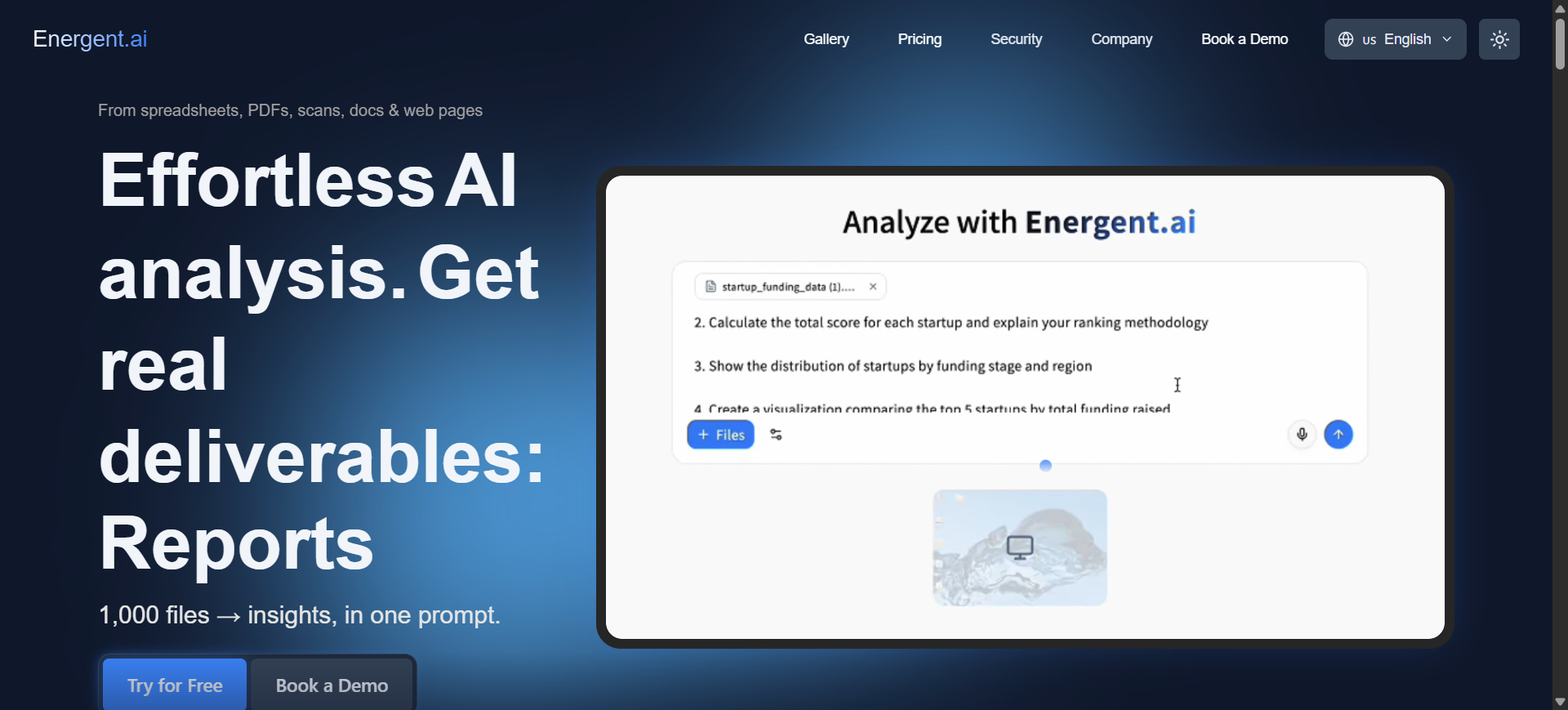
Energent AI is a no-code AI data analysis and automation platform designed to turn raw datasets into insights quickly. Users can upload files or connect data sources and ask questions in plain language to generate charts, reports, and summaries. The platform acts like a virtual data analyst that cleans, analyzes, and visualizes data automatically. Its goal is to make data analysis accessible even for non-technical teams.
How to Use Energent AI for Data Management
- Upload datasets such as CSV files or connect a data source.
- Ask questions about the data using natural language prompts.
- The AI analyzes the data and generates charts, insights, and summaries automatically.
- Export reports, dashboards, or spreadsheets for team collaboration.
Benefits of Using Energent AI
- Enables non-technical users to analyze data without SQL or coding.
- Automatically creates charts and visual reports from raw datasets.
- Reduces manual data cleaning and analysis work.
- Produces shareable outputs like spreadsheets and presentations.
- Speeds up decision-making with instant data insights.
Real World Example
A marketing team uploads campaign performance data into Energent AI. By asking questions like “Which campaign generated the highest ROI last quarter?”, the platform automatically generates visual charts and a summary report that the team can share with executives.
Who Should Use It
- Business analysts
- Marketing and operations teams
- Startup founders handling their own analytics
- Data teams needing faster exploratory analysis
- Non-technical professionals working with datasets
Pricing
Energent AI offers a free trial plan that allows users to test its data analysis capabilities. Paid plans are typically custom or enterprise-based, depending on usage volume and integrations required.
Pros
- No coding required for data analysis
- Generates insights and charts instantly
- Easy export to presentations and spreadsheets
Cons
- Limited advanced data engineering features
- Enterprise integrations may require paid plans
2. Kleene AI
What is Kleene AI
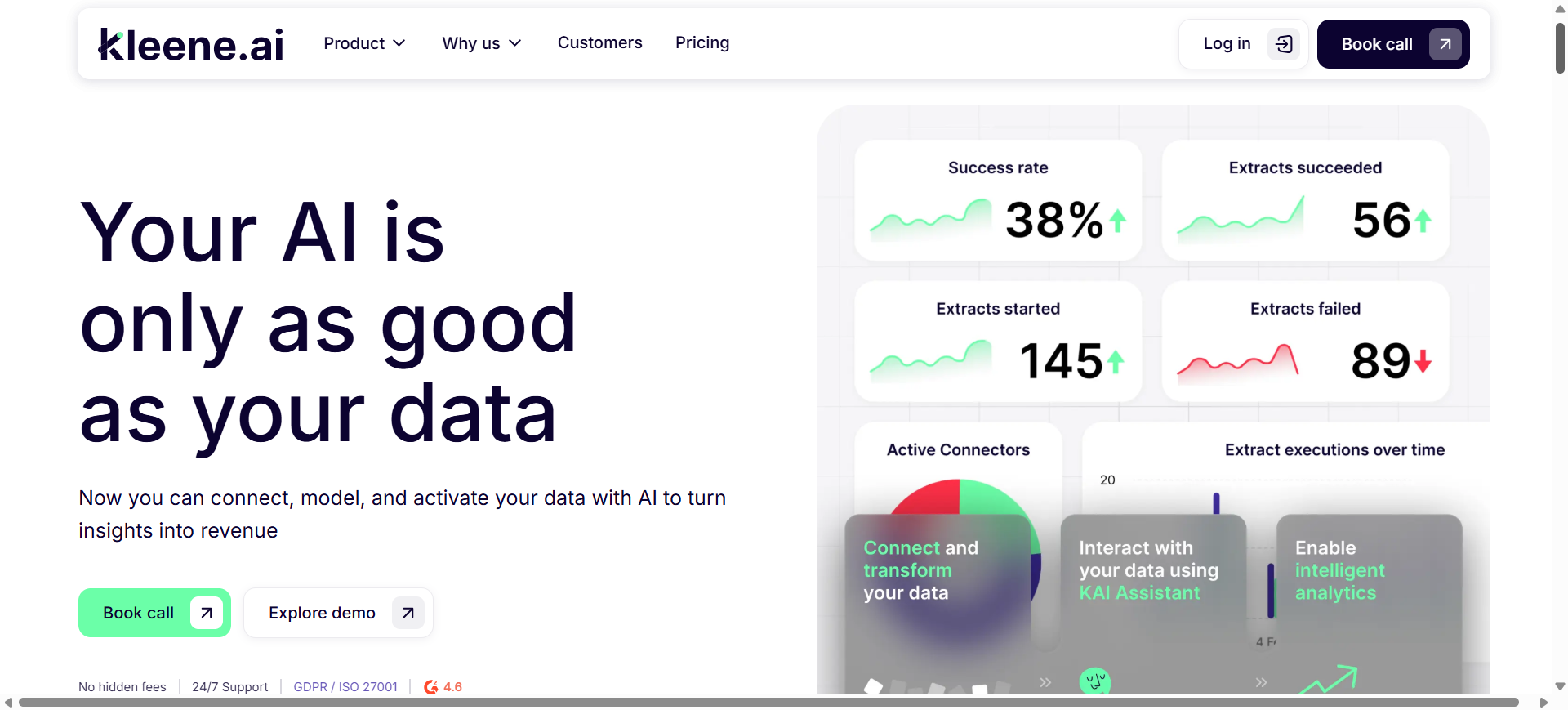
Kleene AI is an AI-powered data management platform that helps businesses connect, clean, and analyze data from multiple systems in one place. It automatically extracts data from tools such as CRMs, marketing platforms, and databases, then organizes it into a centralized data warehouse. The platform combines ELT pipelines, analytics, and AI assistants to generate insights without heavy engineering work. Its main goal is to help teams manage data and make decisions faster.
How to Use Kleene AI for Data Management
- Connect business data sources such as CRM, marketing tools, or databases.
- Kleene automatically extracts and transforms data into a centralized warehouse.
- Use built-in analytics or the AI assistant to analyze trends and performance.
- Generate dashboards, reports, and predictive insights for decision-making.
Benefits of Using Kleene AI
- Consolidates fragmented data from multiple tools into one platform.
- Automates data pipelines and reduces manual reporting work.
- Enables non-technical teams to analyze data without large engineering teams.
- Provides predictive insights for forecasting and decision support.
- Helps build a “single source of truth” across business data.
Real World Example
An ecommerce company connects Shopify, Google Ads, and CRM data into Kleene AI. The platform automatically builds pipelines and dashboards showing sales trends, marketing ROI, and demand forecasts. Leadership can then adjust advertising budgets and inventory based on real-time insights.
Who Should Use It
- Data and analytics teams
- Ecommerce companies
- Marketing and finance teams
- Operations managers
- Startups without large data engineering teams
Pricing
Kleene AI offers custom enterprise pricing depending on data sources and usage. Public information indicates platform plans starting around £2,000 per month, with tailored packages for larger organizations.
Pros
- All-in-one ELT pipeline and analytics platform
- AI assistant for querying and insights
- Integrates with hundreds of data sources
Cons
- Pricing can be expensive for small teams
- Requires initial setup for complex data environments
3. DataHub AI
What is DataHub AI
DataHub AI is an open-source AI data catalog and metadata management platform designed to help organizations discover, understand, and govern their data assets. It provides a centralized system where teams can track datasets, pipelines, dashboards, and machine learning models. Originally developed at LinkedIn, the platform is now widely used to manage complex data ecosystems. Its main purpose is to improve data discovery, lineage tracking, and governance across modern analytics and AI workflows.
How to Use DataHub AI for Data Management
- Connect your data sources such as databases, data warehouses, and analytics tools.
- DataHub automatically collects metadata and builds a searchable data catalog.
- Track data lineage to see how data flows between pipelines, dashboards, and models.
- Use governance policies and monitoring tools to maintain data quality and compliance.
Benefits of Using DataHub AI
- Centralizes metadata from multiple data systems into a single catalog.
- Provides complete data lineage visibility across pipelines and dashboards.
- Helps teams quickly discover datasets and understand how they are used.
- Improves governance with automated policies and monitoring.
- Supports scalable data ecosystems with open-source flexibility.
Real World Example
A large technology company uses DataHub AI to manage thousands of datasets across its analytics infrastructure. Data engineers track how data moves from ingestion pipelines into dashboards and machine learning models, allowing teams to quickly identify issues and maintain reliable data pipelines.
Who Should Use It
- Data engineers
- Data governance teams
- Analytics teams
- Machine learning engineers
- Enterprises managing large data ecosystems
Pricing
DataHub AI offers an open-source version that is free to self-host. Managed versions such as DataHub Cloud use enterprise subscription pricing, typically customized based on data scale and infrastructure needs.
Pros
- Free open-source version available
- Strong metadata management and lineage tracking
- Scales well for large enterprise data systems
Cons
- Requires engineering expertise to deploy and manage
- Advanced enterprise features require paid cloud plans
4. Semarchy AI
What is Semarchy AI
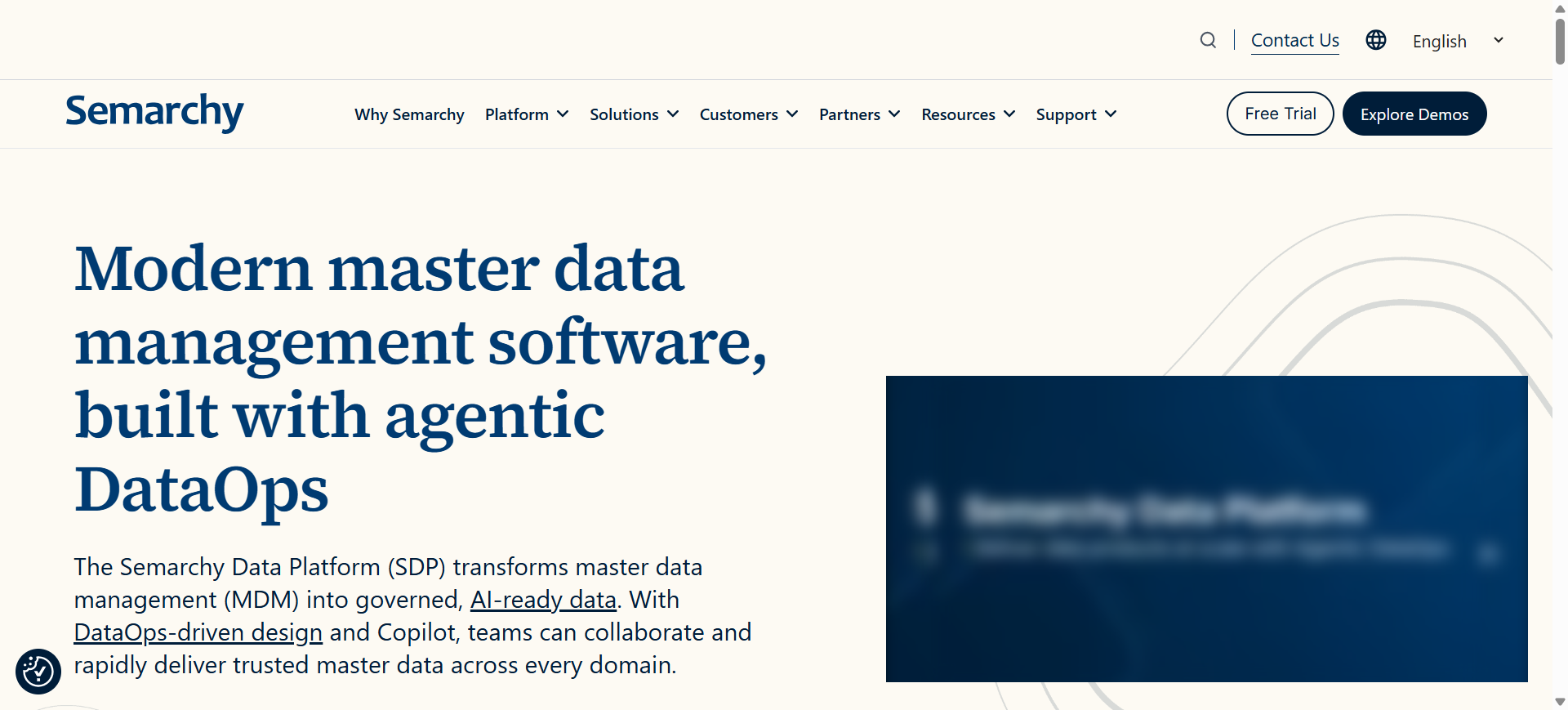
Semarchy AI refers to the AI-powered capabilities within the Semarchy Data Platform (xDM) used for enterprise master data management. The platform helps organizations unify customer, product, and operational data into a single trusted source. It combines data governance, data quality automation, and integration tools in one environment. Its main goal is to help businesses create accurate, AI-ready datasets for analytics and decision-making.
How to Use Semarchy AI for Data Management
- Connect multiple enterprise data sources such as CRM, ERP, and databases.
- Define data models and rules to organize master data entities.
- Use automated match-and-merge tools to remove duplicates and clean data.
- Deliver trusted master datasets to analytics platforms and AI systems.
Benefits of Using Semarchy AI
- Creates a single trusted version of enterprise data across systems.
- Automates duplicate detection and data cleansing workflows.
- Improves data governance with rule-based policies and audit trails.
- Supports scalable master data management for large organizations.
- Enables AI and analytics with consistent, high-quality datasets.
Real World Example
A global retail company uses Semarchy AI to unify customer data from ecommerce platforms, CRM systems, and marketing tools. The platform automatically identifies duplicate records and merges them into a single customer profile, enabling better personalization and marketing analytics.
Who Should Use It
- Enterprise data governance teams
- Data architects and engineers
- Organizations managing large master data systems
- Retail, finance, and healthcare enterprises
- Companies building centralized data platforms
Pricing
Semarchy provides a 30-day free trial for evaluation. Enterprise pricing is typically quote-based, often starting around $75 per month for entry configurations or custom enterprise plans depending on deployment size and users.
Pros
- Strong master data management capabilities
- Powerful match-and-merge data cleansing
- Supports large enterprise data ecosystems
Cons
- Can be complex for small teams
- Enterprise pricing may be expensive for startups
5. Ataccama ONE AI
What is Ataccama ONE AI
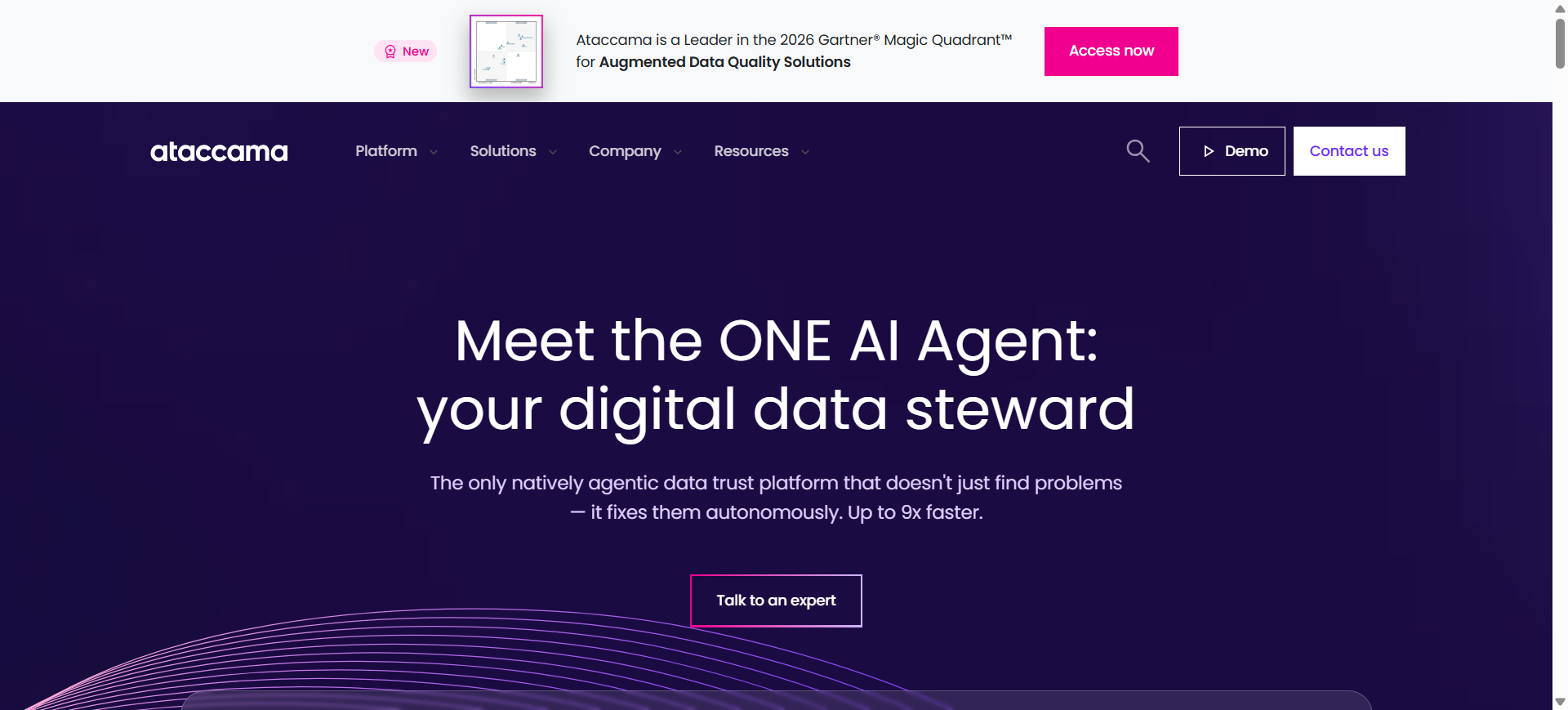
Ataccama ONE AI is an enterprise data management platform that combines data quality, governance, master data management, and metadata cataloging in one system. It uses machine learning to automatically detect data issues, classify sensitive data, and improve data quality across systems. The platform helps organizations maintain trusted datasets for analytics and AI models. Its main purpose is to ensure that enterprise data remains accurate, governed, and ready for business decision-making.
How to Use Ataccama ONE AI for Data Management
- Connect enterprise data sources such as databases, data lakes, and cloud platforms.
- Use AI-powered profiling to analyze and monitor data quality automatically.
- Apply governance rules and policies to maintain compliance and data consistency.
- Track lineage and monitor data pipelines to ensure reliable analytics and AI models.
Benefits of Using Ataccama ONE AI
- Automatically detects data anomalies and quality issues with machine learning.
- Combines data governance, cataloging, and quality monitoring in one platform.
- Improves AI and analytics accuracy with trusted datasets.
- Enables organizations to track data lineage across multiple systems.
- Scales across hybrid and multi-cloud environments.
Real World Example
A telecom company uses Ataccama ONE AI to manage customer and billing data across multiple systems. The platform automatically detects duplicate records and data quality issues, ensuring that analytics teams work with accurate datasets when predicting customer churn.
Who Should Use It
- Enterprise data governance teams
- Data engineers and architects
- Large organizations managing complex data ecosystems
- Financial, telecom, and healthcare companies
- Companies building enterprise data platforms
Pricing
Ataccama ONE AI typically uses enterprise subscription pricing based on deployment size and modules used. Pricing is generally custom-quoted for organizations, depending on data volume, users, and infrastructure requirements.
Pros
- Powerful AI-driven data quality and governance tools
- Unified platform for catalog, lineage, and MDM
- Designed for large enterprise data environments
Cons
- Complex setup for smaller teams
- Pricing transparency is limited (enterprise quotes required)
6. Databricks Lakehouse AI
What is Databricks Lakehouse AI
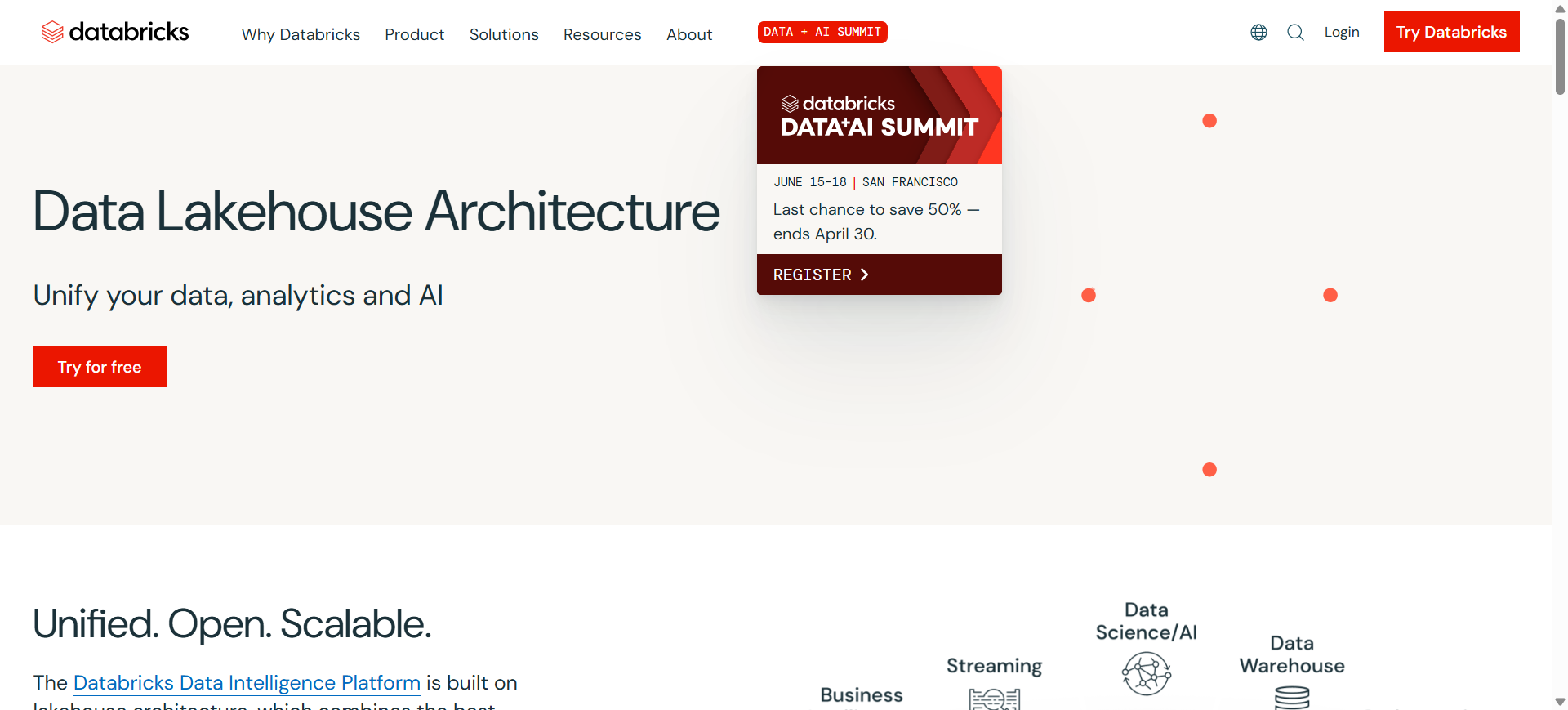
Databricks Lakehouse AI is a unified data platform designed for large-scale data engineering, analytics, and machine learning. It uses lakehouse architecture, which combines the capabilities of data lakes and data warehouses into a single system for storing and processing data. Organizations use Databricks to manage huge datasets, build data pipelines, run analytics, and train AI models within the same environment. Its main purpose is to simplify modern data architecture and support AI-driven analytics at enterprise scale.
How to Use Databricks Lakehouse AI for Data Management
- Connect data sources such as databases, cloud storage, and streaming data pipelines.
- Store and organize data in the lakehouse using Delta Lake tables.
- Use Spark and Databricks tools to clean, transform, and analyze datasets.
- Build dashboards, machine learning models, and analytics applications from the same platform.
Benefits of Using Databricks Lakehouse AI
- Combines data lakes and warehouses into a unified architecture.
- Supports large-scale analytics and AI workloads on one platform.
- Enables collaborative data science and engineering workflows.
- Handles structured and unstructured data efficiently.
- Scales easily for enterprise data pipelines and machine learning projects.
Real World Example
A global retail company uses Databricks Lakehouse AI to combine ecommerce transactions, marketing data, and inventory records into one data platform. Data engineers build pipelines to process millions of records daily, while data scientists train demand-forecasting models to optimize inventory and pricing.
Who Should Use It
- Data engineers
- Data scientists
- Enterprise analytics teams
- Large technology companies
- Organizations building AI and big data pipelines
Pricing
Databricks uses consumption-based pricing based on Databricks Units (DBUs), which measure compute usage. In 2026, pricing typically starts around $0.07–$0.70 per DBU depending on workload, with most teams paying monthly usage costs based on compute and cloud infrastructure.
Pros
- Highly scalable for big data and AI workloads
- Unified platform for data engineering and analytics
- Strong ecosystem with Spark and cloud integrations
Cons
- Pricing can be complex to estimate
- Requires experienced data teams to manage effectively
7. Snowflake AI
What is Snowflake AI
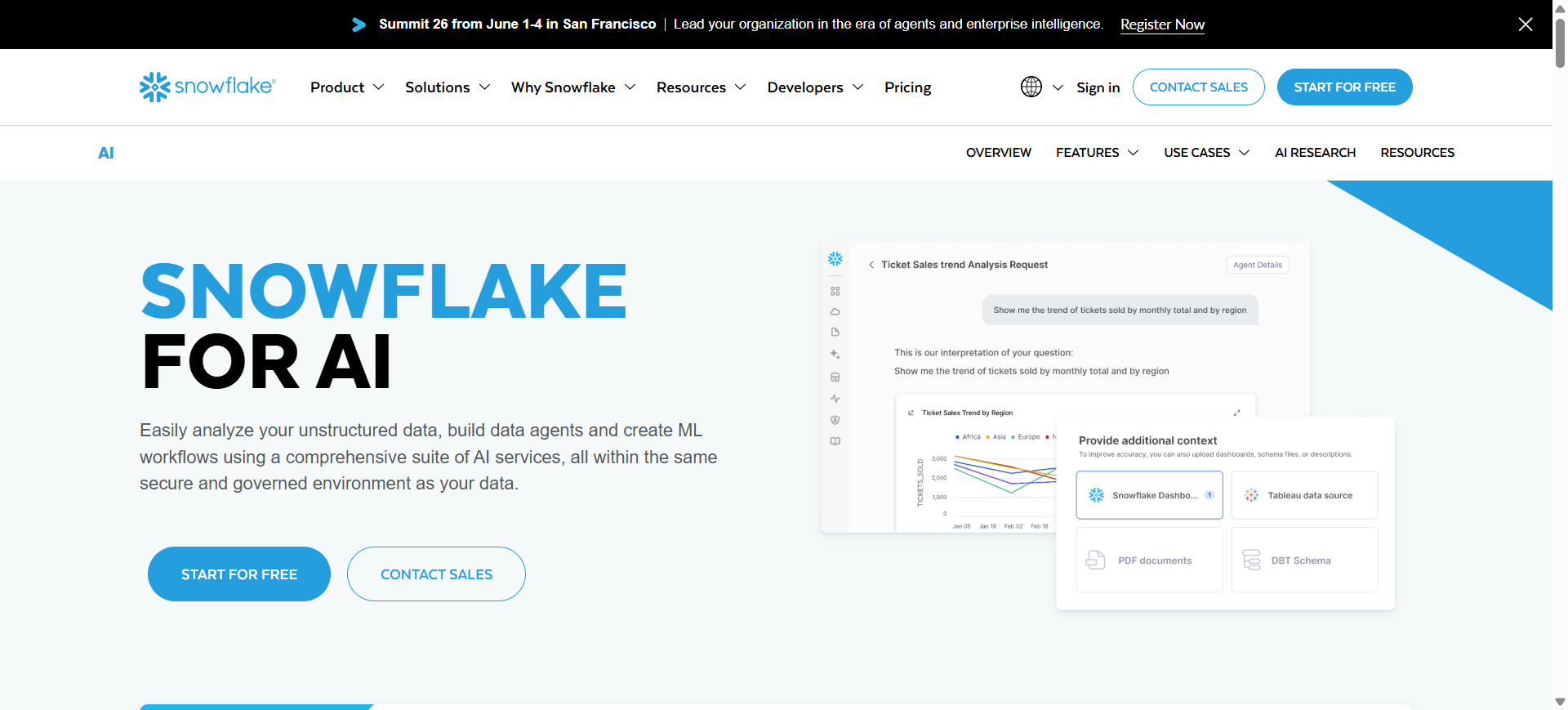
Snowflake AI refers to the artificial intelligence capabilities within the Snowflake Data Cloud platform used for managing, analyzing, and sharing data at scale. It combines cloud data warehousing, data engineering, and machine learning tools in one environment. Organizations use Snowflake to store large datasets, run analytics queries, and build AI applications without managing infrastructure. Its main purpose is to provide a scalable and secure platform for modern data management and AI-driven analytics.
How to Use Snowflake AI for Data Management
- Connect data sources such as databases, SaaS applications, and cloud storage.
- Load structured and semi-structured data into Snowflake’s cloud data warehouse.
- Use SQL and built-in AI tools to transform, analyze, and prepare data.
- Share datasets with teams and integrate them with analytics or machine learning tools.
Benefits of Using Snowflake AI
- Handles massive datasets with highly scalable cloud infrastructure.
- Separates compute and storage to optimize performance and costs.
- Enables secure data sharing between organizations and teams.
- Supports structured and semi-structured data in one platform.
- Integrates easily with analytics, BI, and machine learning tools.
Real World Example
A financial services company uses Snowflake AI to centralize transaction data from multiple banking systems. Analysts run real-time queries to detect fraud patterns, while data scientists use the platform to train predictive models for risk analysis and customer behavior forecasting.
Who Should Use It
- Data engineers and analysts
- Enterprise analytics teams
- Financial and ecommerce companies
- Organizations handling large data volumes
- Companies building modern data warehouses
Pricing
Snowflake uses a consumption-based pricing model based on compute usage and storage. Most organizations pay per-second compute costs for virtual warehouses plus monthly storage fees, with total pricing depending on workload scale and usage.
Pros
- Highly scalable cloud data platform
- Secure data sharing and collaboration features
- Strong ecosystem for analytics and AI
Cons
- Costs can increase with heavy workloads
- Requires query optimization for efficient usage
8. Google Cloud Vertex AI
What is Google Cloud Vertex AI
Google Cloud Vertex AI is a managed machine learning and AI platform that helps organizations build, deploy, and manage AI models using their data. It integrates data preparation, model training, deployment, and monitoring into one system. Businesses use Vertex AI to manage datasets, automate ML pipelines, and run predictive analytics. Its main purpose is to simplify the process of turning enterprise data into AI-powered applications and insights.
How to Use Google Cloud Vertex AI for Data Management
- Import datasets from Google Cloud Storage, BigQuery, or other sources.
- Prepare and label data using built-in data preparation tools.
- Train machine learning models or use AutoML for automated model creation.
- Deploy models and monitor predictions for analytics and business applications.
Benefits of Using Google Cloud Vertex AI
- Combines data management and machine learning workflows in one platform.
- Supports AutoML for building models without deep ML expertise.
- Integrates with BigQuery and other Google Cloud data services.
- Automates model training, deployment, and monitoring.
- Scales easily for large enterprise AI projects.
Real World Example
A logistics company uses Google Cloud Vertex AI to analyze shipment data and build predictive models for delivery time estimates. By integrating data from warehouse systems and transportation platforms, the company improves route planning and delivery accuracy.
Who Should Use It
- Data scientists and ML engineers
- Companies building AI applications
- Enterprises using Google Cloud infrastructure
- Analytics and engineering teams
- Businesses working with large datasets
Pricing
Google Cloud Vertex AI uses pay-as-you-go pricing based on compute, storage, and training workloads. Many services offer free usage tiers, while production deployments typically incur usage costs depending on model training, prediction requests, and infrastructure.
Pros
- Strong integration with Google Cloud ecosystem
- AutoML simplifies machine learning workflows
- Scales well for enterprise AI projects
Cons
- Requires Google Cloud infrastructure for full use
- Pricing can increase with heavy training workloads
9. Microsoft Fabric AI
What is Microsoft Fabric AI
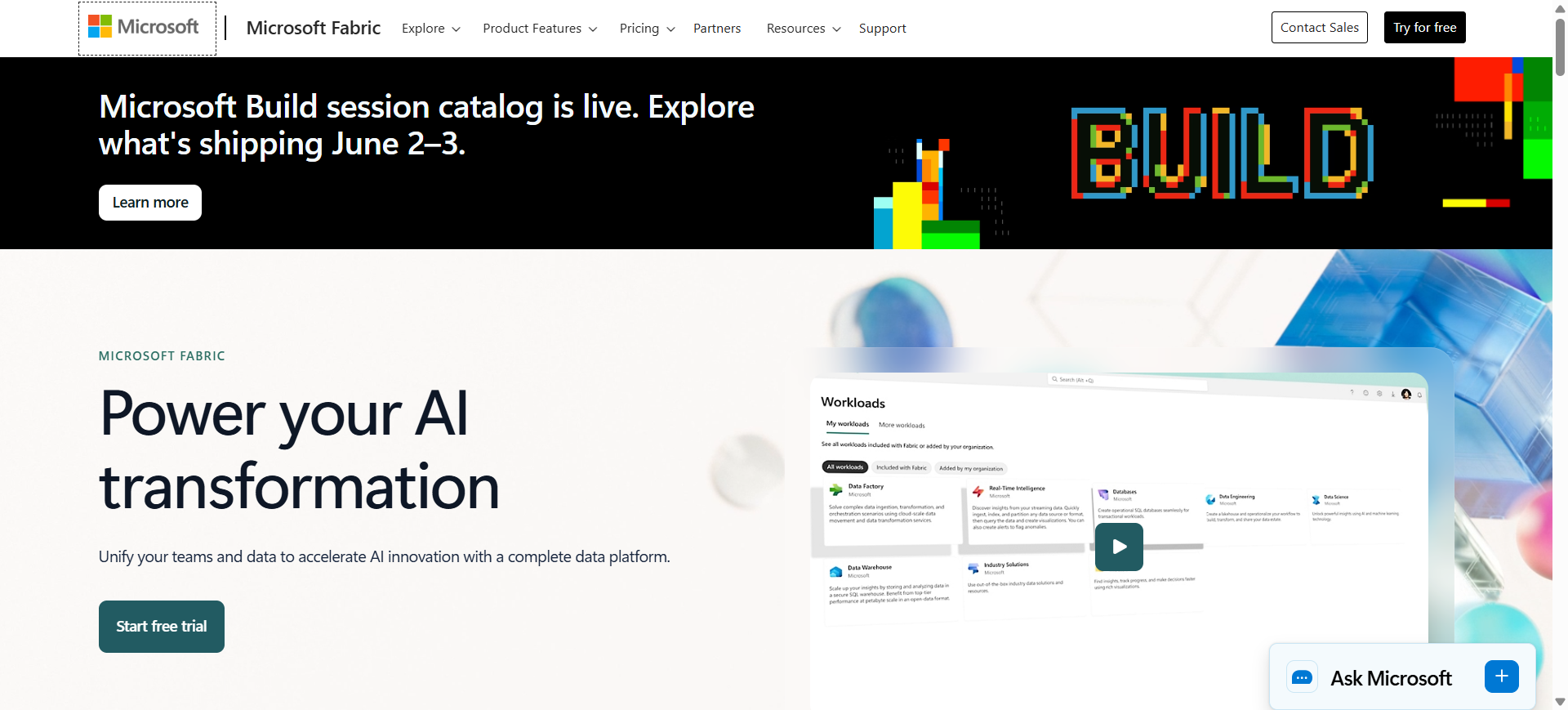
Microsoft Fabric AI is part of the Microsoft Fabric unified data platform that combines data integration, analytics, data engineering, and business intelligence in one environment. It integrates services like Power BI, data pipelines, and AI tools to manage and analyze enterprise data. The platform helps organizations collect, prepare, and analyze data while supporting AI-powered insights. Its main purpose is to simplify modern data management across the Microsoft ecosystem.
How to Use Microsoft Fabric AI for Data Management
- Connect data sources such as databases, cloud storage, and SaaS applications.
- Use Fabric data pipelines to ingest and transform datasets.
- Store and manage data in OneLake for centralized access.
- Build analytics dashboards and AI-driven insights using Power BI and Fabric tools.
Benefits of Using Microsoft Fabric AI
- Provides a unified platform for data integration, analytics, and governance.
- Centralizes enterprise data using the OneLake data lake architecture.
- Integrates directly with Power BI for visualization and reporting.
- Automates data pipelines and analytics workflows.
- Works seamlessly with the Microsoft Azure ecosystem.
Real World Example
A manufacturing company uses Microsoft Fabric AI to integrate production data, supply chain information, and sales analytics into OneLake. Executives track real-time operational metrics through Power BI dashboards and use AI insights to forecast demand and optimize production schedules.
Who Should Use It
- Enterprises using Microsoft Azure
- Data engineers and analytics teams
- Business intelligence professionals
- Organizations managing large data ecosystems
- Companies using Power BI for reporting
Pricing
Microsoft Fabric uses capacity-based pricing through Fabric Capacity Units (F-SKUs). Plans typically start around $262 per month for entry-level capacity (F2 tier), while larger enterprise deployments scale based on compute capacity and workload usage.
Pros
- Unified platform combining analytics and data engineering
- Deep integration with Power BI and Azure services
- Centralized data storage through OneLake
Cons
- Best suited for organizations using Microsoft ecosystem
- Capacity-based pricing may be complex to estimate
10. AWS Glue AI
What is AWS Glue AI
AWS Glue AI is a serverless data integration service from Amazon Web Services designed to automate data discovery, preparation, and ETL (Extract, Transform, Load) workflows. It uses machine learning to automatically detect data schemas, catalog datasets, and prepare data for analytics and AI applications. Businesses use AWS Glue to build scalable data pipelines without managing infrastructure. Its main purpose is to simplify data integration and ensure data is ready for analytics, dashboards, and machine learning models.
How to Use AWS Glue AI for Data Management
- Connect data sources such as Amazon S3, databases, or data warehouses.
- Use AWS Glue crawlers to automatically discover and catalog datasets.
- Build ETL pipelines to clean, transform, and organize data.
- Deliver prepared datasets to analytics tools, data lakes, or machine learning platforms.
Benefits of Using AWS Glue AI
- Automatically discovers and catalogs datasets using machine learning.
- Simplifies ETL pipeline creation without managing servers.
- Integrates easily with AWS services such as S3, Redshift, and Athena.
- Scales automatically for large data processing workloads.
- Helps prepare high-quality datasets for analytics and AI models.
Real World Example
A streaming company uses AWS Glue AI to process viewer activity data stored in Amazon S3. Glue automatically discovers new datasets, runs ETL pipelines to clean and organize the data, and delivers it to Amazon Redshift for analytics dashboards and recommendation algorithms.
Who Should Use It
- Data engineers
- Cloud and DevOps teams
- Organizations using AWS infrastructure
- Analytics teams managing data pipelines
- Companies building data lakes
Pricing
AWS Glue uses pay-as-you-go pricing based on Data Processing Units (DPUs) used during ETL jobs. Pricing typically starts around $0.44 per DPU hour, with additional costs for crawlers, data catalog storage, and job execution depending on usage.
Pros
- Fully serverless ETL and data integration platform
- Strong integration with AWS ecosystem
- Automatic data catalog and schema detection
Cons
- Works best within AWS infrastructure
- Costs can increase with large data pipelines
Where AI is Used in Data Management
Artificial intelligence is used across the entire data lifecycle to automate tasks that traditionally required manual effort from data engineers and analysts. AI systems can analyze large datasets, detect patterns, and optimize data workflows in real time. In modern data platforms, AI helps organizations maintain high-quality data, manage large data pipelines, and generate insights faster.
Below are the main areas where AI plays a key role in data management.
Data Integration and Pipeline Automation
AI helps automate the process of collecting and combining data from different sources such as databases, applications, and cloud services. Machine learning models can detect schema changes, map fields between systems, and automatically transform data before it enters a data warehouse or lake.
Data Cleaning and Quality Management
Poor data quality can lead to incorrect insights and failed analytics projects. AI tools automatically detect duplicate records, missing values, and inconsistencies in datasets. They can also suggest corrections or apply automated rules to improve data accuracy.
Metadata Management and Data Cataloging
AI is widely used to classify datasets, tag metadata, and build searchable data catalogs. By analyzing how data is used across systems, AI can automatically organize datasets and make them easier for teams to discover and reuse.
Data Governance and Compliance
Organizations must comply with regulations such as GDPR and industry security standards. AI helps identify sensitive information, enforce governance policies, and monitor data access to ensure compliance across complex data ecosystems.
Predictive Analytics and Decision Support
AI enables predictive analytics by analyzing historical data and identifying patterns that help forecast future outcomes. Businesses use these capabilities for demand forecasting, risk detection, customer insights, and operational optimization.
Real-Time Data Monitoring
AI-powered monitoring systems can continuously analyze streaming data and detect anomalies in real time. This helps organizations quickly identify issues such as system failures, fraud attempts, or unexpected changes in data pipelines.
By integrating AI into data management processes, organizations can automate complex workflows, reduce manual errors, and make faster data-driven decisions.
Benefits of AI Data Management Tools
- Automated Data Processing – AI automates tasks such as data integration, cleaning, and transformation, reducing manual work and improving efficiency.
- Improved Data Quality – AI systems detect duplicates, inconsistencies, and missing values, ensuring datasets remain accurate and reliable.
- Better Data Governance and Security – AI helps classify sensitive information, enforce access controls, and maintain compliance with data regulations.
- Scalable Data Infrastructure – AI-powered platforms handle large and complex datasets while scaling easily as data volumes grow.
- Faster Insights and Decision-Making – Well-managed and organized data allows businesses to generate analytics and insights more quickly.
Who Should Use AI Data Management Tools
AI data management tools are useful for many professionals and organizations that rely on large datasets and analytics. Below are the main groups that benefit from these platforms.
- Data Engineers and Data Scientists – They use AI data management tools to automate data pipelines, clean datasets, and prepare data for machine learning models.
- Business Intelligence and Analytics Teams – BI analysts and data analysts use these tools to combine data from multiple sources and create dashboards, reports, and business insights.
- Large Enterprises – Companies with complex data environments use AI platforms to manage governance, ensure data quality, and maintain a unified data system.
- Startups and Growing Companies – Smaller businesses use AI tools to automate data workflows and analyze business data without needing large engineering teams.
- Data-Driven Industries – Industries such as finance, healthcare, ecommerce, logistics, and technology rely on AI data management tools to support analytics, forecasting, and operational decisions.
How to Choose the Right AI Data Management Tool
Choosing the right AI data management tool is a strategic decision that affects how efficiently your organization collects, processes, and analyzes data. The best platform should align with your business goals, data infrastructure, and long-term analytics strategy.
Below are the key factors to evaluate before selecting an AI data management platform.
Define Your Data Management Goals
Start by identifying the main problem you want to solve. Some organizations need better data integration, while others focus on analytics, governance, or machine learning pipelines. Defining clear objectives helps narrow down the tools that best support your business requirements.
Evaluate Data Integration Capabilities
A good AI data management tool should integrate easily with your existing systems such as databases, cloud platforms, CRMs, and analytics tools. Strong integration capabilities ensure smooth data flow across your technology stack.
Consider Scalability and Performance
As data volumes grow, your platform must handle large datasets efficiently. Look for tools that can scale across cloud environments and process high-volume data pipelines without performance issues.
Check Security and Compliance Features
Since AI data platforms often handle sensitive information, strong security controls are essential. Ensure the tool provides encryption, access control, and compliance with regulations such as GDPR or industry standards.
Assess Ease of Use and Team Skills
Some platforms require advanced technical skills, while others are designed for non-technical users. Choose a tool that matches your team’s expertise and provides intuitive interfaces or low-code capabilities.
Review Pricing and Total Cost
AI data management platforms use different pricing models such as subscriptions, usage-based billing, or enterprise licensing. Understanding the total cost helps organizations avoid unexpected expenses.
Test the Tool Before Full Adoption
Many platforms offer free trials or pilot programs. Testing the tool with a small dataset helps evaluate performance, usability, and integration before full deployment.
Selecting the right AI data management tool requires balancing functionality, scalability, and cost. By evaluating these factors carefully, organizations can choose a platform that supports long-term data strategy and AI innovation.
Future of AI Data Management
The future of AI data management will focus on greater automation, smarter data governance, and real-time analytics. AI systems will increasingly automate tasks such as data integration, quality monitoring, and pipeline optimization, reducing manual effort for data teams. Emerging technologies like generative AI, self-healing data pipelines, and intelligent data catalogs will help organizations manage growing data volumes more efficiently and support faster, data-driven decision-making.
Conclusion
AI data management platforms help organizations organize, process, and govern large volumes of data more efficiently. By automating data integration, improving data quality, and enabling scalable analytics, these tools support modern data ecosystems and AI initiatives. Businesses should choose a platform based on their data infrastructure, scalability needs, and analytics goals to ensure reliable data management and long-term AI adoption.
FAQs
What is AI data management?
AI data management is the use of artificial intelligence and machine learning to automate tasks such as data integration, data cleaning, governance, and analysis. It helps organizations manage large datasets efficiently and ensures that data remains accurate, organized, and ready for analytics or machine learning applications.
Why is AI important for data management?
AI helps automate complex data processes such as detecting data errors, integrating data from multiple sources, and maintaining data quality. This reduces manual work for data teams and enables organizations to analyze data faster and make better decisions.
What are examples of AI data management tools?
Some popular AI data management tools include Energent AI, Kleene AI, DataHub AI, Semarchy AI, Ataccama ONE AI, Databricks Lakehouse AI, Snowflake AI, Google Cloud Vertex AI, Microsoft Fabric AI, and AWS Glue AI.
How do AI data management tools improve data quality?
AI tools automatically detect duplicate records, missing values, and inconsistent data formats. They apply automated rules and machine learning models to clean and standardize data, ensuring reliable datasets for analytics and reporting.
Can small businesses use AI data management tools?
Yes. Many modern AI data management platforms offer cloud-based solutions that are suitable for startups and small businesses. These tools help smaller teams automate data workflows without needing large data engineering teams.
What industries benefit the most from AI data management?
Industries such as finance, healthcare, ecommerce, technology, logistics, and telecommunications benefit significantly because they rely heavily on large datasets and real-time analytics.
How do AI data management tools support machine learning projects?
AI data management tools prepare high-quality datasets by cleaning, organizing, and integrating data from different sources. This ensures that machine learning models receive accurate training data, which improves model performance and prediction accuracy.