Netflix Getting Started Guide
3
Parental controls can be managed for individual profiles. Options include creating a Kids profile, setting maturity
ratings or blocking titles, locking profiles with a PIN, controlling autoplay behavior, and reviewing viewing history.
3. Finding TV shows and movies
Search for a specific title or browse suggestions presented by Netflix. As you watch and rate titles,
recommendations are tailored to the profile.
Audio, subtitles, and captions
Many titles provide subtitles, captions, or alternate audio. Where available, you can select a preferred subtitle or
audio language while watching or browse titles according to language preferences.
Viewing history
To review a profile's viewing activity, open the Account page in a web browser, select Profiles, choose the profile,
and open Viewing activity. Viewing history can also be downloaded as a file.
4. Managing your account
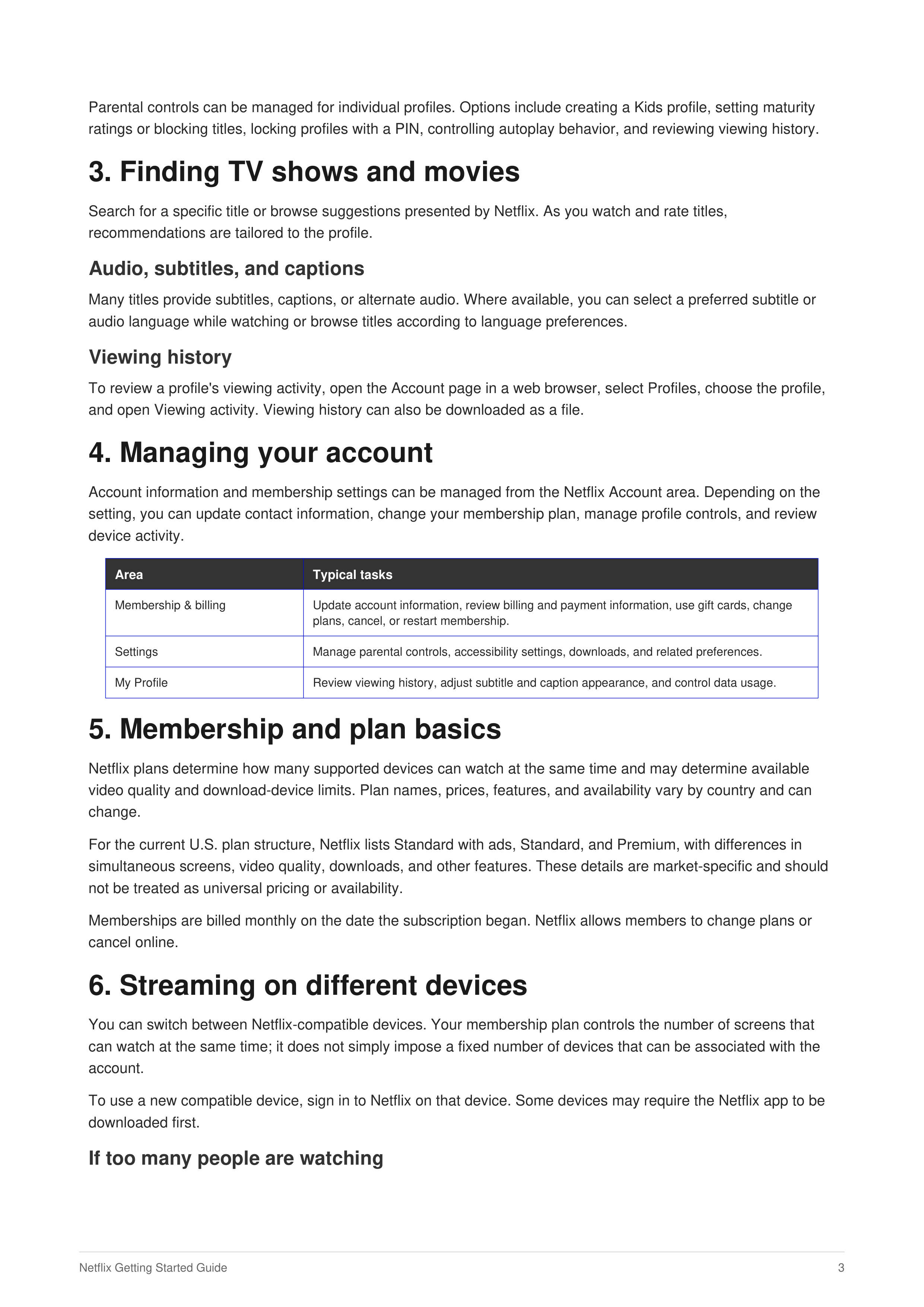
Account information and membership settings can be managed from the Netflix Account area. Depending on the
setting, you can update contact information, change your membership plan, manage profile controls, and review
device activity.
Area
Typical tasks
Membership & billing
Update account information, review billing and payment information, use gift cards, change
plans, cancel, or restart membership.
Settings
Manage parental controls, accessibility settings, downloads, and related preferences.
My Profile
Review viewing history, adjust subtitle and caption appearance, and control data usage.
5. Membership and plan basics
Netflix plans determine how many supported devices can watch at the same time and may determine available
video quality and download-device limits. Plan names, prices, features, and availability vary by country and can
change.
For the current U.S. plan structure, Netflix lists Standard with ads, Standard, and Premium, with differences in
simultaneous screens, video quality, downloads, and other features. These details are market-specific and should
not be treated as universal pricing or availability.
Memberships are billed monthly on the date the subscription began. Netflix allows members to change plans or
cancel online.
6. Streaming on different devices
You can switch between Netflix-compatible devices. Your membership plan controls the number of screens that
can watch at the same time; it does not simply impose a fixed number of devices that can be associated with the
account.
To use a new compatible device, sign in to Netflix on that device. Some devices may require the Netflix app to be
downloaded first.
If too many people are watching