
Free AI Text Generator, Real Word Text Examples
Generate blogs, emails, ads, and more instantly with the free AI Text Generator.
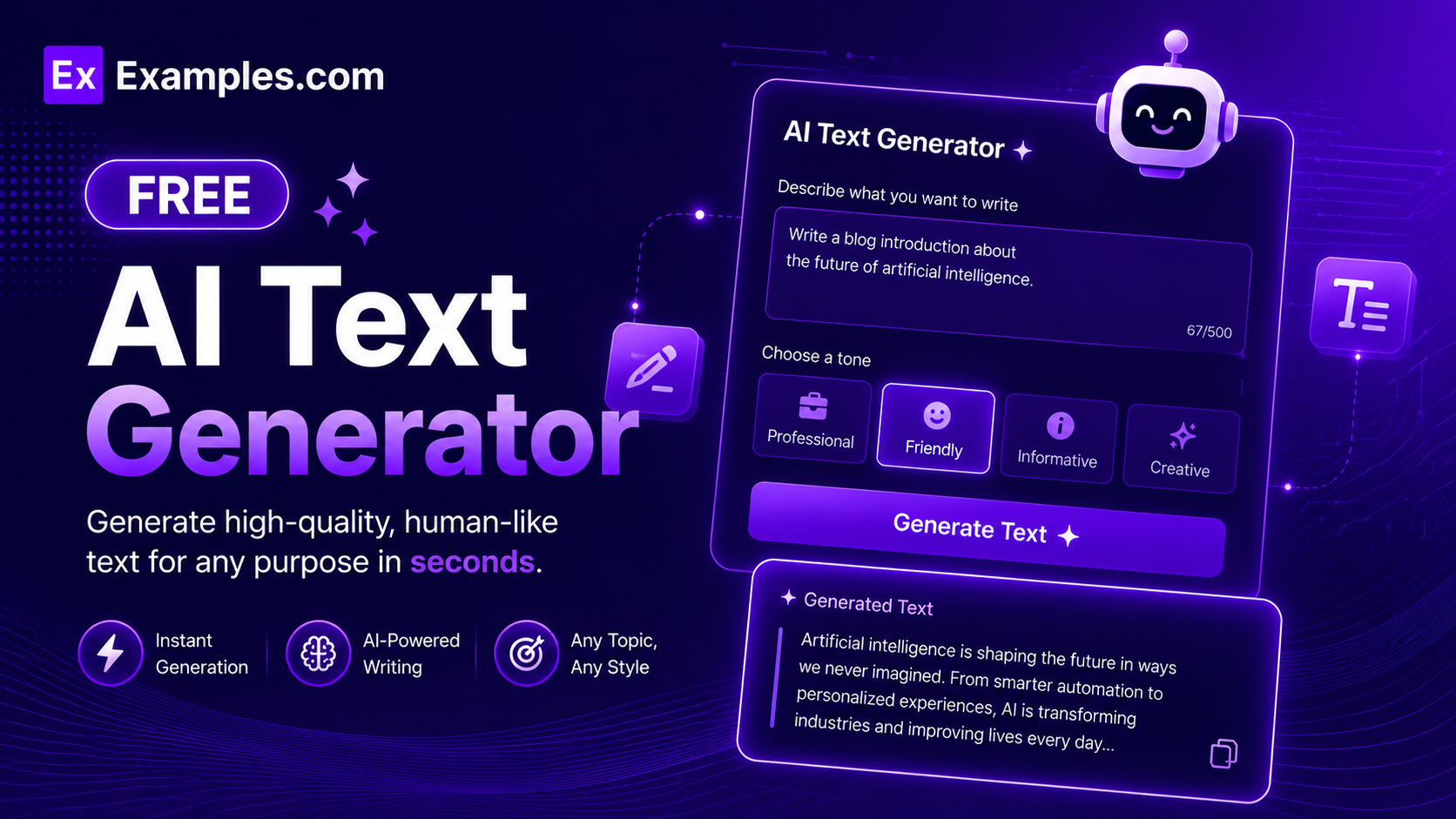
Generate high-quality written content instantly with the Examples.com AI Text Generator. Enter your topic, choose a content type and tone, and let AI produce polished, ready-to-use text in seconds — with options for multiple variations, keyword inclusion, and a built-in download mode.
How to Use the AI Text Generator
Step 1: Enter a Topic or Subject
- Topic / Subject: Type your subject or writing prompt into the “Topic / Subject” field. This can be anything — a blog idea, a product you sell, an email subject, a social media theme, or a speech topic (e.g., “Benefits of morning exercise for busy professionals,” “Product description for wireless earbuds,” “Welcome email for new subscribers”).
Step 2: Select a Content Type
- Content Type: Choose the format of text you want from the dropdown. Options include Blog Post, Email, Social Media Post, Product Description, Press Release, Ad Copy, Essay, Newsletter, Summary, and Speech. The AI adjusts its structure, formatting, and style to match the selected content type automatically.
Step 3: Choose a Tone
- Tone: Select the writing tone that best fits your audience by clicking one of the six tone buttons — 💼 Professional, 😊 Friendly, 🎨 Creative, 📋 Formal, 💬 Casual, or 🎯 Persuasive. Friendly is selected by default. Only one tone can be active at a time, and it directly shapes the voice and register of the generated output.
Step 4: Set the Output Length
- Output Length: Choose how long the generated text should be — Very Short (50–80 words), Short (100–150 words), Medium (250–350 words), Long (500–700 words), or Comprehensive (900+ words). Short is selected by default and suits captions, taglines, and quick descriptions. Medium fits emails and product copy. Long and Comprehensive are ideal for blog posts, essays, and full articles.
Step 5: Select a Language
- Language: Choose the language in which you want the text generated. Available options include English, Spanish, French, German, Hindi, Telugu, Tamil, Portuguese, Japanese, and Chinese. English is selected by default. The AI generates fully native-language output — not a translation — in the selected language.
Step 6: Enable Advanced Options (Optional)
- Advanced Options: Toggle on the Advanced Options switch to access three additional inputs that give you finer control over the output — Keywords to Include, Additional Context, Things to Avoid, and Variations. These are all optional but significantly improve the relevance and specificity of the generated content when filled in.
Step 7: Generate Text
- Generate Button: Click the purple “✨ Generate Text” button. The AI processes all your inputs and produces complete, structured text within seconds. The output appears in the right panel with a smooth typewriter animation so you can read the content as it streams in.
Step 8: Copy or Download Your Output
- Copy / Download: Once the text is generated, click “📋 Copy” to copy the full output to your clipboard instantly. Use the “⬇ Download” button to save the content as a .txt file that includes the title, content type, tone, language, and all variations — ready for offline use, sharing, or pasting into any document editor or CMS.
Advanced Options in the AI Text Generator
Enabling the Advanced Options toggle unlocks four additional inputs that give you precise control over the AI’s output:
- Keywords to Include: Enter specific words or phrases you want the AI to incorporate into the text (e.g., “productivity, wellness, morning routine”). This is especially useful for SEO-focused blog posts and product pages where target keywords must appear naturally in the copy.
- Additional Context: Paste any extra background information, brand voice guidelines, or specific requirements. The AI uses this to tailor the output beyond what the topic field alone conveys — such as a specific brand personality, product specifications, or audience constraints.
- Things to Avoid: Specify language patterns, phrases, or stylistic elements the AI should exclude (e.g., “jargon, passive voice, clichés”). This helps keep the output clean, on-brand, and aligned with your writing standards.
- Variations: Choose to generate 1 (single output), 3, or 4 variations of the same content simultaneously. When multiple variations are selected, a “🔀 Variations” tab appears in the output panel so you can compare all versions side by side and copy each one individually.
AI Text Generator Formula
The AI Text Generator follows a structured input-to-output process to produce relevant, high-quality written content:
Text Quality = Topic Clarity + Content Type + Tone + Length + Keywords + Context
Where:
- Topic Clarity is how specific and well-defined your input prompt is
- Content Type determines the structure, format, and purpose of the generated text
- Tone controls the voice, formality, and emotional register of the writing
- Length sets the depth and word count of the output, from a quick tagline to a full article
- Keywords + Context grounds the AI’s output in your specific requirements, increasing relevance, brand alignment, and SEO value
The more specific your inputs, the more targeted, on-brand, and publish-ready your generated text will be.
Examples of AI Text Generator
Example 1: Marketing – Product Description
An e-commerce store owner needs a persuasive product description for a new line of wireless earbuds.
- Topic: Wireless earbuds with active noise cancellation and 30-hour battery life
- Content Type: Product Description
- Tone: 🎯 Persuasive
- Length: Short (100–150 words)
- Keywords: noise cancellation, battery life, lightweight, premium sound
- Sample Output: A concise, benefit-led product description opening with the primary value proposition, followed by key feature highlights, and closing with a purchase call to action.
- Result: A 120-word persuasive product description ready to publish on an e-commerce page, naturally incorporating all target keywords.
Example 2: Content Marketing – Blog Post
A content marketer needs a full blog post on the benefits of remote work for a company website.
- Topic: Benefits of remote work for employees and employers
- Content Type: Blog Post
- Tone: 💼 Professional
- Length: Long (500–700 words)
- Keywords: remote work, productivity, work-life balance, talent retention
- Variations: 3
- Sample Output: A fully structured blog post with an introduction, body sections covering productivity, cost savings, work-life balance, and talent acquisition, and a conclusion with a call to action — delivered in 3 variation drafts viewable side by side in the Variations tab.
- Result: Three distinct 600-word blog drafts to compare, each with a different angle and opening hook, all downloadable as a single .txt export.
Example 3: Business – Professional Email
A sales manager needs a cold outreach email introducing a new SaaS tool to potential enterprise clients.
- Topic: Cold outreach email introducing a project management SaaS to enterprise decision-makers
- Content Type: Email
- Tone: 💼 Professional
- Length: Short (100–150 words)
- Things to Avoid: Jargon, passive voice, overly salesy language
- Sample Output: A three-paragraph cold email with a personalized opening, a one-sentence value proposition, and a low-commitment call to action asking for a 15-minute discovery call.
- Result: A clean, direct outreach email ready to copy into any email client, free from jargon and passive constructions as specified.
Example 4: Social Media – Casual Instagram Caption
A lifestyle brand wants an engaging Instagram caption for a summer collection launch post.
- Topic: Summer clothing collection launch — bright colors, beach vibes, limited stock
- Content Type: Social Media Post
- Tone: 💬 Casual
- Length: Very Short (50–80 words)
- Keywords: summer collection, beach, limited edition, shop now
- Variations: 4
- Sample Output: Four short, punchy Instagram captions each with a different hook — one emoji-led, one question-led, one urgency-led, and one storytelling-led — all under 80 words with a shop-now call to action.
- Result: Four ready-to-post caption options available in the Variations tab, each individually copyable with one click.
Example 5: Academic – Persuasive Essay
A college student needs a full persuasive essay arguing for the adoption of renewable energy by governments.
- Topic: Why governments should prioritize renewable energy over fossil fuels
- Content Type: Essay
- Tone: 🎯 Persuasive
- Length: Comprehensive (900+ words)
- Additional Context: Must include arguments around climate change, economic benefits, and long-term energy security
- Things to Avoid: Informal language, unsupported claims, repetition
- Sample Output: A 900+ word persuasive essay with a thesis statement, three structured body sections addressing environment, economics, and energy security, and a compelling conclusion — downloadable as a .txt file for editing in any word processor.
- Result: A comprehensive, well-argued academic essay draft ready for personal review, citation addition, and final submission polishing.
What types of content can the AI Text Generator produce?
The AI Text Generator supports ten content formats: Blog Post, Email, Social Media Post, Product Description, Press Release, Ad Copy, Essay, Newsletter, Summary, and Speech. It works across academic, professional, creative, and marketing writing needs for any industry or subject area, and can produce output in ten languages including English, Spanish, French, German, Hindi, Telugu, Tamil, Portuguese, Japanese, and Chinese.
How do I generate multiple versions of the same text?
Enable the Advanced Options toggle and set the Variations dropdown to 3 or 4. After clicking Generate, the output panel displays a “🔀 Variations” tab alongside the main Detail view. Each variation is a fully independent version of the content based on your inputs. You can copy any variation individually using the “📋 Copy” button on each variation card, or download all variations together as a single .txt file using the Download button.
What is the difference between the six tone options?
Professional tone delivers clear, neutral, business-appropriate writing suited for reports, corporate emails, and formal communications. Friendly tone uses warm, approachable language ideal for newsletters, onboarding emails, and community content. Creative tone prioritizes originality, imagery, and flair — best for storytelling and brand content. Formal tone follows strict writing conventions for academic or official documents. Casual tone uses conversational language ideal for social media and lifestyle blogs. Persuasive tone is structured to influence or motivate the reader, making it ideal for ad copy, sales pages, and opinion essays.
How does the Keywords field improve the generated text?
When you enter specific keywords via the Advanced Options panel, the AI naturally incorporates those words and phrases into the generated content. This is particularly valuable for SEO-focused blog posts and product pages where target keywords must appear organically in the copy. Keywords also help the AI stay on-topic for niche subjects and ensure important product features or concepts are covered in the output.
Can I specify things I do not want in the generated text?
Yes. The Things to Avoid field in the Advanced Options panel lets you instruct the AI to exclude specific words, phrases, stylistic patterns, or structural elements. Common entries include “jargon,” “passive voice,” “clichés,” “bullet points,” or “em dashes.” This is particularly useful for maintaining a consistent brand voice or meeting specific editorial guidelines.
How do I download the generated text?
Click the green “⬇ Download” button in the top-right area of the output panel. The tool saves a .txt file to your device that includes the output title, content type, tone, language metadata, the full generated text, and all variations (if multiple were generated). The filename is automatically generated from the output title, making it easy to organize your downloaded content.
What output lengths are available and which should I choose?
The AI Text Generator offers five length settings: Very Short (50–80 words) for taglines, captions, and one-liners; Short (100–150 words) for product descriptions, social captions, and brief emails; Medium (250–350 words) for standard emails, landing page copy, and summaries; Long (500–700 words) for blog posts, press releases, and detailed product pages; and Comprehensive (900+ words) for in-depth articles, full essays, and long-form newsletters. Short is selected by default and works well for most everyday writing tasks.