
Free AI Parallelism Generator, Real World Parallelisms Examples
Generate original parallelism examples free with AI. Enter any topic, pick a style and tone, and get balanced, rhythmic sentences instantly.
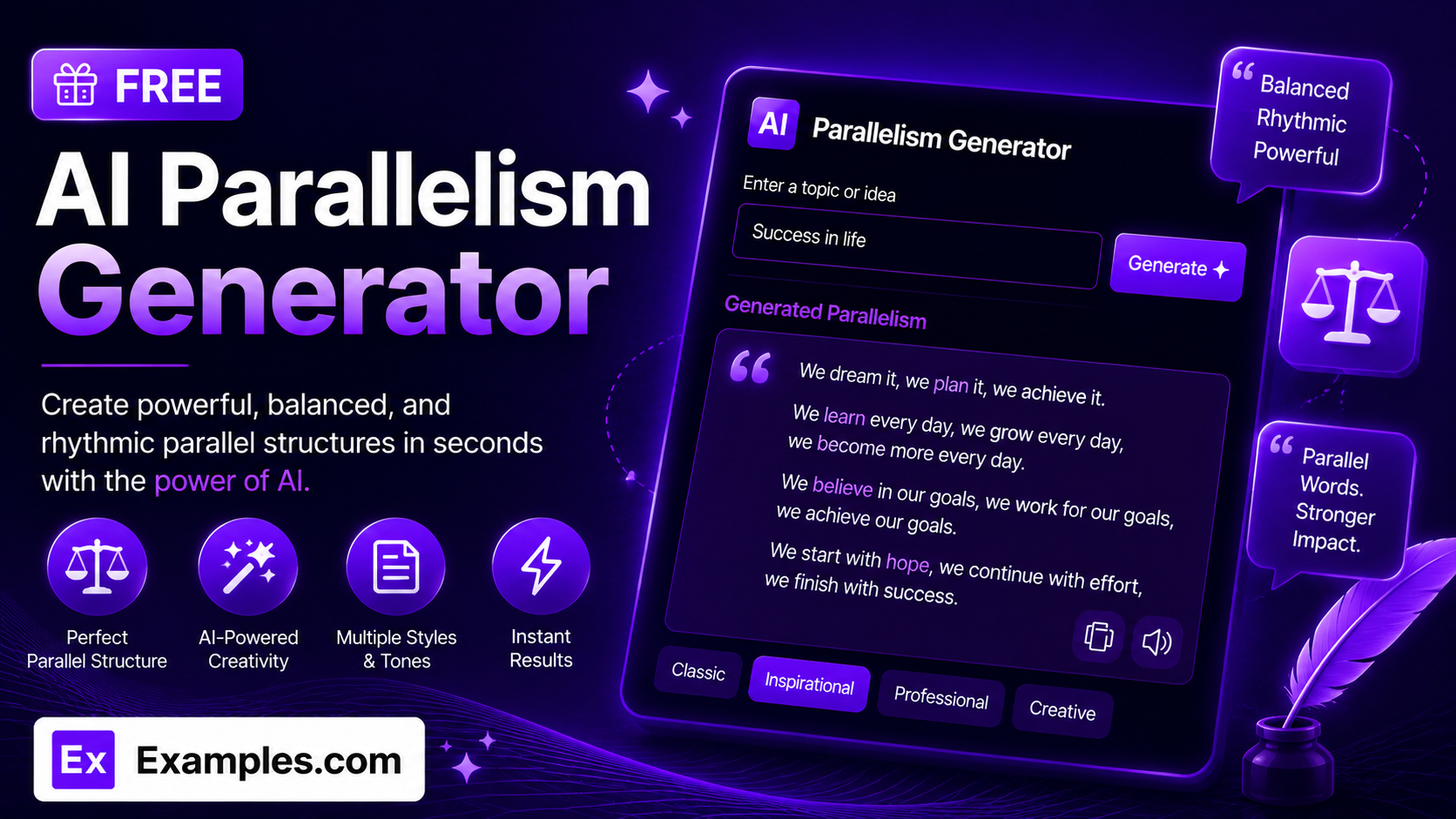
How to Use the AI Parallelism Generator
- Enter a topic or theme you want parallelism examples for (for example, “leadership,” “love,” or “hard work”).
- Optionally, upload a file (TXT, MD, PDF, DOC, DOCX, ODT, or HTML, up to 2MB) to pull in extra context.
- Choose a Parallelism Style: Classic Triads (Rule of Three), Contrasting Parallelism (Antithesis), Anaphora (Repeated Opening), or Balanced Clauses.
- Select a Tone: Inspirational, Persuasive, Poetic, Professional, Playful, or Solemn.
- Pick a Number of Examples: 1 through 5.
- Choose who it’s Best For: General Audience, Speeches, Essays & Writing, Marketing / Slogans, Poetry, or Students.
- Click “Generate Free Examples” to receive a numbered list of original sentences with parallel structure.
- Edit the results inline, copy them, or download them as a TXT, Word, or PDF file.
What Makes Strong Parallelism
Effective parallelism comes down to a simple formula: Grammatical Match × Rhythm × Purpose. The repeated elements have to share the same grammatical form, whether that’s matching verb tenses, matching phrase lengths, or matching sentence patterns; the repetition has to create a rhythm that’s satisfying to read or hear aloud; and the structure has to serve the point being made, not just repeat for its own sake. The AI Parallelism Generator is built around this formula: every example stays grounded in your topic, follows the grammatical rules of whichever style you choose, and is written to read naturally rather than feel forced.
Examples
Example 1: Leadership
Style: Classic Triads (Rule of Three) · Tone: Inspirational · Best For: General Audience. The tool generates sentences like “A great leader listens with patience, speaks with purpose, and acts with courage,” where three parallel verb phrases build on each other.
Example 2: A Graduation Speech
Style: Anaphora (Repeated Opening) · Tone: Inspirational · Best For: Speeches. The generator produces lines that repeat the same opening phrase across several sentences, building momentum the way memorable speeches often do.
Example 3: A Brand Slogan
Style: Balanced Clauses · Tone: Professional · Best For: Marketing / Slogans. The output balances two clauses of matching length and structure, the kind of tight, symmetrical phrasing that sticks in a slogan or tagline.
Example 4: An Essay on Change
Style: Contrasting Parallelism (Antithesis) · Tone: Persuasive · Best For: Essays & Writing. The generator pairs two parallel structures that contrast in meaning, a classic technique for making an argument land with more force.
Example 5: A Poem About Love
Style: Anaphora (Repeated Opening) · Tone: Poetic · Best For: Poetry. Repeated openings across several lines give the piece a lyrical, rhythmic quality suited to poetry or spoken-word writing.
What is parallelism?
Parallelism is a rhetorical and grammatical device where words, phrases, or clauses share the same grammatical structure, used to create rhythm, balance, and emphasis. It appears throughout speeches, poetry, slogans, and persuasive writing, from Abraham Lincoln’s “of the people, by the people, for the people” to everyday phrases like “easy come, easy go.”
How does the AI Parallelism Generator work?
You enter a topic, choose a style, tone, and audience, and the tool generates a numbered list of original sentences that follow genuine parallel structure. Each style corresponds to a specific rhetorical pattern, such as triads, contrasting pairs, repeated openings, or balanced clauses.
Is the AI Parallelism Generator free to use?
Yes. The tool is completely free, with no sign-up or account required.
Can I use this for speeches or essays?
Yes. Select Speeches or Essays & Writing under Best For, and choose a style like Anaphora (Repeated Opening) for speeches or Contrasting Parallelism (Antithesis) for persuasive essays.
What’s the difference between the parallelism styles?
Classic Triads group three parallel elements in a row. Contrasting Parallelism pairs two structures that oppose each other in meaning. Anaphora repeats the same opening word or phrase across multiple clauses. Balanced Clauses pair two clauses of matching grammatical structure and length.
Can I edit the generated examples?
Yes. Click Edit above the results to make changes directly, then copy the final version or download it.
What file formats can I download my results in?
You can download your generated examples as a TXT file, a Word document, or a PDF, using the Download menu above the results panel.