
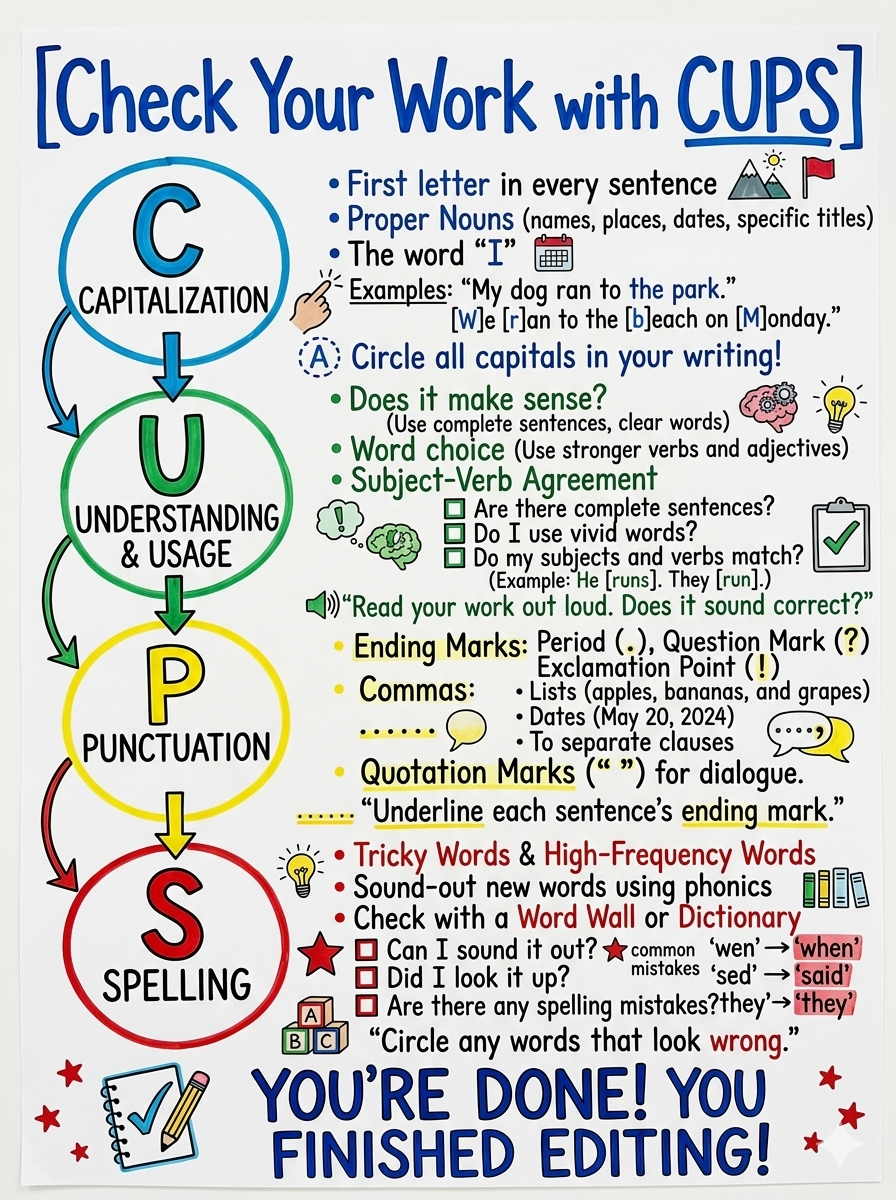
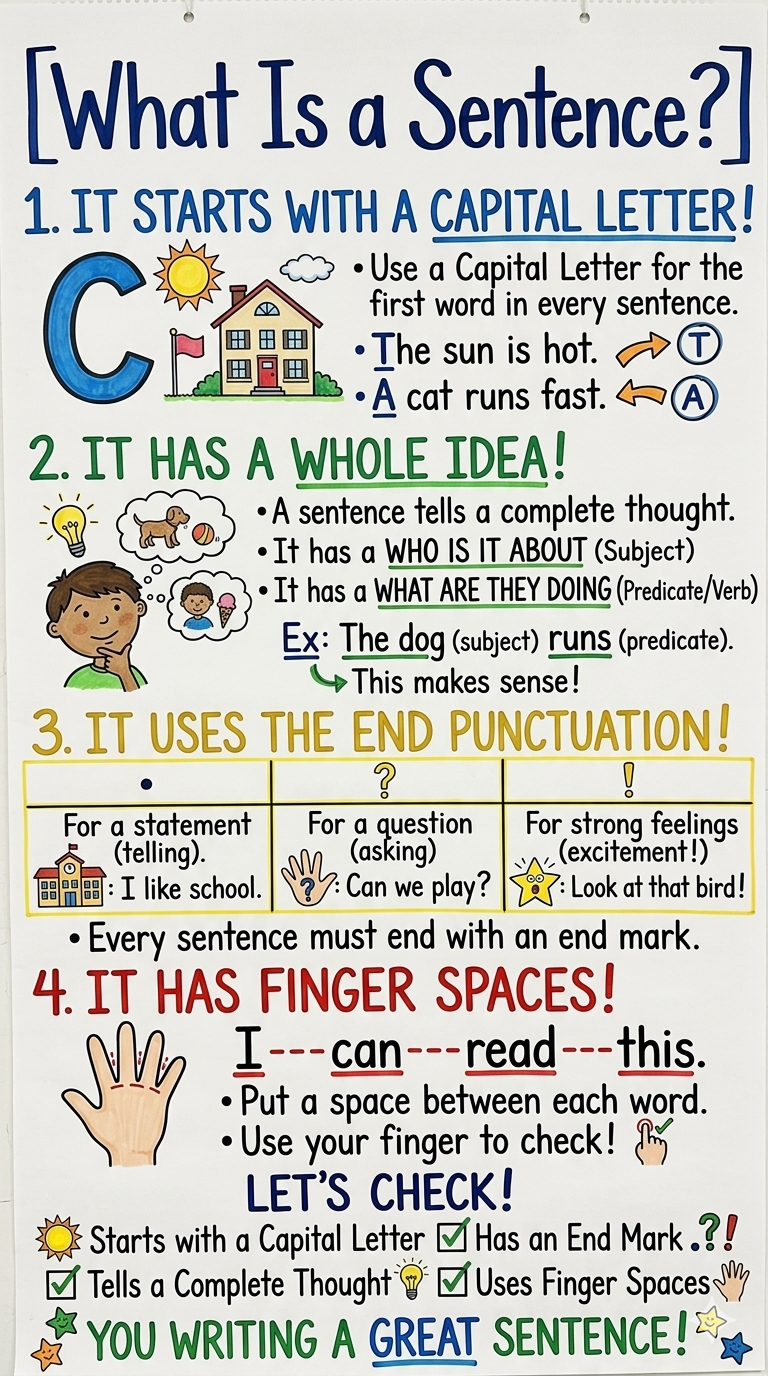
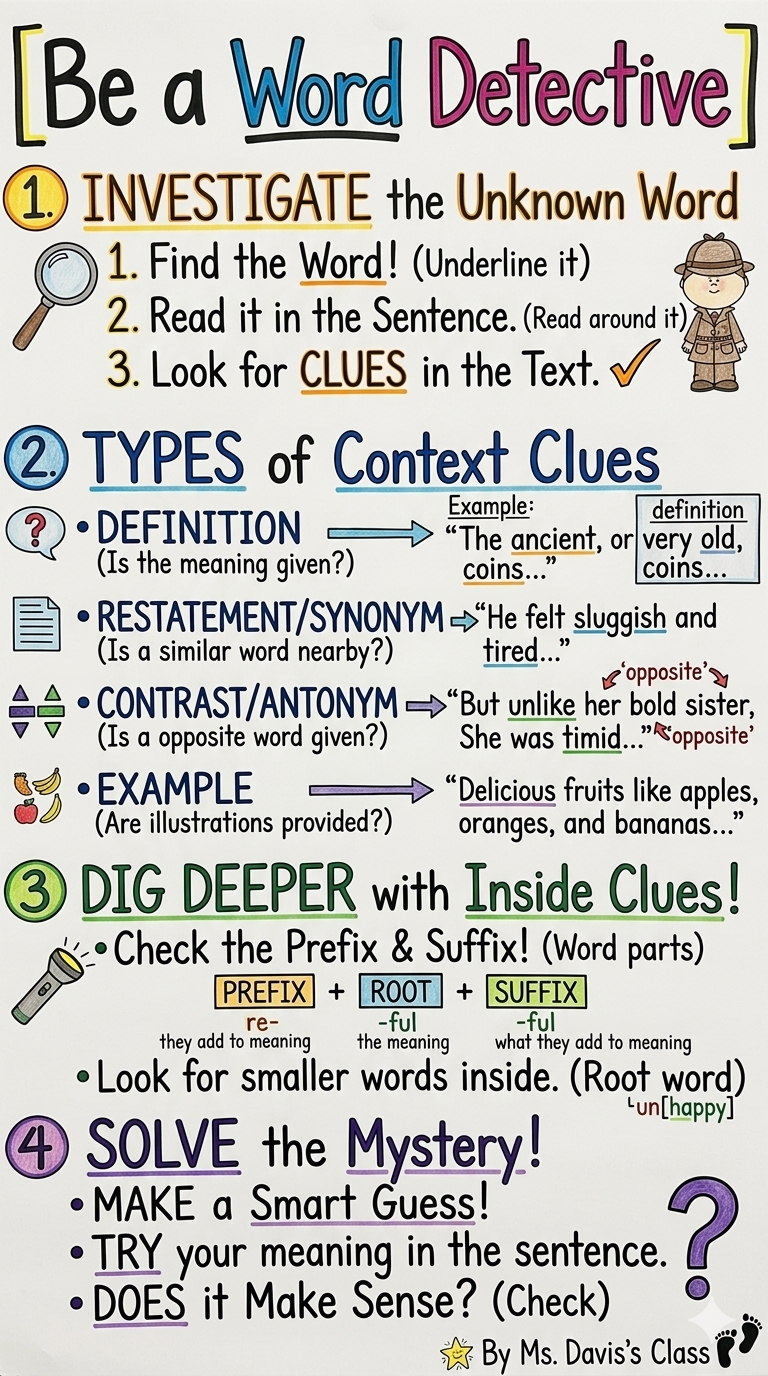
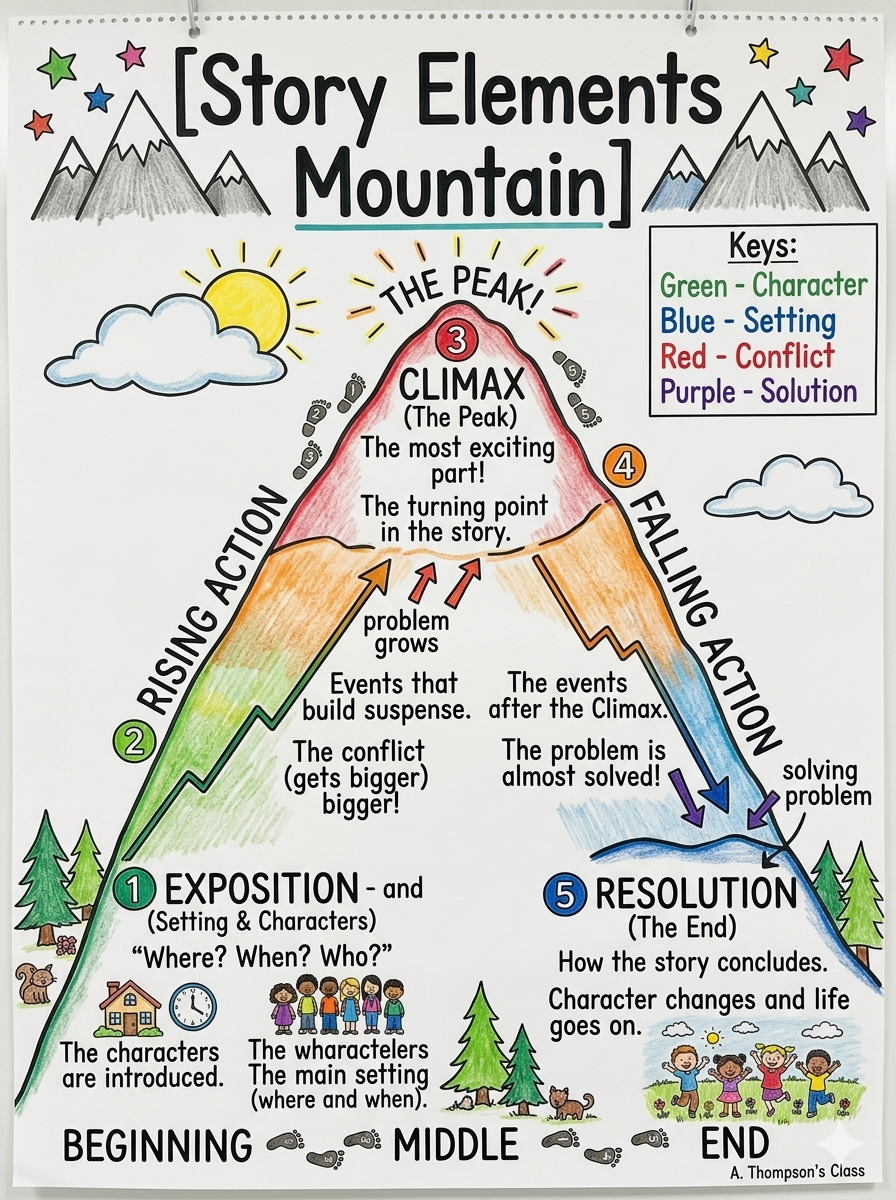
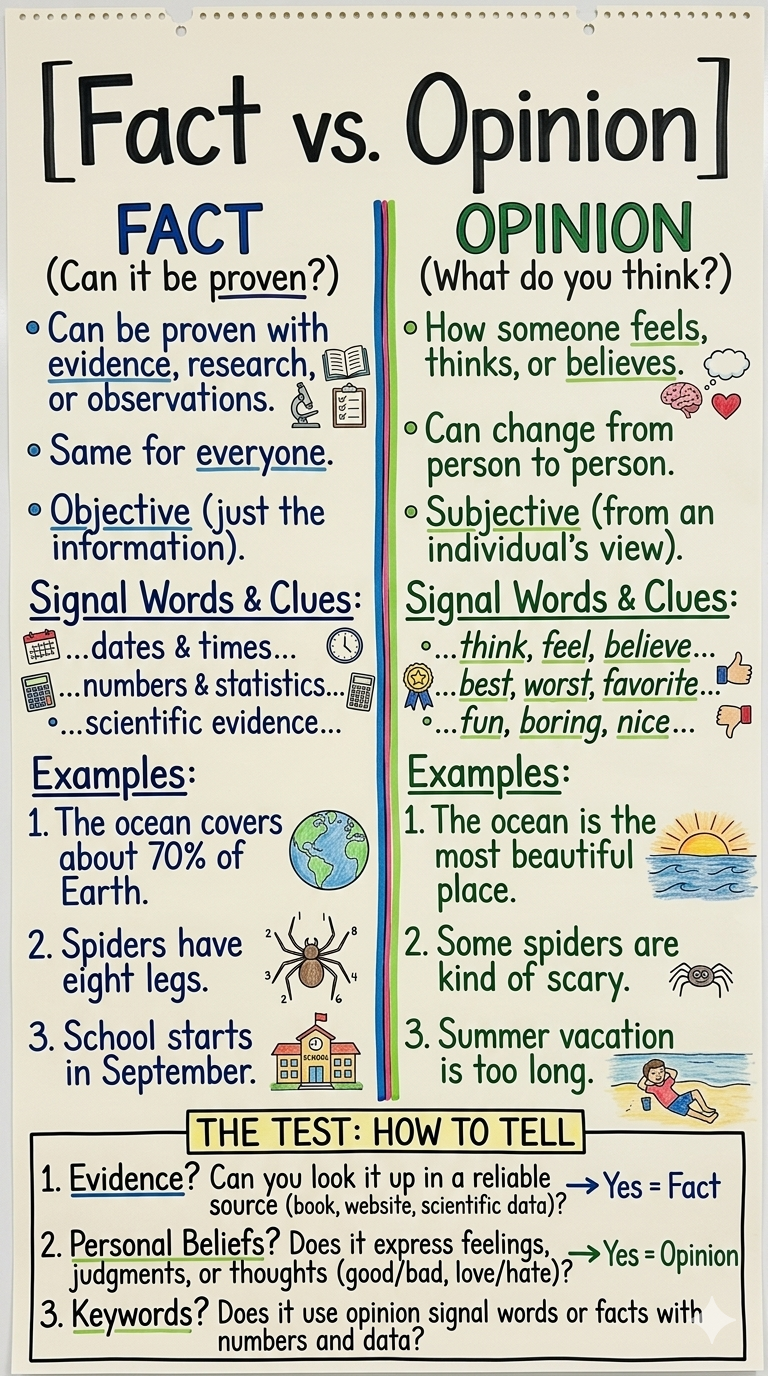
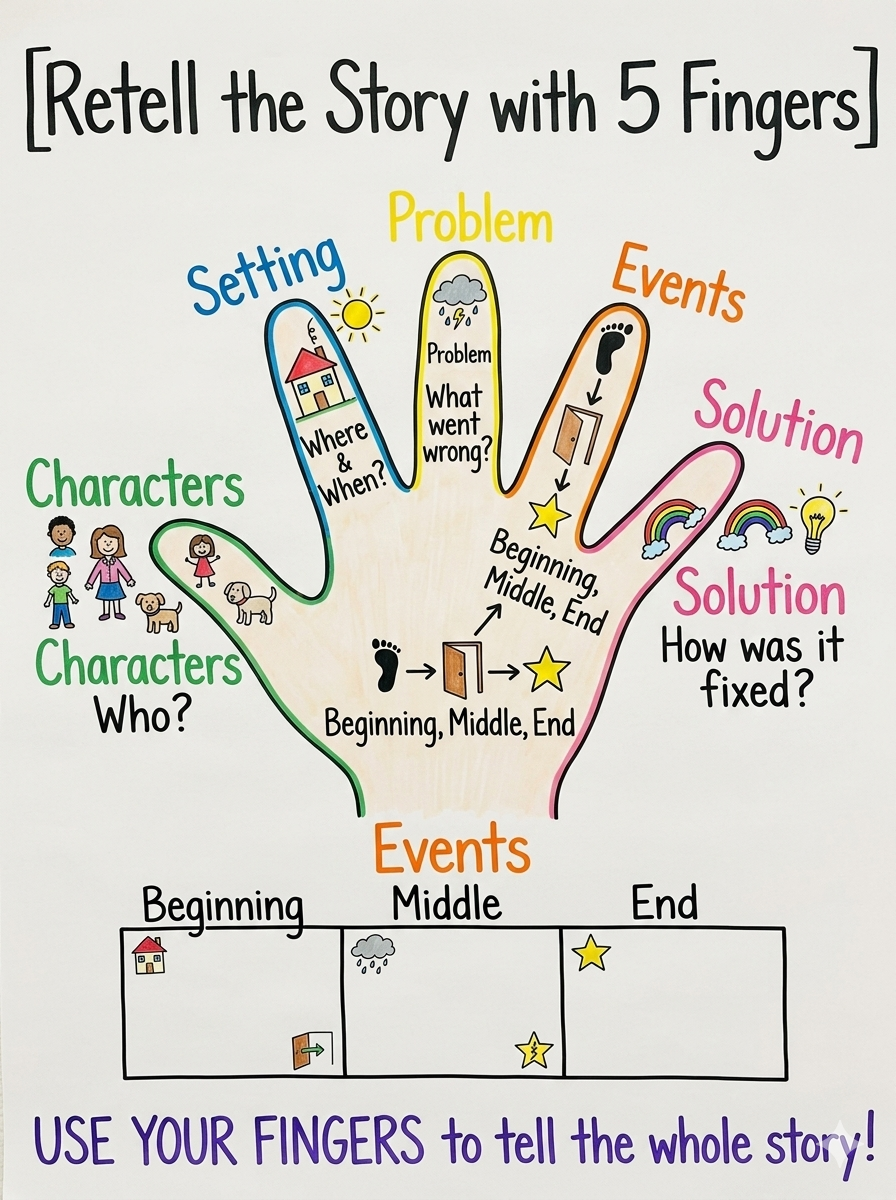
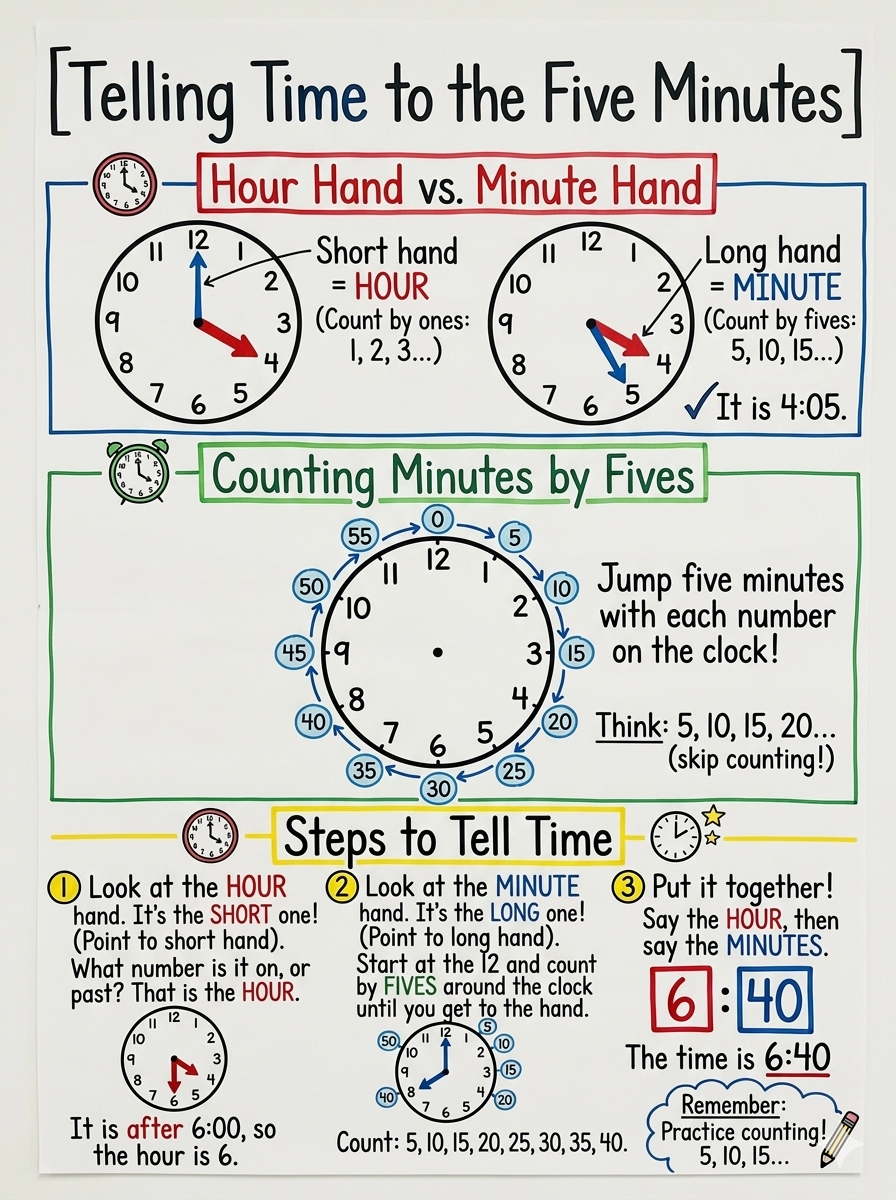
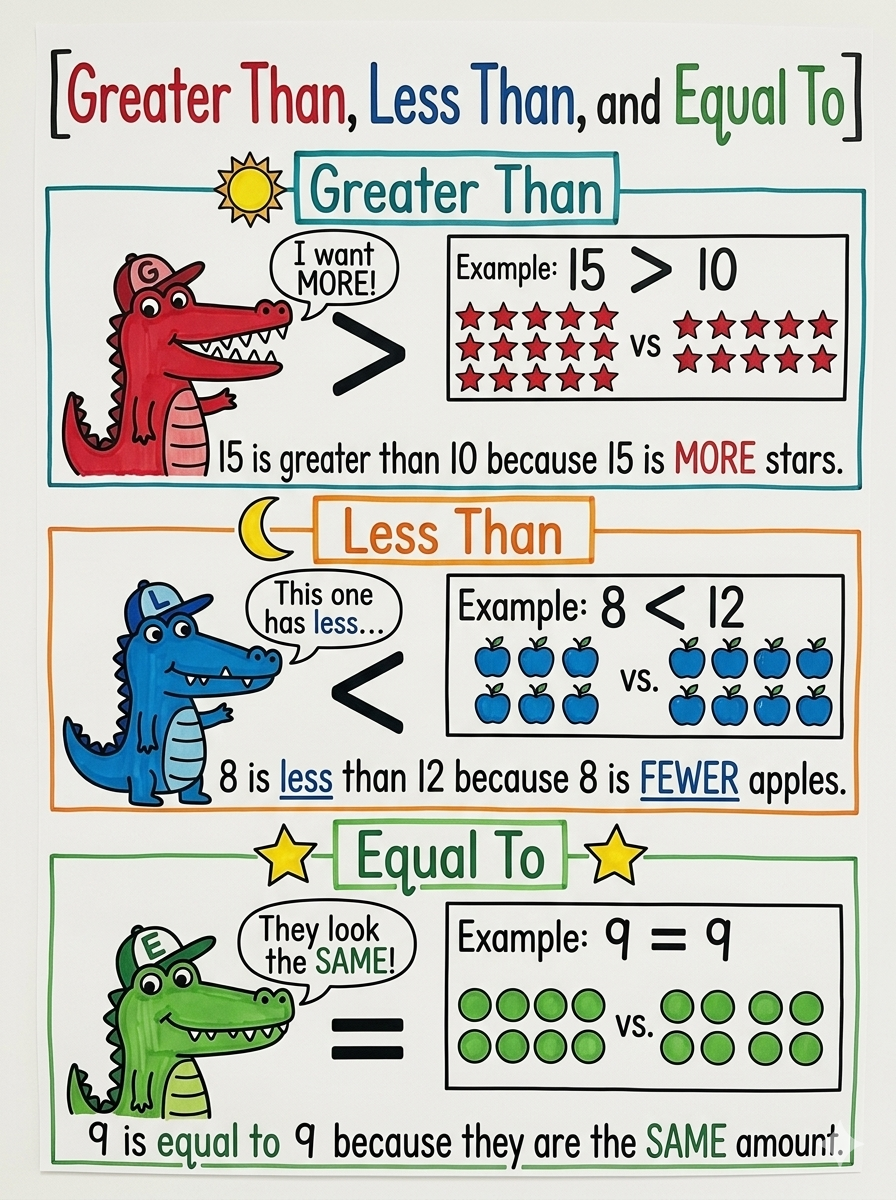
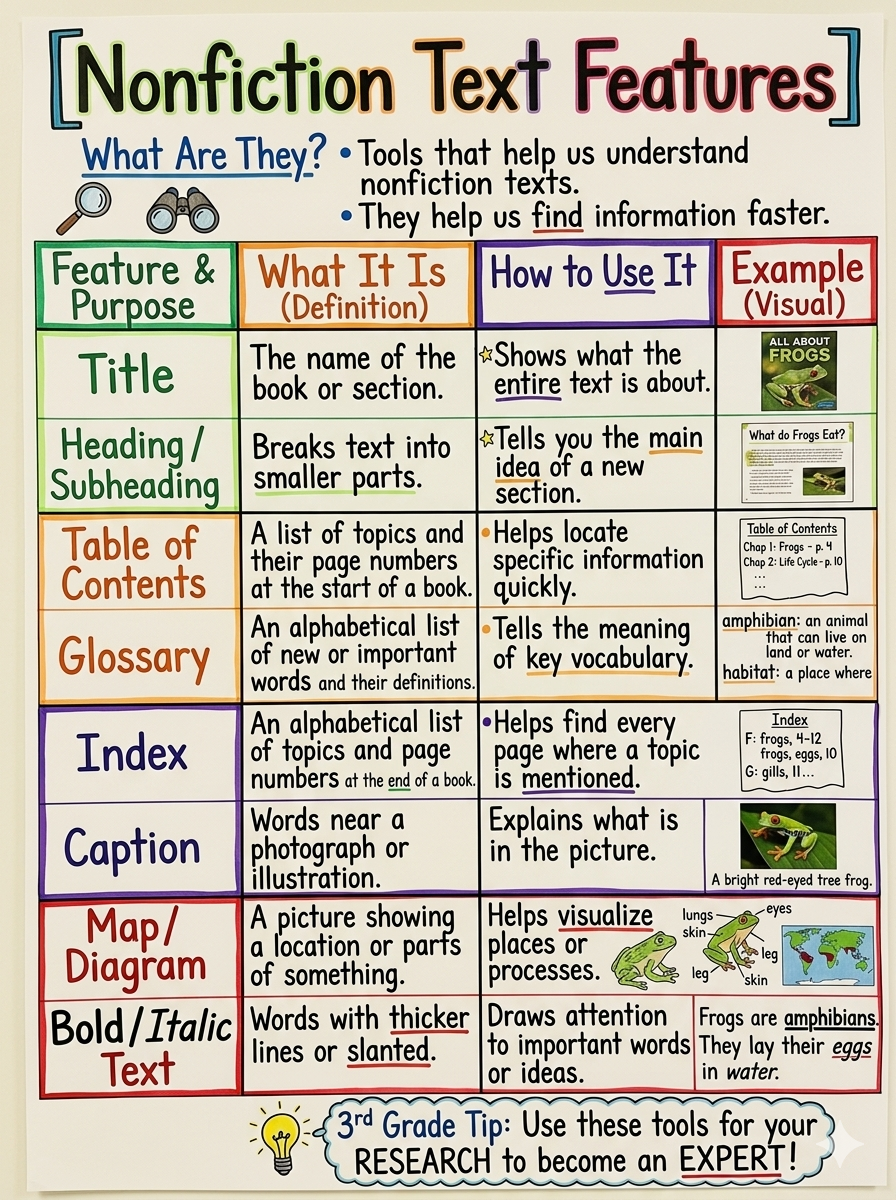
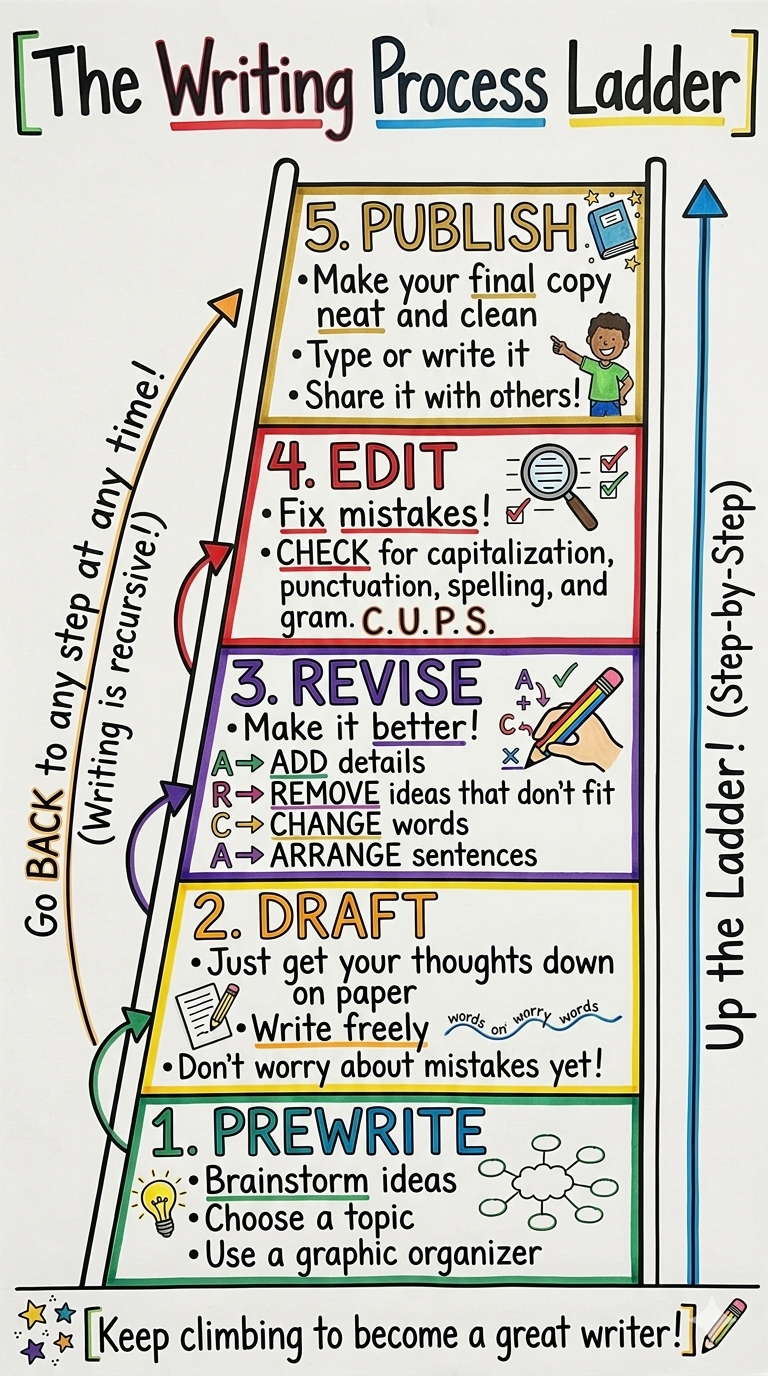
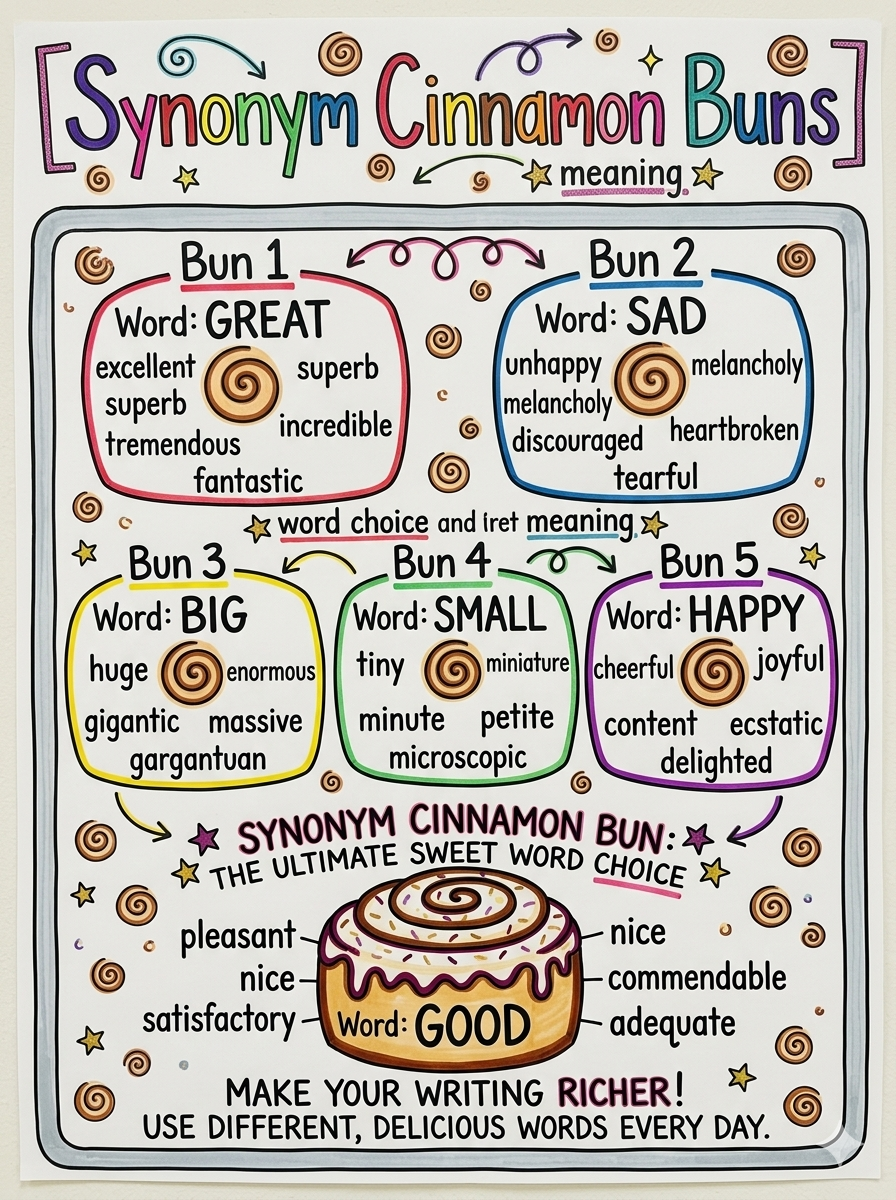
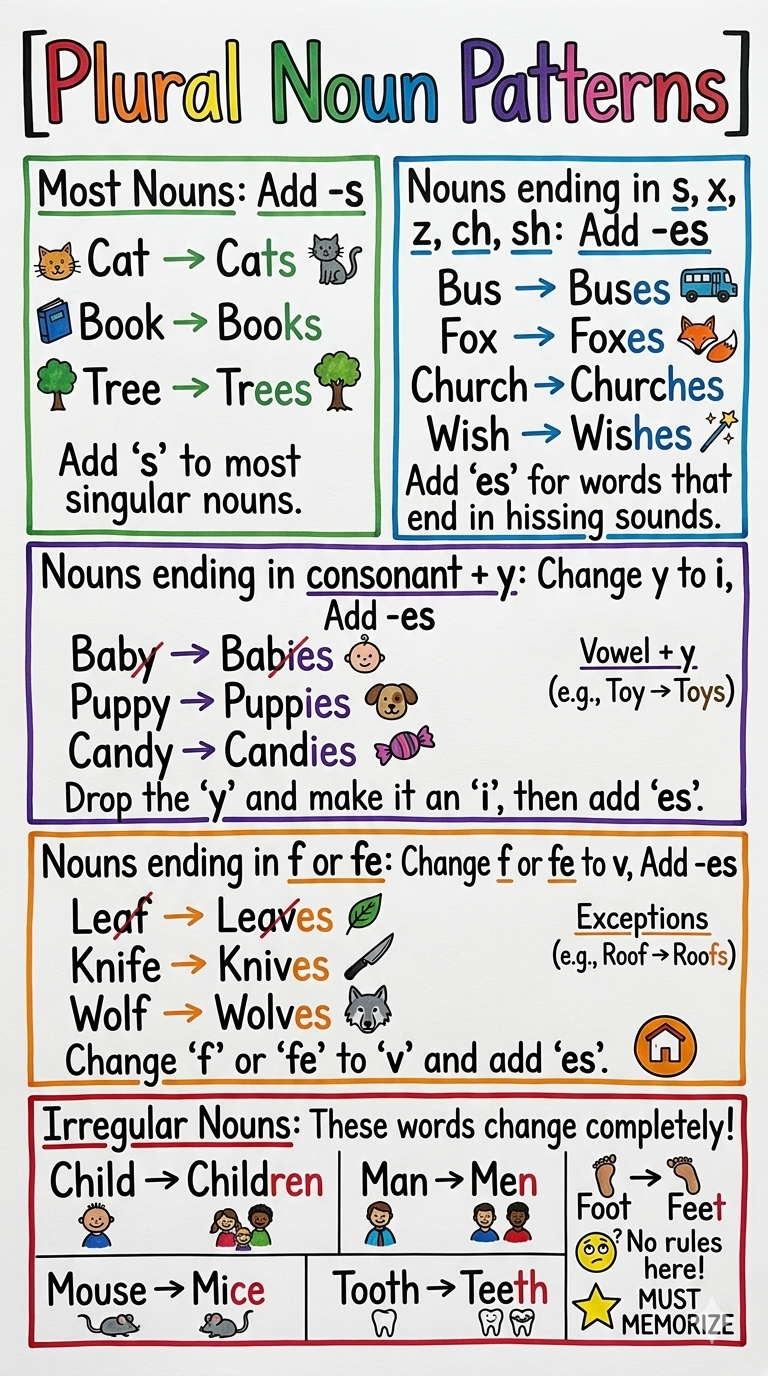
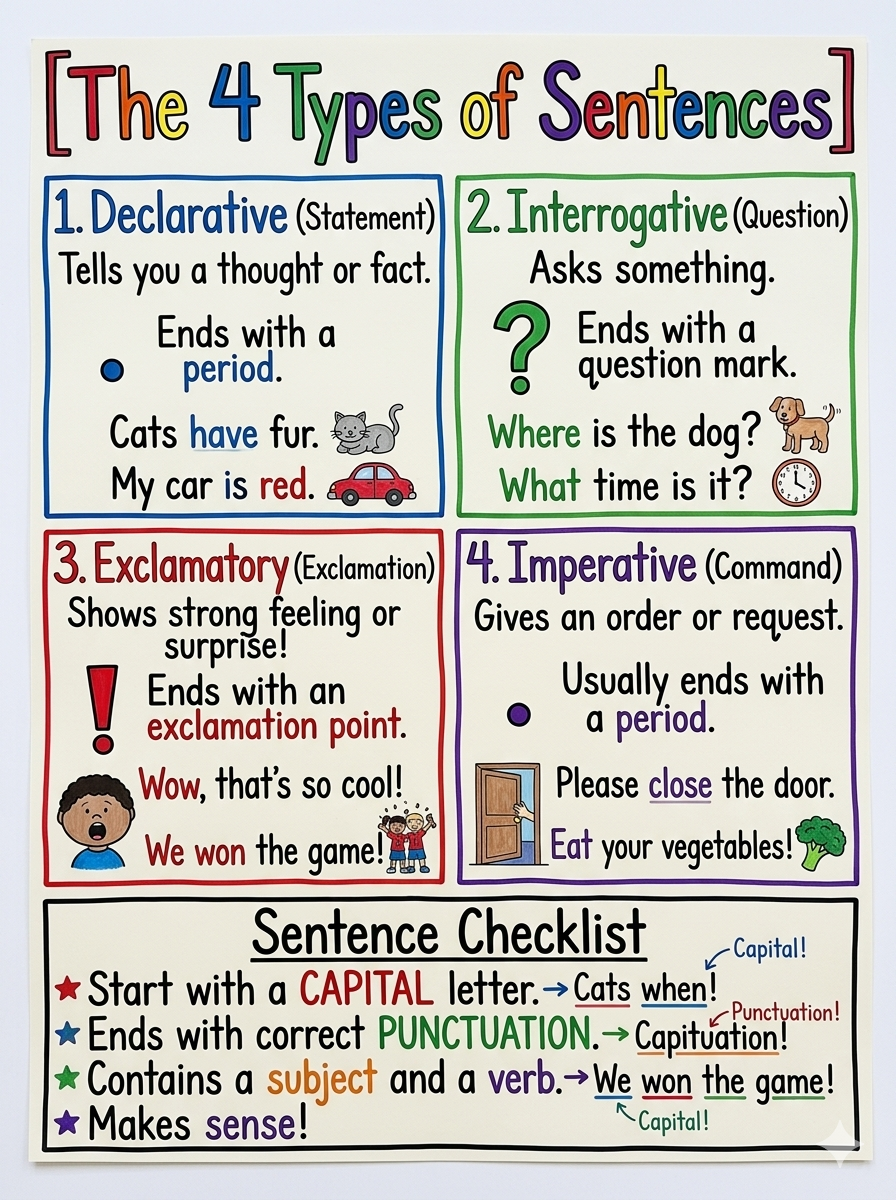
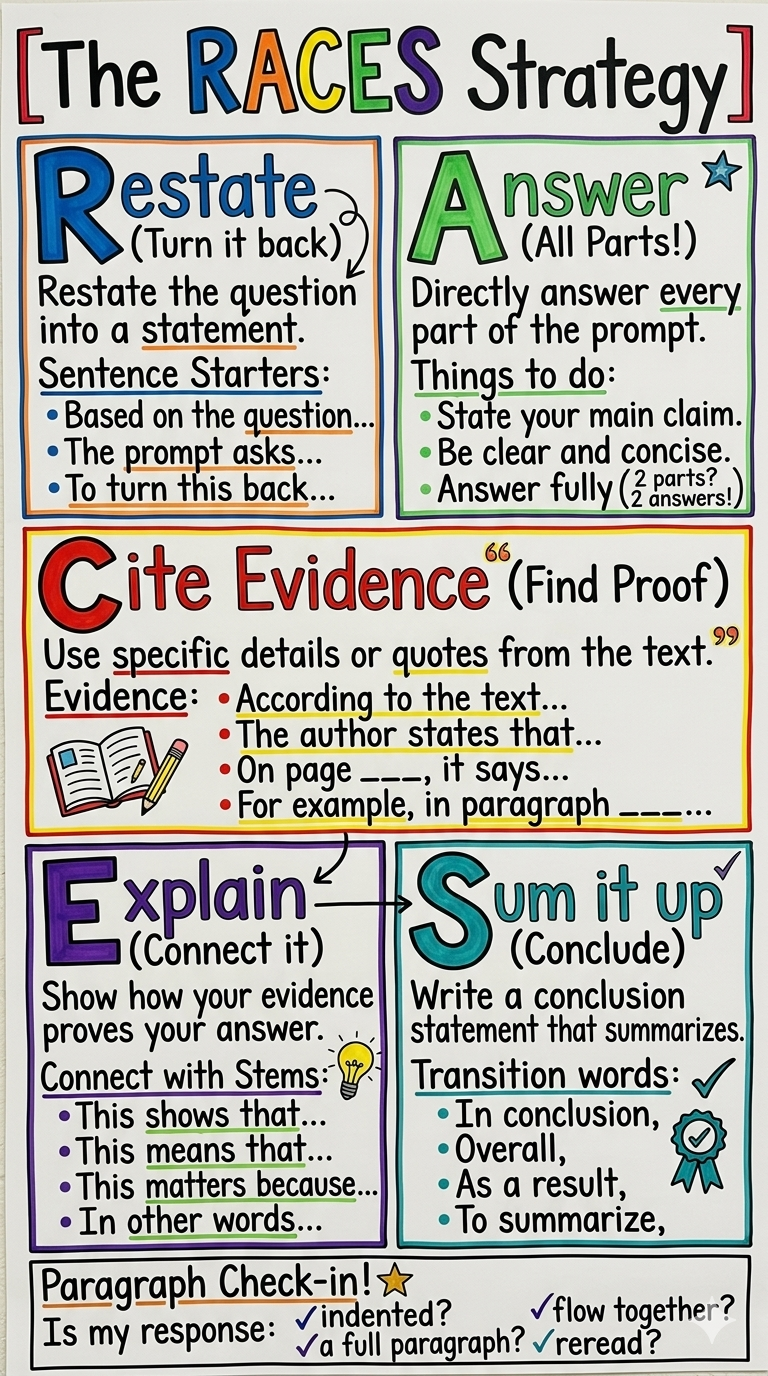
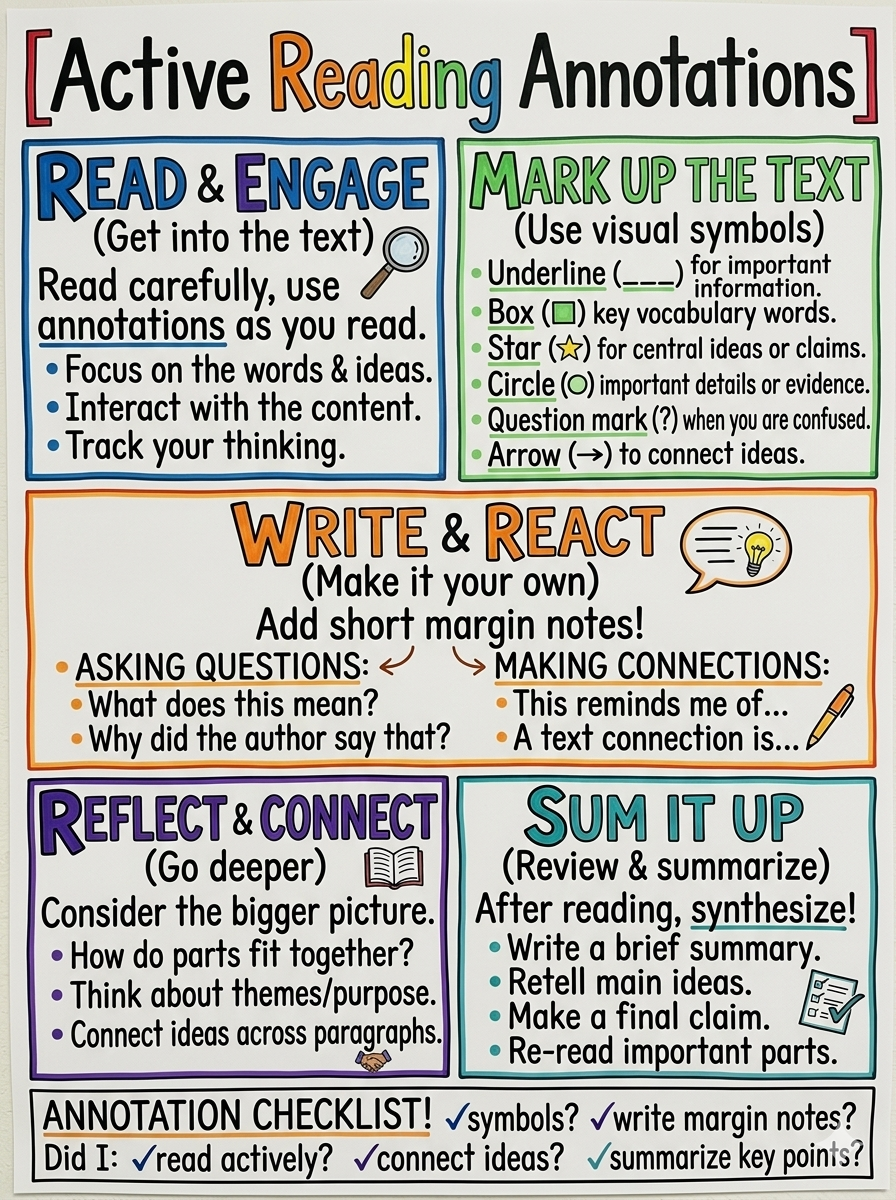
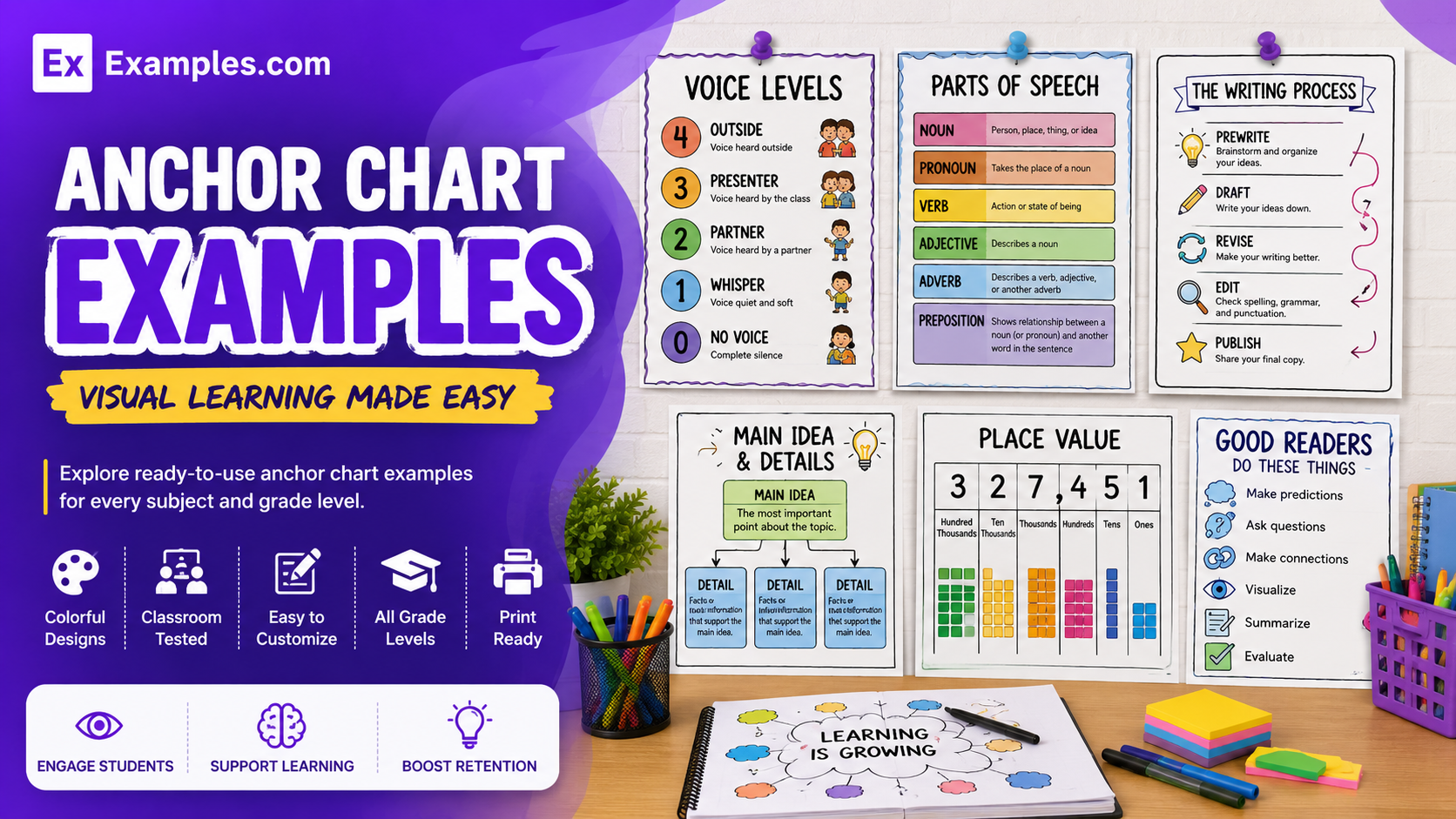
Create useful classroom anchor charts using AI-powered design generation inspired by real-world anchor chart examples. Browse charts for mathematics, reading, writing, science, classroom routines, vocabulary, behavior, and study strategies, choose a reference style, enter your AI prompt, and generate a completely new anchor chart. Customize sections, text, illustrations, colors, layouts, and visual elements in the online editor before downloading the final PNG. Examples.com helps teachers turn important classroom concepts into clear visual references that students can use during and after lessons.
What Is An Anchor Chart?
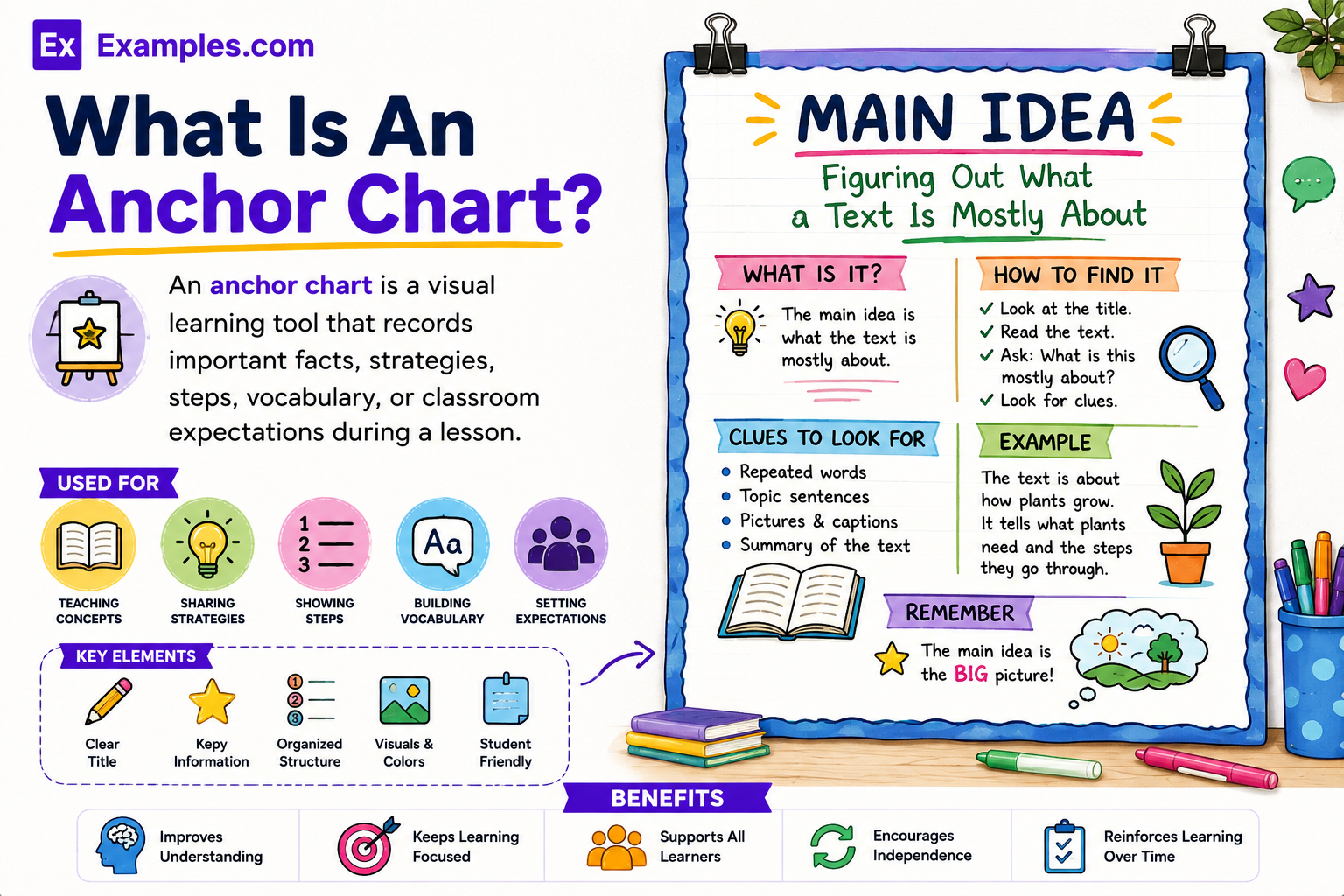
An anchor chart is a visual learning tool that records important facts, strategies, steps, vocabulary, or classroom expectations during a lesson. Teachers and students can create it together and display it for continued reference. Anchor charts make learning visible and help students work more independently.
Popular Types Of Anchor Charts
Different anchor chart types support specific learning goals, classroom routines, and student needs.
Process Charts
Break multi-step tasks into clear instructions that students can follow independently during classroom activities.
Strategy Charts
Present different strategies students can use to solve problems, understand texts, or complete assignments.
Content And Vocabulary Charts
Explain important facts, formulas, academic terms, definitions, and subject-specific concepts for quick reference.
Procedure And Routine Charts
Show classroom expectations, daily routines, procedures, and safety instructions in an easy-to-follow format.
Interactive Charts
Allow students to contribute ideas, examples, questions, or notes as lessons and discussions develop.
Learning Strategy Charts
Highlight useful approaches for reading, writing, mathematics, studying, problem-solving, and independent learning.
Why Should I Use Real Anchor Chart Examples To Create My Own Anchor Chart?
Real anchor chart examples help teachers understand how important concepts can be organized using short text, headings, colors, examples, symbols, and visual hierarchy. They provide inspiration while helping teachers create classroom references that are easy for students to read and use independently.
Instead of modifying an existing classroom chart, teachers can use real examples as visual references. On Examples.com, users can select a style, enter an AI prompt, generate a completely new anchor chart, and customize the content to match the lesson, grade level, subject, and classroom needs.
How Do I Generate Anchor Charts Using Proven Examples From The World’s Best Educators?
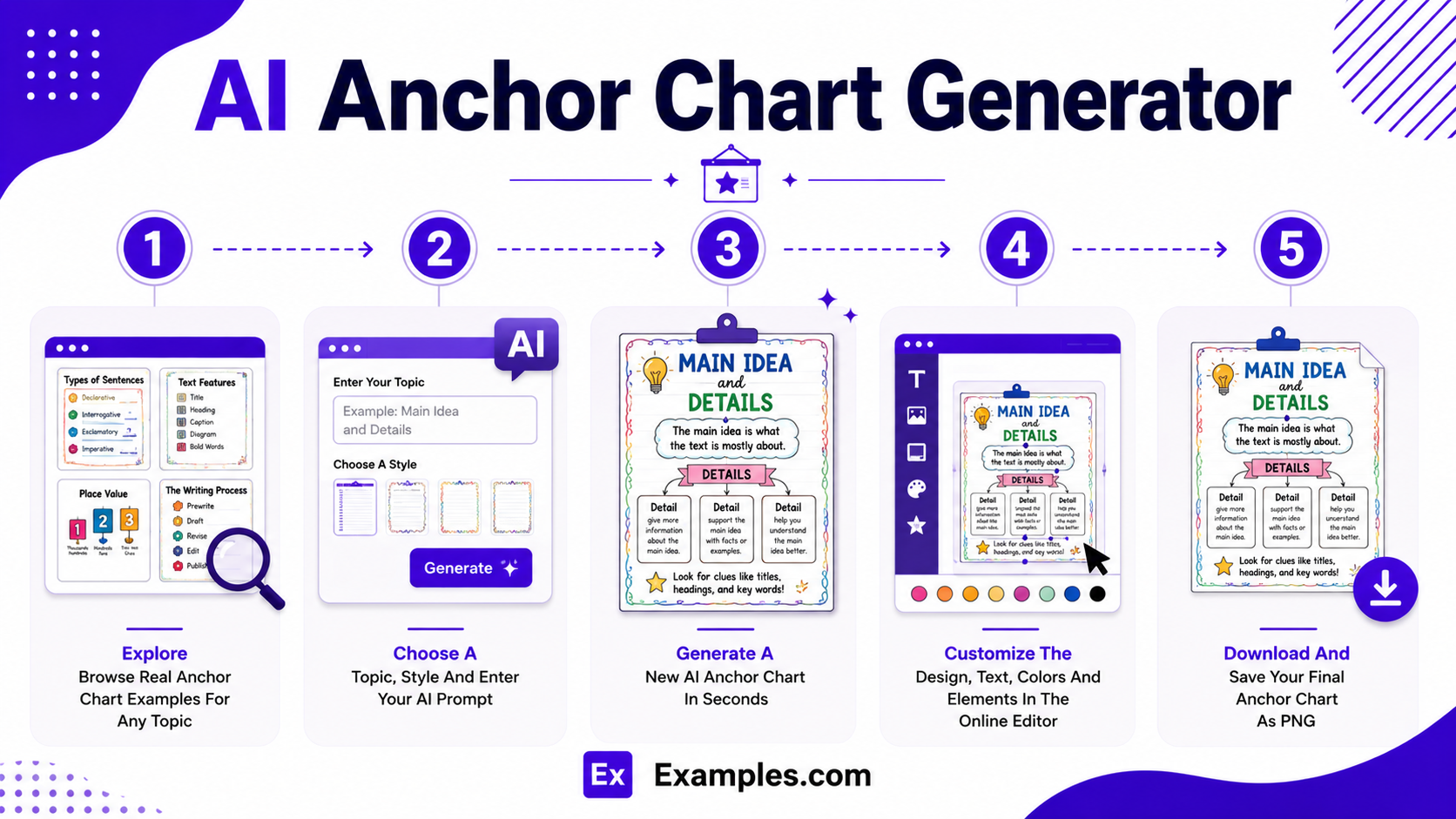
Creating an effective anchor chart becomes easier when classroom examples are used as inspiration. The workflow combines real-world references, AI-powered generation, online editing, and personalized customization to turn lesson ideas into useful visual learning resources.
Explore Real-World Anchor Chart Examples
Browse anchor chart examples for mathematics, literacy, science, vocabulary, classroom routines, writing, reading strategies, problem-solving, and student behavior. These examples help teachers discover layouts, teaching approaches, color schemes, headings, and visual organization.
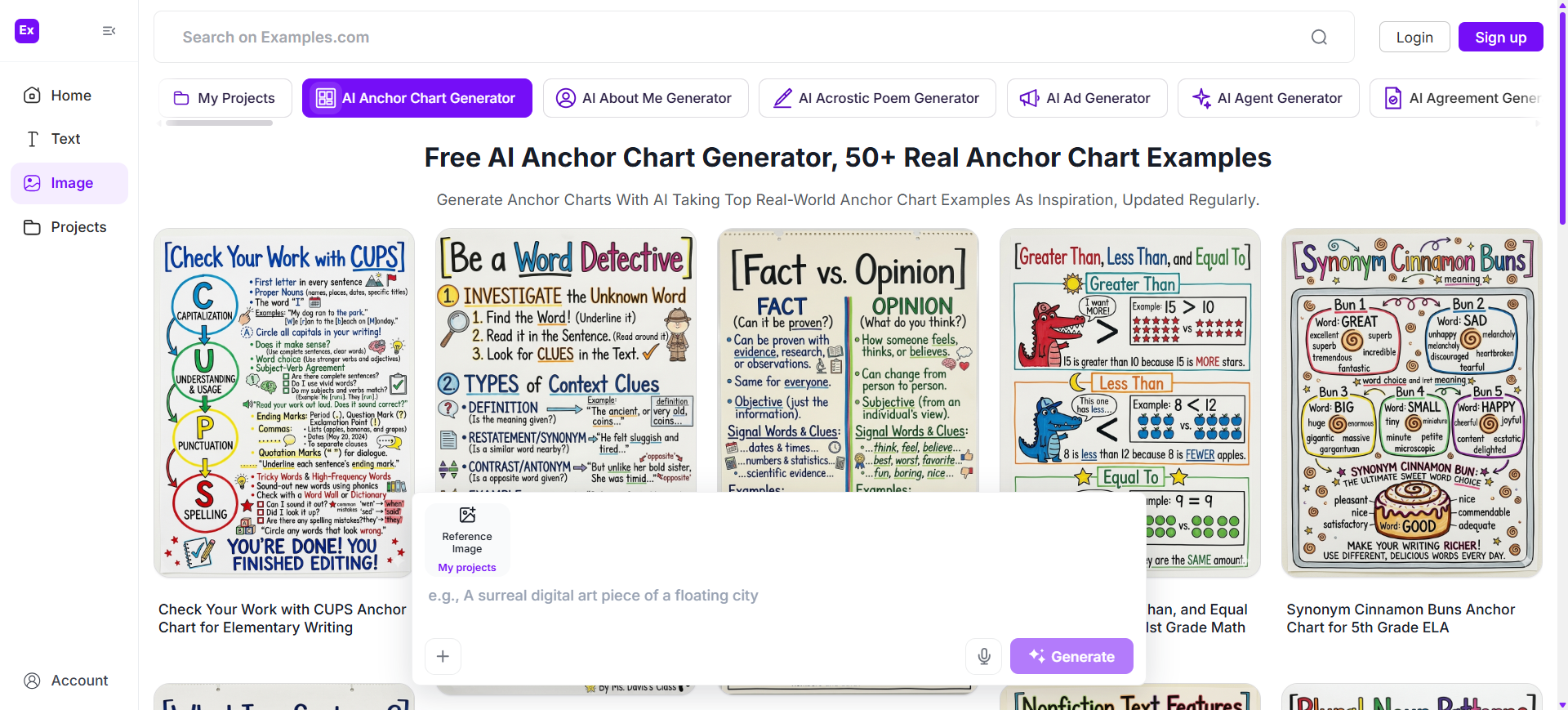
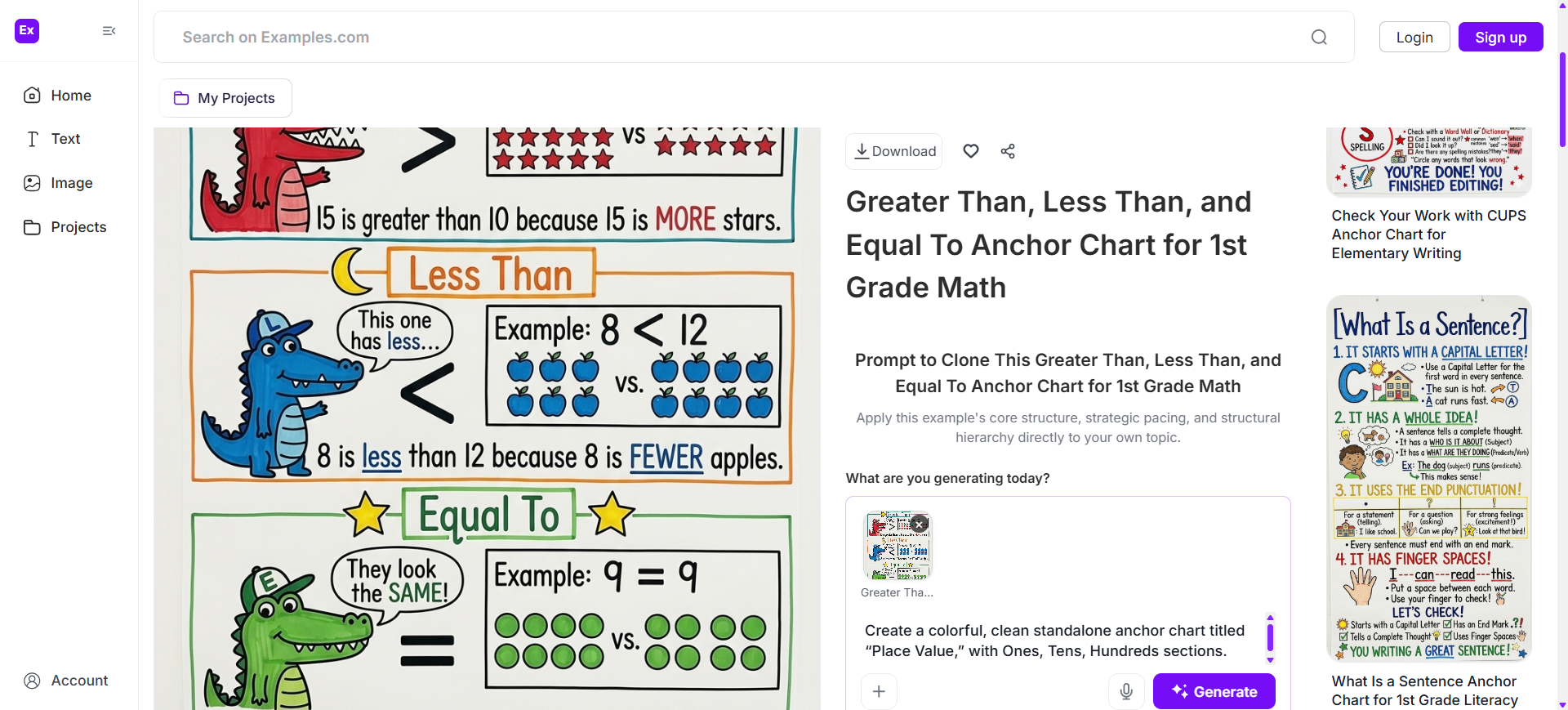
Choose A Reference Anchor Chart And Enter An AI Prompt
Select an anchor chart style that matches the lesson or teaching goal. Enter a prompt describing the subject, lesson topic, grade level, key concepts, examples, colors, illustrations, and learning objectives to generate a completely original chart.
Generate A New AI Anchor Chart
The AI creates a brand-new anchor chart inspired by the selected example and prompt. It can organize headings, key facts, steps, examples, vocabulary, strategies, and visual elements without directly modifying the original reference.
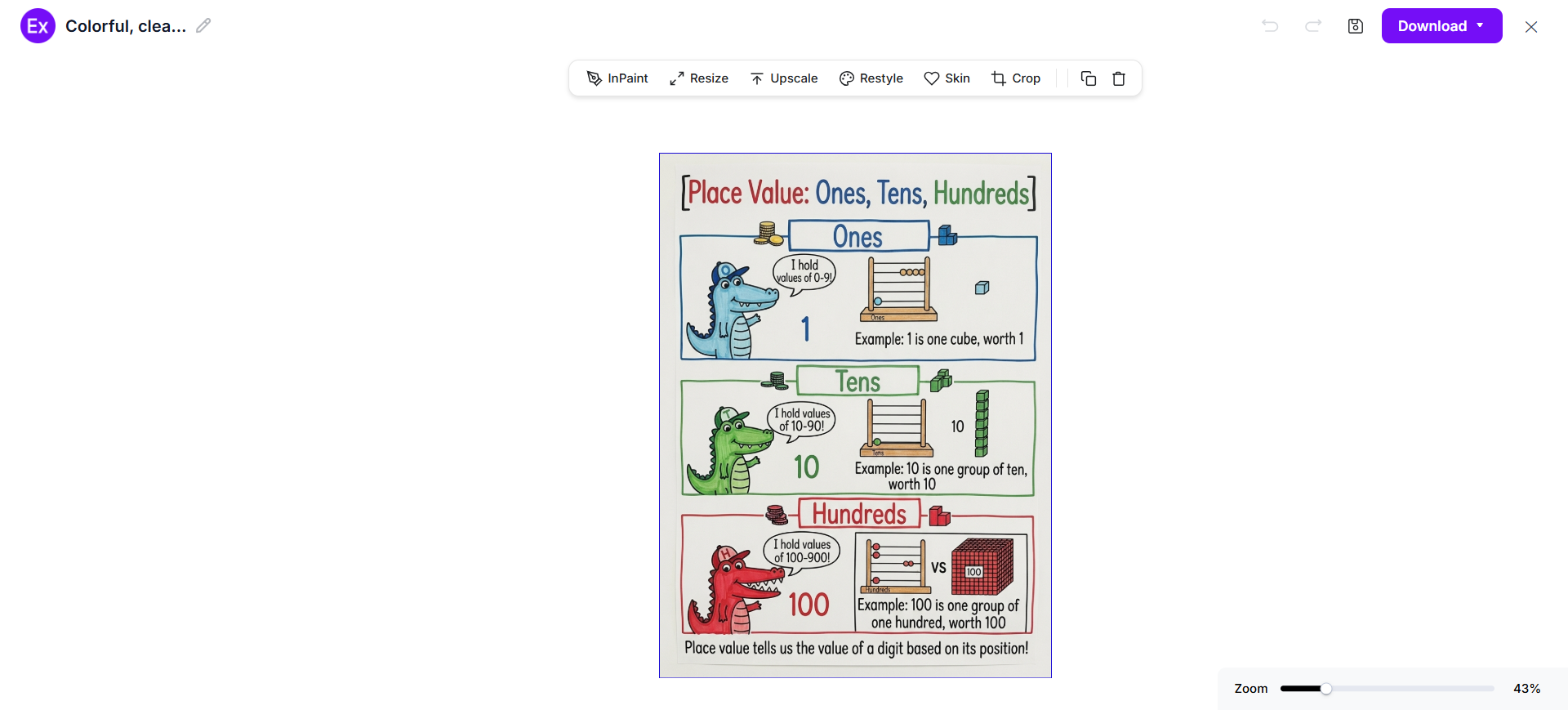
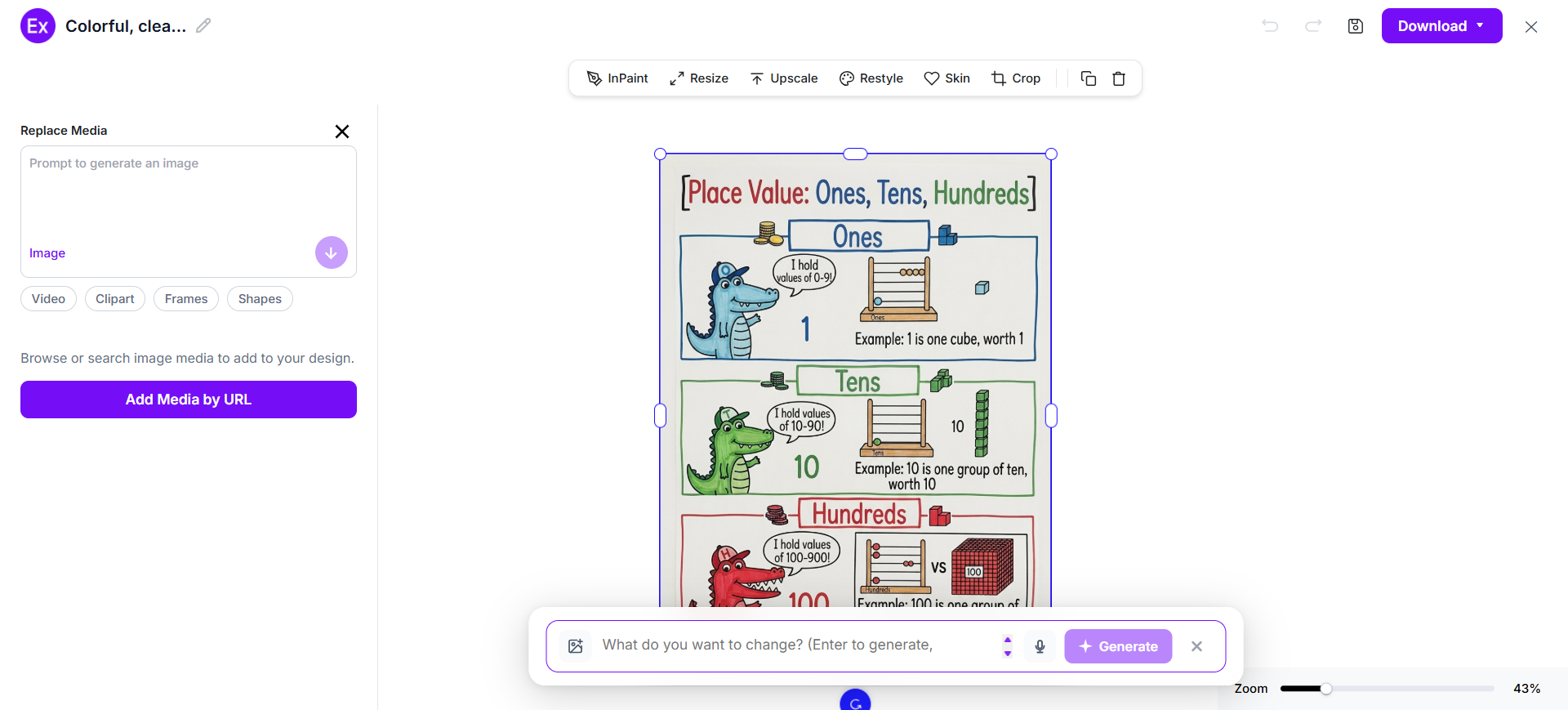
Customize The Anchor Chart In The Online Editor
Personalize the chart by editing text, replacing illustrations, changing colors, adding icons, uploading images, rearranging sections, adjusting layouts, and refining visual elements using AI-powered editing tools.
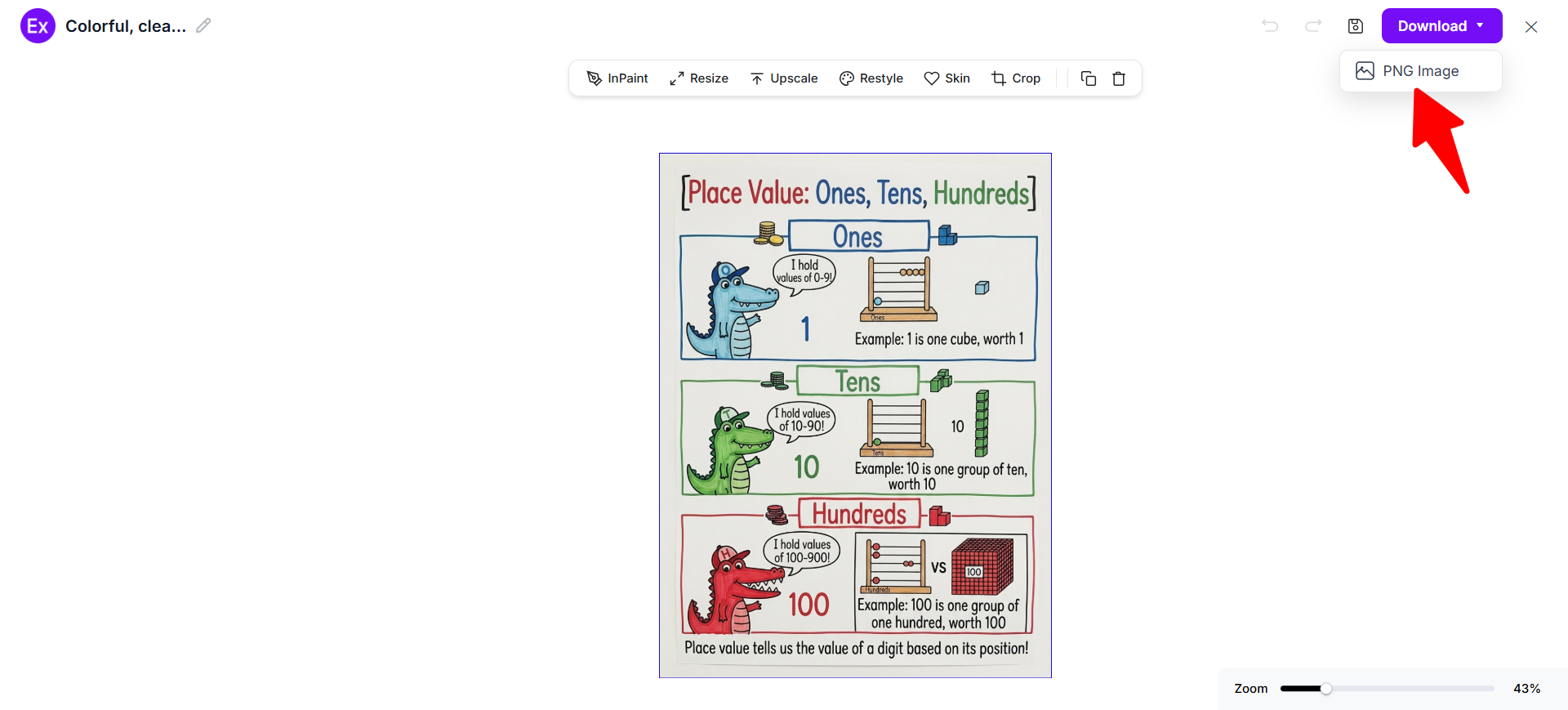
Download And Use The Final Anchor Chart
Once the anchor chart is complete, download the finished design as a PNG image. The chart can be displayed in the classroom, included in lesson materials, shared digitally, or used as a student reference.
Customize Anchor Chart Designs Online
After generating a new anchor chart, open it in the online editor to personalize headings, explanations, examples, illustrations, and classroom instructions. Edit text, replace images, upload your own visuals, change colors, add shapes, rearrange sections, and adjust the layout so the chart matches the lesson and students’ learning needs.
The editor also includes AI-powered tools that help improve visual quality and simplify customization. Users can generate new visuals, enhance images, resize the chart, remove backgrounds, crop elements, and create different design variations. With Examples.com, teachers can turn an AI-generated anchor chart into a clear classroom reference without requiring advanced design skills.
AI Anchor Chart Editing Features
Examples.com includes multiple AI-powered editing tools that help users customize classroom charts while keeping information organized and readable.
InPaint
Edit or replace selected illustrations, objects, or visual areas without changing the rest of the anchor chart.
Resize
Adjust chart dimensions for classroom displays, digital lessons, worksheets, presentations, or printable materials.
Upscale
Improve image quality and sharpen illustrations, icons, and visual details for clearer classroom display.
Restyle
Generate alternative visual styles, layouts, typography, and color treatments using AI.
BG
Remove or replace image backgrounds to create cleaner visual elements and classroom graphics.
Crop
Trim unnecessary areas and improve the framing of illustrations, photos, or chart sections.
Flip
Mirror selected visual elements when creating alternative classroom layouts or graphic arrangements.
Animate
Add animated effects to suitable digital anchor chart visuals for interactive online lessons.
Multishot
Generate multiple anchor chart variations from one prompt to compare different layouts and teaching approaches.
Standard Anchor Chart Sizes And Formats
The best anchor chart size depends on classroom space, viewing distance, content volume, and whether the chart will be printed or displayed digitally.
| Anchor Chart Format | Common Size | Best Use Case |
|---|---|---|
| Letter | 8.5 × 11 in | Student notebooks and individual references |
| A4 | 210 × 297 mm | Printable classroom materials and handouts |
| 11 × 17 in | 11 × 17 in | Small-group instruction and classroom displays |
| 18 × 24 in | 18 × 24 in | Compact classroom wall displays |
| 24 × 36 in | 24 × 36 in | Whole-class teaching and large wall displays |
| Digital Anchor Chart | Custom Screen Size | Online classrooms and digital learning |
Smaller formats work well for individual student references, while larger charts are easier for an entire class to read from a distance. For digital lessons, teachers can choose dimensions that match the screen or presentation platform.
Essential Elements Every Anchor Chart Should Include
A strong anchor chart should make important information easy to see, understand, remember, and apply during future lessons.
- Clear Title – Use a short title that immediately identifies the lesson concept, strategy, routine, or skill.
- Key Ideas – Include only the most important facts, rules, concepts, or instructions students need to remember.
- Simple Language – Use short phrases and familiar words that match the students’ age and learning level.
- Examples – Add relevant examples that show students how a concept, strategy, or process works.
- Step-By-Step Instructions – Use numbered steps when students need to follow a process or complete a task independently.
- Vocabulary – Define important academic words, subject-specific terms, formulas, or concepts students need to understand.
- Visual Elements – Use icons, diagrams, illustrations, symbols, or simple graphics to reinforce important information.
- Color Coding – Use consistent colors to separate ideas, highlight key information, and create visual organization.
- Student-Friendly Layout – Arrange information with enough spacing and clear sections so students can scan the chart quickly.
How Do I Design A Better Anchor Chart?
A useful anchor chart supports the lesson without overwhelming students with unnecessary information. Clear organization, concise language, useful examples, and simple visuals help students understand and use the chart independently.
- Define One Learning Objective – Focus the chart on a single learning objective so students can quickly understand its purpose.
- Use A Short Title – Choose a clear title that students can understand immediately.
- Include Essential Information – Add only the facts, strategies, steps, and examples students need for reference.
- Write Short Phrases – Use keywords and concise phrases instead of long paragraphs whenever possible.
- Organize Ideas Logically – Arrange steps, concepts, and examples in an order that makes the information easy to follow.
- Add Relevant Examples – Include examples that connect the concept to actual classroom work.
- Use Meaningful Colors – Use colors to highlight important words, categories, or relationships without creating distractions.
- Add Simple Visuals – Use illustrations, symbols, and diagrams that reinforce the lesson instead of distracting from it.
- Review From A Student Perspective – Check the finished chart from a student’s perspective and remove anything that does not support the learning goal.
Common Anchor Chart Design Mistakes To Avoid
An anchor chart should make important learning visible without overwhelming students. Avoiding common design and teaching mistakes helps create a classroom reference that students can understand and use independently.
- Including Too Much Information – Focus on the most important ideas students need to remember instead of filling the chart with every lesson detail.
- Using Long Sentences – Replace lengthy explanations with short phrases, keywords, examples, and simple instructions.
- Creating The Chart Without Student Input – When appropriate, involve students in developing ideas, definitions, examples, or strategies so the chart connects directly to classroom learning.
- Using Hard-To-Read Text – Choose readable lettering and an appropriate font size so students can see the information from their seats.
- Using Too Many Colors – Limit colors to meaningful categories or important information instead of creating unnecessary visual distractions.
- Poor Organization – Group related ideas together and use headings, sections, or numbered steps to create a logical structure.
- Ignoring Grade Level – Match vocabulary, examples, illustrations, and complexity to the students who will use the chart.
- Displaying Irrelevant Information – Remove outdated or unrelated content so the chart remains useful for the current learning objective.
How Can I Use An Anchor Chart For Teaching And Learning?
Anchor charts can support instruction by keeping important concepts, strategies, and procedures visible throughout the learning process. Teachers can use them as teaching references during lessons and as reminders when students work independently.
Mathematics
Show formulas, problem-solving strategies, operation steps, geometry concepts, and worked examples.
Reading
Present comprehension strategies, story elements, character analysis, reading vocabulary, and evidence-based reading techniques.
Writing
Organize writing processes, paragraph structures, grammar rules, editing strategies, and revision checklists.
Science
Explain scientific vocabulary, experiment procedures, diagrams, classification systems, and important concepts.
Classroom Management
Display daily routines, behavioral expectations, transition procedures, and classroom responsibilities.
Student Independence
Provide clear steps and strategies students can refer to when completing assignments without constant teacher assistance.
Which Anchor Chart Sizes Perform Best?
The best anchor chart size depends on classroom layout, viewing distance, content amount, and the number of students who need to reference it.
| Anchor Chart Size | Best For | Advantages |
|---|---|---|
| 8.5 × 11 in | Individual student references | Easy to print, store, and place in notebooks |
| A4 | Handouts and personal learning references | Convenient standard printable format |
| 11 × 17 in | Small-group instruction | Provides more room while remaining easy to handle |
| 18 × 24 in | Small classroom displays | Offers useful visibility without requiring large wall space |
| 24 × 36 in | Whole-class instruction | Provides enough space for large headings, examples, and visuals |
| Digital | Online learning and presentations | Easy to display, share, update, and reuse digitally |
For whole-class teaching, larger formats generally make key information easier to see. Smaller formats are useful for student notebooks, small groups, and individual reference materials.
Anchor Chart Ideas For Different Educational Settings
Anchor charts can be adapted to different subjects, grade levels, classroom routines, and learning environments.
- Elementary Classrooms – Use charts for classroom routines, phonics, reading strategies, basic mathematics, vocabulary, and behavior expectations.
- Middle School – Create charts for scientific concepts, mathematical problem-solving, writing strategies, reading comprehension, and subject-specific vocabulary.
- High School – Use detailed charts for advanced formulas, essay structures, laboratory procedures, historical concepts, study strategies, and exam preparation.
- Mathematics Classes – Show equations, formulas, problem-solving methods, geometry rules, number relationships, and worked examples.
- Language Arts – Organize grammar rules, writing structures, literary elements, vocabulary, reading strategies, and revision techniques.
- Science Classes – Display laboratory safety procedures, scientific methods, diagrams, formulas, classifications, and key scientific terminology.
- Special Education – Use simplified instructions, visual routines, step-by-step processes, symbols, and clear examples to support different learning needs.
- ESL And Language Learning – Present vocabulary, sentence structures, grammar patterns, pronunciation guidance, and useful language expressions.
- Classroom Routines – Display arrival procedures, transitions, bathroom expectations, technology rules, group-work expectations, and daily schedules.
- Remote Learning – Create digital anchor charts for online lessons, virtual classroom routines, learning strategies, assignment procedures, and subject references.
FAQs
What Is The Main Purpose Of An Anchor Chart?
An anchor chart keeps important learning visible by presenting key facts, strategies, steps, vocabulary, or classroom expectations that students can reference later.
Should Teachers Create Anchor Charts With Students?
Yes. Co-creating charts allows teachers to guide learning while students contribute ideas, examples, definitions, or strategies connected to the lesson.
What Should I Put On An Anchor Chart?
Include the main learning objective, key ideas, short explanations, examples, important vocabulary, steps, and simple visuals that support the lesson.
How Many Words Should An Anchor Chart Have?
There is no fixed word count, but anchor charts generally work better when information is concise, readable, and limited to what students need for reference.
Can I Create An Anchor Chart Without Design Experience?
Yes. AI-powered tools can help organize classroom information, generate visual layouts, create illustrations, and customize charts from simple prompts.
Can I Customize An Anchor Chart After AI Generates It?
Yes. Users can edit text, replace images, change colors, rearrange sections, upload visuals, and customize individual elements using the online editor available on Examples.com.
What Is The Difference Between An Anchor Chart And A Classroom Poster?
An anchor chart is typically connected to classroom learning and serves as an ongoing reference, while a classroom poster may primarily provide decorative, informational, or motivational content.
Where Can I Use An Anchor Chart?
Anchor charts can be used in classrooms, small-group instruction, student notebooks, digital lessons, tutoring sessions, educational presentations, and remote learning environments.