
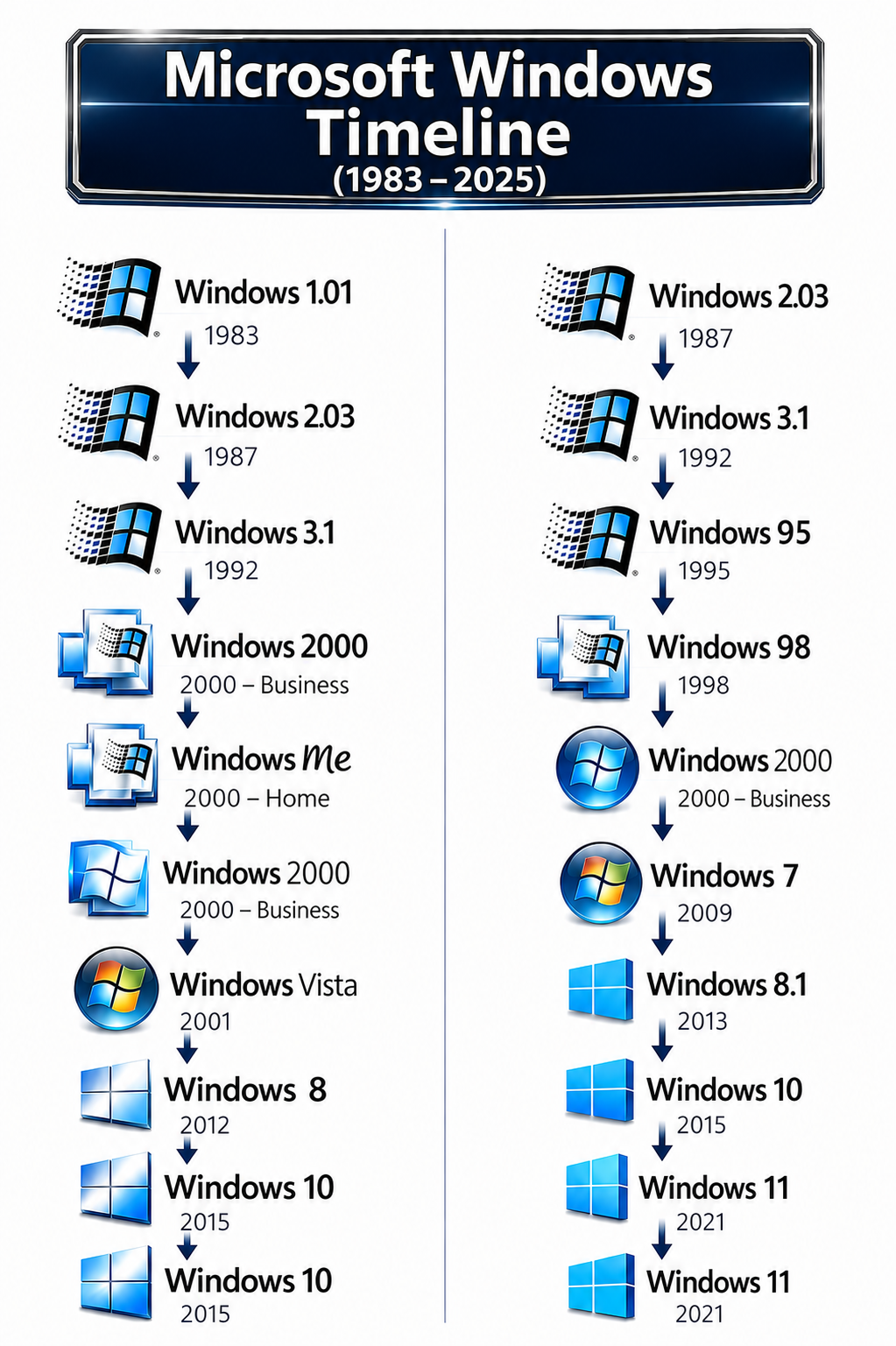
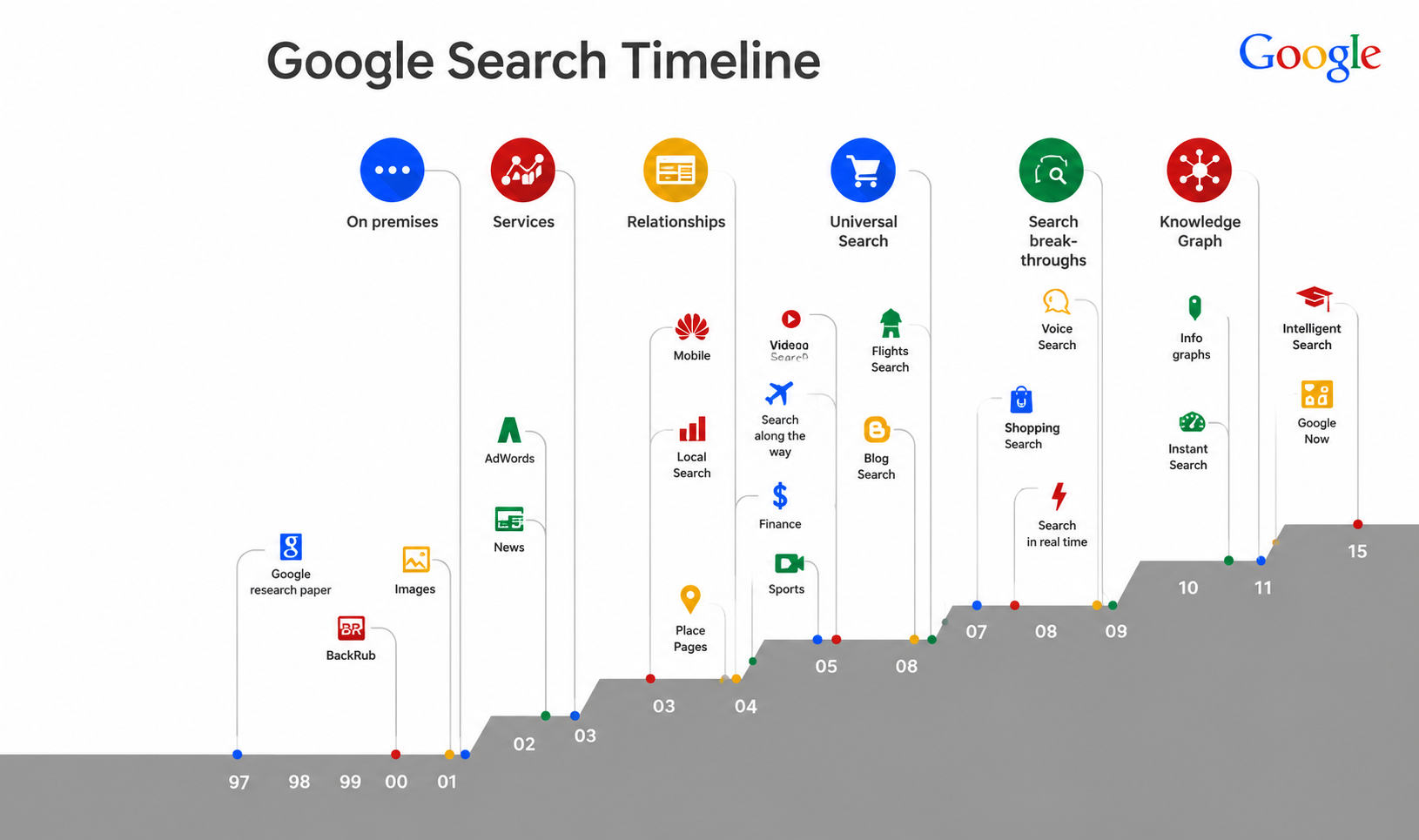
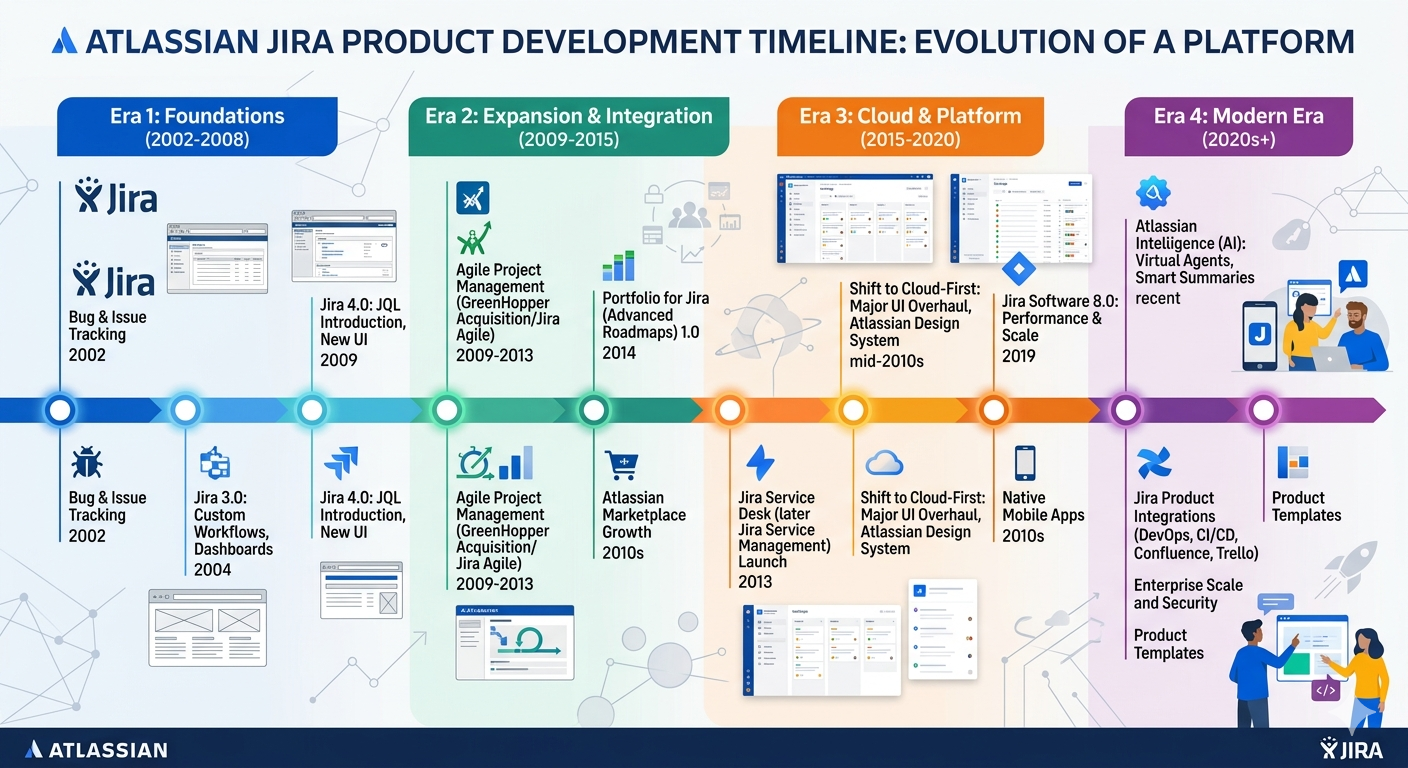
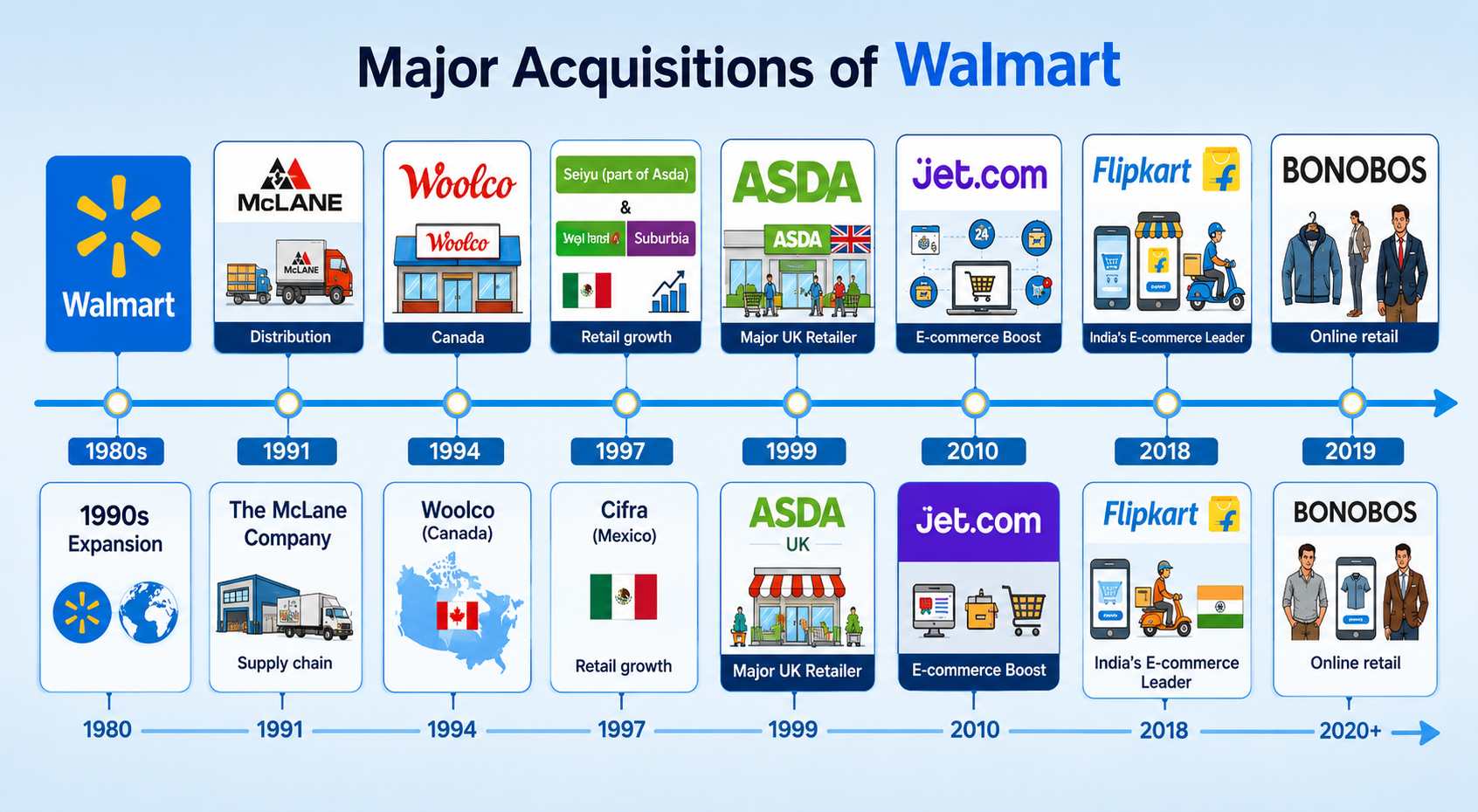
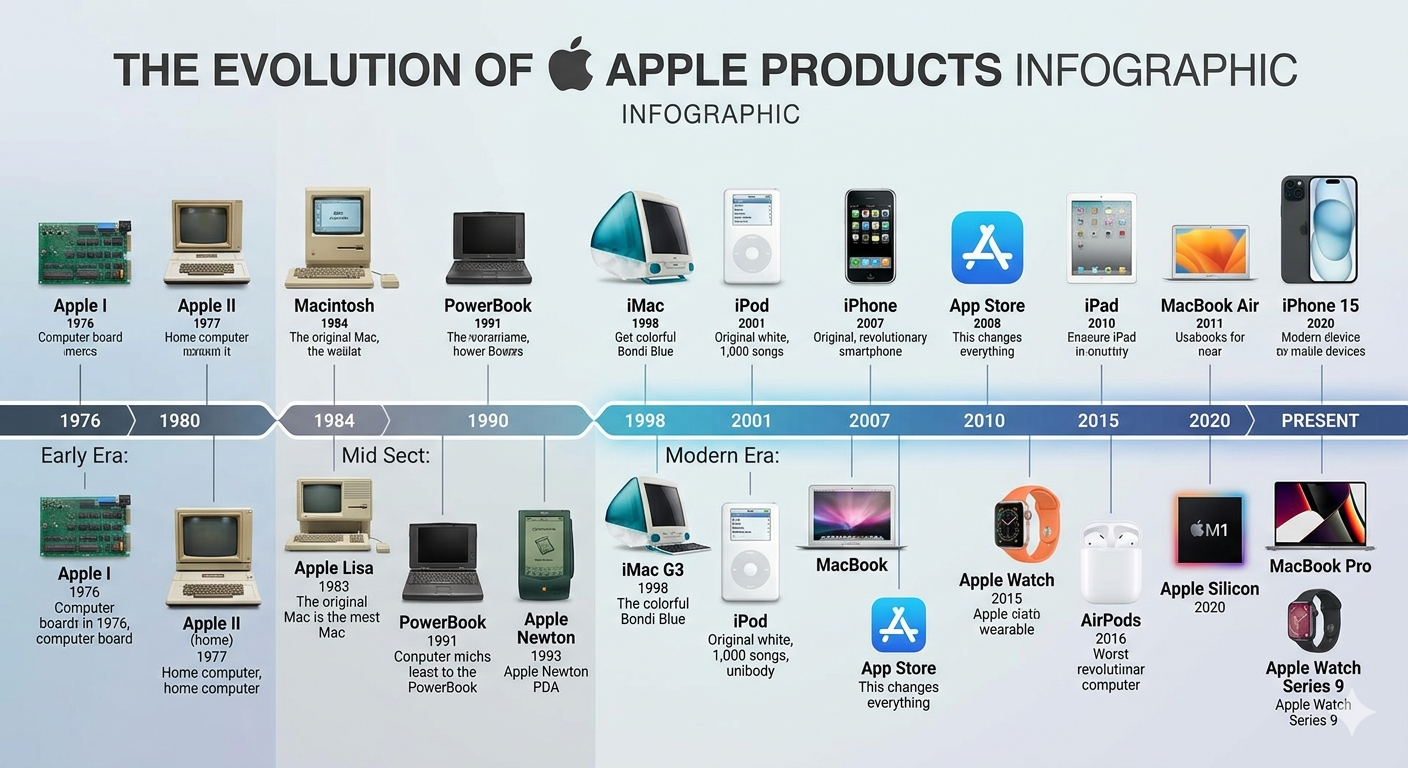
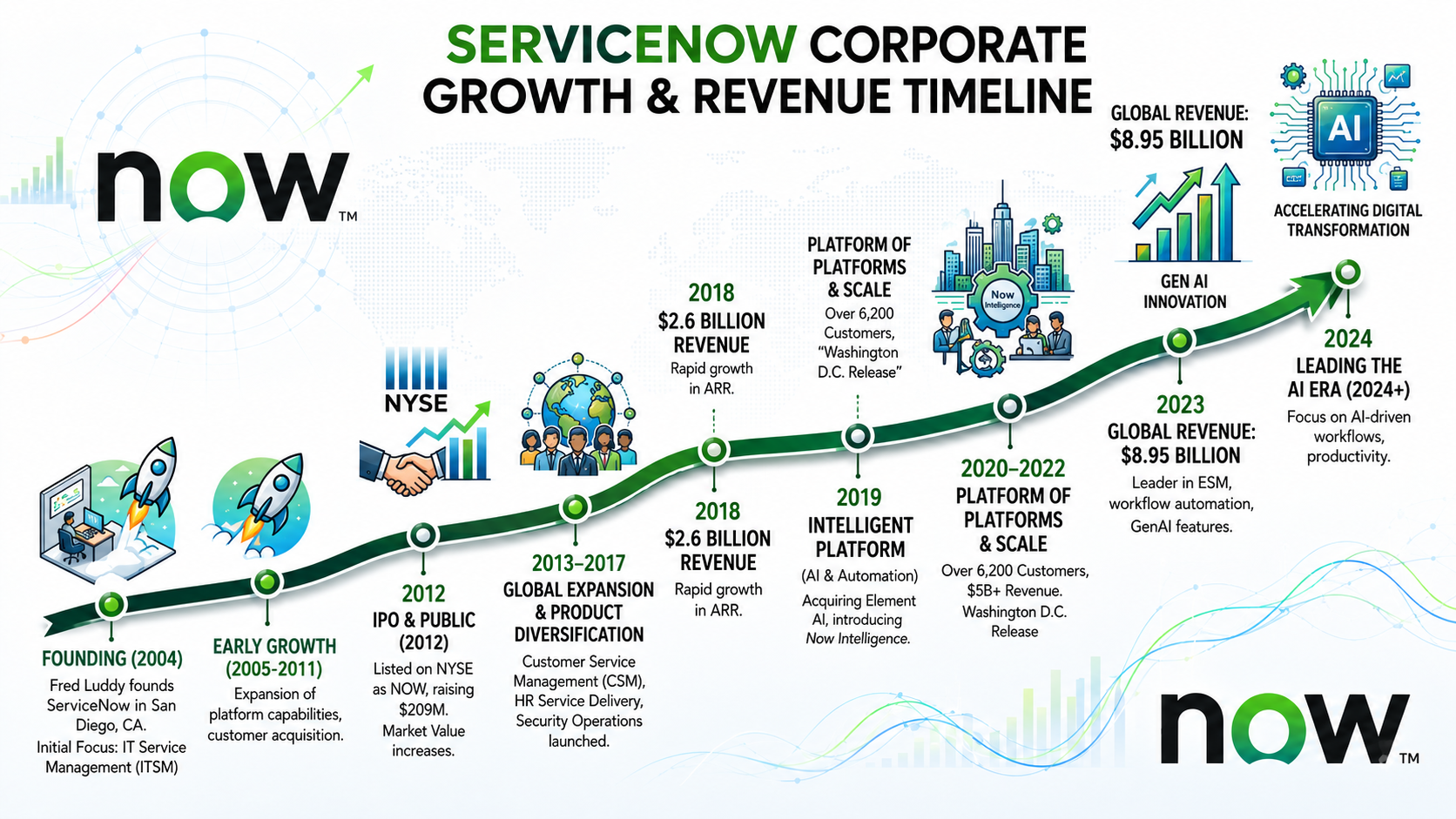
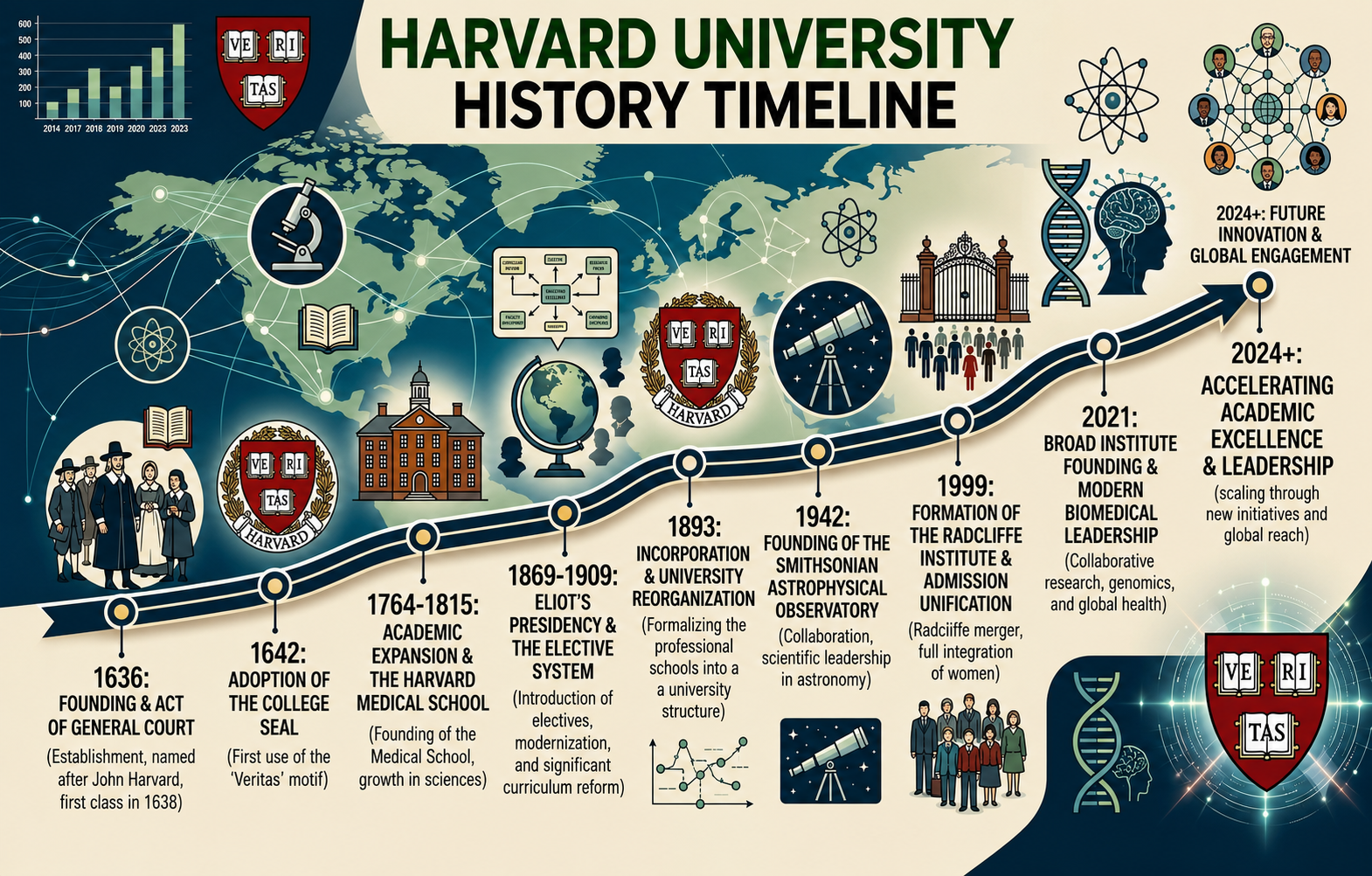
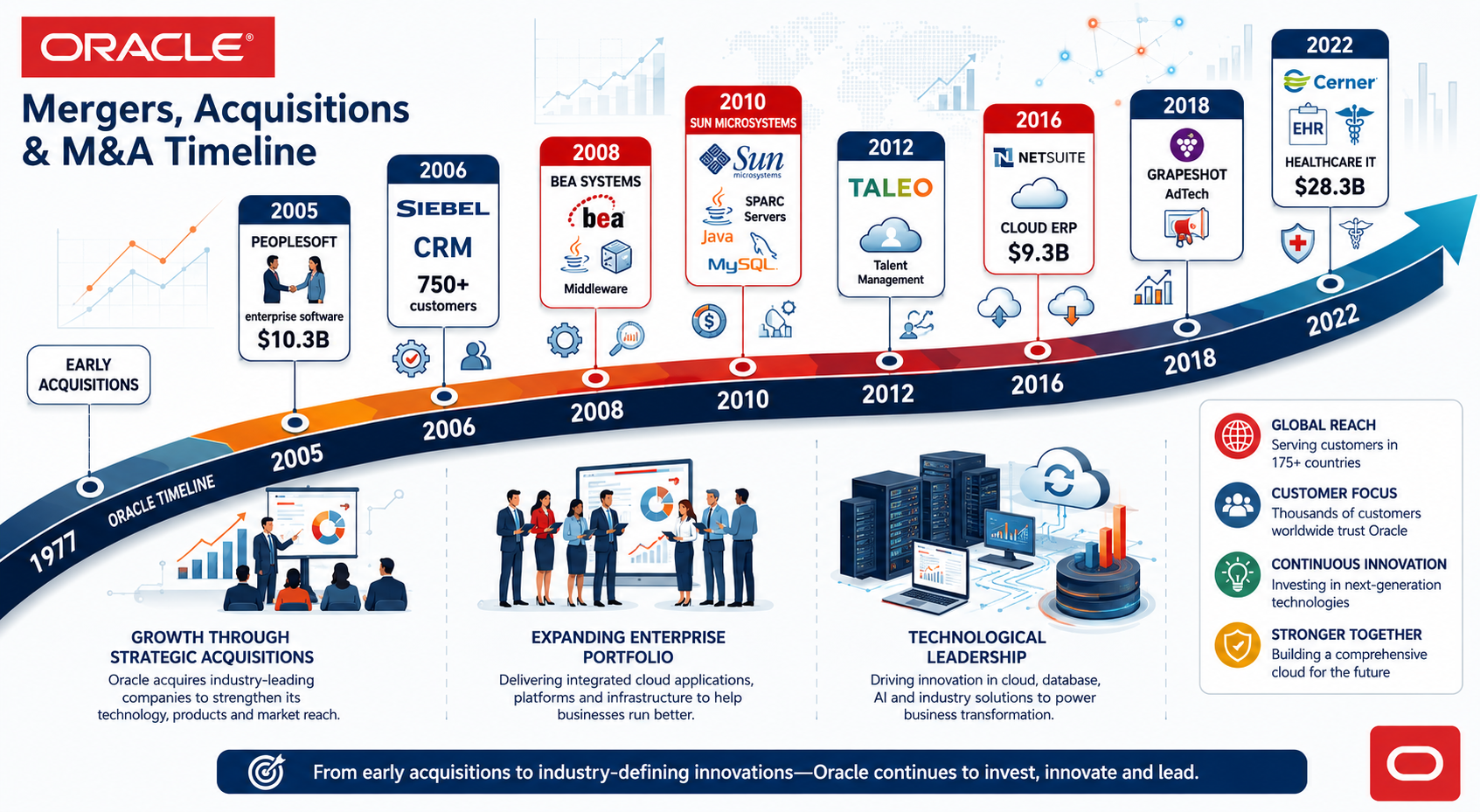
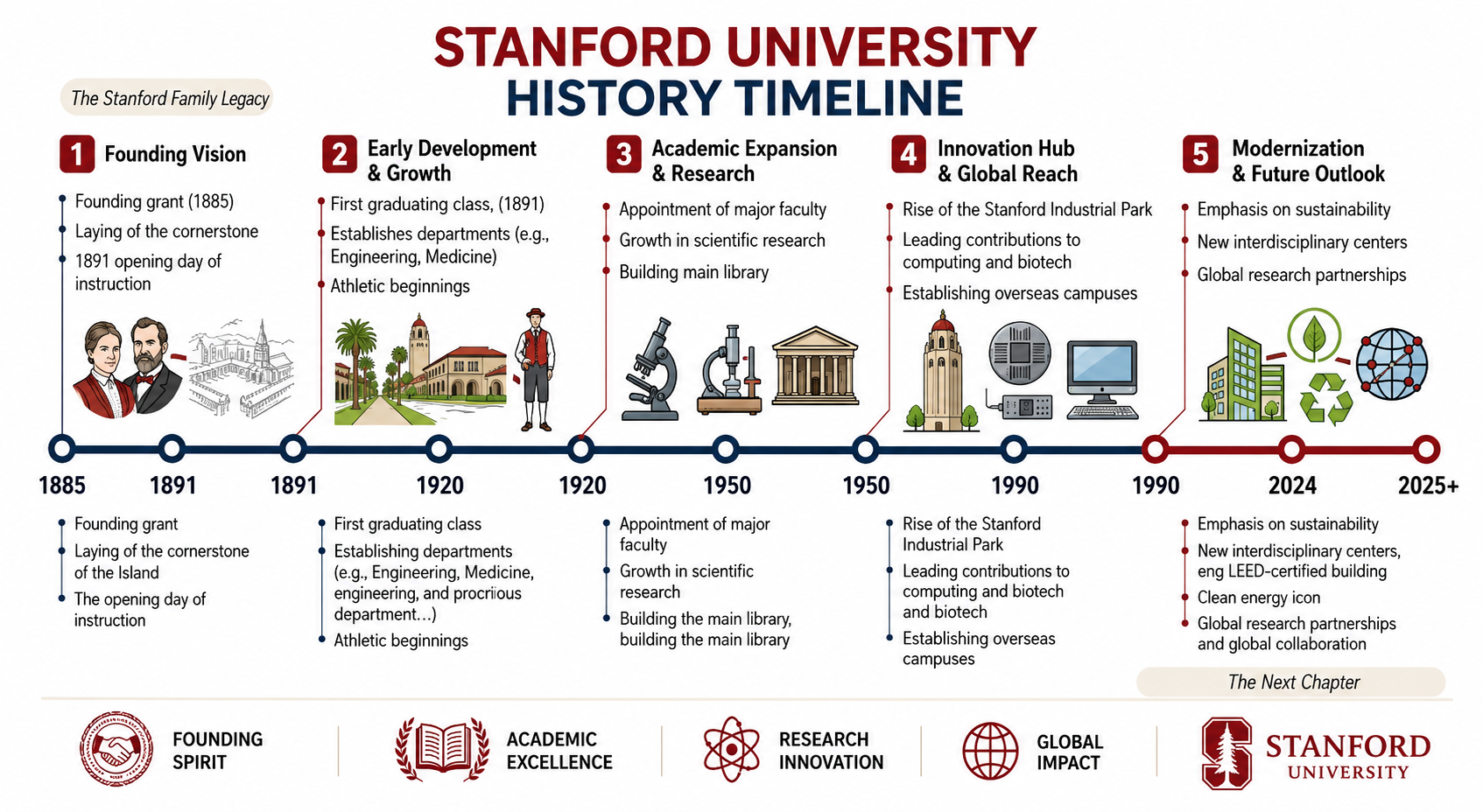
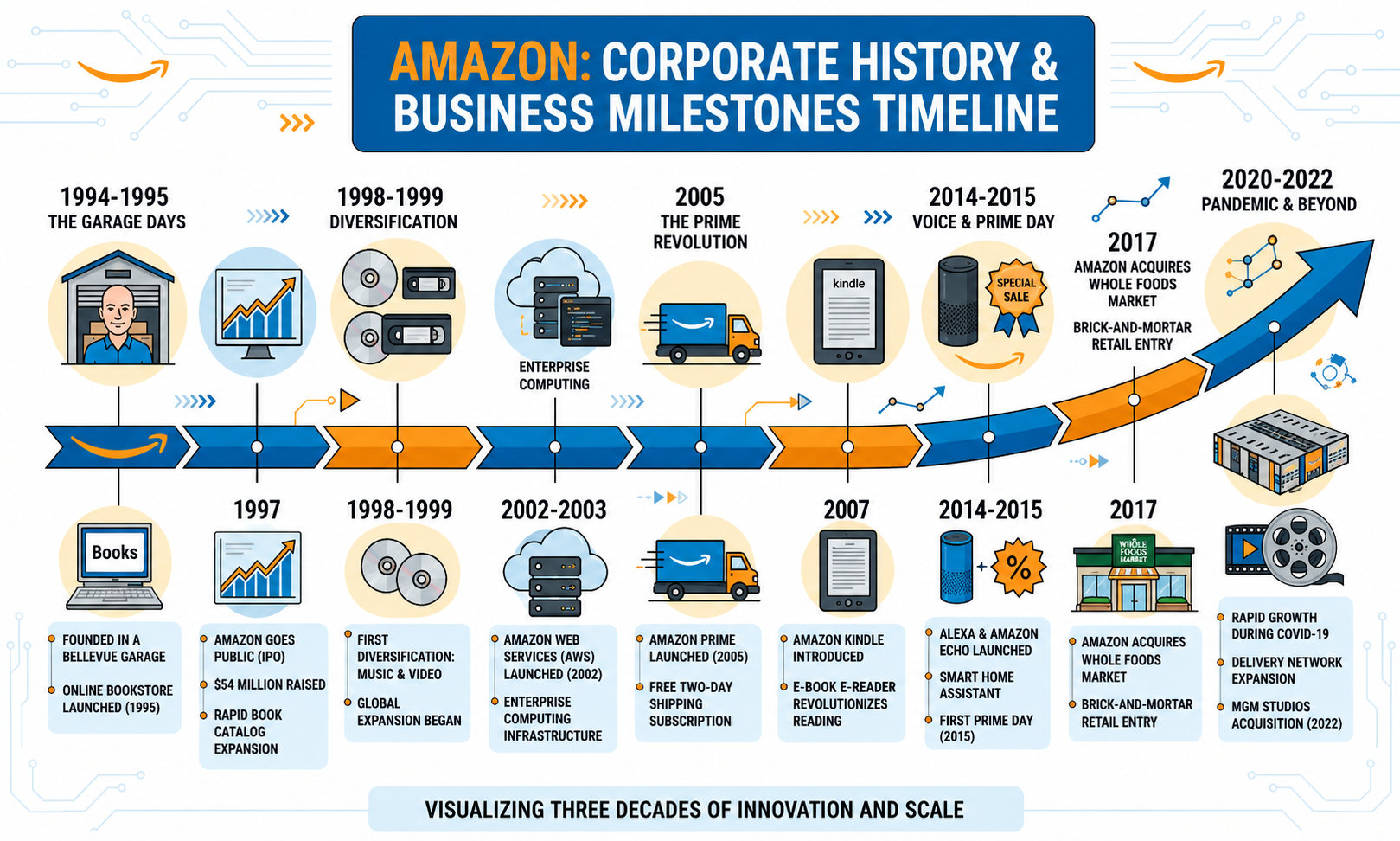
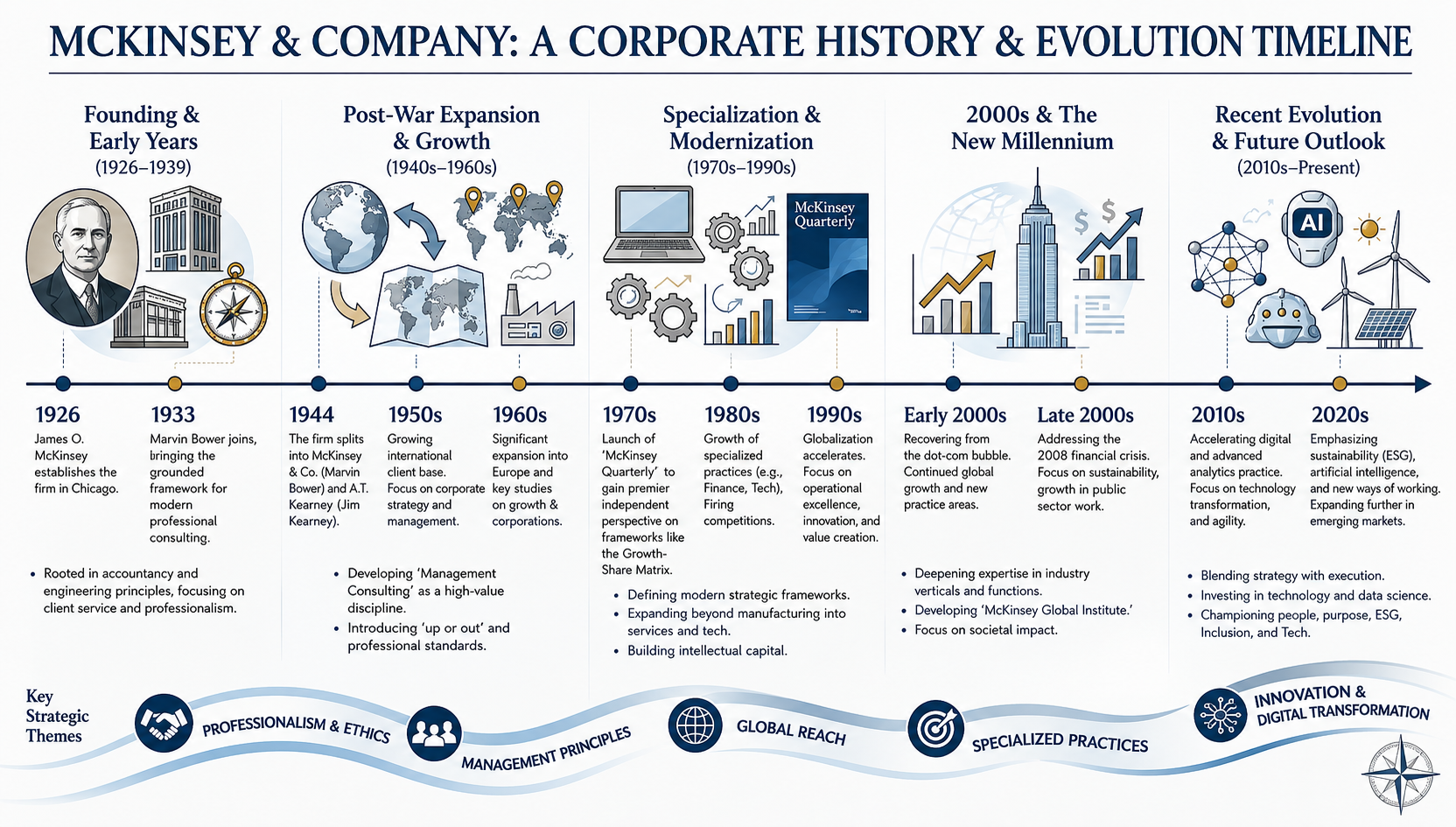
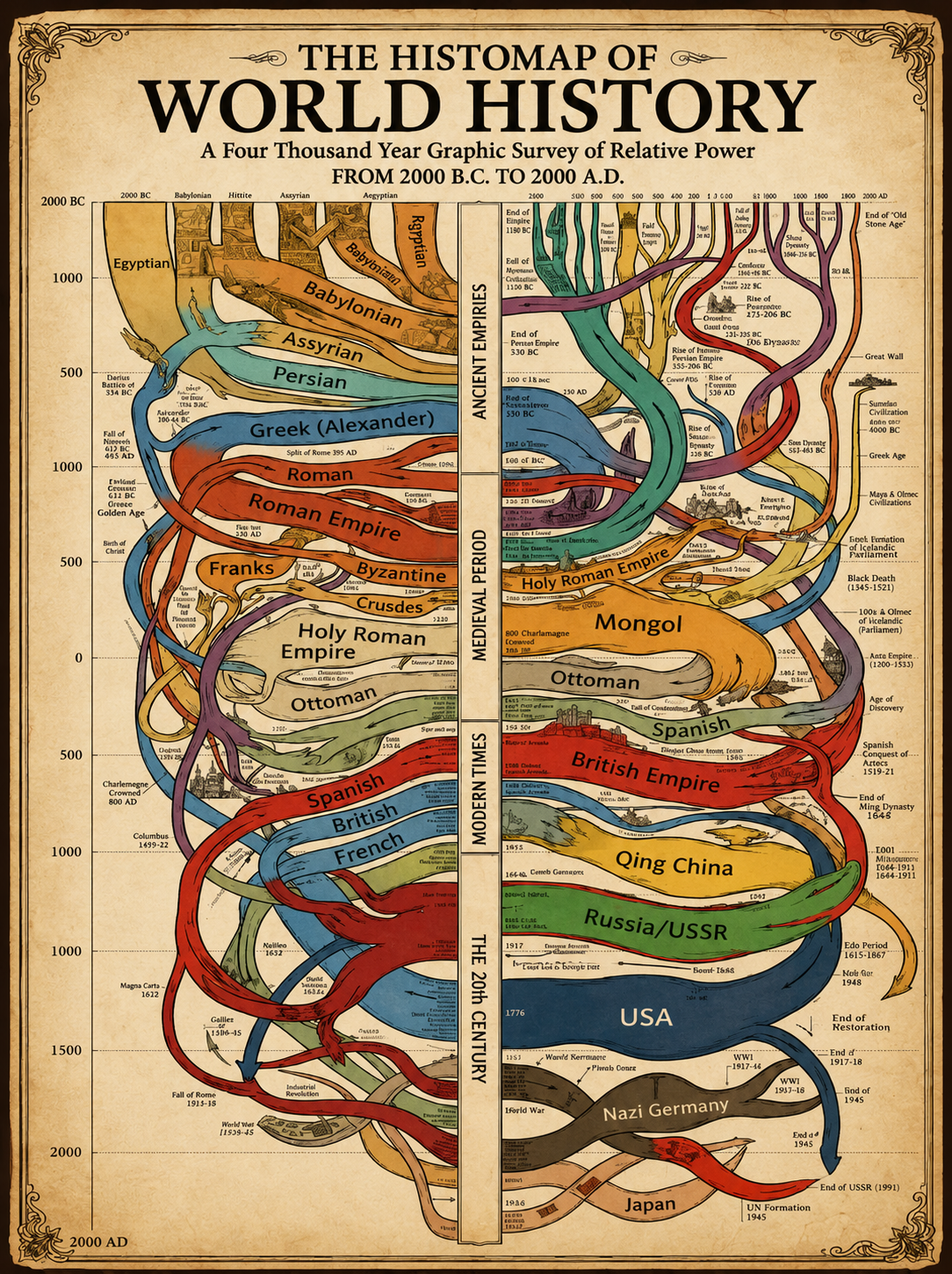
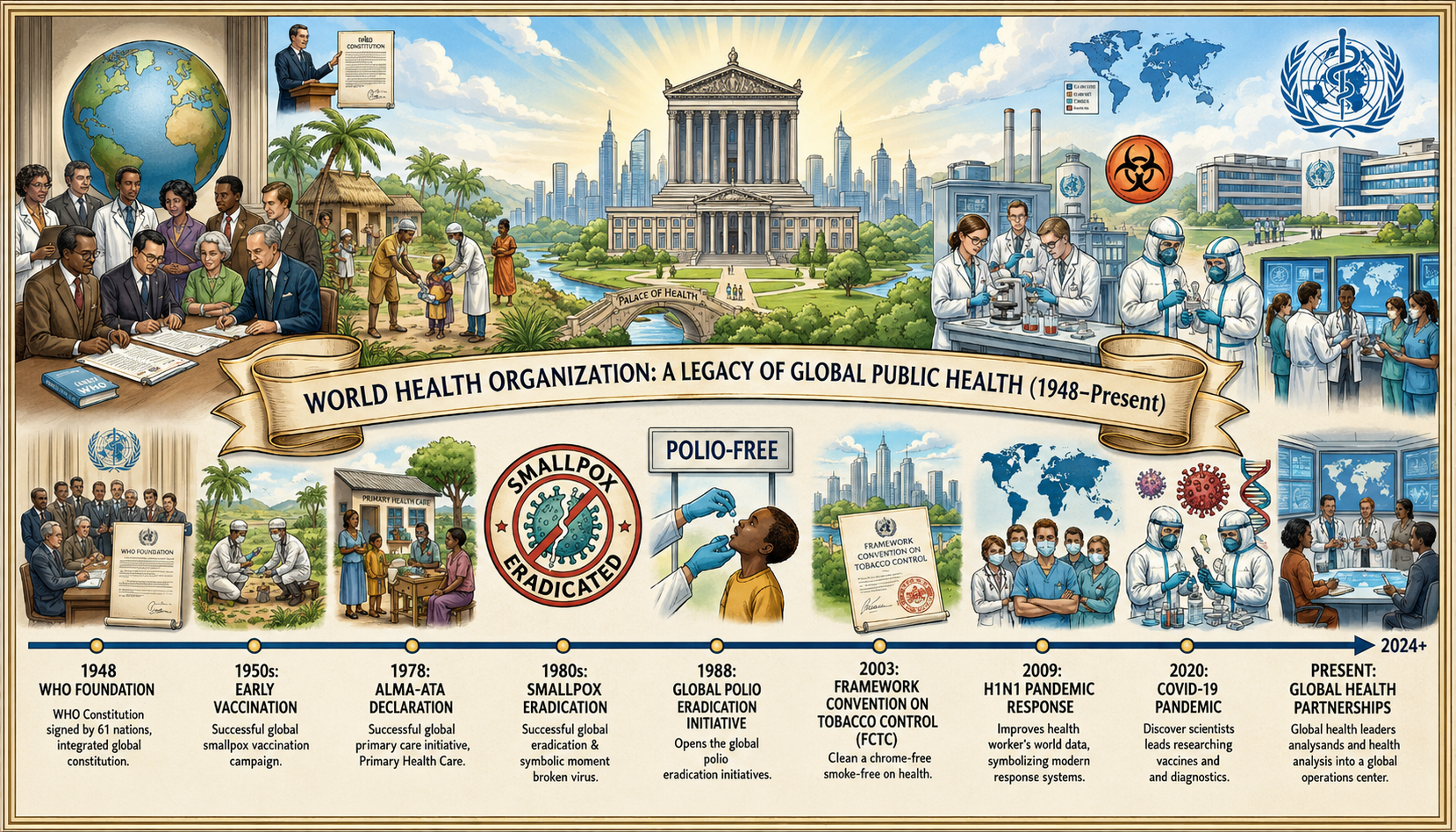
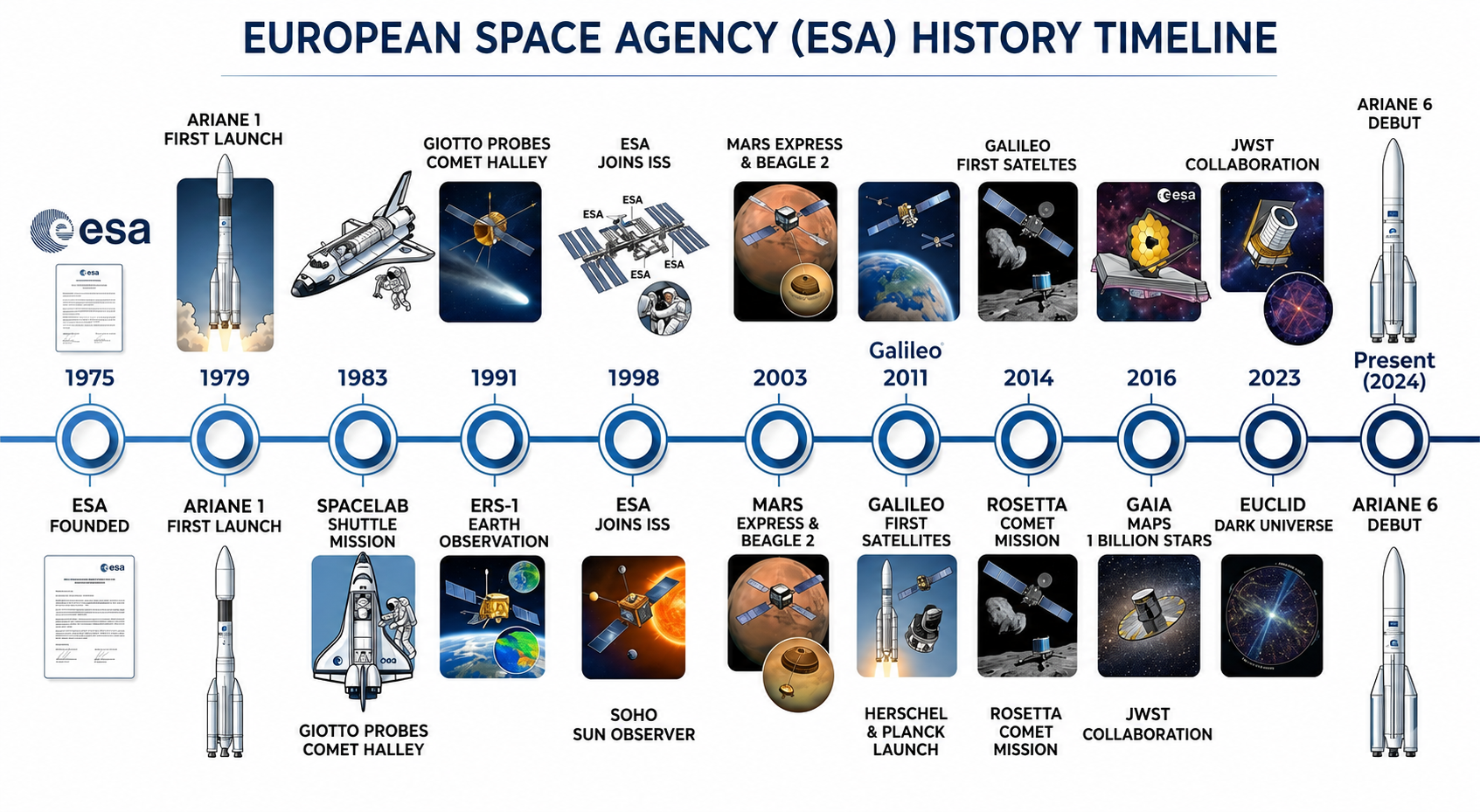
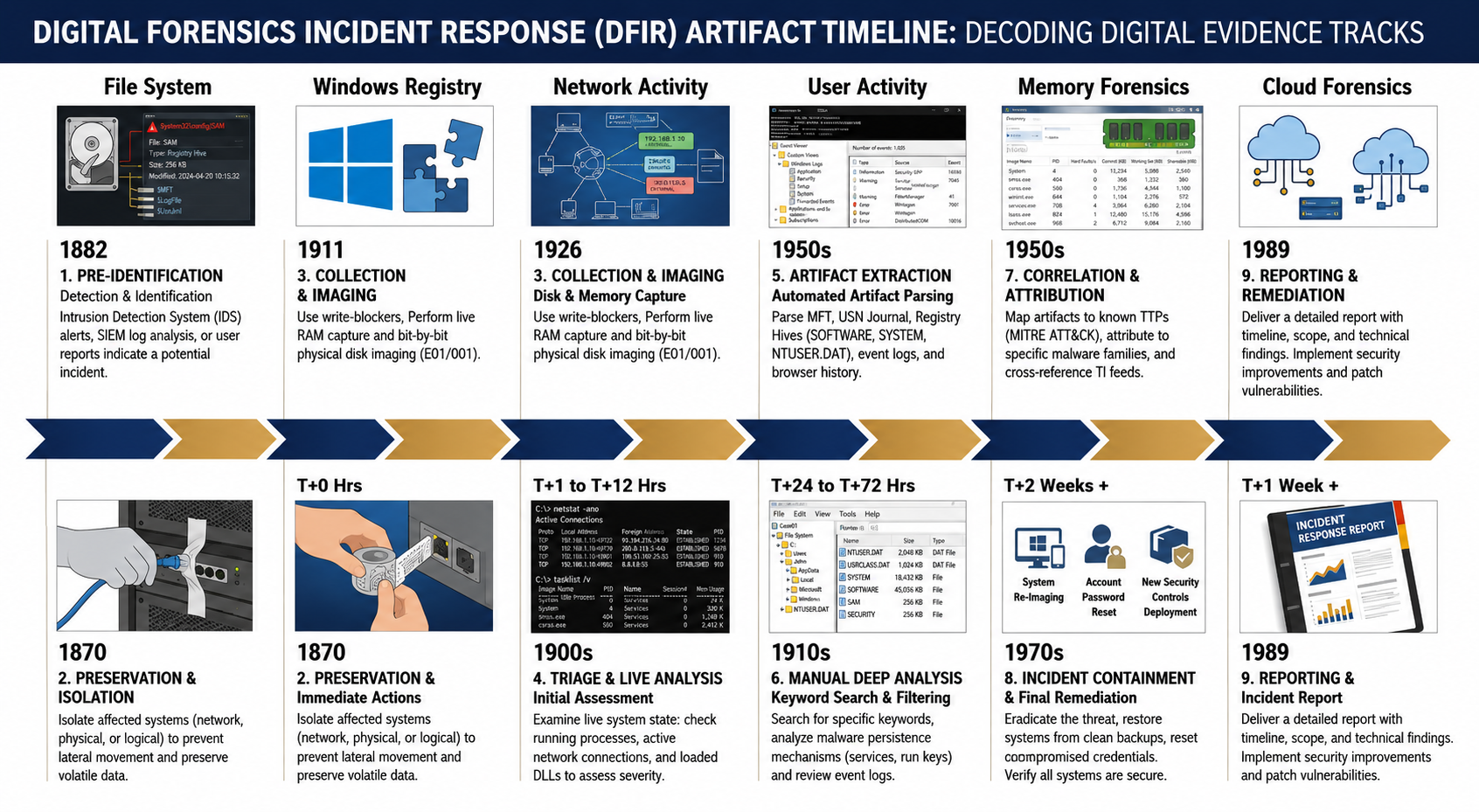
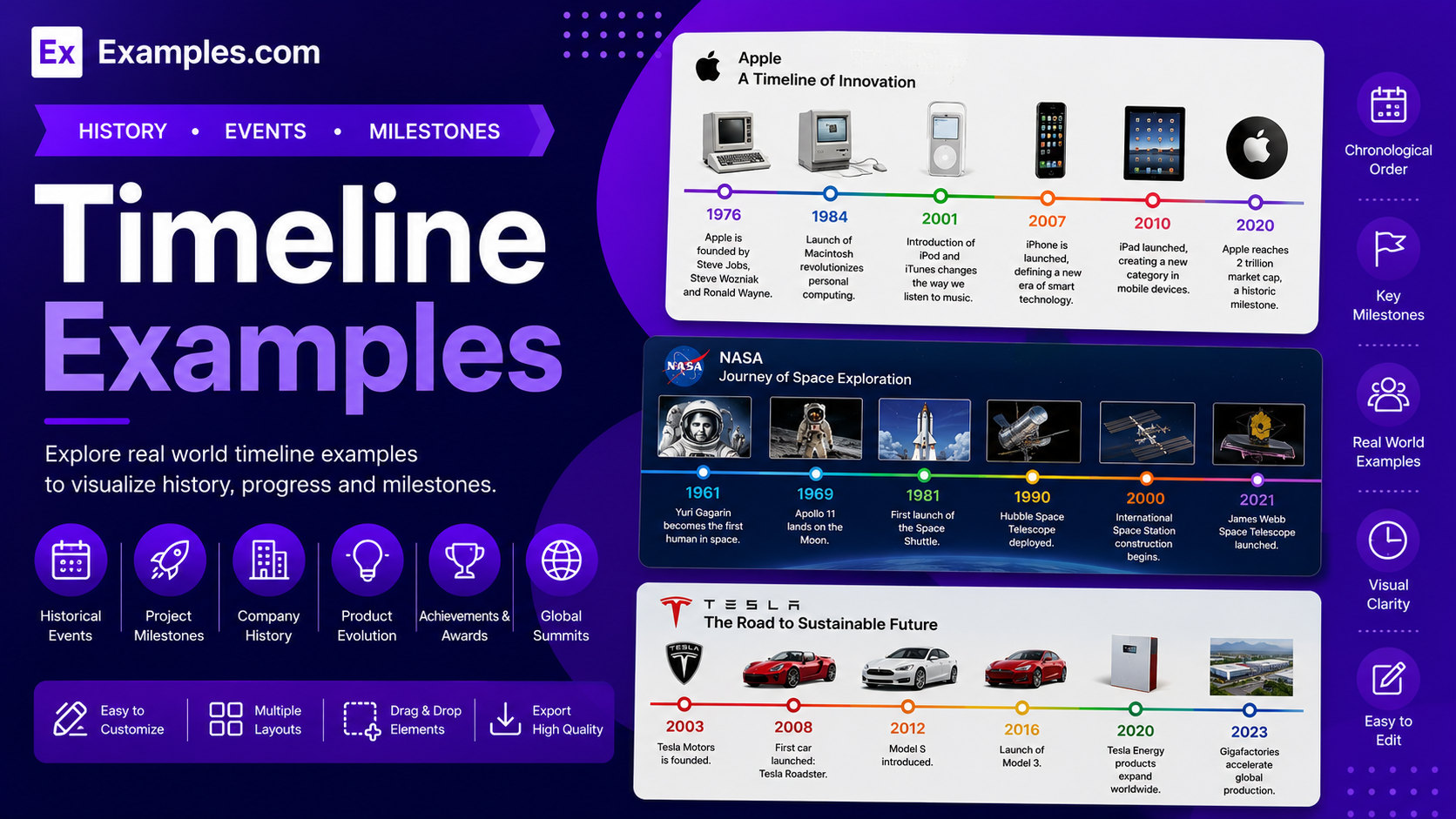
Visualize events, milestones, and progress using AI-powered timeline generation inspired by real-world timeline examples. I can explore timelines created for business growth, company history, project management, product launches, education, research, healthcare, technology, and marketing, choose a layout that matches my goals, enter an AI prompt, generate a completely new timeline, customize every milestone in the online editor, and download the final PNG. With Examples.com, I can transform chronological information into clear, engaging visual timelines that simplify planning, storytelling, and communication.
What Is A Timeline?
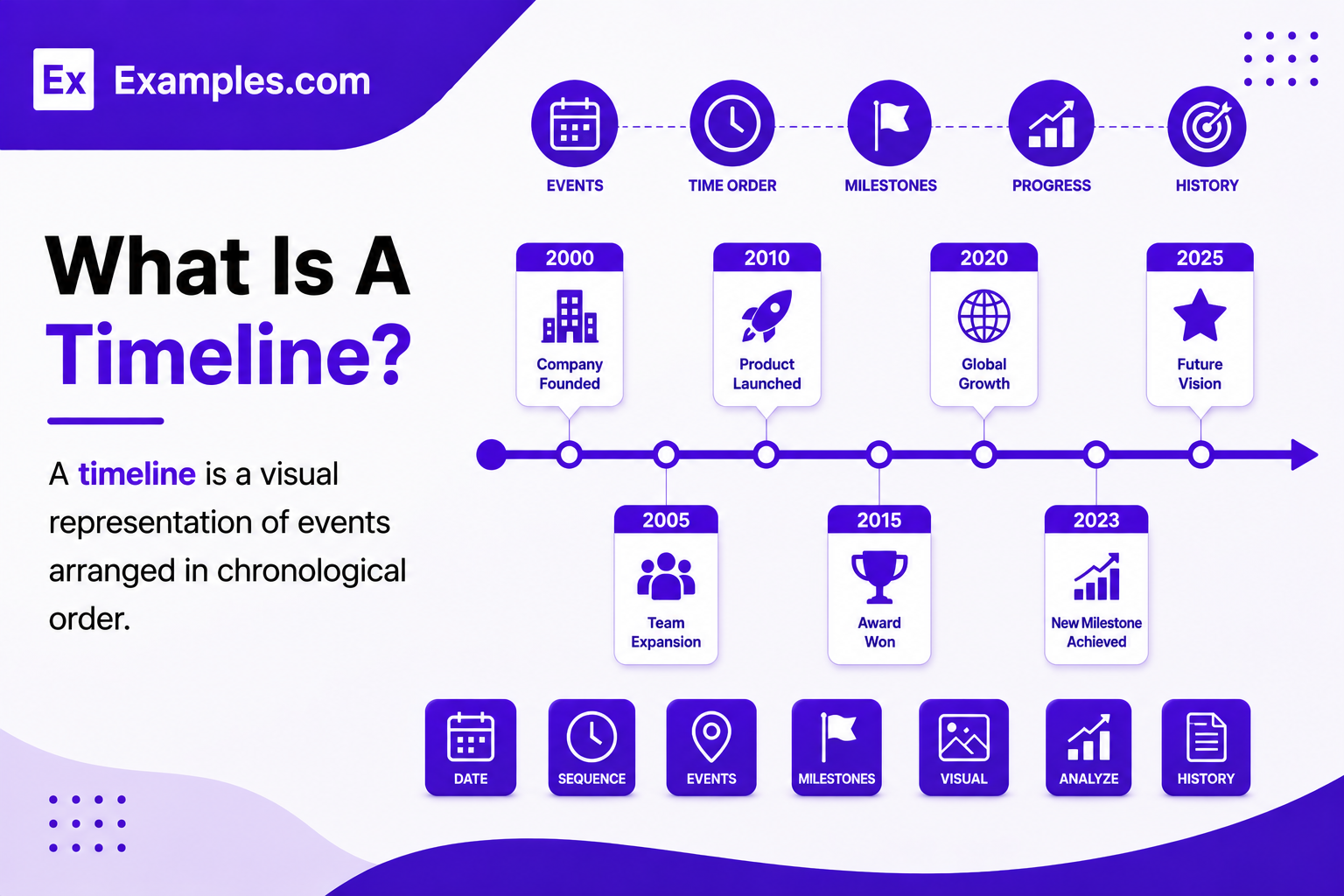
A timeline is a visual representation of events arranged in chronological order. It uses dates, milestones, labels, and connecting lines to show how activities, achievements, or historical events progress over time. I can create timelines for projects, business growth, education, research, product development, and personal planning using AI-powered generation and customization tools.
Popular Types Of Timelines
Different timeline formats help organize chronological information based on purpose, audience, and presentation style.
Historical Timelines
Display important historical events, discoveries, achievements, and milestones in chronological order.
Project Timelines
Plan project phases, deadlines, deliverables, milestones, and task dependencies from start to completion.
Business Timeline
Visualize company growth, product launches, acquisitions, expansions, and organizational milestones over time.
Product Roadmap Timelines
Present product development stages, feature releases, testing phases, and launch schedules clearly.
Event Timelines
Organize conferences, product launches, celebrations, campaigns, and important scheduled activities chronologically.
Vertical And Horizontal Timelines
Choose vertical layouts for detailed storytelling or horizontal layouts for simple chronological presentations.
Why Should I Use Real Timeline Examples To Create My Own Timeline?
Real timeline examples help me understand how to organize dates, milestones, events, and progress into a clear visual sequence. They provide inspiration while making it easier to present information, explain historical developments, track projects, or communicate long-term strategies.
Instead of modifying an existing timeline, I can use professional timelines as creative references. On Examples.com, I simply choose a timeline style, enter an AI prompt, generate a completely new timeline, and customize every milestone to match my own project, organization, or story.
How Do I Generate Timelines Using Proven Examples From The World’s Best Brands?
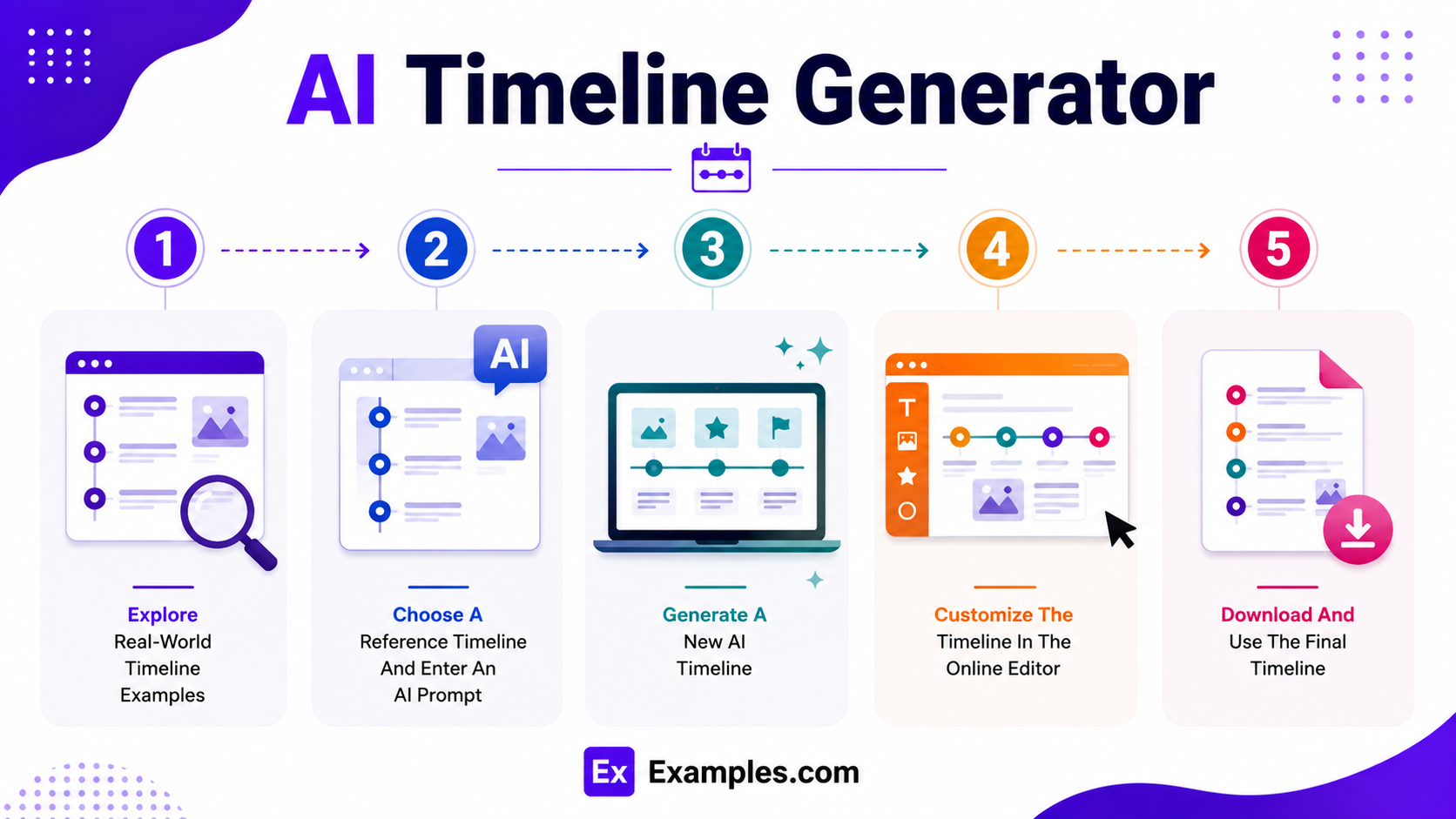
Creating a professional timeline becomes easier when I use successful real-world examples as inspiration. The workflow combines timeline references, AI-powered generation, online editing, and personalized customization to organize chronological information into an engaging visual presentation.
Explore Real-World Timeline Examples
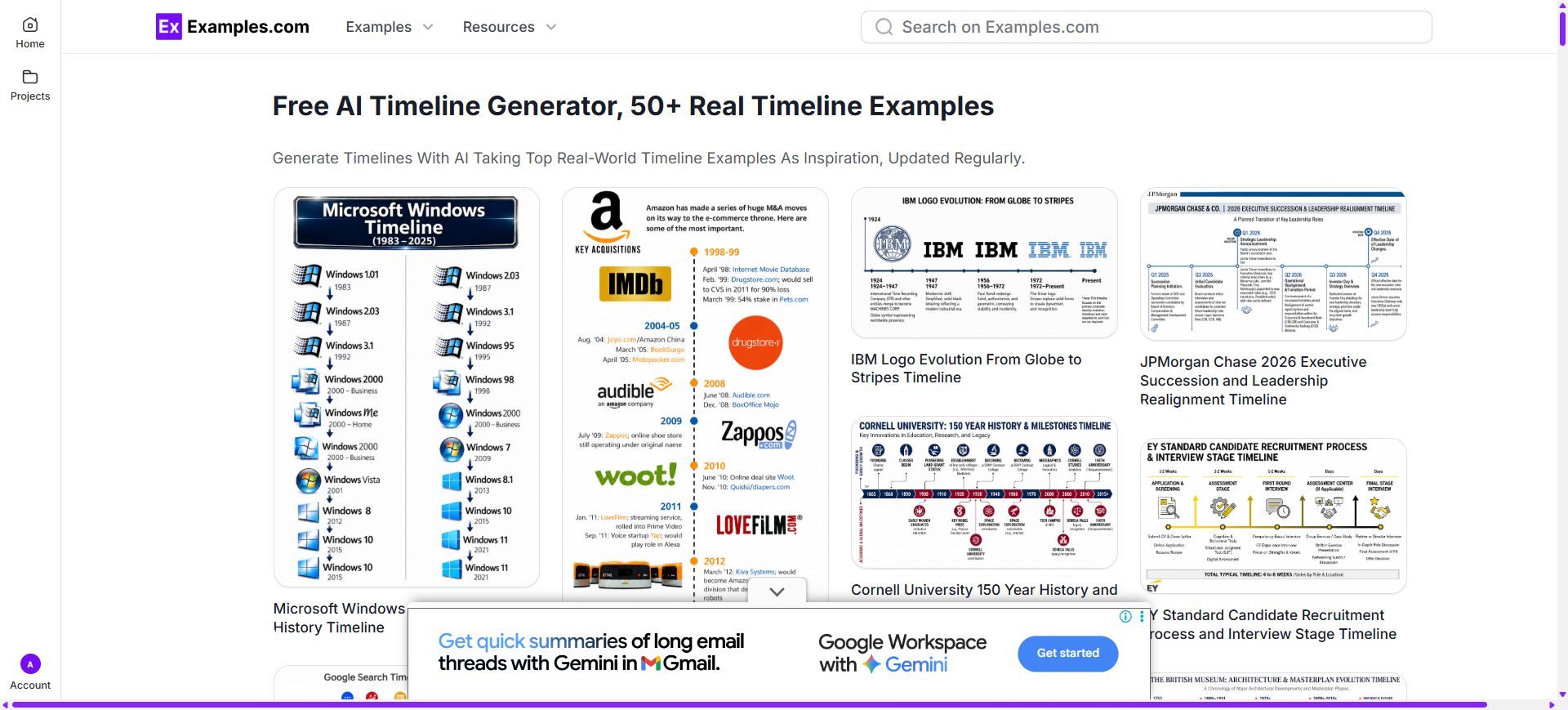
I can browse timeline examples covering company history, historical events, product roadmaps, project management, research, education, healthcare, technology, marketing campaigns, and organizational milestones to discover layouts, milestone designs, visual hierarchy, and storytelling techniques.
Choose A Reference Timeline And Enter An AI Prompt
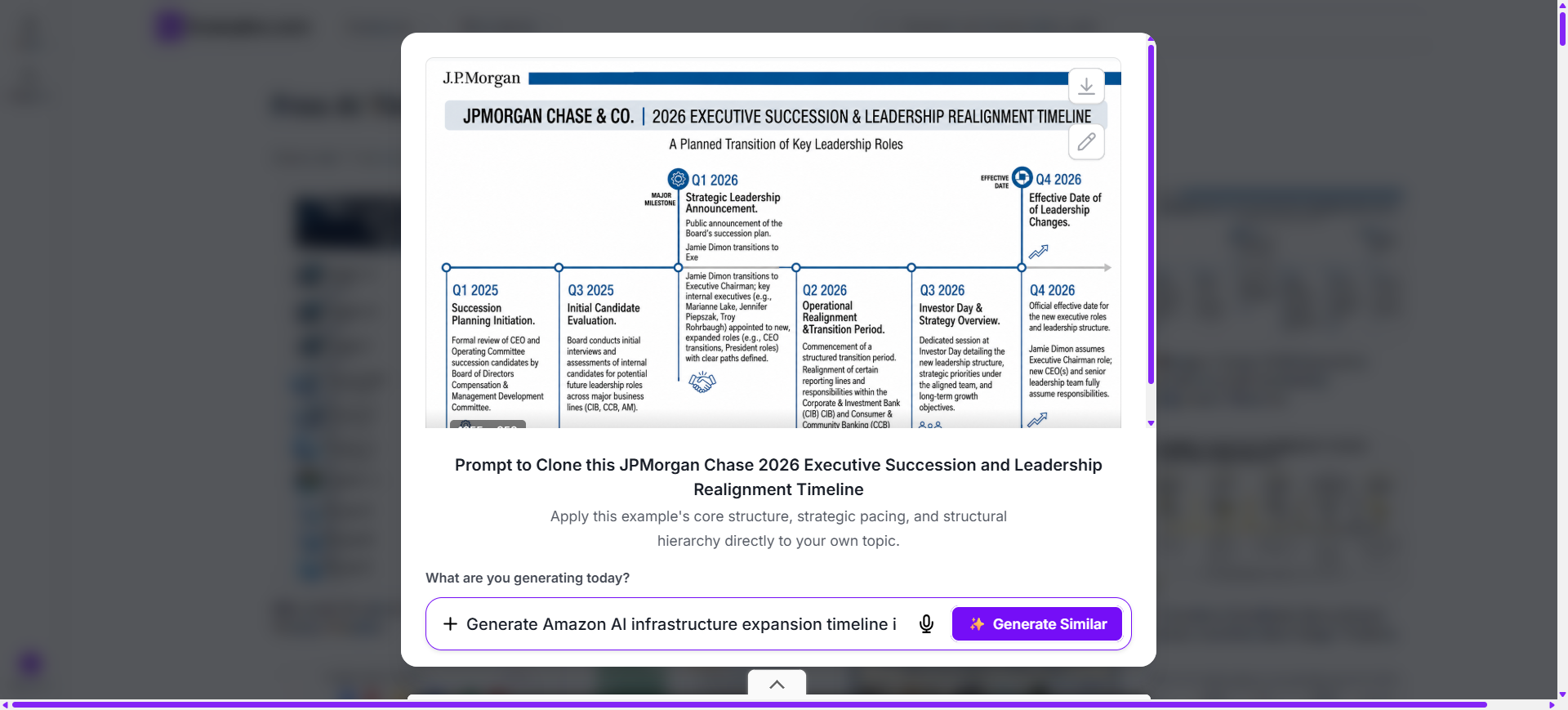
After selecting a timeline style, I can describe my events, milestones, dates, colors, icons, labels, time intervals, and overall objective through an AI prompt to generate a completely original timeline.
Generate A New AI Timeline
The AI creates a brand-new timeline inspired by the selected example and my prompt. It generates an original chronological layout, milestones, event labels, connectors, and visual structure without modifying the original reference timeline.
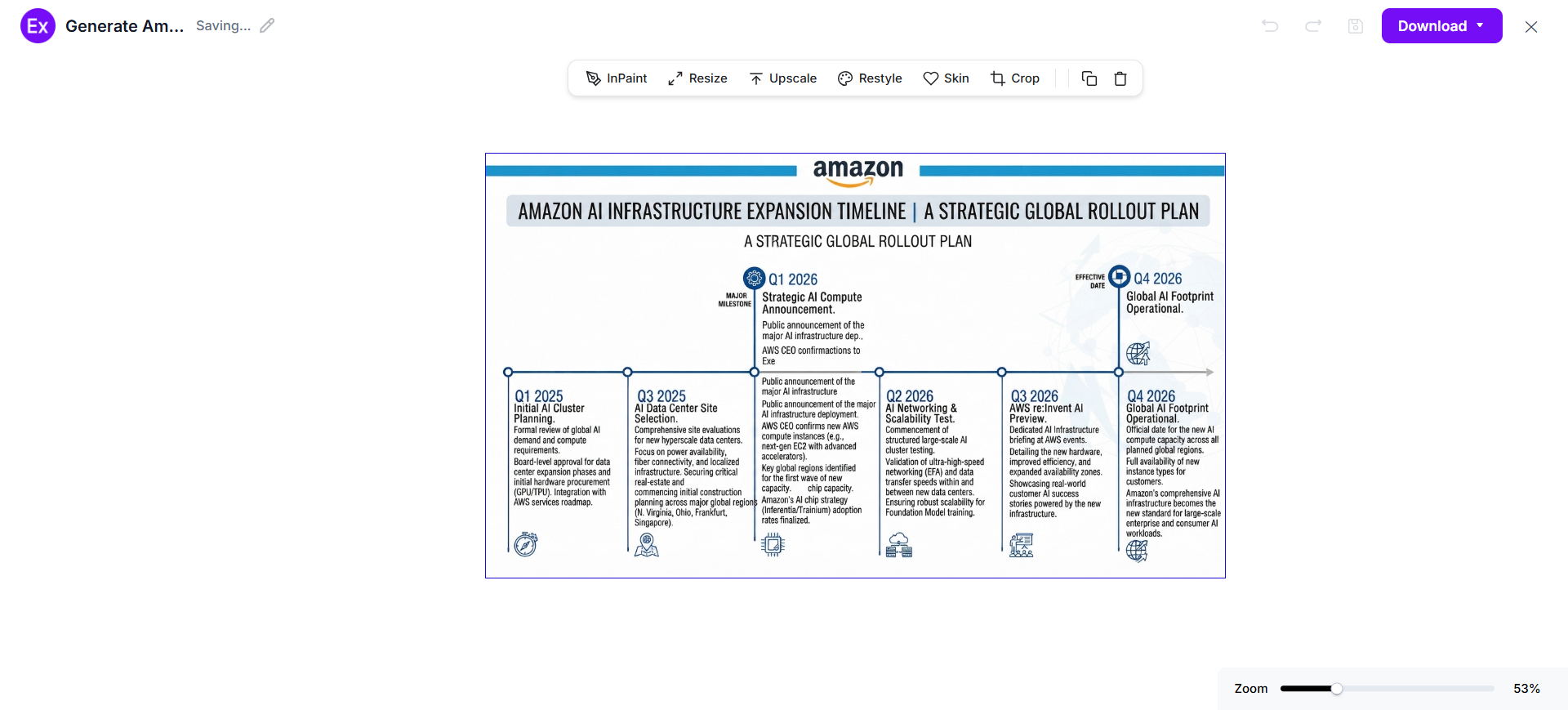
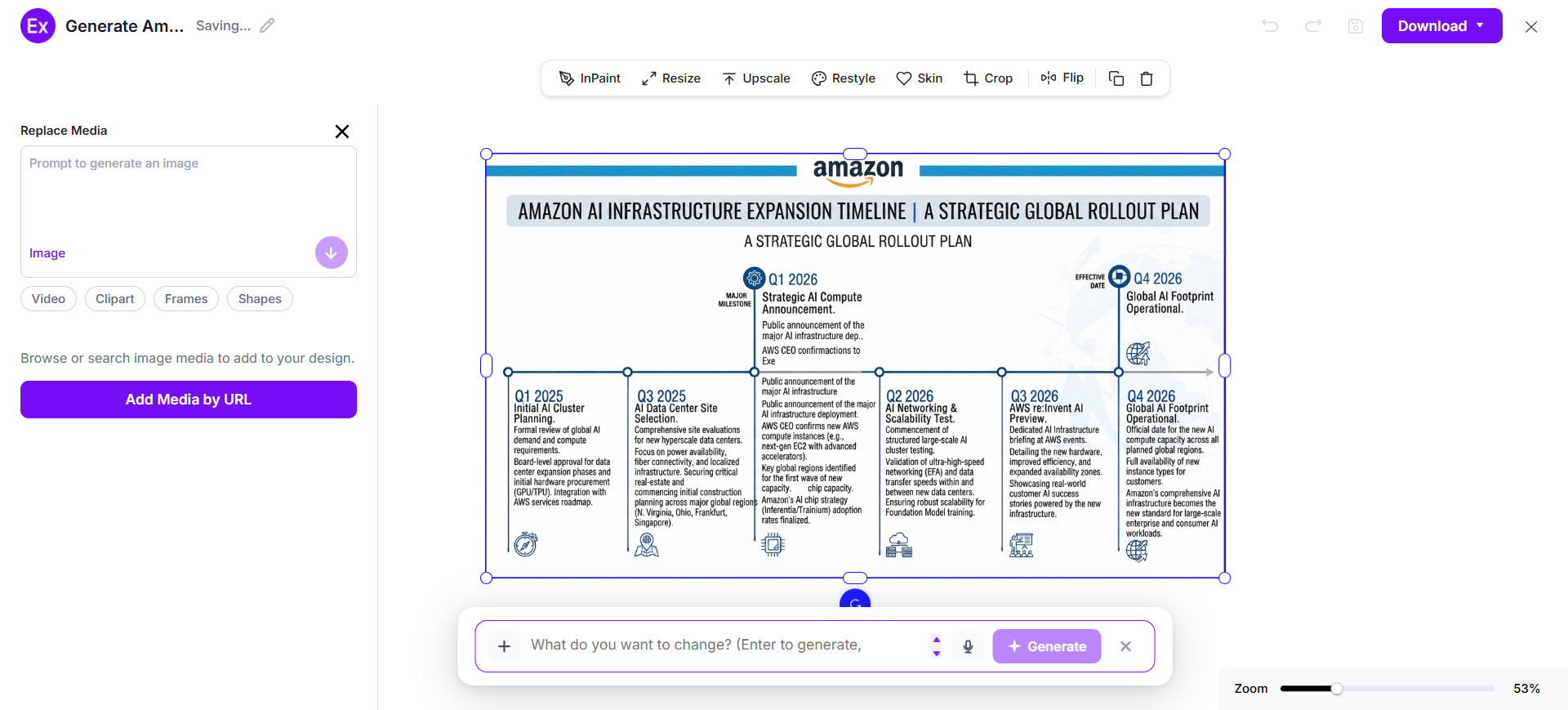
Customize The Timeline In The Online Editor
I can personalize every milestone by editing dates, updating event descriptions, changing colors, replacing icons, rearranging the sequence, adding new milestones, uploading images, and refining the overall layout using AI-powered editing tools.
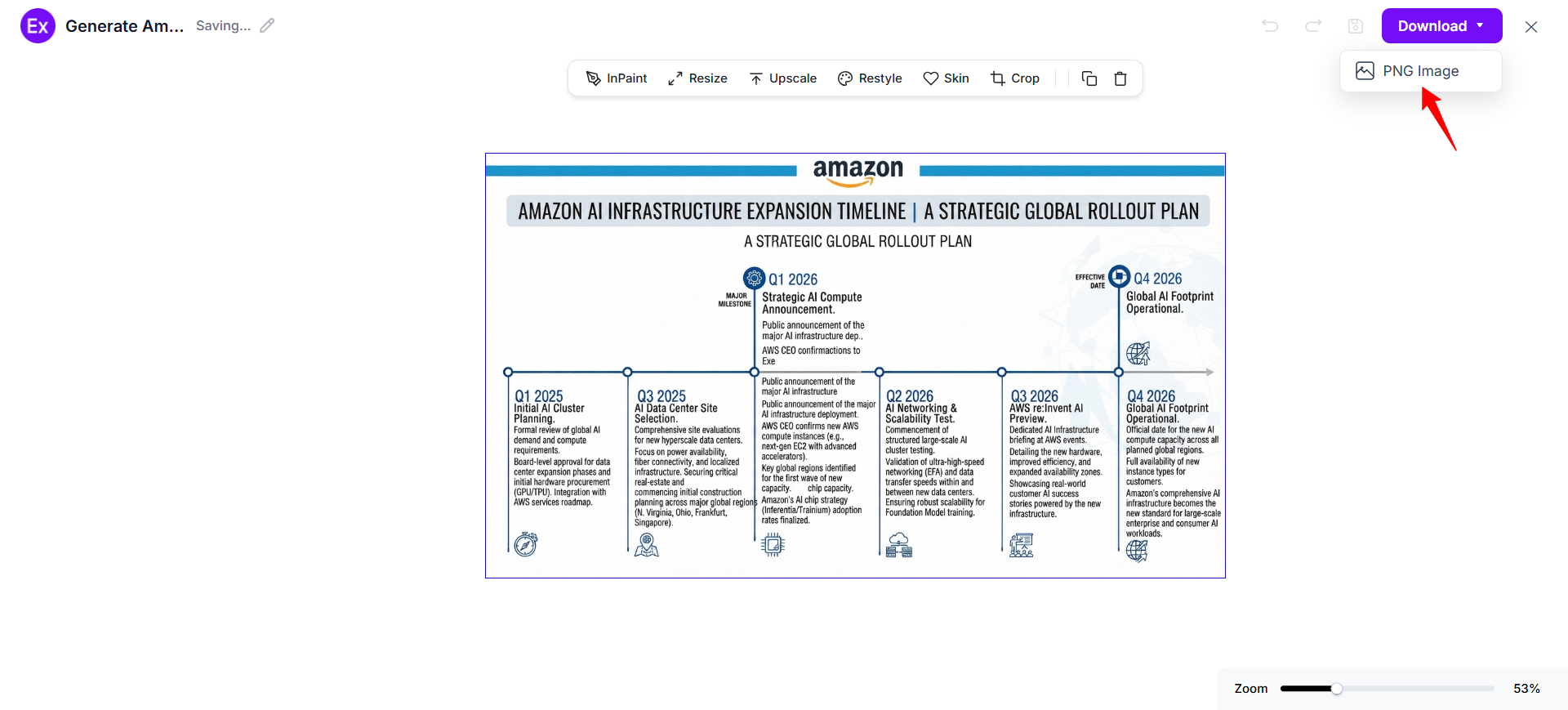
Download And Use The Final Timeline
Once my timeline is complete, I can download the finished design as a PNG image and use it for business planning, historical presentations, project management, educational materials, product roadmaps, marketing campaigns, research, or organizational reporting.
Customize Timeline Designs Online
After generating a new timeline, I can open it in the online editor to personalize every milestone, event, date, and visual element. I can edit labels, update descriptions, change colors, replace icons, upload images, rearrange milestones, adjust spacing, and refine the chronological sequence to match my project or presentation.
The editor also includes AI-powered tools that simplify customization and improve visual quality. I can generate alternative layouts, enhance graphics, resize timelines for different platforms, remove unnecessary backgrounds, and create multiple timeline variations. With Examples.com, I can transform an AI-generated timeline into a polished visual presentation without advanced design experience.
AI Timeline Editing Features
AI-powered editing features make it easier to customize timelines while maintaining a clean, organized, and professional appearance.
InPaint
Edit or replace selected milestones, icons, images, or timeline elements without affecting the remaining design.
Resize
Adjust timeline dimensions for presentations, reports, websites, social media, or printed materials.
Upscale
Improve image resolution and sharpen graphics for clearer milestone details and professional-quality visuals.
Restyle
Generate alternative timeline layouts, color palettes, typography, and visual themes using AI.
BG
Remove or replace backgrounds to create clean, distraction-free timeline presentations.
Crop
Trim unnecessary margins and improve the overall composition while preserving important timeline details.
Flip
Mirror the timeline horizontally or vertically to explore different presentation layouts.
Animate
Transform static timelines into animated presentations that highlight milestones and chronological progression.
Multishot
Generate multiple timeline variations from a single prompt to compare layouts, styles, and visual storytelling approaches.
Standard Timeline Sizes And Formats
Selecting the appropriate timeline size improves readability, presentation quality, and audience engagement. The ideal format depends on the amount of information and where the timeline will be displayed.
| Timeline Format | Common Size | Best Use Case |
|---|---|---|
| Landscape Timeline | 1920 × 1080 px | Business presentations and historical overviews |
| Portrait Timeline | 1080 × 1920 px | Educational materials and vertical storytelling |
| Square Timeline | 1080 × 1080 px | Social media posts and marketing content |
| A4 Timeline | 210 × 297 mm | Reports, documentation, and classroom handouts |
| A3 Timeline | 297 × 420 mm | Detailed project planning and historical exhibitions |
| Digital Timeline | Custom Screen Size | Online collaboration and interactive presentations |
Landscape timelines are ideal for displaying long chronological sequences, while portrait layouts work well for detailed storytelling. Larger print formats provide additional space for milestones, annotations, and supporting visuals.
Essential Elements Every Timeline Should Include
A well-designed timeline combines chronological accuracy with visual clarity to make information easy to follow and understand.
- Clear Title – Use a descriptive title that immediately explains the timeline’s purpose or subject.
- Dates – Display accurate dates or time periods to establish a clear chronological sequence.
- Milestones – Highlight significant events, achievements, or phases that define the timeline.
- Event Descriptions – Include concise labels that explain each milestone without overwhelming the design.
- Chronological Order – Arrange every event in the correct sequence to maintain logical progression.
- Visual Connectors – Use lines, arrows, or paths to connect milestones and guide readers through the timeline.
- Icons And Images – Add meaningful icons or illustrations to improve recognition and visual engagement.
- Consistent Spacing – Maintain balanced spacing between milestones to improve readability and organization.
- Color Coding – Apply colors consistently to distinguish categories, phases, or important events throughout the timeline.
How Do I Design A Better Timeline?
A well-structured timeline communicates events clearly while helping viewers understand progression over time.
- Define the timeline’s purpose – Define the timeline’s purpose before selecting events and milestones.
- Organize all dates in chronological order – Organize all dates in chronological order for logical storytelling.
- Include only the most relevant milestones – Include only the most relevant milestones to keep the timeline focused.
- Write concise event descriptions – Write concise event descriptions that are easy to scan quickly.
- Use consistent spacing – Use consistent spacing to improve readability across the entire layout.
- Apply color coding – Apply color coding to separate categories, phases, or important milestones.
- Add icons or images – Add icons or images to reinforce key events visually.
- Choose a layout – Choose a layout that matches the amount of information being presented.
- Review every date and milestone – Review every date and milestone for accuracy before publishing.
- Refine the final design – Refine the final design so the complete timeline remains clear, engaging, and easy to follow.
Common Timeline Design Mistakes To Avoid
A timeline should present events in a clear chronological sequence that is easy to understand. Avoiding these common mistakes helps improve readability, storytelling, and audience engagement.
- Adding Too Many Events – Include only the most relevant milestones to keep the timeline focused and easy to follow.
- Incorrect Chronological Order – Verify that every event appears in the proper sequence to maintain an accurate timeline.
- Using Long Event Descriptions – Keep milestone labels concise so readers can quickly understand each event.
- Inconsistent Spacing – Maintain equal spacing between milestones to create a balanced and organized layout.
- Poor Visual Hierarchy – Make important dates and milestones stand out using typography, colors, or icons.
- Ignoring Color Consistency – Use a consistent color scheme to distinguish phases, categories, or event groups.
- Overlooking Supporting Visuals – Add relevant icons or images that reinforce major milestones without cluttering the design.
- Skipping Final Review – Double-check dates, labels, and milestone placement before publishing the completed timeline.
How Can I Market My Product Using A Timeline?
Timelines help communicate product evolution, business growth, and campaign progress through a structured visual story. They simplify complex information and make presentations more engaging for customers, stakeholders, and teams.
Product Launch Planning
Show development phases, launch schedules, feature releases, and post-launch improvements in chronological order.
Company Growth
Present business milestones, acquisitions, expansions, partnerships, and major achievements over time.
Marketing Campaigns
Visualize campaign schedules, promotional activities, content calendars, and performance milestones.
Customer Journey
Illustrate how customers move from awareness to purchase, onboarding, retention, and long-term engagement.
Project Reporting
Communicate project progress, completed milestones, upcoming deliverables, and important deadlines.
Product Roadmaps
Display future enhancements, feature priorities, development phases, and release timelines for internal teams and customers.
Which Timeline Sizes Perform Best?
The best timeline size depends on the amount of information, presentation format, and intended audience.
| Timeline Format | Best For | Advantages |
|---|---|---|
| Landscape (1920 × 1080 px) | Business presentations and corporate history | Wide layout for displaying long chronological sequences |
| Portrait (1080 × 1920 px) | Educational content and historical storytelling | Ideal for vertical event progression and detailed explanations |
| Square (1080 × 1080 px) | Social media and promotional graphics | Balanced format that works well across digital platforms |
| A4 (210 × 297 mm) | Reports, handouts, and classroom materials | Easy to print, distribute, and annotate |
| A3 (297 × 420 mm) | Detailed project plans and exhibitions | Additional space for milestones, images, and annotations |
| Digital Timeline | Websites and collaborative planning | Interactive format that supports sharing and continuous updates |
Choosing the appropriate timeline size improves readability, enhances visual storytelling, and ensures the information is presented effectively across print and digital platforms.
Timeline Ideas For Different Industries
Timelines help professionals organize historical events, project milestones, and strategic plans across many industries.
- Business – Show company history, acquisitions, expansions, leadership changes, and long-term business growth.
- Education – Present historical events, learning milestones, research progress, and classroom project schedules.
- Project Management – Track project phases, deliverables, deadlines, resource planning, and milestone completion.
- Technology – Visualize software releases, product development cycles, innovation milestones, and technology roadmaps.
- Healthcare – Organize patient treatment plans, medical discoveries, healthcare initiatives, and research timelines.
- Marketing – Display campaign launches, promotional activities, content publishing schedules, and brand development.
- Manufacturing – Illustrate production schedules, quality checkpoints, supply chain milestones, and product launches.
- Finance – Present investment plans, budgeting cycles, financial reporting periods, and business forecasting milestones.
- Government – Communicate policy implementation, infrastructure projects, public programs, and legislative developments.
- Personal Planning – Track career growth, educational achievements, travel plans, life goals, and personal milestones.
FAQs
What Is The Main Purpose Of A Timeline?
A timeline visually organizes events in chronological order, making it easier to understand progress, historical developments, project milestones, and important dates.
Can I Create A Timeline Without Design Experience?
Yes. AI-powered timeline tools generate organized layouts, milestones, and visual structures from simple text prompts, making timeline creation accessible to everyone.
What Should A Timeline Include?
A timeline should include a clear title, dates, milestones, event descriptions, chronological sequencing, visual connectors, icons, and consistent formatting.
How Does A Timeline Improve Communication?
Timelines simplify complex information by presenting events visually, helping audiences quickly understand progress, history, schedules, and future plans.
Can I Edit Every Timeline Milestone After AI Generates It?
Yes. After generating a timeline, I can edit dates, milestone descriptions, colors, icons, layouts, and images using the online editor available on Examples.com.
What Is The Difference Between A Timeline And A Roadmap?
A timeline focuses on events arranged chronologically, while a roadmap emphasizes strategic goals, future initiatives, and planned development over time.
Which Industries Commonly Use Timelines?
Timelines are widely used in business, education, healthcare, marketing, technology, finance, government, manufacturing, research, and project management.
Where Can I Use A Timeline?
Timelines can be used for business presentations, historical documentation, project planning, product roadmaps, educational materials, marketing campaigns, research reports, and personal planning.