
AI customer support tools use artificial intelligence to automate customer conversations, resolve support tickets, assist human agents, and manage service workflows across chat, email, voice, and social channels. In 2026, AI customer support platforms are evolving beyond basic chatbots into autonomous AI agents that can understand intent, retrieve information from company knowledge bases, execute actions, and escalate complex issues when needed. Businesses now use AI customer service software to reduce response times, improve resolution rates, scale support operations, and deliver consistent customer experiences without significantly increasing support costs.
List of Best AI Customer Support Tools
- Intercom AI
- Zendesk AI
- Freshdesk Freddy AI
- Ada AI
- Gorgias AI
- Tidio AI
- Salesforce Service Cloud AI
- Kustomer AI
- Chatbase AI
- Crescendo AI
AI Customer Support Tools Comparison Table
AI customer support platforms differ in automation depth, integrations, pricing models, and AI agent capabilities. The comparison below helps businesses evaluate which platform best fits their support workflows, ticket volume, and operational requirements.
| Tool | Best For | Key Features | AI Agent Capability | Pricing Model | Ideal Business Type |
|---|---|---|---|---|---|
| Intercom AI | SaaS support teams | Fin AI, omnichannel messaging, AI copilot | Advanced | Per resolution + seats | SaaS |
| Zendesk AI | Enterprise support operations | AI workflows, generative replies, automation | Advanced | Per agent | Enterprise |
| Freshdesk Freddy AI | Mid-sized businesses | AI ticketing, Freddy Copilot, analytics | Advanced | Per agent | SMBs & Mid-market |
| Ada AI | Automated self-service | No-code AI automation, multilingual support | High | Custom | Enterprise |
| Gorgias AI | Ecommerce support | Shopify automation, order management | High | Ticket-based | Ecommerce |
| Tidio AI | Small businesses | Lyro AI chatbot, live chat automation | Medium | Monthly subscription | SMBs |
| Salesforce Service Cloud AI | CRM-centric enterprises | Einstein AI, workflow automation | Advanced | Enterprise licensing | Large enterprises |
| Kustomer AI | Omnichannel CRM support | AI-driven customer timelines, automation | Advanced | Per user | Digital-first brands |
| Chatbase AI | Custom AI chatbot deployment | Knowledge-base AI training, RAG chatbot | Medium | Subscription | Startups & SMBs |
| Crescendo AI | AI-human hybrid support | Managed AI agents, QA monitoring | High | Custom | High-volume support teams |
Choosing the right platform depends on your support complexity, integration requirements, and automation goals. The next section breaks down each AI customer support tool in detail, including benefits, use cases, and pricing.
1. Intercom AI
What is Intercom AI
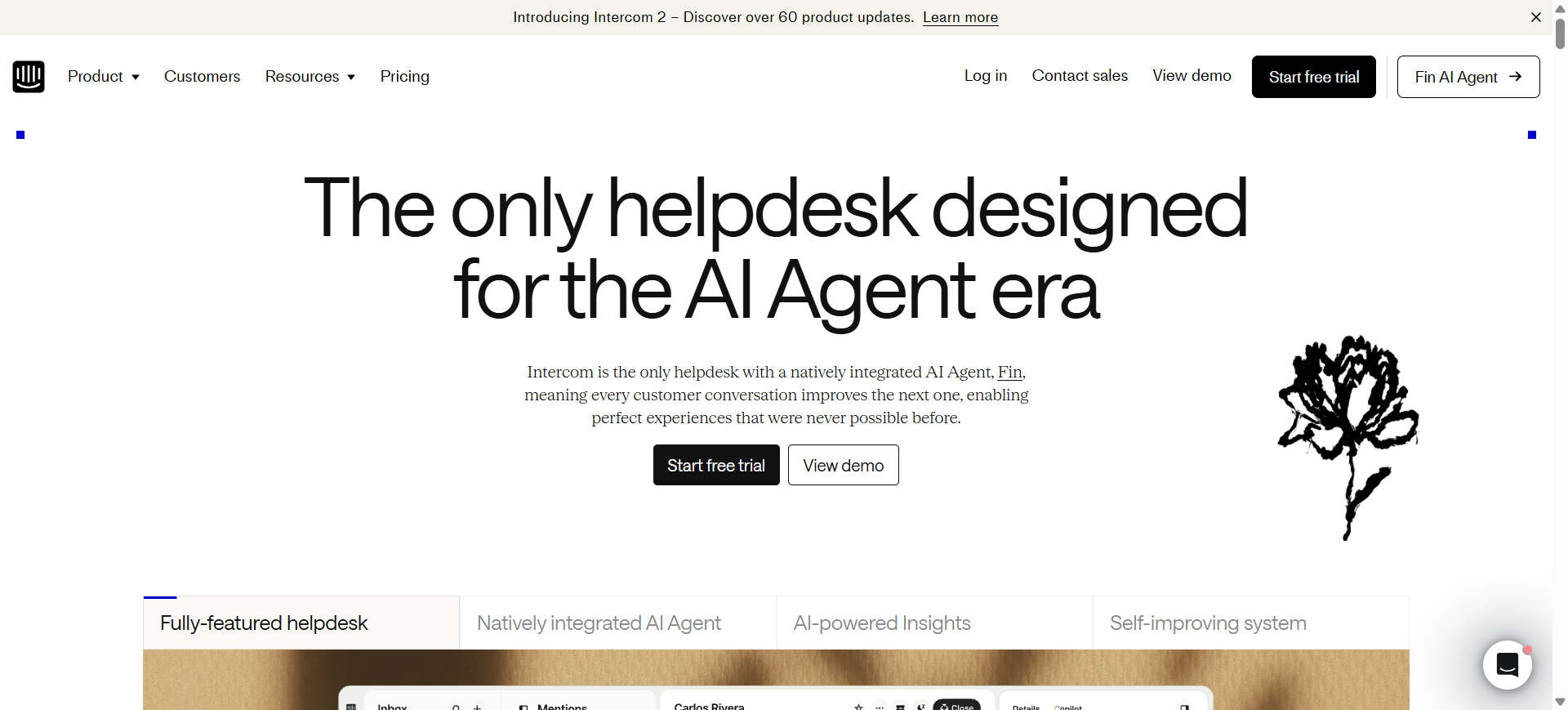
Intercom is a customer service platform designed to automate support conversations across chat, email, social messaging, and voice channels. Its AI system, Fin AI Agent, uses company knowledge bases, help center articles, and workflows to answer customer questions and resolve support requests automatically.
The platform combines AI automation with a shared inbox, ticketing, agent assistance tools, and omnichannel communication features. Intercom AI is widely used by SaaS companies, digital businesses, and high-growth startups that want faster support operations without significantly increasing support headcount.
Who Should Use Intercom AI
- SaaS companies with high ticket volumes
- Startup support teams scaling quickly
- Businesses using conversational support workflows
- Teams needing multilingual AI support
- Companies wanting AI-driven ticket resolution
How to use Intercom AI for customer support
- Connect your help center, FAQs, and support documentation to Fin AI.
- Configure workflows, escalation rules, and support channels inside Intercom.
- Deploy the AI agent across chat, email, or in-app messaging.
- Monitor conversations and optimize responses using analytics and agent feedback.
Benefits of Using Intercom AI
- Reduces repetitive support workload for agents
- Improves first-response times across channels
- Helps teams scale support without large hiring costs
- Provides customers with 24/7 automated assistance
- Centralizes customer conversations in one workspace
Pricing
Intercom AI uses a mixed pricing model that combines help desk seats with AI resolution-based billing. Fin AI Agent pricing starts at $0.99 per successful resolution, while Intercom help desk plans start around $29 per seat/month with annual billing.
A free 14-day trial is available for testing Fin AI and core customer support features.
Pros
- Strong conversational AI capabilities
- Excellent omnichannel support experience
- Easy integration with SaaS workflows
Cons
- Resolution-based pricing can become expensive
- Advanced features require higher-tier plans
2. Zendesk AI
What is Zendesk AI
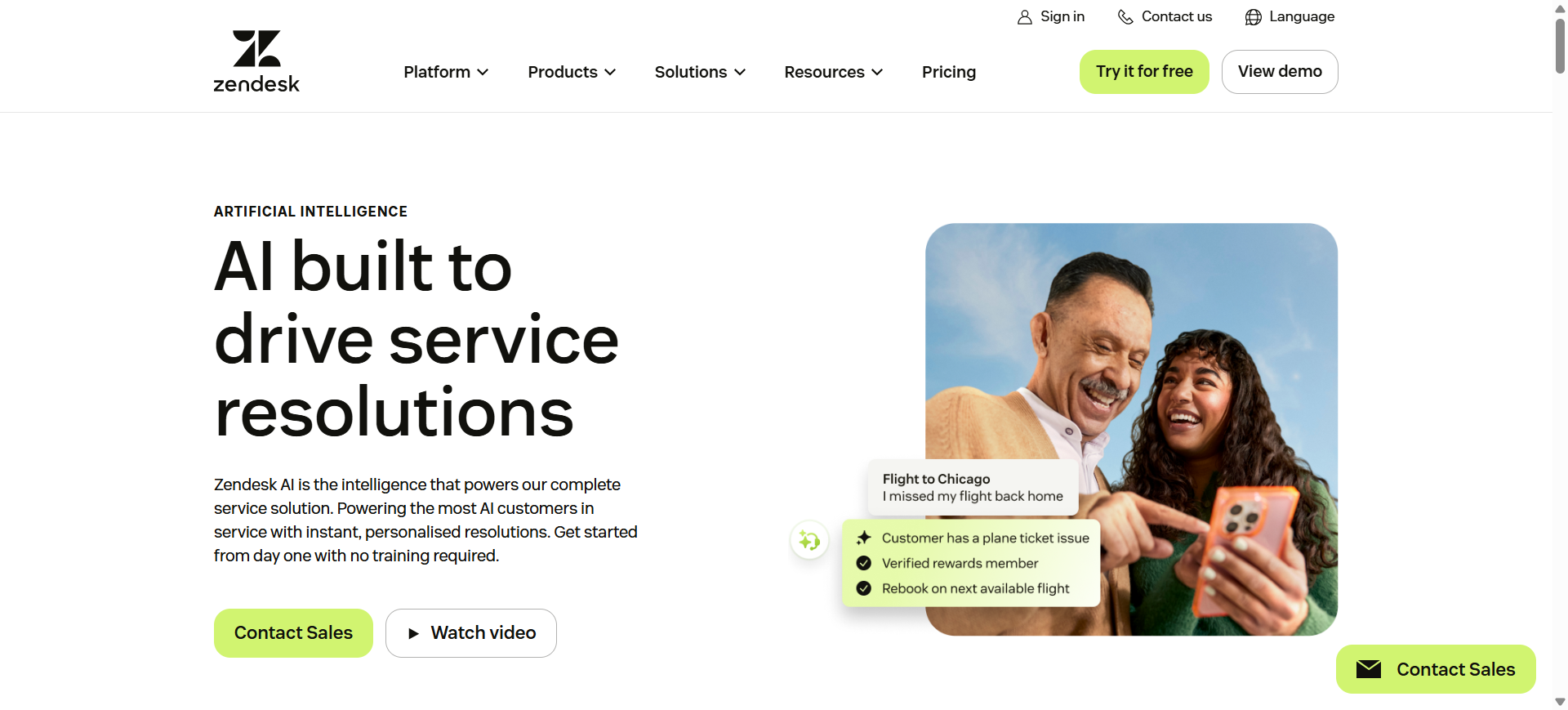
Zendesk is an enterprise customer support platform that combines ticketing, automation, AI agents, and omnichannel service management in one system. The platform uses generative AI and workflow automation to help support teams manage conversations across email, chat, voice, social media, and messaging apps.
Zendesk AI includes features such as AI agents, intelligent ticket routing, agent copilot tools, automated summaries, and knowledge-based response generation. It is commonly used by medium-sized businesses and enterprises that need scalable support operations, advanced workflows, and strong integration capabilities within a centralized help desk environment.
Who Should Use Zendesk AI
- Enterprise customer support teams
- Businesses managing omnichannel support
- Companies already using Zendesk Suite
- Teams needing advanced workflow automation
- Organizations handling large ticket volumes
How to use Zendesk AI for customer support
- Import your help center content, FAQs, and internal documentation into Zendesk AI.
- Configure AI agents, routing rules, escalation workflows, and automation settings.
- Connect customer communication channels such as chat, email, WhatsApp, and voice.
- Monitor AI-assisted conversations and improve workflows using analytics and reporting tools.
Benefits of Using Zendesk AI
- Automates repetitive support processes across channels
- Helps agents resolve tickets faster with AI assistance
- Improves consistency in customer communication
- Supports scalable customer service operations
- Centralizes customer interactions and reporting data
Pricing
Zendesk Suite plans start around $55 per agent/month for Suite Team, while higher-tier plans like Suite Professional start around $115 per agent/month with additional AI capabilities included. Advanced AI add-ons typically cost about $50 per agent/month depending on configuration and usage.
Zendesk offers free trials for its support platform, though advanced AI agent deployments may require sales-assisted setup for enterprise use cases.
Pros
- Strong enterprise-grade automation features
- Excellent omnichannel support capabilities
- Large integration and app ecosystem
Cons
- Advanced AI features increase total platform cost
- Initial setup can be complex for new teams
3. Freshdesk Freddy AI
What is Freshdesk Freddy AI
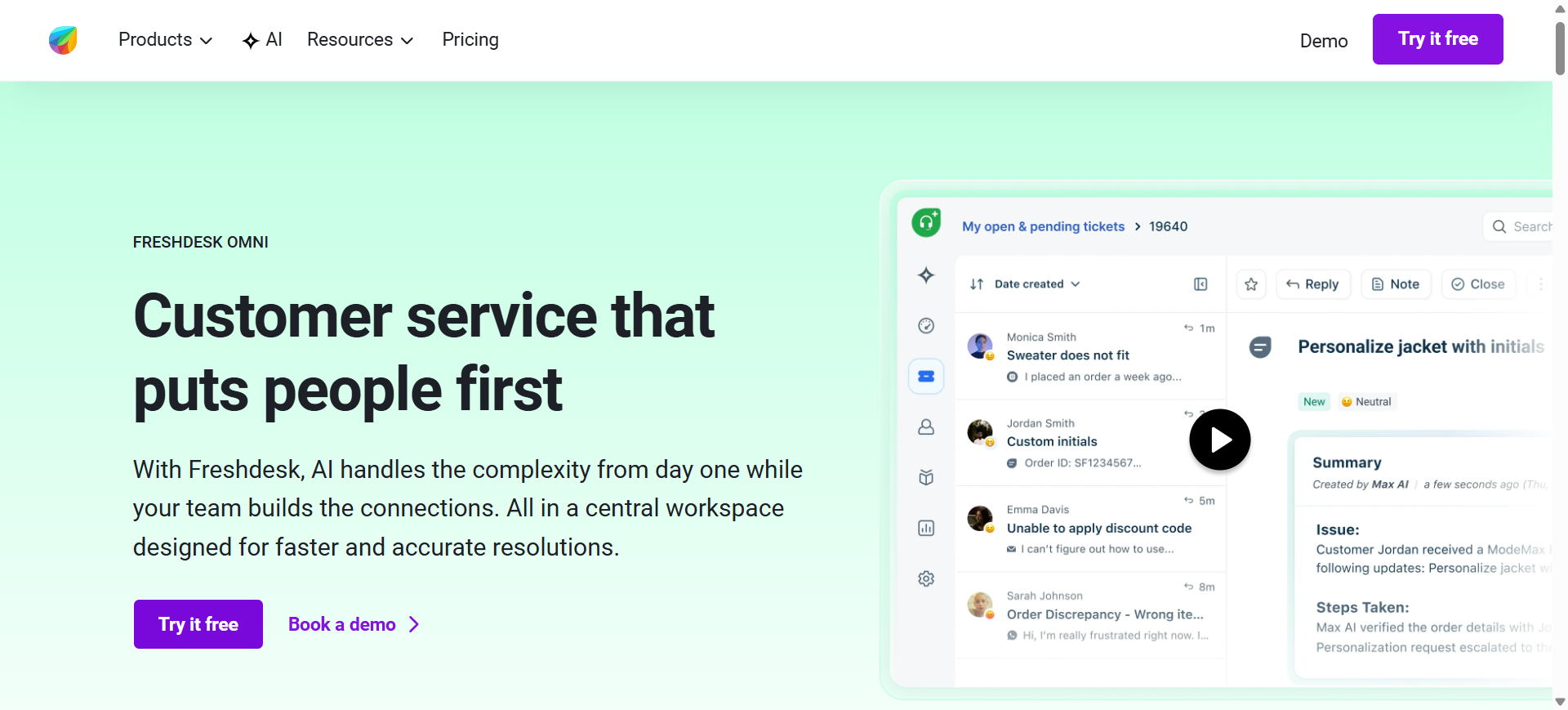
Freshdesk Freddy is an advanced AI-powered customer support assistant integrated within the Freshdesk
platform. It helps businesses automate customer service workflows using AI-driven ticket management, smart reply suggestions, conversational chatbots, and intelligent support analytics.
The platform is designed to streamline support operations by reducing repetitive manual tasks and improving agent productivity. Freddy AI can automatically summarize tickets, recommend accurate responses, analyze customer sentiment, and route queries to the right teams for faster resolution.
With support for omnichannel communication across email, live chat, phone, social media, and self-service portals, Freshdesk Freddy AI enables businesses to deliver faster, more personalized, and scalable customer support experiences without requiring complex technical setup.
Who Should Use Freshdesk Freddy AI
- SMBs handling multi-channel customer support
- Ecommerce businesses with growing ticket volumes
- Customer service teams needing automation tools
- Businesses using Freshworks products
- Teams wanting easy AI support deployment
How to use Freshdesk Freddy AI for customer support
- Connect your support inboxes, chat channels, and knowledge base to Freshdesk.
- Enable Freddy AI features such as ticket summaries, chatbot automation, and routing rules.
- Configure workflows for ticket prioritization, escalation, and self-service support.
- Review AI-generated insights and optimize support operations using analytics dashboards.
Benefits of Using Freshdesk Freddy AI
- Reduces repetitive ticket handling for support agents
- Improves response speed across support channels
- Helps teams manage higher ticket volumes efficiently
- Simplifies support workflows with automation tools
- Provides centralized visibility into customer interactions
Pricing
Freshdesk plans start around $15 per agent/month for Growth, while Freddy AI Copilot and advanced AI automation features are available in higher-tier Pro and Enterprise plans starting around $49 per agent/month.
Freshdesk also offers a free plan for small teams along with a free trial for testing advanced Freddy AI features before deployment.
Pros
- Easy setup and beginner-friendly interface
- Strong omnichannel support capabilities
- Good balance between features and pricing
Cons
- Advanced AI features require higher-tier plans
- Some integrations need additional configuration
4. Ada AI
What is Ada AI
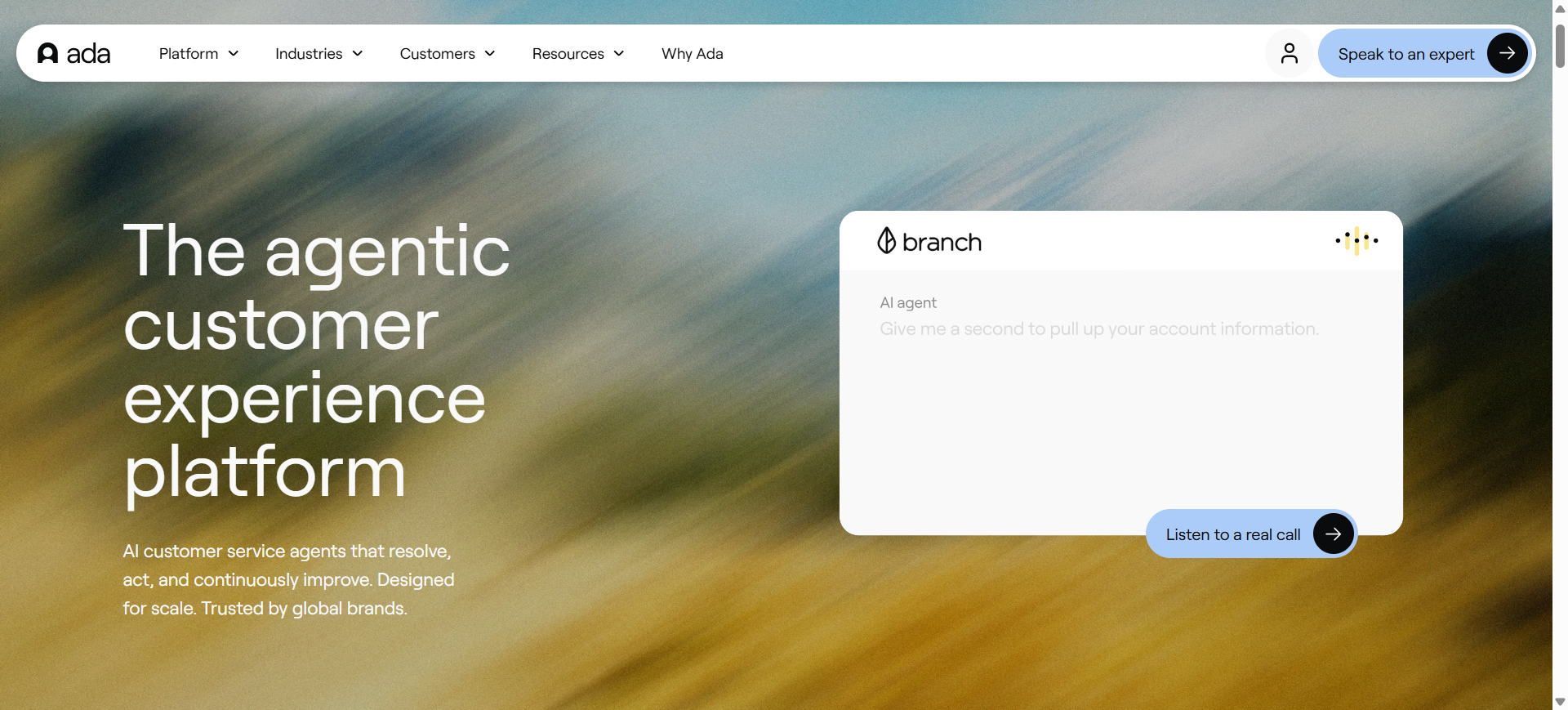
Ada is a customer support automation platform built to help businesses handle high volumes of customer conversations without relying heavily on manual support teams. The platform focuses on AI-driven self-service by using conversational AI agents trained on company knowledge bases, workflows, and customer data.
Ada AI supports chat, messaging apps, web support, and voice interactions while allowing businesses to automate tasks such as account updates, order tracking, subscription management, and FAQ handling. Its no-code automation builder and multilingual support make it a popular choice for enterprise businesses looking to scale customer support across global audiences.
Who Should Use Ada AI
- Enterprise customer support teams
- Global businesses with multilingual support needs
- Companies handling repetitive customer inquiries
- Teams wanting no-code AI automation
- Businesses focused on self-service support
How to use Ada AI for customer support
- Upload your help center articles, policies, and support documentation into Ada AI.
- Build automated workflows and conversational paths using the no-code builder.
- Connect customer communication channels such as web chat, messaging apps, and voice systems.
- Monitor AI conversations and refine automation rules using performance insights and support analytics.
Benefits of Using Ada AI
- Reduces support ticket volume through automation
- Helps businesses deliver 24/7 customer assistance
- Improves consistency across customer interactions
- Supports large-scale multilingual customer service
- Allows non-technical teams to manage AI workflows easily
Pricing
Ada AI uses custom enterprise pricing based on support volume, automation requirements, and integration complexity. Businesses typically need to contact the sales team for a tailored quote and deployment plan.
The platform also provides demos and guided onboarding support for businesses evaluating AI-driven customer service automation.
Pros
- Strong no-code AI automation tools
- Excellent multilingual support capabilities
- Scales well for enterprise support operations
Cons
- Pricing is not publicly transparent
- Advanced deployments may require onboarding support
5. Gorgias AI
What is Gorgias AI
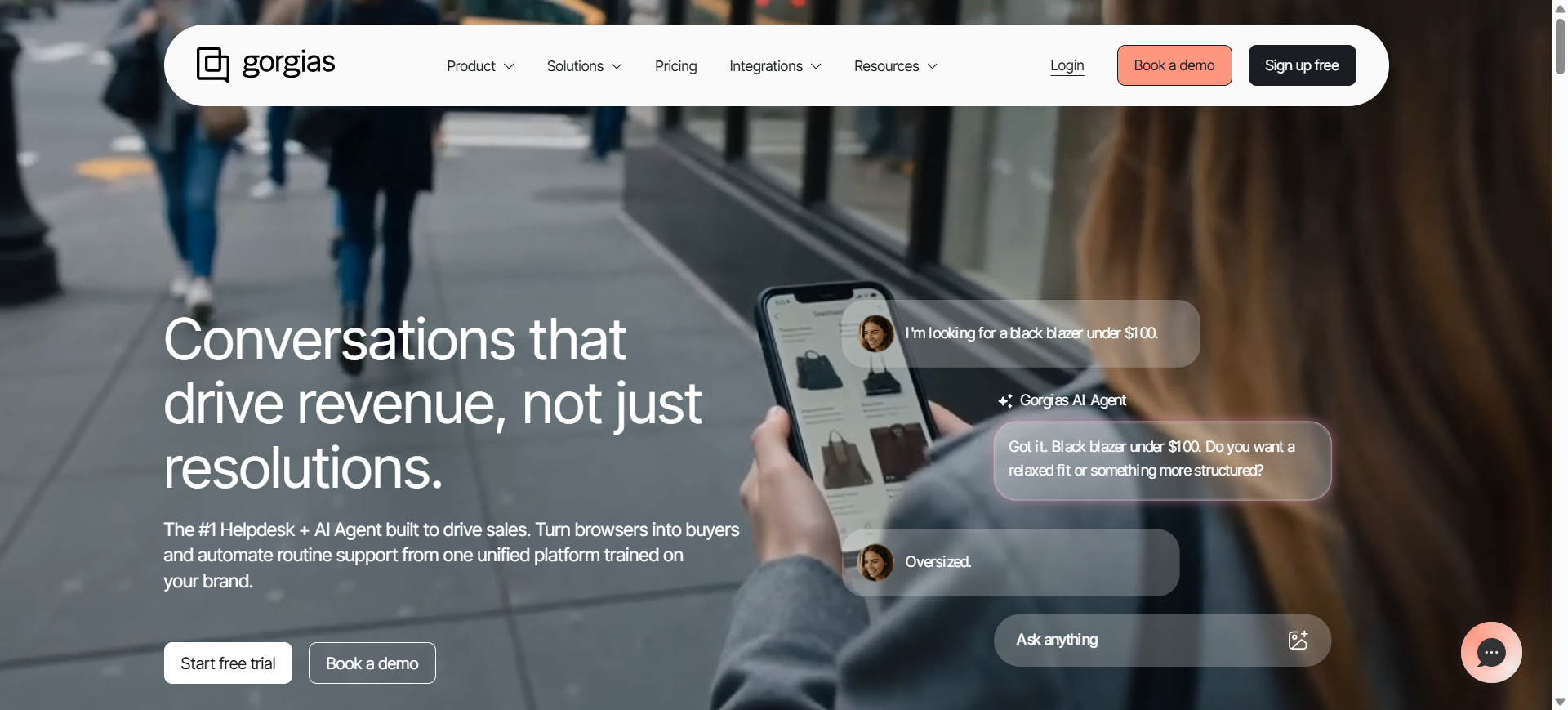
Gorgias is an ecommerce-focused customer support platform built to automate conversations, manage support tickets, and streamline customer service workflows for online stores. The platform connects with ecommerce systems such as Shopify, Magento, and BigCommerce to give support teams direct access to order details, shipping data, and customer purchase history.
Its AI capabilities help businesses automate repetitive support requests like order tracking, returns, refunds, and product inquiries. Gorgias AI combines conversational automation, live chat, ticket management, and AI agents in one workspace, making it especially popular among fast-growing ecommerce brands and DTC businesses.
Who Should Use Gorgias AI
- Shopify and ecommerce store owners
- DTC brands handling large support volumes
- Online retailers with order-related inquiries
- Customer support teams managing live chat
- Businesses automating ecommerce workflows
How to use Gorgias AI for customer support
- Connect your ecommerce store, help desk channels, and customer data sources to Gorgias AI.
- Train the AI system using FAQs, policies, shipping details, and support documentation.
- Configure automated workflows for returns, refunds, order tracking, and ticket routing.
- Monitor conversations and optimize automation performance using support analytics and AI insights.
Benefits of Using Gorgias AI
- Automates repetitive ecommerce support requests
- Reduces response times during high sales periods
- Helps agents manage customer conversations faster
- Improves customer experience with personalized responses
- Centralizes ecommerce support operations in one platform
Pricing
Gorgias AI offers usage-based pricing that starts around $10 per month for smaller stores with limited ticket volumes. Higher-tier plans increase based on monthly support tickets, automation features, and ecommerce integrations.
The platform also provides free trials and custom enterprise pricing for brands with large-scale ecommerce support operations.
Pros
- Strong ecommerce and Shopify integrations
- Good automation for order-related support
- Centralized omnichannel support dashboard
Cons
- Costs increase as ticket volume grows
- Less suitable for non-ecommerce businesses
6. Tidio AI
What is Tidio AI
Tidio is a customer support and live chat platform designed for small businesses, ecommerce stores, and online service providers. Its AI assistant, Lyro AI, helps automate customer conversations by answering common questions, managing chat interactions, and supporting website visitors in real time.
The platform combines live chat, AI chatbot automation, ticket management, and multichannel messaging within a single dashboard. Tidio AI is commonly used by businesses that want a simple and fast way to automate support workflows without deploying complex enterprise customer service systems.
Who Should Use Tidio AI
- Small businesses with limited support teams
- Ecommerce stores handling website inquiries
- Startups needing affordable AI automation
- Businesses using live chat for sales and support
- Non-technical teams wanting simple setup
How to use Tidio AI for customer support
- Connect your website, email inboxes, and customer communication channels to Tidio.
- Train Lyro AI using FAQs, product details, and help center content.
- Configure chat workflows, automated replies, and escalation rules for human agents.
- Track conversations and improve automation performance using analytics and customer interaction data.
Benefits of Using Tidio AI
- Reduces manual handling of repetitive customer questions
- Helps businesses provide instant website support
- Improves customer engagement during live conversations
- Simplifies support automation for small teams
- Supports faster response times across channels
Pricing
Tidio offers a free plan with limited conversations and chatbot usage for small teams. Paid plans start around $29 per month, while advanced Lyro AI automation and higher conversation limits are available in Growth and enterprise plans.
The platform also includes free trials for AI chatbot features and live chat automation tools.
Pros
- Easy setup with beginner-friendly interface
- Affordable pricing for small businesses
- Good live chat and chatbot combination
Cons
- Limited advanced enterprise support capabilities
- Higher AI conversation limits require premium plans
7. Salesforce Service Cloud AI
What is Salesforce Service Cloud AI
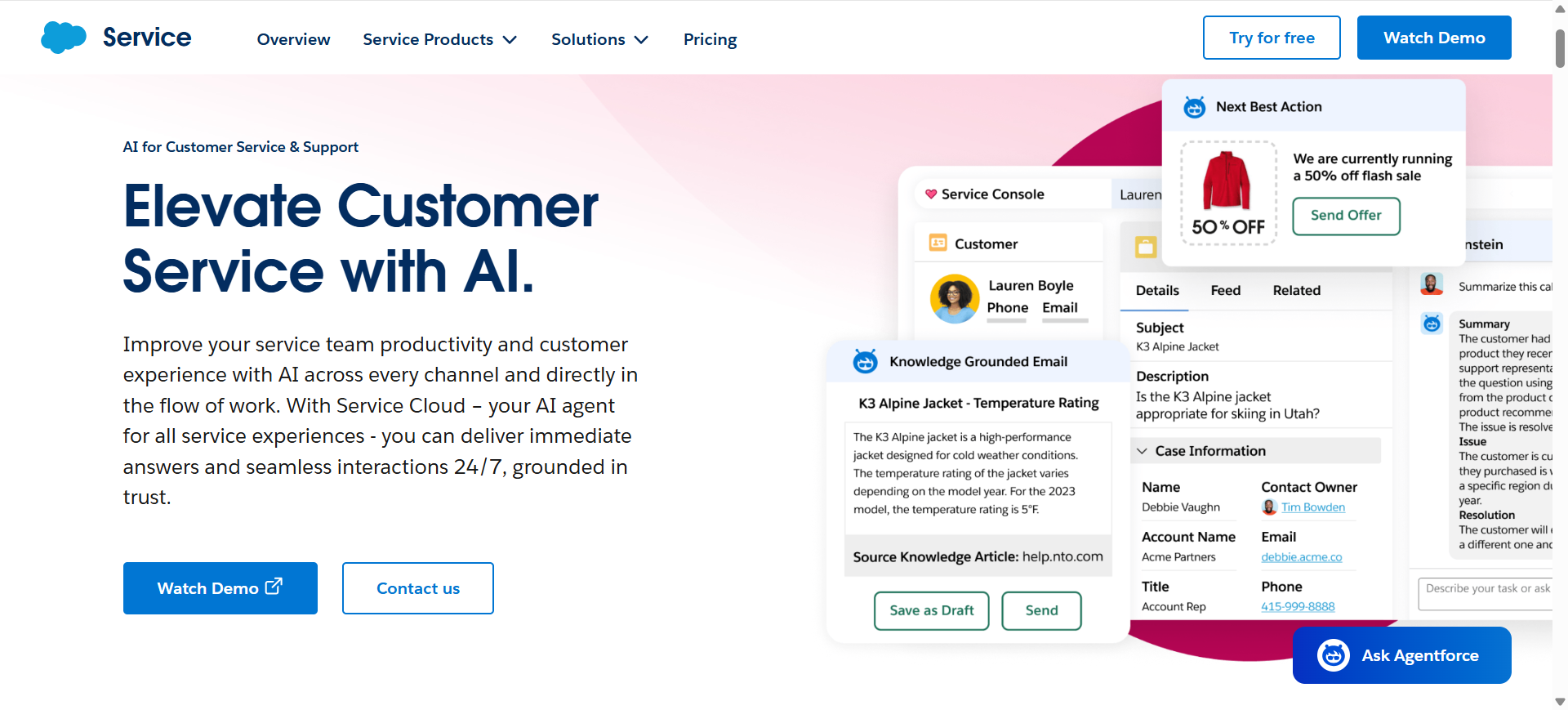
Salesforce Service Cloud is an enterprise customer service platform that combines CRM data, workflow automation, and AI-powered support tools within the Salesforce ecosystem. Its AI capabilities are powered by Einstein AI, which helps businesses automate customer interactions, assist support agents, and analyze service operations across multiple channels.
The platform supports case management, AI-driven recommendations, omnichannel routing, self-service portals, and conversational AI agents. Salesforce Service Cloud AI is commonly used by enterprises that want customer support tightly connected with sales, marketing, and customer relationship management workflows.
Who Should Use Salesforce Service Cloud AI
- Large enterprises managing complex support operations
- Businesses already using Salesforce CRM
- Companies needing advanced workflow automation
- Support teams handling omnichannel communication
- Organizations requiring enterprise-level scalability
How to use Salesforce Service Cloud AI for customer support
- Connect customer service channels, CRM records, and support databases within Salesforce.
- Enable Einstein AI features such as case classification, AI recommendations, and automated workflows.
- Configure routing rules, self-service portals, and escalation processes for support teams.
- Monitor support performance and optimize workflows using Salesforce analytics dashboards.
Benefits of Using Salesforce Service Cloud AI
- Centralizes customer data and support operations in one platform
- Improves agent productivity with AI-assisted workflows
- Helps automate repetitive case management tasks
- Supports scalable enterprise customer service operations
- Provides deeper visibility into customer interactions and service metrics
Pricing
Salesforce Service Cloud plans typically start around $25 per user/month for Starter plans, while Professional and Enterprise tiers with advanced AI and automation capabilities range from approximately $100 to $165 per user/month.
Einstein AI features and advanced automation tools may require additional add-ons or higher-tier enterprise subscriptions depending on deployment requirements.
Pros
- Strong CRM and customer data integration
- Advanced enterprise automation capabilities
- Scales well for large organizations
Cons
- Can be expensive for smaller businesses
- Initial setup and customization require time
Try Salesforce Service Cloud AI
8. Kustomer AI
What is Kustomer AI
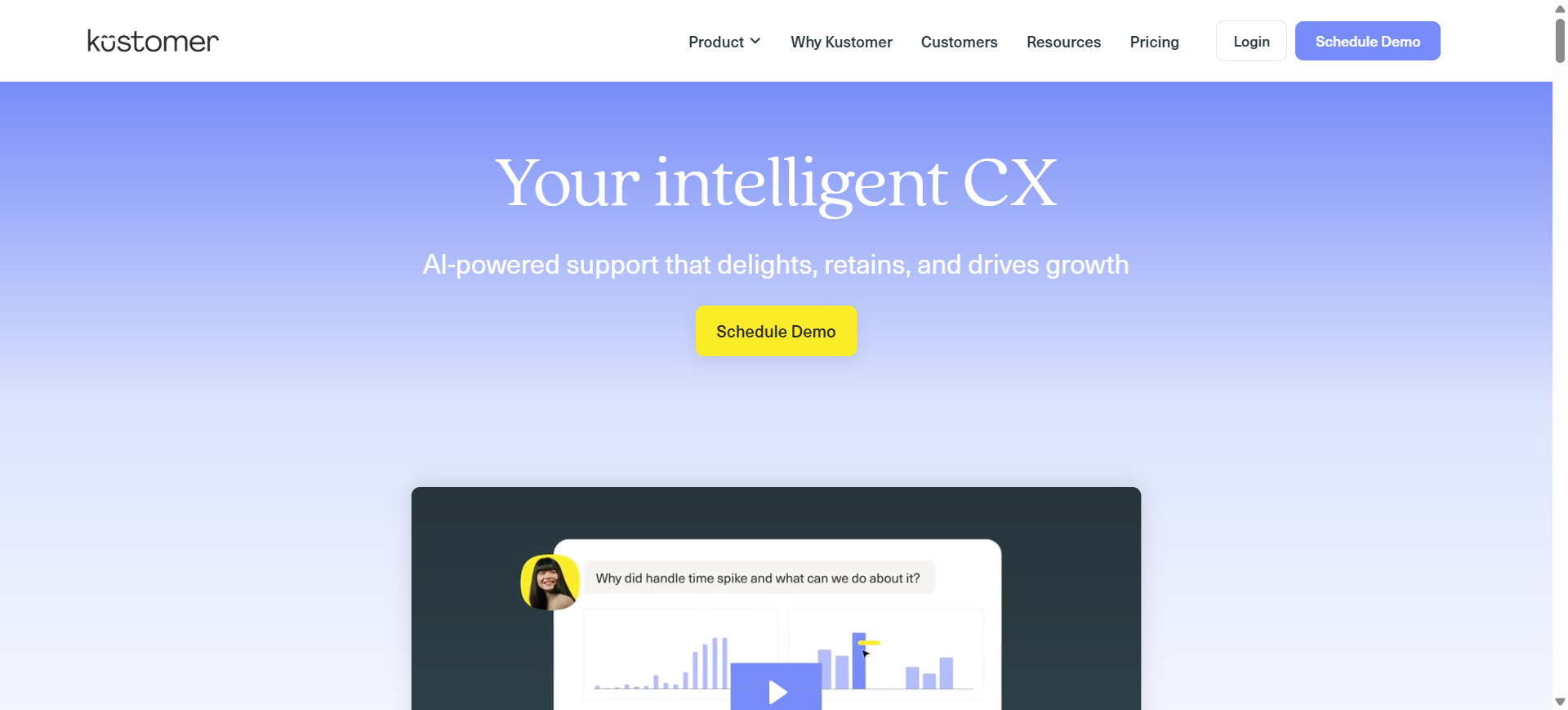
Kustomer is a CRM-based customer support platform designed to help businesses manage conversations, customer history, and support workflows in one unified system. The platform combines AI automation, omnichannel messaging, customer timelines, and workflow management to improve how support teams handle customer interactions.
Its AI tools assist with ticket classification, automated responses, conversation summaries, and intelligent routing across channels such as chat, email, social media, SMS, and voice. Kustomer AI is commonly used by digital-first brands and ecommerce businesses that want a customer-centric support system with strong automation and CRM capabilities.
Who Should Use Kustomer AI
- Ecommerce and digital-first businesses
- Customer support teams using CRM workflows
- Brands managing omnichannel communication
- Companies handling large customer interaction histories
- Teams needing centralized customer timelines
How to use Kustomer AI for customer support
- Connect customer communication channels and CRM data sources to Kustomer AI.
- Import customer records, FAQs, and support workflows into the platform.
- Configure AI automation for routing, conversation handling, and ticket prioritization.
- Monitor customer interactions and optimize workflows using reporting and conversation analytics.
Benefits of Using Kustomer AI
- Centralizes customer conversations and history in one place
- Reduces manual ticket management for support teams
- Helps agents deliver more personalized customer support
- Improves workflow efficiency across communication channels
- Supports scalable support operations for growing businesses
Pricing
Kustomer AI pricing is typically provided through custom sales-based plans depending on business size, support volume, and AI automation requirements. Standard enterprise customer service plans generally start around $89 per user/month with additional AI capabilities available as add-ons.
The platform also offers demos and customized onboarding support for enterprise deployments.
Pros
- Strong customer timeline and CRM integration
- Good omnichannel communication support
- Useful automation for high-volume support teams
Cons
- Pricing may be expensive for smaller businesses
- Advanced customization can require technical setup
9. Chatbase AI
What is Chatbase AI
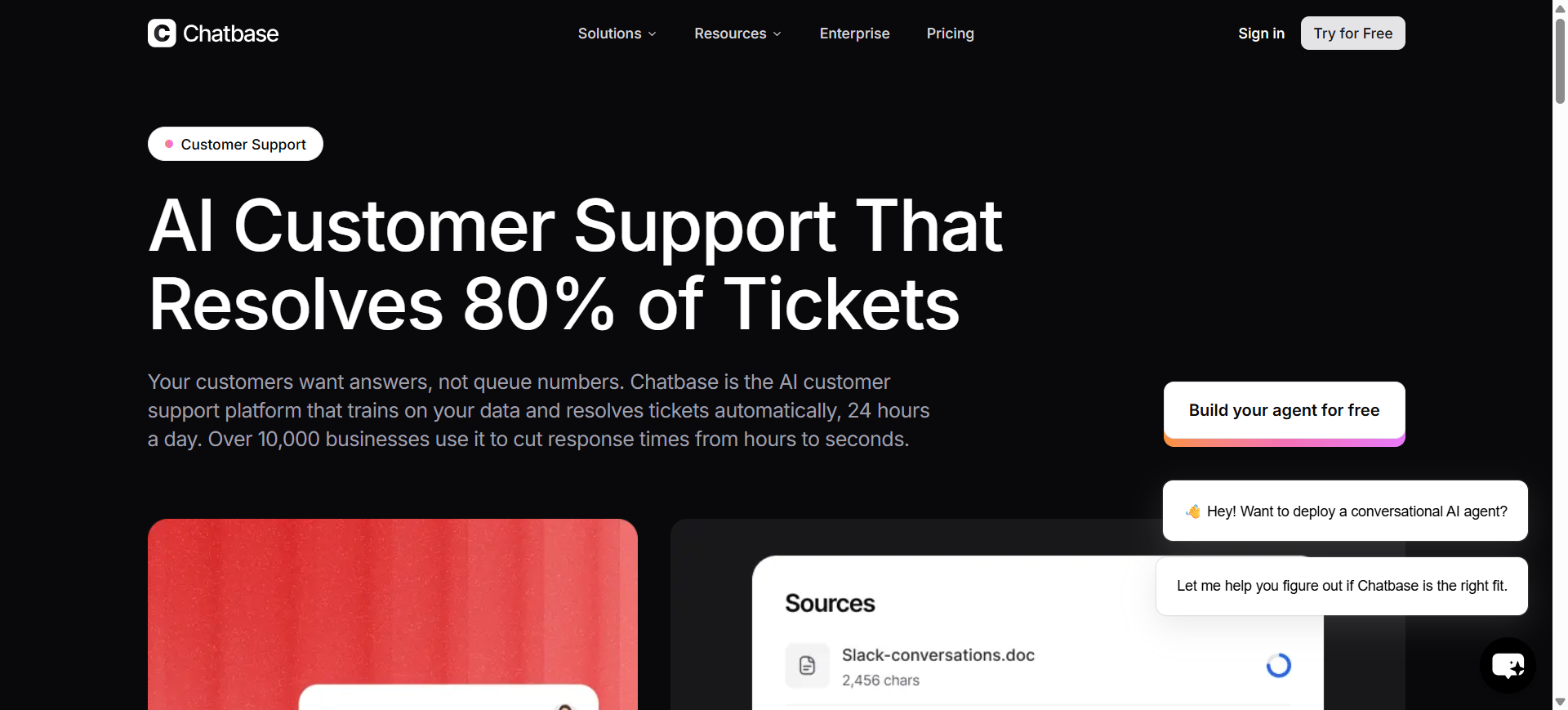
Chatbase is an AI chatbot platform that allows businesses to build customer support agents trained on their own data sources, including websites, PDFs, help center articles, and internal documentation. The platform uses retrieval-based AI systems to generate responses based on uploaded knowledge rather than relying only on generic chatbot prompts.
Chatbase AI is widely used by startups, SaaS companies, and small businesses looking for a lightweight way to deploy AI-powered customer support without building custom infrastructure. It supports website chat widgets, API integrations, lead collection, and multilingual conversations for customer support and self-service workflows.
Who Should Use Chatbase AI
- Startups building AI-powered support systems
- SaaS businesses with online knowledge bases
- Small teams needing affordable AI chatbots
- Businesses wanting fast chatbot deployment
- Non-technical users managing support automation
How to use Chatbase AI for customer support
- Upload support documents, FAQs, PDFs, or website links into Chatbase AI.
- Train the chatbot using your company knowledge base and preferred response settings.
- Embed the chatbot on your website or connect it through APIs and messaging tools.
- Review chatbot conversations and improve response quality using analytics and retraining tools.
Benefits of Using Chatbase AI
- Simplifies AI chatbot deployment for small teams
- Reduces repetitive customer support questions
- Helps businesses provide 24/7 automated assistance
- Supports fast setup without coding requirements
- Improves self-service support availability for customers
Pricing
Chatbase AI offers subscription-based pricing with entry-level plans starting around $40 per month for smaller chatbot deployments and limited message usage. Higher-tier plans provide larger AI message limits, advanced integrations, and multi-bot management.
The platform also includes free trial options for testing chatbot deployment and AI training capabilities before upgrading to paid plans.
Pros
- Fast and beginner-friendly chatbot setup
- Works with multiple document and data formats
- Affordable for startups and SMBs
Cons
- Limited enterprise workflow automation features
- Advanced customization may require API integration
10. Crescendo AI
What is Crescendo AI
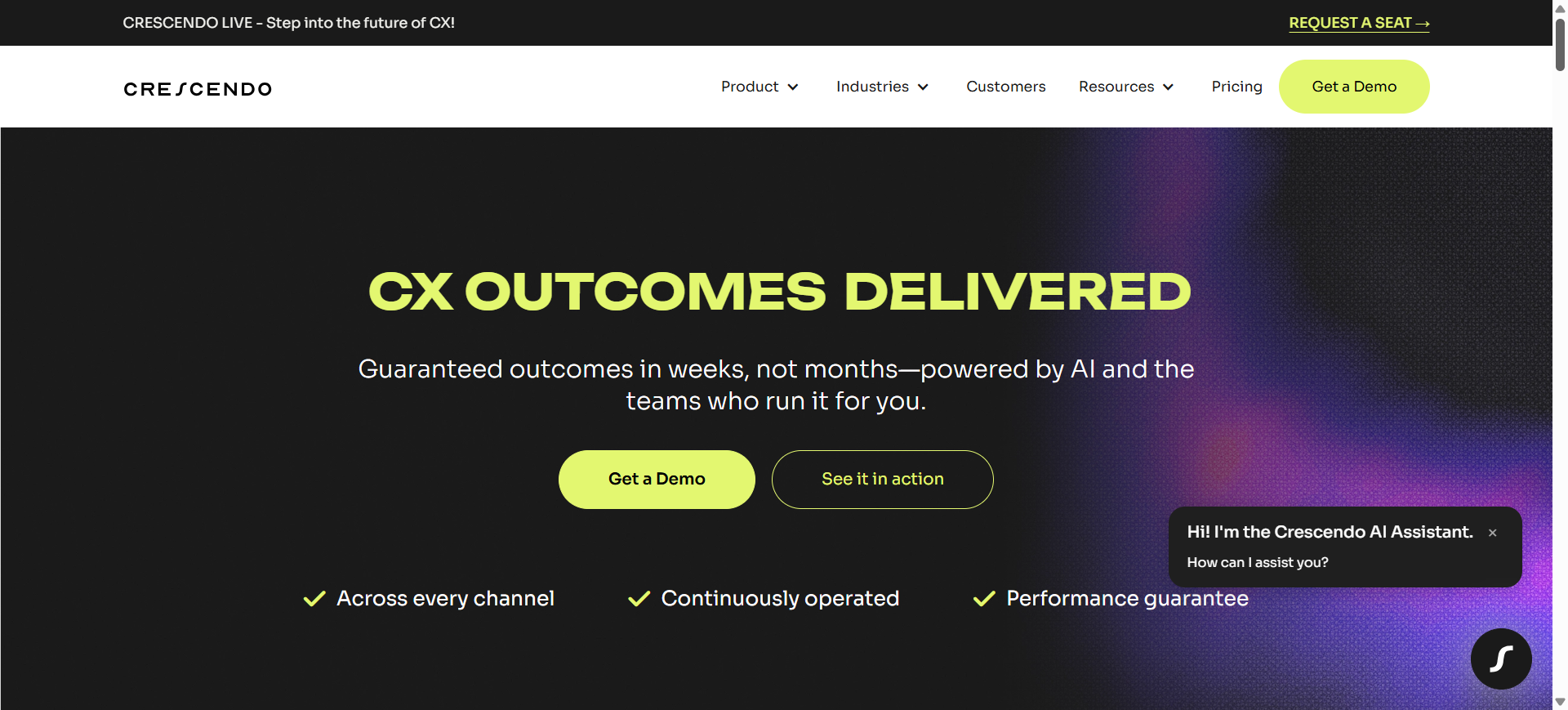
Crescendo is an AI-native customer support platform that combines autonomous AI agents with human-assisted customer service operations. The platform is designed to automate customer interactions across chat, email, SMS, and voice while providing human escalation support when conversations become complex.
Unlike traditional chatbot platforms, Crescendo AI operates as a managed AI customer experience solution that includes AI deployment, workflow optimization, quality assurance, and multilingual support services. It is commonly used by enterprises and fast-growing companies that want scalable customer support automation without building and maintaining AI systems internally.
Who Should Use Crescendo AI
- Enterprises handling high-volume customer support
- Ecommerce brands with global customer bases
- Businesses needing AI voice and chat support
- Companies wanting managed AI service operations
- Teams requiring multilingual customer support
How to use Crescendo AI for customer support
- Connect your support channels, CRM systems, and knowledge base to Crescendo AI.
- Configure AI workflows for ticket handling, escalation rules, and automated resolutions.
- Deploy AI assistants across voice, email, chat, and messaging channels.
- Monitor support performance and improve workflows using QA insights and AI analytics dashboards.
Benefits of Using Crescendo AI
- Reduces operational workload for support teams
- Helps businesses provide 24/7 multilingual customer support
- Improves support scalability during traffic spikes
- Combines AI automation with human escalation support
- Simplifies AI deployment and ongoing maintenance
Pricing
Crescendo AI uses outcome-based pricing with plans starting around $1.25 to $2.99 per resolution, along with a managed service fee that typically starts near $2,900 per month depending on deployment requirements.
The pricing generally includes AI assistants, integrations, onboarding, optimization services, multilingual support, and human escalation coverage. Businesses usually need a custom quote for enterprise deployments.
Pros
- Supports voice, chat, email, and SMS automation
- Includes human-in-the-loop escalation workflows
- Strong multilingual customer support capabilities
Cons
- Pricing can become expensive at large scale
- Less control compared to self-managed AI platforms
AI Customer Support Agents
What Are AI Customer Support Agents
AI customer support agents are autonomous software systems that can understand customer intent, retrieve information, make decisions, execute actions, and resolve support requests with minimal human involvement. Unlike traditional chatbots that mainly follow scripted flows, AI agents can manage multi-step workflows such as processing refunds, updating subscriptions, tracking orders, routing tickets, and escalating complex issues to human agents when necessary.
Modern AI customer support agents use large language models, retrieval systems, workflow automation, and customer data integrations to deliver faster and more contextual support experiences across chat, email, voice, and messaging platforms.
How AI Customer Support Agents Work
AI customer support agents typically operate through four main stages:
1. Customer Query Understanding
The AI analyzes customer messages using natural language processing to identify intent, urgency, sentiment, and context.
2. Knowledge Retrieval
The system retrieves relevant information from help centers, FAQs, CRMs, internal documentation, and previous conversations using RAG (Retrieval-Augmented Generation).
3. Decision and Action Execution
Advanced AI agents can execute workflows such as updating orders, issuing refunds, resetting passwords, or escalating tickets automatically.
4. Human Escalation and Learning
If confidence is low or the issue becomes sensitive, the AI transfers the conversation to a human agent while continuously learning from support interactions.
Difference Between AI Chatbots and AI Agents
| Feature | AI Chatbots | AI Customer Support Agents |
|---|---|---|
| Primary Function | Answer questions | Resolve complete workflows |
| Automation Level | Basic | Advanced |
| Decision-Making | Rule-based | Context-aware |
| Workflow Handling | Limited | Multi-step actions |
| CRM Integration | Often limited | Deep integrations |
| Human Escalation | Basic handoff | Intelligent routing |
| Examples | FAQ bots | Autonomous support systems |
AI chatbots mainly provide information, while AI agents can take actions and manage customer support operations end-to-end.
How AI Agents Automate Customer Support Workflows
AI customer support agents automate repetitive service operations that previously required manual handling from support teams. These systems can classify tickets, prioritize urgent issues, recommend responses, trigger workflows, and execute predefined business actions automatically.
For ecommerce businesses, AI agents commonly automate order tracking, returns, refunds, and shipping updates. SaaS companies often use AI agents for account management, troubleshooting guidance, onboarding support, and subscription changes. Many enterprise support teams also deploy AI agents to assist human agents by generating summaries, surfacing relevant knowledge base articles, and routing tickets based on customer intent.
Examples of AI Customer Support Agents
Intercom Fin AI Agent
Intercom Fin AI Agent specializes in conversational support automation for SaaS businesses. It uses company documentation and support history to resolve customer inquiries across chat and messaging channels.
Zendesk AI Agents
Zendesk AI Agents combine ticket automation, AI workflows, and omnichannel support management inside the Zendesk ecosystem for enterprise support operations.
Ada AI Agent
Ada AI Agent focuses on no-code customer service automation with multilingual conversational support and self-service workflows for high-volume support teams.
Salesforce Einstein Service Agent
Salesforce Einstein Service Agent integrates AI automation directly with Salesforce CRM data, helping enterprises automate workflows and personalize customer support interactions.
Gorgias Automate
Gorgias Automate is designed for ecommerce businesses and automates workflows such as order tracking, returns, refunds, and customer messaging within Shopify-focused environments.
Crescendo AI Agent
Crescendo AI Agent combines AI automation with managed human support operations, allowing businesses to scale customer support across chat, voice, email, and SMS channels.
Voice AI Agents for Customer Support
Voice AI agents are becoming increasingly common in customer service operations, especially for phone-based support workflows. These systems use speech recognition, text-to-speech models, and conversational AI to manage inbound calls, answer questions, authenticate users, and route conversations.
Many businesses now use voice AI for appointment scheduling, order tracking, account verification, and FAQ handling. However, human escalation remains important for sensitive or highly complex support situations.
Human-in-the-Loop AI Support Systems
Human-in-the-loop customer support systems combine AI automation with human oversight. In these setups, AI handles repetitive or low-risk interactions while human agents manage escalations, exceptions, and emotionally sensitive conversations.
This approach helps businesses maintain quality control, reduce AI errors, and improve customer trust while still benefiting from automation and faster response times.
Understanding AI Customer Support Software
AI customer support software helps businesses automate customer service using artificial intelligence. These tools can answer customer questions, manage support tickets, automate workflows, and assist human agents across chat, email, voice, and social media channels.
Modern AI support platforms use technologies like conversational AI, machine learning, and knowledge-base integrations to improve response times and reduce manual work. Businesses use AI customer support software to handle repetitive inquiries, scale support operations, and deliver faster customer service experiences.
What Are AI Customer Support Tools
AI customer support tools are software applications that use artificial intelligence to assist businesses in handling customer service operations more efficiently. These tools can automate conversations, answer customer questions, analyze intent, generate responses, route tickets, and support customer service agents in real time.
Most AI customer support tools combine several technologies, including conversational AI, machine learning, natural language processing, workflow automation, and knowledge retrieval systems. Some platforms focus mainly on AI chatbots, while others provide fully autonomous AI agents capable of resolving support workflows end-to-end.
Common features found in AI customer support tools include:
- AI chatbots and virtual agents
- Omnichannel messaging support
- Automated ticket routing
- Knowledge base integrations
- AI-generated response suggestions
- Voice AI support systems
- Customer sentiment analysis
- Workflow automation and escalation handling
Businesses use these tools to improve customer experience, reduce support costs, increase operational efficiency, and provide faster support across multiple communication channels.
Benefits of AI Customer Support Software
AI customer support software helps businesses automate repetitive service tasks, improve response speed, and manage customer conversations more efficiently across multiple channels. It also helps support teams scale operations without significantly increasing manual workload.
- Reduces customer response and resolution times
- Automates repetitive support workflows and ticket handling
- Improves support team productivity and efficiency
- Provides 24/7 customer assistance across channels
- Helps businesses scale customer service operations more easily
How to Choose the Right AI Customer Support Platform
Choosing the right AI customer support platform depends on your business size, support volume, workflows, and integration requirements. Instead of focusing only on AI features, businesses should evaluate how well the platform fits their existing customer service operations.
Key Factors to Consider
- Support channels supported (chat, email, voice, social media)
- AI automation and autonomous resolution capabilities
- CRM, ecommerce, and help desk integrations
- Ease of setup and workflow customization
- Knowledge base and RAG support
- Pricing structure and scalability
- Reporting, analytics, and performance tracking
- Human escalation and agent collaboration features
- Security, compliance, and data privacy controls
Best Platform Selection by Business Type
| Business Type | Recommended AI Support Platforms |
|---|---|
| Small Businesses | Tidio AI, Chatbase AI |
| Ecommerce Brands | Gorgias AI, Zendesk AI |
| SaaS Companies | Intercom AI, Freshdesk Freddy AI |
| Enterprise Teams | Salesforce Service Cloud AI, Ada AI |
| CRM-Focused Businesses | Kustomer AI, Salesforce Service Cloud AI |
The best AI customer support software is the one that improves customer experience, reduces manual workload, and integrates smoothly with your existing support processes.
Future of AI Customer Support
The future of AI customer support is moving toward autonomous AI agents that can handle complete customer workflows with minimal human involvement. Businesses are increasingly using AI for real-time support, voice assistance, personalized responses, and intelligent workflow automation across multiple channels.
As AI technology improves, customer support platforms are expected to become faster, more accurate, and more integrated with business systems, helping companies deliver scalable and always-available customer service experiences.
Conclusion
AI customer support tools are becoming an essential part of modern customer service operations, helping businesses automate conversations, improve response times, and scale support more efficiently. The right platform depends on your business type, support volume, workflow complexity, and automation goals. While some companies may need lightweight AI chatbots, others may benefit from advanced AI agents capable of resolving customer issues end-to-end. As AI support technology continues to evolve, businesses that combine automation with strong customer experience strategies will be better positioned to manage growing support demands efficiently.
FAQs
What is the best AI customer support tool in 2026?
The best AI customer support tool depends on your business needs and support workflows. Intercom AI is widely used by SaaS companies, Gorgias AI is popular for ecommerce support, and Salesforce Service Cloud AI is commonly chosen by enterprises. Businesses should select a platform based on automation capabilities, integrations, pricing, and scalability requirements.
Can AI customer support tools fully replace human agents?
No, AI customer support tools are not designed to fully replace human agents. AI systems work best for handling repetitive questions, ticket routing, order tracking, and basic workflows, while human agents are still important for complex issues, emotional conversations, and critical decision-making.
What is the difference between AI chatbots and AI customer support agents?
AI chatbots mainly answer questions using predefined rules or knowledge-base retrieval. AI customer support agents are more advanced systems that can understand context, make decisions, automate workflows, and resolve customer issues across multiple steps without requiring constant human involvement.
Which AI customer support platform is best for ecommerce businesses?
Gorgias AI is one of the most popular AI customer support platforms for ecommerce businesses because it integrates directly with Shopify and ecommerce workflows. Zendesk AI and Tidio AI are also widely used for managing customer conversations, order support, and automated responses in online stores.
Are AI customer support tools suitable for small businesses?
Yes, many AI customer support platforms are designed for small businesses and startups. Tools like Tidio AI and Chatbase AI offer affordable plans, simple setup processes, and automation features that help smaller teams manage customer support more efficiently without hiring large support teams.
What features should businesses look for in AI customer support software?
Businesses should look for features such as AI automation, omnichannel support, knowledge-base integration, ticket routing, workflow automation, analytics, CRM integrations, multilingual support, and human escalation capabilities. The right combination depends on the company’s support volume and operational requirements.