
AI avatar tools are platforms that create digital human presenters to turn text into videos instantly. The best AI avatar tools include HeyGen for speed, Synthesia for training, and D-ID for creative content. With an AI avatar, you can create videos for marketing, training, and social media without cameras or editing skills. These tools use text to speech and animation to produce videos quickly and at scale. This guide helps you choose the best AI avatar tools based on real use cases so you can pick the right tool without wasting time.\
What is an AI Avatar?
An AI avatar is a digital human created using artificial intelligence that can speak, present, and interact in videos or applications. It converts text into lifelike speech with facial expressions, lip sync, and gestures, making it appear like a real person on screen. In simple terms, an AI avatar acts as a virtual presenter. Instead of recording yourself, you can use an AI avatar to deliver videos for marketing, training, education, or social media. Most AI avatar tools work by combining text to speech, facial animation, and machine learning to generate realistic human-like videos in multiple languages. The main advantage of an AI avatar is speed and scalability. You can create consistent video content without cameras, actors, or editing skills.
Best AI Avatar Tools (Quick List)
Here are the best AI avatar tools for creating videos, marketing content, training materials, and social media avatars:
- Synthesia AI
- HeyGen AI
- D-ID AI
- Colossyan AI
- DeepBrain AI
- Creatify AI
- Akool AI
- Elai.io
- Runway AI
- Voki AI
- Genies AI
- Lensa AI
- Fotor AI
- RemoteFace AI
- Vidnoz AI
- Veed AI
- Camtasia AI
- InVideo AI
- Tagshop AI
- Pictory AI
These AI avatar tools cover different use cases, including business videos, creative content, social media avatars, and personalized digital avatars.
AI Avatar Tools Comparison Table
| Tool | Best For | Key Strength | Type | Pricing Model |
|---|---|---|---|---|
| Synthesia AI | Corporate training | Realistic avatars + multilingual videos | Video avatar | Subscription (video minutes + enterprise) |
| HeyGen AI | Marketing & social media | Fast video creation + translation | Video avatar | Freemium + subscription + credits |
| D-ID AI | Creative content | Image-to-video avatars | Talking photo avatar | Freemium + credit-based |
| Colossyan AI | E-learning | Scenario-based training videos | Video avatar | Subscription (team-based) |
| DeepBrain AI | Enterprise & media | Hyper-realistic AI presenters | Video avatar | Subscription + enterprise |
| Creatify AI | Ads & marketing | High-volume ad generation | Video avatar | Subscription + usage credits |
| Akool AI | Personalization | Face swap + digital avatars | Video avatar | Custom + API pricing |
| Elai.io | Education | Slide-to-video conversion | Video avatar | Freemium + subscription |
| Runway AI | Creative video | Advanced AI video generation | Generative video | Subscription + credits |
| Voki AI | Education | Simple talking avatars | Animated avatar | Freemium |
| Genies AI | Social avatars | Custom 3D avatars | 3D avatar | Free + in-app purchases |
| Lensa AI | Profile avatars | AI-generated images | Image avatar | Subscription + pay-per-use |
| Fotor AI | Quick avatars | Easy avatar creation | Image avatar | Freemium + subscription |
| RemoteFace AI | Personal avatars | Face-based avatar creation | Video avatar | Custom pricing |
| Vidnoz AI | Small business videos | Free AI avatar videos | Video avatar | Freemium + subscription |
1) Synthesia AI
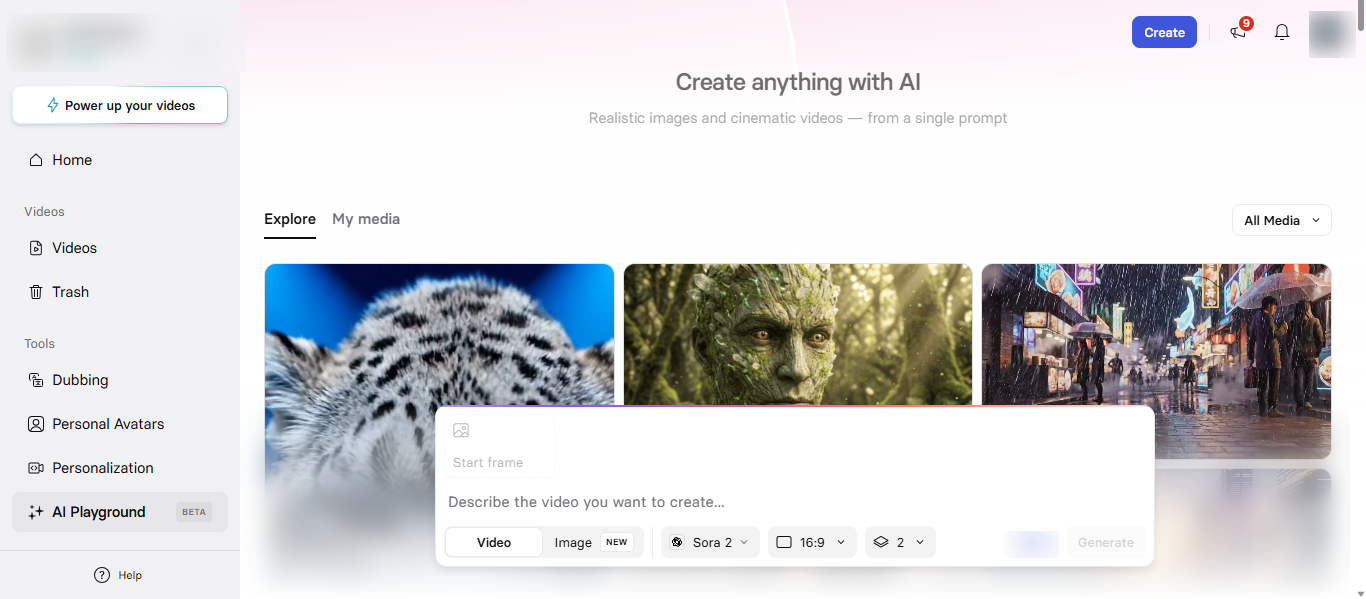
What is Synthesia AI?
Synthesia AI is an AI avatar video platform that turns text into professional videos using realistic digital human presenters. It enables users to create studio-quality videos without cameras, actors, or editing skills by combining AI avatars, voice generation, and scene customization in one platform. It is widely used for business, training, and marketing videos where consistency, speed, and multilingual content are important.
How to Use Synthesia AI for AI Avatar Creation
Using Synthesia AI is simple:
- Enter your script
- Choose an AI avatar
- Select voice and language
- Customize scenes and layout
- Generate and download your video
It turns text into a talking AI avatar video quickly, helping you scale content creation.
Pros and Cons of Synthesia AI
Pros
- High-quality AI avatar videos with realistic lip sync
- Supports multiple languages for global content
- No need for cameras or editing skills
- Large library of avatars and templates
Cons
- Limited emotional expression compared to real humans
- Advanced features require higher plans
- Video output depends on usage limits
Where is Synthesia AI Used?
Synthesia AI is commonly used for:
- Corporate training and onboarding
- Marketing and product explainers
- E-learning and educational content
- Internal communication
Who Should Use Synthesia AI?
Synthesia AI is best for:
- Businesses creating training videos
- Marketing teams producing video content
- Educators and course creators
- Teams needing multilingual videos
Pricing
Subscription-based with monthly video minutes, offering free, paid, and enterprise plans based on usage and features.
2) HeyGen AI
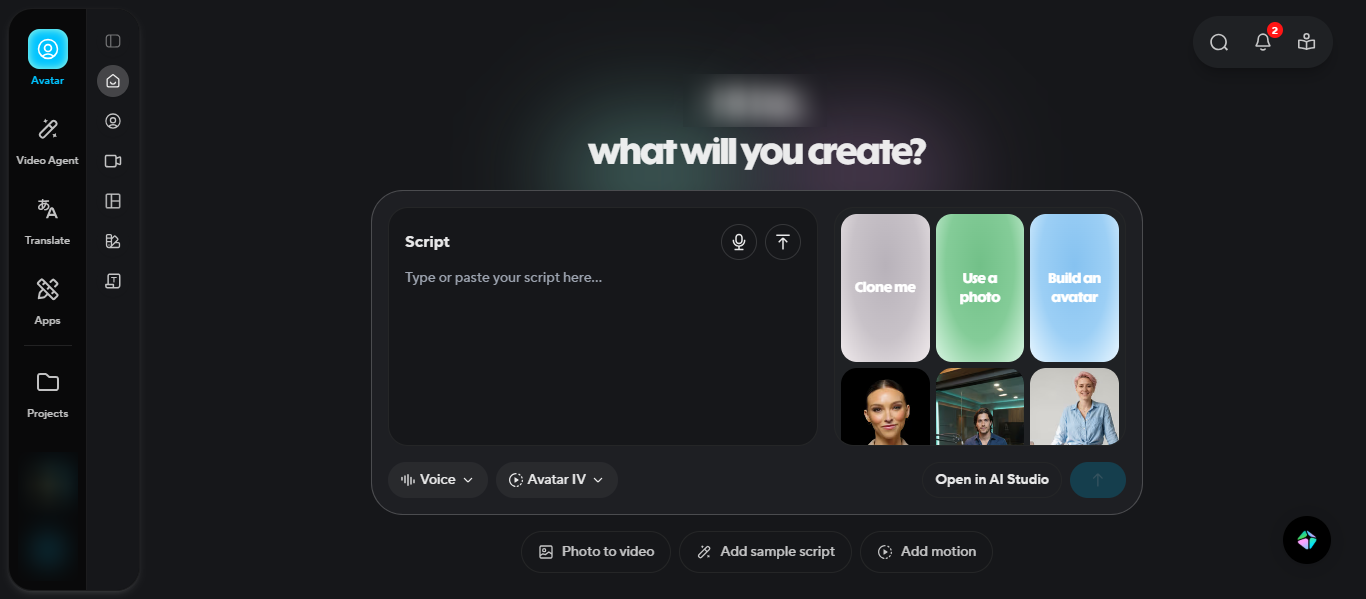
What is HeyGen AI?
HeyGen AI is an AI avatar video generator that creates professional videos from text, images, or audio using realistic digital presenters. It allows users to generate high-quality AI avatar videos with voiceovers, animations, and translations without cameras or editing skills. It is widely used for marketing, social media, and multilingual video content where speed and scalability are important.
How to Use HeyGen AI for AI Avatar Creation
Using HeyGen AI is simple:
- Enter your script, text, or upload media
- Choose an AI avatar or create a custom avatar
- Select voice, language, and style
- Customize scenes, branding, and visuals
- Generate and export your video
The platform can create complete AI avatar videos in minutes with voice, captions, and animations automatically.
Pros and Cons of HeyGen AI
Pros
- Fast AI avatar video creation with minimal effort
- Supports 175+ languages and multiple voices
- Offers realistic avatars with lip sync and voice cloning
- Includes templates, branding, and automation features
- Suitable for marketing, social media, and business videos
Cons
- Credit-based system can be confusing for beginners
- Advanced features require higher plans
- Avatar expressions may be limited in some cases
Where is HeyGen AI Used?
HeyGen AI is commonly used for:
- Marketing and product videos
- Social media content creation
- Sales and personalized outreach videos
- Training and onboarding videos
- Multilingual video translation
It is especially useful for creating high-volume content quickly.
Who Should Use HeyGen AI?
HeyGen AI is best for:
- Marketers and content creators
- Social media teams
- Businesses creating multilingual videos
- Agencies producing video content at scale
It works well for users who need fast and scalable AI avatar video creation.
Pricing
Freemium model with subscription plans and a credit-based system, where pricing depends on video usage, features, and advanced capabilities.
3) D-ID AI
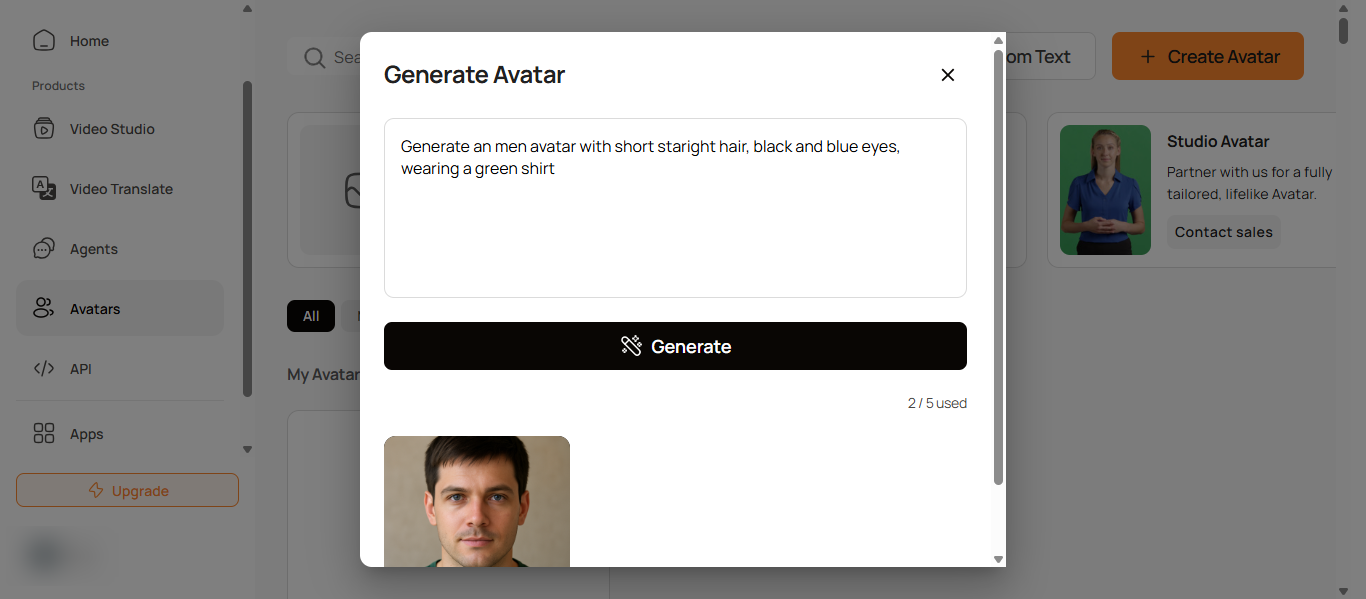
What is D-ID AI?
D-ID is an AI avatar platform that turns images and text into realistic talking videos using digital human presenters. It allows users to create AI avatar videos from a single photo or script by combining facial animation, voice generation, and lip sync technology. It is widely used for creating talking head videos, personalized content, and interactive AI avatar experiences where speed and simplicity are important.
How to Use D-ID for AI Avatar Creation
Using D-ID is simple and beginner-friendly:
- Upload an image or choose a pre-built AI avatar
- Enter your script or upload audio
- Select voice and language
- Customize video style and layout
- Generate and download your video
The platform converts a static image into a speaking AI avatar video in minutes using automated animation and lip sync.
Pros and Cons of D-ID
Pros
- Converts photos into realistic talking AI avatar videos
- Supports 100+ languages for global content
- Very fast video creation with minimal setup
- Works well for personalized and creative content
- Can create digital twins using your own image
Cons
- Limited full-body animation compared to advanced tools
- Avatar expressions can feel less natural in long videos
- Advanced features and higher usage require paid plans
Where is D-ID Used?
D-ID is commonly used for:
- Marketing and product explainers
- Personalized video messages and outreach
- Social media content creation
- E-learning and tutorials
- Customer support and onboarding
It is especially useful for quick, talking-head style videos.
Who Should Use D-ID?
D-ID is best for:
- Content creators and marketers
- Small businesses and startups
- Social media teams
- Users who want fast AI avatar videos from images
It works well for users who need simple and quick AI avatar video creation without complex editing.
Pricing
Freemium model with subscription plans and credit-based usage, including free trial, paid tiers, and enterprise options based on video minutes and features.
4) Colossyan AI
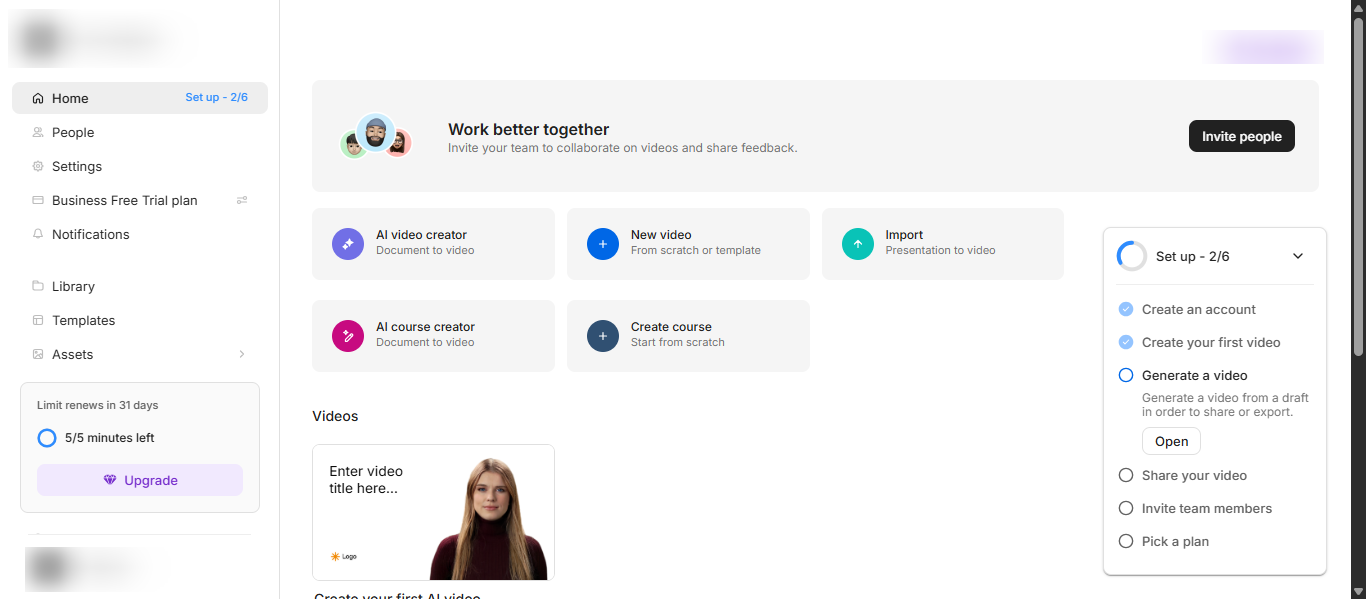
What is Colossyan AI?
Colossyan AI is an AI avatar video platform that converts text, documents, and presentations into professional training videos using digital human presenters. It helps businesses create engaging AI avatar videos without cameras or production teams by combining text-to-video, voice generation, and interactive elements. It is mainly designed for corporate training, onboarding, and educational content where structured and scalable video creation is required.
How to Use Colossyan AI for AI Avatar Creation
Using Colossyan AI is simple and structured:
- Upload text, PPT, or PDF
- Edit or generate your script
- Choose an AI avatar and voice
- Design scenes and add media
- Generate and export the video
The platform transforms documents into AI avatar videos in minutes, making it ideal for training workflows.
Pros and Cons of Colossyan AI
Pros
- Converts documents and presentations into videos easily
- Supports 80+ languages and multiple AI voices
- Offers interactive features like quizzes and scenarios
- Suitable for structured training and compliance content
- Reduces video production time and cost significantly
Cons
- Avatar expressions are less dynamic than creative tools
- Mainly focused on training, not creative content
- Advanced features require higher-tier plans
Where is Colossyan AI Used?
Colossyan AI is commonly used for:
- Employee training and onboarding
- Compliance and corporate learning
- Product tutorials and explainers
- Internal business communication
- Educational and e-learning content
It is widely adopted by companies to scale training content across teams and regions.
Who Should Use Colossyan AI?
Colossyan AI is best for:
- Corporate training and L&D teams
- HR and onboarding departments
- Educational institutions
- Businesses creating structured video content
It works best for users who need consistent and scalable AI avatar training videos.
Pricing
Subscription-based pricing with tiered plans based on video minutes, features, and team usage, including free trial and enterprise options.
5) DeepBrain AI
What is DeepBrain AI?
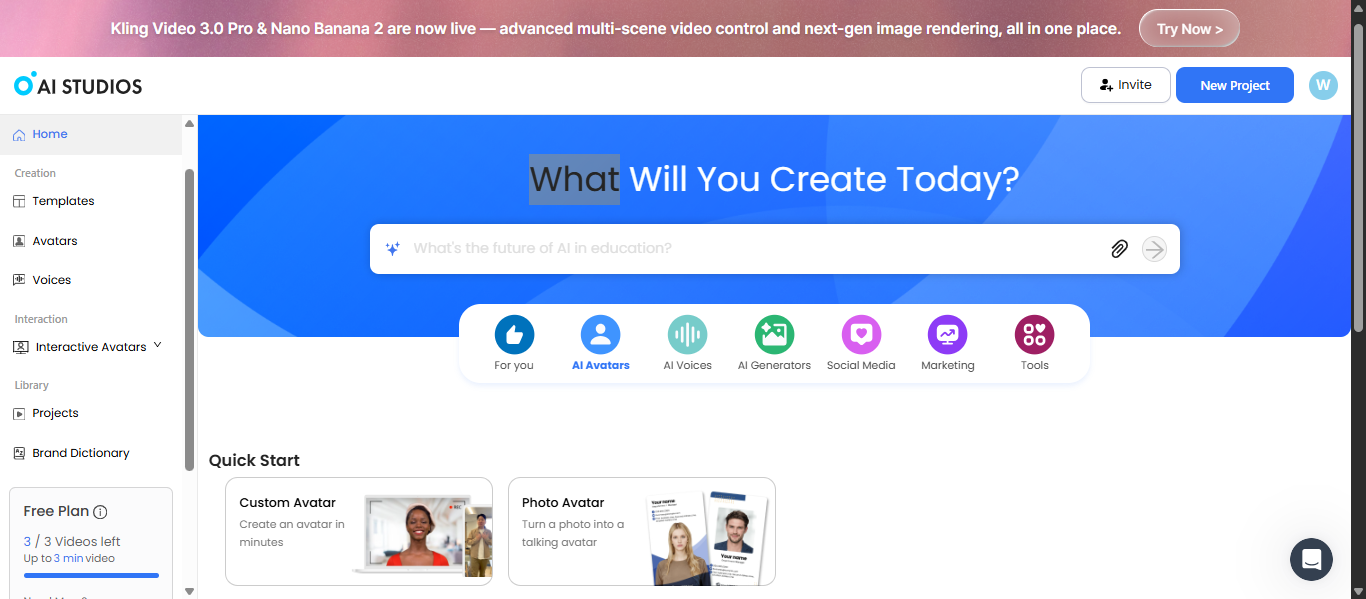
DeepBrain AI is an AI avatar video platform that converts text into realistic videos using hyper-realistic digital human presenters. Its core product, AI Studios, uses deep learning and natural language processing to generate lifelike videos with voice, facial expressions, and gestures automatically. It is widely used for business communication, training, and media content where realism and automation are important.
How to Use DeepBrain AI for AI Avatar Creation
Using DeepBrain AI (AI Studios) is simple:
- Enter your script or upload content
- Choose an AI avatar or create a custom avatar
- Select voice, language, and style
- Customize scenes, templates, and visuals
- Generate and export your video
The platform turns text into realistic AI avatar videos in minutes without requiring filming or editing.
Pros and Cons of DeepBrain AI
Pros
- Hyper-realistic AI avatars with natural speech and gestures
- Supports multiple languages for global communication
- Converts text into professional videos quickly
- Offers custom avatars and enterprise-grade solutions
- Suitable for news-style, corporate, and training videos
Cons
- More focused on business use than creative content
- Advanced features may require enterprise plans
- Learning curve for beginners compared to simpler tools
Where is DeepBrain AI Used?
DeepBrain AI is commonly used for:
- Corporate training and onboarding
- AI news presenters and media content
- Customer support and virtual assistants
- Marketing and product videos
- E-learning and educational content
It is widely adopted across industries like media, finance, education, and retail.
Who Should Use DeepBrain AI?
DeepBrain AI is best for:
- Enterprises and large organizations
- Media and broadcasting teams
- Businesses needing realistic AI presenters
- Companies creating high-quality training videos
It works best for users who need high realism and professional AI avatar videos at scale.
Pricing
Subscription-based with free, paid, and enterprise plans, where pricing depends on video minutes, features, and custom avatar requirements.
6) Creatify AI
What is Creatify AI?
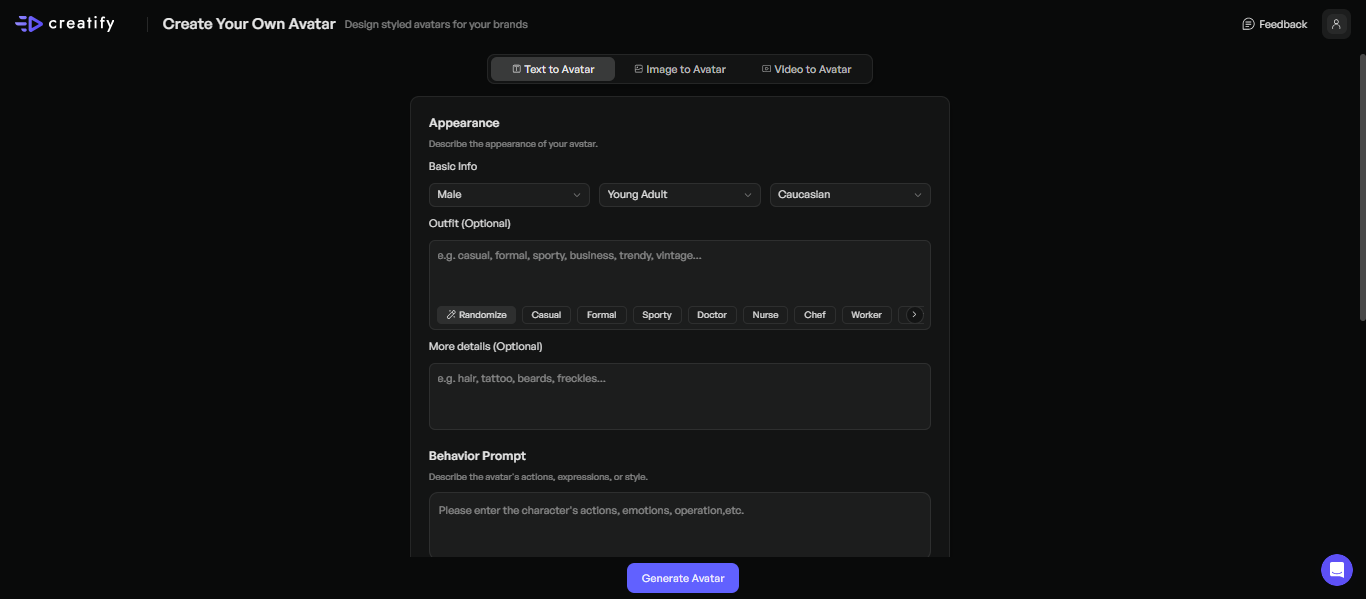
Creatify AI is an AI avatar video platform designed to create marketing and advertising videos from product links, text, or images. It uses AI avatars, voice generation, and automation to turn product pages into ready-to-use video ads without filming or editing. It is mainly built for marketers and eCommerce businesses that need fast, scalable AI avatar videos for ads and campaigns.
How to Use Creatify AI for AI Avatar Creation
Using Creatify AI is fast and workflow-driven:
- Paste a product URL or enter your script
- Let AI generate script, visuals, and scenes
- Choose an AI avatar or create a custom one
- Customize voice, branding, and style
- Generate multiple video ads instantly
The platform can create and test multiple AI avatar videos automatically, making it ideal for high-volume marketing.
Pros and Cons of Creatify AI
Pros
- Converts product URLs into ready-to-use video ads automatically
- Offers 1500+ realistic AI avatars with natural voiceovers
- Supports multilingual video creation for global campaigns
- Generates multiple ad variations for testing and optimization
- Reduces time and cost of video production significantly
Cons
- Primarily focused on marketing and ads, not general video use
- Requires credits for video generation, which may increase cost
- Limited creative control compared to advanced video tools
Where is Creatify AI Used?
Creatify AI is commonly used for:
- E-commerce product video ads
- Social media marketing campaigns
- Performance marketing and paid ads
- Product demos and promotional videos
- UGC-style advertising content
It is widely used for platforms like TikTok, Instagram, and YouTube ads.
Who Should Use Creatify AI?
Creatify AI is best for:
- Digital marketers and advertisers
- E-commerce businesses and brands
- Agencies running ad campaigns
- Startups testing multiple creatives
It works best for users who need high-volume AI avatar videos for marketing and ad performance.
Pricing
Freemium model with subscription plans and credit-based usage, where pricing depends on video generation credits, features, and campaign scale.
7) Akool AI
What is Akool AI?
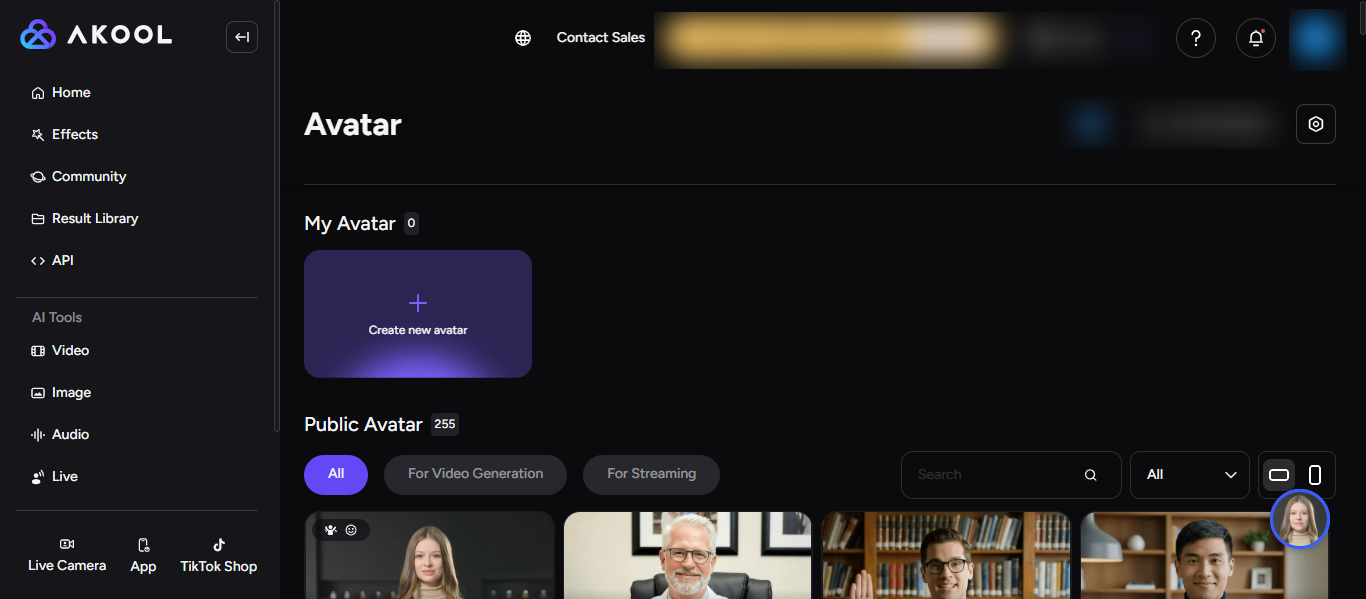
Akool AI is a generative AI avatar platform that creates personalized videos, digital avatars, and visual content for marketing and communication. It combines AI avatars, face swap, voice generation, and video translation to produce studio-quality videos without traditional production. It is mainly used for marketing, advertising, and personalized content where high engagement and customization are important.
How to Use Akool AI for AI Avatar Creation
Using Akool AI is flexible and automation-focused:
- Enter your script, upload media, or paste content
- Choose or create an AI avatar
- Select voice, language, and style
- Customize visuals, branding, or face swap
- Generate and export your video
The platform can create personalized AI avatar videos and even interactive content using advanced AI workflows.
Pros and Cons of Akool AI
Pros
- Creates highly personalized AI avatar videos with face swap and voice cloning
- Supports multilingual video translation with lip sync
- Offers real-time and streaming AI avatars for interactive use
- Suitable for marketing campaigns and personalized ads
- Combines multiple tools like video generation, editing, and automation
Cons
- Credit-based system can increase cost with heavy usage
- Advanced features may require higher-tier or enterprise plans
- Processing time can be slower for complex video generation
Where is Akool AI Used?
Akool AI is commonly used for:
- Personalized marketing and advertising campaigns
- Social media and video content creation
- E-commerce product promotions
- Customer engagement and interactive experiences
- Educational and training videos
It is widely used by brands to create highly customized and engaging AI avatar content at scale.
Who Should Use Akool AI?
Akool AI is best for:
- Marketers and advertising teams
- E-commerce businesses
- Content creators and agencies
- Brands needing personalized video experiences
It works best for users who want advanced customization and personalized AI avatar videos.
Pricing
Freemium model with subscription tiers and credit-based usage, where pricing depends on features, video generation credits, and enterprise requirements.
8) Elai.io
What is Elai.io AI?
Elai.io is an AI avatar video platform that converts text, documents, and URLs into professional videos using digital human presenters. It allows users to create interactive AI avatar videos without cameras or editing by combining text-to-video, voice generation, and customizable templates. It is widely used for training, marketing, and educational content where structured and scalable video creation is needed.
How to Use Elai.io for AI Avatar Creation
Using Elai.io is simple and workflow-based:
- Enter your script, paste a URL, or upload PPT/PDF
- Choose an AI avatar or create a custom avatar
- Select voice, language, and style
- Customize scenes, templates, and visuals
- Generate and export your video
The platform can turn text or documents into AI avatar videos in minutes with automated narration and visuals.
Pros and Cons of Elai.io
Pros
- Converts text, articles, and presentations into videos automatically
- Offers 80+ AI avatars and customizable presenters
- Supports 75+ languages and 450+ voices for global content
- Includes features like voice cloning, translation, and interactivity
- Provides templates for fast video creation
Cons
- Avatar expressions may feel less natural in some cases
- Advanced features require higher plans
- Learning curve for first-time users with multiple features
Where is Elai.io Used?
Elai.io is commonly used for:
- Employee training and onboarding
- E-learning and course creation
- Marketing and product explainers
- Sales and customer education videos
- Internal communication
It is especially useful for creating structured and multilingual video content at scale.
Who Should Use Elai.io?
Elai.io is best for:
- Businesses creating training videos
- Educators and course creators
- Marketing teams repurposing content
- Teams needing multilingual video content
It works best for users who want document-to-video AI avatar creation with structured workflows.
Pricing
Freemium model with subscription plans based on video minutes, features, and team usage, including free, creator, team, and enterprise options.
9) Runway AI
What is Runway AI?
Runway AI is a generative AI platform that creates and edits videos, images, and multimedia content using text, images, or video inputs. It allows users to generate cinematic-quality videos, apply visual effects, and build AI-driven content without traditional production tools or editing skills. It is widely used by creators, filmmakers, and designers for creative video production where flexibility and visual quality are important.
How to Use Runway AI for AI Avatar Creation
Using Runway AI is flexible and creative:
- Enter a text prompt or upload an image/video
- Choose a generation mode (text-to-video or image-to-video)
- Customize style, motion, and visuals
- Apply editing tools or effects
- Generate and export your video
Runway can create high-quality videos or animated content from simple inputs, making it useful for creative AI avatar and visual storytelling workflows.
Pros and Cons of Runway AI
Pros
- Generates videos from text, images, or existing footage
- Offers advanced AI tools like video editing, effects, and animation
- High-quality cinematic output with realistic motion
- Supports creative workflows for films, ads, and storytelling
- Allows full control over style and visual output
Cons
- Not focused specifically on AI avatar presenters
- Requires some learning for beginners
- Advanced features may need higher-tier plans
- Less suitable for structured business or training videos
Where is Runway AI Used?
Runway AI is commonly used for:
- Film production and visual storytelling
- Creative video editing and animation
- Social media and content creation
- Advertising and marketing campaigns
- Visual effects and experimental media
It is widely used by creators and professionals to produce high-quality visual content quickly.
Who Should Use Runway AI?
Runway AI is best for:
- Content creators and video editors
- Filmmakers and designers
- Marketing teams creating creative visuals
- Users exploring AI-generated video content
It works best for users who want creative control and advanced AI video generation, rather than simple avatar-based videos.
Pricing
Freemium model with subscription plans and credit-based usage, where pricing depends on video generation, features, and advanced AI tools.
10) Voki AI
What is Voki AI?
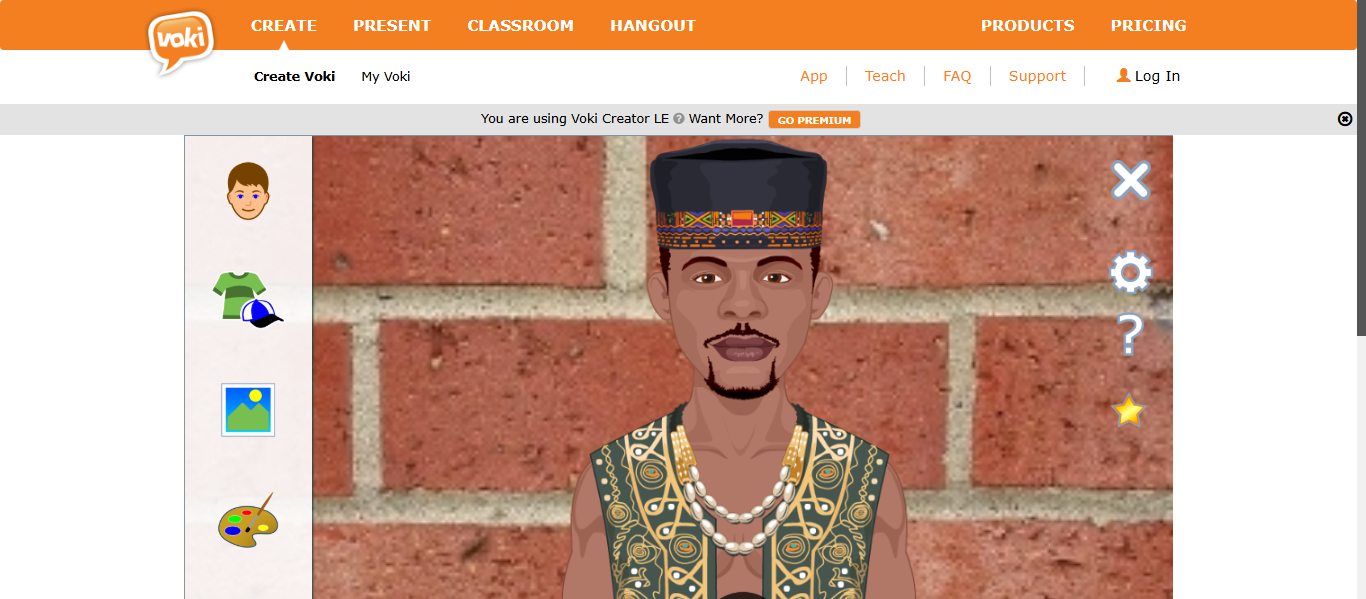
Voki AI is an educational AI avatar tool that allows users to create customizable talking characters for presentations, learning, and communication. It enables users to design avatars, add voices using text-to-speech or recordings, and share them as interactive content. Unlike advanced video avatar tools, Voki focuses on simple, animated avatars mainly used for education and basic communication.
How to Use Voki AI for AI Avatar Creation
Using Voki AI is simple and beginner-friendly:
- Choose or create an avatar character
- Customize appearance like face, clothing, and background
- Add voice using text-to-speech or audio recording
- Preview and adjust the avatar
- Publish and share the avatar
The platform allows users to create speaking avatars quickly without technical skills.
Pros and Cons of Voki AI
Pros
- Easy to create simple talking AI avatars
- Supports voice input through text-to-speech and recordings
- Highly engaging for students and presentations
- Customizable avatars including characters, animals, and styles
- Free version available for basic use
Cons
- Limited realism compared to modern AI avatar tools
- Not suitable for professional video production
- Primarily focused on education, not business use
- Basic animation and limited advanced features
Where is Voki AI Used?
Voki AI is commonly used for:
- Classroom learning and student projects
- Educational presentations and storytelling
- Language learning and communication practice
- Simple avatar-based messages and content
It is widely used in schools to improve engagement and participation.
Who Should Use Voki AI?
Voki AI is best for:
- Teachers and educators
- Students creating presentations
- Beginners exploring AI avatars
- Users needing simple animated avatars
It works best for users who want basic and interactive AI avatar creation for education and communication.
Pricing
Freemium model with a free basic version and paid plans offering additional features, classroom tools, and customization options.
11) Genies AI
What is Genies AI?
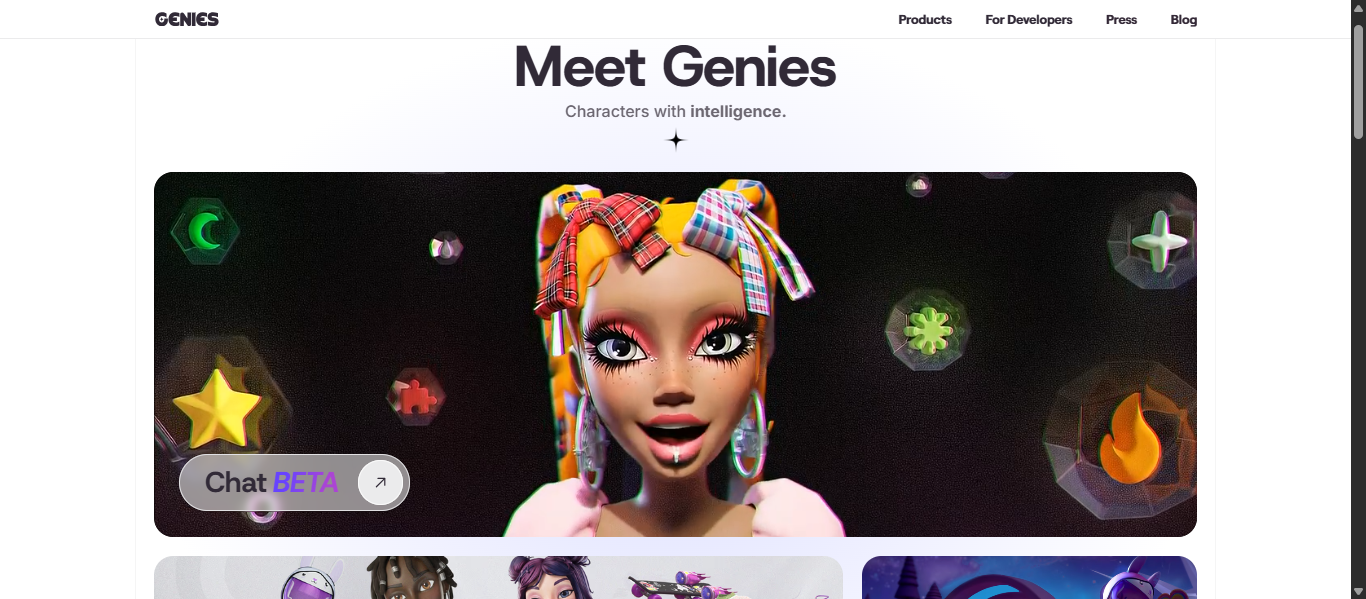
Genies AI is an AI avatar platform that allows users to create personalized digital characters that can interact, communicate, and represent identity across apps, games, and virtual experiences. It focuses on building “smart avatars” that are expressive, customizable, and capable of real-time interaction using AI technologies. Unlike traditional video avatar tools, Genies AI is designed more for social, gaming, and interactive digital identity rather than video production.
How to Use Genies AI for AI Avatar Creation
Using Genies AI is focused on customization and identity:
- Create your avatar using built-in design tools
- Customize appearance, clothing, and style
- Add personality or behavior to your avatar
- Integrate or use the avatar in apps, games, or experiences
- Interact or share your avatar across platforms
The platform allows users to build a digital identity that can evolve and interact in different environments.
Pros and Cons of Genies AI
Pros
- Highly customizable AI avatars with unique styles and fashion
- Supports interactive and real-time avatar behavior
- Enables digital identity creation across platforms
- Used in gaming, social media, and virtual experiences
- Allows creators to design avatars, assets, and environments
Cons
- Not designed for AI avatar video creation
- Requires ecosystem integration for full functionality
- Limited use for marketing or business video content
- More focused on developers and creators than beginners
Where is Genies AI Used?
Genies AI is commonly used for:
- Gaming and virtual experiences
- Social avatars and digital identity
- Entertainment and fan engagement
- Digital fashion and avatar customization
- Interactive AI companions
It is widely used to create avatars that can interact and evolve across digital platforms.
Who Should Use Genies AI?
Genies AI is best for:
- Game developers and creators
- Brands building virtual experiences
- Users interested in digital identity and avatars
- Entertainment and social media platforms
It works best for users who want interactive and customizable AI avatars rather than video-based avatars.
Pricing
Custom and enterprise-based pricing depending on platform integration, development tools, and usage within apps or ecosystems.
12) Lensa AI
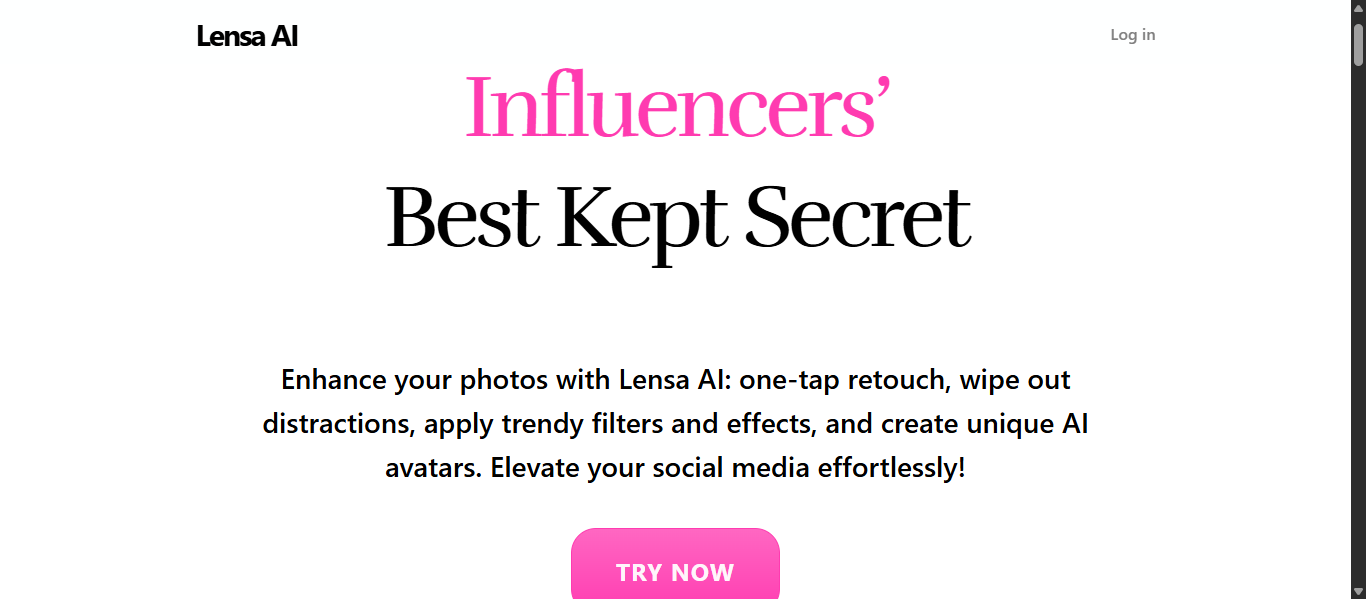
What is Lensa AI?
Lensa AI is an AI-powered photo editing and avatar generation app that creates personalized digital avatars from your selfies. It uses artificial intelligence to enhance photos, remove imperfections, and generate artistic AI avatars in different styles like anime, fantasy, and realistic portraits. Unlike video-based AI avatar tools, Lensa focuses on image-based avatars and profile pictures for social media and personal branding.
How to Use Lensa AI for AI Avatar Creation
Using Lensa AI is simple and mobile-friendly:
- Upload your selfies (usually multiple photos)
- Choose avatar styles or themes
- Let AI process and generate avatars
- Review and download your AI-generated images
The app can create multiple avatar variations in different artistic styles within minutes.
Pros and Cons of Lensa AI
Pros
- Creates high-quality AI avatar images from selfies
- Offers multiple styles like anime, fantasy, and artistic portraits
- Easy to use with one-tap photo editing and avatar generation
- Generates multiple avatar variations quickly
- Ideal for profile pictures and social media content
Cons
- Focuses only on image avatars, not video avatars
- Requires multiple photos for better results
- Advanced avatar generation may require paid credits or subscription
- Output quality can vary depending on input photos
Where is Lensa AI Used?
Lensa AI is commonly used for:
- Social media profile pictures
- Personal branding and online identity
- Creative and artistic avatar images
- Photo editing and enhancement
- Digital art and content creation
It is especially popular among users who want stylized AI avatars for platforms like Instagram and TikTok.
Who Should Use Lensa AI?
Lensa AI is best for:
- Social media users and influencers
- Content creators and designers
- Individuals creating profile avatars
- Beginners exploring AI avatar tools
It works best for users who want quick and creative AI avatar images without video production.
Pricing
Freemium model with subscription and pay-per-avatar packs, where pricing depends on editing features and AI avatar generation credits.
13) Fotor AI
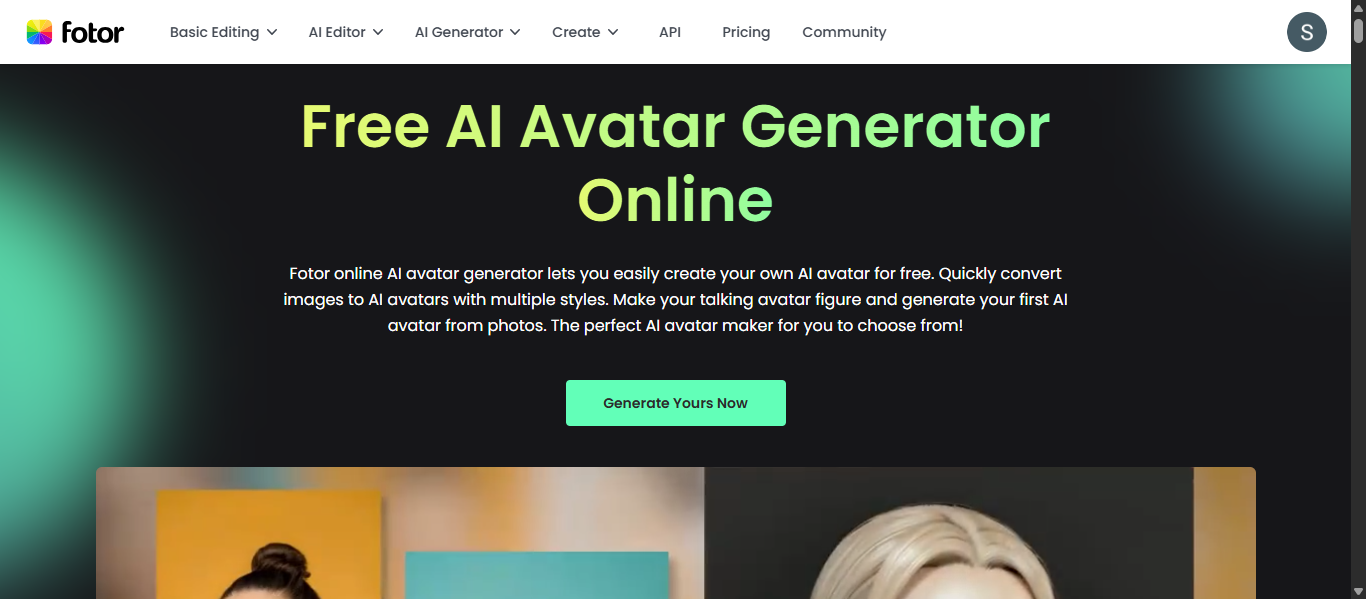
What is Fotor AI?
Fotor AI is an AI avatar and image generation platform that converts photos into stylized digital avatars using artificial intelligence. It allows users to create avatars in multiple styles such as realistic, anime, cartoon, 3D, and artistic designs without any design skills. Unlike video-focused AI avatar tools, Fotor AI is mainly designed for image-based avatars, profile pictures, and creative visuals.
How to Use Fotor AI for AI Avatar Creation
Using Fotor AI is simple and beginner-friendly:
- Upload your photo or selfie
- Choose avatar styles (anime, cartoon, realistic, etc.)
- Let AI generate multiple avatar variations
- Preview and download your avatars
You can also animate avatars using its talking avatar feature by adding text or voice input.
Pros and Cons of Fotor AI
Pros
- Converts photos into AI avatars in multiple styles instantly
- Offers styles like anime, 3D, cartoon, and artistic designs
- Includes AI talking avatar feature with lip-sync and voice
- Easy to use with no design or editing skills required
- Works on web and mobile for quick access
Cons
- Mainly focused on image avatars, not full video production
- Advanced features require credits or paid plans
- Output quality depends on input image quality
- Limited control compared to professional video avatar tools
Where is Fotor AI Used?
Fotor AI is commonly used for:
- Social media profile pictures
- Personal branding and online identity
- Creative avatar design and digital art
- Gaming and virtual characters
- Marketing visuals and content
It is especially popular for creating stylized avatars for platforms like Instagram, YouTube, and gaming profiles.
Who Should Use Fotor AI?
Fotor AI is best for:
- Social media users and influencers
- Designers and content creators
- Beginners exploring AI avatar tools
- Users creating profile avatars or digital art
It works best for users who want quick and creative AI avatar images rather than video-based avatars.
Pricing
Freemium model with free credits and paid subscription plans, where pricing depends on avatar generation credits and advanced features.
14) RemoteFace AI
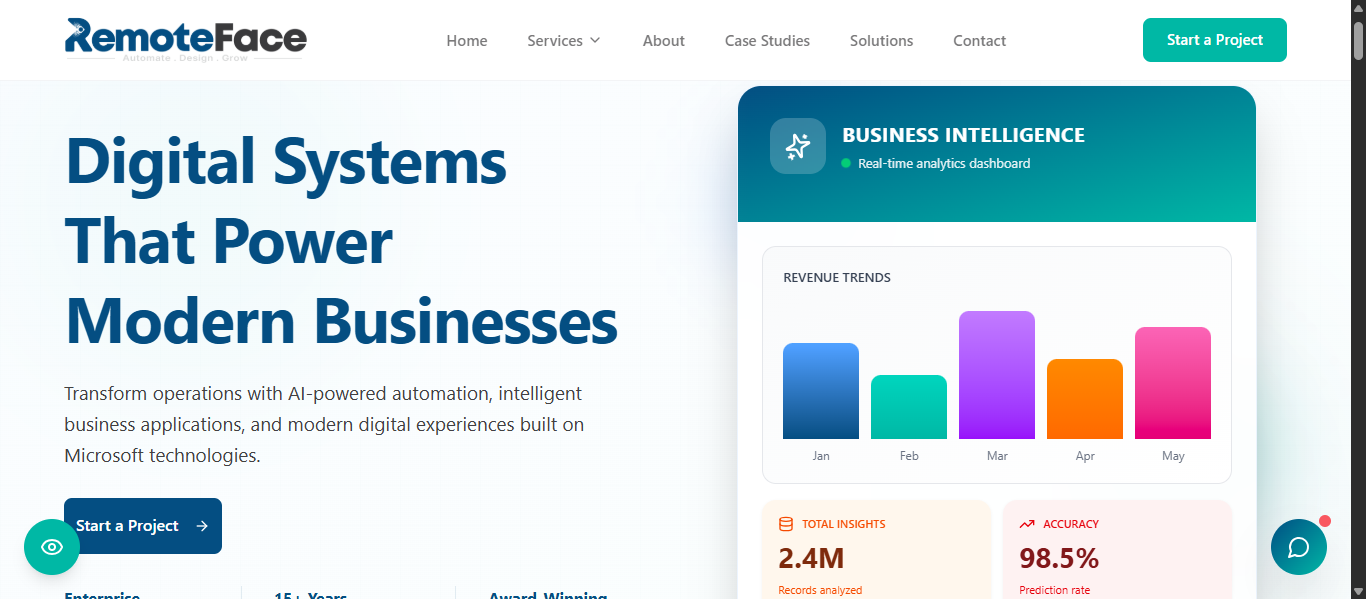
What is RemoteFace AI?
RemoteFace AI is an AI avatar tool that creates a real-time 3D digital avatar from a single selfie and uses it as a virtual camera in video calls. It replaces your webcam with a personalized avatar that can mimic your movements, maintain eye contact, and appear professional during meetings. Unlike video generation tools, RemoteFace focuses on live avatar interaction for video conferencing and remote communication.
How to Use RemoteFace AI for AI Avatar Creation
Using RemoteFace AI is simple and real-time focused:
- Install the RemoteFace plugin/software
- Upload a selfie to generate your 3D avatar
- Set RemoteFace as your virtual camera
- Join video calls (Zoom, Teams, etc.)
- Your avatar replaces your live webcam
The platform generates and animates your AI avatar locally, allowing real-time interaction during meetings.
Pros and Cons of RemoteFace AI
Pros
- Creates a 3D AI avatar from a single selfie
- Works as a virtual camera for video calls
- Maintains eye contact and head movement tracking
- Enhances privacy by replacing real webcam video
- Generates avatars locally without sending data externally
Cons
- Not designed for video content creation or marketing
- Limited customization compared to advanced AI avatar tools
- Requires installation and system compatibility
- Mainly useful only during live video calls
Where is RemoteFace AI Used?
RemoteFace AI is commonly used for:
- Video conferencing and remote meetings
- Online presentations and webinars
- Remote work communication
- Virtual streaming and VTubing
- Privacy-focused digital interactions
It is especially useful for professionals who want to appear on camera without showing their real face.
Who Should Use RemoteFace AI?
RemoteFace AI is best for:
- Remote workers and professionals
- Content creators and streamers
- Users concerned about privacy in video calls
- Teams conducting frequent virtual meetings
It works best for users who need real-time AI avatar presence in video conferencing instead of pre-recorded videos.
Pricing
Free to use with downloadable software, with potential paid or enterprise options for advanced features and integrations.
15) Vidnoz AI
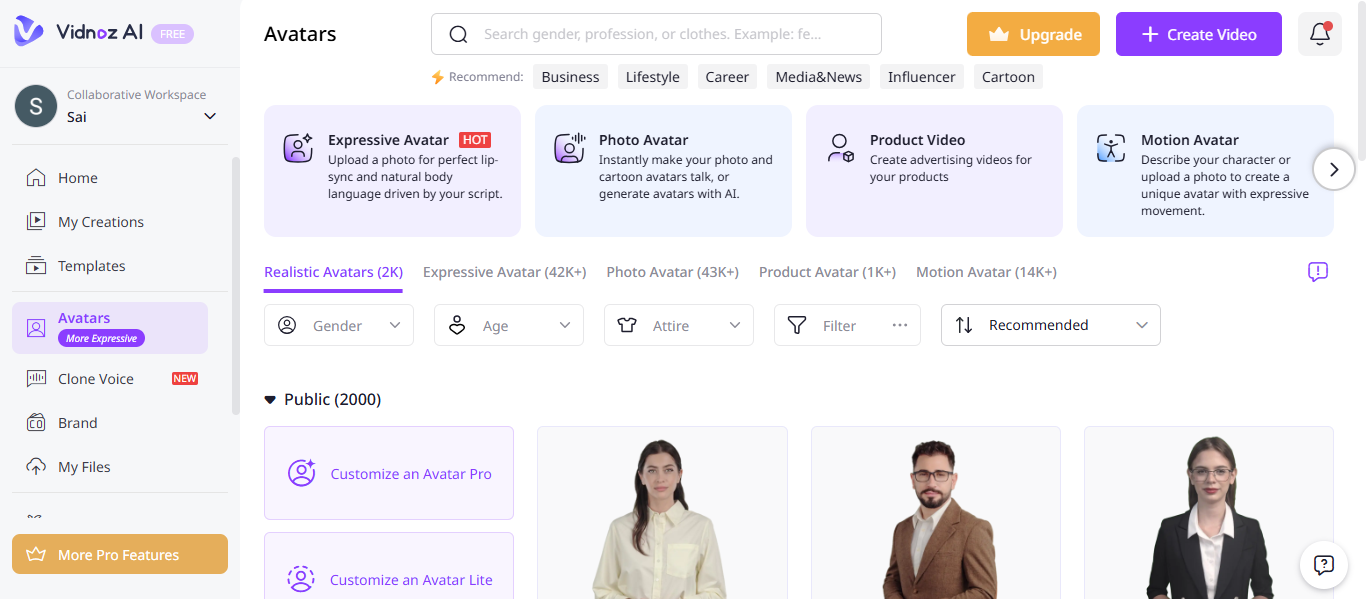
What is Vidnoz AI?
Vidnoz AI is an AI avatar video generator that converts text into professional videos using digital human presenters, AI voices, and ready-made templates. It allows users to create videos quickly without cameras or editing by combining text-to-speech, avatars, and automated video design. It is widely known as a free and beginner-friendly AI avatar tool for marketing, training, and social media content.
How to Use Vidnoz AI for AI Avatar Creation
Using Vidnoz AI is simple and fast:
- Choose an AI avatar from the library
- Enter your script or text
- Select voice and language
- Apply templates and customize scenes
- Generate and download your video
The platform can create complete AI avatar videos in minutes with minimal effort.
Pros and Cons of Vidnoz AI
Pros
- Free AI avatar video generation available
- Large library with 1900+ avatars and 2800+ templates
- Supports 2000+ AI voices and multiple languages
- Easy to use for beginners with ready-made templates
- Suitable for marketing, training, and social content
Cons
- Limited video minutes in free and lower plans
- Credit system can restrict heavy usage
- Advanced features require paid plans
- Less control compared to high-end tools
Where is Vidnoz AI Used?
Vidnoz AI is commonly used for:
- Social media video content
- Marketing and promotional videos
- Training and onboarding videos
- YouTube and short-form content
- Business presentations
It is especially useful for creating quick and scalable AI avatar videos without technical skills.
Who Should Use Vidnoz AI?
Vidnoz AI is best for:
- Beginners and small businesses
- Content creators and YouTubers
- Marketing teams with limited budgets
- Educators and trainers
It works best for users who want free or low-cost AI avatar video creation with simple workflows.
Pricing
Freemium model with free daily video limits and subscription plans based on video minutes, credits, and advanced features.
16) Veed AI
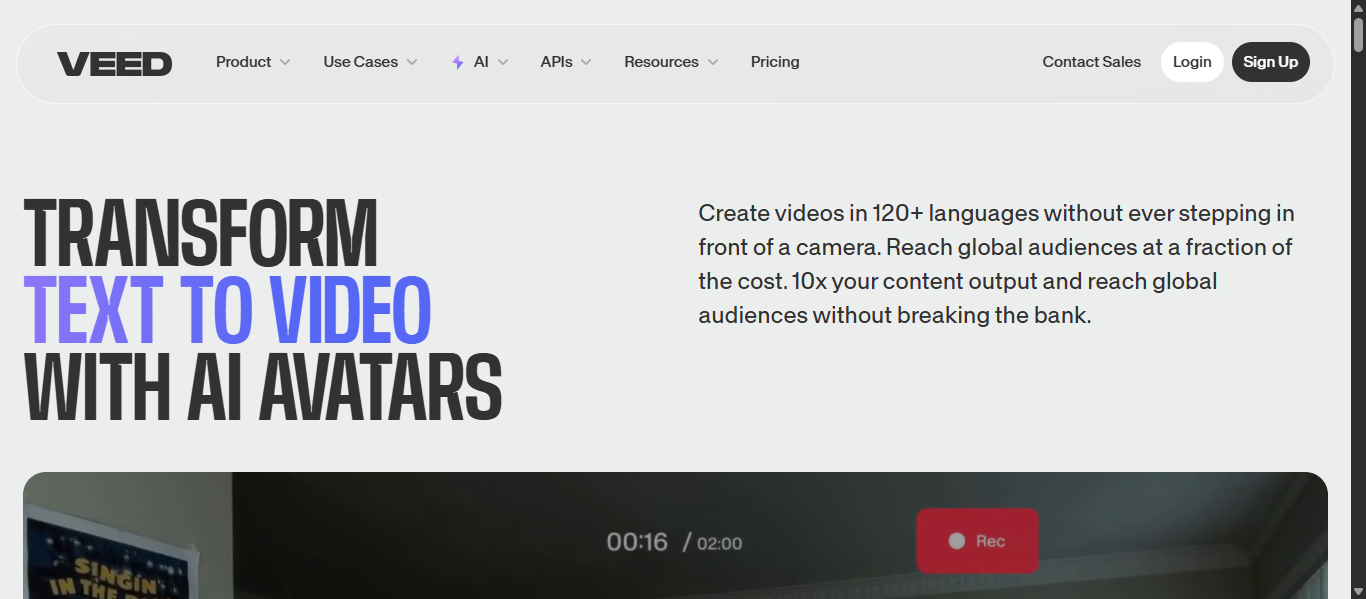
What is Veed AI?
Veed AI is an AI avatar video platform that creates talking avatar videos from text using digital presenters, voice generation, and built-in video editing tools. It allows users to generate professional videos directly in the browser without cameras or editing skills. It is widely used for social media, marketing, and training content where ease of use and all-in-one video editing are important.
How to Use Veed AI for AI Avatar Creation
Using Veed AI is simple and beginner-friendly:
- Choose a pre-built avatar or create a custom avatar
- Enter your script or text
- Select voice, language, and style
- Customize video with editor tools (subtitles, branding, effects)
- Generate and export your video
The platform combines avatars, voiceovers, and editing into one workflow, allowing fast AI avatar video creation.
Pros and Cons of Veed AI
Pros
- Offers 50+ AI avatars and custom avatar creation
- Supports 120+ languages with realistic voices
- Includes full video editor with subtitles, effects, and templates
- Works directly in browser with no software installation
- Suitable for marketing, social media, and training videos
Cons
- Avatar realism is lower compared to advanced tools
- Limited customization in lower plans
- Not as specialized as dedicated AI avatar platforms
- Advanced features require paid plans
Where is Veed AI Used?
Veed AI is commonly used for:
- Social media and YouTube videos
- Marketing and promotional content
- Training and onboarding videos
- Business presentations
- Educational and tutorial videos
It is especially useful for creating quick videos with both avatars and editing in one platform.
Who Should Use Veed AI?
Veed AI is best for:
- Beginners and content creators
- Social media managers
- Small businesses and marketers
- Educators and trainers
It works best for users who want AI avatar videos with built-in editing tools in one place.
Pricing
Freemium model with free access and paid subscription plans offering advanced features, higher usage limits, and custom avatar options.
17) Camtasia AI
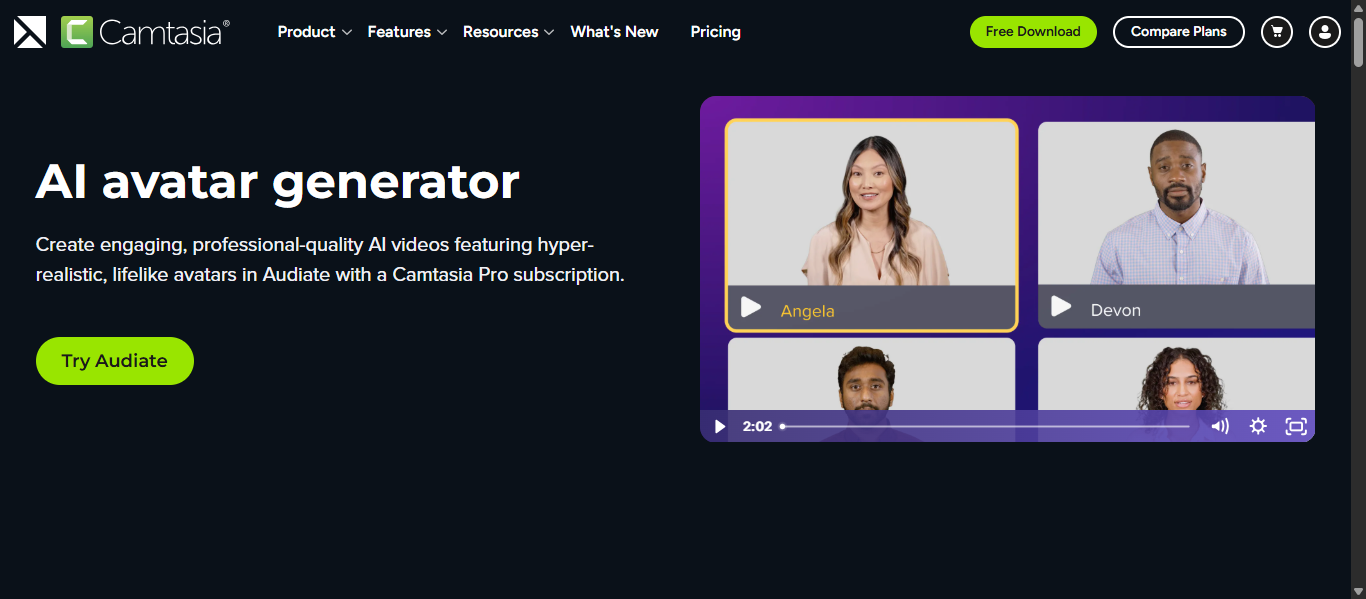
What is Camtasia AI?
Camtasia AI is a video creation platform that includes AI avatar generation, screen recording, and editing tools to create professional videos from scripts and media. Its AI avatar feature, available in Camtasia Audiate, allows users to generate talking digital presenters that deliver content without needing a camera. Unlike dedicated AI avatar tools, Camtasia focuses on combining AI avatars with full video editing and screen recording, making it ideal for tutorials and presentations.
How to Use Camtasia AI for AI Avatar Creation
Using Camtasia AI is simple and workflow-based:
- Write or upload your script in Audiate
- Generate audio using AI voice or your recording
- Select an AI avatar from the library
- Generate the talking avatar video
- Edit and enhance using Camtasia editor
The platform allows you to create and edit AI avatar videos in one place, combining generation and post-production.
Pros and Cons of Camtasia AI
Pros
- Combines AI avatar generation with full video editing tools
- Includes screen recording, making it ideal for tutorials
- Offers realistic avatars with voice and lip sync
- Allows branding, captions, and customization
- Reduces need for cameras and manual editing
Cons
- AI avatar feature is only available in Pro plan
- Limited number of avatars compared to specialized tools
- More focused on tutorials than marketing videos
- Requires software installation
Where is Camtasia AI Used?
Camtasia AI is commonly used for:
- Software tutorials and screen recordings
- Training and onboarding videos
- Educational content and courses
- Product demos and walkthroughs
- Business presentations
It is especially useful for combining screen recording with AI avatar narration.
Who Should Use Camtasia AI?
Camtasia AI is best for:
- Educators and trainers
- YouTubers and tutorial creators
- Businesses creating product demos
- Professionals making instructional videos
It works best for users who want AI avatars plus full video editing and screen recording in one tool.
Pricing
Subscription-based pricing with AI avatar features included in the Camtasia Pro plan, along with video editing, recording, and AI tools.
18) InVideo AI
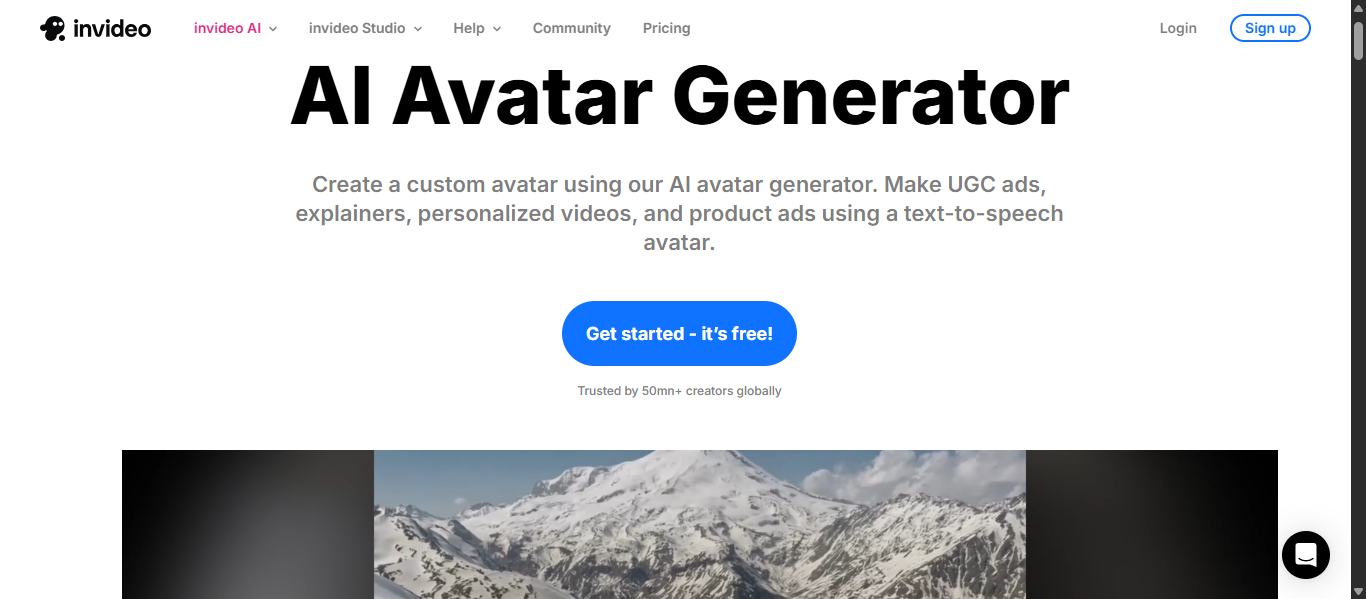
What is InVideo AI?
InVideo AI is an AI avatar and video generation platform that creates videos from text, scripts, or links using digital presenters, AI voices, and automated editing. It allows users to generate complete videos including avatars, voiceovers, visuals, and subtitles without needing cameras or editing skills. It is widely used for marketing, social media, and content creation where speed, automation, and scalability are important.
How to Use InVideo AI for AI Avatar Creation
Using InVideo AI is simple and automation-driven:
- Enter your idea, script, or paste a URL/YouTube link
- Choose an AI avatar or create your own AI twin
- Select voice, language, and style
- Let AI generate script, visuals, and scenes automatically
- Generate and export your video
The platform can create full AI avatar videos, including script, voice, and visuals, in just a few minutes.
Pros and Cons of InVideo AI
Pros
- Creates full videos from simple text prompts or ideas
- Supports AI avatars, voiceovers, and automated editing in one tool
- Allows AI twin creation using video or YouTube links
- Supports 50+ languages for global content creation
- Generates scripts, visuals, subtitles, and music automatically
Cons
- Less control compared to advanced video editing tools
- Avatar customization is limited compared to dedicated avatar platforms
- Output quality may vary depending on prompt or input
- Advanced features require paid plans
Where is InVideo AI Used?
InVideo AI is commonly used for:
- Social media videos and YouTube content
- Marketing and product ads
- Explainer and promotional videos
- E-learning and tutorials
- Faceless video creation
It is especially useful for creating high-volume video content quickly using AI avatars and automation.
Who Should Use InVideo AI?
InVideo AI is best for:
- Content creators and YouTubers
- Digital marketers and agencies
- Beginners and small businesses
- Users creating faceless or automated videos
It works best for users who want end-to-end AI video creation with minimal effort.
Pricing
Freemium model with free plan limits and paid subscription tiers based on video minutes, credits, and advanced AI features.
19) Tagshop AI
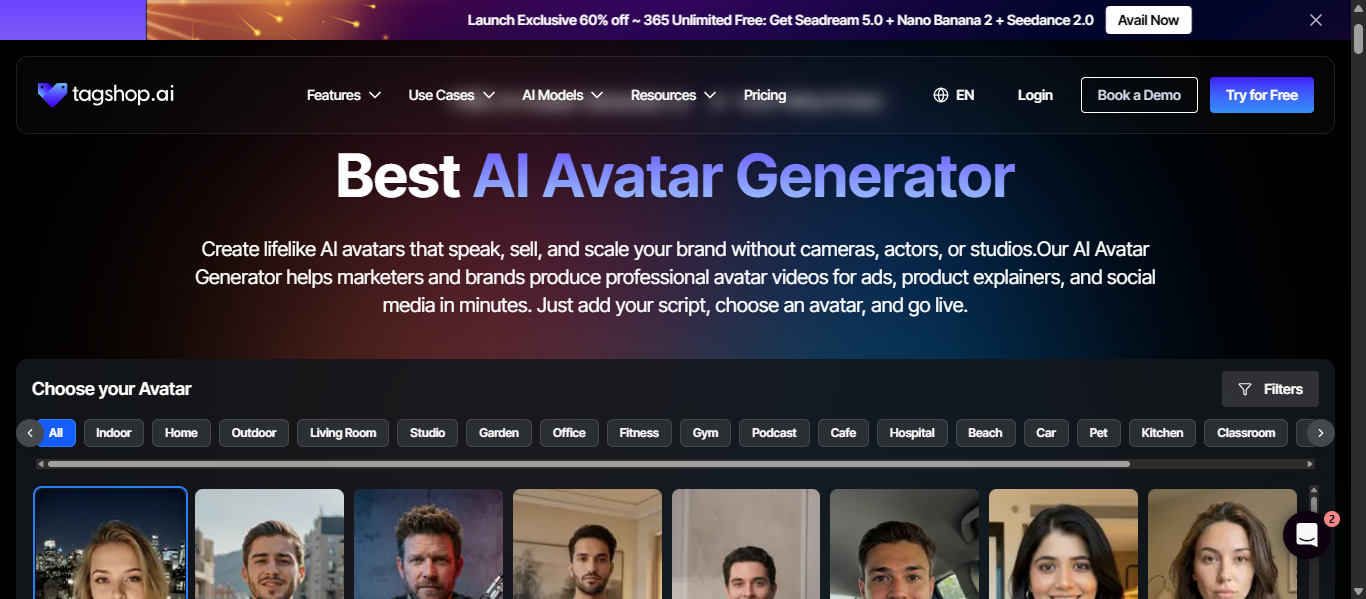
What is Tagshop AI?
Tagshop AI is an AI avatar video generator designed to create UGC-style marketing and ad videos from product links, scripts, or images. It uses AI avatars, voice generation, and automation to produce high-converting video ads without cameras, creators, or editing. It is mainly built for eCommerce and performance marketing, where speed, scalability, and conversion-focused content are important.
How to Use Tagshop AI for AI Avatar Creation
Using Tagshop AI is fast and automation-driven:
- Paste a product URL or enter your script
- Let AI generate script, visuals, and scenes
- Choose an AI avatar or create an AI twin
- Customize voice, style, and branding
- Generate multiple video variations instantly
The platform can automatically convert product data into AI avatar videos, reducing manual effort and speeding up content creation.
Pros and Cons of Tagshop AI
Pros
- Converts product URLs into ready-to-use video ads automatically
- Generates UGC-style AI avatar videos optimized for ads
- Supports bulk video creation for A/B testing campaigns
- Offers AI twin feature for personalized avatars
- Reduces cost and time compared to traditional video production
Cons
- Mainly focused on marketing and ads, not general video use
- Advanced avatars and features require higher plans
- Limited creative flexibility compared to cinematic tools
- Credit-based or usage-based pricing can increase cost
Where is Tagshop AI Used?
Tagshop AI is commonly used for:
- E-commerce product video ads
- Social media marketing campaigns
- Performance marketing and paid ads
- Product demos and testimonials
- UGC-style content for TikTok, Meta, and YouTube
It is widely used by marketers to create high-converting AI avatar ads at scale.
Who Should Use Tagshop AI?
Tagshop AI is best for:
- E-commerce brands and online stores
- Digital marketers and advertisers
- Agencies running paid campaigns
- Startups testing multiple ad creatives
It works best for users who need scalable AI avatar videos focused on conversions and ad performance.
Pricing
Freemium and subscription-based model with credit usage, offering free trials, tiered plans, and scaling based on video generation and campaign needs.
20) Pictory AI
What is Pictory AI?
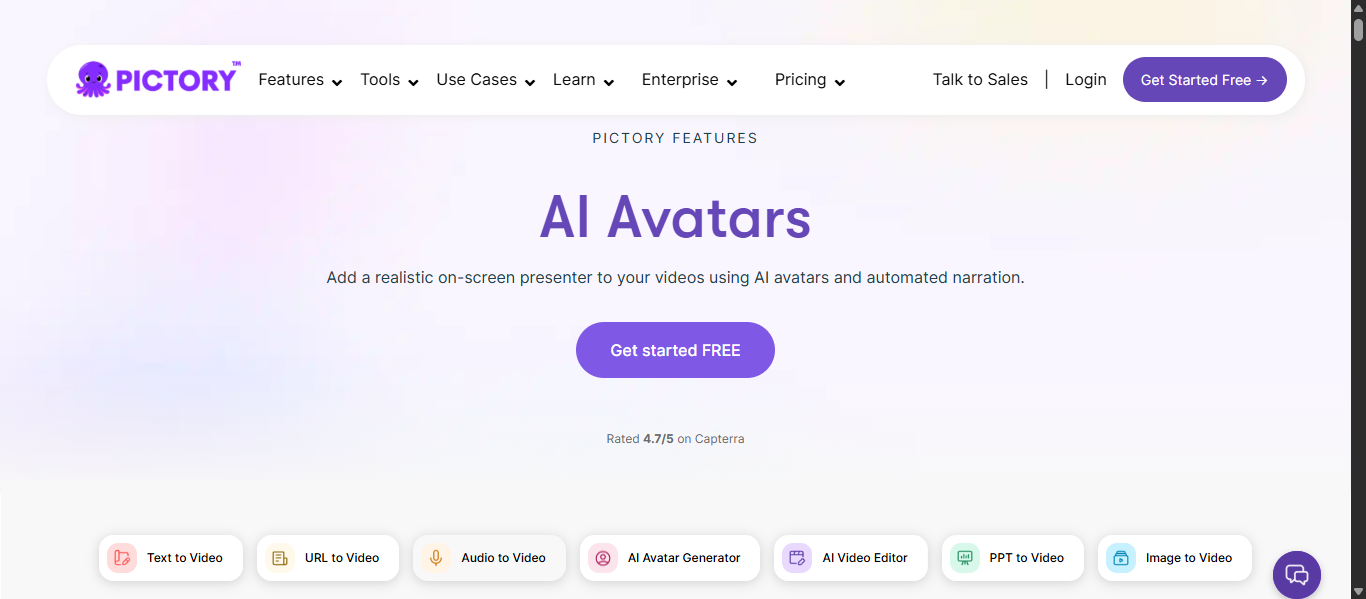
Pictory AI is an AI avatar video generator that converts text, scripts, blog posts, or URLs into professional videos with digital presenters, voiceovers, and visuals. It uses AI to automatically create scenes, add captions, and generate narration, allowing users to produce videos without editing skills. AI avatars are available inside the editor, enabling users to add talking presenters to their videos for more engaging content.
How to Use Pictory AI for AI Avatar Creation
Using Pictory AI is simple and automated:
- Enter your script, blog, or idea
- Let AI generate scenes, visuals, and captions
- Add an AI avatar presenter to your video
- Select voice, language, and branding
- Edit if needed and export your video
The platform automatically builds a complete video by matching visuals, narration, and structure from your input.
Pros and Cons of Pictory AI
Pros
- Converts text, blogs, and scripts into videos automatically
- Includes AI avatars and realistic voiceovers
- Generates captions, visuals, and scenes automatically
- Large media library with millions of stock assets
- Beginner-friendly with no editing skills required
Cons
- AI avatar features are limited compared to dedicated avatar tools
- Template variety and customization can feel limited
- Advanced features require higher-tier plans
- Less control for complex or cinematic video editing
Where is Pictory AI Used?
Pictory AI is commonly used for:
- Social media and YouTube videos
- Marketing and promotional content
- Blog-to-video and content repurposing
- Training and educational videos
- Business presentations
It is especially useful for turning written content into engaging AI avatar videos at scale.
Who Should Use Pictory AI?
Pictory AI is best for:
- Content creators and bloggers
- Digital marketers and agencies
- Businesses repurposing content into video
- Beginners creating videos without editing skills
It works best for users who want automated AI avatar video creation from text or existing content.
Pricing
Subscription-based pricing starting from basic plans with limited video minutes, scaling to professional, team, and enterprise tiers based on usage, features, and video output limits.
AI Avatar Agents
What Are AI Avatar Agents?
AI Avatar agents are intelligent systems that combine AI avatars with automation and decision-making capabilities to handle communication, interaction, and content delivery. They do more than generate avatar videos—they manage conversations, personalize responses, and automate workflows using AI. These systems use AI models, voice generation, and interaction logic to create avatars that can respond to users, guide actions, and deliver information in a human-like way.
How AI Avatar Agents Are Changing AI Avatar Workflows
- Enable real-time interaction instead of static video delivery
- Automate communication workflows such as support, onboarding, and sales
- Personalize avatar responses based on user input and context
- Generate dynamic content instead of fixed scripts
- Integrate with websites, apps, and customer systems
- Reduce manual video creation and improve scalability
Examples of AI Avatar Agents
- Synthesia AI enables interactive avatars for training and internal communication
- HeyGen AI supports real-time avatars and multilingual communication
- D-ID AI creates conversational avatars for customer interaction
- Akool AI provides personalized and interactive avatar experiences
- Genies AI builds interactive digital avatars for virtual environments
Tools Offering AI Avatar Agent-Like Capabilities
Synthesia AI, HeyGen AI, D-ID AI, Akool AI, and Genies AI provide agent-like capabilities by going beyond simple AI avatar video generation and enabling interaction, personalization, and automation. These platforms can generate avatars, process user input, and deliver dynamic responses instead of fixed content.
They also support features such as multilingual communication, real-time interaction, and integration with business systems like websites, apps, and marketing workflows. This allows continuous and scalable communication without needing repeated manual video creation.
Unlike basic AI avatar tools, these systems act as interactive layers that manage communication, improve engagement, and automate digital interactions across different use cases such as customer support, training, and marketing.
How to Choose the Right AI Avatar Tool
Choosing the right AI Avatar tool depends on your use case, content type, and workflow needs. The best tool is not the one with the most features, but the one that fits your video creation goals effectively.
Identify Your Use Case
- Start by understanding what you need the tool for.
- Use tools like Canva AI or Lensa AI for simple avatar images and social content.
- Choose tools like Synthesia AI or HeyGen AI for professional videos and business use.
- Use platforms like Creatify AI or Tagshop AI for marketing and ad creation at scale.
Check Avatar Quality
- Avatar quality directly impacts engagement.
- Tools like HeyGen AI and DeepBrain AI offer realistic avatars with better lip-sync.
- For professional content, choose tools that provide natural expressions and voice quality.
Evaluate Features and Workflow
- Different tools offer different workflows.
- Some tools convert text to video, while others support URL-to-video or real-time avatars.
- Choose tools that match your workflow, whether it is automation, customization, or bulk video creation.
Consider Language and Voice Support
- If you create global content, language support is important.
- Tools like Synthesia AI and HeyGen AI support multiple languages and voices.
- This helps in creating multilingual AI avatar videos easily.
Look for Ease of Use
- For beginners, simple tools work better.
- Tools like Vidnoz AI and Veed AI offer templates and easy editing.
- Advanced tools may provide more control but require learning.
Check Scalability and Performance
- For businesses and marketers, scalability matters.
- Tools like Creatify AI and InVideo AI support bulk video generation.
- Choose tools that allow you to create multiple videos quickly without extra effort.
Review Pricing and Value
- Compare pricing based on your needs.
- Free tools are useful for basic content and testing.
- Paid tools offer better quality, customization, and higher video limits.
- Choose a tool that provides value based on your usage and scale.
Future of AI Avatar Tools
- AI Avatar tools will become more realistic and human-like – Future avatars will improve in facial expressions, lip-sync, and body movement, making them closer to real human presenters
- Real-time AI avatars will become more common – Live avatars will enable conversations, meetings, and customer interactions without pre-recorded videos
- AI Avatar agents will automate communication workflows – Avatars will handle support, onboarding, and sales interactions instead of just presenting content
- Multimodal avatar creation will expand – AI will combine text, voice, video, and animation into a single workflow for faster content production
- Personalization and digital identity will improve – Users and businesses will create custom avatars with consistent voice, style, and branding
- Integration with business tools will become standard – AI Avatar tools will connect with websites, apps, CRM systems, and marketing platforms for continuous usage
- Human and AI collaboration will remain important – AI will handle speed and scale, while humans will guide creativity, messaging, and quality
- Ethics, consent, and security will become critical – More focus will be placed on responsible avatar use, identity protection, and content authenticity
Conclusion
AI Avatar tools are transforming how videos are created by making content faster, scalable, and more accessible without traditional production. The right tool depends on your use case, whether it is marketing, training, or content creation, and choosing a platform that balances quality, ease of use, and scalability is key to getting the best results.
FAQs
Do AI Avatar tools support multilingual video creation?
Do AI Avatar tools support multilingual video creation?
Can I create a custom AI Avatar of myself?
Yes, many AI Avatar tools allow you to create a custom avatar using your photo or video, helping maintain a consistent personal or brand identity in videos.
How long does it take to create an AI Avatar video?
AI Avatar videos can usually be created within minutes, depending on the script length, customization, and processing time of the platform being used.
Are AI Avatar tools suitable for beginners?
Yes, many AI Avatar tools offer simple interfaces, templates, and automation features, making them easy to use even for beginners with no video editing experience.
Can AI Avatar tools replace human presenters?
AI Avatar tools can replace human presenters for many use cases like training and marketing, but human involvement is still important for creativity, storytelling, and complex communication.