

AI X tools are artificial intelligence platforms that help creators, marketers, and businesses write tweets, create threads, schedule posts, analyze engagement, and automate growth on X (Twitter). In 2026, these tools are widely used to produce content faster, track trends, and manage social media more efficiently.
Many platforms now also support AI X agents that monitor trends, generate content ideas, schedule posts, and analyze results automatically, helping users grow and manage their X presence with less manual work.
Top AI X (Twitter) Tools
- TweetHunter AI
- Postwise AI
- Hypefury AI
- Typefully AI
- PostEverywhere AI
- Jasper AI
- ContentStudio AI
- ilo.so AI
- Writesonic AI
- Rytr AI
- Hootsuite AI
- Sprout Social AI
- SocialBee AI
- Buffer AI
- Audiense AI
- Brandwatch AI
- Twitonomy AI
- Growth Terminal AI
- Zapier AI
- Canva AI
These tools cover the main AI X workflows, including tweet generation, thread writing, scheduling, analytics, automation, audience intelligence, and visual content creation.
Below is a detailed comparison and explanation of the best AI X tools available in 2026.
AI X Tools Comparison Table
The following comparison table highlights the best AI X tools based on their main use case, core features, automation capability, and pricing model. It helps creators, marketers, and businesses quickly evaluate which tools best fit their X growth and content workflow.
| Tool | Best For | Key Features | Automation Level | Pricing |
|---|---|---|---|---|
| TweetHunter AI | X growth & content automation | AI tweet writer, viral tweet library, scheduling | High | Paid |
| Postwise AI | AI tweet generation | tweet writing, scheduling, growth tools | High | Paid |
| Hypefury AI | Monetizing X audience | auto-retweets, auto-plugs, scheduling | High | Paid |
| Typefully AI | Thread writing | AI thread assistant, clean editor, scheduling | Medium | Free / Paid |
| PostEverywhere AI | Cross-platform posting | AI tweet generator, scheduling, cross-posting | High | Paid |
| Jasper AI | Marketing content | brand voice AI, tweet templates | Medium | Paid |
| ContentStudio AI | Social media management | AI caption generator, scheduling, analytics | High | Paid |
| ilo.so AI | Creator monetization | AI content tools, creator landing pages | Medium | Free / Paid |
| Writesonic AI | AI writing & research | tweet creation, AI chatbot, web research | Medium | Free / Paid |
| Rytr AI | Budget AI writing | tweet templates, tone selection | Low | Free / Paid |
| Hootsuite AI | Enterprise social management | OwlyWriter AI, monitoring, scheduling | High | Paid |
| Sprout Social AI | Advanced analytics | social listening, AI insights, reporting | High | Paid |
| SocialBee AI | Content scheduling strategy | AI Copilot, category-based scheduling | High | Paid |
| Buffer AI | Simple scheduling | AI assistant, analytics, publishing | Medium | Free / Paid |
| Audiense AI | Audience intelligence | follower segmentation, analytics insights | Medium | Paid |
| Brandwatch AI | Social listening | AI conversation analysis, trend monitoring | High | Enterprise |
| Twitonomy AI | X analytics | follower analysis, tweet performance insights | Medium | Free / Paid |
| Growth Terminal AI | Tweet creation engine | AI tweet writing, engagement-focused content | Medium | Paid |
| Zapier AI | Workflow automation | app integrations, automated workflows | High | Free / Paid |
| Canva AI | Visual content for X | Magic Write, AI graphics, templates | Medium | Free / Paid |
Many AI tools now combine content generation, scheduling, analytics, and automation to simplify X workflows and reduce manual work for creators and marketing teams.
Next, we’ll examine each tool in detail to understand how it works, where it fits in an AI X workflow, and who should use it.
1. TweetHunter AI
What is TweetHunter AI
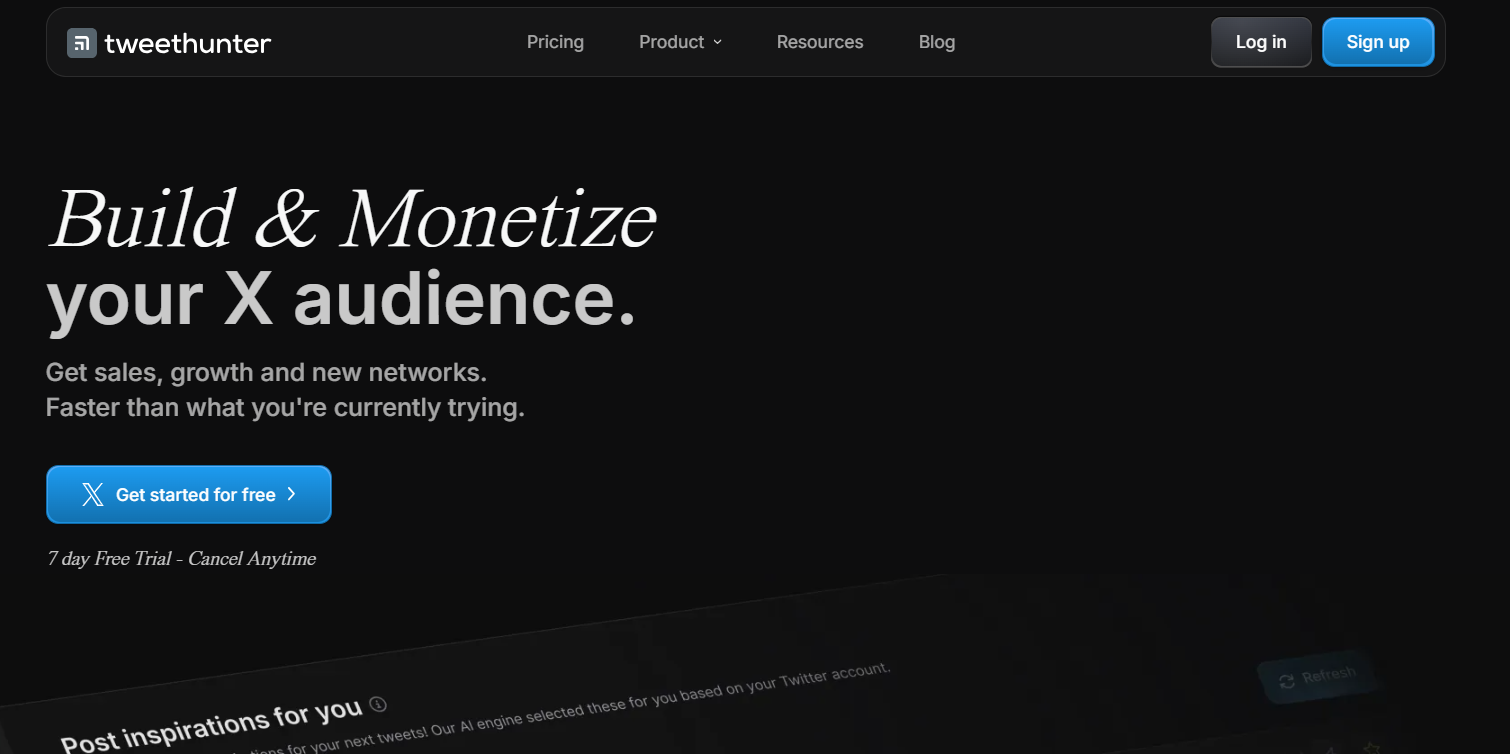
TweetHunter AI is an all-in-one AI-powered growth tool designed to help users build and manage their audience on X (Twitter). It helps creators, marketers, and businesses generate tweet ideas, write engaging tweets with AI, schedule posts, automate interactions, and analyze performance. The platform combines AI writing, automation, analytics, and audience growth features to make managing an X account easier and more efficient. It also includes tools like viral tweet libraries, thread scheduling, and engagement automation to help users grow followers and generate leads.
How to use TweetHunter AI for X
To use TweetHunter AI, first connect your X account to the platform and access its dashboard. You can generate tweets or thread ideas using the AI writer, edit them, and schedule them for automatic posting. The tool also allows you to automate replies or DMs and track tweet performance through analytics. This helps you maintain consistent posting and engagement without spending hours manually managing your account.
Key benefits of TweetHunter AI
- Generates high-quality tweets and threads using AI.
- Helps schedule tweets and maintain a consistent posting schedule.
- Provides analytics to track engagement and tweet performance.
- Includes a library of viral tweets and ideas for inspiration.
- Automates engagement features like replies or DM campaigns.
- Saves time by managing content creation, scheduling, and growth in one tool.
Where is TweetHunter AI used in X
TweetHunter AI is mainly used for content creation, account growth, and marketing on X. Creators use it to write viral tweets and schedule threads, while businesses use it to promote products and generate leads. It is also used by marketers to automate engagement, analyze tweet performance, and improve their content strategy based on audience behavior and trends.
Who should use TweetHunter AI
- Content creators and influencers on X
- Social media managers and digital marketers
- Entrepreneurs building a personal brand
- Startup founders promoting products or services
- Agencies managing multiple client accounts
- Freelancers using X for networking and lead generation
Pricing
TweetHunter AI offers subscription-based pricing with a 7-day free trial. Paid plans generally start at around $49 per month, with advanced plans costing about $99 per month or more, which include AI writing features and additional growth tools. Higher-tier plans provide advanced automation, analytics, and customization for professional users or teams.
2. Postwise AI

What is Postwise AI
Postwise AI is an AI-powered social media tool designed to help users write, schedule, and grow their audience on X (Twitter). It uses advanced AI to generate engaging tweets, threads, and social media content based on a simple topic or idea. The platform also includes growth tools, scheduling features, and analytics that help users increase engagement and followers. Postwise is widely used by creators and marketers who want to create viral content and manage their X accounts more efficiently.
How to use Postwise AI for X
To use Postwise AI for X, connect your X account to the Postwise dashboard and start creating content using the AI writer. You can enter a topic or idea, and the AI will generate tweets or thread suggestions instantly. After editing the content, you can schedule the posts using the built-in scheduler so they are automatically published at the best times for engagement.
Key benefits of Postwise AI
- Generates engaging tweets and threads using AI.
- Helps schedule posts and maintain a consistent posting schedule.
- Includes growth tools to increase followers and engagement.
- Provides analytics to track tweet performance and audience behavior.
- Reduces writer’s block by automatically suggesting tweet ideas.
- Saves time by combining writing, scheduling, and analytics in one platform.
Where is Postwise AI used in X
Postwise AI is mainly used for creating and scheduling tweets, writing long threads, and improving audience engagement on X. Content creators use it to generate viral tweet ideas, while marketers use it to promote products and drive traffic through optimized posts. It is also used to plan content calendars and maintain a consistent social media presence.
Who should use Postwise AI
- X (Twitter) content creators and influencers
- Social media managers and digital marketers
- Entrepreneurs building a personal brand
- Businesses promoting products on X
- Agencies managing multiple social media accounts
- Freelancers using X for marketing and networking
Pricing
Postwise AI offers a subscription-based pricing model with a 7-day free trial. The Basic plan starts around $37 per month, which includes AI-generated posts, scheduling features, and growth tools. There is also an Unlimited plan around $97 per month, which provides unlimited AI credits, unlimited scheduling, and support for multiple social accounts.
3. Hypefury AI

What is Hypefury AI
Hypefury AI is a powerful social media automation and scheduling tool designed to help creators grow their audience on X (Twitter). It allows users to create, schedule, and automatically repost high-performing tweets to maximize reach and engagement. The platform also includes AI-powered writing assistance, analytics, and automation features that help users maintain consistent posting and improve their content strategy. Many creators and marketers use Hypefury to build their personal brand and increase follower growth on X.
How to use Hypefury AI for X
To use Hypefury AI for X, connect your X account to the Hypefury dashboard and start creating tweets or threads using the built-in editor. You can use AI suggestions to improve your tweets and schedule them to post automatically at the best times. Hypefury also allows you to automatically repost successful tweets, helping your content reach more people without extra effort.
Key benefits of Hypefury AI
- Helps schedule tweets and threads automatically.
- Reposts high-performing tweets to increase reach.
- Provides AI assistance for writing engaging tweets.
- Includes analytics to track tweet performance and engagement.
- Helps maintain a consistent posting schedule.
- Supports automation features that save time for creators and marketers.
Where is Hypefury AI used in X
Hypefury AI is mainly used for tweet scheduling, thread publishing, and audience growth on X. Content creators use it to plan their tweets in advance, while marketers use it to promote content and campaigns. It is also commonly used for reposting viral tweets and tracking performance analytics to understand which posts perform best.
Who should use Hypefury AI
- Content creators and influencers on X
- Social media managers and marketers
- Entrepreneurs building a personal brand
- Businesses promoting products or services
- Agencies managing multiple social accounts
- Professionals who want to grow their audience on X
Pricing
Hypefury AI offers a subscription-based pricing model with different plans depending on features and account limits. Plans typically start at around $29 per month, which includes tweet scheduling, automation, and analytics tools. Higher plans offer additional features like advanced automation, reposting tools, and support for managing multiple accounts.
4. Typefully AI
What is Typefully AI
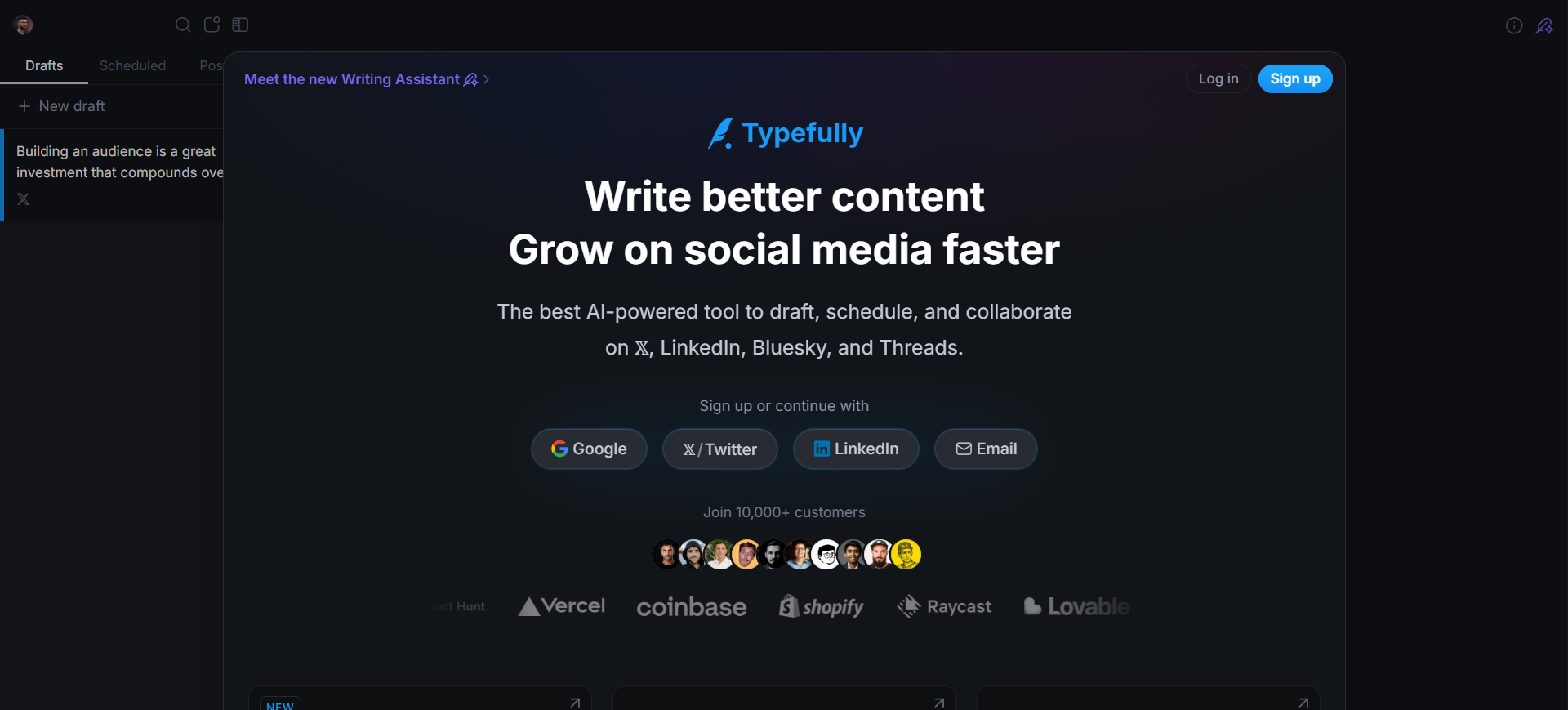
Typefully AI is an advanced writing and scheduling tool designed to help users create high-quality tweets and threads for X (Twitter). It provides an intuitive editor that makes it easy to write, edit, and preview tweets before publishing them. The platform also includes AI-powered writing assistance, scheduling tools, analytics, and collaboration features. Many creators and social media professionals use Typefully to produce engaging content and manage their posting strategy more effectively on X.
How to use Typefully AI for X
To use Typefully AI for X, connect your X account to the Typefully platform and start writing tweets or threads using its clean editor. You can use AI assistance to improve your content, fix grammar, or rewrite tweets for better engagement. Once the content is ready, you can schedule it to be published automatically at the best time to reach your audience.
Key benefits of Typefully AI
- Provides AI-powered assistance to improve tweet writing.
- Allows easy creation and scheduling of tweets and threads.
- Offers a distraction-free editor designed for social media writing.
- Includes analytics to track tweet performance and engagement.
- Supports collaboration features for teams and agencies.
- Helps maintain a consistent and organized content schedule.
Where is Typefully AI used in X
Typefully AI is mainly used for writing, editing, and scheduling tweets and threads on X. Creators use it to craft engaging content and plan their posting schedule, while marketers use it to manage social media campaigns and improve content quality. It is also useful for analyzing tweet performance and optimizing content strategies based on audience engagement.
Who should use Typefully AI
- Content creators and influencers on X
- Social media managers and digital marketers
- Entrepreneurs building a personal brand
- Businesses promoting products on social media
- Agencies managing multiple social accounts
- Teams collaborating on social media content
Pricing
Typefully AI offers both free and paid plans. The free plan includes basic tweet writing and scheduling features. Paid plans typically start at around $12 per month, offering advanced features such as AI writing assistance, detailed analytics, automation tools, and team collaboration options for professionals and businesses.
5. PostEverywhere AI

What is PostEverywhere AI
PostEverywhere AI is an AI-powered social media automation tool designed to help users create and distribute content across multiple platforms, including X (Twitter). The tool allows users to write posts with AI and automatically publish them across different social media channels at the same time. It helps creators and businesses save time by turning one piece of content into multiple posts and managing their social media presence from a single dashboard.
How to use PostEverywhere AI for X
To use PostEverywhere AI for X, connect your X account to the platform and create a post using the built-in AI content generator. The AI can help generate tweet ideas or rewrite existing content into X-friendly posts. Once the content is ready, you can schedule or instantly publish the tweet, and the platform can also distribute the same content across other social media platforms if needed.
Key benefits of PostEverywhere AI
- Generates social media posts using AI.
- Allows posting across multiple platforms from one dashboard.
- Saves time by repurposing content for X and other platforms.
- Helps maintain consistent posting schedules.
- Simplifies social media management for creators and businesses.
- Reduces manual effort by automating content distribution.
Where is PostEverywhere AI used in X
PostEverywhere AI is mainly used for publishing and managing tweets as part of a broader social media strategy. Marketers and creators use it to repurpose blog posts, announcements, or marketing content into tweets. It is also useful for scheduling posts and maintaining consistent activity on X while simultaneously managing content across other social networks.
Who should use PostEverywhere AI
- Social media managers handling multiple platforms
- Digital marketers promoting brands online
- Content creators sharing content across social networks
- Entrepreneurs building an online presence
- Businesses managing marketing campaigns on X
- Agencies managing multiple client accounts
Pricing
PostEverywhere AI typically offers subscription-based pricing plans depending on the number of connected social media accounts and automation features. Many plans start at an affordable monthly price with basic publishing tools, while higher plans provide advanced automation, AI content generation, and support for multiple platforms and team members.
6. Jasper AI
What is Jasper AI
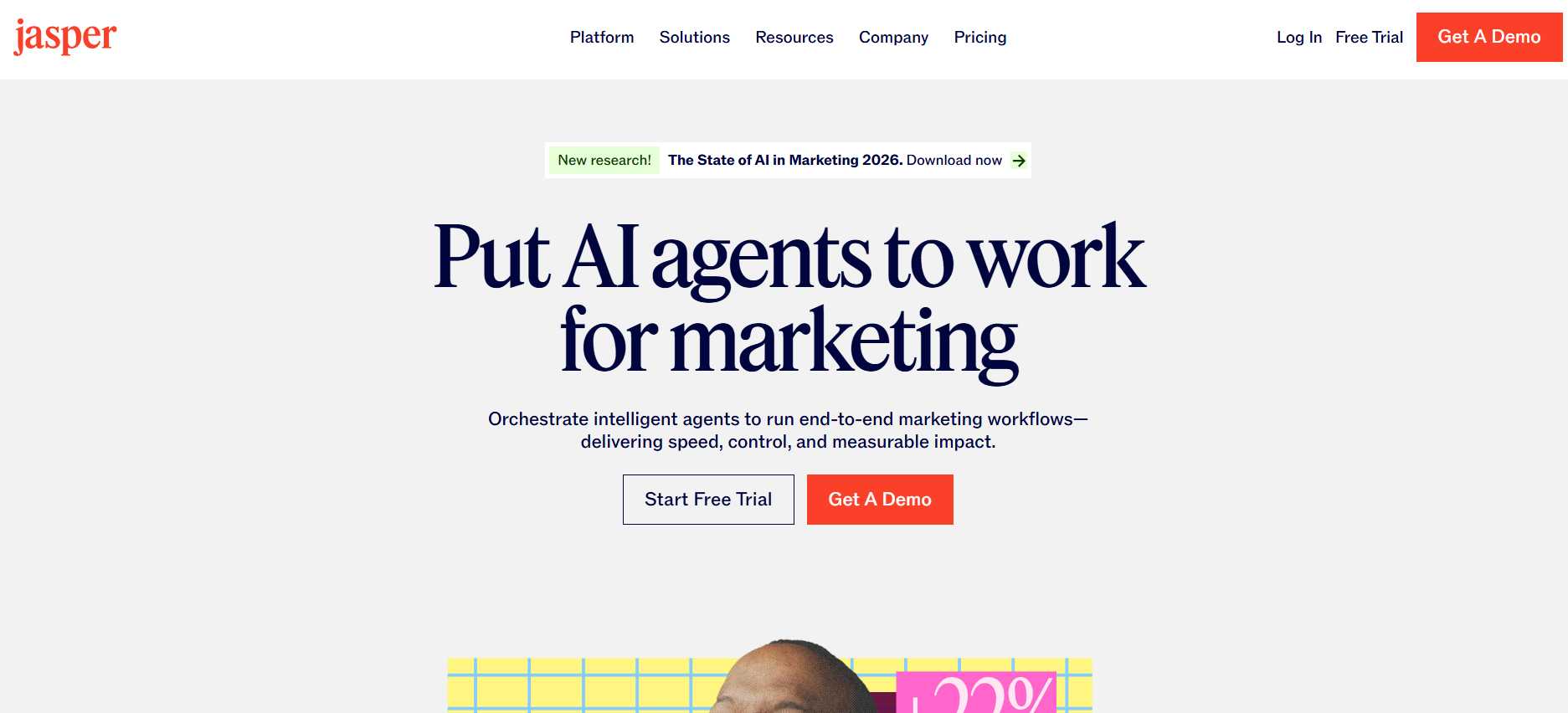
Jasper AI is a powerful AI writing tool that helps users create high-quality content for blogs, marketing, and social media platforms like X (Twitter). It uses advanced artificial intelligence to generate engaging posts, captions, threads, and marketing messages based on simple prompts. Jasper also includes brand voice features, templates, and AI assistants that help creators produce consistent and engaging content quickly. Many marketers and businesses use Jasper to streamline their content creation process and maintain a strong social media presence.
How to use Jasper AI for X
To use Jasper AI for X, start by entering a topic, idea, or prompt into Jasper’s AI editor. The AI will generate tweet suggestions, short posts, or thread ideas that you can edit and refine. After customizing the content to match your tone or brand voice, you can copy the tweet and publish it directly on X or schedule it using a social media scheduling tool.
Key benefits of Jasper AI
- Generates engaging tweets and social media posts quickly.
- Helps overcome writer’s block with AI-generated ideas.
- Supports brand voice customization for consistent content.
- Provides templates for marketing and social media posts.
- Saves time by automating the content creation process.
- Helps create threads, captions, and promotional tweets easily.
Where is Jasper AI used in X
Jasper AI is mainly used for creating engaging tweets, marketing posts, and informative threads on X. Content creators use it to generate tweet ideas and improve writing quality, while marketers use it to create promotional posts and product announcements. It is also helpful for maintaining a consistent content strategy and producing posts quickly for regular engagement.
Who should use Jasper AI
- Content creators and influencers on X
- Social media managers and digital marketers
- Businesses promoting products or services
- Entrepreneurs building a personal brand
- Marketing teams creating social media campaigns
- Freelancers managing social media content
Pricing
Jasper AI offers subscription-based pricing plans depending on the features and usage level. Plans typically start at around $39 per month for individual creators, with higher-tier plans designed for teams and businesses that include advanced features such as brand voice customization, collaboration tools, and expanded AI content generation capabilities.
7. ContentStudio AI

What is ContentStudio AI
ContentStudio AI is an all-in-one social media management and content marketing platform that helps users create, schedule, and analyze social media content. It includes AI-powered tools for generating captions, tweet ideas, and images, along with features for post scheduling, content discovery, and analytics. Businesses, marketers, and agencies use ContentStudio to manage multiple social media accounts and streamline their social media workflows from a single dashboard.
How to use ContentStudio AI for X
To use ContentStudio AI for X, connect your X account to the platform and create a post using the AI content composer. You can generate tweet ideas, captions, or hashtags using the AI assistant. After editing the content, you can schedule the tweet to be published automatically and track its performance using the built-in analytics dashboard.
Key benefits of ContentStudio AI
- Generates tweet ideas, captions, and hashtags using AI.
- Allows scheduling posts across multiple social media platforms.
- Provides analytics to track engagement and performance.
- Helps discover trending content in your niche.
- Supports team collaboration and content approval workflows.
- Saves time by automating social media management tasks.
Where is ContentStudio AI used in X
ContentStudio AI is mainly used for planning, creating, and scheduling tweets on X. Marketers and businesses use it to manage content calendars, automate posting, and track engagement analytics. It also helps discover trending topics and optimize content strategies based on performance data.
Who should use ContentStudio AI
- Social media managers and marketers
- Digital marketing agencies
- Businesses managing multiple social accounts
- Content creators and influencers on X
- Entrepreneurs building a personal brand
- Marketing teams running social media campaigns
Pricing
ContentStudio offers paid plans starting at around $29 per month, with higher plans for teams and agencies.
8. ilo.so AI

What is ilo.so AI
ilo.so AI is a social media analytics and creator analytics platform that helps users track their performance across platforms like X (Twitter). The tool provides insights into follower growth, tweet engagement, traffic, and other important metrics in one dashboard. It also sends a daily summary of your social media and business metrics so creators can quickly understand how their content and audience are performing. Many creators and marketers use ilo.so to analyze trends and make better content decisions on X.
How to use ilo.so AI for X
To use ilo.so AI for X, connect your X account to the ilo dashboard and allow the platform to collect your account data. The tool then analyzes your tweets, engagement, and follower growth. You can view analytics on the dashboard or receive daily email reports that summarize your performance and trends.
Key benefits of ilo.so AI
- Provides detailed analytics for tweets and follower growth.
- Tracks engagement metrics and content performance.
- Sends daily summary reports of your social media stats.
- Helps identify trends and high-performing tweets.
- Combines social media and business metrics in one dashboard.
- Helps creators make data-driven content decisions.
Where is ilo.so AI used in X
ilo.so AI is mainly used for analyzing tweet performance and tracking audience growth on X. Creators and marketers use it to monitor engagement, identify which tweets perform best, and understand audience behavior. The insights help users improve their posting strategy and grow their presence on the platform.
Who should use ilo.so AI
- Content creators and influencers on X
- Social media managers and marketers
- Entrepreneurs building a personal brand
- Businesses tracking social media growth
- Digital marketing agencies
- Creators analyzing audience engagement
Pricing
ilo.so offers paid plans starting at around $10 per month, depending on features and usage.
9. Writesonic AI
What is Writesonic AI
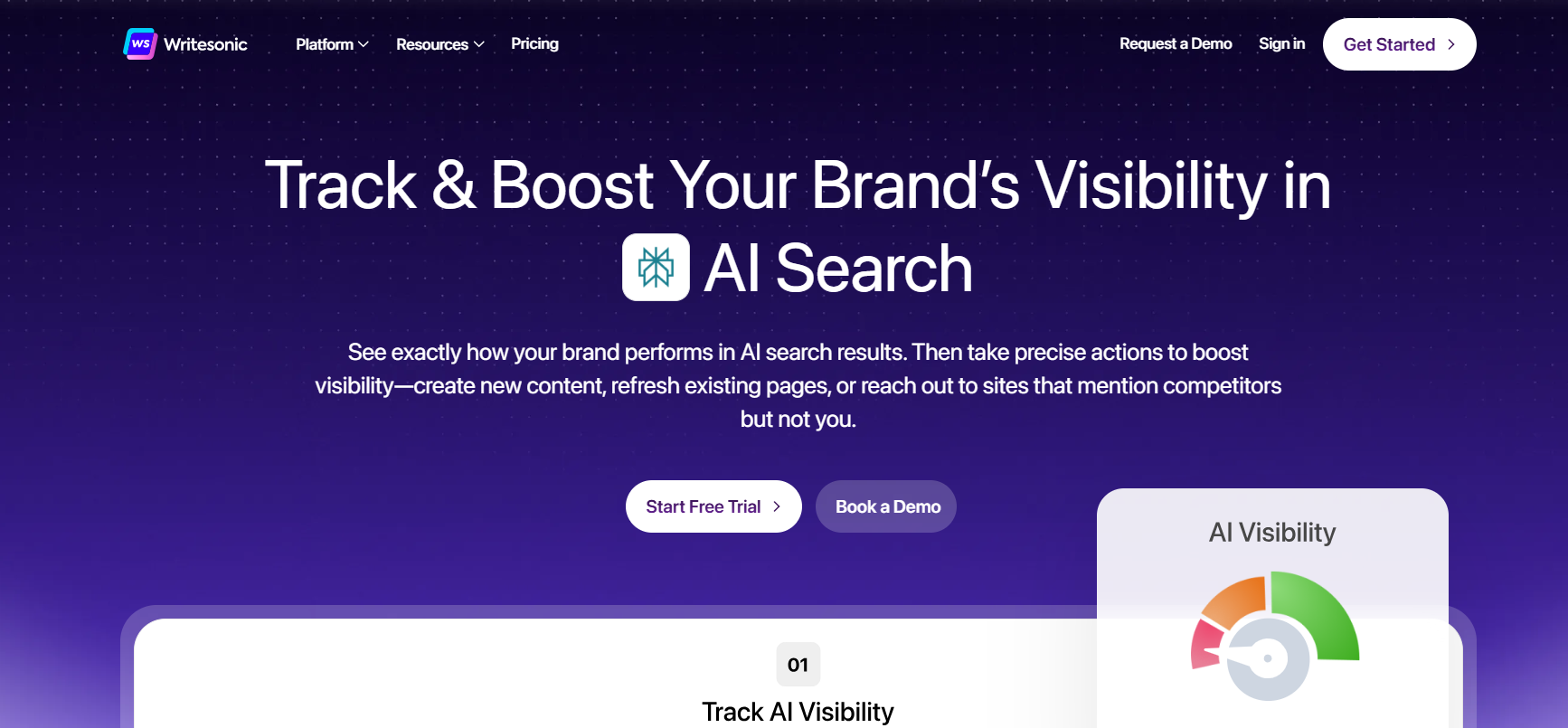
Writesonic AI is an AI-powered content creation platform that helps users generate high-quality marketing content, blog posts, and social media posts. It uses advanced AI technology to create engaging text quickly and includes tools for SEO optimization and content automation. Many creators, marketers, and businesses use Writesonic to generate tweets, threads, and promotional posts for X (Twitter). The platform helps users save time and produce consistent content for social media.
How to use Writesonic AI for X
To use Writesonic AI for X, open the Writesonic dashboard and choose a social media content template. Enter a topic or idea, and the AI will generate tweet suggestions or thread ideas. You can edit the generated content to match your style and then post it on X or schedule it using a social media scheduling tool.
Key benefits of Writesonic AI
- Generates tweets and social media posts using AI.
- Helps create engaging thread ideas quickly.
- Saves time by automating content writing.
- Provides multiple templates for social media content.
- Helps maintain consistent posting on X.
- Supports different content styles and tones.
Where is Writesonic AI used in X
Writesonic AI is used for creating tweets, writing threads, and generating social media content ideas on X. Creators use it to write engaging posts, while marketers use it for promotional tweets and campaigns. It also helps plan content and maintain a consistent posting schedule.
Who should use Writesonic AI
- Content creators and influencers on X
- Social media managers and marketers
- Bloggers sharing content on social media
- Entrepreneurs building a personal brand
- Businesses promoting products or services
- Digital marketing agencies
Pricing
Writesonic offers a free plan with limited features. Paid plans start at around $20 per month depending on usage and features.
10. Rytr AI
What is Rytr AI
Rytr AI is an AI-powered writing assistant that helps users create different types of content quickly, including tweets, social media captions, blog ideas, and marketing copy. The tool uses artificial intelligence to generate text based on a simple prompt or topic. It offers multiple templates and tones to help users write content faster and maintain a consistent style. Many creators, marketers, and freelancers use Rytr to generate short-form content like social media posts and promotional messages.
How to use Rytr AI for X
To use Rytr AI for X, open the Rytr dashboard and choose a social media writing template. Enter a topic, keyword, or idea for your tweet, and the AI will generate several tweet suggestions. You can edit the content, adjust the tone, and then copy the final tweet to post on X or schedule it using a social media scheduling tool.
Key benefits of Rytr AI
- Generates tweets and social media posts quickly using AI.
- Offers multiple writing tones and templates for content creation.
- Helps overcome writer’s block with automatic content suggestions.
- Saves time by automating short-form content writing.
- Includes a built-in plagiarism checker for original content.
- Supports multiple languages for global content creation.
Where is Rytr AI used in X
Rytr AI is mainly used for creating tweet ideas, writing engaging posts, and generating thread content on X. Creators use it to produce consistent daily content, while marketers use it for promotional tweets and campaign messages. It also helps users brainstorm social media ideas and improve the quality of their tweets.
Who should use Rytr AI
- Content creators and influencers on X
- Social media managers and marketers
- Bloggers sharing posts on social media
- Entrepreneurs building a personal brand
- Freelancers creating marketing content
- Small businesses promoting products online
Pricing
Rytr offers a free plan with limited monthly content generation. Paid plans start at around $9 per month, with higher plans available for unlimited content generation and advanced features.
11. Hootsuite AI

What is Hootsuite AI
Hootsuite AI is a social media management platform that helps users create, schedule, and manage content across multiple social networks, including X (Twitter). It includes an AI feature called OwlyWriter AI, which can generate social media captions, tweet ideas, and content suggestions automatically. The platform also provides analytics, scheduling tools, and social listening features to help users track performance and manage their social media strategy from one dashboard.
How to use Hootsuite AI for X
To use Hootsuite AI for X, connect your X account to the Hootsuite dashboard. You can use the OwlyWriter AI feature to generate tweet ideas, captions, or thread content based on a simple prompt. After editing the content, you can schedule tweets to be posted automatically at the best times to reach your audience.
Key benefits of Hootsuite AI
- Generates tweet ideas and captions using AI.
- Allows scheduling posts in advance.
- Provides analytics to track engagement and performance.
- Supports multiple social media platforms from one dashboard.
- Helps monitor brand mentions and trending topics.
- Saves time by managing social media in one place.
Where is Hootsuite AI used in X
Hootsuite AI is mainly used for scheduling tweets, managing multiple X accounts, and analyzing social media performance. Businesses and marketers use it to plan content calendars, generate tweet ideas with AI, and monitor audience engagement. It is also helpful for tracking brand mentions and responding to followers more efficiently.
Who should use Hootsuite AI
- Social media managers and marketers
- Businesses managing multiple social media accounts
- Digital marketing agencies
- Entrepreneurs building a brand on X
- Content creators managing scheduled posts
- Marketing teams running social media campaigns
Pricing
Hootsuite is a paid tool, and plans start at around $99 per month, depending on features and the number of users or social accounts.
12. Sprout Social AI
What is Sprout Social AI
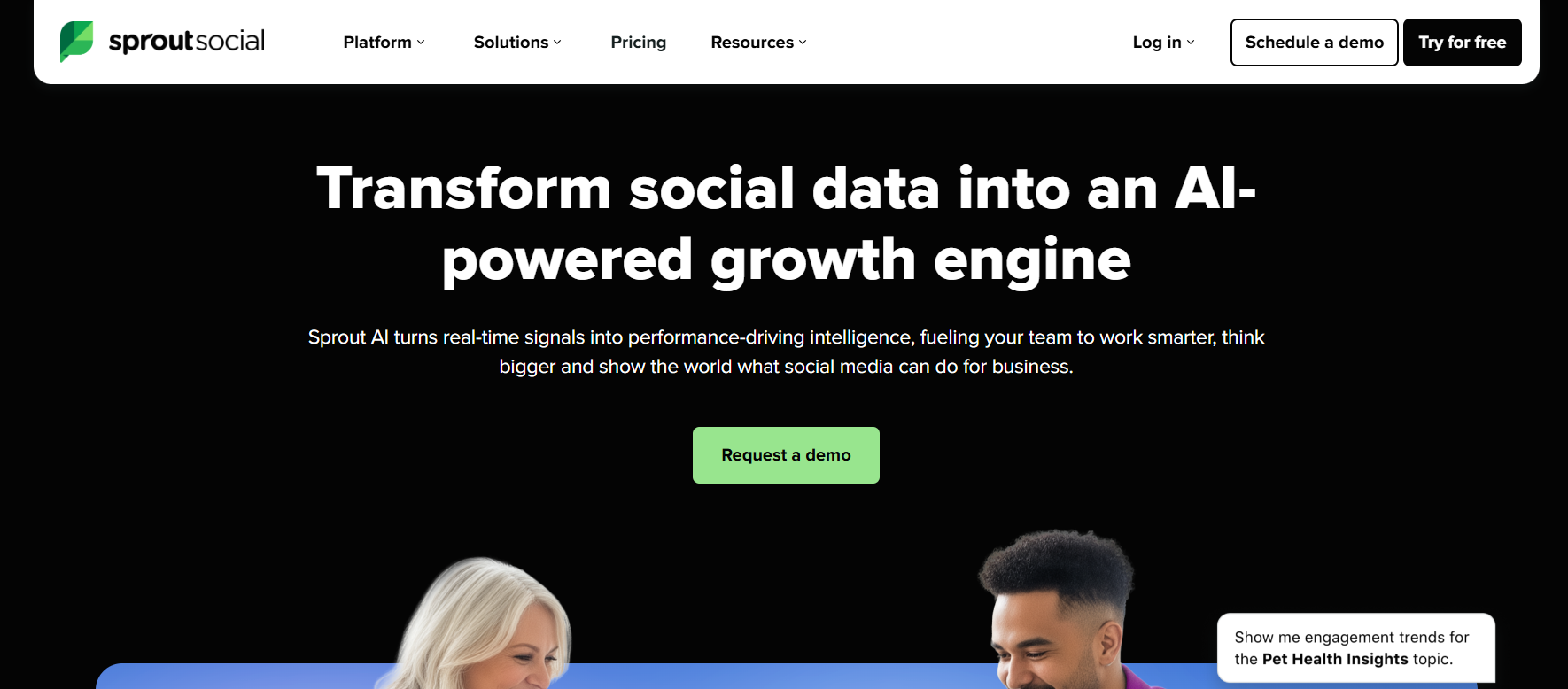
Sprout Social AI is a powerful social media management platform that helps businesses and marketers manage their social media accounts, including X (Twitter). The platform uses artificial intelligence to assist with content creation, analytics, and audience insights. It allows users to schedule posts, monitor conversations, and analyze engagement data from one dashboard. Sprout Social’s AI tools help teams create better content and improve their social media strategy.
How to use Sprout Social AI for X
To use Sprout Social AI for X, connect your X account to the Sprout Social dashboard. You can create tweets using the built-in publishing tools and use AI suggestions to improve the content. After writing the tweet, you can schedule it to be posted automatically and track its performance using the platform’s analytics tools.
Key benefits of Sprout Social AI
- Helps schedule and manage tweets easily.
- Provides AI-powered insights and analytics.
- Supports multiple social media platforms in one dashboard.
- Helps track audience engagement and trends.
- Allows teams to collaborate on social media content.
- Improves social media strategy with data-driven insights.
Where is Sprout Social AI used in X
Sprout Social AI is used for managing and analyzing social media activity on X. Businesses and marketers use it to schedule tweets, monitor brand mentions, and track audience engagement. It also helps teams analyze performance data and adjust their content strategy to improve reach and engagement.
Who should use Sprout Social AI
- Social media managers and marketers
- Businesses managing brand accounts on X
- Digital marketing agencies
- Marketing teams running social campaigns
- Companies analyzing social media performance
- Organizations managing multiple social accounts
Pricing
Sprout Social is a premium social media management tool, with plans starting at around $199 per month depending on features and users.
13. SocialBee AI

What is SocialBee AI
SocialBee AI is a social media management tool that helps users create, schedule, and manage content across multiple social media platforms, including X (Twitter). The platform includes AI-powered content generation features that help users quickly create posts, captions, and content ideas. SocialBee also offers content categorization, scheduling tools, and analytics to help maintain a consistent social media presence and improve engagement.
How to use SocialBee AI for X
To use SocialBee AI for X, connect your X account to the SocialBee dashboard and create a post using the AI content generator. The AI can help generate tweet ideas or rewrite existing content into engaging posts. After editing the tweet, you can schedule it to be published automatically according to your posting schedule.
Key benefits of SocialBee AI
- Generates tweets and social media content using AI.
- Allows scheduling posts in advance.
- Helps organize content using categories.
- Supports multiple social media platforms in one place.
- Provides analytics to track post performance.
- Helps maintain a consistent posting schedule.
Where is SocialBee AI used in X
SocialBee AI is mainly used for planning and scheduling tweets on X. Marketers and businesses use it to create content calendars, schedule promotional posts, and maintain regular engagement with followers. It is also useful for repurposing existing content into tweets and managing multiple social media accounts from one dashboard.
Who should use SocialBee AI
- Social media managers and marketers
- Content creators managing multiple platforms
- Entrepreneurs building a personal brand
- Businesses promoting products on X
- Digital marketing agencies
- Teams managing social media campaigns
Pricing
SocialBee offers paid plans starting at around $29 per month, depending on the number of social media accounts and features included.
14. Buffer AI
What is Buffer AI
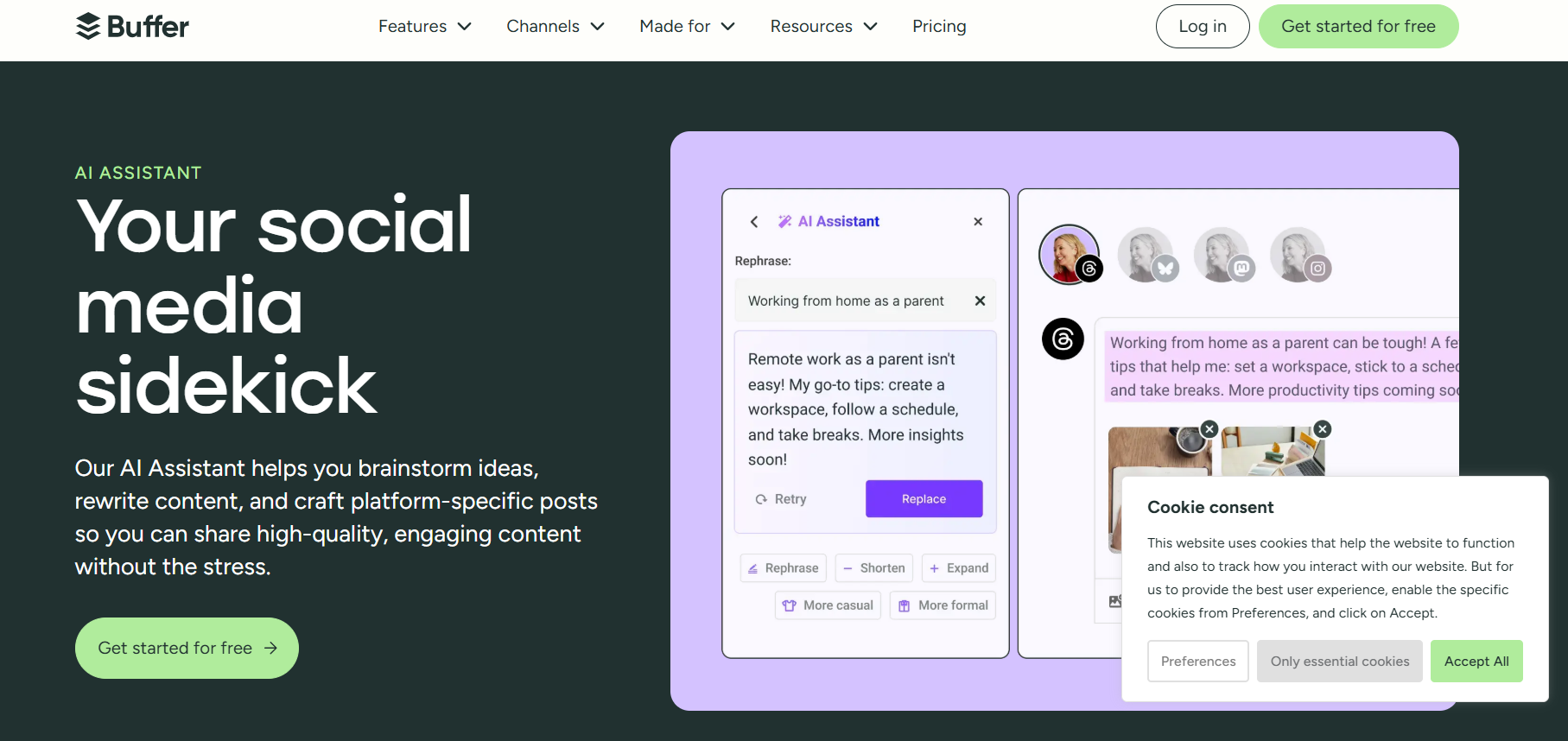
Buffer AI is a social media management tool that helps users create, schedule, and manage posts across multiple social media platforms, including X (Twitter). The platform includes an AI assistant that helps generate post ideas, improve captions, and rewrite content quickly. Buffer also provides scheduling tools, analytics, and engagement tracking so users can plan their social media content and manage accounts from a single dashboard.
How to use Buffer AI for X
To use Buffer AI for X, connect your X account to the Buffer dashboard and create a new post. You can use the AI assistant to generate tweet ideas or improve your existing content. After editing the tweet, you can schedule it to be posted automatically at the best time for engagement.
Key benefits of Buffer AI
- Generates tweet ideas and captions using AI.
- Allows scheduling tweets in advance.
- Provides analytics to track post performance.
- Supports multiple social media platforms.
- Helps maintain a consistent posting schedule.
- Simple and easy-to-use interface.
Where is Buffer AI used in X
Buffer AI is mainly used for scheduling tweets and managing social media content on X. Creators and businesses use it to plan their content calendar, publish tweets automatically, and track engagement. It also helps users analyze which tweets perform best and improve their social media strategy.
Who should use Buffer AI
- Content creators and influencers on X
- Social media managers and marketers
- Small businesses promoting products
- Entrepreneurs building a personal brand
- Freelancers managing social media accounts
- Marketing teams running social media campaigns
Pricing
Buffer offers a free plan with basic features. Paid plans start at around $6 per month per social channel depending on features.
15. Audiense AI

What is Audiense AI
Audiense AI is an advanced social media analytics and audience intelligence platform designed to help businesses understand and grow their audience on platforms like X (Twitter). The tool analyzes audience behavior, interests, and engagement patterns to provide valuable insights for better marketing and content strategies. It helps marketers discover target audiences, identify influencers, and create more personalized social media campaigns.
How to use Audiense AI for X
To use Audiense AI for X, connect your X account to the Audiense platform and analyze your followers and audience segments. The tool studies audience interests, demographics, and engagement patterns. Based on these insights, you can create tweets and campaigns that target the right audience and improve engagement on your X account.
Key benefits of Audiense AI
- Provides deep audience insights and analytics.
- Helps identify target audiences on X.
- Supports influencer discovery and audience segmentation.
- Improves marketing campaigns using data-driven insights.
- Helps understand follower interests and behaviors.
- Enhances social media strategy with detailed analytics.
Where is Audiense AI used in X
Audiense AI is mainly used for audience analysis and social media research on X. Marketers use it to understand their followers, discover new audience segments, and analyze engagement patterns. It also helps businesses identify influencers and create targeted campaigns that reach the right users on the platform.
Who should use Audiense AI
- Digital marketers and social media strategists
- Businesses targeting specific audiences on X
- Marketing agencies managing campaigns
- Brands looking for audience insights
- Influencer marketing teams
- Researchers analyzing social media trends
Pricing
Audiense offers custom pricing plans, and the cost usually depends on the features and business needs.
16. Brandwatch AI

What is Brandwatch AI
Brandwatch AI is a powerful social media listening and analytics platform that helps businesses track online conversations, monitor brand mentions, and understand audience sentiment. The platform uses artificial intelligence to analyze large amounts of social media data, including posts from X (Twitter). It helps marketers discover trends, understand customer opinions, and improve their social media strategy based on real-time insights.
How to use Brandwatch AI for X
To use Brandwatch AI for X, connect your social media monitoring tools and track keywords, brand names, or hashtags related to your business. The AI analyzes tweets and conversations across the platform to provide insights about audience sentiment, trends, and engagement. These insights help you create better tweets and respond to customer feedback effectively.
Key benefits of Brandwatch AI
- Tracks brand mentions and conversations on X.
- Provides AI-powered social media analytics.
- Helps understand audience sentiment and opinions.
- Identifies trending topics and hashtags.
- Supports competitor analysis and market research.
- Helps improve marketing strategies with data insights.
Where is Brandwatch AI used in X
Brandwatch AI is mainly used for social listening and brand monitoring on X. Businesses use it to track what people are saying about their brand, products, or industry. It also helps identify trends, monitor competitors, and understand customer feedback through tweet analysis.
Who should use Brandwatch AI
- Digital marketing teams
- Large brands monitoring online reputation
- Social media managers and analysts
- Marketing agencies handling brand campaigns
- Businesses tracking customer feedback
- Companies conducting market research
Pricing
Brandwatch offers custom pricing, and plans vary depending on features and business requirements.
17. Twitonomy AI
What is Twitonomy AI
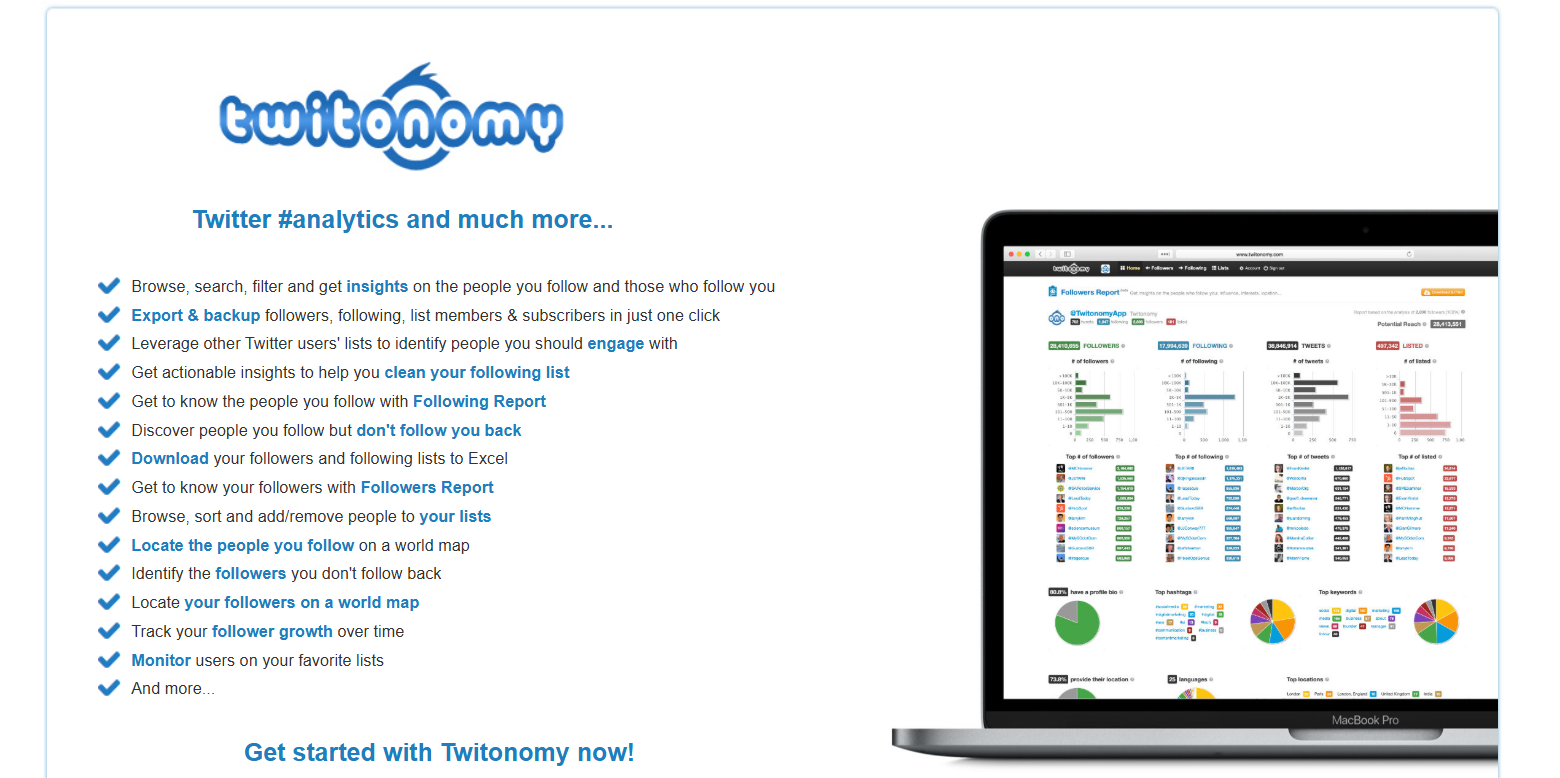
Twitonomy AI is a social media analytics tool designed to help users analyze and improve their performance on X (Twitter). The platform provides detailed insights about tweets, followers, mentions, hashtags, and engagement levels. It helps users understand how their tweets perform and identify the best times to post. Twitonomy is commonly used by marketers and creators who want to track account growth and optimize their content strategy on X.
How to use Twitonomy AI for X
To use Twitonomy AI for X, connect your X account to the Twitonomy platform and access its analytics dashboard. The tool analyzes your tweets, retweets, mentions, and follower activity. Using these insights, you can identify which tweets perform best and adjust your posting strategy to improve engagement and reach.
Key benefits of Twitonomy AI
- Provides detailed analytics for tweets and engagement.
- Tracks mentions, retweets, and hashtag performance.
- Helps identify the best time to post tweets.
- Analyzes follower growth and audience activity.
- Allows exporting analytics reports.
- Helps improve overall content strategy on X.
Where is Twitonomy AI used in X
Twitonomy AI is mainly used for analyzing tweet performance and understanding audience engagement on X. Marketers and creators use it to monitor follower activity, track hashtag performance, and evaluate the success of their tweets. It helps users optimize their content strategy and improve their overall social media performance.
Who should use Twitonomy AI
- Social media managers and marketers
- Content creators and influencers on X
- Businesses analyzing social media performance
- Digital marketing agencies
- Entrepreneurs building their personal brand
- Researchers studying social media trends
Pricing
Twitonomy offers a free plan with basic analytics. Paid plans start at around $19 per month for advanced analytics features.
18. Growth Terminal AI
What is Growth Terminal AI
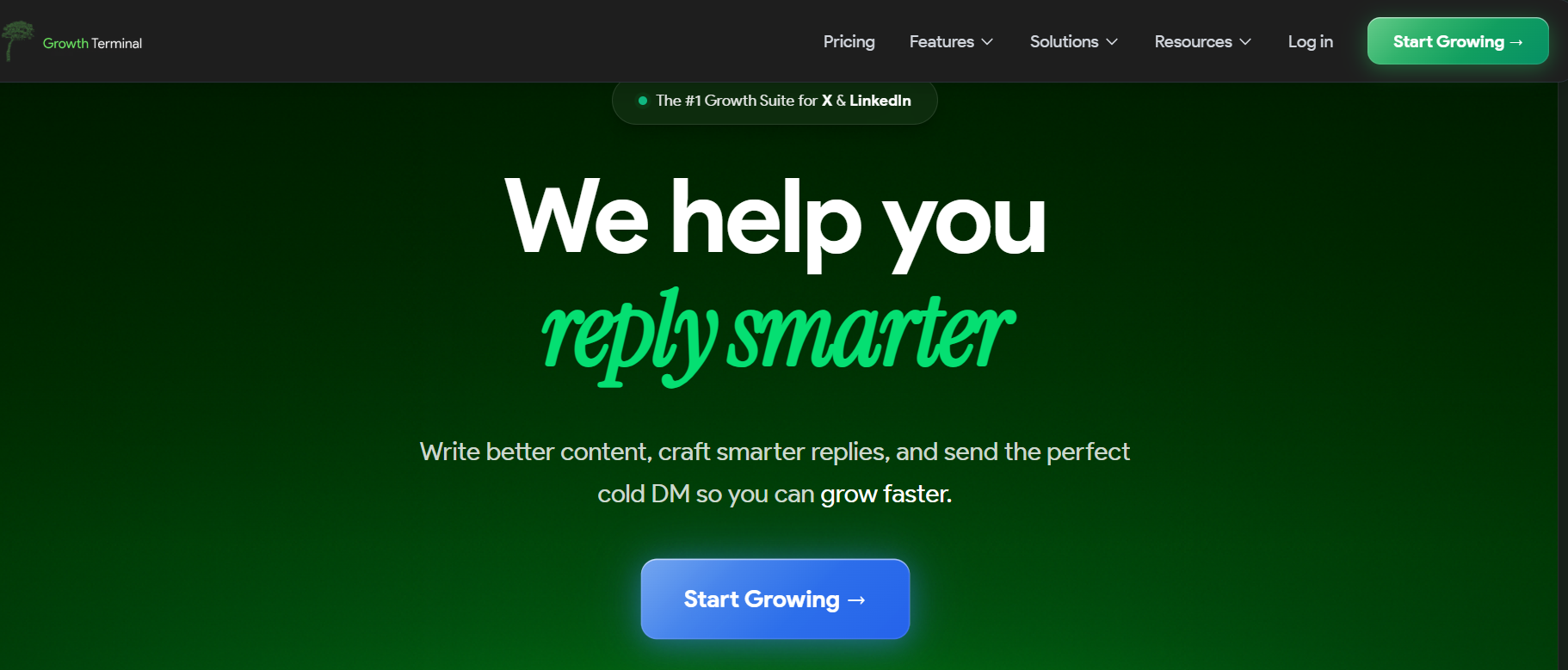
Growth Terminal AI is an AI-powered social media growth platform designed to help creators, founders, and marketers grow their audience on X (Twitter). The tool helps users generate viral tweet ideas, create engaging threads, monitor trends, and analyze post performance. It combines AI writing, analytics, and automation in one dashboard so users can plan, create, and optimize their content strategy more effectively.
How to use Growth Terminal AI for X
To use Growth Terminal AI for X, connect your X account to the platform and set your niche, tone, and target audience. The AI then suggests tweet ideas, trending topics, and thread formats. You can generate posts, edit them, and schedule them for publishing. The tool also provides smart reply suggestions and analytics to help improve engagement and follower growth.
Key benefits of Growth Terminal AI
- Generates viral tweet and thread ideas using AI.
- Monitors trending topics to create timely content.
- Provides smart reply suggestions to increase engagement.
- Includes analytics to track tweet performance and growth.
- Helps automate posting and content scheduling.
- Simplifies social media growth with an all-in-one dashboard.
Where is Growth Terminal AI used in X
Growth Terminal AI is mainly used for content creation, trend monitoring, and audience growth on X. Creators use it to generate tweet ideas and threads, while marketers use it to monitor trends and engage with their audience more effectively. It also helps users analyze which posts perform best and improve their social media strategy.
Who should use Growth Terminal AI
- Content creators and influencers on X
- Entrepreneurs building a personal brand
- Social media managers and marketers
- Startup founders promoting their products
- Digital marketing agencies
- Businesses growing their audience online
Pricing
Growth Terminal offers paid plans starting at around $19 per month, with higher plans available for advanced features and automation.
19. Zapier AI
What is Zapier AI
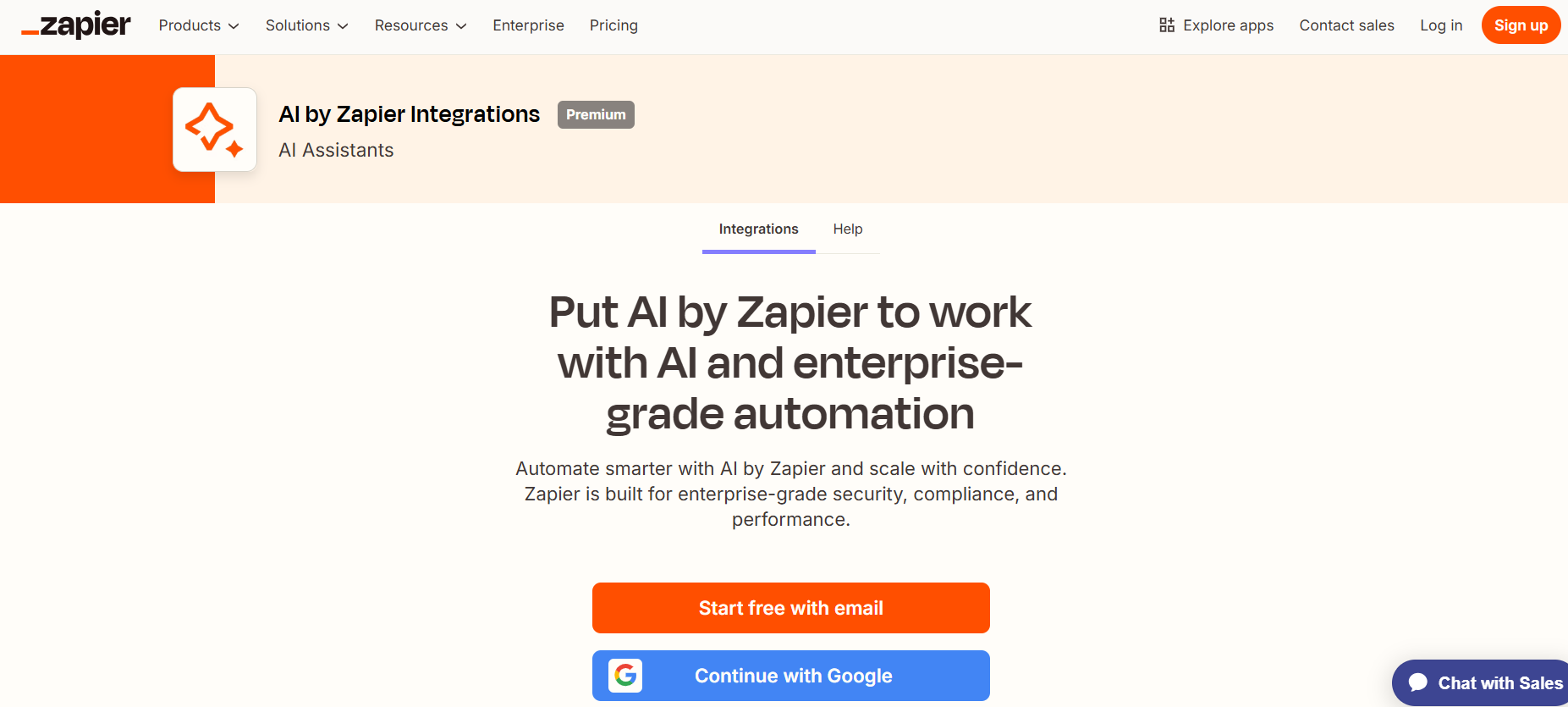
Zapier AI is an automation platform that helps users connect different apps and automate workflows without coding. It allows users to automate tasks between social media tools, marketing platforms, and productivity apps. With AI features, Zapier can generate workflows, automate responses, and connect tools used for managing X (Twitter). This helps businesses and creators automate repetitive tasks such as posting tweets, sharing updates, or tracking engagement.
How to use Zapier AI for X
To use Zapier AI for X, connect your X account with Zapier and choose the apps you want to integrate. You can create automated workflows (called Zaps) that trigger actions like posting tweets when a new blog is published or saving tweet data to spreadsheets. Zapier AI can also help generate automation suggestions to simplify the workflow setup.
Key benefits of Zapier AI
- Automates tasks between X and other apps.
- Saves time by reducing manual work.
- Connects thousands of apps in one workflow.
- Helps schedule or trigger tweets automatically.
- Supports AI-assisted workflow creation.
- Improves productivity through automation.
Where is Zapier AI used in X
Zapier AI is mainly used to automate social media workflows on X. Businesses and marketers use it to automatically post tweets from blogs, send alerts for mentions, or store tweet data in tools like Google Sheets or CRM systems. It helps streamline social media management and marketing processes.
Who should use Zapier AI
- Social media managers and marketers
- Businesses automating marketing tasks
- Entrepreneurs managing multiple tools
- Digital marketing agencies
- Developers creating automated workflows
- Teams improving productivity with automation
Pricing
Zapier offers a free plan with basic automation. Paid plans start at around $20 per month depending on the number of tasks and features.
20. Canva AI

What is Canva AI
Canva AI is an AI-powered design platform that helps users create graphics, images, and visual content quickly. It includes features like Magic Design, AI image generation, background removal, and text-to-image tools. Canva AI allows creators and marketers to design eye-catching visuals for social media, including posts for X (Twitter). With its easy drag-and-drop interface and AI design assistance, users can create professional graphics even without design experience.
How to use Canva AI for X
To use Canva AI for X, open Canva and select a social media design template. You can use AI tools like Magic Design or the AI image generator to create visuals for your tweet. After customizing the design with text, images, or branding, download the image and upload it to X along with your tweet.
Key benefits of Canva AI
- Creates social media graphics quickly using AI.
- Offers ready-made templates for X posts.
- Includes AI image generation and design suggestions.
- Easy drag-and-drop editor for beginners.
- Helps create professional visuals without design skills.
- Supports branding tools for consistent design.
Where is Canva AI used in X
Canva AI is mainly used to create visuals that accompany tweets on X. Creators and businesses use it to design quote graphics, promotional images, infographics, and announcement posts. These visuals help make tweets more attractive and increase engagement.
Who should use Canva AI
- Content creators and influencers on X
- Social media managers and marketers
- Small businesses promoting products
- Entrepreneurs building a personal brand
- Bloggers sharing visual content
- Marketing teams creating social media graphics
Pricing
Canva offers a free plan with basic features. The Canva Pro plan starts at around $15 per month with advanced AI tools and premium templates.
AI X Agents
What are AI X agents?
AI X agents are autonomous systems that use artificial intelligence to manage and optimize activity on X (Twitter). Unlike basic tools that only assist with writing or scheduling posts, AI agents can perform multiple tasks automatically within a workflow.
These systems combine AI writing, analytics, and automation to help users manage their X presence more efficiently.
Typical capabilities of AI X agents include:
- Generating tweets and threads automatically
- Monitoring trending topics and conversations
- Scheduling and publishing posts
- Analyzing engagement and performance metrics
- Triggering automated workflows based on user activity
In practice, an AI X agent acts like a continuous assistant for social media operations, helping creators and businesses maintain consistent activity and data-driven strategies.
How AI agents are changing X growth?
AI agents are reshaping how creators and brands grow audiences on X by introducing automation and real-time intelligence into social media workflows.
Instead of managing each step manually, AI agents can handle multiple processes simultaneously.
Key changes include:
Autonomous posting systems
AI tools can generate and schedule content automatically based on predefined strategies or performance insights.
Real-time trend detection
Agents monitor trending topics and hashtags to help users publish timely content that aligns with current conversations.
Automated audience interaction
Some systems trigger engagement workflows such as reply suggestions, automated reposts, or notifications when posts gain traction.
AI-driven content strategies
By analyzing engagement data and audience behavior, AI agents can help refine posting schedules, content formats, and messaging styles.
Together, these capabilities allow creators and marketing teams to scale their X activity without increasing manual workload.
Examples of AI X Agents
AI X agents usually operate by combining AI content generation, analytics, and automation into a continuous workflow on X (Twitter). These agents can monitor activity, generate posts, and trigger actions based on engagement signals.
Here are practical examples of AI X agents used by creators and businesses.
1) TweetHunter growth automation
TweetHunter can function as an AI growth agent by generating tweet ideas, scheduling posts, and analyzing performance. The system studies high-performing tweet patterns and suggests content structures that align with engagement trends.
This allows users to automate large parts of their content strategy while maintaining consistent posting on X.
2) Zapier automation pipelines
Zapier enables AI-driven automation workflows that connect X with other applications. For example, a workflow can automatically publish a tweet when a new blog post is released or store tweet analytics in a spreadsheet.
These pipelines act as background agents that execute tasks based on triggers.
3) Hootsuite monitoring agents
Hootsuite provides AI-powered monitoring systems that track mentions, hashtags, and brand keywords across X. The platform alerts users when conversations spike or when engagement opportunities appear.
This allows businesses to respond quickly to trends and audience interactions.
4) SocialBee scheduling workflows
SocialBee acts as a scheduling agent by organizing posts into categories such as tips, promotions, and engagement questions. The AI Copilot suggests content while the platform automatically maintains a balanced publishing schedule.
This approach helps maintain consistent content without manual planning.
5) Postwise automated tweet generation
Postwise can generate tweets using AI and schedule them for publishing based on growth strategies. The tool helps users maintain daily activity while optimizing posts for engagement.
This allows creators to automate much of the tweet creation process while still reviewing content before publishing.
Tools Offering AI X Agent-Like Capabilities
Some AI X tools include features that function similarly to autonomous agents. These systems combine AI writing, analytics, scheduling, and automation to manage workflows on X (Twitter) with minimal manual effort.
- TweetHunter AI — TweetHunter AI generates tweet ideas, schedules posts, and analyzes engagement to optimize growth strategies.
- Hootsuite AI — Hootsuite AI monitors mentions, hashtags, and conversations to help brands track trends and respond quickly.
- SocialBee AI — SocialBee AI automates content scheduling using category-based posting and AI-generated suggestions.
- Zapier AI — Zapier AI connects X with other apps to trigger automated workflows such as posting updates or tracking engagement.
- Postwise AI — Postwise AI generates tweets and supports automated posting to maintain consistent activity on the platform.
How to Choose the Right AI X Tool
Selecting the right AI X tool depends on your goals, workflow, and level of automation needed for managing content on X (Twitter).
1. Content creation needs
If your main goal is writing tweets or threads faster, choose AI writing tools such as TweetHunter AI, Writesonic AI, or Rytr AI that focus on generating engaging content ideas.
2. Scheduling and publishing
Creators who want to automate posting should use scheduling platforms like Hootsuite AI, SocialBee AI, or Buffer AI that manage publishing calendars and posting times.
3. Analytics and audience insights
For understanding followers and engagement performance, tools like Audiense AI, Brandwatch AI, and Twitonomy AI provide detailed analytics and audience intelligence.
4. Automation and integrations
If your workflow requires automation across multiple platforms, Zapier AI can connect X with other applications to trigger automated tasks and workflows.
Choosing tools based on content creation, analytics, scheduling, and automation needs helps build a balanced AI-powered workflow for managing X efficiently.
Future of AI X
AI technology is transforming how creators and businesses operate on X (Twitter). Key developments expected include:
- Autonomous AI social media agents — AI systems that can generate tweets, schedule posts, monitor engagement, and optimize performance automatically.
- AI trend detection systems — Tools that analyze conversations, hashtags, and engagement signals to identify trending topics early.
- Real-time content generation — AI tools that create posts instantly based on breaking news, trends, or audience interests.
- AI-driven audience personalization — AI systems that tailor content strategies based on follower behavior and engagement patterns.
These advancements will help creators and businesses scale content creation and automate social media workflows more efficiently.
Conclusion
AI X tools help creators, marketers, and businesses manage and grow their presence on X (Twitter) more efficiently. These tools support tweet writing, thread creation, scheduling, analytics, and automation. By choosing the right combination of AI tools, users can save time, post consistently, and improve engagement while managing their X strategy more effectively.
FAQs
What are AI X tools?
AI X tools are software platforms that use artificial intelligence to help manage activity on X (Twitter). They assist with writing tweets, generating threads, scheduling posts, analyzing engagement metrics, and automating workflows, allowing creators and businesses to maintain consistent posting and improve social media performance.
Which AI tool is best for writing tweets?
Tools such as TweetHunter AI, Jasper AI, and ChatGPT are commonly used for writing tweets. TweetHunter focuses on viral tweet patterns, Jasper AI supports marketing content creation, and ChatGPT provides flexible AI writing for tweets, threads, and content ideas.
Can AI help grow followers on X?
Yes. AI tools support follower growth by analyzing engagement data, identifying trending topics, and optimizing posting schedules. Analytics tools like Audiense and Brandwatch help understand audience behavior, while scheduling and writing tools improve content consistency and visibility.
Are AI X tools safe to use?
Most AI X tools are safe when they use official integrations with X (Twitter) APIs. Tools designed for scheduling, analytics, and content creation follow platform guidelines. Problems usually occur only with aggressive automation practices such as spam posting or automated engagement.
Do AI tools work for X threads?
Yes. Many AI tools support thread creation by helping structure long-form content into multiple posts. Platforms like Typefully and ChatGPT assist with organizing ideas, improving hooks, and formatting content for multi-post threads.
What is the difference between AI X tools and AI agents?
AI X tools assist with specific tasks such as writing tweets, scheduling posts, or analyzing engagement. AI agents go further by automating entire workflows. They can monitor trends, generate content, schedule posts, and adjust strategies automatically based on performance data.