
AI Email Marketing uses artificial intelligence to automate, personalize, and optimize email campaigns using data, behavioral insights, and predictive algorithms. Instead of sending the same message to every subscriber, AI email marketing tools analyze customer behavior to deliver the right content at the right time. In 2026, businesses increasingly rely on AI-powered platforms and intelligent automation agents to generate emails, segment audiences, predict engagement, and run scalable, data-driven campaigns.
Top AI Email Marketing Tools
- HubSpot AI
- Klaviyo AI
- ActiveCampaign AI
- Mailchimp AI
- Omnisend AI
- GetResponse AI
- Brevo AI
- Customer.io AI
- MailerLite AI
- AWeber AI
- Drip AI
- Ortto AI
- Mailmodo AI
- Kit AI
- Sender AI
- Instantly.ai
- Encharge.io
- Jasper AI
- Lavender AI
- SmartWriter AI
AI Email Marketing Tools Comparison Table
Before selecting an AI email marketing platform, it helps to compare tools based on automation capabilities, AI features, integrations, and pricing.
| Tool | Best For | Key AI Features | Category | Pricing |
|---|---|---|---|---|
| HubSpot AI | All-in-one marketing automation | AI content assistant, predictive analytics, CRM personalization | Marketing platform | Free + paid |
| Klaviyo AI | Ecommerce personalization | Predictive segmentation, product recommendations | Ecommerce email marketing | Free + paid |
| ActiveCampaign AI | Advanced automation | Predictive sending, AI lead scoring | Marketing automation | Paid |
| Mailchimp AI | Small business campaigns | Content suggestions, send-time optimization | Email marketing | Free + paid |
| Omnisend AI | Ecommerce automation | AI product recommendations, lifecycle automation | Ecommerce marketing | Free + paid |
| GetResponse AI | All-in-one marketing | AI email generator, landing page builder | Marketing automation | Paid |
| Brevo AI | Multichannel marketing | AI subject line generator, send-time prediction | CRM + email marketing | Free + paid |
| Customer.io AI | Customer lifecycle automation | Behavioral triggers, predictive messaging | Customer engagement platform | Paid |
| MailerLite AI | Simple AI email campaigns | AI writing assistant, automation builder | Email marketing | Free + paid |
| AWeber AI | Email design | AI template generator, content assistant | Email marketing | Free + paid |
| Drip AI | Ecommerce lifecycle emails | Predictive customer behavior, automation | Ecommerce marketing | Paid |
| Ortto AI | Data-driven automation | AI segmentation, analytics insights | Marketing automation | Paid |
| Mailmodo AI | Interactive emails | AI personalization, AMP emails | Email marketing | Paid |
| Kit AI | Creator newsletters | AI recommendations, segmentation | Creator email platform | Free + paid |
| Sender AI | Small teams | AI subject line scoring, automation flows | Email marketing | Free + paid |
| Instantly AI | Cold email outreach | AI email writer, follow-up automation | Outreach platform | Paid |
| Encharge AI | SaaS lifecycle emails | Behavior-based automation, AI journey builder | Marketing automation | Paid |
| Jasper AI | Email copywriting | AI content generator, brand voice training | AI writing tool | Paid |
| Lavender AI | Sales email optimization | AI coaching, reply optimization | Email assistant | Paid |
| SmartWriter AI | Personalized outreach | AI prospect research, hyper-personalized emails | Outreach automation | Paid |
Next, we’ll explore each AI email marketing tool in detail, including how they work, key features, and ideal use cases.
1. HubSpot AI
What is HubSpot AI
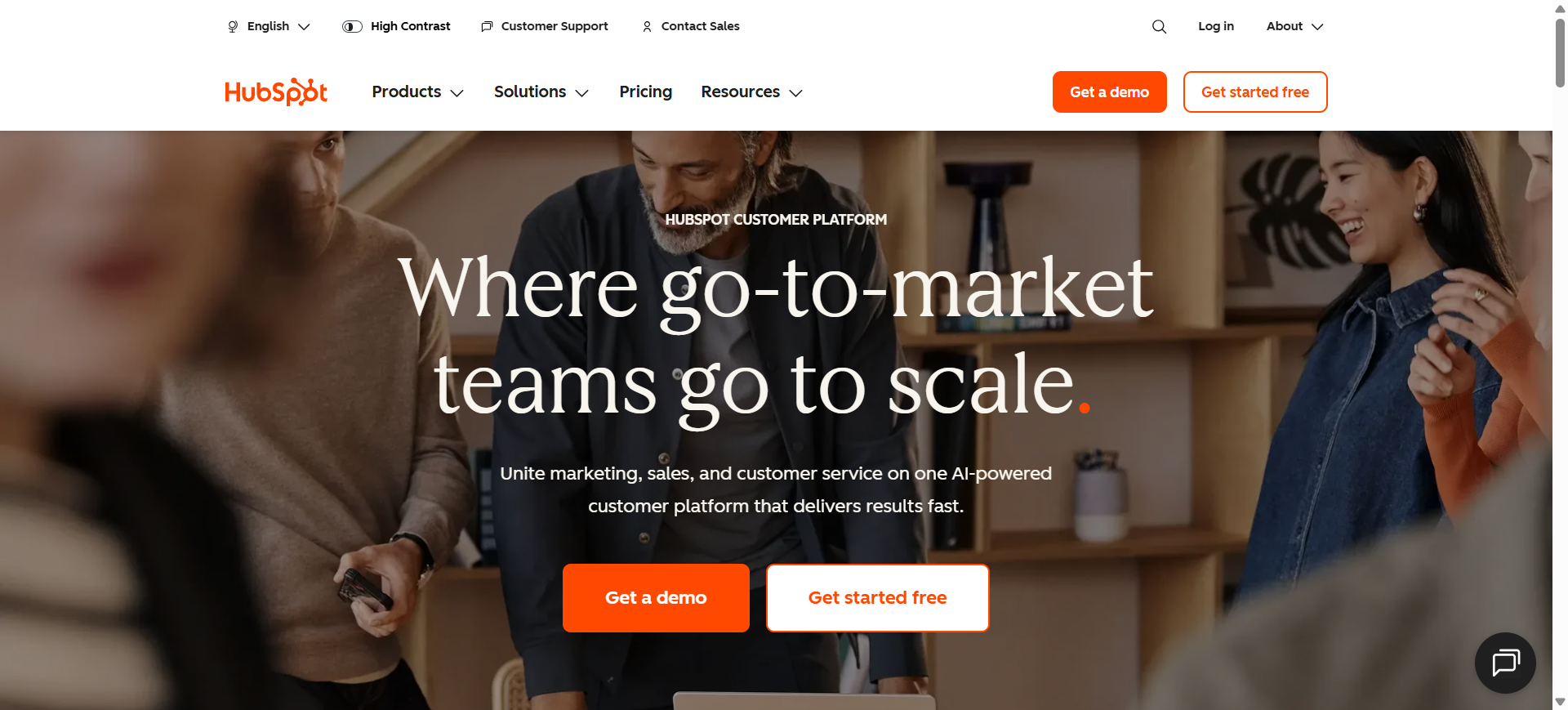
HubSpot is an AI-powered marketing automation platform built into HubSpot’s Marketing Hub. It helps businesses create, personalize, and optimize email campaigns using CRM data and predictive analytics. The platform combines email marketing, customer segmentation, and campaign automation in one ecosystem. In 2026, HubSpot AI is widely used by companies that want to connect email marketing with CRM-driven customer journeys.
How to use HubSpot AI for Email Marketing
- Connect your contact database through HubSpot CRM.
- Use the AI content assistant to generate email subject lines and body content.
- Create automated workflows triggered by user behavior.
- Analyze campaign performance using AI-driven insights and optimization suggestions.
Key Features of HubSpot AI
- Generate AI-powered email content and subject lines
- Predict best send times using AI engagement data
- Personalize email campaigns using CRM-based AI segmentation
- Automate lifecycle email workflows with AI triggers
- Analyze campaign performance using AI insights
- Recommend content using AI behavioral predictions
- Optimize lead nurturing campaigns with AI scoring
Use Cases of HubSpot AI for Email Marketing
- Automating lead nurturing email sequences
- Personalizing marketing campaigns using CRM data
- Optimizing email send times for higher open rates
- Running lifecycle email campaigns for SaaS or B2B products
- Segmenting contacts for targeted email marketing campaigns
Who Should Use It
- B2B marketing teams
- SaaS companies
- Agencies managing multiple campaigns
- Businesses using CRM-driven marketing
- Companies needing advanced automation
Pricing
HubSpot offers a free plan with basic email marketing tools. Paid plans start around $20/month, with advanced AI and automation features available in higher-tier Marketing Hub plans.
Pros
- Powerful CRM integration for personalization
- Advanced automation and AI-driven workflows
- Large ecosystem of integrations
Cons
- Pricing increases quickly as contacts grow
- Advanced AI features require higher plans
2. Klaviyo AI
What is Klaviyo AI
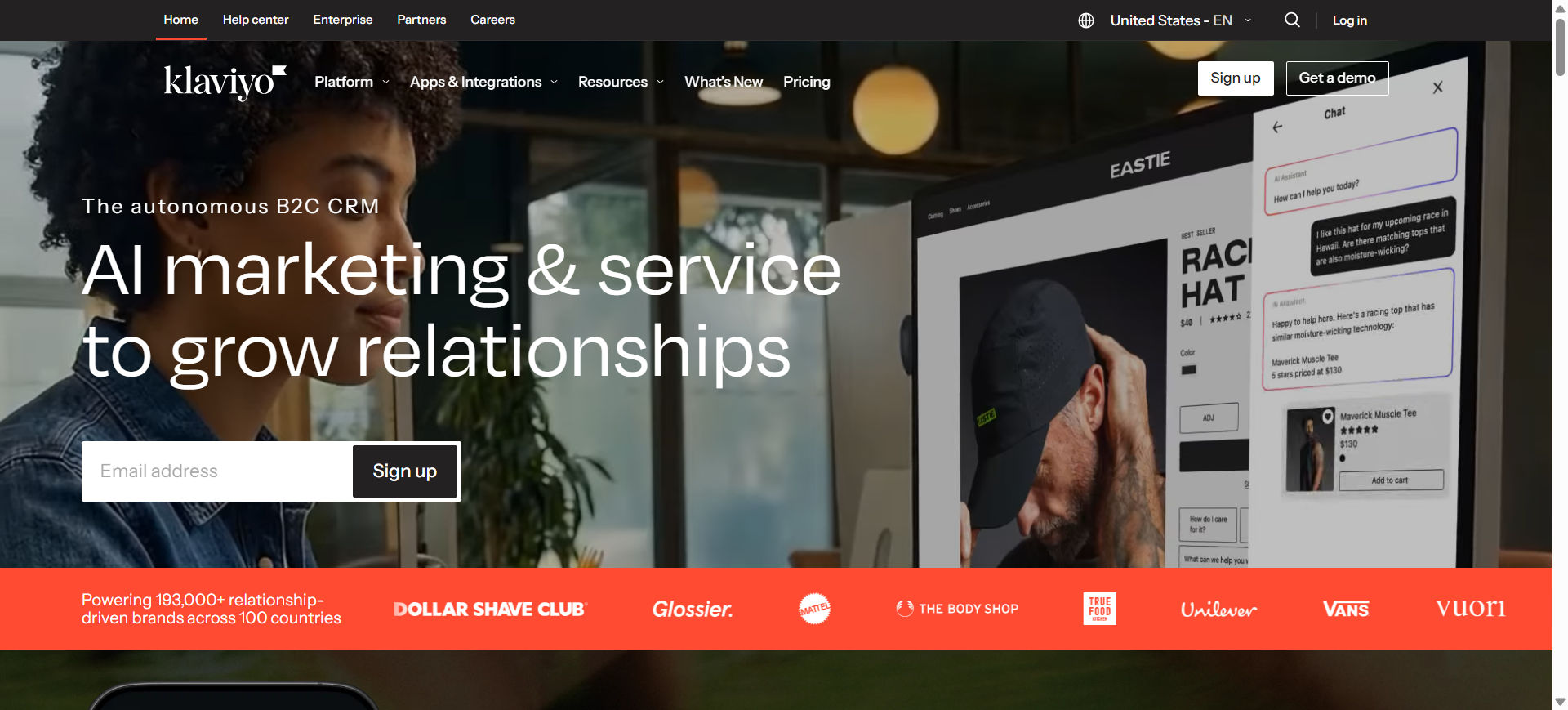
Klaviyo is an AI-powered email marketing platform designed primarily for ecommerce businesses. It uses customer data, purchase history, and behavioral analytics to personalize email campaigns. The platform focuses on predictive targeting and product recommendations. In 2026, Klaviyo AI is widely used by online stores to automate customer lifecycle emails and increase revenue.
How to use Klaviyo AI for Email Marketing
- Integrate your ecommerce platform such as Shopify or WooCommerce.
- Use AI segmentation to group customers by behavior and purchase history.
- Generate personalized email campaigns using AI recommendations.
- Automate customer lifecycle flows like abandoned cart or win-back emails.
Key Features of Klaviyo AI
- Predict customer lifetime value using AI models
- Generate AI-driven product recommendations in emails
- Automate ecommerce email flows using behavioral AI triggers
- Segment audiences using AI purchase pattern analysis
- Optimize send time using AI engagement prediction
- Analyze campaign performance with predictive analytics
- Personalize emails using AI-driven customer insights
Use Cases of Klaviyo AI for Email Marketing
- Sending abandoned cart email sequences
- Delivering personalized product recommendation emails
- Running ecommerce promotional campaigns
- Segmenting customers based on buying behavior
- Automating customer retention email campaigns
Who Should Use It
- Ecommerce brands
- Shopify and WooCommerce store owners
- Online retailers
- Marketing teams focused on conversion optimization
- DTC brands
Pricing
Klaviyo offers a free plan for small lists. Paid plans typically start around $20–$45 per month, with pricing based on the number of contacts and email volume.
Pros
- Excellent ecommerce integrations
- Strong AI-based personalization features
- Powerful customer segmentation tools
Cons
- Pricing increases as your list grows
- Interface may feel complex for beginners
3. ActiveCampaign AI
What is ActiveCampaign AI
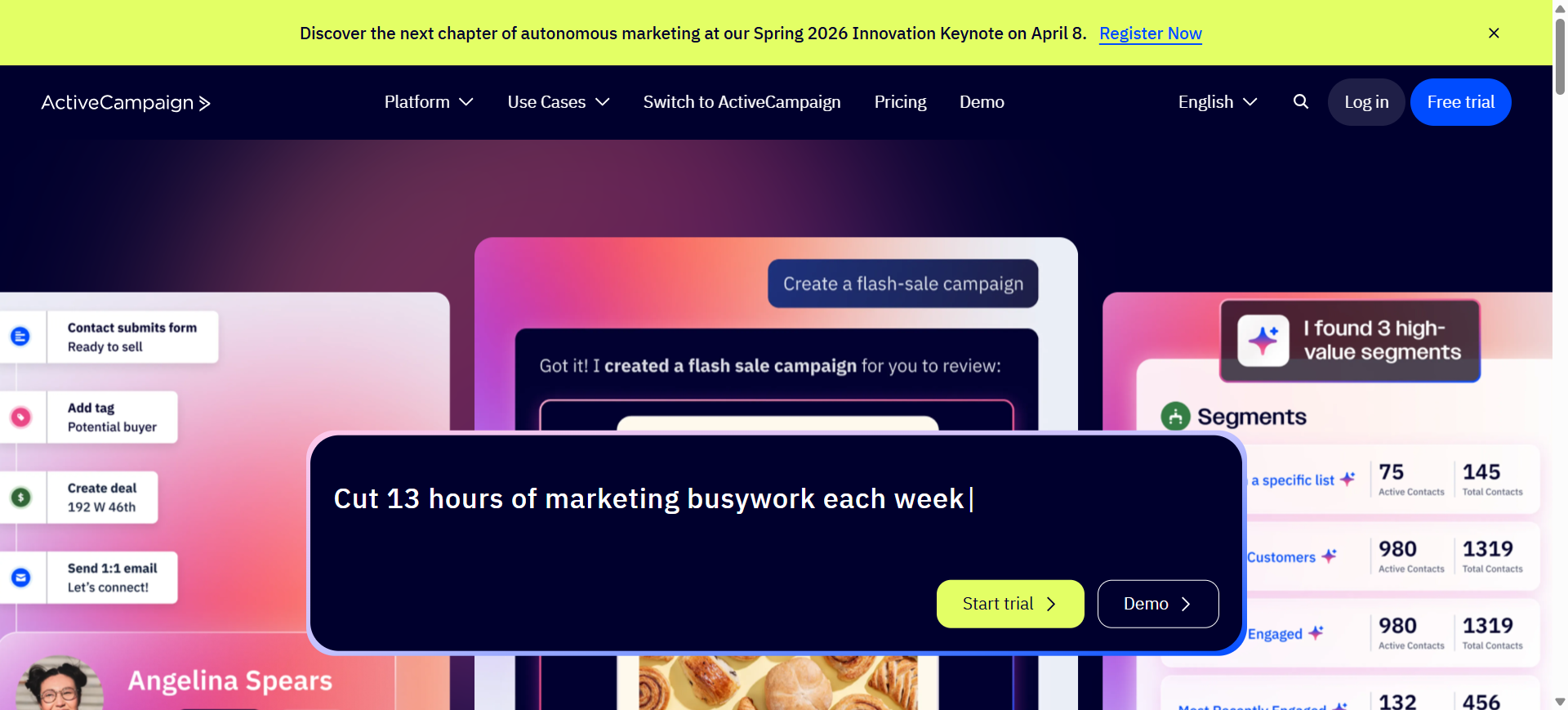
ActiveCampaign is a marketing automation platform that combines AI-driven email marketing with CRM capabilities. It helps businesses create intelligent email sequences based on customer behavior and predictive analytics. The platform is known for its advanced automation workflows and AI-powered lead scoring. Many companies use ActiveCampaign AI to manage customer journeys across multiple channels.
How to use ActiveCampaign AI for Email Marketing
- Import contacts and connect CRM data.
- Build automated workflows using AI-powered triggers.
- Use AI tools to generate email content and subject lines.
- Track engagement data and optimize campaigns using AI insights.
Key Features of ActiveCampaign AI
- Predict email send times using AI engagement analysis
- Generate AI-powered email content and subject lines
- Score leads using AI behavioral prediction models
- Automate marketing workflows using AI triggers
- Segment audiences using AI customer data analysis
- Recommend next actions using AI automation logic
- Analyze campaign performance with AI reporting
Use Cases of ActiveCampaign AI for Email Marketing
- Building automated customer journey email flows
- Running lead nurturing campaigns for B2B marketing
- Personalizing lifecycle emails for SaaS products
- Optimizing email campaign timing and targeting
- Automating customer onboarding email sequences
Who Should Use It
- SaaS companies
- Marketing automation teams
- B2B companies
- Businesses with large contact databases
- Companies needing complex workflows
Pricing
ActiveCampaign pricing typically starts around $15–$19 per month depending on contacts. A free trial is available, and pricing increases based on subscriber count and features.
Pros
- Very powerful automation workflows
- Strong CRM and marketing integration
- Advanced AI-driven segmentation
Cons
- Learning curve for beginners
- Costs increase as contacts grow
4. Mailchimp AI
What is Mailchimp AI
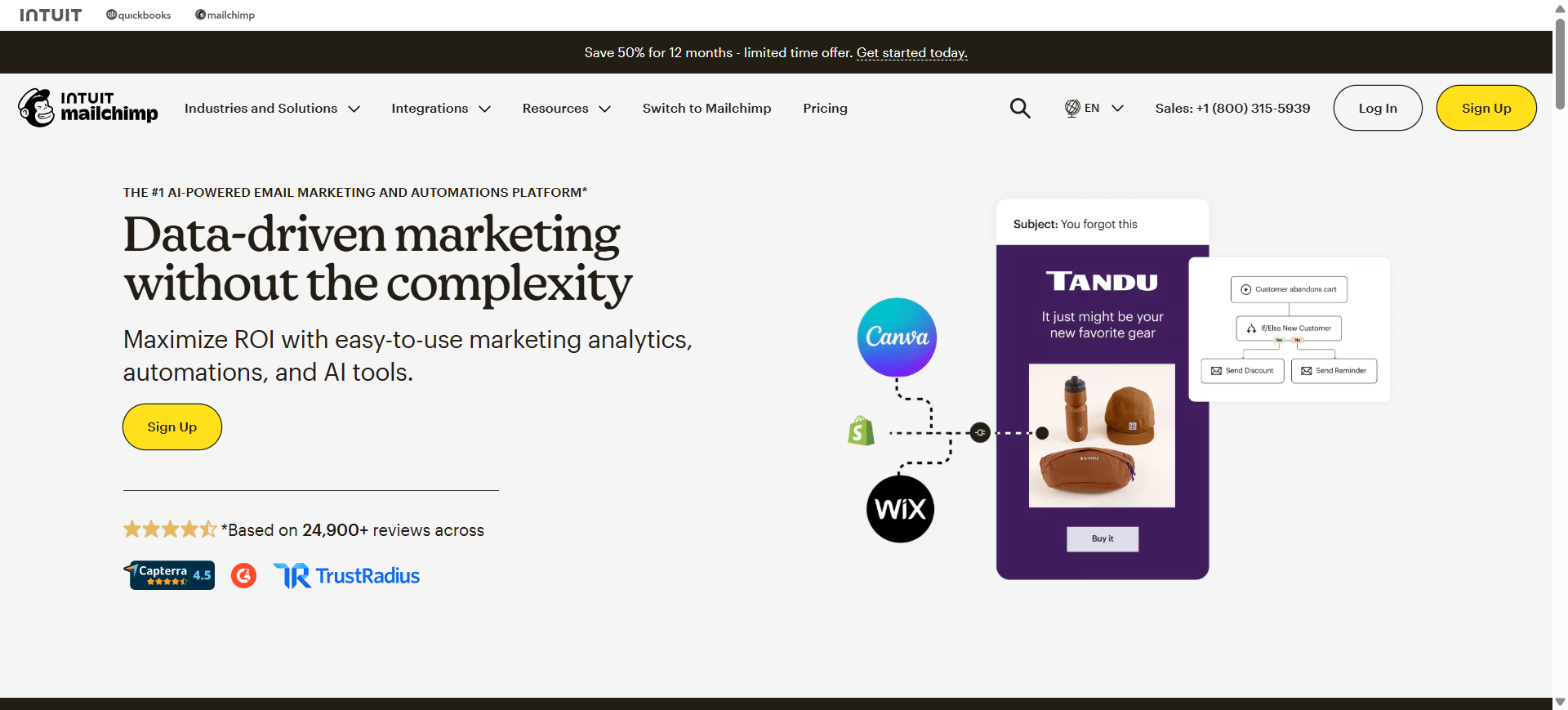
Mailchimp is an AI-enhanced email marketing platform used by businesses to design campaigns, automate marketing workflows, and personalize emails at scale. It integrates generative AI tools, predictive analytics, and automation features within the Mailchimp ecosystem. The platform helps marketers create email content, segment audiences, and optimize campaign timing using behavioral data and engagement insights.
How to use Mailchimp AI for Email Marketing
- Import contacts and organize them into audiences within the Mailchimp dashboard.
- Use the AI content generator to create subject lines and email copy.
- Build automated email workflows such as welcome sequences or abandoned cart campaigns.
- Analyze campaign performance using AI-driven insights and predictive segmentation.
Key Features of Mailchimp AI
- Generate email copy using AI content assistants
- Optimize send times using AI engagement prediction
- Segment audiences using AI predictive analytics
- Create branded email designs with AI Creative Assistant
- Automate customer journeys using AI workflow recommendations
- Analyze campaign performance using AI campaign insights
- Personalize email content using AI behavioral data
Use Cases of Mailchimp AI for Email Marketing
- Automating welcome email sequences for new subscribers
- Personalizing promotional email campaigns using behavioral segmentation
- Running AI-optimized newsletter campaigns
- Segmenting audiences based on predicted engagement and purchase likelihood
- Testing subject lines and content variations with AI-assisted optimization
Who Should Use It
- Small businesses and startups
- Ecommerce brands
- Marketing teams running newsletters
- Agencies managing multiple client campaigns
- Businesses needing easy-to-use email marketing software
Pricing
Mailchimp offers a free plan with limited contacts and email sends. Paid plans start around $13 per month (Essentials) and increase based on contacts and features. Advanced AI tools and automation are included in higher tiers such as Standard and Premium plans.
Pros
- Beginner-friendly interface and campaign builder
- Strong AI automation and predictive segmentation
- Large integration ecosystem for ecommerce and marketing tools
Cons
- Free plan has limited contacts and sending limits
- Advanced AI features require higher pricing tiers
5. Omnisend AI
What is Omnisend AI
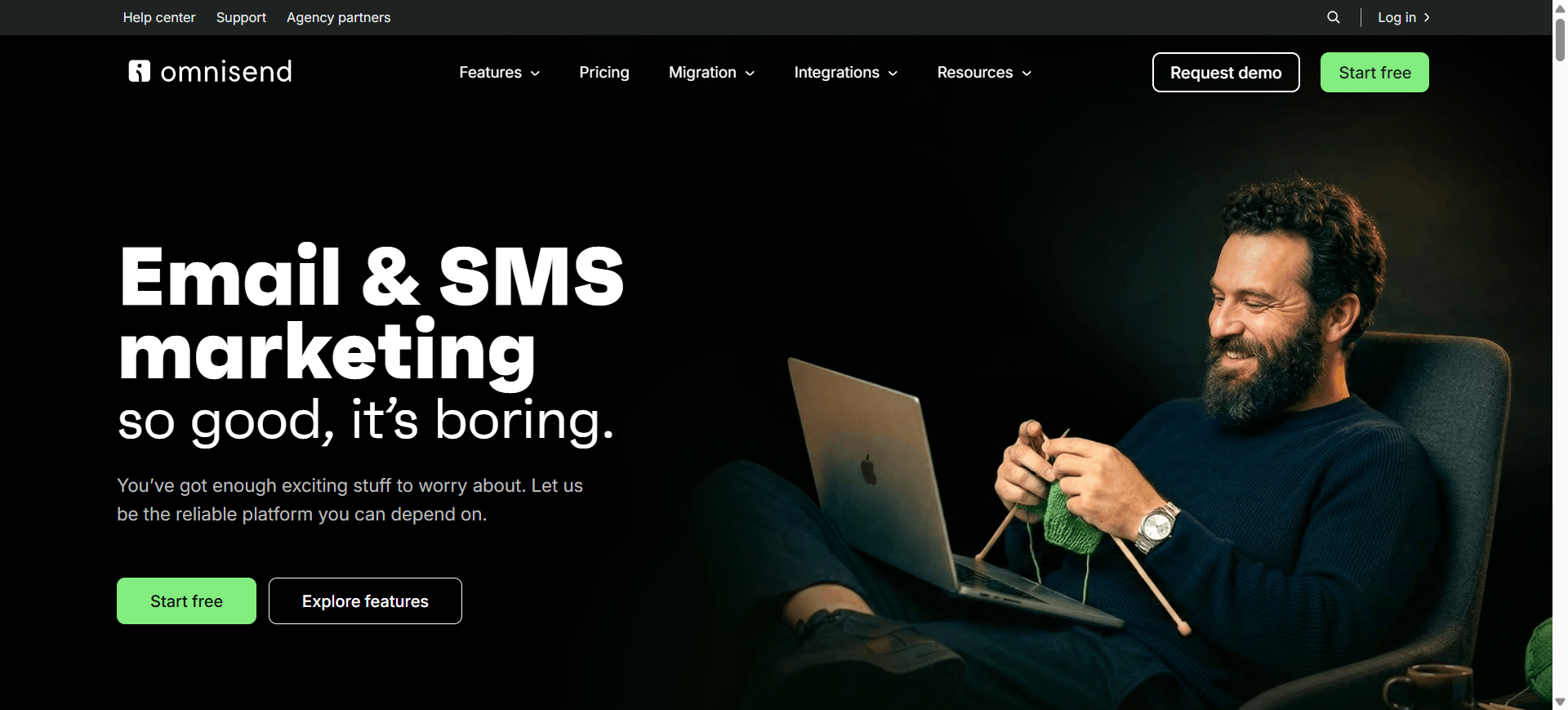
Omnisend is an AI-powered email and SMS marketing platform designed primarily for ecommerce businesses. It helps brands automate campaigns, personalize product recommendations, and optimize email performance using customer behavior and purchase data. The platform combines email marketing, SMS messaging, push notifications, and automation workflows in one system. Over 150,000 brands use Omnisend to run automated ecommerce marketing campaigns.
How to use Omnisend AI for Email Marketing
- Connect your ecommerce platform such as Shopify, WooCommerce, or BigCommerce.
- Use the AI email writer to generate campaign content and subject lines.
- Build automated workflows like welcome emails or abandoned cart sequences.
- Use AI segmentation and analytics to optimize campaign targeting and engagement.
Key Features of Omnisend AI
- Generate email campaigns using AI email writer
- Optimize subject lines using AI campaign suggestions
- Predict best send times using AI engagement analysis
- Recommend products using AI ecommerce personalization
- Build audience segments using AI segment builder
- Automate multichannel campaigns with AI workflow triggers
- Analyze campaign performance using AI marketing insights
Use Cases of Omnisend AI for Email Marketing
- Automating abandoned cart recovery campaigns for ecommerce stores
- Sending AI-personalized product recommendation emails
- Running ecommerce promotional campaigns with automated workflows
- Segmenting customers based on purchase history and engagement
- Launching lifecycle marketing campaigns across email and SMS
Who Should Use It
- Ecommerce brands
- Shopify and WooCommerce store owners
- Online retailers running product campaigns
- DTC marketing teams
- Businesses needing email + SMS marketing automation
Pricing
Omnisend offers a free plan with limited contacts and email sends. Paid plans start around $16 per month (Standard) and $59 per month (Pro) depending on subscriber count and automation needs.
Pros
- Strong ecommerce integrations and automation workflows
- Multichannel marketing with email, SMS, and push notifications
- AI tools for content generation and segmentation
Cons
- Best suited for ecommerce, not general marketing use
- Pricing increases as subscriber lists grow
6. GetResponse AI
What is GetResponse AI
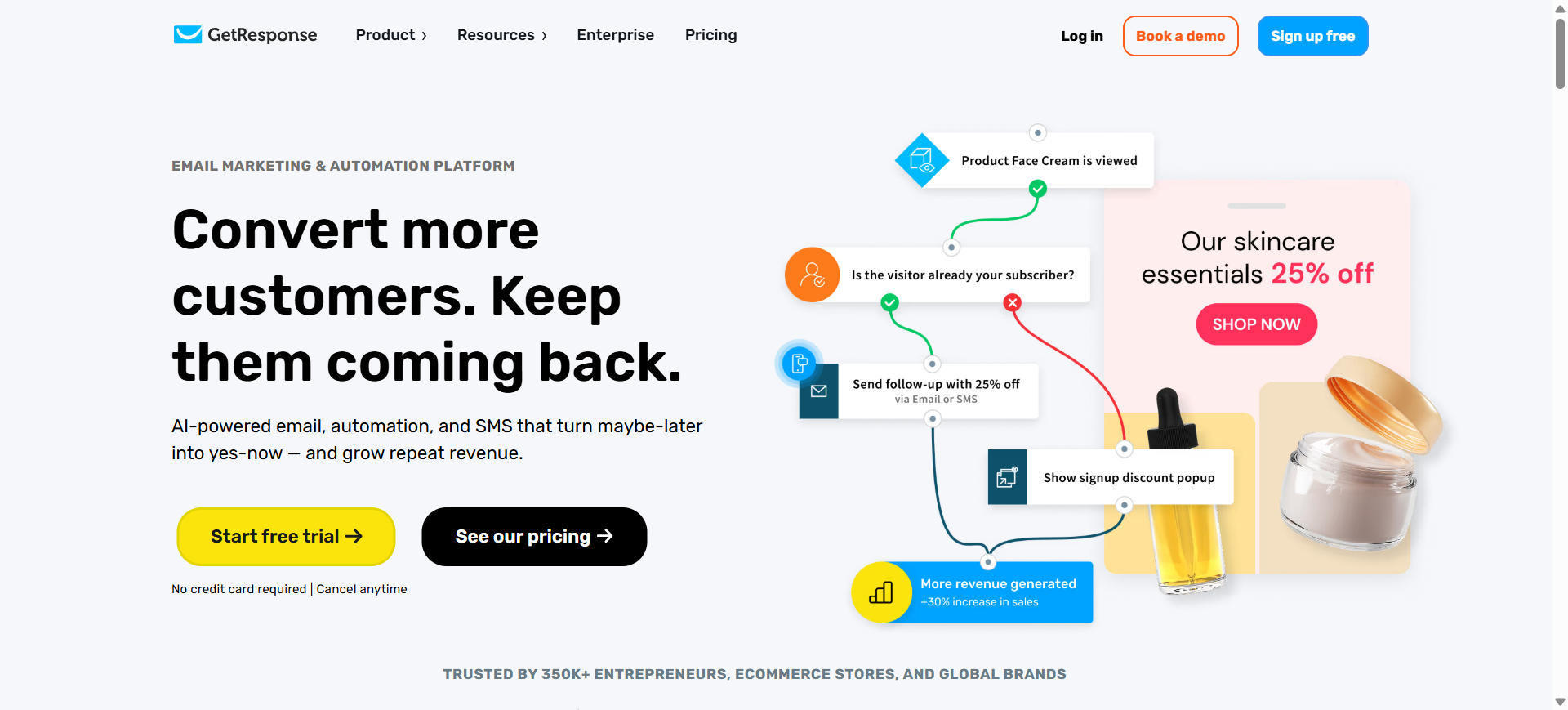
GetResponse is an AI-powered email marketing and marketing automation platform designed to help businesses create campaigns, automate workflows, and personalize communication. The platform integrates AI tools for content generation, segmentation, and campaign optimization. It also combines email marketing with landing pages, automation funnels, and webinars in one system used by 350,000+ businesses worldwide.
How to use GetResponse AI for Email Marketing
- Import contacts and create segmented lists in the GetResponse dashboard.
- Use the AI email generator to create subject lines and email content quickly.
- Build automated email workflows such as welcome sequences or sales funnels.
- Track campaign performance and refine targeting using AI-powered analytics.
Key Features of GetResponse AI
- Generate complete emails using an AI email generator
- Create AI-powered marketing campaigns with campaign generator
- Optimize subject lines using AI copy suggestions
- Segment audiences using AI behavioral analysis
- Automate email workflows with AI autoresponders
- Recommend products using AI ecommerce personalization
- Build landing pages using an AI page generator
Use Cases of GetResponse AI for Email Marketing
- Running automated email funnels for lead generation
- Creating AI-generated newsletter campaigns
- Sending abandoned cart recovery emails for ecommerce stores
- Personalizing promotional emails using behavioral segmentation
- Launching product launch or webinar email campaigns
Who Should Use It
- Small businesses and startups
- Ecommerce marketers
- Content creators selling digital products
- Marketing teams running automation funnels
- Businesses needing all-in-one marketing tools
Pricing
GetResponse offers a Free plan with limited email marketing features. Paid plans start around $19 per month (Starter) and scale based on contact list size and automation features. A 14-day free trial of premium features is also available.
Pros
- Powerful AI email generator and campaign builder
- All-in-one platform with automation, landing pages, and funnels
- Good scalability for growing businesses
Cons
- Advanced automation features are locked behind higher plans
- Interface may require time to learn for beginners
7. Brevo AI
What is Brevo AI
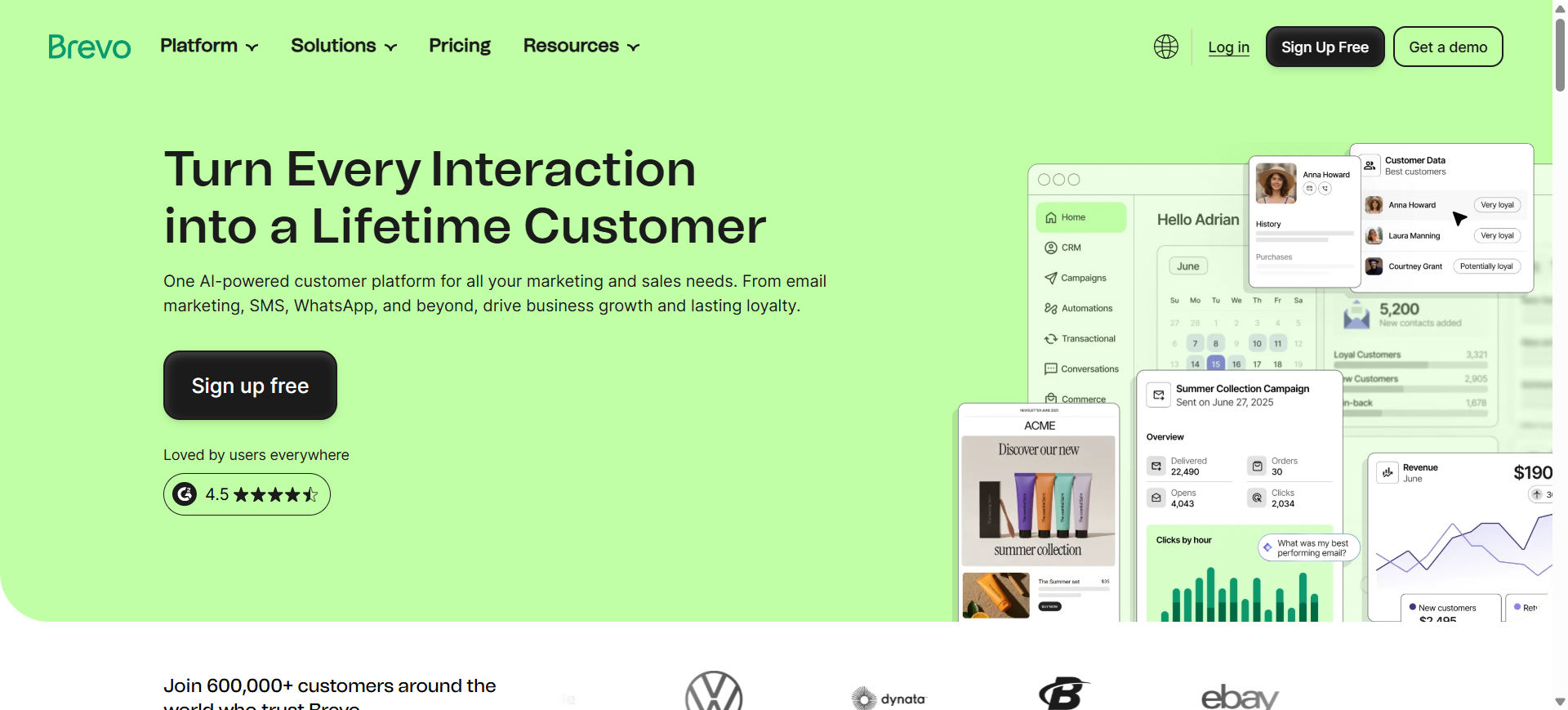
Brevo is an AI-powered email marketing and CRM platform that helps businesses create, automate, and optimize campaigns across email, SMS, and messaging channels. It includes Aura, Brevo’s built-in AI marketing assistant that generates email content, suggests campaign improvements, and automates segmentation. The platform is popular among small and mid-size businesses because it combines AI email marketing, CRM, and automation tools in one system.
How to use Brevo AI for Email Marketing
- Import contacts and organize audiences using segmentation tools.
- Use the Aura AI assistant to generate email copy and subject lines.
- Build automated workflows such as welcome emails or abandoned-cart campaigns.
- Monitor performance and let AI recommend send-time optimization and targeting improvements.
Key Features of Brevo AI
- Generate email content using AI marketing assistant (Aura)
- Optimize send times using AI engagement predictions
- Segment audiences automatically using AI data analysis
- Personalize campaigns using AI dynamic content recommendations
- Automate marketing workflows with AI behavior triggers
- Analyze campaign performance using AI reporting insights
- Create multichannel campaigns with AI-assisted automation
Use Cases of Brevo AI for Email Marketing
- Automating lead nurturing email campaigns
- Creating AI-generated newsletters and promotional emails
- Segmenting audiences for targeted email marketing campaigns
- Running abandoned cart and product recommendation emails
- Optimizing campaign send times using predictive engagement data
Who Should Use It
- Small and medium-sized businesses
- Ecommerce brands
- Startups running multichannel campaigns
- Agencies managing multiple clients
- Teams needing email + SMS + CRM in one platform
Pricing
Brevo offers a free plan allowing up to 300 emails per day with unlimited contacts. Paid plans start around $9–$18 per month, with higher tiers adding advanced automation, AI features, and analytics.
Pros
- Affordable pricing compared to many competitors
- Built-in CRM with multichannel marketing support
- AI assistant helps generate email content quickly
Cons
- Some AI features are limited in lower plans
- Reporting and advanced analytics are less robust than enterprise tools
8. Customer.io AI
What is Customer.io AI
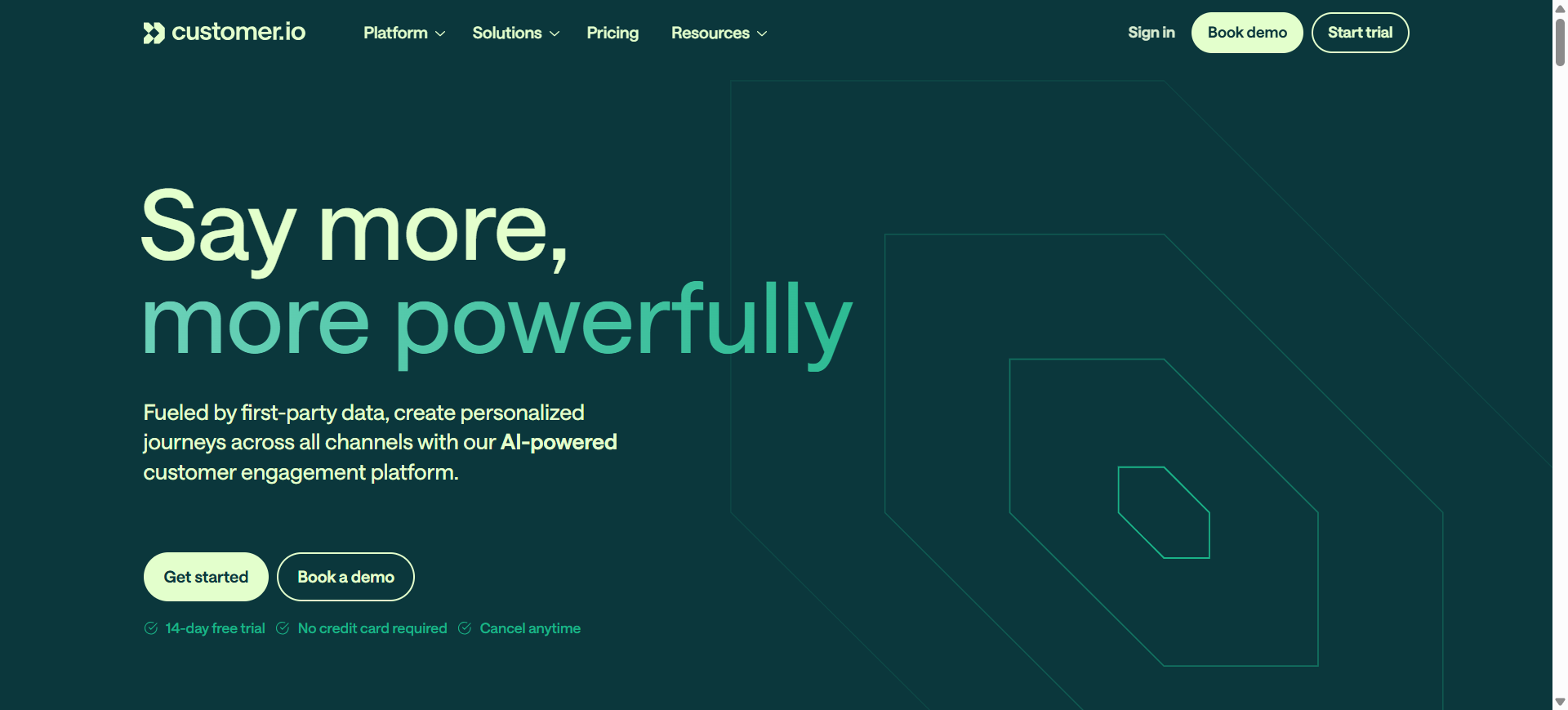
Customer.io is an AI-enhanced customer engagement and marketing automation platform that helps businesses send highly personalized emails and lifecycle campaigns. It uses real-time behavioral data and AI automation to trigger messages based on customer actions such as sign-ups, purchases, or feature usage. The platform supports multichannel communication—including email, SMS, push notifications, and in-app messaging—making it popular for product-led companies and SaaS businesses.
How to use Customer.io AI for Email Marketing
- Integrate your product, website, or app data with Customer.io to track user events.
- Use AI segmentation to build audiences based on behaviors and engagement signals.
- Create automated email workflows triggered by user actions or lifecycle stages.
- Monitor campaign performance and optimize messaging using AI insights and analytics.
Key Features of Customer.io AI
- Automate lifecycle emails using AI behavior-based triggers
- Segment audiences dynamically using AI customer data analysis
- Generate personalized email content using AI brand-aligned templates
- Predict optimal send times using AI engagement signals
- Build automated workflows with AI-assisted journey builder
- Analyze campaign performance using AI reporting insights
- Personalize content in real time using AI dynamic data
Use Cases of Customer.io AI for Email Marketing
- Automating onboarding and product adoption email sequences
- Triggering behavioral emails based on user actions in apps or websites
- Running lifecycle marketing campaigns for SaaS products
- Personalizing retention and re-engagement email campaigns
- Segmenting users dynamically using real-time engagement data
Who Should Use It
- SaaS companies
- Product-led startups
- Growth marketing teams
- Businesses with behavioral user data
- Companies needing lifecycle automation
Pricing
Customer.io pricing typically starts around $100 per month for the Essentials plan, based on the number of user profiles and email volume. A free trial is available, and pricing scales with data usage and messaging volume.
Pros
- Powerful behavior-based automation for lifecycle marketing
- Strong real-time personalization capabilities
- Supports multichannel messaging (email, SMS, push)
Cons
- Not a full CRM platform
- Higher starting price compared to many email tools
9. MailerLite AI
What is MailerLite AI
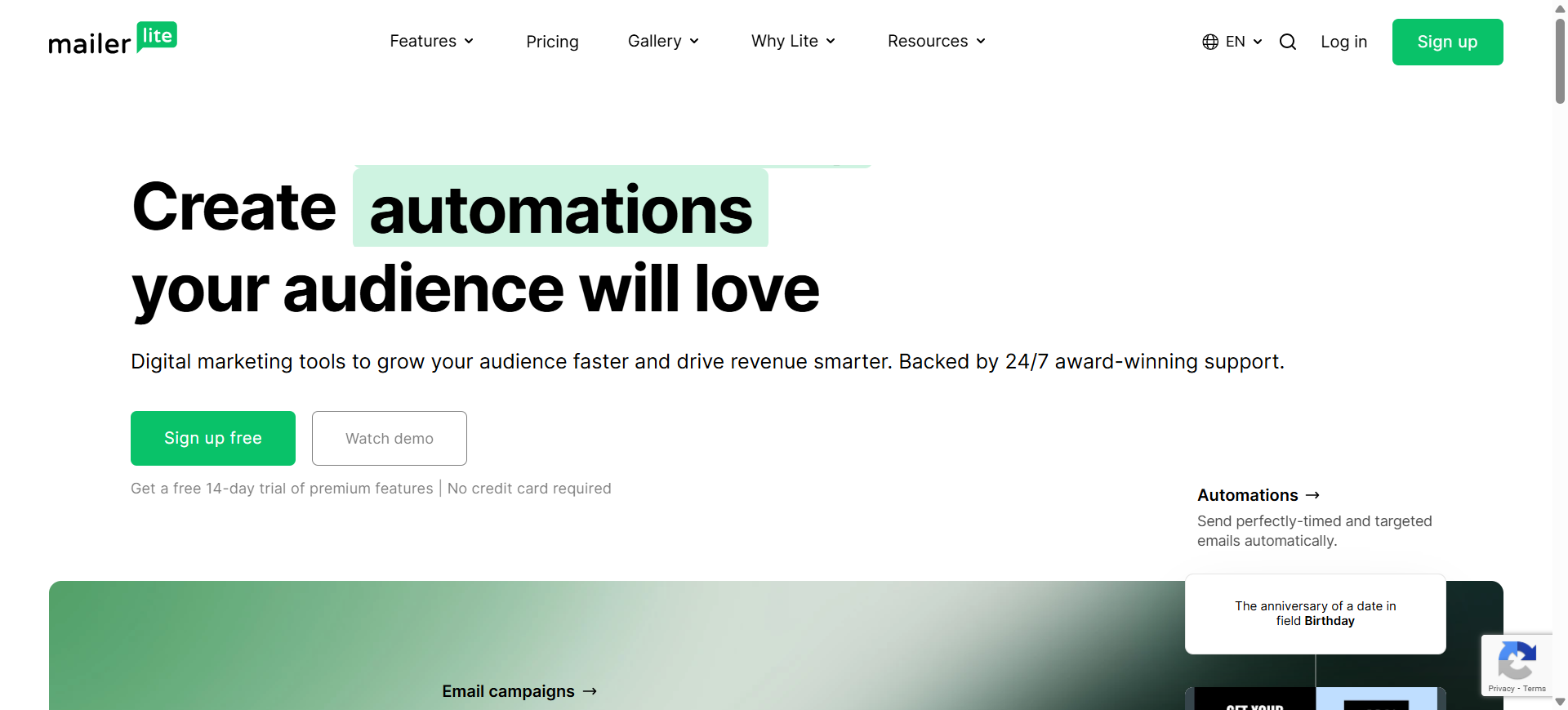
MailerLite is an AI-powered email marketing platform designed to help businesses create, automate, and optimize email campaigns. It includes AI tools such as a writing assistant, subject line generator, and smart sending features that help marketers craft personalized campaigns quickly. The platform also includes automation workflows, landing pages, and audience segmentation tools for managing complete email marketing strategies.
How to use MailerLite AI for Email Marketing
- Import or collect subscribers using forms, landing pages, or integrations.
- Use the AI writing assistant to generate email copy and subject lines.
- Create automated workflows triggered by subscriber actions or engagement.
- Track campaign performance and optimize targeting using analytics and AI insights.
Key Features of MailerLite AI
- Generate email content using an AI writing assistant
- Create optimized subject lines using an AI subject line generator
- Automate campaigns using AI-powered workflow triggers
- Personalize emails using AI audience segmentation
- Predict optimal send times using smart sending algorithms
- Analyze engagement using AI campaign analytics
- Connect external AI tools through MCP integrations for campaign insights
Use Cases of MailerLite AI for Email Marketing
- Automating welcome email sequences for new subscribers
- Creating AI-generated newsletters and promotional campaigns
- Segmenting audiences for targeted email marketing campaigns
- Optimizing subject lines to improve email open rates
- Running automated lifecycle campaigns based on user behavior
Who Should Use It
- Small businesses and startups
- Bloggers and creators running newsletters
- Ecommerce stores with small to mid-size lists
- Marketing teams needing simple automation tools
- Businesses looking for affordable email marketing software
Pricing
MailerLite offers a free plan for up to 500 subscribers and 12,000 emails per month. Paid plans start around $10/month (Growing Business), with advanced features available in higher tiers and a 14-day free trial for premium tools.
Pros
- Very beginner-friendly interface and email builder
- Affordable pricing compared to many competitors
- Useful AI tools for subject lines and email copy
Cons
- Some AI features are limited on lower plans
- Advanced automation capabilities are less powerful than enterprise tools
10. AWeber AI
What is AWeber AI
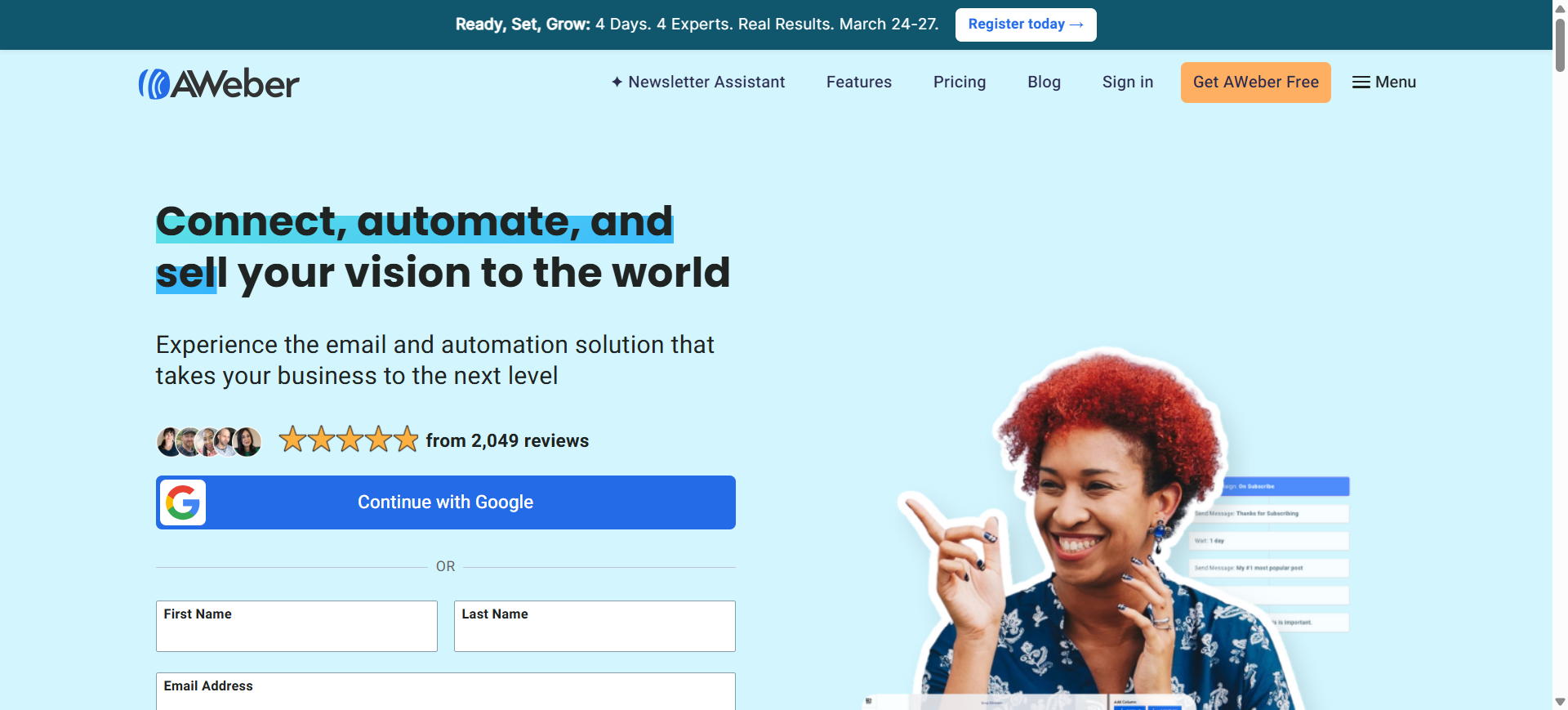
AWeber is an AI-enhanced email marketing platform designed for small businesses, creators, and marketers who want to build automated campaigns and newsletters quickly. The platform includes a built-in AI Writing Assistant that generates subject lines, email copy, and content ideas directly inside the email editor. It also supports automation workflows, landing pages, segmentation, and analytics for managing complete email marketing campaigns.
How to use AWeber AI for Email Marketing
- Import subscribers or collect leads using signup forms and landing pages.
- Use the AI writing assistant to generate subject lines and email content.
- Create automated campaigns such as welcome sequences or promotional emails.
- Track campaign performance and optimize targeting using engagement analytics.
Key Features of AWeber AI
- Generate email drafts using an AI writing assistant
- Create optimized subject lines using AI subject line generator
- Summarize blog content into emails using AI content summarizer
- Automate campaigns using AI workflow triggers
- Segment audiences using AI subscriber insights
- Design campaigns using AI-assisted email builder
- Optimize engagement using AI analytics and reporting
Use Cases of AWeber AI for Email Marketing
- Creating AI-generated newsletters for subscribers
- Automating welcome email sequences for new leads
- Generating promotional campaigns for ecommerce stores
- Segmenting audiences for targeted marketing campaigns
- Repurposing blog posts into email newsletters
Who Should Use It
- Bloggers and creators
- Small businesses and startups
- Affiliate marketers
- Ecommerce sellers with small lists
- Agencies managing simple email campaigns
Pricing
AWeber offers a free plan for small lists and paid plans starting around $15 per month, depending on the number of subscribers. A 14-day free trial is also available for testing advanced features.
Pros
- Built-in AI writing assistant for email copy
- Beginner-friendly interface and automation builder
- Good customer support and integrations
Cons
- Automation capabilities are less advanced than some competitors
- Advanced marketing features are limited in lower plans
11. Drip AI
What is Drip AI
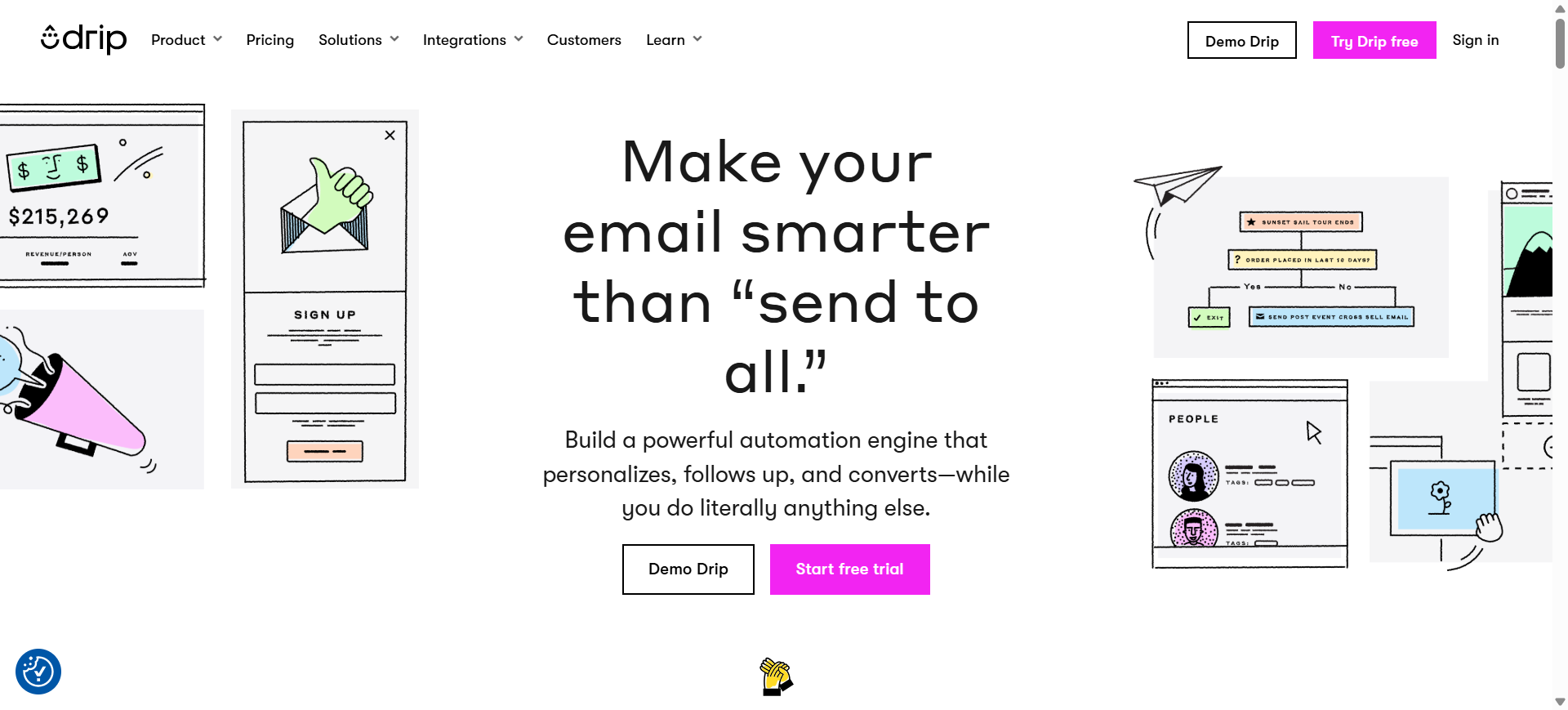
Drip is an ecommerce-focused email marketing and marketing automation platform designed to help online businesses build personalized customer journeys. It collects customer data from ecommerce stores, websites, and campaigns to trigger automated emails and targeted promotions. The platform combines segmentation, automation workflows, and revenue tracking so businesses can send personalized campaigns that increase customer lifetime value and sales.
How to use Drip AI for Email Marketing
- Connect your ecommerce store (Shopify, WooCommerce, etc.) to import customer data.
- Use AI segmentation to group customers by behavior, purchases, and engagement.
- Create automated workflows such as abandoned cart, welcome, or win-back emails.
- Analyze revenue and engagement metrics to optimize campaigns with data insights.
Key Features of Drip AI
- Automate email campaigns using AI behavior-based workflow triggers
- Segment audiences using AI customer data and purchase behavior
- Personalize product recommendations using AI ecommerce insights
- Generate dynamic email content using AI segmentation data
- Track revenue attribution using AI campaign analytics
- Build automated marketing journeys with AI visual workflow builder
- Optimize campaigns using AI performance insights
Use Cases of Drip AI for Email Marketing
- Automating abandoned cart recovery campaigns for ecommerce stores
- Sending AI-personalized product recommendation emails
- Running lifecycle marketing campaigns for online retailers
- Segmenting customers based on behavior and purchase history
- Increasing customer lifetime value with automated retention emails
Who Should Use It
- Ecommerce brands
- Direct-to-consumer (DTC) companies
- Shopify and WooCommerce store owners
- Marketing teams focused on revenue attribution
- Online retailers running automated campaigns
Pricing
Drip offers a 14-day free trial with access to core features. Paid plans start around $39 per month for up to 2,500 contacts, with pricing increasing as subscriber lists grow.
Pros
- Strong ecommerce automation and segmentation
- Deep integrations with major ecommerce platforms
- Advanced revenue tracking and campaign analytics
Cons
- No permanent free plan available
- Pricing can increase quickly as subscriber lists grow
12. Ortto AI
What is Ortto AI
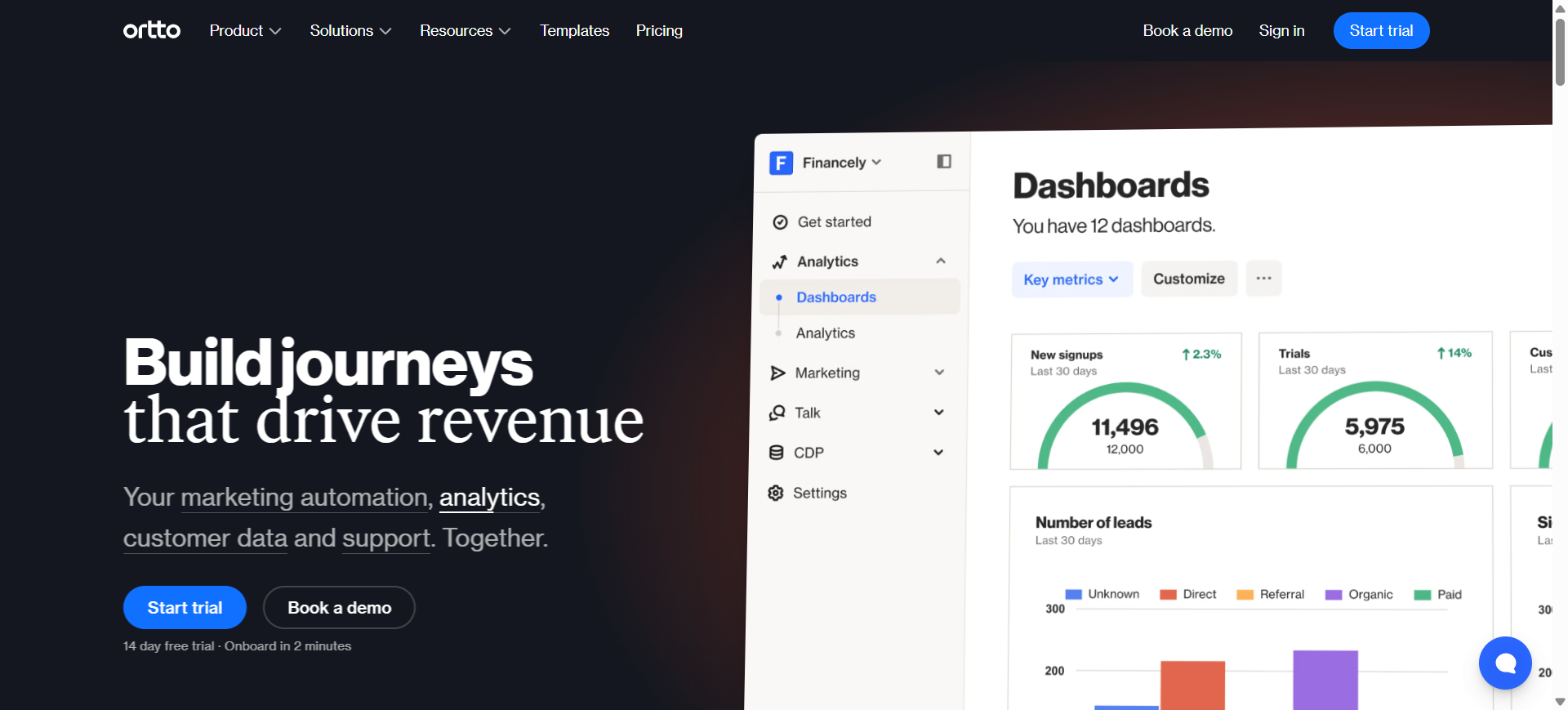
Ortto is an AI-powered marketing automation and customer data platform designed to help businesses run personalized email campaigns and automated customer journeys. It combines customer data, analytics, and automation in a single system, enabling marketers to build behavior-based campaigns across email, SMS, and other channels.
The platform uses AI to analyze customer interactions, segment audiences, and trigger personalized messages based on real-time behavioral data.
How to use Ortto AI for Email Marketing
- Connect your CRM, ecommerce store, or website to sync customer data.
- Use AI segmentation to identify high-value customer groups and engagement patterns.
- Build automated email workflows using the visual journey builder.
- Optimize campaigns using AI subject line suggestions and predictive analytics.
Key Features of Ortto AI
- Segment audiences automatically using AI customer data analysis
- Predict email open rates using AI subject line optimization
- Trigger campaigns using AI behavior-based automation
- Build journeys using AI-assisted visual workflow builder
- Analyze campaign performance using AI marketing analytics
- Score leads using AI-assisted lead scoring models
Use Cases of Ortto AI for Email Marketing
- Automating lifecycle email campaigns for SaaS or subscription products
- Segmenting audiences using real-time behavioral data
- Running lead nurturing campaigns for B2B marketing
- Triggering personalized emails based on user actions or events
- Predicting churn and sending retention campaigns
Who Should Use It
- SaaS companies
- Product-led growth teams
- Ecommerce brands with customer data platforms
- Marketing teams running lifecycle campaigns
- Businesses needing advanced marketing automation
Pricing
Ortto offers a 14-day free trial. Paid plans typically start around $169–$199 per month, with pricing based on the number of contacts and automation features.
Pros
- Powerful AI segmentation and automation tools
- Unified customer data platform for personalization
- Supports multichannel campaigns (email, SMS, push)
Cons
- Higher starting price compared to many email tools
- Setup and integrations may require technical knowledge
13. Mailmodo AI
What is Mailmodo AI
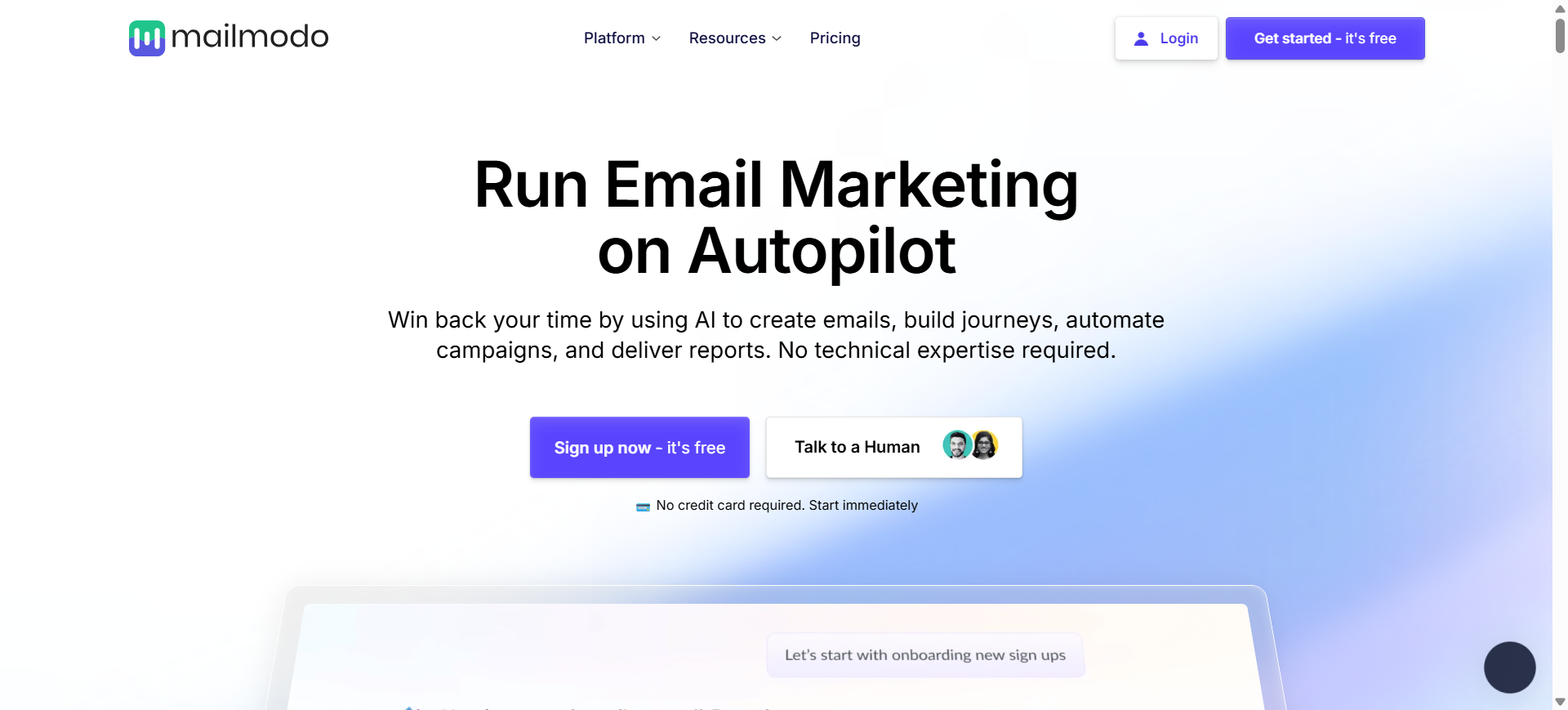
Mailmodo is an AI-powered email marketing platform designed to create interactive and highly engaging emails. It allows businesses to send AMP emails where users can complete actions such as filling forms, answering surveys, or booking meetings directly inside the email. The platform combines AI campaign generation, automation workflows, and analytics to help marketers improve engagement and conversions.
How to use Mailmodo AI for Email Marketing
- Import contacts or connect your CRM or ecommerce platform.
- Use the AI campaign generator to create email templates, subject lines, and segmentation strategies.
- Build automated journeys such as welcome sequences or promotional campaigns.
- Launch interactive emails and optimize performance using analytics and A/B testing.
Key Features of Mailmodo AI
- Generate campaign ideas using AI campaign generator
- Create subject lines using AI subject line generator
- Build interactive emails using AI-assisted AMP templates
- Automate email journeys using AI workflow automation
- Segment audiences using AI behavioral segmentation
- Optimize campaigns using AI send-time optimization
- Analyze engagement using AI campaign analytics
Use Cases of Mailmodo AI for Email Marketing
- Running interactive email campaigns with embedded forms or surveys
- Automating lifecycle email marketing workflows
- Collecting customer feedback directly within emails
- Sending product recommendation or promotional emails
- Improving conversion rates with interactive engagement elements
Who Should Use It
- SaaS and product-led companies
- Ecommerce brands
- Marketing teams running engagement campaigns
- Businesses focused on interactive email experiences
- Agencies managing automation campaigns
Pricing
Mailmodo offers a free plan with limited contacts and email credits. Paid plans typically start around $39–$49 per month, with higher tiers unlocking advanced automation, A/B testing, and AI features.
Pros
- Unique support for interactive AMP emails that boost engagement
- Built-in AI tools for campaign generation and optimization
- Easy drag-and-drop email builder with automation features
Cons
- AMP emails are not supported by all email clients
- Advanced features may require higher-tier plans
14. Kit AI
What is Kit AI
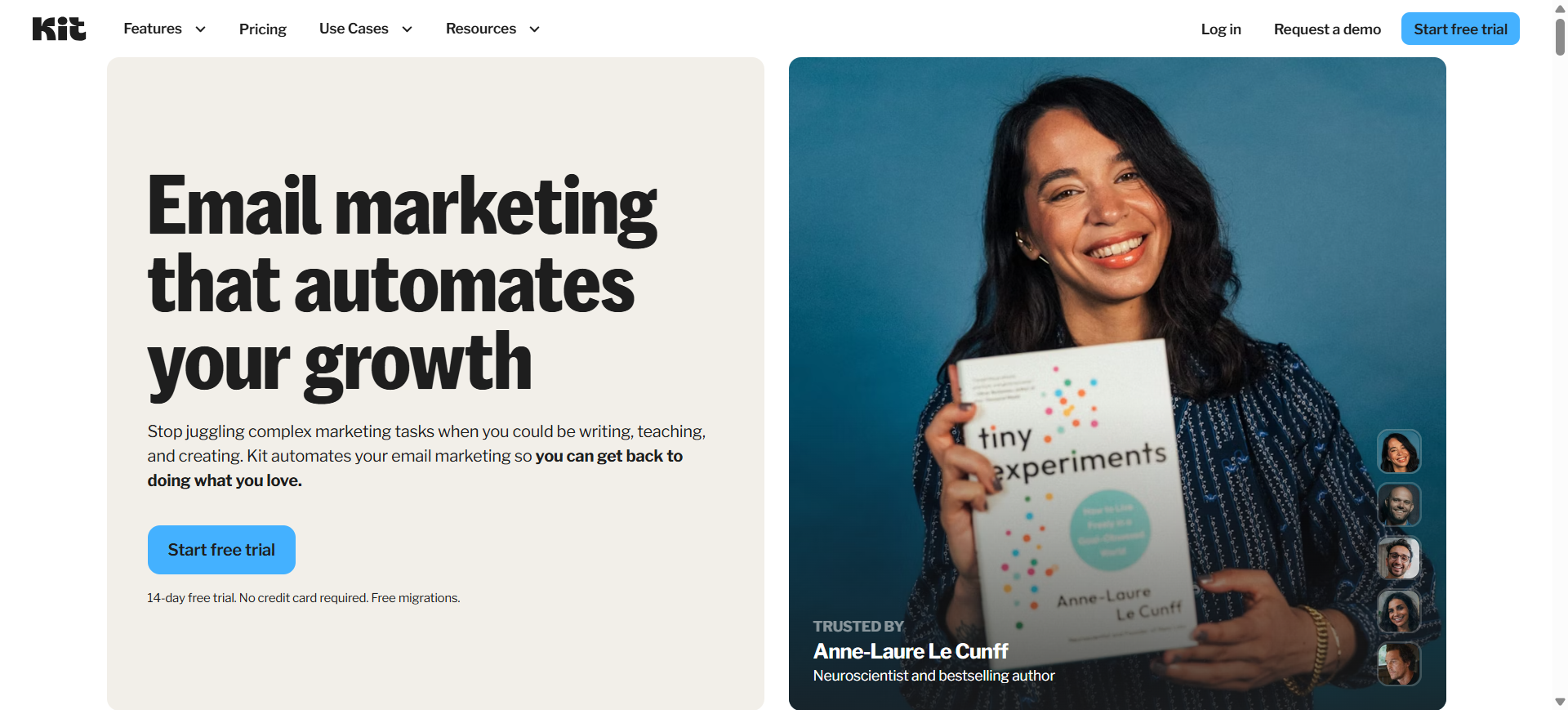
Kit (formerly ConvertKit) is an AI-enhanced email marketing platform built specifically for creators, bloggers, and digital entrepreneurs. It helps users grow email lists, automate newsletters, and monetize audiences through email campaigns. The platform includes automation workflows, segmentation tools, and AI-assisted content generation to create personalized subscriber experiences.
Kit focuses heavily on newsletters, audience growth, and creator monetization, allowing users to build automated email sequences and personalized campaigns based on subscriber interests.
How to use Kit AI for Email Marketing
- Import subscribers or capture leads using landing pages and signup forms.
- Use AI-assisted writing tools to generate email newsletters and subject lines.
- Build automated email sequences using the visual automation builder.
- Track engagement metrics and refine campaigns using subscriber analytics.
Key Features of Kit AI
- Generate newsletter content using AI writing assistant
- Segment subscribers using AI audience tagging and behavior tracking
- Automate campaigns using AI-assisted email sequences
- Personalize emails using AI subscriber interest data
- Grow lists using AI-powered recommendation network
- Build automation workflows using AI visual journey builder
- Analyze campaign performance using AI engagement insights
Use Cases of Kit AI for Email Marketing
- Creating AI-generated newsletters for audience engagement
- Automating welcome sequences and subscriber onboarding
- Promoting digital products through email marketing funnels
- Segmenting audiences for targeted newsletter campaigns
Who Should Use It
- Content creators and influencers
- Bloggers and newsletter publishers
- Online course creators
- Coaches and personal brands
- Small creator-led businesses
Pricing
Kit offers a free plan for up to 10,000 subscribers with limited automation features. Paid plans typically start around $39 per month for advanced automation and creator tools, with pricing increasing based on subscriber count.
Pros
- Designed specifically for creators and newsletter businesses
- Strong automation and subscriber segmentation tools
- Generous free plan for growing email lists
Cons
- Limited design flexibility compared to some email tools
- Advanced automation features require paid plans
15. Sender AI
What is Sender AI
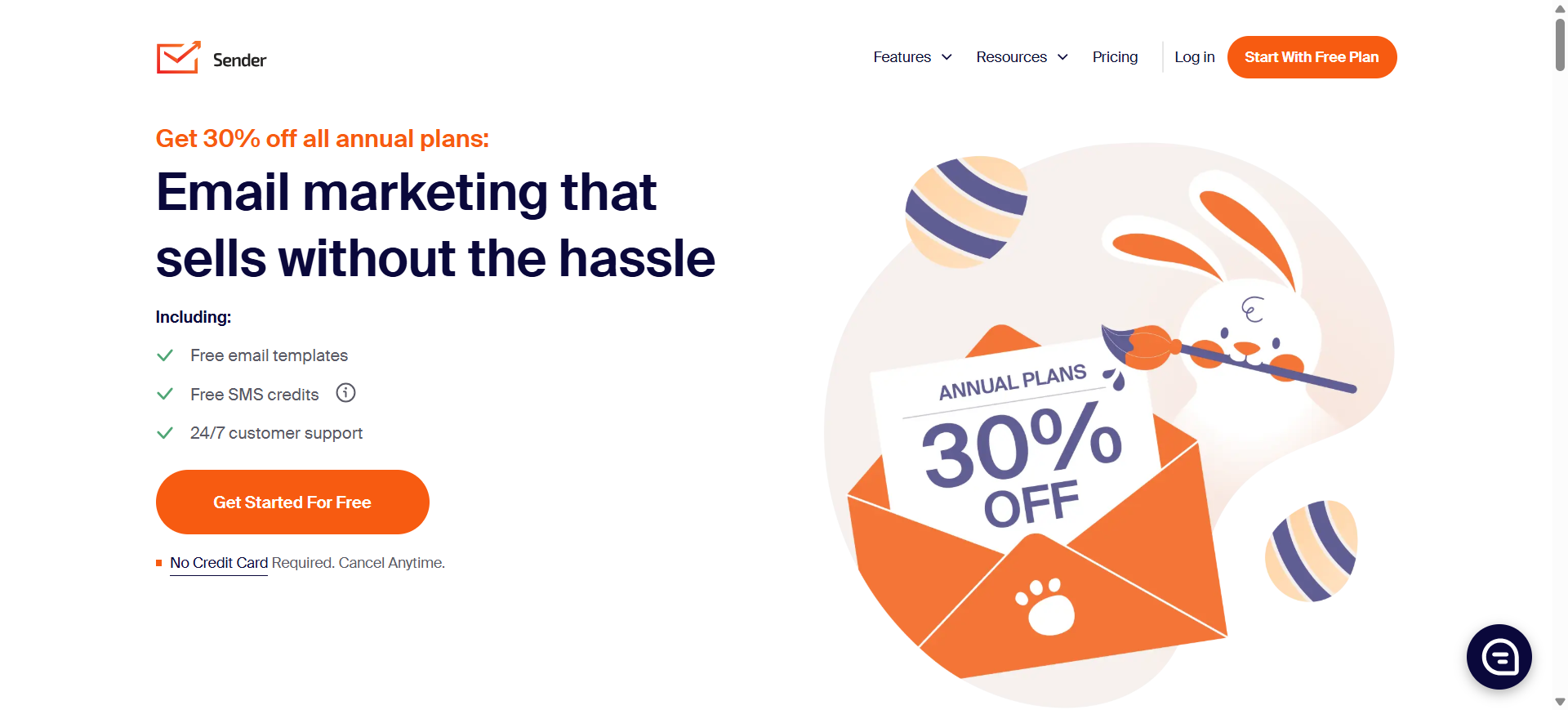
Sender is an AI-powered email marketing platform designed to help businesses create, automate, and optimize email campaigns without complex setup. It provides tools for building newsletters, automating workflows, segmenting audiences, and analyzing campaign performance in one platform. Sender is widely used by small businesses and ecommerce brands because it combines AI-assisted marketing automation with a generous free plan and simple campaign management tools.
The platform supports email automation, personalization, and analytics so marketers can send targeted campaigns based on customer behavior and engagement.
How to use Sender AI for Email Marketing
- Import contacts or collect subscribers using signup forms and popups.
- Use AI-assisted campaign tools to generate email content and subject lines.
- Build automated workflows triggered by user actions such as sign-ups or clicks.
- Monitor engagement metrics and optimize campaigns using analytics insights.
Key Features of Sender AI
- Generate email campaigns using AI-assisted email builder
- Segment subscribers using AI behavioral data analysis
- Automate campaigns using AI workflow triggers
- Personalize content using AI subscriber insights
- Optimize campaigns using AI predictive engagement data
- Run A/B tests using AI subject line optimization
- Analyze performance using AI campaign analytics
Use Cases of Sender AI for Email Marketing
- Automating welcome email sequences for new subscribers
- Running AI-optimized newsletter campaigns
- Segmenting audiences for targeted promotional emails
- Sending ecommerce promotions and discount campaigns
- Tracking email engagement and optimizing marketing funnels
Who Should Use It
- Small businesses and startups
- Bloggers and newsletter creators
- Ecommerce store owners
- Marketing teams running simple automation campaigns
- Businesses needing affordable email marketing tools
Pricing
Sender offers a Free Forever plan that includes up to 2,500 subscribers and 15,000 emails per month. Paid plans typically start around $10 per month, with pricing increasing based on contact volume and advanced features.
Pros
- Very generous free plan compared to many competitors
- Easy-to-use interface with automation and segmentation
- Affordable pricing for growing businesses
Cons
- Email template customization can be limited
- Advanced enterprise automation features are limited
16. Instantly AI
What is Instantly AI
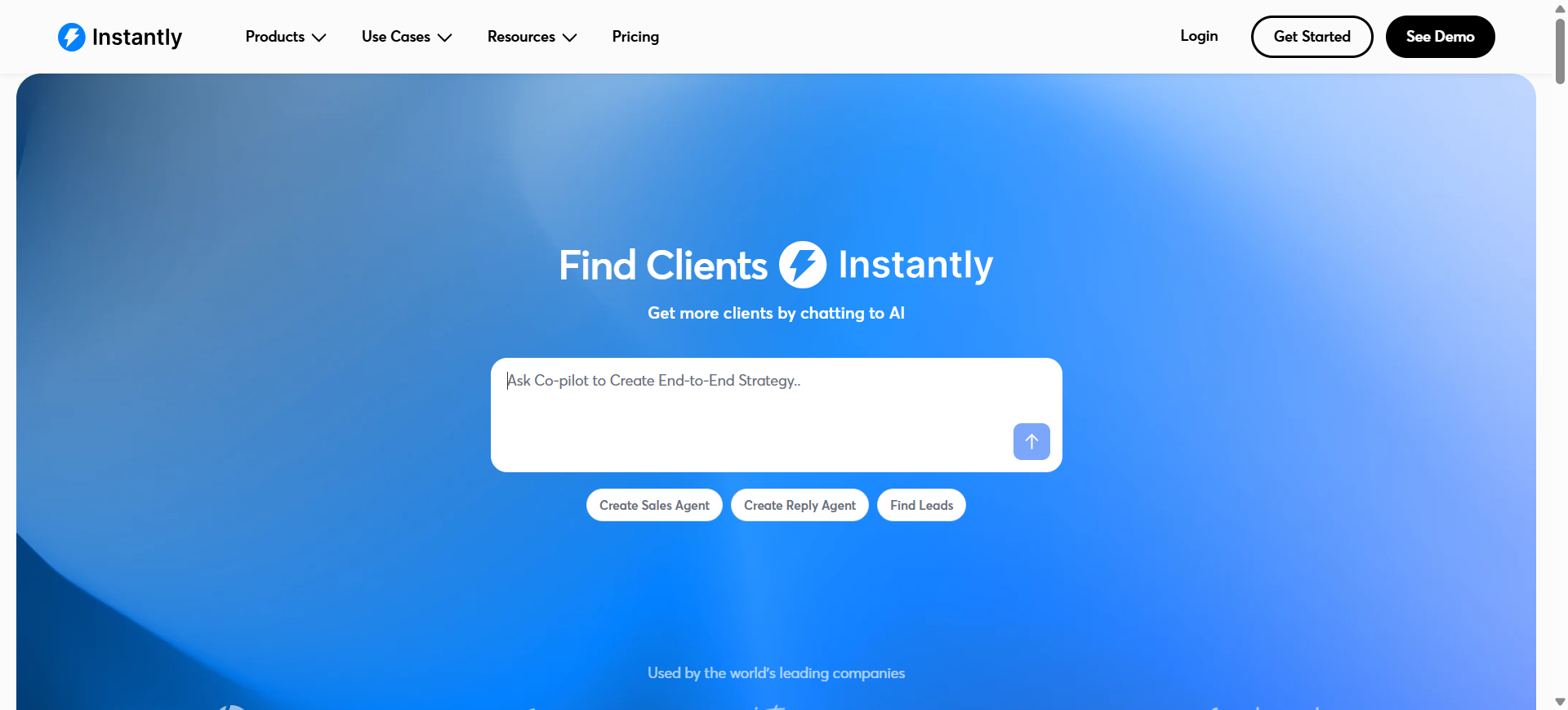
Instantly is an AI-powered sales engagement and cold email outreach platform designed to help businesses scale email campaigns and generate leads. It combines email automation, deliverability tools, a B2B lead database, and AI writing assistants in one system. The platform allows teams to manage outreach campaigns across multiple inboxes while using AI to personalize emails and improve response rates.
Instantly is widely used by sales teams, agencies, and founders because it supports large-scale outreach with automation, analytics, and built-in deliverability optimization.
How to use Instantly AI for Email Marketing
- Connect email accounts and import or discover leads from the built-in B2B database.
- Use the AI email writer to generate personalized outreach messages.
- Create automated email sequences and follow-ups using campaign workflows.
- Track replies, engagement, and deliverability metrics from the unified inbox dashboard.
Key Features of Instantly AI
- Generate outreach emails using AI email writer
- Personalize campaigns using AI lead analysis and insights
- Automate cold email sequences using AI campaign workflows
- Improve deliverability using AI email warmup and inbox rotation
- Discover prospects using AI-powered B2B lead database
- Track campaign performance using AI analytics and reporting
Use Cases of Instantly AI for Email Marketing
- Running automated cold email outreach campaigns
- Generating personalized B2B lead generation emails
- Scaling outbound email marketing for SaaS companies
- Automating follow-ups and sales prospecting campaigns
- Tracking engagement and conversions from email outreach
Who Should Use It
- Sales development teams (SDRs)
- Lead generation agencies
- SaaS startups running outbound marketing
- Freelancers doing cold outreach
- B2B marketing teams
Pricing
Instantly AI pricing typically starts around $37–$47 per month (Growth plan) with features such as unlimited email accounts, automated warm-up, and campaign automation. Higher plans like Hypergrowth (~$97/month) support larger contact lists and email volumes.
Pros
- Built specifically for large-scale cold email outreach
- Unlimited email accounts and automated warm-up tools
- Built-in lead database and campaign analytics
Cons
- Focused mainly on outbound sales rather than traditional email marketing
- Advanced features and lead database require higher-tier plans
17. Encharge AI
What is Encharge AI
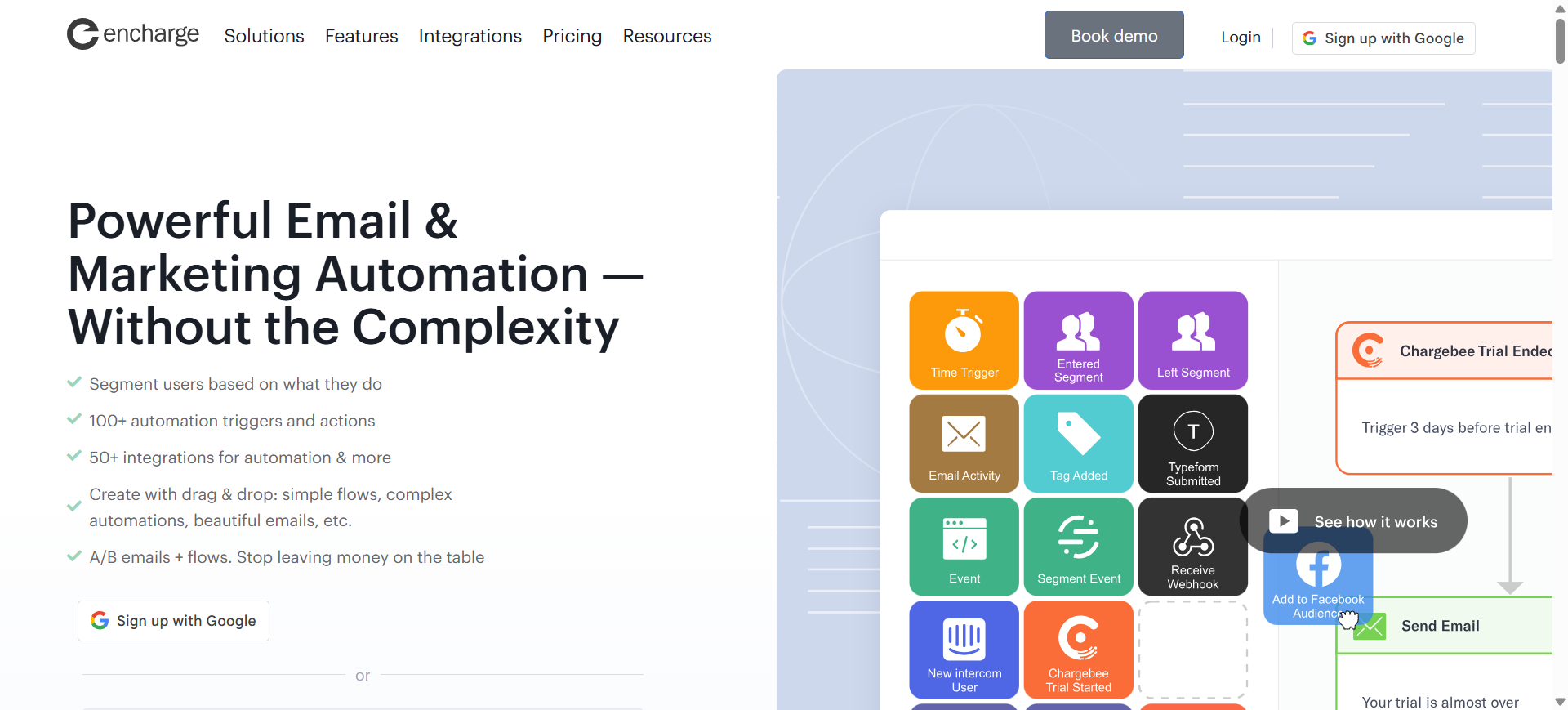
Encharge is an AI-powered email marketing and marketing automation platform designed primarily for SaaS companies and digital businesses. It focuses on behavior-based email automation, allowing marketers to trigger emails based on user actions such as sign-ups, product usage, or purchases. The platform includes a visual flow builder, dynamic segmentation, and integrations with tools like Stripe, HubSpot, and Salesforce to automate the entire customer journey.
Encharge helps businesses send personalized emails and automate repetitive marketing tasks to convert leads, onboard users, and increase customer retention.
How to use Encharge AI for Email Marketing
- Connect your website, SaaS product, or CRM to sync user data.
- Use the visual flow builder to create automated email workflows triggered by user behavior.
- Generate personalized messages using AI-based segmentation and dynamic content.
- Monitor user activity and optimize campaigns using analytics and engagement insights.
Key Features of Encharge AI
- Automate lifecycle emails using AI behavior-based workflow triggers
- Segment audiences using AI customer data and activity tracking
- Personalize email content using AI dynamic personalization tags
- Build campaigns using AI visual flow builder automation
- Trigger emails based on AI product usage and event tracking
- Integrate marketing tools using AI automation integrations
Use Cases of Encharge AI for Email Marketing
- Automating SaaS onboarding email sequences
- Running lead nurturing campaigns for product-led businesses
- Triggering emails based on customer actions or product usage
- Improving trial-to-paid conversions using lifecycle automation
- Segmenting audiences for targeted B2B email campaigns
Who Should Use It
- SaaS startups
- Product-led growth teams
- B2B marketing teams
- Agencies managing SaaS clients
- Businesses needing behavior-based automation
Pricing
Encharge offers a 14-day free trial. Paid plans typically start around $99/month for up to 2,000 subscribers, with pricing based on the number of contacts and automation features.
Pros
- Powerful visual automation builder for lifecycle campaigns
- Strong behavior-based segmentation and targeting
- Integrates with major tools like Stripe, HubSpot, and Salesforce
Cons
- No permanent free plan available
- Pricing is higher than basic email marketing tools
18. Jasper AI
What is Jasper AI
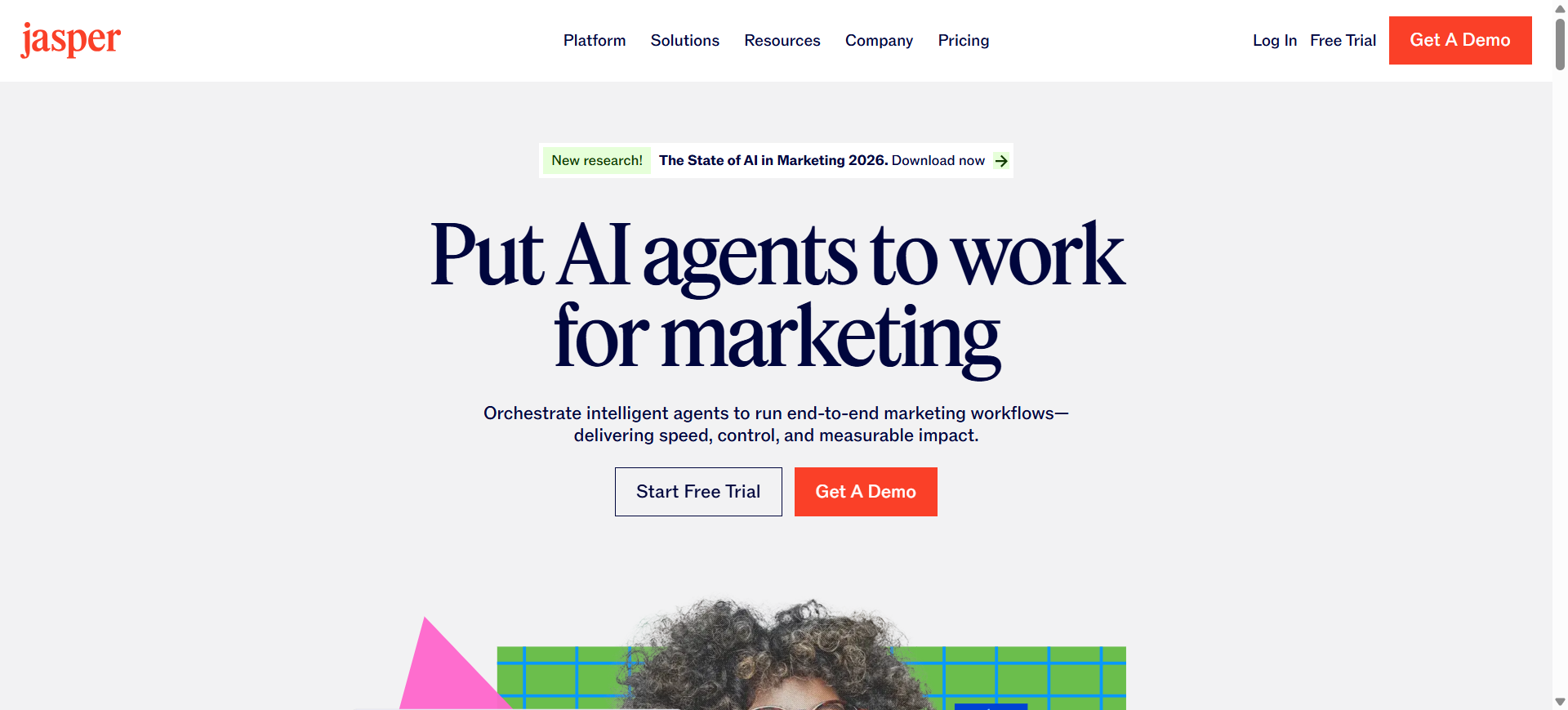
Jasper is an AI-powered marketing content platform that helps businesses generate high-converting marketing copy, including email campaigns, subject lines, ads, and blog content. It uses advanced language models to create marketing content quickly while maintaining a consistent brand voice. Jasper includes templates, AI chat tools, and campaign generators that help marketers produce email content faster and scale campaigns across multiple channels.
How to use Jasper AI for Email Marketing
- Enter campaign details such as audience, tone, and goal into Jasper’s email templates.
- Use the AI email generator to produce subject lines, email copy, and CTAs.
- Customize the generated content using brand voice settings and style guides.
- Export or integrate the email content into your email marketing platform.
Key Features of Jasper AI
- Generate marketing emails using AI email generator templates
- Create subject lines using AI subject line optimization tools
- Maintain tone using AI Brand Voice training
- Produce multiple email variations using AI content generation
- Rewrite or refine copy using AI rewriting and editing tools
- Create campaign assets using AI marketing campaign generator
- Scale campaigns using AI marketing agents and workflows
Use Cases of Jasper AI for Email Marketing
- Writing AI-generated email newsletters and promotional campaigns
- Creating optimized subject lines for higher open rates
- Producing multiple email versions for A/B testing
- Generating personalized outreach email drafts
- Scaling marketing campaigns across email and other channels
Who Should Use It
- Marketing teams producing high volumes of content
- Agencies managing multiple clients
- Ecommerce marketing teams
- SaaS companies running marketing campaigns
- Businesses needing AI copywriting tools
Pricing
Jasper AI does not offer a permanent free plan, but it provides a 7-day free trial. Paid plans typically start around $59 per user per month, with higher-tier business plans offering advanced AI features and team collaboration tools.
Pros
- Powerful AI copywriting tools for marketing content
- Strong brand voice customization for consistent messaging
- Large library of templates for email and marketing campaigns
Cons
- Not a complete email marketing platform (requires integration)
- AI-generated content usually requires human editing
19. Lavender AI
What is Lavender AI
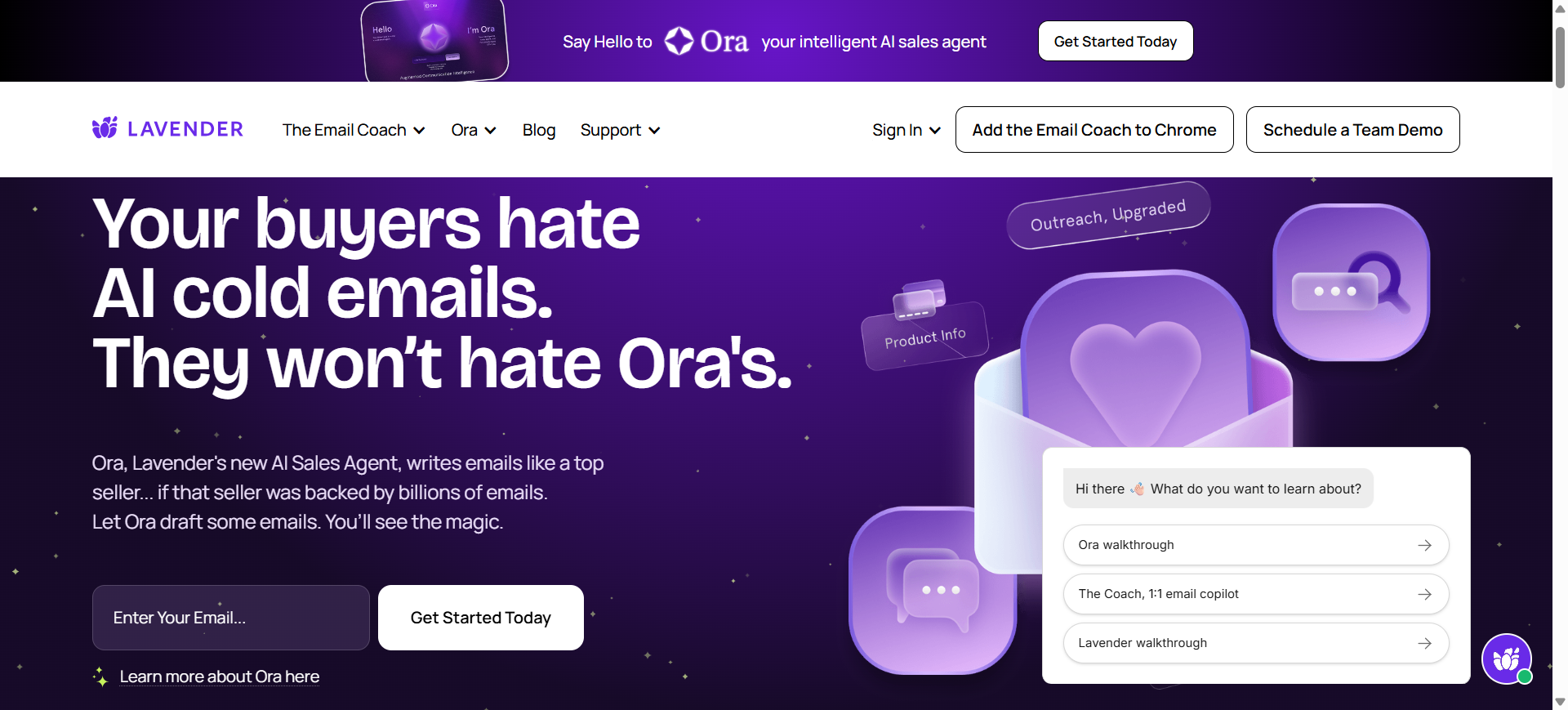
Lavender is an AI-powered email coaching and optimization tool designed primarily for sales and outreach emails. It analyzes your email drafts in real time, scores them using data-driven factors, and suggests improvements to increase reply rates and engagement. The platform integrates with Gmail, Outlook, and sales tools to provide inline feedback while writing emails.
Lavender focuses on improving the quality of individual emails—helping sales teams craft personalized outreach messages and book more meetings through better email communication.
How to use Lavender AI for Email Marketing
- Install the Lavender browser extension and connect your Gmail or Outlook account.
- Write or paste your email draft inside the editor or inbox.
- Use AI suggestions to improve subject lines, readability, and personalization.
- Optimize outreach campaigns using the email score and coaching insights.
Key Features of Lavender AI
- Score emails using AI email quality scoring
- Suggest improvements using AI real-time email coaching
- Personalize outreach using AI prospect insights
- Generate email drafts using AI email writer
- Optimize subject lines using AI reply-rate predictions
- Integrate workflows using AI Gmail and Outlook extensions
Use Cases of Lavender AI for Email Marketing
- Optimizing cold outreach emails for higher reply rates
- Improving subject lines for email prospecting campaigns
- Personalizing B2B sales emails using prospect research data
- Coaching sales teams on email best practices and messaging
- Analyzing email copy performance to refine outreach strategies
Who Should Use It
- Sales development representatives (SDRs)
- B2B marketing teams
- Lead generation agencies
- SaaS founders doing cold outreach
- Teams focused on improving email reply rates
Pricing
Lavender offers a free plan with limited email analysis. Paid plans typically start around $29 per user per month, with advanced personalization and analytics available in higher tiers.
Pros
- Real-time AI coaching improves email quality instantly
- Strong personalization suggestions for sales outreach
- Integrates easily with Gmail, Outlook, and sales tools
Cons
- Focused mainly on sales outreach rather than full email marketing
- Requires another email marketing platform for campaign automation
20. SmartWriter AI
What is SmartWriter AI
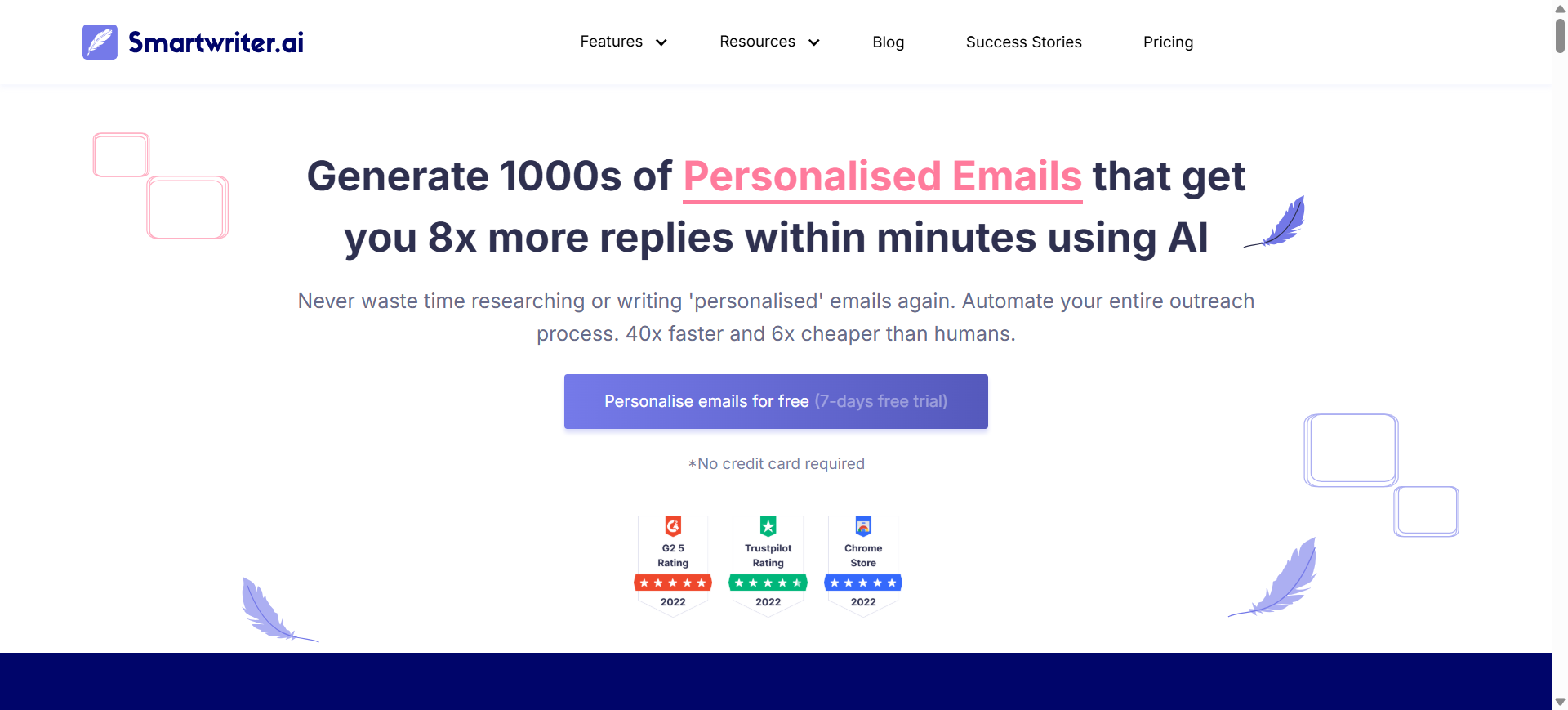
SmartWriter is an AI-powered outreach and email personalization platform designed to generate highly customized cold emails and marketing messages at scale. It automatically gathers prospect data from multiple online sources and uses it to craft personalized email lines and outreach messages. The tool is commonly used by sales teams, marketers, and agencies to automate research and create emails that feel manually written for each prospect.
By combining AI content generation with automated prospect research, SmartWriter helps teams create thousands of personalized emails in minutes, improving response and engagement rates.
How to use SmartWriter AI for Email Marketing
- Import leads or prospect lists into the SmartWriter dashboard.
- Use the AI personalization engine to analyze prospect data and generate tailored email lines.
- Build outreach campaigns using AI-generated cold email templates.
- Export or integrate the generated emails into outreach tools or email marketing platforms.
Key Features of SmartWriter AI
- Generate outreach emails using AI email generator
- Create personalized email lines using AI prospect research
- Automate lead personalization using AI data scraping across web sources
- Produce contextual outreach messages using AI personalization engine
- Build cold email campaigns using AI outreach templates
- Generate LinkedIn outreach messages using AI personalization tools
- Export campaigns using AI content automation workflows
Use Cases of SmartWriter AI for Email Marketing
- Creating hyper-personalized cold outreach campaigns
- Automating B2B lead generation email sequences
- Writing SEO outreach emails for backlinks and partnerships
- Generating personalized sales prospecting emails
- Scaling outbound marketing campaigns for SaaS companies
Who Should Use It
- B2B sales teams
- Lead generation agencies
- SEO outreach specialists
- SaaS founders doing cold outreach
- Marketing teams running outbound campaigns
Pricing
SmartWriter AI offers a 7-day free trial. Paid plans start around $59 per month, with higher tiers such as $149/month and $359/month depending on lead credits and campaign volume.
Pros
- Strong AI personalization for cold email outreach
- Automates prospect research and email writing
- Helps improve reply rates with tailored messaging
Cons
- Focused mainly on cold outreach rather than full email marketing automation
- Credit-based pricing can become expensive for large campaigns
AI Email Marketing Agents
What are AI Email Marketing Agents
AI email marketing agents are autonomous or semi-autonomous AI systems that plan, generate, optimize, and execute email campaigns with minimal human input. Unlike traditional automation, these agents analyze customer data, predict behavior, and continuously adjust messaging, segmentation, and timing.
In practice, AI agents act as intelligent campaign managers. They can generate email content, select the right audience segments, trigger workflows based on behavior, and optimize campaigns in real time using performance data.
By 2026, AI agents are becoming a core capability inside modern email marketing platforms, helping teams move from manual campaign management to intelligent, self-optimizing marketing systems.
How AI Email Marketing Agents Work
AI email agents typically operate across multiple layers of the marketing workflow:
- Data analysis – AI analyzes customer behavior, engagement history, CRM data, and purchase activity.
- Decision making – The agent determines the best audience segment, messaging style, and send timing.
- Content generation – AI generates subject lines, email copy, and personalized variations automatically.
- Continuous optimization – Campaign performance data feeds back into the system, allowing the AI to refine future emails.
This loop allows AI agents to improve campaign performance over time without constant manual adjustments.
Examples of AI Email Marketing Agents
Several modern platforms are introducing AI agents or agent-like systems that automate email marketing workflows.
- HubSpot AI – Uses AI assistants to generate email campaigns, recommend segmentation, and predict campaign performance.
- Customer.io AI – Provides AI-driven audience segmentation and message recommendations based on behavioral data.
- ActiveCampaign AI – Uses predictive automation and “next-best action” recommendations to guide customer journeys.
- Klaviyo AI – Offers predictive analytics and AI-driven product recommendations for ecommerce email campaigns.
- Jasper AI – Acts as a content-generation agent that creates email copy, subject lines, and campaign messaging.
These tools demonstrate how AI agents are evolving from simple automation to intelligent campaign orchestration systems.
What AI Agents Can Automate in Email Marketing
AI email marketing agents can manage several core campaign tasks:
- Generating personalized email content
- Segmenting audiences using behavioral data
- Predicting optimal send times
- Triggering automated customer journeys
- Running A/B testing automatically
- Recommending next-best marketing actions
- Detecting churn risks and sending retention emails
This level of automation allows marketing teams to scale personalized communication without increasing manual workload.
Benefits of AI Email Marketing Agents
- Continuous campaign optimization – AI agents monitor performance and adjust campaigns in real time.
- Hyper-personalization at scale – Agents generate thousands of unique email variations tailored to each subscriber.
- Faster campaign execution – Marketing teams can launch complex campaigns in minutes instead of days.
- Data-driven decision making – AI uses behavioral signals and predictive analytics to guide campaign strategy.
- Reduced manual workload – Routine tasks such as segmentation, testing, and scheduling are handled automatically.
How to Choose the Right AI Email Marketing Tool
Selecting the right AI email marketing tool depends on your business goals, marketing workflows, and level of automation required. While many platforms now include AI features, their capabilities vary widely—from basic subject line generation to advanced predictive automation and AI agents.
The best approach is to evaluate tools based on how well they support your campaign strategy and integrate with your existing marketing stack.
1. Identify the AI capabilities you need
Not all AI features deliver the same value. Some tools focus on content generation, while others specialize in predictive analytics or behavioral automation.
Key AI capabilities to evaluate include:
- AI email writing and content generation
- Predictive send-time optimization
- Behavioral segmentation using AI
- AI-driven customer journey automation
- Predictive analytics and campaign insights
- AI agents for autonomous workflows
Choose a tool whose AI strengths match your most important marketing tasks.
2. Evaluate automation and workflow capabilities
Modern AI email tools should support advanced automation, including behavioral triggers, event-based workflows, and dynamic segmentation.
Look for platforms that allow you to:
- Build visual automation workflows
- Trigger emails based on user behavior
- Automate lifecycle campaigns
- Personalize content dynamically
- Manage multi-step customer journeys
Strong workflow automation is essential for scaling email marketing campaigns.
3. Check integrations with your marketing stack
AI email marketing tools work best when connected to other business systems such as CRM platforms, ecommerce stores, analytics tools, and customer data platforms.
Before choosing a tool, confirm that it integrates with platforms such as:
- CRM systems
- Ecommerce platforms
- Analytics dashboards
- Customer support tools
- Data warehouses or CDPs
Seamless integrations allow AI to use richer data for better personalization and targeting.
4. Consider scalability and pricing
Email marketing platforms often charge based on contact count, email volume, or features. As your audience grows, costs can increase significantly.
Evaluate:
- Contact limits and pricing tiers
- Availability of free plans or trials
- Feature access across plans
- Scalability for larger campaigns
A tool that works for a small list may become expensive at scale, so long-term pricing should be considered.
5. Assess ease of use and learning curve
AI tools should simplify marketing tasks, not complicate them. Platforms with intuitive interfaces and visual builders allow teams to adopt AI features more quickly.
Consider:
- User interface and navigation
- Quality of onboarding and documentation
- Availability of templates and workflows
- Customer support and training resources
Ease of use often determines how effectively teams can take advantage of AI capabilities.
Future of AI Email Marketing
The future of AI email marketing is centered on automation, predictive intelligence, and hyper-personalization. AI systems are rapidly evolving from simple automation tools into intelligent agents that can plan, generate, and optimize entire campaigns automatically.
In the coming years, AI will analyze customer behavior in real time, predict engagement patterns, and dynamically personalize emails for every subscriber. Marketers will increasingly focus on strategy and creative messaging, while AI handles tasks such as segmentation, testing, timing, and performance optimization.
As AI integrates with CRM, analytics, and customer data platforms, email marketing will become a fully data-driven communication channel that adapts continuously to user behavior and campaign performance.
Conclusion
AI email marketing tools are transforming how businesses plan, write, and optimize email campaigns. By using AI for personalization, automation, and predictive analytics, marketers can send more relevant emails while reducing manual work. The best AI email marketing tools in 2026 combine content generation, behavioral segmentation, and intelligent automation. Choosing the right platform depends on your goals, audience size, and marketing workflows, but adopting AI can significantly improve campaign efficiency and performance.
FAQs
What is AI email marketing?
AI email marketing uses artificial intelligence to automate and optimize email campaigns. AI analyzes customer behavior, engagement data, and past campaign performance to personalize emails, predict send times, and improve targeting. This allows businesses to deliver relevant messages to each subscriber and increase open rates, clicks, and conversions.
Which AI email marketing tool is best in 2026?
The best AI email marketing tool depends on your use case. HubSpot AI and ActiveCampaign AI are strong for marketing automation, Klaviyo AI is widely used in ecommerce, and Customer.io AI excels at behavioral messaging. Many businesses combine AI writing tools with marketing platforms to build complete email workflows.
Can AI write email campaigns automatically?
Yes, many AI email tools can automatically generate email campaigns. AI systems can create subject lines, email copy, and personalized variations based on campaign goals and audience data. However, marketers usually review and refine AI-generated content to ensure brand voice, accuracy, and strategic messaging.
Are AI email marketing tools good for small businesses?
AI email marketing tools are especially helpful for small businesses because they automate time-consuming tasks like writing emails, segmentation, and campaign scheduling. This allows small teams to run professional marketing campaigns without hiring large marketing departments or spending excessive time on manual campaign management.
How do AI email marketing agents work?
AI email marketing agents analyze customer data, engagement patterns, and campaign results to automatically optimize marketing workflows. They can generate emails, segment audiences, schedule campaigns, and adjust messaging based on performance. These agents continuously learn from new data to improve campaign effectiveness over time.
Is AI email marketing expensive?
AI email marketing tools range from free plans to enterprise platforms. Many tools offer free tiers or low-cost plans for small businesses, while advanced AI automation platforms can cost more as subscriber lists grow. Pricing usually depends on contacts, email volume, and advanced AI features.