
The best AI podcasting tools help creators automate recording, editing, transcription, and promotion. Modern AI podcasting platforms use artificial intelligence to improve audio quality, generate transcripts, and create marketing content, allowing podcasters to focus more on producing engaging episodes rather than managing complex production tasks.
AI podcasting tools are now used by creators, businesses, and media teams to streamline podcast production. From automated audio cleanup to AI-generated show notes and social media clips, these tools simplify the entire podcast workflow. This guide explores the best AI podcasting tools, their key features, and how they help podcasters create and grow shows more efficiently.
List of Best Podcasting Tools
- ChatGPT AI
- Auphonic AI
- Descript AI
- Alitu AI
- Wondercraft AI
- Capsho AI
- Suno.ai
- Headliner AI
- Riverside FM AI
- Podcastle AI
- Otter.ai
- Adobe Podcast AI
- Castmagic AI
- Cleanvoice AI
- Buzzsprout AI
- Podbean AI
- Trint AI
- NotebookLM AI
- ElevenLabs AI
- HeyGen AI
- Opus Clip AI
AI Podcasting Tools Comparison Table
| Tool | Category | Key Features | Best For | Pricing |
|---|---|---|---|---|
| ChatGPT AI | AI content generation | Script writing, topic ideas, show notes, summaries | Podcast scripting and episode planning | Free plan with optional premium subscription |
| Auphonic AI | Audio post-production | Auto leveling, noise reduction, loudness normalization | Improving podcast audio quality | Free tier with optional subscription or credits |
| Descript AI | Podcast editing | Text-based editing, transcription, filler word removal, voice cloning | Editing podcasts quickly using transcripts | Free plan with paid subscription upgrades |
| Alitu AI | All-in-one podcast maker | Automated audio cleanup, editing tools, built-in hosting | Beginner podcast production workflows | Paid subscription with free trial |
| Wondercraft AI | AI voice generation | AI voiceovers, dubbing, translation, audio branding | Voice narration and multilingual podcasts | Free plan with premium upgrades |
| Capsho AI | Content repurposing | AI show notes, summaries, marketing copy, social posts | Podcast marketing automation | Paid subscription |
| Suno.ai | AI music generation | AI song creation, custom theme music, background tracks | Podcast intros and audio branding | Free plan with premium subscription |
| Headliner AI | Podcast marketing | Audiogram creation, captioned clips, social media videos | Promoting podcasts on social platforms | Free plan with premium subscription |
| Riverside FM AI | Podcast recording | High-quality remote recording, transcripts, AI clips | Remote interviews and video podcasts | Free plan with paid subscription tiers |
| Podcastle AI | Podcast recording & editing | AI voice cloning, text-to-speech, recording studio | Creating and editing podcast episodes | Free plan with paid subscription |
| Otter.ai | Transcription | Speech-to-text transcription, meeting notes, captions | Creating podcast transcripts | Free plan with subscription upgrades |
| Adobe Podcast AI | Audio enhancement | Speech enhancement, noise removal, web recording | Fixing low-quality podcast audio | Free plan with premium upgrade |
| Castmagic AI | Content repurposing | AI summaries, show notes, social posts, timestamps | Repurposing podcast content | Paid subscription |
| Cleanvoice AI | Audio cleanup | Filler word removal, silence trimming, audio cleanup | Removing speech mistakes from podcasts | Free trial with subscription plans |
| Buzzsprout AI | Podcast hosting | Podcast hosting, analytics, AI show notes | Publishing and distributing podcasts | Free plan with paid hosting plans |
| Podbean AI | Podcast hosting | Hosting platform, analytics, monetization tools | Managing and monetizing podcasts | Free plan with paid hosting plans |
| Trint AI | Transcription | Automated transcription, editing tools, translation | Professional podcast transcripts | Paid subscription |
| NotebookLM AI | AI research assistant | Document analysis, AI summaries, knowledge synthesis | Podcast research and content planning | Free tool |
| ElevenLabs AI | AI voice synthesis | Realistic AI voices, voice cloning, text-to-speech | Podcast narration and voice generation | Free plan with paid subscription |
| HeyGen AI | AI video generation | AI avatars, video creation, voice dubbing | Video podcasts and promotional videos | Free trial with subscription plans |
| Opus Clip AI | Video repurposing | AI clip detection, short-form video creation | Creating social media clips from podcasts | Free plan with premium subscription |
AI Podcast Content Creation Tools
1) ChatGPT AI
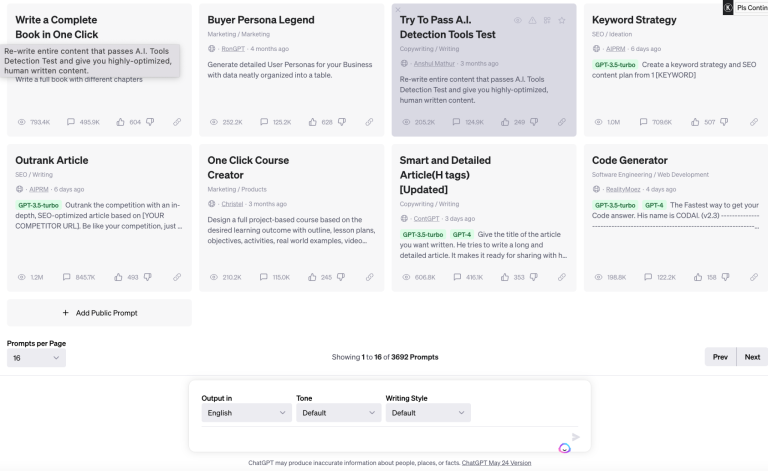
What is ChatGPT AI?
ChatGPT is an artificial intelligence assistant developed by OpenAI that generates human-like text and helps automate content tasks. In AI podcasting, ChatGPT is often used to generate episode ideas, write podcast scripts, summarize transcripts, and create show notes for podcast episodes.
How to Use ChatGPT AI for AI Podcasting
ChatGPT can support several stages of an AI podcasting workflow. Podcasters usually provide prompts to generate content related to podcast production.
Common uses include:
- Generating podcast episode ideas
- Writing podcast scripts or outlines
- Creating interview questions for guests
- Summarizing podcast transcripts
- Writing show notes and episode descriptions
- Repurposing podcast episodes into blog posts or social media content
Key Features of ChatGPT AI
ChatGPT includes several features useful for podcast creators:
- AI content generation for scripts and outlines
- Topic brainstorming for podcast episodes
- Content summarization for transcripts
- Question generation for interview podcasts
- Content rewriting and editing for show notes
Where ChatGPT AI is Used in AI Podcasting
ChatGPT is used in different stages of podcast production, including:
- Podcast research and topic planning
- Script writing and episode structuring
- Preparing interview questions
- Creating podcast descriptions and show notes
- Generating marketing content for podcast promotion
Who Should Use ChatGPT AI
ChatGPT is suitable for different podcast creators, such as:
- Independent podcasters
- Content creators starting podcasts
- Marketing teams producing branded podcasts
- Media teams managing podcast content
- Educators or researchers running discussion podcasts
Pricing
Free plan available, with optional paid subscription plans that provide access to advanced AI models, higher usage limits, and additional productivity features.
2) NotebookLM AI
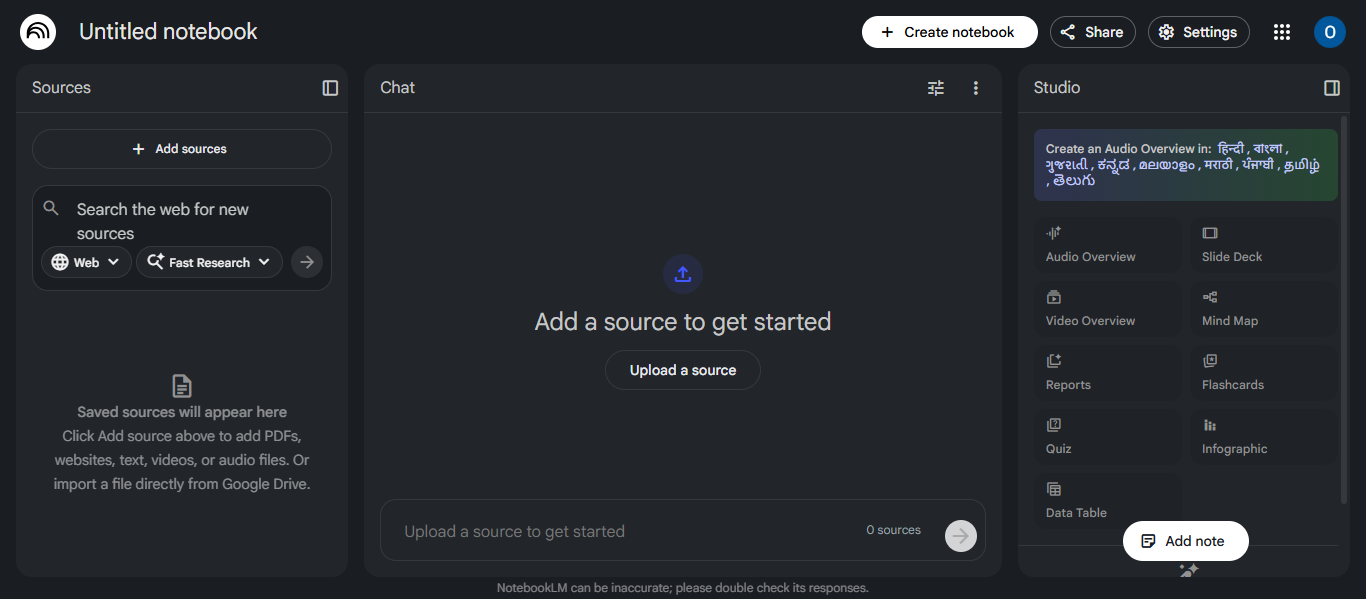
What is NotebookLM AI ?
NotebookLM is an AI research and note-analysis tool developed by Google. It helps users upload documents, links, transcripts, and notes, then uses AI to summarize information, answer questions, and generate insights from those sources. In AI podcasting, NotebookLM can analyze podcast transcripts, research documents, and topic notes to help creators plan episodes and generate structured content.
How to Use NotebookLM AI for AI Podcasting
NotebookLM can assist podcast creators during the research and preparation stages of AI podcasting.
Common uses include:
- Uploading research articles or documents for podcast topics
- Summarizing long reports or transcripts into key points
- Generating podcast discussion outlines
- Creating episode summaries from transcripts
- Turning research material into structured podcast scripts
This helps podcasters understand complex topics quickly and prepare well-organized episodes.
Key Features of NotebookLM AI
NotebookLM includes several AI features useful for research and podcast preparation:
- AI document summarization from uploaded sources
- Question-answering based on personal documents
- Topic analysis and insight generation
- Audio overview generation from notes
- Integration with Google Docs, PDFs, and websites
These features allow creators to convert large amounts of research into clear podcast content.
Where NotebookLM AI is Used in AI Podcasting
NotebookLM is mainly used in the research and planning stage of podcast production, such as:
- Researching complex podcast topics
- Analyzing transcripts or research documents
- Preparing structured episode outlines
- Summarizing research for discussion podcasts
- Creating knowledge bases for podcast series
Who Should Use NotebookLM AI
NotebookLM is useful for creators who need research-driven podcast content, including:
- Educational podcasters
- Interview-based podcast hosts
- Researchers and journalists
- Content creators covering complex topics
- Teams producing research-heavy podcast episodes
Pricing
Free plan available with optional premium upgrade through Google AI Premium or Workspace plans that provide higher limits and additional advanced AI features.
AI Podcast Recording Tools
3) Riverside FM AI

What is Riverside FM AI ?
Riverside FM AI is an AI-powered platform designed for recording, editing, and producing high-quality podcasts and video content. It allows creators to record studio-quality audio and video remotely, edit content using AI tools, and generate clips, transcripts, and show notes automatically. The platform is widely used in AI podcasting workflows to simplify production and improve content quality.
How to Use Riverside FM AI for AI Podcasting
Riverside helps podcasters record and produce professional episodes using AI-assisted tools.
Typical workflow:
- Record podcast episodes with remote guests
- Capture separate audio and video tracks locally for better quality
- Use AI transcription to convert audio into text
- Generate show notes and summaries automatically
- Create short highlight clips for promotion
These tools help podcasters produce and repurpose episodes faster while maintaining studio-level quality.
Key Features of Riverside FM AI
Riverside includes several AI features designed to streamline podcast production:
- Local recording technology for high-quality audio and video
- AI transcription to convert podcast audio into text
- Magic Clips that automatically create short shareable video clips
- AI show notes generation for episode summaries and chapters
- Text-based editing that lets users edit recordings through transcripts
These features help automate editing, repurposing, and publishing tasks in AI podcasting workflows.
Where Riverside FM AI is Used in AI Podcasting
Riverside is used across multiple stages of podcast production:
- Recording remote podcast interviews
- Editing audio and video content
- Generating show notes and transcripts
- Creating social media clips from episodes
- Publishing podcast episodes to distribution platforms
Because it combines recording, editing, and AI automation in one platform, it is commonly used by professional podcasters and media teams.
Who Should Use Riverside FM AI
Riverside is suitable for many types of podcast creators:
- Independent podcasters
- Video podcasters and interview hosts
- Media production teams
- Businesses running branded podcasts
- Content creators producing remote interviews
Anyone looking for an all-in-one AI podcast recording and editing platform can benefit from using Riverside.
Pricing
Free plan available with optional subscription plans that provide additional recording hours, higher video quality, advanced AI editing features, and professional podcast production tools.
4) Podcastle AI
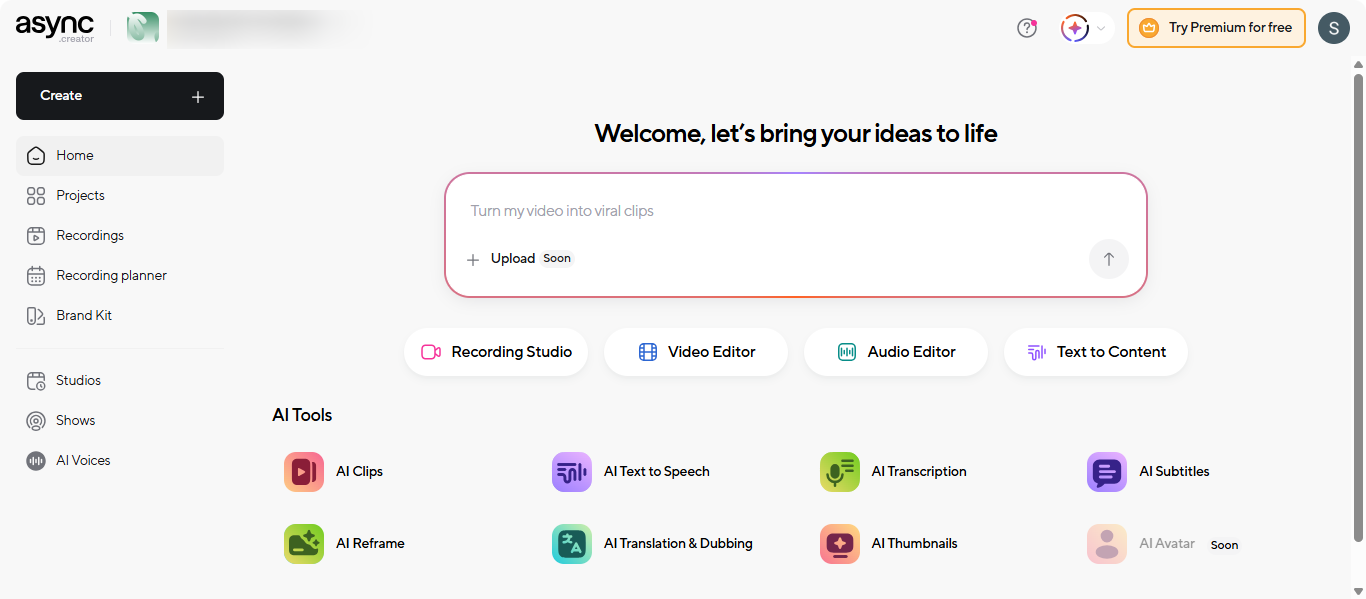
What is Podcastle AI
Podcastle AI is an AI-powered platform designed to help creators record, edit, enhance, and publish podcasts and videos from one interface. It provides tools for studio-quality recording, AI audio cleanup, voice generation, and transcription, making it easier for creators to produce professional content without complex production software.
How to Use Podcastle AI for AI Podcasting
Podcastle can streamline the entire AI podcasting workflow from recording to publishing.
Typical workflow:
- Record podcast interviews remotely with multiple participants
- Import existing audio or video files
- Edit recordings using AI editing tools
- Remove background noise and enhance voice quality
- Generate transcripts and subtitles automatically
- Export or publish the finished podcast episode
This process helps creators produce podcast episodes faster while maintaining professional audio quality.
Key Features of Podcastle AI
Podcastle includes several AI features useful for podcast creators:
- AI audio enhancement to clean and improve sound quality
- Magic Dust AI for background noise removal and audio cleanup
- AI voice cloning and text-to-speech for narration or voiceovers
- Automatic transcription for podcast episodes
- Multi-track editing for audio and video production
These features allow creators to automate editing tasks and produce high-quality podcast content more efficiently.
Where Podcastle AI is Used in AI Podcasting
Podcastle is used in several stages of podcast production:
- Recording remote podcast interviews
- Editing audio and video episodes
- Generating transcripts for accessibility and SEO
- Producing voiceovers or narrated podcast segments
- Publishing podcast episodes to distribution platforms
Because it combines recording, editing, and AI enhancements in one platform, it is widely used by podcasters and content creators.
Who Should Use Podcastle AI
Podcastle is suitable for many types of creators, including:
- Independent podcasters
- YouTubers creating video podcasts
- Content creators producing voiceovers
- Marketing teams creating branded podcasts
- Businesses producing audio or video content
Pricing
Free plan available with paid plans including Essentials, Pro, and Business tiers that unlock advanced AI editing tools, higher recording limits, and collaboration features.
AI Podcast Editing & Audio Processing Tools
5) Descript AI
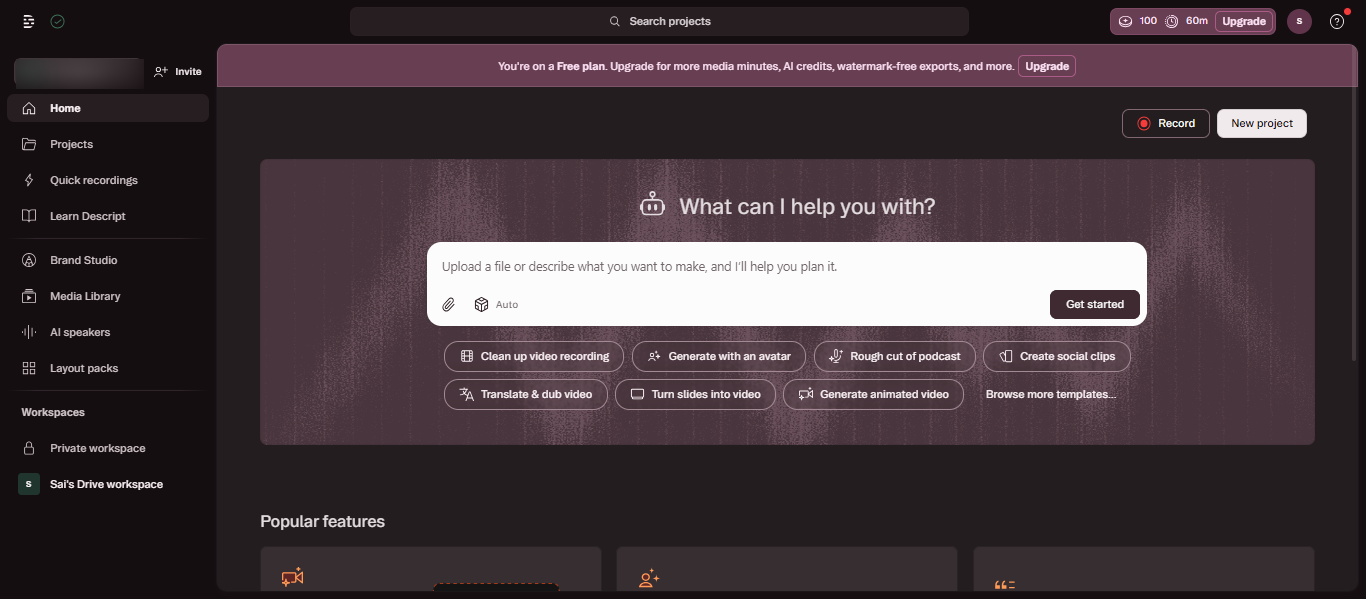
What is Descript AI ?
Descript AI is a podcast editing platform that allows creators to edit audio and video by editing text. Instead of manipulating audio waveforms, users can modify the transcript and the platform automatically updates the audio. This approach simplifies editing in modern AI podcasting workflows.
How to Use Descript AI for AI Podcasting
Podcasters typically use Descript after recording an episode.
A common workflow includes:
- Uploading a podcast recording
- Generating an automatic transcript
- Editing the transcript to remove mistakes
- Cleaning filler words or pauses
- Exporting the final episode for publishing
This workflow reduces the time required for manual podcast editing.
Key Features of Descript AI
Descript includes several AI features designed for podcast editing:
- Text-based podcast editing
- Automatic speech transcription
- Filler word detection and removal
- AI voice correction with Overdub
- Audio enhancement with Studio Sound
These tools help creators produce clean and professional podcast episodes.
Where Descript AI is Used in AI Podcasting
Descript is primarily used in the post-production stage of podcast creation, especially for:
- Editing recorded podcast episodes
- Fixing spoken mistakes without re-recording
- Converting podcast audio into text transcripts
- Preparing clips from long podcast recordings
Who Should Use Descript AI
Descript is commonly used by:
- Independent podcast creators
- Interview podcast hosts
- YouTubers creating video podcasts
- Marketing teams producing branded podcasts
- Media teams handling podcast production
Pricing
Free plan available, with paid subscription plans that unlock advanced AI editing tools, higher transcription limits, and collaborative production features.
7) Auphonic AI
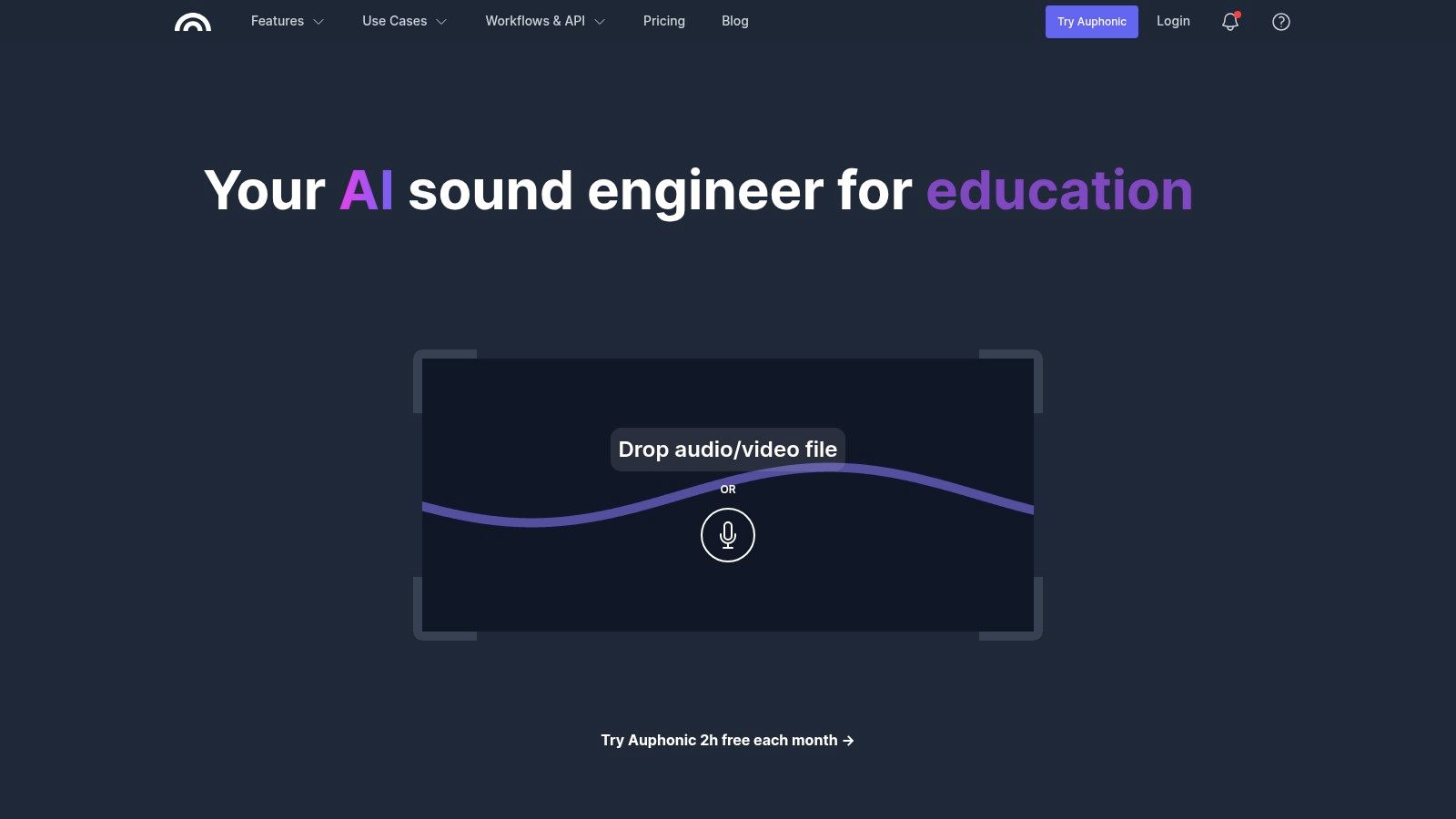
What is Auphonic AI ?
Auphonic is an automated audio mastering tool designed to improve the sound quality of recordings. It processes podcast audio using intelligent algorithms that adjust volume levels, reduce background noise, and balance different audio tracks. This allows podcasters to produce consistent, broadcast-ready audio without manual sound engineering.
How to Use Auphonic AI for AI Podcasting
After recording and editing a podcast episode, creators can upload the final audio file to Auphonic for automated sound processing.
Typical steps include:
- Upload the podcast audio or multitrack recording
- Select a processing preset or loudness target
- Let the platform analyze the audio automatically
- Download the processed version optimized for podcast distribution
This process ensures that the final episode meets standard listening levels across podcast platforms.
Key Features of Auphonic AI
Auphonic provides specialized audio processing capabilities for podcast production:
- Automatic loudness leveling across speakers
- Noise and background hum reduction
- Adaptive audio filtering and equalization
- Multitrack audio balancing
- Automatic export in multiple podcast formats
These tools help maintain consistent sound quality across podcast episodes.
Where Auphonic is Used in AI Podcasting
Auphonic is commonly used to finalize podcast recordings before publishing. It ensures that episodes maintain consistent volume levels and clear sound quality across listening platforms such as podcast apps and streaming services.
Who Should Use Auphonic AI
Auphonic is useful for creators who want reliable sound quality without advanced editing skills, including:
- Independent podcast hosts
- Interview podcast creators
- Media teams producing regular podcast episodes
- Content creators recording remote conversations
Pricing
Free plan available with limited monthly audio processing, with additional usage offered through subscription plans or one-time processing credits.
8) Cleanvoice AI
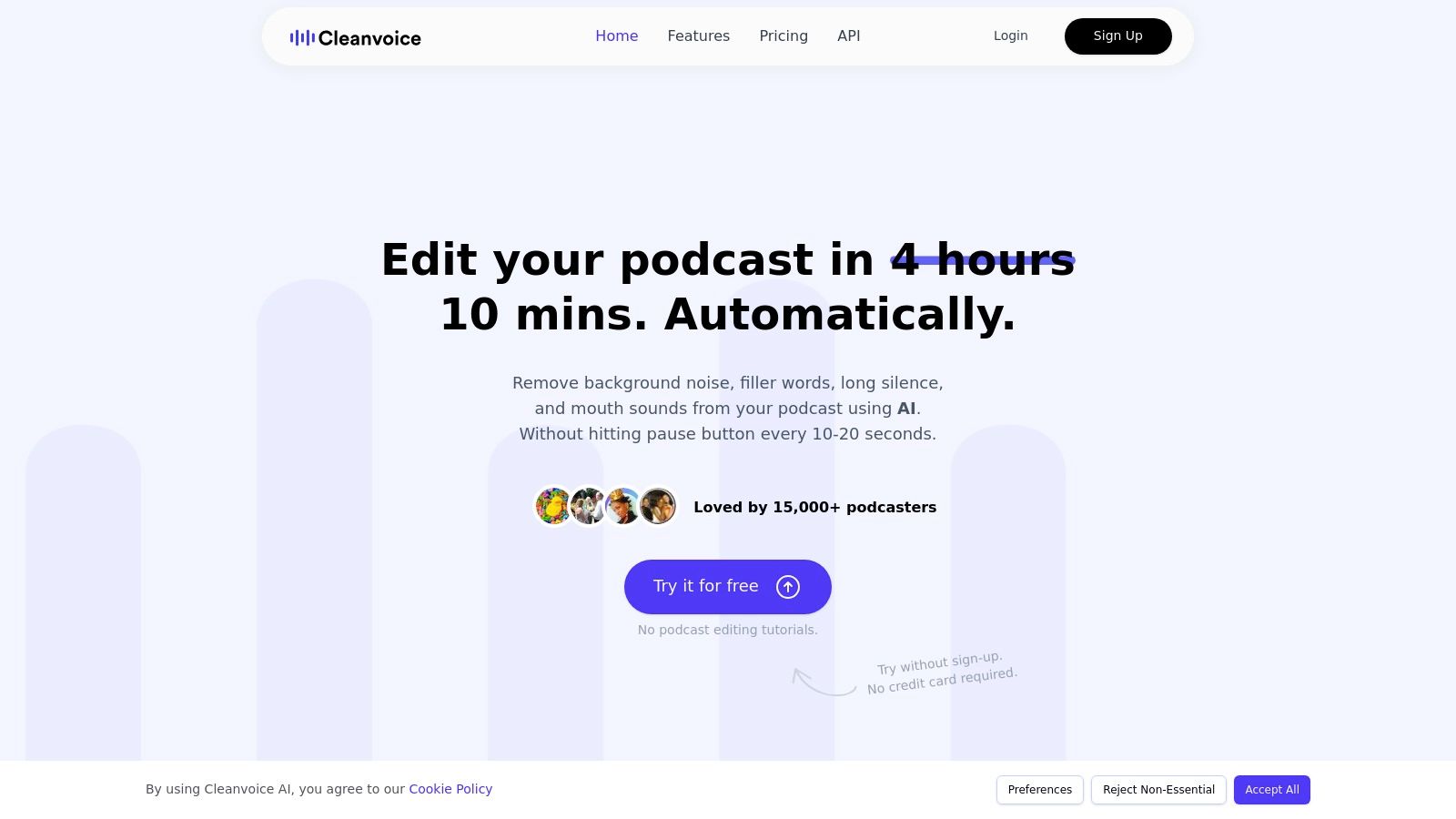
What is Cleanvoice AI?
Cleanvoice AI is an automated audio-cleanup tool designed to improve spoken recordings. In AI podcasting, it helps creators refine raw podcast audio by detecting filler words, stutters, mouth sounds, and unnecessary pauses, making conversations clearer and easier for listeners to follow.
How to Use Cleanvoice AI for AI Podcasting
Cleanvoice AI is typically used after recording a podcast episode as part of an AI podcasting editing workflow.
Typical steps include:
- Upload the recorded podcast file
- Allow the AI to analyze the speech patterns
- Automatically detect filler words and long pauses
- Export the cleaned audio for further editing or publishing
This process helps podcasters improve dialogue quality without manually reviewing long recordings.
Key Features of Cleanvoice AI
Cleanvoice AI includes several speech-analysis tools that support AI podcasting production, including:
- AI detection and removal of filler words
- Automatic trimming of long pauses
- Breath and mouth sound removal
- Speech pattern detection in conversations
- Multi-speaker audio processing
Where Cleanvoice AI is Used in AI Podcasting
Cleanvoice AI is mainly used when refining recorded conversations in AI podcasting production. It helps improve dialogue clarity in interview podcasts, panel discussions, and conversational shows where speech interruptions or filler words often appear.
Who Should Use Cleanvoice AI
Cleanvoice AI is useful for creators involved in AI podcasting, including:
- Interview podcast hosts
- Multi-speaker podcast productions
- Content creators producing conversational podcasts
- Podcast editors managing long recordings
- Teams producing regular podcast episodes
Pricing
Free trial available, with additional processing available through credit-based plans or subscription tiers depending on the amount of audio processed.
9) Adobe Podcast AI
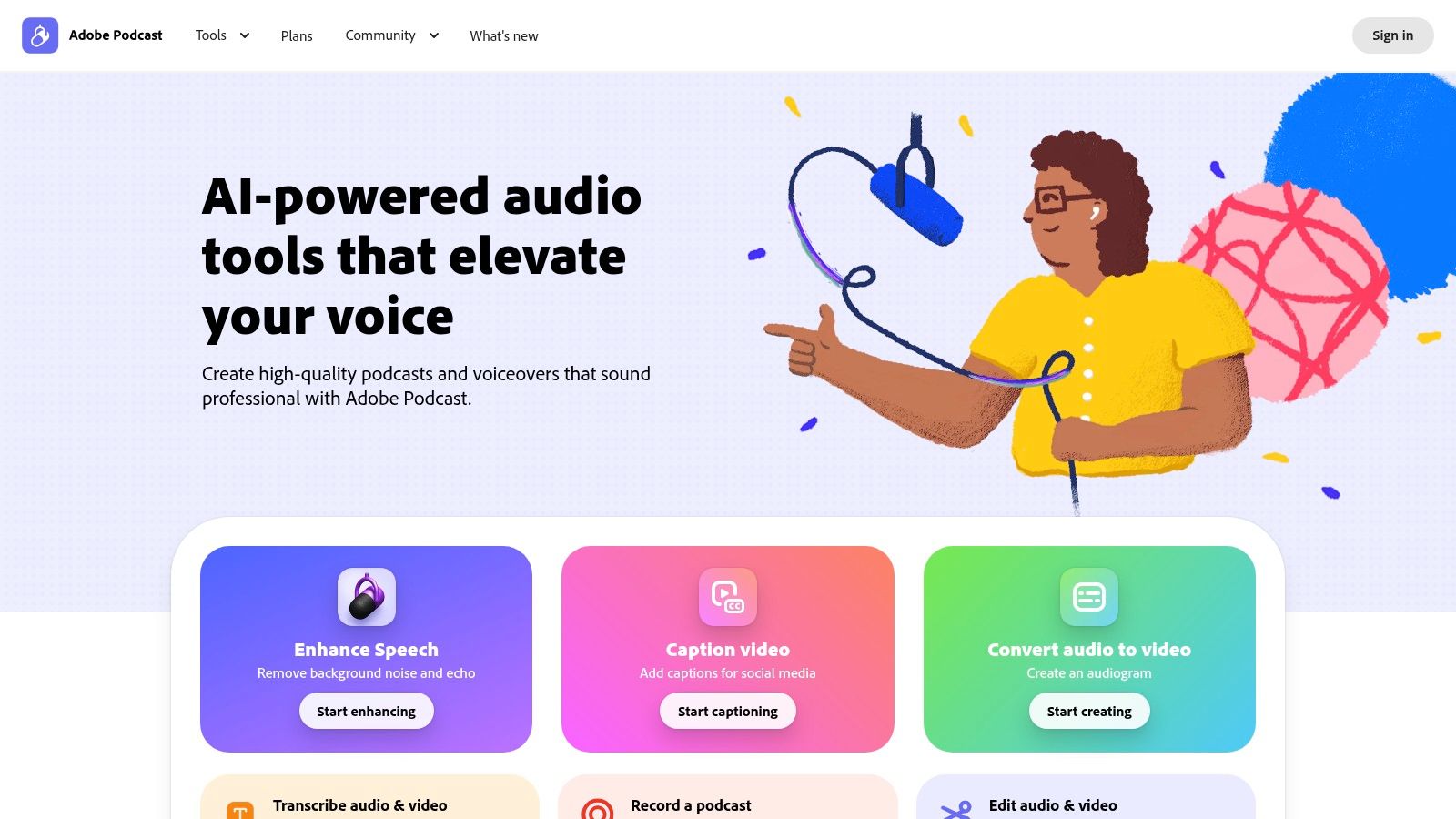
What is Adobe Podcast AI ?
Adobe Podcast AI is an AI-powered platform that helps creators record and enhance audio directly from a browser. In AI podcasting, it is widely used to improve voice recordings by removing background noise, reducing echo, and enhancing speech clarity using Adobe’s AI audio processing technology.
How to Use Adobe Podcast AI for AI Podcasting
Adobe Podcast AI can improve the quality of recorded audio during the AI podcasting production process.
Typical workflow includes:
- Upload a recorded podcast audio file
- Use the Enhance Speech feature to analyze the voice recording
- Let the AI automatically remove noise and improve clarity
- Export the enhanced audio for editing or publishing
This allows creators to improve podcast audio quality even if recordings were captured in non-studio environments.
Key Features of Adobe Podcast AI
Adobe Podcast AI offers several tools that support AI podcasting production, including:
- AI speech enhancement to improve voice clarity
- Background noise and echo reduction
- Browser-based podcast recording studio
- Automatic transcription of audio recordings
- Mic Check tool to optimize recording setups
These features help podcasters produce cleaner audio without advanced audio engineering skills.
Where Adobe Podcast AI is Used in AI Podcasting
Adobe Podcast AI is commonly used in AI podcasting workflows when improving recorded voice content. It is especially useful for enhancing interviews, voiceovers, and remote podcast recordings before publishing episodes.
Who Should Use Adobe Podcast AI
Adobe Podcast AI is useful for creators involved in AI podcasting, including:
- Independent podcast hosts
- Remote interview podcasters
- Content creators recording voiceovers
- Marketing teams producing branded podcasts
- Educators creating discussion or lecture podcasts
Pricing
Free plan available for basic audio enhancement, with an optional premium plan that unlocks higher processing limits, advanced AI features, and extended recording capabilities.
10) Alitu AI
What is Alitu AI ?
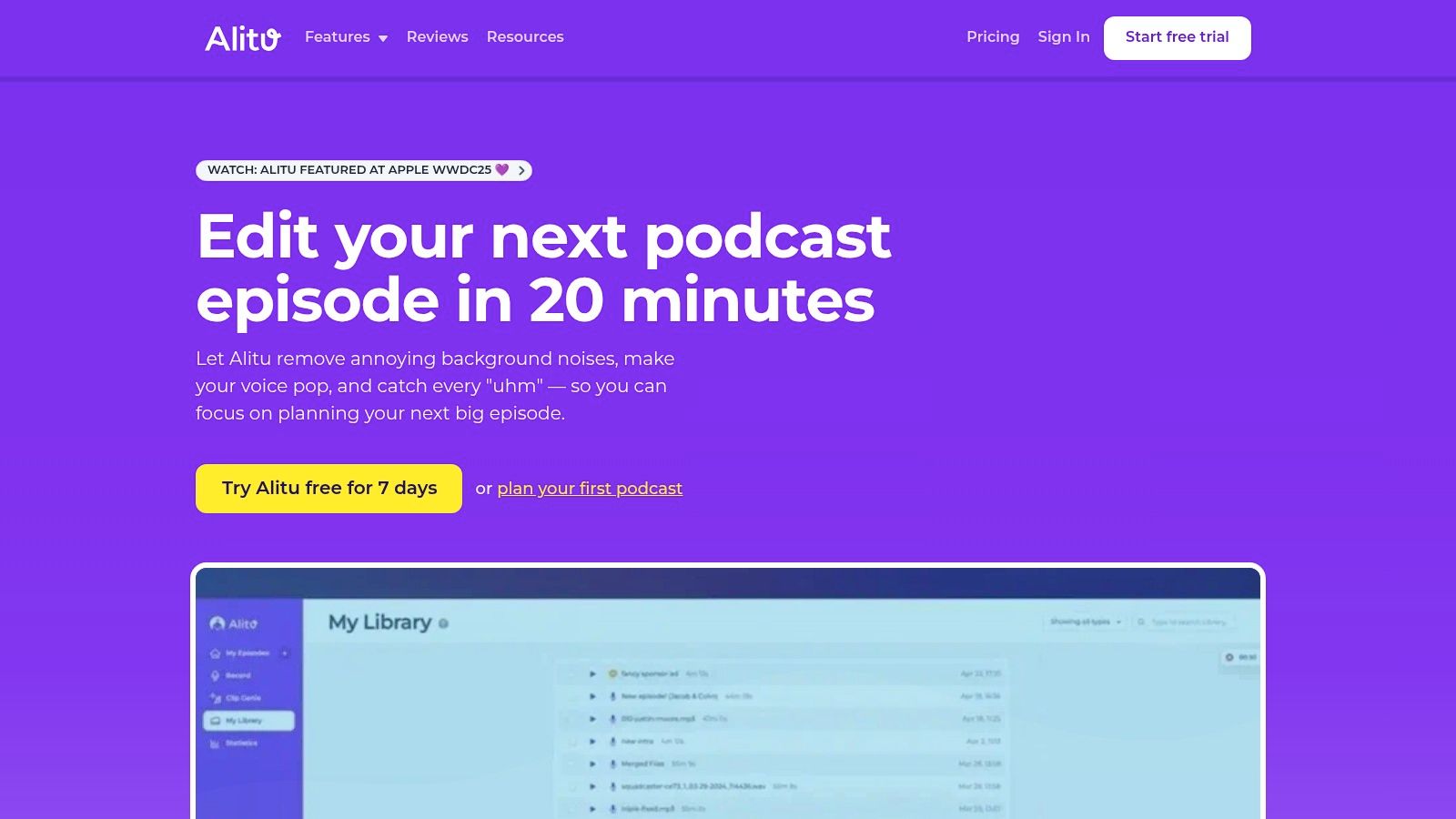
Alitu AI is an all-in-one podcast creation platform designed to simplify recording, editing, and publishing episodes. In AI podcasting, Alitu helps creators automate technical tasks such as audio cleanup, level balancing, and file processing so they can focus more on content creation rather than complex production work.
How to Use Alitu AI for AI Podcasting
Alitu is designed to handle multiple stages of an AI podcasting workflow within one interface.
Typical steps include:
- Record a podcast episode directly in the browser or upload existing audio
- Allow the platform to automatically clean and level the recording
- Use the built-in editor to trim sections or arrange clips
- Add intro music, transitions, or sound effects
- Publish the finished episode to podcast platforms
This process allows podcasters to manage production and publishing without switching between multiple tools.
Key Features of Alitu AI
Alitu provides several automation features useful in AI podcasting production, including:
- Automatic audio leveling and noise reduction
- Magic Filters to remove filler words and silence
- Drag-and-drop podcast episode builder
- Built-in recording studio for remote interviews
- AI-generated show notes and transcripts
- One-click podcast publishing and distribution
These features make podcast production easier for creators without advanced audio editing skills.
Where Alitu AI is Used in AI Podcasting
Alitu is commonly used when creators want a single platform to manage the entire AI podcasting process, including recording episodes, cleaning audio, assembling segments, and publishing podcasts to listening platforms.
Who Should Use Alitu AI
Alitu is suitable for:
- Beginner podcasters starting their first show
- Independent creators managing podcasts alone
- Marketing teams producing branded podcasts
- Businesses creating educational or interview podcasts
- Content creators who want a simplified podcast workflow
Pricing
Free trial available, with a single subscription plan that includes recording, editing, hosting, and publishing features for podcast creation.
AI Podcast Transcription Tools
11) Otter.ai

What is Otter.ai ?
Otter.ai is an AI-powered transcription and note-taking platform that converts spoken conversations into searchable text. It automatically records and transcribes audio in real time, helping users capture meetings, interviews, lectures, or podcast recordings without manual note-taking.
How to Use Otter.ai for AI Podcasting
In AI podcasting, Otter.ai is typically used to convert recorded episodes into written transcripts that can be edited, summarized, or repurposed.
Typical workflow:
- Upload or record a podcast episode
- Allow the AI to generate a real-time transcript
- Review and edit the transcript for accuracy
- Extract quotes or key points from the conversation
- Use the transcript for show notes, captions, or blog content
This process helps podcasters make their audio content searchable and easier to reuse across platforms.
Key Features of Otter.ai
Otter.ai includes several AI features that support AI podcasting content workflows:
- Real-time speech-to-text transcription
- AI meeting and conversation summaries
- Speaker identification and labeling
- Searchable transcripts and keyword highlighting
Integration with platforms such as Zoom, Google Meet, and Microsoft Teams for automatic recording and transcription
Where Otter.ai is Used in AI Podcasting
Otter.ai is commonly used when podcasters need to turn audio recordings into written content. Transcripts created by Otter.ai can support episode summaries, accessibility captions, SEO-optimized blog posts, and searchable podcast archives.
Who Should Use Otter.ai
Otter.ai is useful for creators involved in AI podcasting, including:
- Interview-style podcast hosts
- Content creators repurposing podcast episodes into articles
- Media teams managing podcast transcripts
- Educators producing lecture or discussion podcasts
- Journalists recording interviews or conversations
Pricing
Free Basic plan available with limited transcription minutes, with additional paid plans such as Pro, Business, and Enterprise that provide higher transcription limits, collaboration features, and advanced AI tools.
12) Trint AI
What is Trint AI ?
Trint AI is an AI-powered transcription platform that converts audio and video recordings into searchable text. In AI podcasting, Trint helps creators transform podcast episodes into accurate transcripts that can be edited, analyzed, and repurposed for show notes, captions, and written content.
How to Use Trint AI for AI Podcasting
Trint AI helps streamline transcription tasks within an AI podcasting workflow.
Typical process:
- Upload a podcast audio or video file
- Allow the AI to generate an automatic transcript
- Edit and refine the transcript using the built-in editor
- Highlight key quotes or moments from the conversation
- Export transcripts for captions, blog posts, or podcast show notes
Key Features of Trint AI
Trint offers several tools that support AI podcasting transcription and content management:
- AI speech-to-text transcription for audio and video
- Multi-language transcription support
- Time-coded transcripts synced with audio
- Collaborative transcript editing for teams
- AI summaries to identify important sections of recordings
Where Trint AI is Used in AI Podcasting
Trint AI is mainly used when podcasters need written versions of their episodes. These transcripts help creators navigate long recordings, identify key talking points, and repurpose podcast conversations into written formats.
Who Should Use Trint AI
Trint AI is useful for creators working in AI podcasting, including:
- Interview-based podcast hosts
- Podcast production teams
- Journalists producing podcast interviews
- Content creators repurposing podcast episodes
- Organizations producing multilingual podcast content
Pricing
Free trial available, with paid subscription plans for individuals and teams that provide AI transcription tools, collaborative editing features, and higher usage limits.
AI Podcast Marketing & Content Repurposing Tools
13) Capsho AI

What is Capsho AI ?
Capsho AI is a content-repurposing and marketing automation platform designed for creators who produce podcasts, livestreams, or videos. In AI podcasting, Capsho helps transform podcast recordings into marketing assets such as show notes, blog posts, episode titles, social media captions, and promotional content automatically.
How to Use Capsho AI for AI Podcasting
Capsho AI is typically used after recording a podcast episode to generate promotional and written content.
Typical workflow:
- Upload the podcast audio or video recording
- Let the AI create a transcript of the episode
- Automatically generate titles, summaries, and show notes
- Create blog posts, social media captions, and marketing emails
- Use the generated content to promote the podcast episode
This process helps podcasters distribute their content across multiple platforms without writing everything manually.
Key Features of Capsho AI
Capsho provides several AI-powered features that support AI podcasting marketing workflows:
- Automatic transcript generation from podcast recordings
- AI-generated podcast titles and episode descriptions
- Show notes with timestamps and key highlights
- Social media caption generation for promotion
- Blog posts and newsletter content based on podcast episodes
These features allow creators to convert a single podcast episode into multiple marketing assets.
Where Capsho AI is Used in AI Podcasting
Capsho AI is commonly used in the promotion and content repurposing stage of AI podcasting. It helps creators turn long podcast recordings into written content that can be shared across blogs, email newsletters, and social media platforms.
Who Should Use Capsho AI
Capsho AI is useful for creators involved in AI podcasting, including:
- Podcast hosts who want automated show notes
- Content creators repurposing podcast episodes into blogs
- Marketing teams promoting branded podcasts
- Entrepreneurs using podcasts for audience growth
- Businesses using podcasts as part of content marketing
Pricing
Free trial available, with paid subscription plans that provide access to the full AI content marketing suite and additional features for podcast promotion and content generation.
14) Castmagic AI
What is Castmagic AI ?
Castmagic AI is a content-automation platform designed to turn long audio or video recordings into multiple content assets. In AI podcasting, Castmagic helps creators convert podcast episodes into transcripts, summaries, blog posts, show notes, and social media content automatically. The platform analyzes uploaded recordings and generates ready-to-publish written material based on the conversation.
How to Use Castmagic AI for AI Podcasting
Castmagic is commonly used after recording a podcast episode to repurpose the content into multiple formats.
Typical workflow:
- Upload the podcast audio or video file
- Let the AI generate a transcript automatically
- Extract key highlights, quotes, and timestamps
- Create show notes, blog articles, and summaries
- Generate promotional content for marketing the episode
This process allows creators to transform a single podcast episode into multiple pieces of written content.
Key Features of Castmagic AI
Castmagic includes several features that support AI podcasting content automation:
- Automatic transcription of audio and video recordings
- AI-generated show notes and episode summaries
- Content generation for blogs, newsletters, and social media
- Highlight extraction including quotes and key takeaways
- AI chat assistant trained on podcast content for generating new ideas
These tools help podcasters repurpose audio conversations into structured content for different platforms.
Where Castmagic AI is Used in AI Podcasting
Castmagic AI is mainly used in the content repurposing stage of AI podcasting. It helps creators transform podcast conversations into written assets that can be used for blogs, newsletters, and social media promotion.
Who Should Use Castmagic AI
Castmagic AI is useful for creators working in AI podcasting, including:
- Podcast hosts who want automated show notes
- Content creators repurposing podcast episodes into articles
- Marketing teams promoting branded podcasts
- Businesses using podcasts for audience growth
- Agencies managing podcast content production
Pricing
Free trial available, with subscription plans such as Hobby, Starter, and Rising Star that provide different levels of content processing and AI content generation capabilities.
15) Headliner AI

What is Headliner AI ?
Headliner AI is a podcast marketing and video-creation platform that converts audio recordings into shareable video content. In AI podcasting, it helps creators transform podcast episodes into audiograms, captioned clips, and short promotional videos that can be shared across social media platforms.
How to Use Headliner AI for AI Podcasting
Headliner AI is commonly used after recording a podcast episode to create promotional media.
Typical workflow:
- Upload a podcast audio or video recording
- Select a segment of the episode to highlight
- Use AI to generate captions and visual waveforms
- Export the clip as a short video or audiogram
- Share the video on platforms like YouTube, Instagram, LinkedIn, or TikTok
This process helps creators increase visibility and attract new listeners to their podcast episodes.
Key Features of Headliner AI
Headliner provides several tools designed for AI podcasting promotion and content repurposing:
- Automatic audiogram generation from podcast audio
- AI clipping to turn long episodes into short videos
- Automatic captions and transcription for accessibility
- Social media video templates and branding tools
- Automatic posting of podcast clips to social platforms
These features allow podcasters to repurpose a single episode into multiple promotional formats.
Where Headliner AI is Used in AI Podcasting
Headliner AI is mainly used in the marketing stage of AI podcasting, where creators convert podcast conversations into visual clips that can be shared online to grow audience reach and engagement.
Who Should Use Headliner AI
Headliner AI is useful for creators involved in AI podcasting, including:
- Podcast hosts promoting new episodes
- Content creators sharing clips on social media
- Marketing teams managing branded podcasts
- Media teams producing video podcast highlights
- Businesses using podcasts for audience growth
Pricing
Free plan available, with additional paid plans such as Basic, Pro, and Enterprise that provide more video exports, captioning features, and automation tools.
16) Opus Clip AI
What is Opus Clip AI ?
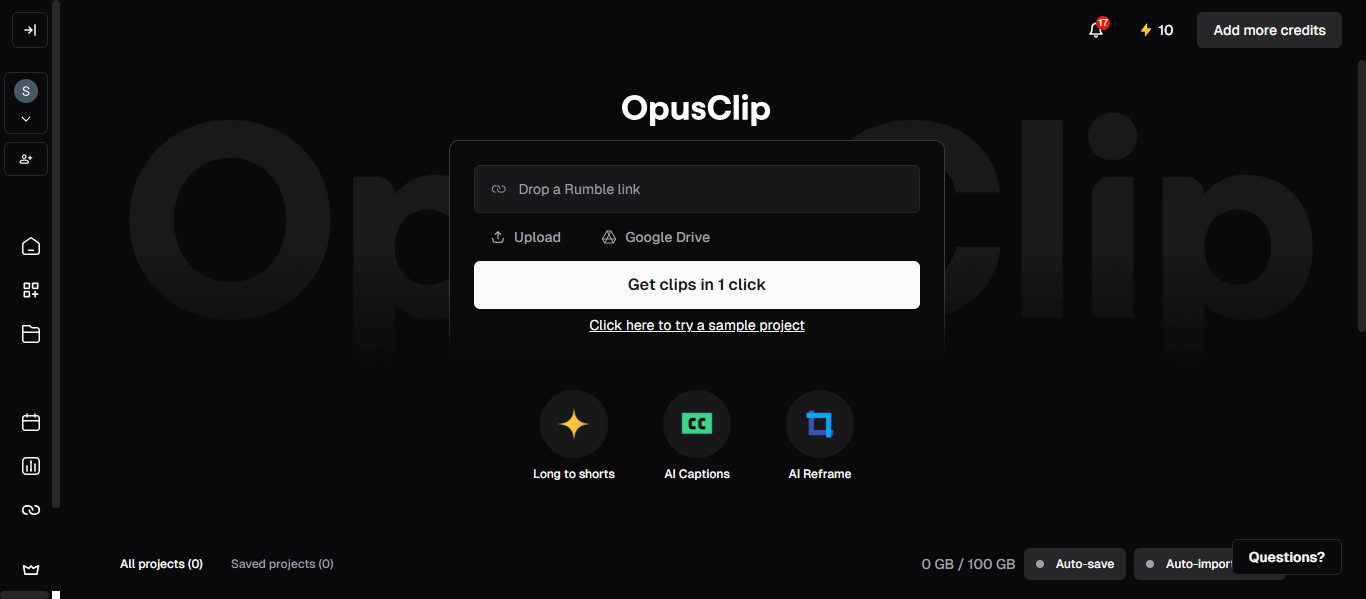
Opus Clip AI is an AI-powered video repurposing tool that converts long video or podcast recordings into short, shareable clips. In AI podcasting, it helps creators transform full podcast episodes into short highlight videos optimized for platforms such as YouTube Shorts, Instagram Reels, and TikTok.
How to Use Opus Clip AI for AI Podcasting
Opus Clip AI is typically used after recording a podcast episode to create promotional clips.
Typical workflow:
- Upload a full podcast video or recording
- Let the AI analyze the content and identify engaging moments
- Automatically generate short video clips
- Add captions, branding, or formatting for social platforms
- Export or publish clips for social media promotion
This helps creators quickly repurpose long podcast content into short videos that attract new audiences.
Key Features of Opus Clip AI
Opus Clip AI includes several features designed to support AI podcasting content repurposing:
- AI detection of key highlights in long videos
- Automatic clipping of podcast segments into short videos
- AI captions and subtitle generation
- Auto-reframing for vertical video formats
- Virality scoring to identify engaging moments in recordings
Where Opus Clip AI is Used in AI Podcasting
Opus Clip AI is mainly used when converting long podcast recordings into short-form video content. These clips are typically shared on social media platforms to increase podcast visibility and attract new listeners.
Who Should Use Opus Clip AI
Opus Clip AI is useful for creators involved in AI podcasting, including:
- Video podcasters sharing clips on social media
- Content creators repurposing podcast episodes
- Marketing teams promoting branded podcasts
- Media teams producing short podcast highlights
- Businesses using podcasts for audience growth
Pricing
Free plan available with limited monthly processing credits and watermark exports, with additional paid subscription plans that provide higher processing limits, advanced editing features, and watermark-free clips.
AI Voice Generation Tools
17) ElevenLabs AI

What is ElevenLabs AI ?
ElevenLabs AI is an advanced AI voice generation platform that converts text into realistic human-like speech. In AI podcasting, creators use ElevenLabs to generate voice narration, clone voices, or create multilingual voiceovers for podcast episodes and audio content. The platform supports 70+ languages and thousands of AI voices, enabling creators to produce high-quality spoken audio automatically.
How to Use ElevenLabs AI for AI Podcasting
ElevenLabs can be used to generate narration or voiceovers for podcasts within an AI podcasting workflow.
Typical steps include:
- Enter or upload a podcast script
- Select an AI voice or clone a custom voice
- Convert the text into natural speech using the AI engine
- Download the generated audio
- Add the voice track to your podcast episode during editing
This process allows podcasters to create narration segments, intros, or multilingual voiceovers without recording audio manually.
Key Features of ElevenLabs AI
ElevenLabs provides several tools that support AI podcasting voice generation, including:
- AI text-to-speech voice generation
- Instant and professional voice cloning
- Multilingual voice support for global podcasts
- Voice design tools for custom AI voices
- API access for automated voice generation workflows
These capabilities allow creators to produce voice content that sounds natural and expressive.
Where ElevenLabs AI is Used in AI Podcasting
ElevenLabs is commonly used when creators need AI-generated narration or voiceovers. It is especially useful for podcast intros, storytelling segments, audiobooks, multilingual podcast versions, and automated voice content.
Who Should Use ElevenLabs AI
ElevenLabs AI is suitable for creators working in AI podcasting, including:
- Podcast hosts producing narrated episodes
- Storytelling or documentary podcast creators
- Content creators producing voiceovers
- Media teams creating multilingual podcast versions
- Businesses producing branded podcast content
Pricing
Free plan available with limited monthly text-to-speech usage, with additional subscription plans such as Starter, Creator, Pro, Scale, and Business that unlock higher voice generation limits, voice cloning features, and commercial usage rights.
18) Wondercraft AI
What is Wondercraft AI
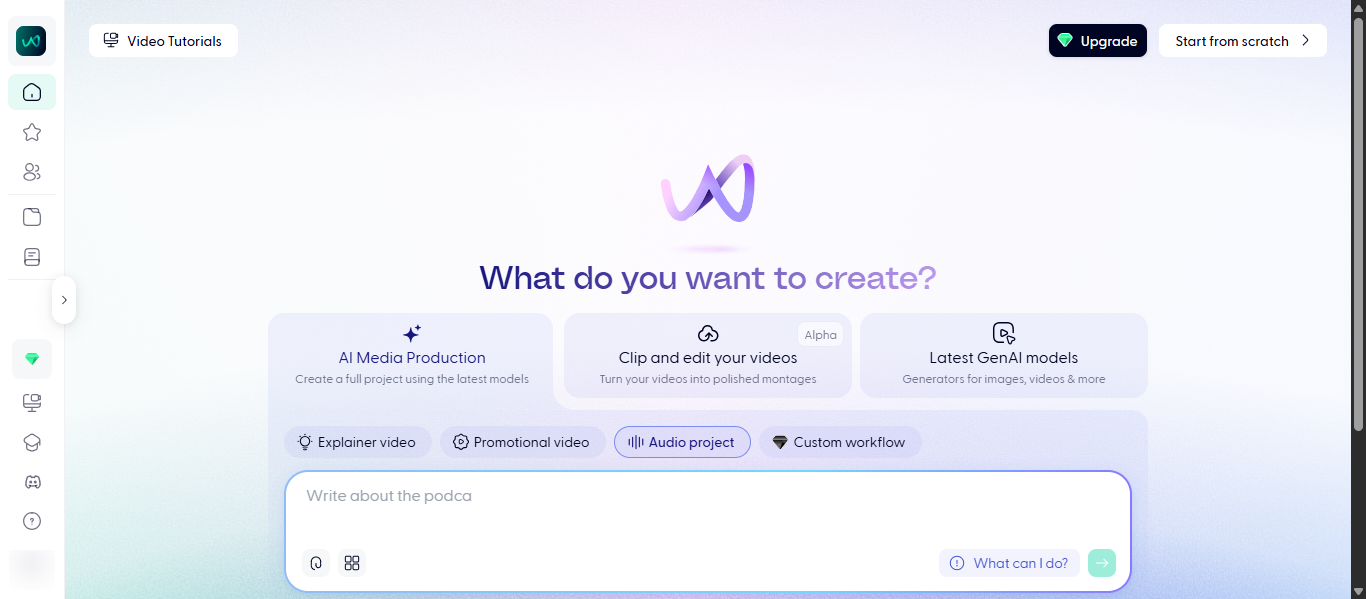
Wondercraft AI is an AI audio creation platform that allows users to generate podcasts, voiceovers, and audio content from text. In AI podcasting, Wondercraft enables creators to produce podcast episodes without recording their own voice by using AI-generated voices, automated script generation, and built-in audio editing tools.
How to Use Wondercraft AI for AI Podcasting
Wondercraft simplifies the AI podcasting production process by turning written ideas into complete audio episodes.
Typical workflow:
- Add a script, document, or topic idea
- Use the AI script assistant to generate a podcast script
- Choose an AI voice or clone a custom voice
- Add music, sound effects, or multiple speakers
- Export the finished podcast audio for publishing
This allows creators to produce podcast episodes quickly without traditional recording equipment.
Key Features of Wondercraft AI
Wondercraft offers several tools designed for AI podcasting content creation:
- AI podcast generation from text or documents
- Library of hundreds of AI voices and voice cloning
- Script generation and editing tools
- Built-in timeline editor for audio mixing
- Royalty-free music and sound effects library
- Multi-speaker podcast creation with AI voices
These features allow creators to produce complete podcast episodes directly from written content.
Where Wondercraft AI is Used in AI Podcasting
Wondercraft AI is mainly used when creators want to generate podcast episodes without recording. It is commonly used for scripted podcasts, narrated content, audio storytelling, and converting written content into podcast episodes.
Who Should Use Wondercraft AI
Wondercraft AI is useful for creators working in AI podcasting, including:
- Podcasters producing narration-based shows
- Content creators converting blogs into podcasts
- Businesses producing marketing podcasts
- Media teams creating multilingual audio content
- Educators producing educational audio content
Pricing
Free plan available with limited AI generation credits, with paid subscription plans such as Creator and Pro that provide higher credit limits, voice cloning, premium voices, and advanced audio production tools.
AI Music Generation Tools
19) Suno.ai
What is Suno AI ?
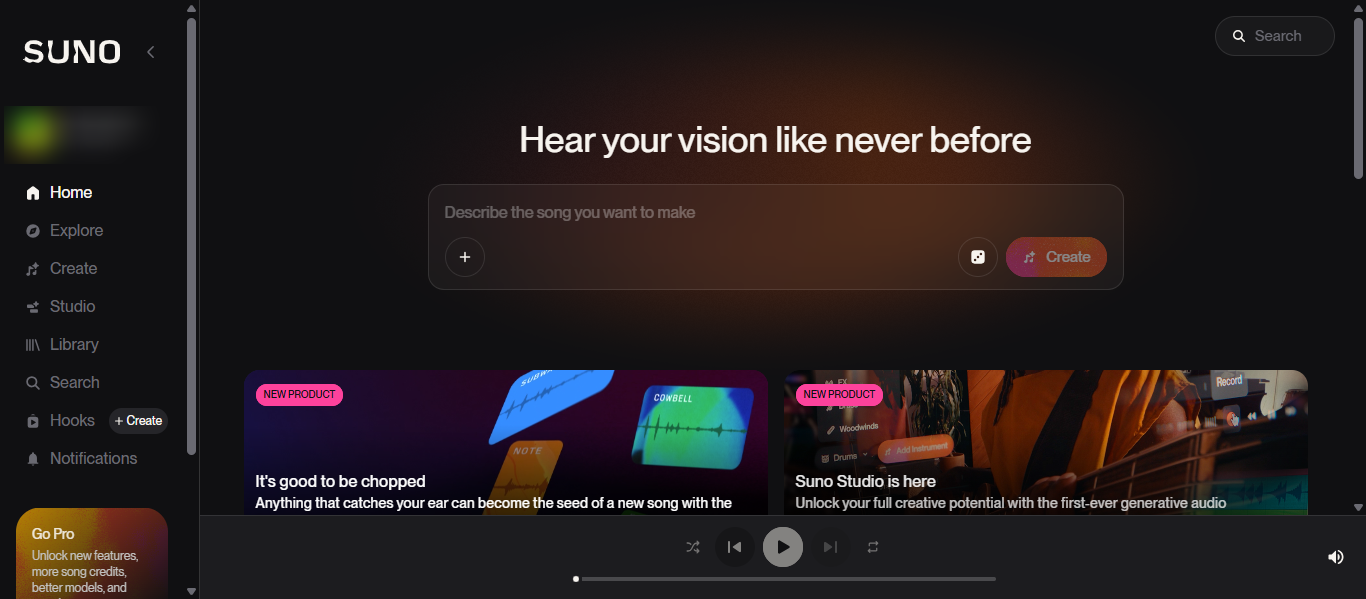
Suno AI is a generative AI music platform that creates complete songs from simple text prompts. It can automatically generate lyrics, vocals, instrumentals, and beats based on the description you provide. In AI podcasting, Suno AI is often used to generate original background music, intro themes, and audio branding for podcast episodes.
How to Use Suno AI for AI Podcasting
Suno AI can help podcasters create custom music for their shows without needing music production skills.
Typical workflow:
- Enter a text prompt describing the style or mood of the music
- Let the AI generate a song or instrumental track
- Review multiple generated versions
- Download the selected track
- Use the music as podcast intro, outro, or background audio
This approach allows podcast creators to quickly produce original music that matches the tone of their content.
Key Features of Suno AI
Suno AI includes several capabilities useful for AI podcasting audio branding, including:
- AI text-to-music generation from prompts
- Automatic creation of vocals, lyrics, and instrumentals
- Multiple music genre support
- Ability to upload audio or lyrics for customization
- Song generation with studio-quality sound output
These features allow creators to generate original audio tracks that can be used in podcast production.
Where Suno AI is Used in AI Podcasting
Suno AI is mainly used in AI podcasting audio production, particularly when creators need custom intro music, background tracks, or theme songs for podcast branding.
Who Should Use Suno AI
Suno AI is useful for creators involved in AI podcasting, including:
- Podcasters who want custom intro or outro music
- Content creators producing storytelling podcasts
- Media teams creating branded audio content
- Businesses building podcast identity through audio branding
- Creators producing original background music for episodes
Pricing
Free plan available with daily music generation credits, with additional paid plans such as Pro and Premier that provide higher credit limits, commercial usage rights, and advanced AI music generation features.
AI Video Podcast Creation Tools
20) HeyGen AI
What is HeyGen AI ?
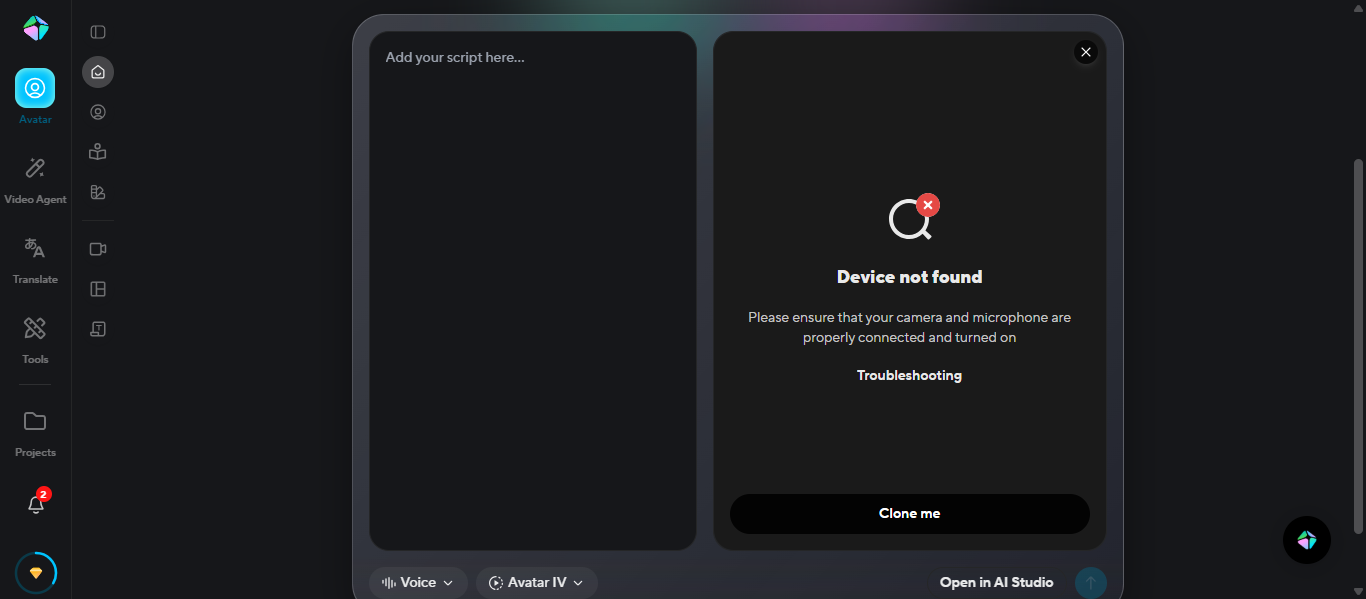
HeyGen is an AI video generation platform that creates videos using digital avatars, AI voices, and text-to-video technology. In AI podcasting, HeyGen helps creators convert podcast scripts or audio content into engaging video formats using realistic AI avatars that present the podcast visually.
How to Use HeyGen for AI Podcasting
HeyGen can help transform podcast content into video podcasts or visual clips.
Typical workflow:
- Enter a podcast script or upload audio content
- Choose an AI avatar and voice
- Generate a video where the avatar presents the podcast content
- Customize visuals, captions, and branding
- Export the video for YouTube, social media, or podcast platforms
This process helps podcasters turn audio content into video-based episodes or promotional content.
Key Features of HeyGen AI
HeyGen provides several features that support AI podcasting video production:
- AI avatar video generation from text scripts
- Text-to-video creation with AI narration
- Multilingual voice dubbing and translation
- Automatic captions and video templates
- AI lip-sync technology for realistic avatar speech
These capabilities allow creators to produce video versions of podcasts without traditional video recording.
Where HeyGen is Used in AI Podcasting
HeyGen is mainly used when podcasters want to convert audio podcasts into video content. It is useful for creating video podcasts, social media clips, and multilingual versions of podcast episodes.
Who Should Use HeyGen
HeyGen is suitable for creators working in AI podcasting, including:
- Video podcasters publishing on YouTube
- Content creators converting audio podcasts into video
- Marketing teams promoting podcast episodes visually
- Businesses producing branded podcast videos
- Educators creating video-based podcast lessons
Pricing
Free plan available for generating a limited number of videos, with additional paid plans such as Creator, Team, and Enterprise that unlock unlimited video generation, advanced avatars, higher video quality, and collaboration features.
AI Podcast Hosting Platforms
21) Buzzsprout
What is Buzzsprout AI?
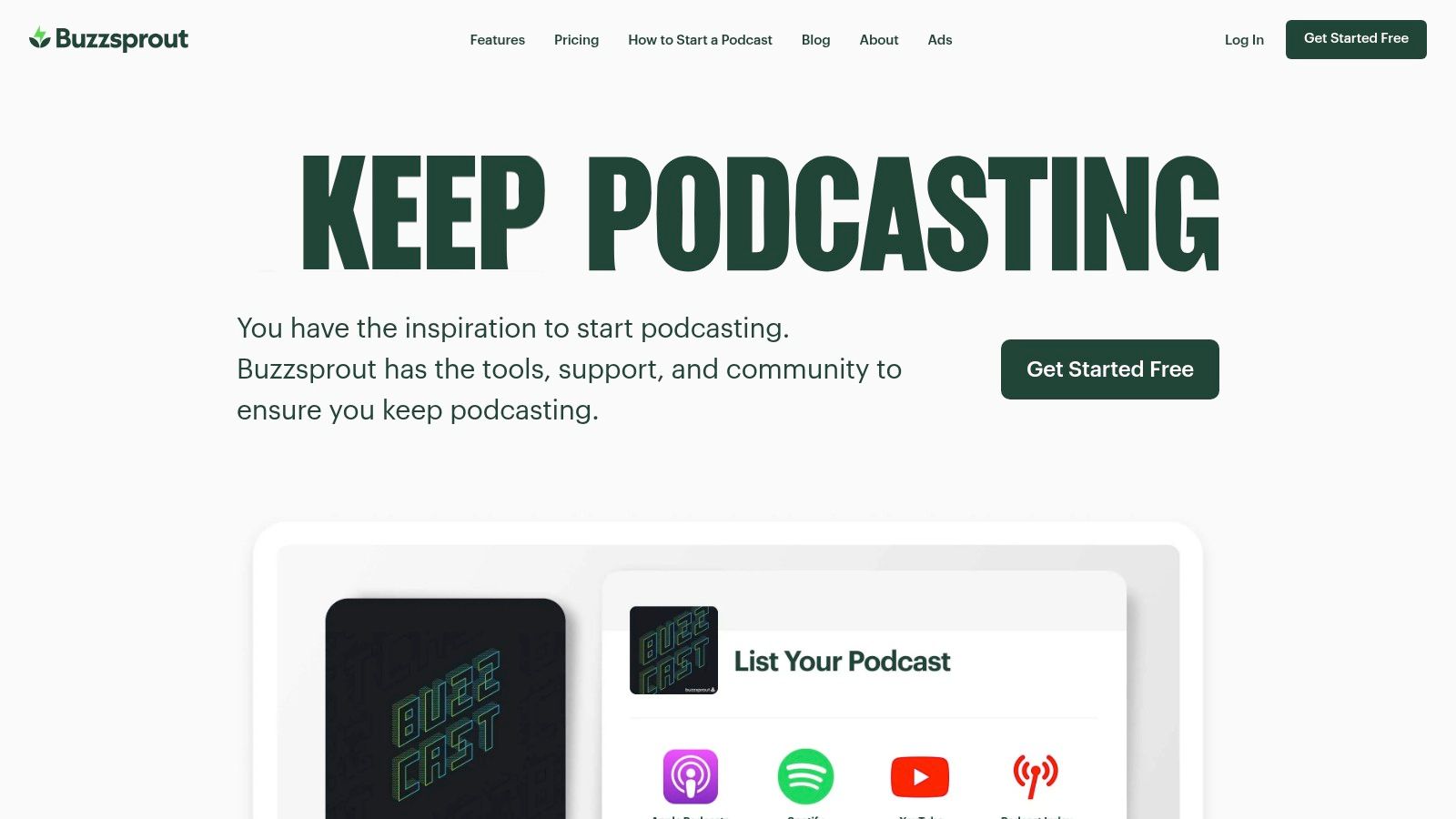
Buzzsprout AI is a podcast hosting and publishing platform that helps creators upload, manage, and distribute podcast episodes to major directories. In AI podcasting, Buzzsprout supports creators by providing tools like Cohost AI for generating episode titles, descriptions, transcripts, and chapter markers automatically.
How to Use Buzzsprout AI for AI Podcasting
Buzzsprout AI helps podcasters manage the publishing and distribution stage of an AI podcasting workflow.
Typical steps include:
- Upload a finished podcast episode
- Add episode details such as title and description
- Use Cohost AI to generate show notes, transcripts, and summaries
- Schedule the episode for publishing
- Automatically distribute the podcast to platforms like Apple Podcasts and Spotify
This allows podcasters to manage hosting and publishing from a single dashboard.
Key Features of Buzzsprout AI
Buzzsprout AI provides several tools designed to support AI podcasting hosting and distribution:
- Cohost AI for generating titles, descriptions, chapters, and transcripts
- Magic Mastering for automatic audio enhancement and loudness balancing
- Automatic podcast distribution to major directories
- Podcast analytics and audience insights
- Built-in podcast website and embeddable players
These features help creators manage publishing, distribution, and audience tracking.
Where Buzzsprout AI is Used in AI Podcasting
Buzzsprout AI is mainly used in the hosting and distribution stage of AI podcasting. It stores podcast audio files, manages RSS feeds, and ensures episodes are delivered to listening platforms where audiences can stream or download them.
Who Should Use Buzzsprout AI
Buzzsprout AI is suitable for creators involved in AI podcasting, including:
- Beginner podcast hosts launching their first show
- Independent podcasters publishing weekly episodes
- Media teams managing multiple podcast series
- Businesses producing branded podcasts
- Creators who want an easy podcast hosting platform
Pricing
Free plan available with limited upload hours and temporary episode hosting, with additional paid plans that increase monthly upload limits and unlock advanced hosting, analytics, and AI features.
AI Podcasting Agents
What Are AI Podcasting Agents?
AI podcasting agents are automated AI systems that assist creators with multiple podcast production tasks without requiring constant manual input. These agents can analyze content, generate scripts, edit audio, create transcripts, produce marketing materials, and even distribute podcast episodes. In AI podcasting, agents act like intelligent assistants that help streamline production workflows and reduce the time required to create and promote podcast episodes.
How AI Agents Are Changing AI Podcasting Workflows
AI agents are transforming how creators manage podcast production by automating several repetitive tasks. Instead of manually handling every stage of the podcast process, AI agents can manage different steps of the AI podcasting workflow such as planning, editing, and content distribution.
Key ways AI agents are changing AI podcasting include:
- Automating podcast script creation and episode outlines
- Generating transcripts and show notes from recordings
- Editing audio by detecting filler words or long pauses
- Creating short video clips for social media promotion
- Converting podcast content into blogs, newsletters, or captions
These capabilities allow podcasters to focus more on content creation and audience engagement while AI handles technical and repetitive tasks.
Examples of AI Podcasting Agents
Several AI-powered platforms act like AI podcasting agents by performing automated tasks throughout the podcast lifecycle.
Examples include:
- ChatGPT – helps generate podcast ideas, scripts, and summaries
- Descript AI – edits podcast audio using transcript-based editing
- Castmagic AI – converts podcast episodes into blog posts and social media content
- Headliner AI – creates audiograms and promotional videos from podcast audio
- ElevenLabs AI – generates realistic AI voice narration for podcast segments
These tools demonstrate how AI can assist podcasters with production, editing, and promotion.
Tools Offering AI Podcasting Agent-Like Capabilities
Many AI tools used in podcast production include features that function like intelligent agents. These tools automate different stages of the AI podcasting process.
Common tools offering AI podcasting agent-like capabilities include:
- Riverside FM AI – remote recording with automatic transcription and content clips
- Podcastle AI – recording, voice generation, and editing tools
- Cleanvoice AI – automated removal of filler words and background noise
- Capsho AI – automatic show notes and marketing content generation
- Opus Clip AI – creates short video clips from podcast episodes
Together, these tools demonstrate how AI agents can support podcasters across research, production, editing, and marketing.
How to Choose the Right AI Podcasting Tool
Selecting the right tool for AI podcasting depends on your podcast workflow, technical needs, and content goals. Different tools specialize in tasks such as recording, editing, transcription, or marketing automation. Understanding what each tool does helps creators build an efficient podcast production process.
1. Identify Your Podcast Production Needs
Start by defining which part of the AI podcasting workflow you want to improve. Some tools focus on editing audio, while others help with scripting, transcription, or promotion. AI tools can automate tasks such as script generation, voice narration, and content repurposing.
For example:
- Recording and remote interviews
- Audio editing and sound enhancement
- Transcription and show notes generation
- Marketing and social media clips
- Choosing tools that match your workflow prevents unnecessary complexity.
2. Evaluate AI Features and Automation
Not all tools provide the same level of AI automation. When selecting a tool for AI podcasting, look for features that simplify production tasks.
Important features include:
- Automatic transcription and subtitles
- AI audio cleanup and noise reduction
- Script or content generation
- Highlight clip detection for promotion
- Multilingual voice generation
Many modern podcast tools use AI to automate editing, transcription, and sound enhancement, making production faster and easier.
3. Check Ease of Use
A good AI podcasting tool should have a simple interface and intuitive workflow. Platforms with clear dashboards, drag-and-drop editing, and automated features make it easier for beginners to produce podcasts without technical skills.
Tools that simplify editing or automate repetitive tasks can save hours of production time.
4. Consider Integration and Compatibility
Many creators use multiple tools during the AI podcasting process. Choosing tools that integrate with recording platforms, hosting services, and editing software can streamline your workflow.
Examples of integrations include:
- Podcast hosting platforms
- Remote recording tools
- Video creation tools
- Social media publishing tools
A well-connected tool ecosystem improves efficiency across production and distribution.
5. Compare Pricing and Scalability
Pricing models vary between tools, including free plans, credit-based systems, and subscription tiers. Choose a solution that fits your budget and can scale as your podcast grows.
Consider:
- Free plans for beginners
- Paid plans for advanced AI features
- Team collaboration options
- Commercial usage rights for content
6. Evaluate Content Repurposing Capabilities
Many AI podcasting tools help creators turn podcast episodes into other types of content. Repurposing features allow podcasters to expand their reach by converting audio into blogs, transcripts, video clips, and social media posts.
This helps creators distribute one podcast episode across multiple platforms and grow their audience more efficiently.
Future of AI Podcasting
AI technology is transforming how creators and businesses produce podcasts. Key developments expected include:
- Autonomous AI podcast production agents — AI systems that can generate podcast scripts, edit audio, create transcripts, and publish episodes automatically with minimal human involvement.
- AI topic discovery systems — Tools that analyze listener behavior, trending discussions, and search data to identify podcast topics with high audience interest.
- Real-time podcast content generation — AI tools capable of generating episode outlines, narration, and summaries instantly based on news, trends, or audience demand.
- AI-driven audience personalization — AI systems that recommend podcast topics, formats, and publishing strategies based on listener preferences and engagement patterns.
These advancements will allow creators and businesses to scale AI podcasting production, streamline workflows, and deliver more personalized podcast content to audiences.
Conclusion
AI podcasting tools are transforming how creators produce and distribute podcasts. By automating tasks like editing, transcription, and marketing, these tools simplify podcast production and help creators focus on delivering valuable content to their audience.
FAQs
What is AI podcasting?
AI podcasting refers to the use of artificial intelligence tools to automate podcast production tasks such as script creation, audio editing, transcription, voice generation, and content promotion.
How do AI tools help podcast creators?
AI tools help podcasters save time by automating repetitive tasks like audio editing, transcription, content repurposing, and marketing. This allows creators to focus more on storytelling and audience engagement.
Can AI generate podcast voices?
Yes, AI voice platforms can generate realistic voices from text. These tools are used in AI podcasting to create narration, multilingual versions of episodes, or voiceovers without manual recording.
Are AI podcasting tools suitable for beginners?
Many AI podcasting tools are designed for beginners. They provide simple interfaces and automation features that allow creators to record, edit, and publish podcasts without advanced audio production skills.
What are the benefits of AI podcasting tools?
AI podcasting tools improve production speed, automate editing tasks, generate transcripts, and create promotional content. These capabilities help creators manage podcast workflows and expand their audience reach more efficiently.