
AI CRM tools use artificial intelligence to automate customer relationship management, improve sales decisions, and streamline marketing and support workflows. Businesses use AI CRM platforms to predict deal outcomes, automate follow-ups, personalize customer interactions, and manage pipelines more efficiently. In 2026, modern AI CRM (Customer Relationship Management) software also includes AI agents, conversation intelligence, predictive analytics, and workflow automation that help teams reduce manual work while improving customer engagement and revenue forecasting.
List of the 15 Best AI CRM Tools
- Salesforce AI
- Microsoft Dynamics 365 AI
- Creatio AI
- SugarCRM AI
- HubSpot AI
- Pipedrive AI
- Freshsales AI
- Close AI
- Nimble AI
- Zoho AI
- Monday CRM AI
- Copper AI
- Zendesk Sell AI
- ActiveCampaign AI
- Attio AI
AI CRM Comparison Table
Choosing the right AI CRM platform depends on your business size, sales process complexity, automation requirements, and existing software ecosystem. Some AI CRM tools focus on predictive analytics and enterprise workflow orchestration, while others specialize in pipeline management, AI agents, customer engagement, or marketing automation.
The comparison table below highlights the best AI CRM tools based on their core strengths, AI capabilities, pricing position, and ideal use cases for modern sales and customer management teams.
| Tool | Best For | Key AI Features | Pricing | Category |
|---|---|---|---|---|
| Salesforce AI | Enterprises | Agentforce, Einstein AI, forecasting | Premium | Enterprise CRM |
| HubSpot AI CRM | Marketing + sales alignment | Breeze AI, AI content, lead scoring | Mid-range | Growth CRM |
| Zoho CRM AI | SMB automation | Zia AI, sentiment analysis | Affordable | SMB CRM |
| Microsoft Dynamics 365 AI | Microsoft ecosystem | Copilot AI, sales agents | Premium | Enterprise CRM |
| Pipedrive AI | Pipeline management | AI Sales Assistant | Mid-range | Sales CRM |
| Freshsales AI | SMB sales teams | Freddy AI, call intelligence | Affordable | Sales CRM |
| Monday CRM AI | Workflow customization | AI automations, AI blocks | Mid-range | Workflow CRM |
| Close AI CRM | Outbound sales | AI calling, summaries | Mid-range | Sales Engagement |
| Copper AI CRM | Google Workspace users | AI enrichment, automation | Mid-range | Relationship CRM |
| Creatio AI CRM | No-code AI automation | AI agents, workflow orchestration | Premium | AI Workflow CRM |
| Attio AI | Flexible modern CRM | AI enrichment, relationship intelligence | Mid-range | Collaborative CRM |
| Zendesk Sell AI | Service-led sales | AI ticket intelligence | Mid-range | Service CRM |
| ActiveCampaign AI | Marketing automation | Predictive email automation | Affordable | Marketing CRM |
| SugarCRM AI | Predictive enterprise CRM | SugarPredict AI | Premium | Enterprise CRM |
| Nimble AI CRM | Relationship management | AI contact enrichment | Affordable | Social CRM |
Modern AI CRM systems now combine predictive analytics, generative AI, AI agents, and workflow automation to help businesses improve sales productivity, customer engagement, forecasting accuracy, and operational efficiency across the entire customer lifecycle.
1. Salesforce AI
What is Salesforce AI
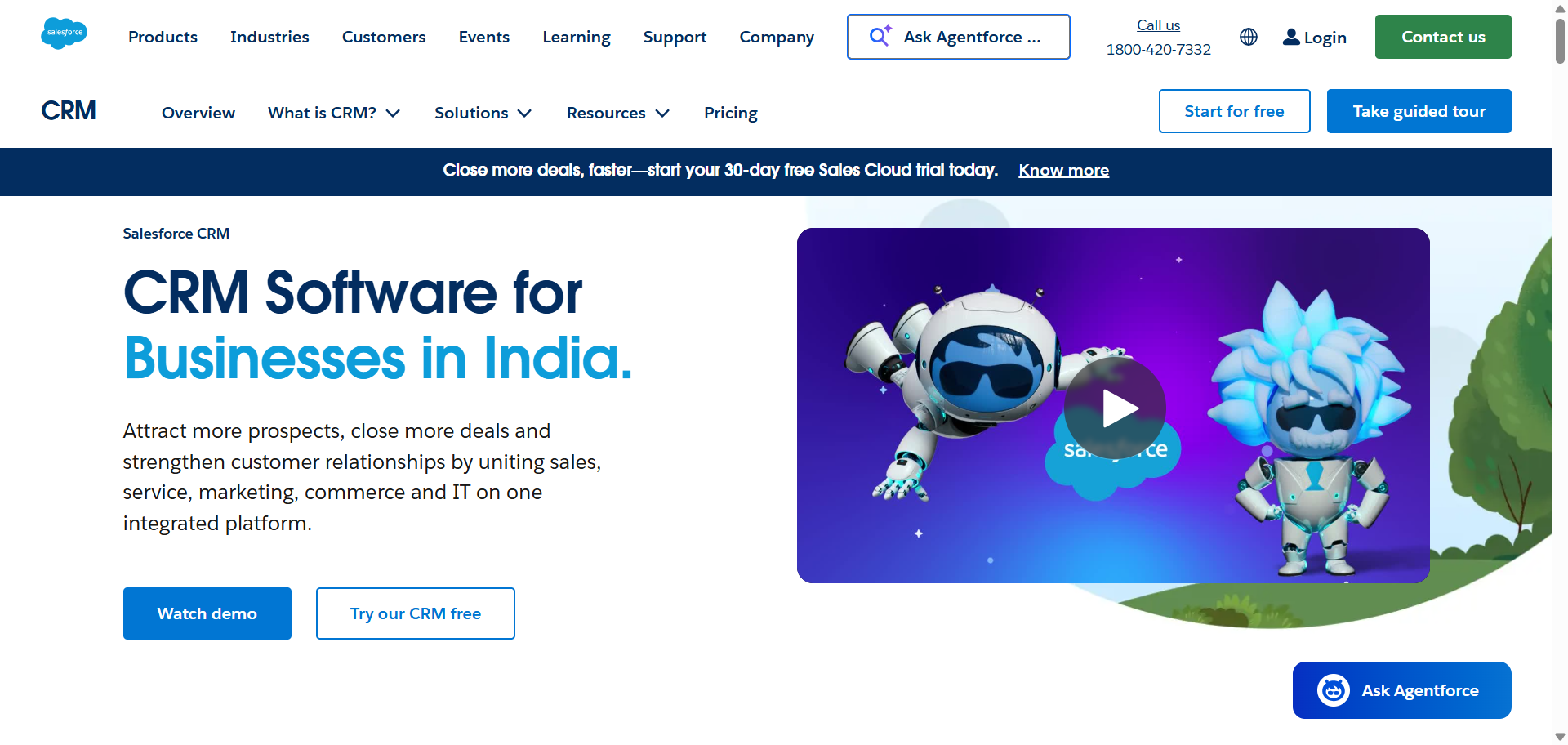
Salesforce AI is an enterprise AI CRM platform built into Salesforce Sales Cloud and the wider Salesforce ecosystem. It combines customer relationship management with predictive analytics, workflow automation, generative AI, and autonomous AI agents through Einstein AI and Agentforce. The platform is designed for businesses that manage large sales operations, complex customer journeys, and multi-team workflows. Salesforce AI is widely used by enterprise sales, marketing, and customer service teams that need deep customization and scalable automation.
Who Should Use Salesforce AI
- Enterprise sales organizations
- Large customer support teams
- B2B companies with complex pipelines
- Businesses already using Salesforce products
- Teams needing advanced workflow automation
How to use Salesforce AI for AI CRM
- Connect customer data, sales pipelines, emails, and support channels inside Salesforce Sales Cloud.
- Enable Einstein AI features for lead scoring, forecasting, and activity tracking.
- Configure Agentforce agents or automation workflows for sales and customer support tasks.
- Monitor dashboards, pipeline insights, and AI recommendations to improve sales execution and customer engagement.
Benefits of Using Salesforce AI
- Reduces manual sales administration work
- Improves forecasting accuracy for revenue planning
- Helps sales teams prioritize high-converting leads
- Automates repetitive customer engagement tasks
- Supports large-scale workflows across departments
Pricing
Salesforce Sales Cloud pricing starts at around $25 per user per month for basic CRM functionality. Advanced AI tools such as Einstein AI and Agentforce are available in higher-tier enterprise plans and premium AI add-ons.
Pros
- Powerful AI automation and analytics
- Highly customizable for enterprise workflows
- Large integration ecosystem through AppExchange
Cons
- Steep learning curve for new users
- Advanced AI capabilities can become expensive
2. Microsoft Dynamics 365 AI
What is Microsoft Dynamics 365 AI
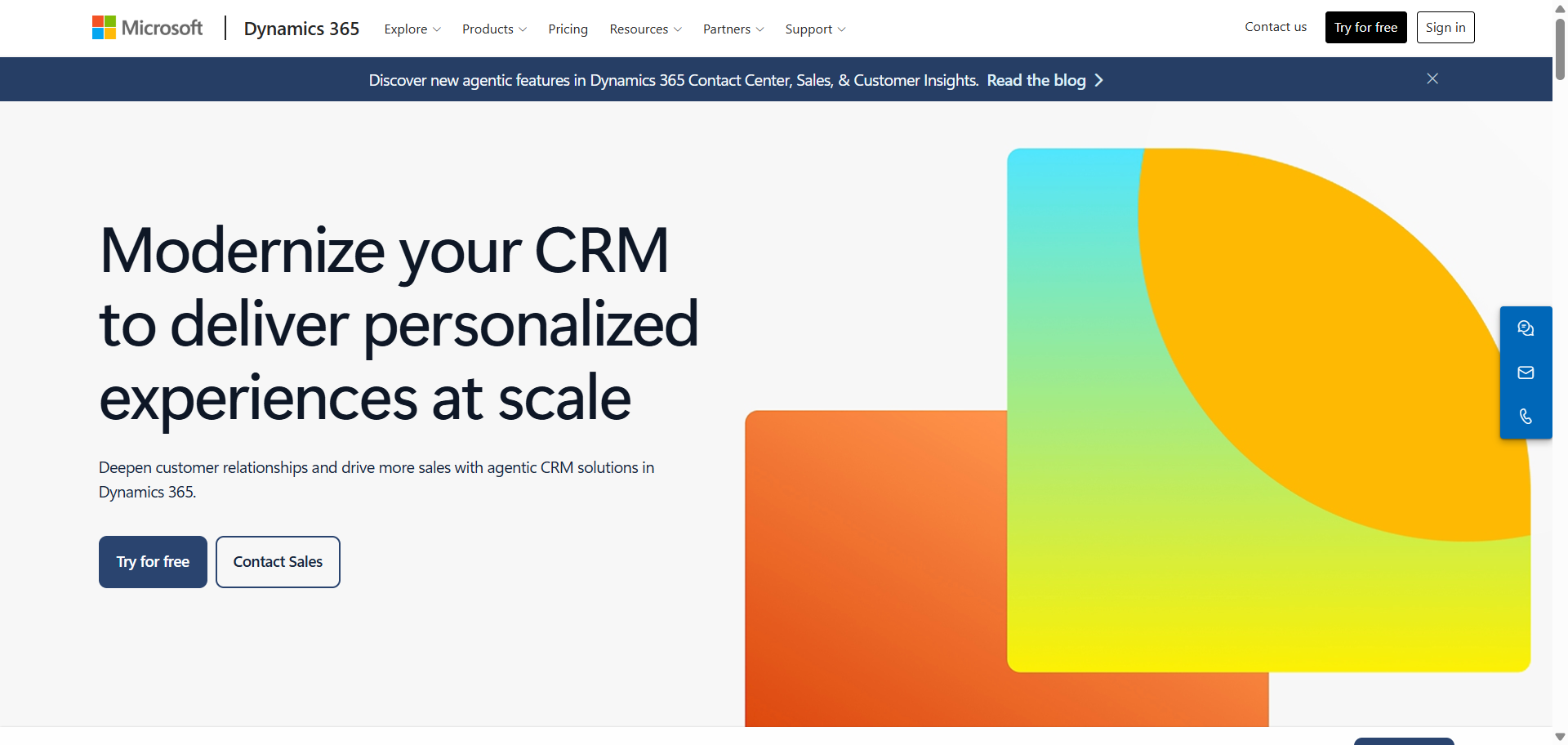
Microsoft Dynamics 365 AI is an enterprise AI CRM platform that combines customer relationship management with Microsoft’s AI and productivity ecosystem. It uses Copilot AI, predictive analytics, conversation intelligence, and autonomous sales agents to help businesses manage sales, customer service, and account relationships more efficiently. The platform integrates deeply with Microsoft 365 applications such as Outlook, Teams, Excel, and LinkedIn. It is designed for organizations that want AI-powered CRM workflows connected directly to their daily business tools.
Who Should Use Microsoft Dynamics 365 AI
- Enterprises using Microsoft 365
- B2B sales and account management teams
- Organizations with complex sales operations
- Teams needing AI-driven forecasting
- Businesses requiring strong security and compliance
How to use Microsoft Dynamics 365 AI for AI CRM
- Connect sales data, customer records, Outlook emails, and Teams conversations into Dynamics 365.
- Enable Copilot AI and predictive sales insights within the CRM dashboard.
- Configure automated workflows for lead qualification, follow-ups, and pipeline management.
- Use AI-generated recommendations and relationship analytics to improve customer engagement and deal progression.
Benefits of Using Microsoft Dynamics 365 AI
- Reduces time spent on manual CRM updates
- Improves collaboration across Microsoft tools
- Helps teams identify sales opportunities faster
- Enhances forecasting and pipeline visibility
- Supports scalable automation for enterprise workflows
Pricing
Microsoft Dynamics 365 Sales pricing typically starts around $65 per user per month for core CRM functionality. Advanced AI features, Copilot capabilities, and enterprise automation tools are included in higher-tier plans and premium add-ons.
Pros
- Strong integration with Microsoft ecosystem
- Advanced AI forecasting and analytics
- Enterprise-grade security and compliance
Cons
- Setup can be complex for smaller teams
- Advanced features require higher pricing tiers
3. Creatio AI
What is Creatio AI
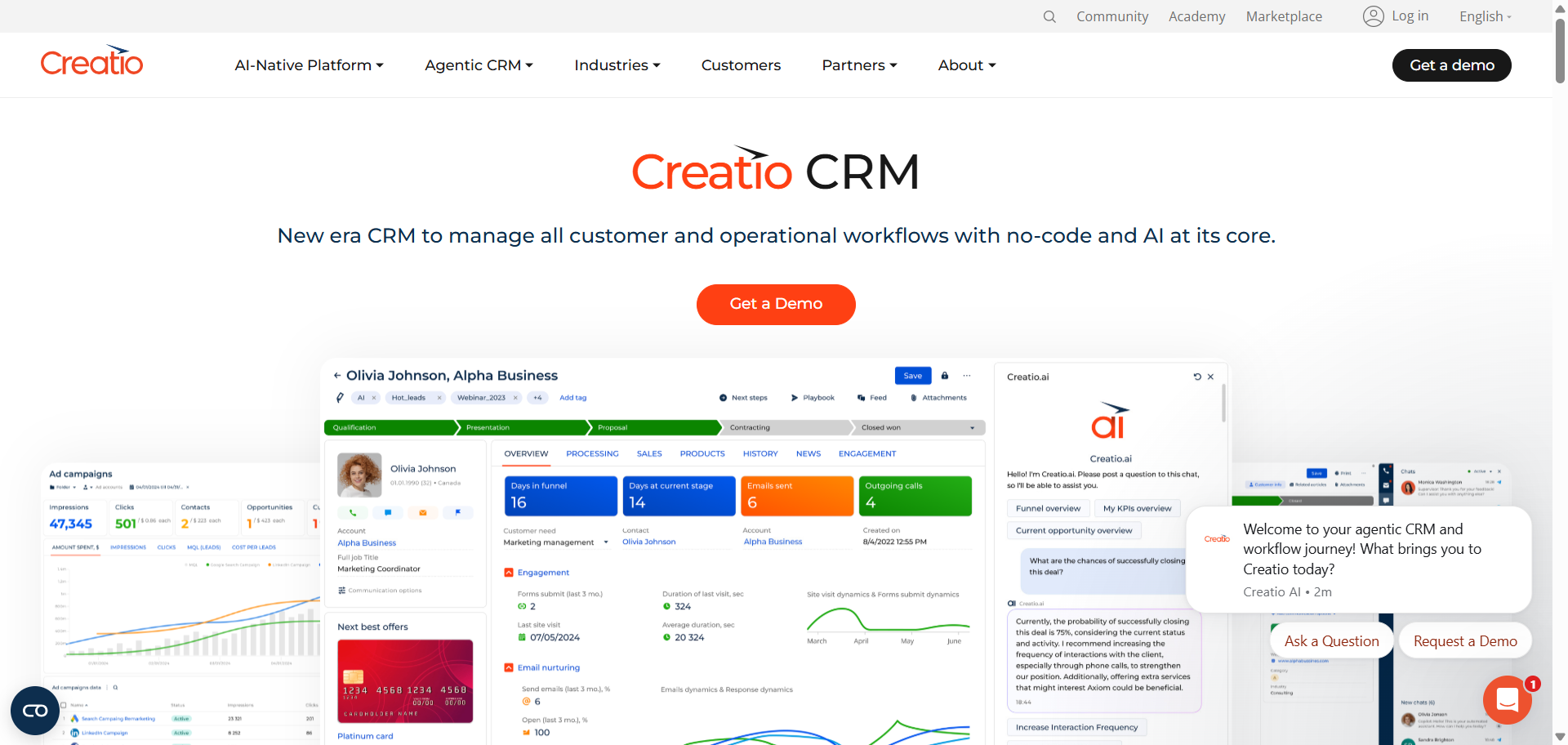
Creatio AI is a no-code AI CRM platform that combines sales, marketing, customer service, and workflow automation in a unified system. The platform uses predictive AI, generative AI, and AI agents to automate customer-facing operations and business processes. Creatio is known for its no-code customization tools, allowing teams to build workflows, automations, and AI-driven processes without heavy development work. It is commonly used by enterprises and growing businesses that need flexible CRM automation across multiple departments.
Who Should Use Creatio AI
- Enterprises with complex workflows
- Businesses needing no-code automation
- Financial services and healthcare teams
- Sales and service operations teams
- Organizations building custom AI workflows
How to use Creatio AI for AI CRM
- Import customer records, workflows, and communication channels into the Creatio platform.
- Configure AI-powered workflows for lead management, customer service, and sales automation.
- Use the no-code builder to create custom AI agents and automated business processes.
- Monitor dashboards, predictive insights, and workflow performance to optimize customer operations.
Benefits of Using Creatio AI
- Simplifies automation without coding expertise
- Reduces repetitive operational tasks
- Improves workflow consistency across departments
- Supports scalable business process automation
- Helps teams respond faster to customer needs
Pricing
Creatio pricing typically starts around $25 per user per month for the core platform, with CRM products priced separately. AI capabilities, including predictive AI and AI agents, are generally included across most enterprise plans.
Pros
- Strong no-code workflow customization
- Built-in AI agents and automation tools
- Flexible for complex business operations
Cons
- Initial setup may require process planning
- Advanced enterprise configurations can take time
4. SugarCRM AI
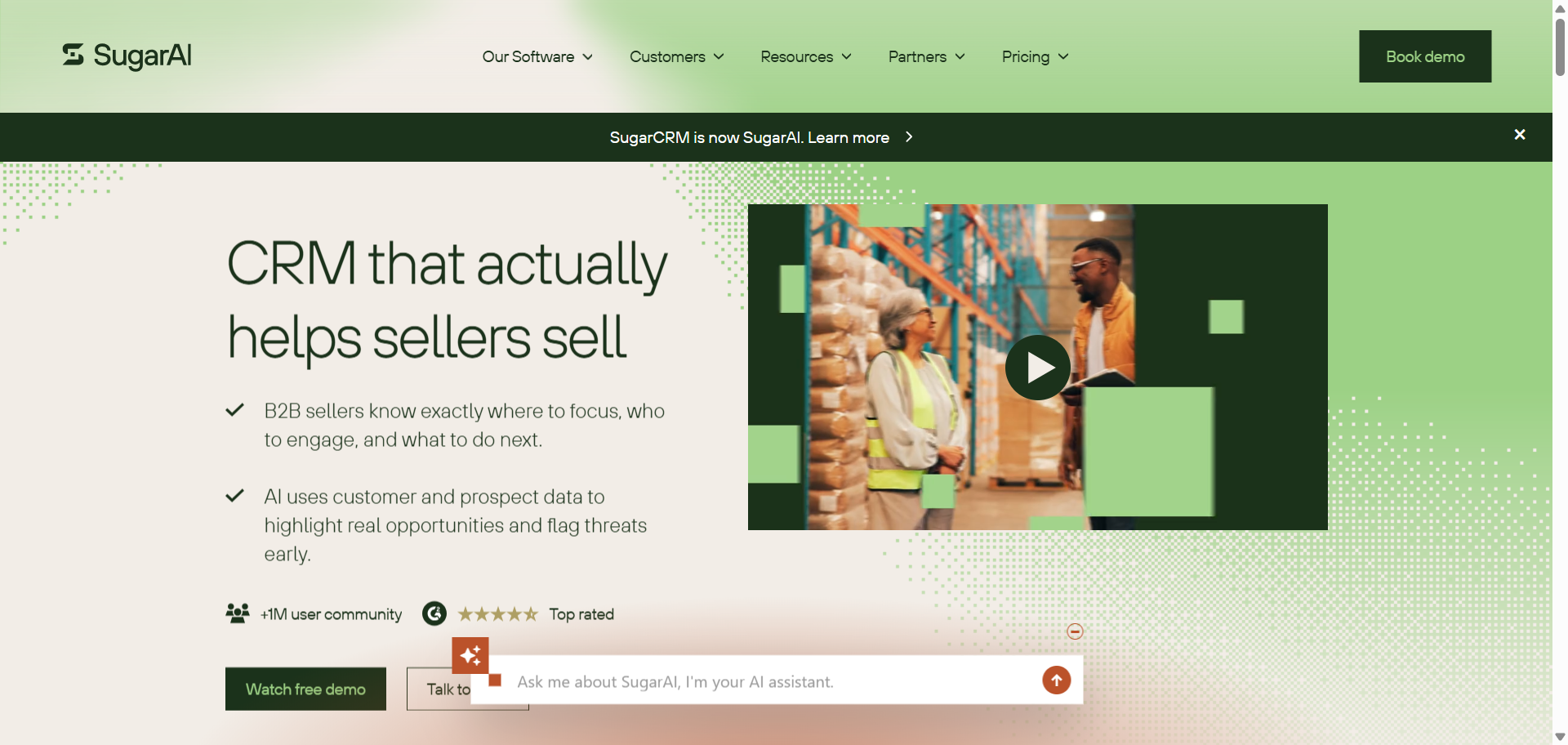
What is SugarCRM AI
SugarCRM AI is an AI-powered customer relationship management platform designed to help businesses improve sales forecasting, customer insights, and workflow automation. The platform uses tools such as SugarPredict and predictive analytics to analyze customer behavior, identify sales opportunities, and automate repetitive CRM tasks. SugarCRM focuses heavily on relationship intelligence and data-driven sales management rather than visual pipeline simplicity. It is commonly used by mid-sized and enterprise organizations that need flexible CRM customization with advanced analytics capabilities.
Who Should Use SugarCRM AI
- Mid-sized and enterprise businesses
- B2B sales organizations
- Teams needing predictive sales insights
- Companies with complex customer data
- Businesses requiring CRM customization flexibility
How to use SugarCRM AI for AI CRM
- Import customer records, sales pipelines, and communication history into SugarCRM.
- Enable SugarPredict and AI-powered forecasting tools within the CRM dashboard.
- Configure automated workflows for lead assignment, follow-ups, and customer engagement.
- Use predictive insights and reporting tools to optimize sales activities and account management.
Benefits of Using SugarCRM AI
- Helps sales teams prioritize high-value opportunities
- Reduces manual CRM management work
- Improves forecasting and pipeline visibility
- Supports personalized customer engagement workflows
- Enhances data-driven decision-making across teams
Pricing
SugarCRM pricing generally starts around $19 per user per month for smaller business plans. Advanced AI capabilities, predictive analytics, and enterprise automation tools are available in higher-tier subscriptions.
Pros
- Strong predictive analytics capabilities
- Flexible customization for business workflows
- Good reporting and forecasting tools
Cons
- Interface can feel complex for beginners
- Advanced AI features require premium plans
5. HubSpot AI
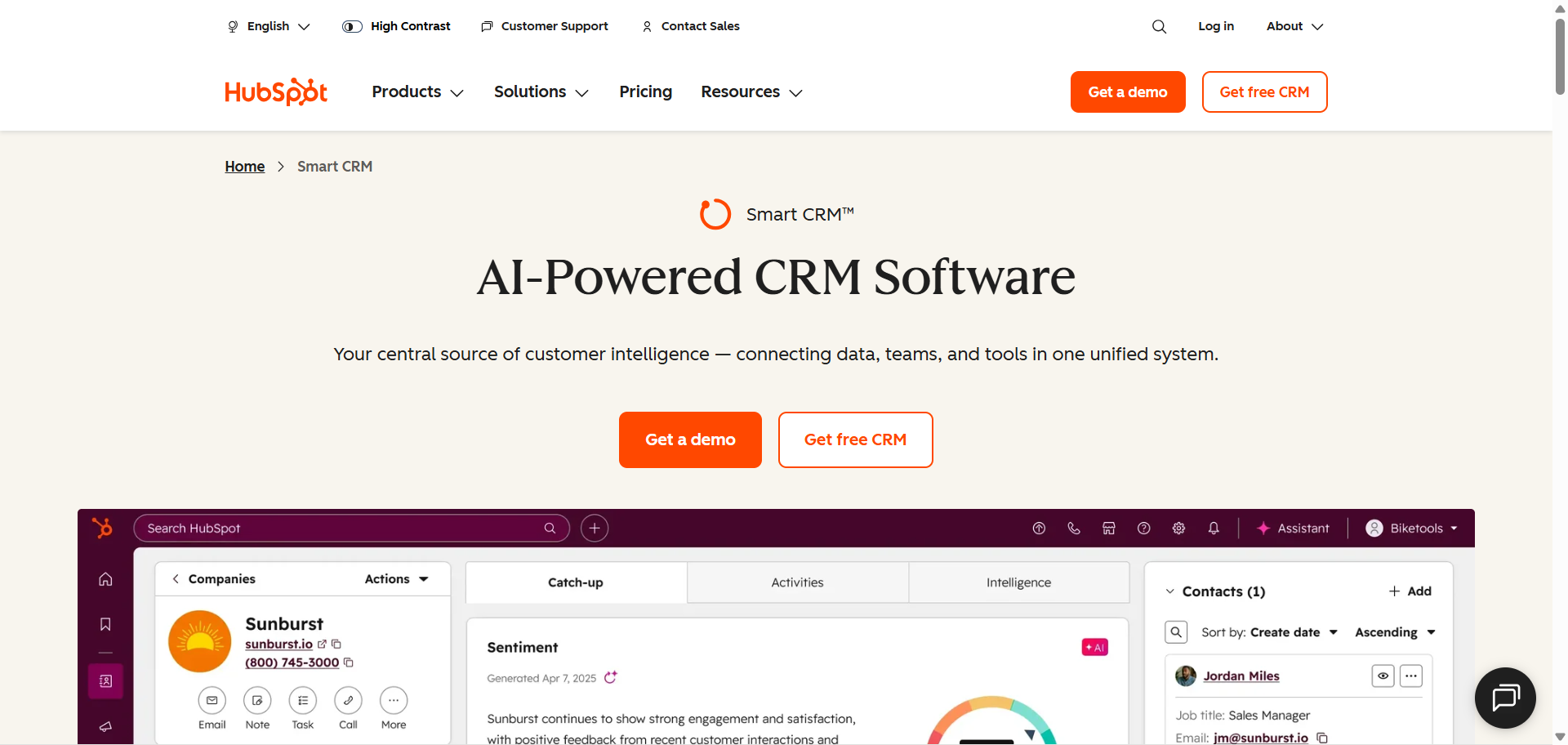
What is HubSpot AI
HubSpot AI is an AI-powered CRM platform built into HubSpot’s sales, marketing, customer service, and operations tools. It uses Breeze AI, AI assistants, predictive analytics, and automation features to help businesses manage customer relationships more efficiently. The platform is known for its user-friendly interface, integrated marketing capabilities, and easy onboarding experience. HubSpot AI is widely used by growing businesses that want a connected CRM system for lead generation, sales engagement, customer communication, and content management.
Who Should Use HubSpot AI
- Growing startups and SMBs
- Marketing and sales teams
- Content-driven businesses
- Companies needing simple CRM onboarding
- Teams wanting all-in-one customer management
How to use HubSpot AI for AI CRM
- Import contacts, deals, email conversations, and website leads into HubSpot CRM.
- Activate Breeze AI tools for lead scoring, email generation, and workflow automation.
- Create automated sales and marketing workflows based on customer behavior and engagement.
- Use dashboards and AI recommendations to track pipeline performance and improve customer interactions.
Benefits of Using HubSpot AI
- Simplifies sales and marketing collaboration
- Reduces manual content and email creation
- Helps teams organize customer data efficiently
- Improves lead nurturing and follow-up consistency
- Supports scalable customer engagement workflows
Pricing
HubSpot CRM offers a free plan with core CRM features for small teams. Paid plans with advanced AI tools and automation features generally start around $20 per user per month, while enterprise AI capabilities are available in higher-tier subscriptions.
Pros
- Easy to use for beginners and growing teams
- Strong integration between sales and marketing
- Helpful AI content and automation tools
Cons
- Advanced AI tools can increase costs quickly
- Some automation features require premium plans
6. Pipedrive AI
What is Pipedrive AI
Pipedrive AI is a sales-focused AI CRM platform designed to help teams manage pipelines, automate sales activities, and improve deal visibility. The platform combines visual pipeline management with AI-powered recommendations, predictive insights, and workflow automation through its AI Sales Assistant. Pipedrive is known for its clean interface, easy setup process, and practical sales tools built specifically for revenue-focused teams. It is commonly used by small and mid-sized businesses that want a simple but intelligent CRM system for managing sales operations.
Who Should Use Pipedrive AI
- Small and mid-sized sales teams
- Businesses focused on pipeline management
- Startups needing simple CRM workflows
- Sales reps managing high deal volumes
- Teams wanting easy CRM adoption
How to use Pipedrive AI for AI CRM
- Create sales pipelines and import leads, contacts, and deal information into Pipedrive.
- Enable AI Sales Assistant features for deal recommendations and activity tracking.
- Set up automated reminders, follow-up workflows, and email synchronization.
- Monitor AI-generated insights and pipeline reports to improve deal progression and sales performance.
Benefits of Using Pipedrive AI
- Simplifies pipeline management for sales teams
- Helps prioritize deals with higher close potential
- Reduces time spent on repetitive follow-ups
- Improves visibility into sales activities and progress
- Supports faster onboarding for new sales reps
Pricing
Pipedrive pricing generally starts around $14 per user per month for core CRM functionality. Advanced AI features, workflow automation, and AI Sales Assistant capabilities are available in higher-tier plans starting around $49 per user monthly.
Pros
- Easy-to-use visual sales pipeline
- Helpful AI recommendations for sales activities
- Fast setup with minimal learning curve
Cons
- Limited advanced marketing automation features
- Not ideal for large enterprise workflows
7. Freshsales AI
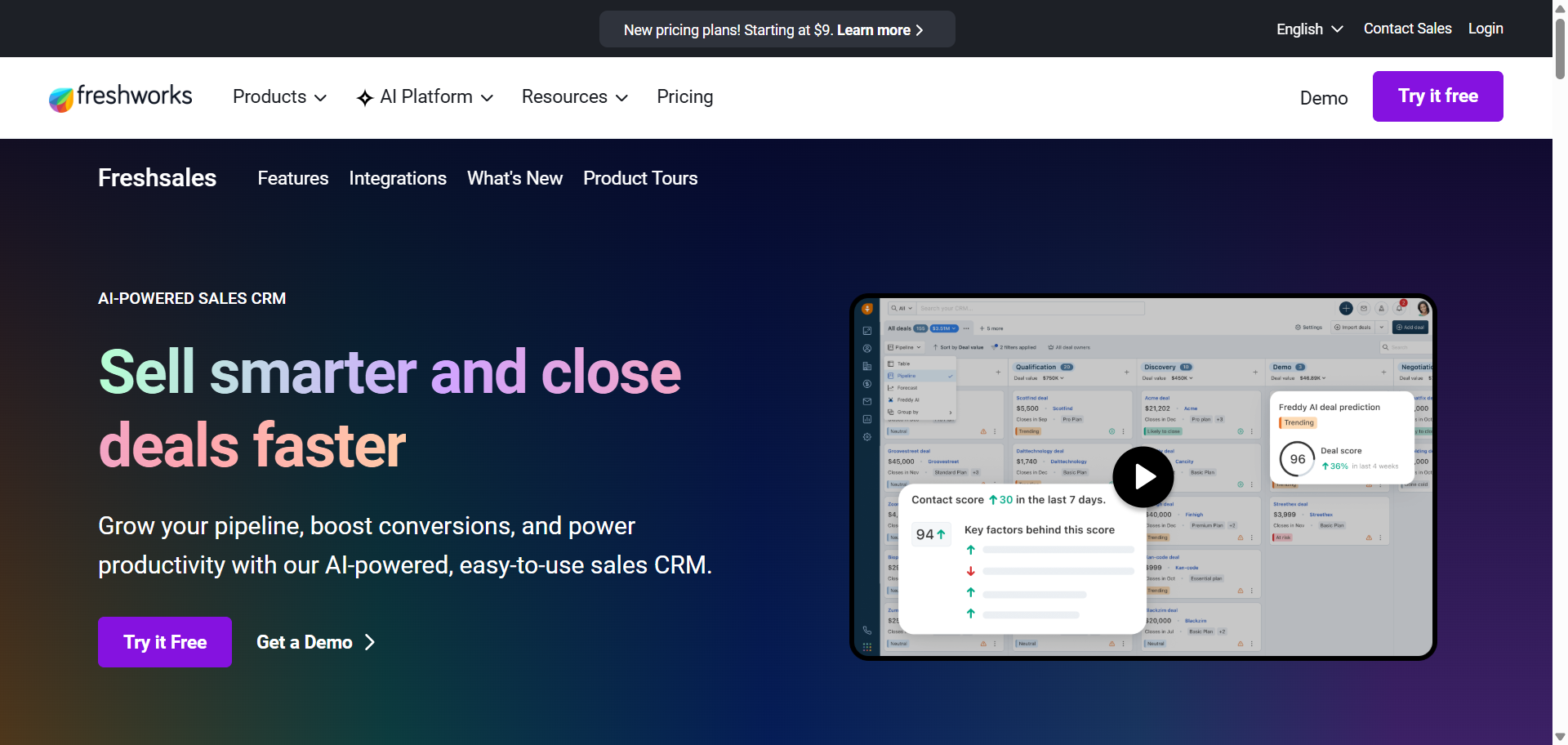
What is Freshsales AI
Freshsales AI is an AI-powered sales CRM developed by Freshworks for businesses that want streamlined sales automation and customer engagement tools. The platform uses Freddy AI to provide lead scoring, deal insights, conversation intelligence, and workflow automation within a simple interface. Freshsales combines CRM, email tracking, phone capabilities, and customer communication tools in one platform. It is widely used by small and mid-sized sales teams looking for affordable AI-driven CRM functionality without enterprise-level complexity.
Who Should Use Freshsales AI
- SMB sales teams
- SaaS and B2B companies
- Teams managing inbound leads
- Businesses needing built-in communication tools
- Organizations wanting affordable AI CRM software
How to use Freshsales AI for AI CRM
- Import leads, customer records, emails, and sales activities into Freshsales.
- Enable Freddy AI for lead scoring, deal analysis, and activity recommendations.
- Configure automation workflows for follow-ups, task assignments, and lead routing.
- Use dashboards and conversation insights to monitor pipeline activity and customer engagement.
Benefits of Using Freshsales AI
- Reduces manual lead qualification work
- Helps sales teams respond to leads faster
- Improves visibility into deal progress and risks
- Combines communication and CRM tools in one platform
- Supports efficient collaboration between sales teams
Pricing
Freshsales offers a free plan with basic CRM functionality for smaller teams. Paid plans with Freddy AI features and advanced automation generally start around $15 per user per month, with premium enterprise capabilities available in higher tiers.
Pros
- User-friendly interface for sales teams
- Built-in email and phone functionality
- Affordable pricing for growing businesses
Cons
- Advanced AI tools require higher-tier plans
- Limited customization compared to enterprise CRMs
8. Close AI
What is Close AI
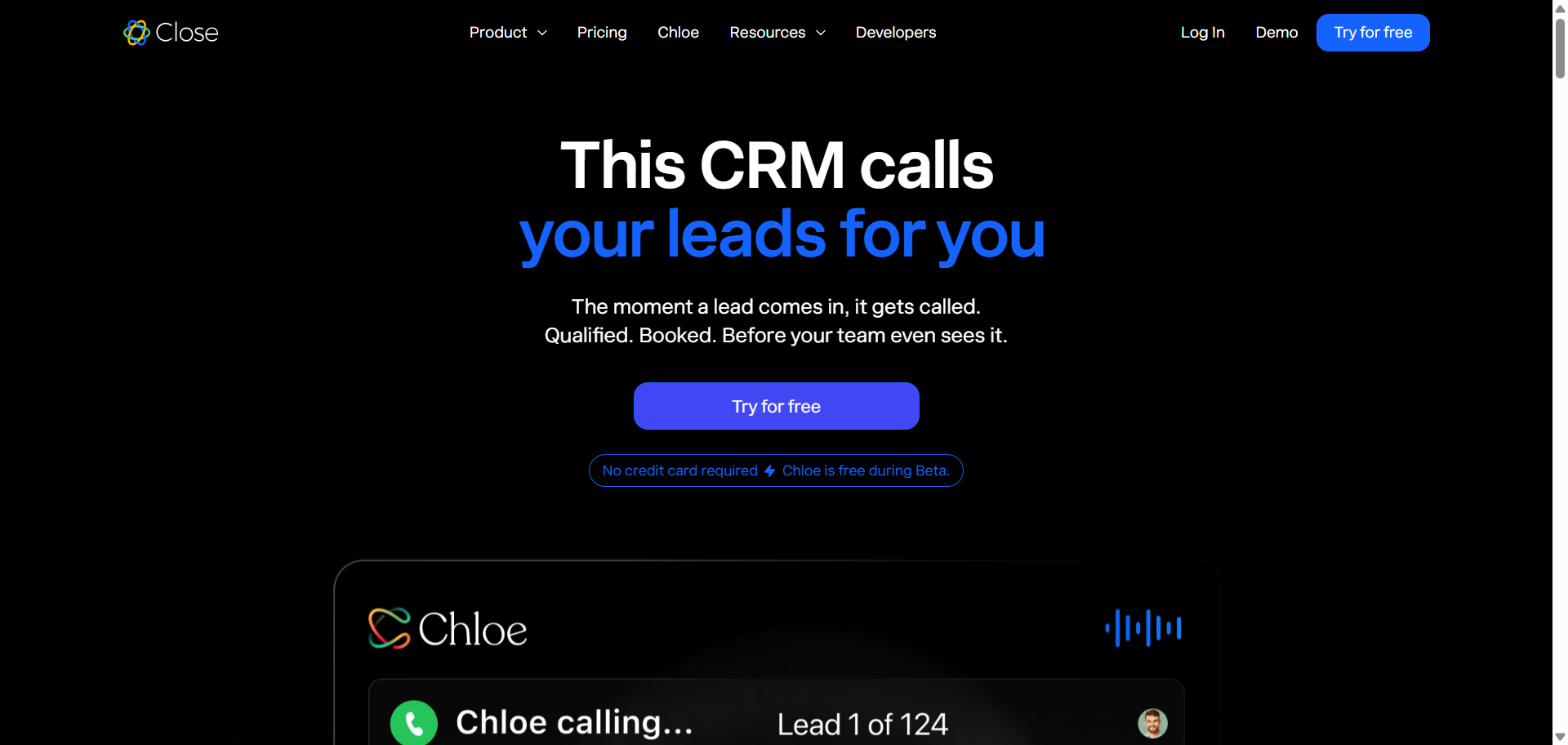
Close AI is a sales-focused AI CRM platform built for outbound sales teams and high-volume customer communication workflows. The platform combines CRM management with built-in calling, email automation, SMS, and AI-powered conversation tools. Close AI focuses heavily on helping sales teams manage outreach activities, track interactions, and improve follow-up consistency without relying on multiple external tools. It is commonly used by startups, remote sales teams, and outbound-focused businesses that prioritize communication speed and pipeline activity.
Who Should Use Close AI
- Outbound sales teams
- Remote sales organizations
- Startups scaling sales outreach
- SDR and inside sales teams
- Businesses focused on call-driven sales
How to use Close AI for AI CRM
- Import contacts, leads, and communication history into the Close CRM platform.
- Connect email accounts, phone systems, and SMS channels for centralized communication tracking.
- Use AI tools for call summaries, email assistance, and automated follow-up workflows.
- Monitor outreach activity, pipeline progress, and engagement reports to optimize sales performance.
Benefits of Using Close AI
- Simplifies outbound sales communication workflows
- Reduces manual logging of calls and emails
- Helps teams maintain consistent lead follow-ups
- Improves visibility into outreach performance
- Supports faster communication across sales channels
Pricing
Close CRM pricing generally starts around $49 per month for smaller teams with core CRM features. Advanced AI-powered communication tools, automation workflows, and premium reporting capabilities are available in higher-tier plans.
Pros
- Strong built-in calling and email tools
- Good fit for outbound sales teams
- Easy communication tracking and automation
Cons
- Limited marketing automation functionality
- Less suitable for complex enterprise workflows
9. Nimble AI
What is Nimble AI
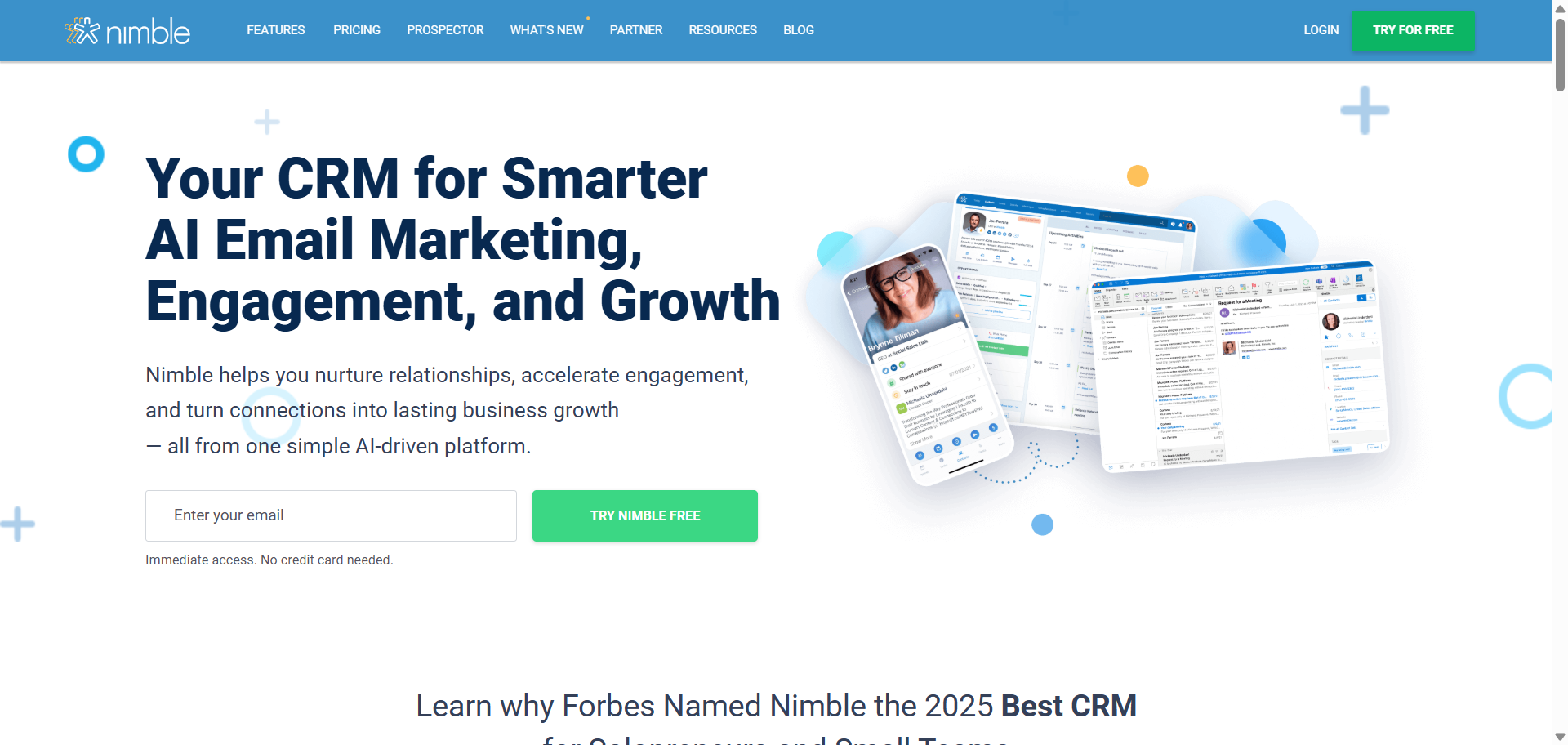
Nimble AI is a relationship-focused CRM platform designed to help small businesses and sales teams manage contacts, communication, and follow-ups more efficiently. The platform combines CRM management with social profile enrichment, email tracking, pipeline management, and AI-assisted outreach tools. Nimble AI focuses heavily on relationship intelligence by automatically gathering contact information from emails, social networks, and online sources. It is widely used by consultants, agencies, and relationship-driven sales teams that want a lightweight and easy-to-use CRM solution.
Who Should Use Nimble AI
- Small business sales teams
- Consultants and agencies
- Relationship-focused professionals
- LinkedIn and email outreach teams
- Beginners needing a simple CRM
How to use Nimble AI for AI CRM
- Import contacts from email accounts, spreadsheets, and social platforms into Nimble CRM.
- Connect Gmail or Microsoft 365 to sync conversations and calendars automatically.
- Use Nimble AI tools for email drafting, contact enrichment, and follow-up reminders.
- Track pipelines, monitor interactions, and manage customer relationships from a centralized dashboard.
Benefits of Using Nimble AI
- Reduces manual contact management work
- Keeps customer information updated automatically
- Helps sales teams maintain better follow-ups
- Improves visibility into relationship history
- Simplifies outreach and communication tracking
Pricing
Nimble CRM offers a single business pricing plan starting at around $24.90 per user per month when billed annually, or $29.90 on monthly billing. The platform also provides a free trial for new users, while advanced usage limits and add-ons may require additional costs.
Pros
- Easy-to-use interface for small teams
- Strong social contact enrichment features
- Good email and relationship tracking tools
Cons
- Limited advanced automation capabilities
- Reporting features are less flexible than enterprise CRMs
10. Zoho AI
What is Zoho AI
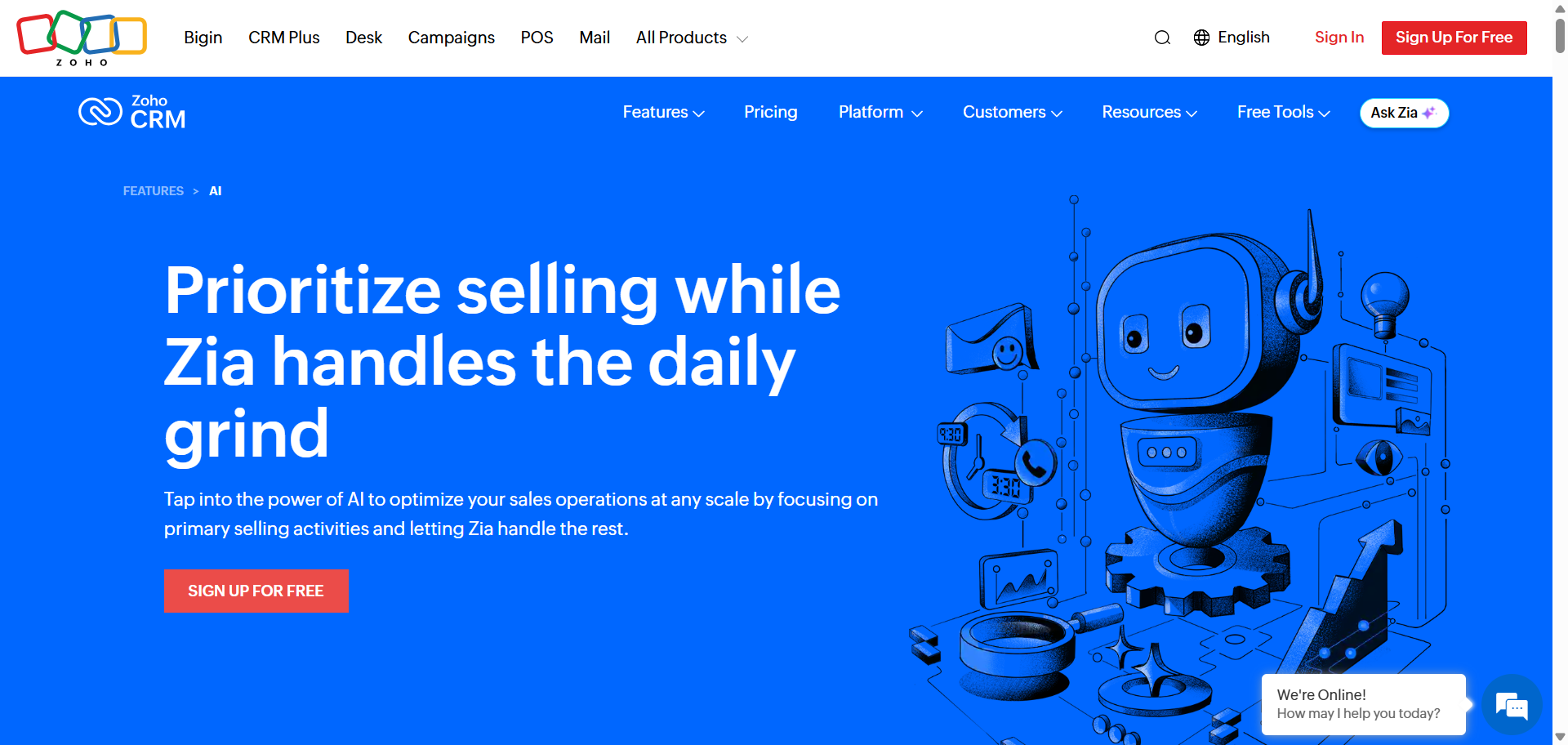
Zoho AI refers to Zia, the artificial intelligence engine built into the Zoho CRM platform. Zia helps businesses automate sales processes, analyze customer behavior, predict deal outcomes, and improve workflow efficiency using AI-driven insights. The platform combines CRM management, automation, analytics, and conversational AI tools inside the larger Zoho ecosystem. Zoho AI is widely used by small and mid-sized businesses looking for advanced CRM intelligence without enterprise-level costs.
Who Should Use Zoho AI
- Small and mid-sized businesses
- Sales-focused teams needing automation
- Companies already using Zoho apps
- Teams wanting predictive sales insights
- Businesses with limited CRM budgets
How to use Zoho AI for AI CRM
- Create a Zoho CRM account and import your contacts, leads, and sales pipelines.
- Enable Zia AI features from the CRM settings dashboard.
- Configure lead scoring, workflow automation, and sales forecasting rules.
- Use Zia to analyze customer interactions, generate reports, and recommend next actions for sales teams.
Benefits of Using Zoho AI
- Reduces repetitive sales administration tasks
- Improves lead prioritization and follow-up timing
- Helps teams make faster data-driven decisions
- Increases visibility into sales performance trends
- Supports scalable automation for growing businesses
Pricing
Zoho CRM offers a free plan for up to three users, while paid CRM plans start around $14 per user per month when billed annually. Advanced Zia AI capabilities are mainly available in Enterprise and higher-tier plans, starting around $40 per user monthly.
Pros
- Affordable compared to enterprise CRM platforms
- Strong automation and predictive analytics tools
- Large ecosystem of integrated business apps
Cons
- Advanced AI features require higher-tier plans
- Initial setup can feel overwhelming for beginners
11. Monday CRM AI
What is Monday CRM AI
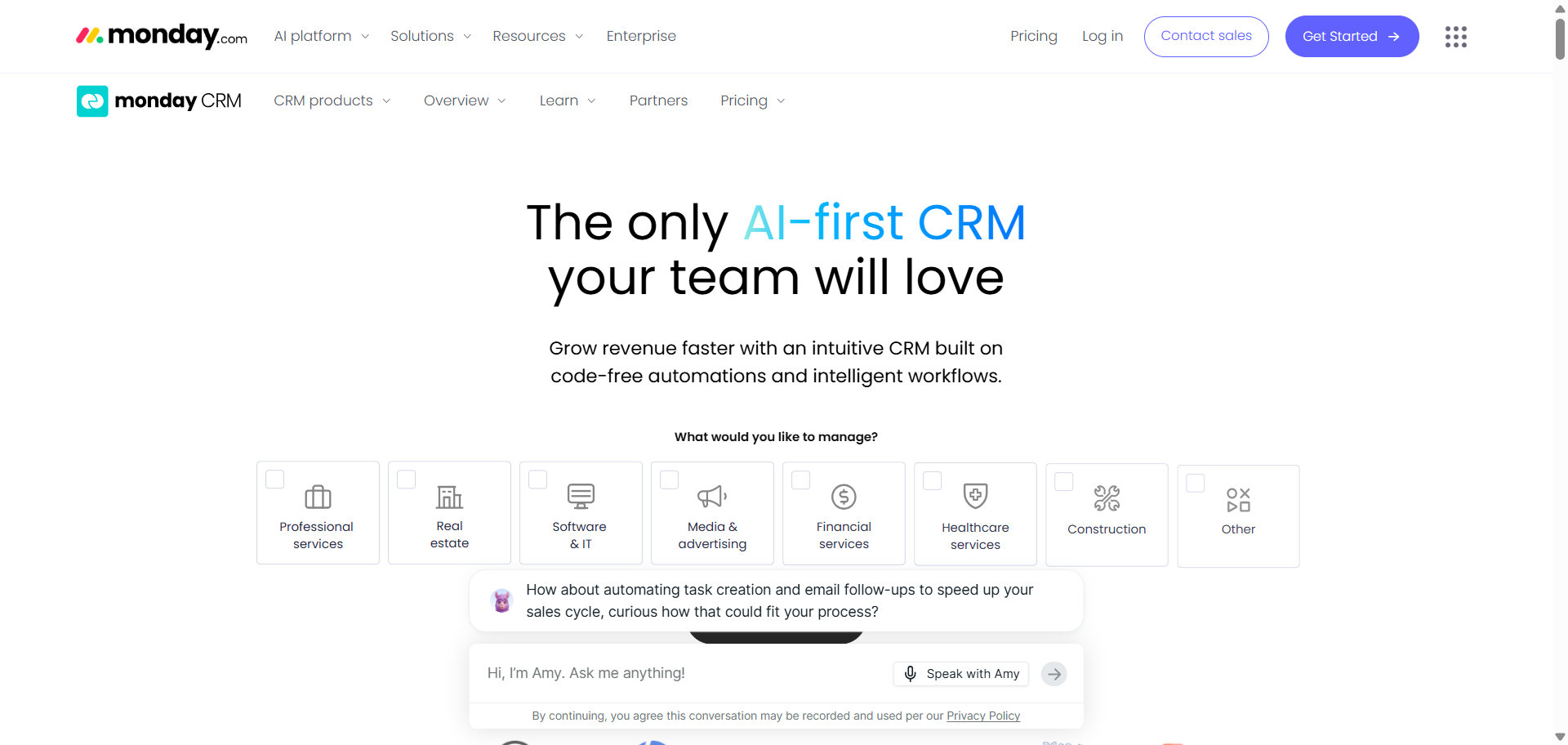
Monday CRM AI is the artificial intelligence layer built into monday CRM, designed to automate sales workflows, organize customer data, and improve team productivity. The platform combines visual CRM management with AI-powered automations, smart recommendations, forecasting, and workflow optimization tools. It is especially popular with growing businesses that want flexible CRM customization without heavy technical setup. Monday CRM AI focuses on making AI features easy to use inside daily sales and project workflows.
Who Should Use Monday CRM AI
- Startups needing flexible CRM workflows
- Sales teams managing visual pipelines
- Agencies handling multiple client projects
- Businesses wanting no-code automation
- Teams with limited technical expertise
How to use Monday CRM AI for AI CRM
- Create a Monday CRM workspace and import your leads, contacts, and pipelines.
- Enable AI-powered workflow features and automation recipes from the CRM settings.
- Configure AI actions such as email summaries, deal tracking, lead prioritization, and forecasting.
- Use dashboards and AI insights to monitor sales performance and automate follow-up activities.
Benefits of Using Monday CRM AI
- Reduces repetitive manual CRM updates
- Improves visibility across sales activities
- Helps teams automate task management faster
- Simplifies collaboration between departments
- Supports scalable workflow customization
Pricing
Monday CRM pricing starts with a free plan for basic usage, while paid CRM plans begin around $12 per seat per month when billed annually. AI-powered features are included with selected paid plans, and additional AI credits can be purchased separately for higher usage requirements.
Pros
- Highly visual and beginner-friendly interface
- Strong no-code workflow customization
- AI tools integrate naturally into workflows
Cons
- Advanced AI usage may require extra credits
- Reporting customization can feel limited for complex teams
12. Copper AI
What is Copper AI
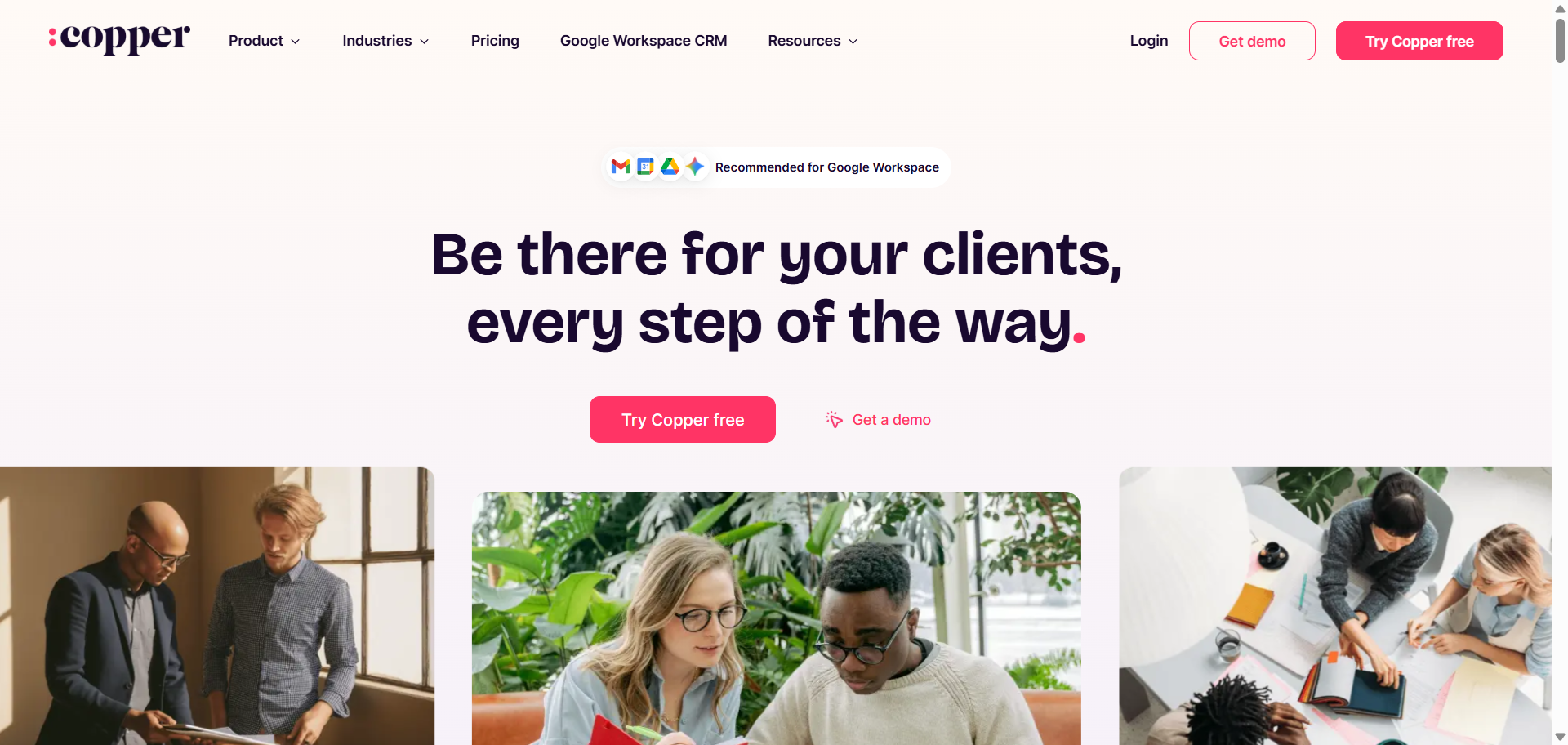
Copper AI is the artificial intelligence functionality built into Copper CRM, a CRM platform designed primarily for Google Workspace users. The platform focuses on simplifying relationship management by integrating directly with Gmail, Google Calendar, and Google Drive. Copper AI helps automate contact management, sales tracking, task creation, and communication workflows while reducing manual CRM updates. Its AI capabilities are designed to improve productivity for sales and client-facing teams that already work heavily inside Google’s ecosystem.
Who Should Use Copper AI
- Google Workspace-based sales teams
- Agencies managing client relationships
- Small businesses needing lightweight CRM tools
- Teams wanting automatic data capture
- Service businesses focused on relationship management
How to use Copper AI for AI CRM
- Connect Copper CRM with your Gmail and Google Workspace account.
- Import contacts, deals, and customer communication into the CRM workspace.
- Enable workflow automation, activity tracking, and AI-assisted reminders inside pipelines.
- Use AI-driven contact enrichment and email tracking to manage sales follow-ups more efficiently.
Benefits of Using Copper AI
- Reduces manual CRM data entry
- Keeps customer information automatically updated
- Improves visibility into sales conversations
- Saves time with workflow automation
- Simplifies collaboration across Google tools
Pricing
Copper pricing starts at $9 per user per month when billed annually for the Starter plan. Professional plans with advanced automation, reporting, and AI-related workflow features start around $59 per user per month, and Copper also offers a free trial for new users.
Pros
- Excellent Google Workspace integration
- Easy setup and beginner-friendly interface
- Strong automatic activity tracking
Cons
- Limited support for non-Google ecosystems
- Advanced automation requires higher-tier plans
13. Zendesk Sell AI
What is Zendesk Sell AI
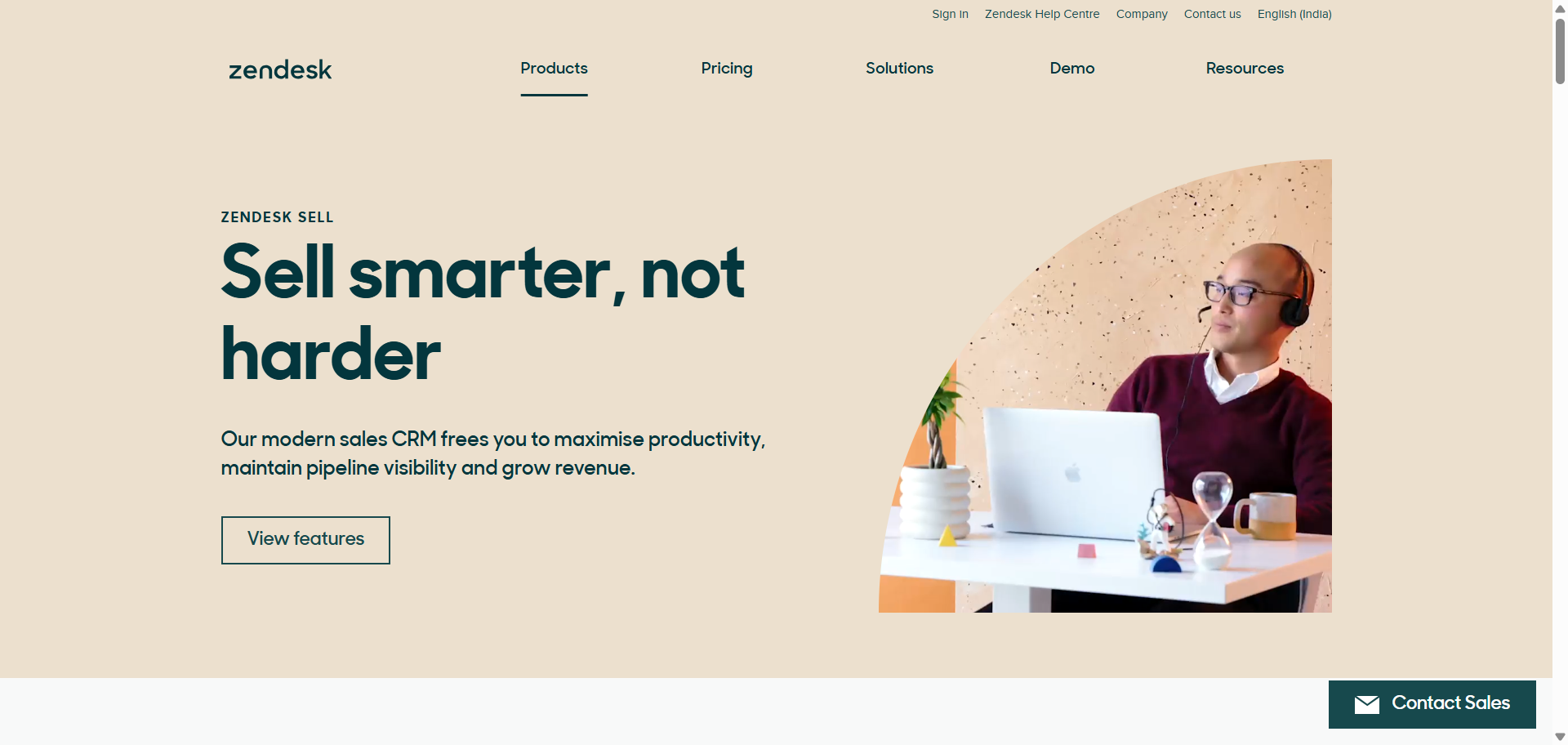
Zendesk Sell AI is the artificial intelligence layer integrated into Zendesk Sell, the company’s sales CRM platform built for customer-facing teams. The platform combines sales management, communication tracking, forecasting, and workflow automation with AI-powered assistance for lead management and customer engagement. Zendesk Sell AI focuses heavily on improving sales productivity through conversation intelligence, predictive insights, and automated customer interaction workflows. It works especially well for businesses already using the broader Zendesk support ecosystem.
Who Should Use Zendesk Sell AI
- B2B sales teams managing long sales cycles
- Customer support-driven businesses
- Mid-sized companies needing unified sales and service workflows
- Remote sales teams using mobile CRM access
- Businesses already using Zendesk products
How to use Zendesk Sell AI for AI CRM
- Set up Zendesk Sell and import customer, lead, and sales pipeline data.
- Connect email, calls, messaging channels, and support interactions to the CRM.
- Enable AI-powered lead scoring, forecasting, and workflow automation tools.
- Use AI-generated recommendations and conversation insights to manage follow-ups and prioritize deals.
Benefits of Using Zendesk Sell AI
- Reduces repetitive sales administration work
- Improves visibility across customer conversations
- Helps sales teams prioritize high-value opportunities
- Supports faster response and follow-up times
- Enhances collaboration between support and sales teams
Pricing
Zendesk pricing starts at approximately $19 per user per month for basic CRM functionality when billed annually. Advanced AI features, forecasting, automation, and Copilot capabilities are available on higher-tier plans that can range from around $55 to $115 per user monthly, with AI add-ons priced separately in some cases.
Pros
- Strong integration with customer support workflows
- Good mobile CRM experience for remote teams
- Useful AI-driven sales insights and forecasting
Cons
- Advanced AI tools increase overall pricing
- Some automation features require higher plans
14. ActiveCampaign AI
What is ActiveCampaign AI
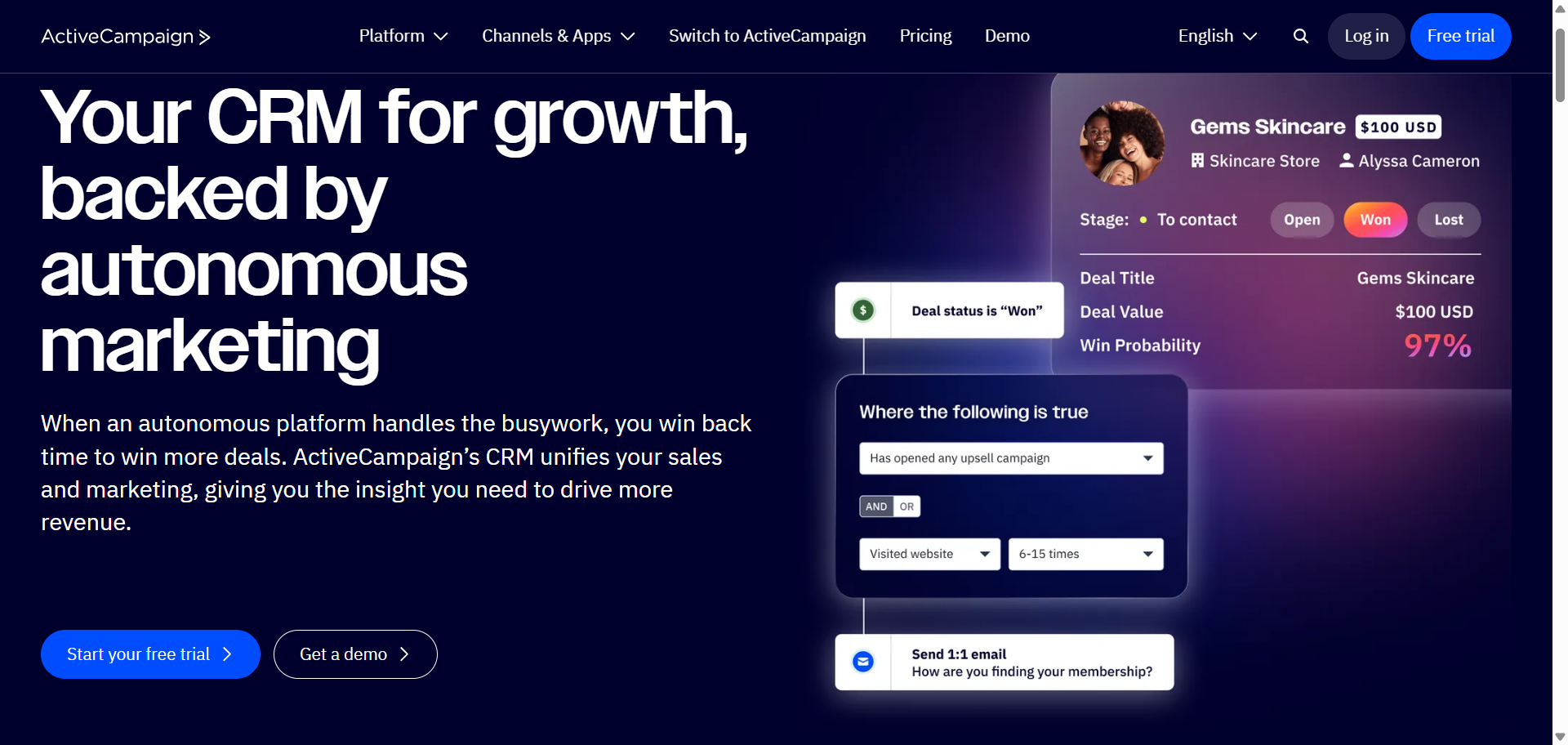
ActiveCampaign AI is an automation-focused CRM and marketing platform designed to help businesses manage customer communication, sales engagement, and personalized marketing workflows. The platform combines email marketing, CRM, customer experience automation, and AI-powered campaign optimization in one system. Its AI tools focus heavily on predictive automation, smart segmentation, content generation, and customer journey management. ActiveCampaign is especially popular with growing businesses that want advanced automation without enterprise-level complexity.
Who Should Use ActiveCampaign AI
- Small and mid-sized businesses running email marketing campaigns
- Ecommerce brands managing customer journeys
- Marketing teams focused on automation
- Agencies handling multiple client campaigns
- Businesses wanting CRM and marketing in one platform
How to use ActiveCampaign AI for AI CRM
- Create an ActiveCampaign account and import contacts, customer lists, and sales data.
- Build automated workflows for emails, lead nurturing, and customer engagement.
- Enable AI-powered segmentation, predictive sending, and content generation tools.
- Monitor campaign performance and adjust workflows using AI-generated insights and recommendations.
Benefits of Using ActiveCampaign AI
- Reduces manual marketing and follow-up work
- Improves customer engagement with personalized automation
- Helps teams scale campaigns more efficiently
- Increases lead conversion through behavior-based targeting
- Saves time on email writing and workflow setup
Pricing
ActiveCampaign pricing starts at around $15 per month for the Starter plan when billed annually, with a 14-day free trial available for new users. Advanced AI automation, CRM tools, predictive sending, and enhanced segmentation are available in higher-tier plans starting from approximately $49 per month and above depending on contact volume.
Pros
- Strong automation and email marketing capabilities
- AI tools are integrated into daily workflows
- Large integration ecosystem with third-party apps
Cons
- Pricing increases quickly as contacts grow
- Advanced automation has a learning curve
15. Attio AI
What is Attio AI
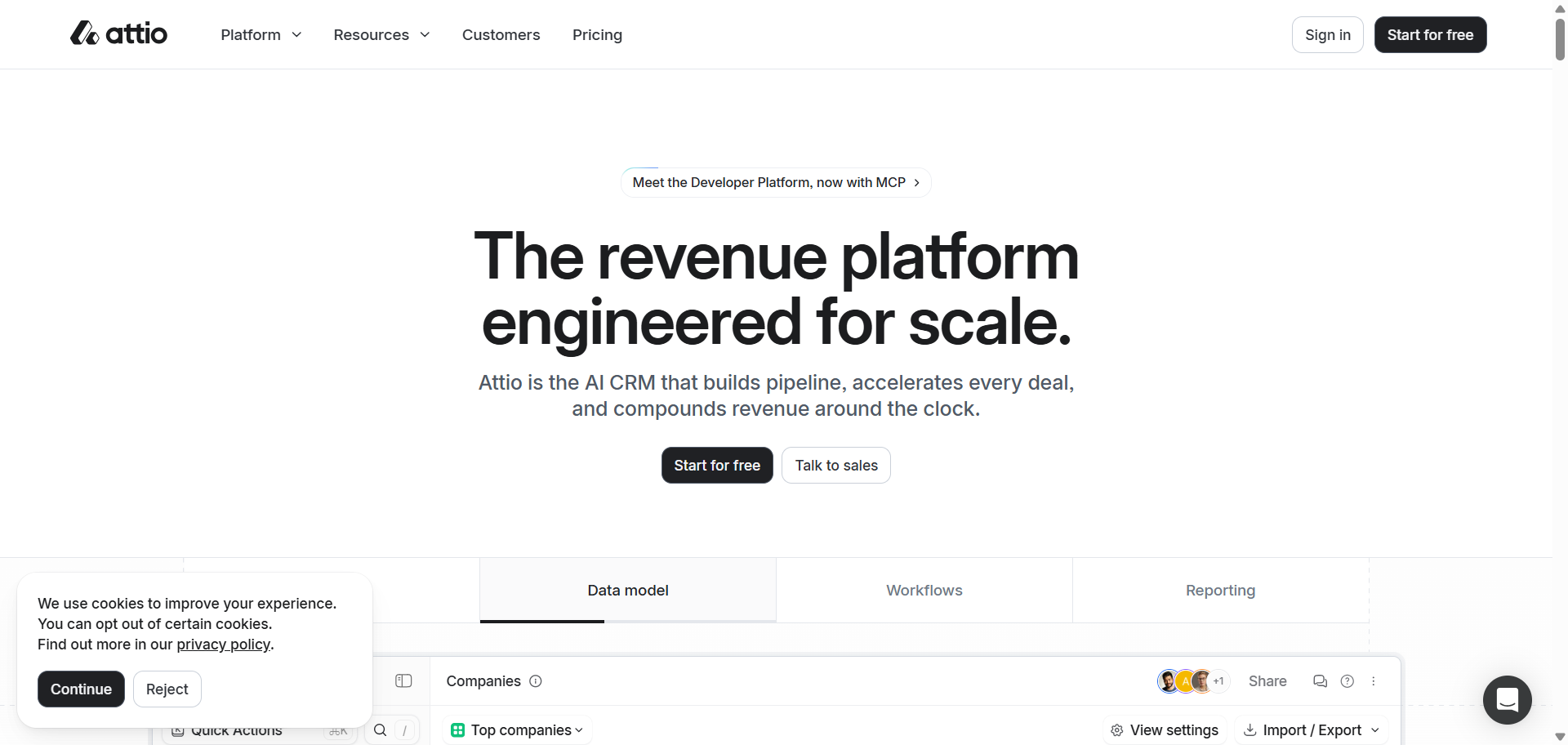
Attio AI is a modern, AI-native CRM platform designed for startups, fast-growing companies, and revenue teams that want a highly flexible customer relationship system. The platform combines contact management, workflow automation, communication intelligence, and AI-powered data enrichment in one workspace. Unlike traditional CRMs with rigid structures, Attio allows teams to customize data models, workflows, and relationships around their business processes. Its AI capabilities focus on automation, smart insights, contact enrichment, and workflow efficiency.
Who Should Use Attio AI
- Startups building scalable sales systems
- Revenue teams managing complex relationships
- SaaS companies needing flexible workflows
- Venture capital and partnership teams
- Businesses wanting customizable CRM structures
How to use Attio AI for AI CRM
- Create an Attio workspace and sync your email, calendar, and contact data.
- Build custom pipelines, objects, and relationship workflows based on your sales process.
- Enable AI-powered enrichment, workflow automation, and communication intelligence tools.
- Use AI insights, sequences, and reporting dashboards to manage deals and customer relationships more efficiently.
Benefits of Using Attio AI
- Reduces manual CRM data entry and updates
- Helps teams organize complex customer relationships
- Improves workflow flexibility for growing businesses
- Centralizes communication and sales activity tracking
- Supports scalable collaboration across teams
Pricing
Attio pricing includes a free plan for small teams with limited seats and AI credits. Paid plans start at around $29 per user monthly for the Plus plan, while advanced AI workflows, call intelligence, and deeper automation tools are available in higher-tier plans starting around $69 per user monthly with custom Enterprise pricing available.
Pros
- Highly flexible and customizable CRM structure
- Strong AI-powered enrichment and automation tools
- Clean and modern user interface
Cons
- Advanced customization can take time to learn
- Some AI and automation features require higher plans
AI CRM Agents
What Are AI CRM Agents?
AI CRM agents are intelligent software systems built inside CRM platforms to automate sales, marketing, customer service, and customer management tasks. Unlike traditional automation tools that follow fixed rules, AI CRM agents can analyze customer behavior, understand context, make decisions, and trigger actions automatically.
These agents work as digital assistants for sales and support teams. They help businesses qualify leads, personalize outreach, manage follow-ups, predict customer intent, and automate workflows without constant manual input. Modern AI CRM agents are now embedded into platforms like Salesforce, HubSpot, and Microsoft Dynamics 365.
How Do AI CRM Agents Work?
AI CRM agents operate by combining machine learning, automation, customer data analysis, and workflow orchestration inside CRM systems.
1. Collect Customer Data
The agent gathers customer data from emails, calls, forms, chat conversations, websites, and CRM records.
2. Analyze Behavior and Intent
AI models analyze engagement patterns, purchase behavior, sentiment, and lead activity to identify opportunities or risks.
3. Make Recommendations or Decisions
The system predicts next-best actions such as follow-up timing, lead prioritization, or customer retention strategies.
4. Trigger Automated Actions
AI CRM agents can automatically send emails, assign leads, update records, schedule tasks, or launch workflows.
5. Continuously Improve
The agents learn from customer interactions and workflow outcomes to improve future recommendations and automation accuracy.
Types of AI CRM Agents
AI CRM agents are usually categorized based on business functions and workflow responsibilities.
Sales AI Agents
These agents automate lead scoring, sales forecasting, meeting preparation, follow-up scheduling, and pipeline management.
Marketing AI Agents
Marketing agents personalize campaigns, optimize audience segmentation, generate content, and automate customer journeys.
Customer Service AI Agents
Service agents handle support tickets, automate responses, classify requests, and assist support teams with recommendations.
Revenue Intelligence Agents
These agents analyze deal performance, identify revenue risks, and provide predictive insights for sales leadership.
Workflow Automation Agents
Workflow agents connect multiple business processes and automate repetitive CRM tasks across departments.
Examples of AI CRM Agents
Modern AI CRM platforms now include specialized AI agents that automate sales, marketing, customer support, and workflow management tasks. These agents work inside CRM systems to reduce manual effort, improve customer engagement, and support faster business decisions.
- Sales Qualification Agents — Automatically analyze leads, score prospects, and prioritize high-converting opportunities for sales teams. Platforms like Salesforce use AI agents to qualify and route leads based on customer behavior.
- Prospecting AI Agents — Research companies, generate outreach messages, and identify buying intent signals. HubSpot offers Prospecting Agents that automate lead research and outreach workflows.
- Customer Support AI Agents — Handle common support requests, resolve tickets, and provide conversational assistance through chat or email. AI customer agents are commonly used in platforms like Zendesk and Salesforce Agentforce.
- Pipeline Forecasting Agents — Monitor pipeline health, predict revenue outcomes, and identify deal risks using predictive analytics. Microsoft Dynamics 365 and Salesforce Einstein provide forecasting and opportunity intelligence capabilities.
- Marketing Automation Agents — Personalize campaigns, optimize customer journeys, and automate content generation. Platforms such as HubSpot and ActiveCampaign use AI agents for campaign execution and audience targeting.
- Conversation Intelligence Agents — Analyze sales calls, summarize meetings, detect sentiment, and recommend next actions. CRM systems like Freshsales and Salesforce Einstein use AI to extract insights from customer conversations.
Benefits of AI CRM Agents
AI CRM agents improve operational efficiency and help businesses scale customer management processes.
- Reduce manual work by automating repetitive CRM activities
- Improve lead conversion through predictive lead scoring and prioritization
- Increase sales productivity with automated follow-ups and workflow execution
- Enhance customer experience using personalized communication and faster responses
- Improve forecasting accuracy through AI-driven pipeline analysis
- Support business scalability without increasing administrative workload
How Businesses Use Autonomous AI CRM Workflows?
Businesses use autonomous AI CRM workflows to automate customer operations across sales, marketing, and support teams.
1. Capture and Enrich Leads
AI agents collect lead information and enrich CRM records automatically.
2. Score and Prioritize Opportunities
The system identifies high-intent leads using predictive analytics.
3. Automate Customer Outreach
AI workflows trigger emails, reminders, meeting scheduling, and nurture sequences.
4. Monitor Customer Engagement
Agents track interactions, sentiment, and inactivity to detect risks or opportunities.
5. Optimize and Scale Operations
Businesses use workflow analytics to improve automation efficiency and customer lifecycle management.
How to Choose the Right AI CRM Tool for Your Business
Choosing the right AI CRM depends on your business size, workflows, customer management needs, and automation goals. The best platform should improve productivity without creating unnecessary complexity.
1. Define Your Business Goals
Identify whether you need AI for sales automation, customer support, lead management, forecasting, or marketing workflows.
2. Evaluate AI Features
Compare tools based on predictive analytics, AI agents, workflow automation, conversation intelligence, and personalization capabilities.
3. Check Integration Support
Choose a CRM that connects with your email platform, marketing tools, communication apps, and existing business systems.
4. Consider Ease of Adoption
A user-friendly CRM helps teams adopt AI workflows faster and reduces training time across departments.
AI CRM vs Traditional CRM Systems
Traditional CRM systems mainly store customer records and track activities, while AI CRM platforms actively automate decisions, workflows, and customer engagement processes.
| Feature | AI CRM | Traditional CRM |
|---|---|---|
| Automation | Intelligent workflow automation | Manual workflows |
| Lead Scoring | Predictive AI scoring | Rule-based scoring |
| Customer Insights | Real-time analytics | Historical reporting |
| Personalization | AI-driven recommendations | Limited customization |
| Forecasting | Predictive forecasting | Static reporting |
| Productivity | Automated task execution | Heavy manual input |
AI CRM platforms help businesses reduce repetitive work, improve decision-making, and scale customer operations more efficiently than traditional CRM systems.
Benefits of AI CRM Tools for Sales and Customer Support
AI CRM tools improve operational efficiency across sales, marketing, and support teams.
- Automates repetitive work — Reduces time spent on data entry, follow-ups, and manual task management.
- Improves lead conversion — AI identifies high-intent prospects using behavioral analysis and predictive scoring.
- Enhances customer support — AI chatbots and support agents provide faster response times and issue resolution.
- Improves forecasting accuracy — Predictive analytics help teams identify revenue opportunities and risks earlier.
- Supports personalized engagement — AI tailors communication based on customer behavior and interaction history.
Future of AI CRM and Autonomous Customer Workflows
AI CRM systems are rapidly evolving from automation tools into intelligent business operating systems.
AI Agents Will Handle More Workflows
CRM platforms are adding autonomous AI agents that can manage outreach, support, scheduling, and pipeline updates with minimal human input.
Predictive CRM Will Become Standard
Businesses will rely more on AI forecasting, churn prediction, and next-best-action recommendations for decision-making.
Multi-Agent CRM Systems Will Grow
Future CRM platforms will use multiple specialized AI agents working together across sales, marketing, and customer support operations.
Conclusion
AI CRM platforms are changing how businesses manage customer relationships, automate workflows, and improve sales performance. The right solution depends on your business goals, team structure, integration needs, and automation requirements. Some companies need advanced enterprise intelligence, while others benefit more from simple AI-driven sales automation and customer engagement tools. As AI agents and autonomous workflows continue to evolve, CRM systems are becoming more proactive, predictive, and operationally intelligent, helping businesses scale customer experiences and revenue processes more efficiently.
FAQs
What is an AI CRM tool?
An AI CRM tool is customer relationship management software that uses artificial intelligence to automate tasks, analyze customer behavior, predict outcomes, and improve sales or support workflows. These platforms help businesses reduce manual work while improving customer engagement and decision-making.
Which is the best AI CRM software for small businesses?
The best AI CRM for small businesses depends on budget and workflow needs. Tools like HubSpot, Zoho CRM, and Pipedrive are popular because they combine automation, usability, and affordable pricing for growing teams.
How do AI CRM agents work?
AI CRM agents collect customer data, analyze engagement patterns, and automate actions such as lead scoring, follow-ups, task assignment, and customer support responses. They continuously learn from interactions to improve workflow efficiency and customer management.
Can AI CRM software improve sales performance?
Yes. AI CRM platforms help sales teams prioritize high-converting leads, automate outreach, forecast revenue, and identify deal risks earlier. This allows teams to spend more time selling and less time on administrative tasks.
What is the difference between AI CRM and traditional CRM systems?
Traditional CRM systems mainly store customer data and track interactions, while AI CRM platforms actively analyze data, automate workflows, predict customer behavior, and provide actionable recommendations using machine learning and automation technologies.
Do AI CRM platforms integrate with other business tools?
Most modern AI CRM platforms integrate with email providers, marketing automation software, communication apps, customer support systems, and analytics tools. Popular platforms like Salesforce and Microsoft Dynamics 365 support large integration ecosystems for business workflows.