
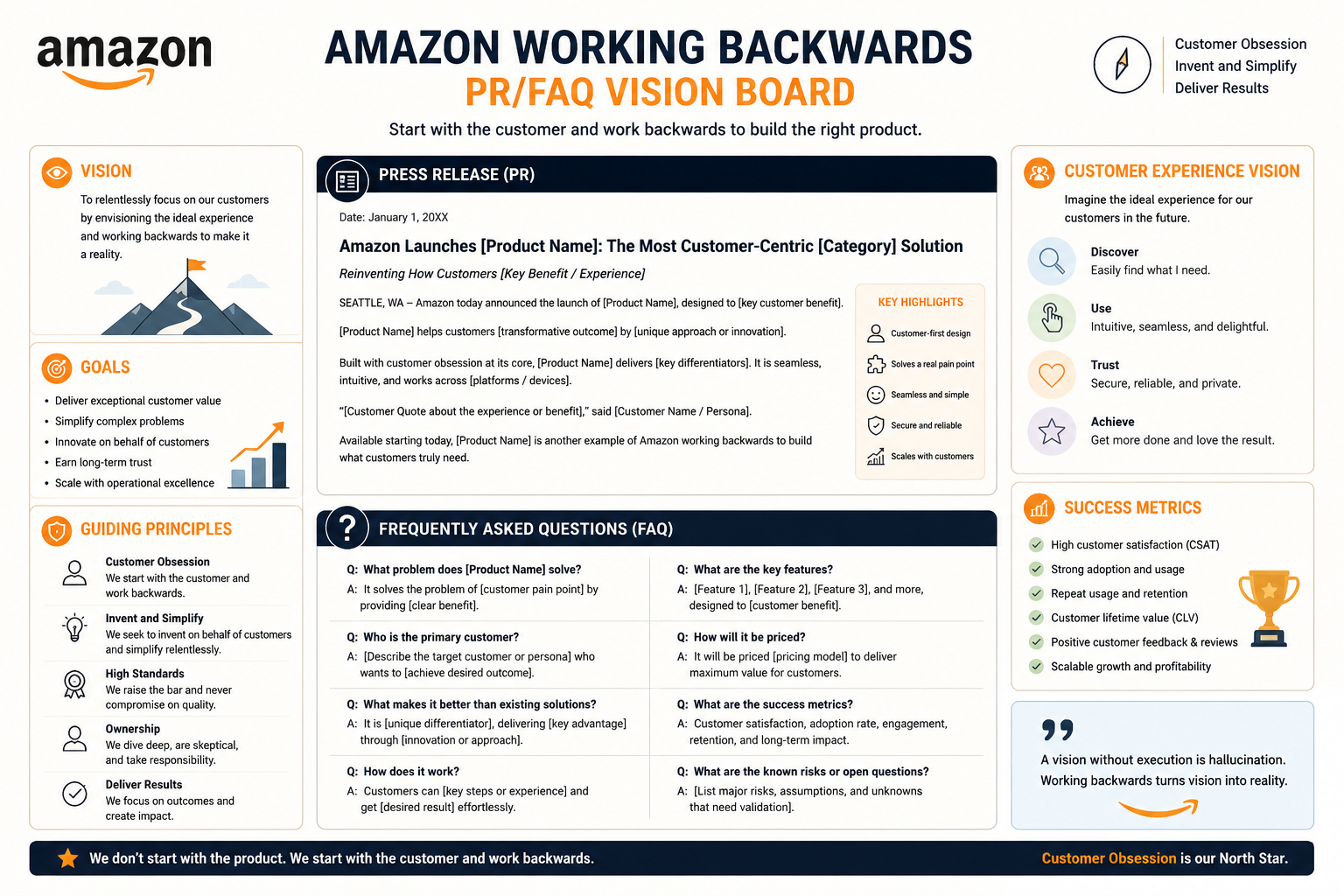
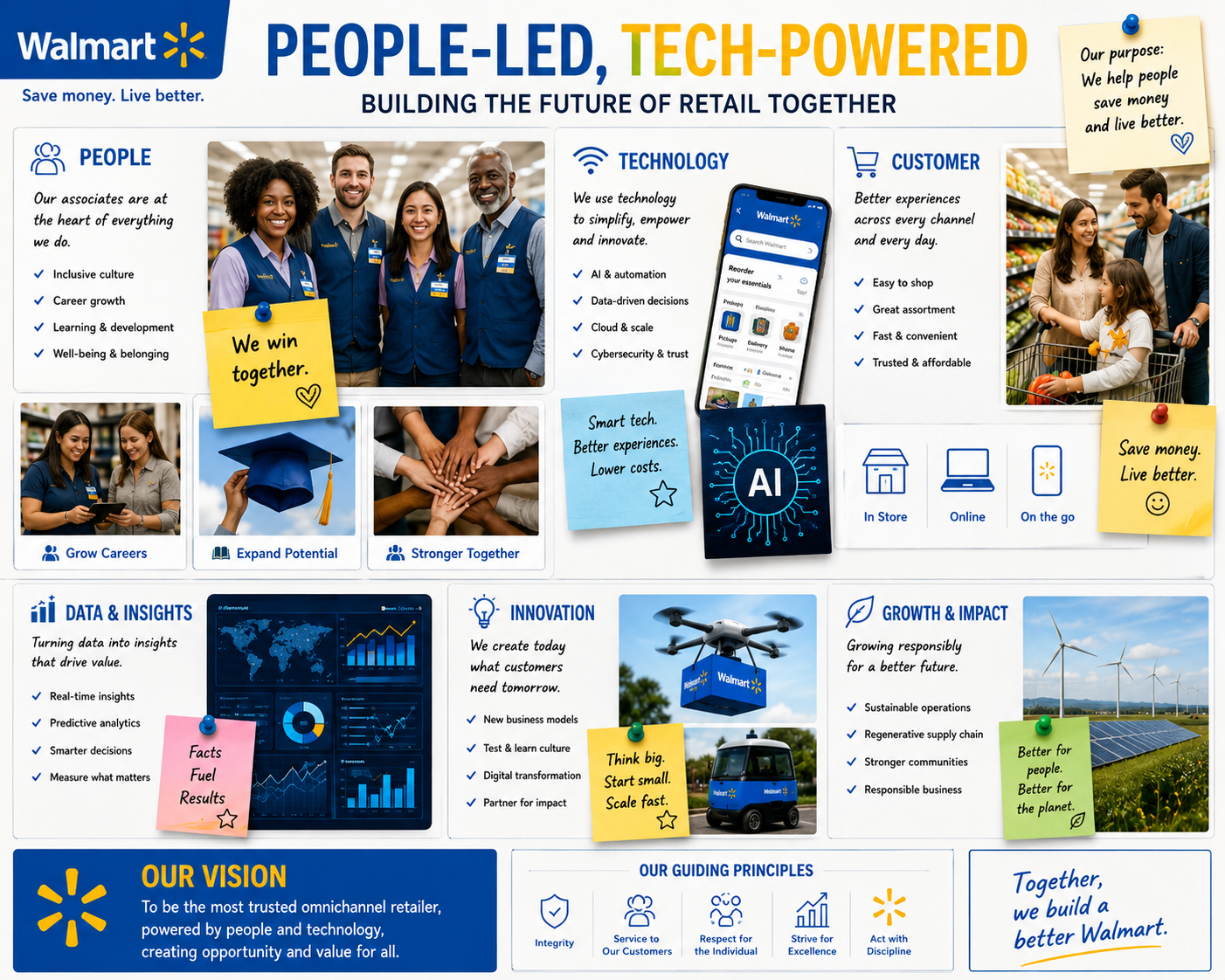
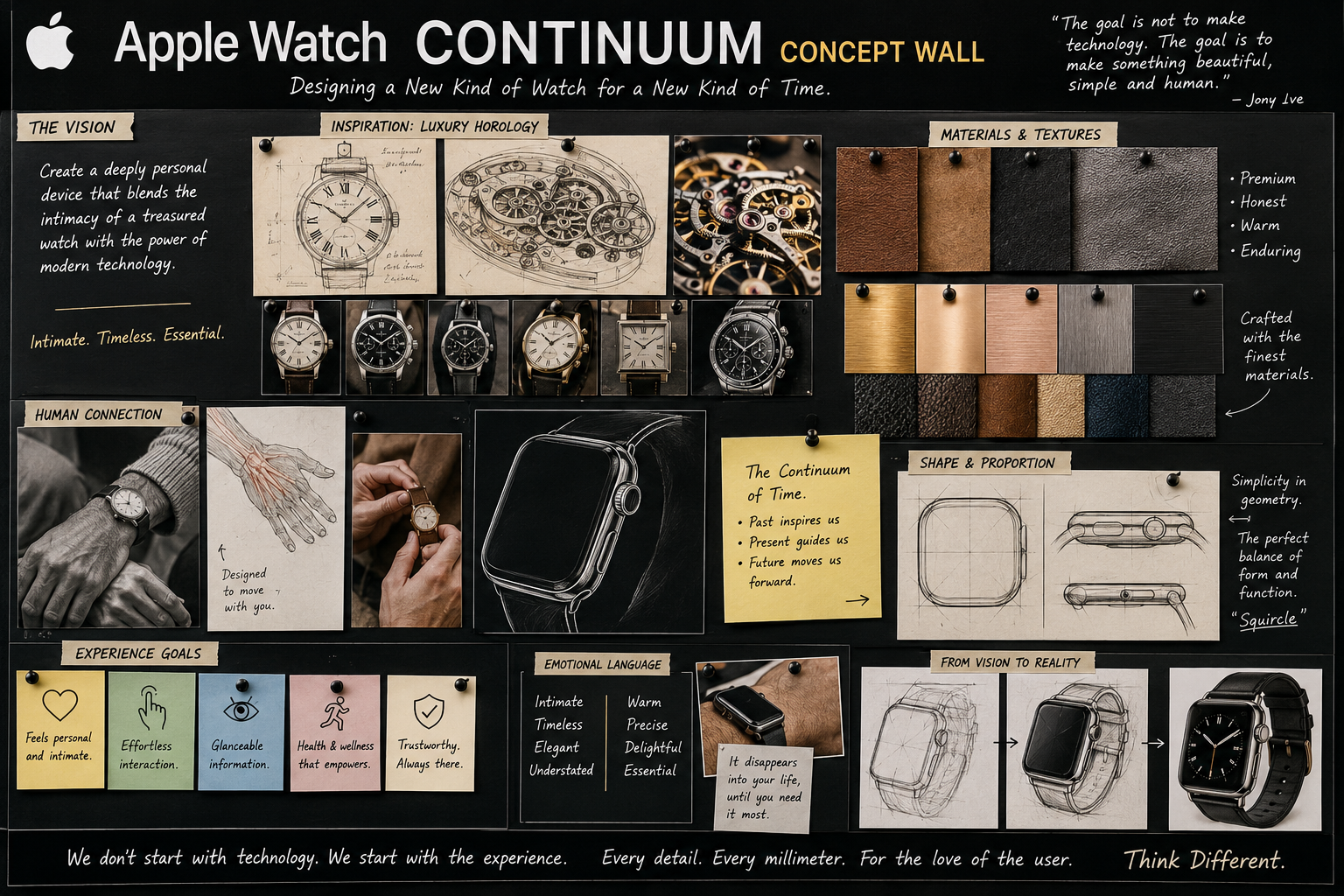
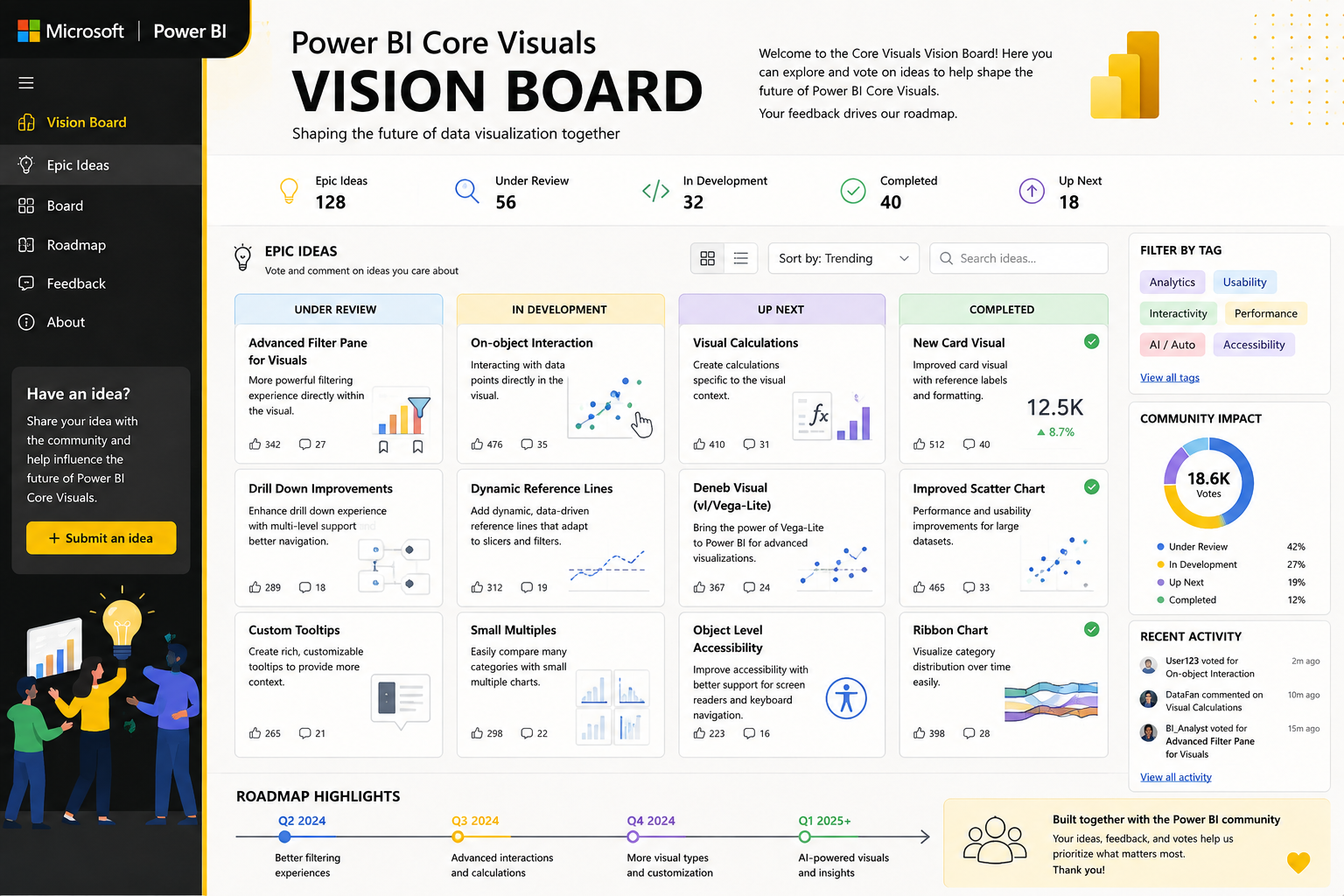
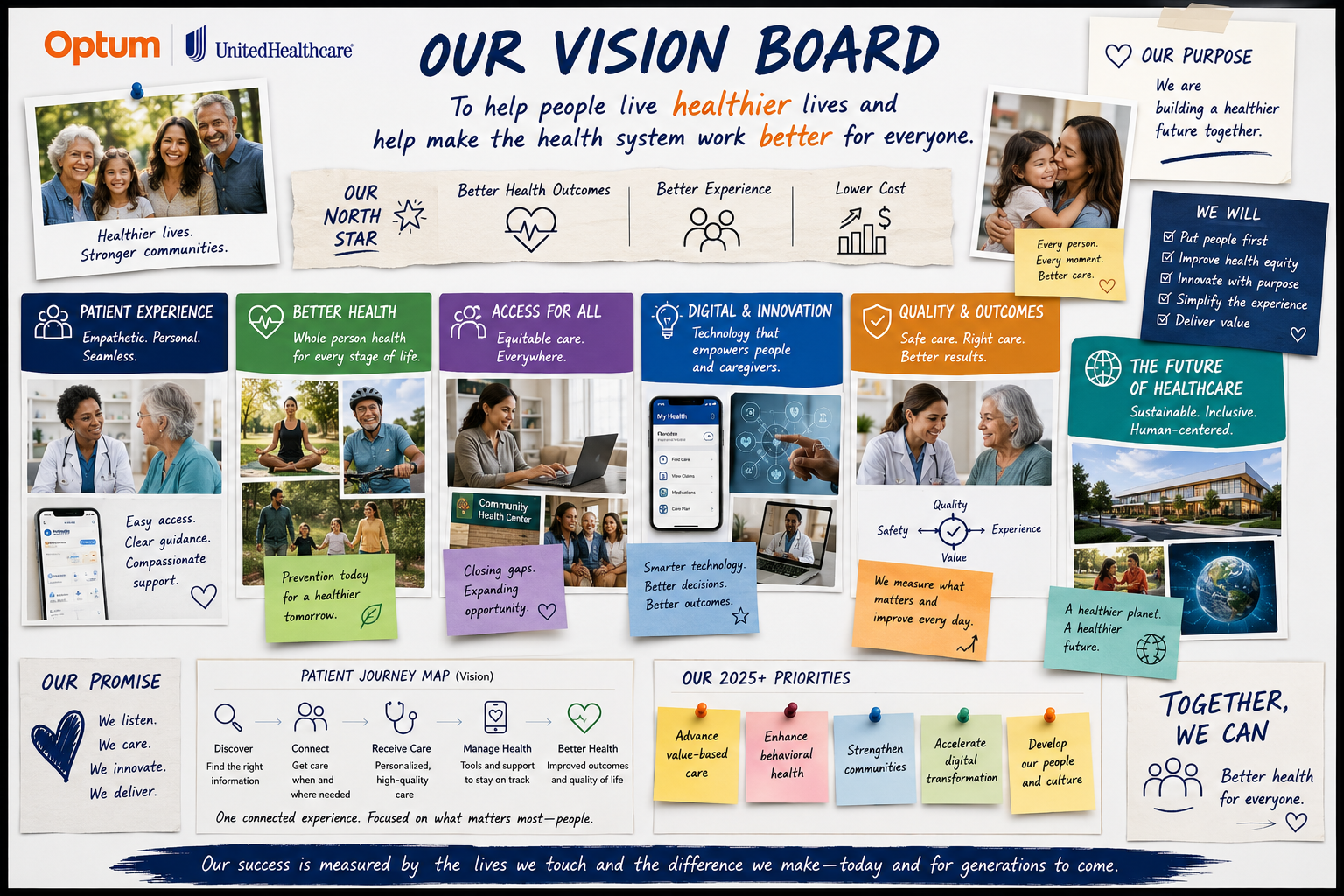
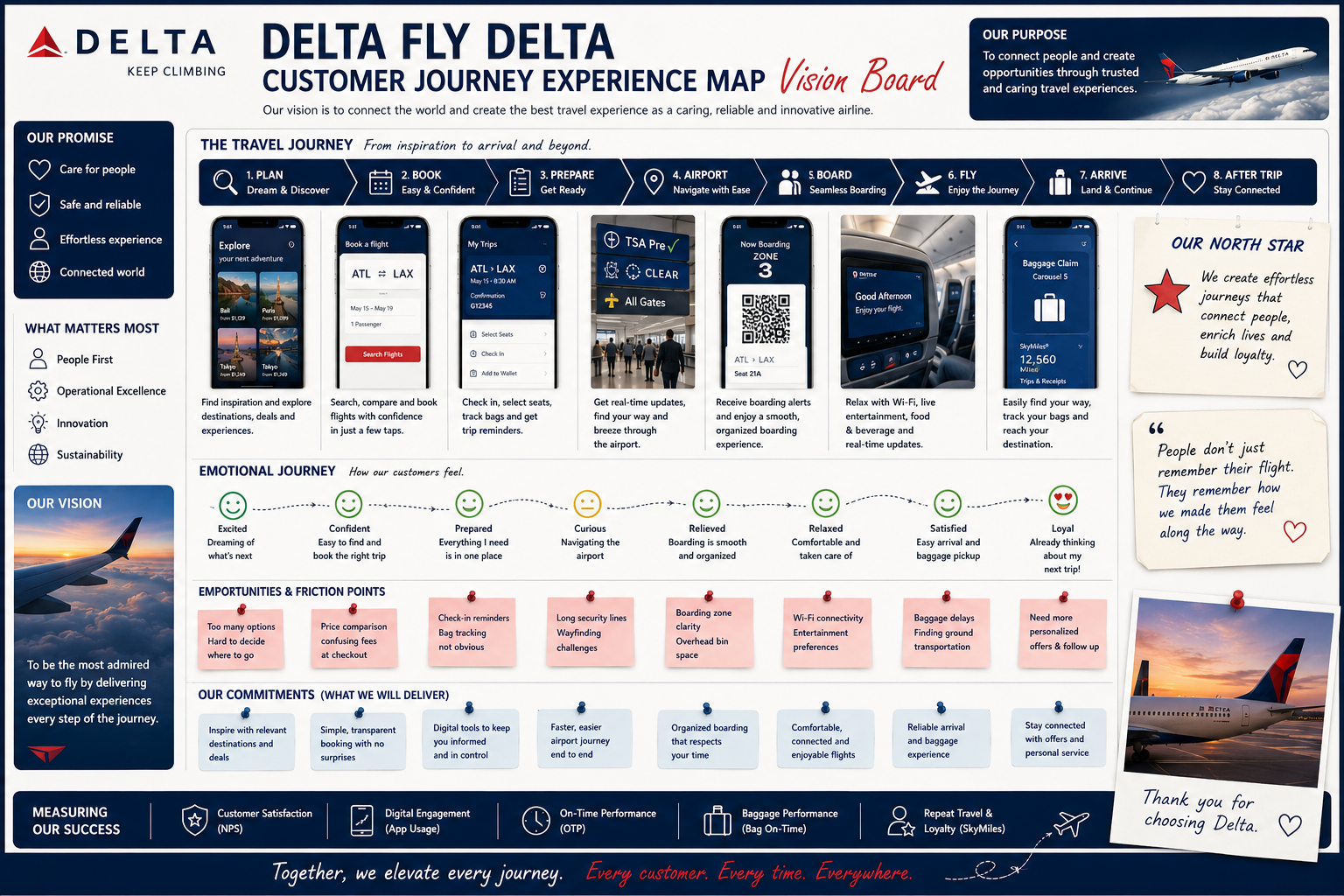
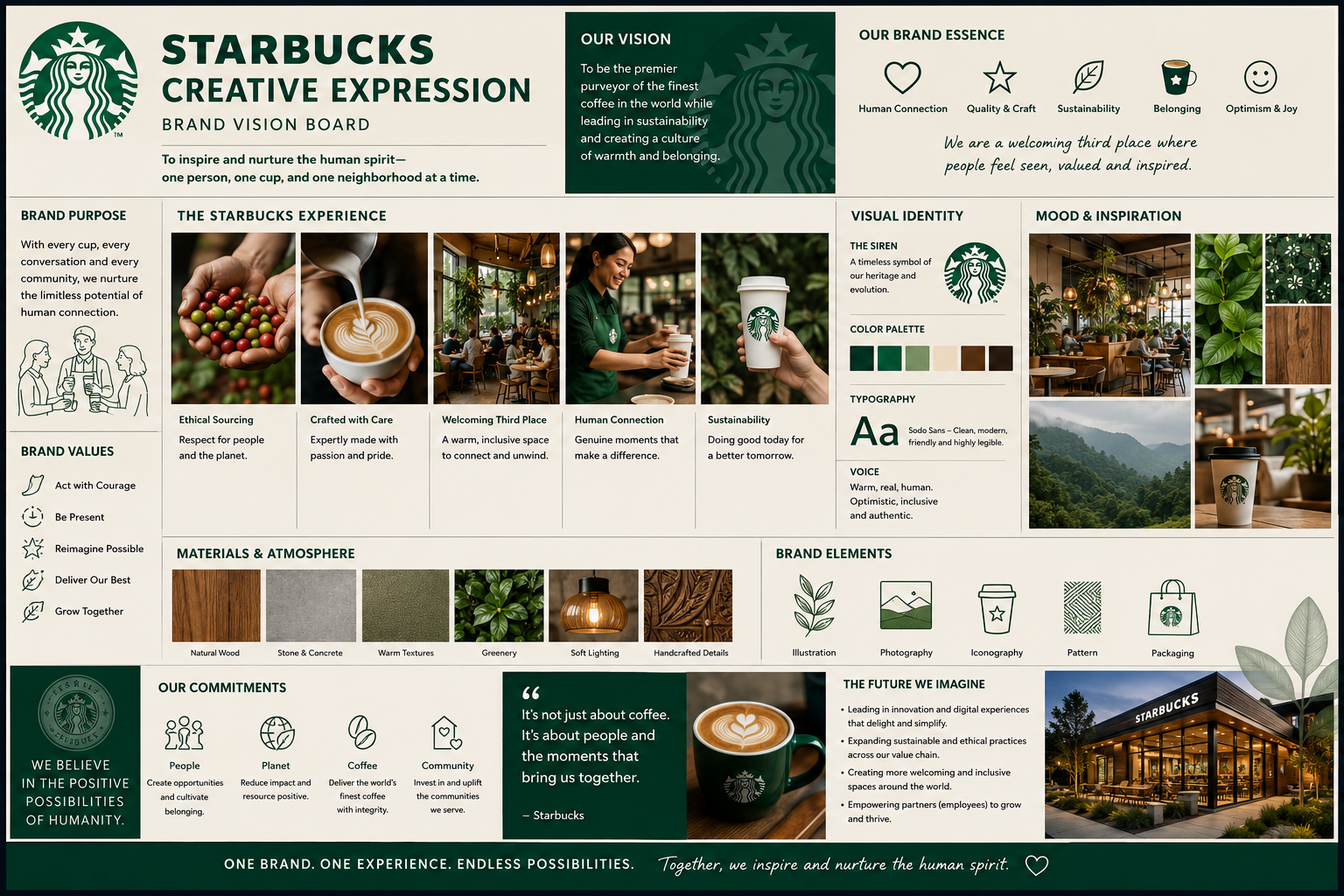
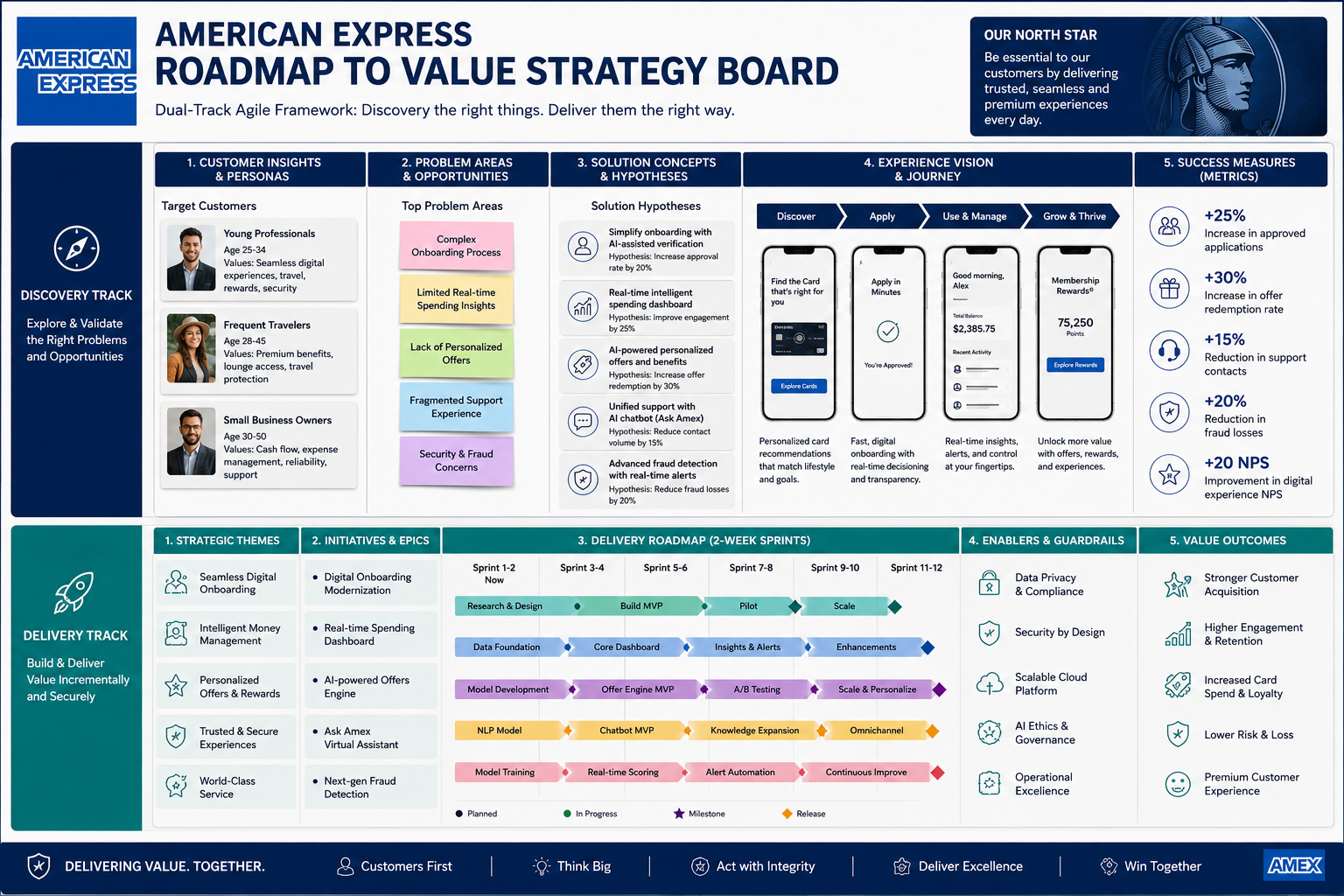
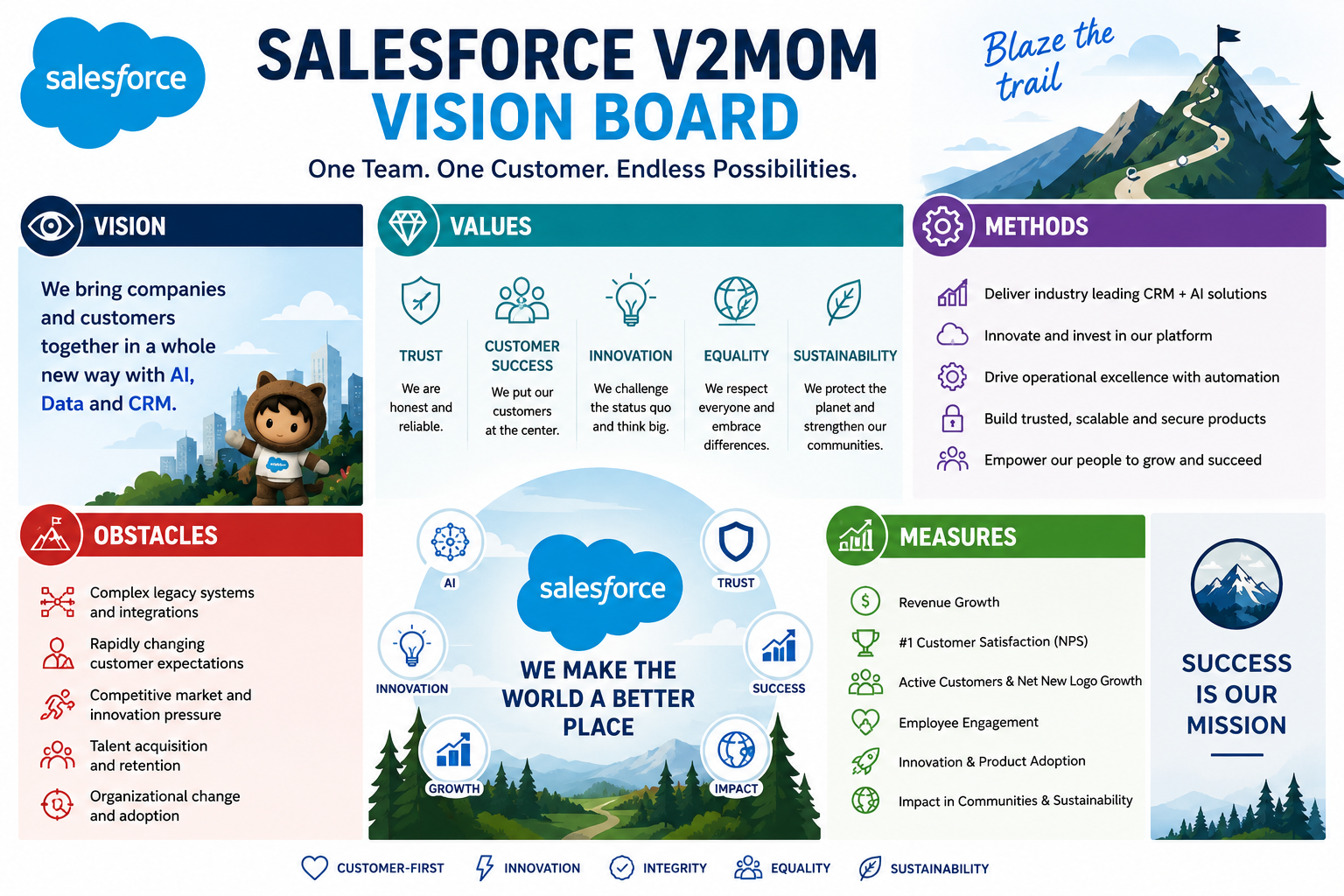
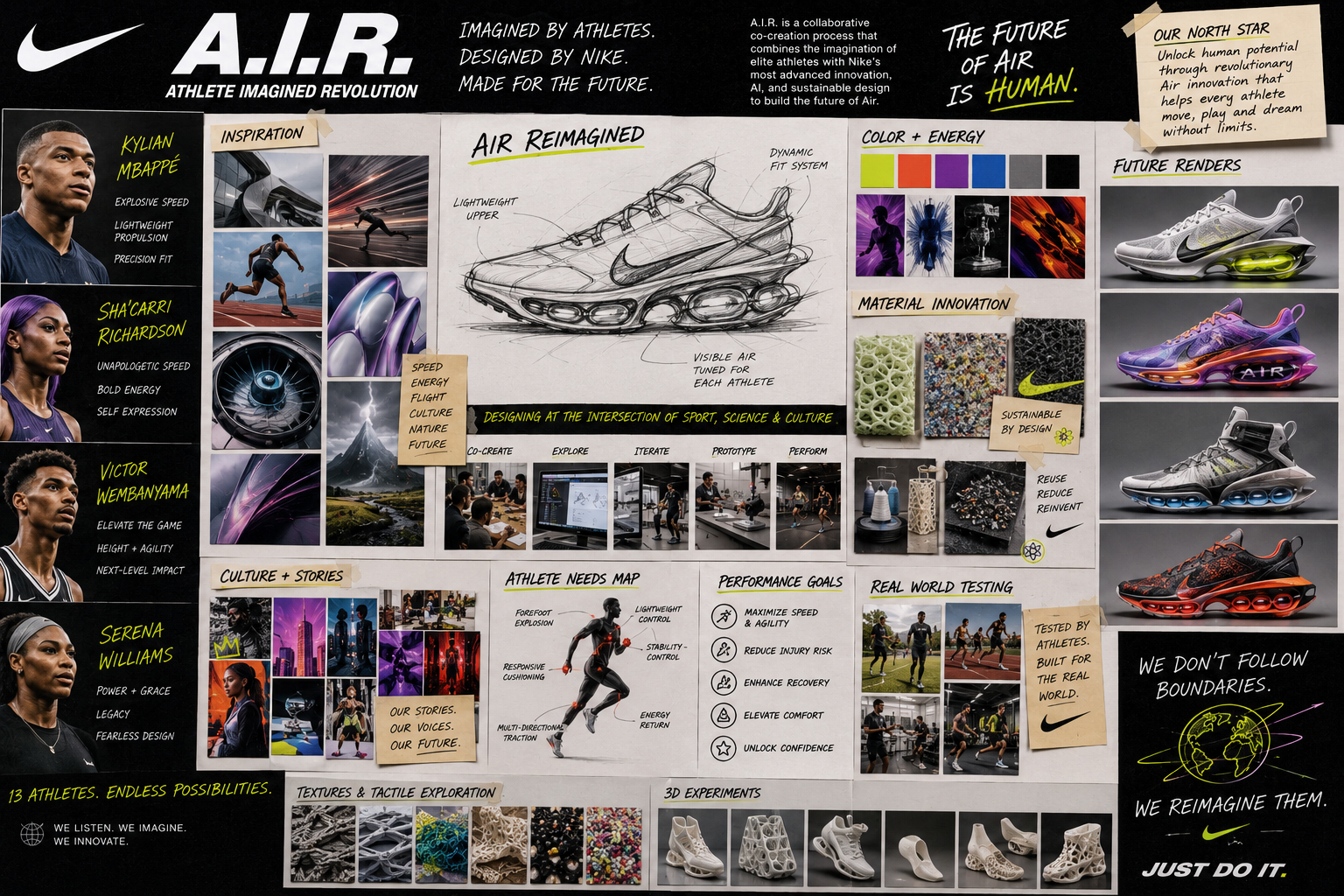
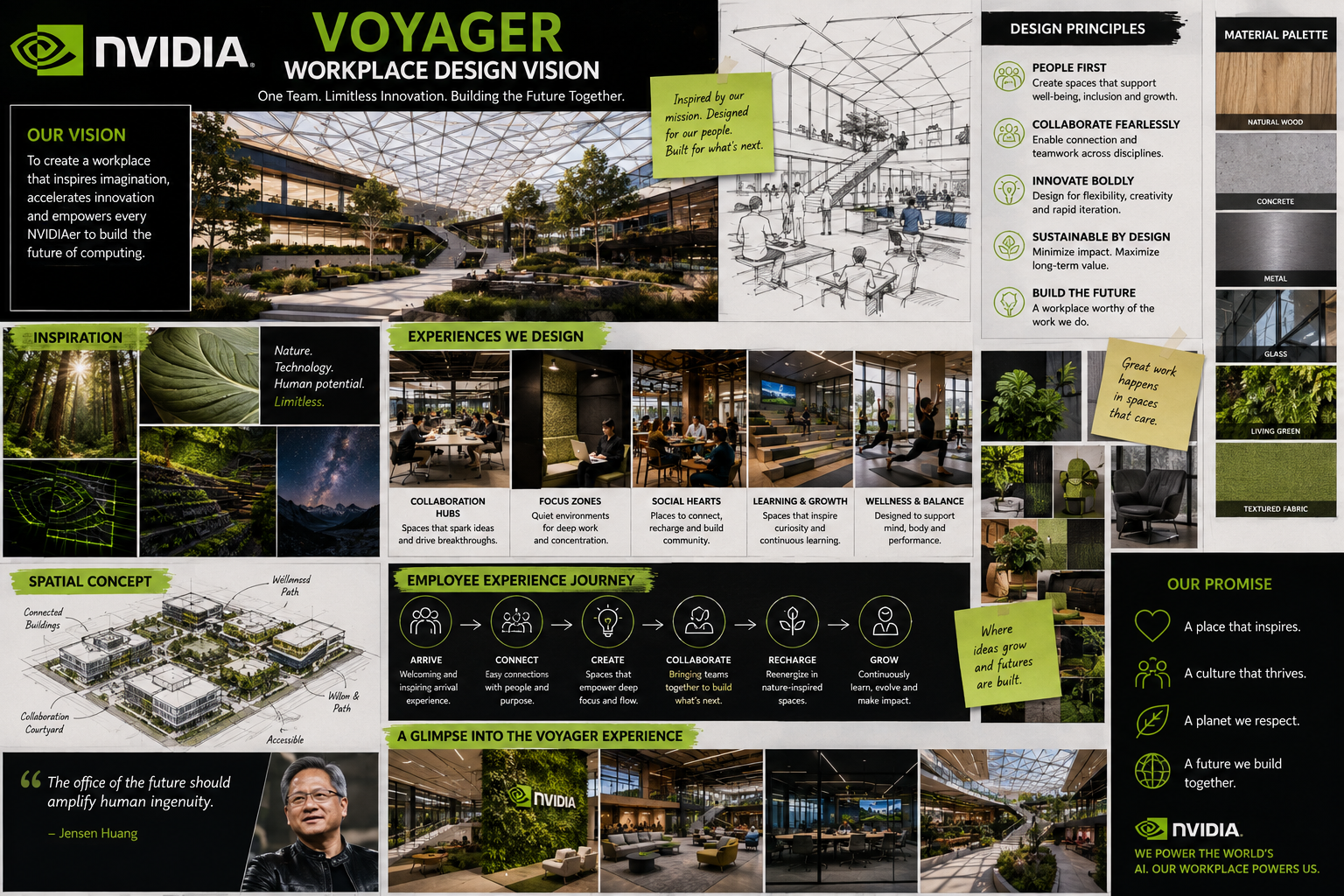

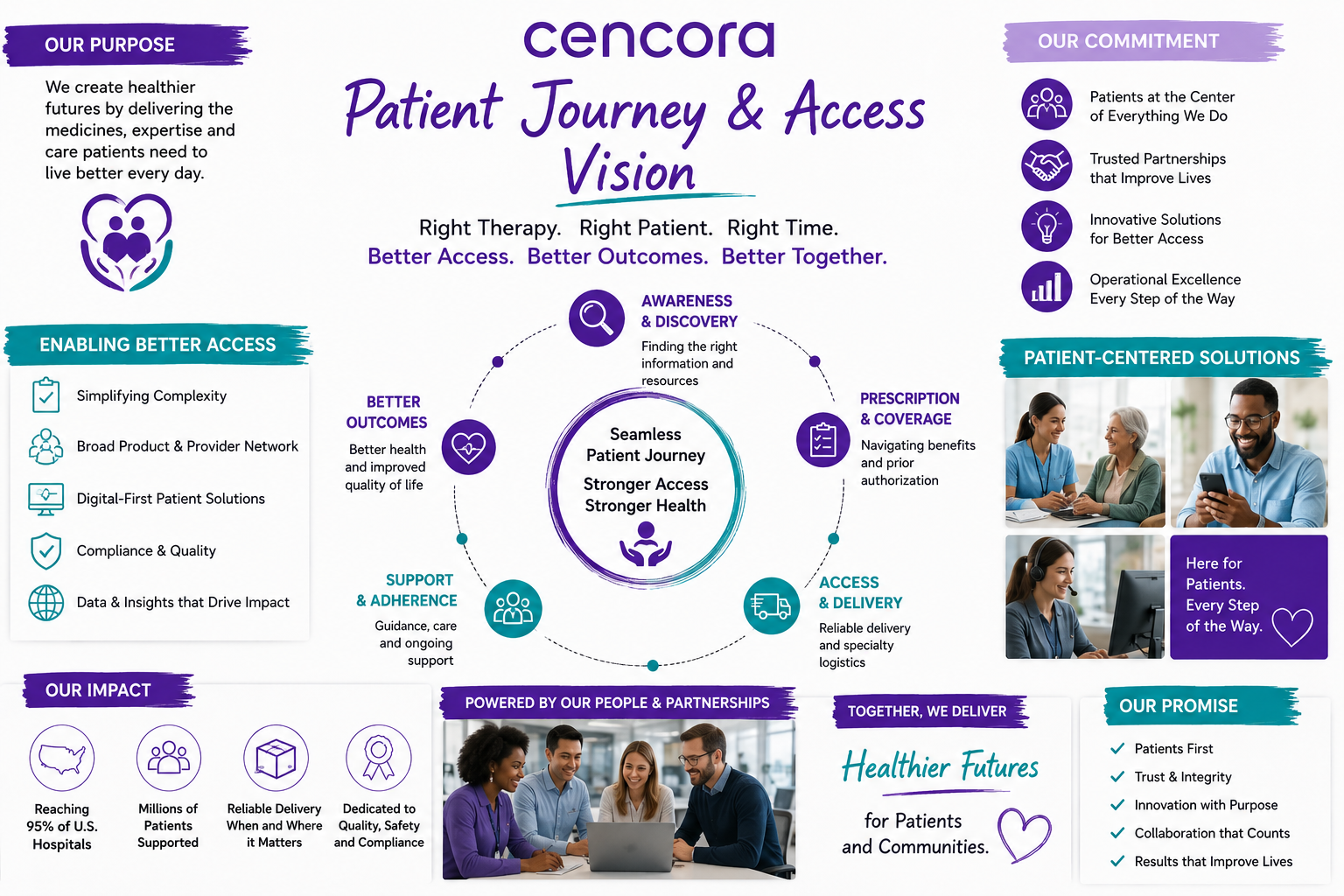
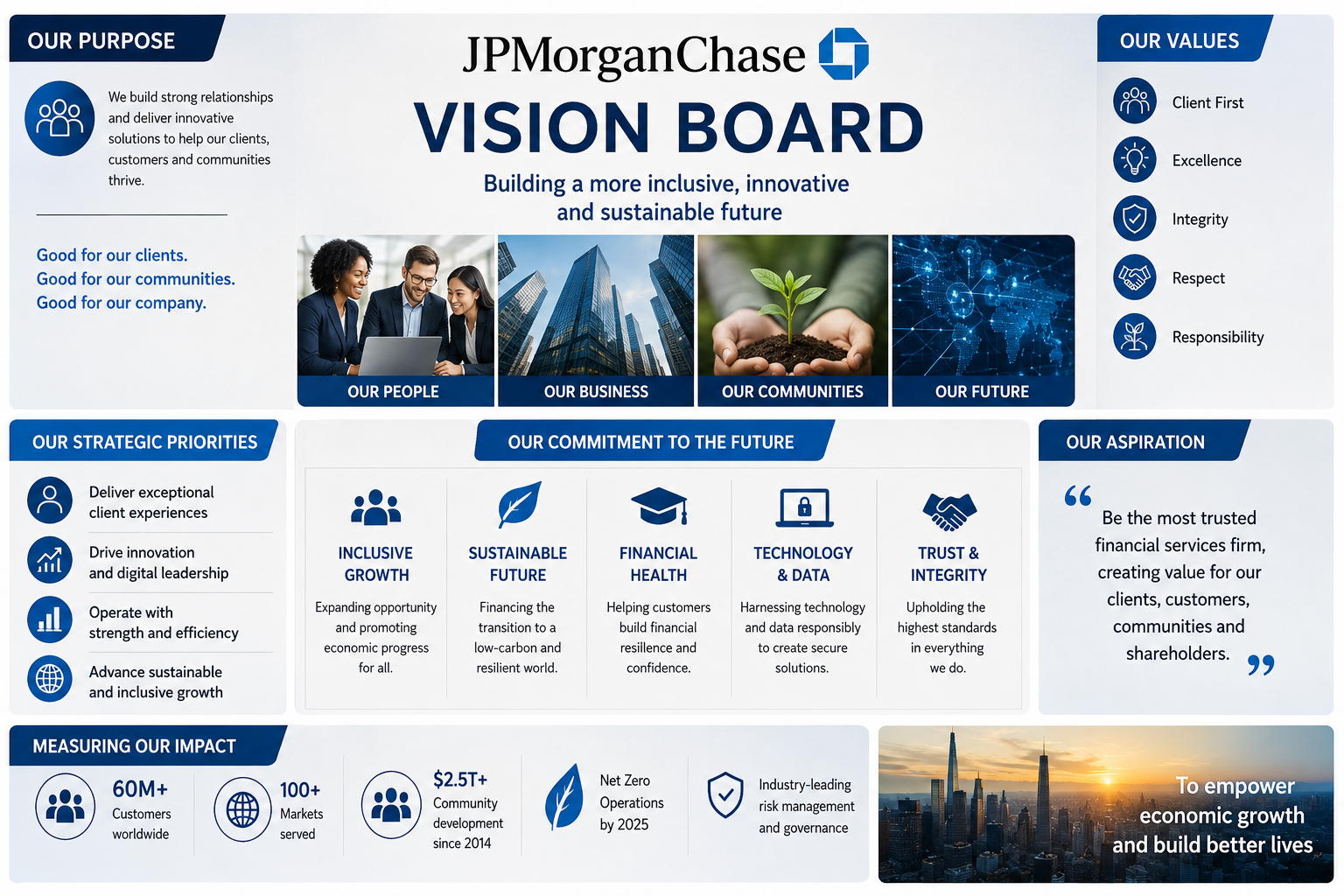
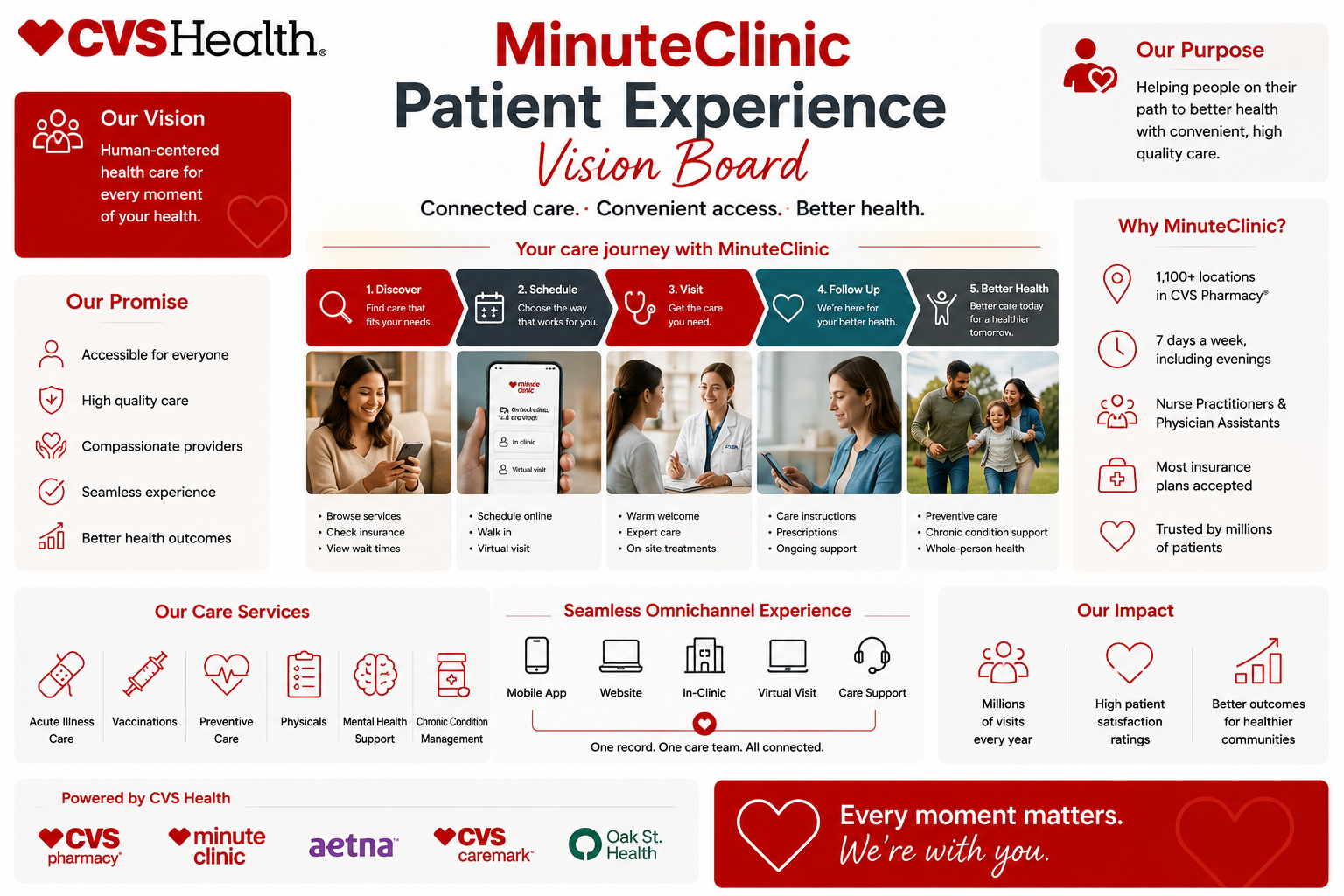
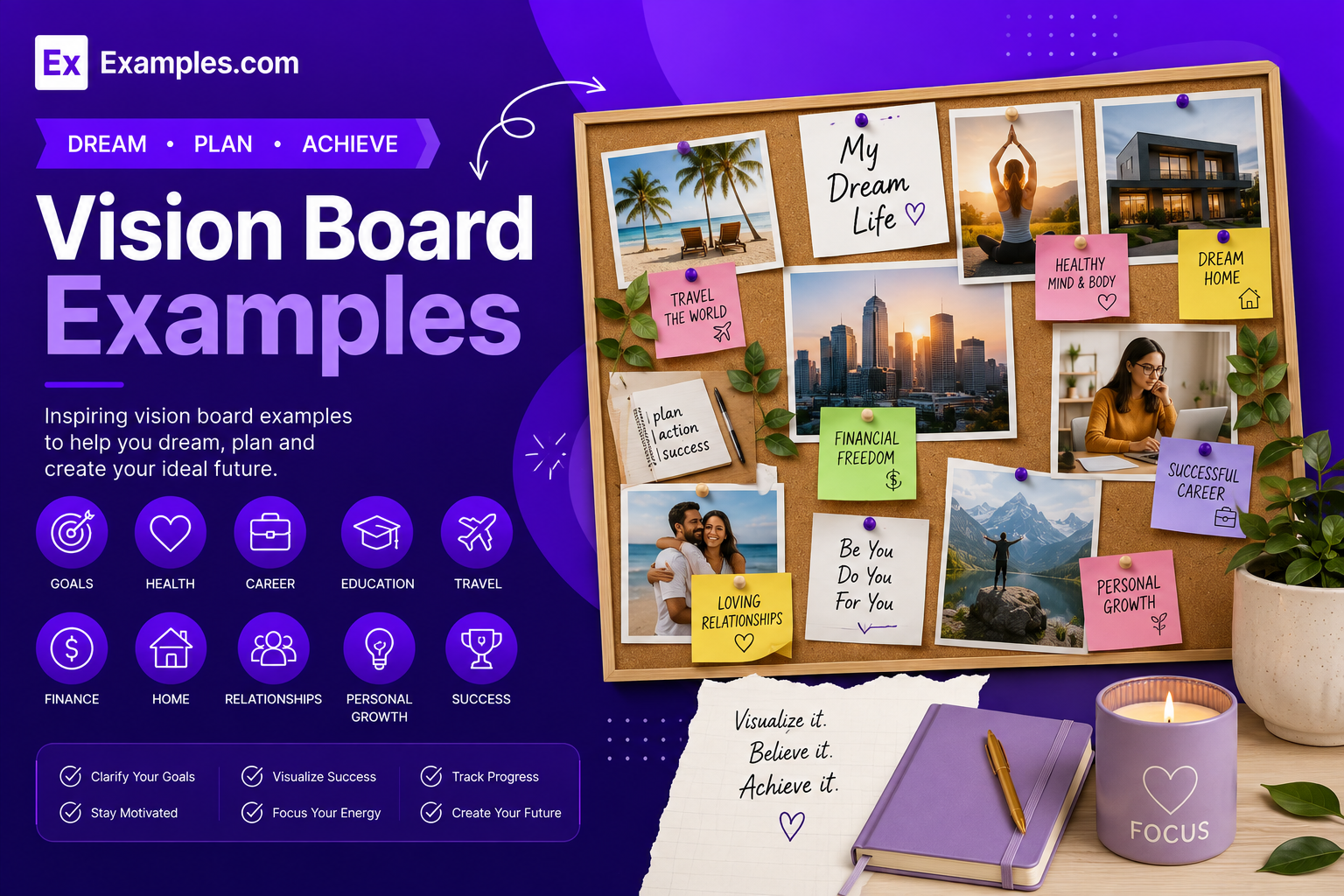
Create a personalized vision board using AI-powered design generation inspired by real-world vision board examples. Browse professional and creative vision boards, choose a reference style, describe your goals, themes, images, words, and aspirations, and generate a completely new vision board in seconds. Customize images, text, colors, graphics, layouts, and visual elements in the online editor before downloading the final PNG. Examples.com helps users turn personal, professional, educational, travel, lifestyle, and creative goals into clear visual references.
What Is A Vision Board?
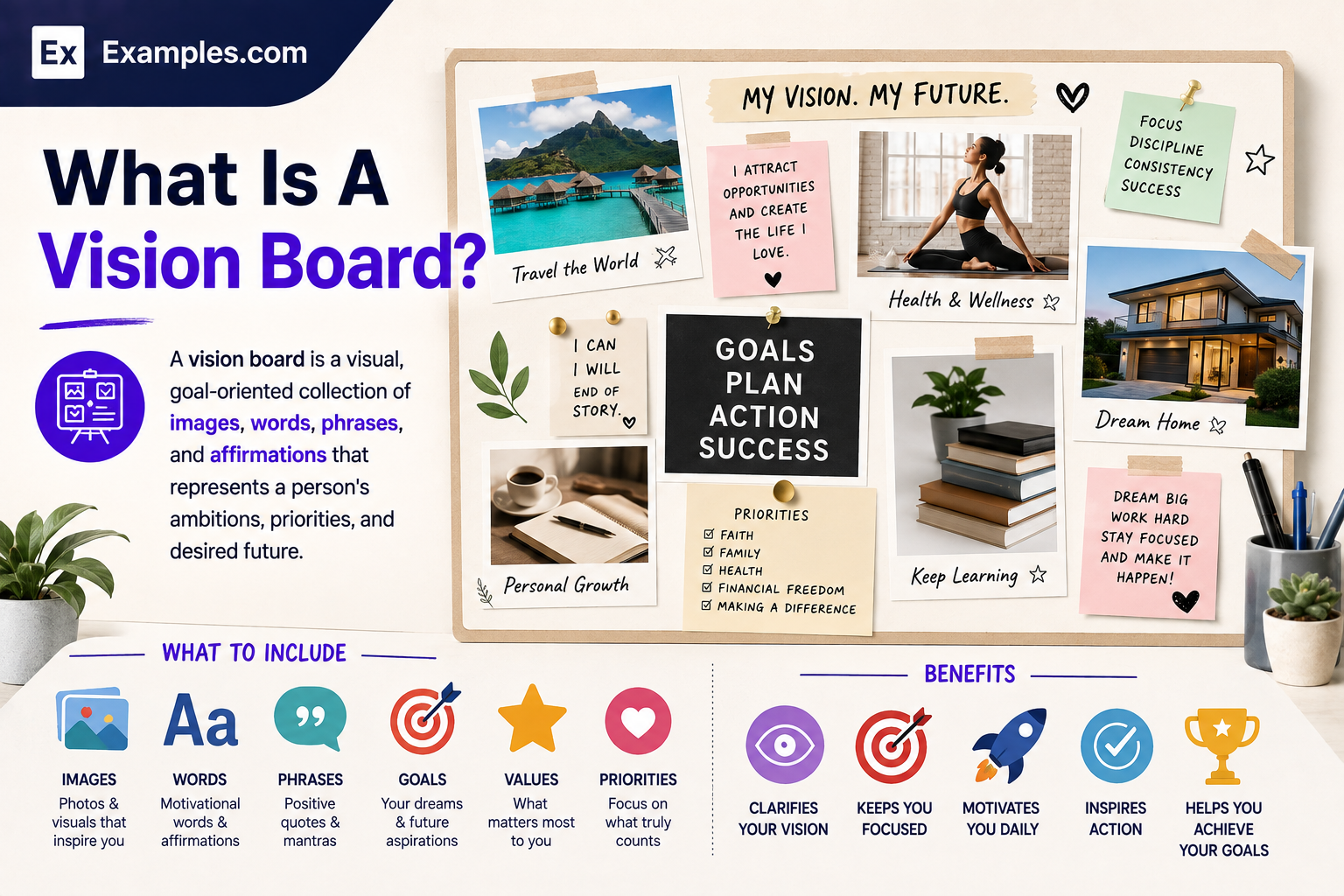
A vision board is a visual, goal-oriented collection of images, words, phrases, and affirmations that represents a person’s ambitions, priorities, and desired future. It can organize goals around areas such as career, education, travel, relationships, lifestyle, creativity, finances, or personal development. By placing meaningful visual references together, a vision board creates a clear reminder of what someone wants to work toward and why those goals matter.
Popular Types Of Vision Boards
Vision boards can be organized around different goals, audiences, and visual styles. Different formats help users focus on specific areas of their personal or professional aspirations.
Personal Vision Board
Combines life goals, values, experiences, habits, and personal aspirations into one visual direction.
Career Vision Board
Focuses on professional goals, achievements, skills, leadership, workplace aspirations, and career milestones.
Business Vision Board
Visualizes company goals, brand direction, growth priorities, customers, products, and strategic objectives.
Travel Vision Board
Collects destinations, experiences, activities, accommodations, landscapes, and travel aspirations visually.
Lifestyle Vision Board
Represents desired routines, environments, hobbies, wellness goals, possessions, and everyday experiences.
Digital Vision Board
Uses digital images, typography, graphics, and layouts for screens, online planning, or digital inspiration.
Why Should I Use Real Vision Board Examples To Create My Own Vision Board?
Real vision board examples provide practical visual references for understanding how different goals can be organized into one coherent composition. Instead of beginning with an empty canvas, users can examine image placement, typography, color combinations, section layouts, inspirational phrases, and visual hierarchy. Examples also help users discover approaches they may not have considered for presenting personal, professional, educational, travel, or lifestyle goals.
Examples.com allows users to explore real-world references before creating an original vision board with AI. The selected example acts as inspiration or a visual guide rather than an image that is directly edited. Users can then describe their own ambitions and preferred style, generate a new design, and customize the result with their own images, text, and visual elements.
How Do I Generate Vision Boards Using Proven Examples From The World’s Best Brands?
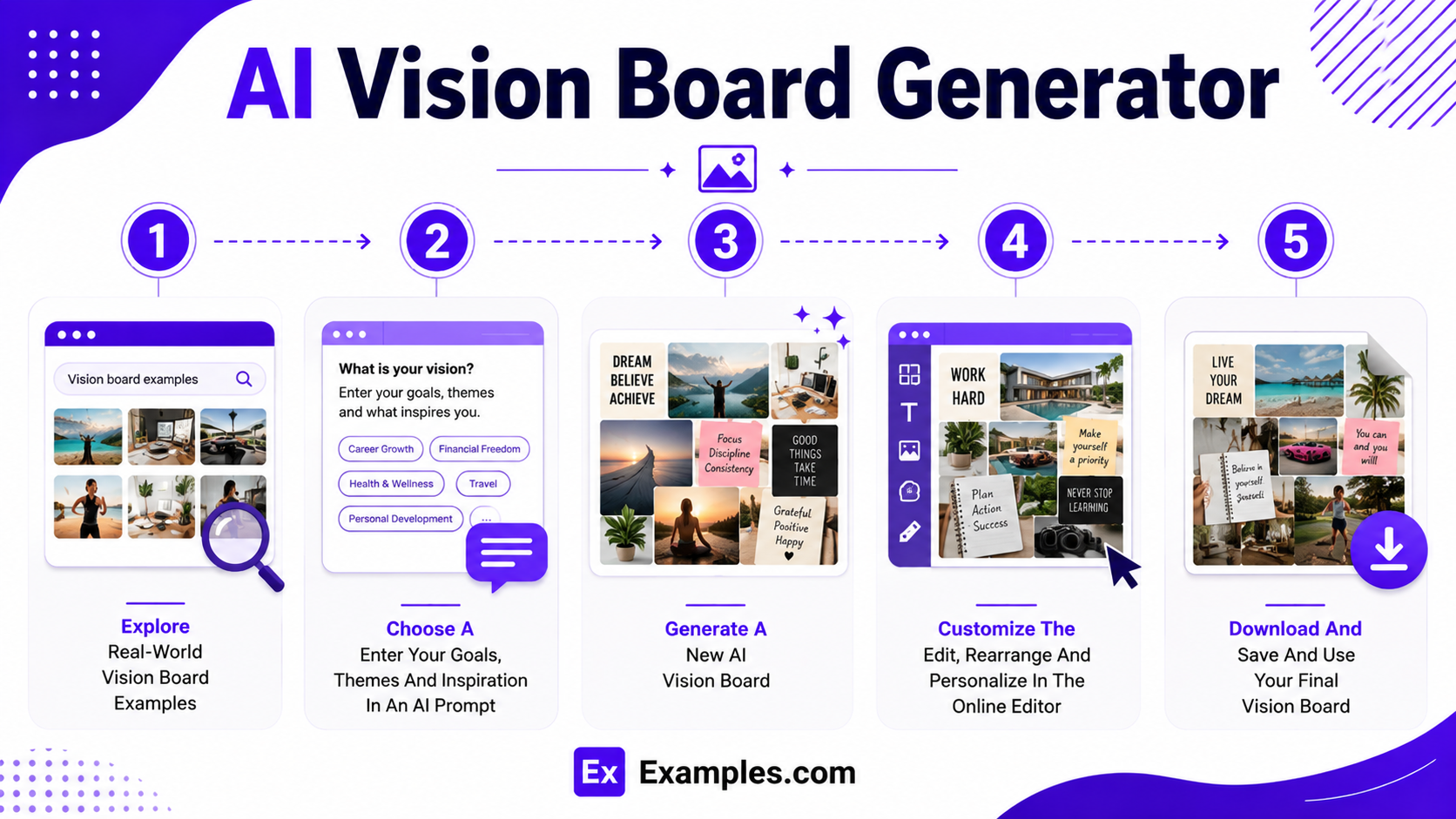
A reference-based workflow makes it easier to turn visual inspiration into a personalized vision board.
Explore Real-World Vision Board Examples
Browse different vision board examples to compare layouts, visual styles, themes, color palettes, typography, imagery, and goal categories. Look for a reference that matches the feeling or structure you want.
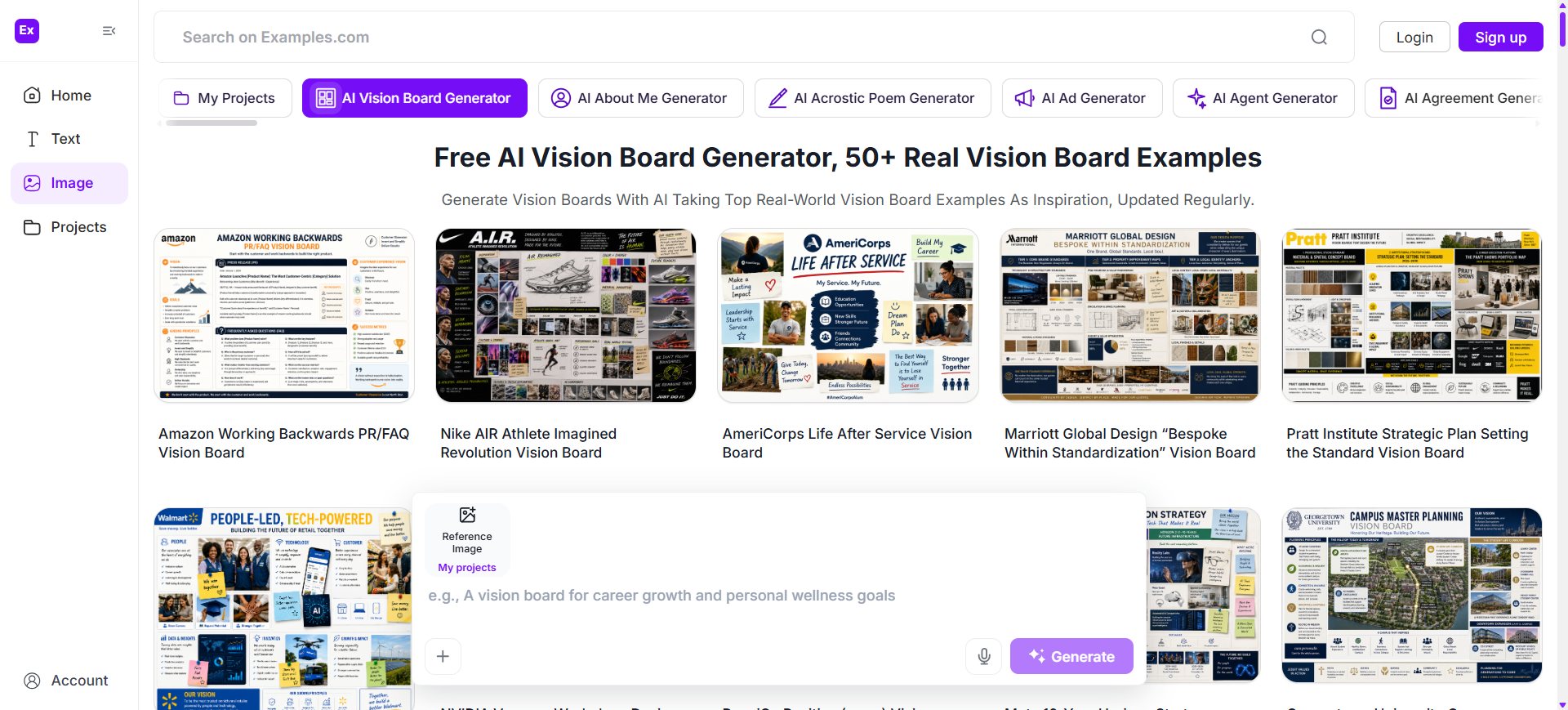
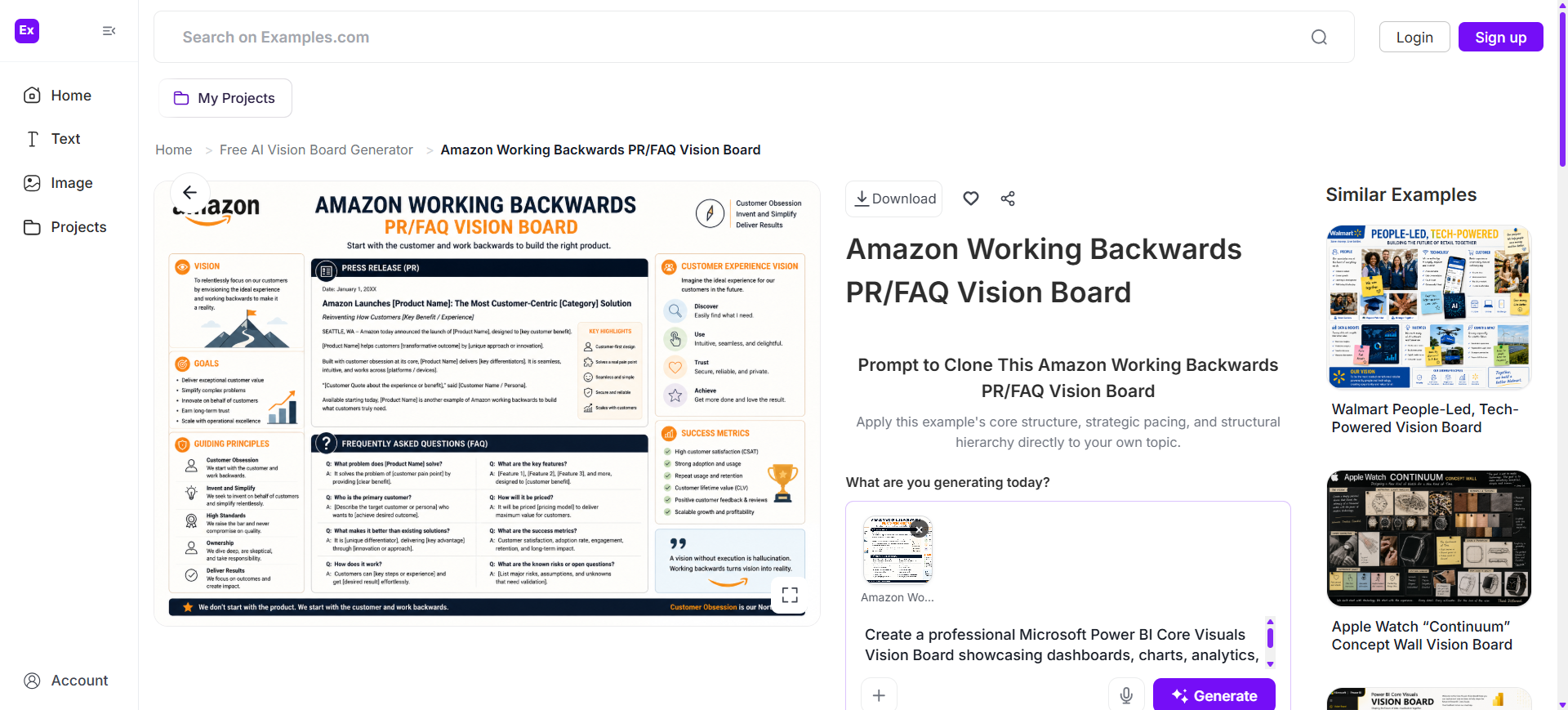
Choose A Reference Vision Board And Enter An AI Prompt
Select a reference design and describe your own goals in an AI prompt. Include relevant themes, preferred imagery, words, colors, style, and the areas of life you want represented.
Generate A New AI Vision Board
Generate an original vision board based on your prompt and selected visual reference. The AI can combine your requested themes and visual direction into a new personalized composition.
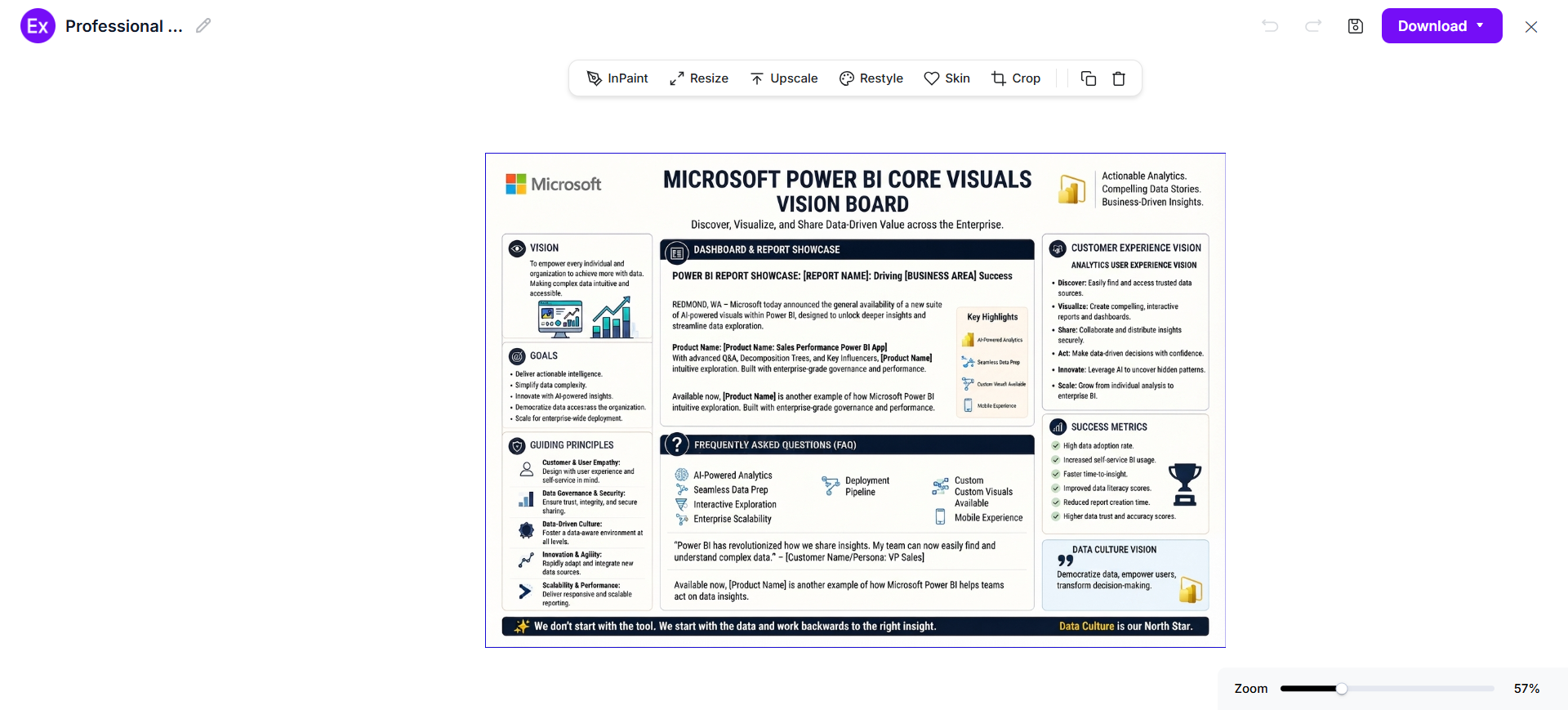
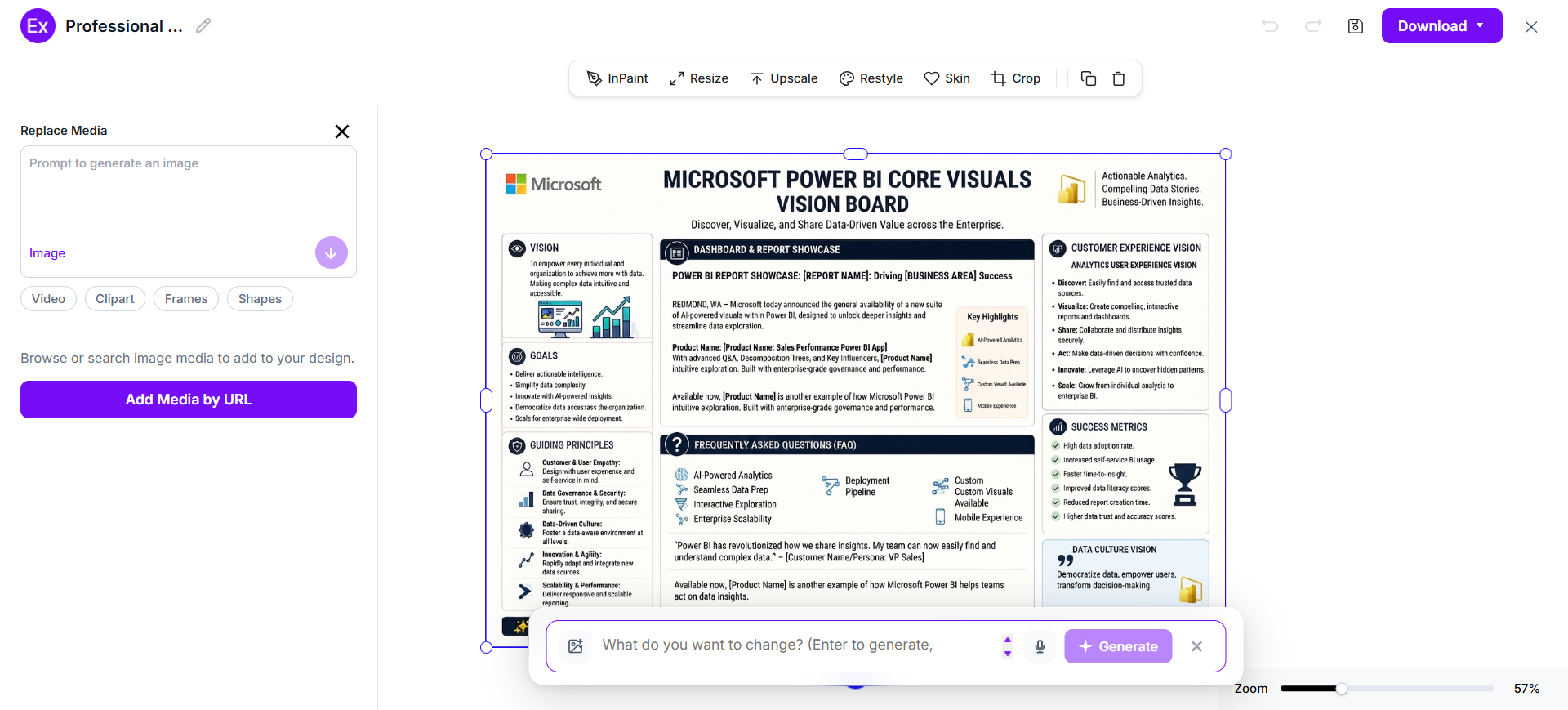
Customize The Vision Board In The Online Editor
Open the generated design in the online editor and refine its content. Replace images, add graphics, edit text, adjust layouts, and personalize individual elements according to your goals.
Download And Use The Final Vision Board
Review the finished vision board and make any final adjustments. Download the completed PNG and use it as a digital reminder, presentation visual, desktop image, social graphic, or printed inspiration piece.
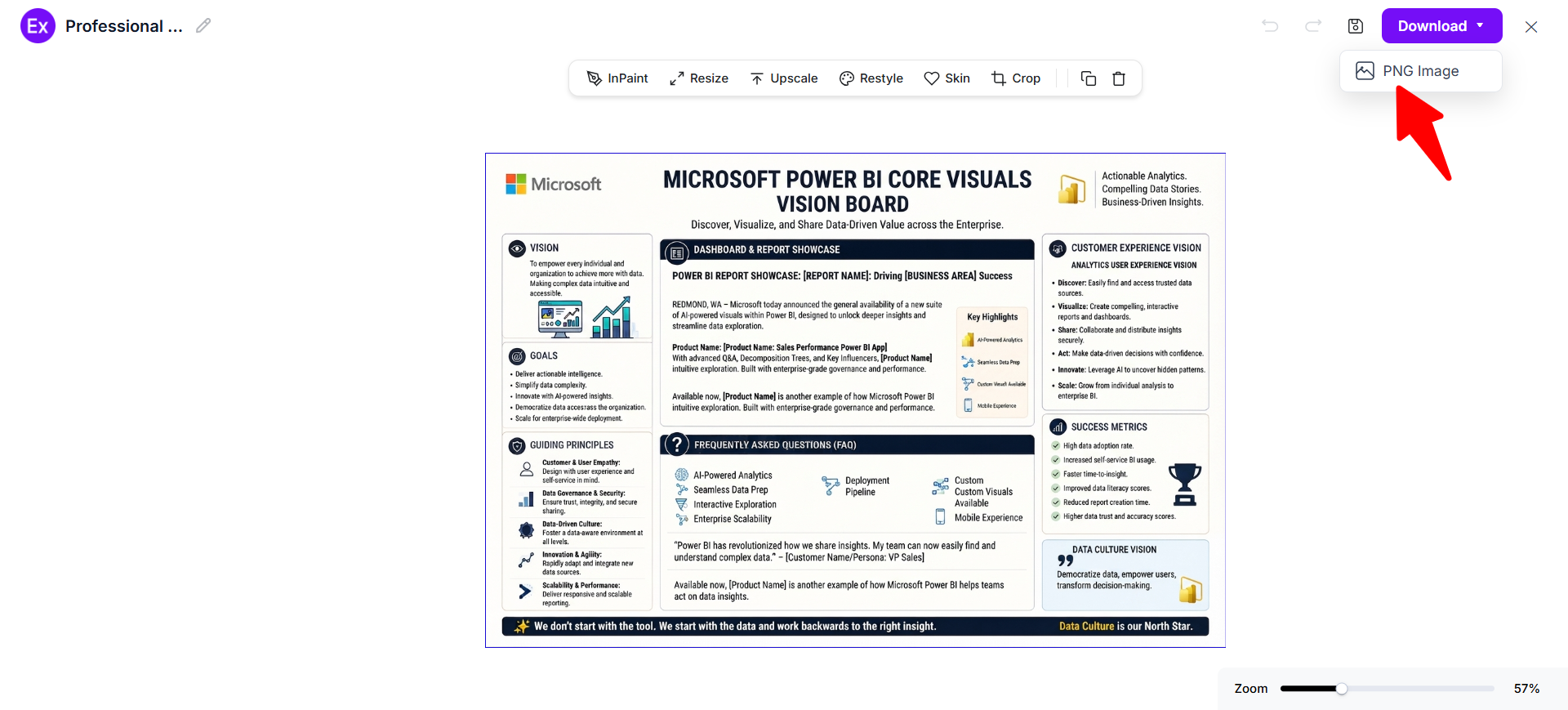
Customize Vision Board Designs Online
Online customization lets users turn an AI-generated vision board into a design that reflects their own goals and preferences. Users can modify individual elements, replace reference imagery with personal photographs, add graphics, change text, rearrange visual components, and refine the overall composition. Examples.com provides a reference-based starting point so users can focus on expressing their goals instead of building the entire visual structure from scratch.
Users can also use AI-assisted editing to refine the design after generation. Adjust backgrounds, crop or resize elements, experiment with different visual styles, and create variations when the first result does not match the intended direction. Keep the final composition focused enough that the most important goals remain easy to recognize and meaningful.
AI Vision Board Editing Features
Examples.com includes multiple AI-powered editing tools that help users customize vision boards while maintaining a clear and cohesive visual direction.
InPaint
Edit or remove selected areas without rebuilding the complete vision board design.
Resize
Adapt the vision board to different dimensions and display requirements.
Upscale
Improve image resolution when a larger or clearer version of the vision board is needed.
Restyle
Explore a different visual treatment while maintaining the intended vision board concept.
BG
Modify or remove backgrounds around selected visual elements.
Crop
Adjust image framing to emphasize the most relevant visual content.
Flip
Mirror selected visual elements or layouts when a different orientation works better.
Animate
Add animated effects to suitable digital vision board elements.
Multishot
Generate multiple visual variations to compare different creative directions.
Standard Vision Board Sizes And Formats
The ideal vision board size depends on where you plan to display or use it. Digital boards can be created for screens and online platforms, while printed boards benefit from dimensions that provide enough space for images, text, and supporting graphics.
| Format | Common Size | Best Use | Main Consideration |
|---|---|---|---|
| Desktop Landscape | 1920 × 1080 px | Computer wallpaper | Wide visual composition |
| Mobile Portrait | 1080 × 1920 px | Phone wallpaper | Vertical image hierarchy |
| Square | 1080 × 1080 px | Social platforms | Balanced central layout |
| A4 Portrait | 210 × 297 mm | Printing | Compact personal boards |
| A3 Portrait | 297 × 420 mm | Larger printing | More room for detailed goals |
| Poster | 18 × 24 in | Wall display | Strong visual impact and readability |
For digital designs, choose dimensions based on the final screen or platform. For printed boards, consider the viewing distance and amount of content before selecting the size.
Essential Elements Every Vision Board Should Include
A strong vision board combines meaningful goals, relevant imagery, concise wording, and organized visual structure. Including the right elements helps make the board more personal and purposeful.
- Central Theme – Define the primary idea, life direction, or outcome represented by the board.
- Specific Goals – Include concrete ambitions instead of only broad motivational concepts.
- Relevant Images – Choose visuals that directly connect with the experiences or outcomes you want.
- Key Words – Add short phrases, keywords, or statements that reinforce important goals.
- Affirmations – Include meaningful positive statements when they support your personal direction.
- Color Palette – Use a consistent group of colors to create visual unity.
- Visual Hierarchy – Make the most important goals easier to notice than secondary details.
- Personal References – Add photographs, symbols, places, objects, or other imagery that has personal meaning.
- Action Connection – Make sure the board inspires practical steps rather than functioning only as decoration.
How Do I Design A Better Vision Board?
A well-designed vision board turns goals and aspirations into a focused visual composition. Clear priorities, meaningful imagery, consistent styling, and organized layouts help create a board that remains useful and personally relevant.
- Define Your Main Purpose – Decide what you want the vision board to help you visualize.
- Choose Specific Goals – Turn broad ambitions into clear and recognizable objectives.
- Group Related Goals – Organize goals into areas such as career, travel, education, lifestyle, or creativity.
- Select Meaningful Images – Use visuals that represent actual experiences, outcomes, or environments you want.
- Limit Visual Clutter – Remove unnecessary images and phrases that compete with your main priorities.
- Create A Clear Hierarchy – Give greater visual emphasis to your most important goals.
- Use Consistent Typography – Choose readable fonts and maintain a coherent text treatment throughout.
- Build A Cohesive Color Direction – Use complementary colors that support the mood and theme.
- Add Personal Details – Include photographs, words, symbols, or references that make the board genuinely yours.
- Review And Refine – Remove anything that no longer represents your current priorities or direction.
Common Vision Board Design Mistakes To Avoid
A vision board should communicate meaningful goals without becoming visually overwhelming. Avoiding common design mistakes helps maintain focus and makes the most important aspirations easier to recognize.
- Too Many Goals → Prioritize – Focus on meaningful objectives instead of filling every available space.
- Generic Images → Use Specific Visuals – Choose imagery that clearly represents your intended outcome.
- Excessive Text → Use Short Statements – Keep phrases concise so visuals remain the primary communication method.
- Poor Visual Hierarchy → Emphasize Priorities – Make important goals larger, clearer, or more prominent.
- Unrelated Styles → Maintain Consistency – Use compatible imagery, colors, typography, and graphic treatments.
- Overcrowded Layout → Add Space – Leave enough breathing room between visual groups and important elements.
- Weak Personal Connection → Add Meaningful References – Include imagery and words that genuinely relate to your goals.
- No Action Connection → Add Practical Direction – Connect inspirational visuals with goals you can realistically work toward.
How Can I Turn A Vision Board Into A Practical Goal Tool?
A vision board becomes more useful when its visual ideas connect to specific actions. Instead of collecting attractive images without context, organize the board around outcomes that you can understand and work toward.
Career Goals
Use professional environments, target roles, skills, achievements, or projects to represent your desired career direction.
Education Goals
Include courses, qualifications, subjects, institutions, study environments, or academic milestones related to your learning plans.
Financial Goals
Represent financial objectives through meaningful milestones, savings goals, business ambitions, or desired forms of financial progress.
Travel Goals
Show destinations, landscapes, cultural experiences, activities, and specific trips that you want to pursue.
Lifestyle Goals
Use homes, routines, hobbies, environments, clothing, activities, or experiences that represent your preferred lifestyle.
Personal Growth
Include books, creative projects, habits, experiences, skills, and other visual reminders connected to personal development.
Which Vision Board Sizes Perform Best?
There is no single best size for every vision board. The strongest choice depends on where the board will be viewed and how much content it contains.
| Intended Use | Recommended Size | Orientation | Why It Works |
|---|---|---|---|
| Phone Wallpaper | 1080 × 1920 px | Portrait | Fits common mobile screens |
| Desktop Wallpaper | 1920 × 1080 px | Landscape | Uses wide screen space effectively |
| Social Media Post | 1080 × 1080 px | Square | Works well for square social layouts |
| Printable Personal Board | A4 | Portrait | Easy to print and display |
| Detailed Wall Board | A3 | Portrait | Provides additional visual space |
| Large Poster | 18 × 24 in | Portrait | Suitable for prominent wall displays |
Vision Board Ideas For Different Industries
Vision boards can also be used by professionals, creative teams, businesses, and organizations to visualize projects, strategic goals, design directions, and future opportunities.
- Creative Agencies – Combine campaign concepts, visual styles, creative ambitions, client goals, and future project directions.
- Architecture – Show building references, materials, spatial concepts, sustainability goals, and architectural environments.
- Interior Design – Combine furniture, textures, finishes, colors, lighting, room environments, and desired design moods.
- Fashion – Use clothing silhouettes, fabrics, seasonal influences, accessories, photography styles, and collection themes.
- Technology – Represent product concepts, user experiences, innovation themes, interfaces, technology environments, and development goals.
- Education – Combine learning objectives, academic milestones, study environments, skills, qualifications, and future opportunities.
- Hospitality – Use destinations, interiors, guest experiences, service concepts, dining environments, and brand atmosphere.
- Marketing – Include campaign concepts, target audiences, brand imagery, communication themes, growth objectives, and promotional ideas.
- Real Estate – Show property types, architectural styles, neighborhoods, interiors, investment goals, and desired developments.
- Entrepreneurship – Combine business milestones, product concepts, customer experiences, team goals, markets, and long-term growth direction.
FAQs
What Should I Put On A Vision Board?
Include specific goals, meaningful images, short phrases, affirmations, symbols, and visual references connected to the future you want to create. Choose elements that have a clear personal connection rather than adding visuals simply because they look attractive.
How Many Pictures Should Be On A Vision Board?
There is no fixed number. Use enough images to represent your important goals while leaving sufficient space for visual hierarchy. A focused collection is generally easier to understand than an overcrowded collage.
Can A Vision Board Be Digital?
Yes. A digital vision board can combine photographs, illustrations, typography, graphics, affirmations, and other visual elements. It can be designed for a phone, desktop, social platform, presentation, or other digital environment.
What Is The Difference Between A Vision Board And A Mood Board?
A vision board primarily represents goals, aspirations, and desired future outcomes. A mood board focuses more on visual direction, atmosphere, style, materials, colors, typography, and creative references for a project.
Should A Vision Board Have Words?
Words can make goals easier to identify and reinforce. Use short phrases, keywords, affirmations, dates, or statements that add meaning without overwhelming the visual composition.
Can I Use Personal Photos On A Vision Board?
Yes. Personal photographs can make a vision board more relevant by connecting the design to real experiences, people, places, achievements, or memories that matter to you.
How Often Should I Update A Vision Board?
Update it when your priorities, goals, circumstances, or interests change. A vision board can remain useful for as long as its content accurately represents what you are working toward.
Can AI Create A Personalized Vision Board?
Yes. AI can generate a new vision board from a written prompt and a selected visual reference. You can describe your goals, preferred style, imagery, colors, and themes, then refine the generated result using available editing tools. Examples.com supports this reference-to-generation workflow while allowing you to create an original personalized design.