
AI Construction refers to the use of artificial intelligence technologies in construction software to automate scheduling, estimation, site monitoring, risk prediction, workforce tracking, and project coordination. In 2026, AI construction tools are used by contractors, developers, and owners to reduce delays, improve cost accuracy, and increase operational visibility across projects.
AI construction is no longer experimental. It is integrated into scheduling engines, takeoff platforms, compliance systems, and field-monitoring software. This guide explains the 15 most impactful AI construction tools in 2026, how they work, where they are used, and how to choose the right platform.
Best AI Construction Tools
- ALICE AI
- Planera AI
- nPlan AI
- OpenSpace AI
- Buildots AI
- DroneDeploy AI
- SmartBarrel AI
- Togal.AI
- Buildxact AI
- Autodesk Construction Cloud AI
- Procore AI
- Jonas Construction Software AI
- Knowify AI
- ProjectMates AI
- Sloyd AI
AI Construction Tools Comparison Table
This table helps you compare tools by primary use case, AI focus, ideal user type, and limitations — so you can quickly choose the right solution for your construction workflow.
| Tool Name | Primary Use Case | AI Strength | Best For | Key Limitation |
|---|---|---|---|---|
| ALICE AI | Schedule optimization | Scenario simulation & risk insights | Enterprise contractors | Complex setup |
| Planera AI | Visual scheduling | Real-time CPM planning & risk detection | Scheduling teams | Scheduling-focused |
| nPlan AI | Predictive forecasting | Probabilistic delivery risk analysis | Project controls & planners | Not full PM suite |
| OpenSpace AI | Site visual intelligence | Automated imagery mapping & progress | Field & PM teams | Requires capture hardware |
| Buildots AI | Progress tracking | Computer vision + BIM/schedule comparison | Large sites & PMs | Data capture discipline needed |
| DroneDeploy AI | Reality capture & insights | Vision-language progress interpretation | Field/QA teams | Not a full PM platform |
| SmartBarrel AI | Workforce & compliance | AI attendance & safety tracking | Field crews & safety managers | Facial recognition concerns |
| Togal.AI | Automated takeoffs | Plan interpretation & NLP queries | Estimators & precon | Plan quality dependent |
| Buildxact AI | Residential estimating | AI-assisted cost & takeoff | Small/mid builders | Not enterprise planning |
| Autodesk Construction Cloud AI | Full PM ecosystem | Risk, document AI & assistant | Enterprise GCs & owners | Subscription tier dependent |
| Procore AI | Project collaboration | Predictive insights & automation | Mid-large projects | AI varies by plan |
| Jonas Construction Software AI | ERP + operations | Data automation & extraction | Specialty contractors | Incremental AI features |
| Knowify AI | Job costing & workflows | Pattern-based workflow suggestion | Trade & SMB teams | Embedded AI (not generative) |
| ProjectMates AI | Owner-level document mgmt | Automated drawing & linking | Owners & developers | Document-centric AI |
| Sloyd AI | 3D asset generation | Text-to-3D and image-to-3D creation | Designers & visualization | Not BIM/system planning |
Below is a detailed breakdown of each AI construction tool, using a consistent structure to help you evaluate functionality, use cases, benefits, and pricing.
Scheduling & Predictive Planning
1) ALICE AI
What is ALICE AI
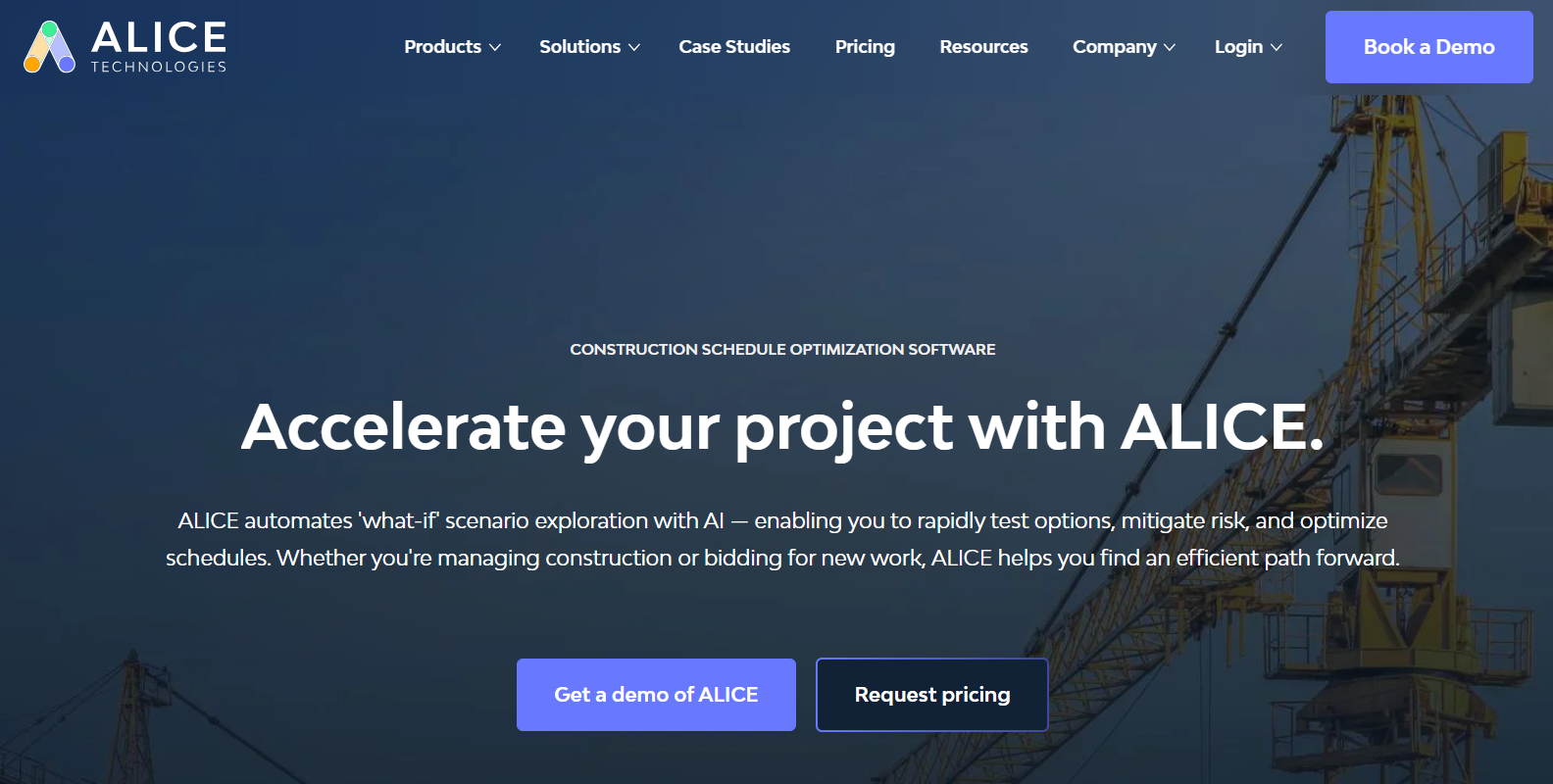
ALICE AI is a generative construction scheduling and optimization platform that uses artificial intelligence to automate schedule development, simulate multiple build scenarios, and improve project planning accuracy. It’s designed to help general contractors, owners, and consultants reduce risk, cut costs, and accelerate project delivery by exploring thousands of potential construction pathways.
Where ALICE AI Is Used in Construction
AI-driven schedule optimization in ALICE is primarily used in:
- Preconstruction planning, to generate optimal timelines before breaking ground.
- Complex capital projects, including infrastructure, industrial facilities, and high-rise commercial builds.
- Risk mitigation, by simulating constraints and testing scenario outcomes.
- Recovery planning, to adapt schedules and find paths that recover lost time due to delays.
This makes ALICE ideal for projects where traditional CPM planning fails to address dynamic risk and resource variability.
Key Benefits
- Advanced scenario simulation – Compare thousands of schedules instantly to find the most efficient plan.
- Risk reduction – Identify bottlenecks and constraints early to prevent issues.
- Better resource use – Optimize labor, equipment, and materials based on project limits.
- Faster decisions – Use conversational insights and visual planning to speed up analysis and team alignment.
- Proven ROI – Reported reductions in project duration, labor costs, and equipment utilization in large-scale deployments.
Real-World Example
A major infrastructure contractor used ALICE to optimize schedules on a complex tunnel project, allowing planners to explore alternatives in a fraction of the time traditional methods would take. This helped reduce idle time, uncover more efficient sequences, and improve execution certainty under tight constraints.
Who Should Use ALICE AI?
- General contractors managing large, complex builds.
- Owners and developers needing accurate, risk-adjusted project timelines.
- Project controls and scheduling teams seeking deeper scenario insights.
- Consultants and PMOs tasked with advising on optimal construction sequences.
Pros
- Generates optimized schedules far faster than manual methods.
- Allows extensive scenario testing and risk modeling.
- Improves communication with visual planning tools and conversational insights.
Cons
- Pricing is custom and can be high for smaller firms — enterprise focus.
- Requires quality input data (schedules and constraints) for best results.
- Adoption demands training for teams unfamiliar with AI scheduling.
Pricing
Pricing is tailored based on project size, complexity, and enterprise needs. It typically includes unlimited users and data, but interested teams must contact ALICE for custom quotes and demos.
2) Planera AI
What is Planera AI
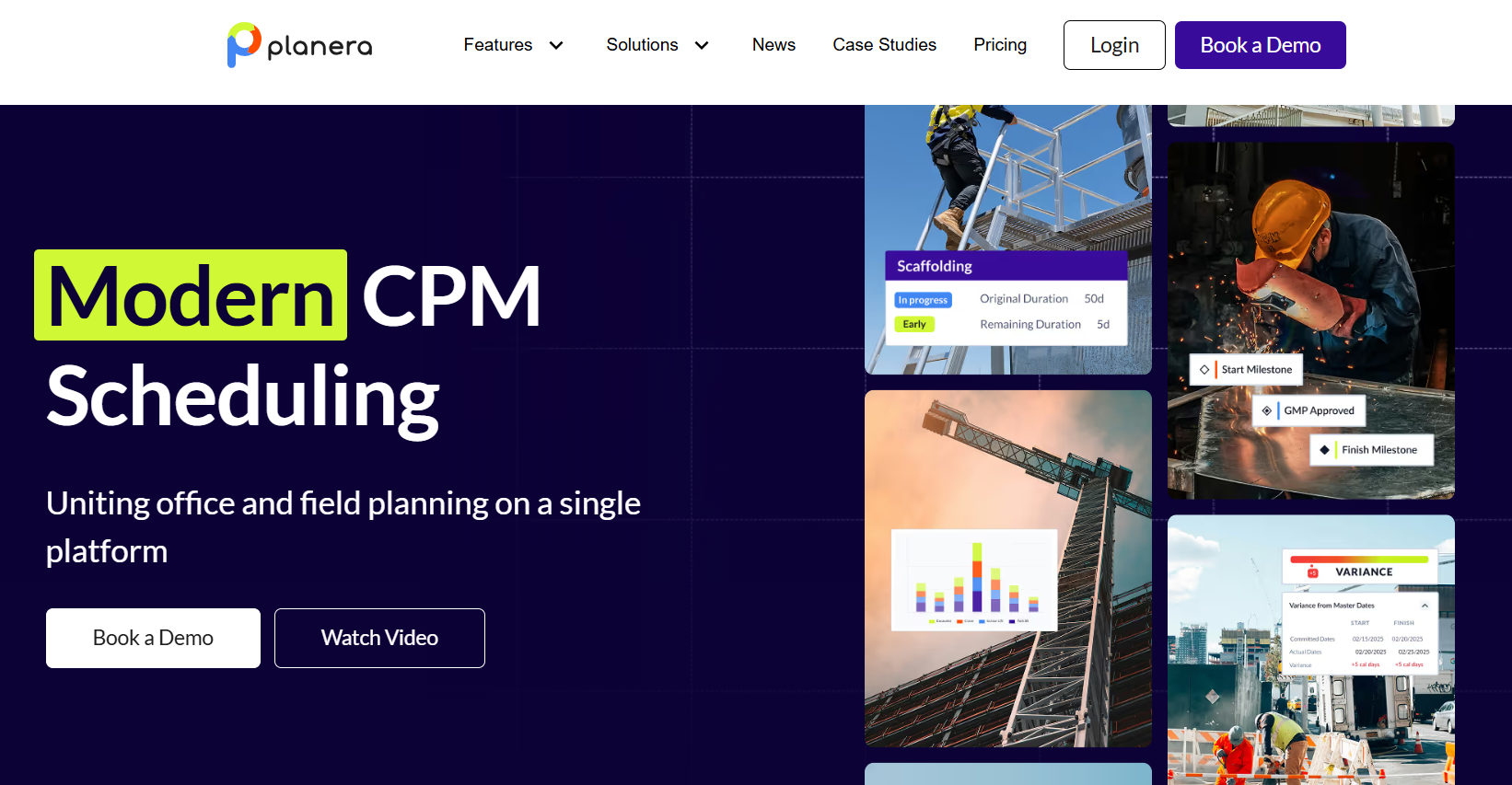
Planera AI is a modern cloud-based construction scheduling platform that integrates AI-driven analytics with visual CPM (Critical Path Method) planning. It helps construction teams build, optimize, and manage project schedules collaboratively while identifying risks and constraints early — enabling more predictable project delivery in complex builds.
Where Planera AI Is Used in Construction
Planera AI is used across:
- Preconstruction scheduling, to build realistic, executable project timelines.
- Complex commercial and infrastructure projects, where coordination and risk visibility are critical.
- Portfolio oversight, providing leadership with real-time schedule visibility across multiple projects.
- Field and office alignment, enabling field updates to reflect back into master plans.
It’s widely used by general contractors, schedulers, planners, and project controls teams that need more accurate, collaborative scheduling insights.
Key Benefits
- Intuitive visual scheduling – Easier than legacy CPM tools; increases team participation.
- Real-time collaboration – Stakeholders co-edit schedules at the same time; improves alignment and reduces miscommunication.
- Risk & constraint visibility – Built-in analytics detect schedule risks early.
- Field integration – Mobile access lets field teams update and align with master plans.
- Version comparison & quality checks – Compare schedule versions and use DCMA-based validation for accuracy.
- Overall impact – Reduces delays, improves resource alignment, and creates more reliable project plans.
Real-World Example
A general contractor replaced legacy Primavera workflows with Planera to democratize scheduling across planners, superintendents, and field team members. By enabling simultaneous editing and real-time schedule updates, the team reduced coordination delays, caught sequencing conflicts earlier, and delivered key milestones with greater predictability.
Who Should Use Planera AI?
- General contractors requiring modern CPM scheduling.
- Scheduling teams needing risk visibility and scenario planning.
- Project managers focused on cross-team alignment.
- Portfolio and enterprise leadership looking for real-time schedule oversight.
It’s especially strong for complex, multi-phase projects where collaborative planning improves delivery outcomes.
Pros
- Modern visual CPM scheduling with broad team accessibility.
- AI-enhanced risk and constraint awareness.
- Real-time collaboration across office and field.
- Mobile/field support including iPad access.
Cons
- Focused mainly on scheduling (not a full PM suite).
- Pricing is customized and not publicly listed.
- Adoption may require change management for teams used to legacy tools.
Pricing
Planera AI uses a custom enterprise pricing model based on project scale and organization size. There are no standard publicly listed rates — interested users must contact sales for a quote, though unlimited user deployments are common. Some educational access may be available through the Planera EDU initiative.
3) nPlan AI
What is nPlan AI
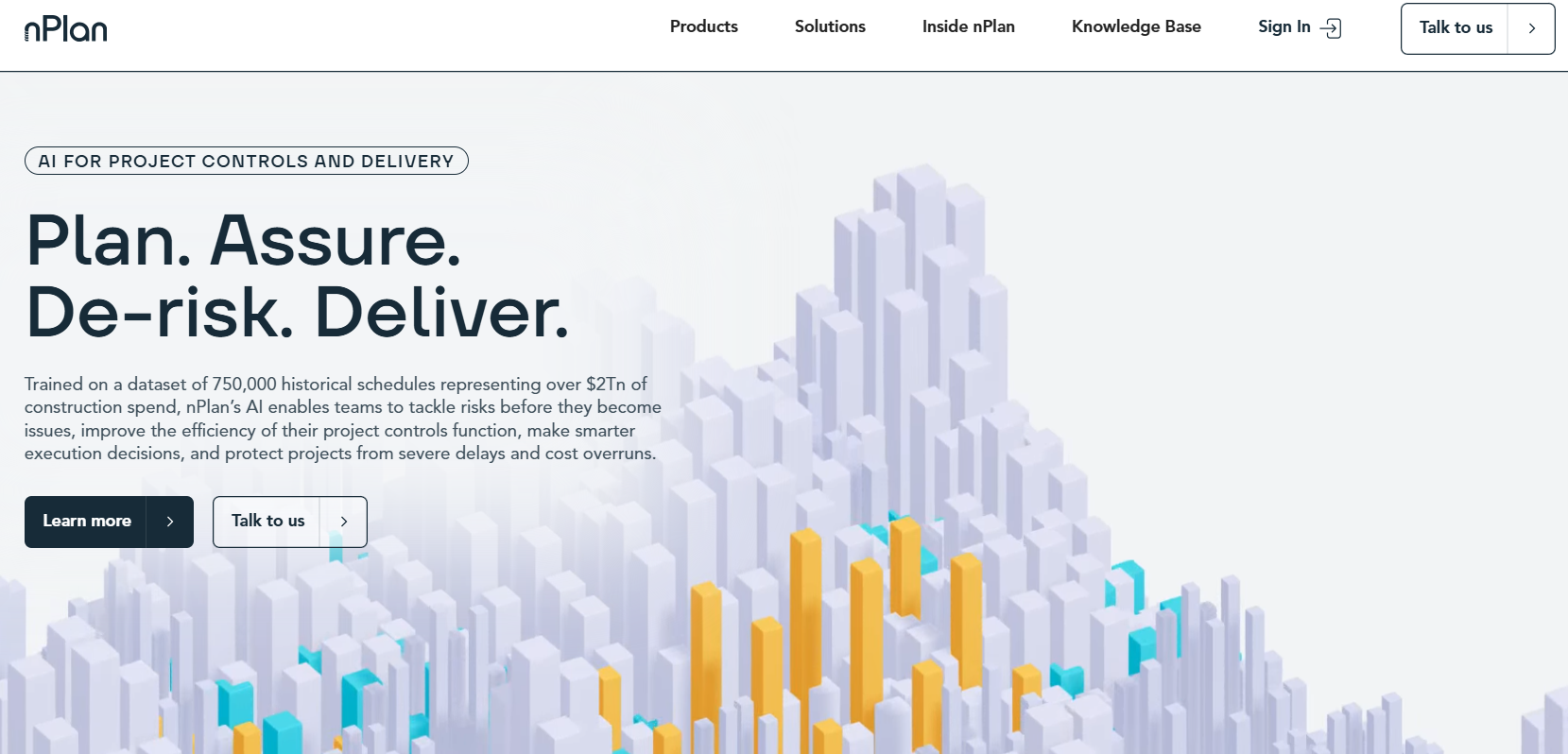
nPlan AI is an advanced construction forecasting and risk analysis platform that uses machine learning and historical project data to predict schedule outcomes, identify risks, and quantify project delivery uncertainty. Its AI is trained on one of the world’s largest construction schedule datasets, providing probabilistic forecasts rather than static planning outputs.
Where nPlan AI Is Used in Construction
nPlan AI is used for:
- Predictive risk analysis to forecast the likelihood of delays before they occur.
- Schedule assurance to validate and stress-test baseline and updated plans.
- Portfolio forecasting, giving leadership visibility across multiple projects.
- Scenario testing to explore mitigation strategies and quantify their impact.
- Schedule generation from scope documentation in early planning phases.
Its use cases span infrastructure, commercial buildings, heavy civil, and complex capital programmes where schedule risk is a major driver of cost and delivery outcomes.
Key Benefits
- Data-driven risk forecasting – Uses 750,000+ historical schedules to predict issues early.
- Unbiased uncertainty estimates – Provides reliable probabilistic forecasts instead of subjective guesses.
- Scenario insights – Test mitigation strategies and see their impact.
- Faster risk assessment – Reduces weeks of analysis to minutes with AI.
- Portfolio visibility – Enables leadership to track risk across multiple projects.
- Overall impact – Supports better decisions and prevents costly delays and overruns.
Real-World Example
On the UK’s HS2 tunnel project, nPlan’s AI flagged hundreds of risk insights that could have caused significant delay and cost impact. By identifying which activities were most likely to drive slippage, planners reallocated resources and adjusted schedules, helping reduce uncertainty and improve execution confidence.
Who Should Use nPlan AI?
- Project controls teams tasked with risk forecasting.
- Planning and scheduling groups needing probabilistic insights.
- PMOs and portfolio managers overseeing multiple projects.
- Contractors and owners seeking data-based risk mitigation.
- Large infrastructure and capital project organisations.
It complements traditional schedule tools by quantifying uncertainty that static CPM alone cannot address.
Pros
- Predictive risk analysis that is data-driven and empirically grounded.
- Faster risk forecasting than manual methods.
- Portfolio-level insights for programme oversight.
- Scenario testing and mitigation evaluation.
Cons
- Not a full project management system — focused on forecasting and risk.
- Requires quality schedule data for best results.
- Enterprise-oriented pricing and engagement model.
Pricing
Licensing is typically tailored to organisation size, number of users, and deployment scope. Prospective customers must contact sales for custom quotes and demonstrations.
Site Monitoring & Field Intelligence
4) OpenSpace AI
What is OpenSpace AI
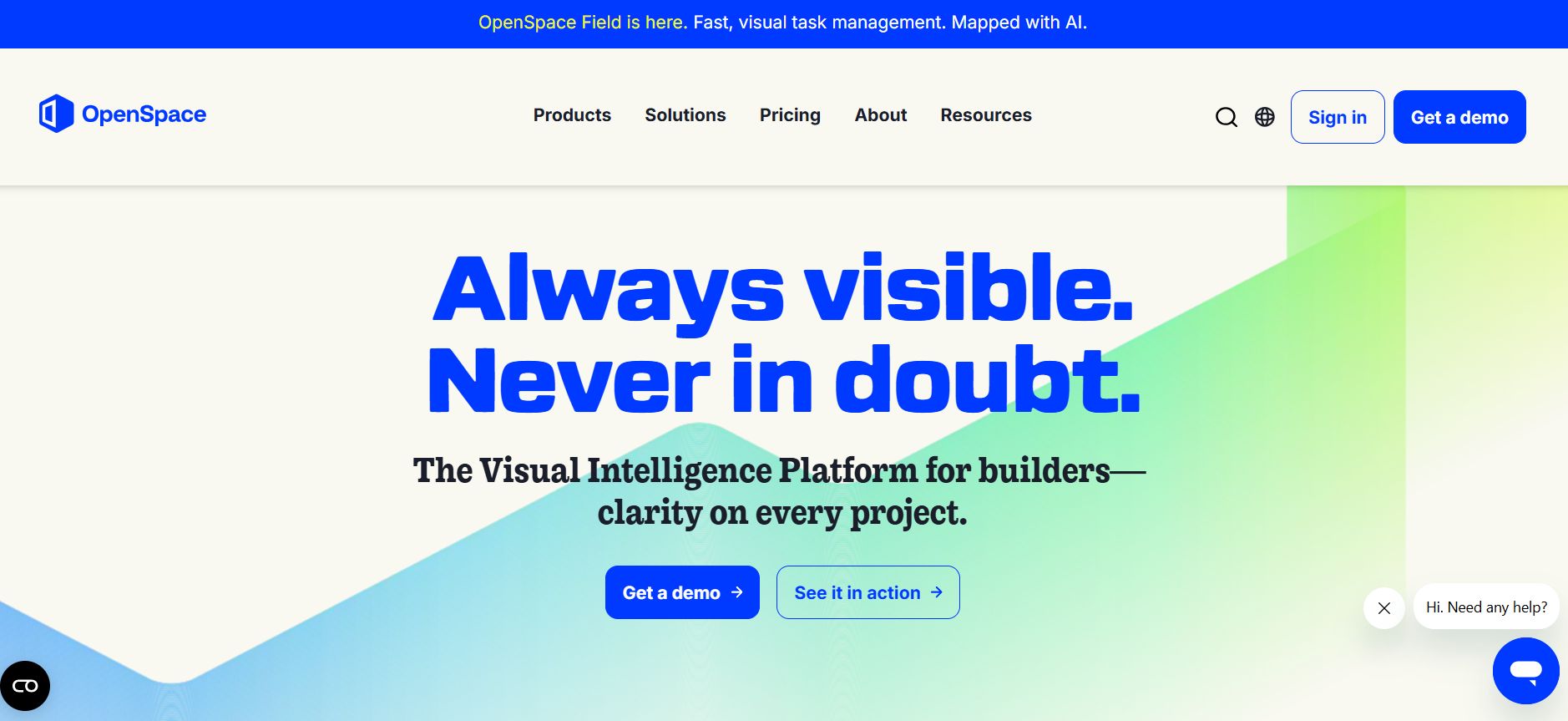
OpenSpace AI is a visual intelligence construction platform that uses AI and spatial computing to convert 360° images from smartphones, cameras, drones, and laser scanners into accurate, navigable as-built documentation and actionable jobsite insights. It is widely used for automated site capture, progress tracking, and visual field intelligence.
Where OpenSpace AI Is Used in Construction
OpenSpace AI is leveraged for:
- Automated site documentation throughout the lifecycle of a build.
- Progress tracking and milestone verification to compare as-built vs planned work.
- Remote inspection and collaboration across office and field teams.
- Issue identification and resolution, such as punch lists, RFIs, and discrepancies.
- Quality control and compliance reporting by providing visual evidence tied to locations on plans.
OpenSpace is used by general contractors, trade contractors, owners, and project managers to improve transparency, reduce rework, and accelerate construction delivery.
Key Benefits
- Hands-free automated site capture – Walk the site once to create a complete visual record.
- AI mapping to plans & BIM – Images automatically align with project drawings and models.
- Progress tracking – Measure installed work and compare actual vs planned.
- Remote visibility – Teams can view site conditions anytime, from anywhere.
- Integrated notes & issue tracking – Add location- and time-linked field notes.
Real-World Example
Balfour Beatty implemented OpenSpace AI to transform its site documentation process. By replacing manual photo capture with automated 360° walks, the team dramatically increased documentation volume and efficiency. As a result, field teams reduced time spent capturing and searching images, while project managers gained remote progress visibility that improved inspection turnaround and reduced rework.
Who Should Use OpenSpace AI?
- General contractors needing accurate jobsite documentation.
- Owners and developers requiring remote progress visibility.
- Project managers looking to streamline RFIs, punch lists, and QA/QC.
- Field teams that want faster issue logging and communication across teams.
It is particularly useful in large commercial and infrastructure projects where frequent documentation and remote oversight improve coordination and execution.
Pros
- Automated reality capture: Minimal effort for comprehensive site documentation.
- AI-aligned to BIM and plans: Enables precise comparison of as-built conditions.
- Remote progress visibility: Improves communication and reduces travel.
Cons
- Primarily focused on field capture and post-capture insights—not a full PM suite.
- Requires hardware (360° cameras or compatible devices) for optimal capture.
- Pricing is custom and varies by deployment scale and feature set. (No public pricing)
Pricing
Costs are customized based on project size, number of users, and level of deployment. Demonstrations and quotes are provided through sales and partner channels.
5) Buildots AI
What is Buildots AI
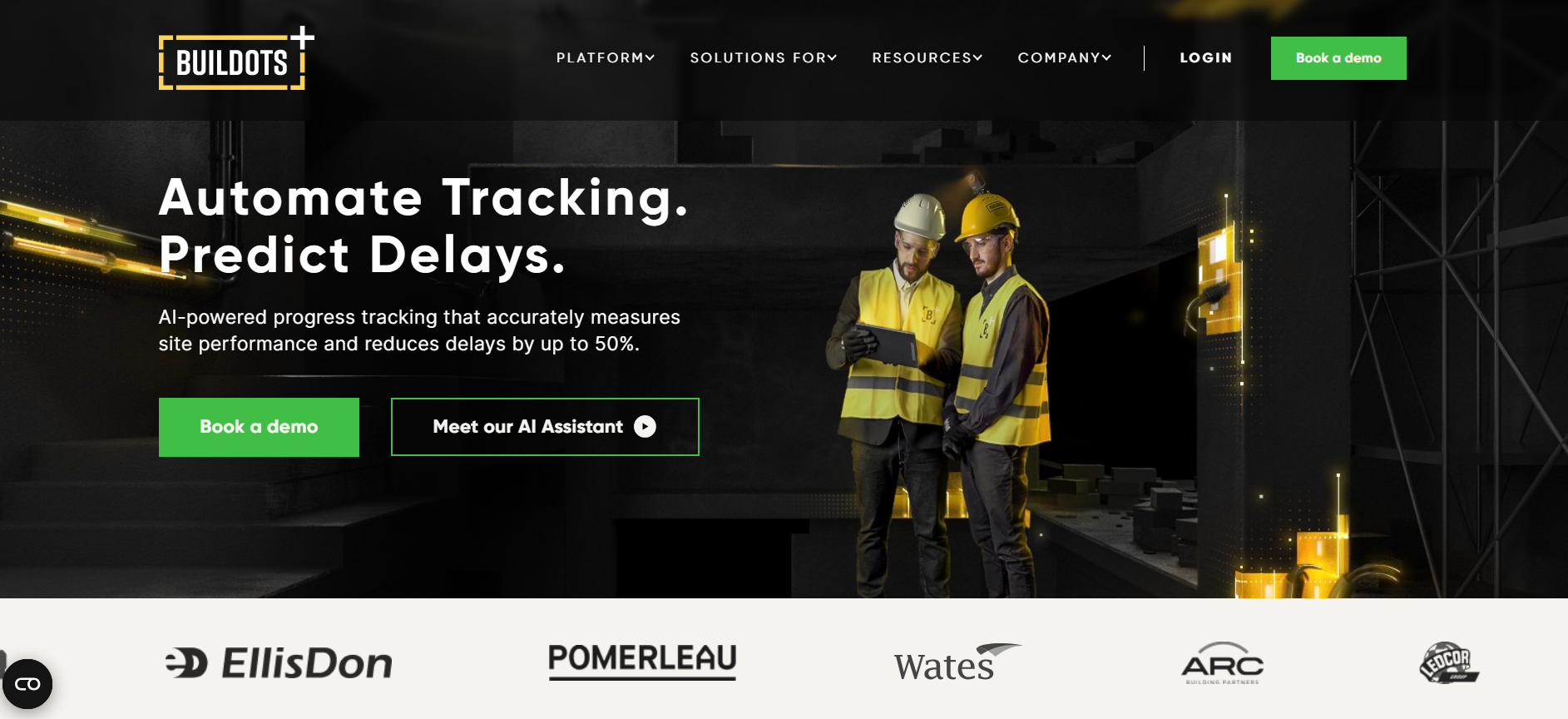
Buildots AI is an AI-powered construction progress tracking and analytics platform that uses computer vision and machine learning to automate real-time monitoring of jobsite activities. By processing imagery captured from 360° cameras mounted on hard hats, drones, or mobile devices, Buildots delivers objective progress data aligned with BIM models and construction schedules, reducing manual reporting and improving execution control.
Where Buildots AI Is Used in Construction
Buildots AI is applied to:
- Progress tracking and schedule comparison to measure actual vs planned work.
- Delay forecasting and performance insights helping teams correct course early.
- Real-time jobsite visibility for project managers, owners, and site teams.
- Underground utility tracking by analyzing drone data against BIM and schedules.
- Portfolio monitoring across large commercial, residential, or infrastructure projects.
These use cases improve transparency, reduce rework, and enable data-driven decisions during execution.
Key Benefits
- Automated progress capture – Removes manual reporting and subjective updates.
- AI alignment to plans & schedules – Matches visual data with BIM and schedule logic for accuracy.
- Predictive insights – Detects delays and performance risks early.
- Unified data view – Combines design, schedule, and field data in one reliable source.
- Mobile access – Review and analyze progress on tablets or phones.
Real-World Example
Intel’s construction teams used Buildots’ AI progress tracking on large semiconductor facility builds to automate monitoring of thousands of tasks and trade activities. This provided early detection of delays and helped streamline workflows across multiple project sites, reducing rework and enhancing execution control.
Who Should Use Buildots AI?
- General contractors seeking real-time jobsite visibility.
- Project managers and controls teams requiring data-driven schedule insights.
- Owners and developers needing objective progress reports.
- Large infrastructure and commercial builds where accurate progress tracking and forecasting add value.
It is especially useful in complex, multi-trade environments where traditional manual tracking falls short.
Pros
- Automated, objective progress tracking with AI and 360° imagery.
- Predictive delay alerts and performance intelligence.
- Integrates with BIM and schedule workflows for actionable insights.
Cons
- Not a full project management suite—specialized in progress tracking.
- Requires consistent use of cameras and disciplined data capture.
- Pricing is customized and often tailored per project scale.
Pricing
Buildots AI pricing is based on project size, features required, and deployment complexity. Vendors provide tailored quotes to match organizational needs rather than fixed public rates.
6) DroneDeploy AI
What is DroneDeploy AI
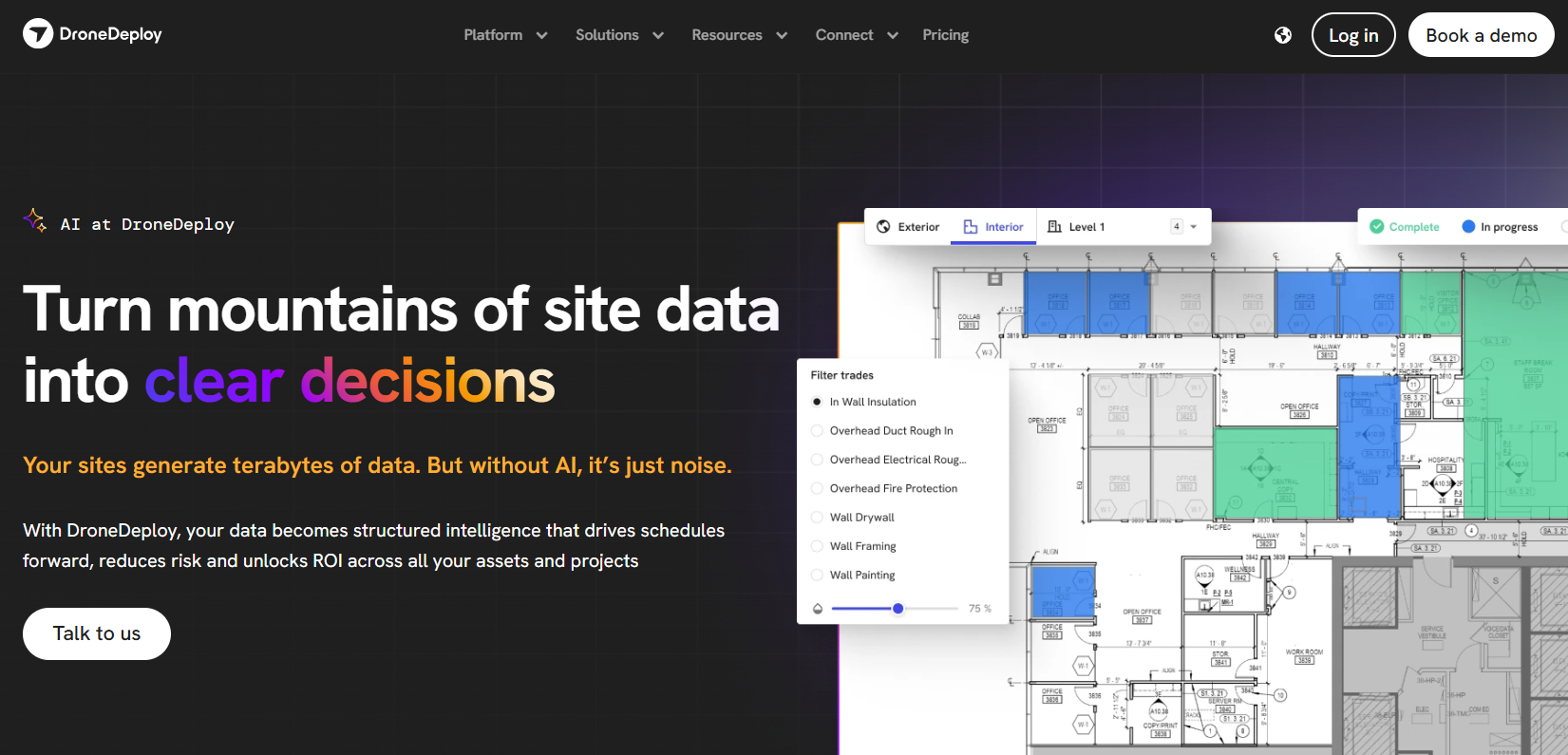
DroneDeploy AI is a unified reality capture and visual intelligence platform that uses artificial intelligence to turn drone flights, 360° walkthroughs, and ground imagery into actionable construction insights — including automated progress tracking, quality checks, and safety analysis. It combines aerial mapping, photogrammetry, and AI-powered reporting to give teams faster, data-driven visibility into jobsite conditions.
Where DroneDeploy AI Is Used in Construction
DroneDeploy AI is applied in multiple construction workflows:
- Automated progress tracking using aerial and ground reality capture data from drone flights and 360° cameras.
- Quality analysis to detect defects or deviations in site conditions.
- Safety risk identification by automatically flagging hazards.
- Change documentation and inspection reporting across project phases.
- Digital twin creation for archival and future reference.
This platform is used on commercial, infrastructure, and industrial job sites to replace manual progress reporting, improve field visibility, and accelerate decision making.
Key Benefits
- Automated AI progress insights – Quickly generates percent-complete reports across trades and zones.
- Vision-language interpretation – AI analyzes site images and answers questions (e.g., drywall completion) in minutes.
- Unified reality capture – Combines drone maps, 360° walks, and ground photos in one platform.
- Quality & safety analysis – Automatically detects defects and safety risks.
- Fewer manual reports – Reduces annotation and administrative work.
Real-World Example
Many large contractors deploy DroneDeploy AI’s Progress AI to interpret drone flights and 360 walkthroughs, generating progress insights in minutes rather than hours. Users report that automatically generated trade-level progress data accelerates weekly stakeholder reporting and improves alignment between field teams and project controls — especially in complex multi-floor builds and infrastructure environments.
Who Should Use DroneDeploy AI?
- General contractors seeking real-time progress visibility.
- Project managers and field supervisors who want automated reporting and reduced manual tasks.
- Owners and developers requiring unbiased progress metrics.
- Safety and quality teams benefiting from automated anomaly detection.
It’s most effective for teams already capturing drone or 360 imagery and seeking to extract more value without adding field burdens.
Pros
- AI-accelerated progress tracking that delivers insights in minutes.
- Interprets both aerial and ground imagery with vision-language models.
- Reduces manual reporting and improves field-to-office visibility.
- Enhances quality and safety analysis using visual intelligence.
Cons
- Not a full project management system — specialized in reality capture and visual insights.
- Advanced AI functions such as Progress AI may be in early access or require add-on plans.
- Pricing varies by plan tier and feature add-ons and is not publicly listed.
Pricing
DroneDeploy pricing is customized and plan-based. Users can subscribe to aerial drone mapping, 360 ground capture, or a Unified plan that combines both, with AI add-ons like Progress AI available through sales engagement. Metrics such as data usage and plan level influence costs; interested teams contact DroneDeploy for personalized quotes.
7) SmartBarrel AI
What is SmartBarrel AI
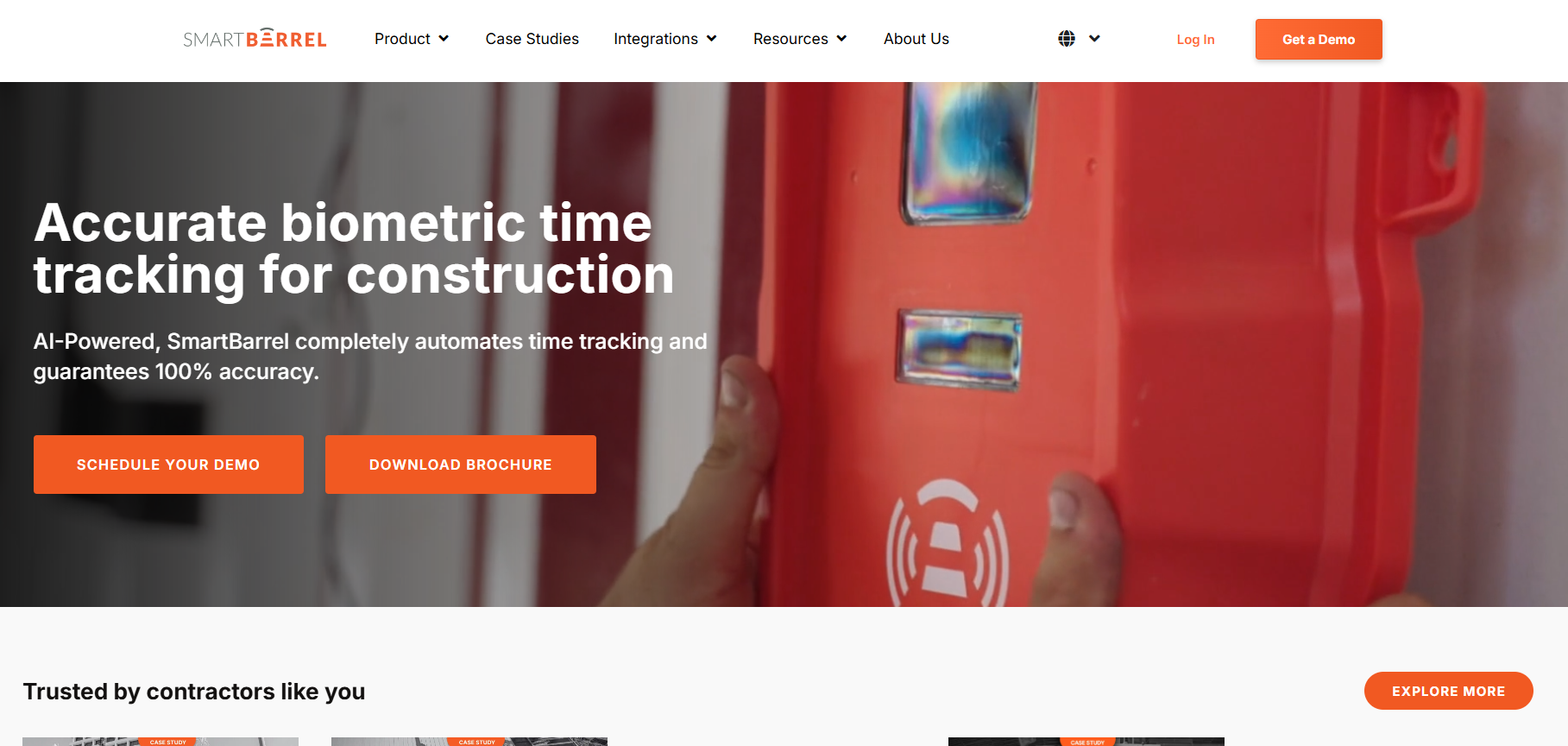
SmartBarrel AI is a workforce tracking and site productivity platform that uses artificial intelligence and facial recognition to automate worker check-in, attendance tracking, compliance reporting, and daily field logs. It replaces manual timecards and paper-based tracking with real-time, data-verified insights to enhance workforce accountability and reduce fraud.
Where SmartBarrel AI Is Used in Construction
SmartBarrel AI is commonly used for:
- Workforce attendance tracking, replacing manual sign-in sheets.
- Subcontractor compliance verification, ensuring correct skills and certifications.
- Automated daily logs, eliminating paper and manual data entry.
- Real-time manpower visibility, improving site coordination.
- Safety and PPE compliance tracking.
It is deployed by general contractors, specialty firms, and project controls groups on commercial and infrastructure jobs where workforce accuracy and compliance matter.
Key Benefits
- Real-time check-in & attendance – Automatically tracks workers without manual entry.
- Improved compliance – Verifies certifications and PPE requirements.
- Automated daily logs – Reduces reporting time and admin workload.
- Fraud reduction – Prevents “ghost worker” issues using AI verification.
- Enhanced visibility – Provides labor dashboards for project teams.
Real-World Example
A large contractor implemented SmartBarrel AI across multiple sites to automate attendance tracking and compliance reporting. By replacing paper logs and manual timecards with AI-verified check-ins, the company reduced payroll discrepancies, improved site compliance with training requirements, and shortened weekly reporting cycles by up to 40%.
Who Should Use SmartBarrel AI?
- General contractors managing large field crews.
- Project controls teams needing automated labor reporting.
- Safety compliance managers tracking PPE and certifications.
- Trade contractors aiming to eliminate manual tracking.
SmartBarrel AI is well-suited for companies focused on workforce accountability and automated field data capture.
Pros
- Real-time automated attendance tracking.
- Reduces manual reporting and errors.
- Improves compliance and safety documentation.
Cons
- Requires hardware setup (cameras or devices).
- Facial recognition may raise privacy concerns in some regions.
- Not a full project management suite.
Pricing
SmartBarrel AI pricing is custom and deployment-based, often involving subscription fees per project or per deployment. Exact pricing is provided through direct consultation with SmartBarrel sales representatives, typically influenced by team size and feature scope.
Estimating & Takeoffs
8) Togal.AI
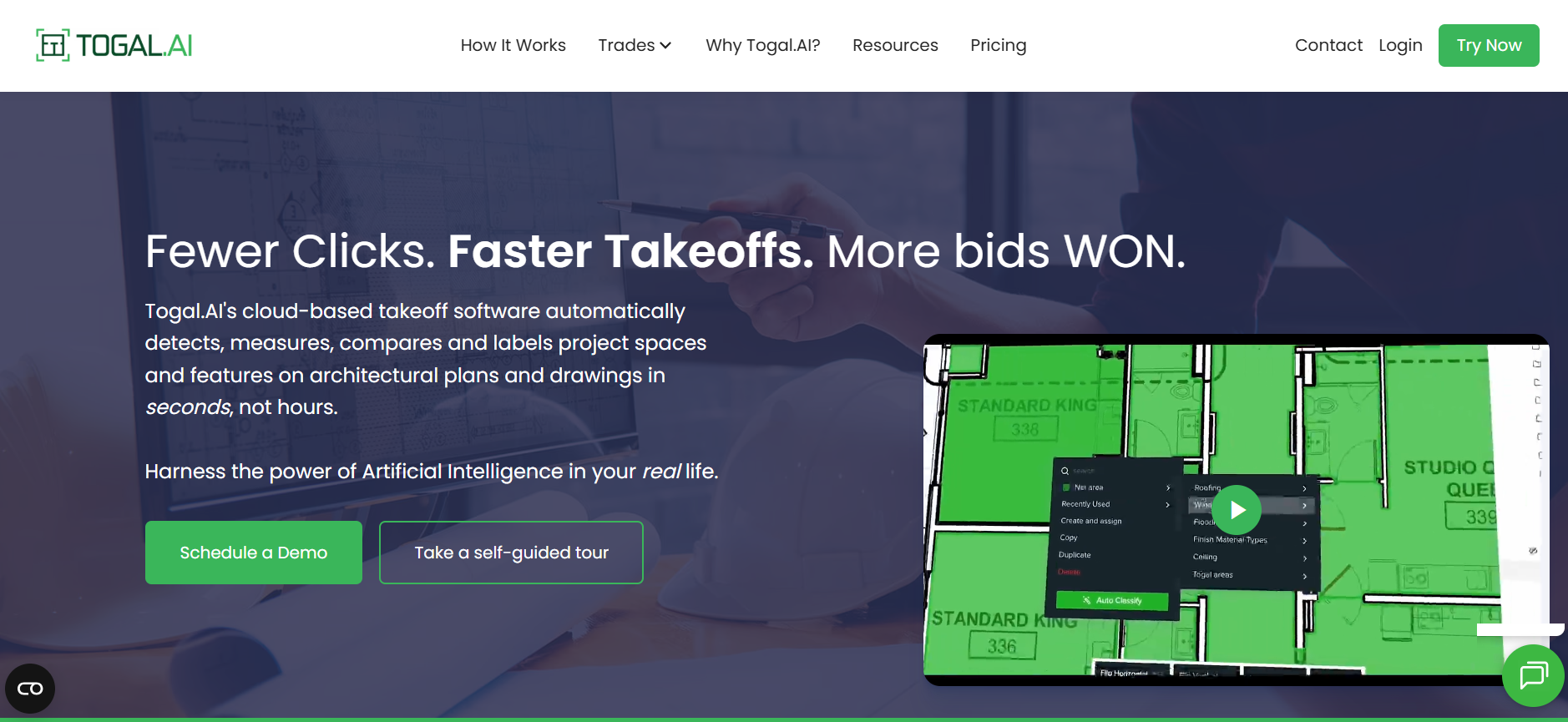
What is Togal.AI
Togal.AI is an AI-driven construction takeoff and plan reading platform that automates quantity takeoffs, measurements, and estimation tasks directly from digital plans and drawings. It uses artificial intelligence and natural language interfaces to interpret architectural, structural, and MEP plans and convert them into accurate construction data faster than manual methods.
Where Togal.AI Is Used in Construction
Togal.AI is typically used in estimating and preconstruction to:
- Generate automated quantity takeoffs for cost estimating and bidding.
- Interpret plan components for material quantities.
- Compare revisions of plans to detect changes.
- Support estimators and project managers with quick data extraction.
It is especially valuable for teams handling large volumes of plans or tight bid deadlines.
Key Benefits
- Automated takeoffs – Quickly generate accurate quantities with minimal manual work.
- Natural language queries – Ask questions about plans in plain English.
- Plan revision comparison – Detect changes between versions and update takeoffs.
- Higher estimator productivity – Saves hours on repetitive measurements.
- Flexible data export – Export to Excel and integrate with estimating software.
Real-World Example
A mid-sized general contractor used Togal.AI to pre-bid a commercial project with over 200 pages of plans. By automating takeoffs and using natural language queries to verify quantities, the estimating team cut their typical takeoff time by nearly 60%, enabling a more thorough review ahead of bid submission.
Who Should Use Togal.AI?
- Estimators who need fast, accurate takeoffs for bidding.
- Preconstruction teams aiming to shorten bid cycles.
- Project managers who want immediate quantity insights.
- Construction firms with frequent plan revisions.
Togal.AI is especially useful for organizations that process high volumes of plan data or operate in competitive bidding markets.
Pros
- Accelerates takeoff generation and reduces manual measurement work.
- Natural language plan interaction improves usability.
- Plan comparison quickly flags revisions.
Cons
- Requires clear, high-quality plan uploads for best results.
- Best for takeoffs—does not replace full estimating or PM software.
- Learning curve for advanced feature sets.
Pricing
Togal.AI offers subscription plans starting at approximately $299 per user/month (annual billing) for core takeoff functionality, with custom enterprise pricing for additional features and integrations. Free trials are often available for initial evaluation.
9) Buildxact AI
What is Buildxact AI
Buildxact AI is an AI-enhanced construction estimating and project management platform tailored for residential builders, remodelers, and small-to-mid-sized contractors. It combines digital takeoffs, cost estimating, scheduling, job management, and AI assistance to speed bidding and reduce manual errors.
Where Buildxact AI Is Used in Construction
Buildxact AI is typically used in:
- Preconstruction estimating and takeoffs, reducing manual measurement time.
- Bid and quote generation for residential and remodeling projects.
- Job costing and financial visibility throughout the build lifecycle.
- Integrating live dealer pricing into estimates for more accurate bids.
- Scheduling and job management workflows tied to cost and estimate data.
Buildxact’s AI capabilities make it especially useful in environments where speed, accuracy, and consistency are critical for winning work and managing projects.
Key Benefits
- AI-assisted estimating – Create professional estimates using natural language and automated calculations.
- Faster takeoffs – Complete measurements much quicker than manual methods.
- Integrated workflows – Manage estimates, quotes, schedules, and job costing in one platform.
- Supplier pricing integration – Use live dealer cost data for accurate bids.
- Portfolio efficiency – Unlimited users, training, and support for easy team adoption.
Real-World Example
A small residential builder used Buildxact AI’s AI Estimator Calculator at the 2026 International Builders’ Show to demonstrate how quickly a complete estimate could be generated using plain language project descriptions and live Home Depot pricing — showing significant reduction in estimating time and improved bid consistency.
Who Should Use Buildxact AI?
- Residential builders and remodelers needing fast, reliable estimates.
- Estimators and preconstruction teams who benefit from automated takeoffs and quotes.
- Small and mid-sized construction firms seeking unified estimating, scheduling, and job management.
- Contractors looking to reduce manual estimating errors and administrative burden.
It’s particularly suited for teams that want an affordable, cloud-based estimating and project management platform with built-in AI support.
Pros
- AI-assisted estimating speeds takeoffs and quotes.
- Unified platform integrates estimating, scheduling, and job costing.
- Live dealer pricing improves bid accuracy.
Cons
- Not as deep in enterprise scheduling or advanced CPM planning.
- Some AI features (like detailed plan takeoff assistants) may require add-ons.
- Focused mainly on residential/SMB builder use cases rather than large commercial builds.
Pricing
Buildxact offers multiple subscription tiers with transparent monthly pricing (e.g., Foundation, Pro, Master) based on feature sets. Plans typically start around $199/month (Foundation) and increase for additional AI estimating features and job management tools. Annual billing often provides discounts. All plans include training, support, and upgrades.
Construction Management Platforms
10) Autodesk Construction Cloud AI
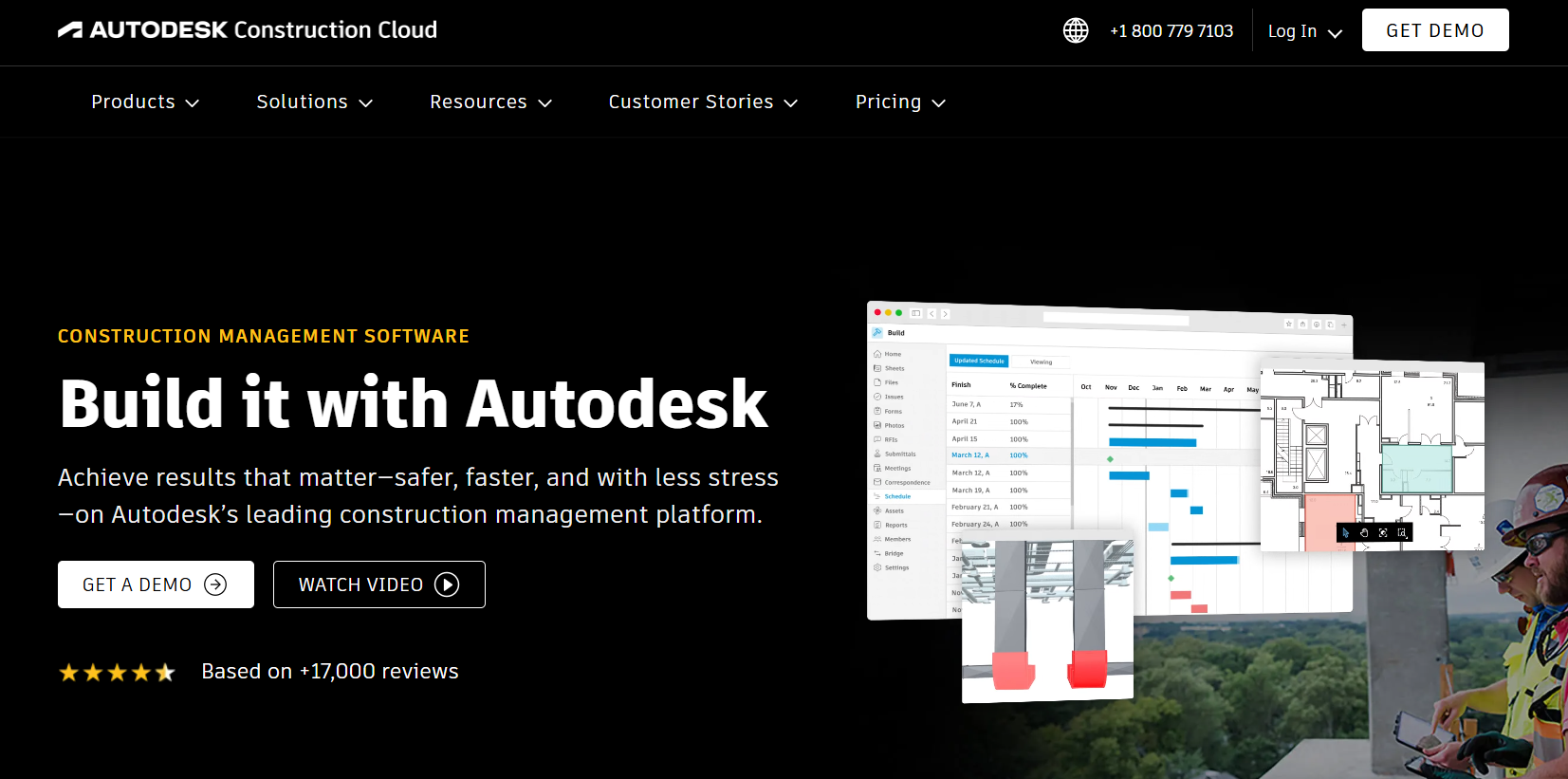
What is Autodesk Construction Cloud AI
Autodesk Construction Cloud AI refers to the suite of artificial intelligence-driven capabilities embedded within the Autodesk Construction Cloud (ACC) platform — a unified construction management ecosystem covering document control, project workflows, takeoffs, risk insights, and project intelligence. These AI features help construction teams automate tasks, surface project risks, and make data-driven decisions more efficiently.
Where Autodesk Construction Cloud AI Is Used in Construction
Autodesk Construction Cloud AI is used to:
- Identify and prioritise project risks (quality and safety) through Construction IQ.
- Automate document insights, surfacing relevant clauses, specs, and compliance flags.
- Accelerate preconstruction workflows, such as symbol detection and submittal requirement forecasting.
- Support project research and queries via conversational AI with Autodesk Assistant.
- Improve takeoff accuracy and completeness through machine-assisted symbol identification.
These AI capabilities enhance workflows across preconstruction, field operations, quality control, and project delivery, making ACC a more intelligent hub for construction decision-making.
Key Benefits
- Predictive risk insights – AI identifies high-risk quality and safety issues early.
- Automated workflows – Reduces manual tasks like symbol detection and submittal logging.
- Conversational project intelligence – Autodesk Assistant answers questions about documents and specs instantly.
- Better decision support – AI summarizes data and suggests actions to speed reviews and coordination.
- Integrated platform intelligence – Works across ACC tools for consistent insights from design to construction.
Real-World Example
A general contractor using Autodesk Construction Cloud leveraged Construction IQ to sift through thousands of issues and observations on a large industrial project. The AI flagged the top quality and safety risks daily, helping the project team prioritise corrective actions and reduce escalation costs. Meanwhile, Autodesk Assistant provided rapid answers to queries about spec details, saving hours of manual searching.
Who Should Use Autodesk Construction Cloud AI?
- Project managers needing automated risk prioritisation.
- Preconstruction teams seeking faster takeoffs and document insight.
- Quality and safety leaders requiring predictive issue identification.
- Field-to-office teams seeking unified intelligence across workflows.
- Owners and developers who want data-driven visibility and decision support.
ACC’s AI works best in organisations with large volumes of project data and complex cross-team collaboration needs.
Pros
- Predictive risk analytics through Construction IQ.
- Conversational assistance via Autodesk Assistant.
- Automates repetitive tasks like symbol detection and submittal forecasting.
- Unified AI insights across document, model, and project data.
Cons
- AI depth varies by module — some features may require specific subscription levels.
- Not a standalone AI tool — embedded within ACC workflows.
- Learning curve for teams new to AI-assisted workflows.
Pricing
Autodesk Construction Cloud AI is included within Autodesk Construction Cloud subscriptions. AI features vary by module and plan tier. Pricing is customized based on users, modules, and region contact Autodesk for a quote.
Try Autodesk Construction Cloud AI
11) Procore AI

What is Procore AI
Procore AI refers to the artificial intelligence capabilities built into Procore, a widely used construction project management platform. Procore AI leverages machine learning and data analysis to automate routine tasks, surface key insights, and improve decision-making across project planning, execution, and close-out. It helps teams reduce manual effort, improve collaboration, and identify risk patterns early.
Where Procore AI Is Used in Construction
Procore AI features are used across several workflows:
- Risk detection – Predicts potential schedule impacts or quality issues by analyzing historical and current project data.
- Document intelligence – Automatically classifies and tags photos, submittals, and other project artifacts to improve searchability.
- Reporting automation – Provides AI-assisted narrative summaries for project reports.
- Anomaly flagging – Highlights deviations in cost, schedule, or resource usage before they escalate.
- Workflow automation – Reduces repetitive admin tasks by suggesting next steps based on patterns.
Procore AI is commonly adopted in mid- to large-size construction projects where data volumes are high and discipline integration (field + office) is key.
Key Benefits
- Predictive insights – Machine learning detects schedule and cost risks early.
- Reduced admin work – Automates document classification, tagging, and basic reports.
- Better searchability – AI tagging makes project data easier and faster to find.
- Improved visibility – Highlights key trends and filters out noise.
- Greater consistency – Standardizes processes across teams and projects.
- Overall impact – Helps teams prevent issues, reduce delays, and improve project execution.
Real-World Example
A large commercial contractor used Procore AI to analyze historical safety and quality data across multiple sites. The AI models flagged recurring patterns in specific trades and activities that previously led to rework or injuries. Armed with this insight, the contractor adjusted training and inspection focus, leading to measurable reductions in safety incidents over subsequent months.
Who Should Use Procore AI?
- Project managers seeking data-driven risk detection.
- Field operations teams needing automated issue capture and tracking.
- Quality and safety managers aiming to reduce incidents via predictive insights.
- Administrators looking to automate repetitive tasks.
- Large enterprises with cross-functional teams and complex projects.
The platform works well where high volumes of project data exist and teams want AI to surface trends and reduce manual work.
Pros
- Predictive insights based on real project data.
- Automated classification and tagging of documents/photos.
- AI-assisted reporting speeds up analysis.
- Improves visibility across complex projects.
Cons
- Depth of AI functionality varies by subscription tier.
- Not a standalone tool — must be used within Procore’s ecosystem.
- Some advanced AI features still evolving in rollout among customers.
Pricing
Procore AI is included within the broader Procore subscription. Pricing depends on company size, project volume, and selected modules, and is provided through custom enterprise quotes rather than public list prices.
12) Jonas Construction Software AI
What is Jonas Construction Software AI
Jonas Construction Software AI refers to the emerging artificial intelligence-enhanced capabilities embedded within the broader Jonas Construction Software platform — a fully integrated construction ERP that unifies accounting, project management, job costing, service management, and field operations into one system. While Jonas is primarily known for comprehensive ERP functionality, recent updates include AI-powered data capture and automation features (such as AI invoice extraction), and ongoing enhancements that leverage machine learning to reduce manual work and improve data accuracy.
Where Jonas Construction Software AI Is Used in Construction
Jonas AI capabilities are applied in workflows that traditionally consume manual effort:
- Automated invoice data capture – Extracts vendor invoice details and ties them to jobs or financial records.
- Document classification and linking – Organizes AP invoices, job files, and other project documents into the ERP.
- Job cost and budgeting intelligence – Machine-assisted analytics help flag deviations from expected performance.
- Reports and dashboards – AI-enhanced analytics provides real-time visibility into profitability, cash flow, and cost trends.
These AI use cases are especially relevant where teams need to reduce administrative overhead and improve accuracy in financial and operational data.
Key Benefits
- Reduced manual work – AI captures invoice data and removes repetitive entry tasks.
- Improved accuracy – Automated extraction reduces accounting and job costing errors.
- Faster reporting – AI dashboards and analytics highlight trends quickly.
- Integrated visibility – Connects financial, field, and operations data for real-time insights.
- Streamlined approvals – Automatically links documents to jobs for organized workflows.
Real-World Example
A mechanical contractor adopted Jonas with AI invoice uploading (Jonas Read) to automate accounts payable workflows. Instead of manually keying invoice information, the AI extracted data directly from scanned documents and uploaded it into the ERP. This reduced costly entry errors and shortened the billing cycle — enabling tighter cash flow control and fewer reconciliation issues.
Who Should Use Jonas Construction Software AI?
- Specialty contractors (mechanical, electrical, HVAC) needing integrated ERP and AI automation.
- Project accountants and controllers who want automated data capture and reporting.
- Operations managers seeking unified financial and project visibility.
- Field service teams and dispatch managers who benefit from automated workflows and real-time data syncing.
Jonas works best for midsize to enterprise firms where comprehensive integration of project, payroll, and financial systems adds operational leverage.
Pros
- Integrated ERP platform with AI-powered automation (e.g., invoice data extraction).
- Reduces manual entry errors and time spent on administrative tasks.
- Real-time dashboards and business intelligence support faster decisions.
- Comprehensive financial, field, and project data in one system.
Cons
- Not a standalone AI tool with generative or predictive capabilities.
- AI features are incremental (e.g., invoice extraction) rather than core differentiators.
- Implementation and training can be significant for large ERP deployments.
Pricing
Jonas Construction Software uses custom ERP pricing based on modules selected (accounting, project management, field service, etc.), deployment (cloud vs on-premise), and organizational size. AI-enhanced features like automated invoice capturing are included within applicable modules. Prospective customers must contact Jonas for tailored pricing.
13) Knowify AI
What is Knowify AI
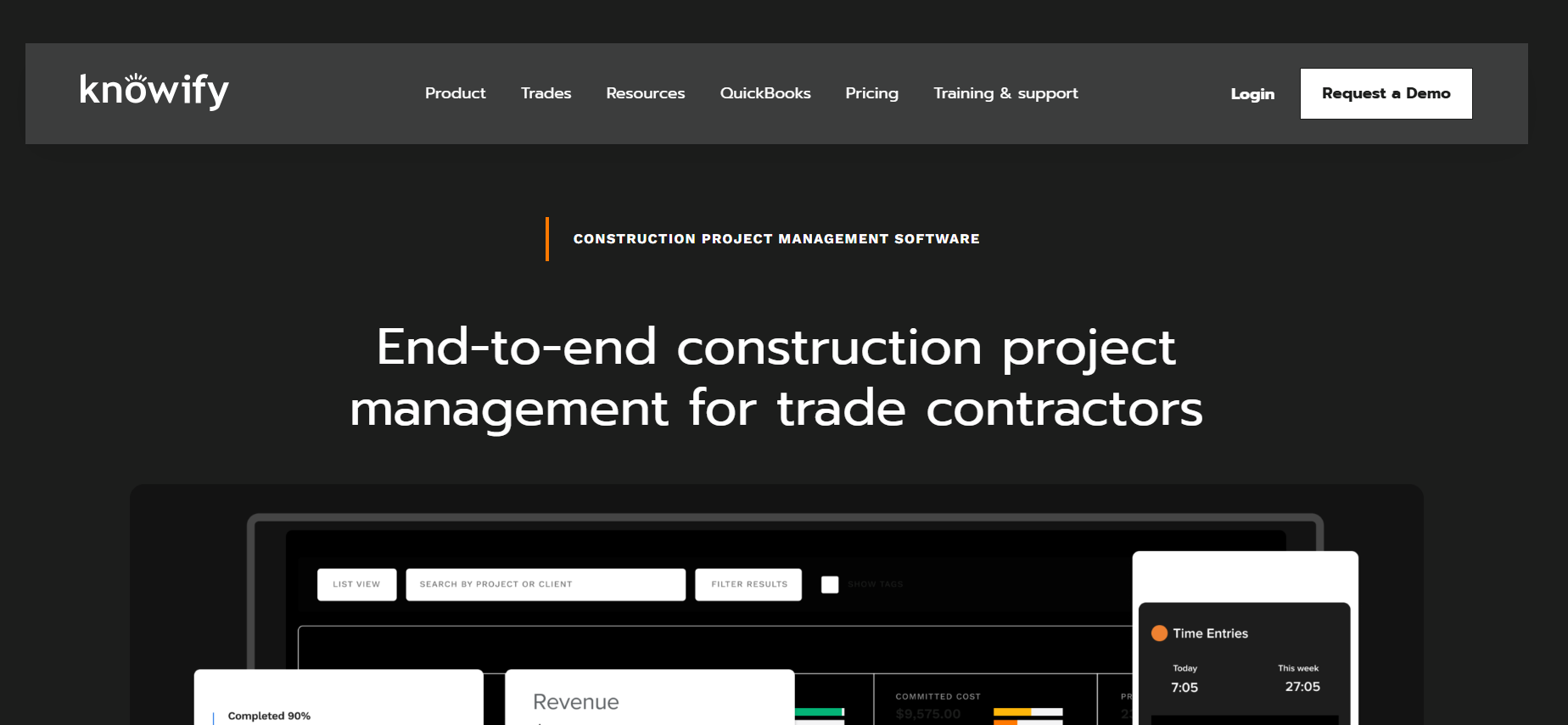
Knowify AI refers to the emerging automation and AI-assisted features within Knowify, a cloud-based construction and job costing platform designed specifically for trade contractors and small to mid-sized construction firms. Rather than branded as a standalone AI product, Knowify’s intelligent features use automation and pattern-based insights to streamline estimating, financial tracking, scheduling, and document handling.
Where Knowify AI Is Used in Construction
Knowify’s AI-assisted automation is applied in:
- Estimating and proposal generation to speed up bid creation and contract preparation.
- Real-time job costing and budget tracking to align actual costs with projected budgets.
- Scheduling and task allocation to organize crews and tasks by project phases.
- Invoice and payment processing with automated billing tied to performance and contracts.
- Document and financial sync with QuickBooks for accurate accounting across systems.
Knowify is especially used in trade contracting environments where seamless coordination between estimating, field execution, and financial tracking improves profitability.
Key Benefits
- Automated data flow – Payments, invoices, and expenses sync with QuickBooks in real time; no duplicate entry.
- Faster estimating – Templates and built-in logic speed up estimates and proposals.
- Accurate job costing – Tracks labor, materials, and subcontractor costs for real-time profit insights.
- Integrated workflows – Bids convert to jobs; job data flows into scheduling and invoicing.
- Mobile field capture – On-site time, expenses, and documents sync with the office.
Real-World Example
A mid-sized electrical contractor used Knowify’s automated estimating and cost tracking to combine historical cost templates and live labor entries. With built-in guidance and QuickBooks integration, the team generated bids faster, reduced manual data entry errors, and tracked actual costs against budget in real time, improving bid accuracy and profitability over multiple projects.
Who Should Use Knowify AI?
- Trade contractors (electricians, plumbers, HVAC, remodelers) needing integrated estimating, costing, and billing.
- Project managers who want streamlined workflows from bid to invoice.
- Financial teams seeking real-time budget and cost visibility.
- Small and mid-sized firms looking for automation without complex enterprise overhead.
It’s particularly helpful where teams juggle both project execution and service jobs in a unified platform.
Pros
- Unified project workflows from bidding to billing reduce manual work.
- Real-time cost tracking and job costing improves financial visibility.
- Automated syncing with accounting systems eliminates double entry.
- Mobile access keeps field and office aligned.
Cons
- Not branded as a separate AI module; automation is embedded rather than generative.
- Scheduling features are functional but not as advanced as specialist scheduling tools.
- Best suited for trade contractors — may lack depth for very large enterprise use.
Pricing
Knowify pricing starts at around $99/month per user, with additional users typically costing extra; Enterprise plans include unlimited users. Annual plans often provide discounts, and a 14-day free trial is available.
14) ProjectMates AI

What is ProjectMates AI
ProjectMates AI refers to the artificial intelligence–assisted capabilities embedded within the ProjectMates construction management platform — a cloud-based system primarily used by owners to manage construction programs from planning through close-out. AI features focus on reducing manual work in drawing management, data extraction, and document workflows by applying pattern recognition and automation to construction data.
Where ProjectMates AI Is Used in Construction
AI-assisted capabilities in ProjectMates support:
- Construction drawing management – Automated extraction of drawing details to reduce manual markup effort.
- Version control and document workflows – Auto-connects drawings with related records (RFIs, change orders).
- Reporting and analytics – Automation helps populate dashboards and track key project metrics in real time.
- Project data organization – AI logic helps categorize and link project information across modules.
These AI enhancements are particularly relevant for owners managing multiple projects and large document sets where automation accelerates oversight and reduces manual tasks.
Key Benefits
- Reduced manual entry – AI extracts key details from drawings and documents, saving time and reducing errors.
- Faster document linking – Automatically connects drawings to RFIs, change orders, and workflows.
- Better transparency – Dashboards and automated reports show real-time project insights.
- Improved version control – AI ensures teams use the latest document versions.
- Less rework – Minimizes manual tasks so teams focus on decisions and coordination.
Real-World Example
A large real estate developer used ProjectMates’ AI-assisted drawing tools to centralize thousands of plan sets across multiple campuses. Instead of manually indexing and connecting each plan to workflows like RFIs or daily reports, the platform’s AI extracted key details and linked documents automatically — saving project admins dozens of hours each week and improving version accuracy across stakeholders.
Who Should Use ProjectMates AI?
- Owners and developers managing large capital construction programs.
- Project controls and analytics teams seeking automated document insight.
- Construction managers focused on compliance and reporting across multiple projects.
- Teams handling extensive drawing and documentation workflows where automation reduces manual workload.
ProjectMates AI is most effective in environments where large document volumes and complex approvals slow project delivery.
Pros
- Reduces manual drawing and document data entry.
- Integrates AI logic directly into workflows (RFIs, change orders, etc.).
- Improves version control and project transparency.
- Helps owners oversee project portfolios more efficiently.
Cons
- AI features are embedded in modules rather than a standalone AI product (less visible branding).
- Depth of AI insight is primarily document-centric (not predictive analytics like scheduling risk).
- Requires configuration to maximize automated workflows across teams.
Pricing
ProjectMates uses a custom pricing model that depends on the number of projects, modules selected, and organizational needs. Pricing information is available via consultation with ProjectMates sales and typically delivered as a tailored quote rather than a published list price.
Visualization & Asset Generation
15) Sloyd AI
What is Sloyd AI
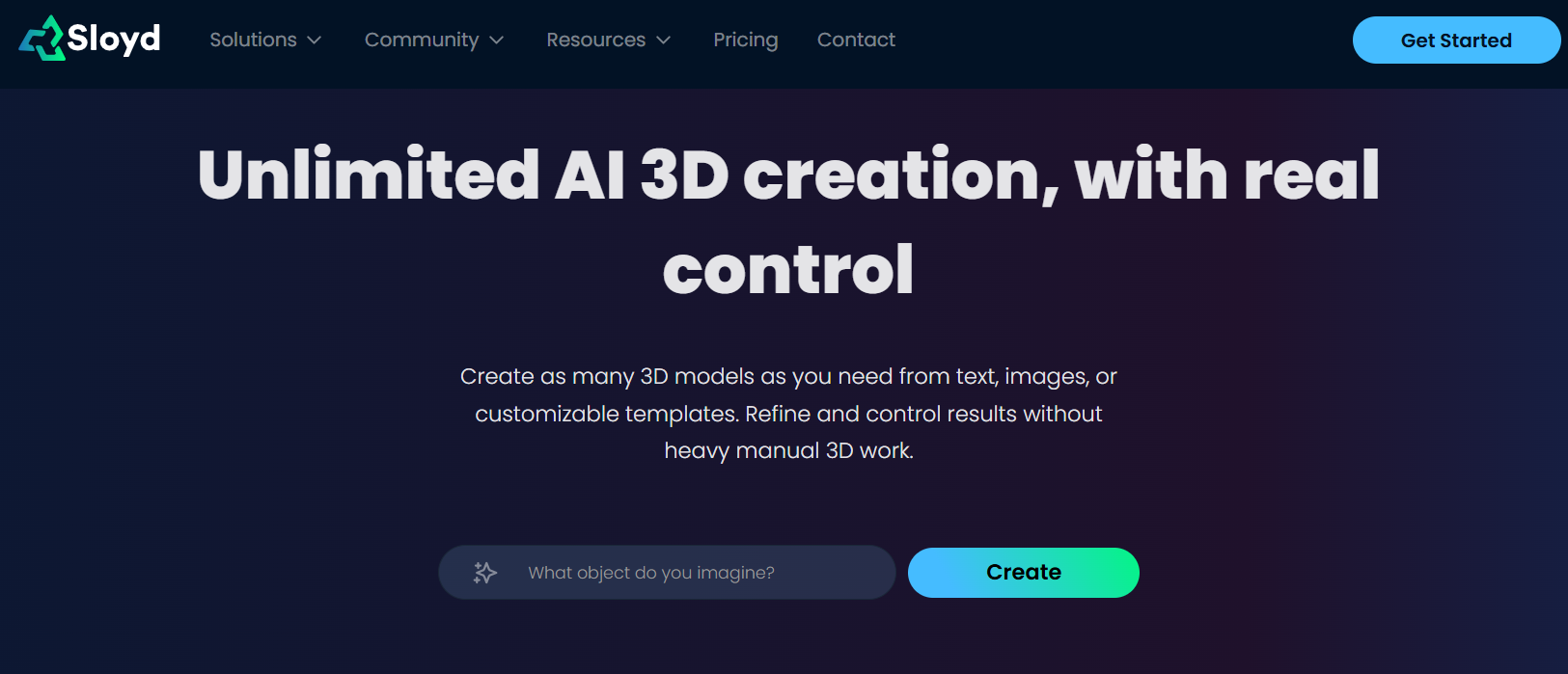
Sloyd AI is a generative 3D model creation platform that uses artificial intelligence to turn text descriptions, reference images, or parametric templates into detailed 3D models quickly. It enables users — even without traditional 3D modeling skills — to generate, customize, and export 3D assets for use in visualisation, rendering, prototyping, and digital content workflows, all directly in the browser.
Where Sloyd AI Is Used in Construction
While not solely a construction tool, Sloyd AI supports construction-related 3D workflows such as:
- Concept asset generation for architectural visualisations and design mockups.
- Prototype modeling for site props, furniture concepts, fixtures, or equipment representations.
- 3D printing preparation for creating physical models of components or layouts.
- Rapid iteration of building elements using text prompts and templates to explore design ideas quickly.
It’s especially useful for teams needing fast 3D visual assets to support planning, stakeholder presentations, or early-stage design concepts.
Key Benefits
- Rapid generation – Turn text or images into 3D models in minutes.
- Low skill requirement – No advanced modeling skills needed; simple prompts create assets.
- Parametric control – Use templates and sliders to adjust shapes and quality.
- Flexible export – Export in GLB, OBJ, or STL for visualization, BIM mockups, or 3D printing.
- Browser-based – Works online with no heavy software installation.
Real-World Example
An architectural visualisation team used Sloyd AI to generate detailed 3D components such as custom furniture and site props from simple text prompts and sketches. These assets were integrated into digital mockups and stakeholder presentations, cutting asset creation time by over 70% compared to manual modeling in traditional 3D tools.
Who Should Use Sloyd AI?
- Architects and designers creating rapid 3D visual assets.
- Construction visualisation teams producing presentation visuals.
- 3D printing preparation workflows for models and prototypes.
- Project planners needing quick mockups without hiring a 3D artist.
It’s especially useful for professionals who want rapid, AI-assisted 3D model generation without deep 3D expertise.
Pros
- Fast text-to-3D and image-to-3D generation.
- Easy to use for non-technical users.
- Browser-based with multiple export formats (OBJ, GLB, STL).
- Parametric editing for detailed control.
Cons
- Not a dedicated construction planning or BIM tool — focused on 3D assets.
- Less advanced for complex architectural geometry than CAD/BIM systems.
- Subscription required for unlimited use; free tiers may be limited.
Pricing
Sloyd AI offers subscription plans starting around $15/month with free credits available in many entry plans. Higher tiers include more exports and advanced features, while enterprise options may offer API/SDK access for embedding into custom workflows.
Where AI Construction Is Used?
AI Construction is embedded across the full construction lifecycle — from early planning to project close-out. Its role is not theoretical; it is operational.
1. Preconstruction and Estimating
AI automates quantity takeoffs, detects drawing changes, generates cost forecasts, and shortens bid cycles. Estimators use AI to reduce manual measurement time and improve pricing accuracy under tight deadlines.
2. Scheduling and Planning
AI-powered scheduling tools simulate scenarios, detect logic conflicts, predict delays, and optimize sequencing. Instead of static CPM charts, teams receive probabilistic forecasts and risk-adjusted timelines.
3. Jobsite Monitoring and Progress Tracking
Computer vision systems analyze 360° imagery, drone flights, and wearable cameras to compare actual progress against BIM and schedules. This enables objective, real-time progress measurement without manual reporting.
4. Risk Management and Forecasting
Machine learning models analyze historical and current project data to identify patterns that lead to delays, cost overruns, or safety issues. AI highlights high-risk activities before escalation.
5. Workforce and Compliance Management
AI tracks labor attendance, certifications, safety compliance, and productivity metrics. Automated logs reduce payroll discrepancies and improve audit readiness.
6. Document Intelligence and Workflow Automation
AI extracts, categorizes, and links information from RFIs, submittals, drawings, and contracts. This reduces manual indexing and improves searchability across large projects.
7. Financial and ERP Automation
AI supports invoice extraction, job costing validation, anomaly detection in budgets, and cash flow forecasting within construction ERP platforms.
In 2026, AI Construction is not confined to one department it connects planning, field execution, finance, and leadership visibility.
Benefits of AI Construction Tools
When used effectively, AI Construction tools improve performance across planning, field, and finance.
- Better Schedule Predictability – Detects delay risks earlier.
- Less Manual Work – Automates takeoffs, reporting, and data entry.
- Smarter Decisions – Provides predictive insights, not just static data.
- Stronger Cost Control – Flags budget risks and cost anomalies early.
- Improved Field Visibility – Uses computer vision for objective progress tracking.
- Faster Bidding – Speeds up estimating and proposal generation.
- Better Compliance – Automates documentation and workforce tracking.
The main advantage is operational clarity — AI helps teams see risks sooner and act faster.
Who Should Use AI Construction Tools
AI Construction tools are valuable for any team managing complex workflows — not just large enterprises.
- General Contractors
- Specialty Trade Contractors
- Project Controls Teams
- Owners and Developers
- Finance Teams
- Infrastructure Programs
AI Construction tools are most effective for organizations handling multiple projects, tight margins, and high documentation demands — where predictability and efficiency directly impact profitability.
How to Choose the Right AI Construction Tool
- Define the problem first. Are you improving estimating, scheduling, field tracking, or cost control?
- Look for real automation. The tool should reduce manual work or provide predictive insights.
- Check integrations. It must connect with your ERP, BIM, or scheduling systems.
- Start with a pilot. Test it on one project and measure results before scaling.
Choose AI Construction tools that solve a clear operational issue and show measurable ROI.
Future of AI Construction in 2026 and Beyond
AI Construction is shifting from simple automation to predictive execution.
- Predictive Scheduling – Probability-based forecasts will replace static timelines.
- Expanded Computer Vision – Drones and 360° capture will automate progress tracking.
- Faster Preconstruction – AI-assisted estimating will shorten bid cycles.
- Smarter Financial Forecasting – ERP systems will flag cost risks earlier.
- Human + AI Collaboration – AI will support professionals, not replace them.
By the late 2020s, AI Construction will be a standard part of construction workflows – not an optional upgrade.
Conclusion
AI Construction tools are now foundational to modern project delivery. From predictive scheduling to automated takeoffs and real-time site tracking, AI is improving accuracy, transparency, and operational efficiency across the industry.
The right AI construction tool depends on your primary challenge scheduling depth, cost control, field visibility, compliance, or enterprise integration. Evaluate use case first, platform second.
FAQs
What are AI construction software tools?
AI construction software tools are digital platforms that use artificial intelligence to automate scheduling, estimation, risk analysis, site monitoring, and document workflows. They improve project accuracy, reduce delays, and provide real-time decision support across construction lifecycles.
How does AI improve construction scheduling?
AI improves scheduling by simulating multiple project scenarios, identifying risk patterns in historical schedules, detecting logic conflicts, and predicting potential delays before they occur. This enables proactive resource adjustments and more reliable timelines.
Are AI construction tools only for large contractors?
No. While enterprise platforms offer advanced analytics, many AI construction software tools are designed for trade contractors, residential builders, and mid-sized firms. Cloud-based pricing models make AI accessible across company sizes.
Can AI reduce construction project delays?
Yes. AI reduces delays by forecasting schedule risks, detecting discrepancies between planned and actual progress, and identifying resource bottlenecks early. Predictive analytics allows teams to intervene before minor issues escalate.
What is the difference between AI scheduling and traditional CPM?
Traditional CPM relies on static logic and manual updates. AI scheduling analyzes large historical datasets, simulates alternative sequences, and continuously evaluates risk probabilities, making it more adaptive and data-driven.
Is AI construction software secure?
Most enterprise AI construction platforms include role-based access controls, encrypted cloud storage, and audit trails. Security standards vary by vendor, so contractors should evaluate compliance certifications and data governance policies.