
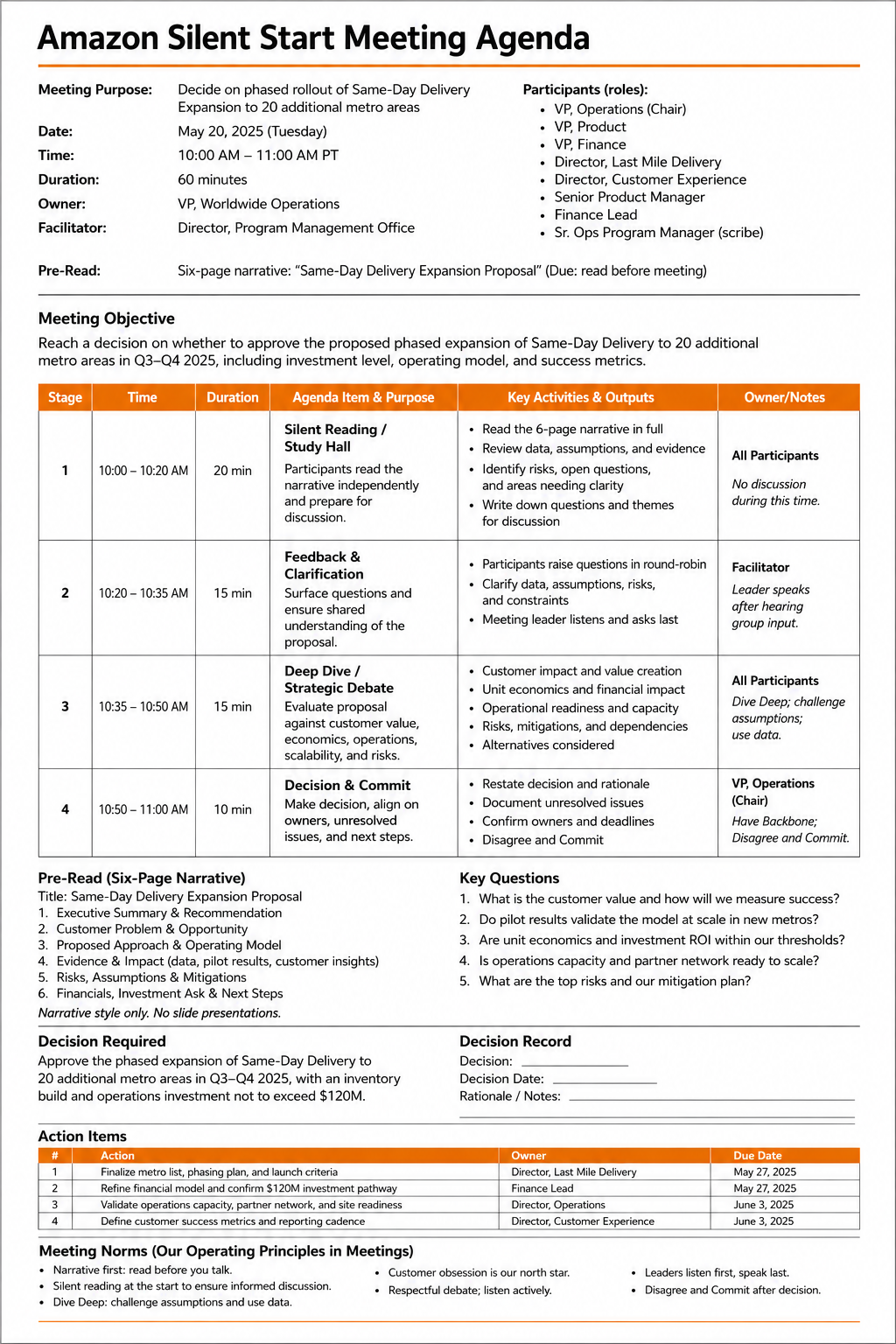
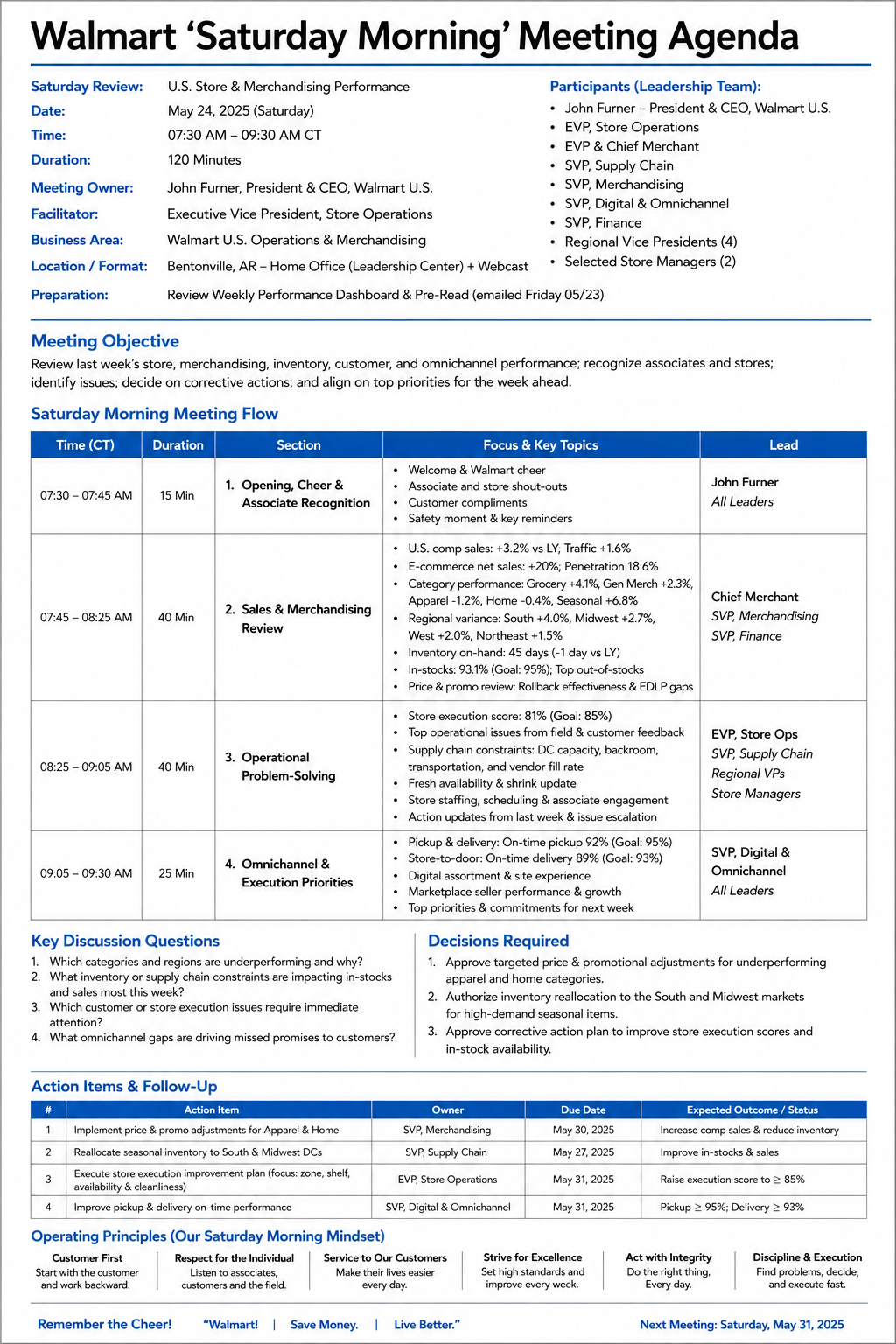
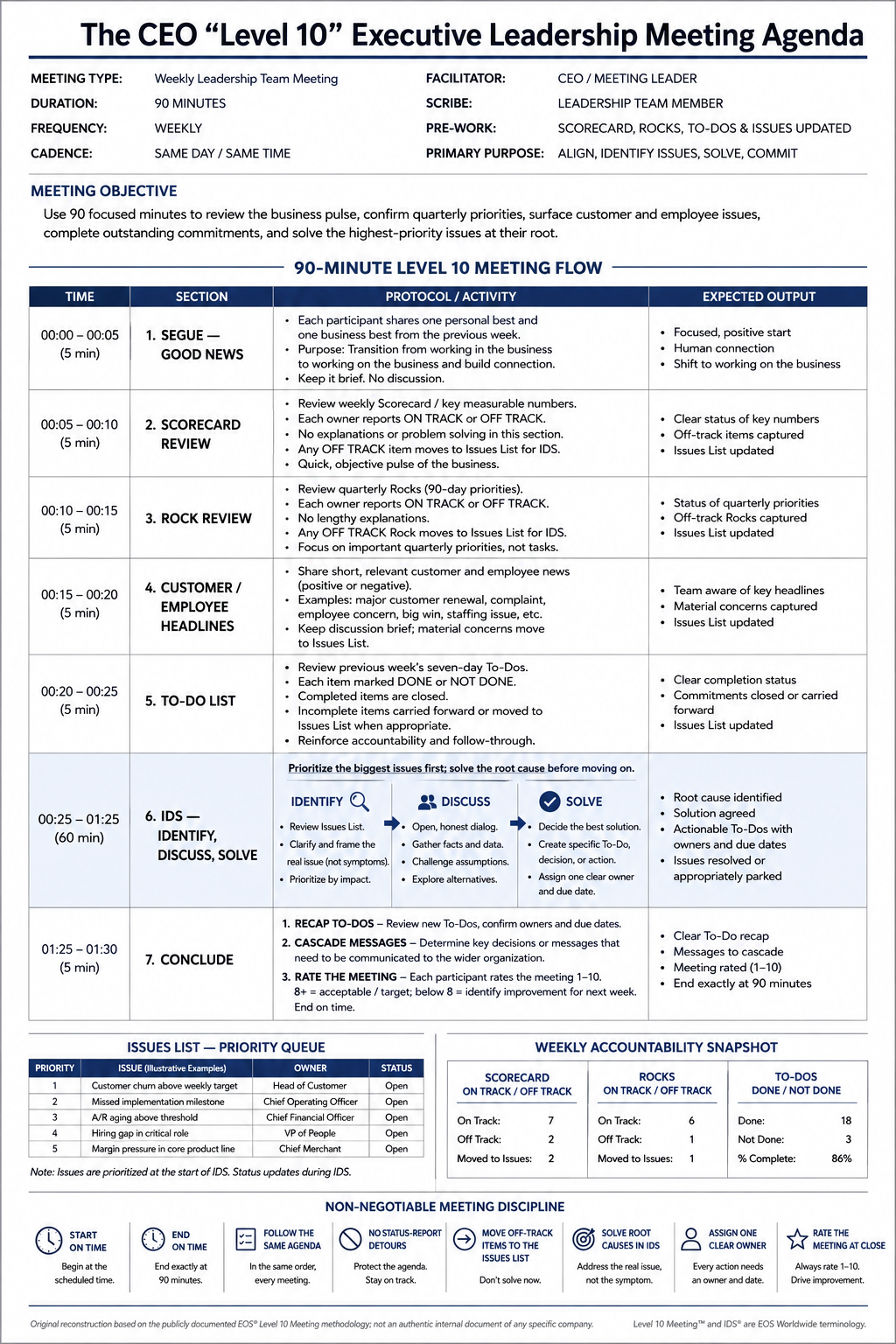
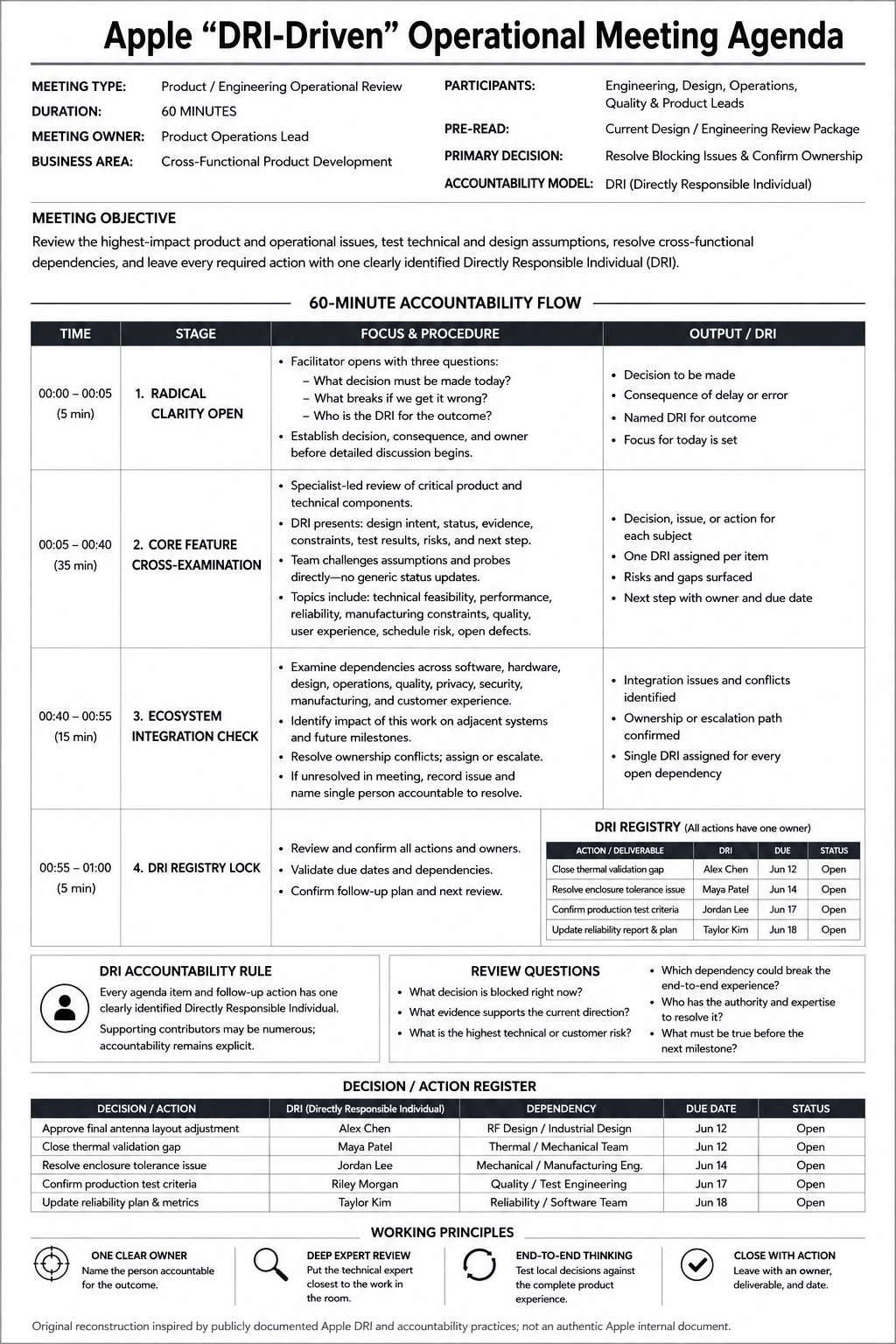
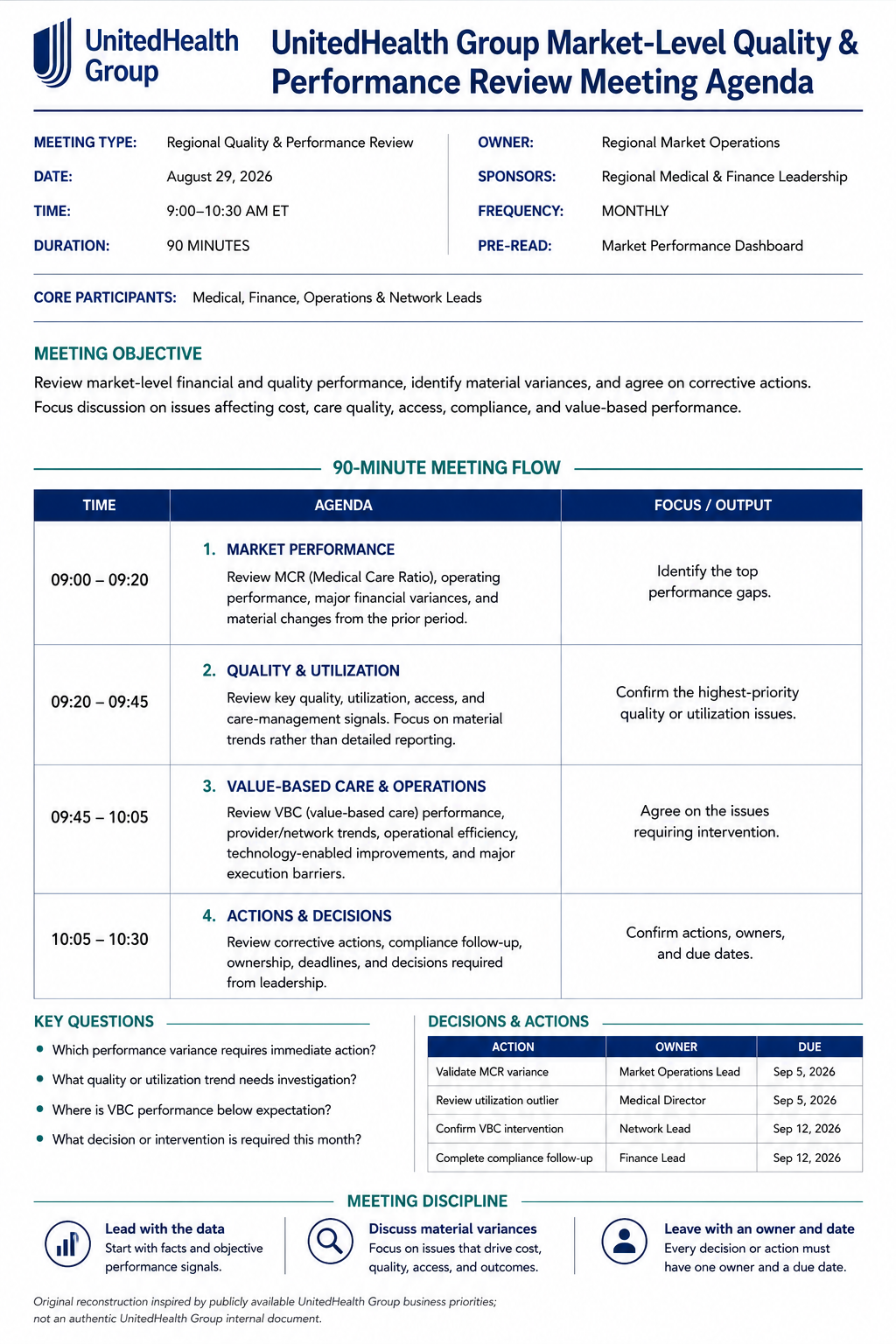
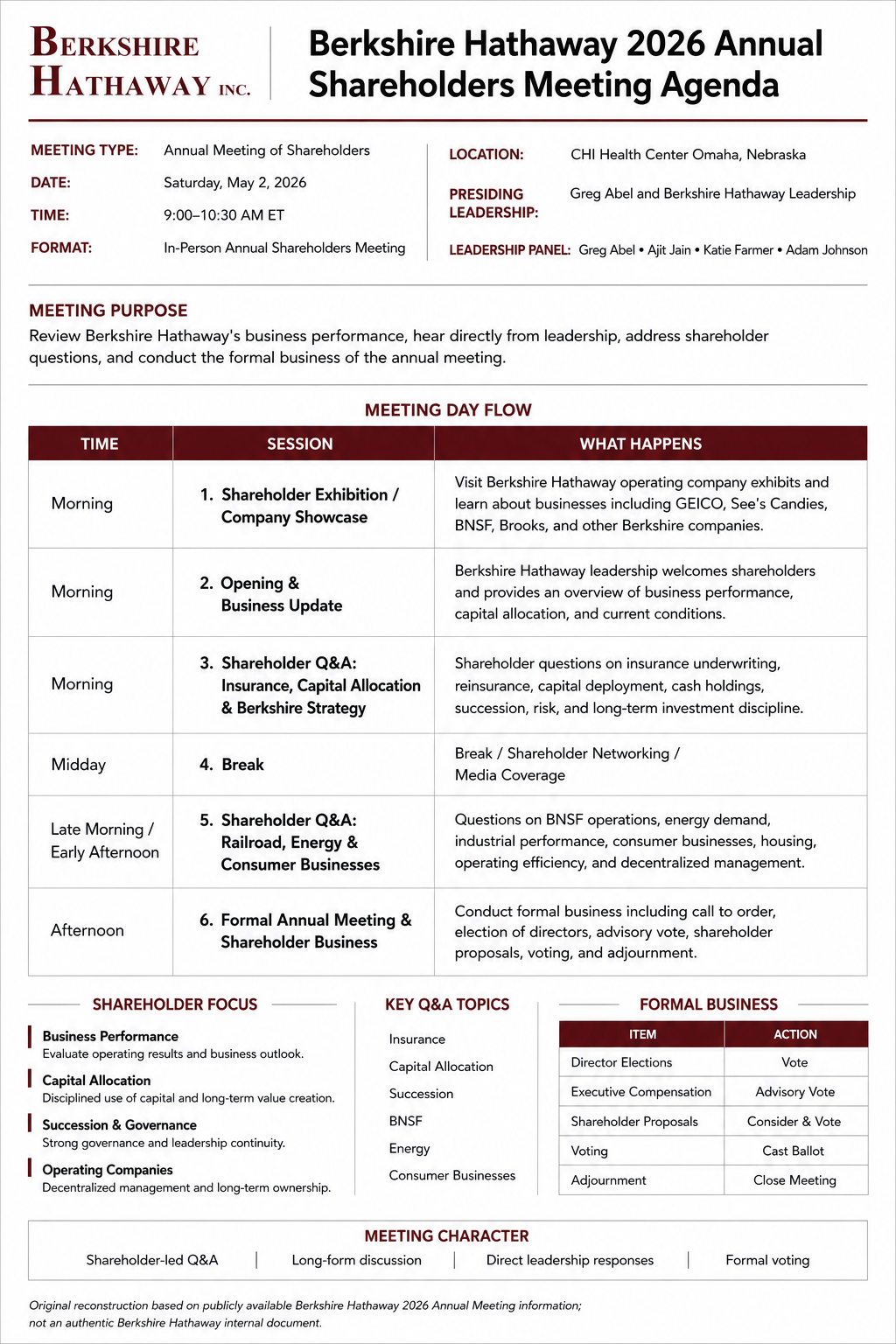
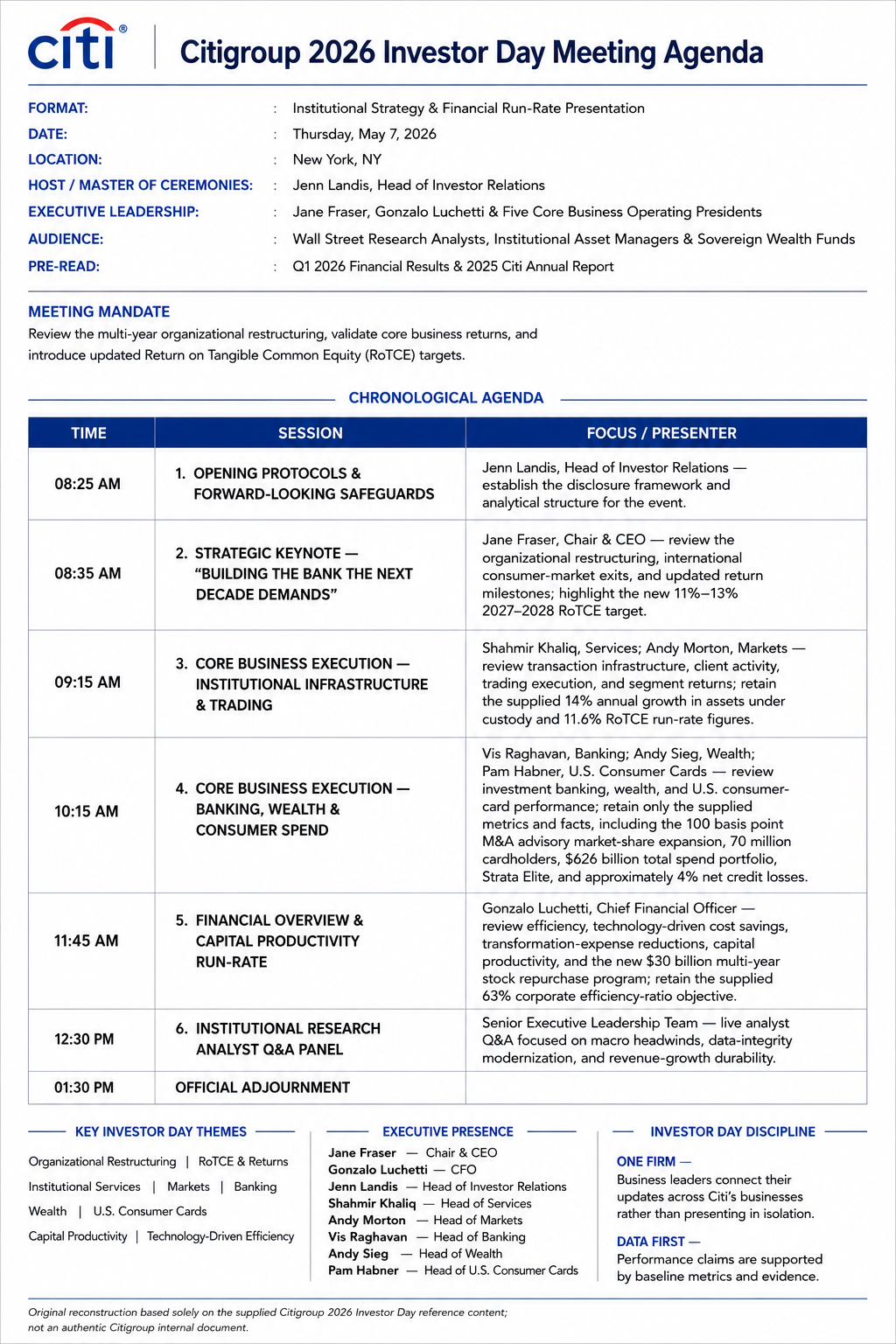
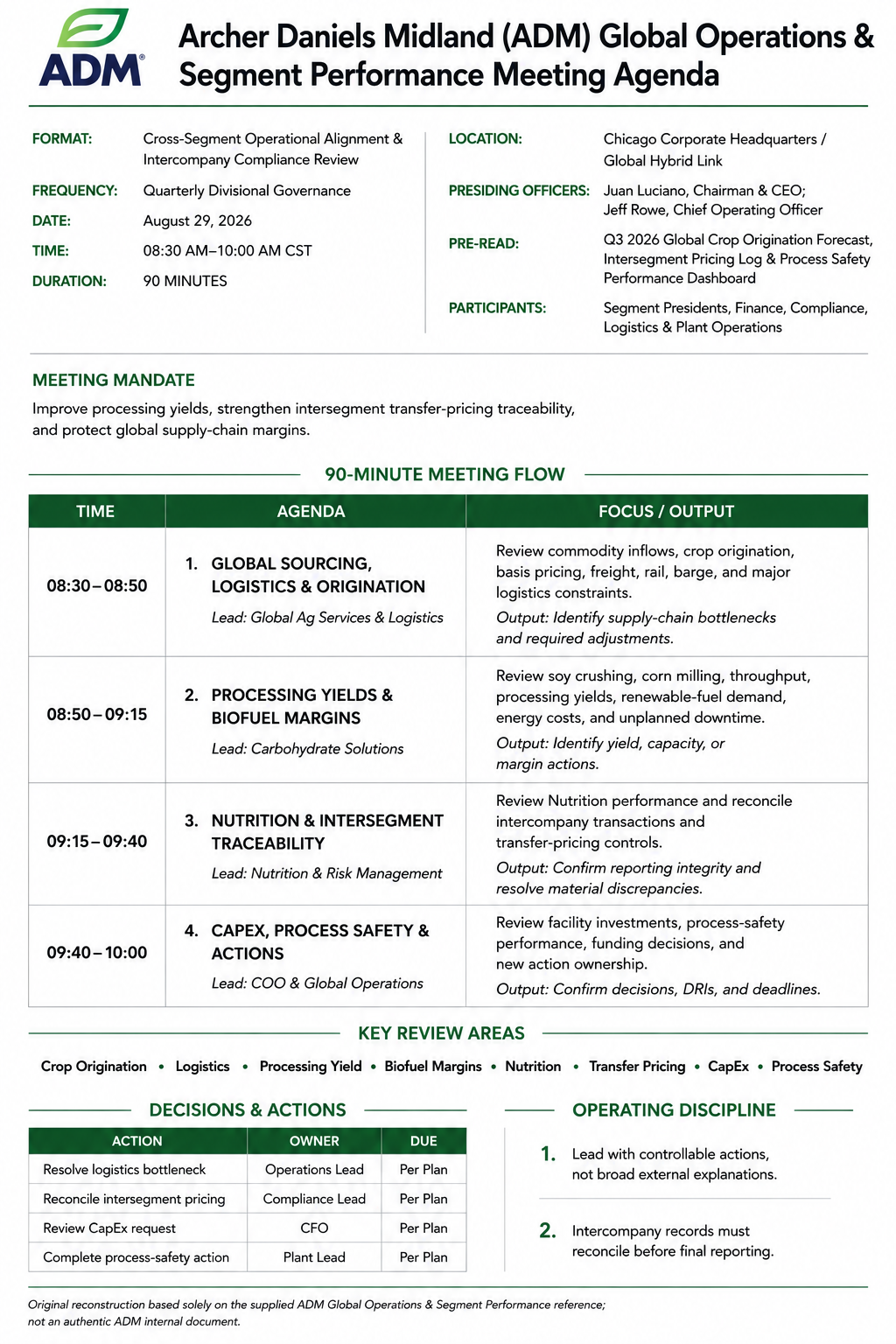
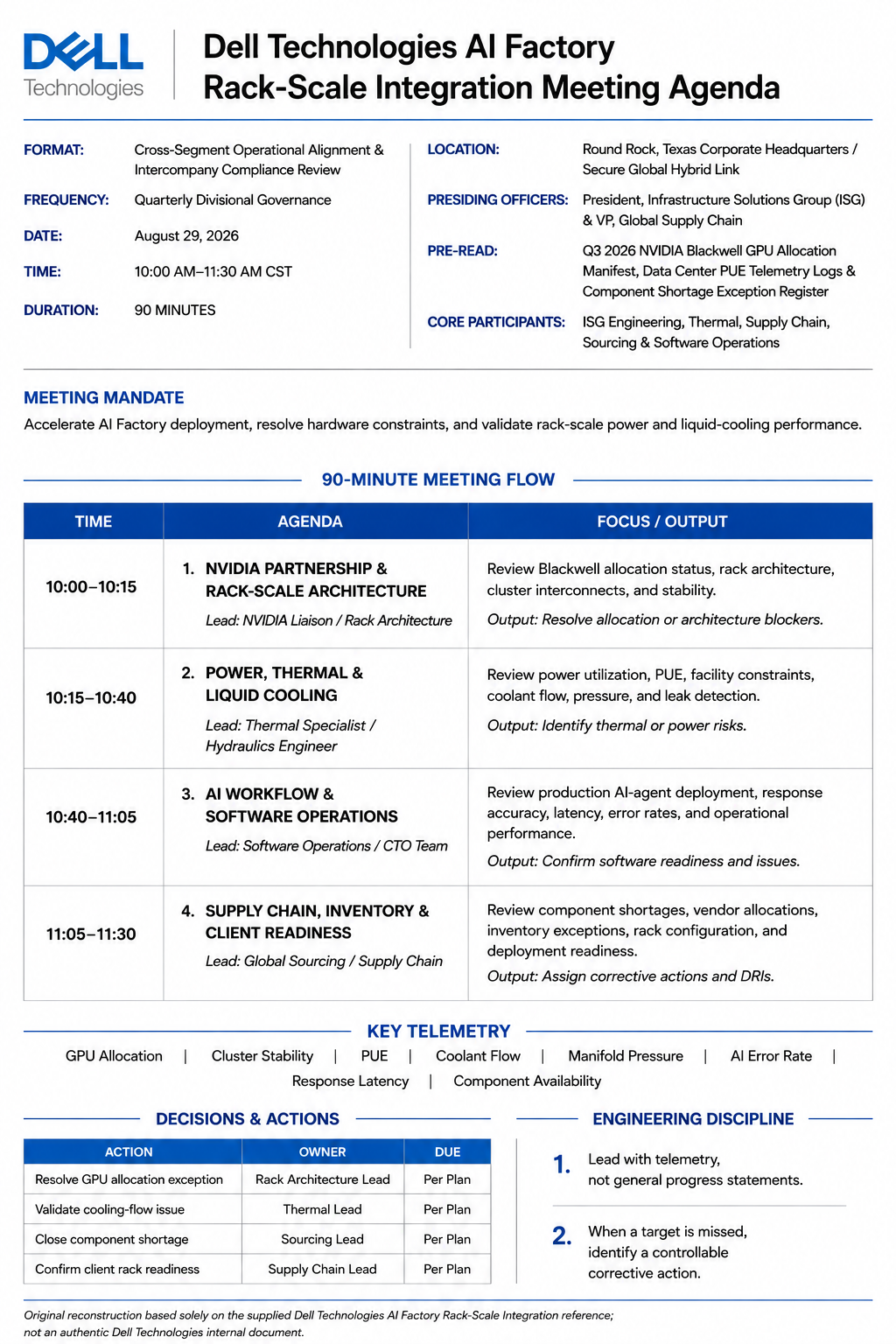
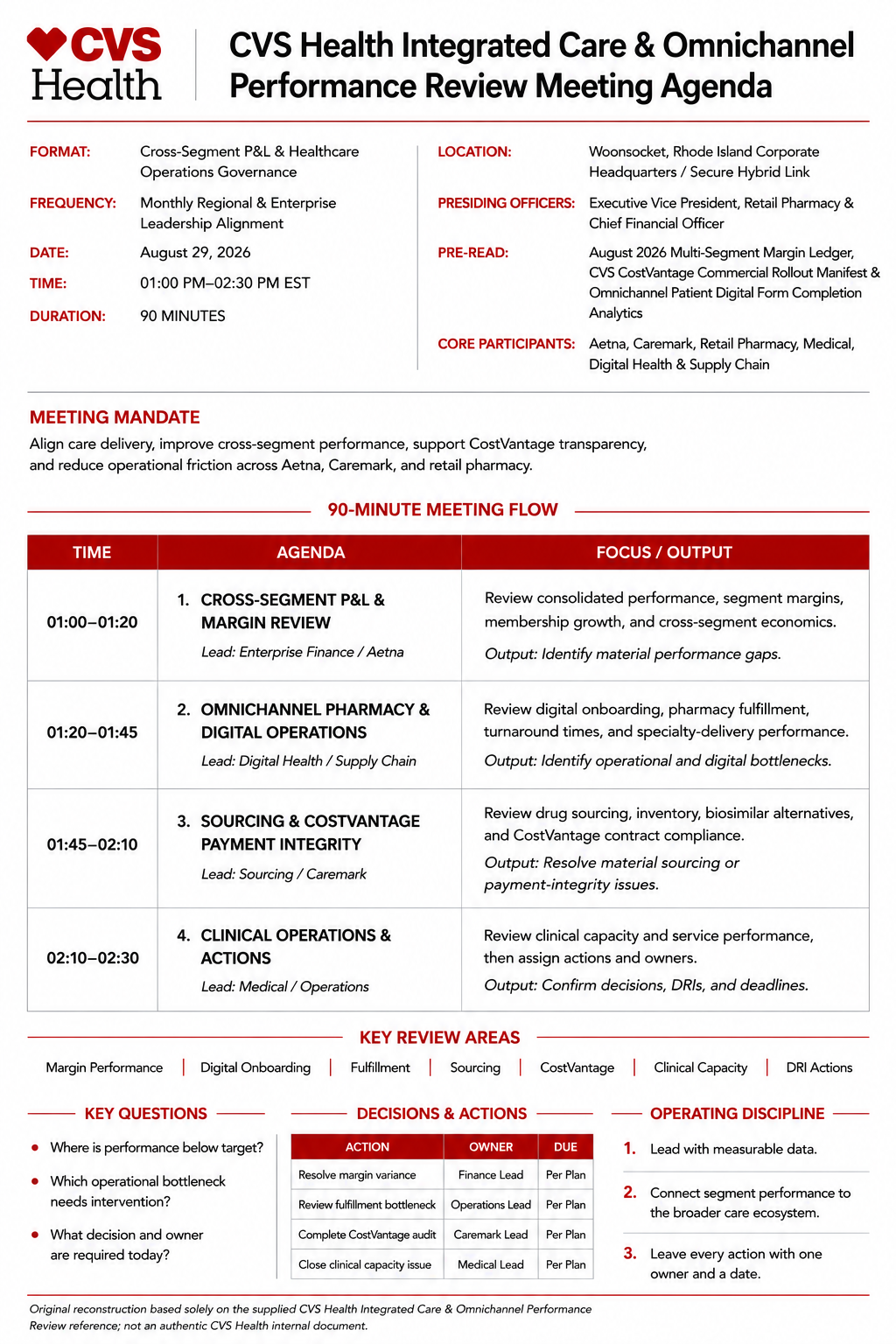
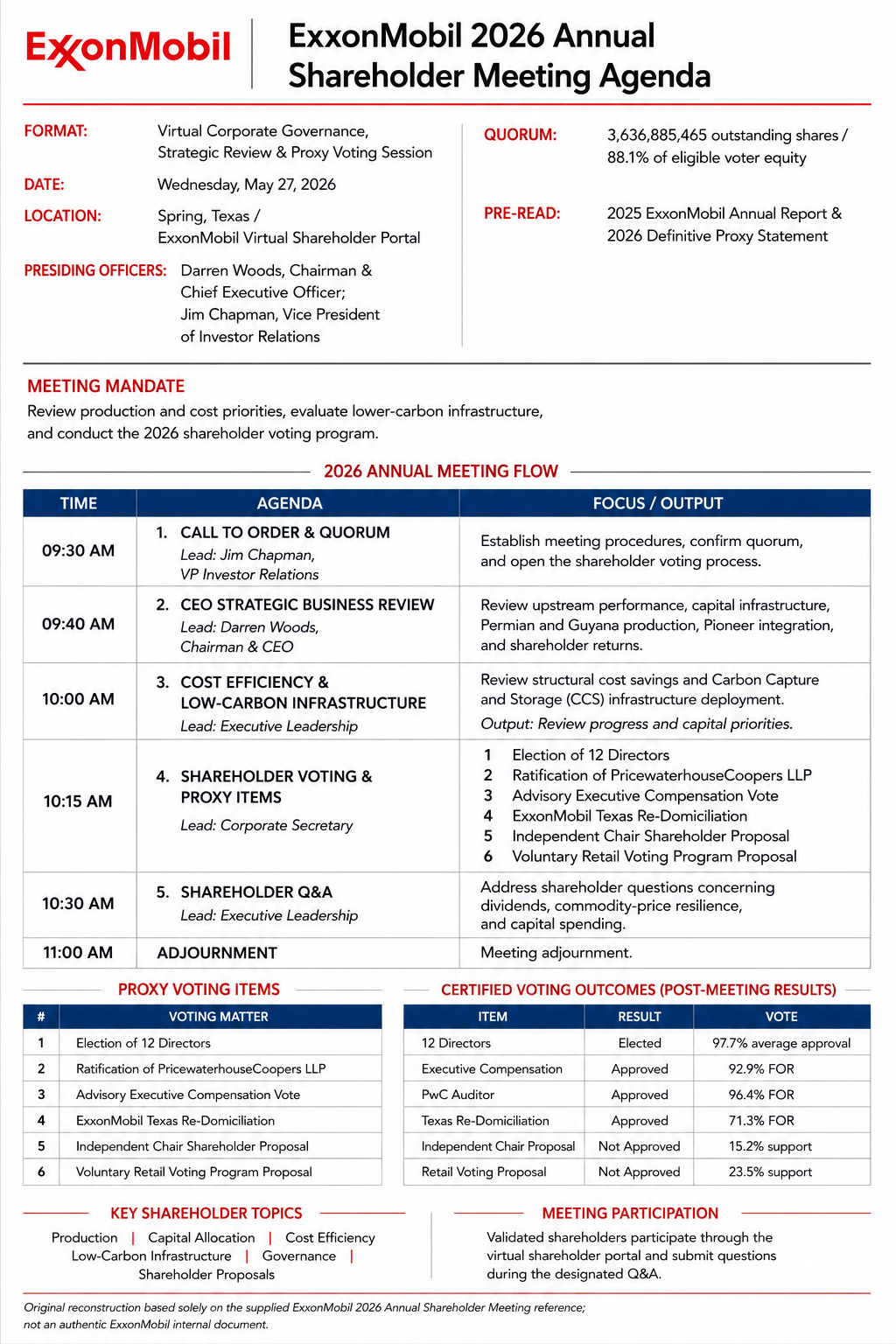
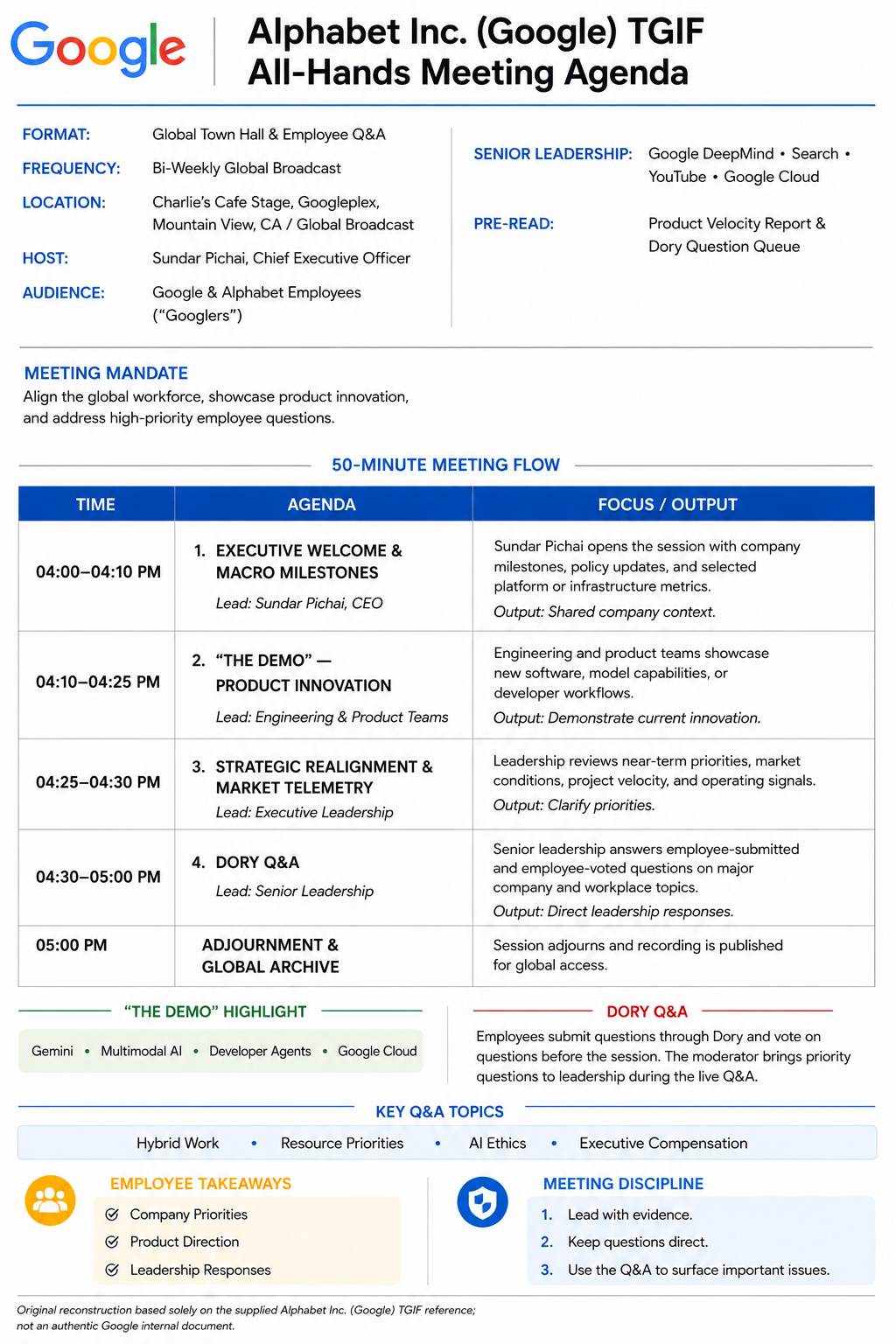
Generate Meeting Agendas With AI Taking Real-World Meeting Agendas As Inspiration” align=”center” tagline=”Create a professional meeting agenda with AI using real-world agenda examples as visual and structural inspiration. Explore proven layouts, select a reference agenda, describe your meeting purpose and topics, generate a new agenda, and customize it in the online editor. Build clear agendas for team meetings, business reviews, project discussions, workshops, planning sessions, board meetings, and other professional gatherings.
What Is A Meeting Agenda?
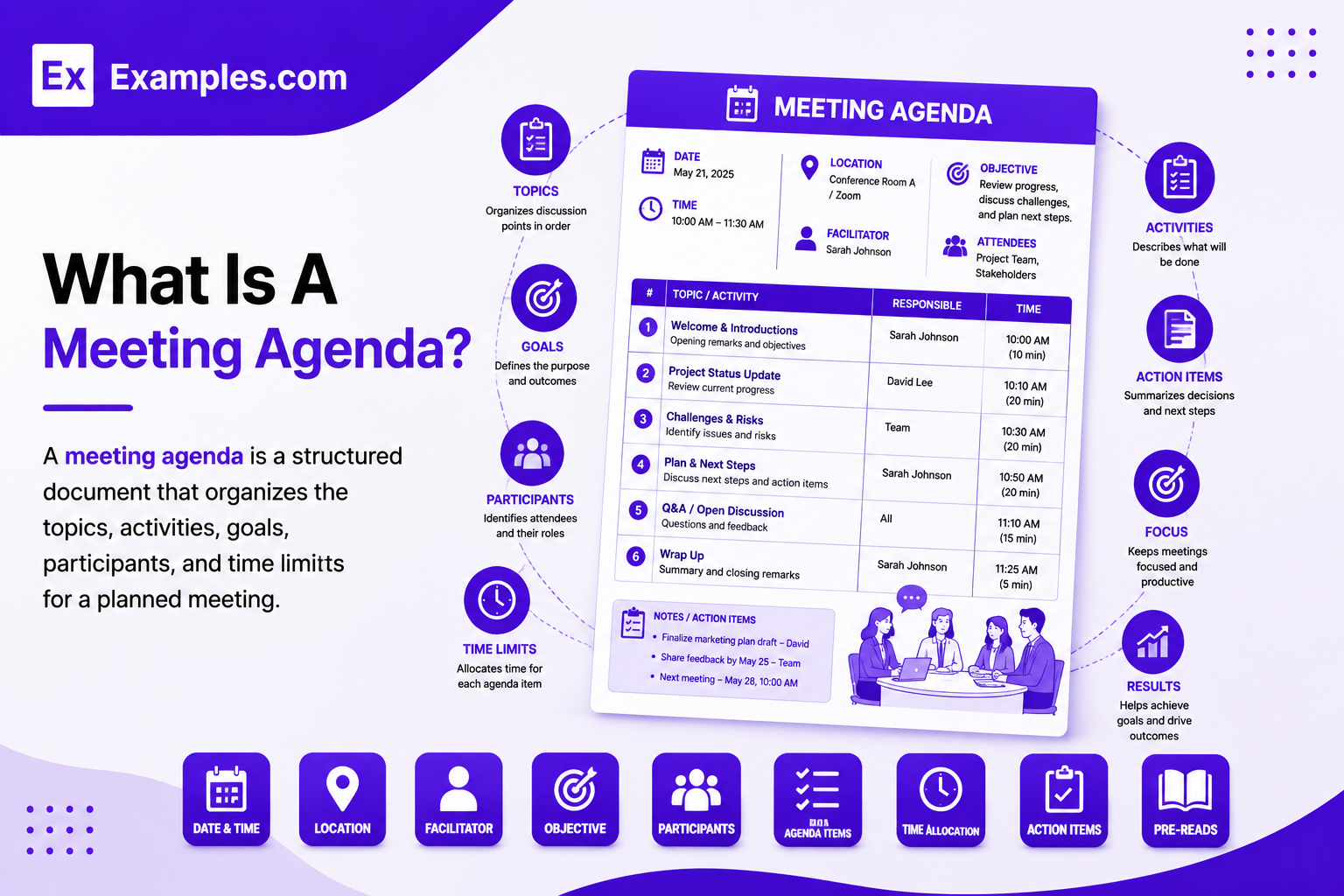
A meeting agenda is a structured document that organizes the topics, activities, goals, participants, and time limits for a planned meeting. It shows what will be discussed, in what order, and who may lead each topic. A useful agenda can also include meeting details, objectives, pre-read materials, discussion prompts, decisions, action items, owners, and deadlines. By providing a shared structure before the meeting begins, an agenda helps participants understand expectations and prepare for the discussion.
Popular Types Of Meeting Agendas
Meeting agendas differ according to the purpose, participants, and expected outcomes of the meeting. Different agenda formats help teams organize discussions and keep meetings focused.
Team Meeting Agenda
Organizes regular team updates, priorities, issues, decisions, and follow-up responsibilities.
Project Meeting Agenda
Covers project progress, milestones, risks, blockers, deliverables, and upcoming tasks.
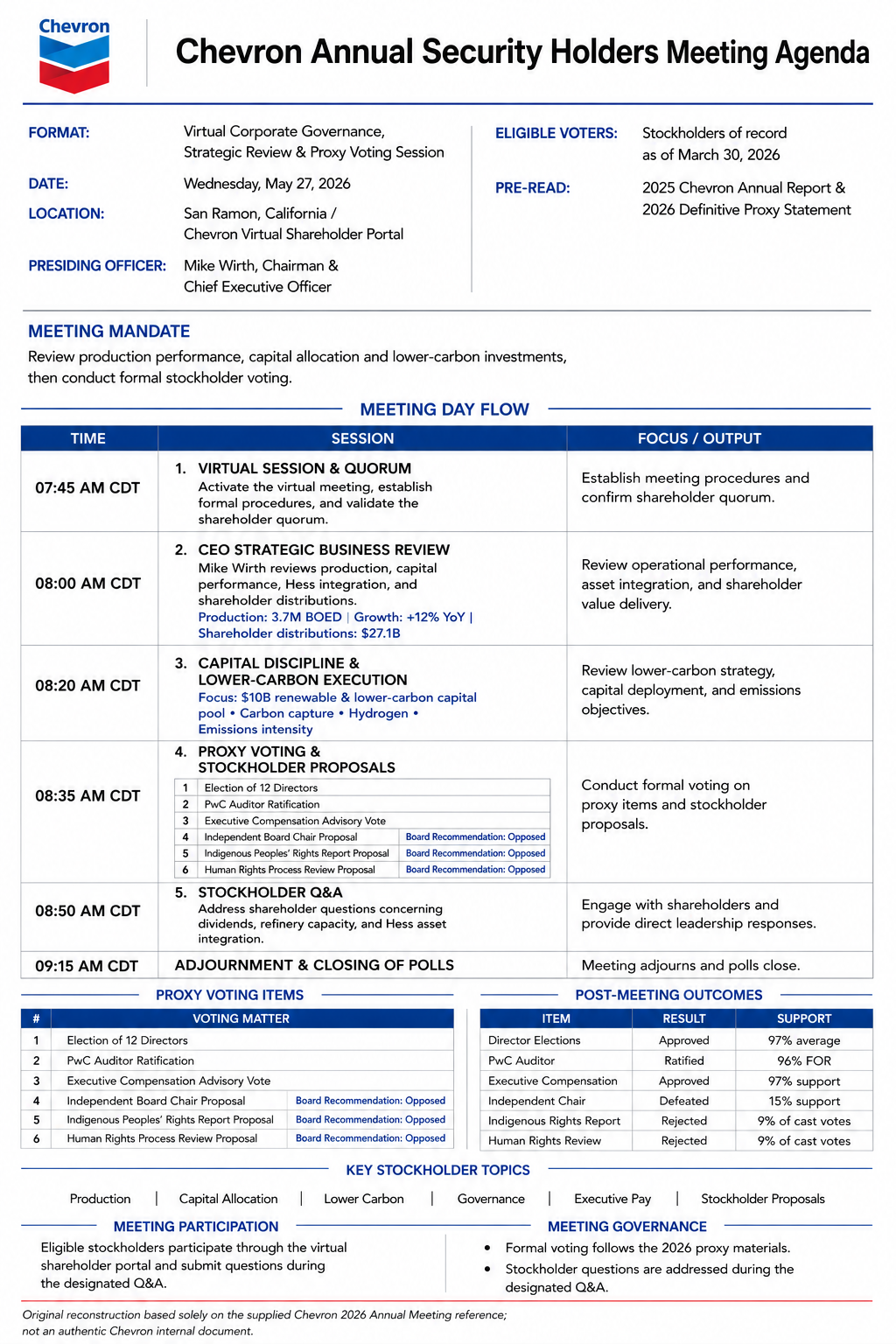
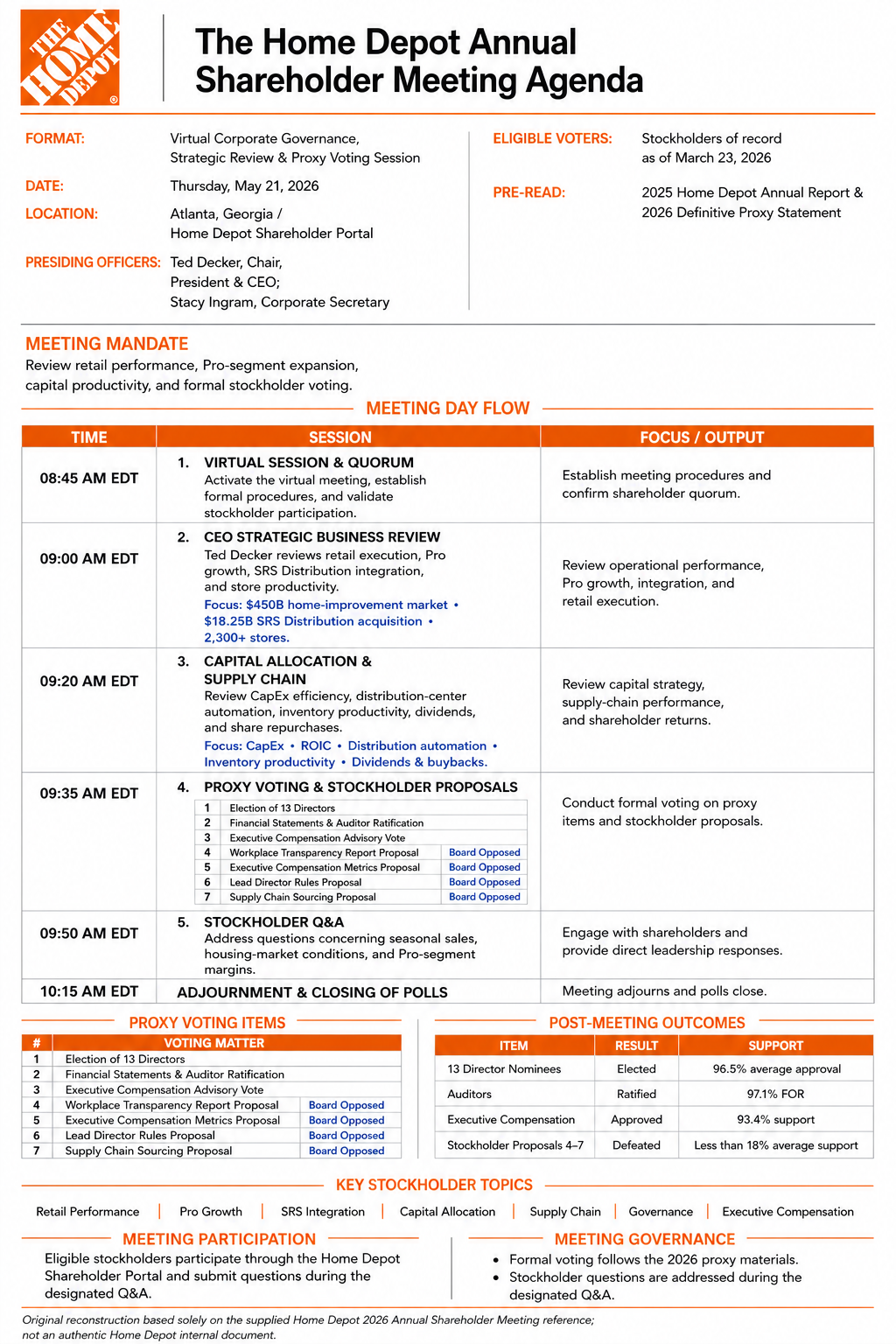
Board Meeting Agenda
Structures formal discussions around reports, decisions, governance matters, and organizational priorities.
Business Meeting Agenda
Guides strategic discussions, performance reviews, operational issues, and important business decisions.
Workshop Agenda
Organizes interactive activities, exercises, discussions, learning objectives, and participant outcomes.
Client Meeting Agenda
Keeps customer discussions focused on needs, proposals, progress, decisions, and next steps.
Why Should I Use Real Meeting Agenda Examples To Create My Own Meeting Agenda?
Real meeting agenda examples show how professional meetings can organize information into a clear and usable structure. They provide practical references for arranging meeting details, objectives, attendees, discussion topics, time allocations, topic owners, pre-read materials, decisions, and action items. Reviewing examples can also help you determine how much information participants need before the meeting without making the agenda unnecessarily long.
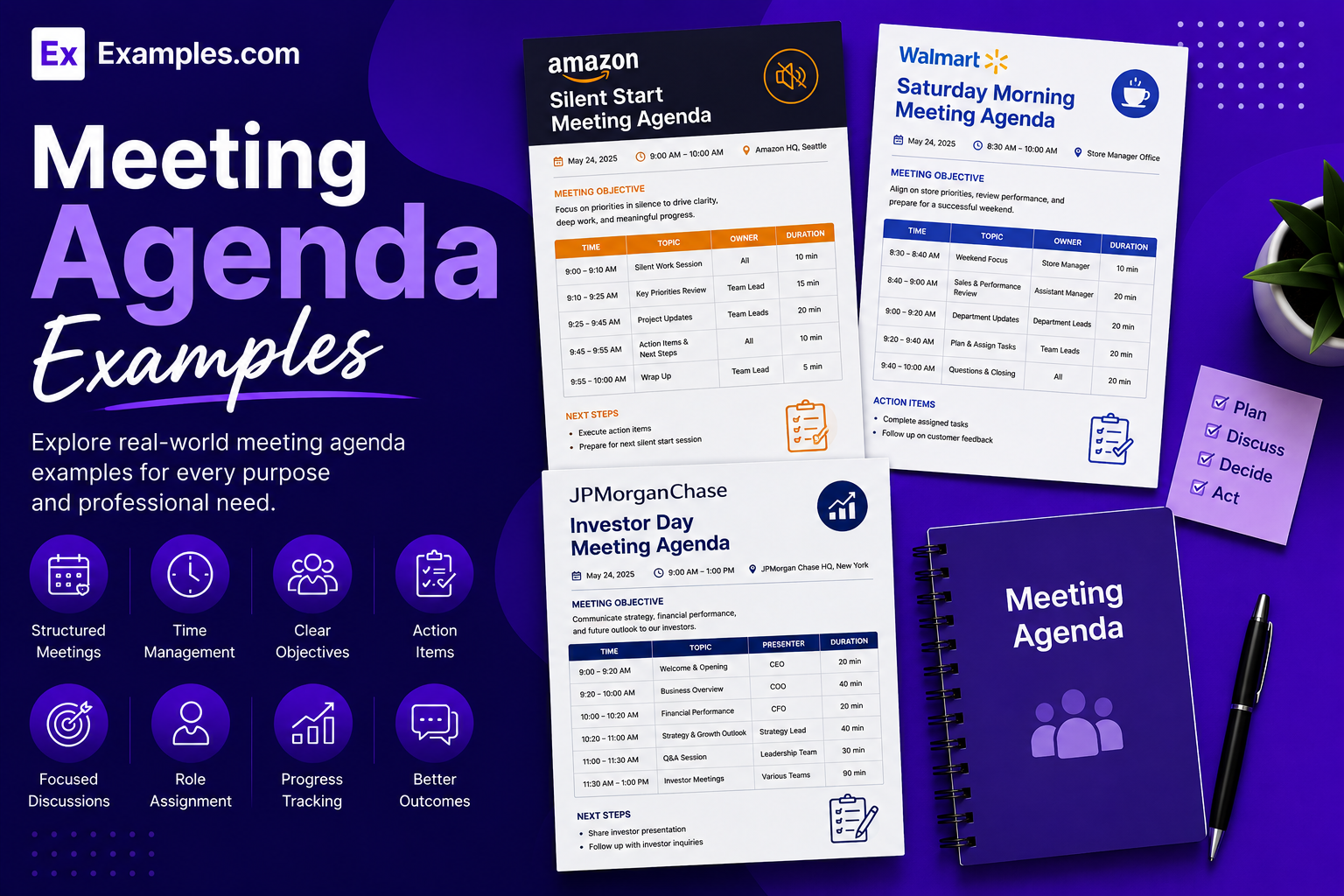
Using real examples as inspiration gives you a practical starting point for creating your own agenda. Examples.com allows you to select a reference design and use it as a visual guide while generating an original meeting agenda. You can then adapt the structure to your meeting purpose, participants, schedule, discussion topics, and expected outcomes instead of directly modifying the original example.
How Do I Generate Meeting Agendas Using Proven Examples From The World’s Best Brands?
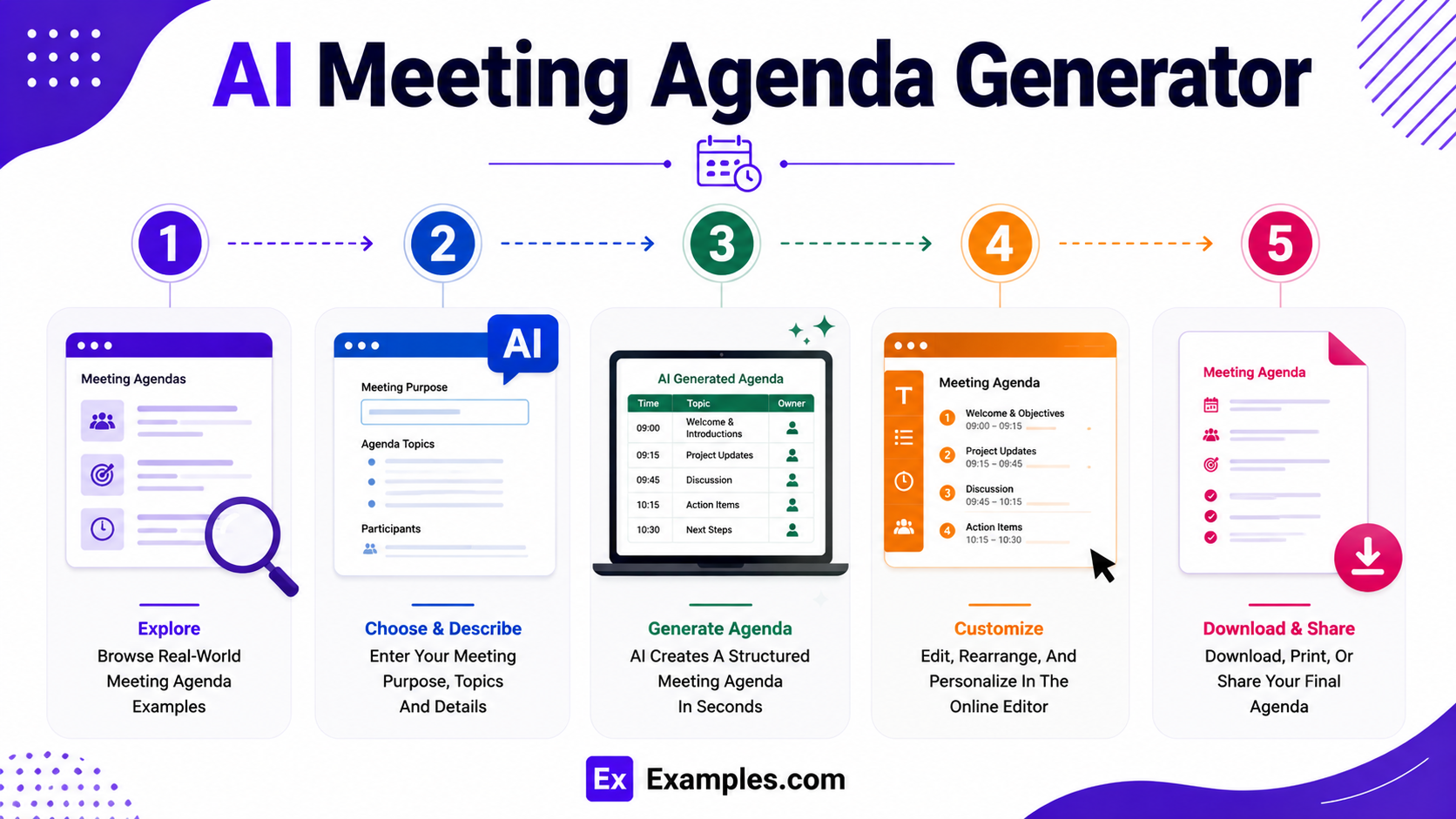
A reference-based workflow helps you turn a real-world agenda example into a customized meeting document while keeping the final agenda relevant to your meeting.
Explore Real-World Meeting Agenda Examples
Review different meeting agenda examples to understand how professional layouts organize titles, meeting information, objectives, attendees, topics, time limits, and action items. Choose a structure that suits your meeting.
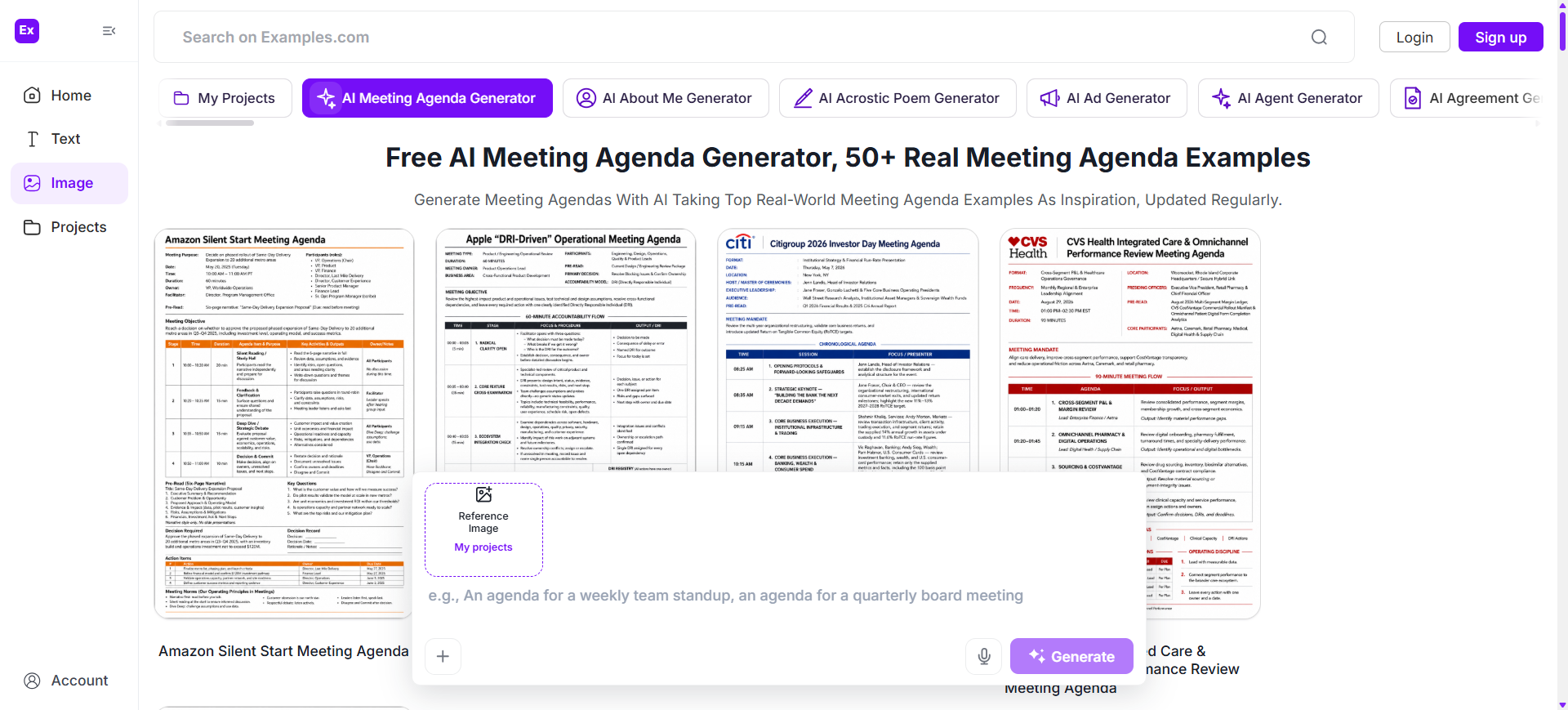
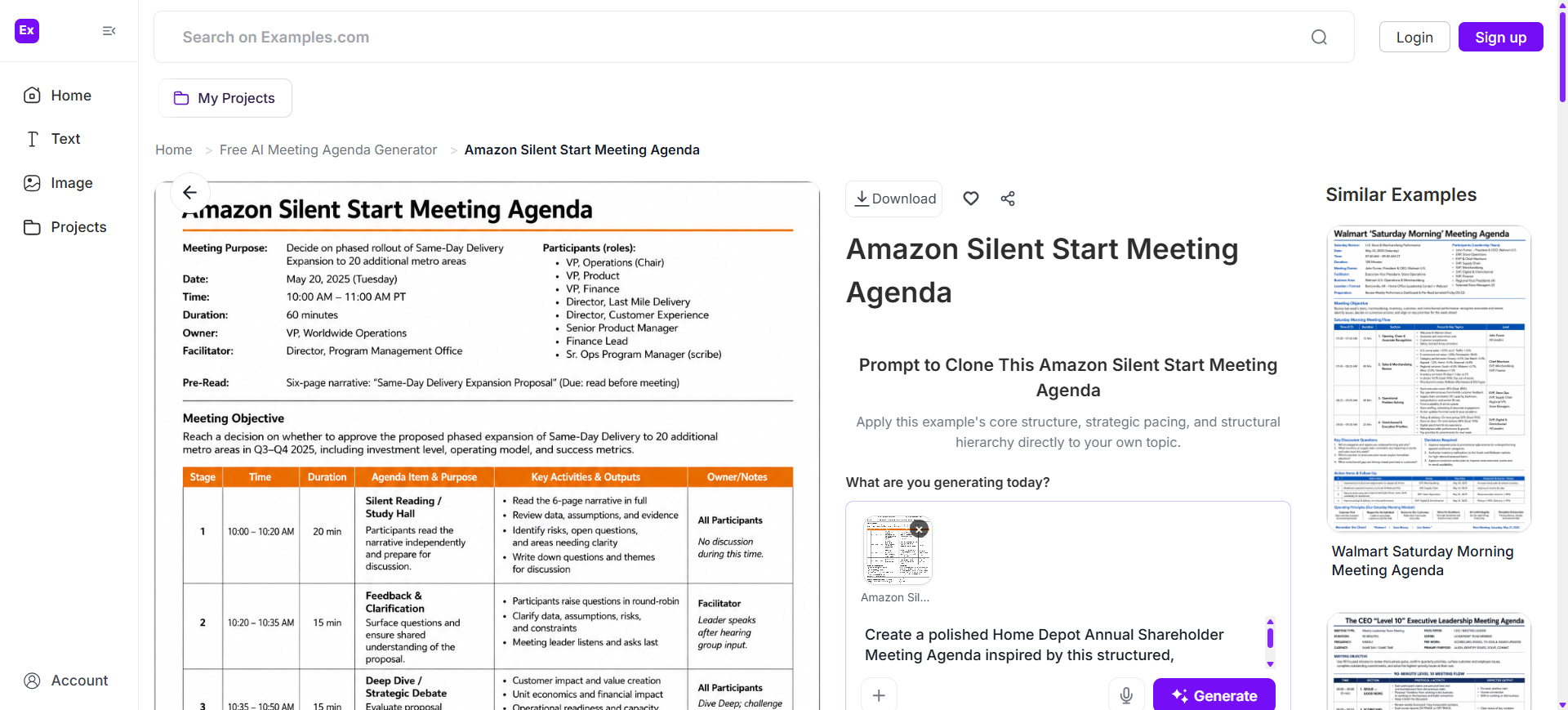
Choose A Reference Meeting Agenda And Enter An AI Prompt
Select a suitable reference and enter an AI prompt describing the meeting title, purpose, date, duration, participants, topics, priorities, presenters, and desired outcomes.
Generate A New AI Meeting Agenda
Generate an original agenda based on your prompt and selected reference. The AI can organize your information into a structured sequence with clear topics, time allocations, and responsibilities.
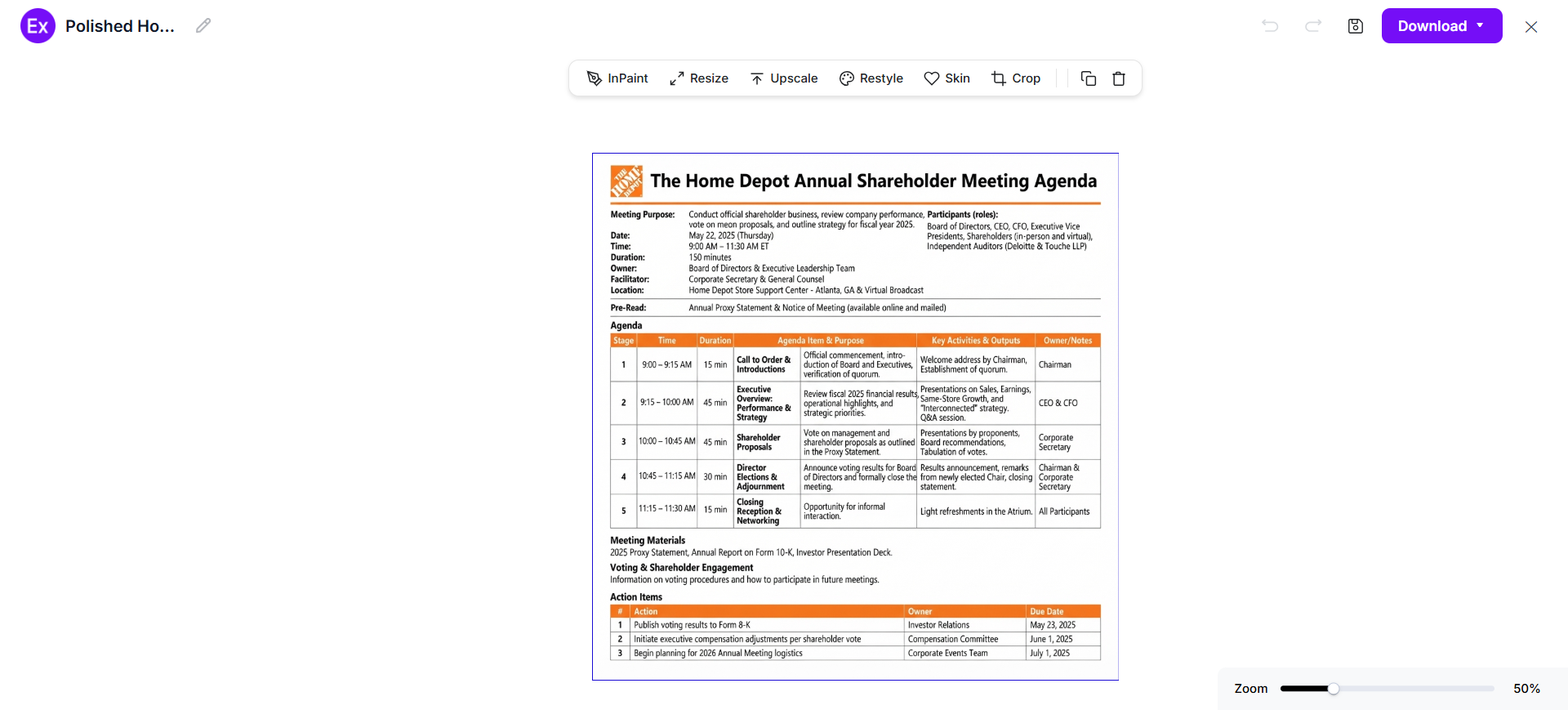
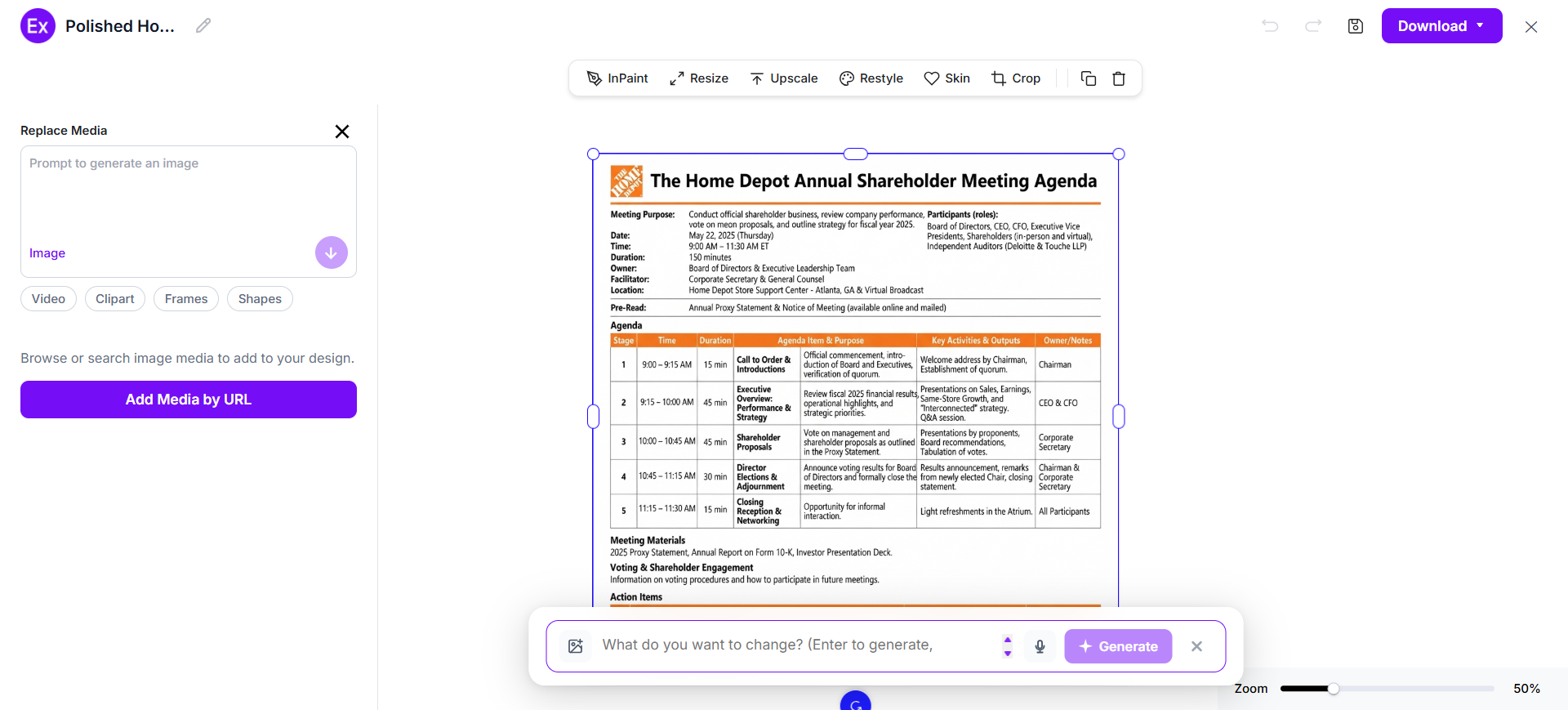
Customize The Meeting Agenda In The Online Editor
Open the generated agenda in the online editor and refine individual elements. Update meeting details, reorder topics, adjust timing, replace graphics, add branding, and improve readability.
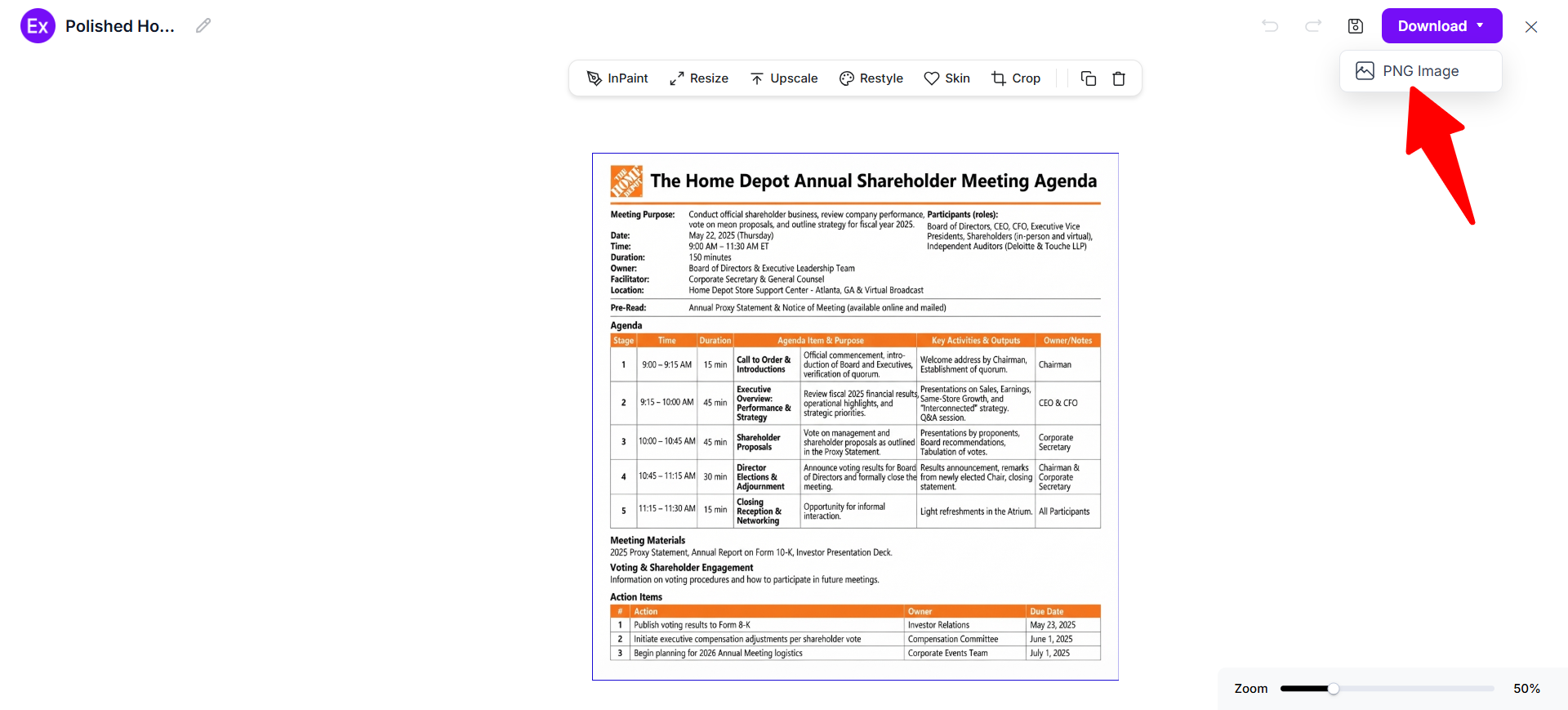
Download And Use The Final Meeting Agenda
Review the completed agenda for accurate names, dates, times, links, topics, and responsibilities. Download the final PNG and share or use it for your planned meeting.
Customize Meeting Agenda Designs Online
Online customization makes it easier to turn a generated meeting agenda into a document that matches your meeting requirements. You can edit meeting details, headings, discussion topics, time allocations, participant information, presenter names, notes, and action-item sections. You can also adjust typography, spacing, alignment, graphics, backgrounds, and other visual elements to create a clear agenda that participants can scan quickly.
The online editor is especially useful when meeting plans change. You can revise a topic, reorder agenda items, update times, replace visual elements, or create a new variation without rebuilding the entire layout. Examples.com provides the reference-based starting point, while the editing workflow lets you adapt the generated design to the actual meeting.
AI Meeting Agenda Editing Features
Examples.com includes multiple AI-assisted editing tools that help users customize meeting agenda designs efficiently.
InPaint
Edit or remove selected areas of the agenda design.
Resize
Change the agenda dimensions for different display and sharing requirements.
Upscale
Improve image quality when a larger or sharper output is needed.
Restyle
Apply a different visual style to the generated agenda.
BG
Edit or remove the background from suitable visual elements.
Crop
Adjust the framing or positioning of selected graphics.
Flip
Mirror selected visual elements when an alternative orientation is useful.
Animate
Add suitable animated effects for digital presentation formats.
Multishot
Generate multiple design variations for comparison and selection.
Standard Meeting Agenda Sizes And Formats
A meeting agenda should use a readable format that works for the way participants will receive and view it. Digital meetings may use screen-friendly layouts, while printed meetings benefit from clear typography and sufficient space.
| Format | Common Size | Best Use | Main Consideration |
|---|---|---|---|
| A4 Portrait | 210 × 297 mm | Printed agendas | Compact and easy to distribute |
| US Letter | 8.5 × 11 in | Printed business agendas | Common North American document size |
| A4 Landscape | 297 × 210 mm | Tables and schedules | More horizontal space for timing |
| US Letter Landscape | 11 × 8.5 in | Detailed schedules | Useful for wide agenda tables |
| 1920 × 1080 px | 16:9 | Digital screens | Suitable for presentations and displays |
| 1080 × 1350 px | 4:5 | Digital sharing | Useful for vertically oriented content |
For text-heavy agendas, A4 or US Letter provides a familiar document format. A landscape layout can work better when the agenda contains several columns for topics, owners, timing, and notes.
Essential Elements Every Meeting Agenda Should Include
A complete meeting agenda should give participants enough information to understand the purpose, prepare for the discussion, and follow the meeting structure.
- Meeting Title – Clearly identify the purpose or name of the meeting.
- Date And Time – State the meeting date, start time, and expected end time.
- Location Or Virtual Link – Tell participants where the meeting will take place.
- Objective – Explain the main purpose and desired outcome of the meeting.
- Attendees – Identify required and optional participants when useful.
- Discussion Topics – List specific subjects in a logical priority order.
- Time Allocations – Assign reasonable time limits to individual agenda items.
- Topic Owners – Identify who will lead or present each discussion item.
- Pre-Read Materials – Reference documents, reports, or data participants should review beforehand.
- Action Items – Record follow-up tasks, responsible owners, and deadlines.
How Do I Design A Better Meeting Agenda?
A well-designed meeting agenda helps participants prepare, keeps discussions focused, and makes responsibilities easier to track. Clear objectives, prioritized topics, realistic timing, and concise formatting create a more useful meeting document.
- Define The Meeting Objective – State exactly what the meeting needs to accomplish.
- Prioritize Discussion Topics – Place the most important or time-sensitive topics appropriately.
- Estimate Time For Each Topic – Give every agenda item a realistic discussion window.
- Assign Topic Owners – Identify who is responsible for leading each discussion.
- Share Preparation Materials – Provide useful reports, documents, or information before the meeting.
- Separate Discussion From Decisions – Make it clear when participants need to discuss, decide, or provide information.
- Leave Room For Questions – Include time for clarification and relevant issues that emerge.
- Define Expected Outcomes – Explain what participants should leave the meeting knowing or having decided.
- Include Action-Item Tracking – Record responsibilities and deadlines for follow-up work.
- Keep The Layout Scannable – Use headings, spacing, tables, and concise wording so participants can find information quickly.
Common Meeting Agenda Design Mistakes To Avoid
Avoiding common meeting agenda mistakes helps participants understand the purpose of the meeting, prepare effectively, and stay focused during the discussion.
- Unclear Objective → Define The Outcome – State what the meeting should accomplish before listing topics.
- Too Many Topics → Prioritize – Remove low-value subjects or move them to another meeting.
- No Time Limits → Allocate Time – Give each discussion item an appropriate duration.
- Missing Topic Owners → Assign Responsibility – Identify the person leading each agenda item.
- Long Descriptions → Use Concise Prompts – Give participants enough context without creating unnecessary reading.
- No Preparation Information → Add Pre-Reads – Tell attendees what they should review beforehand.
- No Action Tracking → Record Owners And Deadlines – Make follow-up responsibilities visible.
- Crowded Layout → Improve Hierarchy – Use clear sections, spacing, and typography for quick scanning.
How Can I Improve My Meeting Using A Meeting Agenda?
A well-planned agenda can help participants prepare, keep discussion focused, and make follow-up responsibilities easier to track. The agenda should reflect the actual purpose of the meeting rather than functioning as a generic list of subjects.
Align Participants
Share the objective, topics, timing, and expected outcomes so participants understand why they are attending.
Prepare Discussion
Provide relevant documents, reports, data, or questions before the meeting when participants need preparation.
Control Time
Assign time limits to important topics and keep the discussion moving toward the intended outcomes.
Clarify Responsibility
Identify topic owners and make it clear who will present, facilitate, provide information, or make a decision.
Capture Decisions
Leave room to record important decisions and the reasoning or context needed for future reference.
Track Follow-Up
Document action items with responsible owners and deadlines so agreed work does not disappear after the meeting.
Which Meeting Agenda Formats Perform Best?
The best agenda format depends on the type of meeting, amount of information, and way participants will use the document.
| Meeting Situation | Recommended Format | Best Structure |
|---|---|---|
| Weekly Team Meeting | Simple Table | Topic, owner, time, updates |
| Project Review | Detailed Table | Progress, risks, milestones, actions |
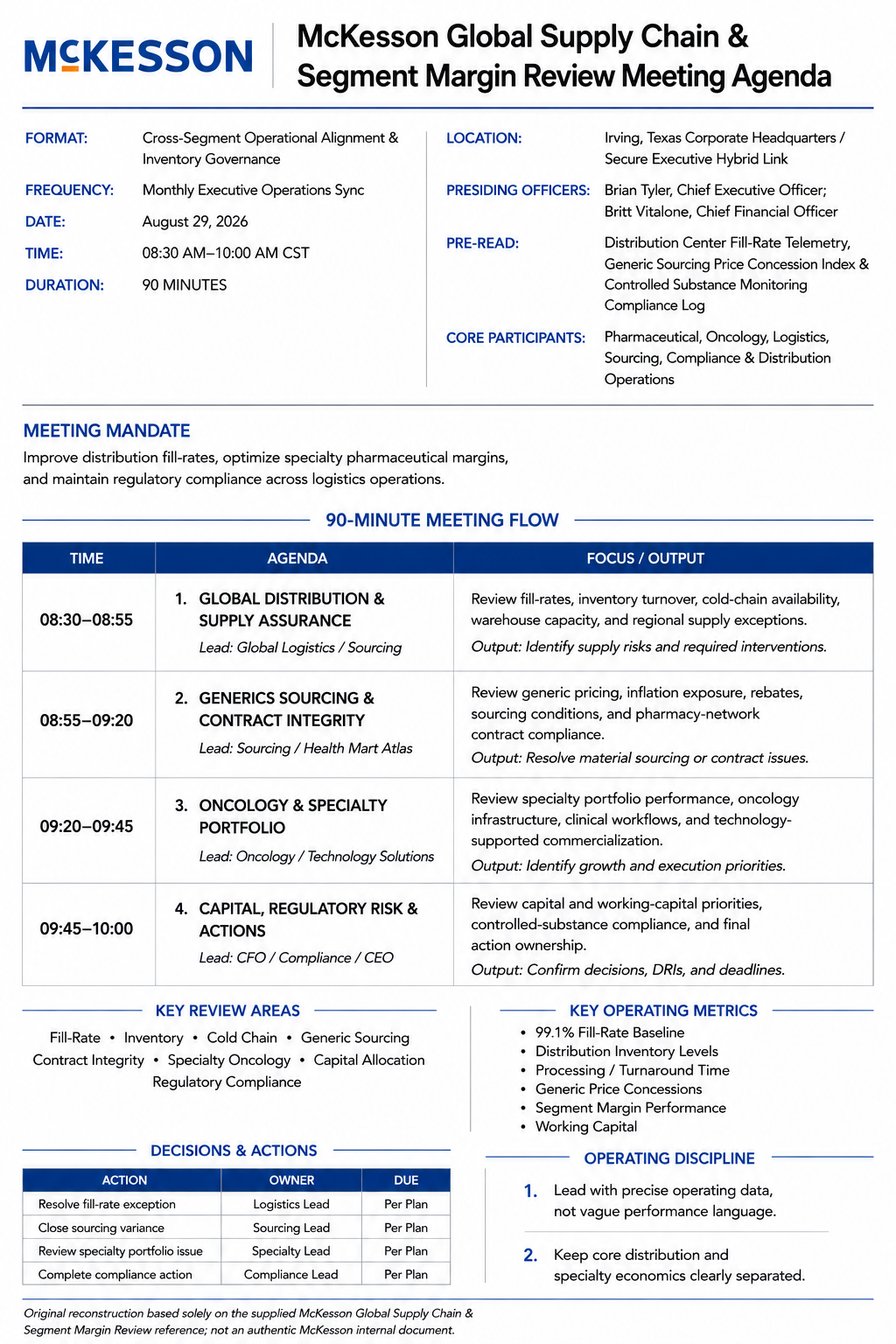
| Executive Meeting | Executive Summary | Priorities, decisions, strategic topics |
| Board Meeting | Formal Agenda | Reports, resolutions, governance items |
| Workshop | Numbered Schedule | Activities, facilitators, timing, outcomes |
| Client Meeting | Topic-Based Agenda | Needs, discussion, decisions, next steps |
| Brainstorming Session | Activity Agenda | Prompts, exercises, discussion, decisions |
| Retrospective | Section-Based Agenda | What happened, lessons, improvements, actions |
Meeting Agenda Ideas For Different Industries
Different industries use meeting agendas to organize discussions around their specific operational, strategic, project, and communication needs.
- Technology – Organize sprint reviews, product decisions, technical priorities, blockers, releases, and development responsibilities.
- Marketing – Cover campaigns, content calendars, performance results, creative approvals, audiences, budgets, and upcoming activities.
- Finance – Structure financial reviews, forecasts, budgets, risks, reporting, investment discussions, and required decisions.
- Healthcare – Organize operational updates, staffing topics, service issues, project discussions, compliance-related matters, and follow-up actions.
- Education – Plan faculty meetings, curriculum discussions, student initiatives, academic projects, events, and administrative priorities.
- Real Estate – Cover property updates, transactions, development plans, client requirements, marketing activities, and deadlines.
- Manufacturing – Structure production updates, quality issues, safety topics, supply requirements, maintenance, and operational improvements.
- Nonprofit Organizations – Organize programs, fundraising, community initiatives, budgets, partnerships, impact updates, and organizational priorities.
- Professional Services – Coordinate client work, project milestones, resource planning, deliverables, risks, and business development activities.
- Government And Public Organizations – Use a formal structure for reports, public matters, scheduled discussions, decisions, responsibilities, and documented follow-up.
FAQs
What Should A Meeting Agenda Include?
A useful meeting agenda can include the meeting title, date, time, location or virtual link, objective, attendees, discussion topics, time allocations, topic owners, pre-read materials, decisions, and action items.
How Far In Advance Should I Send A Meeting Agenda?
Send the agenda early enough for participants to understand the objective and prepare for the discussion. The appropriate timing depends on the complexity of the meeting and how much preparation attendees need.
What Is The Difference Between A Meeting Agenda And Meeting Minutes?
An agenda outlines what a meeting is expected to discuss before it occurs. Meeting minutes record what happened during the meeting, including discussions, decisions, and action items.
How Many Items Should Be On A Meeting Agenda?
There is no universal number. Include only the topics that can realistically be discussed within the available meeting time. Prioritize essential items and move lower-priority subjects to another session when necessary.
Should Meeting Agendas Include Time Limits?
Yes. Assigning time limits helps participants understand the expected pace of the meeting and makes it easier to prevent one discussion from consuming the entire session.
Who Should Create A Meeting Agenda?
The meeting organizer or facilitator usually creates the agenda, although topic owners can provide information for their assigned sections. For complex meetings, several participants may contribute to the final agenda.
Should A Meeting Agenda Include Action Items?
An agenda can include an action-item section for capturing responsibilities and deadlines during or after the meeting. This helps connect discussion with follow-up work.
Can AI Create A Meeting Agenda From A Prompt?
Yes. AI can organize information such as the meeting purpose, participants, topics, timing, and desired outcomes into a structured agenda. Review the generated content before using it to ensure names, dates, times, responsibilities, and meeting details are correct. Examples.com supports a workflow where real-world examples provide inspiration for generating a new, personalized meeting agenda.