

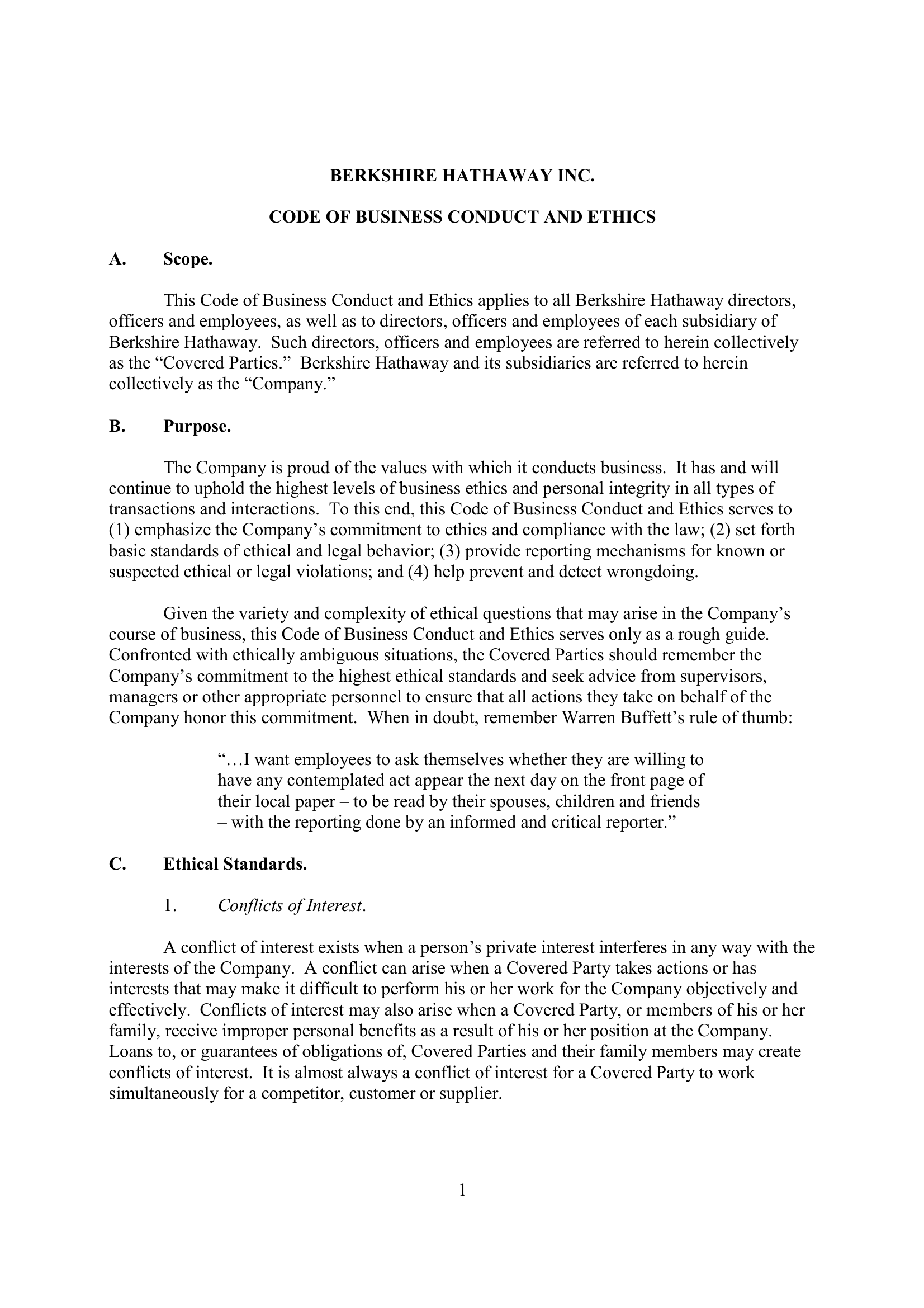



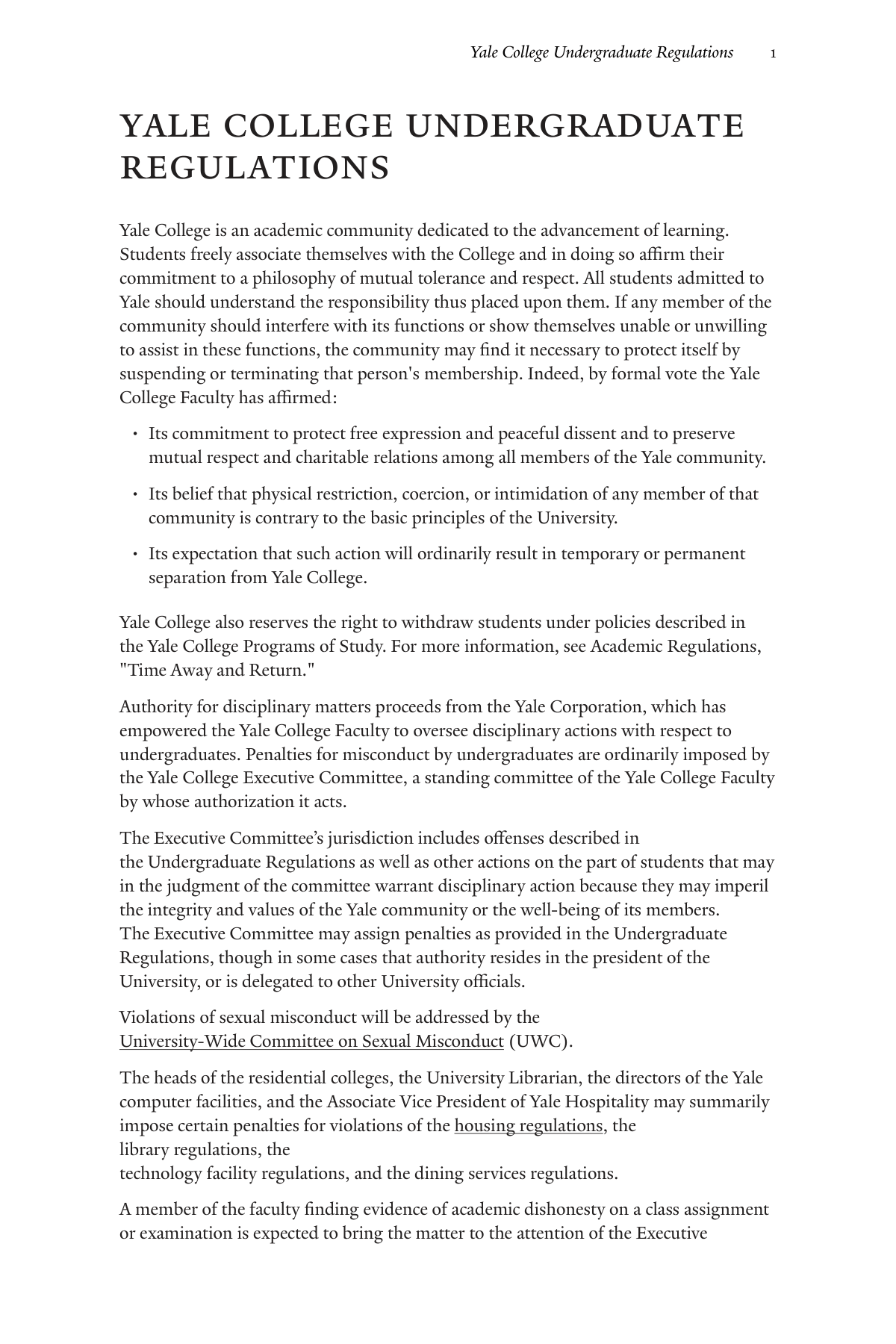
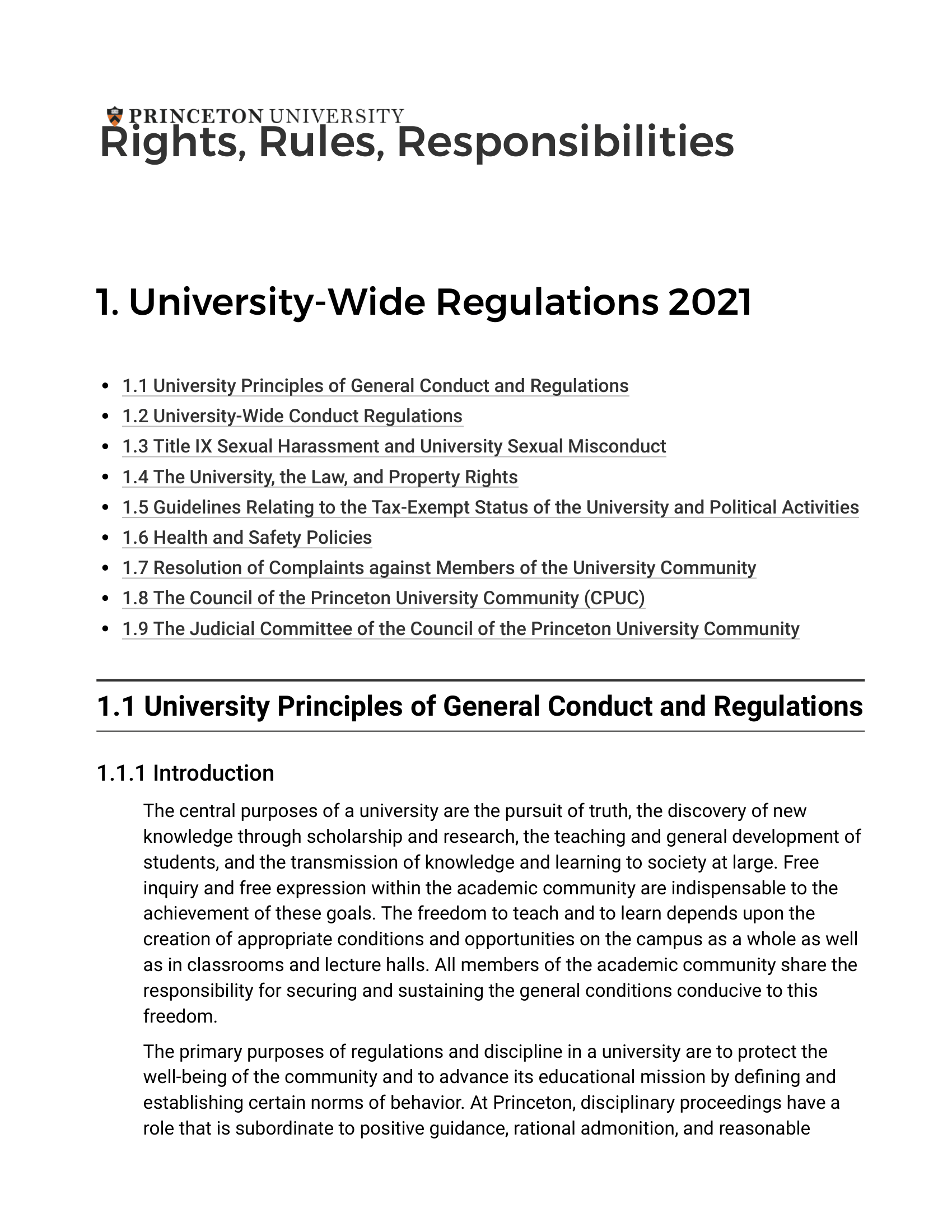
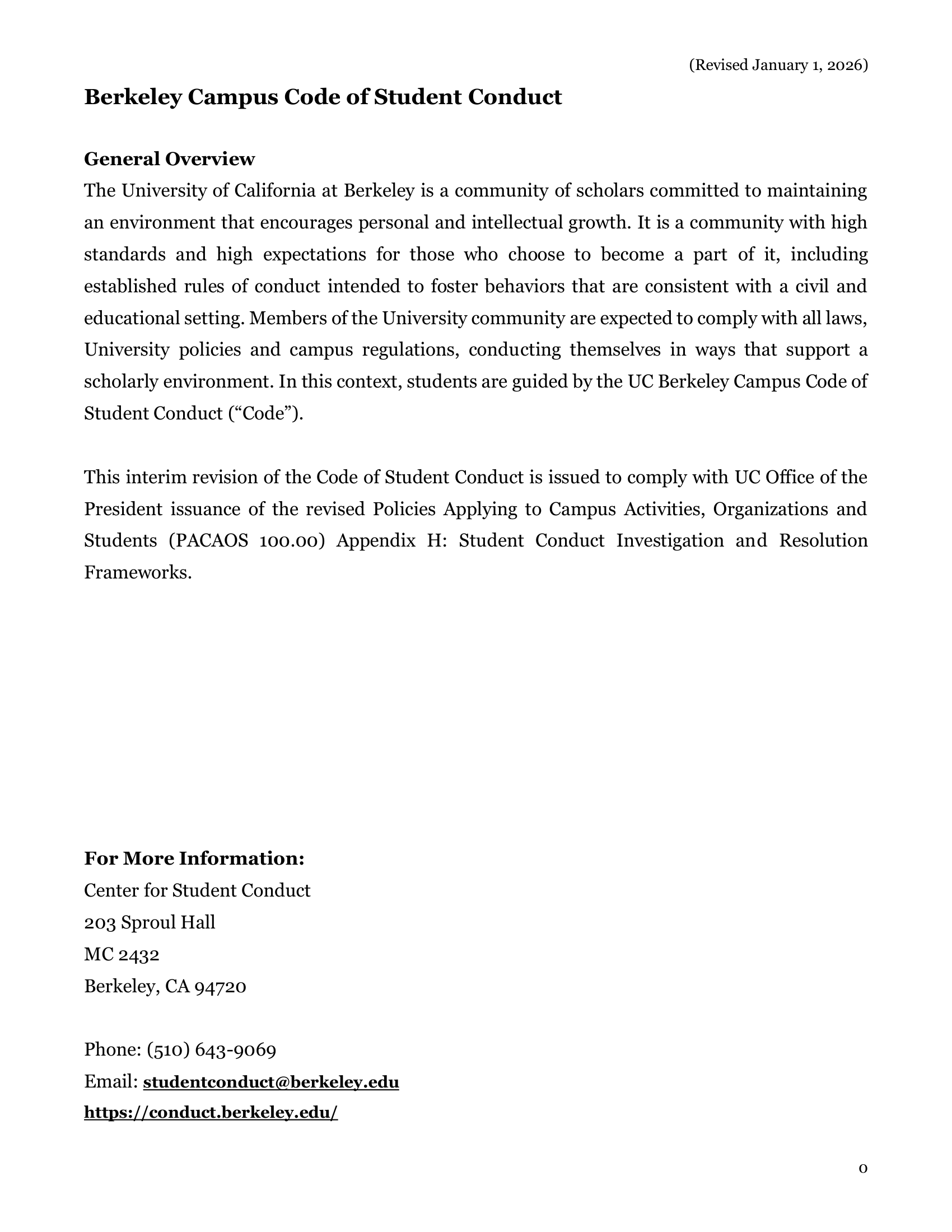
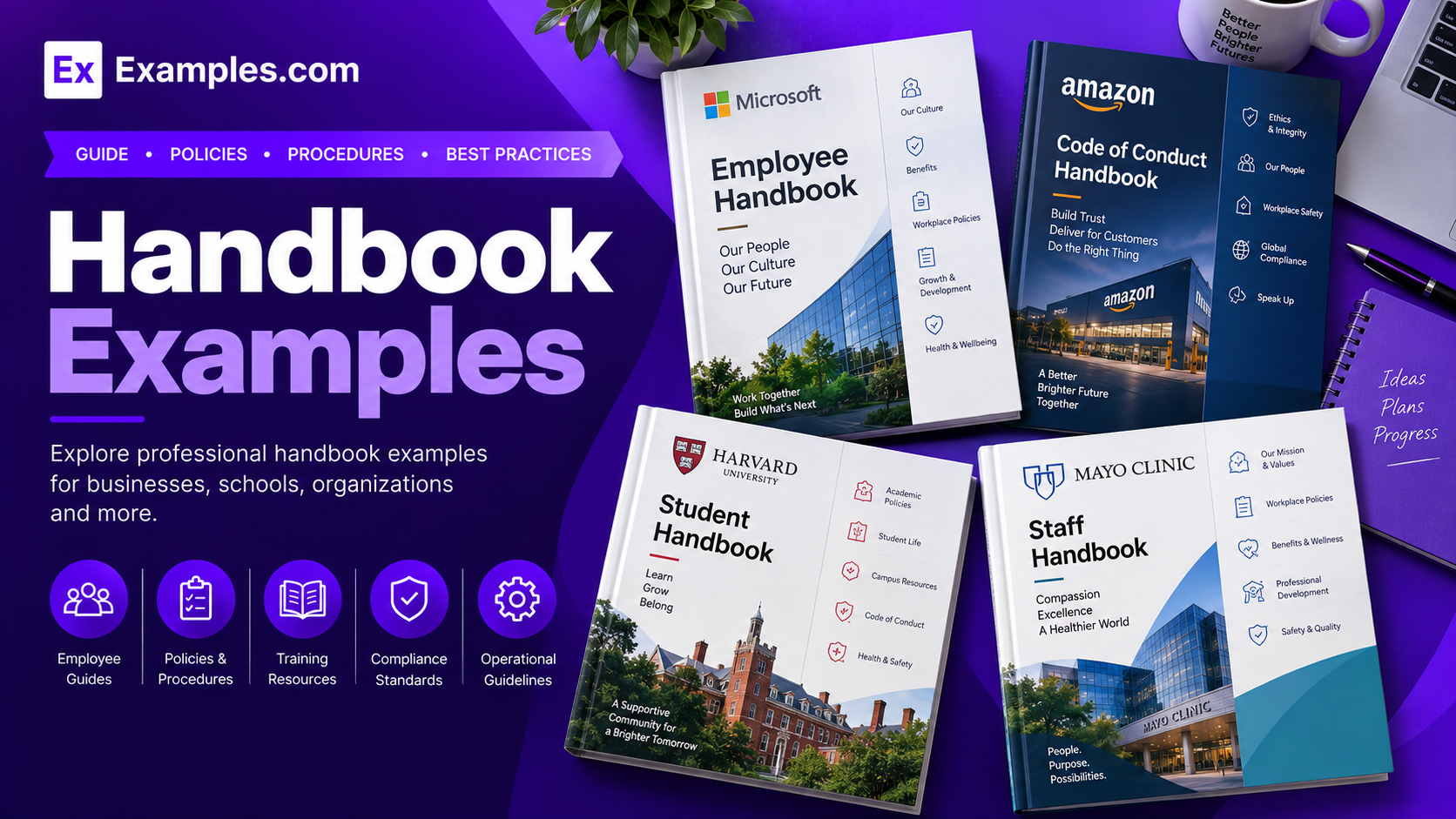
Create practical, organized handbooks using AI-powered generation inspired by real-world handbook examples. Browse company handbooks, employee handbooks, student handbooks, technical guides, academic references, safety manuals, operational guides, and organizational policy documents, select a reference structure, enter your prompt, and generate a completely new handbook. Examples.com helps users turn complex rules, instructions, policies, procedures, and reference information into accessible visual handbooks that can be customized online and downloaded as PDF Documents.
What Is A Handbook?
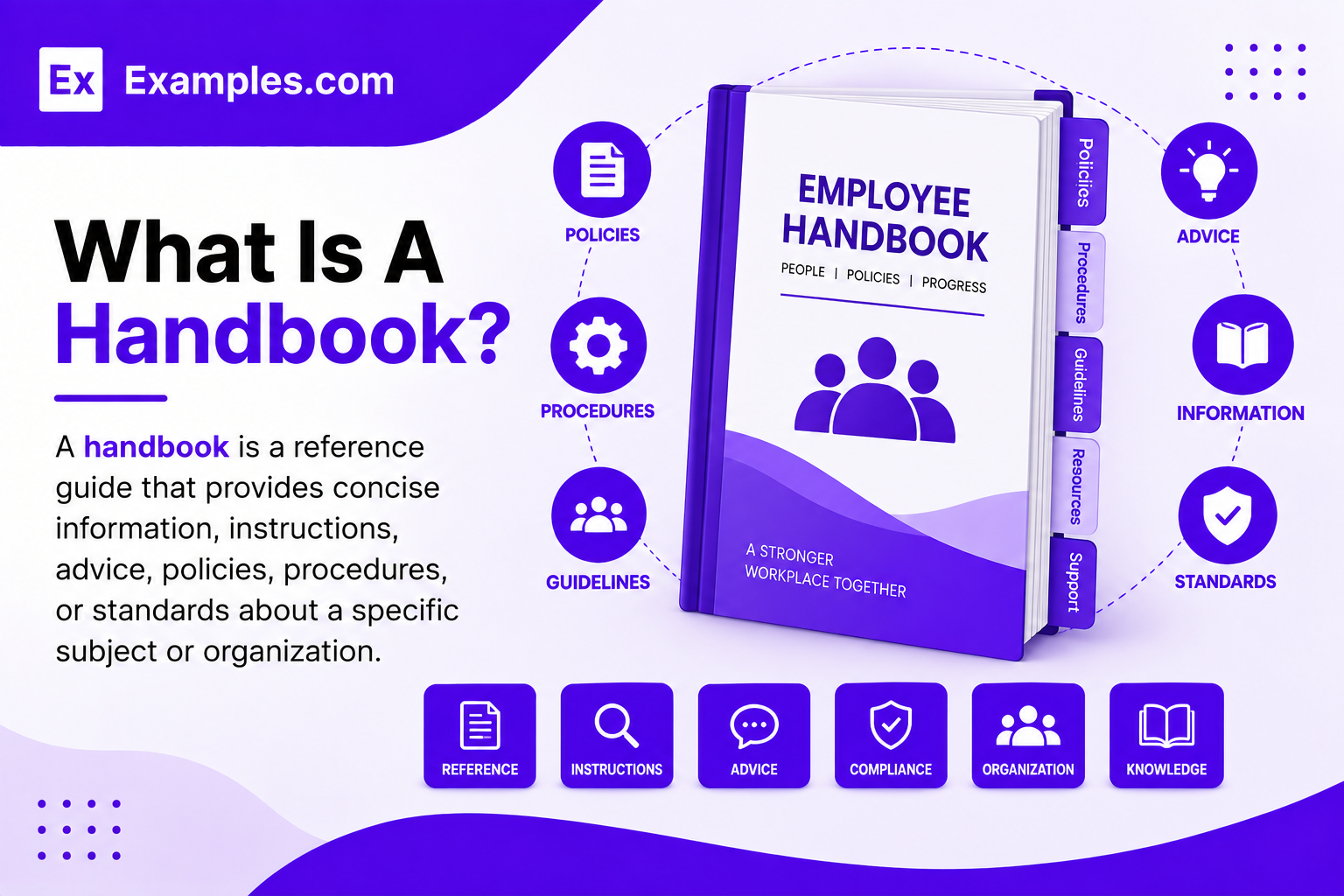
A handbook is a reference guide that provides concise information, instructions, advice, policies, procedures, or standards about a specific subject or organization. Handbooks can explain responsibilities, rules, processes, expectations, safety practices, academic requirements, technical information, or organizational standards in an easy-to-consult format.
Popular Types Of Handbooks
Different handbook types organize practical information according to the needs of their audience and subject.
Employee Handbooks
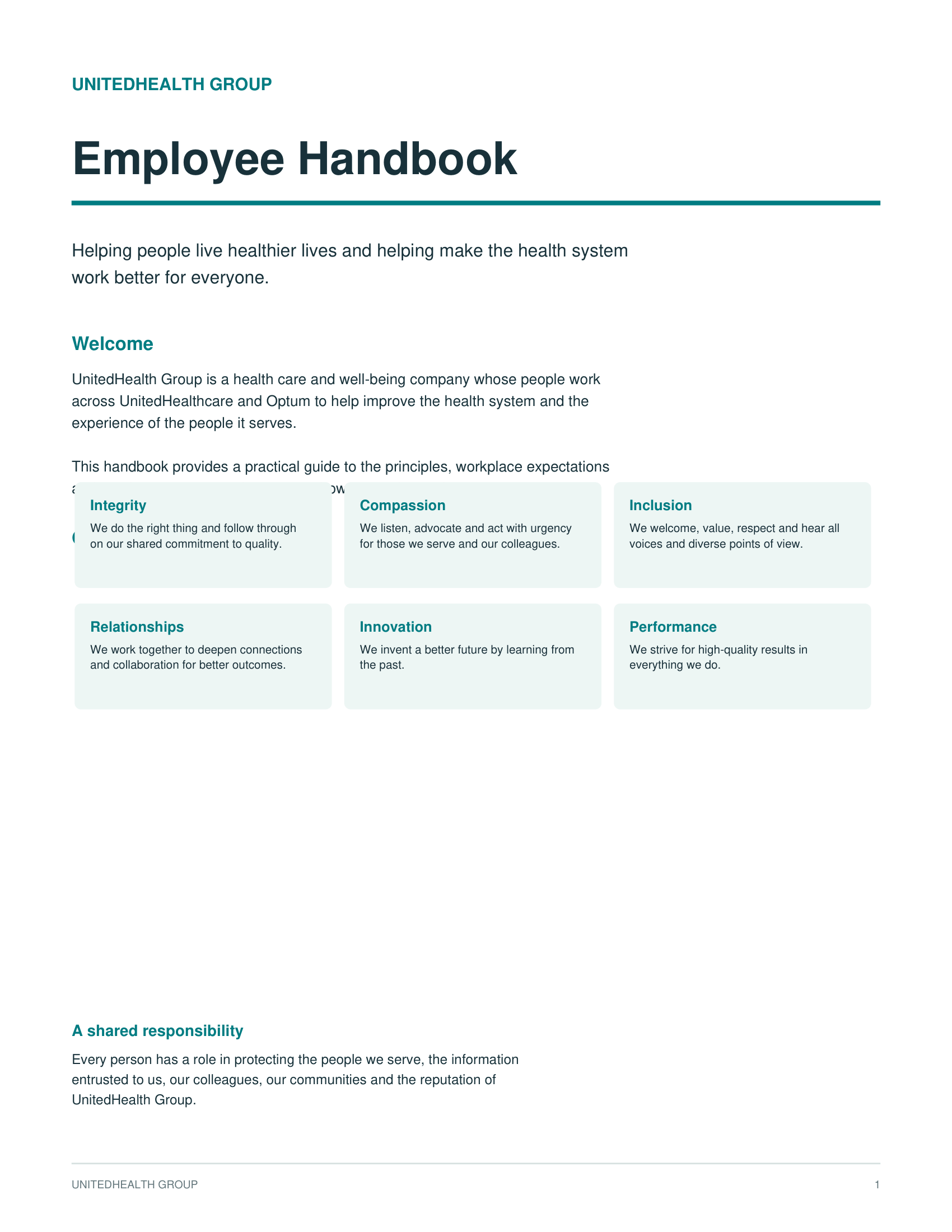
Employee handbooks explain workplace policies, company culture, employee responsibilities, benefits, conduct expectations, and organizational procedures.
Student Handbooks
Student handbooks present academic requirements, campus policies, codes of conduct, safety rules, and student responsibilities.
Technical Handbooks
Technical handbooks provide specialized instructions, standards, procedures, specifications, and reference information for technical fields.
Academic Handbooks
Academic handbooks organize academic policies, research guidance, citation standards, course requirements, and institutional procedures.
Safety Handbooks
Safety handbooks explain workplace safety procedures, emergency responses, risk controls, responsibilities, and prevention practices.
Operations Handbooks
Operations handbooks document recurring processes, workflows, responsibilities, standards, and procedures used to operate an organization.
Why Should I Use Real Handbook Examples To Create My Own Handbook?
Real handbook examples help me understand how organizations structure policies, instructions, procedures, responsibilities, and reference information for specific audiences. They provide inspiration for organizing sections, headings, tables, checklists, definitions, and practical guidance into a document that readers can consult easily.
Instead of modifying an existing handbook, I can use real-world handbooks as references for structure and presentation. On Examples.com, I can select a handbook style, enter an AI prompt describing my subject and audience, generate a completely new handbook, and customize its content and visual presentation.
How Do I Generate Handbooks Using Proven Examples From The World’s Best Organizations?
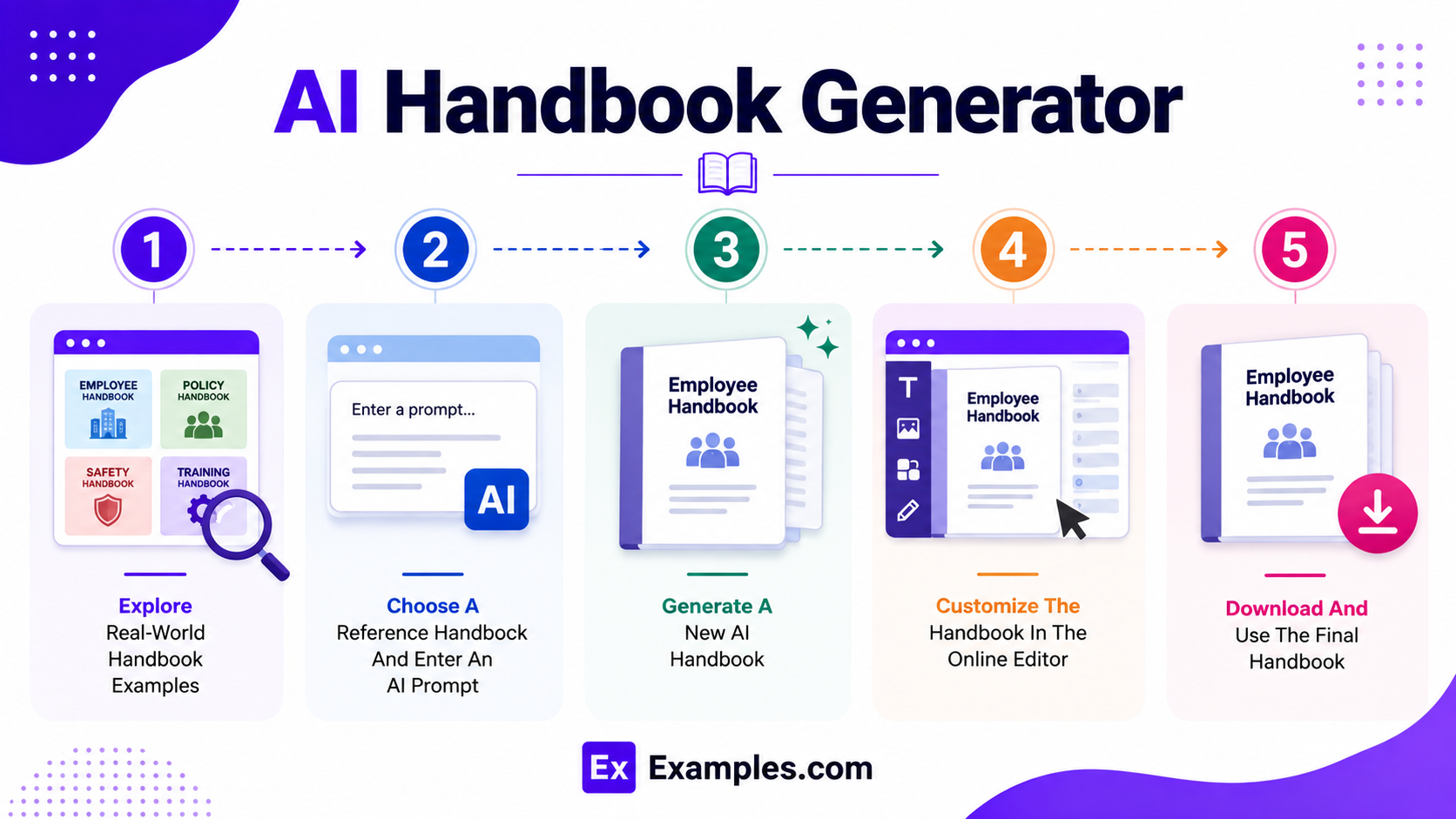
Creating a useful handbook becomes easier when I study established reference formats and use them as inspiration. The workflow combines real-world handbook examples, AI-powered generation, online editing, and personalized customization to organize detailed information into a practical reference guide.
”Explore
I can browse handbook examples covering workplace policies, academic requirements, student guidance, technical procedures, safety standards, organizational responsibilities, operational processes, and professional reference material to understand useful structures and information formats.
”Choose
After selecting a handbook style, I can describe the organization, subject, audience, purpose, policies, procedures, responsibilities, terminology, and information I want included through an AI prompt to generate a completely original handbook.
”Generate
The AI creates a brand-new handbook inspired by the selected example and my prompt. It can organize information into relevant sections, instructions, policies, procedures, checklists, tables, and reference material without modifying or reproducing the original handbook.
”Customize
I can personalize each section by editing text, updating policies, adding instructions, replacing graphics, changing headings, adjusting layouts, inserting tables, and refining the visual presentation using AI-powered editing tools.
”Download
Once my handbook is complete, I can download the finished design as a PDF Document and use it for employee guidance, student information, technical reference, operational procedures, training, safety communication, or organizational documentation.
Customize Handbook Designs Online
After generating a new handbook, I can open it in the online editor to personalize its pages, headings, instructions, tables, checklists, and visual elements. I can edit policies, update procedures, add organizational information, replace images, adjust typography, change colors, rearrange sections, and make important information easier to find.
The editor also includes AI-powered tools that help improve visuals, resize pages, enhance images, remove backgrounds, and create alternative design variations. With Examples.com, I can turn an AI-generated handbook into a clear and organized reference document without requiring advanced design experience.
AI Handbook Editing Features
AI-powered handbook features make it easier to generate, organize, customize, and download structured handbook content for different organizational needs.
AI Handbook Generation
Generate a structured handbook based on your organization, subject, audience, policies, procedures, guidelines, and intended purpose.
Automatic Handbook Structure
Organize handbook content into clear sections, chapters, headings, procedures, guidelines, responsibilities, and reference information for easy navigation.
Handbook Customization
Update policies, rules, procedures, responsibilities, contact information, terminology, dates, and other details to match your specific handbook requirements.
AI Policy And Content Editing
Create, revise, simplify, or expand handbook policies, instructions, standards, procedures, and guidelines while maintaining a consistent writing style.
Formatting And Organization
Automatically improve headings, lists, tables, spacing, page structure, and content organization to create a clear and easy-to-use handbook.
Instant PDF Download
Download your completed handbook as a PDF for printing, sharing, distribution, training, or record-keeping.
Standard Handbook Sizes And Formats
Choosing the right handbook format helps readers navigate information comfortably and makes the document practical for its intended use.
| Handbook Format | Common Size | Best Use Case |
|---|---|---|
| A4 Handbook | 210 × 297 mm | Employee, academic, technical, and organizational handbooks |
| A5 Handbook | 148 × 210 mm | Compact reference guides and quick-reference handbooks |
| US Letter | 8.5 × 11 in | Workplace, educational, and institutional documents |
| A3 Handbook | 297 × 420 mm | Detailed technical references and large visual guides |
| Landscape Handbook | 1920 × 1080 px | Digital presentations and training materials |
| Digital Handbook | Custom Screen Size | Websites, online knowledge bases, and digital distribution |
A4 and US Letter formats work well for detailed multi-page handbooks because they provide sufficient space for headings, paragraphs, tables, and procedures. A5 formats are useful when portability and quick reference are important.
Essential Elements Every Handbook Should Include
A well-designed handbook should make important information easy to locate while providing clear guidance for its intended audience.
- Clear Title – Use a specific title that immediately identifies the handbook’s subject, organization, or purpose.
- Introduction – Explain the handbook’s purpose, intended audience, scope, and how readers should use it.
- Table Of Contents – Organize major sections so readers can quickly locate policies, procedures, instructions, or reference information.
- Policies And Rules – Present applicable rules, standards, expectations, or requirements in clear and understandable language.
- Procedures – Explain recurring tasks and processes in a logical sequence with practical instructions.
- Responsibilities – Identify the roles, duties, and expectations associated with employees, students, teams, or other readers.
- Definitions – Explain specialized terms, abbreviations, and terminology that readers may need to understand the handbook.
- Checklists And Tables – Use structured visual formats to make recurring requirements, comparisons, and quick-reference information easier to consult.
- Contact Information – Provide appropriate contact details or responsible departments for questions, reporting, support, or additional guidance.
How Do I Design A Better Handbook?
A useful handbook should be easy to navigate, practical to consult, and organized around the needs of its intended readers.
- Define The Purpose And Audience – Define the handbook’s purpose and identify the audience before creating the content.
- Organize Information Clearly – Organize information into clear sections based on topics, responsibilities, or processes.
- Use Clear Headings – Use concise headings that help readers locate information quickly.
- Write Clear Instructions – Write policies and instructions in clear language without unnecessary complexity.
- Use Helpful Visual Formats – Use tables, checklists, diagrams, and numbered procedures where they improve understanding.
- Maintain Consistent Formatting – Keep typography, spacing, page structure, and visual elements consistent throughout the handbook.
- Highlight Important Information – Highlight important rules, warnings, deadlines, or responsibilities without overcrowding the page.
- Include Useful Definitions – Include definitions for specialized terminology that may be unfamiliar to readers.
- Review Content Regularly – Review the handbook regularly to keep policies, procedures, contacts, and other information current.
- Test The Handbook From The Reader’s Perspective – Test the final handbook to ensure important information is easy to find and understand.
Common Handbook Design Mistakes To Avoid
A handbook should make important information easy to locate, understand, and apply. Avoiding common mistakes helps create a practical reference guide that readers can use confidently.
- Using Unclear Organization – Group related policies, procedures, and instructions into logical sections so readers can find information quickly.
- Writing Overly Complex Instructions – Use direct language and concise explanations instead of unnecessarily complicated wording.
- Missing Important Definitions – Explain specialized terms, abbreviations, and organizational language that readers may not understand.
- Overloading Pages With Text – Break dense information into headings, tables, lists, callouts, and shorter paragraphs where appropriate.
- Inconsistent Formatting – Maintain consistent typography, spacing, headings, page layouts, and visual elements throughout the handbook.
- Leaving Responsibilities Unclear – Identify who is responsible for specific actions, procedures, approvals, reporting, or compliance requirements.
- Ignoring Navigation – Include a useful table of contents, clear section headings, page numbers, and logical navigation cues.
- Failing To Review Content – Check policies, procedures, dates, terminology, contact information, and instructions before distributing the handbook.
How Can I Use A Handbook For My Organization?
A handbook can organize important information into one accessible reference guide for employees, students, teams, customers, or other audiences. It can support consistent communication while making recurring information easier to consult.
Employee Guidance
Explain workplace expectations, company policies, employee responsibilities, benefits, conduct standards, and reporting procedures.
Staff Training
Organize onboarding information, operating procedures, training instructions, workplace standards, and role-specific guidance.
Student Orientation
Provide academic requirements, campus expectations, safety information, student responsibilities, and important institutional procedures.
Operational Procedures
Document recurring workflows, responsibilities, approvals, quality standards, and day-to-day operating instructions.
Safety Communication
Present safety procedures, emergency instructions, preventive practices, reporting requirements, and workplace responsibilities.
Technical Reference
Organize technical specifications, operating instructions, troubleshooting procedures, terminology, and maintenance guidance.
Which Handbook Sizes Perform Best?
The most suitable handbook size depends on the amount of information, reading environment, and whether the document is primarily printed or digital.
| Handbook Format | Best For | Advantages |
|---|---|---|
| A4 (210 × 297 mm) | Employee and organizational handbooks | Provides comfortable space for detailed policies and procedures |
| A5 (148 × 210 mm) | Quick-reference guides | Compact and convenient for portable reference |
| US Letter (8.5 × 11 in) | Workplace and academic handbooks | Familiar format for institutional documentation |
| A3 (297 × 420 mm) | Technical and visual reference guides | Provides additional space for diagrams and detailed tables |
| Landscape (1920 × 1080 px) | Digital training materials | Works well for screen-based presentations |
| Digital Custom Size | Online handbooks and knowledge bases | Flexible for websites and digital distribution |
A4 and US Letter formats are practical for comprehensive handbooks because they provide enough space for detailed content without becoming difficult to handle. A5 is useful for concise guides, while larger formats can accommodate diagrams and technical information.
Handbook Ideas For Different Industries
Handbooks can be adapted to the specific policies, procedures, standards, and information needs of different organizations and professional fields.
- Corporate Organizations – Create employee handbooks covering workplace policies, organizational culture, conduct expectations, responsibilities, and benefits.
- Education – Develop student handbooks containing academic requirements, campus rules, codes of conduct, safety information, and student services.
- Healthcare – Organize clinical procedures, workplace standards, patient-care guidance, safety practices, and operational responsibilities.
- Technology – Document software procedures, technical standards, security practices, system operations, and troubleshooting guidance.
- Manufacturing – Explain production procedures, equipment operation, quality standards, workplace safety, and maintenance requirements.
- Finance – Organize financial procedures, compliance requirements, internal controls, reporting processes, and employee responsibilities.
- Hospitality – Present service standards, employee procedures, guest-service expectations, safety practices, and operational workflows.
- Retail – Document store procedures, customer-service standards, inventory processes, employee expectations, and workplace policies.
- Nonprofit Organizations – Explain organizational values, volunteer responsibilities, operating procedures, governance practices, and community-program guidelines.
- Professional Services – Create reference guides covering client-service standards, internal processes, professional responsibilities, documentation requirements, and organizational policies.
FAQs
What Is The Main Purpose Of A Handbook?
A handbook provides concise, organized information that readers can consult for instructions, policies, procedures, standards, responsibilities, or practical guidance about a specific subject or organization.
What Should A Handbook Include?
A handbook commonly includes an introduction, contents page, policies, procedures, responsibilities, definitions, checklists, reference information, and appropriate contact details.
What Is The Difference Between A Handbook And A Manual?
A handbook is generally designed as a practical reference guide containing concise information, while a manual often provides more detailed instructions for performing specific tasks or operating systems.
Can I Create A Handbook Without Professional Design Experience?
Yes. AI-powered tools can help organize information, generate page layouts, create visual elements, and customize handbook designs without requiring advanced design skills.
Can I Customize Every Handbook Page After AI Generates It?
Yes. After generating a handbook, I can edit text, headings, images, layouts, colors, tables, and visual elements using the online editor available on Examples.com.
What Is The Difference Between An Employee Handbook And A Student Handbook?
An employee handbook focuses on workplace policies, responsibilities, conduct, and organizational expectations, while a student handbook focuses on academic requirements, campus rules, student responsibilities, and educational policies.
How Long Should A Handbook Be?
There is no universal length. A handbook should be long enough to cover its intended policies, procedures, responsibilities, and reference information without adding unnecessary content.
Where Can I Use A Handbook?
Handbooks can be used in workplaces, schools, universities, healthcare organizations, technical departments, manufacturing facilities, nonprofits, retail operations, professional services, and other organizations requiring practical reference information.