
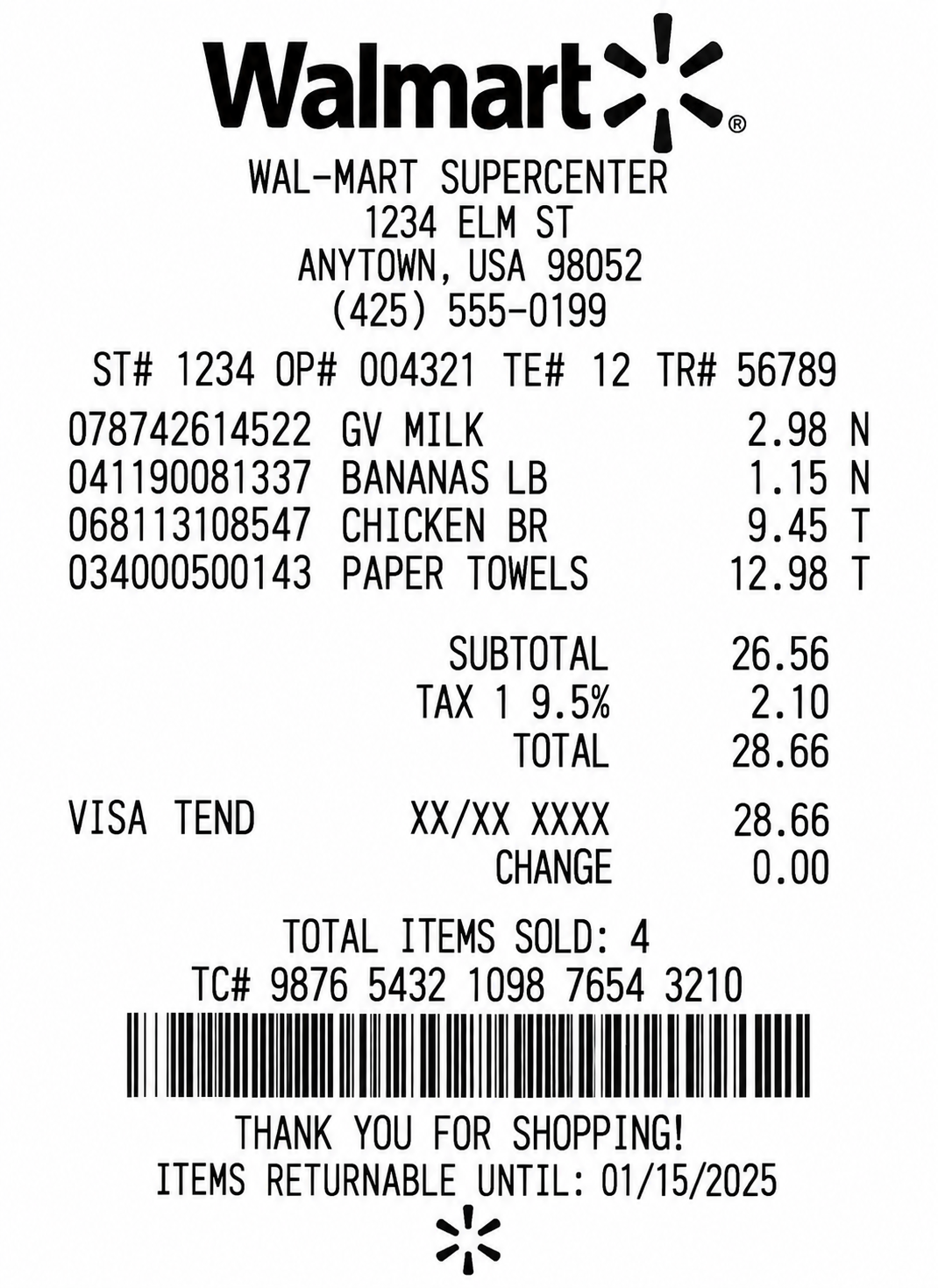
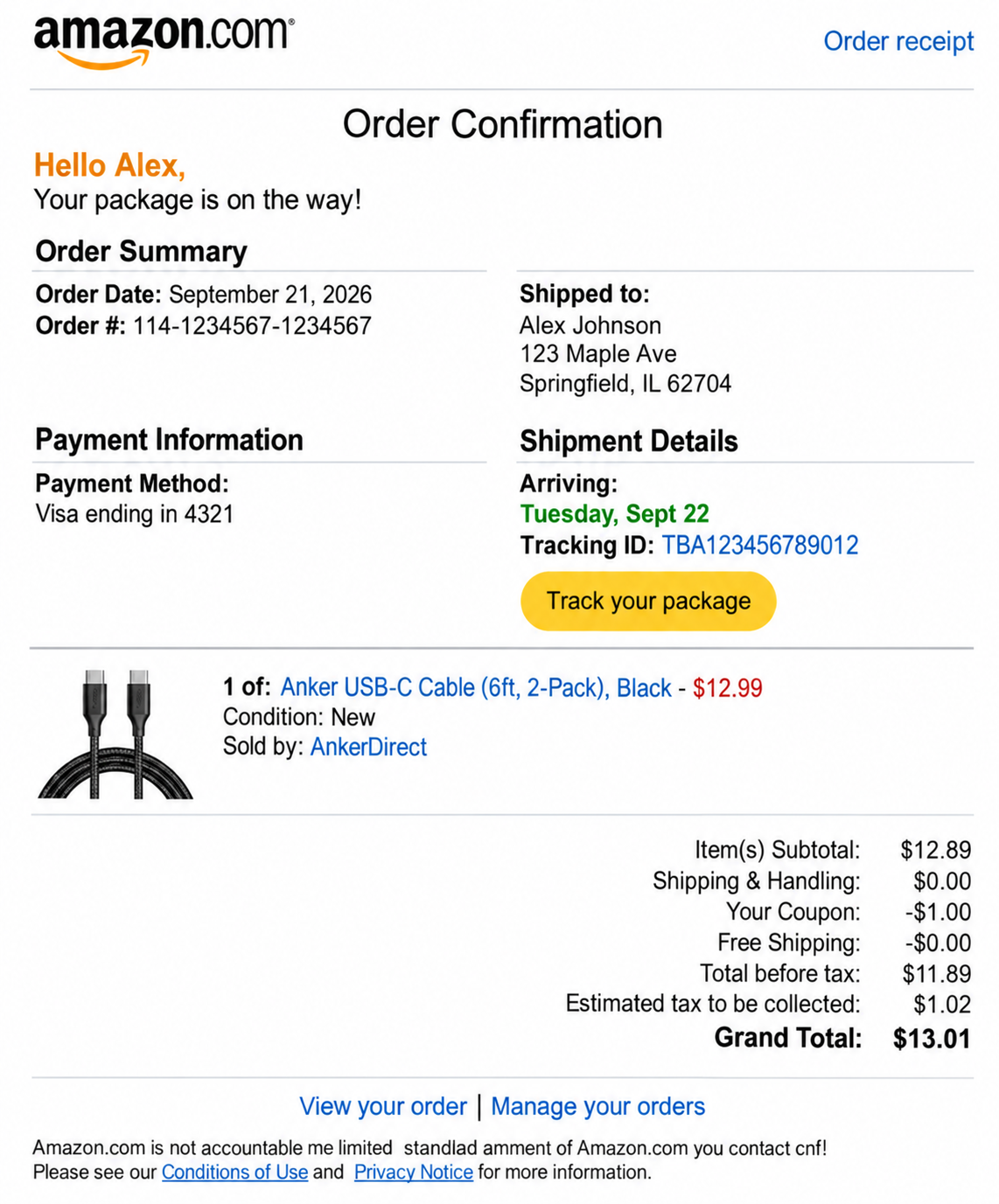
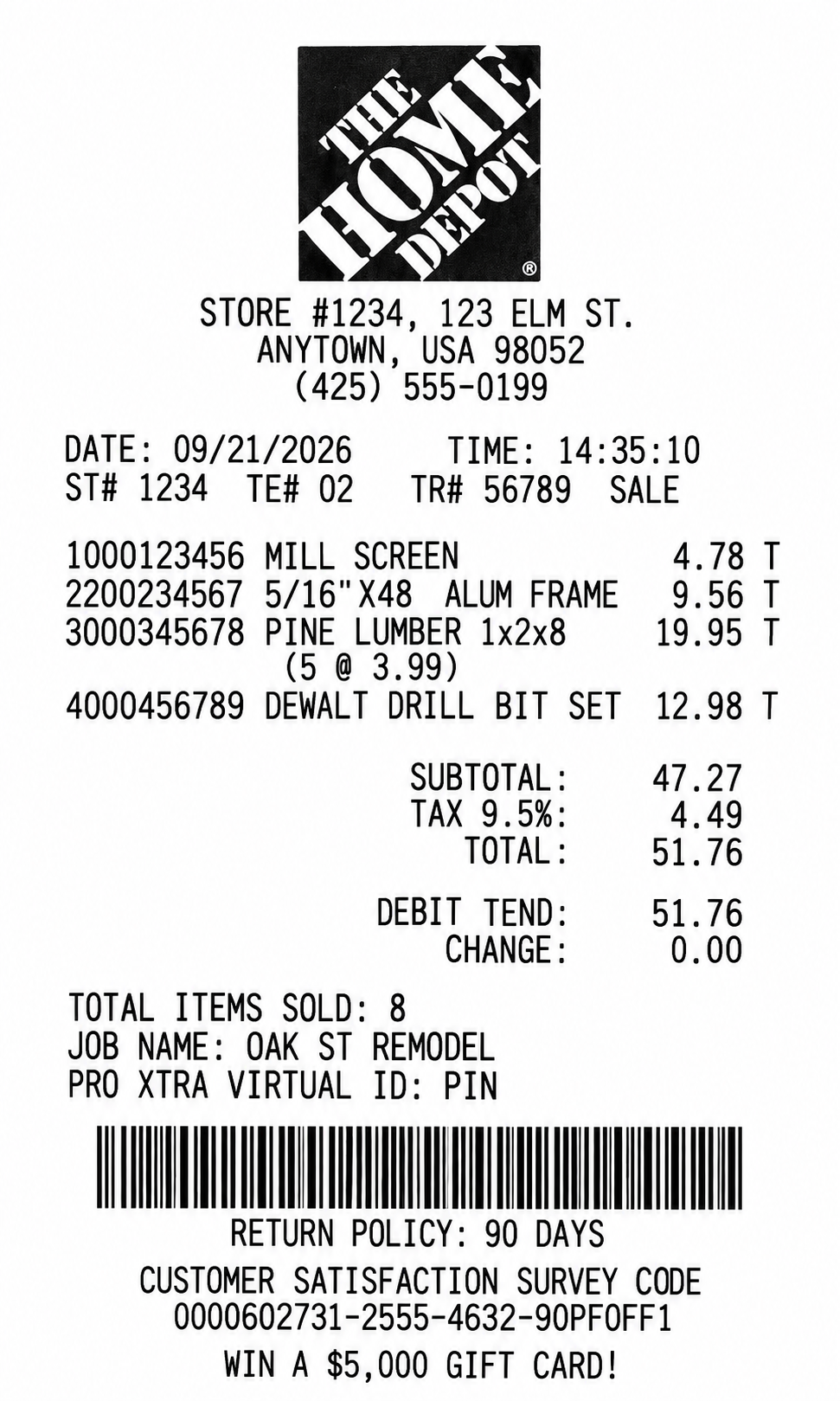
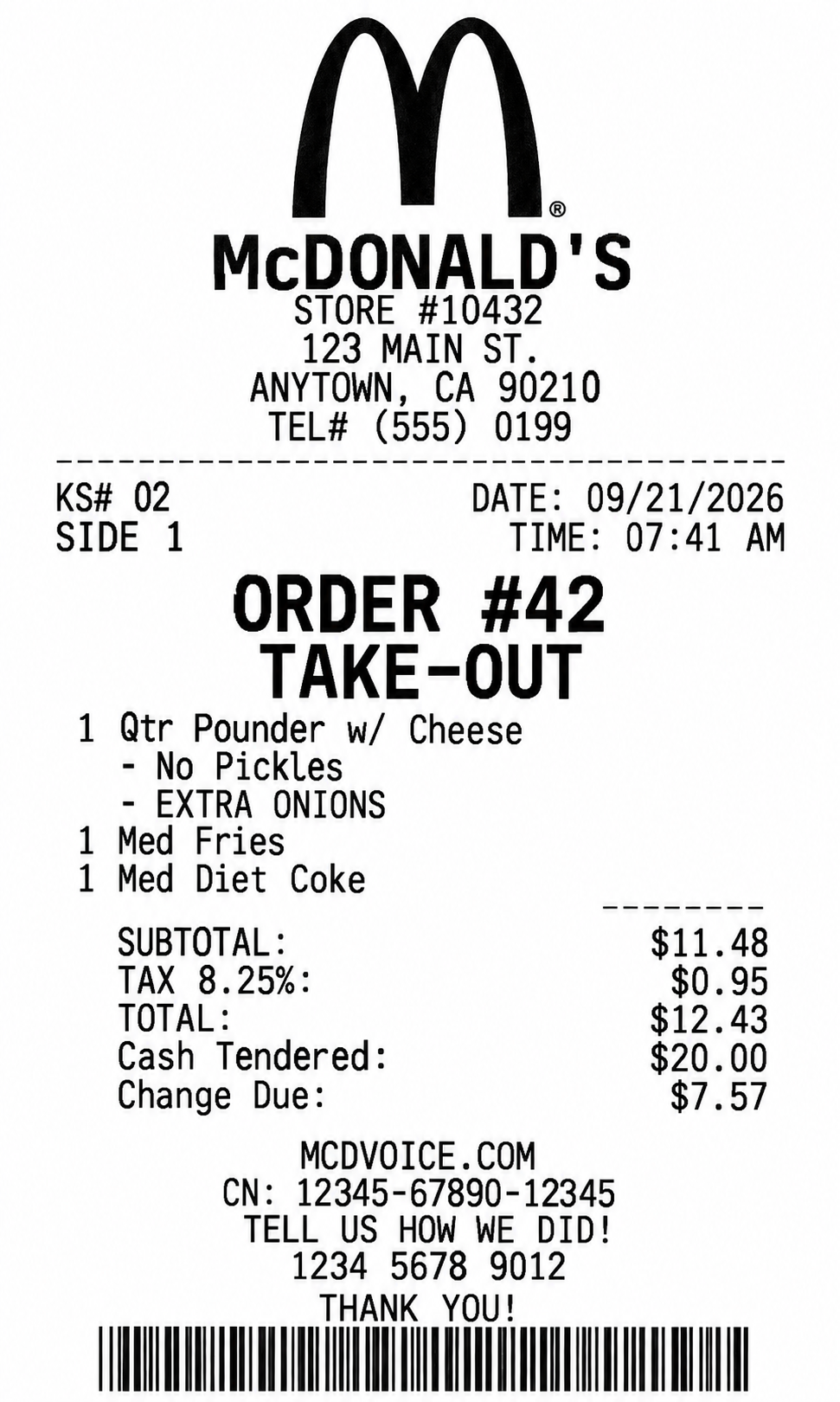
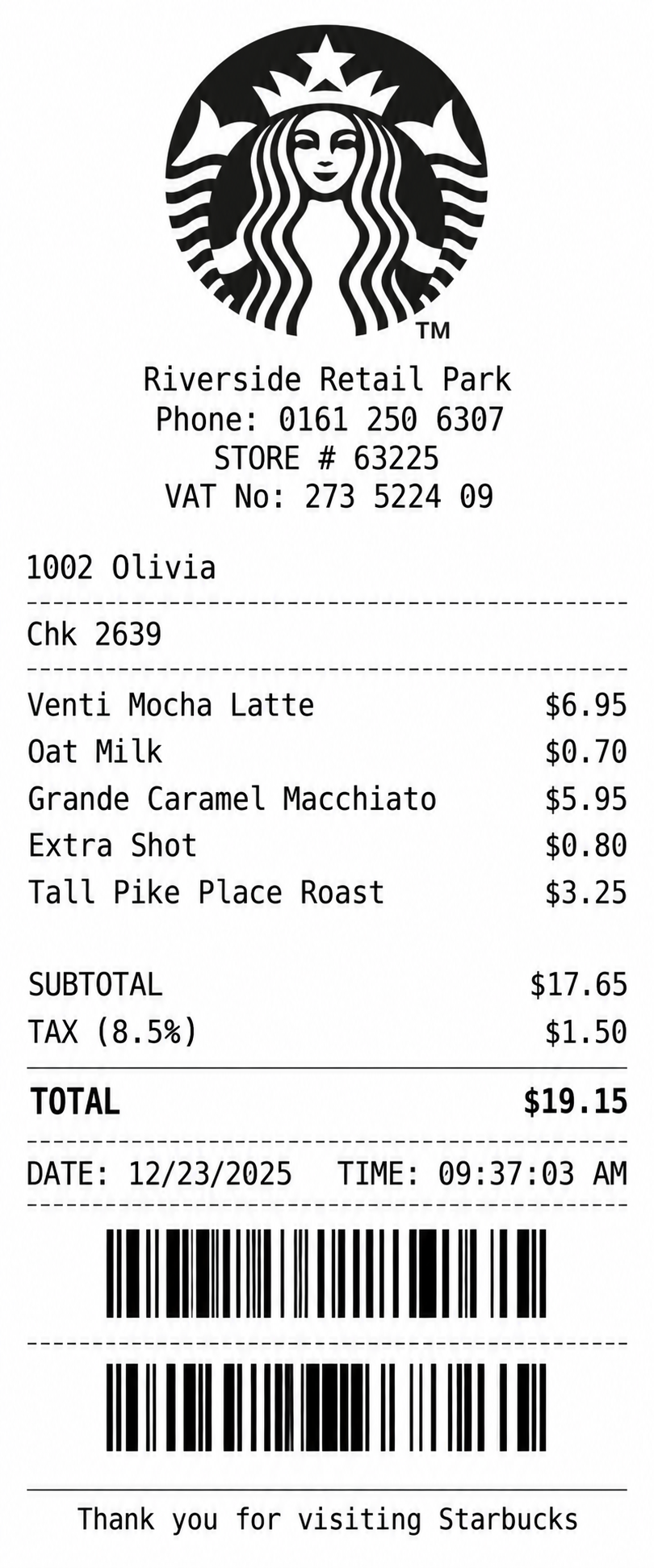
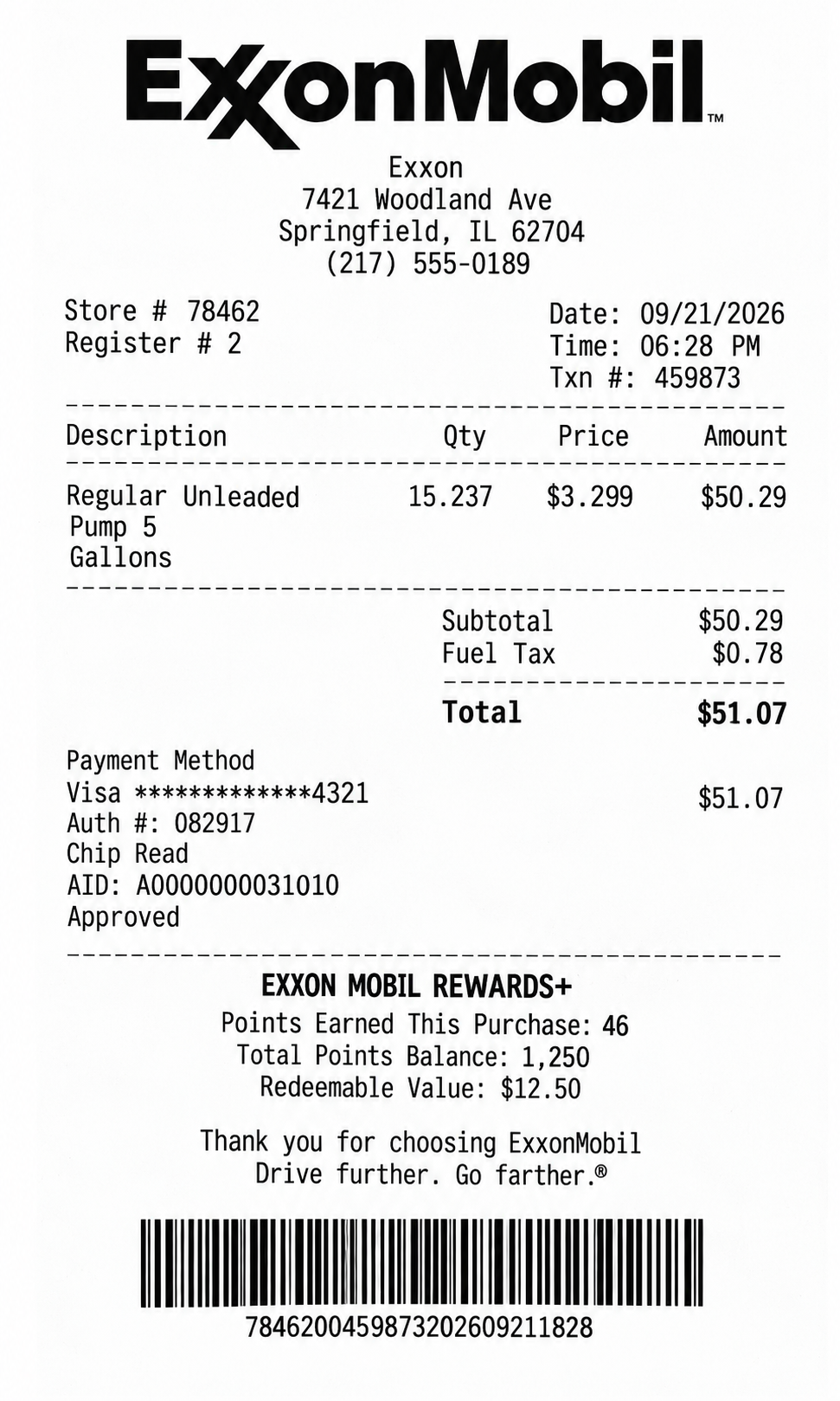
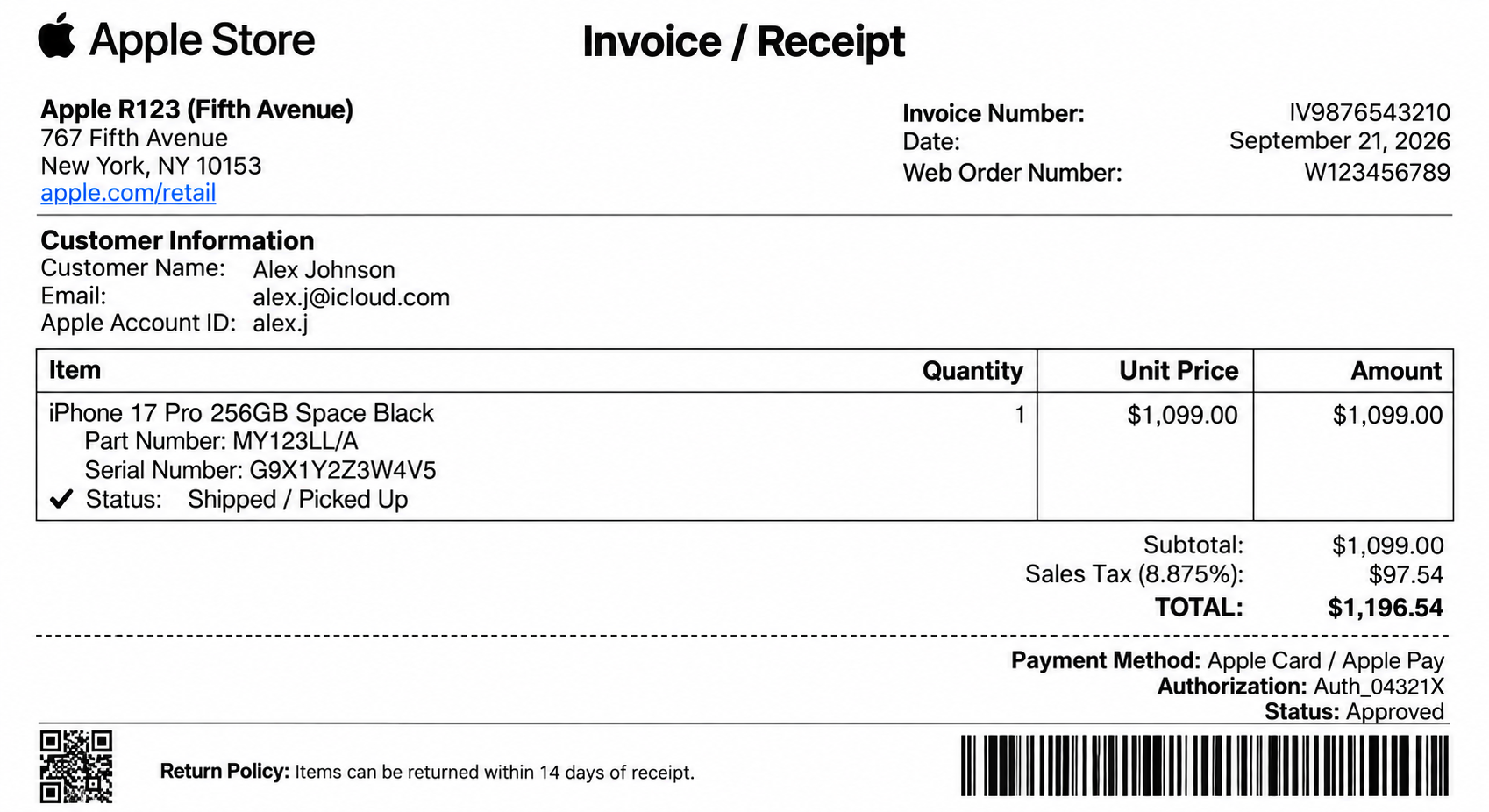
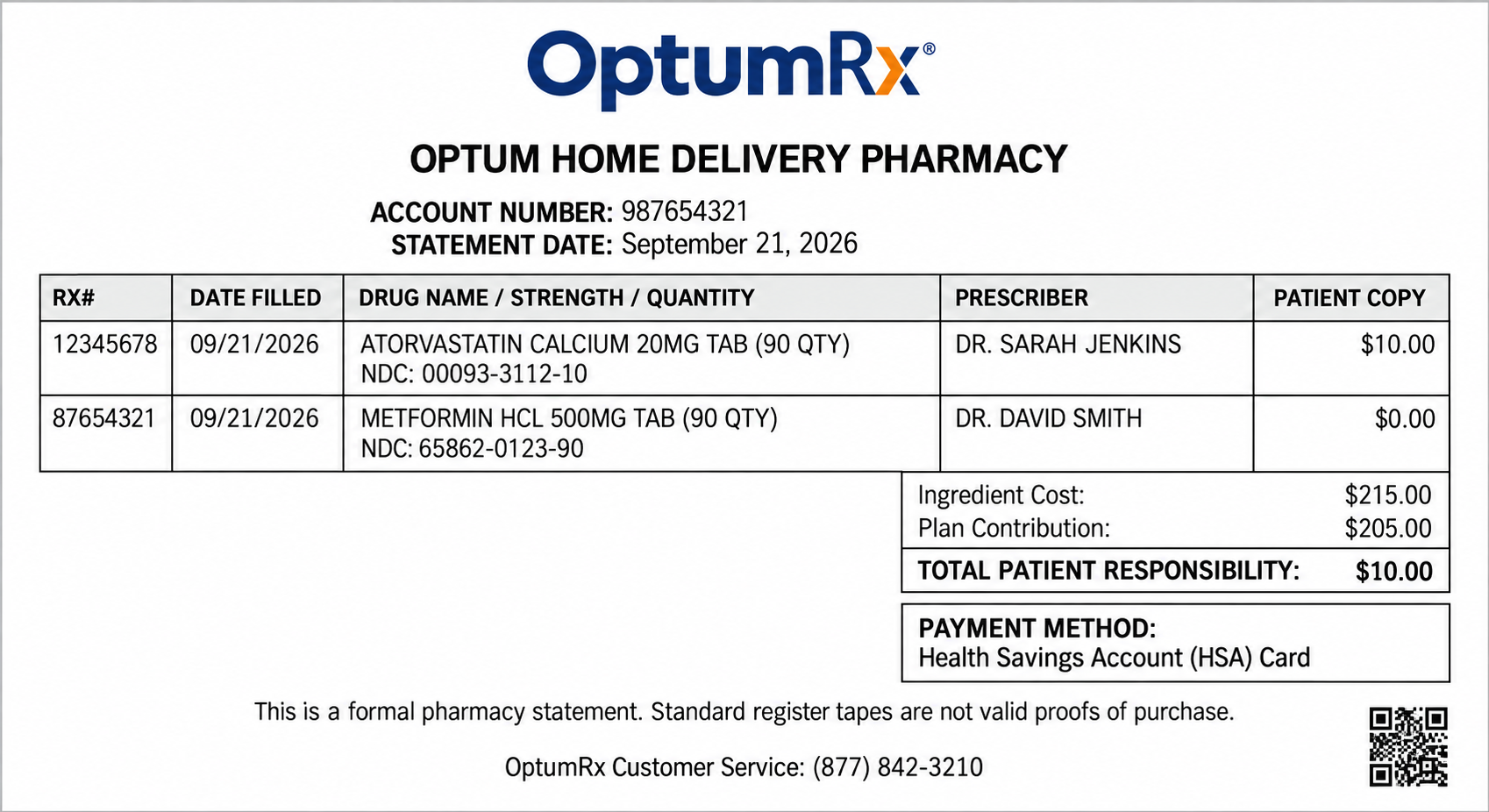
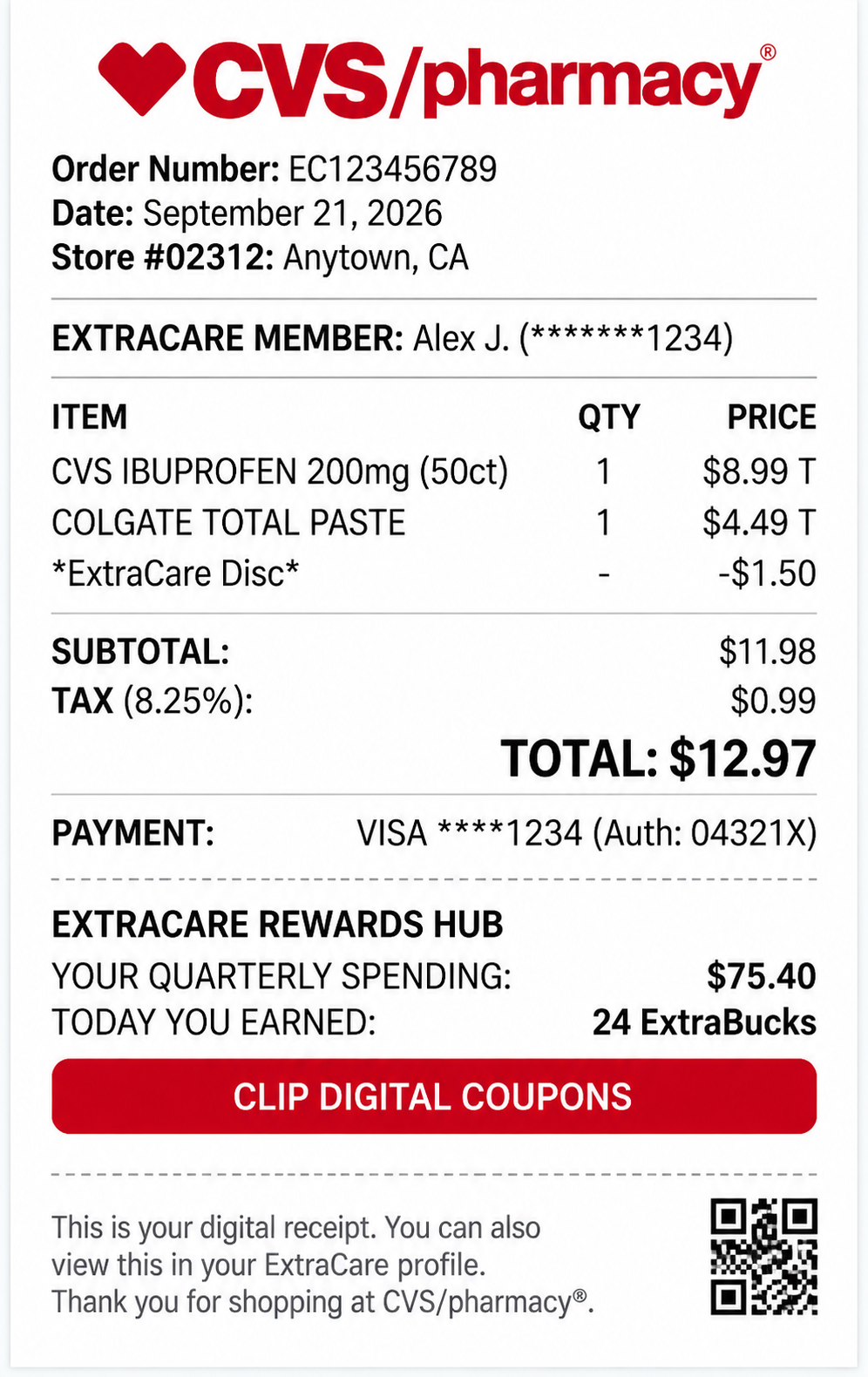
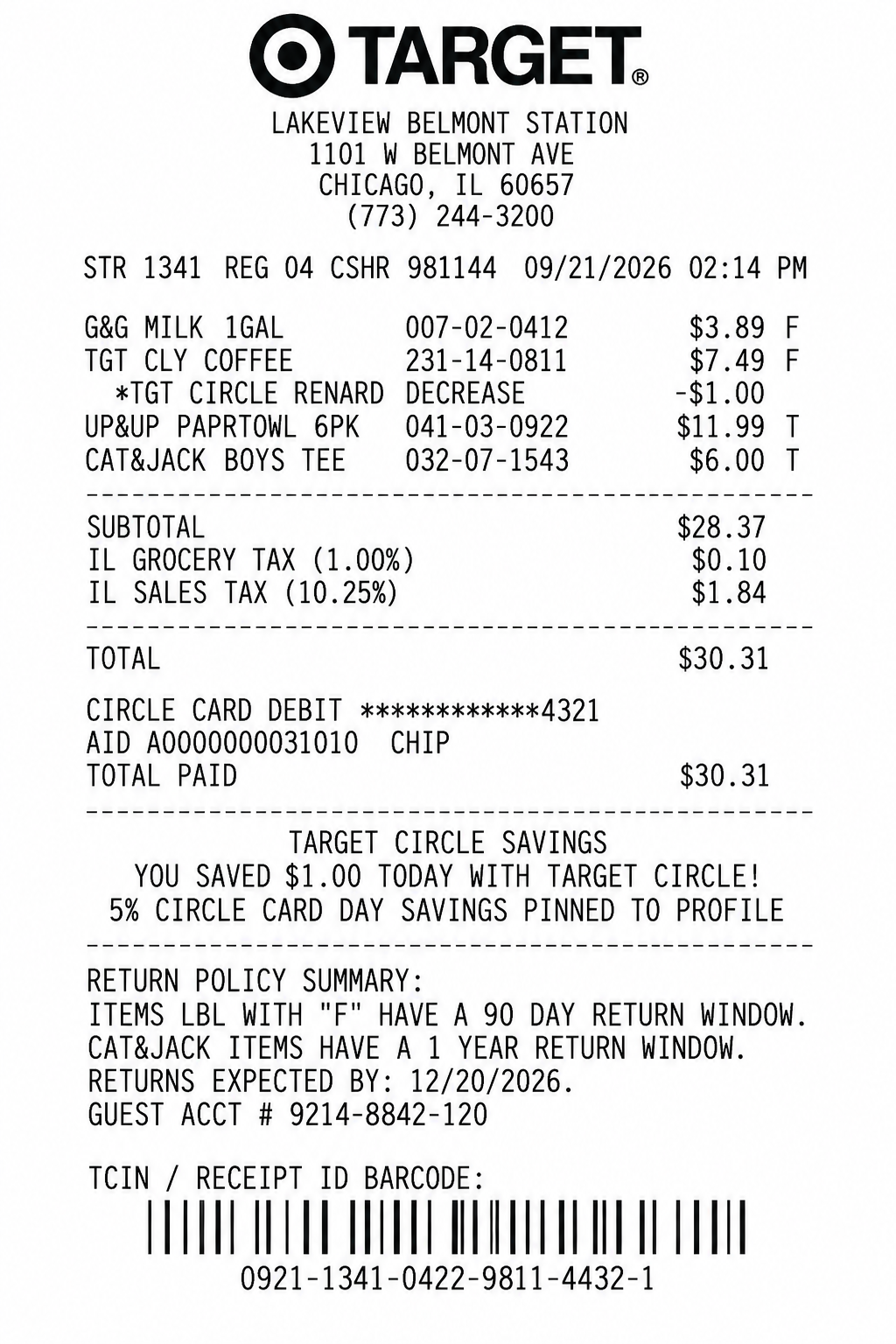
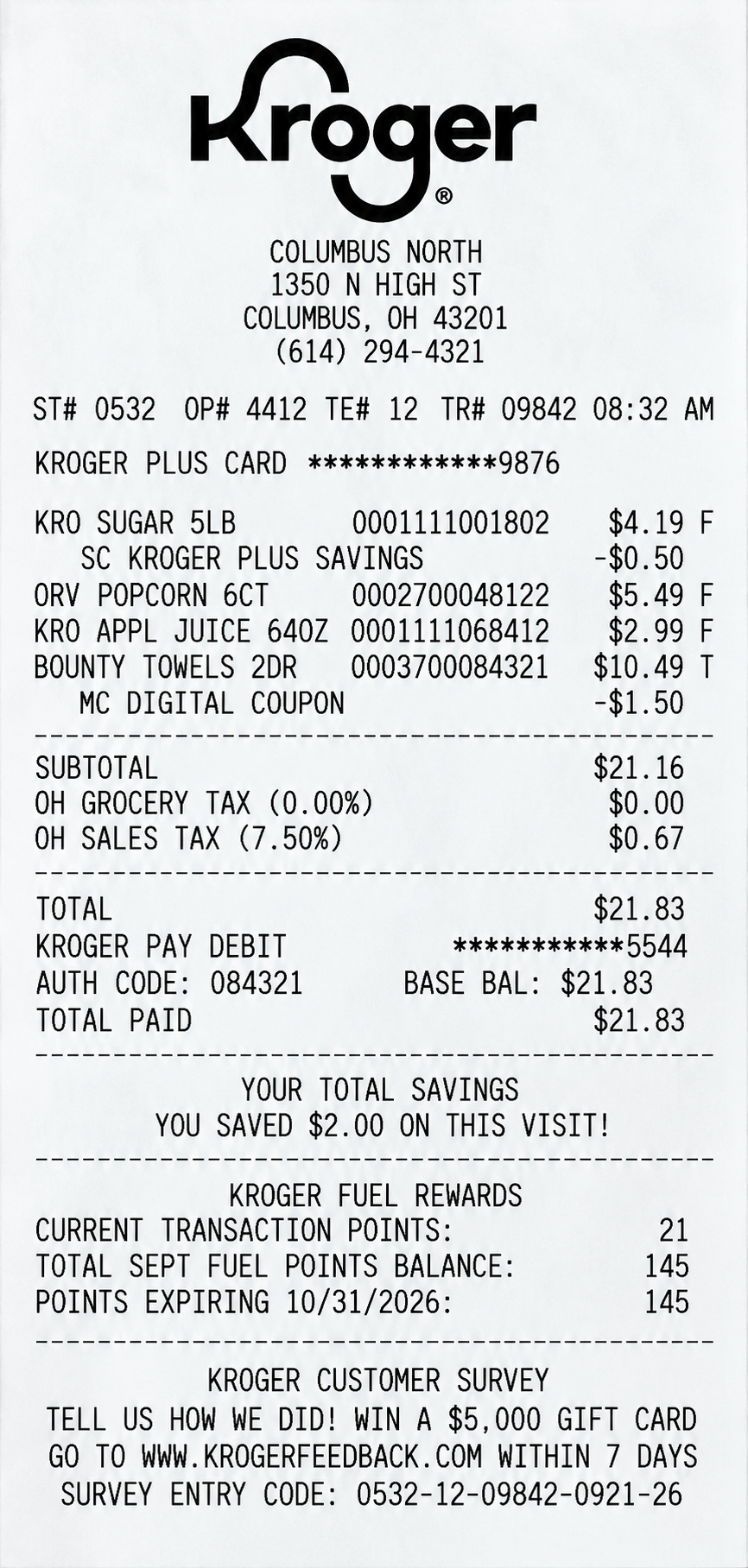
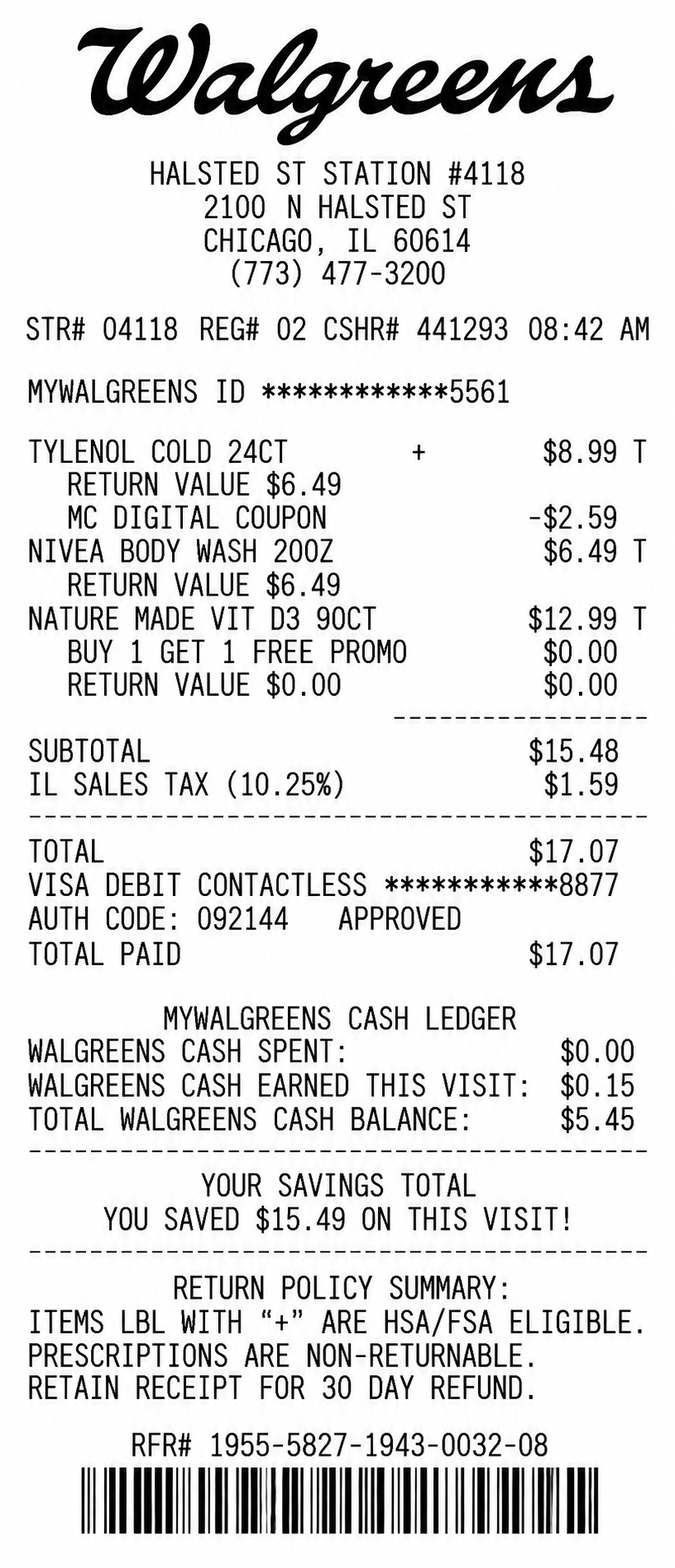
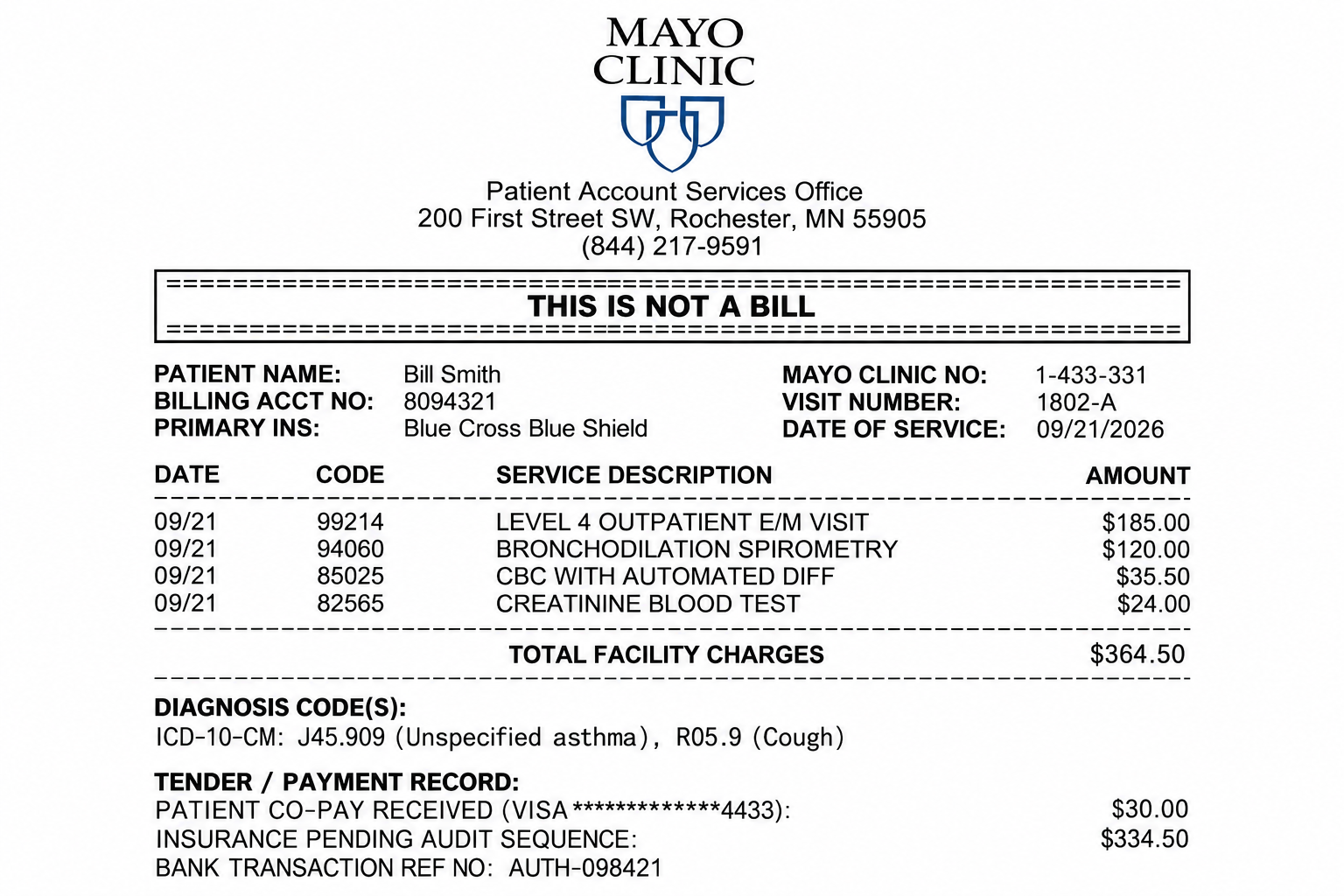
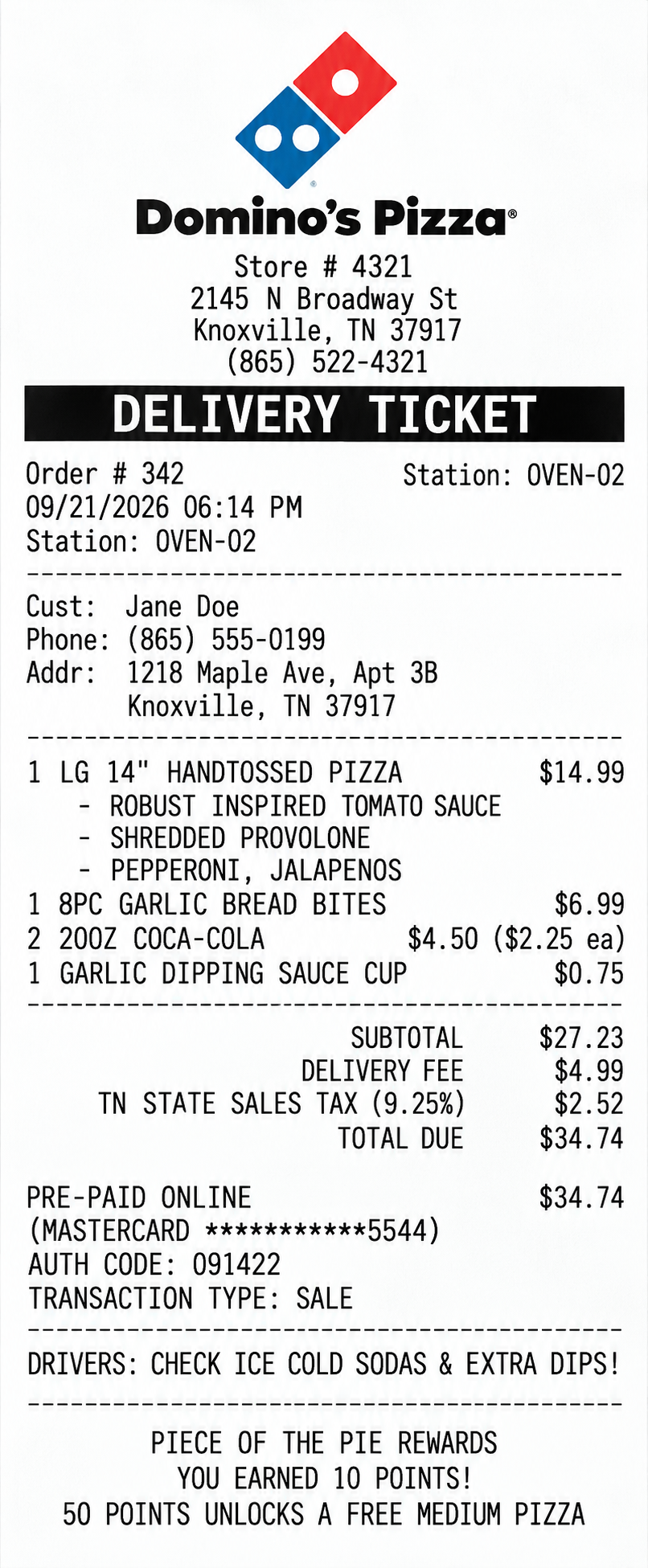
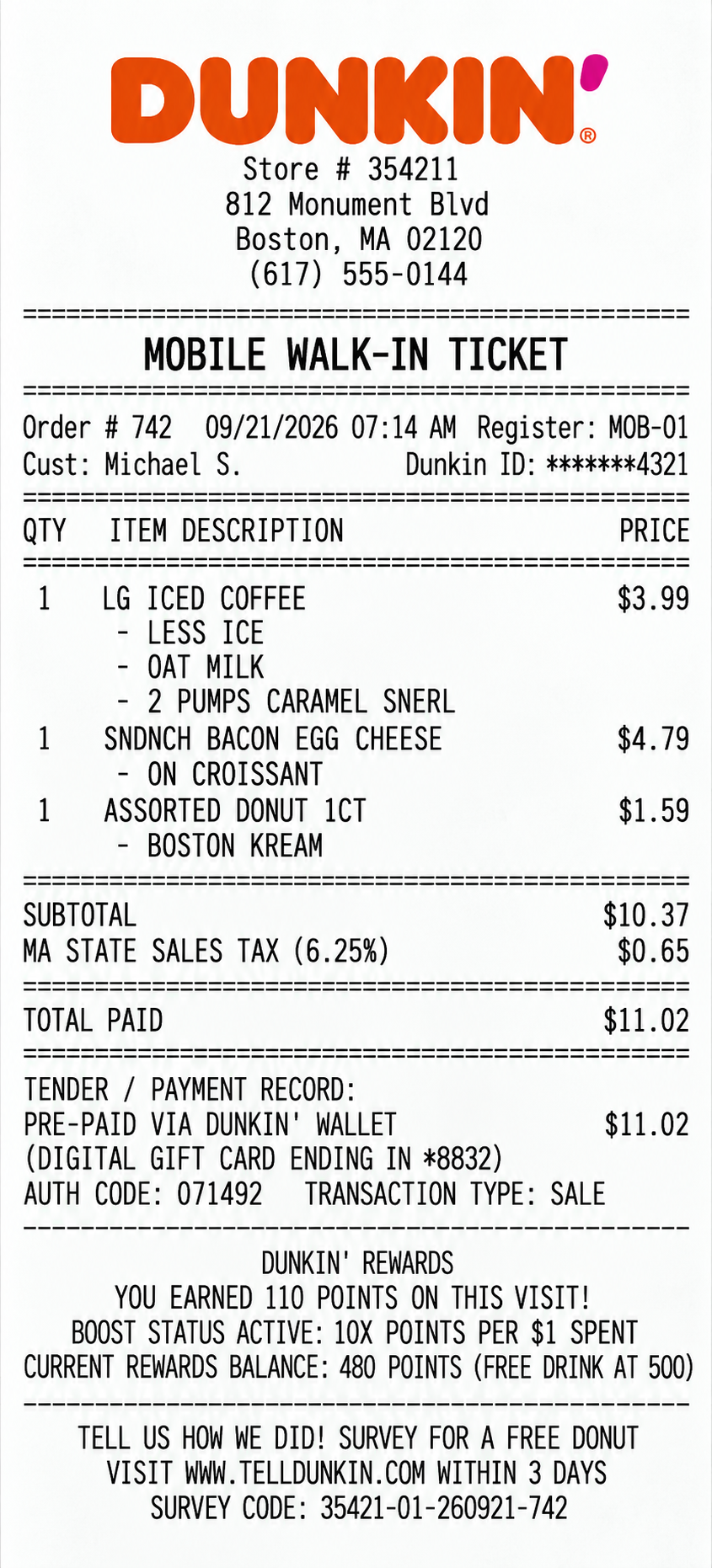
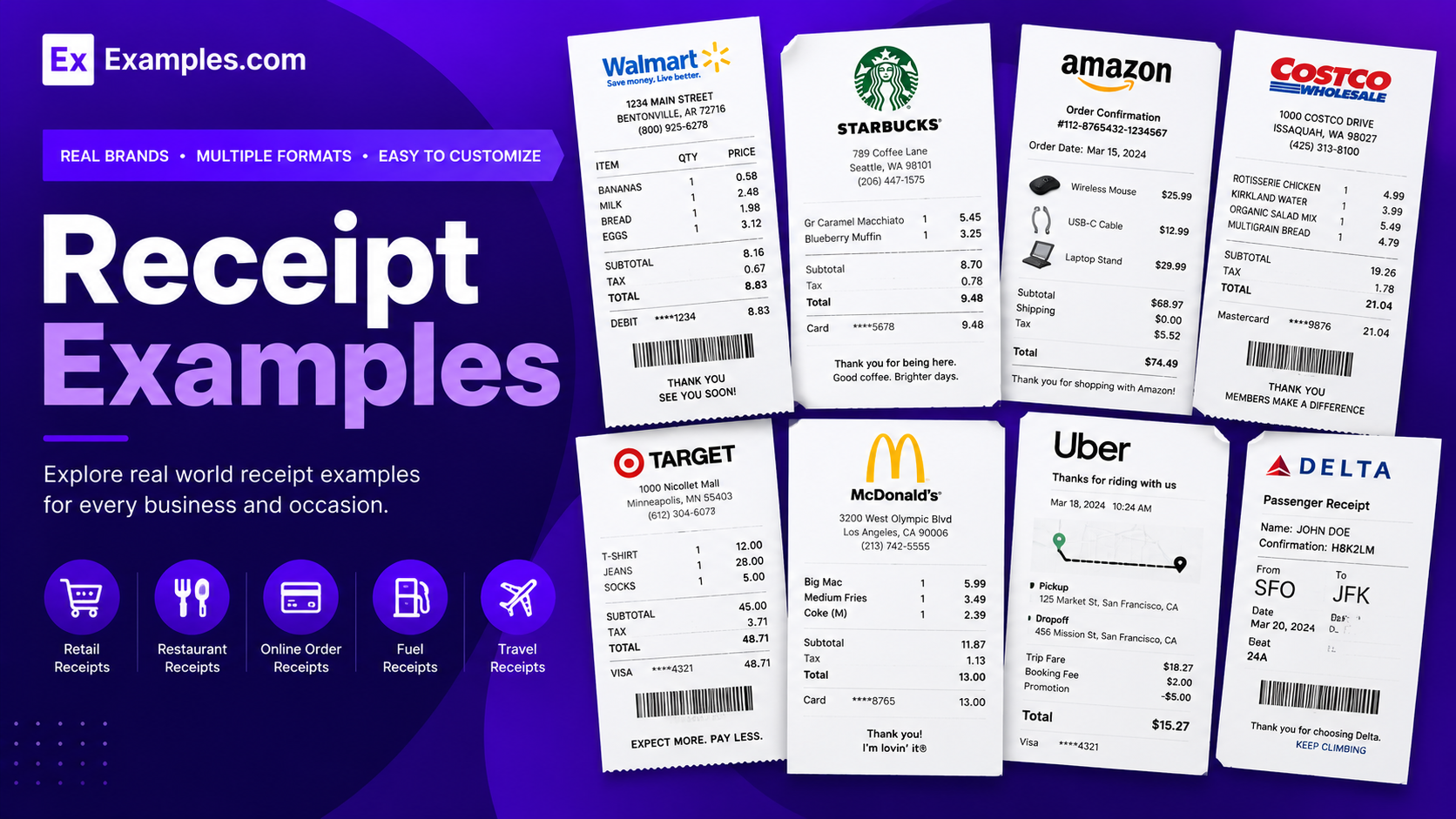
Create realistic receipt designs using AI-powered generation inspired by real-world receipt examples. Browse retail receipts, restaurant receipts, hotel folios, e-commerce receipts, transportation receipts, healthcare payment receipts, education receipts, banking records, government payment records, and business transaction examples, select a reference style, enter your prompt, and generate a completely new receipt design. Examples.com helps users create receipt concepts for demonstrations, presentations, educational projects, interface concepts, and visual references. Users can customize generated designs in the online editor, adjust layouts and visual elements, create variations, and download the final receipt as a PNG.
What Is A Receipt?
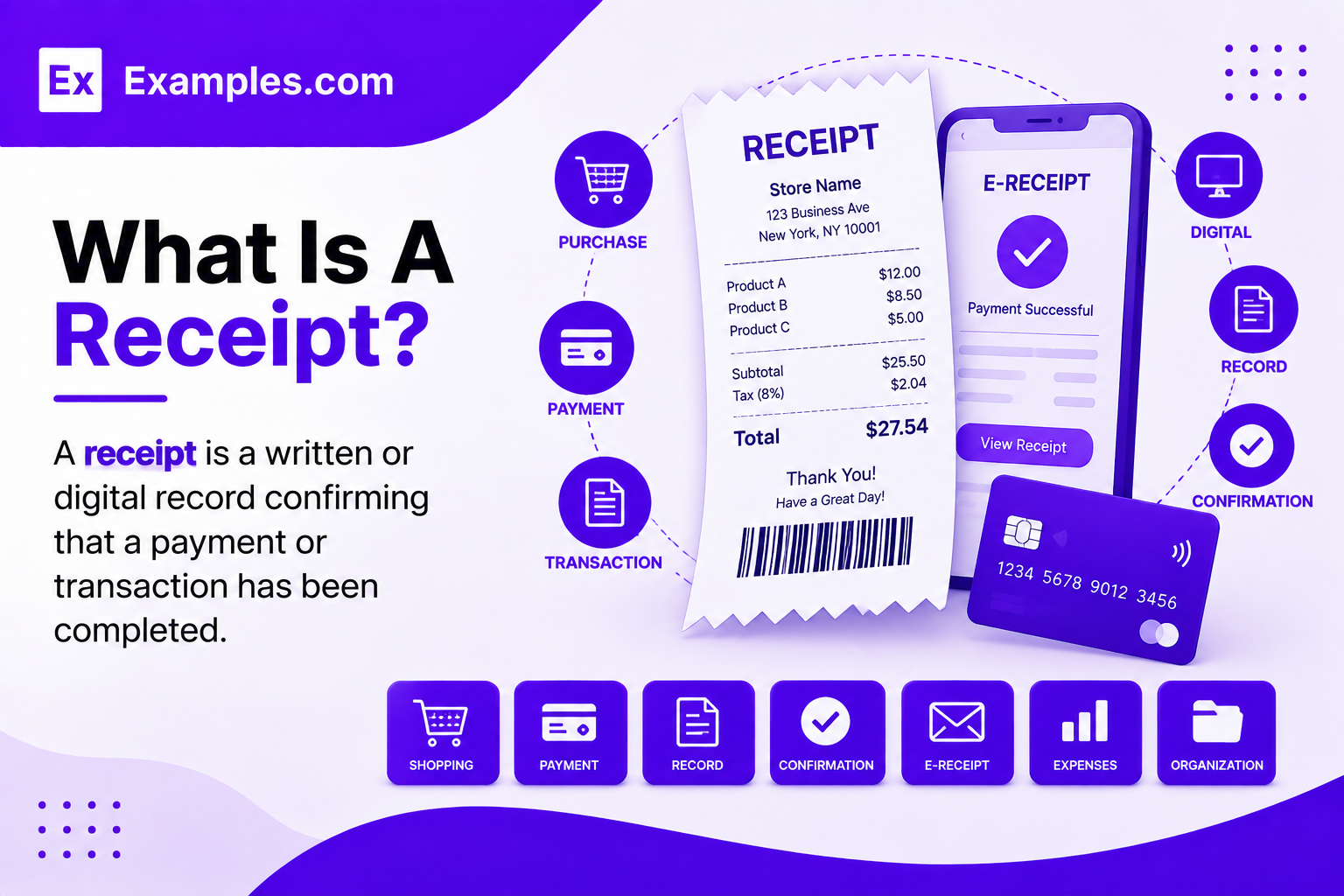
A receipt is a written or digital record confirming that a payment or transaction has been completed. It commonly identifies purchased goods or services, prices, taxes, payment details, and the total amount paid. Receipts provide proof of purchase and help buyers and sellers maintain transaction records for accounting, returns, reimbursement, and documentation.
Popular Types Of Receipt Examples
Receipt formats vary according to the transaction, industry, payment method, and information required.
Retail Receipts
Retail receipts list purchased products, quantities, prices, taxes, payment methods, and transaction information from physical stores.
Restaurant Receipts
Restaurant receipts show food or beverage orders, item prices, taxes, service charges, tips, and payment details.
E-Commerce Receipts
E-commerce receipts provide digital transaction records containing order information, purchased products, payment details, and delivery information.
Hotel Receipts
Hotel receipts, also called folios, summarize accommodation charges, taxes, room services, parking, and other hotel expenses.
Transportation Receipts
Transportation receipts document fares, routes, travel charges, tolls, tips, and payment information for transportation services.
Business Receipts
Business receipts record business purchases, services, expenses, payments, and transaction details for accounting and operational documentation.
Why Should I Use Real Receipt Examples To Create My Own Receipt?
Real receipt examples help me understand how transaction information is organized across different industries and payment environments. They show common structures for item descriptions, quantities, prices, taxes, totals, payment methods, dates, transaction identifiers, and merchant information.
Instead of modifying an existing receipt, I can use real-world examples as visual references. On Examples.com, I can select a receipt style, describe my desired layout through an AI prompt, generate a completely new design, and customize its visual presentation for my specific project or demonstration.
How Do I Generate Receipts Using Proven Examples From The World’s Best Brands?
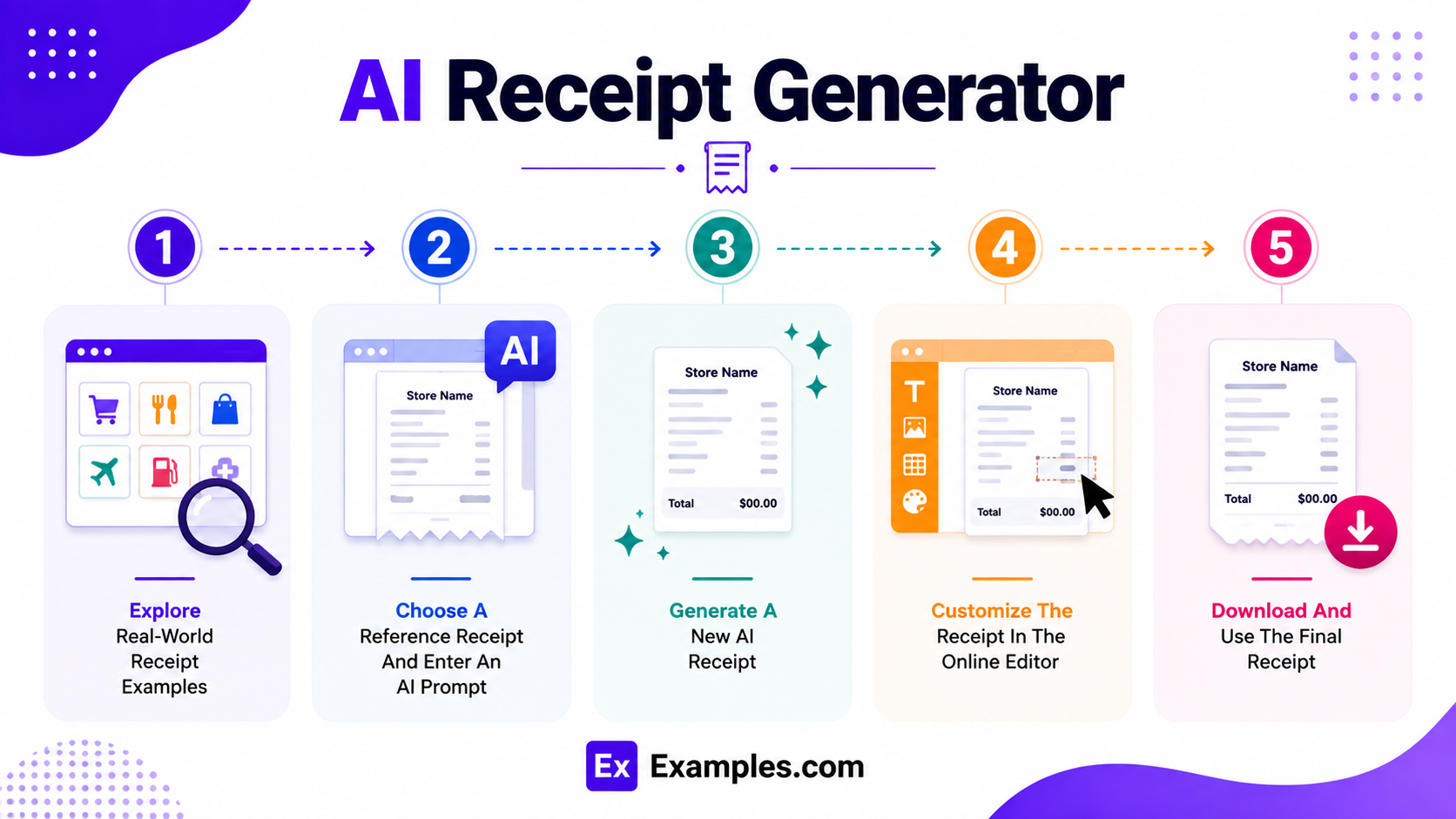
Creating a realistic receipt design becomes easier when I use real-world transaction examples as inspiration. The workflow combines reference receipts, AI-powered generation, online customization, and personalized content to create a new visual receipt.
Explore Real-World Receipt Examples
I can browse examples from retail stores, restaurants, hotels, online marketplaces, transportation providers, healthcare organizations, educational institutions, banks, government services, nonprofits, and business operations to understand different receipt structures.
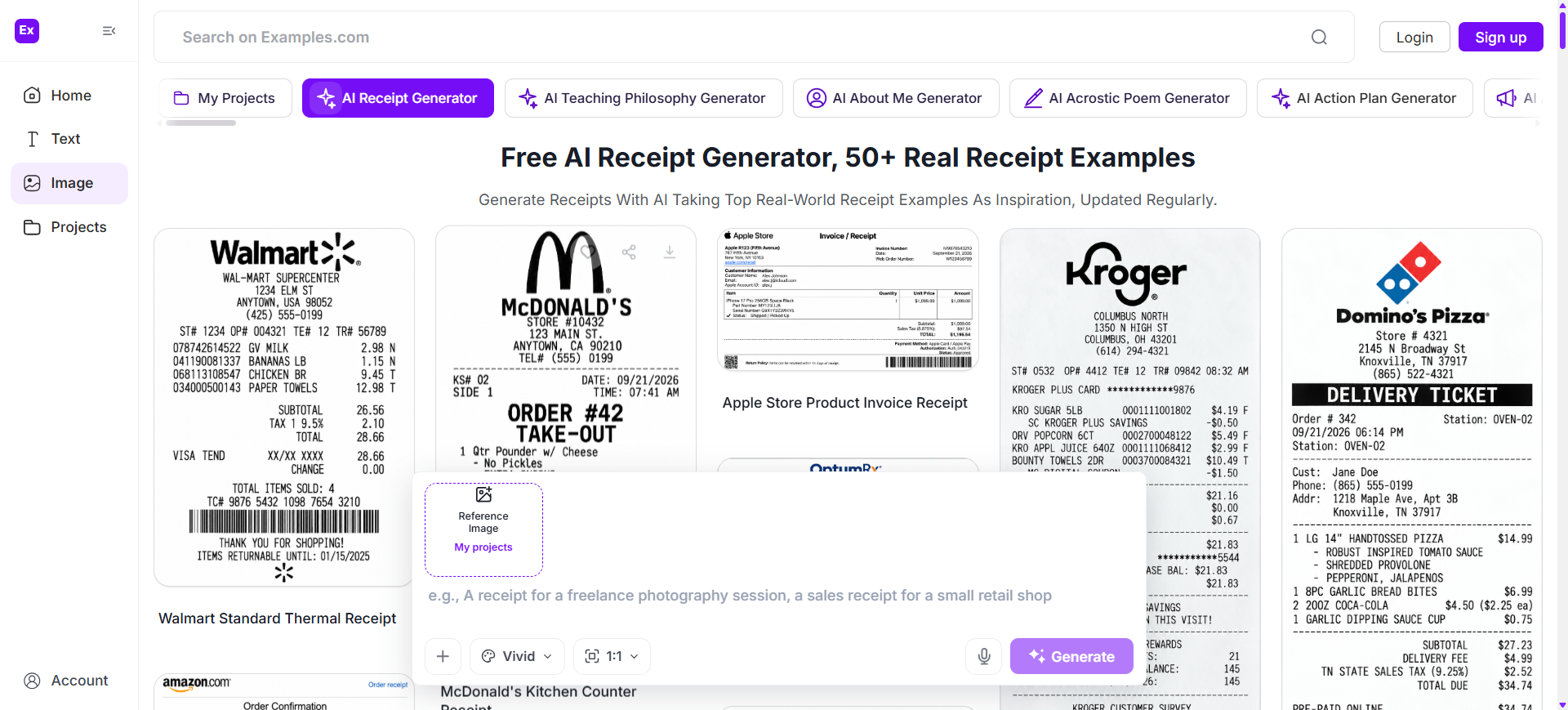
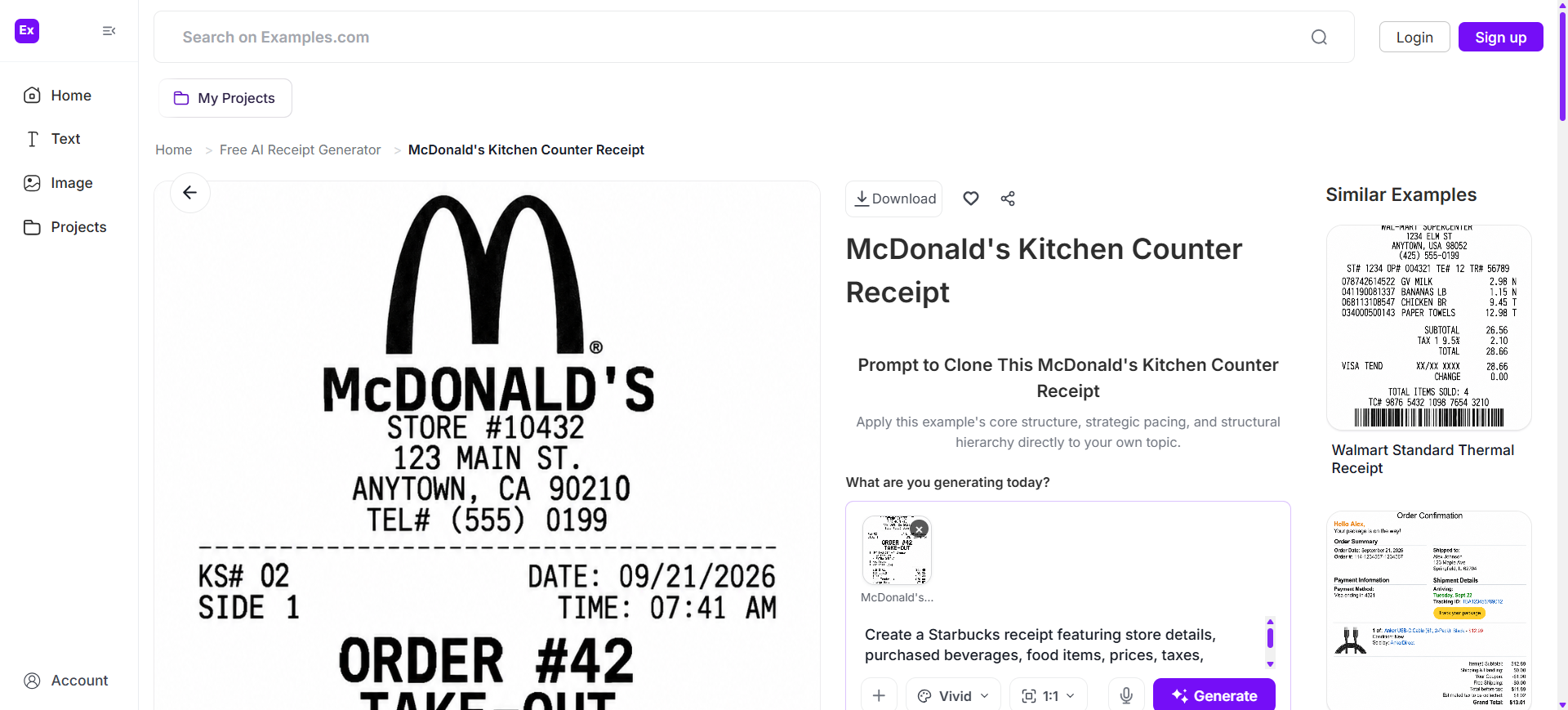
Choose A Reference Receipt And Enter An AI Prompt
After selecting a receipt style, I can describe the merchant type, transaction layout, item structure, dates, prices, taxes, payment details, typography, and visual preferences through an AI prompt.
Generate A New AI Receipt
The AI creates a new receipt design based on my prompt and the selected visual reference. It can generate original layouts, transaction sections, item rows, totals, payment areas, and supporting details without directly modifying the original receipt.
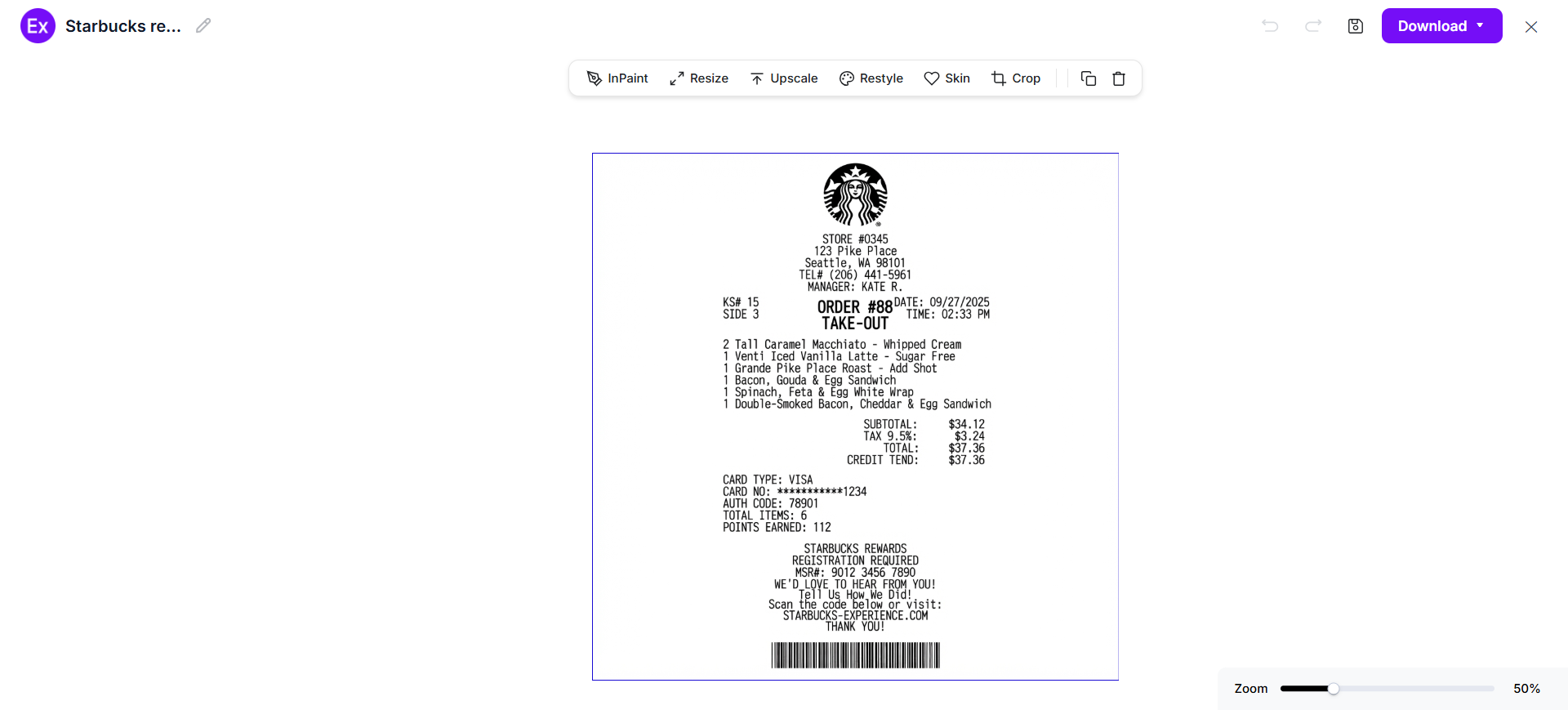
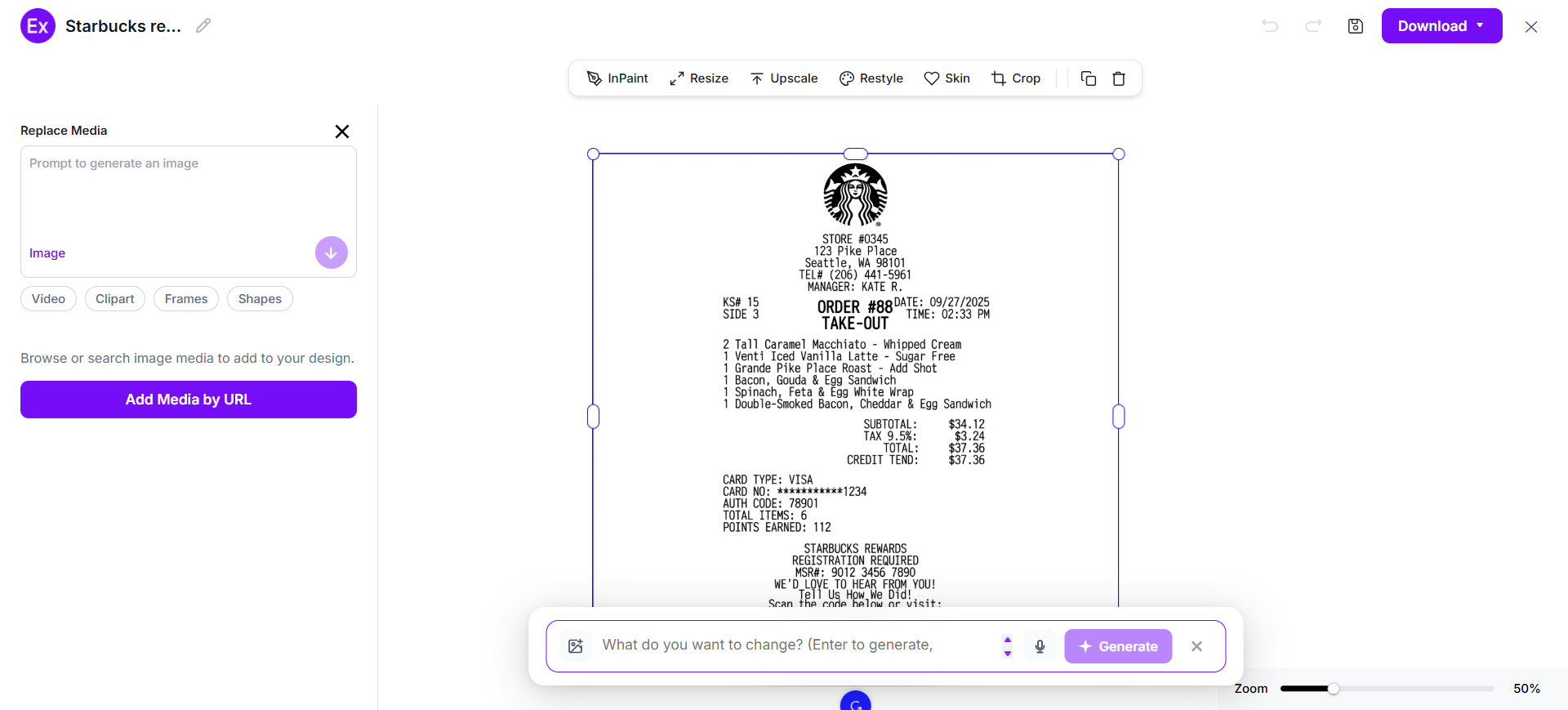
Customize The Receipt In The Online Editor
I can personalize the generated receipt by changing text, replacing visual elements, adjusting spacing, modifying typography, uploading graphics, editing layouts, and refining the overall appearance with AI-powered editing tools.
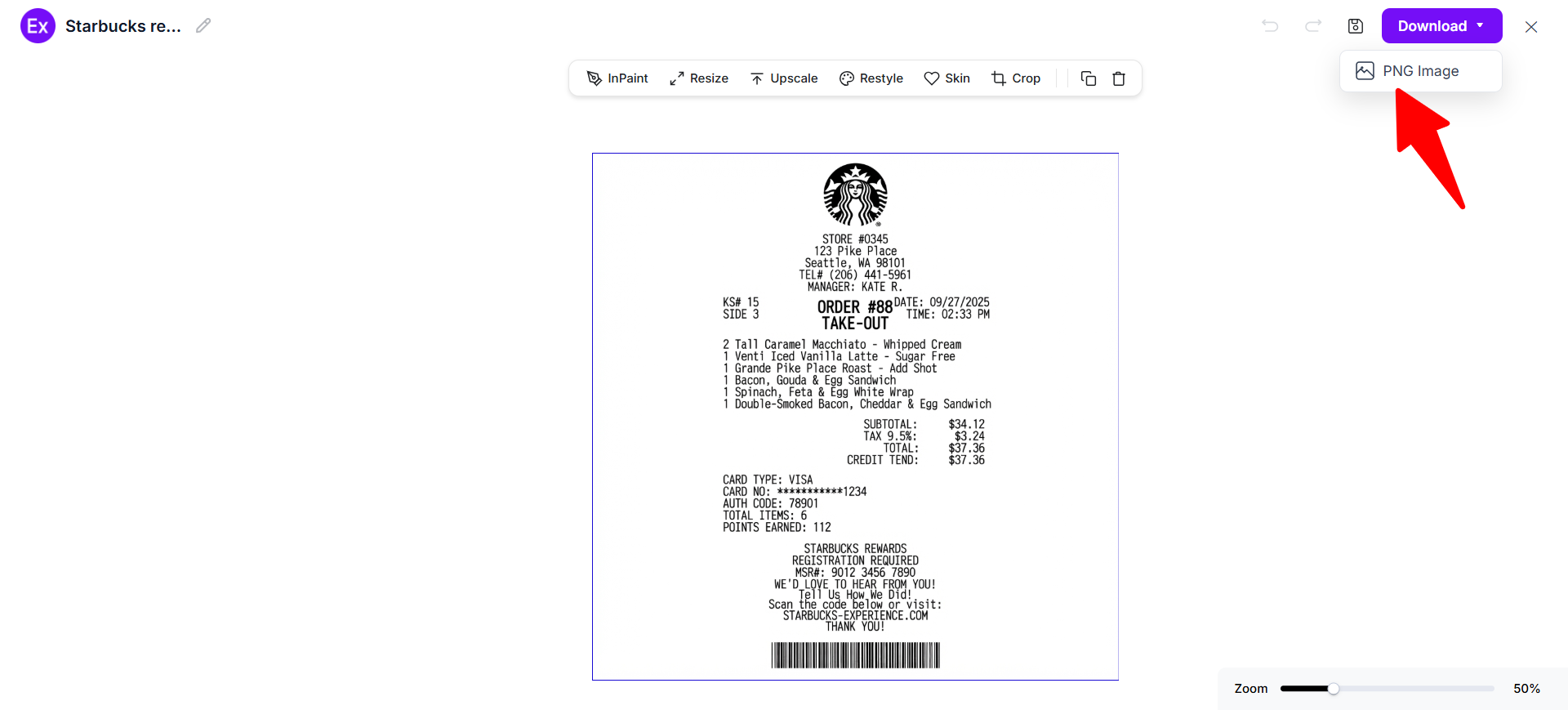
Download And Use The Final Receipt
After completing the design, I can download the final receipt as a PNG image for presentations, educational demonstrations, interface concepts, design references, or other legitimate visual projects.
Customize Receipt Designs Online
After generating a new receipt, I can open it in the online editor to customize its visual structure and supporting elements. I can update merchant details, item descriptions, quantities, prices, headings, typography, spacing, logos, icons, and other design components to create a layout suited to my project. I can also upload my own graphics or replace selected visual elements while keeping the receipt organized and readable.
The editor includes AI-powered tools for improving images, adjusting dimensions, generating alternative visual treatments, removing backgrounds, and creating multiple variations. With Examples.com, I can turn an AI-generated receipt concept into a polished visual design without requiring advanced graphic design skills.
AI Receipt Editing Features
AI-powered editing features help customize receipt visuals while preserving a clear transaction-oriented layout.
InPaint
Edit or replace selected visual elements while keeping the surrounding receipt design intact.
Resize
Adjust receipt dimensions for presentations, digital interfaces, websites, demonstrations, or other visual applications.
Upscale
Improve the clarity of receipt graphics and visual elements when a higher-resolution presentation is needed.
Restyle
Generate alternative typography, spacing, visual treatments, and design styles for the receipt.
BG
Remove or replace backgrounds around selected receipt graphics or uploaded visual elements.
Crop
Adjust framing and remove unnecessary visual space around the receipt design.
Flip
Mirror the receipt layout or selected visual elements when exploring alternative compositions.
Animate
Create animated visual presentations of receipt designs for demonstrations or digital concepts.
Multishot
Generate multiple receipt design variations from a single prompt for visual comparison.
Standard Receipt Sizes And Formats
Receipt dimensions vary according to the printing system, transaction environment, and intended presentation. Narrow thermal receipts are common for point-of-sale transactions, while wider formats provide more room for detailed information.
| Receipt Format | Common Size | Best Use Case |
|---|---|---|
| Thermal Receipt | 80 mm wide | Retail stores, restaurants, and point-of-sale transactions |
| Small Thermal Receipt | 58 mm wide | Compact counters, kiosks, and small transactions |
| Half-Page Receipt | 5.5 × 8.5 in | Detailed transaction documentation |
| A5 Receipt | 148 × 210 mm | Business records and service documentation |
| A4 Receipt | 210 × 297 mm | Detailed business and administrative records |
| Digital Receipt | Custom Size | Email, mobile applications, and online transactions |
Narrow thermal formats work well when the receipt contains concise transaction details. Wider layouts are better for itemized purchases, service charges, taxes, payment information, and additional transaction notes.
Essential Elements Every Receipt Should Include
A useful receipt should organize transaction information clearly so the buyer and seller can understand what was purchased and how the payment was recorded.
- Merchant Information – Include the business or service provider name and relevant contact or location details.
- Transaction Date And Time – Show when the transaction occurred to establish a clear payment record.
- Receipt Or Transaction Number – Provide a unique identifier that helps locate the transaction in business records.
- Itemized Purchases – List individual products or services with descriptions, quantities, and corresponding prices.
- Subtotal – Show the amount before applicable taxes, discounts, service charges, or other additions.
- Taxes And Fees – Clearly identify applicable sales taxes, service charges, delivery fees, or other transaction costs.
- Total Amount – Display the final amount paid prominently so the transaction value is easy to identify.
- Payment Method – Identify whether the transaction was completed using cash, card, digital payment, or another method.
- Customer Information – Include customer details when required for business, delivery, reimbursement, warranty, or administrative purposes.
- Return Or Support Information – Provide relevant return instructions, customer-service information, warranty details, or transaction support guidance when applicable.
How Do I Design A Better Receipt?
A well-organized receipt should make transaction information easy to scan while maintaining a clean and practical layout.
- Start With Clear Merchant Identification – Start with clear merchant identification so the receipt can be recognized immediately.
- Display The Transaction Date And Time – Display the transaction date and time near the beginning of the receipt.
- Use A Unique Receipt Number – Use a unique receipt or transaction number for record keeping.
- Organize Item Rows Clearly – Organize products or services into clearly separated item rows.
- Keep Descriptions Concise – Keep descriptions concise so important information remains easy to scan.
- Align Transaction Details – Align quantities, prices, taxes, and totals consistently throughout the layout.
- Make The Final Total Distinct – Make the final total visually distinct from supporting transaction information.
- Show The Payment Method Clearly – Show the payment method clearly when it is relevant to the transaction record.
- Include Support Information – Include useful return, support, warranty, or contact information where appropriate.
- Review The Final Layout – Review every section for readability, consistency, and accurate visual organization before finalizing the design.
Common Receipt Design Mistakes To Avoid
A receipt should make transaction information clear, organized, and easy to review. Avoiding common design problems helps create readable receipt layouts for legitimate demonstrations, business documentation, educational projects, and interface concepts.
- Poor Information Hierarchy – Make the merchant name, transaction details, purchased items, and final total easy to locate.
- Overcrowded Layout – Avoid squeezing too much information into a narrow receipt. Use appropriate spacing between sections.
- Unclear Item Descriptions – Keep product or service descriptions concise while providing enough information to identify each transaction item.
- Misaligned Prices – Align quantities, prices, taxes, and totals consistently so financial information is easy to scan.
- Weak Total Visibility – Give the subtotal, taxes, discounts, and final total enough visual separation.
- Inconsistent Typography – Use a consistent type hierarchy so headings, item details, and transaction information remain readable.
- Missing Supporting Information – Include appropriate merchant, transaction, payment, return, or customer-service details when relevant.
- Using Unclear Mockup Information – For demonstrations or design concepts, clearly distinguish fictional examples from genuine transaction records and never present a fabricated receipt as proof of a real purchase.
How Can I Market My Product Using A Receipt?
Receipts can support customer communication and marketing when businesses use legitimate transaction documents to provide useful post-purchase information and brand touchpoints.
Brand Recognition
Use consistent branding, merchant information, and visual identity so customers can easily recognize the business.
Product Recommendations
Include relevant product information or suggestions alongside legitimate transaction documentation when appropriate.
Loyalty Programs
Provide information about rewards programs, membership benefits, or future-purchase opportunities.
Customer Feedback
Add a survey invitation or customer-service information to encourage useful feedback after a purchase.
Promotional Offers
Present clearly defined future-purchase promotions or discount information without changing the transaction record itself.
Digital Engagement
Include legitimate website, support, or social-media information that helps customers continue interacting with the business.
Which Receipt Sizes Perform Best?
The most suitable receipt size depends on the transaction system, amount of information, and intended output format.
| Receipt Size | Best For | Advantages |
|---|---|---|
| 58 mm Thermal | Small retail transactions and kiosks | Compact and suitable for short item lists |
| 80 mm Thermal | Retail, restaurants, and POS systems | Provides more space for detailed transaction information |
| 3 × 8 in | Compact business receipts | Balances portability with readable itemization |
| 4 × 8 in | Detailed retail and service receipts | Provides additional room for transaction details |
| A5 | Service documentation and business records | Supports larger text and additional information |
| A4 | Detailed administrative or business records | Provides substantial space for itemization and supporting details |
| Digital Custom | Email, apps, websites, and online orders | Flexible dimensions for different digital interfaces |
For physical point-of-sale environments, narrow thermal formats are practical. Digital receipts can use flexible dimensions depending on the application, while larger formats are more suitable when extensive transaction information must be displayed.
Receipt Ideas For Different Industries
Receipts appear in many industries, with the information and layout changing according to the transaction type.
- Retail Receipt Examples – Create receipt concepts showing products, quantities, discounts, taxes, payment information, and transaction identifiers.
- Restaurant Receipt Examples – Show food and beverage orders, table or order numbers, service charges, taxes, tips, and payment information.
- Hospitality Receipt Examples – Present hotel folios with room charges, accommodation dates, taxes, parking, room service, and other legitimate expenses.
- E-Commerce Receipt Examples – Design digital order receipts containing order information, purchased products, payment confirmation, and delivery details.
- Healthcare Receipt Examples – Create visual concepts for payment records containing appropriate service descriptions, charges, dates, and payment information.
- Transportation Receipt Examples – Illustrate legitimate travel receipts showing fares, trip information, applicable fees, and payment details.
- Education Receipt Examples – Present tuition or institutional payment records with appropriate fees, dates, account information, and payment details.
- Banking Receipt Examples – Create interface concepts representing transaction records such as deposits, withdrawals, transfers, or service fees.
- Government Receipt Examples – Visualize legitimate payment confirmations for administrative services, registrations, applications, or other official transactions.
- Business Receipt Examples – Create receipt concepts for expense documentation, vendor payments, purchasing workflows, and internal financial records.
FAQs
What Information Is Usually Included On A Receipt?
A receipt commonly includes merchant information, transaction date and time, receipt number, purchased items or services, quantities, prices, taxes, total amount, and payment method.
What Is The Difference Between A Receipt And An Invoice?
An invoice generally requests payment for goods or services, while a receipt confirms that payment has already been made.
Are Digital Receipts Different From Printed Receipts?
The presentation differs, but both can contain transaction information such as purchased items, payment details, totals, dates, and merchant information.
How Long Should A Receipt Be Kept?
The appropriate retention period depends on the transaction, purpose, applicable tax rules, warranty requirements, business policies, and local regulations.
Can I Create A Receipt Design Without Graphic Design Experience?
Yes. AI-powered design tools can help generate receipt layouts from prompts and provide editing features for customizing visual elements.
Can I Customize A Receipt After Generating It With AI?
Yes. I can edit the generated visual design, replace elements, adjust dimensions, change typography, upload graphics, and refine the layout using the online editor available on Examples.com.
What Receipt Format Is Commonly Used By Retail Stores?
Retail stores commonly use thermal receipt formats, particularly narrow rolls around 58 mm or 80 mm wide, depending on their point-of-sale system and information requirements.
Where Can I Use AI-Generated Receipt Designs?
AI-generated receipt designs can be used for legitimate mockups, educational materials, presentations, user-interface concepts, design references, demonstrations, and other projects where the design is clearly not being represented as a genuine transaction record.