

A notice is a formal announcement, warning, or important piece of information used to communicate something clearly to a person or group. Whether you need a public notice, workplace notice, legal notice, event notice, or informational announcement, you can explore real notice examples, choose a suitable format, and create a clear, professional notice online. Start with a relevant example, customize the wording and layout to match your purpose, and prepare a notice that communicates the right information quickly and effectively.
What Is a Notice?
A notice is a formal announcement, warning, or piece of information shared with a person or group. It communicates important details, instructions, changes, or advance information clearly and helps ensure that the intended audience understands what they need to know or do.
Popular Types of Notices
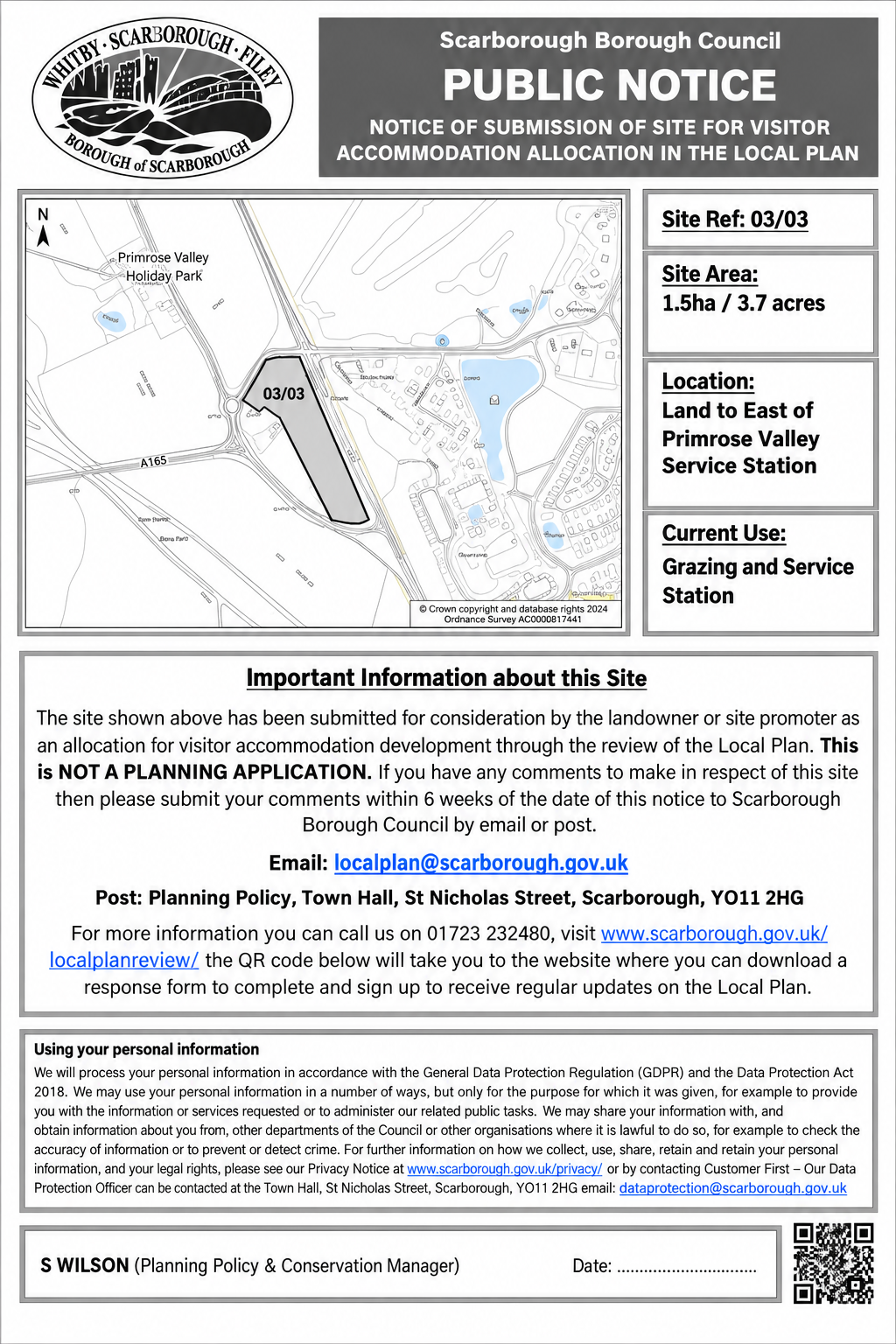
Public Notice
A Public Notice communicates important information, announcements, or changes to a broad audience.
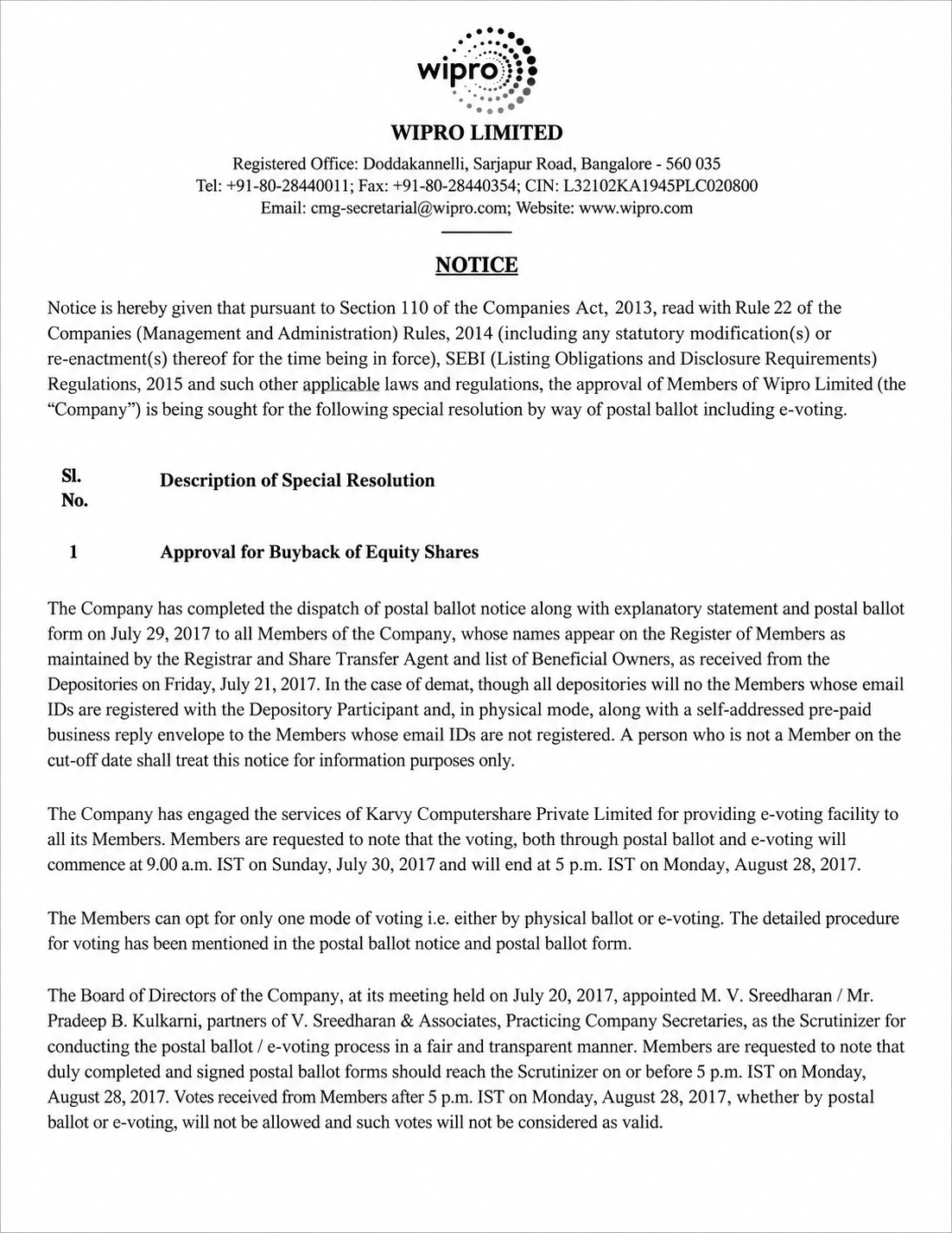
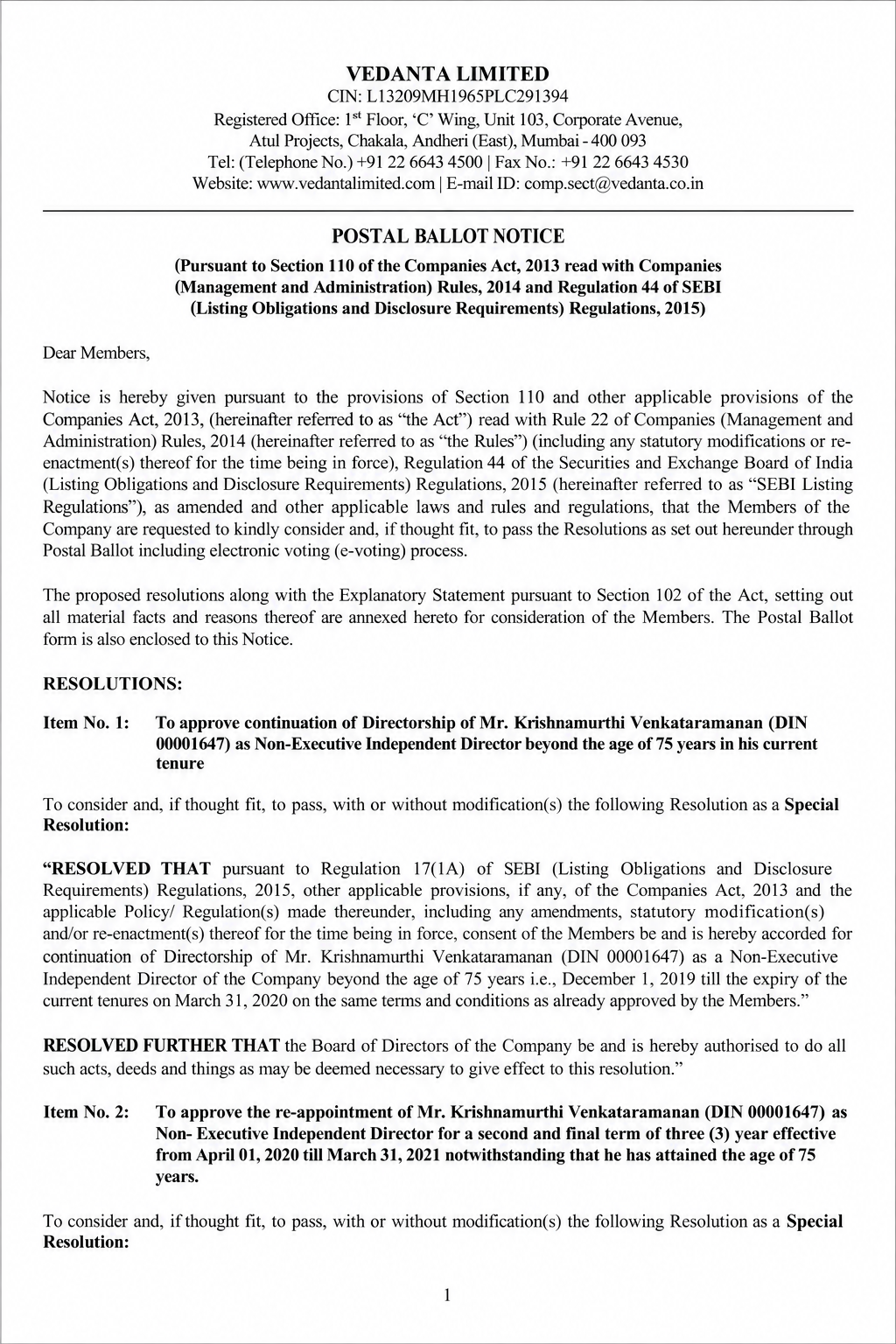
Legal Notice
A Legal Notice formally communicates a legal claim, demand, warning, or required action.
Employment Notice
An Employment Notice provides information about workplace policies, employment changes, schedules, or job-related matters.
Business Notice
A Business Notice communicates company information, operational changes, policies, meetings, or announcements.
Notice to Vacate
A Notice to Vacate formally informs a tenant or occupant that they must leave a property by a specified date.
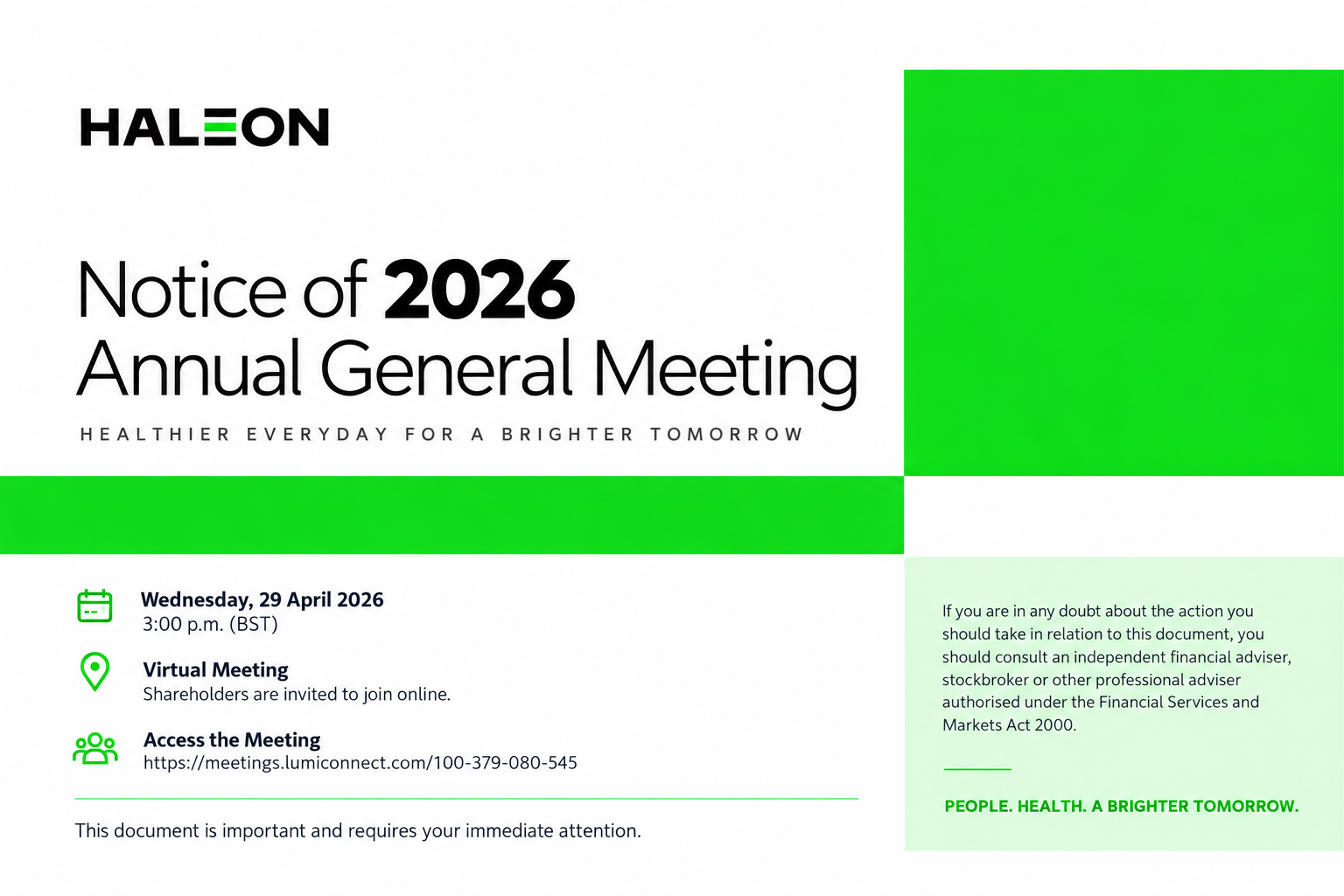
Meeting Notice
A Meeting Notice informs participants about an upcoming meeting, including its purpose, date, time, and location.
School Notice
A School Notice communicates announcements, schedules, events, rules, closures, or other important information.
Safety Notice
A Safety Notice warns people about potential hazards and provides important safety instructions or precautions.
Termination Notice
A Termination Notice formally communicates the ending of an agreement, service, employment relationship, or tenancy.
Informational Notice
An Informational Notice provides important facts, instructions, updates, or reminders to an intended audience.
How Do I Generate Notices Using Real Notice Examples?
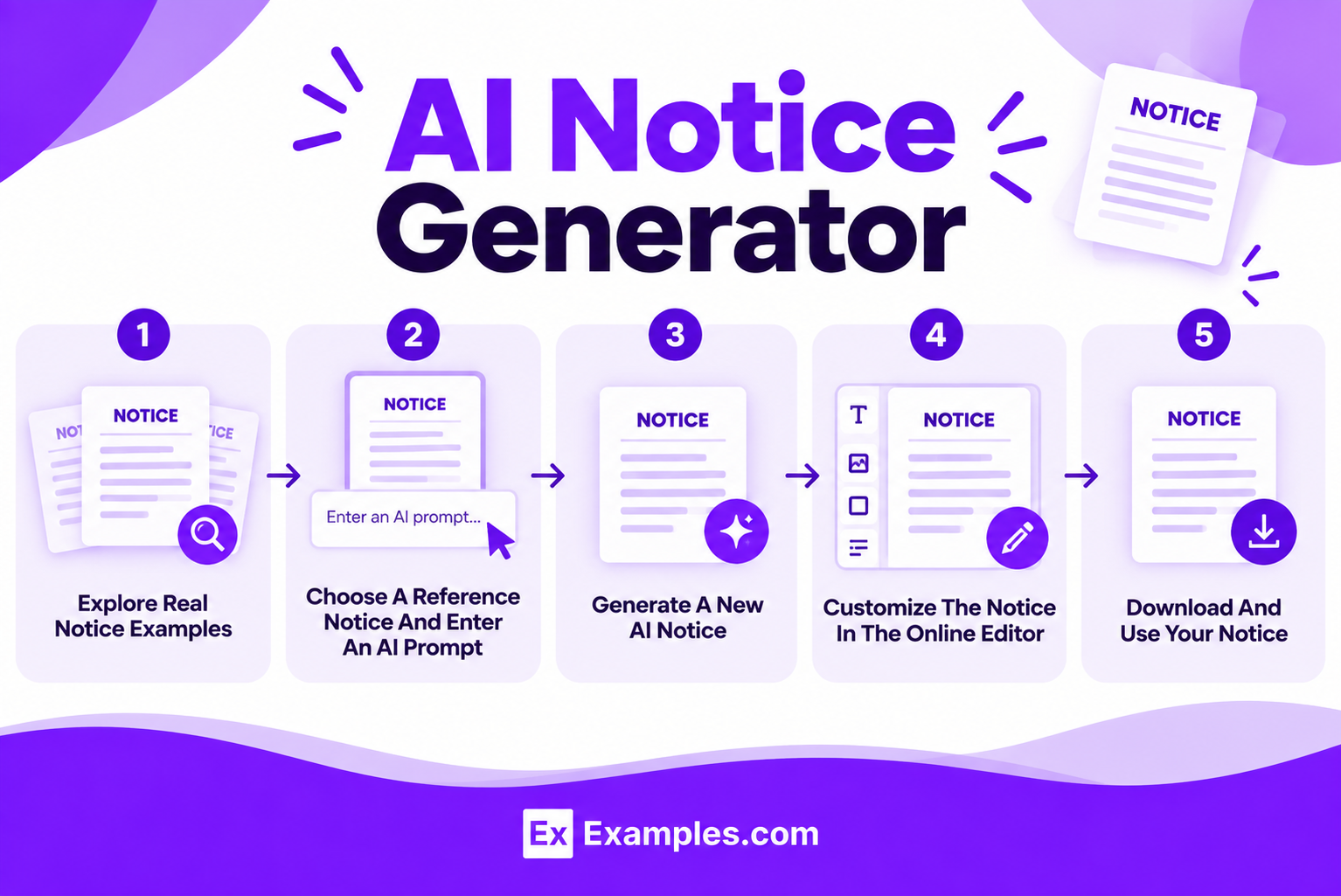
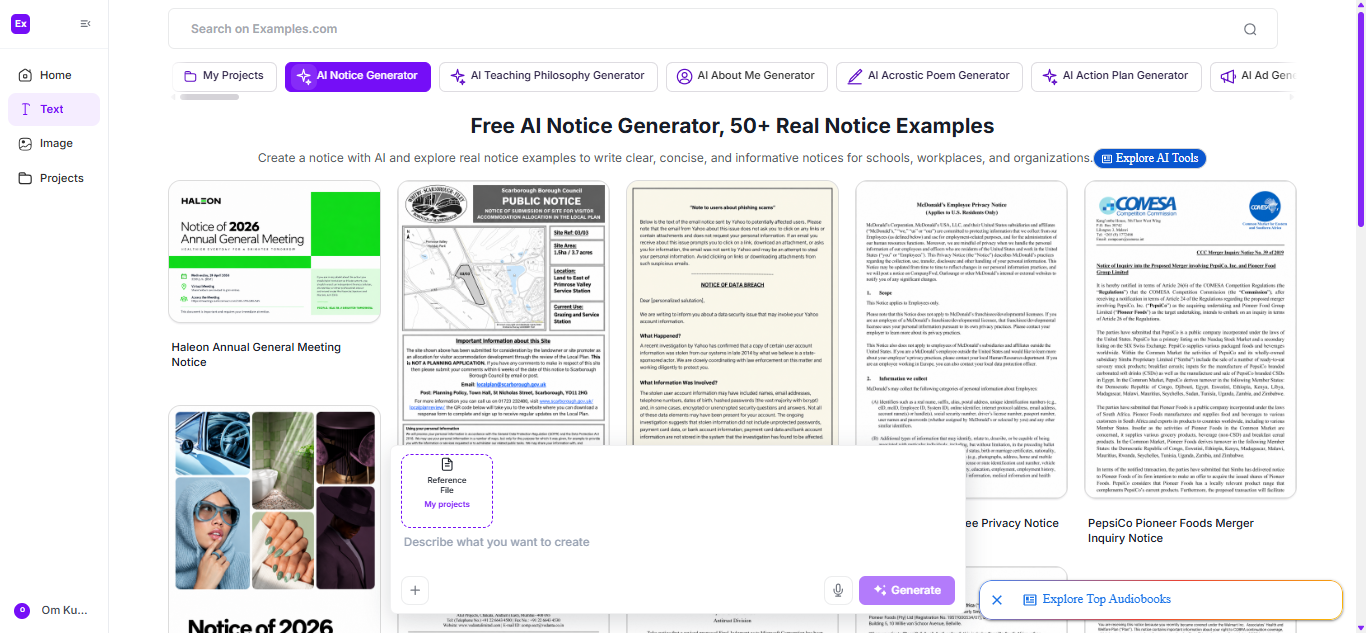
Explore Real Notice Examples
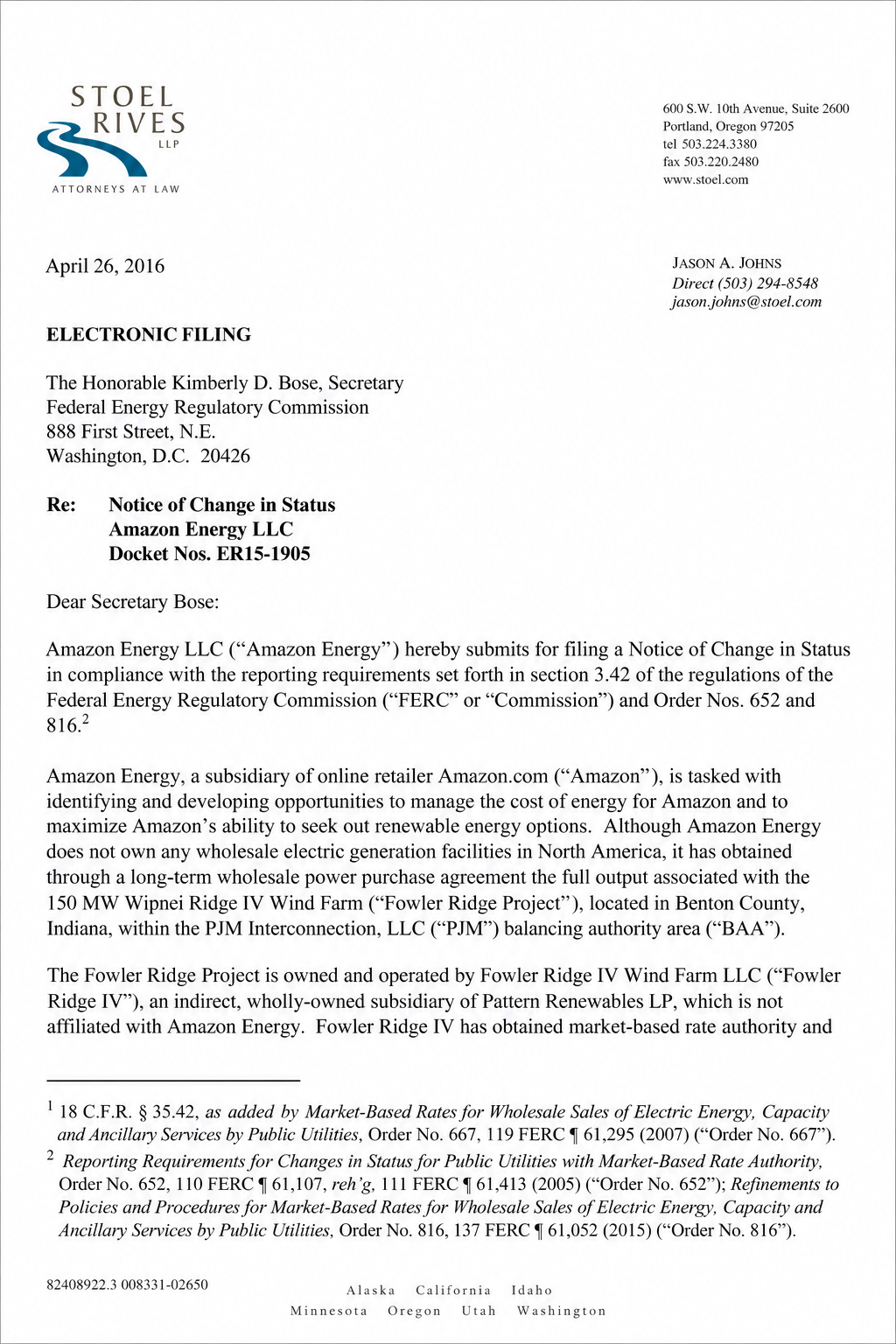
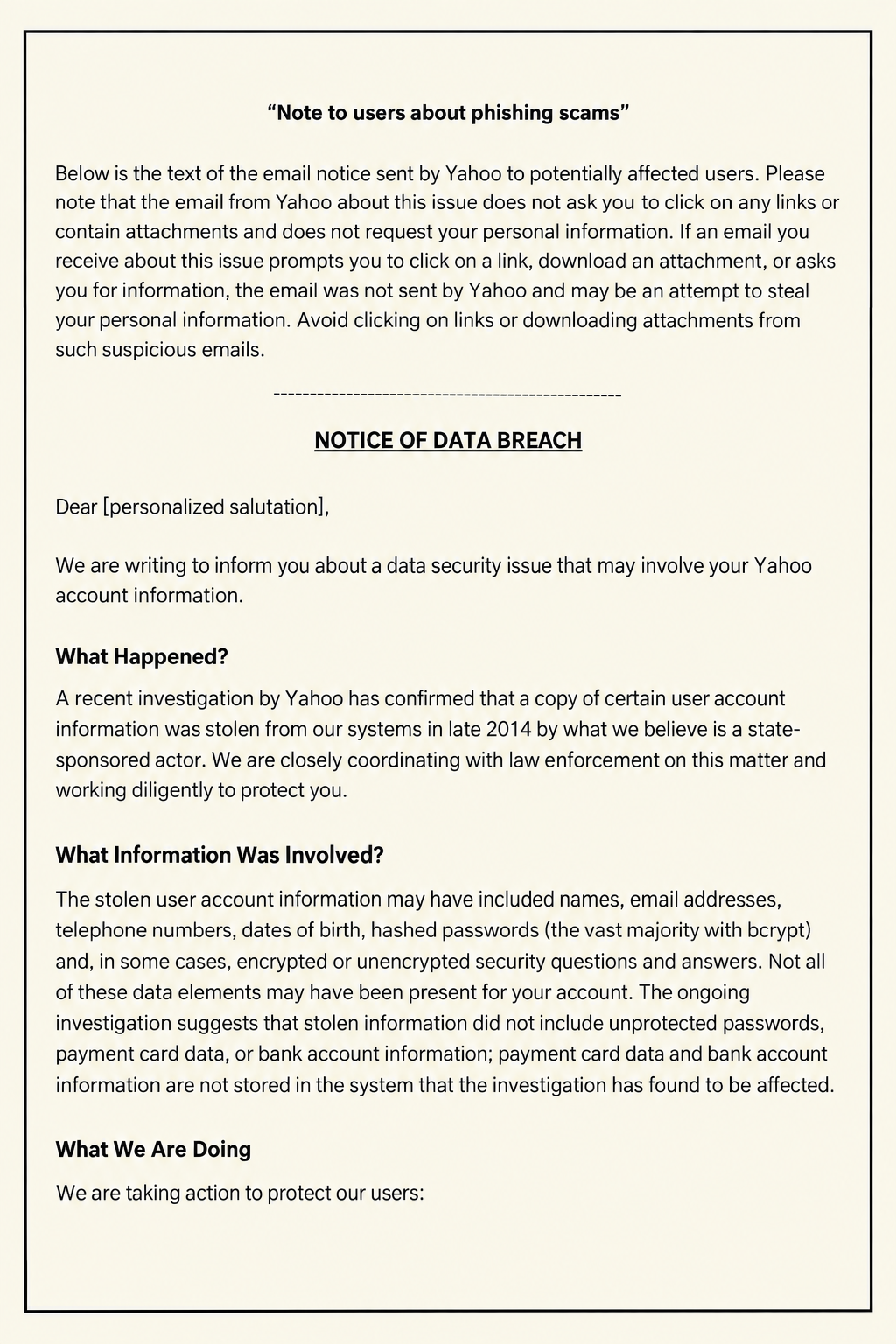
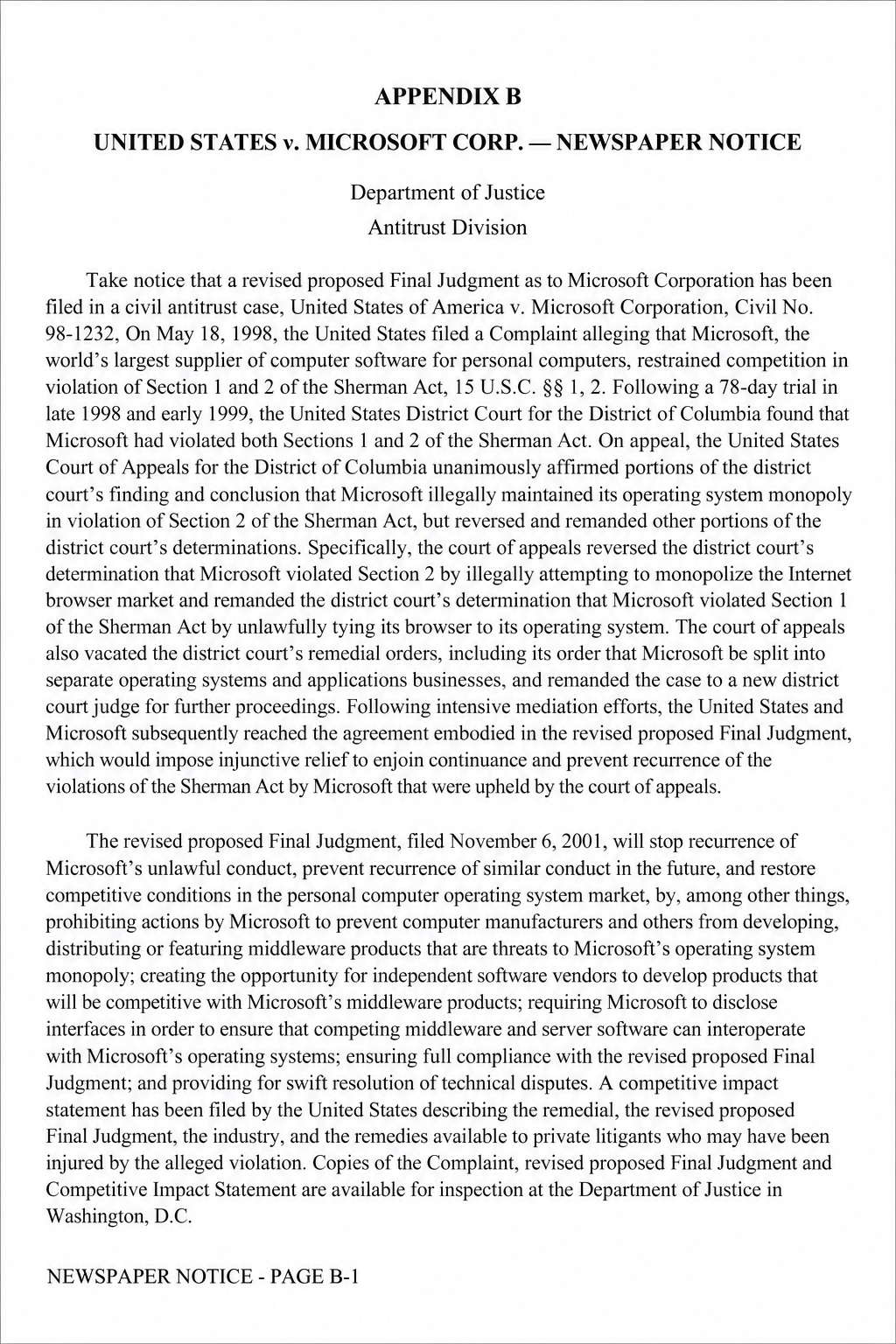
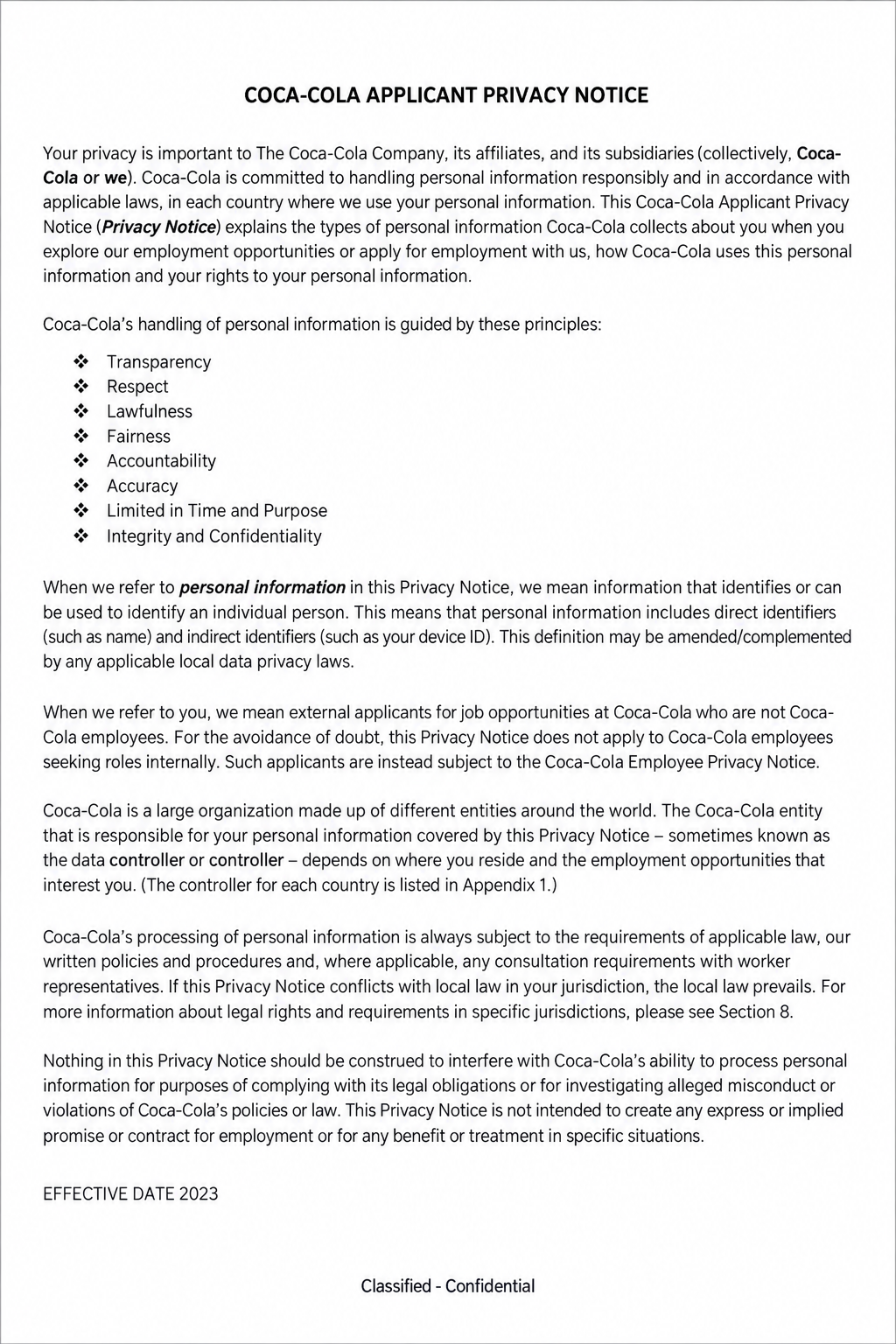
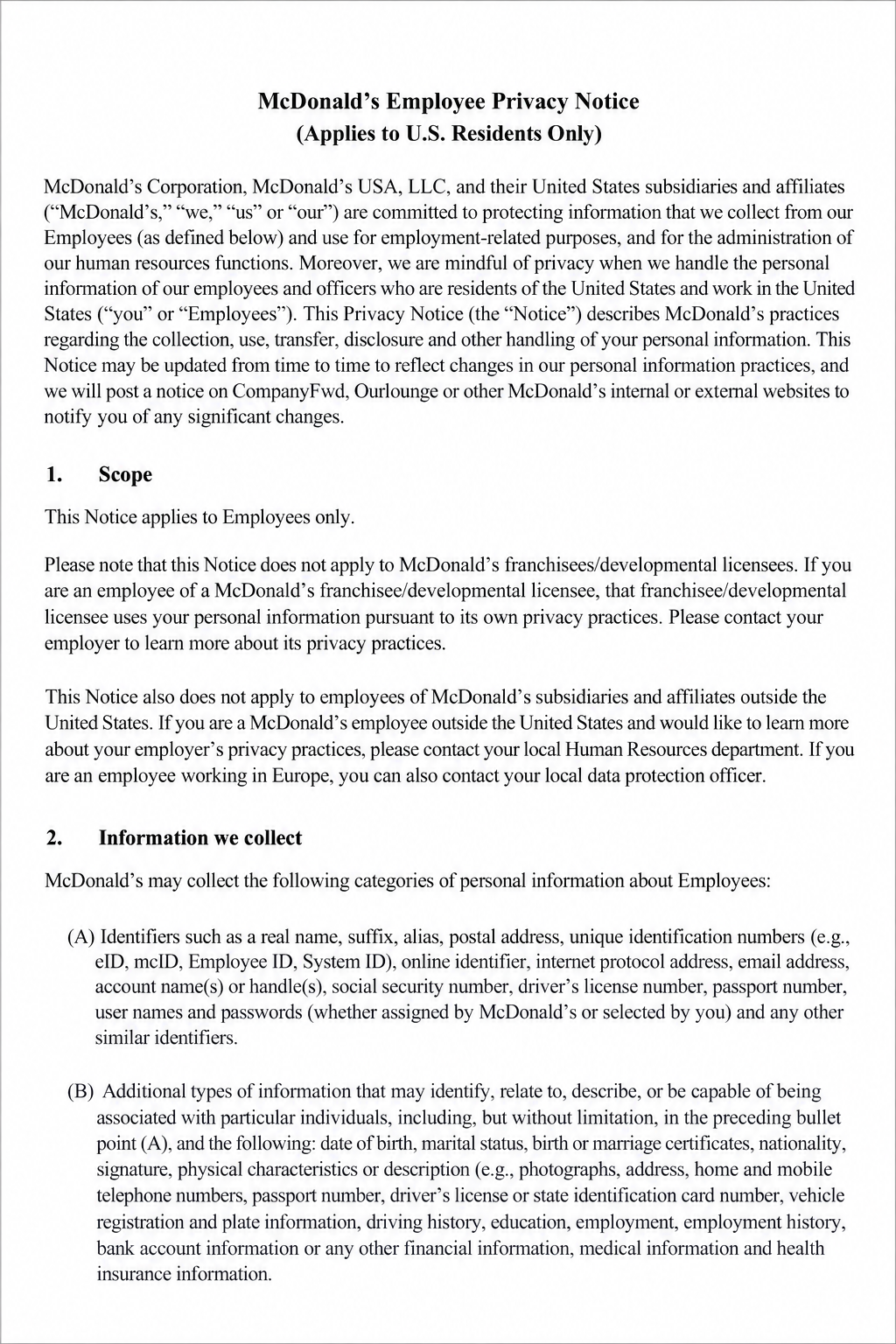
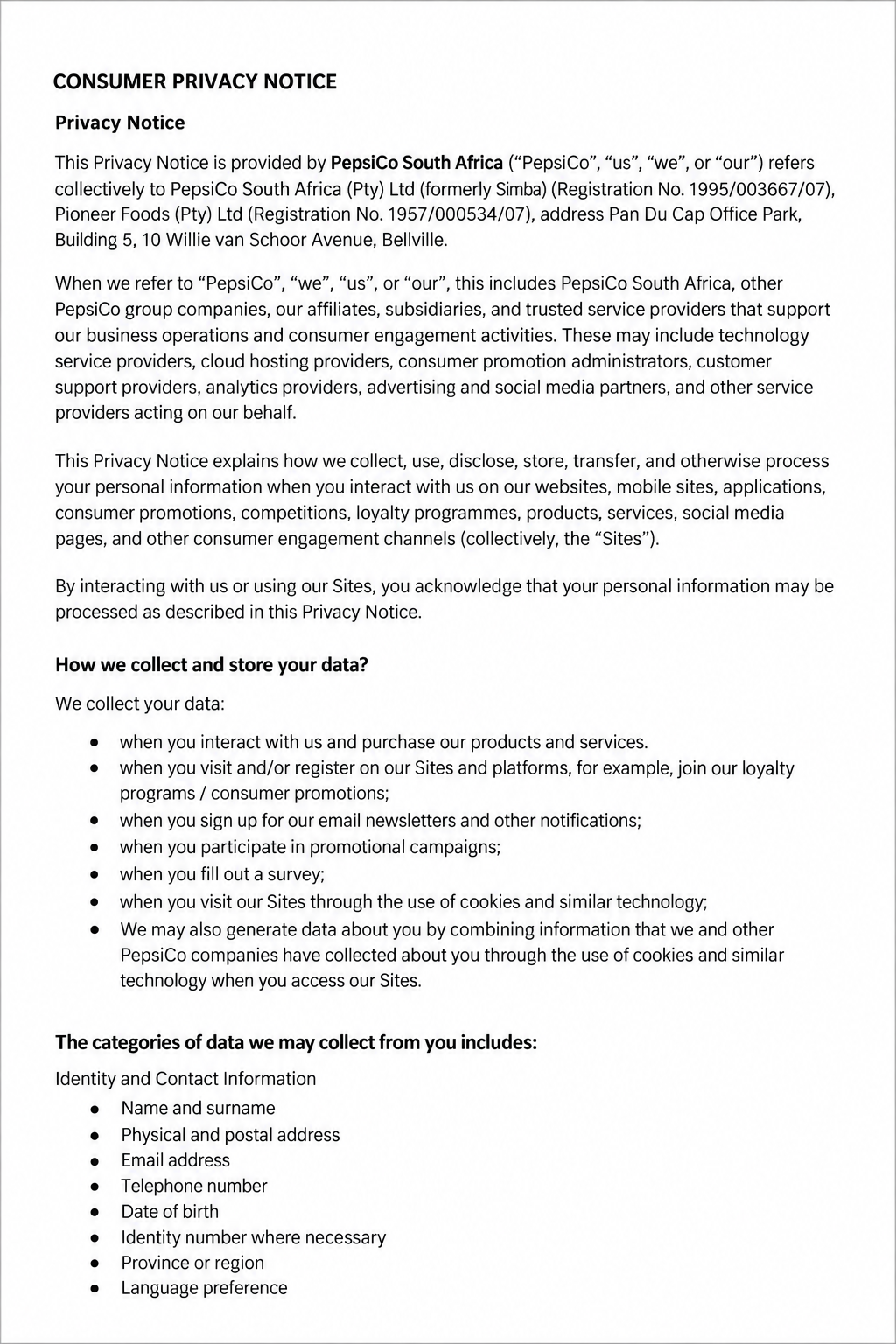
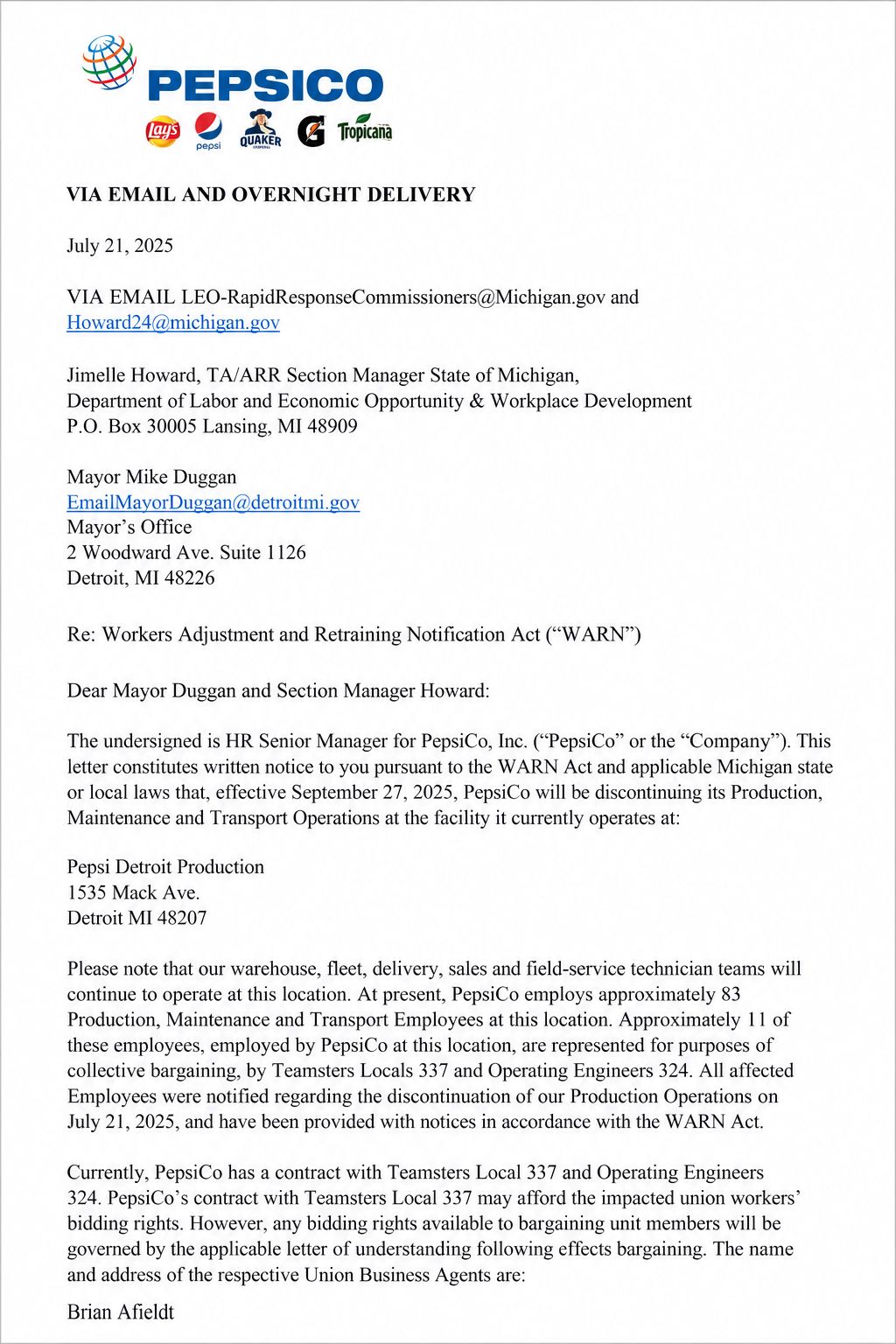
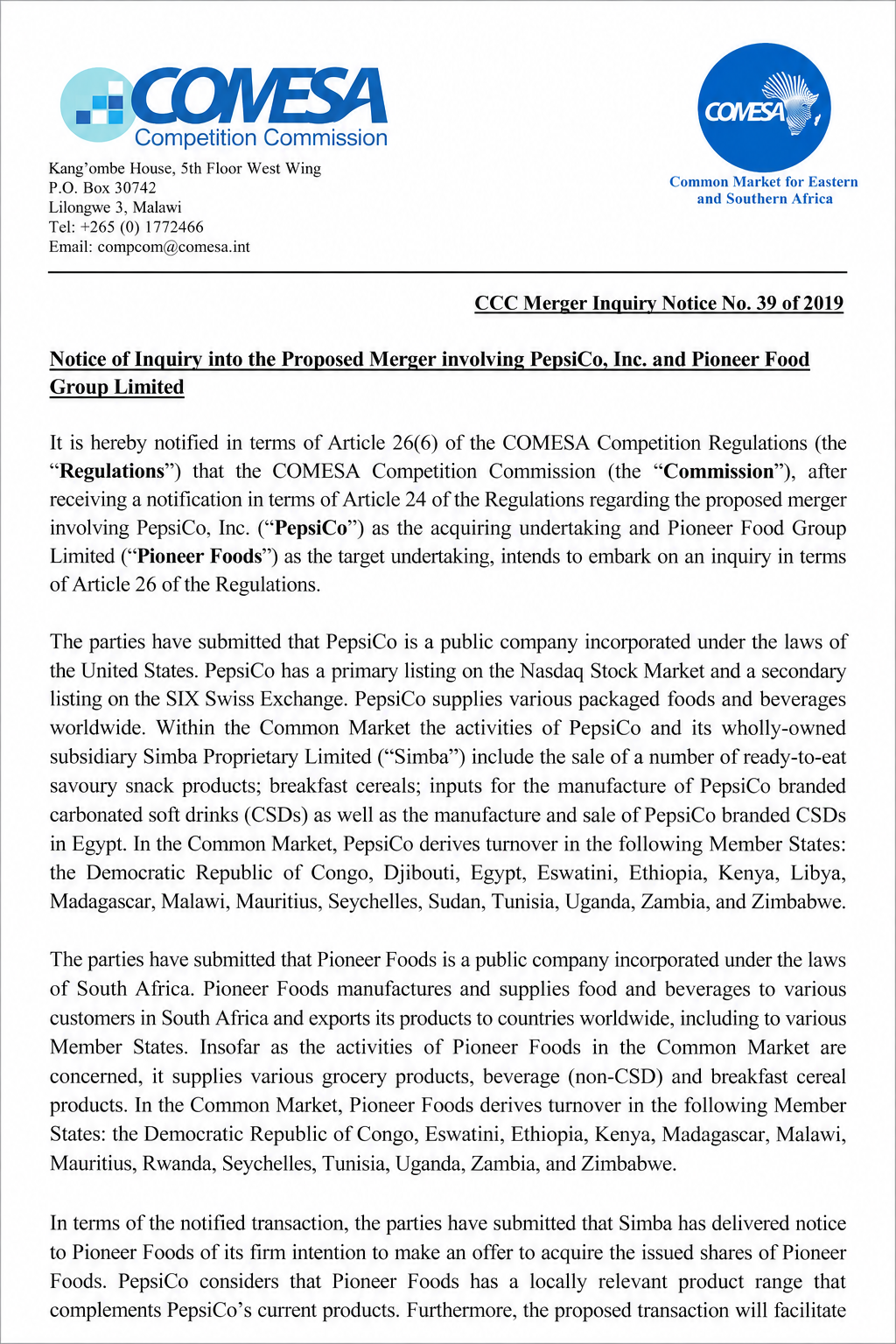
Browse professionally written notice examples to understand their structure, wording, formatting, essential information, and intended purpose. Reviewing real notice examples helps you create clear, organized notices for different personal, professional, business, and public needs.
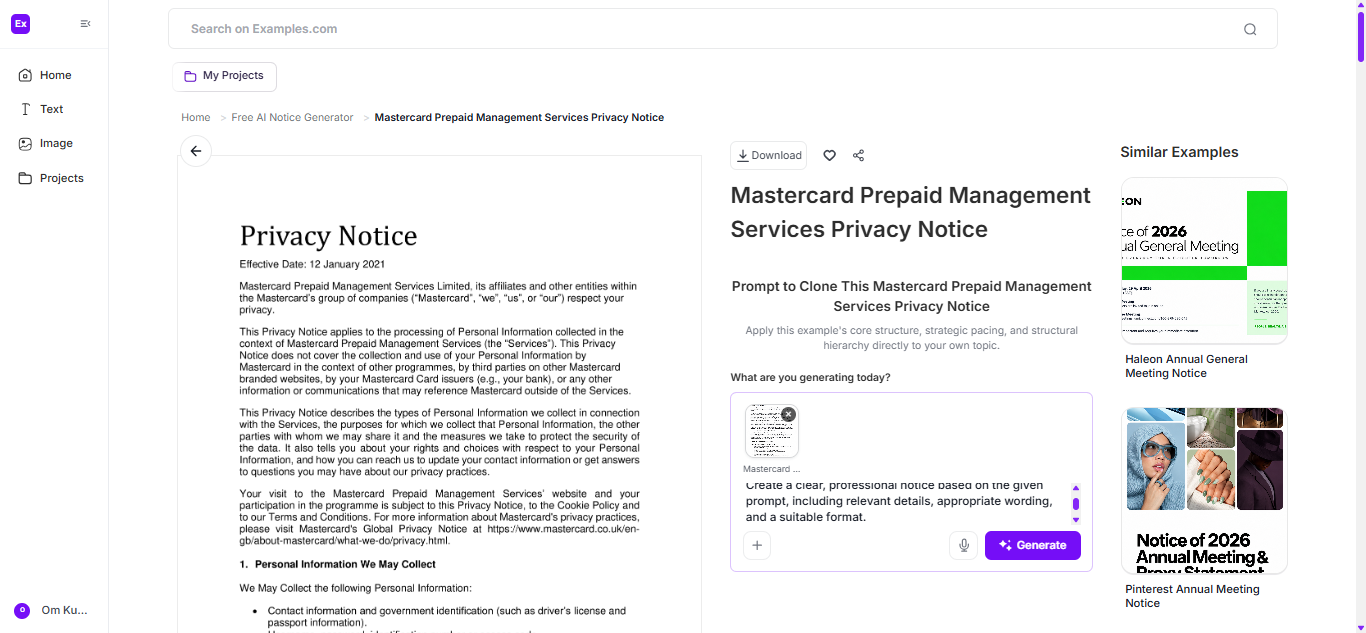
Choose A Reference Notice And Enter An AI Prompt
Select a reference notice and describe your requirements, including the notice type, purpose, recipient, important dates, instructions, relevant details, and required action.
Generate A New AI Notice
The AI generates a customized notice based on your prompt, organizing the information into clear sections with appropriate wording, details, and formatting for your intended purpose.
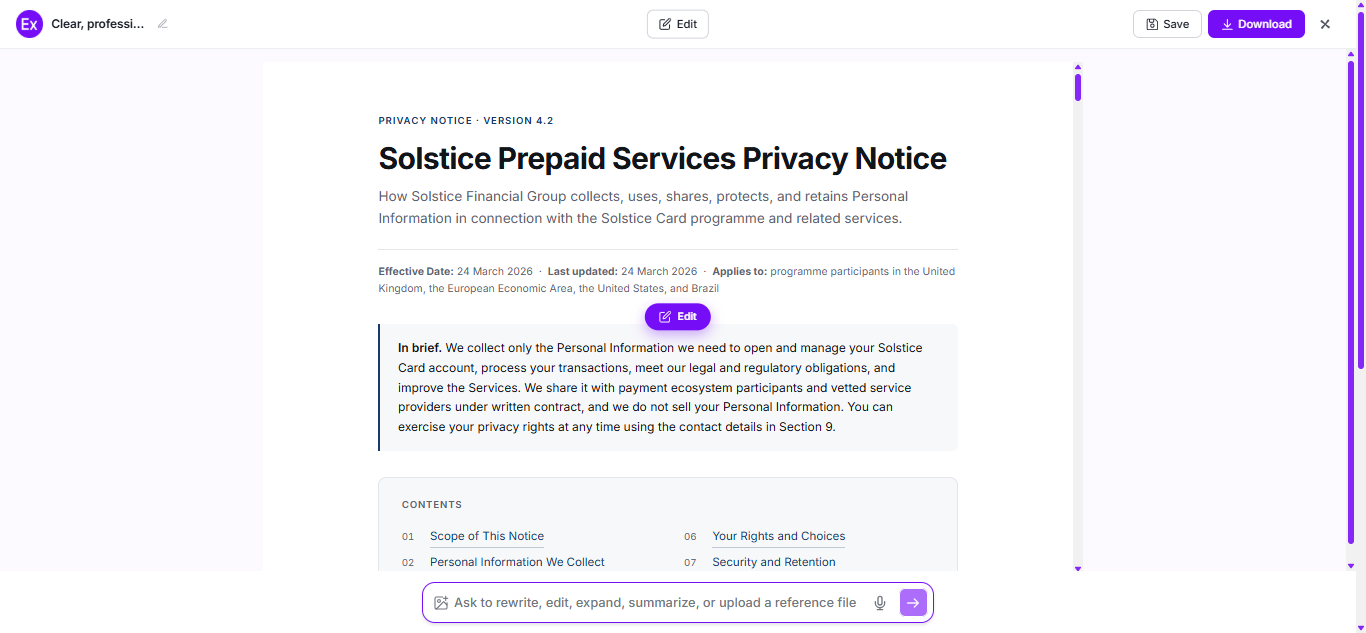
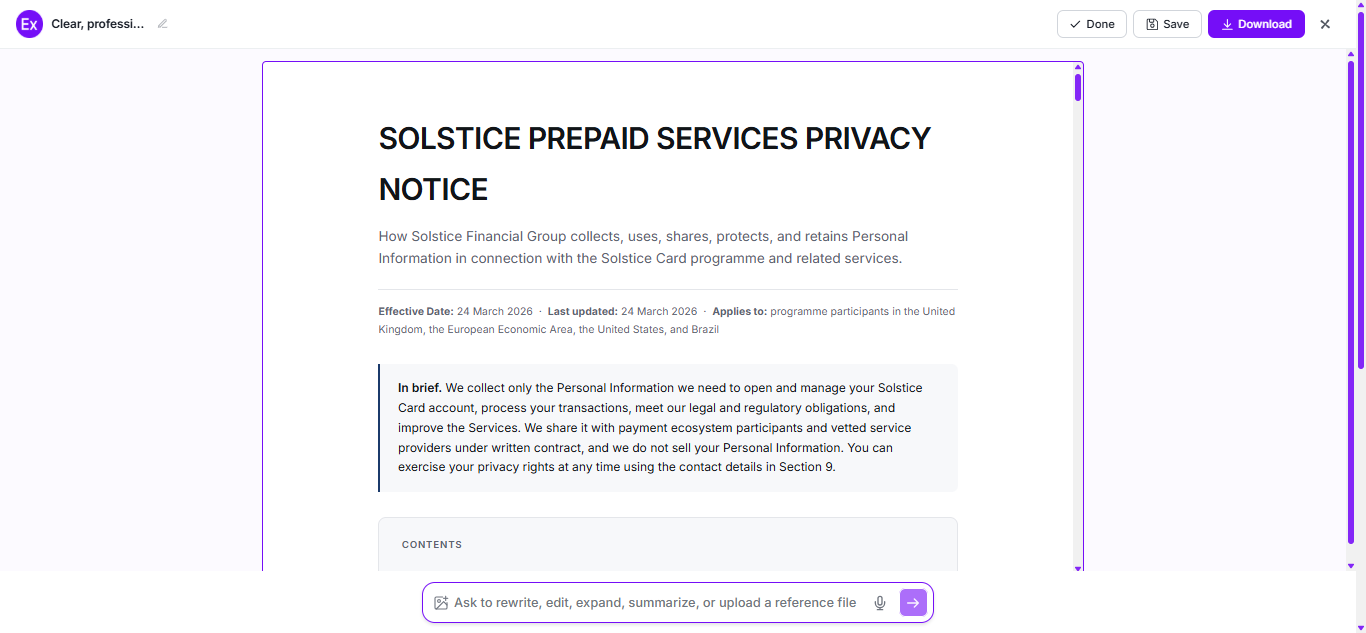
Customize The Notice In The Online Editor
Edit the notice title, recipient details, dates, instructions, announcements, contact information, wording, formatting, and other sections to match your specific requirements.
Download And Use Your Notice
Download your completed notice in PDF format for printing, submitting, posting, or keeping as a formal record.
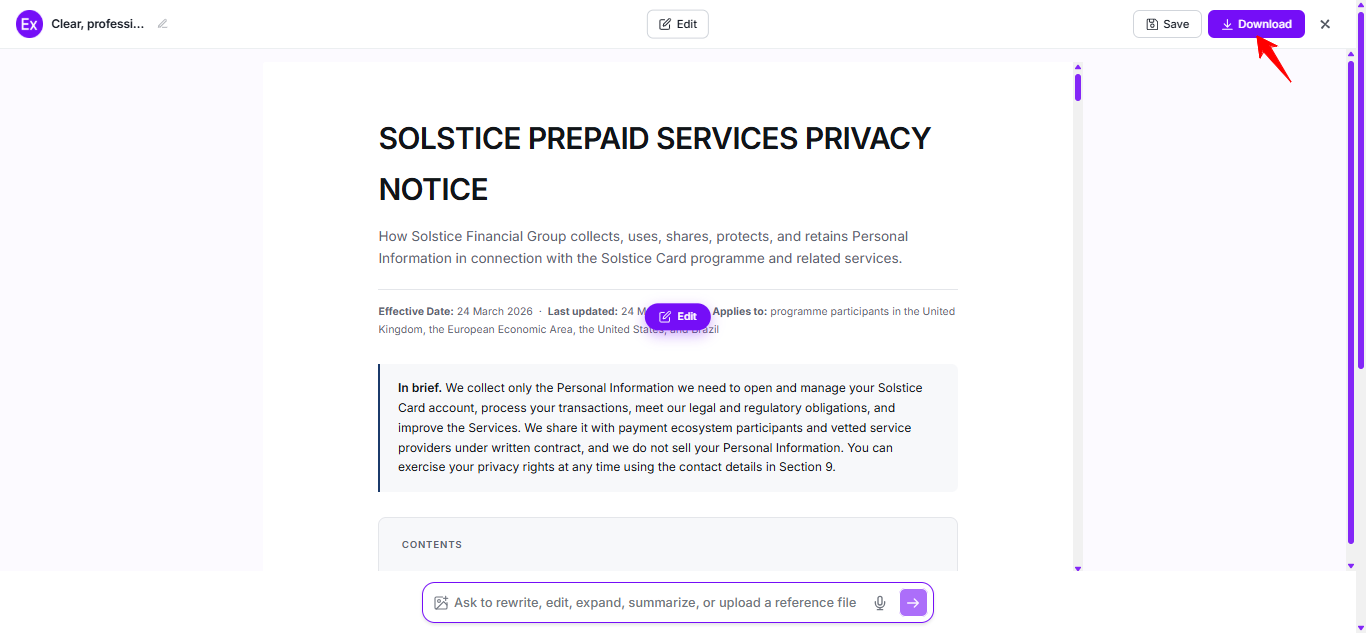
How Do I Customize a Notice Online?
Customize a notice online by editing its title, wording, recipient details, dates, announcements, instructions, contact information, and other relevant content. Adjust the layout, headings, spacing, and formatting to suit your purpose, then review the completed notice to ensure the information is clear, accurate, and properly organized before downloading it as a PDF.
AI Notice Editing Features
AI Content Generation
Generate clearly written notice content based on your purpose, audience, important information, and specific requirements.
Notice Content Editing
Add, remove, or modify notice content, instructions, announcements, dates, and other details to match your requirements.
Auto Formatting
Automatically organize headings, sections, and layouts to create a clear and professionally structured notice.
Notice Customization
Update recipient details, dates, announcements, instructions, contact information, and other notice elements with ease.
Instant PDF Download
Download your completed notice in PDF format for printing, submitting, posting, or keeping as a formal record.
Which Essential Elements Should I Include in Every Notice?
- Notice Title: Clearly state the purpose of the notice so readers immediately understand what it is about.
- Date: Include the date the notice is issued to establish when the information was officially communicated.
- Recipient or Audience: Identify the person, group, department, or public audience the notice is intended for.
- Purpose: Briefly explain why the notice is being issued and what information readers need to know.
- Main Information: Present the important details, instructions, announcements, or changes in a clear and organized manner.
- Important Dates: Mention relevant deadlines, effective dates, event dates, or time-sensitive information.
- Required Action: Clearly state what the recipient or audience needs to do, if any action is required.
- Contact Information: Provide relevant contact details for questions, clarification, or additional information.
- Issuer Details: Include the name, organization, department, or authority responsible for issuing the notice.
- Signature or Authorization: Add a signature, designation, or authorization when the notice requires formal approval or identification.
Which Standard Notice Sizes and Formats Can I Use?
| Notice Size | Format | Common Use |
|---|---|---|
| A4 | Portrait | Formal, business, legal, school, and workplace notices |
| A4 | Landscape | Notices with wider tables, schedules, or detailed information |
| A5 | Portrait | Short announcements, reminders, and smaller informational notices |
| Letter | Portrait | Formal notices prepared for Letter-size document standards |
| Letter | Landscape | Notices containing wider layouts, schedules, or structured information |
| Digital | Notices intended for downloading, printing, or digital distribution | |
| Printed | Paper | Physical notices displayed on boards, doors, counters, or public areas |
How Do I Write a Better Notice?
Start With a Clear Title
Use a concise title that immediately tells readers what the notice is about.
State the Purpose Early
Explain the main reason for issuing the notice so readers understand its purpose quickly.
Include Essential Details
Add relevant dates, times, locations, instructions, deadlines, and other information readers need to know.
Use Clear and Direct Language
Write short, straightforward sentences that make the notice easy to understand and follow.
Highlight Required Actions
Clearly explain what recipients need to do, when they need to do it, and any applicable requirements.
Review Before Finalizing
Check the notice for accuracy, completeness, spelling, formatting, dates, and contact information before downloading it.
Why Should I Use Real Notice Examples to Create My Own Notice?
- Real notice examples show how important information is organized and presented clearly.
- They help you understand common notice structures, wording, formatting, and essential details.
- Examples provide practical guidance when creating notices for different purposes and audiences.
- They can help you identify which information should be included and where it should appear.
- Reviewing examples makes it easier to create concise, professional, and easy-to-read notices.
- Real examples can provide ideas for titles, announcements, instructions, dates, and required actions.
- They help you compare different notice formats and choose one that suits your specific purpose.
- Using examples as a starting point can make the notice creation process faster and more organized.
- Examples can help you avoid common formatting and content mistakes when preparing a notice.
- They provide a useful foundation for customizing your own notice while keeping the information relevant to your audience.
What Common Notice Mistakes Should I Avoid?
- Using an Unclear Title: Avoid vague titles that do not immediately explain the purpose or subject of the notice.
- Leaving Out Important Details: Include essential dates, times, locations, deadlines, instructions, and other relevant information.
- Using Complicated Language: Write in clear and direct language so the intended audience can understand the notice easily.
- Adding Unnecessary Information: Keep the content focused on the main announcement without adding details that distract from the purpose.
- Giving Unclear Instructions: Clearly explain what recipients need to know, do, or remember after reading the notice.
- Using Poor Formatting: Maintain consistent headings, spacing, alignment, and text organization for better readability.
- Including Incorrect Information: Check names, dates, contact details, instructions, and other important information before finalizing.
- Choosing the Wrong Format: Select a notice size and format that suits the purpose, audience, and method of distribution.
- Skipping the Final Review: Review the complete notice for accuracy, clarity, grammar, and formatting before downloading it.
- Using Outdated Information: Make sure the notice contains current and relevant information, especially when communicating changes or deadlines.
Notice Ideas for Different Industries and Purposes
- Business Notice: Announce company updates, policy changes, office schedules, meetings, or operational changes.
- Employment Notice: Communicate workplace announcements, job openings, employee updates, schedules, or employment-related information.
- School Notice: Share examination dates, holidays, events, meetings, rules, deadlines, and important student announcements.
- Legal Notice: Communicate formal demands, warnings, claims, or other information related to a legal matter.
- Public Notice: Inform a wider audience about public announcements, changes, meetings, closures, or important community information.
- Property Notice: Communicate tenancy updates, maintenance information, inspections, payment reminders, or property-related requirements.
- Safety Notice: Warn people about hazards, restricted areas, safety procedures, or precautions that need attention.
- Event Notice: Provide information about an upcoming event, including its date, time, location, schedule, and participation details.
- Meeting Notice: Inform participants about a scheduled meeting and provide its purpose, date, time, location, and relevant instructions.
- Service Notice: Inform customers or users about service changes, maintenance, interruptions, updates, or availability.
FAQs
What Is the Main Purpose of a Notice?
A notice communicates important information, instructions, warnings, announcements, or changes clearly to a specific person, group, organization, or public audience.
What Information Should a Notice Include?
A notice should include a clear title, purpose, relevant dates, instructions, recipient details, contact information, and issuer details.
Can I Create a Notice Online?
Yes, you can create a notice online by selecting a suitable format, adding information, customizing content, and downloading it.
What Are Common Types of Notices?
Common types include public, legal, employment, business, school, safety, meeting, informational, termination, and property-related notices.
What Size Should a Notice Be?
A4 is commonly suitable for formal notices, while A5, Letter, and digital PDF formats can suit specific requirements.
How Can Real Notice Examples Help Me?
Real notice examples demonstrate effective structures, wording, formatting, and information organization, helping you create clearer notices for different purposes.
Can AI Help Me Create a Notice?
AI can help generate notice content from your requirements, organize information, improve wording, and create a structured document for customization.
What Makes a Notice Easy to Understand?
A clear title, concise language, organized information, relevant details, readable formatting, and specific instructions make a notice easier to understand.
How Do I Customize a Notice?
Customize the title, wording, dates, recipient information, instructions, contact details, formatting, and other content according to your specific purpose.
Can I Download a Completed Notice as a PDF?
Yes, you can download the completed notice as a PDF after reviewing its content, formatting, dates, and other important details.