
Free AI Analogy Generator, Real world Analogy Examples
Struggling to explain a tricky concept? Our free AI Analogy Generator creates clear, custom analogies tailored to your audience, tone, and style in one click.
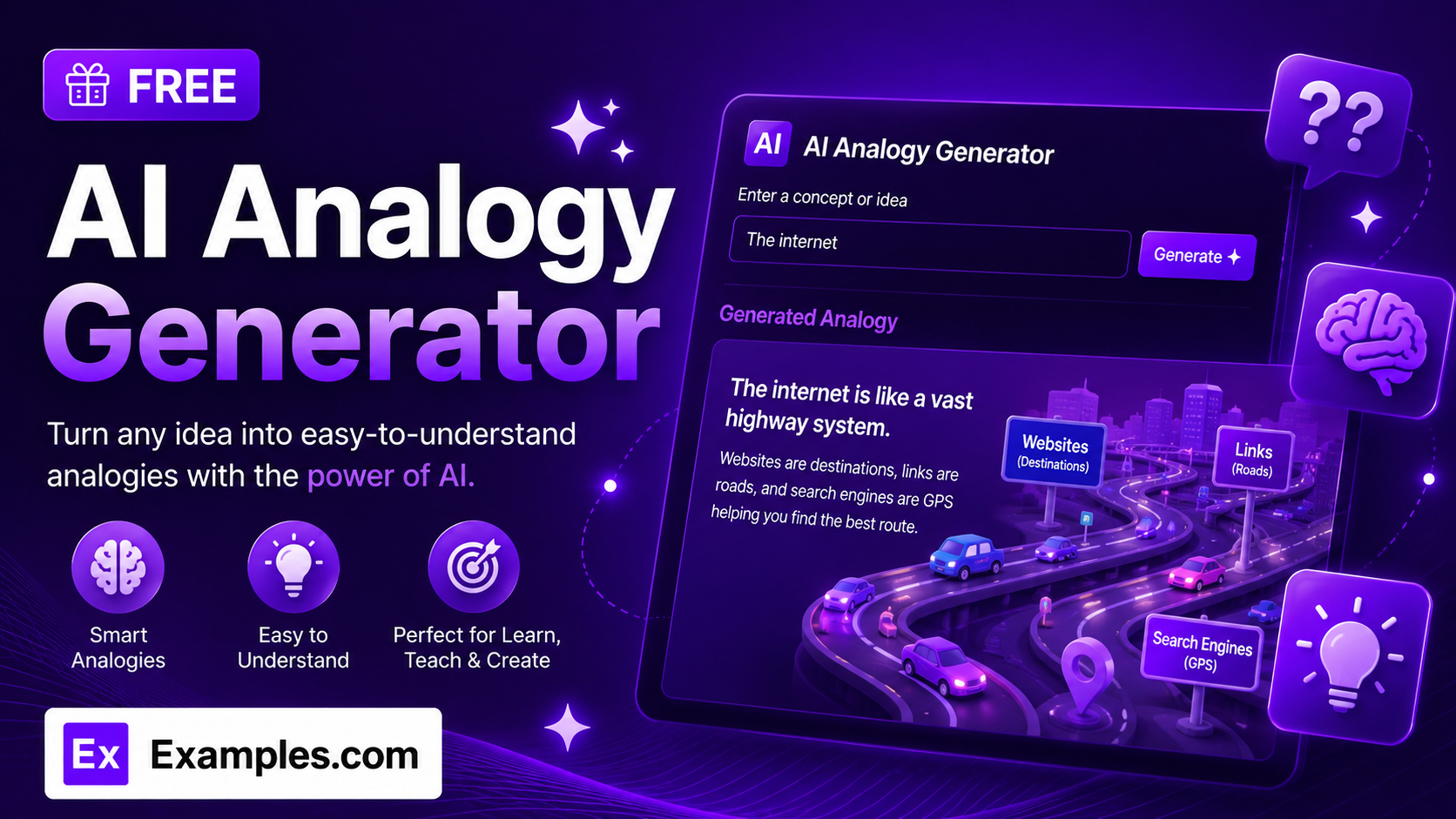
Explain any concept clearly with the Examples.com AI Analogy Generator. Enter a topic, choose a style, tone, and audience, and get a custom analogy that makes even the most complex idea easy to grasp — no more struggling to find the right comparison on your own.
How to Use the AI Analogy Generator
Step 1: Enter Your Concept
- Enter the concept: Type the idea, term, or process you want explained into the main text field. This can be a single term (“blockchain”) or a full question (“How does blockchain technology work?”). The clearer your concept, the more accurate and useful the analogy will be.
Step 2: Choose an Analogy Style
- Analogy Style: Pick the domain the comparison should be drawn from — Everyday Life, Sports & Games, Cooking & Food, Nature & Science, Technology, Business & Economics, Movies & Pop Culture, History, Music, or Travel. Everyday Life is selected by default.
Step 3: Set the Tone
- Tone: Select how the analogy should sound — Playful & Fun, Warm & Encouraging, Professional, Humorous, Serious & Straightforward, Enthusiastic, or Poetic. Warm & Encouraging is selected by default.
Step 4: Pick Who It’s Best For
- Best For: Choose the intended audience — General Audience, Kids (Age 5-10), Students, Beginners, Professionals, or Academic Writing. General Audience is selected by default.
Step 5: Upload a File (Optional)
- Upload File for Context: Optionally upload a .txt, .md, .pdf, .doc, .docx, .odt, or .html file (up to 2MB). The extracted text is automatically added to the concept field, so you can generate an analogy based on a longer document, lesson plan, or set of notes instead of typing everything manually.
Step 6: Generate, Edit, and Download Your Analogy
- Generate Button: Click the purple “Generate Free Analogy” button. The AI creates a clear analogy drawn from your chosen style, written in your chosen tone, and pitched at your chosen audience level, then briefly explains how it maps back to the original concept.
- Edit: Click “Edit” to fine-tune the analogy directly in the output panel before exporting.
- Copy / Download: Use “Copy All” to copy the full analogy to your clipboard, or use the “Download” menu to save it as a TXT, Word, or PDF file.
AI Analogy Generator Formula
The AI Analogy Generator follows a structured input-to-output process to produce analogies that are accurate, relatable, and genuinely clarifying:
Analogy Quality = Concept Clarity + Style and Tone Fit + Accurate Mapping
Where:
- Concept Clarity is how specific the idea you want explained is, either typed in directly or extracted from an uploaded document
- Style and Tone Fit is how well the comparison domain and voice match your audience, from a Playful & Fun sports analogy for kids to a Serious & Straightforward business analogy for professionals
- Accurate Mapping is the model choosing a comparison that lines up correctly with the real concept, without introducing factual errors, and briefly explaining how the two connect
The more specific your concept, the more precise and genuinely useful the generated analogy will be.
Examples of AI Analogy Generator
Example 1: Explaining a Tech Concept to Beginners
A user wants a simple way to understand how the internet moves data.
- Concept: How does the internet actually work?
- Analogy Style: Everyday Life
- Tone: Warm & Encouraging
- Best For: General Audience
- Result: A postal-system analogy comparing data packets to letters, routers to sorting hubs, and reassembly to reading a story from delivered mail.
Example 2: Teaching Kids a Science Concept
A parent or teacher wants a fun way to explain a science topic to young children.
- Concept: Why does the moon change shape throughout the month?
- Analogy Style: Cooking & Food
- Tone: Playful & Fun
- Best For: Kids (Age 5-10)
- Result: A cookie-slice analogy showing how the “shadow bite” taken out of the moon grows and shrinks as it orbits Earth.
Example 3: Explaining a Business Concept to Professionals
A manager wants a polished way to explain a financial concept in a presentation.
- Concept: What is compound interest and why does it matter for long-term investing?
- Analogy Style: Nature & Science
- Tone: Professional
- Best For: Professionals
- Result: A snowball-rolling-downhill analogy showing how interest earned on interest accelerates growth over time, mapped back to real compounding returns.
Example 4: Academic Explanation for Students
A student wants a memorable way to understand a biology concept for an exam.
- Concept: How does natural selection lead to evolution over generations?
- Analogy Style: Sports & Games
- Tone: Enthusiastic
- Best For: Students
- Result: A tournament-elimination analogy where only the best-adapted “players” advance to the next round, illustrating how favorable traits persist across generations.
Example 5: File Upload
A user uploads a document instead of typing a concept manually.
- Input: A .docx lecture summary uploaded via “Upload File for Context”
- Analogy Style: History
- Tone: Serious & Straightforward
- Best For: Academic Writing
- Result: The tool extracts the core concept from the document text, then generates an analogy grounded only in what was actually described in the file.
Is this AI Analogy Generator truly free?
Yes. The AI Analogy Generator is completely free to use, with no hidden charges, sign-up, or subscription required to generate an analogy.
How accurate are the generated analogies?
The tool is instructed to choose a comparison that maps accurately to the real concept without introducing factual errors, and to briefly explain how the analogy connects back to the original idea. That said, it’s still AI-generated content, so for technical or academic use, it’s a good idea to double-check that the comparison holds up before relying on it.
What’s the difference between the Analogy Style options?
Analogy Style determines which domain the comparison is drawn from. Everyday Life and Cooking & Food work well for general or younger audiences. Nature & Science, Technology, and Business & Economics suit professional or academic explanations. Sports & Games, Movies & Pop Culture, History, Music, and Travel add variety and can make an explanation more memorable depending on your audience’s interests.
Which tone should I choose?
The tone setting shapes the voice of the analogy itself. Professional and Serious & Straightforward suit work or academic contexts. Playful & Fun and Humorous work well for kids or casual explanations. Warm & Encouraging is a safe, friendly default for most audiences. Enthusiastic and Poetic add energy or flair when you want the explanation to stand out.
Can I upload a file instead of typing my concept?
Yes. Use the “Upload File for Context” field to upload a .txt, .md, .pdf, .doc, .docx, .odt, or .html file up to 2MB. The extracted text is added directly to the concept field, so you can generate an analogy based on an existing document, lesson, or set of notes instead of retyping them.
Can I edit the generated analogy afterward?
Yes. Click “Edit” to make changes directly in the output panel, then use “Copy All” to copy the finished analogy to your clipboard, or download it as a TXT, Word, or PDF file so you can save and reuse it elsewhere.
Related AI Tools
Explore more free AI writing tools from Examples.com:
- AI Metaphor Generator — Turn any concept into a vivid, memorable metaphor in seconds.
- AI Hyperbole Generator — Add bold, exaggerated flair to your writing for emphasis or humor.
- AI Answer Generator — Get clear, direct answers to any question, tailored to your tone and length.