
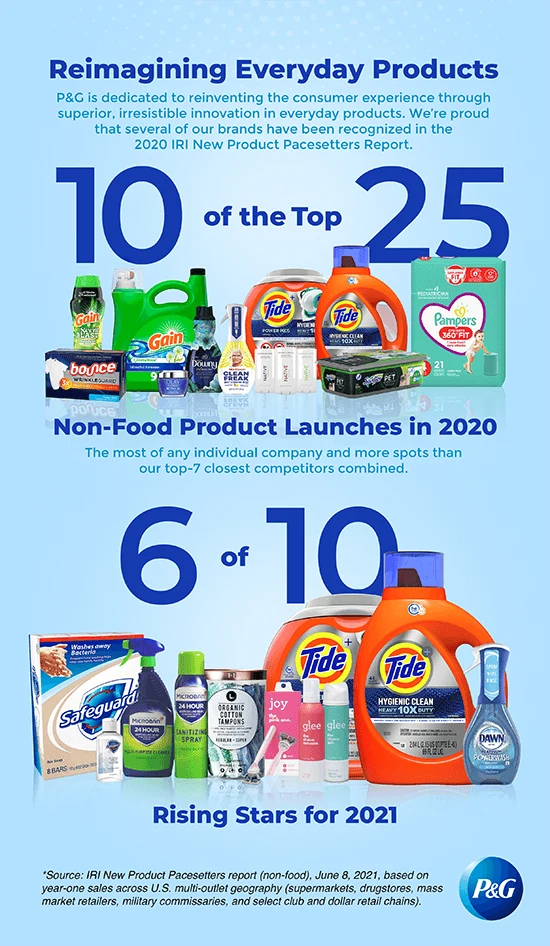
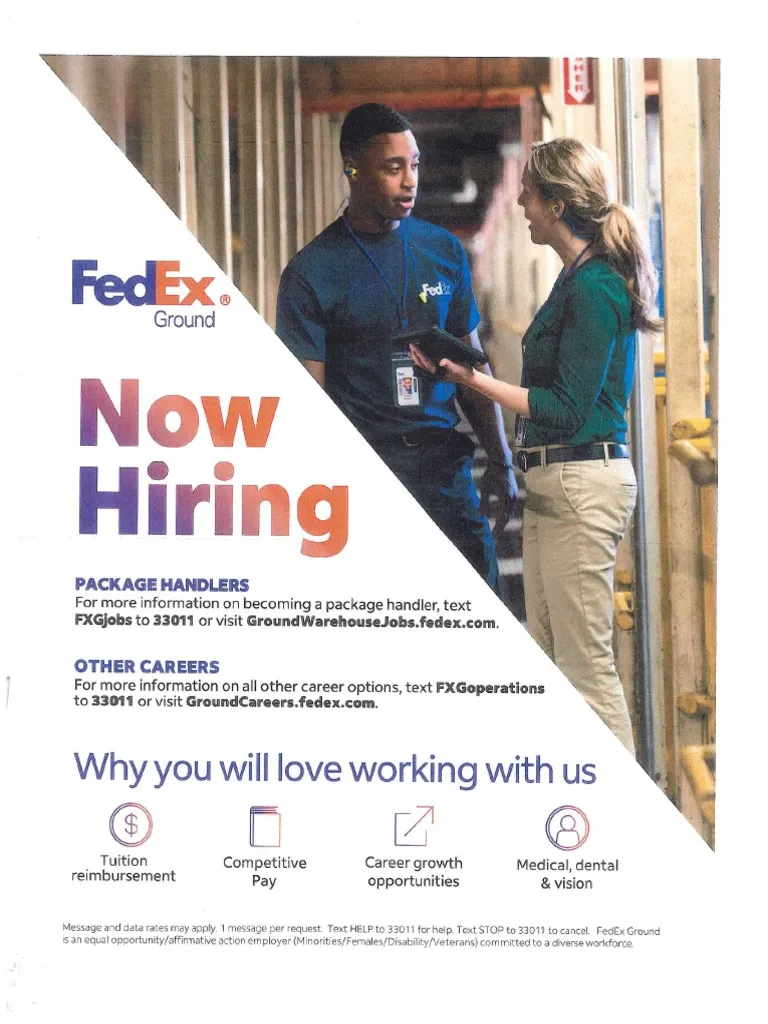
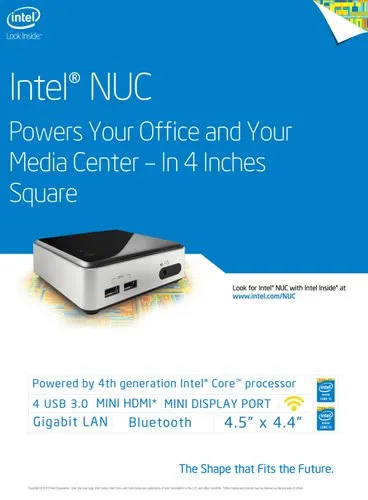
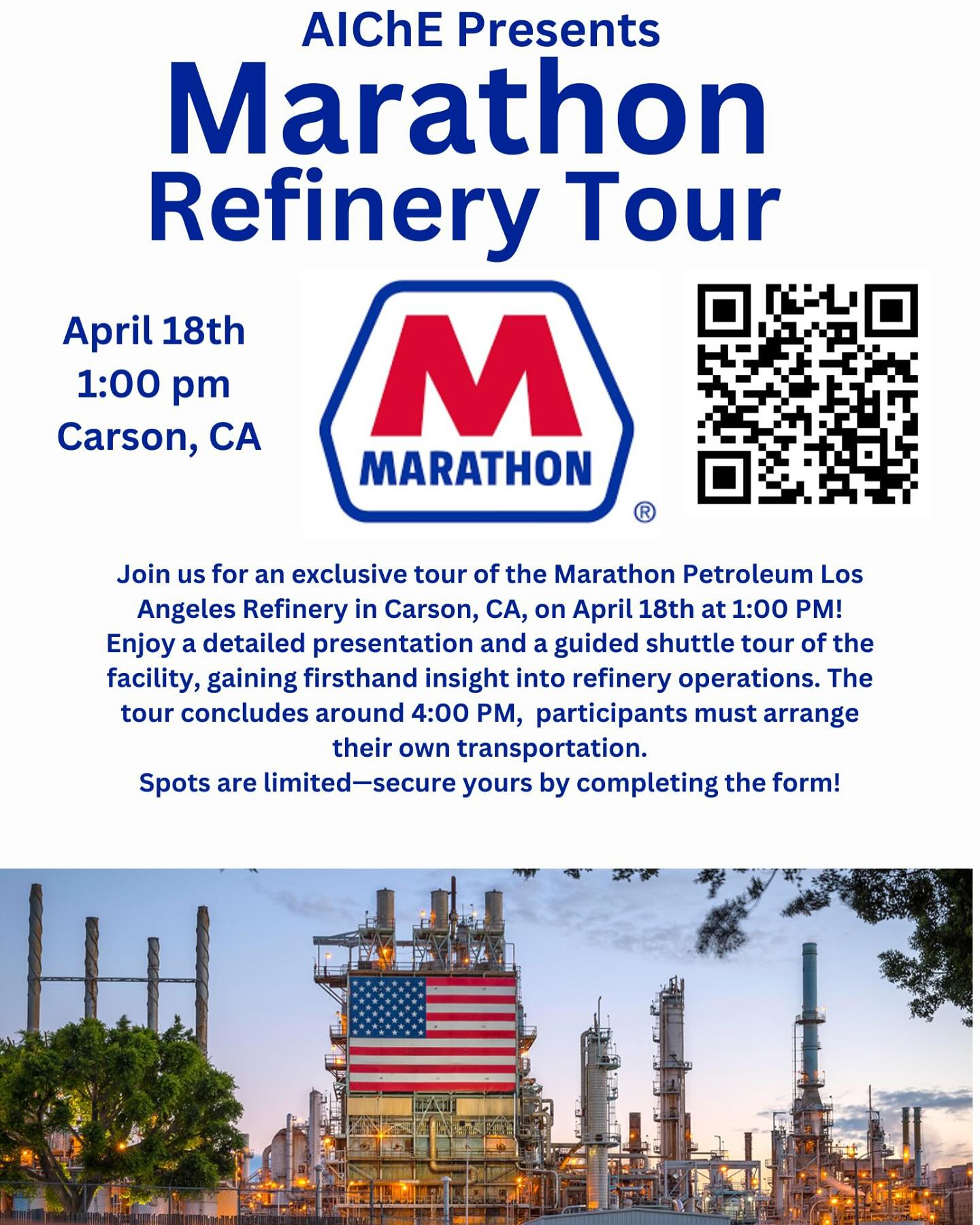
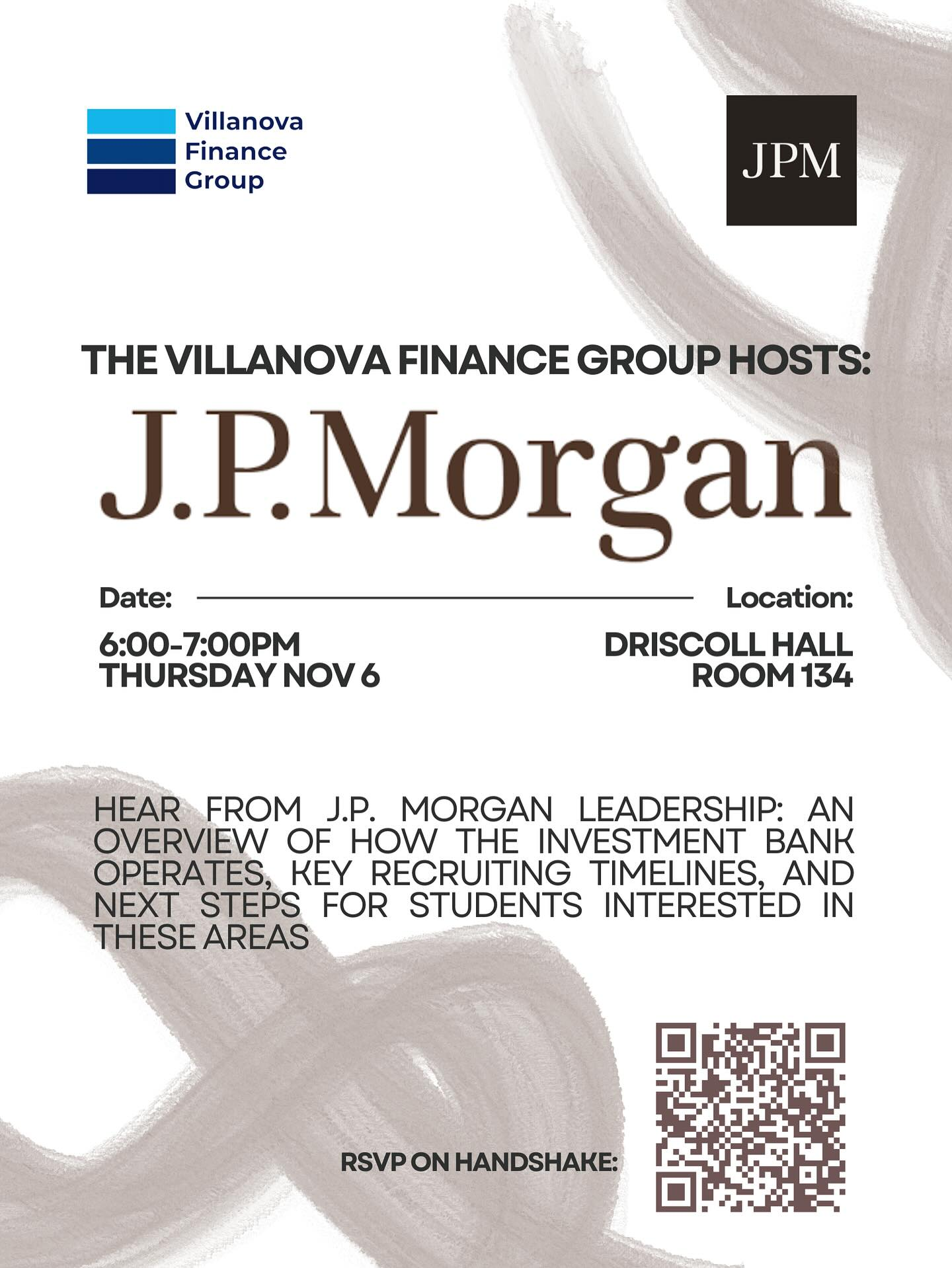
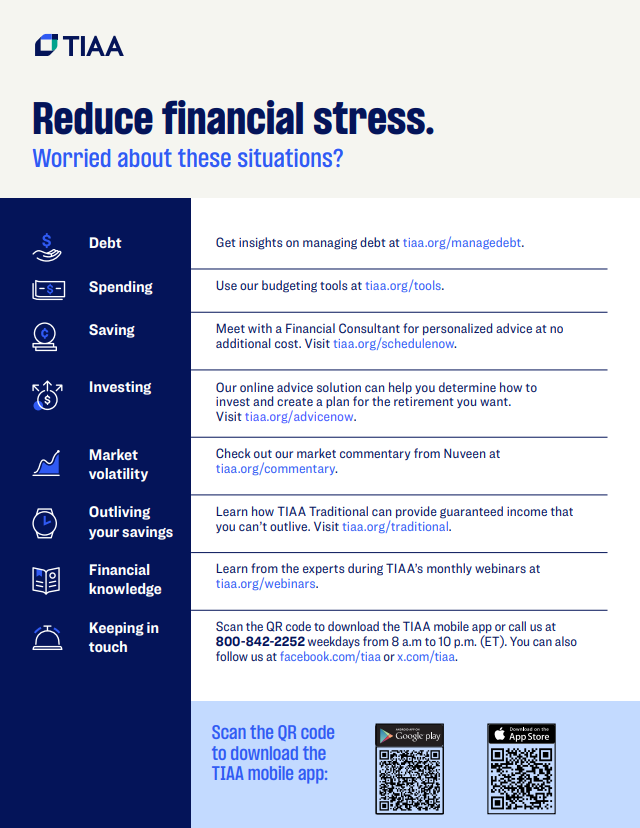
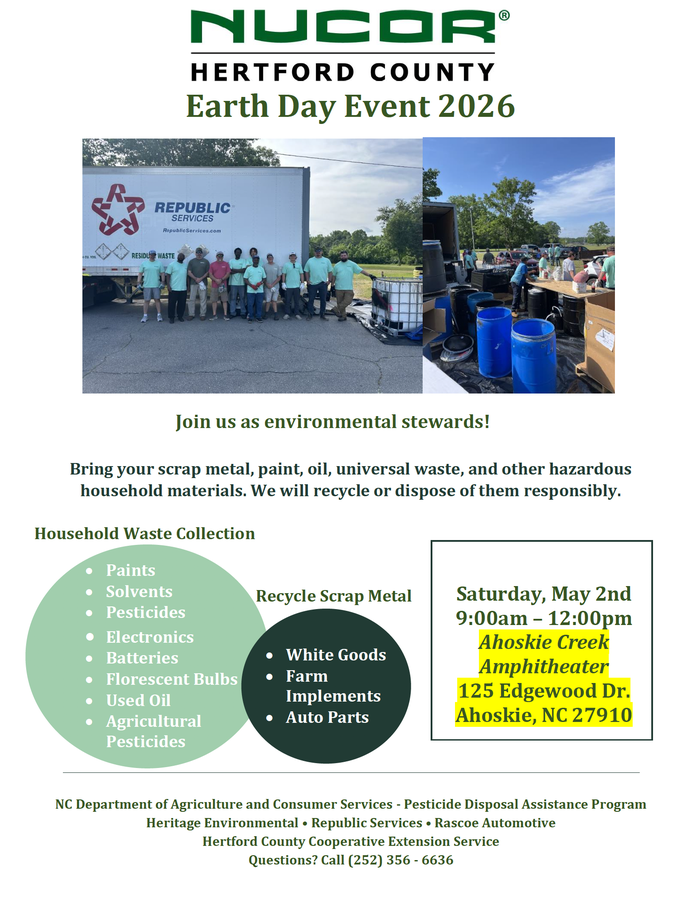
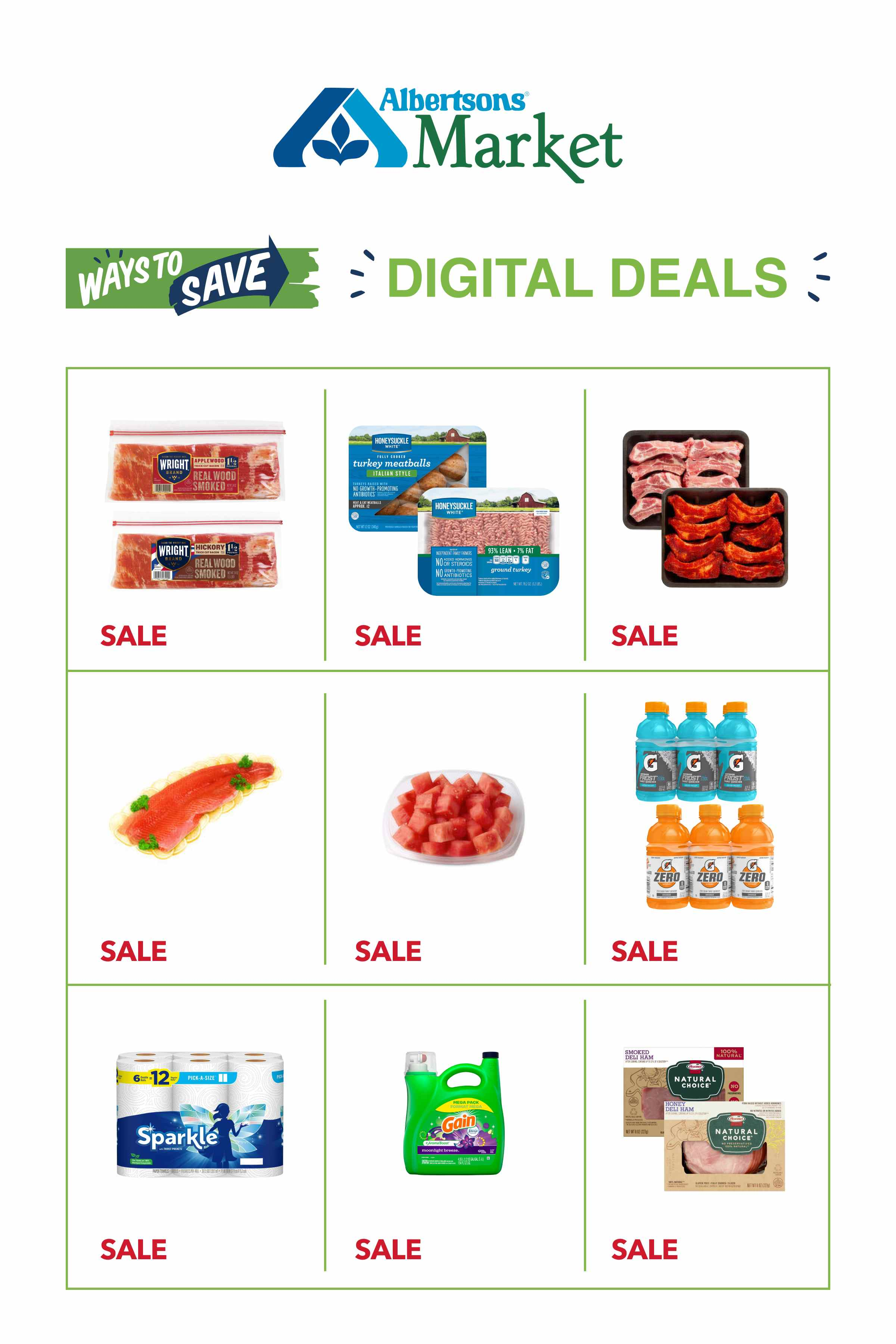
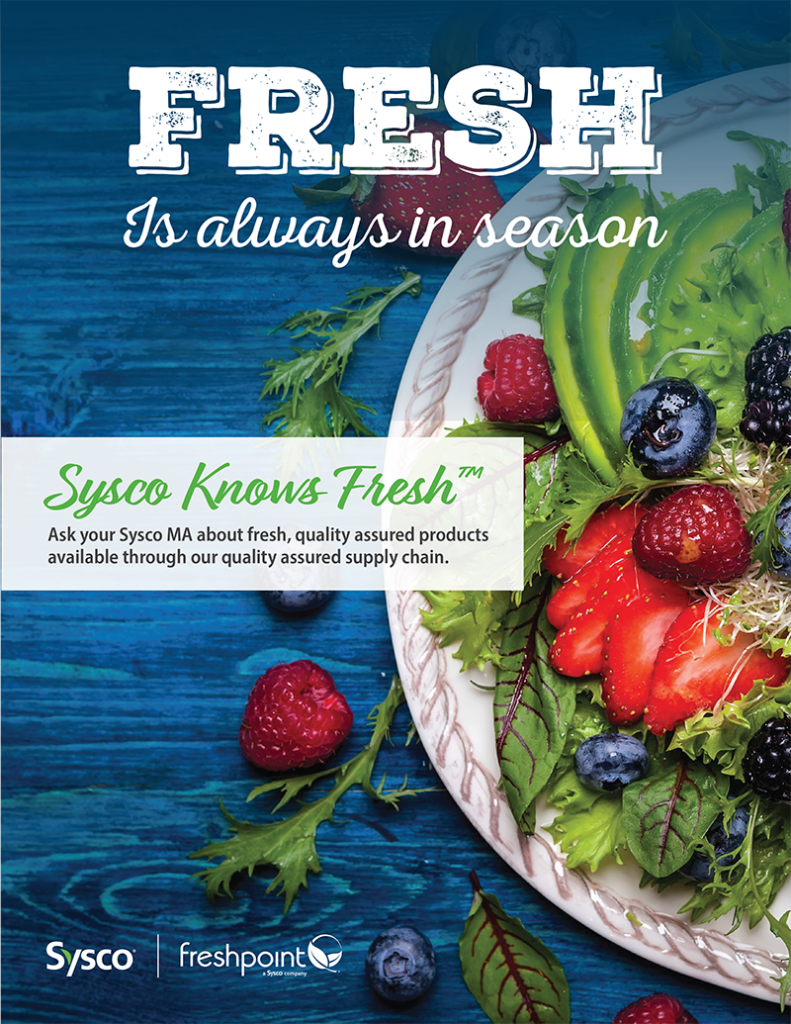
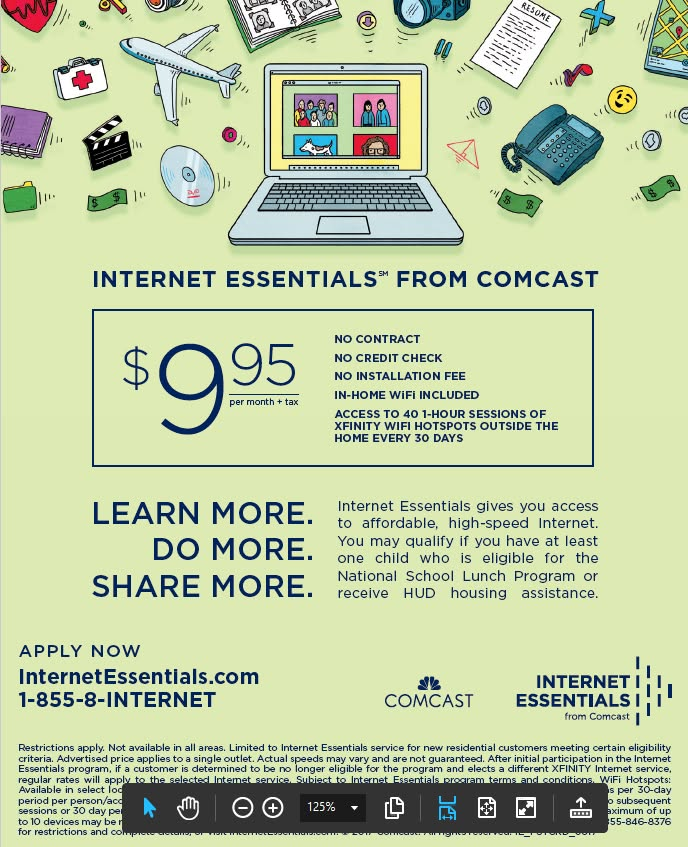
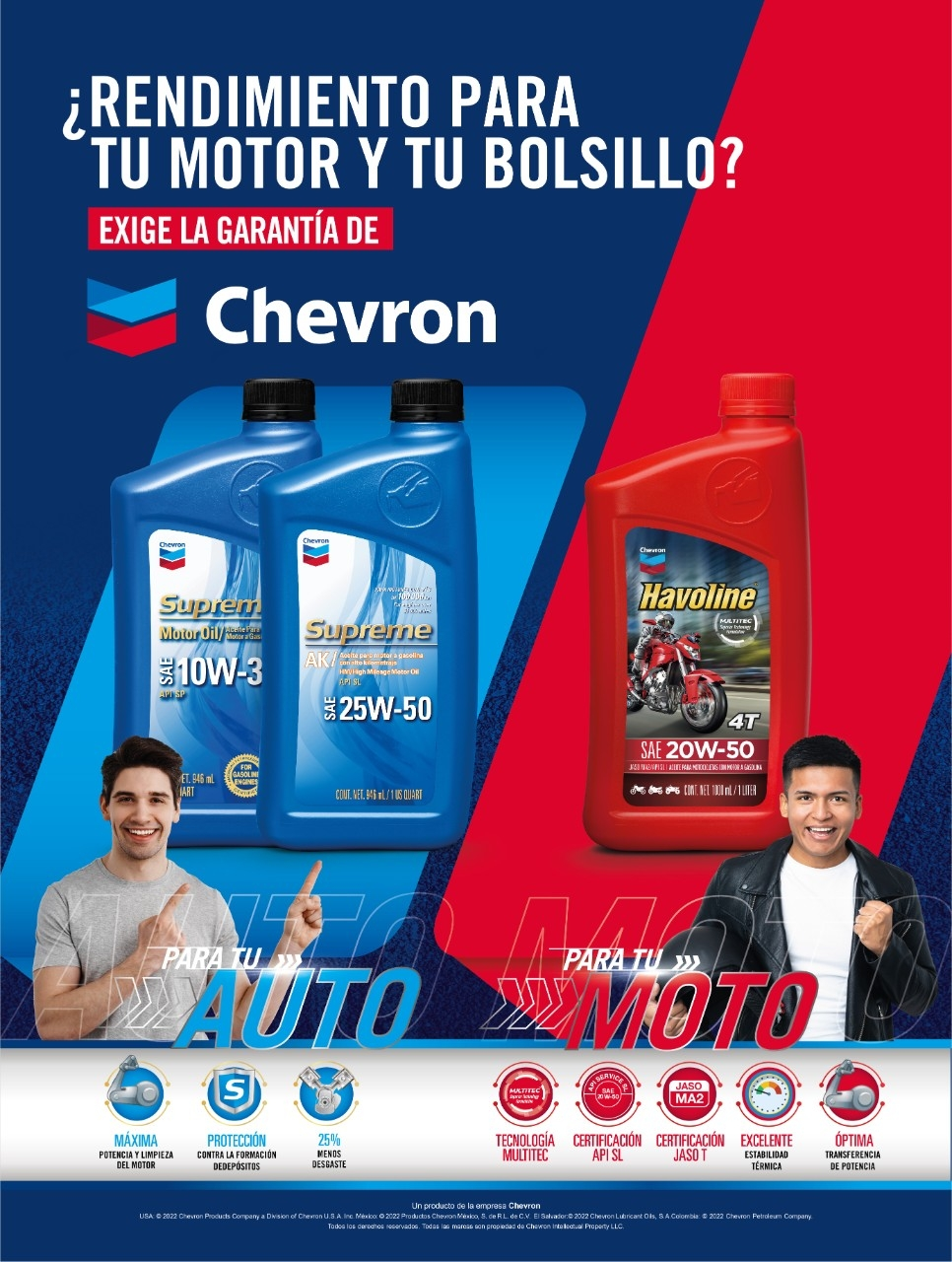
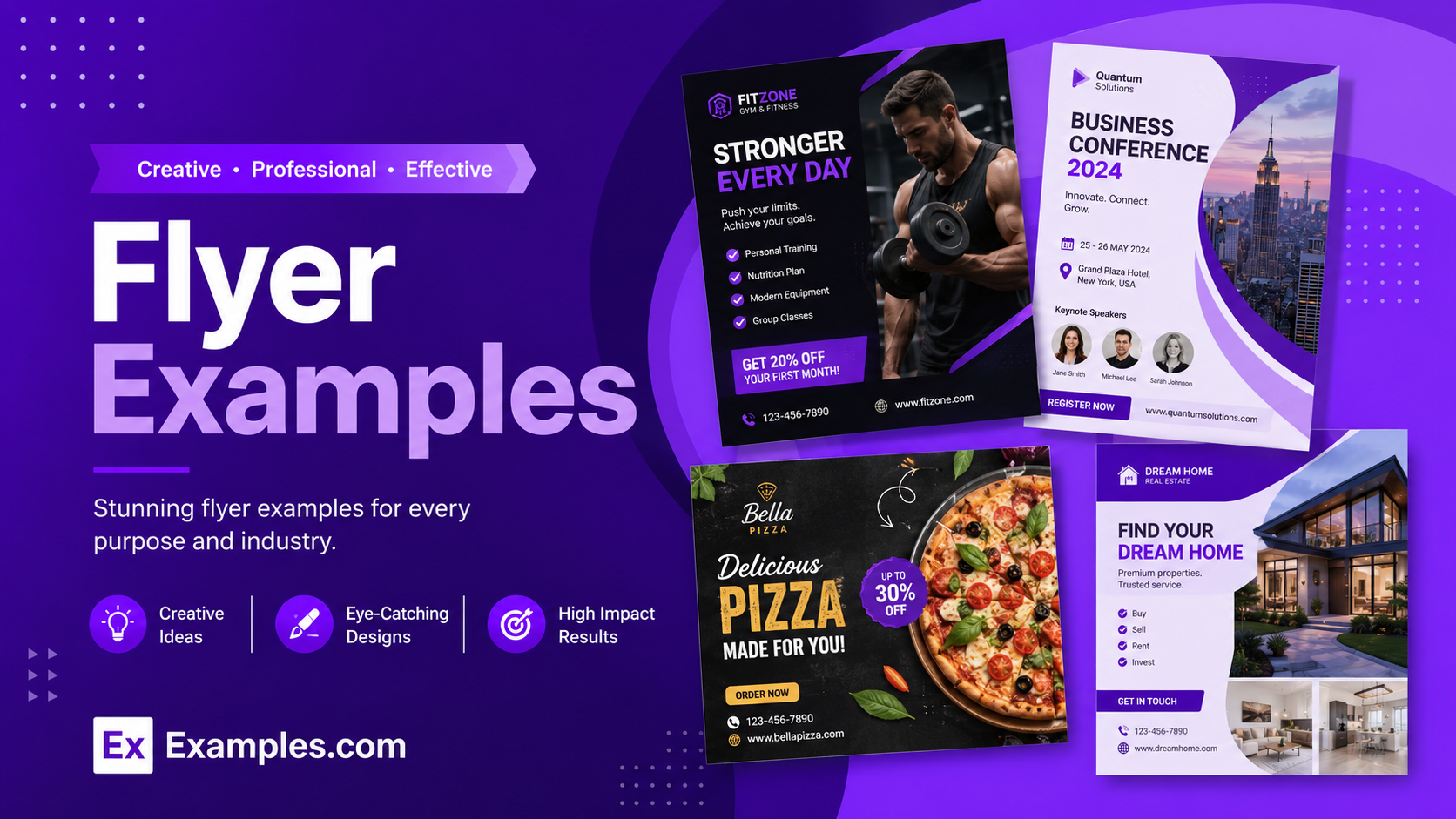
Create custom flyers online using AI-powered design generation inspired by real-world flyer examples. Browse professional flyer layouts, choose a reference design, enter your prompt, and generate a completely new flyer in seconds. Customize colors, text, graphics, images, and branding elements using the online editor before downloading the final flyer PNG for marketing, events, promotions, business campaigns, and social media use.
What Is A Flyer?
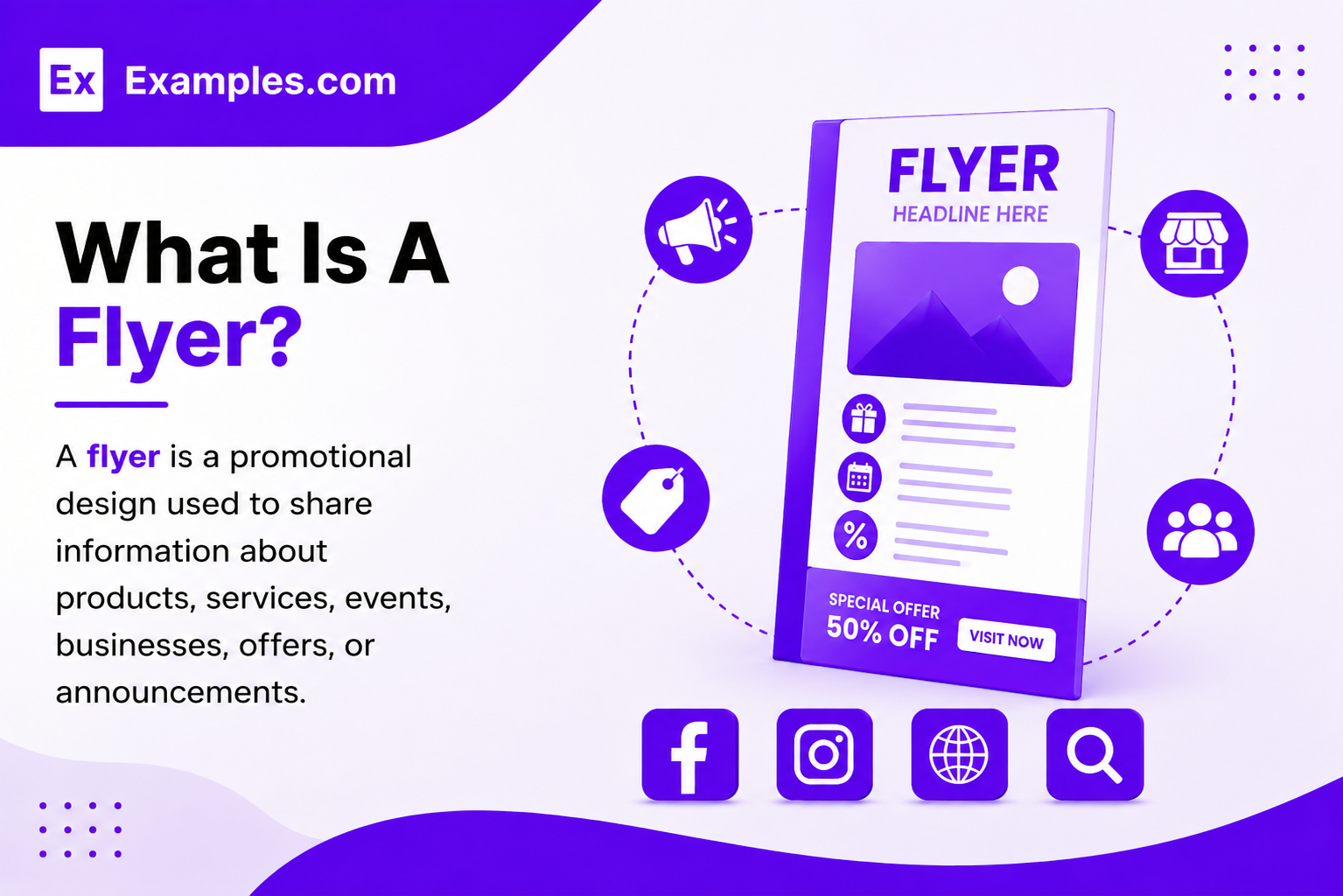
A flyer is a promotional design used to share information about products, services, events, businesses, offers, or announcements. Flyers are commonly used for marketing campaigns, social media promotions, local advertising, product launches, and event promotions. AI flyer tools help users generate personalized flyer designs using prompts, visual references, and online editing features.
Popular Types Of Flyers
Flyers are used across many industries for promotions, advertising, branding, and communication. Different flyer styles help businesses and individuals target specific audiences more effectively.
Event Flyers
Event flyers promote concerts, parties, festivals, conferences, workshops, and community events. These flyers usually include dates, locations, schedules, and ticket details.
Business Flyers
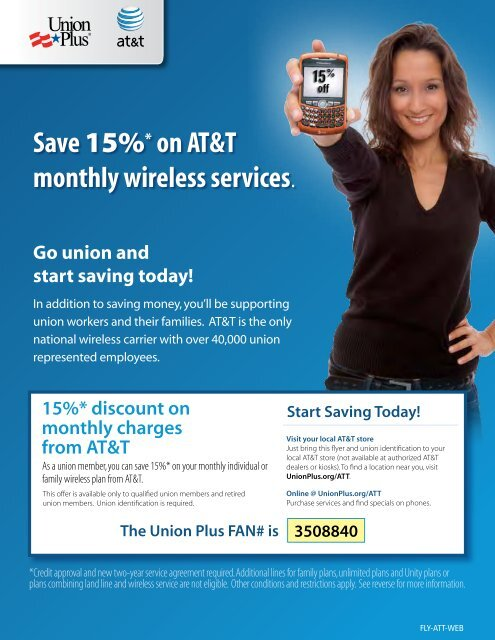
Business flyers help companies advertise services, announce offers, promote products, and increase local brand visibility. They are commonly used for offline and online marketing.
Restaurant Flyers
Restaurant flyers showcase menus, discounts, combo offers, food photography, delivery promotions, and seasonal specials to attract customers.
Real Estate Flyers
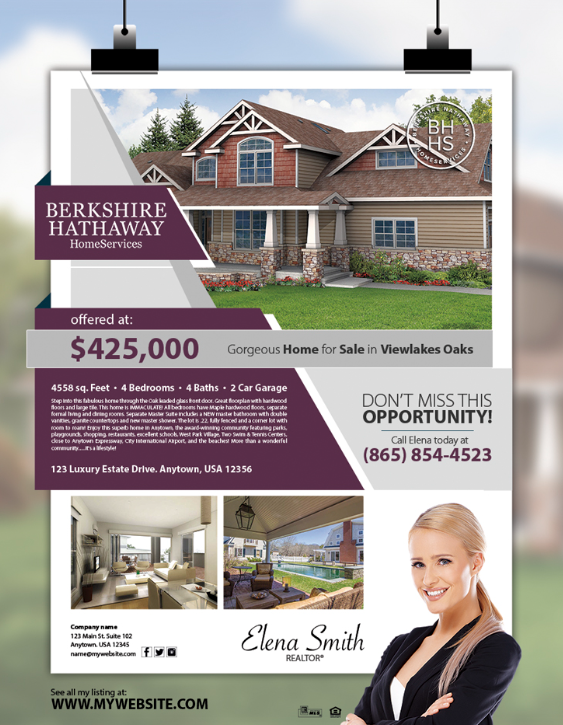
Real estate flyers promote properties, apartments, rentals, commercial spaces, and open-house events using property images, pricing, and contact information.
Promotional Flyers
Promotional flyers focus on sales campaigns, discounts, giveaways, limited-time offers, and product launches for marketing campaigns.
Educational Flyers
Educational flyers are used by schools, colleges, training centers, and online learning platforms to promote courses, admissions, seminars, and workshops.
How Do I Generate Flyer Using Proven Examples from the World’s Best Brands?
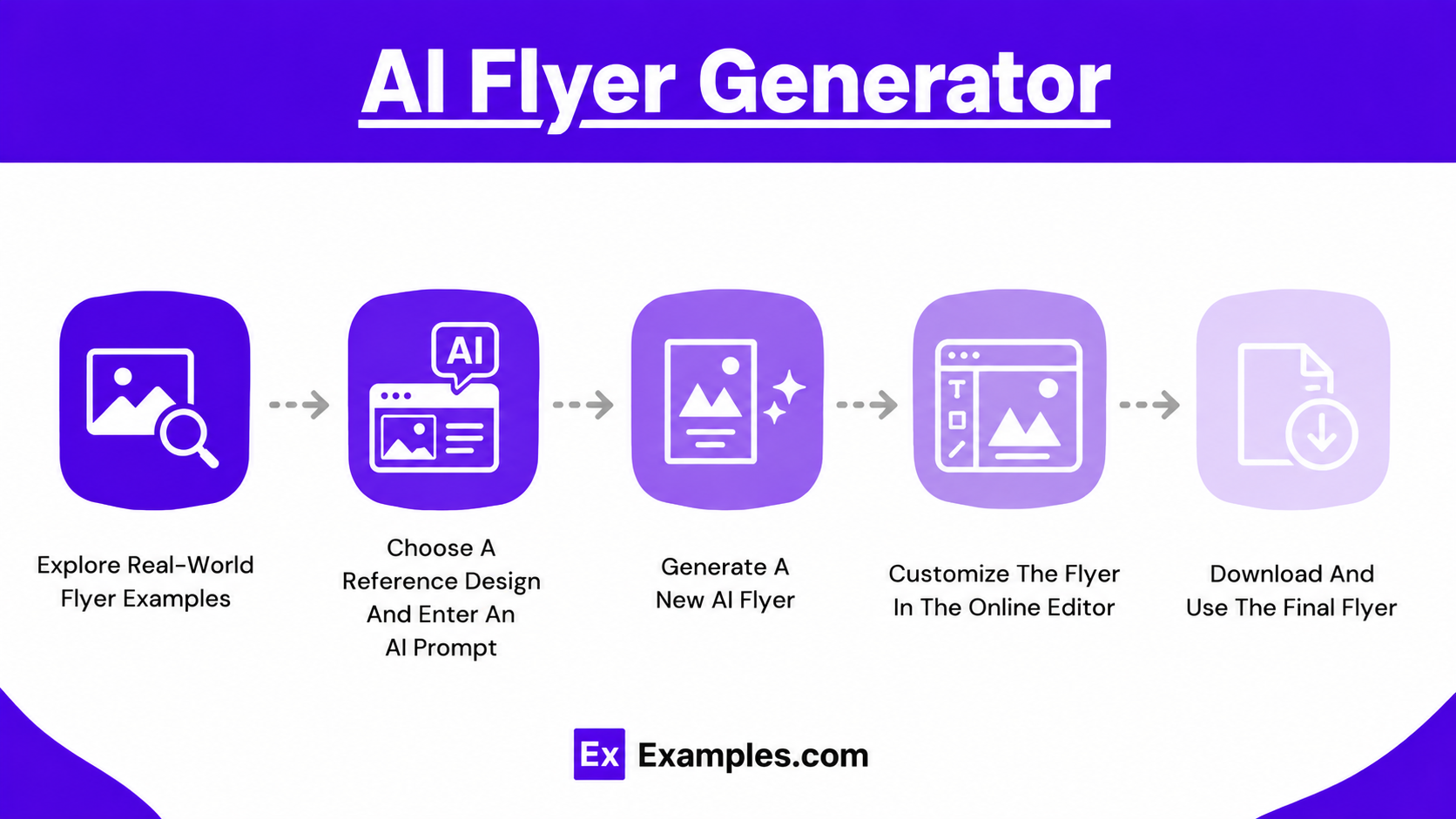
AI flyer generation allows users to create personalized flyer designs using prompts, real-world inspiration, and online customization tools. The workflow is simple, beginner-friendly, and designed for fast visual creation.
Explore Real-World Flyer Examples
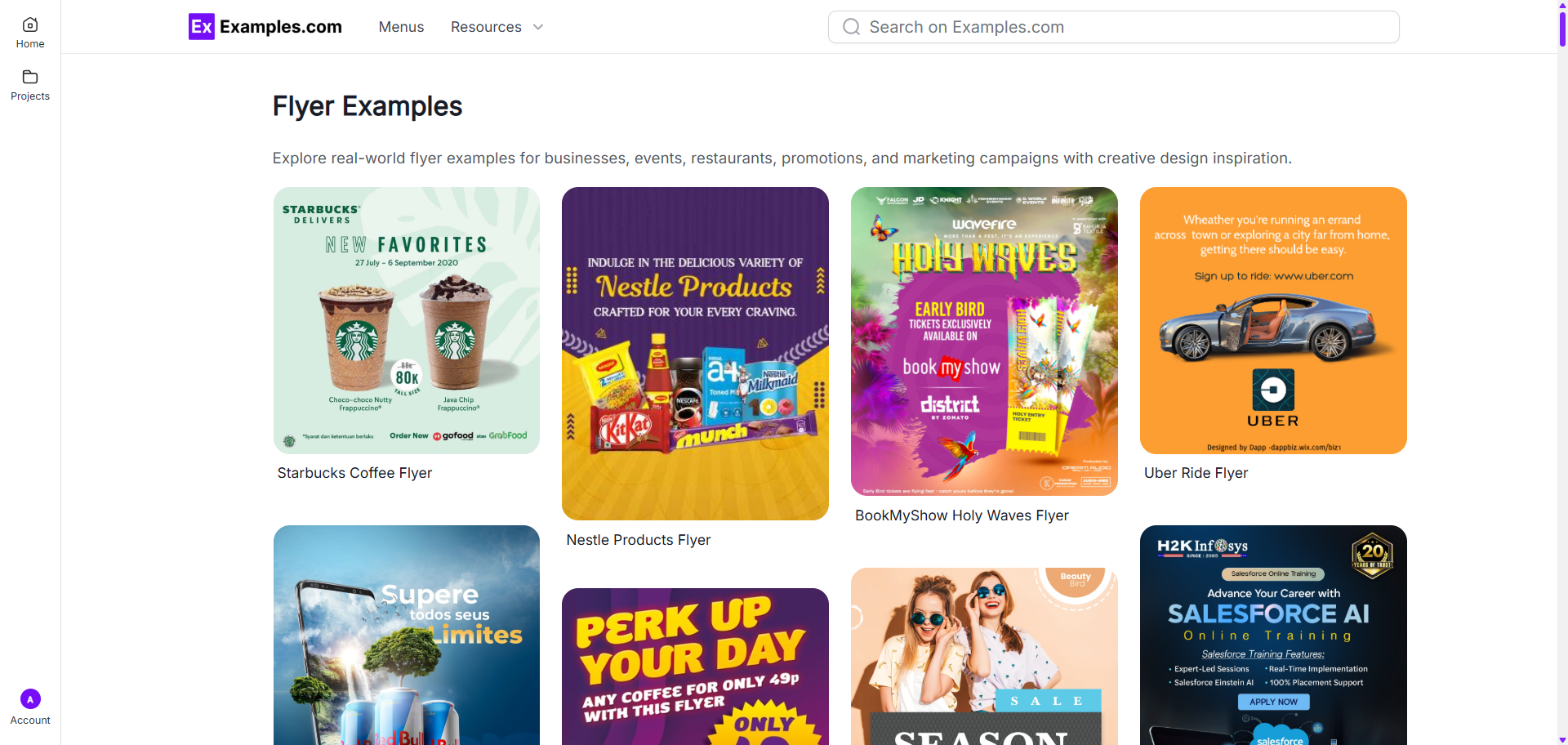
Start by browsing flyer examples across categories such as business, restaurant, event, educational, and promotional flyers. These real-world designs help users discover layouts, styles, typography ideas, and visual structures before generating a new flyer.
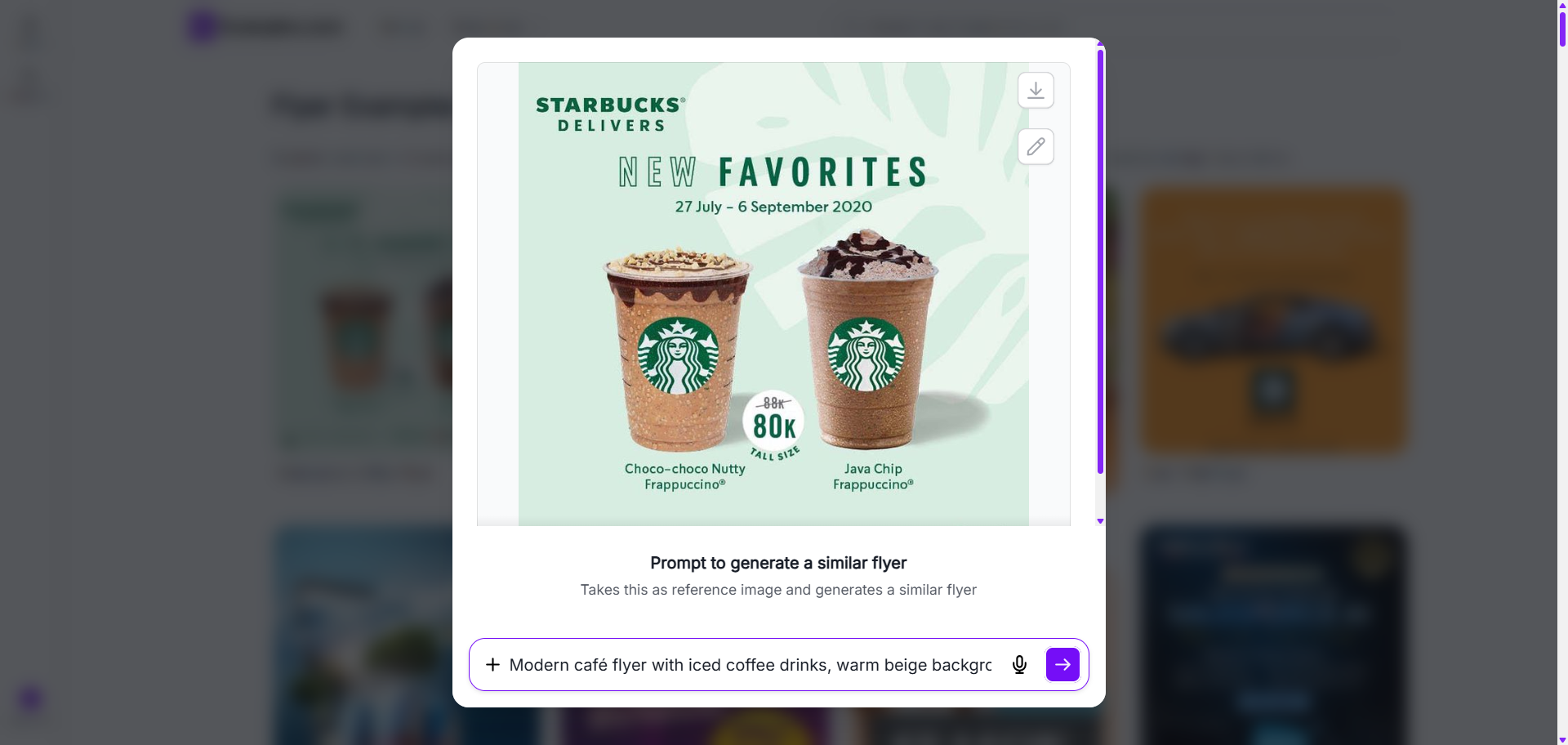
Choose A Reference Design And Enter An AI Prompt
Select a flyer example that matches your preferred visual style or layout. Enter a prompt describing your flyer idea, business, promotion, event, colors, text, or branding requirements. The selected example acts as a visual inspiration reference during AI generation.
Generate A New AI Flyer
The AI generates a completely new flyer inspired by the selected example and user prompt. Users can create personalized layouts, custom headlines, promotional visuals, branded designs, and multiple flyer variations.
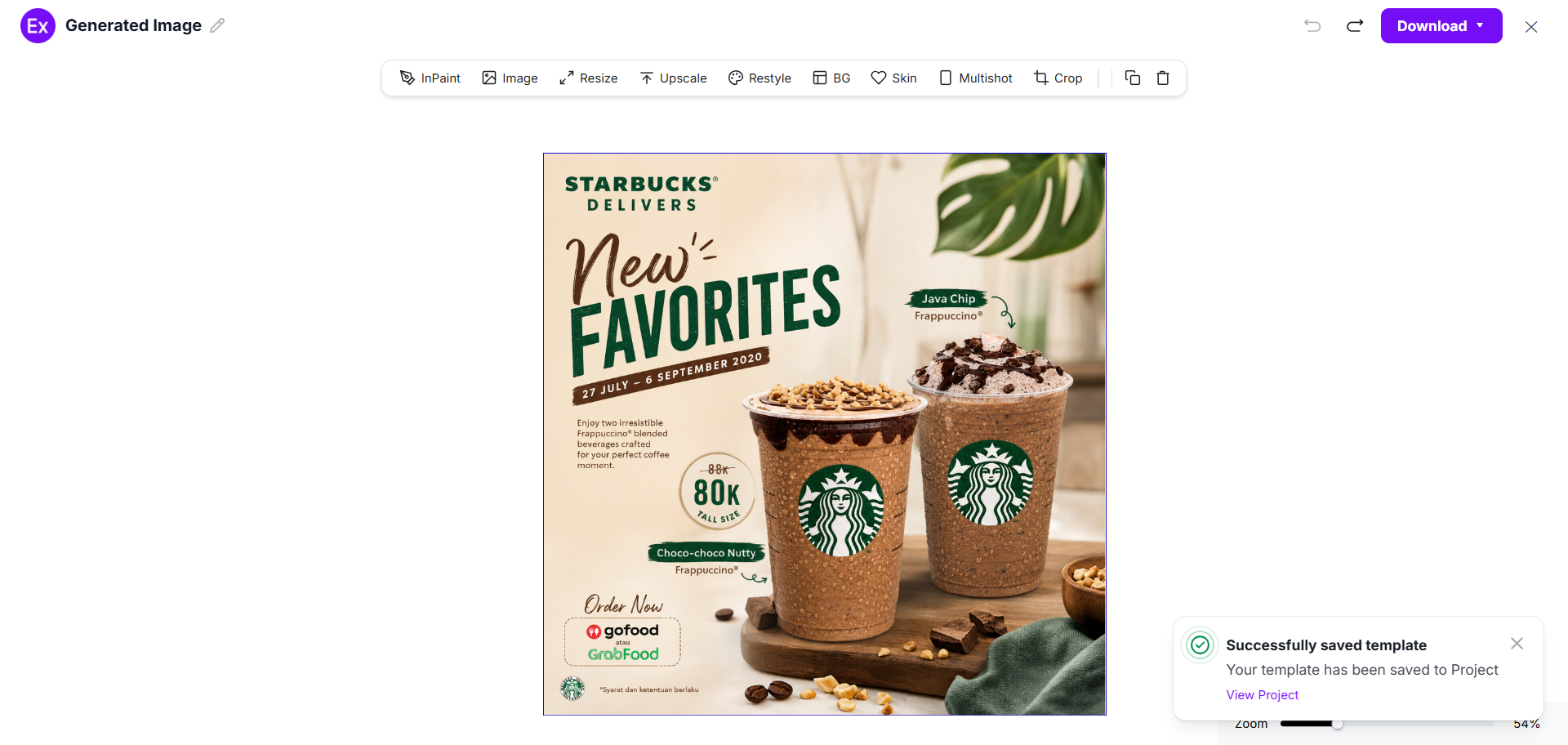
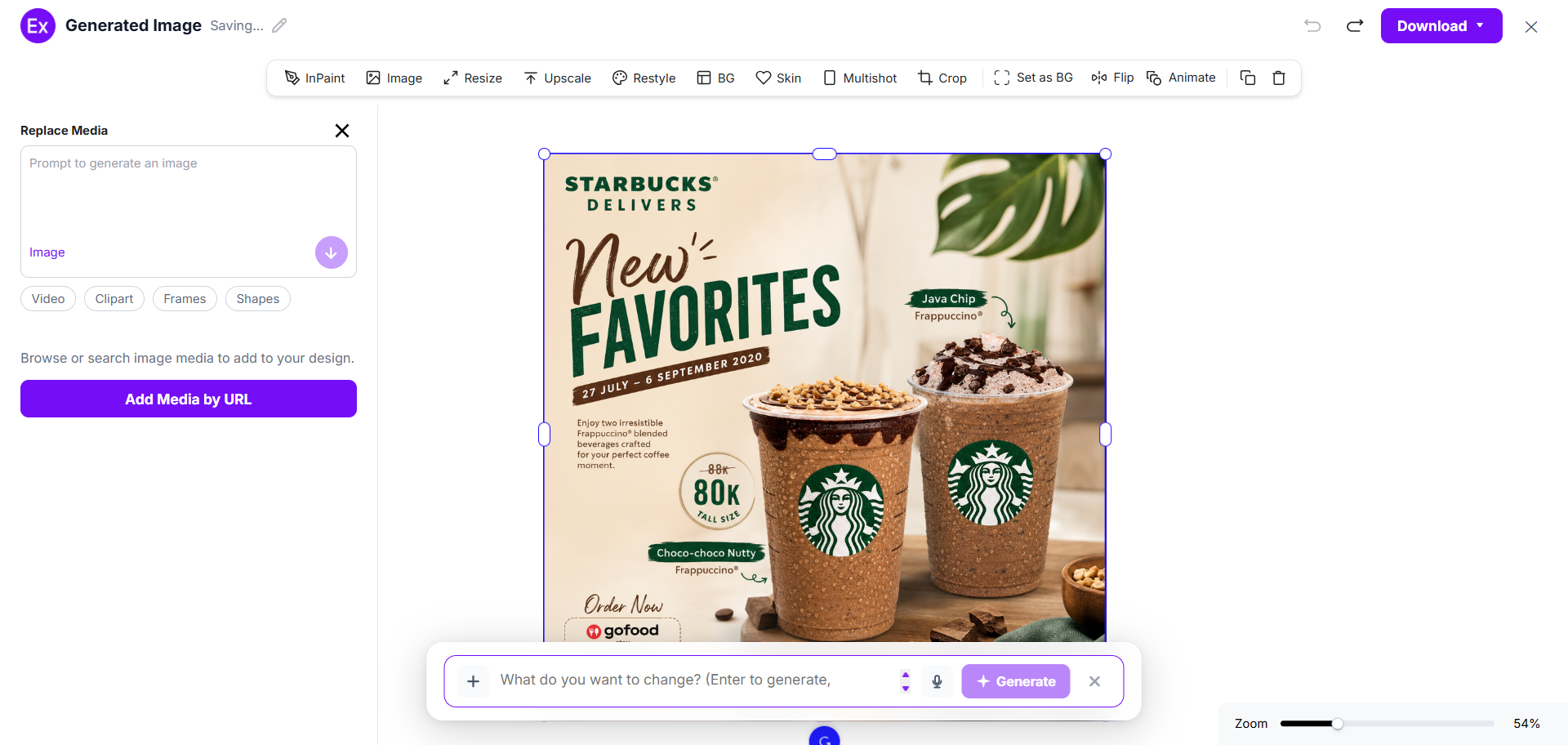
Customize The Flyer In The Online Editor
Open the generated flyer inside the online editor to customize elements such as images, text, graphics, colors, shapes, frames, and branding assets. Users can also upload their own media and generate additional visuals using prompts.
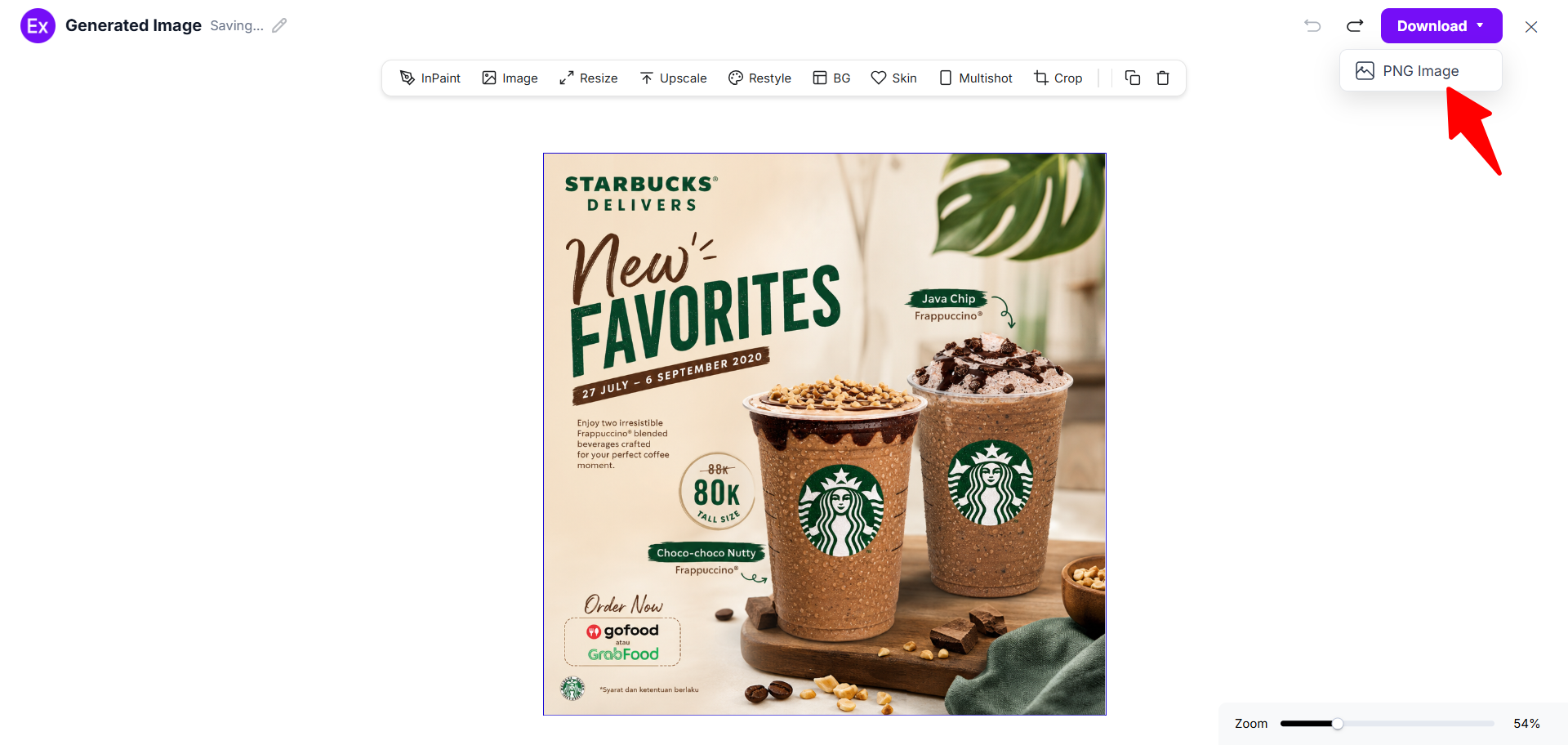
Download And Use The Final Flyer
After customization is complete, download the final flyer in PNG format. The flyer can be used for websites, social media campaigns, advertisements, business promotions, event marketing, online sharing, or printing.
Customize Flyer Designs Online
The online flyer editor allows users to personalize flyer layouts without advanced design experience. Users can replace images, edit text, add graphics, upload logos, change colors, insert shapes, and organize layout elements directly inside the editor.
Users can also generate additional visuals using prompts, enhance flyer quality, resize layouts, edit backgrounds, and apply AI-assisted customization tools. This flexible workflow helps businesses, creators, marketers, and beginners create personalized flyers for events, promotions, local advertising, product launches, social media campaigns, and digital marketing.
AI Flyer Editing Features
Examples.com includes multiple AI-powered editing tools that help users customize flyer designs online.
InPaint
Edit or remove selected areas inside the flyer design while preserving surrounding elements.
Resize
Adjust flyer dimensions for print materials, websites, social media platforms, or digital campaigns.
Upscale
Improve flyer image quality and increase resolution for clearer visuals and sharper graphics.
Restyle
Generate alternative flyer styles using different visual themes, layouts, and design directions.
Background Editing
Remove, replace, or customize flyer backgrounds for cleaner and more targeted visuals.
Crop
Adjust flyer framing and layout positioning to improve visual balance and spacing.
Flip
Mirror flyer layouts or images horizontally and vertically for different visual arrangements.
Animate
Add motion-based effects to flyer visuals for digital campaigns and online promotions.
Multishot
Generate multiple flyer variations from a single concept or prompt for faster design exploration.
Standard Flyer Sizes And Formats
Flyer sizes vary depending on marketing goals, distribution methods, and platform requirements. Choosing the correct flyer format helps improve readability, printing efficiency, and digital visibility.
| Flyer Type | Standard Size | Common Usage | Format Purpose |
|---|---|---|---|
| A4 Flyer | 8.27 × 11.69 inches | Business promotions | Print campaigns |
| Letter Flyer | 8.5 × 11 inches | General marketing | Print and handouts |
| Half-Page Flyer | 5.5 × 8.5 inches | Event promotions | Compact distribution |
| Square Flyer | 1080 × 1080 px | Social media posts | Digital campaigns |
| Story Flyer | 1080 × 1920 px | Instagram/Facebook Stories | Mobile promotions |
| DL Flyer | 3.9 × 8.3 inches | Restaurant menus and offers | Folded promotional use |
A4 and letter-size flyers are commonly used for business advertising and event promotions because they provide enough space for text, visuals, and contact details. Square flyers work well for social media sharing, while vertical story formats are effective for mobile-first marketing campaigns. Compact flyer formats are often preferred for local distribution and hand-to-hand promotions.
PNG format is commonly preferred because it preserves image quality while supporting online publishing, social media sharing, and digital marketing workflows.
Essential Elements Every Flyer Should Include
A successful flyer combines clear messaging, strong visuals, and organized information. Including the right elements helps improve readability and communication.
- Clear Headline – Use a strong and direct headline that quickly explains the main purpose of the flyer.
- High-Quality Visuals – Add professional images, illustrations, or graphics that support the message and attract attention.
- Call-To-Action – Include a clear action statement such as “Register Now,” “Order Today,” or “Visit Our Store.”
- Contact Information – Provide phone numbers, websites, addresses, email details, or social media links.
- Brand Identity – Use consistent brand colors, logos, and typography to improve recognition and trust.
- Readable Typography – Choose clean fonts with proper spacing and readable text sizes for better user experience.
- Offer Or Promotion – Highlight discounts, special offers, event details, or product benefits clearly.
- Organized Layout – Maintain visual balance using spacing, sections, and alignment for easier reading.
- Social Media Links – Add social platform handles or QR codes to encourage online engagement and traffic.
How Do I Design A Better Flyer?
Creating an effective flyer requires clear communication, organized layouts, and focused visual design. Good flyer design improves readability and helps users understand the message quickly.
- Use A Clear Visual Hierarchy – Place the most important information at the top of the flyer. Headlines, offers, and event details should be easy to notice immediately.
- Keep The Message Short – Avoid overcrowding the flyer with large amounts of text. Use concise messaging that communicates the main purpose clearly.
- Use Readable Fonts – Select fonts that are clean and easy to read across both print and digital formats.
- Focus On One Main Goal – Every flyer should have a single objective such as promoting an event, advertising a service, or announcing a sale.
- Maintain Consistent Branding – Use matching colors, logos, and visual styles to create a recognizable and professional flyer appearance.
- Use High-Quality Images – Sharp visuals and clean graphics help improve the overall quality and credibility of the flyer design.
- Add A Strong Call-To-Action – Tell users what action to take next, such as contacting the business, scanning a QR code, registering online, or visiting a website.
Common Flyer Design Mistakes To Avoid
Many flyer designs become less effective because of layout, readability, or messaging problems. Avoiding common mistakes helps improve communication and visual quality.
- Too Much Text – Large text blocks make flyers harder to scan quickly. Focus on concise messaging and short sections instead.
- Cluttered Layouts – Overcrowded designs reduce readability and create visual confusion. Use spacing and organized sections for better structure.
- Poor Color Contrast – Low contrast between text and background can make important information difficult to read.
- Low-Quality Images – Blurred or stretched images reduce professionalism and weaken visual impact.
- Weak Call-To-Action – Without a clear CTA, users may not know what action to take after viewing the flyer.
- Inconsistent Branding – Using unrelated colors, fonts, or styles can make the flyer appear unorganized and less trustworthy.
- Small Font Sizes – Very small text becomes difficult to read, especially in printed flyers or mobile viewing.
- Missing Contact Information – Flyers should always include business details, website links, phone numbers, or social media information.
How Can I Market My Product Using A Flyer?
Flyers are widely used for product marketing because they help businesses share promotions, product details, and brand messages quickly across both print and digital channels.
Local Business Promotions
Businesses distribute flyers in stores, shopping areas, events, and nearby locations to increase local visibility and customer awareness.
Product Launch Campaigns
Flyers help introduce new products using promotional visuals, launch announcements, pricing information, and special offers.
Restaurant Promotions
Restaurants use flyers to advertise menu items, discounts, delivery services, and seasonal campaigns.
Event Marketing
Flyers promote concerts, workshops, seminars, exhibitions, and business events using schedules, locations, and registration details.
Retail Discounts
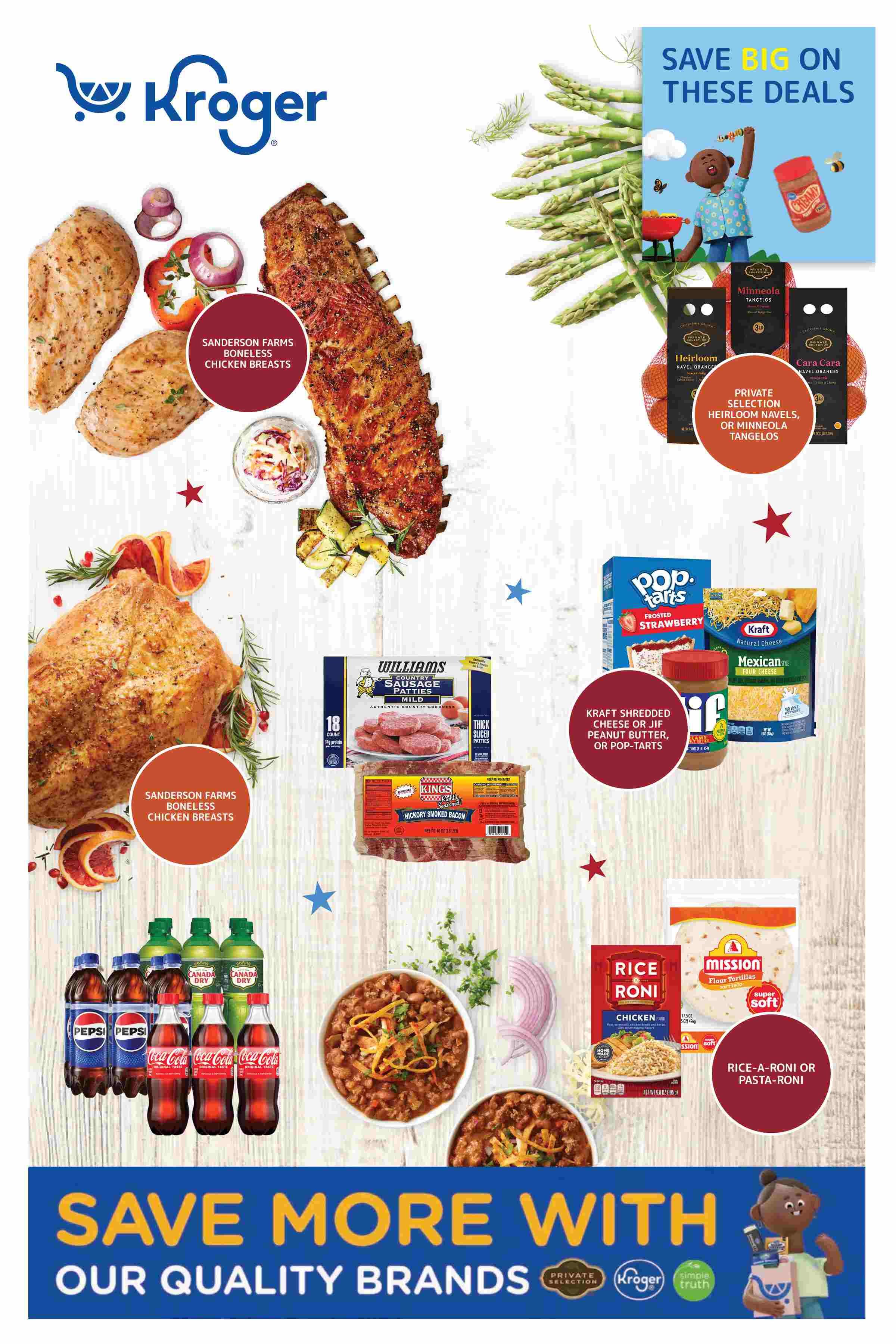
Retail businesses use promotional flyers for seasonal sales, clearance offers, and limited-time product campaigns.
QR Code Marketing
Adding QR codes helps users quickly access websites, landing pages, product catalogs, or registration forms.
Social Media Advertising
Digital flyers are commonly used across Instagram, Facebook, WhatsApp, and other social platforms for online engagement.
Which Flyer Sizes Perform Best?
The best-performing flyer size depends on the marketing channel, audience behavior, and campaign objective.
| Flyer Size | Best Use Case | Print/Digital Usage | Main Benefit |
|---|---|---|---|
| A4 Flyer | Business advertising | Large content space | |
| Letter Flyer | General promotions | Standard distribution | |
| Half-Page Flyer | Handouts and events | Easy distribution | |
| Square Flyer | Social media posts | Digital | Platform compatibility |
| Story Flyer | Mobile promotions | Digital | Full-screen visibility |
| DL Flyer | Restaurant promotions | Compact format |
Large flyer formats work well for detailed business promotions and event advertisements. Square and story flyers usually perform better on social media platforms because they are optimized for mobile viewing and platform layouts. Smaller flyers are easier to distribute physically during local campaigns and public events.
Flyer Ideas For Different Industries
Different industries use flyers for unique marketing goals, promotions, and communication strategies.
- Restaurant Flyers – Restaurant flyers commonly include food photography, combo offers, discounts, delivery promotions, and menu highlights.
- Gym Flyers – Fitness flyers promote memberships, training programs, classes, health campaigns, and seasonal offers.
- Real Estate Flyers – Real estate flyers showcase properties, apartment listings, commercial spaces, and open-house announcements.
- Education Flyers – Schools, colleges, and training institutes use flyers for admissions, courses, workshops, and educational events.
- Healthcare Flyers – Healthcare flyers promote clinics, wellness programs, health awareness campaigns, and medical services.
- Retail Store Flyers – Retail businesses use flyers to advertise product launches, sales campaigns, seasonal offers, and discounts.
- Travel Flyers – Travel flyers promote tour packages, vacation offers, destinations, hotel services, and seasonal travel campaigns.
- Beauty Salon Flyers – Beauty and salon flyers advertise skincare services, hair treatments, makeup services, and appointment offers.
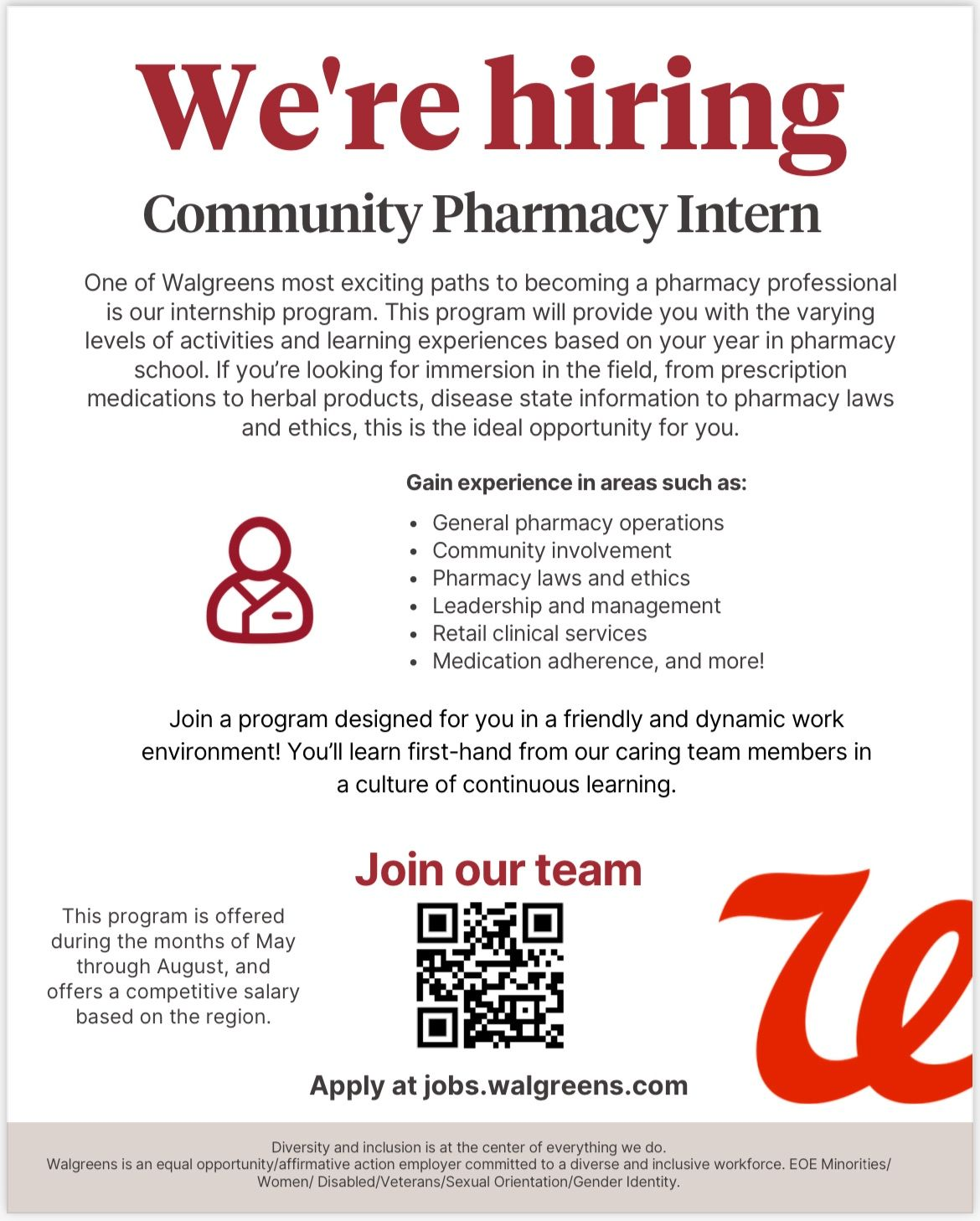
- Corporate Flyers – Corporate flyers are used for conferences, seminars, recruitment campaigns, presentations, and business networking.
- Music And Event Flyers – Concerts, DJ events, festivals, and entertainment campaigns often use visually bold flyers for audience promotion.
FAQs
What Is The Best Flyer Size?
The best flyer size depends on the intended use. A4 and letter-size flyers are commonly used for print promotions, while square and story formats perform better for social media marketing.
Can I Generate Flyers With AI?
Yes. AI flyer tools allow users to generate flyer designs using prompts, reference examples, and online editing tools.
Are AI Flyers Customizable?
Yes. Users can customize text, images, graphics, colors, layouts, and branding elements inside the online editor.
Can I Upload My Own Images?
Yes. The editor supports media uploads so users can add personal photos, logos, graphics, and branded visuals.
What File Format Can I Download?
Final flyer designs can be downloaded in PNG image format for digital use, online sharing, and printing.
Are Flyer Templates Editable?
The original examples act as inspiration references, while users generate and customize completely new flyer designs.
Can I Create Social Media Flyers?
Yes. Users can generate square flyers, story flyers, and promotional social media graphics for online campaigns.
What Makes A Flyer Effective?
Effective flyers use clear messaging, strong visuals, readable typography, organized layouts, and a clear call-to-action.
Can Beginners Design Flyers Online?
Yes. AI-powered flyer tools simplify the design process using prompts, editing tools, and customizable layouts.
What Industries Use Flyers Most?
Restaurants, retail stores, real estate companies, educational institutions, gyms, healthcare providers, and event organizers commonly use flyers for marketing and promotions.