
Free AI Homophones Generator, Real World Homophones Examples
Instantly find true homophones for any word with our free AI generator. Get clear definitions, example sentences, wordplay ideas & ESL teaching pairs.
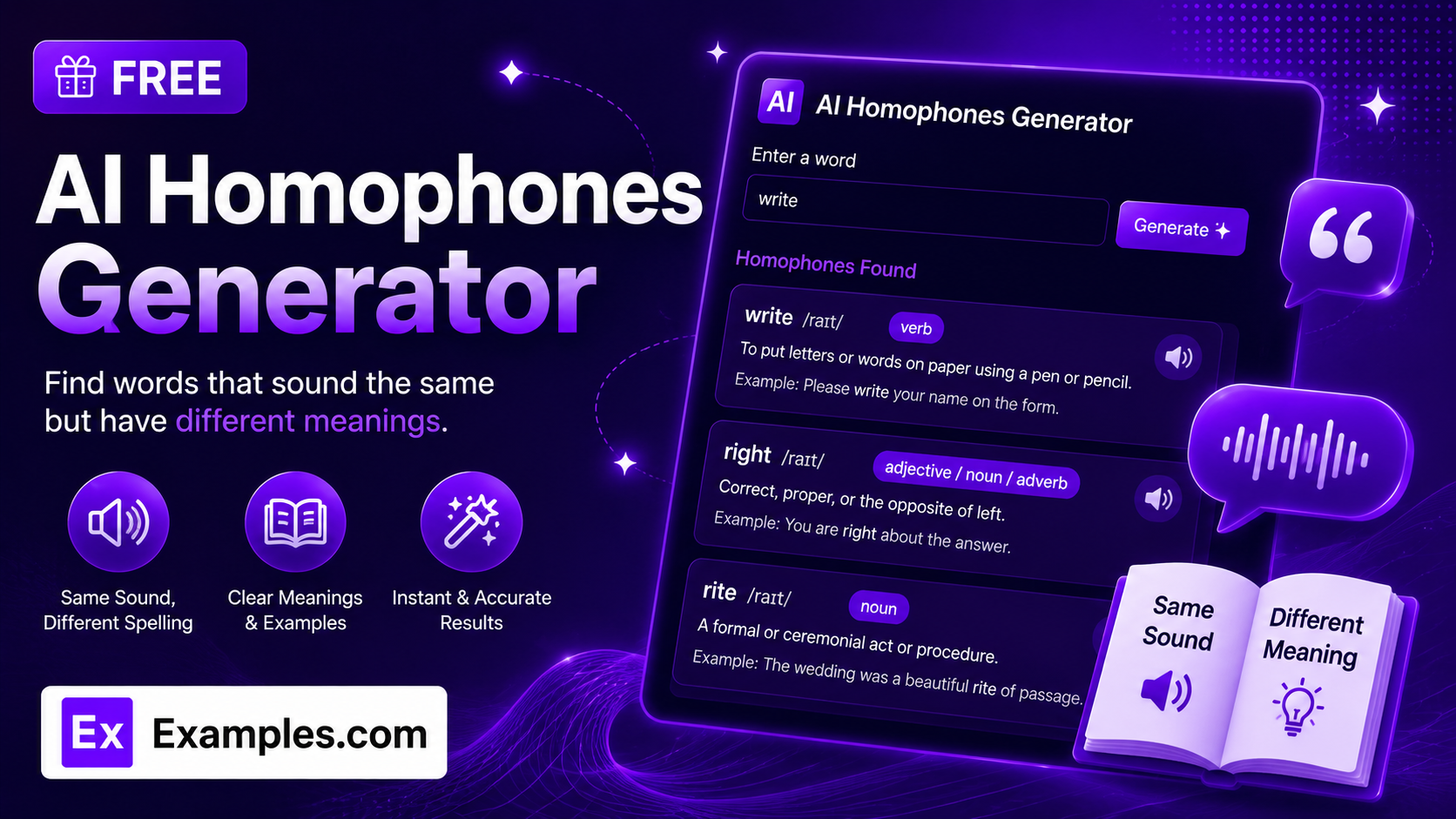
Spot the difference between sound-alike words with the Examples.com AI Homophones Generator. Enter any word, phrase, or short passage, choose a style, tone, and audience, and get a clear breakdown of every genuine homophone — words that sound identical when spoken but differ in spelling and meaning — along with definitions that make the distinction obvious.
How to Use the AI Homophones Generator
Step 1: Enter Your Word or Phrase
- Enter a word or phrase: Type the word, phrase, or short passage you want to check for homophones into the main text field. This can be a single word (“write”) or a longer passage containing several words. The tool identifies every word in your input that has a genuine homophone.
Step 2: Choose a Homophone Style
- Homophone Style: Pick how each homophone should be explained — Definitions Only, Definitions + Example Sentences, Definitions + Wordplay Ideas, or ESL / Teaching Pairs. Definitions Only is selected by default.
Step 3: Set the Tone
- Tone: Select how the explanations should sound — Playful & Fun, Warm & Encouraging, Professional, Humorous, Serious & Straightforward, Enthusiastic, or Poetic. Warm & Encouraging is selected by default.
Step 4: Pick Who It’s Best For
- Best For: Choose the intended audience — General Audience, Kids (Age 5-10), Students, Beginners, Professionals, or Academic Writing. General Audience is selected by default.
Step 5: Upload a File (Optional)
- Upload File for Context: Optionally upload a .txt, .md, .pdf, .doc, .docx, .odt, or .html file (up to 2MB). The extracted text is automatically added to the input field, so you can check an entire essay, worksheet, or set of notes for homophones instead of typing everything manually.
Step 6: Generate, Edit, and Download Your Homophones
- Generate Button: Click the purple “Generate Free Homophones” button. The AI checks your input for genuine homophones, numbers each one it finds, and explains the meaning difference in your chosen style, tone, and audience level.
- Edit: Click “Edit” to fine-tune the definitions, examples, or wordplay directly in the output panel before exporting.
- Copy / Download: Use “Copy All” to copy the full breakdown to your clipboard, or use the “Download” menu to save it as a TXT, Word, or PDF file.
AI Homophones Generator Formula
The AI Homophones Generator follows a structured input-to-output process to surface only genuine homophones, not words that merely look alike or rhyme:
Homophone Accuracy = Pronunciation Match + Spelling Difference + Clear Meaning Distinction
Where:
- Pronunciation Match is confirming the candidate word sounds identical when spoken aloud to the target word, either typed in directly or extracted from an uploaded document
- Spelling Difference is confirming the candidate word is spelled differently from the target word, ruling out words that are simply repeated or lightly misspelled
- Clear Meaning Distinction is the model writing a definition for each homophone that makes the difference in meaning obvious, so the reader instantly understands which spelling to use and when
If a target word has no known homophones, the tool states that plainly instead of inventing one.
Examples of AI Homophones Generator
Example 1: Definitions Only for General Readers
A user wants a quick check on a commonly confused word.
- Word: write
- Homophone Style: Definitions Only
- Tone: Warm & Encouraging
- Best For: General Audience
- Result: A numbered breakdown of right, rite, and wright, each with a plain-language definition explaining exactly when to use it.
Example 2: Example Sentences for Students
A student wants to see each homophone used correctly in context before an exam.
- Word: their, there, they’re
- Homophone Style: Definitions + Example Sentences
- Tone: Enthusiastic
- Best For: Students
- Result: Each word gets its own definition plus a short example sentence showing correct usage, so the difference is easy to remember.
Example 3: Wordplay Ideas for Content Creators
A writer wants a punny angle for a headline or caption.
- Word: sea
- Homophone Style: Definitions + Wordplay Ideas
- Tone: Humorous
- Best For: General Audience
- Result: A definition of “see” paired with a short, original pun idea built around the sea/see mix-up, ready to adapt for a caption or title.
Example 4: ESL / Teaching Pairs for Beginners
An ESL teacher wants a simple reference for a common mix-up.
- Word: to, too, two
- Homophone Style: ESL / Teaching Pairs
- Tone: Serious & Straightforward
- Best For: Beginners
- Result: Each homophone pair comes with a short usage tip flagging exactly how learners commonly confuse it, making it easy to use as a handout.
Example 5: File Upload for Academic Writing
A student uploads a draft instead of typing words manually.
- Input: A .docx essay draft uploaded via “Upload File for Context”
- Homophone Style: Definitions Only
- Tone: Professional
- Best For: Academic Writing
- Result: The tool scans the essay text for any words with genuine homophones, numbers each one it finds, and defines it clearly — useful as a quick proofreading pass before submission.
Is this AI Homophones Generator truly free?
Yes. The AI Homophones Generator is completely free to use, with no hidden charges, sign-up, or subscription required to generate a list of homophones.
What exactly is a homophone?
A homophone is a word that sounds identical to another word when spoken aloud, but is spelled differently and carries a different meaning — like “write,” “right,” and “rite.” The tool is instructed to identify only genuine homophones, not words that merely look similar or rhyme loosely, so every result reflects a true pronunciation match.
What’s the difference between the Homophone Style options?
Homophone Style determines how much detail is added beyond the core definition. Definitions Only gives a quick, clean breakdown. Definitions + Example Sentences shows each homophone used correctly in context, useful for learning. Definitions + Wordplay Ideas adds a short pun or wordplay angle for creative or casual use. ESL / Teaching Pairs presents each pair together with a usage tip aimed at learners who commonly mix them up.
Which tone should I choose?
The tone setting shapes the voice of the explanations and examples. Professional and Serious & Straightforward suit work, academic, or reference use. Playful & Fun and Humorous work well for casual or creative writing. Warm & Encouraging is a safe, friendly default for most audiences. Enthusiastic and Poetic add energy or flair when you want the explanation to feel less clinical.
Can I upload a file instead of typing each word?
Yes. Use the “Upload File for Context” field to upload a .txt, .md, .pdf, .doc, .docx, .odt, or .html file up to 2MB. The extracted text is added directly to the input field, so you can check an entire essay, lesson, or set of notes for homophones instead of retyping them.
Can I edit the generated homophones afterward?
Yes. Click “Edit” to make changes directly in the output panel, then use “Copy All” to copy the finished breakdown to your clipboard, or download it as a TXT, Word, or PDF file so you can save and reuse it elsewhere.
Related AI Tools
Explore more free AI writing tools from Examples.com:
- AI Analogy Generator — Explain any concept clearly with a custom comparison in seconds.
- AI Onomatopoeia Generator — Find the perfect sound word for any action or scene.
- AI Adjective Generator — Find the perfect descriptive word for any noun in seconds.