
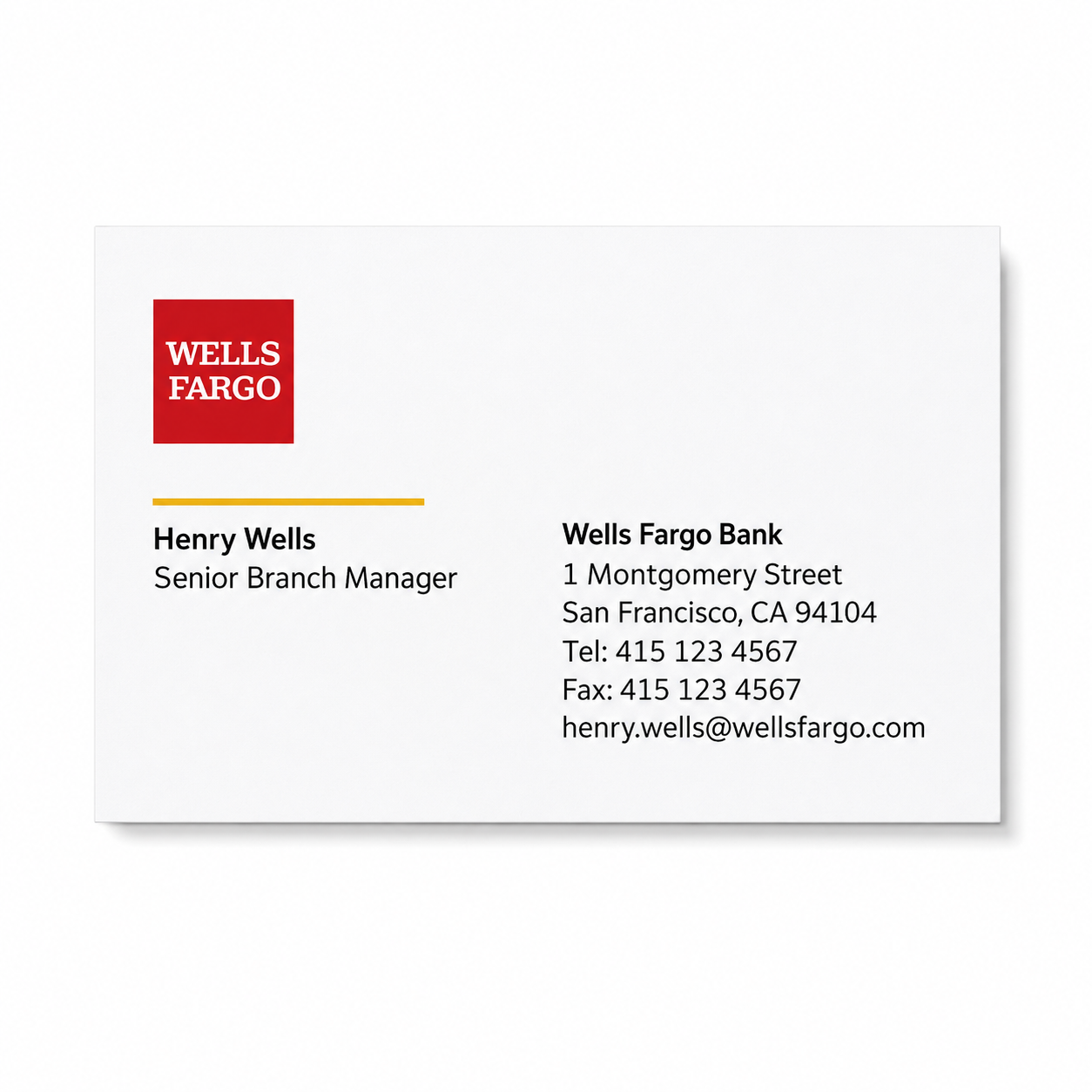
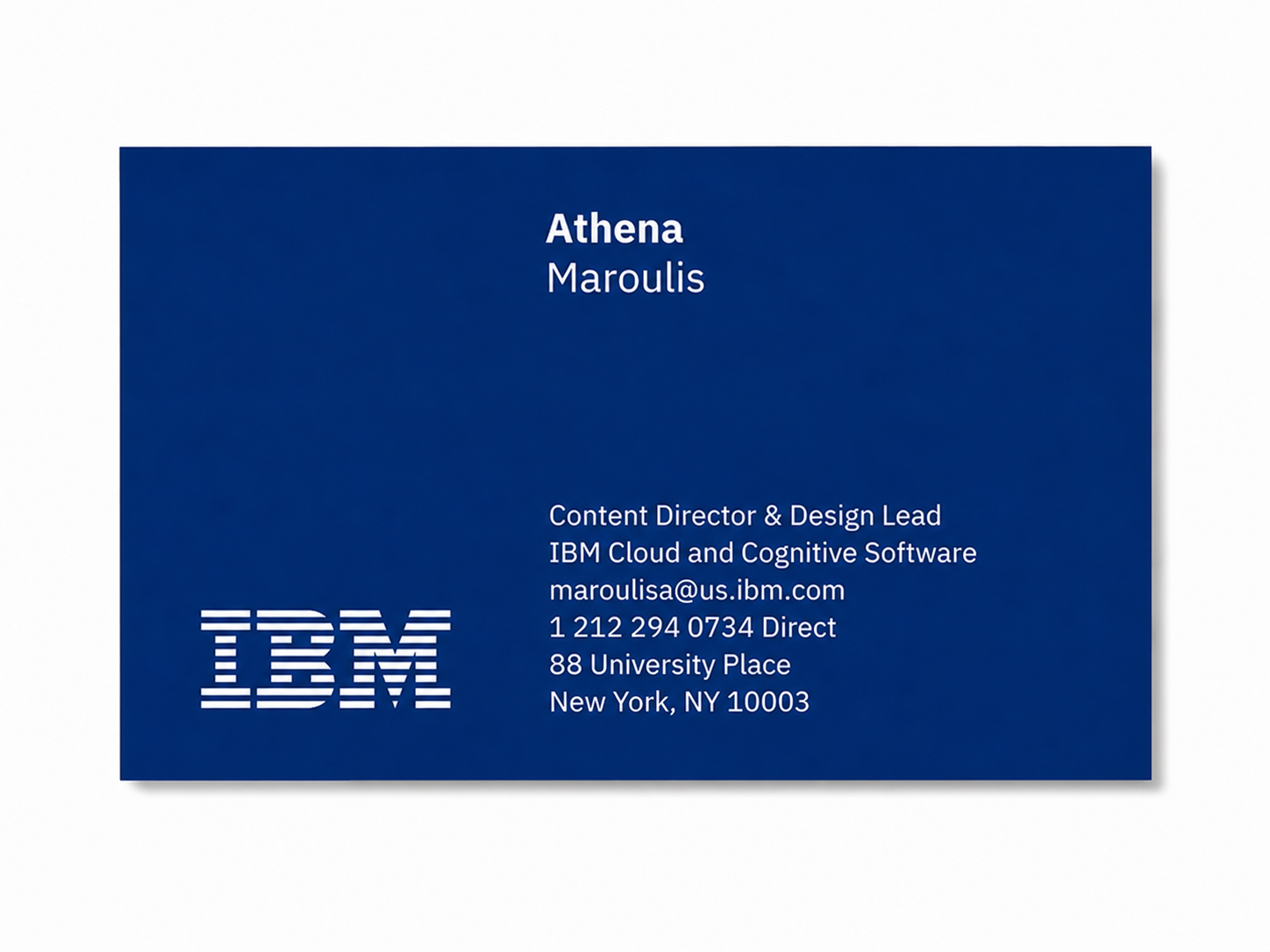
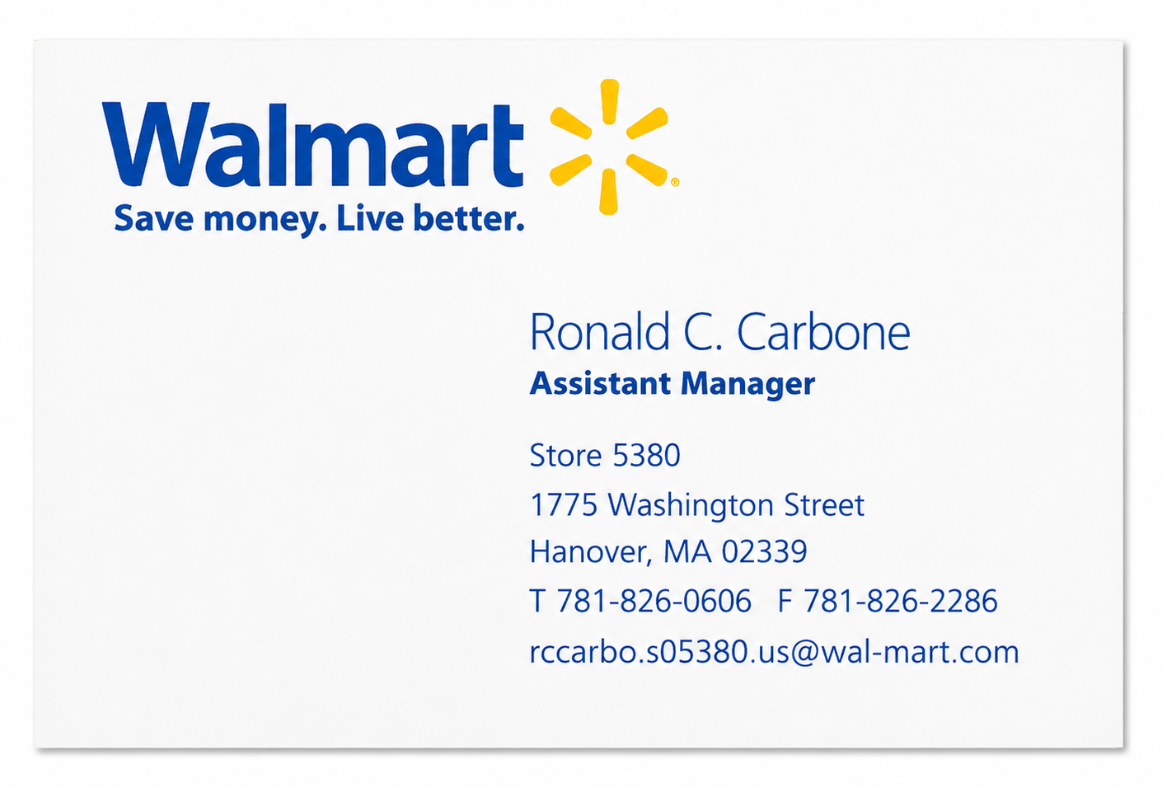
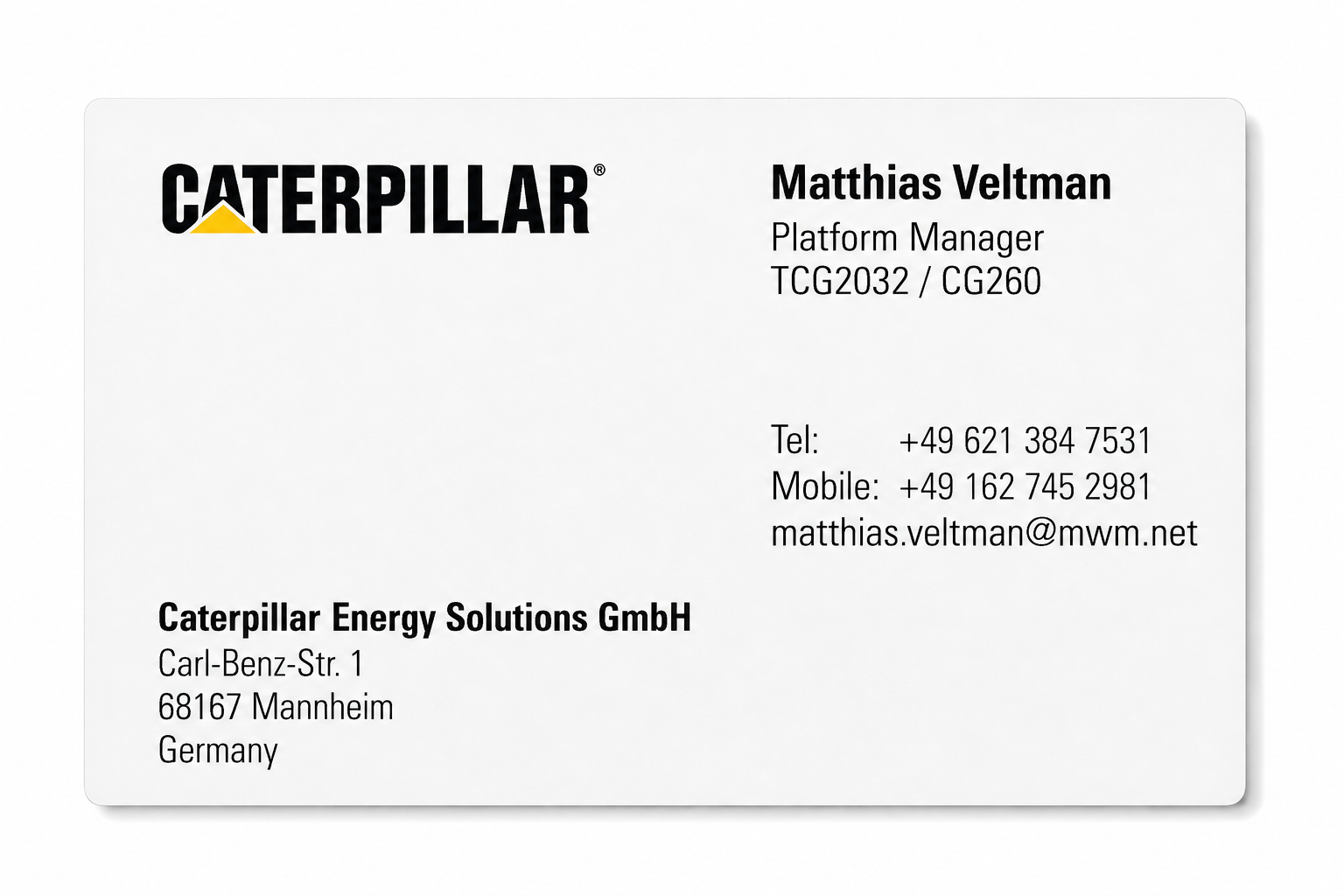
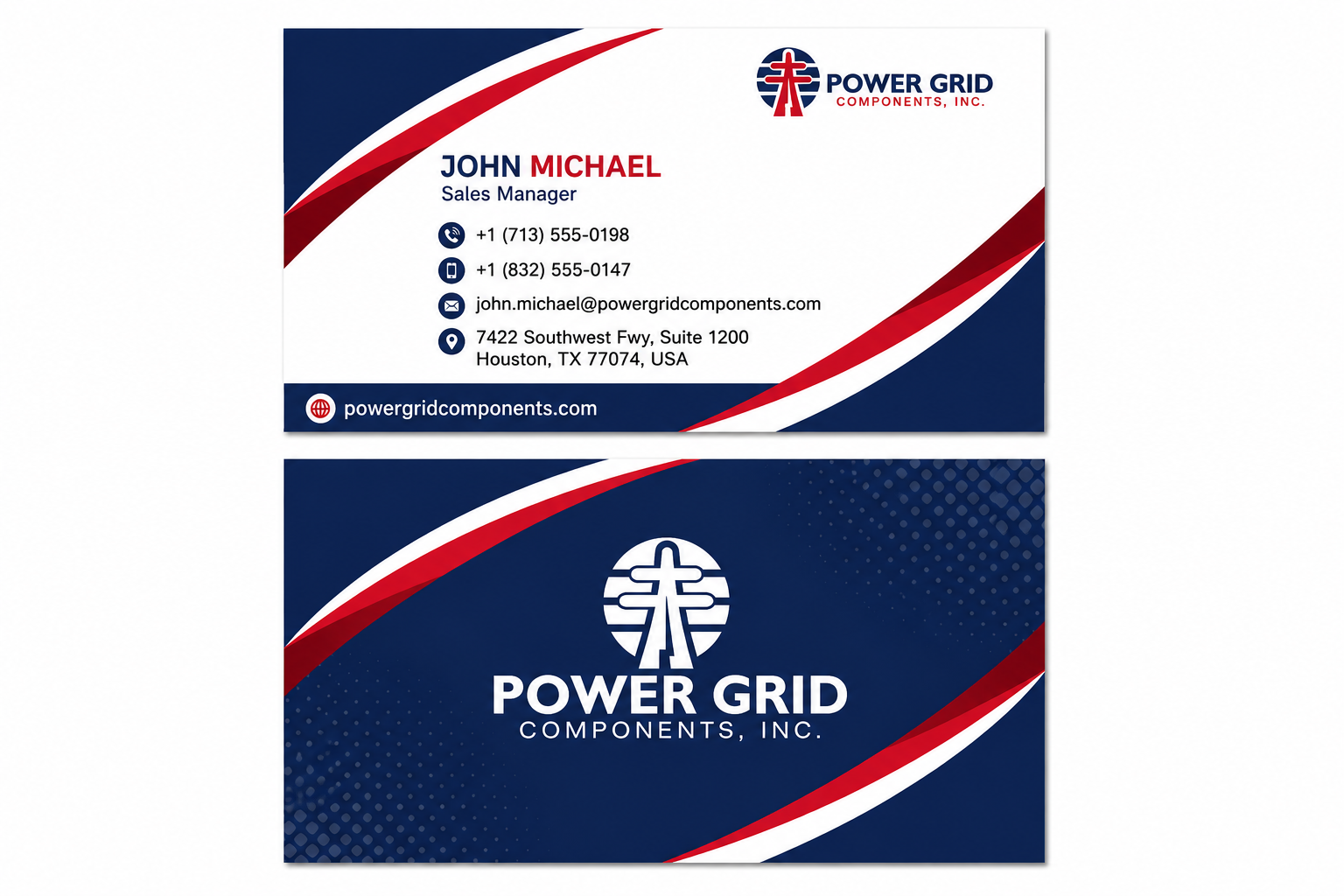
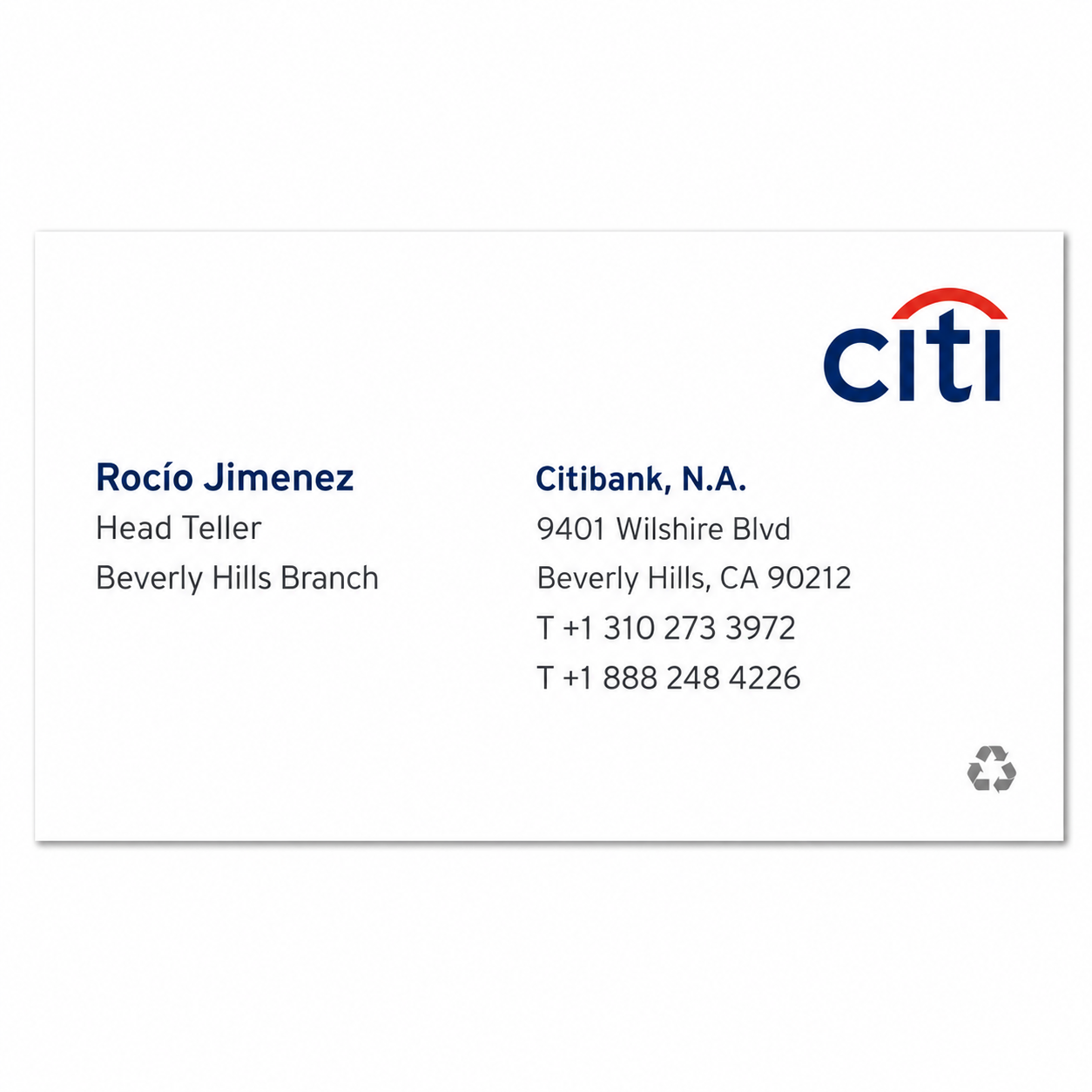
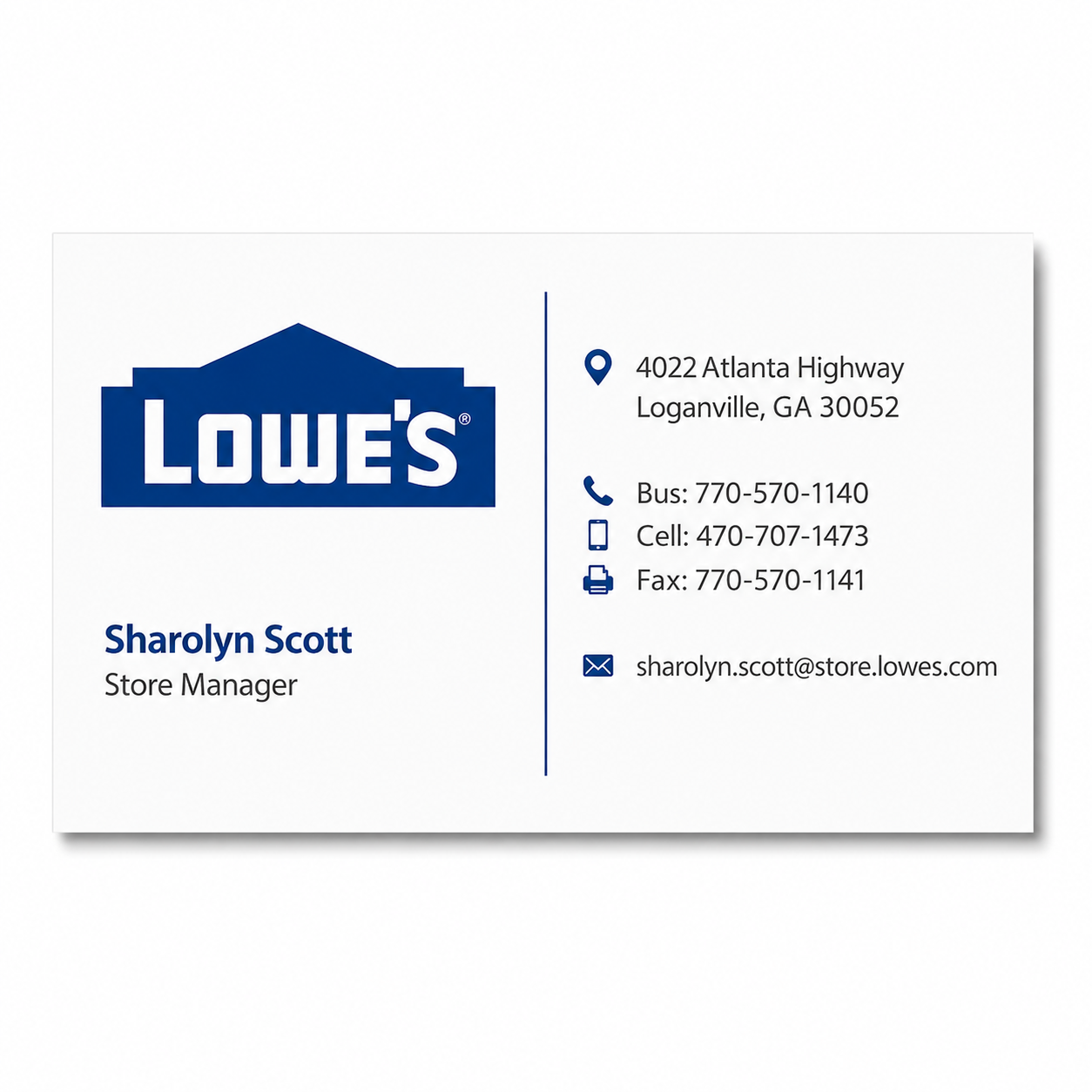
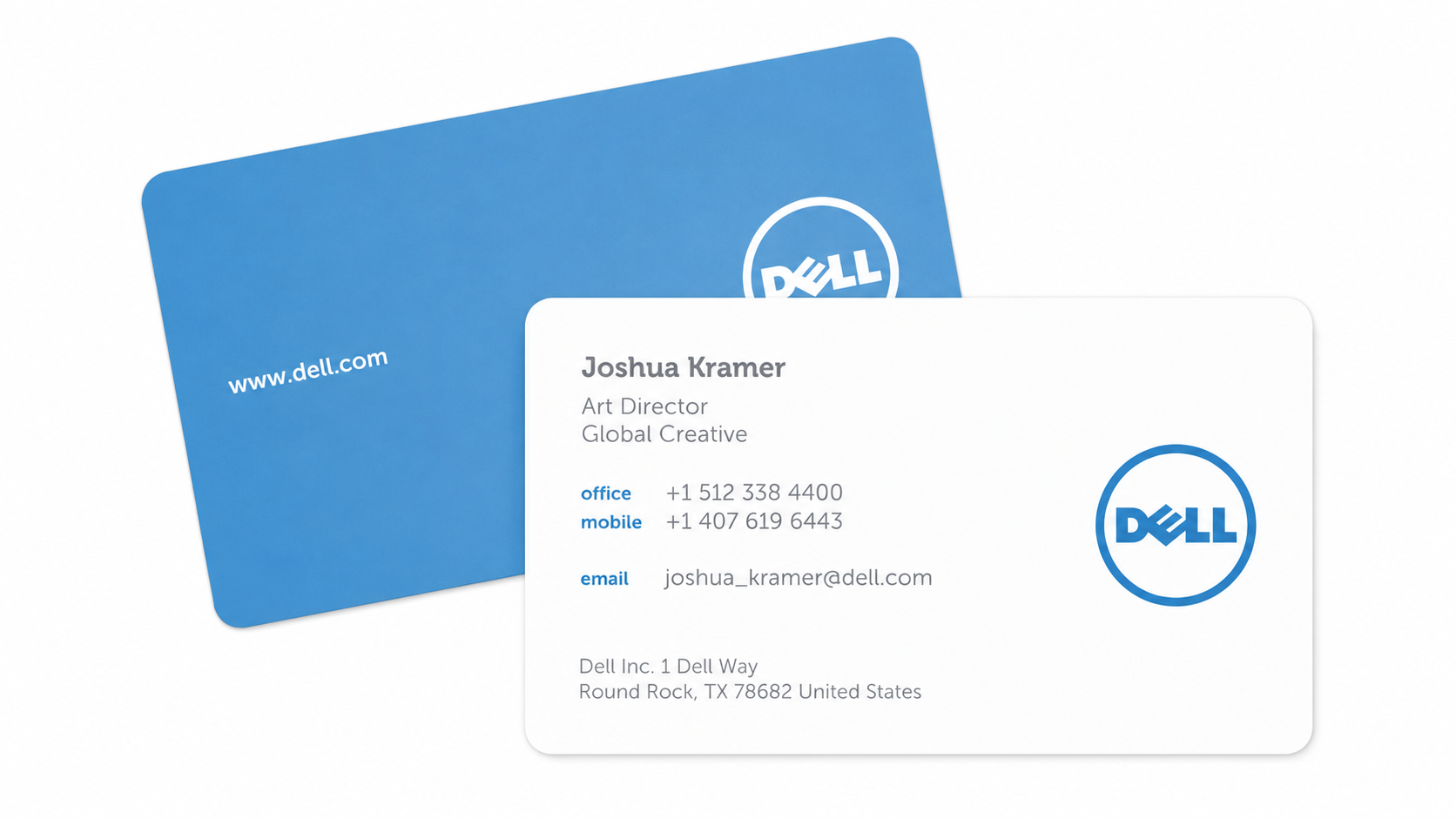

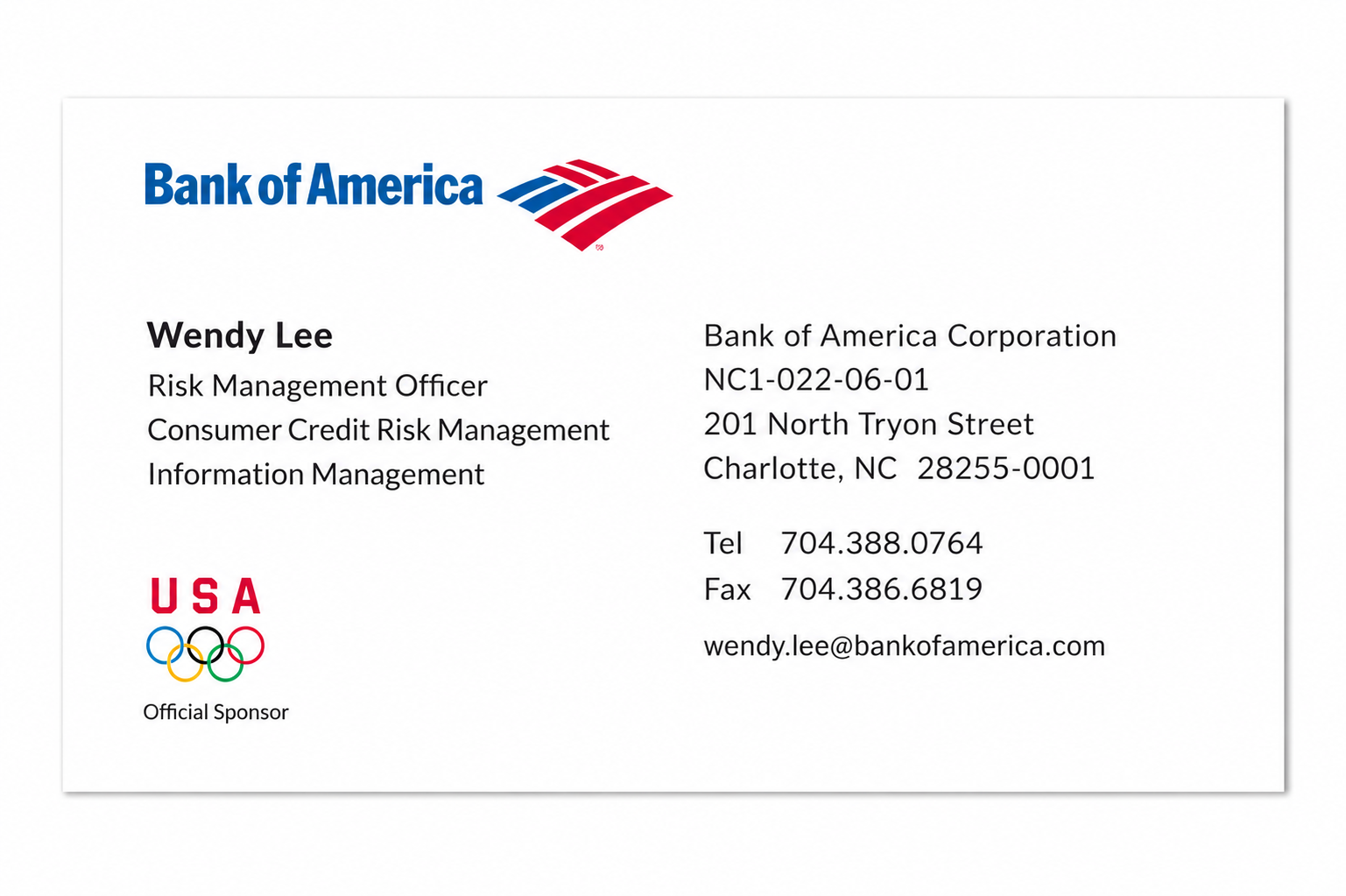
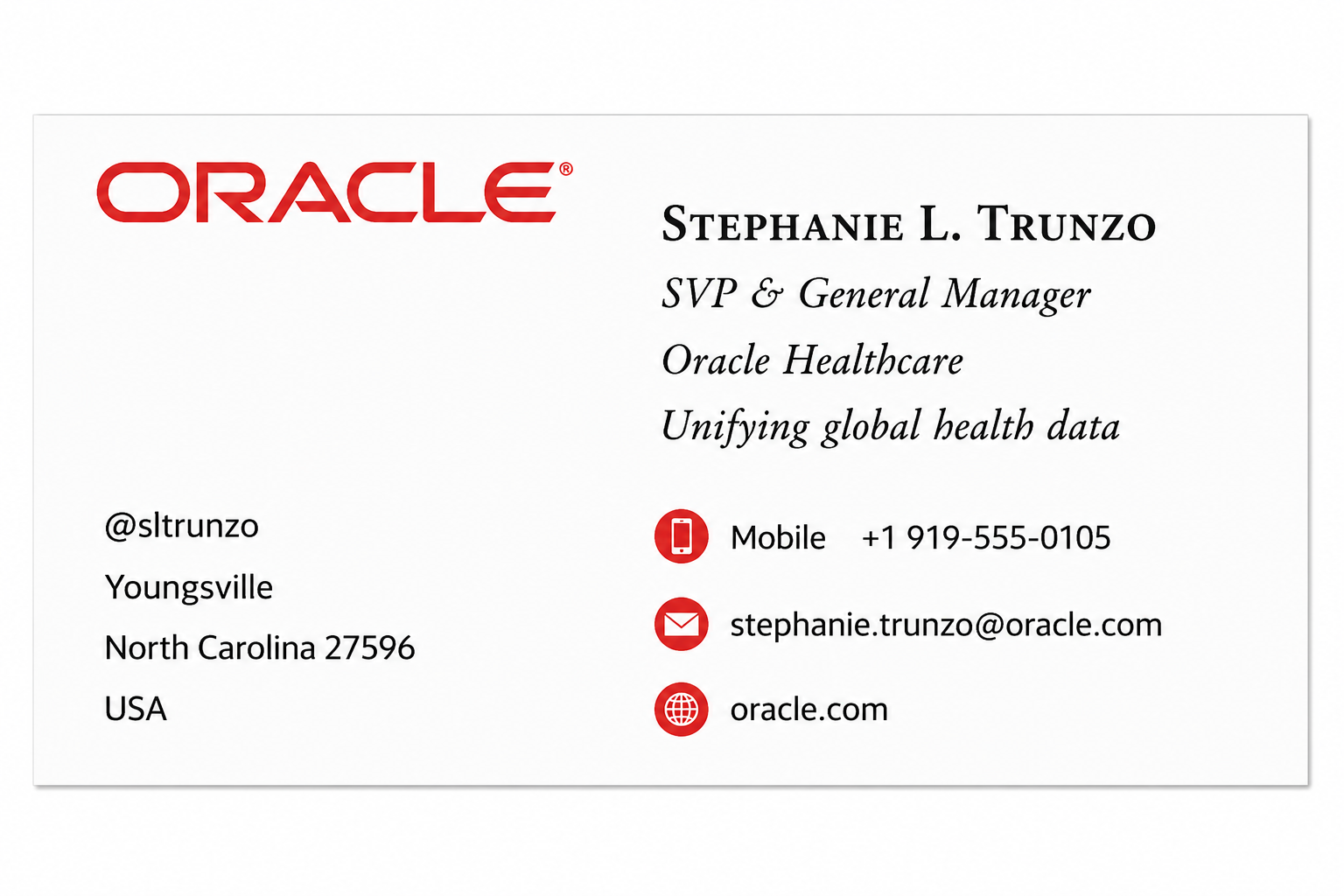
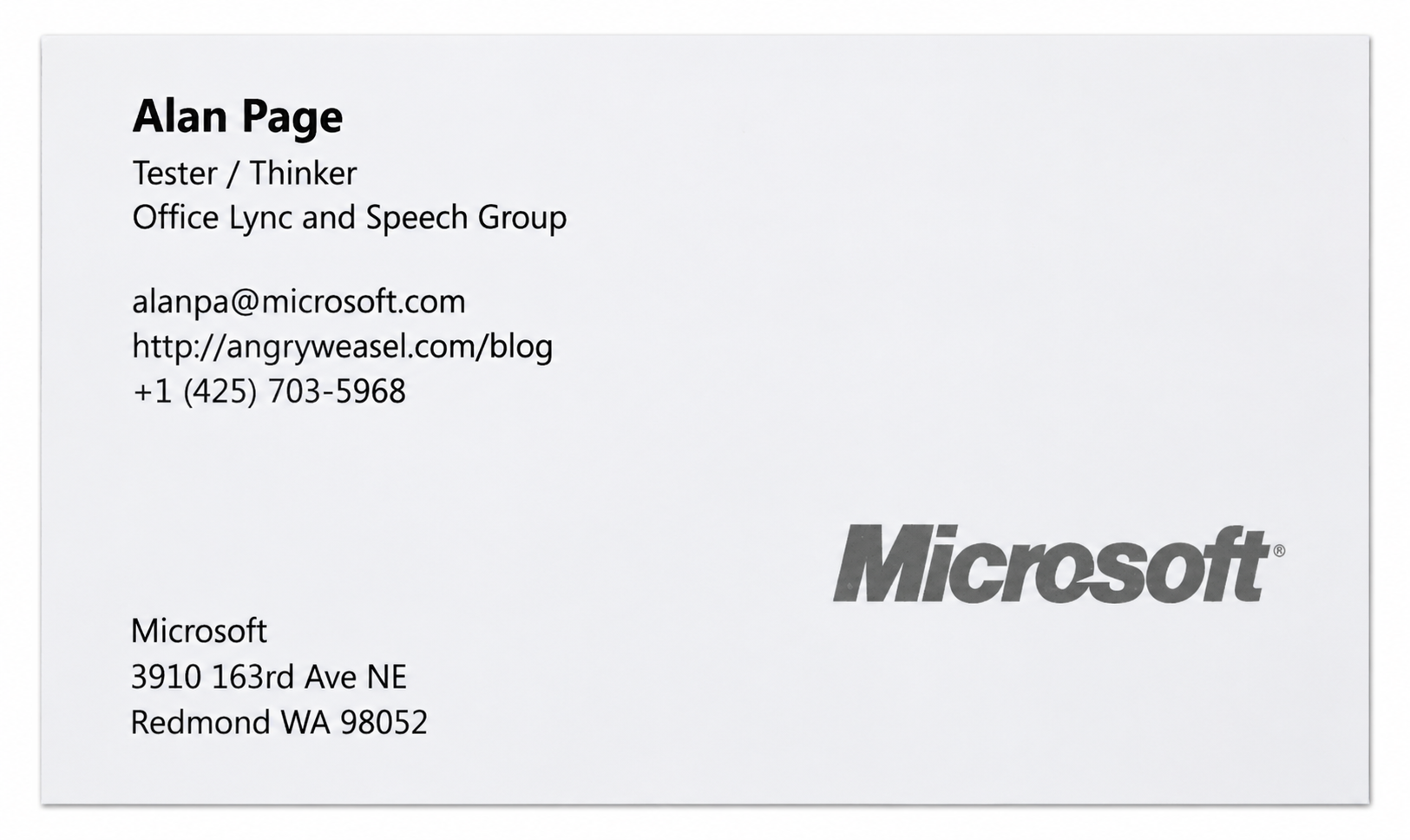

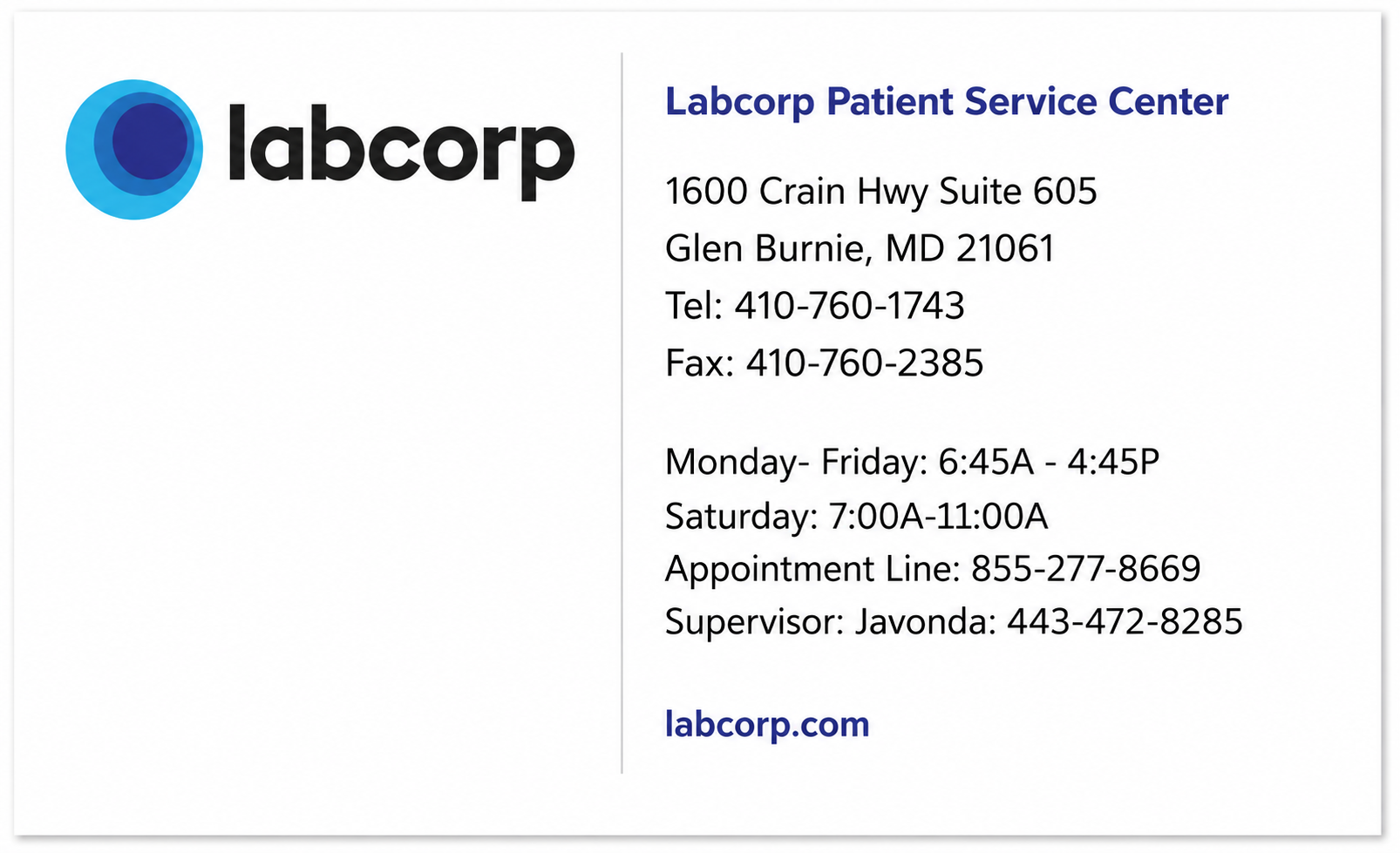

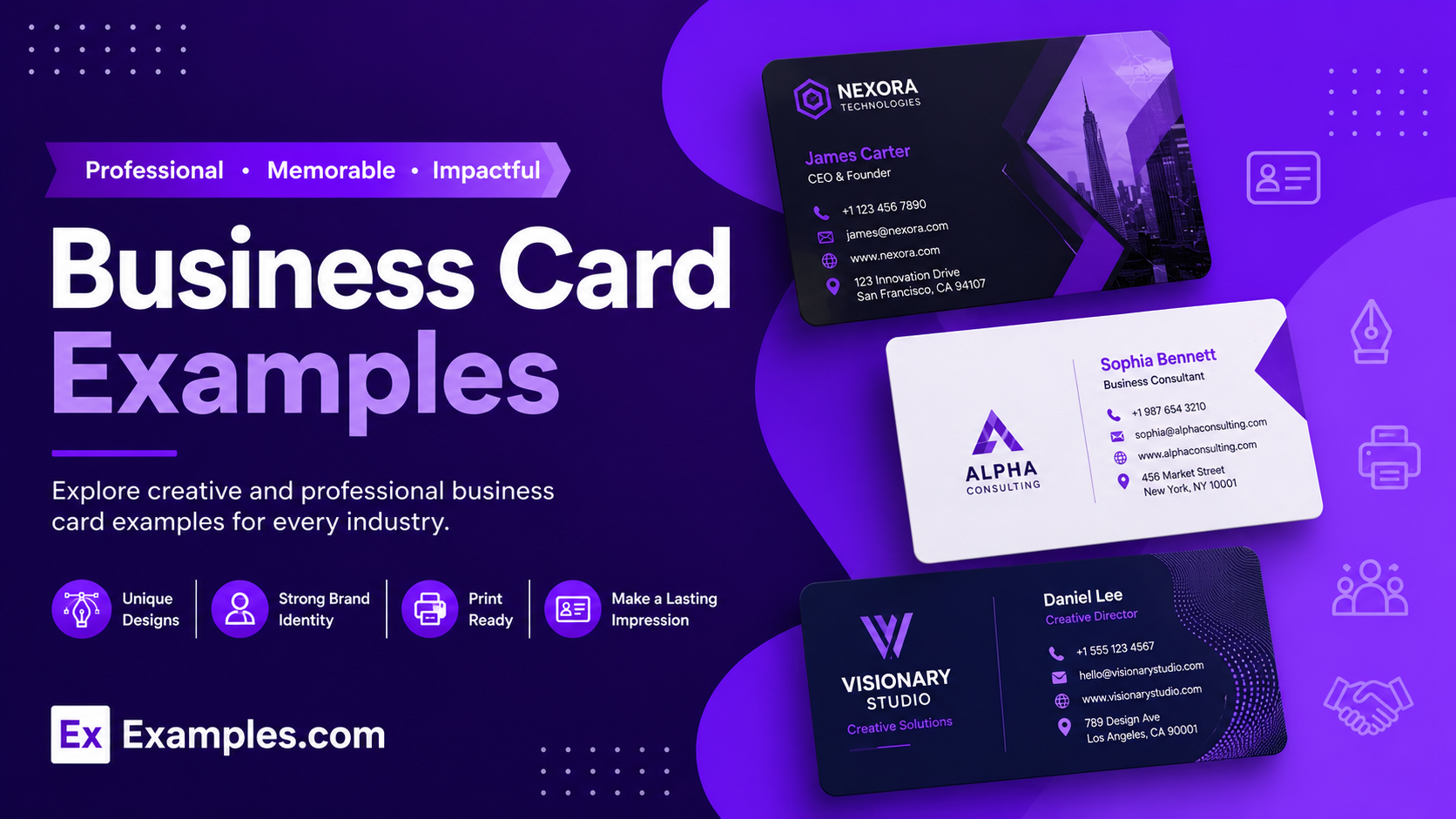
Create custom business cards online using AI-powered design generation inspired by real-world business card examples from leading brands, professionals, startups, agencies, restaurants, and creative industries. Browse professionally designed layouts, choose a reference style, enter your prompt, and generate a completely new business card in seconds. Customize colors, typography, logos, graphics, contact details, layouts, and branding elements inside the online editor before downloading the final PNG business card design for networking, marketing, branding, client communication, and professional identity building.
What Is A Business Card?
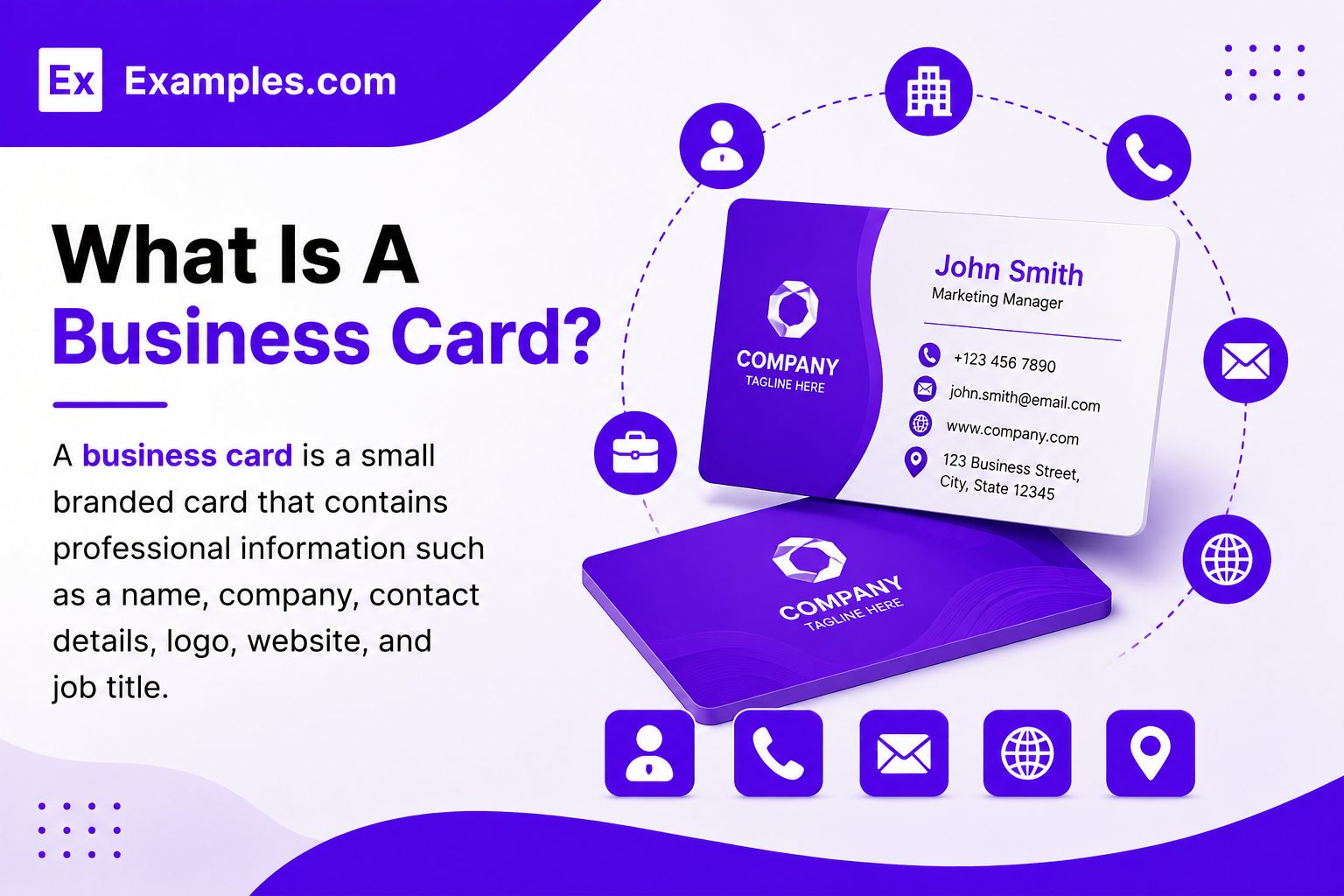
A business card is a small branded card that contains professional information such as a name, company, contact details, logo, website, and job title. Businesses, freelancers, and professionals use business cards to share contact information, build brand recognition, promote services, and create professional networking opportunities online and offline.
Popular Types Of Business Cards
Business cards are used across corporate branding, networking, marketing, sales, creative industries, and professional communication. Different business card styles help brands and individuals create stronger visual identity and recognition.
Corporate Business Cards
Professional business cards designed for companies, offices, executives, and corporate branding.
Minimal Business Cards
Simple layouts with clean typography, white space, and limited design elements for a modern appearance.
Creative Business Cards
Unique business card designs with bold colors, custom graphics, artistic layouts, and innovative branding styles.
Luxury Business Cards
Premium business cards that use elegant layouts, gold accents, dark themes, and sophisticated branding elements.
Digital Business Cards
Virtual business cards designed for online sharing, QR codes, websites, and mobile-friendly networking.
Personal Brand Business Cards
Business cards created for freelancers, creators, influencers, consultants, and independent professionals.
Why Should I Use Real Business Card Examples To Create My Own Business Card?
Real business card examples help users understand how professional layouts, typography, branding, spacing, and contact details are organized in successful designs. Instead of starting with a blank screen, users can explore proven design styles used by real businesses and professionals.
Using real-world business card examples also helps generate better ideas faster. Users can choose a reference layout, enter custom prompts, and create a completely new AI-generated business card inspired by professional branding styles. This approach helps improve visual consistency, readability, and overall presentation quality while making the design process easier for beginners and businesses.
How Do I Generate Business Cards Using Proven Examples From The Worlds Best Brands?
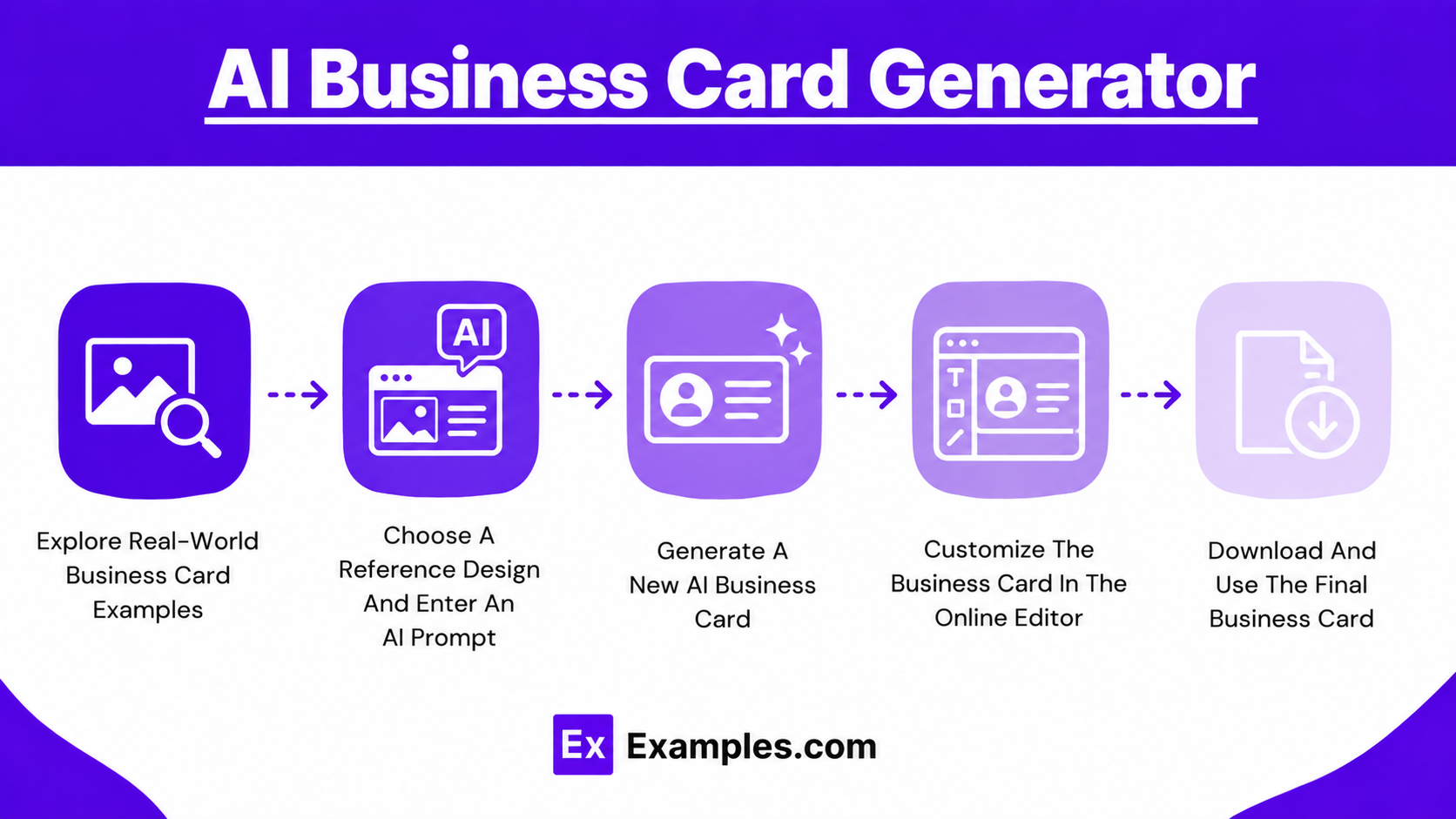
Explore Real-World Business Card Examples
Browse professional business card examples from different industries, styles, and branding categories. Explore layouts used by companies, agencies, restaurants, freelancers, startups, luxury brands, and creative professionals.
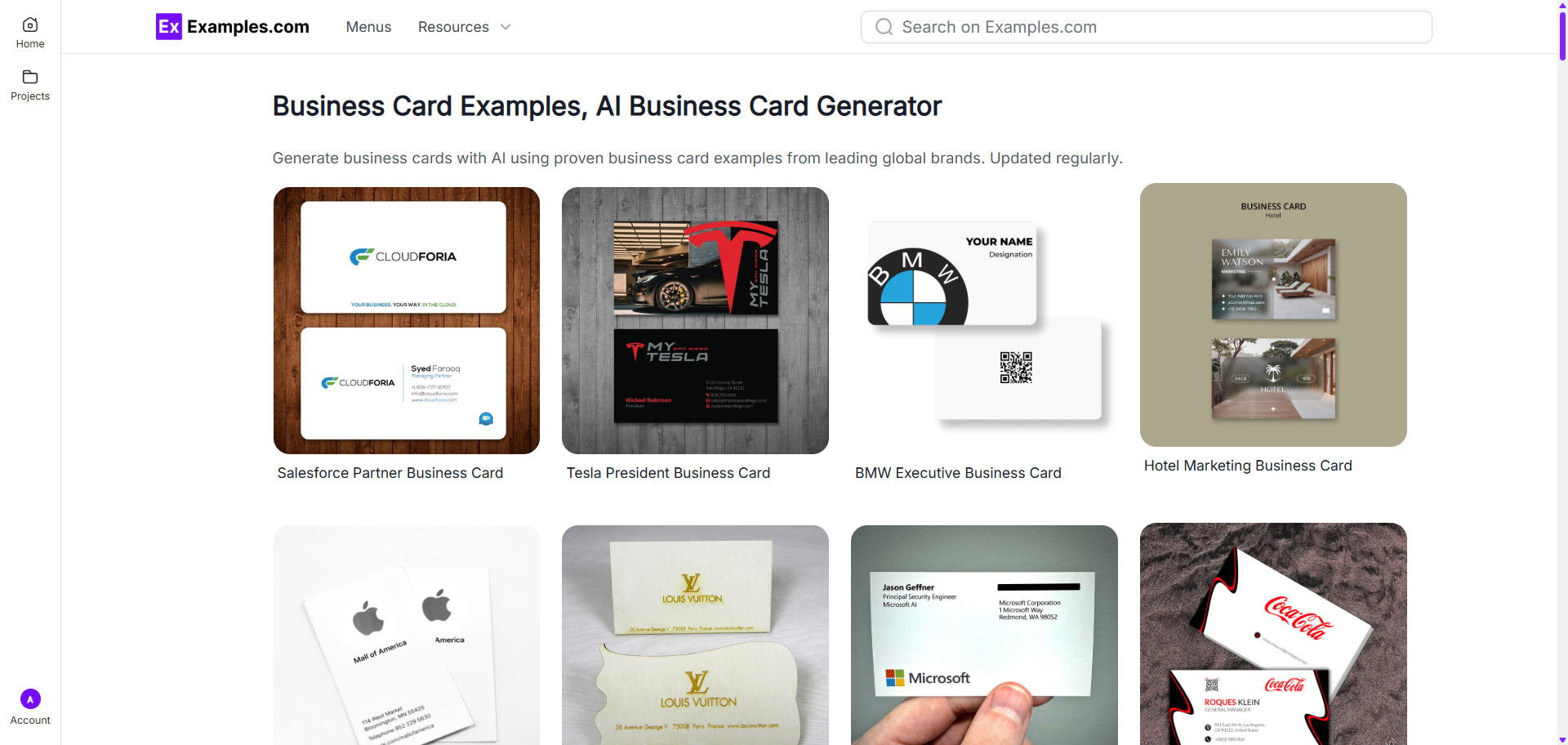
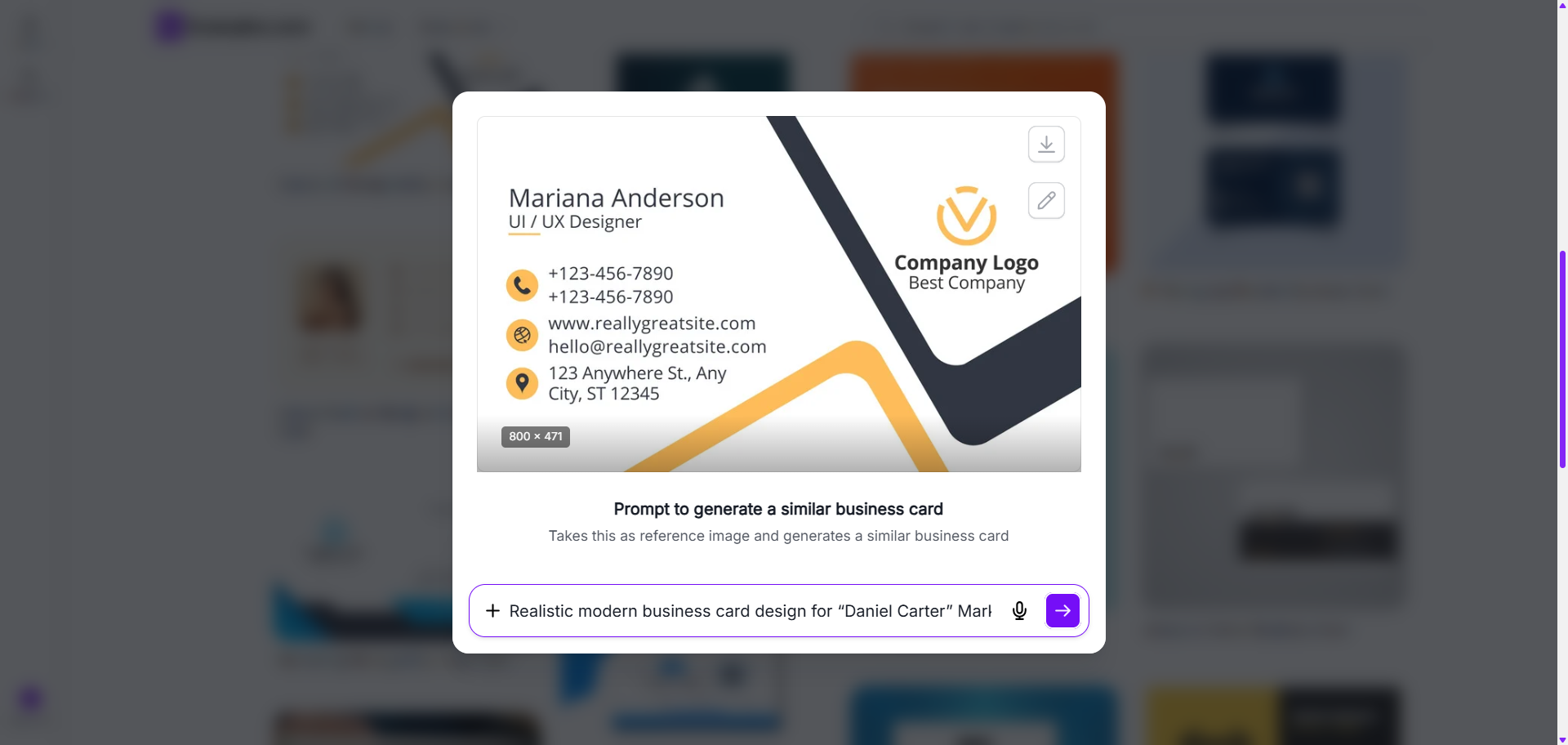
Choose A Reference Design And Enter An AI Prompt
Select a business card example that matches your preferred style. Enter a prompt describing your business, colors, typography, branding style, contact details, or design preferences.
Generate A New AI Business Card
The AI system generates a completely new business card inspired by the selected reference design and your prompt instructions. Users can create multiple styles, layouts, and branding variations.
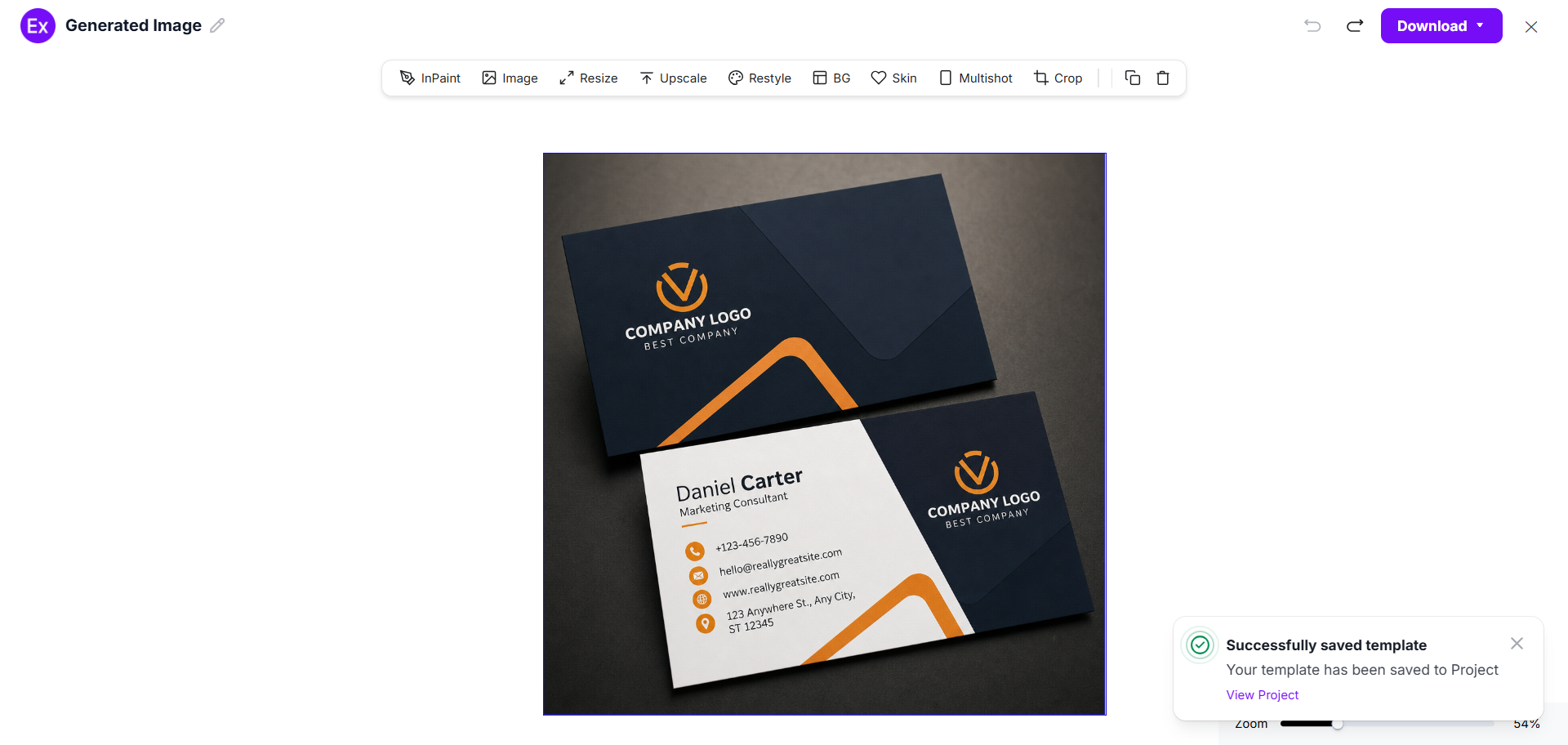
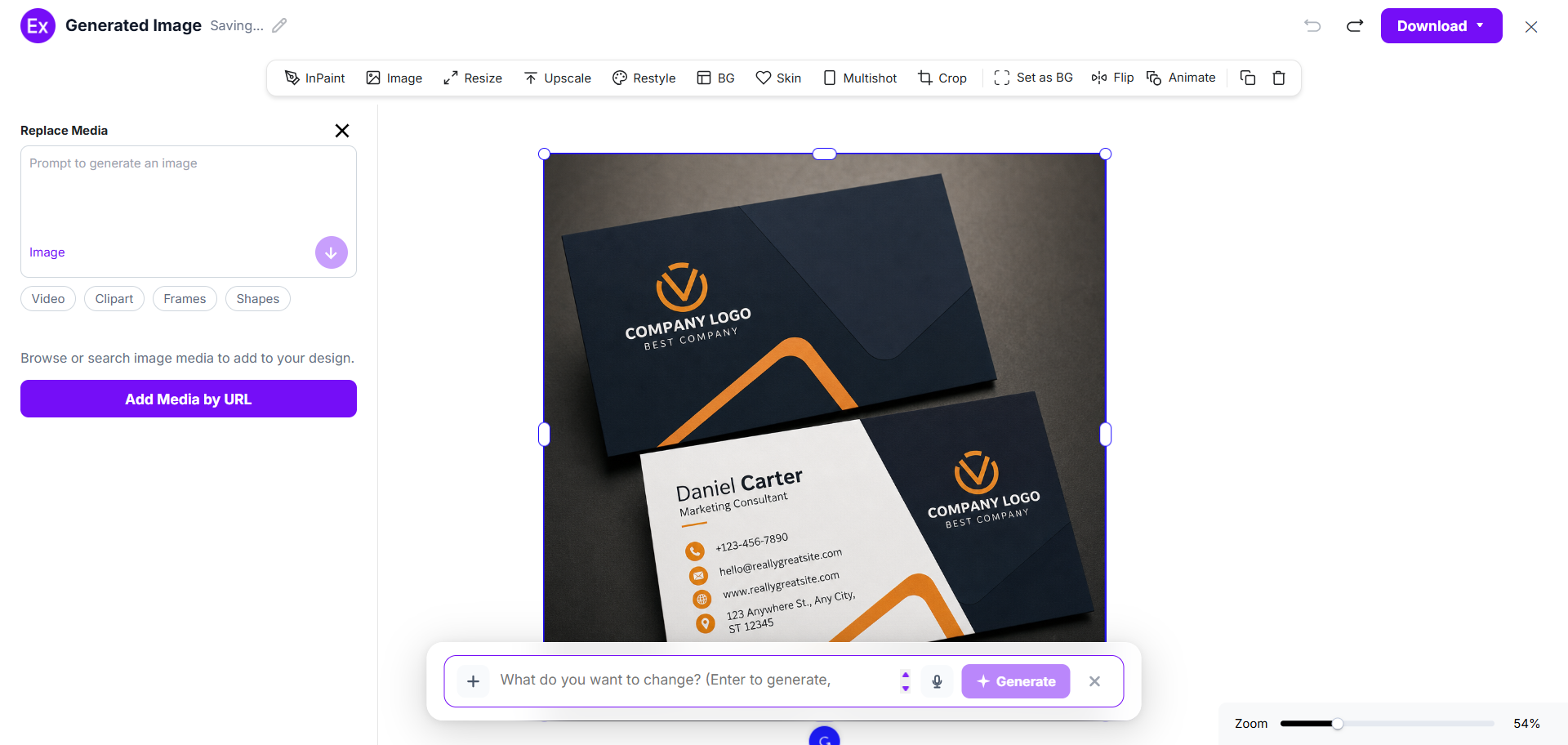
Customize The Business Card In The Online Editor
Open the generated business card inside the online editor to customize logos, graphics, text, colors, layouts, images, spacing, backgrounds, and visual elements.
Download And Use The Final Business Card
After completing customization, download the final PNG business card design for printing, networking, marketing, presentations, websites, packaging, and professional branding.
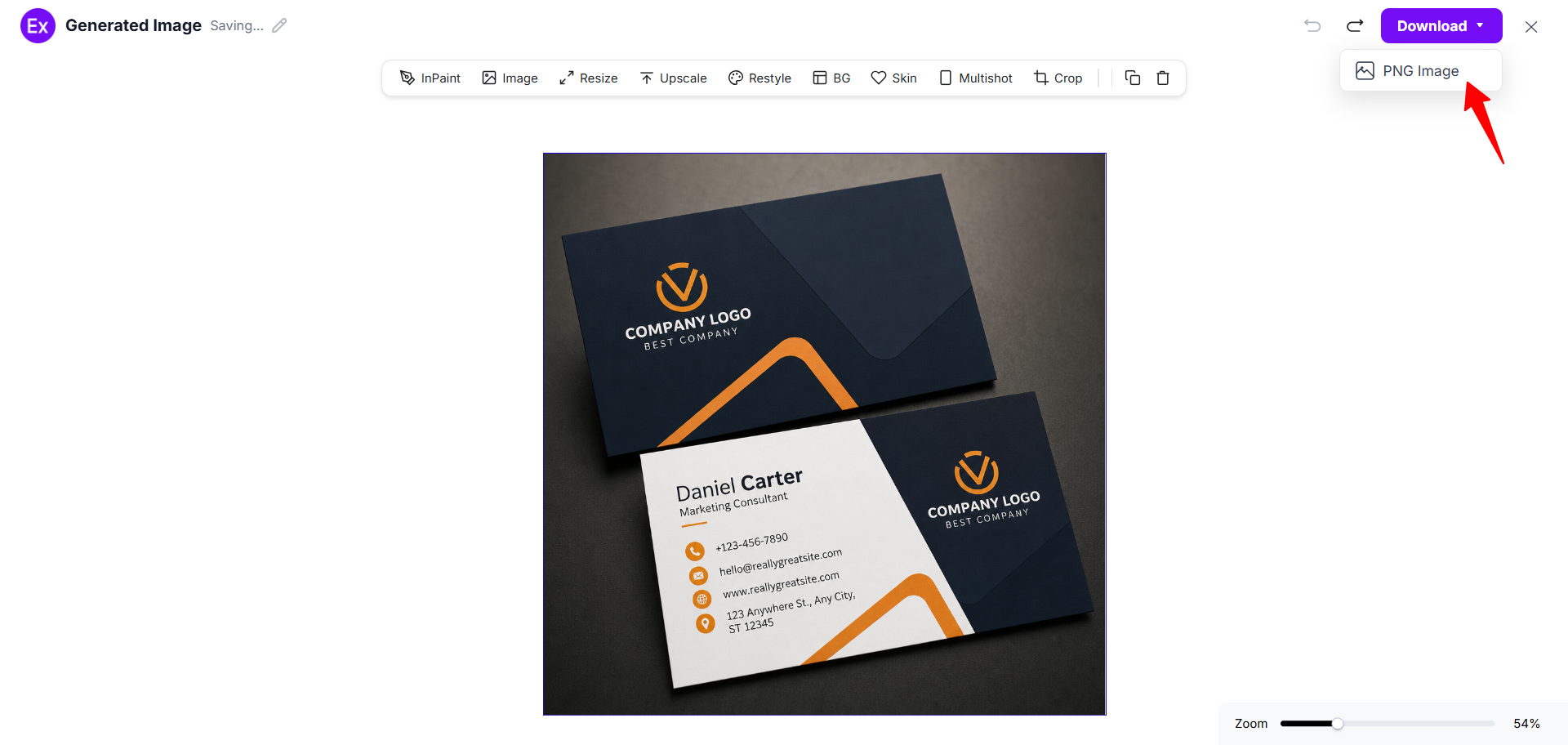
Customize Business Card Designs Online
The online editor allows users to personalize AI-generated business card designs using flexible editing tools and branding controls. Users can replace images, upload company logos, modify text, change layouts, edit typography, update colors, and adjust spacing directly inside the editor.
The editor also supports AI-assisted customization features for improving layouts, resizing designs, enhancing visual quality, generating alternate styles, and creating multiple design variations. This helps users create personalized business cards without advanced design experience.
AI Business Card Editing Features
Examples.com includes multiple AI-powered editing tools that help users customize business card designs online.
InPaint
Edit or remove selected areas from a business card design.
Resize
Adjust business card dimensions for digital or print use.
Upscale
Improve image quality and visual sharpness.
Restyle
Generate different visual styles from the same design.
Background Editing
Edit, replace, or remove backgrounds easily.
Crop
Adjust framing and spacing inside the business card layout.
Flip
Create mirrored or alternate layout variations.
Animate
Add animated visual effects for digital business cards.
Multishot
Generate multiple business card variations from one idea.
Standard Business Card Sizes And Formats
Business card sizes vary depending on branding style, region, printing preferences, and networking goals. Choosing the correct business card format helps improve readability, portability, and professional presentation.
| Business Card Type | Standard Size | Common Use |
|---|---|---|
| US Standard Business Card | 3.5 × 2 inches | Professional networking |
| European Business Card | 85 × 55 mm | International business use |
| Square Business Card | 2.5 × 2.5 inches | Creative branding |
| Vertical Business Card | 2 × 3.5 inches | Modern professional layouts |
| Mini Business Card | 3 × 1 inches | Compact promotional use |
| Digital Business Card | Custom digital size | Mobile and online sharing |
Most business cards are designed for both print and digital use. PNG format is commonly used for online sharing, presentations, websites, and social media branding.
Essential Elements Every Business Card Should Include
A professional business card combines clear contact information, branding consistency, and organized visual structure. Including the right elements helps improve networking effectiveness and brand recognition.
- Full Name – Clearly display the business owner’s or professional’s name.
- Job Title – Include the professional role or designation.
- Company Name – Show the business or brand name prominently.
- Logo – Use a recognizable logo for branding consistency.
- Contact Information – Add phone number, email address, and office details.
- Website – Include a website or portfolio URL.
- Social Media Links – Add relevant professional social profiles when necessary.
- QR Code – Use QR codes for fast digital contact sharing.
- Brand Colors – Maintain consistent brand identity using matching colors.
How Do I Design A Better Business Card?
Creating an effective business card requires strong branding, organized layouts, readable typography, and balanced visual structure. A well-designed business card improves professionalism and networking effectiveness.
- Keep The Layout Simple – Simple layouts improve readability and make important information easier to understand quickly.
- Use Readable Typography – Choose clean fonts with proper spacing and readable text sizes.
- Maintain Brand Consistency – Use consistent colors, logos, typography, and visual styles that match your brand identity.
- Use High-Quality Visuals – Sharp logos and high-quality graphics improve professionalism.
- Focus On Contact Clarity – Important contact information should remain easy to locate and read.
- Leave Enough White Space – Balanced spacing helps create cleaner and more professional business card layouts.
- Use Strong Visual Hierarchy – Organize names, titles, and contact details clearly to guide readability.
- Optimize For Print And Digital Use – Ensure the business card works well for both physical printing and online sharing.
- Test Multiple Design Variations – Experiment with layouts, colors, and typography styles to find the most effective branding presentation.
Common Business Card Design Mistakes To Avoid
Avoiding common business card design mistakes helps improve readability, professionalism, and branding consistency.
- Too Much Text – Overloading a business card with information reduces readability and visual clarity.
- Poor Color Contrast – Low contrast between text and background colors makes information difficult to read.
- Low-Quality Images – Blurry graphics and low-resolution logos reduce professionalism.
- Cluttered Layouts – Crowded layouts create confusion and weaken branding.
- Tiny Fonts – Very small typography can make important details unreadable.
- Missing Contact Details – Incomplete contact information limits networking opportunities.
- Weak Branding – Inconsistent colors, typography, and layouts reduce brand recognition.
How Can I Market My Product Using A Business Card?
Business cards are widely used for networking, branding, customer communication, and promotional marketing across many industries.
Networking Events
Business cards help professionals exchange contact information during meetings, conferences, and industry events.
Retail Packaging
Brands can include business cards inside product packaging to promote websites, services, or social media pages.
QR Code Promotions
QR codes can direct customers to landing pages, catalogs, stores, or promotional offers.
Social Media Integration
Business cards can promote Instagram, LinkedIn, YouTube, and portfolio accounts.
Referral Campaigns
Businesses can use business cards to share referral codes, discounts, or promotional campaigns.
Direct Customer Sharing
Sales teams, freelancers, and consultants can distribute business cards directly to potential customers and clients.
Which Business Card Sizes Perform Best?
The best-performing business card style depends on branding goals, industry type, networking preferences, and presentation style.
| Business Card Style | Best For | Advantages |
|---|---|---|
| Standard Horizontal Card | Corporate use | Easy readability and printing |
| Vertical Business Card | Modern branding | Unique professional appearance |
| Square Business Card | Creative industries | Distinctive visual identity |
| Mini Business Card | Compact promotions | Portable and minimal |
| Digital Business Card | Online networking | Easy mobile sharing |
Standard horizontal business cards remain the most widely used because they offer balanced readability, printing compatibility, and professional presentation. Vertical and square layouts are often preferred for creative branding and modern businesses.
Business Card Ideas For Different Industries
Different industries use business cards for unique branding, networking, and customer communication purposes.
- Real Estate Business Cards – Use property images, premium layouts, contact information, and QR codes for listings.
- Technology Business Cards – Modern layouts with clean typography, dark themes, and minimal branding styles work well for technology companies.
- Restaurant Business Cards – Restaurant business cards often include logos, food imagery, location details, and social media links.
- Fashion Business Cards – Fashion brands commonly use elegant typography, luxury layouts, and stylish visual branding.
- Healthcare Business Cards – Healthcare business cards focus on trust, professionalism, clean layouts, and clear contact information.
- Fitness Business Cards – Fitness business cards often include energetic colors, trainer information, and motivational branding.
- Photography Business Cards – Photography business cards highlight portfolios, visual creativity, and artistic presentation styles.
- Law Firm Business Cards – Professional typography, formal layouts, and minimal color palettes are commonly used for legal branding.
- Marketing Agency Business Cards – Agencies often use creative layouts, bold branding, and modern visual elements.
- Freelancer Business Cards – Freelancers use personalized business cards to promote services, portfolios, and direct client communication.
FAQs
What Is The Standard Business Card Size?
The standard US business card size is 3.5 × 2 inches. European business cards commonly use 85 × 55 mm dimensions.
Can I Create A Business Card With AI?
Yes. AI business card generators can create custom layouts, branding styles, typography, and visual designs based on prompts and reference examples.
How Do AI Business Card Generators Work?
Users select a reference design, enter prompts, and generate a new AI-powered business card inspired by the selected style.
What Should I Put On A Business Card?
A business card should include your name, company name, job title, logo, phone number, email address, website, and branding elements.
Are Digital Business Cards Better Than Printed Cards?
Digital business cards are useful for online sharing and mobile networking, while printed business cards remain effective for in-person communication and events.
Can I Customize Business Card Templates Online?
Yes. Users can customize layouts, logos, colors, typography, images, graphics, and branding elements inside the online editor.
Which Business Card Style Looks Most Professional?
Minimal and clean business card designs with readable typography and organized layouts are commonly considered the most professional.
What File Format Should I Use For Business Cards?
PNG format is widely used for digital business cards, online sharing, presentations, and branding materials.