




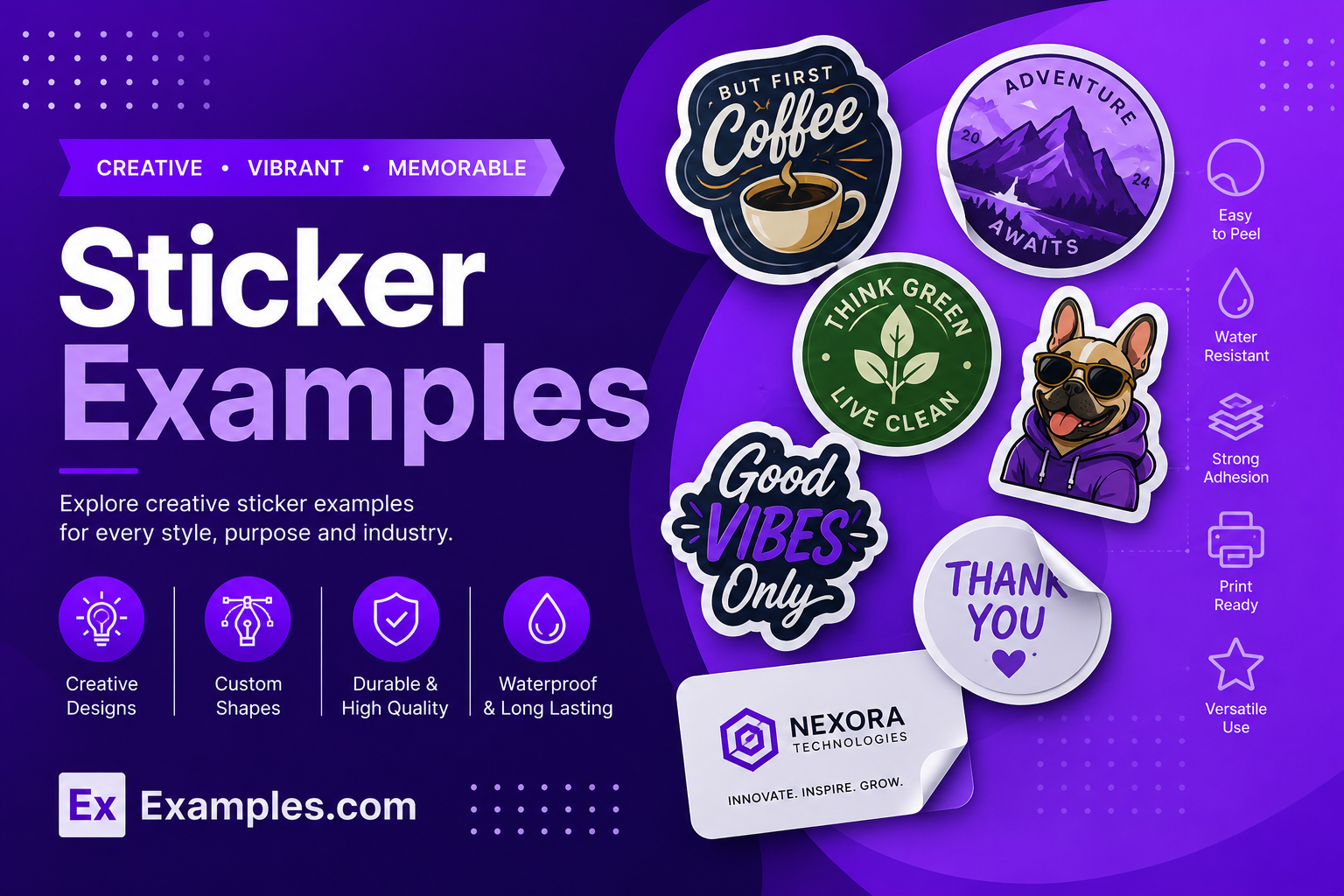
Create custom stickers online using AI-powered design generation inspired by real-world sticker examples from brands, artists, creators, ecommerce stores, gaming communities, coffee shops, and packaging companies. Browse professionally designed sticker styles, choose a reference layout, enter your prompt, and generate completely new sticker visuals in seconds. Customize colors, typography, graphics, illustrations, logos, layouts, and branding elements inside the online editor before downloading final PNG sticker designs for packaging, laptops, events, products, social media, branding, and promotions.
What Is A Sticker?
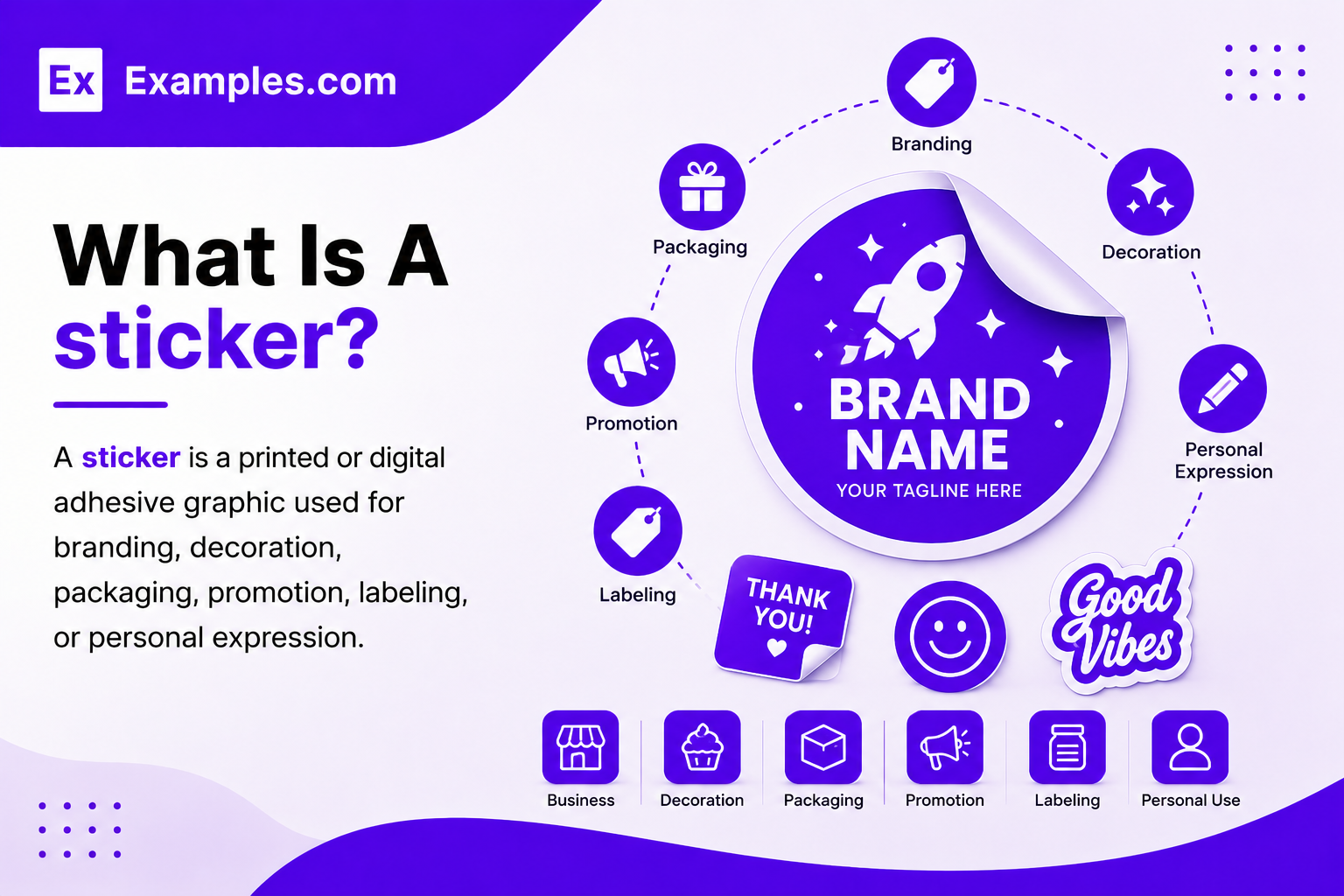
A sticker is a printed or digital adhesive graphic used for branding, decoration, packaging, promotion, labeling, or personal expression. Stickers can include logos, illustrations, typography, icons, or artwork and are commonly applied to laptops, water bottles, packaging boxes, notebooks, products, vehicles, walls, and marketing materials for visual communication and customization purposes.
Popular Types Of Stickers
Different sticker styles are used for branding, packaging, decoration, marketing, and creative projects. Choosing the right type helps improve appearance, durability, and usability.
Die-Cut Stickers
Die-cut stickers are trimmed precisely around the outer shape of the artwork. They are commonly used for logos, mascot graphics, gaming stickers, and brand promotions.
Kiss-Cut Stickers
Kiss-cut stickers are cut through the sticker layer while keeping the backing paper intact. This format makes stickers easier to peel and handle.
Sticker Sheets
Sticker sheets contain multiple small sticker designs arranged on a single sheet. They are popular for planners, journaling, schools, and stationery products.
Holographic Stickers
Holographic stickers use reflective rainbow-style materials that create eye-catching lighting effects. These stickers are commonly used for fashion brands, gaming graphics, and limited-edition packaging.
Transparent Stickers
Transparent stickers use clear backgrounds that blend naturally onto glass, bottles, packaging, and windows. They create a clean and modern appearance.
Vinyl Stickers
Vinyl stickers are durable, weather-resistant, and waterproof. They are widely used for laptops, water bottles, outdoor branding, product packaging, and tech decals.
Why Should I Use Real Sticker Examples To Create My Own Stickers?
Real sticker examples help users understand layout styles, typography placement, artwork balance, shape selection, and branding ideas before generating a new design. Instead of starting from a blank screen, users can explore proven visual references to guide the AI generation process.
Using real-world inspiration also helps improve creativity and decision-making. Users can explore minimalist stickers, aesthetic stickers, typography stickers, transparent stickers, retro styles, or holographic designs based on different industries and trends.
On Examples.com, the examples work as inspiration references instead of directly editable templates. Users can choose a design style, enter custom prompts, and generate completely new personalized sticker designs using AI-powered visual generation tools.
This workflow makes sticker creation faster, easier, and more beginner-friendly while still allowing full creative control inside the online editor.
How Do I Generate Stickers Using Proven Examples From The Worlds Best Brands?
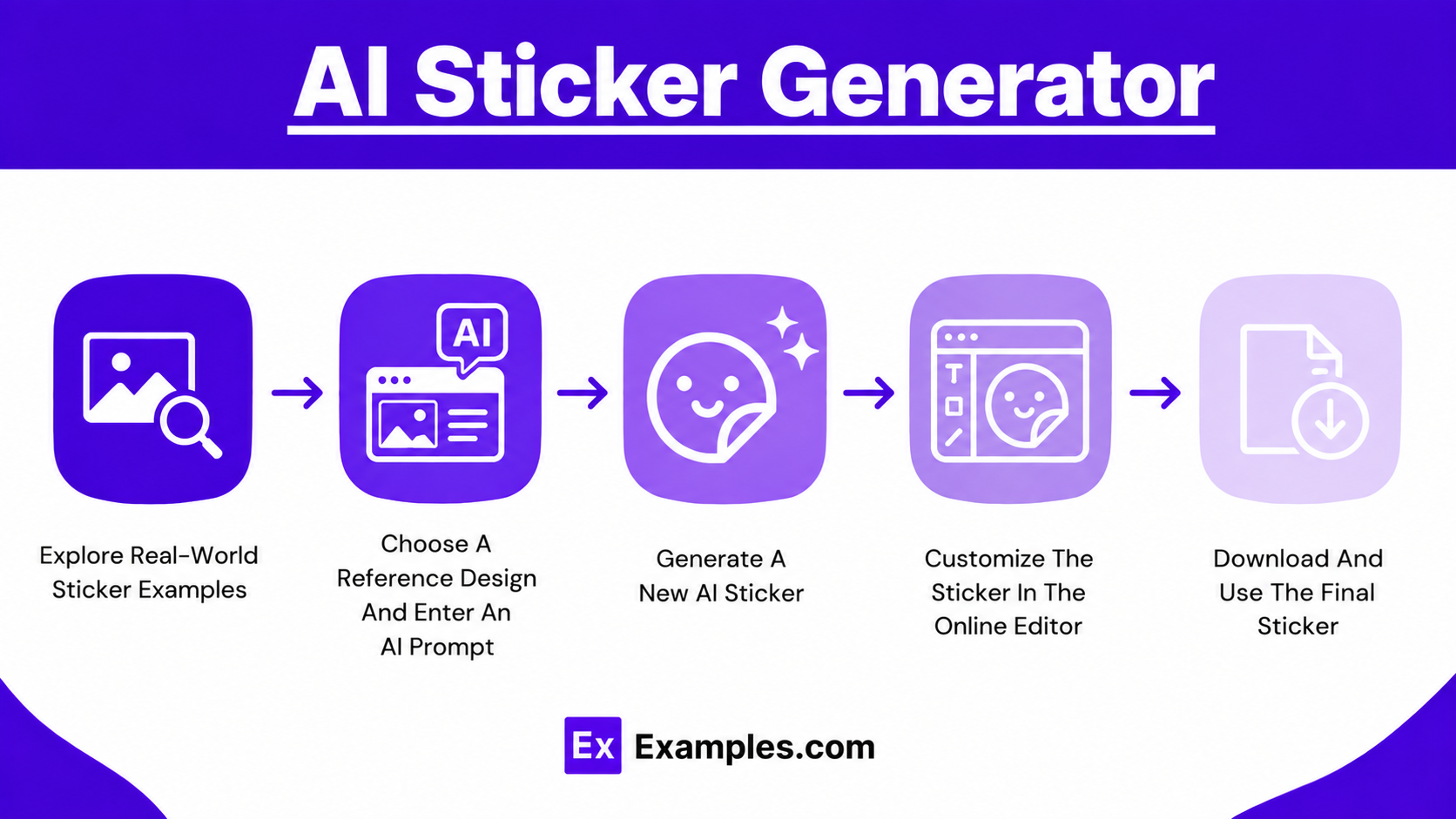
Creating AI-generated stickers becomes easier when users explore professionally designed examples for inspiration. The workflow combines reference-based creativity, AI generation, and online customization.
Explore Real-World Sticker Examples
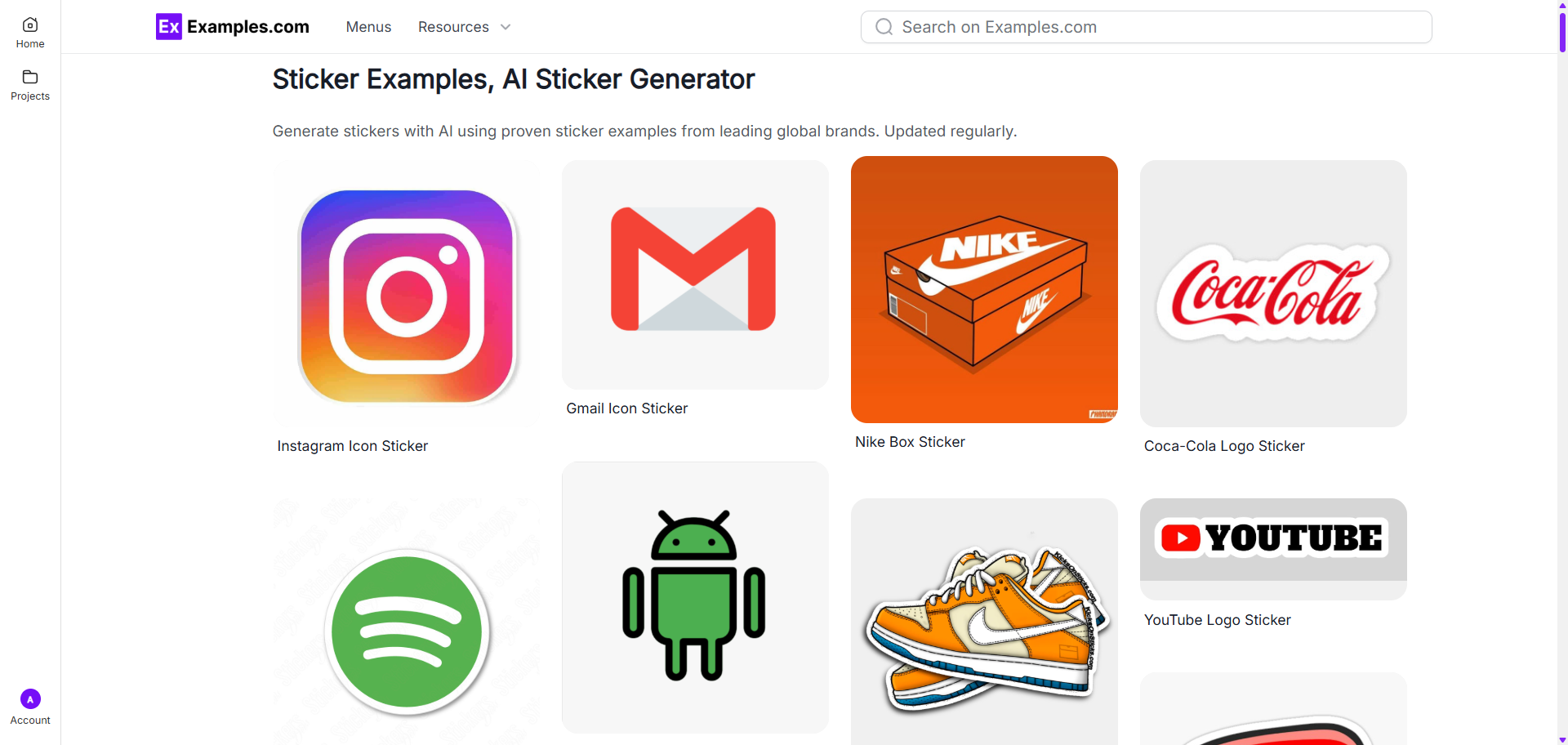
Browse different sticker examples including vinyl stickers, holographic stickers, transparent stickers, typography stickers, gaming decals, aesthetic stickers, and packaging labels. These examples help users discover styles, layouts, colors, and creative ideas.
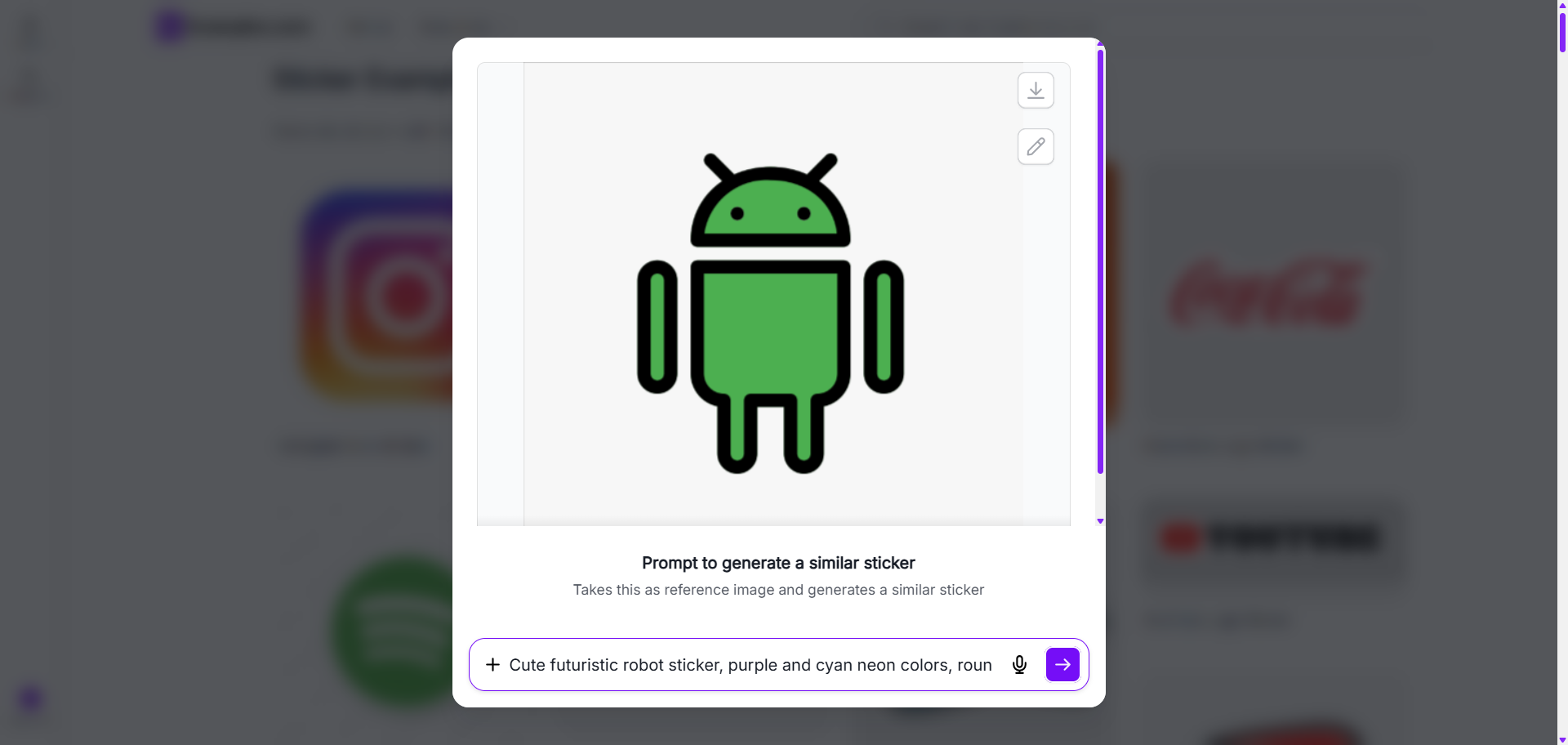
Choose A Reference Design And Enter An AI Prompt
After selecting a reference sticker, users can enter a custom AI prompt describing the design they want to generate. Prompts can include colors, text styles, icons, themes, shapes, branding elements, or illustration ideas.
Generate A New AI Sticker
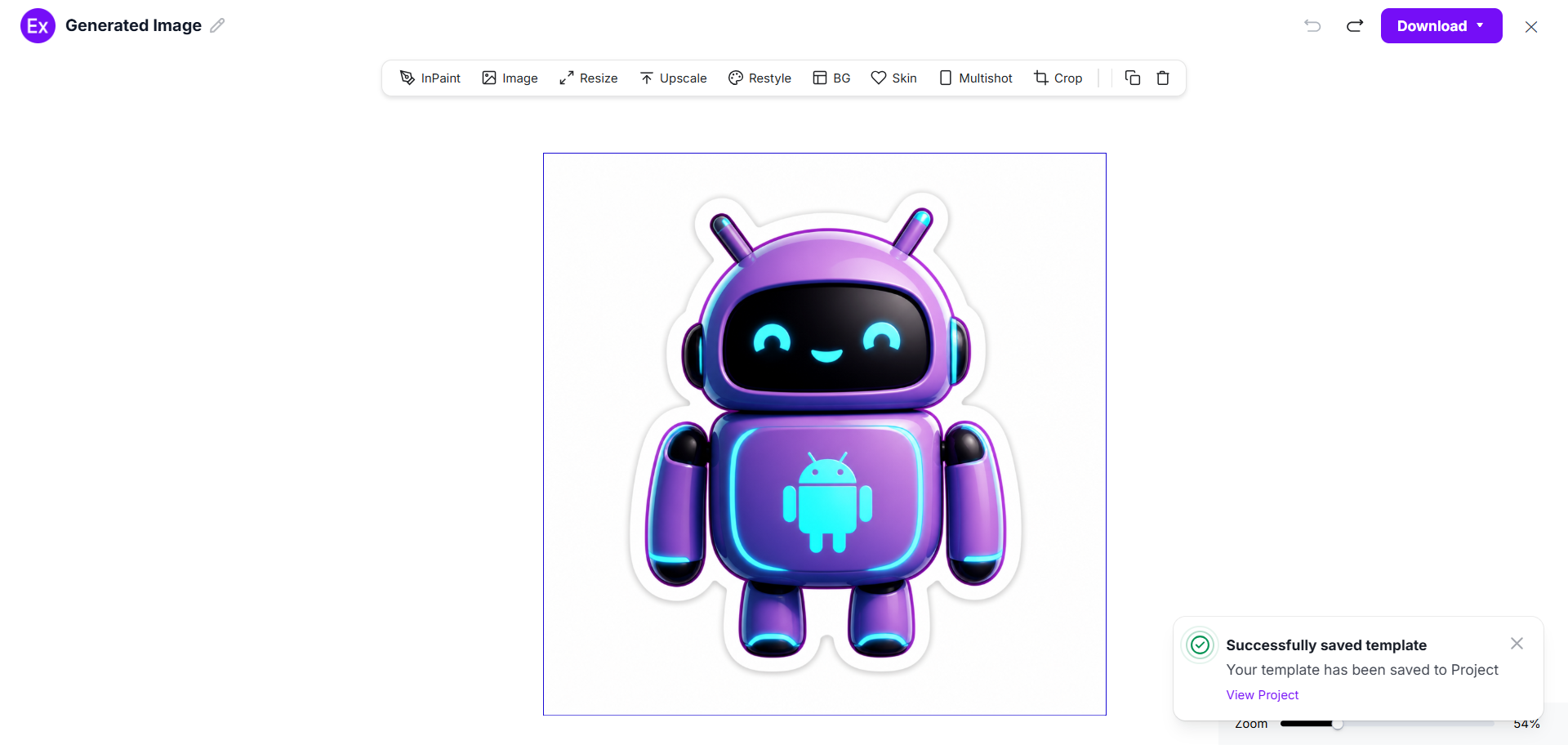
The AI generates a completely new sticker inspired by the selected example and prompt. Generated designs can include custom graphics, typography, illustrations, symbols, branding visuals, or decorative elements.
Customize The Sticker In The Online Editor
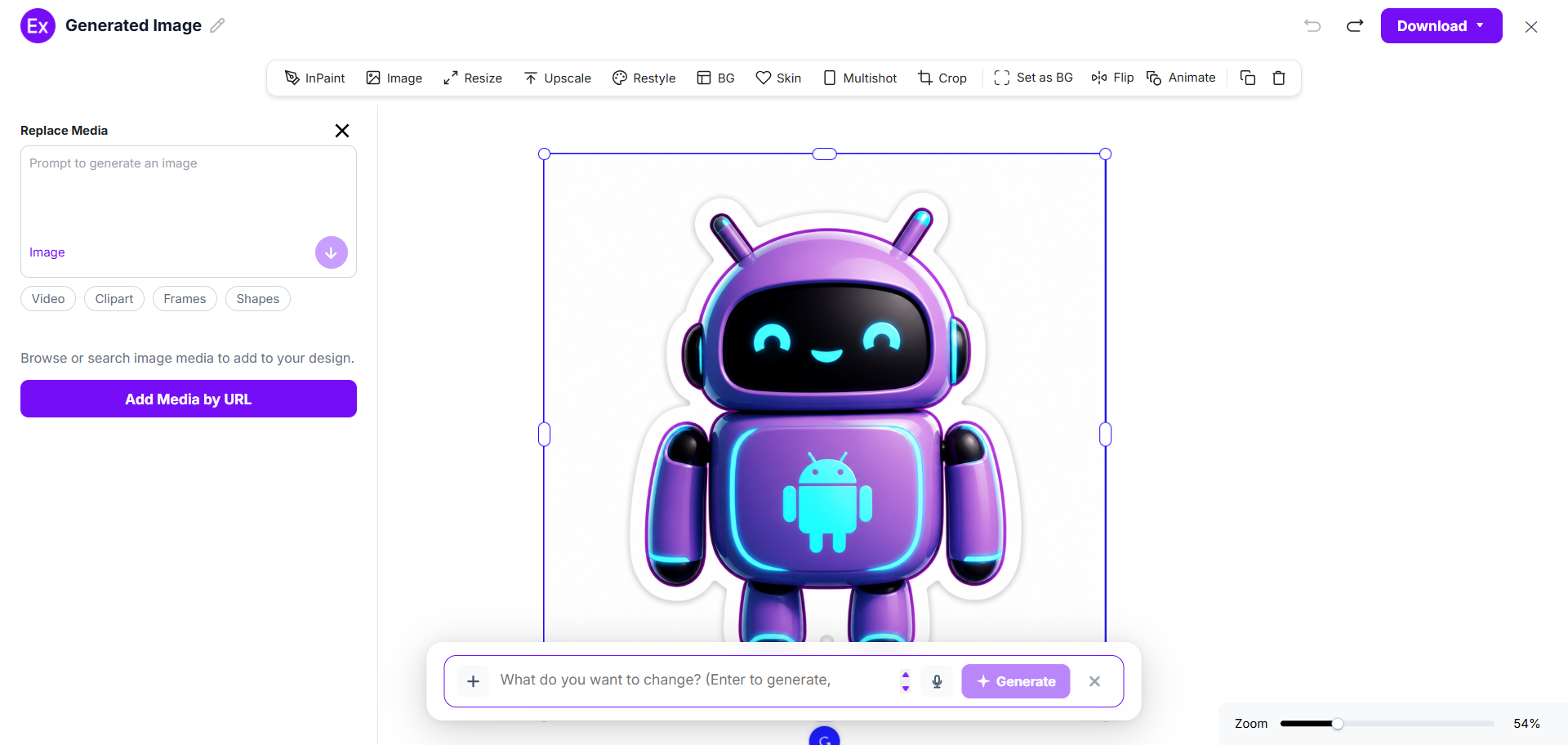
Users can open the generated sticker inside the online editor to customize layouts, upload images, replace graphics, edit text, add clipart, insert frames, change colors, resize elements, or generate additional visuals using AI editing tools.
Download And Use The Final Sticker
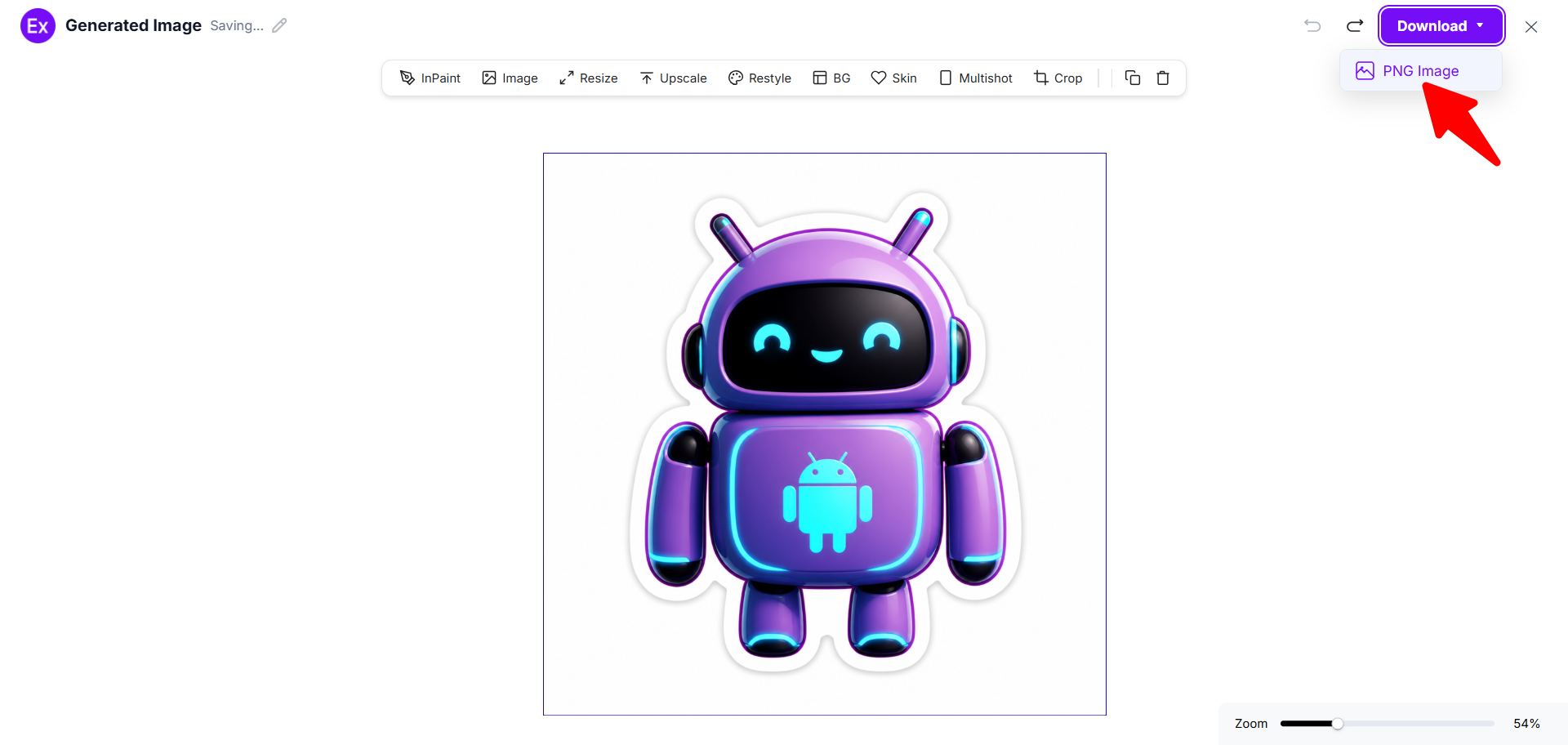
Once customization is complete, users can download the final sticker as a PNG image and use it for packaging, branding, marketing, ecommerce, social media, events, merchandise, or product labeling.
Customize Sticker Designs Online
The online editor allows users to personalize sticker designs without advanced design skills. Users can modify layouts, replace graphics, upload media, add text, insert shapes, change colors, and create unique visual variations directly inside the editor.
Users can also use AI-assisted editing tools to resize stickers, enhance image quality, remove backgrounds, restyle graphics, and generate multiple design variations. This workflow transforms sticker creation into a flexible AI-powered customization experience suitable for both personal and business projects.
AI Sticker Editing Features
Examples.com includes multiple AI-powered editing tools that help users customize sticker designs online.
InPaint
Edit or remove selected areas from a sticker design using AI-powered correction tools.
Resize
Adjust sticker dimensions for packaging, laptops, labels, products, or social media usage.
Upscale
Improve image quality and sharpness for cleaner printing and better visual clarity.
Restyle
Generate alternative visual styles using different colors, themes, or artistic directions.
Background Editing
Remove, replace, or customize sticker backgrounds for transparent or branded designs.
Crop
Adjust framing and composition to fit different sticker shapes and formats.
Flip
Mirror layouts or graphics horizontally and vertically for creative variations.
Animate
Create animated sticker-style visuals for digital content and social media projects.
Multishot
Generate multiple sticker variations from a single prompt or reference design.
Standard Sticker Sizes And Formats
Sticker sizes vary depending on branding goals, product usage, packaging requirements, and application surfaces.
| Sticker Type | Common Size | Best Use Case |
|---|---|---|
| Small Stickers | 2 × 2 Inches | Planner stickers, labels, icons |
| Medium Stickers | 3 × 3 Inches | Laptop stickers, branding |
| Large Stickers | 5 × 5 Inches | Packaging, promotional graphics |
| Rectangle Stickers | 3 × 5 Inches | Product labels, shipping boxes |
| Circle Stickers | 2 × 2 Inches | Branding seals, logos |
| Bumper Stickers | 3 × 11 Inches | Vehicles, promotions |
| Sticker Sheets | A4 Or Letter Size | Multiple mini sticker collections |
PNG is commonly used for digital sticker exports because it supports transparency and high-quality graphics. Vinyl formats are preferred for durable and waterproof sticker applications.
Essential Elements Every Sticker Should Include
A well-designed sticker should balance visual appeal, readability, and branding clarity.
- Clear Graphics – The main artwork or illustration should remain visually recognizable even at smaller sizes.
- Readable Text – Fonts should stay clean and easy to read without overcrowding the design.
- Strong Contrast – Good color contrast helps important elements stand out clearly on different surfaces.
- Brand Colors – Consistent colors improve visual identity and brand recognition.
- High Resolution – High-quality graphics help maintain sharp printing results.
- Proper Shape – The sticker shape should match the artwork style and intended use case.
- Print-Safe Margins – Safe spacing prevents important elements from being trimmed during printing.
- Simple Messaging – Short and direct text improves readability and communication.
How Do I Design A Better Sticker?
Creating an effective sticker design requires clarity, balance, and strong visual communication. A simple and focused design often performs better than overcrowded artwork.
- Keep The Design Simple – Minimal layouts improve readability and make stickers easier to recognize from a distance.
- Use Bold Visuals – Strong graphics, icons, or illustrations create better visual impact.
- Choose Readable Typography – Avoid decorative fonts that become difficult to read at smaller sizes.
- Focus On One Main Message – A single clear message helps stickers communicate faster and more effectively.
- Match Colors With The Purpose – Bright colors work well for playful designs, while muted colors fit premium branding styles.
- Use High-Quality Images – Sharp images improve print quality and make designs appear more professional.
- Test Different Shapes – Circle, square, die-cut, and transparent stickers each create different visual experiences.
- Design For Real Surfaces – Consider where the sticker will be used, such as laptops, bottles, packaging, notebooks, or vehicles.
- Maintain Visual Balance – Organized spacing and balanced composition help improve overall appearance and readability.
Common Sticker Design Mistakes To Avoid
Avoiding common sticker design mistakes helps improve readability, visual quality, and branding consistency.
- Overcrowded Layouts – Too many graphics or text elements make stickers difficult to understand quickly.
- Hard-To-Read Fonts – Small decorative fonts often reduce readability during printing or scaling.
- Poor Contrast – Low contrast between text and background can make important information disappear visually.
- Low Resolution Images – Blurry graphics reduce print quality and weaken overall presentation.
- Too Much Text – Stickers work best with short messages instead of large blocks of content.
- Weak Color Choices – Unbalanced color combinations can make stickers appear visually inconsistent.
- Ignoring Sticker Shape – Using the wrong shape can reduce the visual effectiveness of the artwork.
- Inconsistent Branding – Different colors, fonts, or styles may confuse customers and weaken brand identity.
How Can I Market My Product Using A Sticker?
Stickers are widely used for product marketing, packaging, branding, and customer engagement because they are affordable, flexible, and visually memorable.
Product Packaging
Custom stickers help improve packaging appearance and create stronger brand recognition.
Event Promotions
Businesses use promotional stickers during trade shows, product launches, and community events.
Laptop Branding
Tech brands and gaming communities often distribute branded laptop stickers for visibility and engagement.
Social Media Giveaways
Sticker packs encourage audience interaction and improve online brand exposure.
QR Code Stickers
QR stickers help connect physical products with digital websites, menus, or campaigns.
Ecommerce Branding
Online stores use logo stickers for shipping boxes, thank-you packaging, and branded wrapping.
Coffee Shop Promotions
Coffee shops often use aesthetic sticker designs for cups, takeaway packaging, and merchandise.
Limited Edition Merchandise
Exclusive sticker collections create collectible value for fans and communities.
Which Sticker Sizes Perform Best?
The best sticker size depends on the intended surface, viewing distance, branding purpose, and application style.
| Sticker Size | Best Use Case |
|---|---|
| Small Stickers | Planners, stationery, packaging labels, and product seals |
| Medium Stickers | Laptops, notebooks, water bottles, and tech branding |
| Large Stickers | Packaging, windows, promotional displays, and event branding |
| Rectangle Stickers | Product packaging and shipping labels |
| Die-Cut Vinyl Stickers | Laptop customization and branding |
Small stickers work well for compact branding applications, while medium and large stickers provide stronger visual visibility for promotions and marketing campaigns. Rectangle and die-cut sticker formats are commonly preferred for packaging and laptop branding because they provide flexible design presentation and strong visual impact.
Sticker Ideas For Different Industries
Different industries use stickers for branding, marketing, packaging, decoration, and customer engagement.
- Food Brand Stickers – Food businesses use packaging stickers, logo labels, ingredient labels, and promotional graphics.
- Fashion Brand Stickers – Streetwear and fashion brands often create bold typography stickers and holographic designs.
- Technology Stickers – Tech brands use durable vinyl stickers for laptops, gadgets, and event giveaways.
- Gaming Stickers – Gaming stickers include mascots, icons, typography art, and Y2K-inspired graphics.
- Coffee Shop Stickers – Coffee brands commonly use aesthetic stickers, pastel designs, and illustrated packaging graphics.
- Beauty Brand Stickers – Beauty businesses use transparent labels, minimalist typography, and premium matte finishes.
- Event Stickers – Concerts, festivals, and conferences use stickers for promotion, ticket branding, and merchandise.
- Ecommerce Stickers – Online stores use branded shipping labels, thank-you stickers, and promotional packaging graphics.
FAQs
What Is The Best Material For Stickers?
Vinyl is considered one of the best sticker materials because it is durable, waterproof, weather-resistant, and suitable for both indoor and outdoor use.
How Do I Make Waterproof Stickers?
Waterproof stickers are usually created using vinyl materials combined with protective laminate finishes that resist moisture and scratches.
What Is The Difference Between Die-Cut And Kiss-Cut Stickers?
Die-cut stickers are trimmed to the exact shape of the artwork, while kiss-cut stickers keep additional backing paper around the design for easier peeling.
Can I Create Custom Stickers Using AI?
Yes. Users can generate personalized sticker designs using AI prompts, reference examples, and online editing tools to create unique custom visuals.
Which Sticker Finish Looks Most Premium?
Matte and holographic finishes are often considered premium because they create clean, modern, and visually distinctive appearances.
What File Format Is Best For Sticker Printing?
PNG is widely preferred because it supports transparent backgrounds and maintains strong image quality for printing.
Are Vinyl Stickers Better Than Paper Stickers?
Vinyl stickers are usually more durable and weather-resistant, while paper stickers are commonly used for short-term indoor applications.
How Can I Customize Stickers Online?
Users can customize stickers online by editing text, replacing graphics, uploading images, resizing layouts, changing colors, and using AI editing tools inside the editor on Examples.com.