
Free AI Haiku Generator, Real World Haiku Generator
Generate free AI haikus instantly. Choose traditional 5-7-5, senryu, or free-verse style, set mood and season, then copy or download as TXT, Word, or PDF.
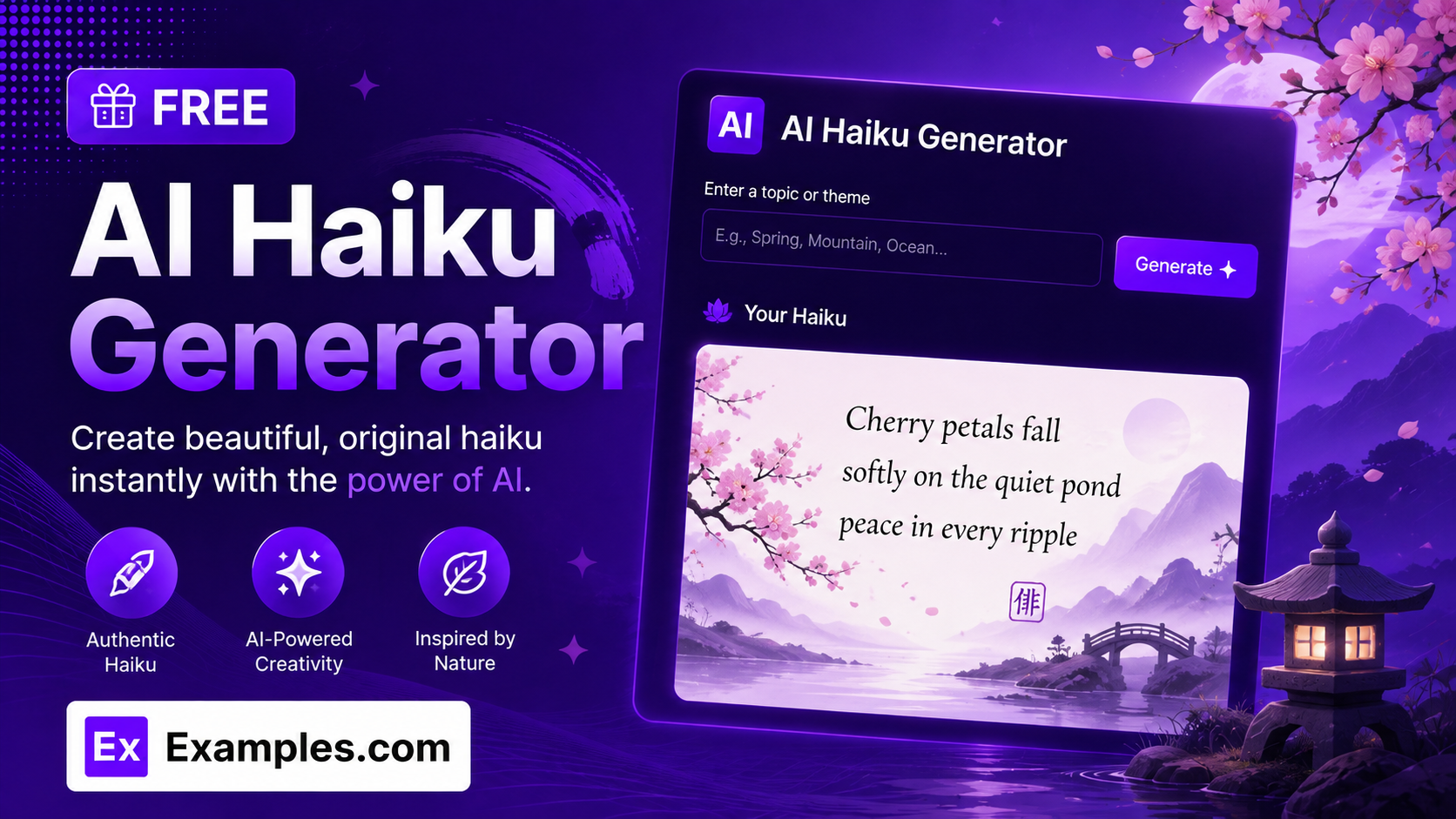
Turn any theme, scene, or feeling into a beautiful haiku with the Examples.com AI Haiku Generator. Describe what you want your haiku to be about, choose a style, mood, and season, and get original three-line poems in seconds — no need to count syllables or search for the right imagery yourself.
How to Use the AI Haiku Generator
Step 1: Describe Your Theme
- Describe what your haiku should be about: Type the scene, feeling, memory, or subject you want the haiku to capture into the main text field. This can be a short prompt (“cherry blossoms falling over a quiet mountain temple at dawn”) or a longer passage you want to draw inspiration from. The more vivid and specific your description, the more evocative the generated haiku will be.
Step 2: Choose a Haiku Style
- Haiku Style: Pick the form the poem should follow — Traditional (5-7-5), Modern Free-Verse, or Senryu (Human Nature). Traditional (5-7-5) is selected by default.
Step 3: Set the Number of Haikus
- Number of Haikus: Choose how many haikus to generate at once — 1, 3, 5, 7, or 10. 3 is selected by default, which is a good amount for comparing a few different takes on the same theme.
Step 4: Pick a Mood and Season
- Mood / Tone: Select the emotional tone of the haiku — Peaceful, Melancholic, Joyful, Nostalgic, Mysterious, Playful, or Inspirational. Peaceful is selected by default.
- Season Focus: Optionally choose a season — Spring, Summer, Autumn, or Winter — to weave in a subtle seasonal reference, or leave it set to Any Season to let the theme decide.
Step 5: Upload a File (Optional)
- Upload File for Context: Optionally upload a .txt, .md, .pdf, .doc, .docx, .odt, or .html file (up to 2MB). The extracted text is automatically added to the theme field, so you can generate haikus inspired by a journal entry, travel note, or short passage instead of typing everything manually.
Step 6: Generate, Edit, and Download Your Haikus
- Generate Button: Click the purple “Generate Free Haikus” button. The AI writes each haiku in your chosen style, mood, and season, always keeping the traditional three-line structure and grounding every line in the theme you provided.
- Edit: Click “Edit” to fine-tune any line directly in the output panel before exporting.
- Copy / Download: Use “Copy All” to copy every haiku to your clipboard, or use the “Download” menu to save them as a TXT, Word, or PDF file.
AI Haiku Generator Formula
The AI Haiku Generator follows a structured input-to-output process to produce haikus that feel authentic, imagery-rich, and true to the traditional form:
Haiku Quality = Theme Clarity + Style and Structure Fit + Sensory Imagery
Where:
- Theme Clarity is how vivid and specific the scene, feeling, or subject is, either typed in directly or extracted from an uploaded document
- Style and Structure Fit is how closely each haiku follows the chosen form, whether that’s a strict 5-7-5 syllable count, a freer modern rhythm, or a human-focused senryu, along with the requested mood and seasonal reference
- Sensory Imagery is the model choosing concrete, observable details — sight, sound, touch — over abstract statements, so each haiku creates a single clear moment rather than simply describing a topic
The more vivid and specific your theme, the more original and evocative the generated haikus will be.
Examples of AI Haiku Generator
Example 1: A Traditional Nature Haiku
A user wants a classic haiku about a quiet natural scene.
- Theme: Cherry blossoms falling over a quiet mountain temple at dawn
- Haiku Style: Traditional (5-7-5)
- Mood / Tone: Peaceful
- Season Focus: Spring
- Result: A 5-7-5 haiku picturing petals drifting like snow, temple bells sounding through the morning mist, and spring quietly settling over the mountainside.
Example 2: A Modern Free-Verse Haiku
A user wants something looser and more contemporary in feel.
- Theme: Waiting for a delayed train on a cold city platform
- Haiku Style: Modern Free-Verse
- Mood / Tone: Melancholic
- Season Focus: Winter
- Result: A three-line poem built around breath fogging in cold air and a distant light that never quite arrives, prioritizing imagery and a natural pause over a strict syllable count.
Example 3: A Senryu About Everyday Life
A user wants a haiku-style poem focused on human behavior rather than nature.
- Theme: Scrolling through a phone at a family dinner
- Haiku Style: Senryu (Human Nature)
- Mood / Tone: Playful
- Season Focus: Any Season
- Result: A wry, three-line observation about a glowing screen at the table and a plate of food quietly going cold, capturing a familiar bit of modern irony.
Example 4: Multiple Haikus on One Theme
A user wants several different takes on the same idea to choose from.
- Theme: The first snowfall of the year in a small town
- Number of Haikus: 5
- Mood / Tone: Nostalgic
- Season Focus: Winter
- Result: Five distinct haikus, each built around a different image of the same first snow — footprints, rooftops, streetlights, a closed shop, children at a window — with no repeated wording between them.
Example 5: File Upload
A user uploads a document instead of typing a theme manually.
- Input: A .txt travel journal entry uploaded via “Upload File for Context”
- Haiku Style: Traditional (5-7-5)
- Mood / Tone: Nostalgic
- Result: The tool extracts the core scene from the journal text, then generates haikus grounded only in the details actually described in the file.
Is this AI Haiku Generator truly free?
Yes. The AI Haiku Generator is completely free to use, with no hidden charges, sign-up, or subscription required to generate a haiku.
Do the generated haikus follow the 5-7-5 syllable rule?
When Haiku Style is set to Traditional (5-7-5), the tool is instructed to strictly follow a 5-7-5 syllable structure across the three lines. If you choose Modern Free-Verse instead, the AI prioritizes imagery and a natural pause between lines over an exact syllable count, while still keeping every haiku to three short lines.
What’s the difference between Traditional, Modern Free-Verse, and Senryu?
Traditional (5-7-5) follows the classic Japanese syllable pattern and typically draws on nature imagery. Modern Free-Verse relaxes the strict syllable count in favor of imagery and rhythm. Senryu (Human Nature) keeps the same three-line structure but shifts the focus from nature to human behavior, emotion, or everyday irony.
What does Season Focus do?
Season Focus adds a subtle seasonal reference, known as a kigo in traditional haiku, appropriate to the season you choose — Spring, Summer, Autumn, or Winter. Leaving it set to Any Season lets the AI decide whether a seasonal detail fits naturally, based on your theme.
Can I upload a file instead of typing my theme?
Yes. Use the “Upload File for Context” field to upload a .txt, .md, .pdf, .doc, .docx, .odt, or .html file up to 2MB. The extracted text is added directly to the theme field, so you can generate haikus based on an existing journal entry, story, or set of notes instead of retyping them.
Can I edit the generated haikus afterward?
Yes. Click “Edit” to make changes directly in the output panel, then use “Copy All” to copy the finished haikus to your clipboard, or download them as a TXT, Word, or PDF file so you can save and reuse them elsewhere.